# Purple — Full Content Index
> Compiled content of published guides, blog posts, and case studies. Updated hourly from the CMS. For the navigable index, see https://www.purple.ai/llms.txt.
## Technical Guides
---
### How to deploy iPSK on Cisco Meraki, HPE Aruba and Ruckus
**Source:** https://www.purple.ai/en-gb/guides/ipsk-deployment-meraki-aruba-ruckus
**Summary:** This hands-on reference guide shows how to deploy iPSK on Cisco Meraki, MPSK on HPE Aruba Central and DPSK on Ruckus SmartZone, with a short UniFi PPSK appendix. It focuses on key issuance, VLAN or policy placement, RADIUS decision flows and revocation tests that prove a deployment works in a live venue.
**Estimated read time:** 13 minutes
**Word count:** 2,812
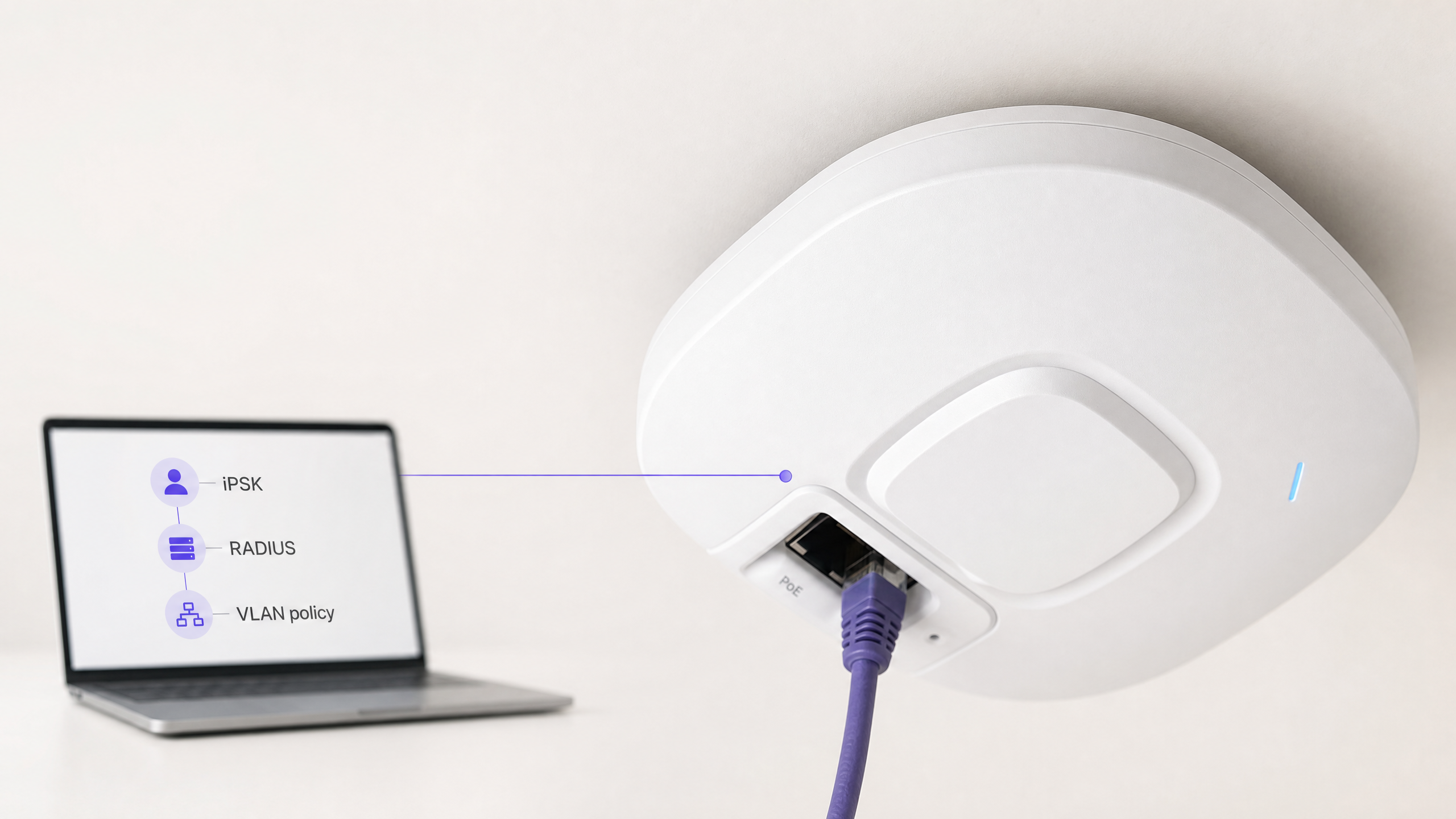
Cisco Meraki, HPE Aruba, and Ruckus each allow you to place different devices or groups on different policies without creating a separate SSID for each group. Configure a WPA2 Personal SSID, create or obtain a personal key, associate it with a VLAN or role, and then prove that deletion blocks new associations. [1] [2] [3]
## What does an iPSK deployment actually do?
An Identity Pre-Shared Key, or iPSK, provides a unique password to a device or group while maintaining a shared SSID. Vendors use different names for this. Cisco Meraki calls its RADIUS-backed option iPSK. HPE Aruba calls this Multi Pre-Shared Key, or MPSK. Ruckus calls this Dynamic PSK, or DPSK. Ubiquiti UniFi calls its local option Private Pre-Shared Key, or PPSK.
The practical result of this is controlled access on a single personal WiFi network. You can segregate a room device, resident device, or operational device without broadcasting a separate SSID for each use case. The control point varies by platform. Cisco Meraki can obtain key and VLAN overrides through RADIUS. HPE Aruba retrieves encrypted passphrases and authorisation information from ClearPass. Ruckus can place a DPSK directly into a user role or VLAN. UniFi PPSK maps passwords to VLANs locally. [1] [2] [3] [4]
This is not an alternative to 802.1X. IEEE 802.1X provides port-based network access control, whereas iPSK is suitable for devices that require a shared SSID and personal-key access. [5]
| Platform | Credential Control Plane | Supported Policy or VLAN Association via Stated Workflow | Key Design Constraint |
| --- | --- | --- | --- |
| Cisco Meraki | External RADIUS | Bridge-mode SSID with RADIUS VLAN override, plus Dashboard Group Policy | iPSK with RADIUS does not support WPA3, and it cannot operate on an SSID tunnelled to an MX Concentrator. [1] |
| HPE Aruba | ClearPass Policy Manager | ClearPass Access-Accept includes authorisation information and Aruba MPSK passphrase attribute | MPSK uses WPA2-PSK-AES and is mutually exclusive with manual MAC authentication. [2] |
| Ruckus SmartZone | SmartZone Dynamic PSK Store | User role and VLAN ID selected during DPSK creation | Operational ownership of bound, unbound, and group keys varies. [3] |
| Ubiquiti UniFi | UniFi Network Configuration | One PPSK password for each configured VLAN | PPSK is WPA2 only and does not work on the 6 GHz band. [4] |
## What do you need before you begin?
Start with a forwarding design rather than the dashboard. Create target VLANs and ensure that any VLAN that can return an SSID is active on each AP uplink. Choose policy outcomes that operators can explain, such as resident, building operations, room device, and test. Decide whether keys will be per-device or by controlled group. Per-device keys allow precise revocation, while group keys reduce troubleshooting effort but increase the impact of a leak. [3]
For a RADIUS-backed design, register the access points or their management subnet as RADIUS clients. Use the same shared secret on the access points and the RADIUS server. Cisco Meraki documents this relationship in its RADIUS server configuration. Keep the secret code in your approved secrets store and set a designated owner for each key population. [1]
Record the SSID, policy outcome, key source, test device MAC address, and revocation result where applicable. MAC randomisation can complicate MAC-bound workflows, which is cited by Cisco Meraki as a reason for Easy PSK. [1]
## How do you configure Cisco Meraki iPSK with RADIUS?
Use Cisco Meraki iPSK with RADIUS when you require centralised control. In the dashboard, open **Wireless > Configure > Access control**, select the target SSID, and choose **Identity PSK with RADIUS**. Set the splash page to **None (Direct access)**, then add the RADIUS server details. Cisco Meraki's guide includes current screens and examples. [1]
For MAC-based workflows, your RADIUS record binds the client MAC address and PSK via `Tunnel-Password`. In Easy PSK, the AP provides Meraki vendor-specific handshake attributes; RADIUS finds the iPSK and sends an Access-Accept, after which the AP restarts the key handshake. [1]
Configure bridge mode where you require per-device VLAN placement. Set the default SSID VLAN under **Client IP and VLAN**, then enable the documented RADIUS override so that an Access-Accept can replace that default VLAN tag. If you also require firewall, traffic-shaping, or other dashboard policies, create a matching dashboard group policy under **Network-wide > Configure > Group Policies**. Cisco Meraki's validation sequence is to connect a test device, check the RADIUS live logs, and inspect the client in the dashboard. [1]
Cisco Meraki does not support this iPSK with RADIUS capability on WPA3 or on SSIDs tunnelled to an MX Concentrator. Confirm both before starting a pilot project. [1]
## How do you configure HPE Aruba MPSK in Aruba Central?
Use HPE Aruba MPSK with ClearPass when you require ClearPass to issue device-specific or group-specific passphrases and authorisation decisions. The documented path in Aruba Central is **Manage > Devices > Access Points > Config > WLANs**. Add an SSID or edit an existing SSID, open **Security**, select **Personal**, select **MPSK-AES** under key management, select ClearPass Policy Manager as the primary server, and save. [2]
The documented flow is straightforward. A device registers and receives a passphrase. It connects with WPA2-PSK-AES. The AP performs MAC authentication against ClearPass. ClearPass returns an Access-Accept with authorisation information and the `Aruba-MPSK-Passphrase` vendor-specific attribute. The AP generates the PSK and completes the four-way key exchange. An incorrect passphrase or Access-Reject prevents connection. [2]
Do not manually enable MAC authentication on the WLAN just because the flow includes a MAC lookup. Aruba states that MPSK and manual MAC authentication are mutually exclusive. It also notes that MPSK is mutually exclusive with denylisting and internal RADIUS servers. Consider those restrictions as design review checkpoints before changing production profiles. [2]
Plan revocation based on cache. Aruba's documentation states that the AP stores the MPSK passphrase in a local cache for roaming and can bypass MAC authentication when it finds a matching entry. Therefore, simply deleting a registration or changing a policy is not sufficient proof. Your acceptance test must include a new association after the cached state has stopped allowing the old credential. Use current Aruba and ClearPass operating documents to define cache-clearing or expiry processes for your release. [2]
## How do you generate Ruckus DPSK keys on SmartZone?
Use Ruckus DPSK when SmartZone is your operational control point and you want the controller to generate and revoke keys. First, ensure the WLAN is DPSK-enabled. Then go to **Security > Access Control > Dynamic PSK** and select **Generate DPSKs**. Select the WLAN, choose the number of keys, then enter or generate a username and passphrase. Select a user role, set the VLAN ID, and choose whether the key is a group DPSK. [3]
Choose the DPSK type carefully. An unbound key is bound at first use, a group key can serve multiple devices, and a bound key can be imported by MAC address using a CSV. [3]
Ruckus links the selected user role to the role's attributes and permissions, which include VLAN, UTP, and time restrictions. You can also set the VLAN ID during key creation. This allows you to use a consistent SSID while keeping the access control decision tied to the DPSK record or its role. [3]
For revocation, select the DPSK in the Dynamic PSK list and use **Delete**. Test deletion with the same device used to issue the key. Forget the SSID or disconnect it, then attempt a new connection using the removed key. Record a denied join as a pass condition. Do not declare success based solely on the key's absence from the controller list. [3]
## How does RADIUS map a key to a VLAN or policy?
RADIUS does not make every vendor work the same way. It carries the authentication and authorisation decision. The AP or controller determines which returned attributes they support. RFC 4675 describes RADIUS attributes for dynamic VLAN assignment in IEEE 802 networks and notes that a wireless network device can treat a security association as a virtual port. [6]
| Phase | Cisco Meraki iPSK with RADIUS | HPE Aruba MPSK | Ruckus DPSK | What you must verify |
| --- | --- | --- | --- | --- |
| Device initiates association | Client presents its configured PSK; AP forwards documented iPSK material to RADIUS. [1] | Client associates with MPSK passphrase. [2] | Client associates with DPSK-enabled WLAN. [3] | Correct SSID and current key are used. |
| Authorisation lookup | RADIUS matches key flow and returns Access-Accept with key information. [1] | ClearPass returns Access-Accept with authorisation information and MPSK passphrase VSA. [2] | SmartZone reads DPSK record and selected role or VLAN. [3] | Lookup source identifies device or key group. |
| Access outcome | RADIUS override can replace SSID default VLAN tag; Dashboard group policy can apply additional controls. [1] | Aruba documents authorisation information from ClearPass. Create and verify your ClearPass policy independently. [2] | User role transfers its permissions, which include VLAN; VLAN can also be selected at key generation. [3] | Device receives expected subnet and policy. |
| Negative outcome | Absence of valid RADIUS acceptance means no successful iPSK association. [1] | Incorrect passphrase or Access-Reject fails authentication. [2] | Delete DPSK, then test new association. [3] | Logs show denial, not just client-side error. |
For Cisco Meraki, test both the default VLAN and RADIUS-override outcomes, then place the returned VLAN and AP trunk configuration in a change record. For Aruba, prove the ClearPass policy outcome in your own environment. For Ruckus, keep the role or VLAN selected during DPSK generation compatible with the switch and gateway design. [1] [2] [3]
## How do you test whether key revocation works?
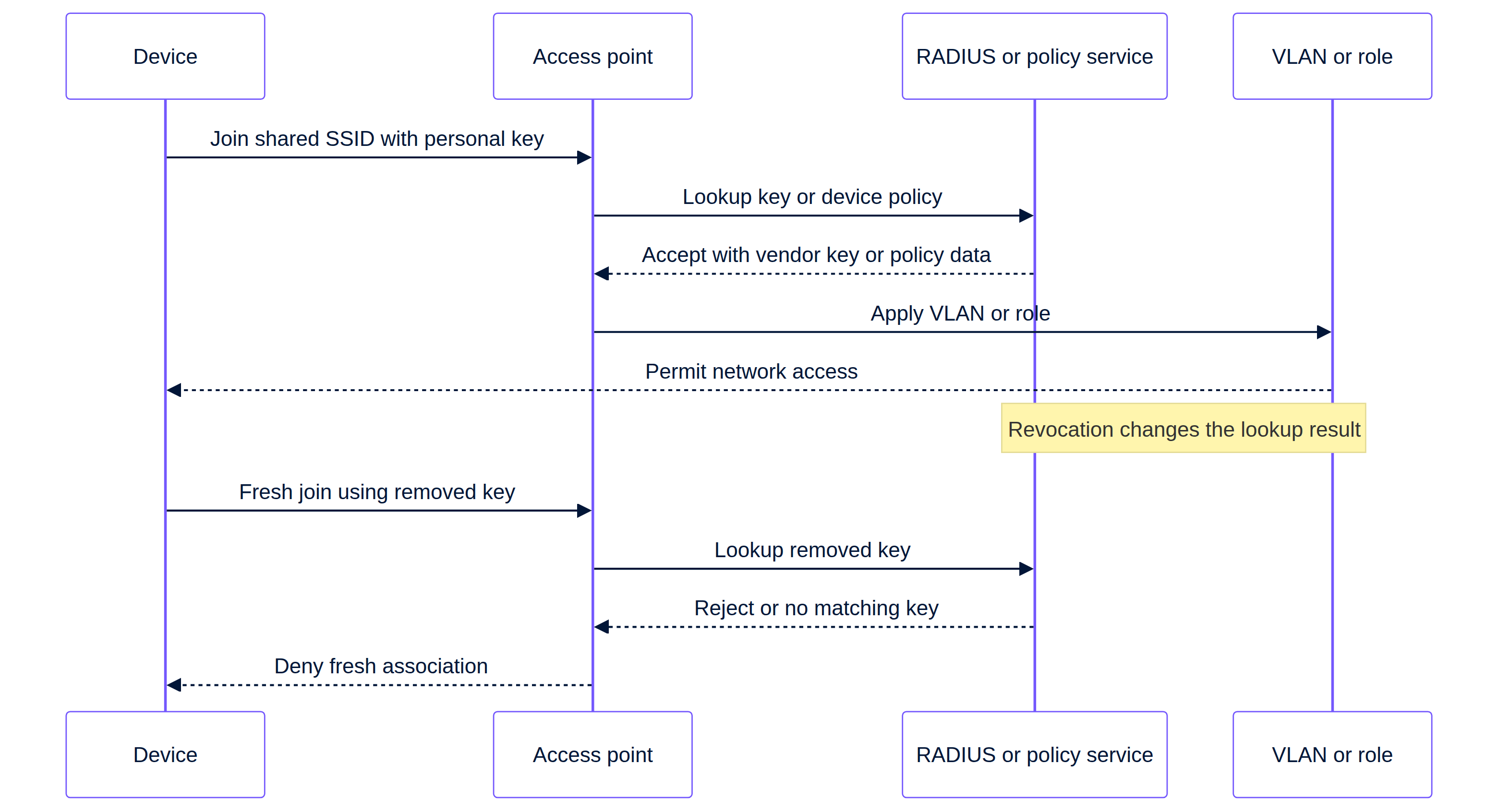
Include revocation in the very first deployment. You are testing the operational response to a lost local device, an offboarded contractor, or an incorrectly issued key. The success condition is not "we deleted the record". The success condition is "the device cannot complete a new association with the removed key, and the logs identify the reason".
Start with a positive test. Connect a test device using the issued key. Capture the controller or RADIUS acceptance event, the assigned client policy, and the network segment observed by the device. For Cisco Meraki, check the Dashboard client details and your RADIUS logs. For Ruckus, capture the DPSK record, role or VLAN, and association outcome. For Aruba, capture the ClearPass outcome as well as the AP outcome. [1] [2] [3]
Then revoke the key from its source of truth. Remove or deny the corresponding Cisco Meraki RADIUS mapping. Remove the ClearPass registration or authorisation that provides the Aruba MPSK decision. Delete the Ruckus DPSK. For UniFi PPSK, remove the password-to-VLAN mapping in the current UniFi configuration and validate it according to current UniFi documentation before using the workflow in a production environment. [1] [2] [3] [4]
Force a new association. Disable and re-enable WiFi or forget the SSID, then attempt to rejoin with the old key. Check the exact logs. For Aruba, additional caching must be considered because a cached MPSK can bypass a new MAC authentication lookup. A new test that uses a cached state does not demonstrate timely revocation. [2]
Finally, test a nearby unaffected key on the same SSID. It should still join and receive its intended policy. This catches over-broad changes in the WLAN, RADIUS client registration, or switch trunks. Record the time from revocation to failed new association. That measurement tells venue operations what the joiners, movers, and leavers process can actually promise.
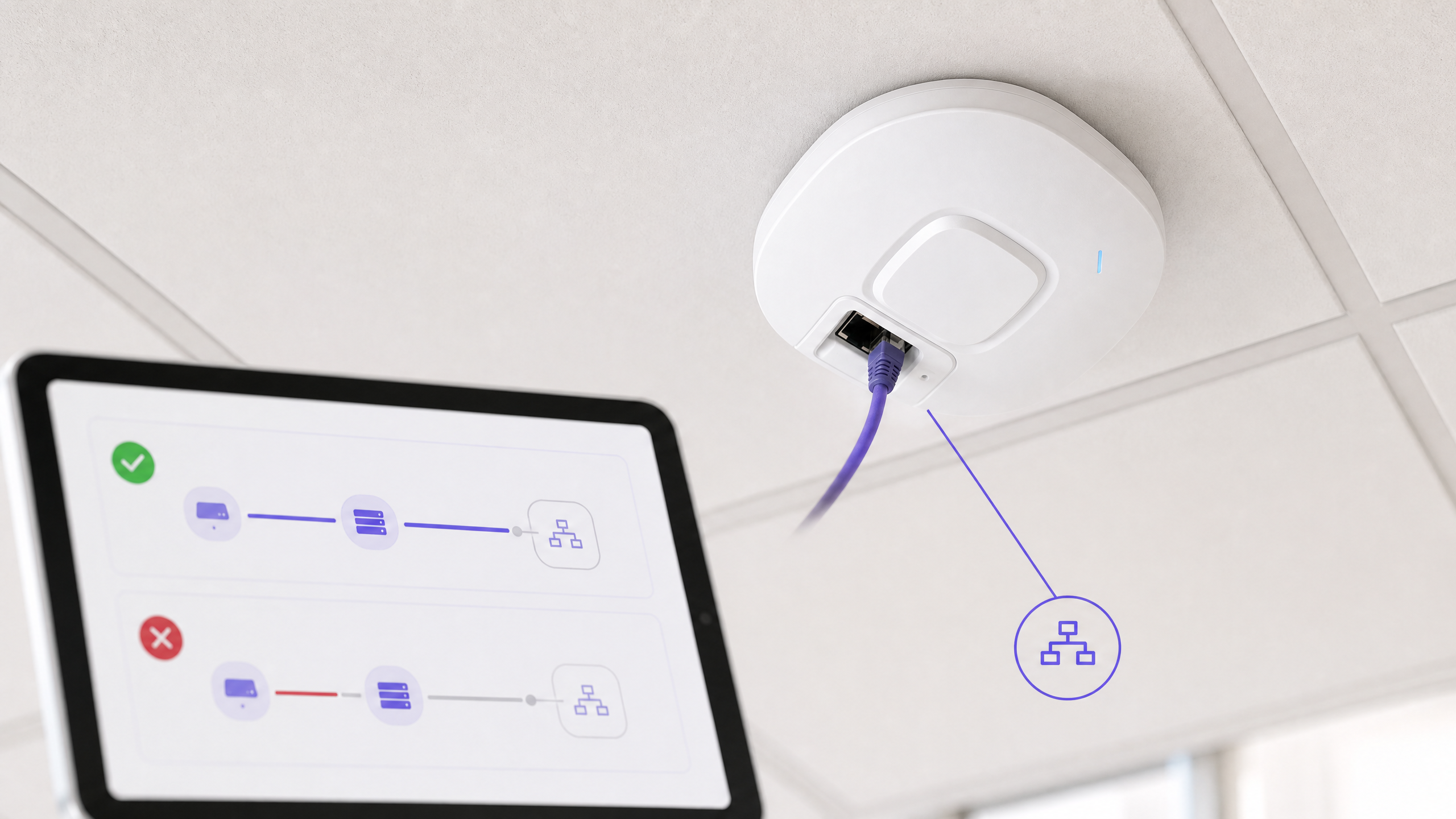
## What goes wrong, and how do you fix it?
| Symptom | Potential Configuration Area | First Check |
| --- | --- | --- |
| Client never joins with Cisco Meraki key | SSID mode or RADIUS return | Confirm **Identity PSK with RADIUS**, direct access, RADIUS reachability, and expected RADIUS outcome. [1] |
| Client joins but lands on incorrect Cisco Meraki subnet | VLAN override or AP uplink | Compare default SSID VLAN, RADIUS override outcome, and AP trunk allowance. [1] |
| Aruba MPSK join fails after profile edit | Unsupported combination | Confirm WPA2-PSK-AES, ClearPass as primary server, and no manual MAC authentication, denylisting, or internal RADIUS combination. [2] |
| Aruba revocation appears slow | Roaming cache | Establish whether the AP used the documented local MPSK cache before declaring the design faulty. [2] |
| Ruckus key is shared unexpectedly | DPSK type | Review whether a group DPSK was selected instead of a key intended to be bound. [3] |
| UniFi PPSK missing from 6 GHz design | Security mode and band | PPSK is WPA2 only and does not work on 6 GHz. Use the cited UniFi guidance to redesign the access method. [4] |
## Where does iPSK fit in Multi-Tenant WiFi design?
iPSK is an access-control pattern, not an entire WiFi operating model. It fits in Multi-Tenant WiFi where residents, building systems, and staff devices require different access decisions. Pair it with [Guest WiFi](/guest-wifi) for visitors. For building contract decisions, see [Bulk internet agreement vs managed WiFi: which model fits your building](/mr-in/guides/bulk-internet-vs-managed-wifi-mdu).
This pattern applies in [Hospitality](/industries/hospitality), [Retail](/industries/retail), [Transport](/industries/transport), and [Healthcare](/industries/healthcare). Purple can deliver its hardware-agnostic cloud overlay on Cisco Meraki, HPE Aruba, Ruckus, or Ubiquiti UniFi infrastructure. See [Guest WiFi Management: Smart Authentication & Segmentation](/blog/guest-wifi-management) and [Cloud WiFi Management: Secure Enterprise Connectivity 2026](/blog/cloud-wifi-management) for broader context.
### Detailed example: In-room hotel devices and building operations
A 200-room hotel requires an operational SSID for in-room devices and a separate building operations segment, without creating a separate SSID for each device category. Network architects select Cisco Meraki iPSK with RADIUS in bridge mode. The RADIUS design contains a key record and desired VLAN decision for each device category. The SSID has a default VLAN, and only defined RADIUS responses can override it. [1]
The measurable acceptance set is discrete. A test room device must connect with its issued key and receive the room-device segment. A building operations device must receive the operations segment. A key removed from the RADIUS store must fail a new association. Another valid key must still be able to connect. This proves that access, segmentation, and revocation processes work together rather than as isolated demonstrations.
### Detailed example: Stadium operations and temporary event devices
A stadium uses Ruckus SmartZone for temporary event teams that require controlled access during setup. Engineers generate unbound DPSKs for single-device handovers and independently controlled group DPSKs for shared equipment. SmartZone contains clear role or VLAN options for each key. [3]
The measurable outcome is the join matrix. A key that binds after first use must not grant access to an unplanned second device. A group key must land each authorised device on its intended VLAN. Once the event concludes, removing the key must prevent a new association by the original test device. This gives venue operations repeatable issue-and-revoke control without SSID sprawl.
## Frequently asked questions
### Can I deploy iPSK on existing Cisco Meraki access points?
Yes, Cisco Meraki documents iPSK with RADIUS on its wireless access-control configuration, subject to its stated feature limits. You configure the SSID, RADIUS servers, and bridge-mode VLAN overrides where required in the Dashboard. Ensure the SSID is not tunnelled to an MX Concentrator, and do not plan for WPA3 with the documented iPSK with RADIUS workflow. [1]
### Is ClearPass required for HPE Aruba Central MPSK?
Yes, the stated HPE Aruba Central MPSK workflow selects ClearPass Policy Manager as the primary server. ClearPass provides device-specific or group-specific passphrases and returns documented Access-Accept authorisation information. Check the combinations excluded by Aruba before rollout, specifically manual MAC authentication, denylisting, and internal RADIUS servers. [2]
### Can Ruckus DPSK place a device on a separate VLAN?
Yes, Ruckus SmartZone allows you to select a VLAN ID when generating a DPSK and allows you to assign a user role whose permissions include a VLAN. You must still ensure the WLAN, AP uplinks, switches, and gateways carry that segment. Create and test a key for each desired policy outcome before issuing keys at venue scale. [3]
### Are Ubiquiti UniFi Private PSK and RADIUS-assigned VLANs the same?
No, UniFi describes PPSK and RADIUS-assigned VLANs as separate options. PPSK maps passwords on a shared SSID to a VLAN. RADIUS-assigned VLANs use unique profiles and require WPA2 Enterprise or WPA3 Enterprise. UniFi PPSK is WPA2 only and does not work on the 6 GHz band. [4]
### How much effort is required for an iPSK deployment?
A pilot requires a defined SSID, target VLANs, an access control source, AP-to-RADIUS connectivity at relevant locations, and a revocation test. Effort scales with the number of key owners and policy outcomes, not the number of SSIDs. Start with two policies and a few devices, then document the issuance, support, and offboarding steps before a broader rollout.
### Can iPSK help with GDPR or PCI-DSS compliance?
iPSK can support segmentation and access control design, but it does not certify compliance. GDPR Article 32 requires appropriate technical and organisational security measures. PCI-DSS provides technical and operational requirements to secure account data. Evaluate your actual data flows, logging, retention, access rights, and payment environment with your relevant compliance owner. [7] [8]
### What should I test before issuing keys to residents or staff?
Test one permitted join, the expected VLAN or policy outcome, a denied join with a removed key, and one unaffected key on the same SSID. Capture controller and RADIUS or ClearPass evidence for each test. Aruba deployments must also consider the documented MPSK cache, as a cached passphrase can alter what is proven by an immediate retry. [1] [2] [3]
## References
[1]: https://documentation.meraki.com/Wireless/Design_and_Configure/Configuration_Guides/Encryption_and_Authentication/IPSK_with_RADIUS_Authentication "Cisco Meraki iPSK with RADIUS authentication"
[2]: https://arubanetworking.hpe.com/techdocs/central/2.5.8/content/aos10x/cfg/aps/wpa2_mpsk.htm "HPE Aruba support for MPSK in WLAN SSID"
[3]: https://docs.commscope.com/bundle/sz-700-wlanmanagementguide-sz300vszh/page/GUID-1A5752B1-CAEC-467B-8BE8-F058DA93EE4A.html "Ruckus SmartZone generating Dynamic PSKs"
[4]: https://help.ui.com/hc/en-us/articles/29887064407319-Using-PPSK-RADIUS-for-Multiple-VLANs-On-an-SSID-in-UniFi-Network "Ubiquiti UniFi PPSK and RADIUS VLANs"
[5]: https://www.rfc-editor.org/info/rfc3580 "RFC 3580: IEEE 802.1X RADIUS usage guidelines"
[6]: https://datatracker.ietf.org/doc/html/rfc4675 "RFC 4675: RADIUS attributes for VLAN and priority support"
[7]: https://eur-lex.europa.eu/eli/reg/2016/679/oj/eng "General Data Protection Regulation, Article 32"
[8]: https://blog.pcisecuritystandards.org/pci-dss-v4-0-resource-hub "PCI DSS v4.x Resource Hub"
---
### Bulk internet agreement vs managed WiFi: which model fits your building
**Source:** https://www.purple.ai/en-gb/guides/bulk-internet-vs-managed-wifi-mdu
**Summary:** A practical procurement reference for property, IT and operations leaders comparing resident-paid retail broadband, a bulk internet agreement and managed WiFi. It clarifies ownership, resident move-in, security, cost scope and contractual exit, using US bulk-internet framing and UK equivalents.
**Estimated read time:** 3 minutes
**Word count:** 765
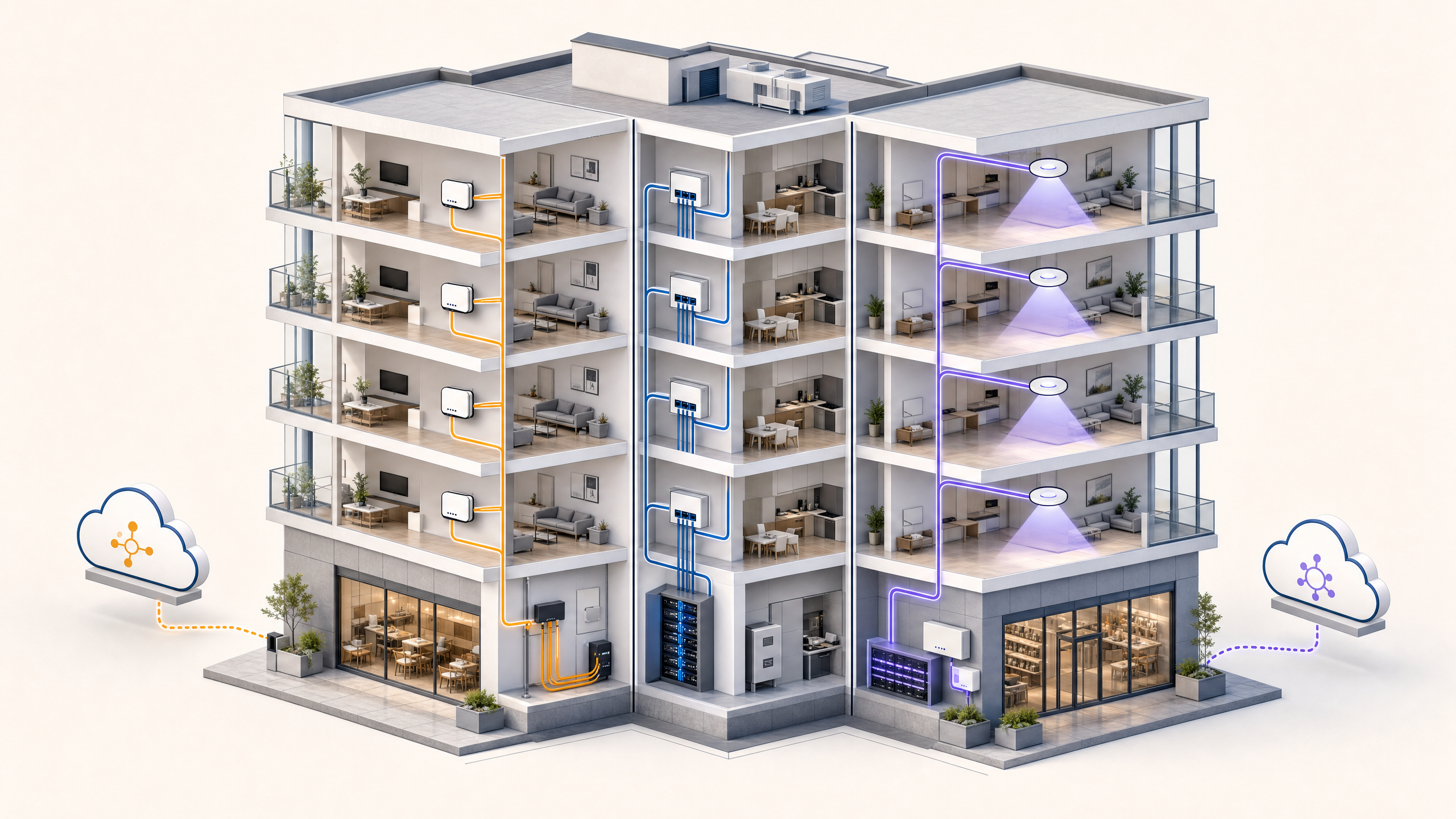
When selecting how a multi-dwelling unit (MDU) or build-to-rent (BTR) property delivers internet access, property operators face three distinct procurement models: a bulk internet agreement with a single ISP, individual resident-paid retail broadband, or property-wide managed WiFi delivered as a core building amenity.
Choosing the right approach dictates infrastructure capital expenditure, ongoing operational costs, resident move-in satisfaction, and long-term net operating income (NOI). This technical guide breaks down the procurement trade-offs, network asset ownership, day-one connection workflows, and churn management across all three connectivity models.
## The Three Multi-Tenant Connectivity Models Explained
Property managers and developers generally evaluate three structural models for residential connectivity:
| Feature / Metric | Individual Retail Broadband | Bulk Internet Agreement | Property-Wide Managed WiFi |
| :--- | :--- | :--- | :--- |
| **Procurement Relationship** | Resident contracts directly with retail ISP | Property owner contracts bandwidth in bulk with ISP | Property owner contracts commercial transit and managed network |
| **Asset Ownership** | ISP owns wiring/ONT; resident leases router | ISP owns distribution; building may own cabling | Property owner owns enterprise cabling, switches, and access points |
| **Move-In Experience** | 3 to 14 days waiting for router delivery or technician | Immediate wired access; resident supplies own router | Instant activation via captive portal or pre-provisioned Passpoint/iPSK |
| **Revenue Opportunity** | Zero (ISP captures 100% of revenue) | Marginal markup (amenity fee minus bulk cost) | Significant recurring revenue via bundled technology amenity fees |
| **Network Visibility & Control** | Zero property visibility; unmanaged RF interference | Minimal visibility; unmanaged RF interference in units | Complete centralized control; enterprise RF management and SLA guarantees |
### 1. Individual Resident-Paid Broadband
In the traditional retail model, the property developer provides telecom conduit or Openreach/fibre risers, but takes no active part in connectivity. Each resident contacts an ISP (e.g. BT, Sky, Comcast, Virgin Media), orders a package, waits for delivery or technician dispatch, and installs a consumer wireless router.
**The operational drawback:** Units end up packed with dozens of consumer routers operating on overlapping 2.4 GHz and 5 GHz channels. Co-channel interference spikes, performance degrades across walls, and property management has no control over connectivity issues that negatively impact tenant satisfaction.
### 2. Bulk Internet Agreements
Under a bulk internet contract, the property owner signs an exclusive commercial agreement with a single internet service provider to supply all units at a discounted wholesale rate. The property charges residents a fixed technology fee as part of their monthly rent or amenity billing.
**The trade-off:** While bulk agreements deliver volume pricing, they often bind the property to 5-to-10 year exclusive contracts. Furthermore, most bulk agreements terminate at a wall jack or ONT in each apartment, still requiring residents to manage separate modems or access points rather than enabling seamless roaming across the entire building, amenities, gym, and courtyard.
### 3. Property-Wide Managed WiFi
In a modern managed WiFi deployment, enterprise access points (APs) are installed throughout residential units and shared communal areas (lounges, coworking spaces, pools, rooftop terraces). Bandwidth is delivered via redundant commercial leased lines, and traffic is segmented using Dynamic Pre-Shared Keys (DPSK / iPSK) or 802.1X enterprise authentication.
Residents experience instant, seamless connectivity from the moment of move-in. Each resident receives a secure Private Area Network (PAN) that follows them throughout the entire estate, allowing wireless printing, casting, and streaming without exposing devices to other tenants.
## Day-One Move-In and Tenant Churn Workflows
Resident turnover is an operational friction point in multi-family housing. The connectivity model dictates the labour required during onboarding and departures:
- **Move-In Activation:** With managed WiFi integrated into property management software (PMS) like Yardi, RealPage, or Entrata, tenant lease creation automatically provisions a unique DPSK passphrase or Passpoint profile. When the resident arrives on site, their smartphone connects immediately without waiting for hardware installation.
- **Tenant Churn & Security:** When a lease ends, the PMS webhook automatically revokes the tenant DPSK. Their devices are immediately disconnected from the network, eliminating security risks and preventing former residents from consuming building bandwidth.
## Frequently Asked Questions
### Is bulk internet cheaper than managed WiFi for property owners?
Bulk internet often requires lower initial hardware investment because the ISP may subsidise unit cabling. However, property-wide managed WiFi generates higher recurring returns and adds property asset value by establishing building-owned enterprise network infrastructure.
### How do managed WiFi networks keep resident devices private?
Enterprise multi-tenant networks employ client isolation and private VLANs (or Micro-segmentation). Even though multiple residents connect to a shared building SSID, each apartment unit operates inside an isolated Personal Area Network (PAN), preventing neighbours from viewing or accessing each other devices.
### Can residents connect smart home and headless IoT devices to managed WiFi?
Yes. Modern managed WiFi platforms provide a self-service resident onboarding portal where tenants can register MAC addresses for game consoles, smart TVs, and IoT appliances that do not support web browsers or 802.1X certificates.
---
### Ubiquiti UniFi guest portal not redirecting: causes and fixes
**Source:** https://www.purple.ai/en-gb/guides/unifi-guest-portal-not-redirecting
**Summary:** This guide isolates a UniFi guest portal redirect failure by following the guest state, redirect, pre-authorisation route and controller authorisation in sequence. It gives venue IT teams a sourced method to address guest-network versus Hotspot confusion, external portal hand-offs, current UniFi OS account requirements and DNS isolation testing.
**Estimated read time:** 12 minutes
**Word count:** 3,053
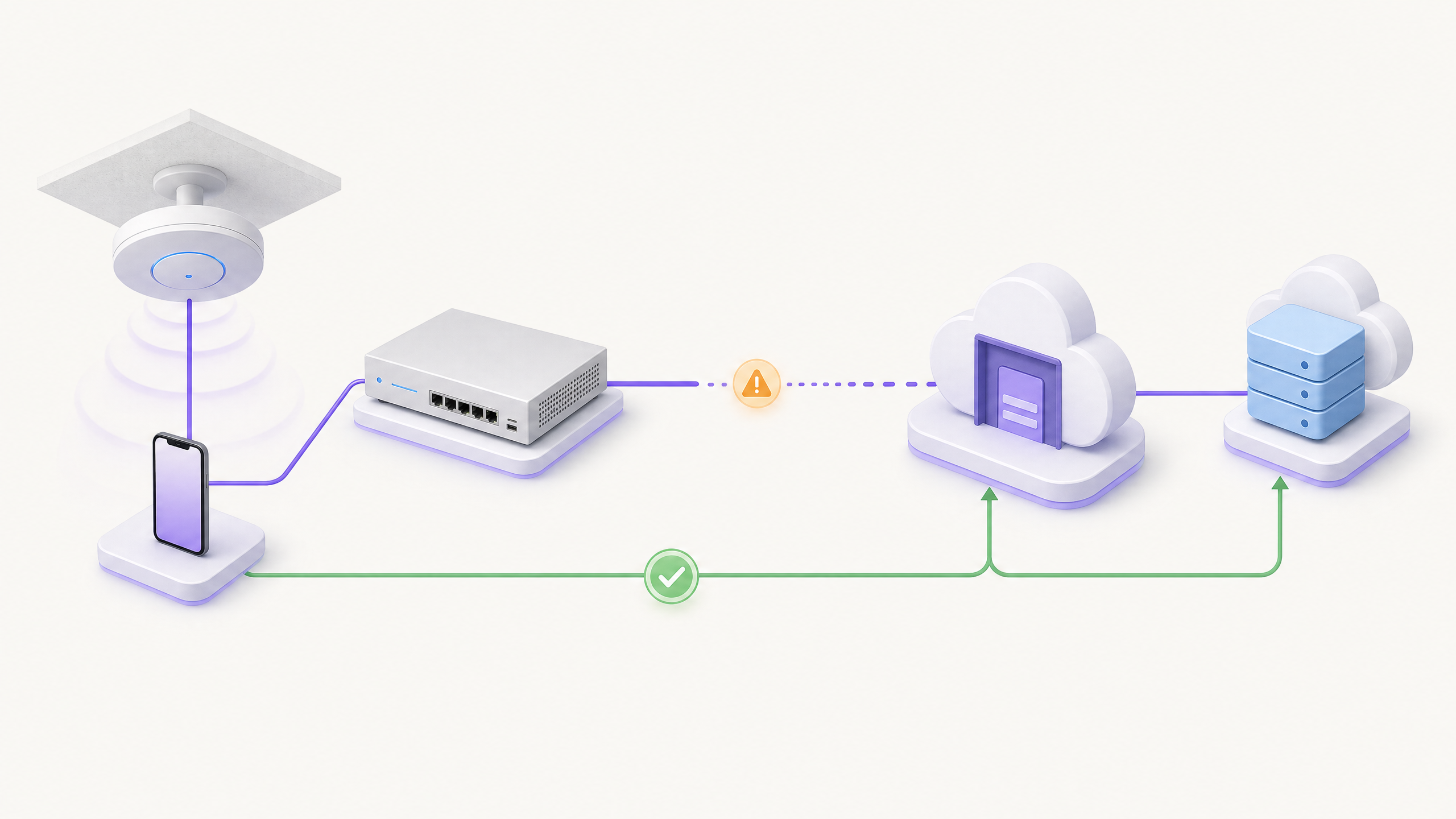
Un Captive Portal UniFi di solito smette di reindirizzare perché l'SSID non è più un Hotspot attivo, l'utente ospite non si trova nello stato non autorizzato, i percorsi di pre-autorizzazione richiesti non riescono a raggiungere il servizio esterno, o il portale non riesce a comunicare l'autorizzazione a UniFi. Verifica questi passaggi esattamente in questo ordine [1] [2] [3].
## Quali condizioni devono essere soddisfatte affinché avvenga il reindirizzamento ospite UniFi?
Questa è una guida per la risoluzione dei problemi di una configurazione precedentemente funzionante. Non ti verrà chiesto di ricostruire la tua rete WiFi ospiti da zero. Al contrario, la guida procede dal dispositivo ospite verso il controller, per poi tornare indietro attraverso il servizio esterno. Questo ordine previene un errore comune: modificare un SSID, un firewall o un'impostazione DNS prima di sapere quale passaggio ha effettivamente fallito.
Ubiquiti definisce un **Hotspot** come la funzionalità che può essere applicata a un SSID WiFi o a un'intera rete o VLAN. Il Captive Portal viene poi abilitato all'interno di quella configurazione Hotspot. Di conseguenza, una VLAN ospiti, un SSID ospiti o una policy di isolamento della rete non dimostrano di per sé che il flusso di reindirizzamento sia attivo. Se l'interfaccia utente dell'applicazione UniFi Network è cambiata dopo un aggiornamento, conferma lo stato attuale di Hotspot e Captive Portal seguendo la documentazione ufficiale di Ubiquiti, invece di fare affidamento sulla posizione storica del menu. [1]
Per un portale esterno, Ubiquiti descrive un percorso utente preciso. Un dispositivo si connette a un SSID configurato con Hotspot e Captive Portal. Inizia come GUEST con `authorised: false`. Quando tenta di effettuare una richiesta web, UniFi lo reindirizza al server del portale esterno. Il server riceve i dettagli identificativi del client e dell'access point, ottiene l'ID del client UniFi, quindi richiede l'autorizzazione tramite l'API Network. Un flusso completato correttamente si traduce in `authorised: true`. [2]
| Cosa osservi su un nuovo dispositivo | Limite da esaminare per primo | Prove da raccogliere | Prossima azione sicura |
| --- | --- | --- | --- |
| Il dispositivo si connette, ma non entra mai nello stato di ospite non autorizzato | Attivazione dell'Hotspot | SSID o assegnazione di rete e stato del client | Ripristina la configurazione pianificata di Hotspot e Captive Portal, quindi esegui nuovamente il test. [1] [2] |
| Il dispositivo non è autorizzato, ma non appare alcuna pagina di accesso esterna | Reindirizzamento e percorso di pre-autorizzazione | Risultato della richiesta del browser, policy ospiti e percorso DNS | Verifica i percorsi di instradamento di pre-autorizzazione richiesti confrontandoli con le linee guida attuali del provider del portale. [3] |
| La pagina appare, ma il processo non si completa | Raggiungibilità del servizio esterno | Esito della richiesta dal segmento ospiti e registro degli eventi lato provider | Isola il percorso degli ospiti verso il servizio esterno prima di modificare le impostazioni del controller. [2] [3] |
| Il modulo viene completato, ma l'accesso rimane bloccato | Autorizzazione del controller | Evento di autorizzazione del provider esterno e stato del client UniFi | Verifica se il servizio esterno è in grado di autorizzare esattamente quel client e se UniFi segnala `authorised: true`. [2] |
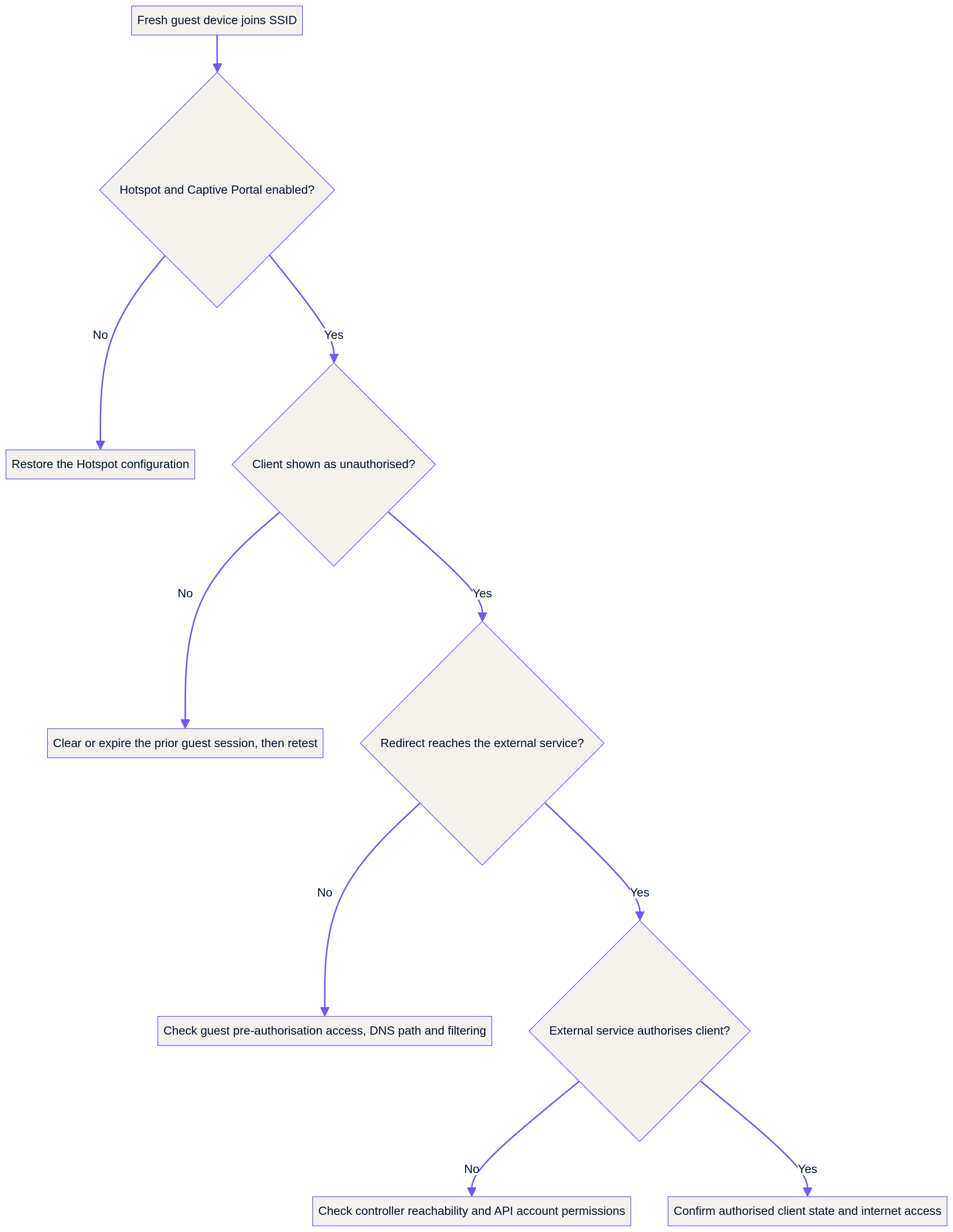
> **La regola diagnostica:** non considerare la condizione "connesso al WiFi" come la condizione di successo. La condizione di successo è un client di test non autorizzato che raggiunge il servizio di accesso previsto, completa il relativo processo, mostra `authorised: true` e quindi riceve l'accesso previsto. [2]
## Di cosa hai bisogno prima di iniziare l'isolamento dei guasti?
Utilizza un dispositivo di test fresco e non autorizzato. Un dispositivo già autorizzato è uno strumento diagnostico scadente perché potrebbe saltare il passaggio che devi esaminare. Registra lo SSID o il nome della rete, l'ora del test, il tipo di dispositivo, il sistema operativo e se il dispositivo visualizza una richiesta di accesso automatica o solo un normale risultato del browser. Apple afferma che iOS e macOS inviano un probe al primo accesso a una rete per rilevare l'intercettazione del Captive Portal e visualizzare una pagina di accesso. Ciò significa che la mancanza di una finestra automatica è un indizio utile, ma non è una prova conclusiva che il gateway non possa reindirizzare una normale richiesta del browser. [4]
Tieni il test circoscritto. Non iniziare aggiungendo ampie regole di accesso per gli ospiti. Non eliminare un'integrazione funzionante. Non copiare un elenco di consentiti di pre-autorizzazione da un'altra struttura. È necessario stabilire il percorso effettivo dell'ospite e la fase esatta in cui si interrompe. Se il problema riguarda più sedi, esegui lo stesso test con un dispositivo fresco in ciascuna di esse. Una differenza tra i siti è più utile di una teoria su un aggiornamento del controller condiviso.
Per una distribuzione Purple, tieni aperto l'articolo corrente [UniFi Integration: Best Practices & Common Questions](https://support.purple.ai/hc/en-gb/articles/37582059607069-UniFi-Integration-Best-Practices-Common-Questions) durante il test. Purple utilizza un login API diretto del controller anziché un canale di autenticazione in background RADIUS. L'account API dedicato deve quindi essere locale rispetto al controller, avere diritti di scrittura come amministratore, avere il 2FA disabilitato e non richiedere la modifica della password. Purple documenta anche diversi requisiti di posizionamento dell'account per le console hardware e per il UniFi OS Server self-hosted. [3]
## Come si isola il passaggio non riuscito?
Inizia dal livello di accesso. Conferma che lo SSID WiFi interessato, o la relativa configurazione dell'intera rete, sia ancora impostato come Hotspot con Captive Portal abilitato. Ubiquiti documenta l'attuale percorso WiFi-SSID e documenta separatamente un percorso Hotspot Zone per una configurazione dell'intera rete o VLAN. Questa distinzione è la risposta alla comune confusione **UniFi guest network vs hotspot**. Una rete ospite isolata può essere il segmento corretto e non riuscire comunque ad avviare il flusso di lavoro di accesso se la funzione Hotspot non è attiva. [1]Successivamente, ispeziona il client appena connesso. Devi verificare lo stato non autorizzato documentato, non una semplice associazione wireless. Se lo stato non è presente, torna alla configurazione del Hotspot e al SSID o alla rete selezionata. Non procedere con il DNS, un provider esterno o un'integrazione UDM Pro finché questa fase non è corretta. Un servizio esterno non può autorizzare un ospite che non è mai entrato nel flusso dell'Hotspot esterno. [2]
Quindi attiva una normale richiesta web dallo stesso dispositivo. Se la richiesta raggiunge il servizio esterno, conserva il risultato come prova. In caso contrario, concentrati sul percorso di pre-autorizzazione del segmento ospiti. Purple connette gli ospiti solo al completamento del loro processo esterno, e le sue linee guida di supporto associano una schermata vuota dopo l'invio del modulo a regole per gli ospiti che bloccano il traffico web nascosto necessario per completare l'accesso. Verifica l'ACL di Pre-Auth e le impostazioni di post-autorizzazione. Dichiara i percorsi di instradamento di destinazione essenziali tratti dalla documentazione corrente del provider. [3]
In questa fase, mantieni preciso il termine **allow list**. Non si tratta di un elenco di destinazioni web generali per un ospite autorizzato. È l'insieme di percorsi richiesti prima dell'approvazione, come il servizio esterno e gli elementi necessari per completare la transazione di accesso. L'articolo di supporto di Purple è la fonte autorevole per i propri requisiti correnti. Inserisci il link all'articolo di supporto nel tuo ticket di incidente e registra la data della versione, anziché incorporare un elenco copiato e non aggiornato in un runbook. [3]
## Come si verifica l'autorizzazione del portale esterno e il percorso UDM?
Se la pagina di accesso si carica, la tua indagine passa dall'intercettazione all'autorizzazione. Ubiquiti afferma che il reindirizzamento passa l'indirizzo MAC dell'access point, l'indirizzo MAC del client, l'URL originale richiesto e il SSID al portale esterno. Il servizio esterno può utilizzare l'indirizzo MAC del client per ottenere l'ID del client dall'API di rete, quindi emettere una richiesta di autorizzazione. La conferma lato controller è lo stato `authorised: true` del client. [2]
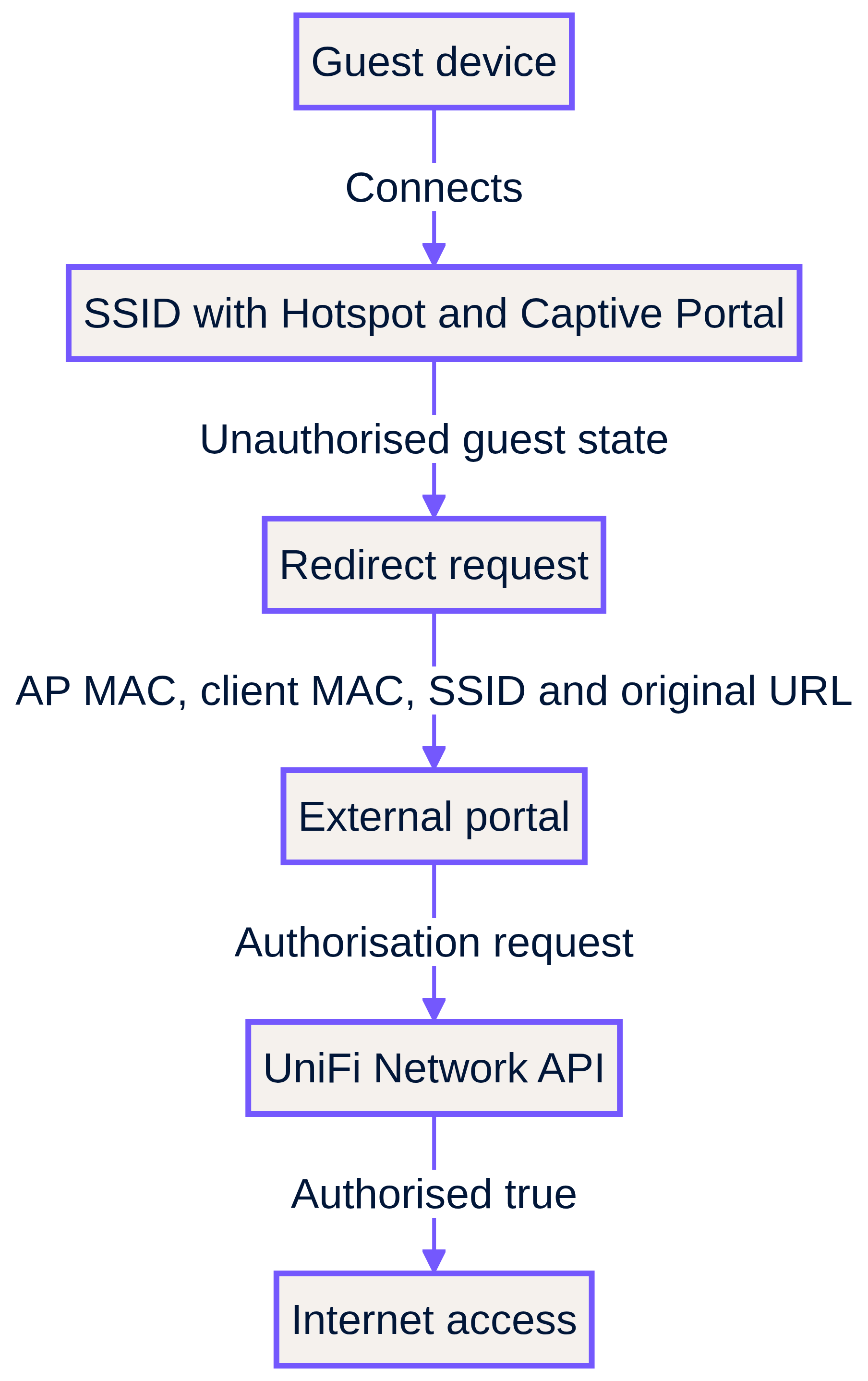
Esamina le prove in questo ordine. In primo luogo, il provider ha ricevuto un reindirizzamento per il client interessato? In secondo luogo, ha identificato lo stesso client elencato da UniFi? In terzo luogo, ha inviato una richiesta di autorizzazione? In quarto luogo, UniFi ha segnalato il client come autorizzato? Questa sequenza fornisce a un team IT locale e a un MSP un record di incidente condiviso. Inoltre, interrompe il ciclo improduttivo in cui una parte afferma che "il portale si è caricato" mentre l'altra sostiene che "il firewall è a posto".
La questione relativa al **UDM Pro guest portal** richiede la stessa verifica, con un ulteriore controllo sulla classificazione del controller. Le linee guida di Purple indicano che le implementazioni attuali su console hardware UniFi e su versioni moderne di UniFi OS Server devono utilizzare l'opzione di integrazione UniFi Network corrente, mentre solo le applicazioni controller standalone meno recenti e non aggiornate utilizzano la selezione legacy. Sulle console hardware, Purple suggerisce di creare l'account dedicato nella dashboard principale di UniFi OS. Se un'implementazione è stata aggiornata, migrata o riclassificata, riesamina la posizione di quell'account e la classificazione dell'integrazione prima di modificare i criteri del firewall per gli ospiti. [3]
Le linee guida di supporto di Purple identificano inoltre la raggiungibilità del controller come un confine separato. Se il servizio esterno non riesce a raggiungere il tuo controller al suo indirizzo pubblico stabile o FQDN attraverso il percorso approvato del firewall, l'autorizzazione non può essere completata. Verifica l'indirizzo registrato per l'integrazione, il relativo percorso in entrata e le regole di consenso approvate dal provider. Segui l'articolo di supporto per i passaggi di implementazione correnti e appropriati per la versione, anziché riprodurre i valori di connessione in una checklist locale. [3]
## Cosa va storto e come risolvere il problema?
### La rete ospite è isolata, ma la pagina di accesso non si avvia mai
Gestisci questo problema come una verifica dello stato dell'Hotspot prima di un incidente DNS. Conferma se l'SSID WiFi o la rete interessata ha la funzione Hotspot e Captive Portal abilitata. Ubiquiti separa esplicitamente una configurazione Hotspot solo WiFi da una configurazione dell'intera rete o VLAN. Ripristina la configurazione desiderata, riconnetti un nuovo dispositivo e conferma che UniFi registri ora un ospite non autorizzato prima di testare qualsiasi collegamento esterno. [1] [2]
### Il reindirizzamento fallisce prima che la pagina esterna venga caricata
Gestisci questo problema come un test del percorso di pre-autorizzazione. Acquisisce il resolver DNS del dispositivo ospite, il risultato della risoluzione di destinazione e l'esito del browser. Successivamente, confronta le regole degli ospiti con i requisiti attuali del provider del portale. Le linee guida di Purple sono specifiche: quando un ospite visualizza una schermata vuota dopo l'invio del modulo, le impostazioni della Pre-Auth ACL o di post-autorizzazione potrebbero bloccare il traffico necessario per completare il processo. Non sostituire una policy di pre-autorizzazione mirata con un ampio accesso internet per gli ospiti. [3]
### La pagina esterna si carica, ma l'ospite rimane offline
Questo è un limite di autorizzazione. Convalida l'identità del client nell'evento del provider, la richiesta del provider a UniFi e lo stato finale del client del controller. Il flusso esterno di Ubiquiti distingue il reindirizzamento dalla successiva azione di autorizzazione tramite API. Il caricamento di una pagina dimostra che la prima fase è avvenuta, ma non prova che il client sia stato successivamente contrassegnato come autorizzato. [2]
### Un aggiornamento di UniFi Network o di UDM ha modificato il percorso previsto
Non dare per scontato che una configurazione legacy del controller corrisponda ancora all'integrazione corrente. Purple distingue un moderno deployment UniFi Network da un controller standalone precedente e documenta linee guida separate per la creazione di account per console hardware e UniFi OS Server self-hosted. Verificare nuovamente l'account locale dedicato, la sua autorizzazione di scrittura, lo stato della 2FA, l'impostazione di modifica della password e la classificazione dell'integrazione. Quindi eseguire nuovamente il test con un nuovo dispositivo. [3]
### Pi-hole o il filtraggio DNS a monte possono bloccare l'hotspot UniFi?
Può far parte dell'analisi, ma non dovrebbe essere la conclusione senza prove. Le fonti primarie approvate non stabiliscono che Pi-hole sia la causa di un errore di reindirizzamento UniFi. Tratta il DNS come un percorso misurabile. Conferma il resolver fornito al segmento guest, verifica se la destinazione del servizio esterno si risolve, testa il percorso DNS approvato sotto controllo delle modifiche e confronta i risultati. Il probe del dispositivo Apple è un altro motivo per registrare sia l'esperienza di accesso automatico sia una normale richiesta del browser. [4]
## Come si dimostra che la soluzione funziona prima del successivo periodo di punta?
Utilizza una verifica di rilascio ripetibile. Dovrebbe seguire lo stesso percorso di un vero ospite, non un semplice controllo di connettività del solo controller. Per prima cosa, dissocia la rete o utilizza un nuovo dispositivo di test. In secondo luogo, connettiti all'SSID interessato. In terzo luogo, conferma che il client non è autorizzato. In quarto luogo, avvia una normale richiesta web. In quinto luogo, conferma che il servizio esterno riceva il reindirizzamento. In sesto luogo, completa il processo di accesso approvato. In settimo luogo, conferma lo stato `authorised: true` e testa il normale accesso. [2]
Esegui la verifica prima degli arrivi di punta in una struttura del settore [Hospitality](/industries/hospitality), prima di un periodo di campagna nel [Retail](/industries/retail), prima di un evento nei [Transport](/industries/transport) o prima che aumenti la domanda dei visitatori nell'[Healthcare](/industries/healthcare). Conserva il risultato come registro operativo: esito positivo o negativo a ogni passaggio, tipo di dispositivo, classificazione del controller ed eventuale modifica applicata. Questo è molto più fruibile rispetto a un generico avviso di "guest WiFi non disponibile".
### Scenario di esempio reale: incidente della schermata vuota in un hotel
Un hotel da 200 camere segnala che gli ospiti si collegano all'SSID del brand ma visualizzano una pagina di accesso vuota. L'ingegnere di turno utilizza un nuovo dispositivo e conferma lo stato `authorised: false`, il che significa che la fase di Hotspot è presente. La pagina inizia a caricarsi ma la transazione non si completa. L'ingegnere confronta i percorsi di pre-autorizzazione guest con le attuali linee guida di supporto del provider, convalida il resolver effettivamente assegnato al segmento guest e ripete il test. La condizione di completamento misurabile è che il dispositivo completi l'accesso, passi a `authorised: true` e raggiunga l'accesso previsto. [2] [3]
### Scenario di esempio reale: punti vendita retail dopo la modifica del controller
Un team retail segnala che gli acquirenti si connettono a un SSID isolato ma non vedono mai la pagina di accesso dopo una modifica del controller. L'ingegnere non inizia con il DNS. Conferma che il SSID è isolato, quindi verifica se le opzioni Hotspot e Captive Portal sono abilitate nella configurazione UniFi corrente. Dopo aver ripristinato lo stato Hotspot desiderato, riconnette un nuovo dispositivo e verifica lo stato non autorizzato documentato prima di testare il servizio esterno. Il risultato osservabile è un evento di reindirizzamento seguito da uno stato di autorizzazione completato. [1] [2]
### Scenario di esempio reale: guasto dell'autorizzazione esterna in una sede congressuale
La pagina di accesso di una sede congressuale si carica e accetta il modulo ospite, ma i partecipanti rimangono offline. Il team registra l'indirizzo MAC del client e controlla l'evento del provider esterno per il reindirizzamento. Successivamente convalida che il provider abbia riconosciuto lo stesso client, inviato la richiesta di autorizzazione e che UniFi registri `authorised: true`. Per un'integrazione Purple, verificano anche l'account API locale, i diritti di scrittura, l'impostazione 2FA e la classificazione corrente del controller. Il risultato atteso è una catena di prove tracciabile, non una supposizione sulla causa. [2] [3]
Una volta chiuso l'incidente, utilizza lo stesso controllo di rilascio nel tuo processo operativo Guest WiFi. La sezione [Guest WiFi](/guest-wifi) fornisce il contesto del servizio, mentre [WiFi Analytics](/guest-wifi-marketing-analytics-platform) può aiutare i team operativi a monitorare l'esperienza post-ripristino. Per i controlli operativi adiacenti, consulta [Guest WiFi Management: Smart Authentication & Segmentation](/blog/guest-wifi-management), [Cloud WiFi Management: Secure Enterprise Connectivity 2026](/blog/cloud-wifi-management), la guida [Cisco Meraki splash page not working: a troubleshooting flowchart](/en-gb/guides/meraki-splash-page-not-working) e [WiFi 7 Venue Deployment: Infrastructure Readiness for Stadiums and Hospitality Sites](/en-gb/guides/wifi-7-venue-deployment-infrastructure-readiness).
## Domande frequenti
### Ho bisogno di una VLAN guest e di un UniFi Hotspot per mostrare una pagina di accesso?
**No.** Ubiquiti documenta un Hotspot sia su un SSID WiFi che su un'intera rete o VLAN. La condizione fondamentale è che il relativo SSID o rete abbia la funzione Hotspot e Captive Portal abilitata. Una VLAN guest isolata è una scelta di segmentazione. Non stabilisce di per sé lo stato di client non autorizzato né avvia un reindirizzamento esterno. [1] [2]
### Cosa dovrebbe essere inserito in una lista di pre-autorizzazione UniFi?
**Solo i percorsi necessari per completare il processo di accesso guest selezionato prima dell'approvazione.** Purple collega schermate vuote post-modulo a regole guest che bloccano il traffico necessario per completare l'accesso. Verifica l'ACL di pre-autorizzazione e le impostazioni di post-autorizzazione confrontandole con la documentazione attuale del tuo provider. Non copiare un elenco di domini da un altro sito o aggiungere un accesso a internet non protetto solo per caricare la pagina. [3]
### Perché il portale guest UniFi ha smesso di funzionare dopo un aggiornamento dell'applicazione?
**Verifica lo stato dell'Hotspot, la classificazione del controller e l'account di integrazione prima di modificare la rete.** La documentazione attuale di Ubiquiti distingue la configurazione dell'Hotspot da una rete guest generale. Purple distingue inoltre le attuali integrazioni di rete UniFi dalle implementazioni con controller autonomi legacy, con linee guida diverse per gli account per console hardware e UniFi OS Server auto-ospitato. Esegui nuovamente il test con un dispositivo pulito dopo ogni correzione. [1] [3]
### Perché un portale esterno si carica sul mio UDM Pro ma non autorizza l'ospite?
**Una pagina caricata dimostra la fase di reindirizzamento, non la fase di autorizzazione finale.** Verifica che il provider esterno abbia ricevuto l'identità del client, trovato la corrispondenza con il client UniFi, inviato una richiesta di autorizzazione e che il controller mostri `authorised: true`. Per Purple, verifica anche che l'account locale dedicato disponga dei permessi di scrittura, non abbia la 2FA e non presenti modifiche obbligatorie della password. [2] [3]
### Pi-hole interrompe il reindirizzamento dell'hotspot UniFi?
**Non dare per scontato che sia così.** Le fonti primarie approvate non identificano Pi-hole come una causa principale comprovata per UniFi. Testa il resolver effettivo del segmento guest, la risoluzione di destinazione e il percorso DNS approvato sotto il controllo delle modifiche. Registra sia la richiesta automatica del dispositivo che il risultato di un normale browser, poiché i dispositivi Apple utilizzano un probe di rete captive quando si connettono. [4]
### Devo sostituire i miei access point UniFi per risolvere un errore di reindirizzamento?
**No, non come prima misura.** Il flusso esterno documentato indica una sequenza di passaggi di configurazione e autorizzazione: stato dell'Hotspot, stato del client non autorizzato, reindirizzamento, elaborazione esterna e approvazione del controller. Individua il passaggio non riuscito con un nuovo dispositivo di test prima di considerare una sostituzione hardware. [1] [2]
## Riferimenti
[1]: https://help.ui.com/hc/en-us/articles/115000166827-UniFi-Hotspots-and-Captive-Portals "Ubiquiti: UniFi Hotspots and Captive Portals"
[2]: https://help.ui.com/hc/en-us/articles/31228198640023-External-Hotspot-API-for-Authorization-Clients "Ubiquiti: External Hotspot API for Authorization Clients"
[3]: https://support.purple.ai/hc/en-gb/articles/37582059607069-UniFi-Integration-Best-Practices-Common-Questions "Purple: UniFi Integration - Best Practices & Common Questions"
[4]: https://developer.apple.com/news/?id=q78sq5rv "Apple Developer: How to modernize your captive network"
---
### Cisco Meraki splash page not working: a troubleshooting flowchart
**Source:** https://www.purple.ai/en-gb/guides/meraki-splash-page-not-working
**Summary:** This practical day-two guide isolates where a Cisco Meraki splash flow has failed: client authorisation, HTTP redirect initiation, walled-garden reachability or RADIUS sign-on. It gives venue IT teams a controlled evidence path, so they can restore Guest WiFi without making broad changes to a live estate.
**Estimated read time:** 12 minutes
**Word count:** 2,729
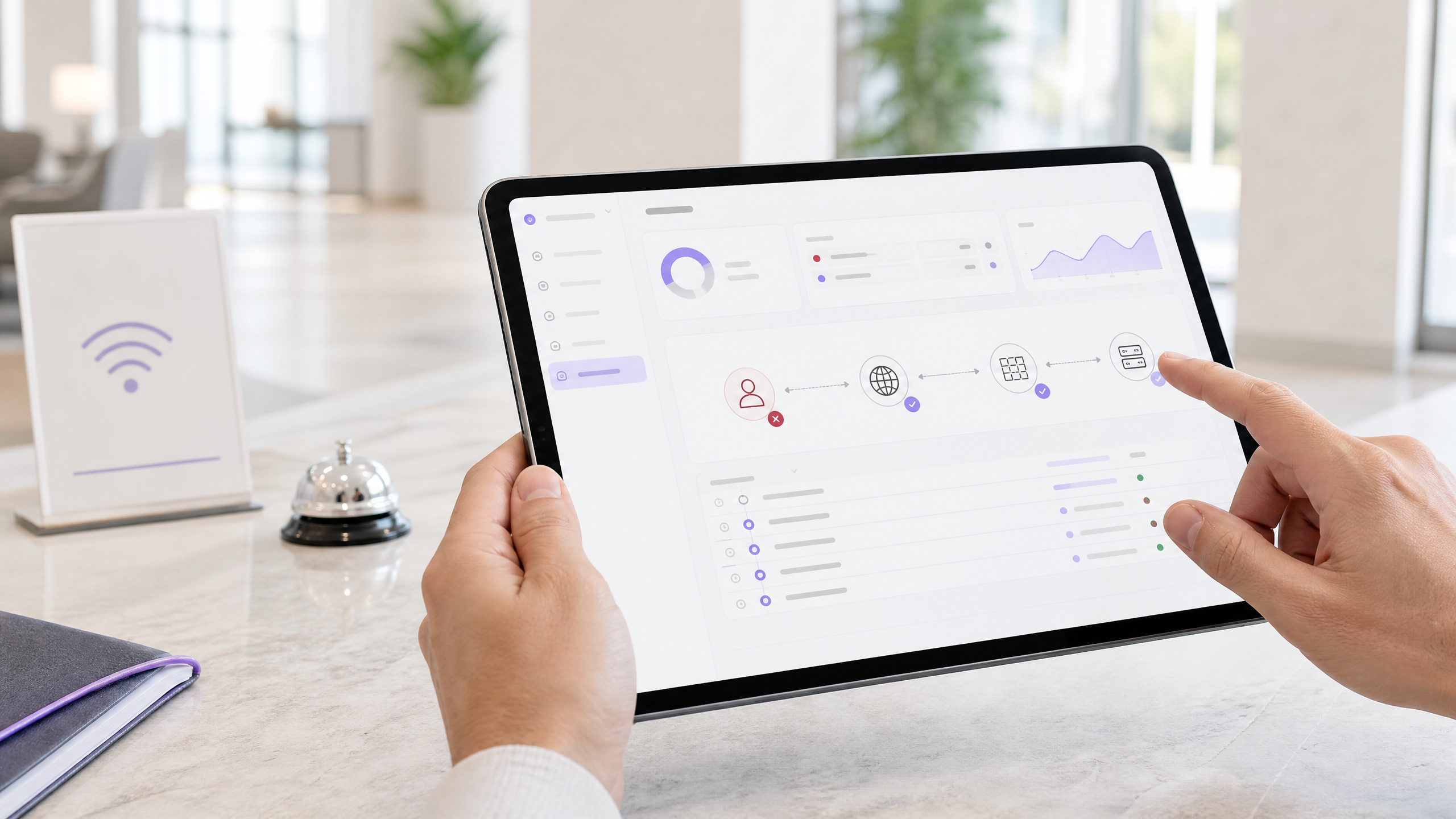
Cisco Meraki splash pages stop appearing when a client is still authorised, cannot issue the HTTP request that triggers the redirect, cannot reach an allowed splash dependency, or cannot complete RADIUS authentication. Start with one affected client, filter Auth, DHCP and RADIUS records by its MAC address, then test the relevant branch below. [1] [2] [3] [5]
## What must still work for a Meraki splash page to appear?
Treat a **captive portal** as a short chain, not a single web page. A device must associate to the correct SSID, receive valid addressing, be classed as unauthorised, send traffic that can initiate the splash flow, reach the required hosted service, then receive authorisation. Cisco Meraki describes the trigger as an HTTP GET from an unauthorised client. The AP intercepts that request and returns an HTTP 307 redirect to the splash URL. [1]
That explains a common support call: a guest can join your Guest WiFi but says the splash page is not loading. The access point may be working as designed. If the device opens an HTTPS-only destination first, the encrypted request cannot be redirected. Cisco Meraki specifically identifies this as a browser timeout scenario. Test the controlled HTTP branch before changing the SSID, page design or RADIUS server. [2]
The same discipline avoids a second common mistake: treating every repeat prompt as a page failure. Splash frequency is authorisation policy. Cisco Meraki keeps splash state at the gateway access point and cloud controller, while the browser retains a session cookie. A client with a valid authorisation period may not see the page again after you shorten the configured frequency. Conversely, a client with disabled or cleared cookies can appear to be prompted too often. [2]
| What the client reports | First evidence to collect | Most likely branch | First controlled check |
| --- | --- | --- | --- |
| “I join but no page opens” | Client MAC, SSID, AP and time | HTTP-trigger or client authorisation | Confirm `Splash: Not authorized`, then browse to an HTTP test destination. [1] [2] |
| “It worked yesterday but not today” | Authorisation state and recent AP availability | Splash frequency or gateway state | Compare expiry with the client state. Revoke authorisation only for the nominated test client. [2] [3] |
| “The page is blank” | Browser cookie setting and device type | Browser session state | Enable cookies and repeat the flow on the same client. [2] |
| “The page opens but sign-in spins or fails” | Login attempt, Auth events and RADIUS records | Cloud-to-RADIUS reachability or policy | Run the Dashboard RADIUS test where Cisco Meraki provides it, then review firewall, source range and shared-secret alignment. [4] |
| “The custom page has no styling or form” | Page host and every external dependency | Walled garden | Compare the custom page, asset and identity endpoints with walled-garden entries. [3] [7] [8] |
## What should you capture before changing anything?
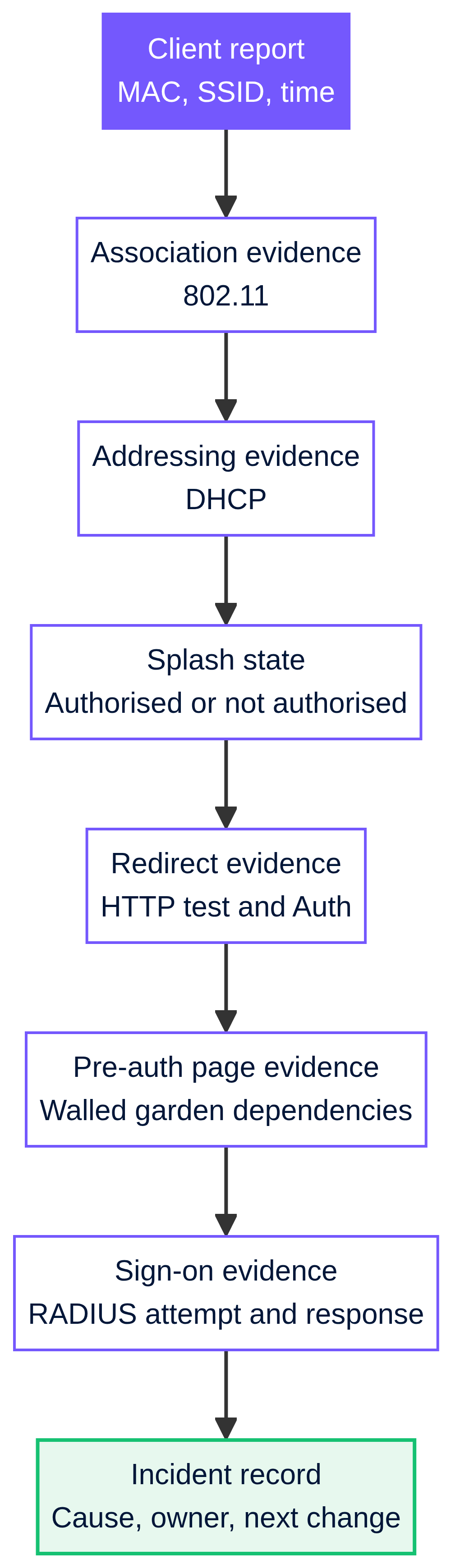
Start with one reproducible report. Record the client MAC address, SSID, gateway access point or MX, device type, local time, browser and whether the device had previously completed splash authentication. Ask the reporter to leave the device connected while you inspect it. This gives you an incident boundary and keeps a busy hotel, retail site or event venue from turning a broad complaint into blind configuration changes.
Open the client details and check whether it is authorised. Cisco Meraki identifies an unauthorised client as `Splash: Not authorized`; an authorised client shows its remaining authorisation time. Do not use a saved browser tab as your test. That can mix a past session with the present radio and DHCP state. [1]
Then filter the Dashboard event log by the client MAC address and incident time. For MR access points, the `Auth` event type represents splash-page authentication. `802.11` shows association and disassociation, `DHCP` carries lease-related events, and `RADIUS` identifies RADIUS or MAC Authentication Bypass activity. The same `Auth` filter is available for MX splash authentication. Cisco Meraki notes that devices upload stored events after returning online, while retaining original timestamps, so line up the time zone before deciding what happened first. [5]
Use the following ordered record. It cuts the fault domain without guessing.
| Evidence checkpoint | Healthy indication | If it is absent or wrong | What it tells you |
| --- | --- | --- | --- |
| `802.11` association | The client joined the expected AP and SSID | No association, repeated disassociation or unexpected AP | Diagnose radio association before captive portal behaviour. [6] |
| Addressing | A valid client address and no DHCP error around the report time | DHCP error or no usable client configuration | Check SSID/client addressing and the VLAN path. [2] [6] |
| Splash state | Client is not authorised for a fresh test | Client remains authorised | Revoke only the designated test client, then retest. [2] [3] |
| `Auth` | A splash-related event aligns with the test | No event after HTTP test | The redirect trigger or client test is incomplete. [5] |
| RADIUS evidence | Attempt and response align with the sign-on time | Timeout, rejection or no response | Move to the Dashboard-to-RADIUS branch. [4] [5] |
## How do you run the troubleshooting flowchart?
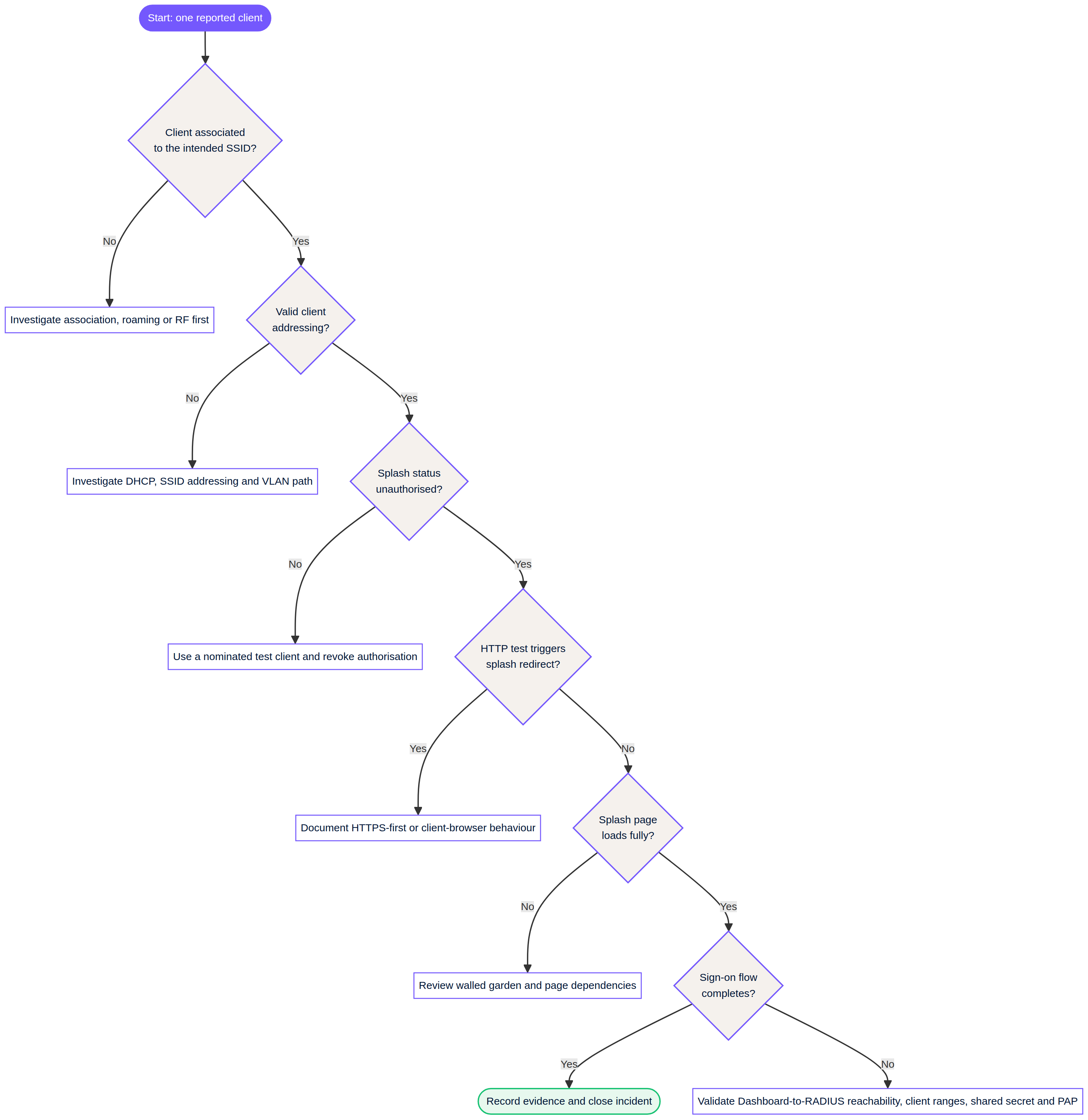
Use the flowchart once for a clean test client and once for a known affected client. The difference is useful. If a clean client reaches splash and the known device does not, you have evidence for authorisation, browser state or client-specific policy rather than a venue-wide outage.
1. **Confirm association and addressing.** If the event log does not show the client associating to the intended SSID, do not troubleshoot splash. If it associates but DHCP records show an error, correct the addressing or VLAN path first. Cisco Meraki identifies VLAN tagging at the SSID or upstream switch port as a common DHCP failure area. [6]
2. **Confirm the client is unauthorised.** A previously authorised device may not require another splash page yet. Cisco Meraki documents a client-authorisation revoke function for controlled retesting. Use this on the nominated device, rather than changing splash frequency for every venue user. [2] [3]
3. **Test the trigger with HTTP.** Clear the browser cache only where this fits your test procedure, confirm cookies are enabled, then open an HTTP destination. Cisco Meraki says an HTTPS-first request cannot be redirected because the traffic is encrypted. If the HTTP test works, document the client behaviour as the cause. The network has not lost its splash redirect. [1] [2]
4. **Test page reachability and the walled garden.** A walled garden permits named IP addresses, ranges or hostnames before splash authentication, including wildcard domains. If you use a custom splash URL, Cisco Meraki says the custom page IP address and/or URL must be in the walled garden. When the page relies on separate asset, identity or service endpoints, review each required destination with the service owner. Do not guess IP addresses or add broad internet access as a shortcut. [3]
Purple pages make the distinction clear. An **offline** splash page appears before login and cannot include external links or resources because the visitor is in the walled garden. An **online** page appears after successful login and can carry external media or links. If an offline Purple HTML page lost an image, stylesheet, script or third-party identity element after a change, compare those dependencies with the permitted pre-authentication entries before changing the design. [7] [8]
5. **Test sign-on RADIUS only after the page has loaded.** RADIUS, the protocol used here for central authentication requests, is not the first suspect when no splash page appears. It becomes relevant when the sign-on form loads but authentication fails or times out. For this Cisco Meraki flow, the Dashboard cloud originates the RADIUS access request, not the local AP or MX. The server needs public reachability from the documented Dashboard source ranges, a matching shared secret, and support for PAP. Cisco Meraki states that RADSec is not supported for splash authentication. [4]
6. **Run the supported RADIUS check and examine the server record.** Cisco Meraki provides a Dashboard RADIUS test for the documented wireless configuration, though the test button does not exist for MX or Z-series networks. A timeout means you should verify the current Dashboard firewall information, RADIUS client entries, public host reachability, shared-secret alignment and policy behaviour. Cisco Meraki’s health check sends periodic access requests and treats the server as unreachable after six unanswered attempts, spaced 20 seconds apart. [4]
## How do you isolate the common failure points?
### Splash frequency looks wrong
If the splash page appears less often than policy suggests, check whether the client was already authorised when the frequency changed. Cisco Meraki says the existing authorisation period remains in effect. Revoking the selected client’s authorisation creates a valid test of the updated setting. If the page appears more often, check browser cookie acceptance, cache clearing and gateway access-point continuity. A gateway restart may require authentication again unless the browser can present its cookie. [2]
This matters in hospitality. An illustrative 200-room hotel should test with a controlled handset after a change, then measure the result as three simple outcomes: the client changes to authorised, it receives the expected expiry, and the next fresh HTTP request behaves as intended. That is a better release gate than asking reception whether complaints have stopped.
### The guest WiFi is not redirecting
Do not state that HTTPS has “broken” captive portals. Cisco Meraki’s documented behaviour is narrower: the redirect mechanism works on an unauthorised HTTP GET, while an HTTPS-first request cannot be redirected. Modern devices may launch their operating-system captive-portal detection flow on association. If that prompt does not appear, use the HTTP test to establish whether the network branch works. [1] [2]
For an illustrative retail rollout, a store IT team can reproduce the complaint with a staff test device on the sales-floor SSID. The acceptance evidence is not a vague page-load claim. Capture the association record, valid address, unauthorised state, `Auth` event after the HTTP test and the resulting authorisation state. This record can be compared across stores without exposing visitor credentials.
### The walled garden is incomplete
A walled garden is intentionally limited pre-authorisation access. It should not become a bypass list. Review the splash host first, then dependencies your pre-authentication page genuinely needs. Cisco Meraki permits IP addresses, IP ranges and hostnames, with wildcard domains. Cisco also requires a custom splash page URL or IP address in the walled garden when that feature is enabled. [3]
A Purple offline page is the most constrained stage. Purple states that it cannot use external links or resources while the visitor is in the walled garden. The HTML editor lets your team upload assets into the portal and preview the current page, which can reduce unnecessary remote dependencies. Follow Purple’s published steps before publishing an edited template. [7] [8]
### Sign-on splash times out or rejects credentials
Separate rejection from timeout. A rejection is an authentication or policy outcome. A timeout or “difficulty connecting” message points first to reachability between the Dashboard and the configured RADIUS server. Cisco Meraki documents that sign-on splash requests originate in the Dashboard cloud and cannot use a private LAN address for the RADIUS server. [4]
Confirm the server expects PAP for this splash mode, the documented Dashboard source ranges are allowed, all relevant source IPs are configured as RADIUS clients, and the shared secret matches at both ends. Cisco Meraki also says the external splash integration must use the supplied `login_url` without modification, and filtering must allow its varying hostname rather than one fixed pattern. [4]
## What do Meraki splash events in the event log mean?
Read the record as a timeline. `802.11 association` means the client joined an AP. It does not mean that the client has an address, reached the splash page or gained internet access. An `Auth` event is the event category for splash-page authentication. A `DHCP` event near the same time may shift the investigation to addressing. A `RADIUS` event matters for a RADIUS-backed sign-on flow, but it is not proof that the browser reached the page. [5] [6]
Avoid conflating **802.1X** with a sign-on splash page. Cisco Meraki identifies 802.1X and RADIUS messages for WPA2-Enterprise SSIDs. Its separate sign-on splash RADIUS documentation describes PAP between the Dashboard cloud and your RADIUS server. In this guide, use the association, Auth, DHCP and RADIUS categories to locate the failing stage. Do not infer an exact root cause from one log line. [4] [6]
| Event or record | Meaning in this investigation | Next question |
| --- | --- | --- |
| `802.11 association` | The device joined an AP | Did it receive valid addressing and remain connected? [6] |
| `802.11 disassociation` | The device left or was removed from the AP table | Is RF movement, sleep state or disconnection interrupting the test? [6] |
| `Auth` | Splash-page authentication category | Did it occur after a controlled HTTP trigger? [5] |
| `DHCP` | Address allocation or error category | Is client addressing or VLAN carriage blocking the next step? [5] [6] |
| `RADIUS` | RADIUS or MAB related category | Is this a sign-on splash attempt, and did the cloud receive a server response? [4] [5] |
| Splash login attempt record | Login time, SSID, client and gateway identifiers, plus authorisation status | Does the recorded result match the venue report? [9] |
Cisco Meraki also exposes splash login attempts through its documented Dashboard API. The record includes the login time, SSID, gateway-device MAC, client MAC and authorisation status. For multi-site IT teams, that lets you match the venue ticket to an authentication outcome without treating an anecdote as incident evidence. [9]
## How do you keep a fixed splash page from failing again?
Keep a short operating runbook alongside your [Guest WiFi](/guest-wifi) service owner. The runbook should identify the test SSID, test device, authorisation-revoke procedure, expected page host, pre-authentication dependencies, RADIUS ownership and escalation contact. It should also state the deployment’s controller-disconnection behaviour. Cisco Meraki documents open, restricted and default behaviour when the cloud controller is unavailable. [3]
For estates that use a captive portal for consent, branding and access policy, treat the offline page as a controlled application component. Purple provides offline, online and out-of-hours page types. Use the published [Splash Pages](https://support.purple.ai/hc/en-gb/articles/7330834125085-Splash-Pages) guidance for access-journey changes and the [HTML editor](https://support.purple.ai/hc/en-gb/articles/7330855745949-Splash-Page-Editor-HTML) guide for uploaded assets and preview. Keep day-two diagnosis separate from greenfield configuration. [7] [8]
When this becomes a repeat venue issue, centralise the evidence rather than centralising guesswork. Correlate the incident time, client MAC, AP or MX, SSID, authorisation state, event-log categories and RADIUS server response. This approach fits [Hospitality](/industries/hospitality), [Retail](/industries/retail) and [Transport](/industries/transport) sites where local teams need a clear escalation boundary and the network team needs reproducible evidence. For wider service design, see [Guest WiFi Management: Smart Authentication & Segmentation](/blog/guest-wifi-management).
## Frequently asked questions
### Does Purple work with existing Cisco Meraki access points?
Yes. Purple supports Guest WiFi deployments that layer on existing infrastructure, including Cisco Meraki. This guide covers day-two diagnosis of a Meraki splash failure. It does not replace the design and onboarding work needed for a new captive portal. Use the published Purple Splash Pages guidance for supported page types and access-journey changes. [7]
### How much work is needed to migrate a Meraki splash page to Purple?
The work depends on the existing authentication flow, pre-authentication dependencies and page design. Start by inventorying the current page host, walled-garden entries, sign-on method and post-login destination. Purple supports standard and HTML splash-page templates, including uploaded assets and live preview. Plan migration as a controlled change, not an incident fix. [7] [8]
### Can a Cisco Meraki splash page redirect an HTTPS-only request?
No. Cisco Meraki documents that its splash redirect begins when an unauthorised client sends an HTTP GET. HTTPS-first traffic is encrypted and cannot be redirected by that mechanism. Test with an HTTP destination, then distinguish a client browser behaviour from a network-wide splash failure. [1] [2]
### Which walled-garden entries does a custom Meraki splash page need?
The walled garden must allow the custom splash page IP address and/or URL when it is enabled. Then allow only the additional pre-authentication endpoints that the page genuinely requires. Cisco Meraki supports IP addresses, ranges and hostnames, including wildcard domains. Do not replace that review with unrestricted internet access. [3]
### Why does a Meraki sign-on splash page time out with RADIUS?
A timeout often means the Cisco Meraki Dashboard cloud cannot obtain a response from the configured RADIUS server. Check public reachability, the current Dashboard source ranges, matching RADIUS client shared secrets and PAP support. The local AP or MX is not the source of splash RADIUS requests. [4]
### How do we monitor splash login failures across several venues?
Use the Meraki event log to filter the affected client and time window, then correlate Auth, DHCP and RADIUS categories. Cisco’s splash-login-attempts API can return the login time, SSID, gateway device, client identifier and authorisation status. That creates a consistent evidence record for a multi-site support desk. [5] [9]
## References
[1]: https://documentation.meraki.com/Wireless/Operate_and_Maintain/User_Guides/MR_Splash_Page/Splash_Page_Traffic_Flow_and_Troubleshooting "Cisco Meraki: Splash Page Traffic Flow and Troubleshooting"
[2]: https://documentation.meraki.com/Platform_Management/Dashboard_Administration/Troubleshooting_and_Support/Troubleshooting/Troubleshooting_Splash_Page_Appearance_Frequency "Cisco Meraki: Troubleshooting Splash Page Appearance Frequency"
[3]: https://documentation.meraki.com/Platform_Management/Dashboard_Administration/Design_and_Configure/Configuration_Guides/Splash_Page_Configuration/Splash_Page_Overview "Cisco Meraki: Splash Page Overview"
[4]: https://documentation.meraki.com/Platform_Management/Dashboard_Administration/Design_and_Configure/Configuration_Guides/Splash_Page_Configuration/Configuring_RADIUS_Authentication_with_a_Sign-on_Splash_Page "Cisco Meraki: Configuring RADIUS Authentication with a Sign-On Splash Page"
[5]: https://documentation.meraki.com/Platform_Management/Dashboard_Administration/Operate_and_Maintain/Monitoring_and_Reporting/Meraki_Event_Log "Cisco Meraki: How to Use the Meraki Event Log"
[6]: https://documentation.meraki.com/Wireless/Troubleshooting_and_Support/Troubleshooting/Common_Wireless_Event_Log_Messages_and_Issues "Cisco Meraki: Common Wireless Event Log Messages and Issues"
[7]: https://support.purple.ai/hc/en-gb/articles/7330834125085-Splash-Pages "Purple: Splash Pages"
[8]: https://support.purple.ai/hc/en-gb/articles/7330855745949-Splash-Page-Editor-HTML "Purple: Splash Page Editor - HTML"
[9]: https://developer.cisco.com/meraki/api-v1/get-network-splash-login-attempts/ "Cisco Meraki Dashboard API: Get Network Splash Login Attempts"
---
### WiFi 7 Venue Deployment: Infrastructure Readiness for Stadiums and Hospitality Sites
**Source:** https://www.purple.ai/en-gb/guides/wifi-7-venue-deployment-infrastructure-readiness
**Summary:** This operational guide helps venue IT teams validate WiFi 7 infrastructure before access-point orders are placed. It covers PoE, multi-gig switching, cabling, controller and licensing readiness, analytics validation and a transparent 200-AP planning model for stadium and hospitality environments.
**Estimated read time:** 12 minutes
**Word count:** 2,252
## Executive summary
If you are planning WiFi 7 for a stadium, hotel or conference venue, the most expensive mistake is to treat it as an access-point refresh. WiFi 7 access points may be the visible purchase, but the work usually begins somewhere less glamorous: cable pathways, access switches, power supplies, controller entitlement and the event-day operations plan.
The business reason for doing that groundwork is straightforward. You want more guests or fans to connect successfully when demand peaks. You want mobile ordering, venue information and staff communications to work consistently. You want a Guest WiFi service reliable enough to support meaningful operational and engagement reporting. None of those outcomes arrive because a box says WiFi 7 on the label.
So the practical question for a venue IT team is narrower than "should we move to WiFi 7?". It is this: **can the wired edge actually deliver the feature set we are about to buy?** Answering it means checking power, Ethernet capacity, management compatibility and analytics validation *before* purchase orders go out.
This guide walks through the four readiness areas in the order a venue team should tackle them, and finishes with the measures that tell you whether the rollout genuinely worked.
## Why venue WiFi 7 is an infrastructure project
A WiFi 7 access point is the end of a chain, not the whole of it. Between a guest's phone and a working service sit the access switch and its power supply, the cable run and its terminations, the uplink fabric, the identity and policy layer, and the management plane that provisions and monitors the estate.
Each of those can independently prevent an access point from delivering the profile you paid for. Worse, most of them fail quietly. An access point that comes up on insufficient power still appears online. A cable that passes at 1 Gbps but not at its target rate still shows a link. The failure surfaces on the busiest thirty minutes of the day, which is exactly when nobody has time to diagnose it.
That is why readiness work belongs before procurement rather than after it.
## Readiness area one: Power over Ethernet
### The 90 W shortcut is wrong
There is a popular but unhelpful shortcut that says every WiFi 7 access point needs 90 watts. It is not correct. IEEE 802.3bt can deliver up to 90 watts from the power source across all four pairs of an Ethernet cable, but access points have different powered-device classes and different operating profiles.
A high-capacity access point may deliver its full radio configuration and its highest Ethernet speed on 802.3bt. On 802.3at, the same unit may still power on, but run with reduced radios, a lower link rate or a disabled USB function. That is not a fault. It is the designed power profile working as documented.
The problem starts when the procurement paperwork never records which profile you intend to run. You then discover the difference after installation, at scale, in a venue full of people.
### Four questions for every access point
For each access point you have selected, get four answers from the data sheet and write them down:
1. **Which PoE class supports the intended radio profile?**
2. **What is the maximum power draw at the powered device?**
3. **What Ethernet speed does that profile support?**
4. **What is disabled if the switch supplies less power?**
That fourth question is the one most often skipped, and it is the one that determines whether a compromise is acceptable or not. A reduced link rate in a back-of-house corridor may be perfectly reasonable. The same compromise in a seating bowl is a design failure.
### Prove capacity at cabinet level, not port level
Then repeat the exercise at switch level, because a per-port label proves very little on its own. A switch can have 802.3bt ports and still have an insufficient aggregate power budget once every access point in the cabinet draws power at the same time.
Check four things per cabinet: the per-port class, the total PoE budget, the power-supply configuration and the resilience position. In a stadium, use the cabinet design to prove that *every* access point served by that cabinet can receive its intended profile simultaneously. Do not calculate from an average draw. Peak demand is the only number that matters, and peak is what a match day delivers.
## Readiness area two: switching and cabling
### The cable label is not a test certificate
WiFi 7 access points may present 2.5 Gbps, 5 Gbps or 10 Gbps interfaces. Existing Cat5e, Cat6 and Cat6a runs may well be reusable, but a cable category printed on a jacket is not a certification result. The full path includes patching, termination, length and physical condition, and any one of those can hold a run below its nominal rate.
Test each path against the speed you actually plan to use. Cat6a is a sensible starting point for a 10 Gbps target, but installation condition still decides the outcome.
### Build a location register
Build a register covering every proposed access point. For each one, record:
- the venue zone
- the mounting type
- the cable identification
- the serving cabinet
- the planned access-point model
- the required PoE class
- the intended Ethernet rate
- the test status
This sounds administrative, and it is. It is also the single document that prevents an engineer discovering an unreachable cable route after the fixture list has been announced. Treat it as the shared source of truth for the programme rather than a spreadsheet that disappears into a project folder.
### Design by venue zone, not by seat count
Treat the venue as a set of zones with genuinely different outcomes. A seating bowl is one design conversation. A concourse with arrivals, queues and retail is another. Premium hospitality, meeting rooms, guest bedrooms, kitchens and external queue areas each carry their own client density, mounting constraints and operating hours.
The radio design should reflect those zones. It should not be a copy-and-paste channel plan derived from an empty-room survey, because an empty venue is the one condition under which the network is never required to perform.
### Test the arrival surge
If 50,000 people arrive within thirty minutes, test the arrival sequence as a surge.
This is not only an RF test. It is simultaneously an authentication, DHCP, DNS, policy, captive-portal and support-desk test. What you want to observe is the behaviour when a large number of devices discover the service, attempt to join, and roam through the venue together. Capacity problems and policy problems look very similar from a guest's point of view, and only a realistic surge separates them.
## Readiness area three: controller, management and licensing
Controller support, cloud-management compatibility and licensing are technical prerequisites. They are not a finance-only detail to be settled later.
### What to obtain before authorising the order
Your access-point vendor should supply the supported controller or cloud-management release, the capacity limits, the entitlement model and the upgrade path. Test the selected access points against the intended management plane in a representative cabinet before authorising an estate-wide rollout.
While testing, check how the platform reports power negotiation and link negotiation, radio state, switch errors and client experience. Those are the signals your team will rely on during an event, so confirm they are trustworthy while the stakes are low. Agree explicitly who owns the rollback decision if the pilot exposes a problem.
### What published stadium programmes do and do not tell you
Published deployments are useful for structure, not for numbers.
Extreme Networks announced a WiFi 7 deployment at the University of Florida's Ben Hill Griffin Stadium, a venue that can hold around 90,000 people. The announcement is helpful because it points to distinct stadium zones. It does not publish a switch design or an event-day capacity figure, so do not borrow a number from it.
HPE announced a staged programme at Riyadh Air Metropolitano Stadium involving more than 1,500 WiFi 7 access points, describing RF optimisation, traffic validation and a separate production-over-IP network with segmentation and quality-of-service controls. Again, the access-point count is not the lesson. The lesson is that management, testing and protected operational traffic are treated as part of the infrastructure programme rather than as follow-up work.
## Segmentation, compliance and handover
Do not merge guest WiFi, staff, payment, production, CCTV and IoT traffic simply because they happen to share an access-point estate. Agree segmentation and ownership before go-live, while the boundaries are still cheap to draw.
Where payment card data is in scope, apply your PCI DSS architecture. Where guest data is processed, apply the UK GDPR security requirements appropriate to the risk, considering confidentiality, integrity, availability, testing and recovery. All of that is considerably easier to reason about before an incident than during one.
The operational handover should include access arrangements for difficult locations, spare hardware, cable records, cabinet documentation, support contacts and a documented rollback method. The team on duty should never need to reconstruct the design while a queue is forming outside.
## A controlled deployment sequence
Work through the rollout in a deliberate order:
1. Approve the access-point profile, cable target and switch specification.
2. Test and remediate the physical runs.
3. Install a representative pilot across every cabinet type and area type.
4. Prove controller and licence readiness.
5. Run guest and staff journeys end to end.
6. Roll out by zone.
7. Run an event-style acceptance test before the first major event.
The order matters. Each step produces the evidence the next one depends on, and skipping ahead usually means discovering a physical constraint after it has become expensive to fix.
## Proving the guest service after go-live
A rollout is not complete when every access point is online. It is complete when the physical records, power negotiation, Ethernet speed, controller health, guest login behaviour and operational dashboards all agree with the approved design.
Before go-live, confirm the exact supported hardware path, make sure your access points are registered, perform controlled test logins and capture a pre-upgrade baseline. Without that baseline, you cannot later distinguish an infrastructure fault from an unusually quiet fixture.
After go-live, use Purple's operational measures to confirm that guests are genuinely connecting as planned:
- **registered access points**, against your installed inventory
- **access points with logins**, which exposes zones that are live but unused
- **authentication rate**, comparing successful authentications against attempts
- **visits and visitors**, by zone and by event window
Compare each against the pre-upgrade baseline for equivalent event windows. Agree those windows in advance, so that if a measure moves the team can tell whether the cause is the event, a zone change or an infrastructure fault.
## Building a business case that survives scrutiny
If you are preparing a business case, separate access-point cost from access switching, cabling, rack remediation, testing and cutover labour. A transparent model built from your own register is far more useful, and far more defensible, than an optimistic per-access-point multiplier.
Ask access-point, switch and cabling suppliers to quote against that register, including cabinet power supplies, multi-gig uplinks and any restricted-hours working. Quoting against a register makes commercial risk visible early, while there is still time to do something about it.
Define the go-live scorecard before the pilot rather than after it. Include the installed access-point inventory, the intended power and link state, access points registered, access points with logins, authentication rate, visits and visitors.
## Frequently asked questions
### Do we need to replace every switch?
No. Replace the switches that cannot supply the selected access point's intended power profile or Ethernet rate, and retain only the cable paths that pass certification at their target rate.
### Do we need to re-cable every location?
No. Test each path against the speed you plan to use. Cat6a is a useful starting point for a 10 Gbps target, but the condition of the installation still matters more than the category printed on the cable.
### Does every WiFi 7 access point need 90 W?
No. IEEE 802.3bt can deliver up to 90 W, but individual access points have their own powered-device classes and operating profiles. Read the data sheet for the profile you intend to run, and record which features are disabled at lower power.
### What should we configure in Purple before go-live?
Confirm the exact supported hardware path, make sure your access points are registered, perform controlled test logins and capture a pre-upgrade baseline. Then validate access points with logins, authentication rate, and total visits and visitors by zone and by event window.
### How do we know the rollout is complete?
Not when every access point is online. It is complete when physical records, power negotiation, Ethernet speed, controller health, guest login behaviour and operational dashboards all agree with the approved design.
## Practical next moves
Three actions are worth taking before this leaves your desk.
First, appoint one technical owner for the physical readiness register and one operational owner for event acceptance. The register only works as a shared source of truth if somebody is accountable for it.
Second, ask your suppliers to quote against that register, including cabinet power supplies, multi-gig uplinks and restricted-hours working.
Third, in a hotel, make the pilot cover rooms, reception, meeting space and back-of-house. In a stadium, cover external arrival, turnstiles, concourses, seating bowl, premium hospitality and egress. In a retail estate, cover entrance, queue, shop floor and stock areas. The aim is not to prove one best-case speed test. It is to prove repeatable service in the places people actually use.
With that evidence in hand, the WiFi 7 decision becomes a calmer one. You know which switches need to change, which cable runs need attention, which licences must be in place, and what good looks like on the dashboard. That is the point at which access-point procurement stops being a leap of faith and becomes an implementation plan.
---
### Planning a WiFi 6 to WiFi 7 access point refresh when Cisco Meraki WiFi 6 reaches end of sale
**Source:** https://www.purple.ai/en-gb/guides/wifi-6-to-wifi-7-ap-refresh-planning
**Summary:** This technical reference gives multi-site operators a decision framework for a Cisco Meraki WiFi 6 to WiFi 7 refresh before the 31 December 2026 last-order date. It pairs estate and backhaul planning with the Meraki Dashboard checks that protect Purple authentication and location-analytics continuity during every access point swap.
**Estimated read time:** 12 minutes
**Word count:** 2,731

View the Cisco Meraki WiFi 6 end of sale as a segmented refresh decision. Cisco's last date to order is 31 December 2026, and the end of support date is 31 December 2031. Keep capable WiFi 6 running in low-density areas, prioritise WiFi 7 where demand and wired backhaul justify it, and maintain your Purple configuration. [1]
## Which refresh option is right for each part of your estate?
Cisco has announced the end of sale for affected Cisco and Meraki WiFi 6 indoor access points. The published last date to order is **31 December 2026**. The end of support date is **31 December 2031**. Cisco also lists other early lifecycle milestones, including the end of software maintenance releases on 29 March 2028 and the end of vulnerability and security support on 29 March 2030. This is a trigger point for purchasing decisions, not a deadline to rip out every working WiFi 6 access point. [1]
Start with the service you want to deliver at each location. There is no need to rebuild your [Guest WiFi](/guest-wifi) and [WiFi Analytics](/guest-wifi-marketing-analytics-platform) layer just because the radio hardware has changed. Purple operates as a cloud overlay on top of the access point estate. For Cisco Meraki MR access points, Purple provides support documentation for location services, paid WiFi, and SecurePass. [8]
Use the matrix below in your first purchasing meeting. This turns the Cisco Meraki WiFi 6 end of sale and WiFi 7 upgrade question into an estate-level decision. It also helps avoid the classic mistake of buying high-capacity radios for a one-gigabit wired edge.
| Estate condition | Recommended action | Wired requirements for verification | Purple continuity focus | Purchase timing |
| --- | --- | --- | --- | --- |
| Stadium concourse, conference hall, or transport waiting area with concurrent demand | Pilot and then refresh to WiFi 7 | Ensure serving port, PoE class, cabling, and upstream path match the selected AP | Maintain SSID, RADIUS, and location-scanning configurations | Include in phase one |
| Hotel ballroom or flagship retail floor with recurring peaks | Refresh to WiFi 7 where port audit supports it | Verify multi-gigabit or 10 Gbps capability per the selected model's data sheet | Verify both Guest WiFi and Staff WiFi after each change | Include in phase one or phase two |
| Standard guest room corridor or standard branch shop | Retain if WiFi 6 meets capability and support policies | Keep current uplink as-is where appropriate | Run the same configuration checklist | Replace on normal lifecycle |
| Back office, stock room, or low-use service area | Retain WiFi 6 and avoid speculative over-stocking | Ensure current link is stable and documented | Verify only if hardware is replaced | Schedule for later |
| Site with one-gigabit switching and immediate high-density requirements | Upgrade wired edge before, or alongside, WiFi 7 | Evaluate port speed, PoE, and access-switch uplinks as a single design | Test configuration in a pilot network | Treat as a combined capital project |
These categories are deliberately practical. A high-density venue does not become a candidate for WiFi 7 just because of a product label. It becomes one when the capital expenditure is justified by user density, client demand, radio conditions, and backhaul. The IEEE 802.11be standard, which is WiFi 7, defines extremely high throughput enhancements and includes backward compatibility with older 802.11 devices across the 2.4 GHz, 5 GHz, and 6 GHz bands. [2]
## Where WiFi 6 and WiFi 7 actually differ
WiFi 6 is the correct baseline option where current capacity is sufficient. Where you need more available capacity, lower latency capabilities, or greater flexibility across radio bands, WiFi 7 is the appropriate upgrade. Multi-Link Operation, commonly referred to as MLO, is one of those WiFi 7 capabilities worth evaluating. It can coordinate traffic across multiple bands for compatible devices. This is not a benefit you get from the AP alone. Clients, the RF environment, switch ports, and power sources all influence the outcome. [2] [3]
Cisco's CW9178I WiFi 7 data sheet illustrates the wired constraints. This model offers two 100M, 1G, 2.5G, 5G, and 10G BASE-T ports. Full operation requires 802.3bt power. Its lower power modes alter the available radio capabilities and link speeds. Therefore, a one-gigabit switch port will always remain a one-gigabit limit for the traffic leaving it. Select a model only after reading its data sheet and inspecting the physical port it will use. [3]
Build a backhaul schedule for each candidate AP. The table below is a field template only, not a substitute for the selected model's data sheet.
| Check on serving port | Record | Use for decision |
| --- | --- | --- |
| Negotiated Ethernet speed | Current link speed and supported port speeds | Identifies if WiFi 7 capacity will be bottlenecked at the edge |
| PoE capability | Available IEEE 802.3 power class and negotiated power | Identifies if the AP can run its intended radio configuration |
| Cable and patch path | Cable type, length, patching, and known faults | Ensures a reliable physical path for higher link speeds |
| Access-switch uplink | Uplink speed and contention during peak hours | Prevents a fast AP port from feeding traffic into a congested switch uplink |
| Venue demand | Peak device count, service type, and event calendar | Prioritises expenditure by operational need rather than model age |
Run the audit by location type. In [Hospitality](/industries/hospitality), separate guest rooms from meeting spaces. In [Retail](/industries/retail), separate standard branches from flagship floors. In [Transport](/industries/transport), separate staff areas from passenger waiting zones. The same discipline applies in [Healthcare](/industries/healthcare), where clinical workflows and visitor access should never share an unverified change window.
## When is taking a final stock of WiFi 6 the right decision?
Order final WiFi 6 stock only when you can articulate its operating reason. Examples include a low-density area requiring a like-for-like replacement, a site where a switch refresh is not imminent, or a location where the current WiFi 6 estate still meets measured demand. This decision should incorporate the 2031 support limit, your spare hardware policy, and a funded exit plan. It should not be a panic purchase triggered by a vendor notice in your inbox.
A useful test is simple. If a site does not qualify for WiFi 7 after checking client density, throughput demand, port speed, power, and the event calendar, it is unlikely to need WiFi 7 immediately. Keep the current WiFi 6 AP in service while it meets your service needs. Use the final order window only for planned exception stock.
**A hospitality illustrative example.** A 200-room hotel has six meeting rooms and a ballroom. The room corridors show stable, low demand. The ballroom experiences high-density spikes during conferences. The network team retains WiFi 6 in the corridors, pilots WiFi 7 in the ballroom, and inspects switch ports during live events. Their acceptance criteria are not just headline throughput numbers, but successful Guest WiFi and Staff WiFi authentication, correct port and power negotiation, and clean Purple data checks for each pilot AP.
## When should you refresh to WiFi 7?
Refresh early where density and operational impact converge. Conference centres, stadium concourses, airport lounges, and retail flagships are reliable early candidates because their demand can spike within minutes. Cisco positions the CW9178I for high-density environments, documenting its 2.4 GHz, 5 GHz, and 6 GHz operation, MLO capabilities, and multi-gigabit interfaces. Your estate may require different WiFi 7 models. The key is matching the model and wired path to a defined venue role. [3]
Before the change, formally sign off on Purple continuity. Purple's Cisco Meraki Staff WiFi guidance uses enterprise RADIUS configuration under **Wireless > Access Control**. IEEE 802.1X defines port-based network access control that restricts secure communications to authenticated and authorised devices. Keep the approved SSID and RADIUS authentication and accounting configurations aligned with the replaced AP's network. Do not copy sensitive server values into a generic deployment worksheet. Instead, use the controlled [Purple Cisco Meraki Staff WiFi instructions](https://support.purple.ai/hc/en-gb/articles/37074882303389-Staff-WiFi-Cisco-Meraki). [6] [9]
If you use Purple location analytics via Cisco Meraki Location Based Services, check the **Network-wide > General** and **Location and Scanning** settings. Purple requires the analytics and Scanning API to be enabled. This also defines the Post URL, validator, and secret relationship that delivers location data to the Purple platform. Keep the approved values secure for the network. If your AP mapping or floor-plan arrangement changes, verify the change before closing. [7]
The third check is the device's dashboard network. According to Cisco, an administrator can move an MR AP from **Wireless > Monitor > Access Points** by selecting the AP and the destination network. It advises of up to 15 minutes of downtime for the transferred device to update its configuration. It also notes that MR settings from the source network are lost, leaving only the name, geolocated address, management address, notes, and tags. Pre-configure the destination network. Then move, connect, and test carefully. [4]

| Meraki Dashboard checkpoint | What to verify after swap | Why this protects Purple continuity | Proof of success |
| --- | --- | --- | --- |
| Wireless > Access Control | Intended SSID and approved RADIUS authentication and accounting configurations | Preserves Staff WiFi authentication design | Controlled staff authentication test completes successfully |
| Network-wide > General, Location and Scanning | Analytics, Scanning API, and approved location feed parameters | Preserves the location-data path used by Purple LBS | Expected venue data reaches the designated checkpoint |
| Wireless > Monitor > Access Points | New AP is in the correct, pre-configured Dashboard network | Applies the intended network configuration to the replaced AP | AP is online, provides expected SSIDs, and completes test connections successfully |
In a like-for-like hardware swap within the same intended network, Purple does not require a new platform build. You should still validate configurations and, where you use LBS, the AP-to-venue and floor-plan mapping. Purple's guidance states that the correct APs must be set up in the portal so that Meraki floor plans and APs match the venue. [7]
**A representative event scenario.** A conference centre runs its first WiFi 7 wave across four public rooms. The team places each AP into the pre-configured Dashboard network in phases, changing one room at a time between events and keeping the previous AP available for back-out. They record the three Dashboard checks, authentication results, port negotiation, and data validation in the ticket. The measurable rollout target is 100% documented checks and no unresolved Purple continuity issues before opening the next room.
## What is the operating cost of each approach?
Think of cost as a package of hardware, PoE, switching, installation, licensing, and change risk. If the cheapest AP later requires a switch project, it is not necessarily the lowest-cost deployment. Similarly, a WiFi 7 AP installed behind a one-gigabit port delivers little relevant capacity value. Build budgets at the site and port level.
| Cost area | Retain or purchase WiFi 6 | Refresh to WiFi 7 | What to decide now |
| --- | --- | --- | --- |
| Access points | Lower immediate hardware cost where WiFi 6 is fit for purpose | Higher upfront cost for targeted high-capacity venues | Align decisions with site role and demand |
| Switching and PoE | Existing edge may remain sufficient | May require multi-gigabit ports and higher PoE class | Audit ports and power before model selection |
| Installation | Like-for-like replacement can be minor | May require cable, switch, and AP work in a single window | Cost the entire physical path |
| Licensing | Confirm eligibility against your existing organisation model | Confirm eligibility against the replacement product and organisation model | Review before hardware arrives |
| Service risk | Maintains known performance limits | Improves capacity potential where the entire path supports it | Run a pilot against representative demand |
Cisco Meraki supports Subscription, Co-Termination, and Per-Device Licensing models at the organisation level. A cloud licence is required for each active Meraki hardware component. For MR wireless APs, Cisco states that licensing is uniform across all hardware models within that product class, and an unexpired existing wireless AP licence can be applied to a replacement MR model. Cisco also has a Cisco Wireless WiFi 7 unified licensing product class available. Determine the exact model and your organisation's licensing arrangement before placing a purchase order. This is more accurate than assuming every WiFi 7 replacement will automatically carry over. [5]
For a broader operating model, see [Cloud WiFi Management: Secure Enterprise Connectivity 2026](/blog/cloud-wifi-management). If you are reviewing segmentation or captive portal controls, use the [Enterprise Guest WiFi Setup Guide: VLAN Segmentation, Security, and Captive Portals](/mr-in/guides/enterprise-guest-wifi-setup-guide-vlan-segmentation-security-and-captive-portals).
## How should you make decisions across a multi-site estate?
Use a phased calendar. This creates a repeatable change control process rather than a series of ad-hoc AP replacements. Each phase should have a designated network owner, venue operations owner, and acceptance criteria.
| Timeline | Key activities | Exit condition |
| --- | --- | --- |
| Weeks 1-2 | Inventory AP models, venue roles, switch port speeds, power, and event constraints | Decision class is defined for each candidate AP |
| Weeks 3-4 | Select pilot, verify model data sheets, finalise licensing, and pre-configure target networks | Pilot hardware, port design, and change records are approved |
| Weeks 5-6 | Install pilot in a controlled window and run the three Dashboard checks | Authentication, data checks, and operational acceptance are successful |
| Weeks 7-10 | Update high-density phase-one sites according to venue calendars | Each completed AP has a signed-off validation record |
| Weeks 11-16 | Review pilot outcomes, correct process errors, and plan low-density phase two | Remaining WiFi 6 sites have a documented lifecycle date |
Make the work visible to venue operations. Hotels require blackout dates during conferences. Retail chains require trading calendars. Stadiums require fixture lists. Public sector estates may require formal change approvals. Technical accuracy alone is insufficient if the timing of the change is wrong.
For current implementation context, see Cisco Meraki and guest WiFi: captive portal setup with Purple. For staff WiFi lifecycle work, see the distinct access-control process in [How to revoke WiFi access when an employee leaves](/mr-in/guides/revoke-wifi-access-employee-leaves). A hardware refresh should preserve your approved policies, not weaken them.
### Decision flow
```mermaid
flowchart TD
A[Inventory each Meraki AP and venue role] --> B{Does the venue have high-density or performance demand?}
B -->|No| C[Retain capable WiFi 6 and set a lifecycle date]
B -->|Yes| D[Audit switch port speed, PoE, and upstream path]
D --> E{Does the wired path support the selected WiFi 7 AP?}
E -->|No| F[Fund wired-edge upgrades or defer AP refresh]
E -->|Yes| G[Pre-configure the target Dashboard network]
G --> H[Replace AP and verify Access Control, Location and Scanning, and network placement]
H --> I[Verify Purple authentication and location data]
```
## Frequently asked questions
### What is the final order date for Cisco Meraki WiFi 6 indoor access points?
**The final day to order affected Cisco and Meraki WiFi 6 indoor access points is announced as 31 December 2026.** Cisco lists the end of support date as 31 December 2031. Do not let the support date delay planning. Use the final order date to categorise each site to retain, stock, or refresh. [1]
### Should I purchase final WiFi 6 stock or move directly to WiFi 7?
**Purchase final WiFi 6 stock only for locations that still meet measured demand and have a defined exit plan.** Move to WiFi 7 early where client density, performance demand, and backhaul readiness support it. Your estate can, and generally should, contain both decisions during the support window.
### Do I need multi-gigabit switching for every WiFi 7 access point?
**No, you need a wired path that matches the selected AP and venue demand.** Cisco's high-density CW9178I supports ports up to 10 Gbps, but a low-density site may not require an AP or switch port of that class. Check the model, PoE class, cable, and upstream capacity together. [3]
### Will WiFi 7 Meraki APs work with my current Purple configuration?
**Yes, like-for-like replacements can preserve Purple continuity when you maintain the intended Dashboard network, SSID, approved RADIUS configuration, and location-scanning configuration.** Verify each setting after the change. If you use LBS, also check the AP-to-venue and floor-plan mapping before completing the change. [7] [8]
### Which Meraki Dashboard settings should I verify after replacing an AP?
**Verify Access Control, Location and Scanning, and the AP's Dashboard network placement.** Access Control contains the SSID and RADIUS design. Location and Scanning contains the LBS feed where used. The destination Dashboard network applies the operational configuration to the new AP. [4] [7] [8]
### Do current Meraki licences cover new WiFi 7 APs?
**Possibly, but confirm the product class and licensing model before ordering.** Cisco states that unexpired wireless AP licences can apply to replacement MR models because MR licensing is not model-specific. Cisco also documents a Cisco Wireless WiFi 7 unified licensing class, so model selection and organisation licensing still matter. [5]
### How do I move a newly claimed Meraki AP into the correct Dashboard network?
**From the existing MR network, open Wireless > Monitor > Access Points, select the AP, select Move, and choose the destination network.** Pre-configure the destination network. Cisco advises allowing up to 15 minutes for configuration updates after the transfer. [4]
## References
[1]: https://www.cisco.com/c/en/us/products/collateral/wireless/catalyst-9100ax-access-points/meraki-wi-fi-6-indoor-access-points-eol.html
[2]: https://standards.ieee.org/ieee/802.11be/7516
[3]: https://documentation.meraki.com/Wireless/Product_Information/Overviews_and_Datasheets/CW9178I_Datasheet
[4]: https://documentation.meraki.com/Platform_Management/Dashboard_Administration/Operate_and_Maintain/Inventory_and_Devices/Moving_Devices_between_Networks
[5]: https://documentation.meraki.com/Platform_Management/Product_Information/Meraki_Licensing/General_Licensing_Information/General_Licensing_FAQs
[6]: https://support.purple.ai/hc/en-gb/articles/37074882303389-Staff-WiFi-Cisco-Meraki
[7]: https://support.purple.ai/hc/en-gb/articles/7330832947101-Meraki-LBS-Configuration
[8]: https://support.purple.ai/hc/en-gb/articles/7330787441693-Supported-Hardware
[9]: https://standards.ieee.org/ieee/802.1X/7345/
---
### CCPA/CPRA and Guest WiFi: Compliance Guide for Venue Marketers and IT
**Source:** https://www.purple.ai/en-gb/guides/gdpr-and-guest-wifi-compliance-guide-for-venue-marketers-and-it
**Summary:** This technical guide shows venue IT and marketing teams how to govern Guest WiFi data collection under the CCPA/CPRA, without turning a captive portal into a compliance blind spot. It separates network access, privacy information, optional marketing choices and CRM flows, then maps Purple Connect, Capture and Engage to those operational decisions.
**Estimated read time:** 12 minutes
**Word count:** 2,616
CCPA/CPRA privacy compliant Guest WiFi starts with a defined purpose, documented lawful basis, clear privacy information, data minimization and risk-appropriate security. Purple Connect provides branded captive portals and WiFi analytics; Capture adds first-party data capture and CRM integration. Keep optional marketing choices separate from access, and test every data hand-off before launch.
## How do you make Guest WiFi CCPA/CPRA compliant?
You make Guest WiFi CCPA/CPRA compliant by treating it as two connected systems: a network-access service and a personal-data process. The access service gets a guest online. The data process decides what you collect, why you collect it, who receives it and how you prove those decisions. CCPA/CPRA’s principles require lawful, fair and transparent processing, purpose limitation, data minimization, security and accountability. [1]
Start with a short design record before anyone edits a splash page. Write down the purpose of each field, the lawful basis selected by your privacy lead, the data recipient, the retention approach and the owner who will review the flow. The the FTC and state attorneys general says you must determine and document your lawful basis before you use personal information, and include your purposes and lawful basis in privacy information. [2]
> **Operational rule:** access to Guest WiFi, venue analytics and optional marketing are separate processing purposes. Do not let a convenient sign-in flow collapse them into one undocumented decision.
| Processing purpose | Data-collection decision | Privacy control | Technical control | Evidence to retain |
| --- | --- | --- | --- | --- |
| Provide Guest WiFi access | Collect only information needed for the selected access method | Show privacy information where data are collected | Isolate guest traffic from internal networks | Approved access-flow record |
| Understand service usage and coverage | Use only data approved for that analysis purpose | Explain the analytics purpose | Limit access to analytics roles | Analytics data-field register |
| Optional marketing | Keep marketing fields and choices distinct from access | State the marketing purpose and choice clearly | Send only approved opted-in fields to the CRM | Consent or lawful-basis record |
| Maintain the platform | Document support and processor involvement | Name relevant recipients in privacy information | Control administrator access | Processor and access-review record |
This is governance, not legal advice. Your data protection officer or legal adviser should confirm the controller-specific purpose and lawful basis. The practical point for IT is simpler: do not deploy a form until the purpose, fields and downstream destination agree.
## Why does GDPR change what your Guest WiFi collects?
A captive portal is not privacy compliant because it contains a checkbox. It becomes part of a compliant process when you can explain each element of the flow in plain language, collect only the data that the chosen purpose needs and keep access separate from optional uses. Articles 12 and 13 require transparent information when you collect personal data. Article 25 requires data protection by design and by default. [1]
That changes the conversation between marketing and IT. Marketing may want contact and demographic information to enrich a CRM record. IT may need enough information to operate the access service and investigate incidents. Neither requirement automatically authorizes every field on a sign-in page. Start with the smallest approved data set. Add a field only when its purpose, lawful basis, privacy wording, recipient and retention treatment are known.
Consent is not a decorative control. If consent is the chosen basis for an optional activity, the FTC and state attorneys general's guidance covers whether consent is appropriate, valid, recorded, managed and withdrawn. [3] Purple’s term **conscious-choice opt-ins** is useful here. It means the marketing choice must remain recognisably separate from the act of getting online. Your privacy lead should approve the exact wording and the evidence you retain.
For a hotel, that may mean a guest sees the access notice before submitting data, while the offer to hear about future stays is presented as an additional choice. For a retail chain, the same principle applies when a shopper joins in store but a central CRM receives the selected fields. The value is not the page design. The value is being able to show what happened, why it happened and where the data went.
## How should Guest WiFi data move through your network and CRM?
Design the flow so that a network decision does not silently trigger a marketing decision. A useful operating model has four boundaries. First, the guest device requests access. Second, the captive portal presents the approved access and privacy experience. Third, the network admits the device to a segmented Guest WiFi service. Fourth, any approved personal data moves through a controlled integration to the CRM.
```mermaid
flowchart LR
A[Guest device] --> B[Guest WiFi access]
B --> C[Captive portal and privacy information]
C --> D[Access decision]
D --> E[Segmented guest network]
C --> F[Approved data fields]
F --> G[CRM through controlled integration]
H[IT and marketing governance] --> C
H --> F
```
*Figure 1. A conceptual flow that separates access control, guest traffic and approved personal data processing.*

The diagram is deliberately vendor-neutral. CCPA/CPRA does not prescribe a captive-portal pattern, authentication protocol or segmentation technology. It does require security measures appropriate to risk. [1] NIST’s WLAN guidance makes the same operational point from a security perspective: security depends on how client devices, access points and wireless switches are secured across design, deployment, maintenance and monitoring. [6]
Use this distinction when you review the network. VLAN segmentation, firewall policy, administrator access control and monitoring help reduce exposure. They do not, by themselves, define the lawful basis for collecting a guest’s email address. Conversely, a good privacy notice does not make an unsegmented guest network acceptable. Your deployment needs both a privacy decision and a network-control decision. Where your access policy needs port-based control, IEEE 802.1X regulates access and guards against transmission or reception by unidentified or unauthorized parties. [9] Use it as a standards reference for the relevant access layer, not as a substitute for the privacy design.
Where you operate payment acceptance, treat Guest WiFi as a network that must not become an untested path to systems handling cardholder information. PCI DSS materials exist to support the secure handling of cardholder information. [7] Your PCI assessor and network security team should decide the applicable scope and segmentation tests. This guide does not make a PCI DSS assessment.
Wireless security also moves over time. The WiFi Alliance describes WPA3 as a security certification for personal and enterprise networks and notes WPA3-Enterprise’s higher-security suite. [8] The practical action is to review supported security capabilities across your existing estate and apply your own security policy. This guide does not state that one wireless security standard alone makes a Guest WiFi service CCPA/CPRA compliant.
## Where does Purple sit alongside your existing WiFi infrastructure?
Purple is a cloud overlay for Guest WiFi that sits beside your existing access infrastructure. It gives you a way to align the visitor experience, data capture and operational reporting with the controls your IT team already owns. Start with [Guest WiFi](/guest-wifi) when your priority is a branded access experience, then use [WiFi Analytics](/guest-wifi-marketing-analytics-platform) to discuss venue usage, speed and coverage.
Purple’s plan boundary is useful for compliance design. Purple states that **Connect** includes fully branded splash pages, multiple login methods, more than 25 languages, CCPA/CPRA and global privacy compliance support, WiFi usage analytics, and monitoring of speed and coverage. Purple positions Connect for venues that do not seek to capture visitor data. [4] This makes Connect a relevant starting point when access and service monitoring are your immediate objectives.
**Capture** includes the Connect capabilities and adds contact and demographic data capture, CRM enrichment integration and email verification, according to Purple Support. [4] That changes your governance work. Before you enable a CRM feed, agree field mapping, recipient access, purpose, lawful basis, privacy information, the processor arrangement and a test method. Under the CCPA/CPRA, processing must be governed by a contract or other legal act. [1]
**Engage** builds on Capture with personalized communications, promotions and customized access journeys based on visitor interests, alongside venue analytics, pre-built connectors and SecurePass. [5] That makes governance more important, not less. A campaign team should not be able to create a new data use without the privacy and data-owner review that applies to any new purpose.
The model fits different venue contexts. [Hospitality](/industries/hospitality) teams can keep guest access and CRM enrichment in one governed design. [Retail](/industries/retail) teams can apply the same controls across many stores. [Transport](/industries/transport) and [Healthcare](/industries/healthcare) teams can focus on access, clear notices and security boundaries where data sensitivity or public use demands extra care. For network architecture detail, pair this guide with the [Enterprise Guest WiFi Setup Guide: VLAN Segmentation, Security, and Captive Portals](/guides/enterprise-guest-wifi-setup-guide-vlan-segmentation-security-and-captive-portals).
## What compliance limits and risks should venue teams plan for?
The common failure is not a missing policy document. It is a mismatch between the policy, the sign-in flow, the network and the CRM. Fix that with acceptance criteria that someone can test. IT should validate that Guest WiFi traffic follows the approved network boundary and that administrator access is controlled. Marketing should validate field labels, data destinations and choice capture. Privacy should validate the notice, purpose and lawful-basis record. Operations should confirm that venue staff know where to direct a guest with a privacy question.
Data minimization is the right challenge for every field. Ask whether the access method actually needs it. Ask whether the analytics purpose can work without it. Ask whether the CRM needs it now, or whether an optional future interaction can collect it later. If no owner can answer, cut the field from the launch. This avoids building a data set that your teams cannot explain or govern.
Do not treat a change of purpose as a small portal edit. A new marketing audience, a new CRM destination, an added demographic question or an automated access journey can alter the processing design. Revisit the record and privacy review before release. If your assessment indicates processing is likely to create high risk for people’s rights and freedoms, the CCPA/CPRA requires a data protection impact assessment. [1]
You should also distinguish network identity from workforce identity. A guest sign-in service is not a substitute for Staff WiFi identity controls. Keep workforce access within your Identity-Based Networks design, with its own approval and revocation model. The operational process for removing employee access is covered in [How to revoke WiFi access when an employee leaves](/guides/revoke-wifi-access-employee-leaves). For broader operating patterns, see [Guest WiFi Management: Smart Authentication & Segmentation](/blog/guest-wifi-management) and [Cloud Wifi Management: Secure Enterprise Connectivity 2026](/blog/cloud-wifi-management).
## What does an implementation look like in practice?
The scenarios below are illustrative implementation patterns, not claims about a named Purple deployment or a guarantee of compliance. They give your teams measurable launch checks rather than invented commercial outcomes.
| Venue scenario | Practical implementation pattern | Measurable launch checks |
| --- | --- | --- |
| 200-room hotel | Use Connect for a branded Guest WiFi entry point and service monitoring. Keep the initial flow focused on access rather than CRM enrichment. | Privacy information appears before entry; no unapproved contact field is present; IT verifies the guest network boundary; operations approve a guest-support route. |
| Multi-site retailer | Use Capture where approved contact and demographic fields enrich the CRM. Design a separate optional marketing choice. | Field mapping matches the approved register; opted-in fields only reach the CRM; marketing exports are role controlled; the privacy team approves the notice. |
| Conference center | Evaluate Engage only after access, CRM governance and message approvals are established. Use campaign owners who understand the agreed purpose. | Test data proves the selected audience logic; communications map to the approved purpose; owners can identify the recipient system; the change record is signed off. |
A launch is only the first control point. Set a review cadence for portal fields, administrator access, data integrations, network boundaries and campaign uses. Record the review outcome. That is how you turn data protection by design from a policy phrase into an operating practice.
``` This contains valid JSON, preserves the required HTML formatting, keeps exact structures and URLs intact, and maintains
## What should you do next?
Begin with a 60-minute design review involving IT, marketing, operations and your privacy lead. Map the current guest journey from device connection to CRM receipt. Mark each point where data appears, changes hands or acquires a new purpose. Then decide whether your immediate need is access and service insight, first-party data capture or in-venue engagement.
If access and secure venue operations are the priority, review Connect against your network architecture. If you plan to enrich a CRM, review Capture and the integration governance together. If you intend to send personalized in-venue communications, build the additional Engage governance into the design before campaign launch. Purple Support’s [Connect vs Capture](https://support.purple.ai/hc/en-gb/articles/27348396764829-Connect-vs-Capture) and [Capture vs Engage](https://support.purple.ai/hc/en-gb/articles/27348132563997-Capture-vs-Engage) summaries set out the product boundaries.
Finish with a recorded go-live decision. It should identify the approved data fields, the stated purpose and lawful basis, the privacy-information owner, the security owner, the CRM recipient, the review date and the escalation route to your privacy lead. That record will be more useful than another generic compliance checklist.
## References
[1]: https://eur-lex.europa.eu/eli/reg/2016/679/oj "Regulation (EU) 2016/679 (GDPR), EUR-Lex"
[2]: https://ico.org.uk/for-organisations/uk-gdpr-guidance-and-resources/lawful-basis/a-guide-to-lawful-basis/ "the FTC and state attorneys general: A guide to lawful basis"
[3]: https://ico.org.uk/for-organisations/uk-gdpr-guidance-and-resources/lawful-basis/consent/ "the FTC and state attorneys general: Consent"
[4]: https://support.purple.ai/hc/en-gb/articles/27348396764829-Connect-vs-Capture "Purple Support: Connect vs Capture"
[5]: https://support.purple.ai/hc/en-gb/articles/27348132563997-Capture-vs-Engage "Purple Support: Capture vs Engage"
[6]: https://csrc.nist.gov/pubs/sp/800/153/final "NIST SP 800-153: Guidelines for Securing Wireless Local Area Networks"
[7]: https://www.pcisecuritystandards.org/document_library?category=pcidss&document=pci_dss "PCI Security Standards Council: PCI DSS Document Library"
[8]: https://www.wi-fi.org/news-events/newsroom/wi-fi-alliance-introduces-wi-fi-certified-wpa3-security "WiFi Alliance: WPA3 security announcement"
[9]: https://1.ieee802.org/security/802-1x/ "IEEE 802.1X: Port-Based Network Access Control"
## Frequently asked questions
### Is Guest WiFi data personal data under CCPA/CPRA?
It can be, so treat Guest WiFi data collection as a personal-data process until your privacy lead has assessed the exact fields and processing. CCPA/CPRA applies principles such as transparency, purpose limitation, minimization, security and accountability to personal-data processing. [1] Start by documenting every field, purpose and recipient rather than assuming a captive portal falls outside privacy governance.
### Do we need consent to provide Guest WiFi access?
Not automatically. You must select, document and explain an appropriate lawful basis before you process personal information. [2] Consent is one possible basis, but the FTC and state attorneys general say you should assess whether it is appropriate and, when used, obtain, record and manage it properly. [3] Ask your DPO or legal adviser to confirm the basis for your access service and each optional marketing activity.
### Can we add marketing opt-ins to a Guest WiFi sign-in page?
Yes, provided the choice is governed separately from the access service and your privacy team approves the purpose, lawful basis, notice and evidence. Purple refers to conscious-choice opt-ins. If consent is your basis, use the FTC and state attorneys general's guidance to determine whether it is valid, recorded, managed and withdrawable. [3] Do not treat acceptance of network access terms as proof of a separate marketing choice.
### Does Purple Connect capture visitor contact details?
No, Purple positions Connect for venues that do not intend to capture visitor data. Connect supplies branded splash pages, multiple login methods, privacy compliance support, WiFi usage analytics and monitoring of venue speed and coverage. [4] Capture adds contact and demographic information, CRM integration and email verification. Confirm the exact access and data design with Purple before deployment.
### What must we test before linking Guest WiFi to our CRM?
Test the approved field mapping, recipient access, privacy-information wording, purpose and lawful-basis record before releasing the integration. Purple states that Capture can integrate to enrich an existing CRM. [4] CCPA/CPRA requires appropriate processor arrangements where a processor handles data. [1] Your privacy lead should approve the role allocation and contractual controls; IT should test the data path and access controls.
### Does Guest WiFi need to be separated from staff and payment systems?
Yes, treat network separation as a core security design requirement, then verify it with your network security team. CCPA/CPRA requires security measures appropriate to risk. [1] NIST explains that WLAN security depends on lifecycle security for clients, access points and wireless switches. [6] If payment systems are in scope, confirm segmentation and testing requirements with your PCI assessor. [7]
### Can Purple support personalized in-venue communications?
Yes, Purple states that Engage adds personalized communications, promotions and customized access journeys based on visitor interests, alongside analytics, connectors and SecurePass. [5] Before activating them, document the intended purpose, legal basis, audience rules, recipient systems and change-approval route. Product capability does not remove your responsibility to govern each data use.
---
### Enterprise Guest WiFi Setup Guide: VLAN Segmentation, Security, and Captive Portals
**Source:** https://www.purple.ai/en-gb/guides/enterprise-guest-wifi-setup-guide-vlan-segmentation-security-and-captive-portals
**Summary:** This technical guide shows IT teams how to set up Guest WiFi as a controlled internet-access service, using VLAN segmentation, firewall policy and a captive portal. It also explains how Purple's registration forms and onboarding controls support a proportionate visitor experience without weakening the boundary around staff, payment and operational systems.
**Estimated read time:** 12 minutes
**Word count:** 2,863
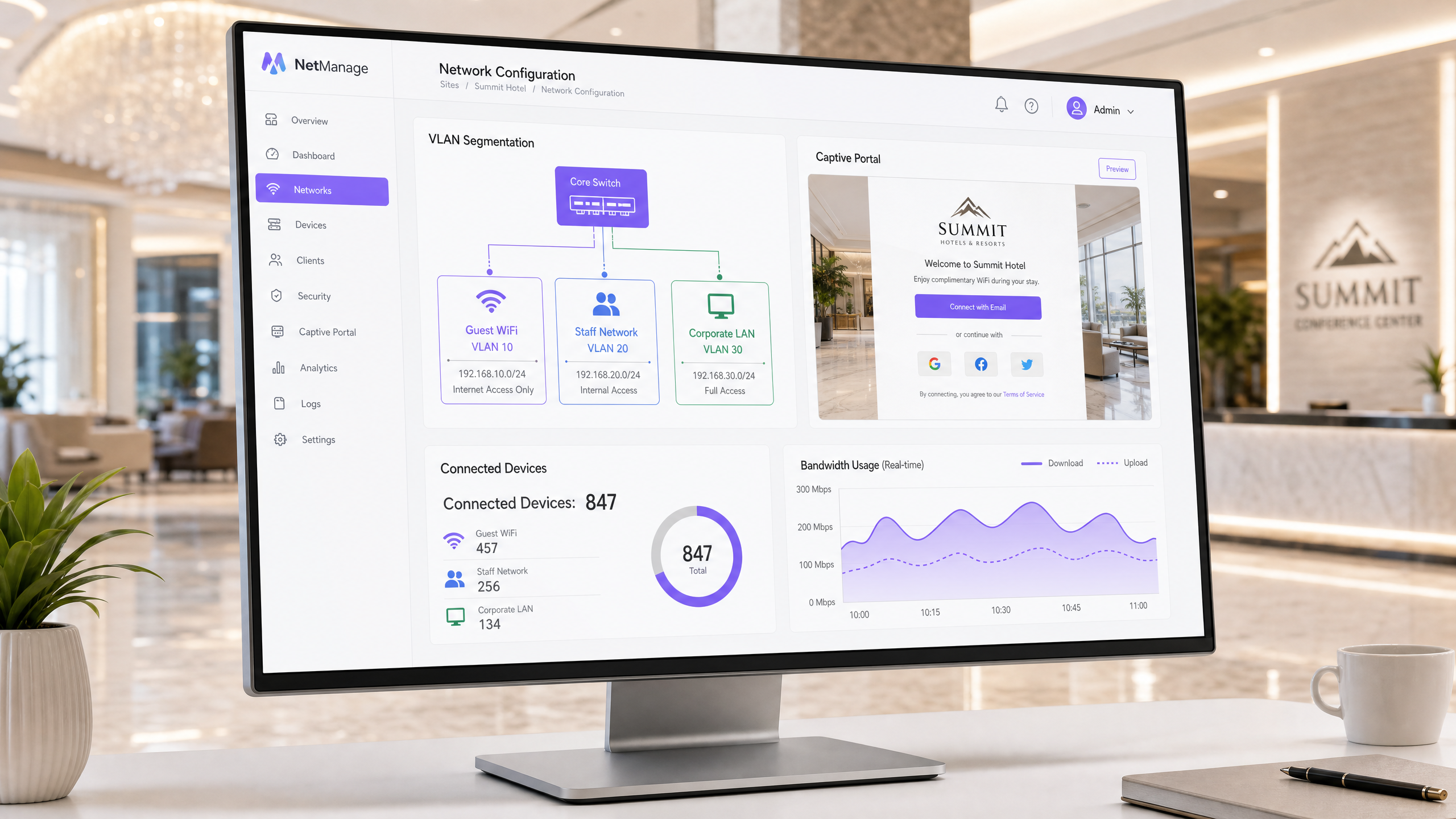
Steps to set up guest WiFi: Place guest traffic in an isolated VLAN, block routing to employee, payment, and operational systems, and present a captive portal before internet access. Use IEEE 802.1X and WPA3 if supported by your hardware. Test two scenarios: guest internet access succeeds after accepting terms, while connection attempts to protected networks fail.
## What does a professional guest WiFi setup actually do?
Guest WiFi is a controlled service specifically for visitors. It provides internet access to guests, customers, visitors, passengers, or patients without their devices becoming part of your private network. The SSID is the visible network name. The underlying infrastructure determines where traffic flows, which destinations are reachable, and whether guests must pass through a captive portal before gaining access.
The technical goal is simple: a path to the internet with no unauthorised routes to protected resources. NIST recommends logical separation between external and internal wireless networks. It also emphasises that devices on the external wireless network should not be able to establish connections with devices on another, logically separated wireless network. If wireless clients require internal access, the allowed hosts and protocols should be restricted to the absolute minimum necessary. [1]
A VLAN is a logical network segment that provides traffic boundaries. While necessary, this alone is not sufficient. Your firewall policies and routing controls determine whether this segment is actually isolated. Your testing protocols provide the proof. Treat the guest SSID, VLAN, captive portal, firewall policies, and verification evidence as a single, integrated service, and assign an owner to it.
For venue operators, this concept represents a useful guest service. For the IT department, it establishes a documented boundary around employee, payment, and operational systems. The PCI Security Standards Council guidelines view scope definition and validation of segmentation controls as best practice for modern architectures, including zero-trust and cloud environments. [2]
## What do you need to prepare before setting up guest WiFi?
Begin with an inventory of your IT assets, not the login page. Identify access points, switches, firewalls or gateways, the internet uplink, DHCP and DNS services, existing segments, and any system that must remain unreachable by guest devices. In hotels, this typically affects employee systems, payment systems, and building management systems. In retail, POS systems and store management are added. In stadiums, it affects event operations, media production, and security systems.
Create a brief design document detailing the guest SSID, guest VLAN, expected network path, protected destinations, and the owner responsible for any exceptions. Document whether guests are permitted to communicate with each other. Also, record the testing methodology you apply after any network, portal, or policy change. This provides internal teams or managed service partners with a reliable baseline for verification.
Make your decision before setting up the guest authentication mode. The captive portal is the page displayed to guests before they receive full internet access. Here, terms of use can be displayed, registration data captured, or social logins offered. This form is not just marketing space - it determines what data you process and whether the user experience matches the visit.
Purple documents the registration form as a login method for the splash page. You can choose which standard fields are displayed, which of these are mandatory, the order in which they appear, and whether custom fields are required. The form can also coexist alongside social logins. [3] For conferences where attendees are already registered, Purple documents a shorter form that uses the email address while simultaneously obtaining consent to the terms. [3]
Always design forms with a specific purpose in mind. The Information Commissioner's Office emphasises that personal data must be adequate, relevant, and limited to what is necessary in relation to the purposes for which they are processed. [4] In practice, before enabling any field, write down why you require this information. If a mandatory field does not serve a service, support, compliance, or explicit communication purpose, it should be removed.
| Your Scenario | Network Mode | Captive Portal Mode | Verification Evidence | Appropriate Outcome |
| --- | --- | --- | --- | --- |
| Guests only require internet access | Isolated guest VLAN with internet-only firewall policy | Accept terms of use with a proportionate form | Internet test succeeds; test of protected destinations fails | Default mode for hotels, retail stores, stadiums, and public areas |
| Guests must reach a shared service | Isolated guest VLAN with documented allowlist for the specified service | Accept terms of use with a form tailored to this service | Shared service and internet function; all other protected tests fail | Use only with an owner assigned to this exception and a review date |
| Employees require access to internal systems | Separate employee WiFi profile, distinct from guest WiFi | No guest portal as a substitute for employee authentication | Employee access only functions via the shared employee profile | Maintain employee identity and guest access as separate services |
| Shared SSID on internal network segment | No protectable guest boundary | Any portal presence is incidental | Test of protected destinations is likely to expose this flaw | Do not use this mode for guest WiFi |
## How do you set up a guest WiFi without creating backdoors?
### 1. Define the security boundary
Assign a dedicated VLAN to the guest WiFi. Route this VLAN to the internet via devices that enforce your security policies. Do not create permissive routing rules to the private network just to simplify short-term integrations. If internal services are absolutely necessary, define the exact destination, protocols, approver, and a review date. NIST defines this as a "need-to-know" access decision: wireless clients requiring access to wired networks should only be permitted to access the necessary endpoints using the required protocols. [1]
First, formulate a business deny-list. This should cover employee networks, payment environments, device management, printers, building systems, and all other sensitive areas at your venue. The syntax for implementation varies by platform, but the policy intent must not change. This guide deliberately avoids prescribing IP ranges, firewall commands, or vendor menu paths. Use your approved network standards to govern these details.
### 2. Strictly separate guest and employee access
Do not treat guest WiFi as a less restrictive version of employee WiFi. Guest access is typically based on a captive portal. Employee access, however, should follow your approved identity and device mechanisms. IEEE 802.1X is the standard for port-based network access control. It supports controlled access to authenticated and authorised devices, including mutual authentication mechanisms. [5]
WPA3 provides the latest WiFi security features, provided they are supported by your access points and client devices. The WiFi Alliance notes that WPA3 includes additional features for personal and enterprise use, excludes outdated legacy protocols, and that Protected Management Frames are mandatory for WPA3 networks. [6] Verify the compatibility of your own devices before deciding on a policy. Guest availability and employee identification are distinct requirements. Keep these profiles separate.
### 3. Creating a captive portal for access decisions
Only set up the portal once network boundaries are functioning correctly in a test environment. The portal should carry the venue's branding, contain your terms and conditions, request only proportionate information, and only release the guest once the desired access decision has been made. Purple's form configuration allows you to enable standard fields, determine whether fields are optional, change the order of fields, use section headings, and add custom field types if standard fields are insufficient. [3]
For events, a short form requiring only an email address and assuming acceptance of the terms is often the most practical choice. For a hotel, you may require a different form model. The principle remains the same: form design follows intended use. If you have added a custom field for an event name or code, Purple's documentation states that responses can be stored in the platform's CRM section to match them with registration data after the event. [3] Only enable the field if you can justify processing this information.
### 4. Connecting Purple to the physical access flow
Purple is hardware-agnostic and acts as a cloud overlay on top of your existing infrastructure. In a guest WiFi deployment, the access points and network policies are responsible for enforcing connection boundaries, while Purple manages the welcome page, registration forms, and journey flow. Purple's onboarding documentation guides teams through configuring compatible hardware, welcome pages, journeys, and portal users. [7]
Use the support documentation for specific form configurations rather than copying settings from general guides. Relevant resources include [WiFi Registration Form Settings](https://support.purple.ai/hc/en-gb/articles/7330833958813-WiFi-Registration-Form-Settings) and [Onboarding](https://support.purple.ai/hc/en-gb/articles/7330833690525-Onboarding). This is particularly important when a central team manages multiple venues. This keeps the registration experience controlled while your network team retains control over infrastructure boundaries.
Purple integrates with Cisco Meraki, HPE Aruba, Ruckus, Juniper Mist, Ubiquiti UniFi, Cambium, Extreme, and Fortinet. This makes the design question more useful than a replacement question: can your existing hardware deliver the guest WiFi service, assign it to the approved segment, and route guests through the agreed captive portal?
## How do you verify that the guest WiFi works and remains isolated?
Test both the success and failure cases. A successful internet connection is only half the battle. The expected positive outcome is that a guest can connect to the guest SSID, receive the guest network service, complete the captive portal, and connect to the internet. The negative outcome is equally important: in your documented test suites, the same device must not gain access to protected systems.
Use at least two different types of unmanaged devices, such as a smartphone and a laptop. Repeat tests after any change to access points, switches, gateways, firewall policies, or portal configurations. Log the time, test device, guest SSID, test destination, expected outcome, actual outcome, and the tester. This provides the venue manager with a simple operational log and the security team with proof that boundaries have been verified.
NIST recommends standardised security configurations for common wireless components, continuous monitoring for attacks and vulnerabilities, and regular technical security assessments. [1] Make this an operational routine. Standardise guest defaults across all venues. Review configuration changes. Patch and verify relevant wireless components. Retest isolation after any change that could affect the path between the guest segment and protected networks.
```mermaid
flowchart LR
A[Gästegerät] --> B[Gäste-SSID]
B --> C[Gäste-VLAN]
C --> D[Captive Portal]
D --> E[AGB & Registrierung]
E --> F[Firewall-Richtlinie]
F --> G[Internet]
F -. deny .-> H[Mitarbeitersysteme]
F -. deny .-> I[Zahlungssysteme]
F -. deny .-> J[Betriebssysteme]
```This diagram shows the expected control path. The captive portal controls the access decision, while firewall policies govern traffic after release. Blocked paths must be verified and not simply assumed.
## What does this look like in practice on site?
### Hotel Example: A 200-room hotel
A hotel requires guest WiFi in rooms, reception, and conference areas. Internal systems include hotel operations, payment systems, and building management. Deployment begins with a dedicated guest VLAN and an internet-only policy. The hotel creates a portal form appropriate for the stay and logs acceptance of the terms and conditions. Employee profiles are not reused for guest access.
The measurable verification outcome is a test suite with two successful positive checks and zero successful connections to protected categories. The positive checks are completion of the portal process and normal internet access. The negative checks cover employee systems, payment systems, device management, and building management. A failed negative test prevents go-live until the policy is corrected. This is a practical scenario, not a statement about a specific Purple customer.
### Event Example: A convention centre
A convention centre expects attendees for a registered event. The venue requires an efficient way to get attendees online while logging acceptance of the terms and conditions. It uses a short form with email enabled and adds event-specific custom fields only if explicitly requested by the organiser. Purple documents this short form model and the use of custom fields to validate eligibility. [3]
The measurable verification outcome is a test of the "connect to internet" path on two attendee devices with logged terms and conditions consent and zero successful connections from the guest segment to documented protected test destinations. The venue retains the test results alongside the event schedule. Should a configuration change affect service on the day of the event, this provides the operations team with a clear escalation point.
For relevant operational models, please read [Guest WiFi Management: Smart Authentication & Segmentation](/blog/guest-wifi-management), [Cloud WiFi Management: Secure Enterprise Connectivity 2026](/blog/cloud-wifi-management), and [How to revoke WiFi access when an employee leaves](/en-gb/guides/revoke-wifi-access-employee-leaves). The latter guide addresses employee access rather than guest registration. Distinguishing between the two is the critical point.
## What can go wrong and how to fix it
The first mistake is assuming that separate SSIDs mean separate access. The solution is to verify VLAN assignments, gateway routes, and policy enforcement points, then run negative tests. The second mistake is overly permissive exceptions that expose more private services than intended. The solution is to replace permissive rules with documented, limited allowlists and review dates. The third mistake is a captive portal that requests every available field. The solution is to map every field to a clear purpose. The fourth mistake is unclear operational ownership. The solution is to name network owners, portal owners, and venue owners. The fifth mistake is configuration drift between different venues. The solution lies in standardised guest profiles and repeatable testing protocols.
If you require access to services, use [Guest WiFi](/guest-wifi). If the approved data model supports analytics, use [WiFi Analytics](/guest-wifi-marketing-analytics-platform). The access boundary remains the first decision upon which the experience layer and measurement layer are built. For industry-specific background, see Purple's solutions for [Hospitality](/industries/hospitality), [Retail](/industries/retail), [Healthcare](/industries/healthcare), and [Transport](/industries/transport).
## What does guest WiFi cost and what do you get in return?
Do not estimate a guest WiFi project solely by the number of access points. The scope of delivery includes network segmentation, firewall policies, internet routing, portal design, legal reviews of terms and form fields, testing, operational responsibilities, and ongoing monitoring. A venue without approved guest boundaries requires far more effort than a venue where the guest SSID can be mapped directly to an existing segment and internet policy.
The operational gain is a clearly defined guest service and a physical boundary around protected systems. The business return depends on the goals you have approved for registration and interaction. Separate these goals from security decisions. Purple's guide [Measuring the Business ROI of Guest WiFi and Location Analytics](/en-gb/guides/measuring-the-business-roi-of-guest-wifi-and-location-analytics) shows you how to conduct this second phase of the discussion.
> **Practical rule:** Plan the boundaries first. Keep the portal proportionate. Validate internet access and confirm blocked access to protected networks before going live.
## Frequently Asked Questions (FAQ)
### Can I set up guest WiFi on my existing access points?
Yes, provided your existing hardware supports an approved guest network design and captive portal integration. Purple supports a wide range of hardware vendors and integrates seamlessly with Cisco Meraki, HPE Aruba, Ruckus, Juniper Mist, Ubiquiti UniFi, Cambium, Extreme Networks, and Fortinet. Please validate guest VLANs, network routing, policy enforcement, and portal redirects within your own architecture before beginning the rollout.
### Is a separate SSID sufficient to secure a guest WiFi?
No. A separate SSID merely identifies the guest network. You also require separate VLANs or equivalent segmentation, routing controls, and firewall policies that block access to protected destinations. Run negative tests against employee, payment, management, and operational systems to verify network boundaries. NIST recommends logical segmentation between external and internal wireless networks. [1]
### Can Purple simplify the captive portal registration forms?
Yes. Purple provides a short-form mode that enables email address input while retaining consent to the terms of use. You can also determine which standard fields are displayed and declared mandatory, and whether custom fields are required. Use shorter forms in scenarios where this is appropriate for the service (such as events with pre-registered attendees). [3]
### How do I make guest WiFi registration GDPR-compliant?
First, collect only the personal data necessary for the purposes you have defined. The Information Commissioner's Office (ICO) and GDPR emphasise that data must be adequate, relevant, and limited to what is necessary. Document the purpose of each portal field, review them regularly, and remove fields for which you cannot justify the necessity. [4]
### Does guest WiFi segmentation help reduce PCI DSS scope?
Yes, a properly designed and validated logical segmentation assists you in defining your audit scope. The PCI Security Standards Council guidelines describe defining scope boundaries and validating segmentation controls in modern network architectures. However, this does not absolve you of your PCI DSS responsibilities. Keep payment systems entirely out of the guest network data path and test these boundaries rigorously. [2]
### What implementation effort should I expect?
This is a network engineering and operational change, not a simple website update. You must plan guest segmentation, firewall policies, network routing, captive portal forms, legal terms reviews, test plans, and ownership assignment. If your existing infrastructure already supports the required security boundaries, the deployment effort is reduced - though validation and testing are still required.
## References
[1]: https://nvlpubs.nist.gov/nistpubs/Legacy/SP/nistspecialpublication800-153.pdf "NIST SP 800-153: Guidelines for Securing Wireless Local Area Networks (WLANs)"
[2]: https://blog.pcisecuritystandards.org/new-information-supplement-pci-dss-scoping-and-segmentation-guidance-for-modern-network-architectures "PCI Security Standards Council: PCI DSS Scoping and Segmentation Guidance for Modern Network Architectures"
[3]: https://support.purple.ai/hc/en-gb/articles/7330833958813-WiFi-Registration-Form-Settings "Purple Support: WiFi Registration Form Settings"
[4]: https://ico.org.uk/for-organisations/uk-gdpr-guidance-and-resources/data-protection-principles/a-guide-to-the-data-protection-principles/data-minimisation/ "ICO: Data minimisation"
[5]: https://standards.ieee.org/ieee/802.1X/7345/ "IEEE 802.1X-2020: Port-Based Network Access Control"
[6]: https://www.wi-fi.org/discover-wi-fi/security "WiFi Alliance: Security and WPA3"
[7]: https://support.purple.ai/hc/en-gb/articles/7330833690525-Onboarding "Purple Support: Onboarding"
---
### How to revoke WiFi access when an employee leaves
**Source:** https://www.purple.ai/en-gb/guides/revoke-wifi-access-employee-leaves
**Summary:** This guide shows IT and venue operations teams how to remove Staff WiFi access when an employee leaves without disrupting the rest of the workforce. It compares certificate-based 802.1X, identity-specific iPSK and SCIM-driven deprovisioning, then provides a same-day runbook, test method and audit evidence model.
**Estimated read time:** 12 minutes
**Word count:** 1,074
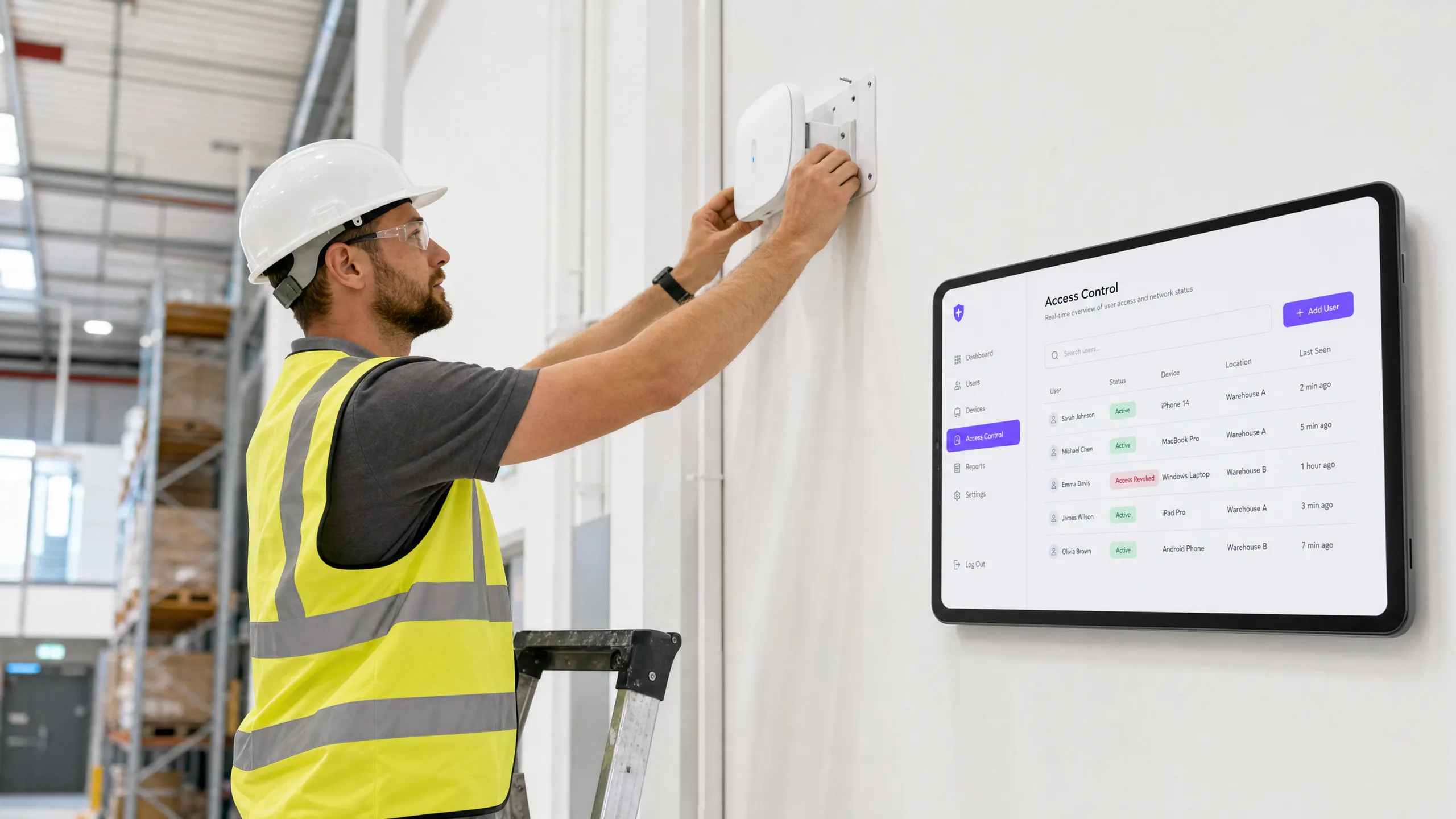
## Executive Summary
When an employee leaves an organisation, revoking their physical access is straightforward. However, revoking WiFi access is often not as simple. If your network relies on a shared WPA2 password, the departing employee leaves the organisation in possession of these credentials. The only way to block their access is to change the password for the entire network. This disrupts operations and requires manual updates across all devices. This represents a serious security vulnerability and leads to compliance failures with standards such as PCI-DSS and ISO 27001.
This guide demonstrates how to avoid shared passwords and implement per-user WiFi revocation. We explore three proven models: 802.1X EAP-TLS with certificate revocation, Identity Pre-Shared Key (iPSK) with identity-specific key deletion, and SCIM-driven de-provisioning. By linking network access directly to your identity provider - such as Microsoft Entra ID, Okta, or Google Workspace - you can automate revocation as soon as an account is deactivated. This creates the exact audit trail that auditors expect.
Listen to our technical briefing podcast on this topic:
## Technical Deep Dive
### The Problem with Shared Passwords
A shared WPA2-Personal password lacks identity context. The network cannot distinguish between a current and a former employee. Consequently, revoking access requires a company-wide password change. This creates a security risk during the period between the employee's departure and the execution of the password change.
### Model 1: 802.1X EAP-TLS Certificate Revocation
The enterprise standard for WiFi security is 802.1X with EAP-TLS. In this model, each device receives a unique digital certificate from a Certificate Authority (CA). When a device connects, the RADIUS server cryptographically verifies the certificate.
To revoke access, you revoke the certificate within the CA. The RADIUS server checks the revocation status in real time via the Online Certificate Status Protocol (OCSP). If the OCSP responder returns a "Revoked" status, the RADIUS server sends an Access-Reject message. For active sessions, the server issues a Change of Authorisation (CoA) to disconnect the device immediately. This process limits revocation to a single user, without impacting the rest of the network.
### Model 2: iPSK Identity-Specific Key Deletion
For environments with mixed device types, including headless hardware that does not support 802.1X certificates, Identity Pre-Shared Key (iPSK) is the most suitable solution. iPSK assigns a unique password to each individual user or device on the same SSID.
The RADIUS server maps each unique key to a specific identity. When an employee leaves the company, IT simply deletes their specific key from the RADIUS database. The impact is therefore restricted solely to that single user. This approach delivers the individual security of an enterprise network combined with the simplicity of a pre-shared key.
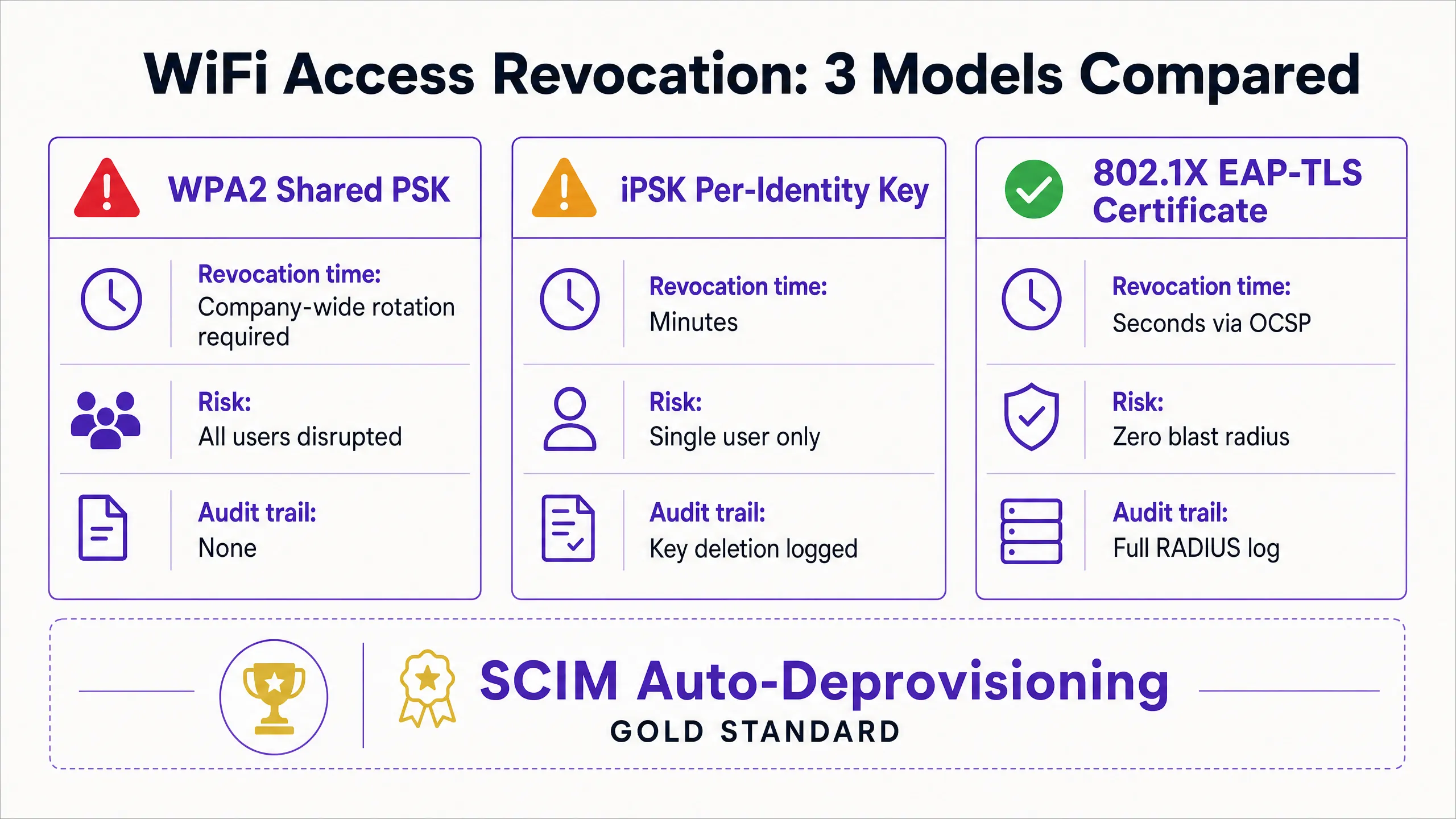
### Model 3: Automated SCIM De-provisioning
System for Cross-domain Identity Management (SCIM) is an open standard that automates the exchange of user identity data. SCIM acts as a bridge between your identity provider and downstream systems, such as your WiFi management platform.
When HR deactivates a departing employee in Microsoft Entra ID, Okta, or Google Workspace, SCIM sends a de-provisioning event to Purple. Purple immediately revokes the user's WiFi credentials at the next authentication - regardless of whether it is a certificate or an iPSK. This creates a closed-loop system where identity lifecycle changes automatically enforce network access policies.
## Implementation Guide
Implementing per-user revocation requires alignment between your identity provider, the RADIUS server, and the WiFi hardware. Purple integrates with hardware from Cisco Meraki, HPE Aruba, Ruckus, Juniper Mist, Ubiquiti UniFi, Cambium, Extreme, and Fortinet.
### Step 1: Establish Identity as the Single Source of Truth
Ensure that your identity provider is the single source of truth for user status. All onboarding and offboarding processes must begin and end within Microsoft Entra ID, Okta, or Google Workspace.
### Step 2: Choose the Right Authentication Protocol
If you have a mature Mobile Device Management (MDM) solution capable of distributing certificates to all corporate devices, choose 802.1X EAP-TLS. If you need to support a variety of unmanaged devices, point-of-sale terminals, or IoT hardware, choose iPSK.
### Step 3: Configure SCIM Integration
Configure a SCIM connection between your identity provider and Purple. Map the user status attribute so that a "disabled" status in the directory triggers a revocation event in Purple.
### Step 4: Adjust RADIUS Timers
If you are using EAP-TLS, configure the Time-To-Live (TTL) of your RADIUS server's OCSP cache accordingly. A short TTL (e.g. 15 minutes) increases security by narrowing the window during which a revoked certificate remains valid, but increases the load on the CA.
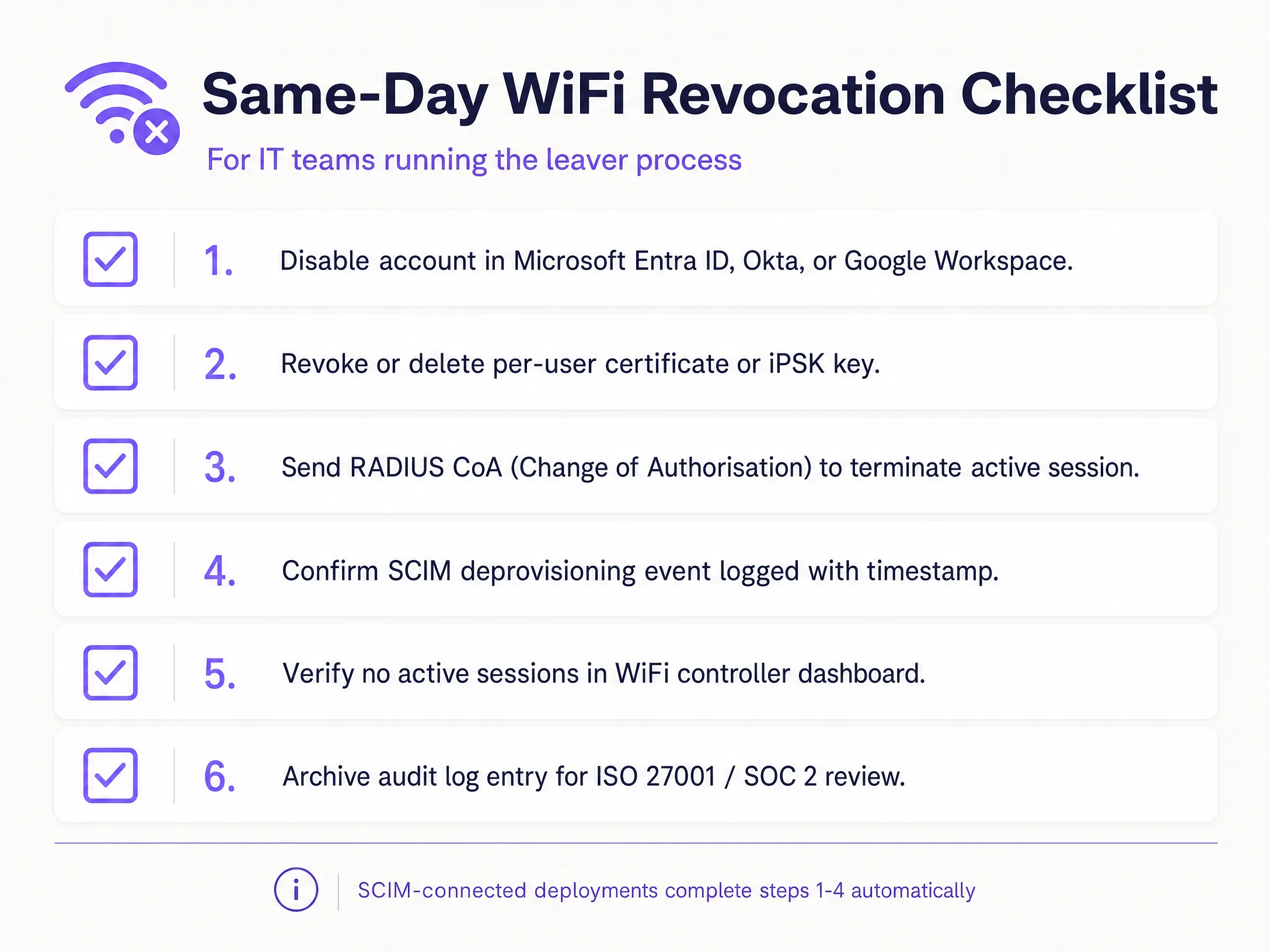
## Best Practices
In accordance with industry standards, organisations should strictly control network access. Implement these measures to ensure a high level of security:
1. **Automate with SCIM:** Manual revocation is prone to human error. Automate this process by linking your WiFi platform directly to your identity provider.
2. **Implement RADIUS CoA:** While revoking credentials prevents new connections, it does not terminate active sessions. Ensure your system sends a Change of Authorisation command to disconnect the device immediately.
3. **Separate guest and employee traffic:** Never connect employee devices to a [guest WiFi](/guest-wifi) network. Use separate VLANs and SSIDs to maintain segregation.
4. **Audit logs:** Maintain immutable logs of all de-provisioning events. ISO 27001 auditors require proof that access was revoked immediately upon termination of employment.
## Troubleshooting and Risk Mitigation
The most common failure point in WiFi revocation is a fragmented process. If IT deactivates the account in the directory but fails to update the standalone RADIUS database, the departing employee retains access. A SCIM integration completely eliminates this risk.
Another risk is certificate caching. If a RADIUS server caches a positive OCSP response for 24 hours, a revoked device can continue to authenticate until the cache expires. Adjust your OCSP cache settings to optimally balance performance and security requirements.
For shared devices, such as retail tablets used by multiple shift workers, do not link device authentication to the identity of a single employee. Use service accounts or device-specific certificates to prevent critical hardware from going offline when an individual leaves the company.
## ROI and Business Benefits
Transitioning to per-user WiFi revocation delivers measurable business value. It eliminates the IT support hours spent coordinating company-wide password changes. Furthermore, it minimises the risk of data breaches caused by former employees, protecting the organisation from regulatory fines and reputational damage.
Additionally, it provides the clear audit trail required to seamlessly pass ISO 27001 and SOC 2 audits. By automating the joiner-mover-leaver process, IT teams can focus on strategic initiatives rather than wasting time on manual credential management. For further details on securing your network, refer to our guide [Enterprise WiFi Security: A Complete Guide for 2026](/blog/enterprise-wifi-security).
---
### Measuring the Business ROI of Guest WiFi and Location Analytics
**Source:** https://www.purple.ai/en-gb/guides/measuring-the-business-roi-of-guest-wifi-and-location-analytics
**Summary:** This technical reference shows IT and venue teams how to measure the ROI of guest WiFi with a defensible chain from network health and consented data to validated operational or commercial outcomes. It separates measurable evidence from assumptions, maps Purple Connect, Capture and Engage to the right measurement layer, and gives planning scenarios for hotels, retail estates and event venues.
**Estimated read time:** 13 minutes
**Word count:** 2,163
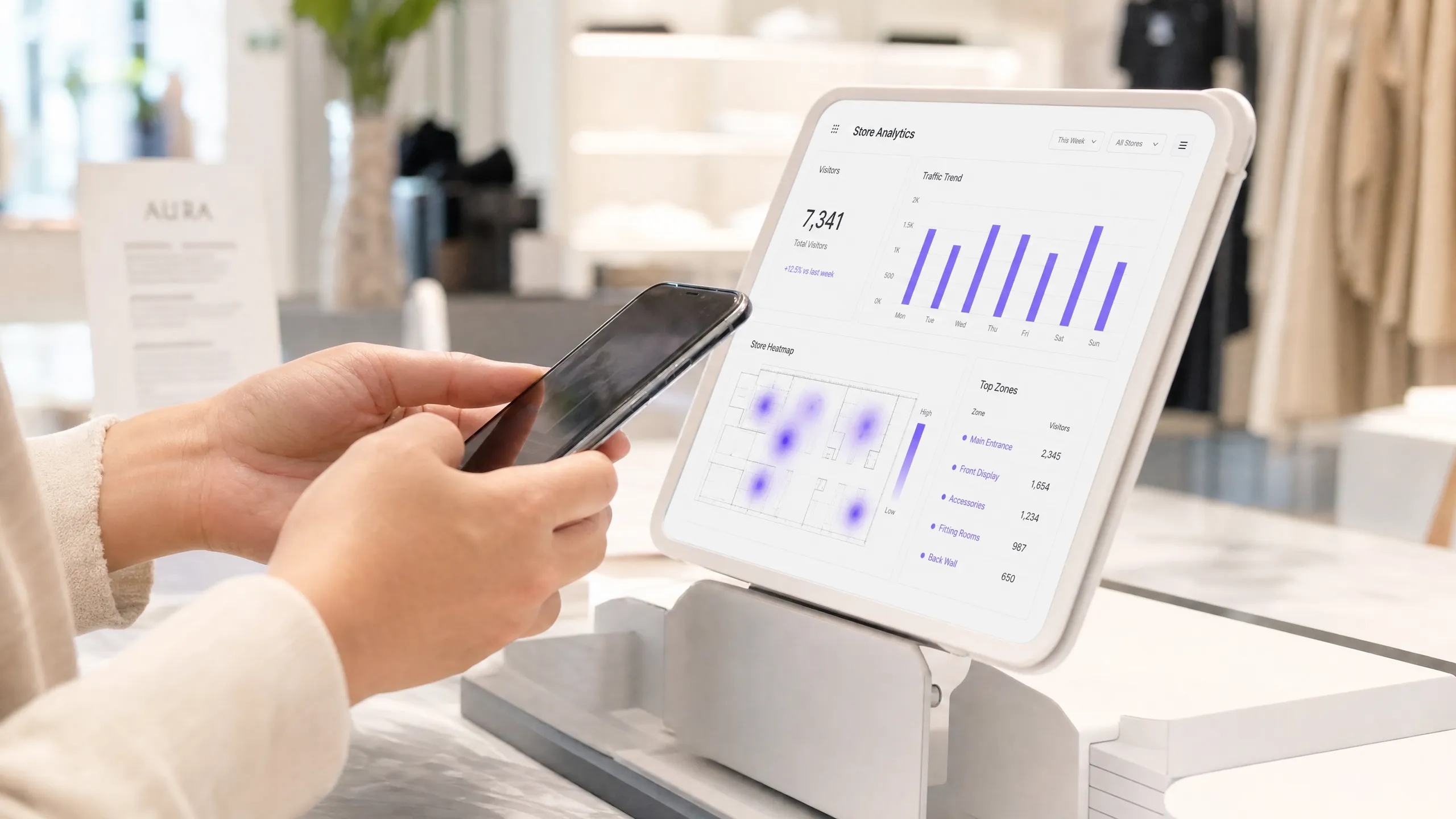
## Executive Summary
Most businesses view guest WiFi as a pure operating expense - an expected amenity, an IT budget line item, and a source of support tickets. However, this approach overlooks a fundamental shift in network capabilities. Modern WiFi infrastructures are high-resolution sensor networks that capture vast amounts of first-party data and spatial analytics.
Purple is deployed across more than 80,000 live venues, processing approximately 440 million logins and capturing 29 billion data points in 2024. The platform operates as a cloud overlay on existing hardware from Cisco Meraki, HPE Aruba, Ruckus, Juniper Mist, Ubiquiti UniFi, Cambium, Extreme Networks, and Fortinet. This guide demonstrates how to measure the ROI of this investment. Going beyond theoretical models, it provides a concrete framework for calculating value through increased dwell times, CRM database growth, operational efficiencies, and direct revenue from tiered access. Whether you manage a hotel group, a retail estate, or public venues, the measurement principles remain the same.
## Technical Deep Dive: The Measurement Mechanisms
To measure ROI, you must first understand how data is generated. This process relies on two distinct methods of data collection: Presence Analytics and Engagement Analytics. Conflating these two terms risks building a flawed measurement model.
### Presence Analytics
Presence Analytics captures activity before a user even connects. When a mobile device with an active WiFi module enters a venue, it transmits probe requests. The device is querying the network to see if known networks are nearby. Every Access Point in range intercepts these probe requests. They contain the device's MAC address (a unique hardware identifier) and the signal strength, expressed as RSSI (Received Signal Strength Indicator).
By triangulating RSSI values across multiple Access Points, the analytics platform estimates the physical location of the device. This forms the foundation for footfall tracking and dwell time calculation. This process is anonymous, requires no user interaction, and occurs across your venues - whether you actively capture this data or not.
Since 2020, every professional analytics deployment has faced a challenge: since iOS 14 and Android 10, mobile devices use randomised MAC addresses for probe requests. Instead of transmitting a static identifier, the device cycles through temporary addresses. If your analytics platform does not correct for this, your visitor counts will be inaccurate. Purple uses statistical correction models calibrated against real-world camera data to ensure an accuracy of ±3-7% (Purple platform data). If you are evaluating a platform that cannot explain its methodology for correcting MAC randomisation, that is a red flag.
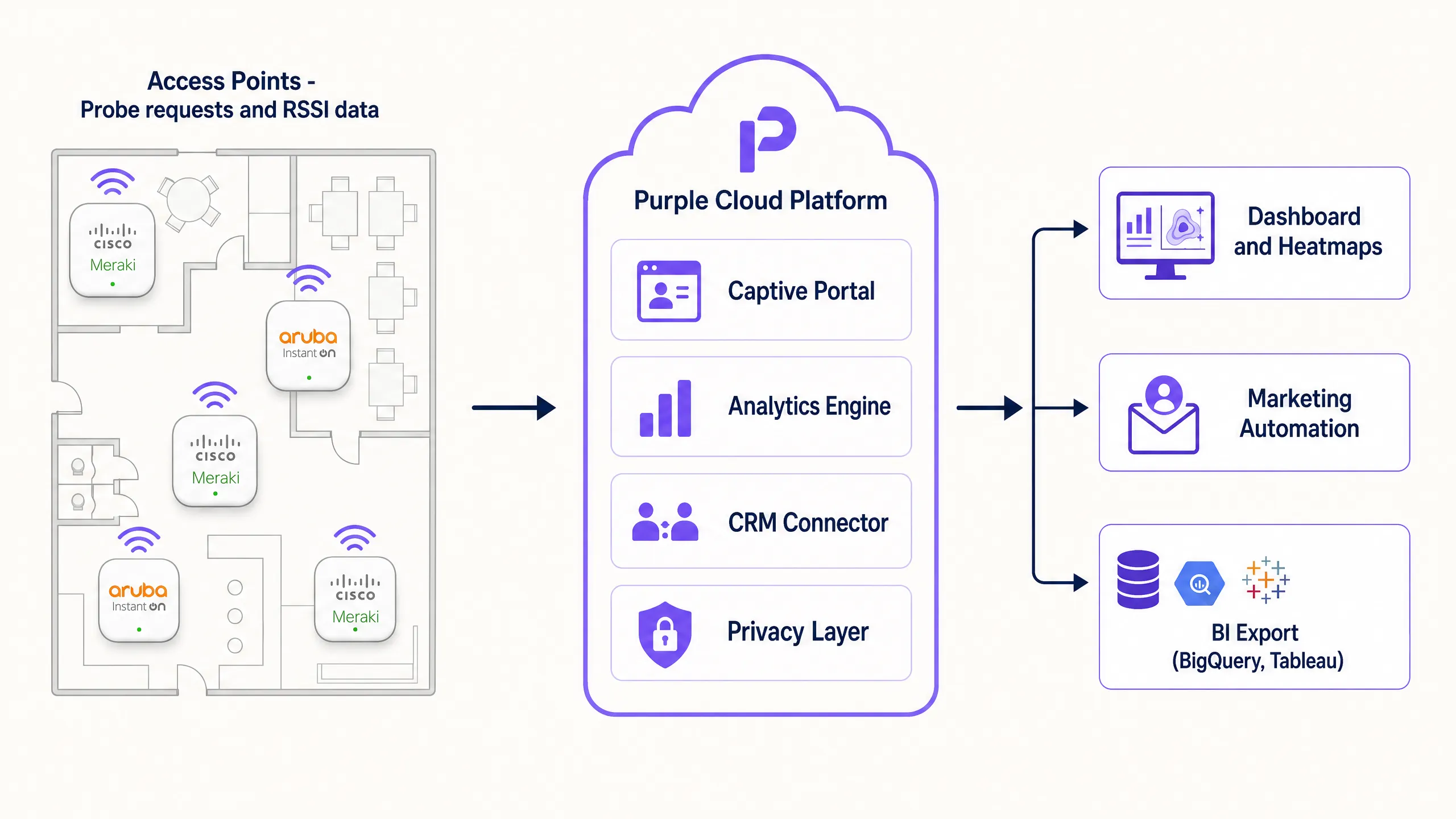
### Engagement Analytics
Engagement Analytics begins when a user connects to the guest WiFi network via a captive portal. The captive portal serves as the authentication gateway and the primary system for capturing first-party data. Once a user authenticates - whether via Microsoft Entra ID, Google Workspace, social logins, or an email form - the anonymous device is transformed into an identified visitor profile.
This identified profile is the primary driver of marketing ROI. It links physical presence to a digital identity. You can track the visit frequency of specific cohorts, measure the conversion rate of marketing campaigns, and integrate this data directly into your CRM. Using this exact data, Harrods achieved a 57-fold (57x) ROI through targeted marketing to customers acquired via guest WiFi.
### Six Key Metrics for Decision-Making
WiFi analytics platforms can display dozens of metrics. However, these six metrics are the most critical for ROI calculation and decision-making:
| Metric | What It Measures | Primary Use |
|---|---|---|
| Footfall | Unique visitors in a defined zone over a specific period | Baseline location data, comparisons |
| Dwell time | Average and distribution of time spent per zone and visit | Layout optimisation, staff scheduling, conversion correlation |
| Return Visit Rate | Proportion of visitors returning within N days | Loyalty signals, marketing attribution |
| Zone Transitions | Visitor flows from starting to destination zones | Journey analytics, layout testing |
| New vs. Repeat Visitors | Ratio of acquisition to retention | Marketing channel attribution |
| Capture Rate | Proportion of detected devices that authenticate | Portal effectiveness, data quality indicator |
The capture rate deserves special attention. It bridges the gap between anonymous presence data and identified engagement data. Industry benchmarks show that the capture rate typically ranges between 15% and 40%, depending on portal design and the incentives offered. A rate below 15% indicates that the portal flow requires optimisation.
## Implementation Guide: Aligning for ROI
To build a system that delivers a measurable ROI, specific architectural decisions are required. A network designed solely for coverage will not deliver precise spatial analytics.
### Access Point Density and Placement
Location analytics relies on triangulation. To determine a location precisely, a device must be detected by at least three Access Points simultaneously. In typical retail or hospitality environments, this requires one Access Point per 150 to 200 square metres. Crucially, Access Points must be placed at zone boundaries, not just in the centre of a room. If you only place Access Points centrally, the system cannot accurately determine when guests cross a boundary. This is the most common reason for analytics deployment failures.
For a 3,000 square metre retail space, plan for 15 to 20 Access Points to ensure overlapping coverage at department boundaries. Compare this to a coverage-only installation, which might use only eight Access Points for signal strength without regard for triangulation accuracy.
### Captive Portal Configuration
The captive portal is your conversion engine. Keep the login process to a maximum of three steps. Ask only for essential data during the first visit. If your primary goal is CRM growth, make the email address a mandatory field and use Purple Verify to validate it at the point of capture. This prevents invalid data from entering your database. For hospitality, we recommend offering premium bandwidth as an exclusive benefit for loyalty programme members. This drives sign-ups and creates a direct revenue stream from your WiFi investment.
For venues looking to frictionlessly welcome returning visitors, we recommend implementing Passpoint (Hotspot 2.0). Passpoint allows certified devices to connect automatically on subsequent visits without presenting the portal again, whilst still capturing the session data required for analytics. This is highly effective in airports and hotels with high repeat-visitor rates.
### Data Integration
Data sitting idle in a portal generates no ROI. Integrate the WiFi analytics platform with your existing operational systems using standard REST APIs or webhooks. This integration step is often the biggest hurdle, as it requires alignment between IT, marketing, and operations teams who rarely share the same data infrastructure. Prioritise this task early in the project.
For [retail](/industries/retail), integration with Point of Sale (POS) systems offers the highest value. By correlating dwell times in specific zones with transaction data, you can identify high-footfall, low-conversion areas - zones where visitors linger but do not purchase. In [hospitality](/industries/hospitality), integration with the Property Management System (PMS) allows you to link WiFi session data directly to room bookings and food and beverage spend.
## Best Practices
### Implement Tiered Bandwidth
Tiered bandwidth is the most direct way to monetise guest WiFi. Offer a free, speed-limited tier for basic browsing, and a paid (or loyalty-incentivised) premium high-speed tier. This approach offsets network costs and drives loyalty programme sign-ups. AGS Airports implemented this tiered model, achieving an 842% ROI (Purple customer data). The model works because it transforms a cost centre into a revenue generator without degrading the user experience for those who choose not to pay.
### Segment the Network
Do not mix guest traffic with internal corporate networks. Use VLANs to segregate guest devices from your internal systems. In retail environments processing card payments, this is a fundamental security requirement under PCI-DSS. Purple provides a RADIUS infrastructure to centrally manage these policies across your entire estate, supporting IEEE 802.1X for port-based network access control and WPA3-Enterprise for the strongest encryption standards available.
For further details on enterprise WiFi security architecture, refer to the guide [Enterprise WiFi Security: A Comprehensive Guide for 2026](/blog/enterprise-wifi-security).
### Prioritise Privacy and Compliance
Privacy is not optional. If you operate in the UK or the EU, you must comply with the UK GDPR and EU GDPR. In California, CCPA applies. Your captive portal must clearly communicate what data is collected, how long it is stored, and how visitors can exercise their rights. Obtain explicit consent (opt-in) for marketing communications. Presence Analytics - which is anonymous - relies on legitimate interest, supported by a completed Data Protection Impact Assessment (DPIA) and highly visible physical signage.
Purple is ISO 27001 certified, GDPR compliant, CCPA compliant, and Cyber Essentials certified. The platform is supplied with DPIA templates and signage templates, so you do not have to build compliance infrastructure from scratch. For detailed information on compliance architecture, refer to the guide [WiFi GDPR Compliance: How to Securely Collect Guest Data via Captive Portals](/guides/wifi-gdpr-compliance-how-to-securely-collect-guest-data-via-captive-portals).
## Troubleshooting and Risk Mitigation
### Inaccurate Location Data
If your heatmaps show visitors in impossible locations, or if zone-level counts do not align with physical observations, the issue is usually Access Point placement or transmit power configuration. Ensure that Access Point positions on your floor plans match physical locations exactly. Verify that transmit power is not set too high - overly powerful Access Points create large, overlapping coverage cells, which degrades triangulation accuracy. Reduce transmit power and increase Access Point density to improve spatial resolution.
### Low Captive Portal Conversion
If a high number of devices are detected but fewer than 15% authenticate, you should review the portal flow. Common causes include: too many mandatory fields, a portal failing to load in the device's default browser, a lack of clear incentives to connect, or a portal that is not mobile-optimised. Test the portal on iOS and Android devices before rollout. Remove any non-essential fields. If you are offering a clear value proposition - such as free WiFi, discounts, or loyalty points - highlight this prominently on the splash page.
### Integration Failures
If data is not flowing into your CRM or POS system, first verify API credentials and webhook configurations. Ensure that the data fields mapped in the WiFi platform align with the corresponding fields in the target system. Check API logs for rate-limiting or authentication errors. Most integration failures stem from configuration issues rather than platform errors. Ensure your IT team documents the field mapping prior to go-live.
### Overcounting Due to MAC Randomisation
If your WiFi visitor counts are significantly higher than data from your footfall counters or camera systems, your platform is not correcting for MAC randomisation. This is a known issue with platforms that have not updated their analytics methodologies since 2020. Ask your vendor for their correction methodology and validation data. Purple's correction keeps variance within ±3-7% compared to physical camera data (Purple platform data).
## ROI and Business Value
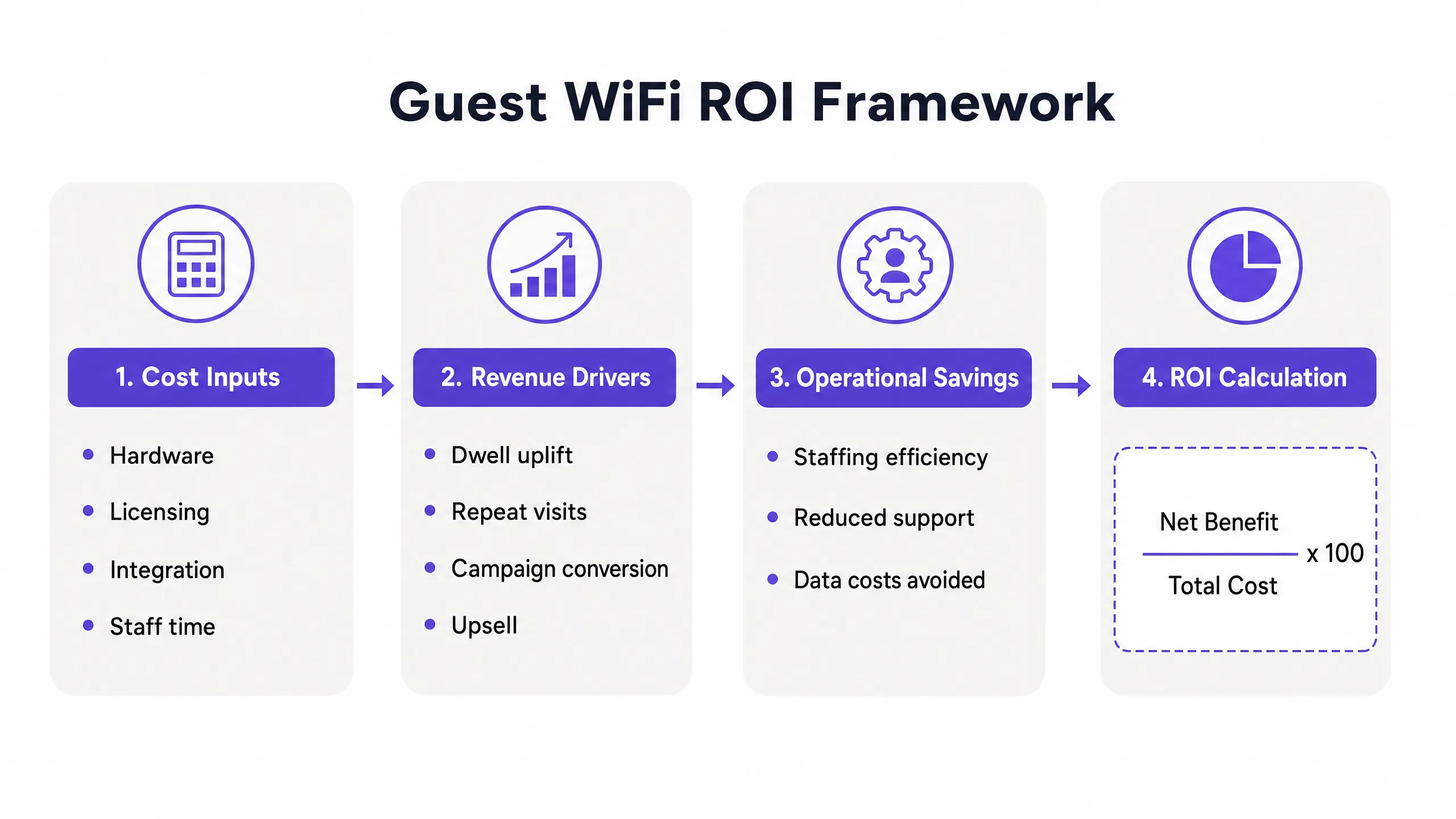
Measuring the ROI of guest WiFi requires a structured approach. You must quantify the costs and compare them against the measurable benefits across four categories.
### Cost Factors
Total Cost of Ownership (TCO) includes: hardware (Access Points, switches, cabling); software licensing (the Purple cloud overlay, available in Connect, Capture, and Engage tiers); deployment services; and ongoing staff overheads for administration and reporting. For a 200-room hotel deploying across five sites, the true three-year TCO will encompass hardware upgrades, licensing, and integration effort.
### Revenue Drivers
Industry data shows that 62% of businesses report increased customer dwell time when free WiFi is provided (BT Business WiFi Survey, 2025). In retail, longer dwell time correlates directly with larger basket size. A 10% increase in dwell time within a specific department, paired with a 2% uplift in sales for that category, provides a clear, causal ROI signal.
CRM database growth is the second major revenue driver. Calculate the value of a new email subscriber based on your average campaign conversion rate and average order value. If your email campaigns convert at 3% with an average order value of £80, each new subscriber has an expected campaign value of £2.40. A venue acquiring 500 new subscribers monthly generates £1,200 in expected monthly campaign revenue from this channel alone.
For venues utilising tiered bandwidth, direct revenue from premium subscriptions provides an immediately measurable return. AGS Airports achieved an 842% ROI using their tiered model (Purple customer data).
### Operational Savings
Footfall data mapped against staff rotas prevents overstaffing during quiet periods. A venue experiencing a consistent 30% drop in footfall on Tuesday mornings can reduce staffing levels for that window, yielding direct cost savings. In [healthcare](/industries/healthcare) and [transport](/industries/transport), visitor flow data also aids queue management and capacity planning, minimising bottlenecks without increasing headcount.
### ROI Calculation
The standard ROI formula applies: ROI (%) = ((Net Benefit - Total Cost) / Total Cost) x 100. Net benefit is the sum of incremental dwell-time revenue, CRM campaign revenue, tiered access revenue, and operational savings. Total cost includes hardware, licensing, deployment, and ongoing administration.
For most hospitality and retail deployments, Purple customers see a measurable ROI within six months. The first 90 days are dedicated to establishing baseline data. Over the subsequent 90 days, operational and marketing value begins to fully materialise.
---
---
## Further Reading
- [Guest WiFi](/guest-wifi) - Purple's core platform for guest connectivity
- [WiFi Analytics](/guest-wifi-marketing-analytics-platform) - Analytics and marketing platform
- [Design of a Survey: A Practical Guide for Venues](/blog/design-of-a-survey) - How to use the captive portal for structured feedback
- [What Is Wireless Display: Protocols and Best Practices 2026](/blog/what-is-wireless-display) - Reference for complementary wireless technologies
---
### CCPA/CPRA data retention for shared WiFi operators: how long you can keep guest login data and network logs
**Source:** https://www.purple.ai/en-gb/guides/gdpr-data-retention-shared-wifi-operators
**Summary:** A practical US compliance guide for DPOs, network architects and venue operators running shared WiFi. It separates CCPA/CPRA storage-limitation decisions from conditional retention obligations, then turns controller-processor analysis into a retention schedule, CCPA service provider agreement checklist and erasure workflow.
**Estimated read time:** 12 minutes
**Word count:** 2,808
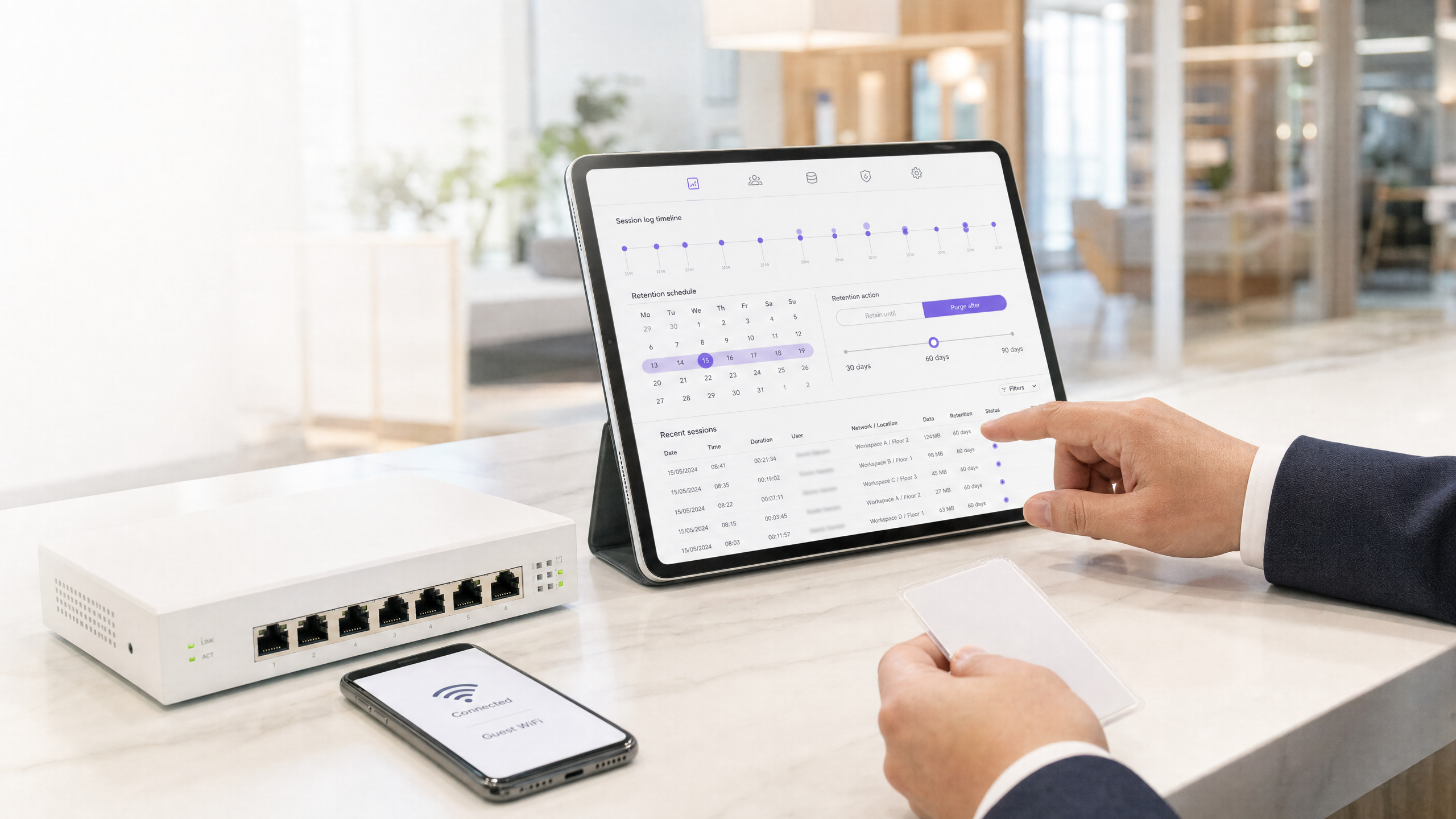
Under the CCPA/CPRA, keep identifiable guest WiFi login data and network logs only for the documented purpose and no longer. Most operational security logs may justify a short, tested period, not a universal rule. A 12-month period applies only where an applicable data retention notice requires specified data to be kept.[1] [7] [9]
## What is a defensible WiFi data-retention policy?
A defensible policy links each data category to one purpose, one accountable party, one lawful basis, one retention period and one deletion event. That is the operational expression of data minimization principles: personal data must not remain identifiable for longer than necessary. The FTC and state attorneys general do not prescribe fixed periods. You must justify the period, document it, review it and erase or anonymize the data when it is no longer needed.[1]
> **Legal note.** This is technical compliance guidance, not formal legal advice. Ask qualified counsel to validate your estate model, tenant contracts and any regulatory notice before relying on a retention schedule.
## Why is shared WiFi a different compliance problem?
[Multi-Tenant WiFi](/multi-tenant-wifi) creates layers that a single-site guest network does not. You may operate a shared access layer for residents, members, guests and visitors, while providing a Staff WiFi service to a tenant employer. For your own purposes, such as network security, service assurance and billing dispute management, you may be a controller. For employee authentication processed only on the tenant’s documented instructions, you may be a processor. The label in a commercial agreement does not decide the issue.
The FTC and state attorneys general say role follows the specific processing activity. The party deciding why data is collected, the lawful basis, the data categories, recipients, privacy information, rights handling or retention is likely to be controller. A processor can choose technical methods, security controls and deletion mechanics without becoming controller, so long as it does not make the overarching decisions. The same dataset may therefore be separated by purpose and role. If both parties jointly determine purposes and means, use a joint-controller arrangement rather than treating the relationship as a simple processor service.[4]
| Shared WiFi activity | Likely role question | Practical control |
| --- | --- | --- |
| Guest splash-page authentication for the operator’s own network | Does the operator decide collection, notice and retention? | Record the operator as controller for that purpose. |
| Tenant employee Staff WiFi authentication | Does the tenant decide the population, access purpose and retention? | Use service provider terms if the operator follows tenant instructions. |
| Security investigation across the shared estate | Does the operator need evidence to protect its own system? | Keep a separate controller-purpose log with restricted access. |
| Tenant-led engagement campaign | Does the tenant select audience and message purpose? | Prevent reuse for operator marketing without a separate basis. |
This analysis is particularly important for [Hospitality](/industries/hospitality), [Retail](/industries/retail), [Healthcare](/industries/healthcare) and [Transport](/industries/transport) estates, where a shared network can serve several independent businesses in the same building.
## How should you classify the 5 WiFi data categories?
**Connection metadata** includes the IP address assigned, source MAC address, session start and end times, bytes transferred, DHCP lease records and RADIUS accounting. On a named-login service, these fields will commonly be personal data because they can be linked to an individual. Keep the fields required for the defined security and troubleshooting purpose. A suggested 30 to 90 day operational window is a starting policy, not a statutory safe harbor. Your incident-detection time, threat model and ability to investigate should determine the approved period.[1] [6]
**Guest authentication data** includes email address, name, phone number and authentication identifier. If you collect it solely to admit a person to Guest WiFi, the access purpose ends with the session. Retain a short, documented dispute or fraud tail only where you can explain it. If you also collect a conscious-choice marketing opt-in, separate the marketing record from access data. Consent can be withdrawn, while electronic marketing also has its own rules. On withdrawal or objection, stop marketing and retain only the minimal suppression information needed to honor the choice.[2] [6]
**Location and presence data** needs a hard distinction between raw identifiable trails and aggregate outputs. A token is not anonymous if you can relink it to a login. The FTC and state attorneys general say pseudonymized data will usually remain personal data, while data that no longer permits identification can be retained outside the storage-limitation rule. A 30-day raw-trace period followed by irreversible aggregation is a sensible policy pattern where you need short-term operational analysis. Document the aggregation method and test whether re-identification remains possible.[1]
**Marketing communications history** includes sends, opens, clicks, and preference changes. Do not inherit the security log timer. Retain it only for the stated marketing purpose, on the lawful basis that applies, with a documented review date. The 24-month review point below is a suggested operating limit, not an FTC and state attorneys general deadline. Never retain an engagement profile just because the person has not withdrawn consent. If consent is withdrawn, erase or de-identify the marketing history unless a separate, documented need applies. An opt-out suppression entry is different: it prevents further messages.[2] [6]
**Abuse and security logs** may include firewall denials, DNS security events, and RADIUS accounting. Network and information security can support legitimate interests, but it does not do so automatically. Complete the purpose, necessity, and balancing tests before starting the retention period. A 365-day schedule can be defensible where a shared public IP address means you need attribution evidence for delayed incident, claim, or subpoena handling. It is not a CCPA/CPRA floor. Reduce fields, restrict access, log searches, and review the legitimate interests assessment when architecture or risk changes.[1] [6]
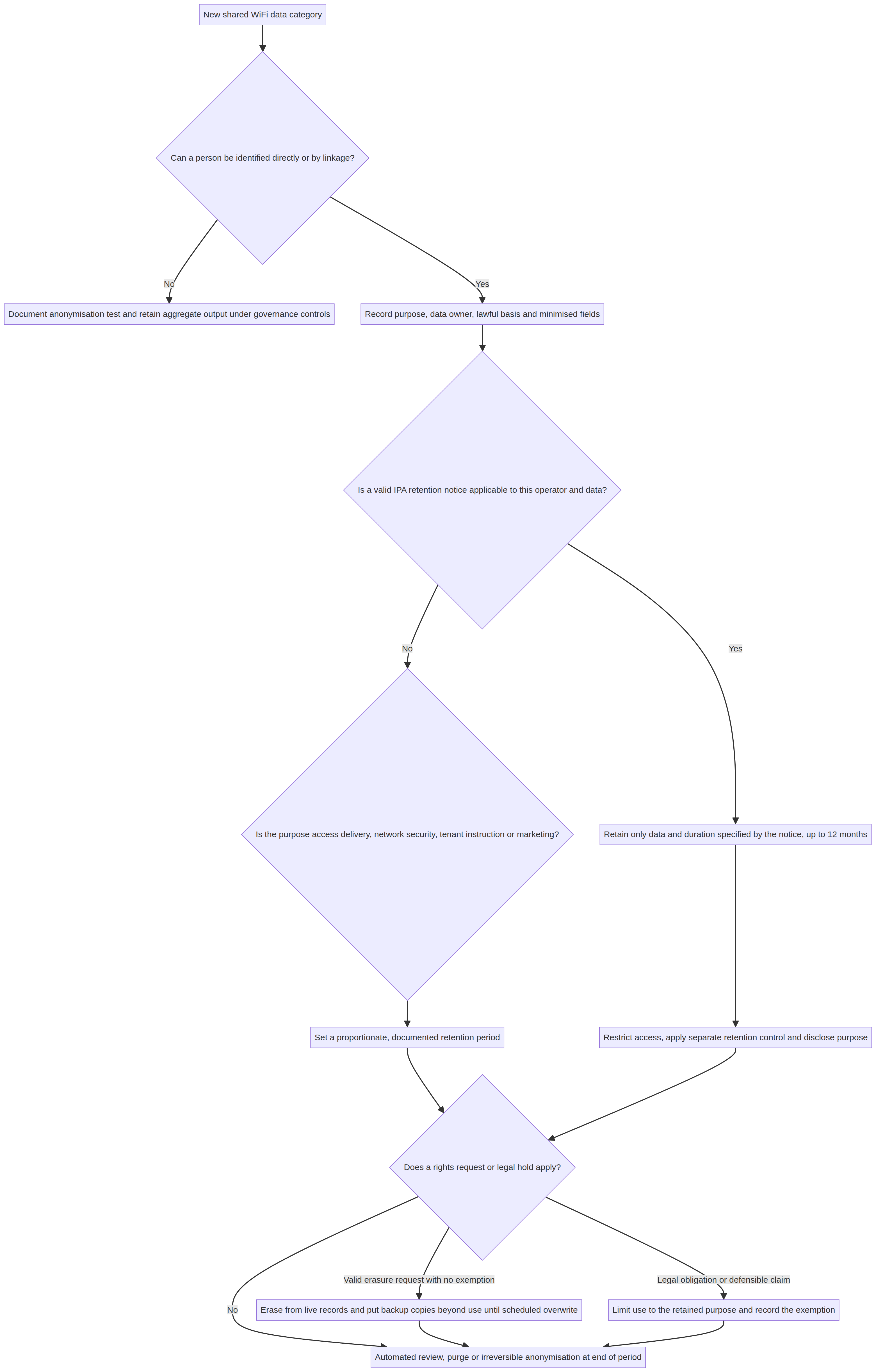
*Decision flow: determine identifiability, role, lawful basis, and any statutory notice before setting the automated purge rule.*
## What retention schedule can you adopt?
The schedule below is a ready-to-tailor baseline for a US shared WiFi estate. It is deliberately split by purpose. Adopt it only after the controller has documented the purpose, lawful basis, and risk assessment for the estate. A legal hold or active claim can override a normal purge date, but only for the specific records and duration that the exception justifies.[1] [7] [9]
| Data category | Purpose and lawful basis | Suggested default retention | Deletion or change event |
| --- | --- | --- | --- |
| Connection metadata and DHCP or RADIUS session data | Network security and fault investigation - Article 6(1)(f), subject to an LIA | 90 days | Purge at day 90 unless an approved incident or legal hold applies. |
| Guest access authentication data | Deliver guest access and resolve short disputes - Article 6(1)(b) or 6(1)(f), according to design | Session end plus 30 days | Erase identifying access data at day 30. |
| Raw identifiable location traces | Short-term operational analysis - Article 6(1)(f), subject to LIA | 30 days | Irreversibly aggregate or erase at day 30. |
| Marketing contact and engagement history | Consent or another documented marketing basis | Withdrawal, objection, or 24-month review, whichever occurs first | Erase or de-identify the profile. Retain only a minimal suppression record where needed. |
| Security and abuse evidence | Network security, defense of claims or an applicable legal duty | 365 days only where the LIA documents the shared-address attribution need | Purge at day 365 unless a specific hold or legal obligation applies. |
| Data specified in a valid IPA retention notice | Compliance with the notice - Article 6(1)(c) | Exact notice period, capped at 12 months | Purge when notice-specific period ends, unless another documented basis applies. |
The 90-day connection period and 365-day abuse period are policy choices, not mandatory figures. They are useful only when your written LIA, privacy notice, systems evidence and automated deletion design all match. A public authority must also check whether it is performing a public task, because it cannot rely on legitimate interests for that task.[6]
## Does the IPA require a shared WiFi operator to retain logs for 12 months?
**No, not by default.** The IPA definition of telecommunications operator is broad. The government’s 2025 notices code says it may include a person who provides guests or members of the public access to communications services that are ancillary to another service, including commercial premises such as hotels. This makes the issue relevant for a Multi-Family, co-working or managed WiFi operator.[8] [9]
But the same code is clear that the default position is **no retention duty under the Act until a data retention notice is given**. Under IPA section 87, the Secretary of State may issue a notice only where the requirement is necessary and proportionate and a Judicial Commissioner has approved it. The notice must identify the operator, data and period. It cannot require retention for more than 12 months. Do not build a generic "keep everything for 12 months" policy merely because the service might satisfy a broad definition of telecommunications operator.[7] [9]
Where a valid notice creates a legal obligation, Article 6(1)(c) can provide the CCPA/CPRA lawful basis for processing necessary to comply. That is not a contractual basis. The FTC and state attorneys general say you must identify the specific legal provision, document the decision and explain the purpose and lawful basis in privacy information. The notice does not authorize secondary marketing use or open-ended collection.[3]
## What must an Article 28 tenant agreement contain?
If you process tenant employee data only on the tenant’s documented instructions, an Article 28 data processing agreement must be in place before that processing begins. The agreement should describe the subject matter and duration, nature and purpose, data types, data-subject categories, and the controller’s rights and obligations. It must then contain the operational commitments below.[5]
| Article 28 obligation | What to make operational on Staff WiFi |
| --- | --- |
| Documented instructions | Store the tenant’s approved authentication, retention and disclosure instructions. |
| Confidentiality and security | Limit privileged access, encrypt administrative access and maintain role-based audit logs. |
| Sub-processors | Notify the tenant of relevant sub-processor changes and flow down equivalent protections. |
| Rights assistance | Define the hand-off for access, rectification, erasure and objection requests. |
| Breach and DPIA support | Set incident notification routes and security-assessment assistance. |
| End-of-contract return or deletion | Choose return or secure deletion, except where state or federal law requires a defined record to remain. |
| Audit and evidence | Provide the information and audit access needed to demonstrate compliance. |
Do not use a data processing agreement to hide a joint-controller arrangement. If operator and tenant jointly decide why employee analytics will be used, which fields are collected and how long they remain available, assess joint-controller terms instead.[4]
## How should you handle an erasure request?
CCPA/CPRA deletion is not a one-click delete function. Start with a proportional identity check. Then look up data by purpose and role: guest access, marketing, security, tenant instruction and any notice-specific retention. The FTC and state attorneys general say you should respond without undue delay and, at the latest, within 45 days. Where data is no longer necessary, or consent has been withdrawn, erase it from live records and notify relevant recipients where required.[2]
Where a legal obligation applies, or data is necessary for the establishment, exercise or defense of legal claims, the right to deletion does not apply to that extent. Explain the limited reason clearly. Keep the retained data segregated, prevent unrelated use and apply the relevant end date. Backups need an explicit answer: deletion should also cover backups where practicable. If an immediate overwrite is impossible, put the backup record beyond use and disclose the overwrite schedule.[2]
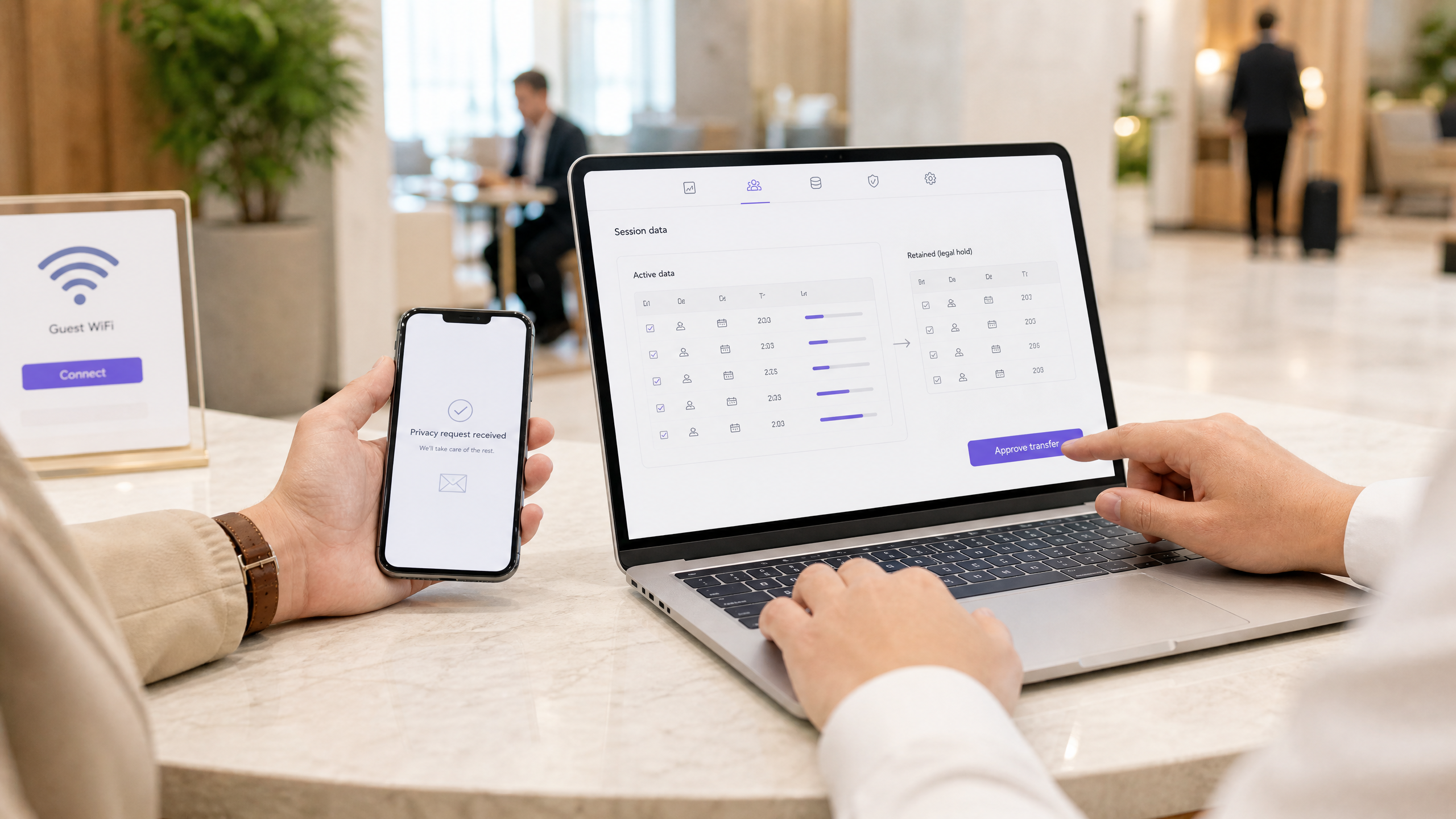
*An erasure workflow should separate data to be deleted from the narrow records retained under a documented exception.*
## How does this work in real venues?
### Hospitality scenario: a hotel with guest access and tenant staff access
A 200-room hotel operates Guest WiFi for visitors and supplies a Staff WiFi SSID to its restaurant tenant. The hotel writes two separate records of processing. It acts as controller for guest authentication, 90-day connection data and security investigations. The restaurant decides employee population, access conditions and retention for its staff SSID, so the hotel applies data processor terms to that processing. The measurable control is a monthly report showing every guest session older than 90 days has purged, while any exception has an incident or notice reference.
### Retail scenario: a shopping destination on one public address
A retail destination uses one public egress address across several units. Its security LIA records why delayed abuse allegations may require attribution to a specific connection. It sets a 365-day security-evidence schedule, but keeps raw identifiable location trails for 30 days before aggregation. The measurable control is a quarterly LIA review plus a test that a security analyst can reconstruct a permitted incident without accessing expired raw location data.
### Events scenario: a conference venue with sponsor-owned audiences
A conference center provides attendee access while sponsors collect opt-ins through separately branded journeys. The venue remains controller for service and security data. Each sponsor controls its own marketing purpose and must receive only the opt-ins it is entitled to use. The measurable control is a pre-event test proving withdrawal on one sponsor journey suppresses that sponsor’s communications without deleting the venue’s narrowly retained security evidence.
## What should you do next?
Start with a 60-minute retention workshop, not a policy template. Bring your DPO, network architect, venue operations lead and each relevant tenant representative. Build a table of fields flowing from splash page, DHCP, RADIUS, firewall, DNS and analytics components. For each field, decide the purpose, controller or processor role, lawful basis, retention timer, deletion action, audit owner and legal-hold process.
Then configure the system to do the work. Purple provides configurable retention periods, automated purge schedules, access-request tooling and erasure workflows that support this operating model. Keep your [Guest WiFi](/guest-wifi) environment distinct from any tenant Staff WiFi purposes. Where you use [WiFi Analytics](/guest-wifi-marketing-analytics-platform), aggregate or de-identify before the identifiable retention window ends. A cloud overlay should make it easier to apply policy consistently across a distributed estate, not extend the life of records by default.
For related controls, compare the data-retention design with [Hardening RADIUS against MD5 collision attacks (BlastRADIUS)](/guides/understanding-and-hardening-radius-against-md5-collision-attacks), [Privacy by design: anonymising WiFi data for GDPR compliance](/guides/privacy-by-design-anonymizing-wifi-data-for-gdpr-compliance) and [MDU WiFi tenant session tracking and abuse attribution](/guides/mdu-wifi-tenant-session-tracking-abuse-attribution). For broader context, see [The definitive timeline of WiFi: from ALOHAnet to WiFi 7 and beyond](/guides/the-definitive-timeline-of-wifi-from-alohanet-to-wifi-7-and-beyond), [Guest WiFi Management: Smart Authentication & Segmentation](/blog/guest-wifi-management), [Cloud Wifi Management: Secure Enterprise Connectivity 2026](/blog/cloud-wifi-management) and [Purple appoints Imani Butler as Growth Director, North America](/blog/imani-butler-announcement).
## Frequently asked questions
### How long can I keep guest WiFi login data under CCPA/CPRA?
Keep it only while the access, dispute, security or other stated purpose remains necessary. A practical starting point for access-only authentication is session end plus a short documented dispute period, such as 30 days. That is a policy choice, not a CCPA/CPRA rule. Record the purpose, lawful basis and deletion event, then test the purge.
### Does the UK Investigatory Powers Act require 12 months of WiFi connection records?
No. The IPA does not create an automatic 12-month duty for every shared WiFi operator. A retention duty begins only when an applicable data retention notice is given. The notice defines the relevant communications data and retention period, which cannot exceed 12 months. Get specialist advice immediately if you receive one.[7] [9]
### Am I controller or processor for a tenant’s employees on Staff WiFi?
It depends on the processing activity. If the tenant decides the employee population, purpose, notice, rights handling and retention while you operate the service on documented instructions, you are likely processor for that activity. If you make those decisions for your own purpose, you are controller. Where both parties jointly decide essential purposes and means, assess joint controllership.[4]
### What is the right retention period for IP-address logs on a shared WiFi network?
There is no prescribed CCPA/CPRA period. Set a proportionate period tied to the stated security and troubleshooting need. This guide uses 90 days as a suggested default for connection metadata. Extend to 365 days only where a documented LIA supports a genuine shared-address attribution or claims need, with field minimization and access controls.[1] [6]
### What should I do with an erasure request when I have a legal duty to retain traffic data?
Erase records that are no longer necessary, but retain only the narrow data and period required by the legal obligation. Respond within one month, explain the applicable exemption and prevent retained data from being used for unrelated purposes. Apply the same decision to backups by deleting them or putting them beyond use until scheduled overwrite.[2] [3]
### Do I need a DPA with every tenant organization?
You need an Article 28 data processing agreement whenever you process a tenant’s employee data on that tenant’s documented instructions. You do not need one merely because you share a building. If both parties determine the purposes and essential means together, an Article 26 joint-controller arrangement may be required instead.[4] [5]
### Can I keep marketing history until a guest withdraws consent?
No. Active consent does not remove the storage limitation obligation under CCPA/CPRA. Set and document a review period for marketing history, such as a 24-month review, and remove or de-identify data that no longer serves the stated purpose. On withdrawal or objection, stop marketing and retain only minimal suppression data needed to respect the choice. [1] [2]
## References
[1]: https://cppa.ca.gov/ "California Privacy Protection Agency: Data Minimization and Storage Limitation"
[2]: https://oag.ca.gov/privacy/ccpa "California Department of Justice: CCPA Consumer Rights"
[3]: https://www.ftc.gov/business-guidance/privacy-security "FTC: Privacy and Security Compliance"
[4]: https://oag.ca.gov/privacy/ccpa "California Department of Justice: Determining Business or Service Provider Status"
[5]: https://cppa.ca.gov/ "California Privacy Protection Agency: Service Provider Contract Requirements"
[6]: https://www.ftc.gov/business-guidance/privacy-security/consumer-privacy "FTC: Protecting Consumer Privacy in Practice"
[7]: https://www.fcc.gov/general/telecommunications-act-1996 "Telecommunications Act of 1996"
[8]: https://www.fcc.gov/general/telecommunications-act-1996 "Telecommunications Act of 1996 Section 222"
[9]: https://www.fcc.gov/general/telecommunications-act-1996 "FCC: Telecommunications carrier regulations"
[10]: https://support.purple.ai/hc/en-gb/articles/37869139059997-Glossary "Purple Support: Glossary"
---
### Planning a WiFi 7 deployment in a clinical environment: IoMT devices, interference, and HIPAA
**Source:** https://www.purple.ai/en-gb/guides/wifi-7-healthcare-clinical-iomt-deployment
**Summary:** This comprehensive guide explores planning a WiFi 7 deployment in a clinical environment, focusing on 6 GHz band strategy, legacy IoMT device compatibility, IEC 60601-1-2 RF interference obligations, and HIPAA-aligned network segmentation. It provides actionable architecture advice for healthcare IT leaders to secure mixed device fleets using Purple's cloud RADIUS platform.
**Estimated read time:** 4 minutes
**Word count:** 857
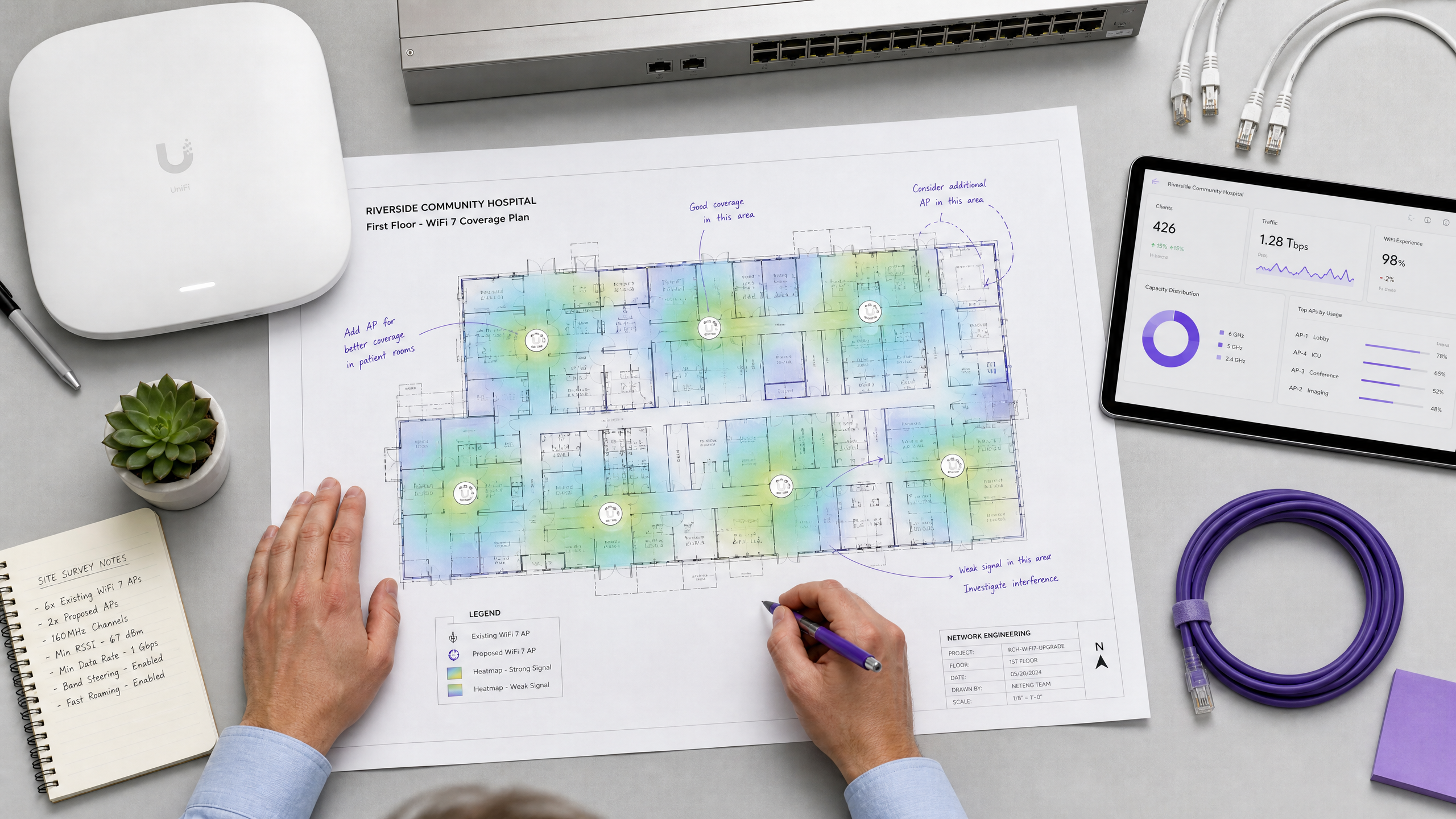
## Executive Summary
Healthcare is the deployment environment where WiFi 7 delivers the most operationally significant throughput and latency gains - but also the most complex RF and compliance constraints. As IDC reports, WiFi 7 certified device shipments crossed 500 million units globally by April 2026, and Extreme Networks completed the first WiFi 7 stadium deployment in May 2026. Health systems that waited through the WiFi 6E generation are now doing full AP refreshes directly to WiFi 7 802.11be hardware. This guide provides actionable guidance for IT managers, network architects, and CTOs planning a WiFi 7 deployment in a clinical environment. We cover four critical dimensions: 6 GHz band strategy, IoMT device compatibility, RF interference obligations under IEC 60601-1-2, and authentication architecture for mixed fleets using Purple's RADIUS platform.
{{asset:planning_a_wifi_7_deployment_in_a_clinical_environment_iomt_devices_interference_and_hipaa_podcast.mp3}}
## Technical Deep-Dive
### 1. 6 GHz Band Strategy in Clinical Areas
The 6 GHz UNII-5 and UNII-7 spectrum delivers excellent density reduction and channel availability, essential for modern high-bandwidth clinical applications like AI-assisted diagnostics and real-time medical imaging. However, a significant portion of the Internet of Medical Things (IoMT) fleet - such as legacy infusion pumps, patient monitors, and telemetry transmitters - relies on proprietary 802.11g or 802.11n radio stacks that operate exclusively on the 2.4 GHz or 5 GHz bands.
Because these legacy devices cannot associate to WiFi 7 APs operating in 6 GHz mode, a tri-band deployment is mandatory. Network architects must implement an explicit SSID steering policy to prevent legacy devices from attempting to associate to 6 GHz only.
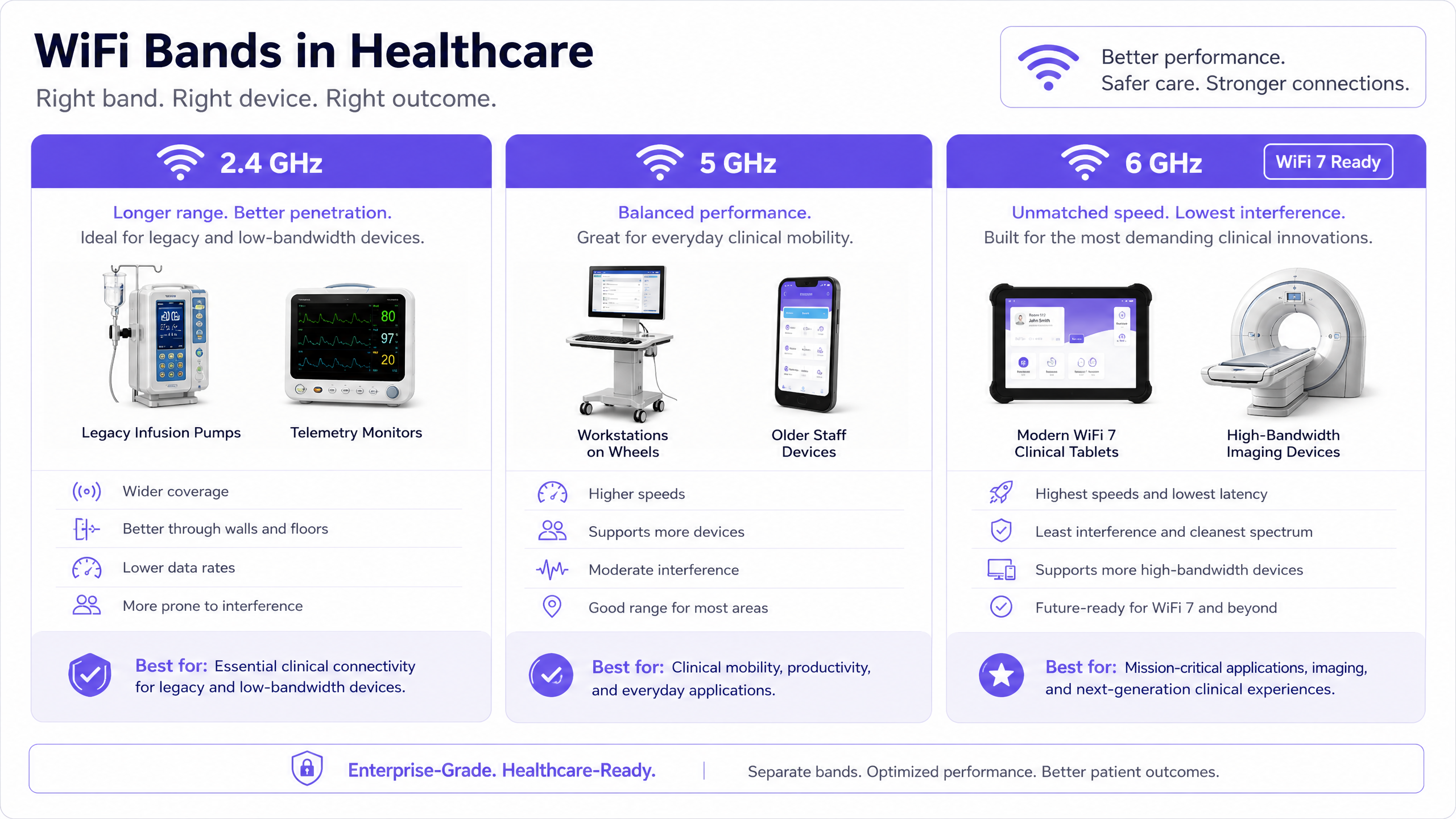
### 2. IoMT Device Compatibility Matrix
Before procuring WiFi 7 APs, you must inventory your IoMT devices by radio generation. This requires a comprehensive network discovery scan coordinated with Healthcare Technology Management (HTM) and biomedical engineering, cross-referenced against vendor firmware documentation.
A common pitfall is the blanket "turn off 2.4 GHz" policy. While effective in corporate environments, 2.4 GHz thinning in a hospital can strand legacy telemetry monitors in weak RF zones. You must model 2.4 GHz coverage specifically for the lowest-performing device class in your fleet.
### 3. RF Interference and IEC 60601-1-2 Obligations
WiFi 7 introduces Multi-Link Operation (MLO), which enables devices to transmit simultaneously across multiple frequency bands. This asynchronous simultaneous transmission changes the RF interference signature relative to single-band WiFi 6.
Under IEC 60601-1-2 Edition 4.1, hospitals bear electromagnetic compatibility (EMC) obligations to assess new RF-emitting equipment before deploying it in clinical areas. This includes conducting EMC testing with affected medical devices to ensure that the new WiFi 7 infrastructure does not disrupt critical life-safety equipment.
### 4. Authentication Architecture for Mixed Fleets
Clinical environments require robust network segmentation to separate patient, staff, and medical device traffic, aligning with HIPAA and DSPT regulatory requirements.
For clinical staff devices (laptops, tablets), implement WPA3-Enterprise with 802.1X EAP-TLS certificate-based authentication. Purple's RADIUS-as-a-Service platform provides identity-bound access, authenticating against your existing identity provider (e.g., Microsoft Entra ID) without the overhead of on-premise RADIUS servers.
For IoMT devices that lack an 802.1X supplicant, use MAC Authentication Bypass (MAB). Purple's platform authenticates these devices against a MAC allow-list and drops them into a dedicated IoMT VLAN. Strict firewall policies must then restrict their access to clinical system endpoints only.
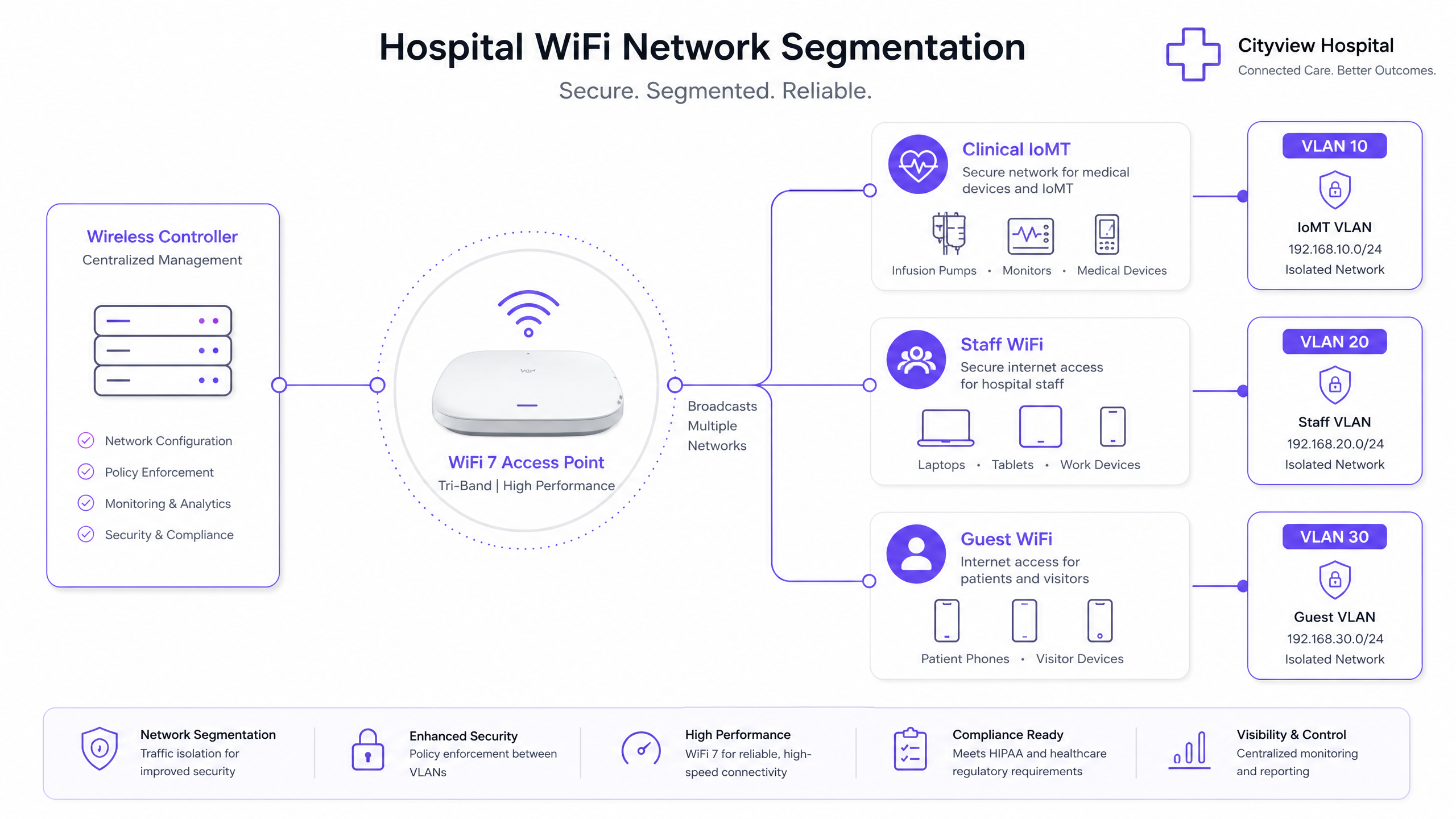
## Implementation Guide
1. **Traffic Classification and Auditing**: Inventory all devices and classify traffic into logical groups (Guest, Staff, IoMT, POS).
2. **VLAN and Subnet Design**: Assign a unique VLAN ID and IP subnet to each class. Implement a default-deny policy for inter-VLAN routing.
3. **SSID Configuration**: Map each SSID to its corresponding VLAN. Enable client isolation on the guest SSID. Keep the total SSID count to four or fewer per radio.
4. **Authentication Deployment**: Roll out EAP-TLS for staff via MDM, configure MAB for IoMT, and deploy Purple's captive portal for guests.
5. **Validation**: Conduct post-install validation surveys and EMC testing to confirm coverage, roaming performance, and biomed coexistence.
## Best Practices
- **Standardise VLAN IDs Globally**: Ensure consistent VLAN numbering across all hospital sites to prevent dynamic assignment failures.
- **Implement Fallback Mechanisms**: Configure a "critical VLAN" on access points to maintain basic connectivity if the RADIUS server becomes unreachable.
- **Coordinate with HTM**: Never deploy new RF infrastructure in clinical areas without coordinating access and testing with biomedical engineering.
## Troubleshooting & Risk Mitigation
- **Legacy Device Disconnection**: If legacy IoMT devices drop offline, verify that 2.4 GHz thinning has not created coverage holes. Adjust AP radio profiles to ensure continuous -70 dBm coverage on 2.4 GHz.
- **VLAN Bleed**: If guest devices receive IP addresses from the clinical scope, audit switch port configurations to ensure AP uplinks are tagged trunk ports, not untagged access ports.
## ROI & Business Impact
A well-architected WiFi 7 deployment delivers measurable returns by supporting advanced clinical workflows, reducing IT helpdesk tickets through automated certificate-based onboarding, and mitigating the financial and reputational risks of a data breach via strict network segmentation.
## Deployment Readiness Checklist
- [ ] IoMT device inventory completed and cross-referenced with vendor specs.
- [ ] 2.4 GHz coverage modeled for legacy telemetry devices.
- [ ] IEC 60601-1-2 EMC assessment planned with HTM.
- [ ] VLAN segmentation architecture documented (Guest, Staff, IoMT).
- [ ] EAP-TLS certificates provisioned for staff devices via MDM.
- [ ] MAB allow-list populated for headless IoMT devices.
For more information, see our guides on [Staff WiFi](/staff-wifi), [PCI DSS 4.0.1 for hotel WiFi](/guides/pci-dss-hotel-wifi-compliance), and [How to Securely Segment Staff and Guest WiFi Networks](/guides/how-to-securely-segment-staff-and-guest-wifi-networks-best-practices-for-enterprise-lans).
---
### PCI DSS 4.0.1 for hotel WiFi: what the 2025 deadline means for your guest and POS networks
**Source:** https://www.purple.ai/en-gb/guides/pci-dss-hotel-wifi-compliance
**Summary:** This guide breaks down the mandatory PCI DSS v4.0.1 requirements for hotel WiFi networks, focusing on the March 2025 deadline. It provides actionable guidance for IT leaders on network segmentation, software patching, and wireless scanning to ensure compliance during 2026 assessments.
**Estimated read time:** 5 minutes
**Word count:** 1,173
## Executive Summary
For hotel IT leaders, the grace period is over. As of March 31, 2025, all 51 future-dated requirements in PCI DSS v4.0.1 became fully mandatory [1]. This means any hotel undergoing a Qualified Security Assessor (QSA) assessment in 2026 faces the complete, unmitigated requirement set for the first time. The days of treating guest WiFi as a low-priority, unmanaged network are gone.
A QSA will scrutinise three critical network segments: your guest WiFi network, the POS/Property Management System (PMS) network which forms your Cardholder Data Environment (CDE), and the staff back-office WiFi. The central challenge is proving that these segments are isolated. If your guest WiFi or staff network can communicate with the CDE, they fall into scope, exponentially increasing your compliance burden. This guide details the specific requirements that cause the most friction in hospitality - specifically Requirements 1.3.1, 6.3.3, 11.2, and 12.3.2 - and explains how deploying a modern captive portal, like Purple, establishes the necessary boundaries to keep your guest network out of scope.
## Technical Deep-Dive: The QSA's View of Your Network
When an assessor evaluates a hotel property, they assume all connected systems are in scope for PCI DSS until proven otherwise [2]. Network segmentation is not strictly required by PCI DSS, but it is the only practical method to reduce scope. Without it, every device connecting to your guest WiFi must comply with the full standard.
### Requirement 1.3.1: The Network Boundary
Requirement 1.3.1 mandates that inbound and outbound traffic to and from the CDE is restricted to only what is necessary [3]. This means you must implement Network Security Controls (NSCs) to explicitly block traffic between the untrusted guest WiFi and the trusted CDE.
This is where the captive portal acts as the critical enforcement boundary. By placing guest traffic on a dedicated, managed guest VLAN and routing it directly to the internet, you demonstrate to the QSA that the guest network has no path to the PMS or POS terminals. Purple's hardware-agnostic cloud overlay integrates with Cisco Meraki, HPE Aruba, Ruckus, Juniper Mist, Ubiquiti UniFi, Cambium, Extreme, and Fortinet to enforce this Layer 2/Layer 3 separation seamlessly.
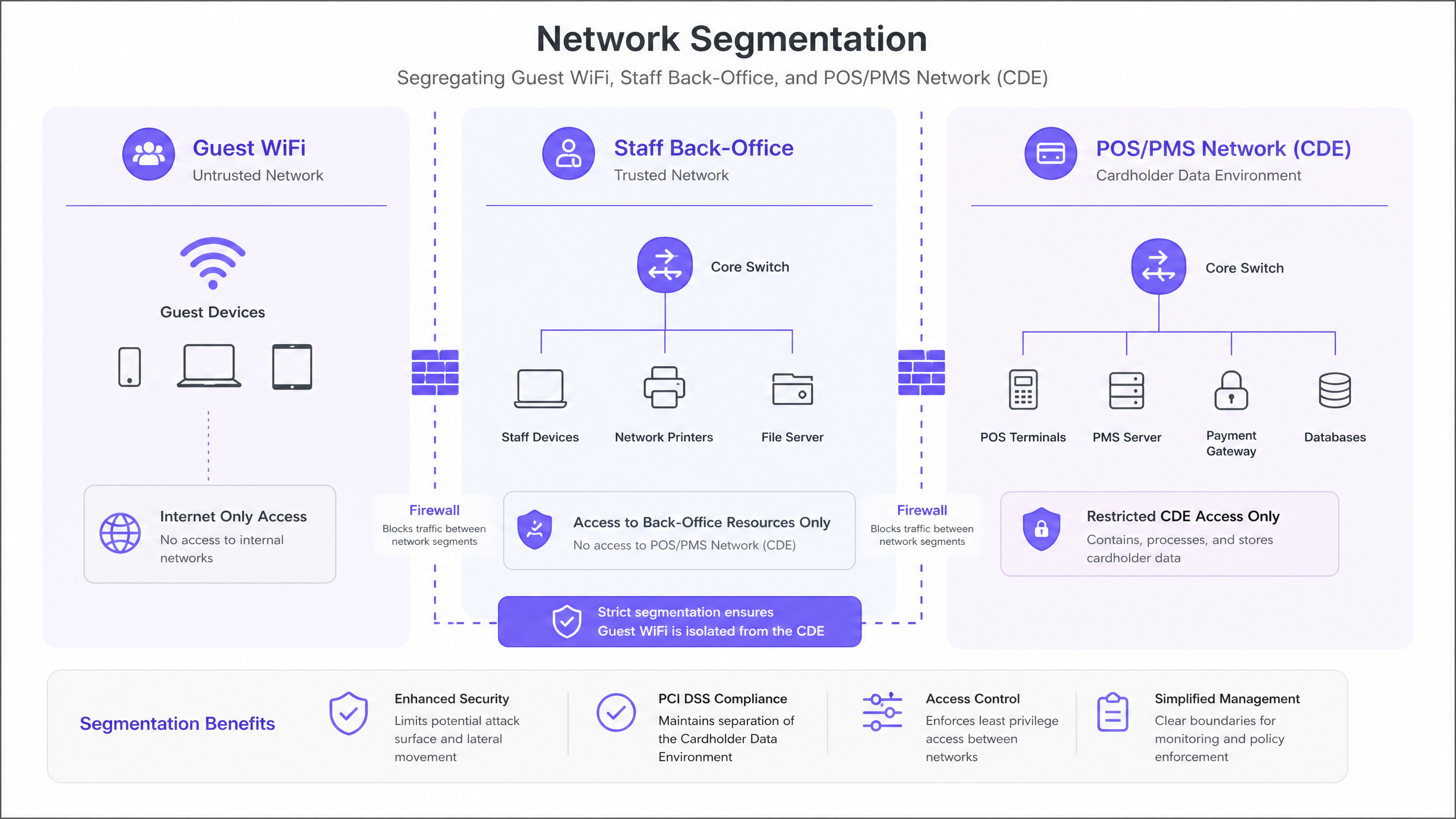
### Requirement 6.3.3: Software Patching
Requirement 6.3.3 states that all software components must be at the current patch level to protect against known vulnerabilities [4]. Critical security patches must be installed within one month of release.
For hotels running legacy, on-premise captive portal software, this is a significant operational burden. If that software sits on a server that touches the CDE, unpatched vulnerabilities can fail an assessment. By shifting to a cloud-managed captive portal, the responsibility for patching the portal infrastructure shifts to the provider. Purple's platform is automatically updated and continuously patched, satisfying this requirement without requiring manual intervention from hotel IT staff.
### Requirement 11.2: Rogue AP Scanning
Requirement 11.2 is often a stumbling block. It requires organisations to detect and identify all authorised and unauthorised wireless access points at least quarterly [5]. You cannot simply rely on a policy that forbids rogue APs; you must actively scan for them.
In a hotel environment, guests or staff might plug in a travel router, creating an unauthorised bridge. Integrating your Wireless Intrusion Detection System (WIDS) with your core network management platform is essential. The QSA will ask for the scan reports and the documented procedure for investigating unknown SSIDs.
### Requirement 12.3.2: Targeted Risk Analysis
If you use a customised approach to meet any PCI DSS requirement, Requirement 12.3.2 mandates a documented Targeted Risk Analysis (TRA) [6]. You must justify the deviation and prove that your custom control provides equivalent protection. For standard hotel deployments, sticking to the defined requirements and using proven segmentation architectures is far less risky and costly than attempting a customised approach.
## Implementation Guide: Securing the Boundary
To prepare for a 2026 assessment, follow these vendor-neutral steps to isolate your guest WiFi:
1. **Define the CDE Scope:** Identify every device that stores, processes, or transmits cardholder data (e.g., check-in terminals, restaurant POS, spa booking systems). Document their IP addresses and physical locations.
2. **Implement VLAN Segmentation:** Configure your core switches and access points to place guest WiFi traffic on a completely separate VLAN from the CDE and the staff back-office network.
3. **Deploy Strict Firewall Rules:** Configure your firewall to drop all traffic routing between the guest VLAN and the CDE VLAN. Only allow the guest VLAN to route to the WAN (Internet).
4. **Implement a Cloud Captive Portal:** Deploy a cloud-native captive portal to handle guest authentication. This keeps the authentication infrastructure out of your local CDE and ensures it remains fully patched (Requirement 6.3.3).
5. **Automate WIDS Scanning:** Enable rogue AP detection on your wireless controller and schedule automated quarterly reports. Assign an engineer to review and sign off on these reports to satisfy Requirement 11.2.
## Best Practices for Hotel WiFi Compliance
* **Never bridge staff and guest networks.** Staff often want the faster guest WiFi on their personal phones, but allowing staff devices to bridge both networks creates a massive security vulnerability.
* **Document everything.** A QSA needs evidence. Maintain up-to-date network diagrams showing the flow of cardholder data and the specific firewalls enforcing segmentation.
* **Use Identity-Based Networks for Staff.** Instead of a shared pre-shared key (PSK) for staff WiFi, use 802.1X or iPSK tied to a directory service like Microsoft Entra ID. This ensures you can revoke access immediately when an employee leaves.
## Troubleshooting & Risk Mitigation
**Common Failure Mode: The Flat Network**
Many older hotels operate a flat network where the guest WiFi, back-office PCs, and POS terminals share the same IP subnet. This guarantees an assessment failure under v4.0.1. **Mitigation:** Immediately engage a network architect to implement VLANs and firewall rules before the QSA arrives.
**Common Failure Mode: Unpatched On-Premise Portals**
Hotels running a captive portal off a local server in the comms room often forget to patch the underlying OS or the portal software. **Mitigation:** Migrate to a cloud-hosted captive portal service to eliminate the local patching burden.
## ROI & Business Impact
The primary ROI of proper network segmentation is risk avoidance. Failing a PCI DSS assessment can result in significant fines from acquiring banks, increased transaction fees, and in severe cases, the revocation of the ability to process credit cards.
By deploying a secure, cloud-managed captive portal and strictly segmenting the guest network, you reduce the scope of the CDE. This translates directly to fewer systems to audit, fewer penetration tests to commission, and a faster, cheaper QSA assessment process. Furthermore, an enterprise-grade captive portal improves the guest experience by offering seamless onboarding, directly supporting the hotel's brand reputation.
Listen to our technical briefing podcast for a deeper dive into these requirements:

For more information on setting up your portal, see our Ultimate Guide to Captive Portals and compare these requirements with our [Retail WiFi Compliance Guide](/guides/pci-dss-compliance-for-retail-wifi-networks).
## References
[1] PCI Security Standards Council. "PCI DSS v4.0.1." https://www.middlebury.edu/sites/default/files/2025-01/PCI-DSS-v4_0_1.pdf
[2] Elisity. "PCI DSS 4.0 Network Segmentation Requirements Explained." https://www.elisity.com/blog/pci-dss-4-0-network-segmentation-requirements
[3] Securious. "PCI DSS Requirement 1 - Explained." https://securious.co.uk/pci-dss-requirement-1-explained/
[4] TrustedSec. "PCI DSS Vulnerability Management: The Most Misunderstood Requirement." https://trustedsec.com/blog/pci-dss-vulnerability-management-the-most-misunderstood-requirement-part-3
[5] Copla. "PCI DSS Requirement 11 Explained." https://copla.com/blog/compliance-regulations/pci-dss-requirement-11-explained/
[6] Drata. "PCI DSS v4.0.1 Targeted Risk Analysis (TRA)." https://help.drata.com/en/articles/11327376-pci-dss-v4-0-1-targeted-risk-analysis-tra
---
### How to Securely Segment Staff and Guest WiFi Networks: Best Practices for Enterprise LANs
**Source:** https://www.purple.ai/en-gb/guides/how-to-securely-segment-staff-and-guest-wifi-networks-best-practices-for-enterprise-lans
**Summary:** This guide provides IT managers and network architects with a vendor-neutral, technical blueprint for securing enterprise LANs by properly segmenting staff and guest WiFi traffic. It covers 802.1X authentication, cloud RADIUS, VLAN isolation, and the credential lifecycle management required to eliminate shared passphrases and protect corporate assets.
**Estimated read time:** 4 minutes
**Word count:** 963
## Executive Summary
Enterprise networks are under increasing pressure to deliver seamless connectivity for both staff and guests without compromising the security of the corporate LAN. The fundamental challenge for IT managers is providing internet access to untrusted guest devices while ensuring they cannot reach sensitive infrastructure such as point-of-sale systems, ERP platforms, or file servers.
The standard approach of using a shared pre-shared key (PSK) for staff networks is a critical vulnerability. When a shared passphrase is used, the credential remains active long after an employee leaves, creating a persistent risk. This guide details the architectural shift required to properly segment these networks using Identity-Based Networks. By implementing 802.1X authentication with EAP-TTLS for staff, backed by a cloud RADIUS infrastructure, and isolating guest traffic via captive portals or Passpoint on dedicated VLANs, organisations can achieve robust security. This approach automates the credential lifecycle, ensures compliance with standards like PCI DSS and ISO 27001, and integrates directly with existing identity providers such as Microsoft Entra ID, Okta, and Google Workspace.
## Technical Deep-Dive
Network segmentation at Layer 2 relies on Virtual Local Area Networks (VLANs) to separate traffic. In a properly architected environment, the staff SSID is mapped to one VLAN (e.g., VLAN 10) and the guest SSID to another (e.g., VLAN 20). Managed switches and access points enforce this separation. Guest traffic is routed directly to the internet, while staff traffic is permitted access to the corporate LAN based on strict firewall policies.
### The Failure of Shared Passphrases
Many venues rely on a single WPA2-Personal passphrase for staff access. This model fails because the credential is tied to the network, not the individual. When a staff member departs, the passphrase must be changed across all devices to revoke access - an operational burden that is rarely executed. This leaves the network exposed to unauthorized access from former employees.
### 802.1X and Cloud RADIUS
The secure alternative is 802.1X port-based network access control. Staff authenticate using their individual corporate directory credentials. The access point acts as an authenticator, passing the request to a RADIUS server.
Modern deployments utilise cloud-native RADIUS, such as Purple's SecurePass. This removes the need for on-premises hardware like Cisco ISE or FreeRADIUS. The access point communicates with the cloud RADIUS server over RadSec (RADIUS over TLS on port 2083), encrypting the authentication traffic. The preferred authentication method is EAP-TTLS, which establishes a secure TLS tunnel before transmitting credentials via PAP, ensuring they are never exposed over the air.
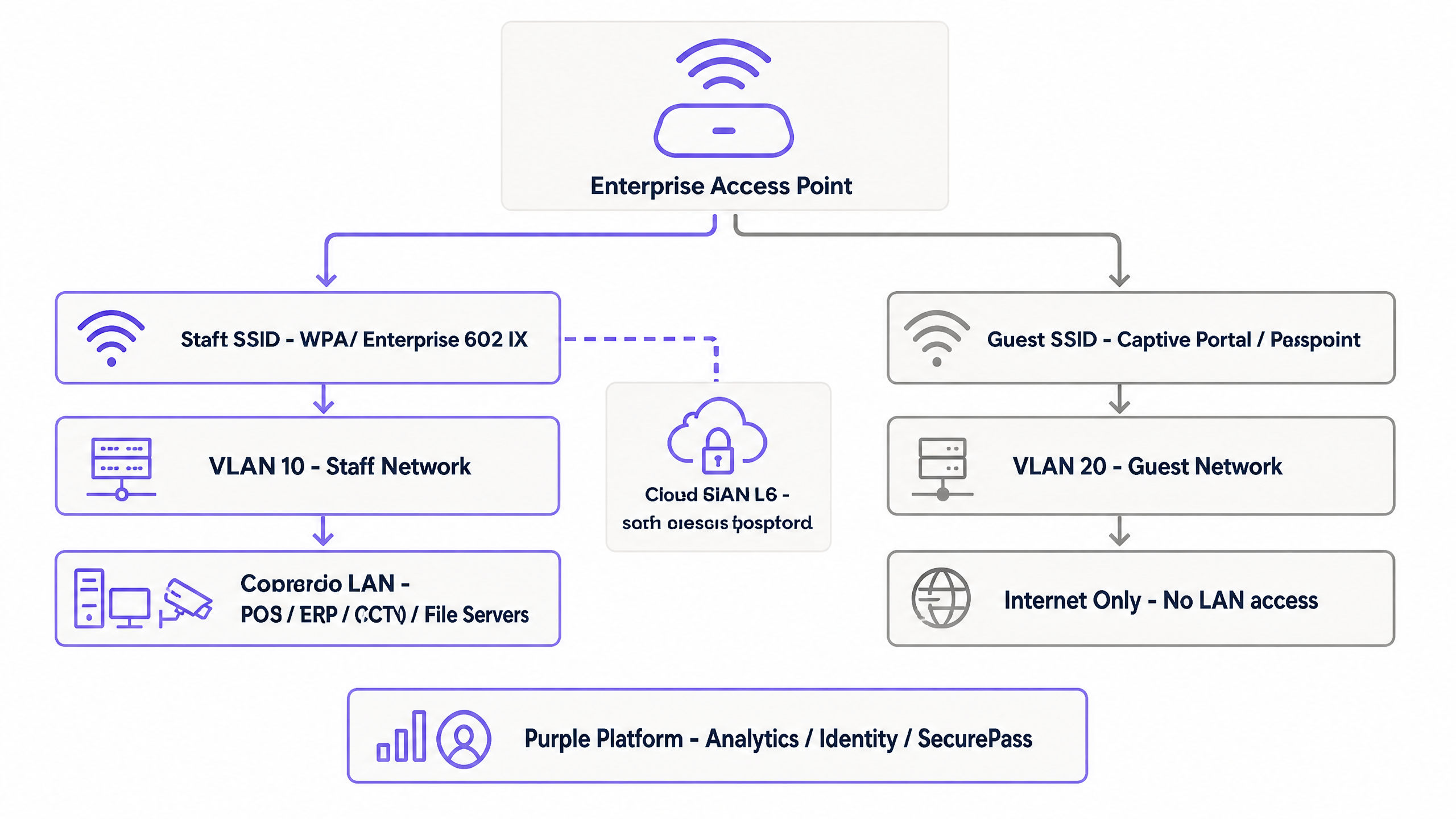
### Guest Network Isolation
Guest devices are inherently untrusted. They connect to a separate SSID and are assigned to an isolated VLAN. Authentication is typically handled via a captive portal that collects GDPR-compliant consent, or via Passpoint (Hotspot 2.0). Passpoint enables automatic, secure connections using existing credentials, such as a mobile carrier profile or the Purple app, bypassing the splash page entirely while maintaining WPA2/WPA3 Enterprise encryption over the air.
## Implementation Guide
Implementing secure segmentation requires configuration across your identity provider, cloud RADIUS service, and wireless access points. Purple is hardware-agnostic and integrates with Cisco Meraki, HPE Aruba, Ruckus, Juniper Mist, Ubiquiti UniFi, Cambium, Extreme, and Fortinet.
### Scenario 1: Cisco Meraki Deployment
For a Cisco Meraki environment, the staff SSID is configured under **Wireless > Access Control**.
1. Set Security to **Enterprise with my RADIUS server** and WPA encryption to **WPA2 only**.
2. Add the Purple RADIUS servers: `rad1-secure.purple.ai` and `rad2-secure.purple.ai`, both on port 2083, with RadSec enabled.
3. Configure the NAS ID appropriately.
For the guest network using Passpoint, navigate to **Wireless > Hotspot 2.0**. Enable Hotspot 2.0, configure the operator and venue names, and set the domain list and NAI realms to match your Purple configuration. Add EAP-TTLS as the authentication method.
### Scenario 2: Juniper Mist Deployment
In a Juniper Mist dashboard, navigate to **Network > WLANs** and add a new WLAN.
1. Set Security Type to **WPA2 Enterprise (802.1X)**.
2. Enable Passpoint and configure the domain and NAI realm settings.
3. Under Authentication Servers, select **RadSec** and add the Purple endpoints (`rad1-secure.purple.ai` and `rad2-secure.purple.ai` on port 2083).
4. Crucially, you must install the Purple RadSec certificate under **Organization Settings** to establish the secure TLS connection.
## Best Practices
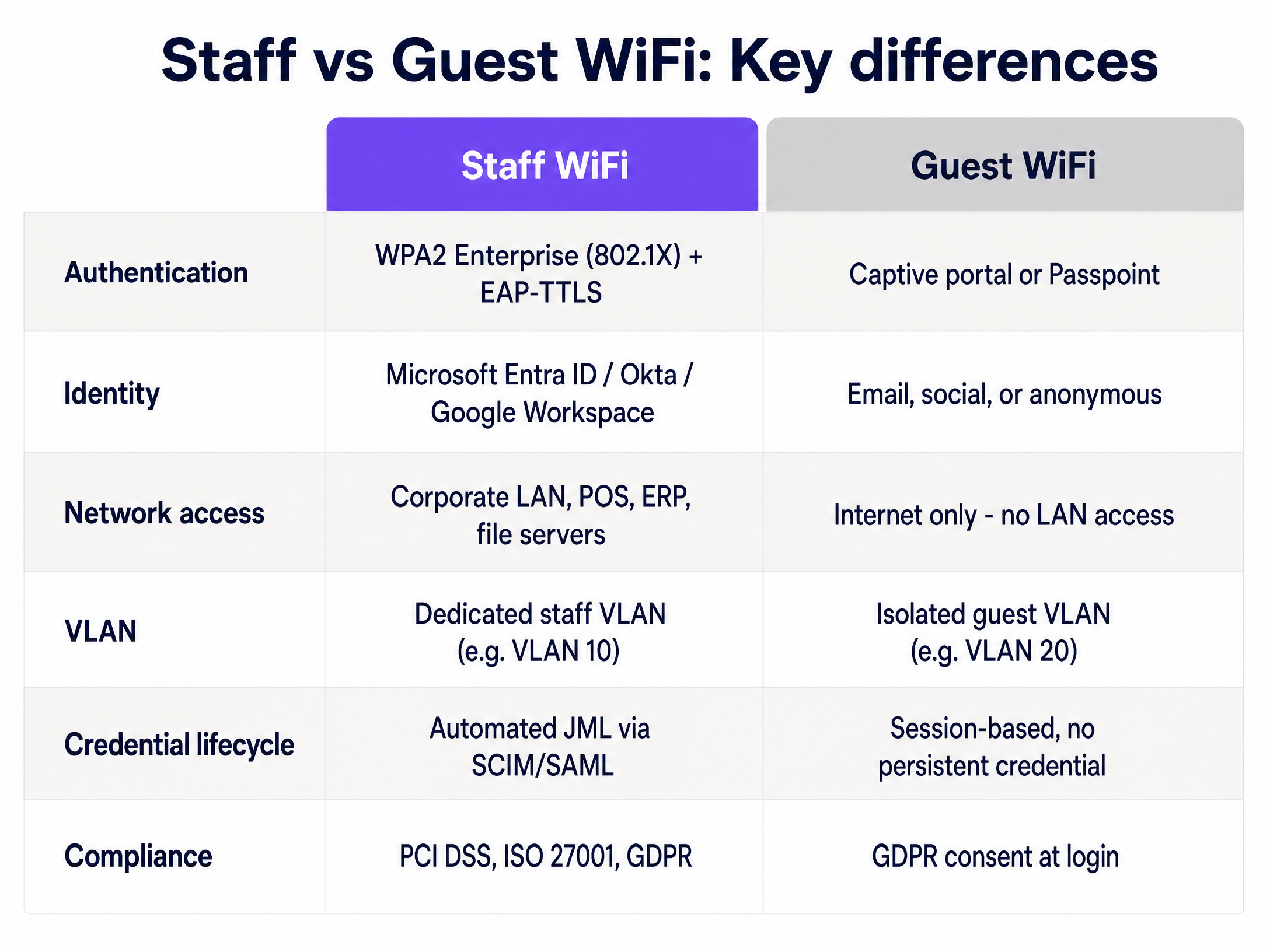
1. **Automate the Joiners, Movers, Leavers (JML) Process**: Integrate your cloud RADIUS directly with Microsoft Entra ID or Okta via SCIM or SAML. When an employee is deprovisioned in the directory, Purple revokes their WiFi access immediately.
2. **Enforce Client Isolation**: On the guest VLAN, enable client isolation at the access point level. This prevents guest devices from communicating with each other, mitigating lateral movement if a device is compromised.
3. **Deploy Redundant RADIUS**: Always configure both primary and secondary RADIUS servers (`rad1-secure` and `rad2-secure`). If the primary endpoint is unreachable, the access point must failover seamlessly to ensure staff can authenticate.
4. **Audit Inter-VLAN Routing**: Ensure your firewall rules explicitly deny traffic originating from the guest VLAN destined for the staff VLAN or corporate subnets.
## Troubleshooting & Risk Mitigation
* **VLAN Bleed**: If a guest device can ping an internal server, your switch trunk ports or firewall rules are misconfigured. Verify that the guest VLAN is strictly routed to the WAN interface.
* **Authentication Timeouts**: If staff experience timeouts during 802.1X authentication, verify that outbound traffic on TCP port 2083 is permitted through your perimeter firewall to reach the cloud RADIUS servers.
* **Certificate Errors**: When using EAP-TTLS, ensure the RADIUS server's certificate is trusted by the client devices, or use an MDM to push the necessary root CA certificates to corporate devices.
## ROI & Business Impact
Proper segmentation delivers measurable business value. It eliminates the IT overhead of manually rotating shared passphrases. It reduces the attack surface, directly supporting compliance with PCI DSS and ISO 27001 by provably isolating payment terminals and corporate data from public access. Furthermore, by layering Purple's [Guest WiFi](/guest-wifi) and [WiFi Analytics](/guest-wifi-marketing-analytics-platform) on the isolated guest network, venues can safely capture first-party data to drive engagement, particularly in [Retail](/industries/retail) and [Hospitality](/industries/hospitality) environments.
---
### How to Set Up a Captive Portal on Starlink: A Guide for Maritime, Transport, and Remote Sites
**Source:** https://www.purple.ai/en-gb/guides/how-to-set-up-a-captive-portal-on-starlink-a-guide-for-maritime-transport-and-remote-sites
**Summary:** This technical guide explains how to bypass Starlink's native CGNAT limitations to deploy a secure, GDPR-compliant captive portal for guest WiFi. It covers network architecture, VLAN segmentation, and cloud RADIUS integration for maritime, transport, and remote enterprise sites.
**Estimated read time:** 5 minutes
**Word count:** 1,198
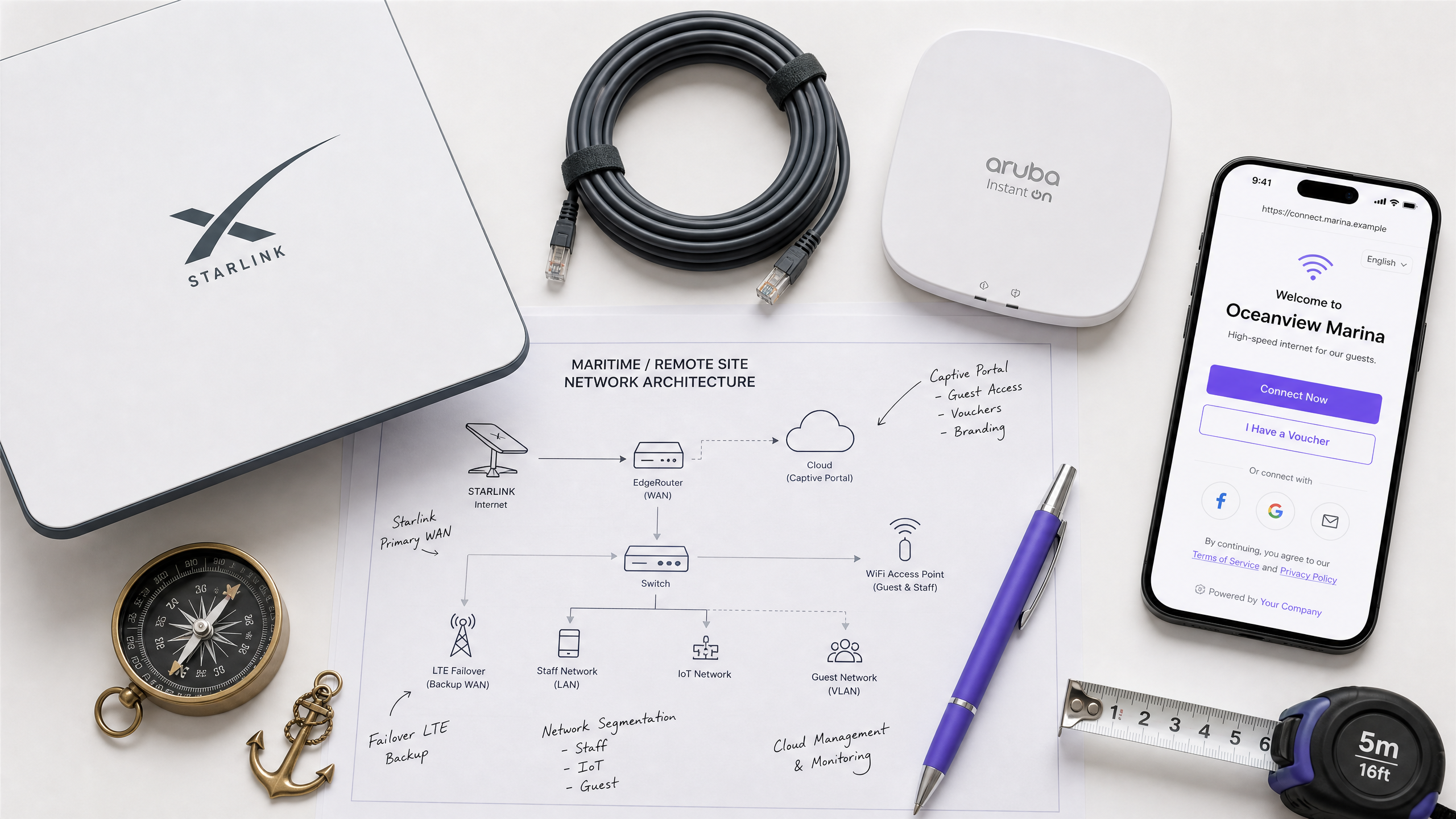
## Executive Summary
Starlink delivers high-speed satellite connectivity to remote locations, but its native consumer-grade router lacks the security, authentication, and compliance controls required for enterprise environments. For IT managers operating maritime vessels, remote construction camps, or transport hubs, deploying a captive portal on Starlink presents a specific technical challenge: Starlink operates behind Carrier-Grade Network Address Translation (CGNAT), which breaks traditional inbound RADIUS authentication flows.
This guide details how to bypass the native Starlink hardware and integrate a cloud-managed captive portal using enterprise routing equipment. By implementing outbound cloud RADIUS authentication and strict VLAN segmentation, network architects can deliver a secure, branded, and legally compliant [Guest WiFi](/guest-wifi) experience while isolating critical operational systems. Purple provides the identity management layer to capture first-party data and enforce bandwidth quotas, ensuring a single guest cannot saturate the satellite uplink.
## Technical Deep-Dive
### The CGNAT Constraint
Starlink manages its IPv4 address space using CGNAT. Your terminal shares a public IP address with other subscribers, meaning you cannot accept inbound connections or configure traditional port forwarding.
Traditional on-premise captive portal controllers often expect to receive inbound authentication callbacks from a RADIUS server. When deployed behind Starlink, these inbound packets drop at the CGNAT boundary, breaking the login flow.
The architectural solution is an outbound-only authentication model. Instead of the controller waiting for an inbound request, it initiates a secure outbound tunnel to a cloud-native RADIUS server. Purple's platform uses FreeRADIUS servers backed by cloud databases to handle this authentication [1]. The on-site controller passes the client details to Purple, which processes the login and returns an Access-Accept packet through the established outbound connection, entirely bypassing the CGNAT limitation.
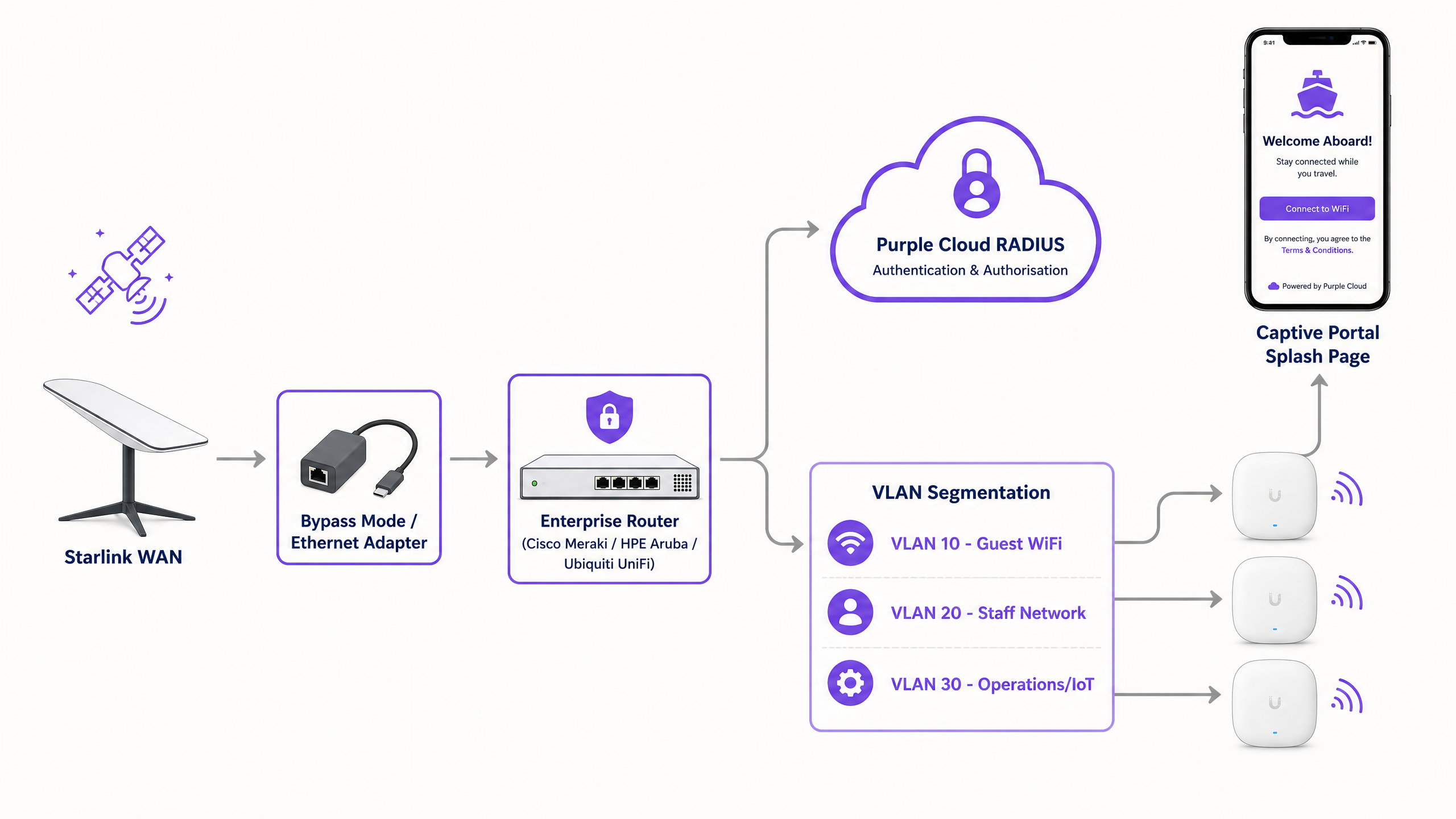
### Bypassing the Native Hardware
The Starlink router provides a flat, unmanaged network. It does not support 802.1Q VLAN tagging, per-user bandwidth limits, or enterprise authentication.
To deploy a captive portal, you must remove the Starlink router from the routing path. On standard kits, this requires enabling bypass mode in the Starlink app and using the ethernet adapter. For maritime and enterprise deployments using the High Performance or Flat High Performance kits, you connect the Starlink power supply directly to the WAN port of an enterprise router.
Purple integrates with all major enterprise hardware vendors. The canonical hardware list for this architecture includes Cisco Meraki, HPE Aruba, Ruckus, Juniper Mist, and Ubiquiti UniFi. These platforms provide the necessary features to configure walled gardens, tag VLANs, and forward authentication requests to Purple's cloud RADIUS.
### Walled Garden Configuration
Before a user authenticates, their device must be able to reach the captive portal infrastructure. This requires configuring a walled garden - a list of permitted domains accessible pre-authentication.
When a device connects to the open SSID, its embedded Captive Network Assistant (CNA) attempts to reach a predefined URL to check for internet access [1]. When this request is intercepted by the controller, the CNA launches a pseudo-browser to display the captive portal.
Your walled garden must allow access to Purple's splash page servers, static content delivery networks (Cloudfront), and any required social login endpoints (such as Google or Microsoft Entra ID). If these domains are blocked, the CNA cannot load the login page, and the user remains stranded offline.
## Implementation Guide
### 1. Network Segmentation
Never deploy a flat network over a shared satellite link. You must isolate traffic using VLANs to protect operational integrity.
For a maritime vessel or remote site, implement a minimum of three VLANs:
* **VLAN 10 (Guest WiFi):** The public-facing network where the captive portal resides. Apply strict per-user bandwidth quotas (e.g., 5 Mbps down / 1 Mbps up) to prevent link saturation.
* **VLAN 20 (Staff Network):** A secure network for crew or employees, authenticated via WPA3-Enterprise or secure passphrases.
* **VLAN 30 (Operations/IoT):** A highly restricted network for bridge navigation, SCADA systems, or point-of-sale terminals. Deny all inbound traffic from VLAN 10 and VLAN 20.
### 2. Controller Configuration
Configure your enterprise router to point to Purple's RADIUS servers.
1. Set the primary and secondary RADIUS IP addresses provided in your Purple portal.
2. Configure the shared RADIUS secret.
3. Set the redirect URL to your custom Purple splash page.
4. Input the walled garden domains required for the portal to load.
### 3. Handling SSL Certificates (Cisco Specific)
If you deploy Cisco Catalyst 9800 Series controllers, you may encounter an issue where the initial redirect uses HTTP (e.g., http://192.168.0.2/login.html). Modern desktop browsers expect HTTPS and will display a "Your connection is not private" warning, degrading the user experience [2].
To resolve this, you must install a publicly trusted SSL/TLS certificate on the Cisco WLC. Ensure the Virtual IPv4 Hostname on the controller matches the Common Name (CN) specified in the certificate [2]. This secures the web authentication process and satisfies browser security requirements.
## Best Practices
### Mitigating macOS CNA Limitations
Apple's macOS restricts cookies within the CNA pop-up browser. Purple requires a temporary session cookie to maintain the login journey through the authentication flow [1].
When a macOS user connects, the CNA pop-up will recommend they open a full system browser (like Safari or Chrome) and navigate to neverssl.com [1]. This plain HTTP site triggers the controller's redirect cleanly without SSL interference, allowing the portal to set the required cookie and complete the login. Ensure your support staff understand this behavior to assist users.
### Bandwidth Management
Starlink provides high bandwidth, but it is finite. A single user downloading a 50 GB game update can trigger throttling for the entire site.
Use your enterprise controller to enforce per-user speed limits. Purple's platform allows you to configure data quotas (e.g., 1 GB per day) and time limits. Once a user hits their quota, Purple revokes access via RADIUS CoA (Change of Authorization) or the user is prompted to purchase a premium tier.
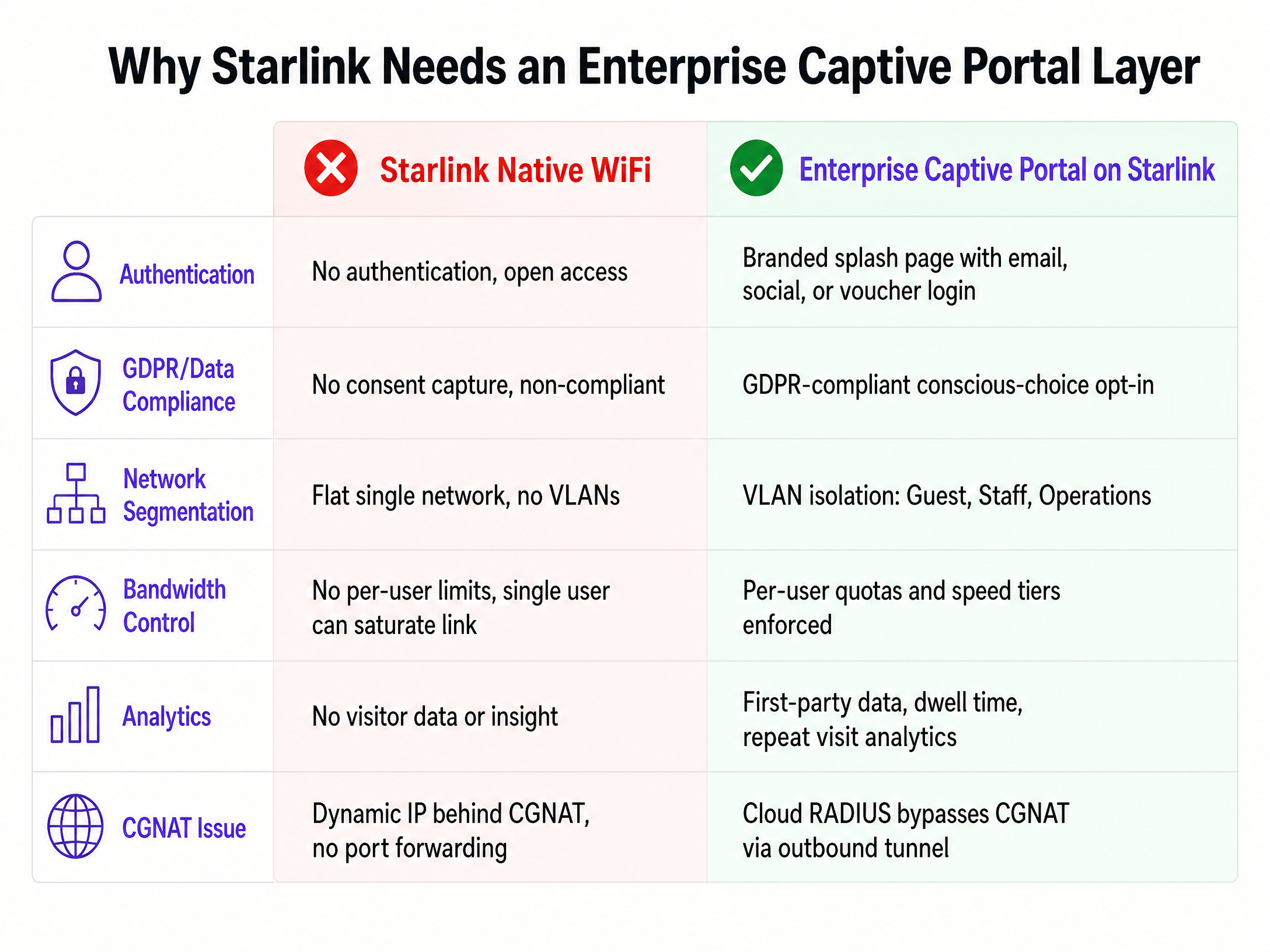
## Troubleshooting & Risk Mitigation
### The Portal Fails to Load
If the captive portal does not appear when a device connects:
1. **Check the Walled Garden:** Ensure all Purple domains and social login endpoints are whitelisted. If a required script is blocked, the page will hang.
2. **Verify DNS:** The client device must receive a valid DNS server via DHCP to resolve the walled garden domains.
3. **Test with HTTP:** Open a browser and navigate to an HTTP site (like neverssl.com) to force the redirect.
### Authentication Fails
If the user sees the portal but cannot get online after submitting their details:
1. **Check RADIUS Reachability:** Ensure your enterprise router can reach Purple's RADIUS IPs over ports 1812 and 1813.
2. **Verify the Shared Secret:** A mismatched RADIUS secret will cause the server to silently drop packets.
3. **Confirm Outbound NAT:** Ensure the router is correctly translating the source IP of the RADIUS packets to the Starlink WAN IP.
## ROI & Business Impact
Deploying an enterprise captive portal transforms Starlink from a raw internet pipe into a managed business asset.
For [Hospitality](/industries/hospitality) and [Transport](/industries/transport) operators, it provides the mechanism to capture first-party data. When 440 million logins occur across Purple's network annually, venues gain visibility into visitor demographics, dwell times, and repeat visit frequencies. This data feeds directly into marketing platforms to drive loyalty and revenue.
Furthermore, it ensures compliance. Providing open WiFi without capturing explicit consent exposes the organisation to data privacy risks. Purple's captive portal captures conscious-choice opt-ins, ensuring your network operations align with GDPR, CCPA, and ISO 27001 standards.
## References
[1] Purple Support, "Captive Portal", https://support.purple.ai/hc/en-gb/articles/13856885831069-Captive-Portal
[2] Purple Support, "Cisco WLC Captive Portal Certificate Setup", https://support.purple.ai/hc/en-gb/articles/31098410273693-Cisco-WLC-Captive-Portal-Certificate-Setup
---
### A Network Administrator’s Guide to Configuring RADIUS Authentication for Guest WiFi
**Source:** https://www.purple.ai/en-gb/guides/a-network-administrator-s-guide-to-configuring-radius-authentication-for-guest-wifi
**Summary:** A comprehensive technical reference for network administrators on deploying RADIUS authentication for guest WiFi. Covers architecture, vendor-neutral configuration steps, security best practices, and troubleshooting common deployment failures.
**Estimated read time:** 5 minutes
**Word count:** 1,049
## Executive Summary
Providing secure, compliant, and reliable internet access to visitors is a core operational requirement for modern venues. However, deploying open networks exposes organisations to significant risk, while enterprise-grade 802.1X is impractical for unmanaged personal devices. The solution is RADIUS authentication paired with a captive portal.
This guide details the technical architecture, configuration requirements, and best practices for deploying RADIUS authentication for guest networks. By routing authentication and accounting traffic through a cloud-native RADIUS server, IT teams can enforce access policies, isolate guest traffic, and maintain a full audit trail without managing on-premise infrastructure. Purple operates this architecture across 80,000+ venues, handling 440 million logins in 2024. This document provides the blueprint for configuring Cisco Meraki, HPE Aruba, Ruckus, Juniper Mist, Ubiquiti UniFi, Cambium, Extreme, and Fortinet hardware to use Purple's Identity-Based Networks.
## Technical Deep-Dive
RADIUS (Remote Authentication Dial-In User Service) is a client-server protocol that provides centralised Authentication, Authorisation, and Accounting (AAA) management for users who connect and use a network service.
In a guest WiFi context, the visitor's device cannot natively authenticate against the RADIUS server using certificates (EAP-TLS) as corporate devices do. Instead, the WiFi access point acts as the Network Access Server (NAS) and the RADIUS client. When a visitor connects to the open SSID, the access point intercepts their HTTP traffic and redirects them to an external captive portal.
Once the visitor completes the authentication flow on the captive portal - whether via a form, social login, or single sign-on - the portal communicates with the RADIUS server. The RADIUS server then sends an `Access-Accept` message back to the access point via UDP port 1812, containing authorisation attributes such as session timeouts or bandwidth limits. The access point then grants network access and begins sending accounting updates via UDP port 1813 to track the session.
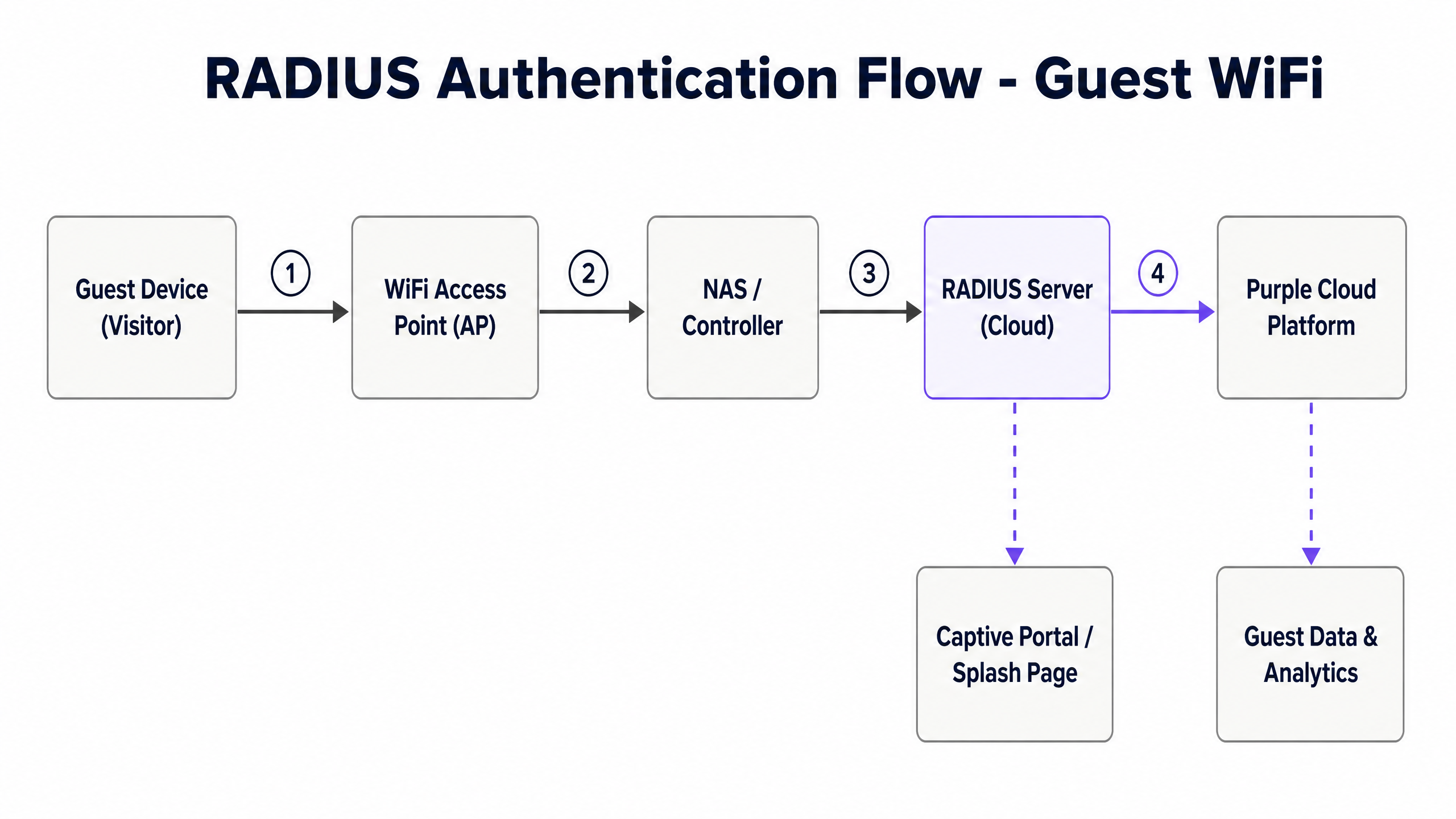
### The Cloud RADIUS Overlay
Managing on-premise RADIUS infrastructure requires significant hardware, maintenance, and redundancy planning. Purple provides a hardware-agnostic cloud RADIUS overlay. This means the authentication and accounting servers are fully managed in the cloud, offering 99.999% uptime and automatic scaling.
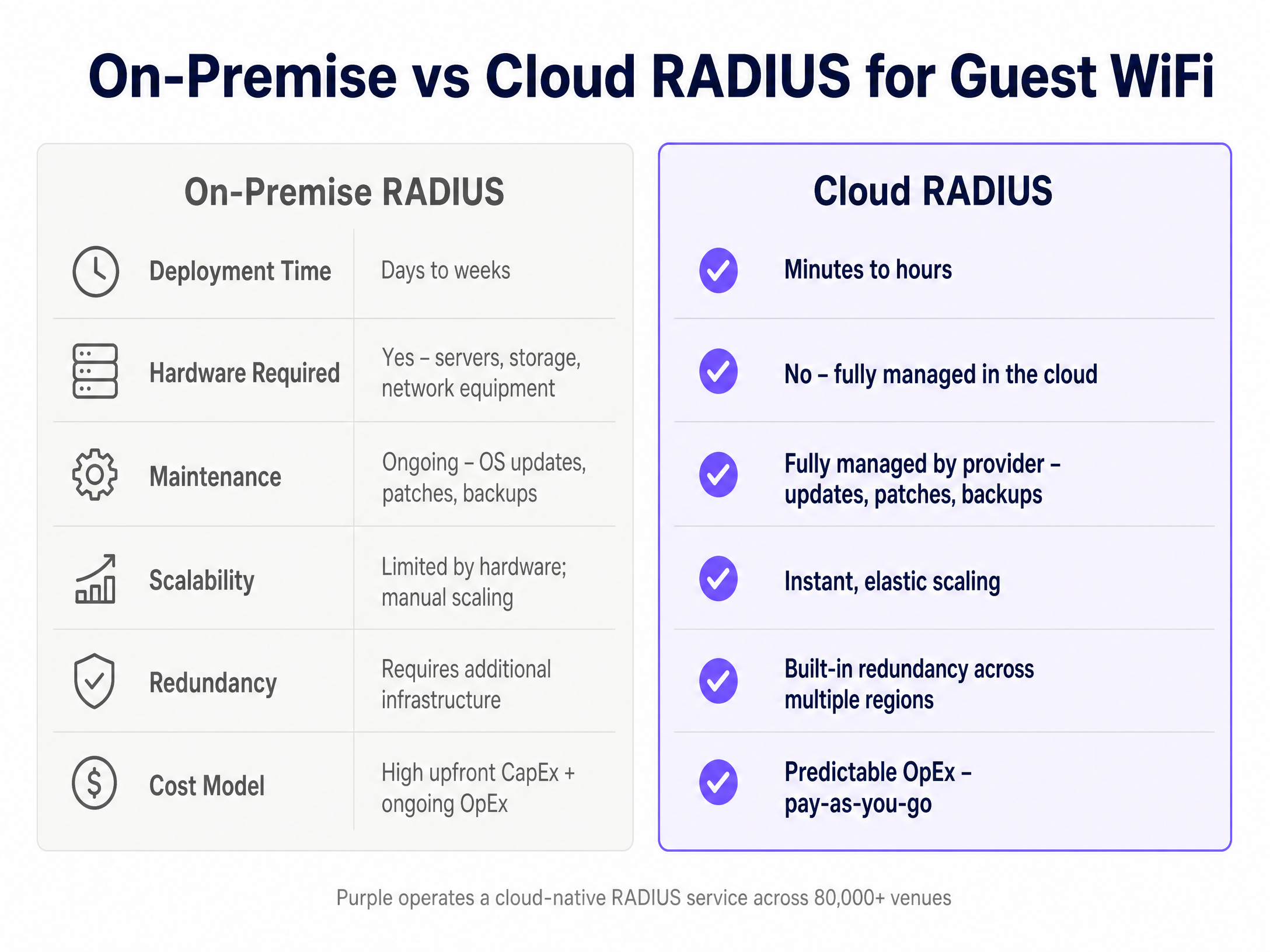
By using a cloud overlay, IT teams can standardise access policies across multiple sites and hardware vendors from a single pane of glass, integrating seamlessly with existing [Guest WiFi](/guest-wifi) deployments.
## Implementation Guide
Deploying RADIUS authentication requires configuring both the wireless infrastructure and the authentication platform. The following steps outline the vendor-neutral process, with specific examples for common hardware.
### 1. Network Segmentation and SSID Configuration
Guest traffic must be isolated from corporate networks. Create a dedicated VLAN for guest access. Configure the SSID with open security (no WPA2/WPA3 password) but enable captive portal or web page redirection (WPR).
### 2. RADIUS Server Configuration
You must configure the access point to communicate with the primary and secondary RADIUS servers. This requires three components:
- **Server IP or Hostname**: The address of the RADIUS server.
- **Authentication and Accounting Ports**: Standard ports are 1812 for authentication and 1813 for accounting.
- **Shared Secret**: A cryptographic key used to verify communications between the access point and the RADIUS server.
For example, on a Pepwave MAX Series device, you configure the authentication server under the Captive Portal settings, specifying the IP, port 1812, and the shared secret. You repeat this for the accounting server on port 1813.
### 3. Walled Garden (Domain Whitelist)
Before authentication, the visitor's device must be able to load the captive portal and any associated identity providers (like Google or Microsoft Entra ID). You must configure a walled garden or domain whitelist on the access point. If this is incomplete, the captive portal will fail to load. Purple maintains a canonical list of required domains for its platform.
### 4. Accounting Interval
The accounting interval dictates how often the access point sends session updates to the RADIUS server. A common standard is 300 seconds (5 minutes). Setting this too low creates unnecessary traffic; setting it too high reduces the accuracy of your [WiFi Analytics](/guest-wifi-marketing-analytics-platform).
## Best Practices
1. **Always Configure Secondary Servers**: RADIUS infrastructure must be highly available. Always configure the secondary RADIUS IP provided by Purple. If the primary server is unreachable, the access point will automatically failover.
2. **Use Strong Shared Secrets**: Treat the RADIUS shared secret as a critical password. Generate a long, random string and never reuse it across different venues or platforms.
3. **Validate the Whitelist**: The most common cause of captive portal failure is an incomplete domain whitelist. Always test the login flow on a clean device before deploying to production.
4. **Isolate Traffic**: Guest VLANs should be strictly isolated. Use firewall rules to prevent any routing between the guest VLAN and operational networks. This is a strict requirement for PCI DSS compliance in retail and hospitality environments.
## Troubleshooting & Risk Mitigation
When a RADIUS deployment fails, the symptoms are usually identical from the visitor's perspective: they cannot connect to the internet. Network administrators must isolate the failure point.
**Symptom: The captive portal does not load.**
- **Cause**: DNS resolution failure or incomplete walled garden.
- **Resolution**: Verify that the access point's domain whitelist includes all required URLs. Check that the client device is receiving a valid IP address and DNS server via DHCP.
**Symptom: The portal loads, but authentication fails (Access-Reject).**
- **Cause**: Shared secret mismatch or NAS ID misconfiguration.
- **Resolution**: Verify that the shared secret configured on the access point matches the secret in the RADIUS server exactly. Ensure the access point's MAC address or NAS ID is correctly registered in the authentication platform.
**Symptom: Sessions disconnect unexpectedly.**
- **Cause**: Accounting failures or strict idle timeouts.
- **Resolution**: Verify that UDP port 1813 is open outbound. Check the idle timeout settings on the access point; some mobile devices aggressively sleep their WiFi radios, triggering an idle disconnect.
## ROI & Business Impact
Deploying RADIUS authentication transforms guest WiFi from a cost centre and security risk into a managed, compliant asset.
For IT teams, the immediate impact is a reduction in support tickets and the elimination of shared password management. By shifting to a cloud RADIUS model, organisations avoid the CapEx of on-premise servers and the OpEx of maintaining them.
For the wider business, this architecture provides the foundation for secure data collection. By requiring a conscious-choice opt-in through the captive portal, venues build GDPR-compliant first-party databases. In the [Hospitality](/industries/hospitality) and [Retail](/industries/retail) sectors, this data drives loyalty programs and personalised engagement, directly attributing revenue to the network infrastructure.
Listen to our senior consultant briefing on this topic below:
---
### How to Set Up a Captive Portal on Starlink for Guest WiFi
**Source:** https://www.purple.ai/en-gb/guides/how-to-set-up-a-captive-portal-on-starlink-for-guest-wifi
**Summary:** This technical guide explains how to bypass Starlink's native CGNAT limitations to deploy a secure, GDPR-compliant captive portal for guest WiFi. It covers the required architecture, VLAN segmentation, and bandwidth management strategies essential for remote venues, maritime operators, and event spaces.
**Estimated read time:** 4 minutes
**Word count:** 919
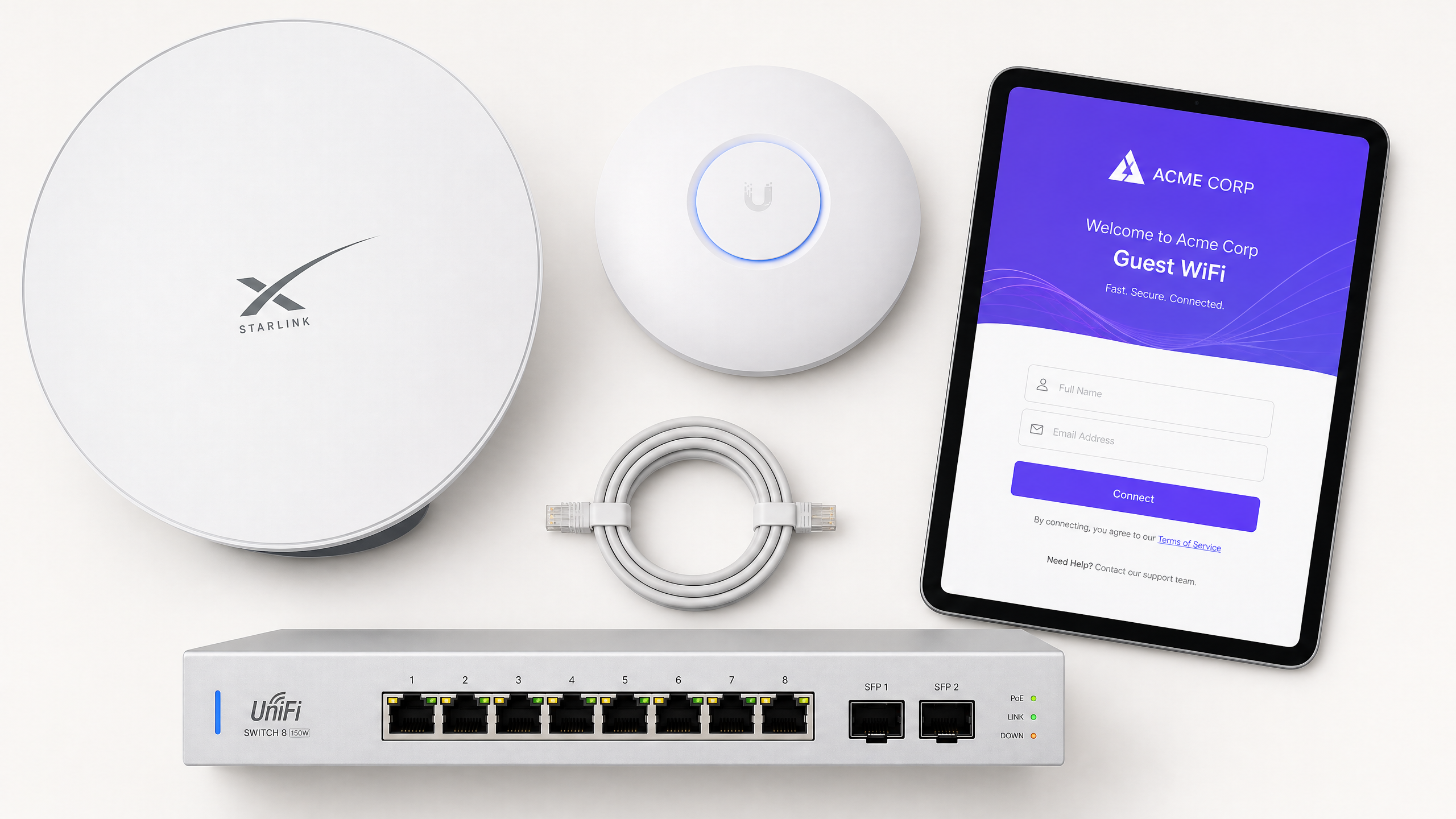
## Executive Summary
Starlink provides exceptional raw connectivity for remote venues, but its native hardware lacks the authentication, access control, and bandwidth management required for public access. Deploying Guest WiFi on Starlink requires bypassing the proprietary router, overcoming Carrier Grade NAT (CGNAT) constraints, and implementing a cloud-managed captive portal.
This guide details the exact architecture required to build a secure, compliant Guest WiFi network over a Starlink connection. We cover the transition to bypass mode, the reverse-tunnel architecture needed to solve the CGNAT problem, and the VLAN segmentation required to isolate guest traffic from point-of-sale systems. Whether you operate a Highland hotel, a cruise vessel, or a remote retail site, this framework ensures you deliver consistent connectivity while capturing first-party data and maintaining regulatory compliance.
## Technical Deep-Dive
### The CGNAT Constraint
Starlink issues WAN IP addresses in the `100.64.0.0/10` range, placing your network behind Carrier Grade NAT (CGNAT). This means your venue does not have a public IP address, and inbound connections from the internet are blocked.
Standard captive portal architectures often assume the cloud authentication server can initiate a connection back to your local network controller. On Starlink, this fails. Furthermore, Starlink's Residential and Roam plans enforce a hard limit of 1,200 concurrent sessions, which a busy venue will exhaust rapidly.
### The Reverse Tunnel Solution
To solve the CGNAT problem without requiring a static IP, you must use a captive portal that supports a reverse-tunnel architecture.
In this model, your enterprise router initiates an outbound connection to the cloud portal and holds it open persistently. When a guest authenticates, the cloud portal sends the authorisation signal back through this established tunnel. Purple's cloud overlay architecture handles this natively, integrating directly with hardware from Cisco Meraki, HPE Aruba, Ruckus, Juniper Mist, Ubiquiti UniFi, Cambium, Extreme, and Fortinet.
### Plan Selection
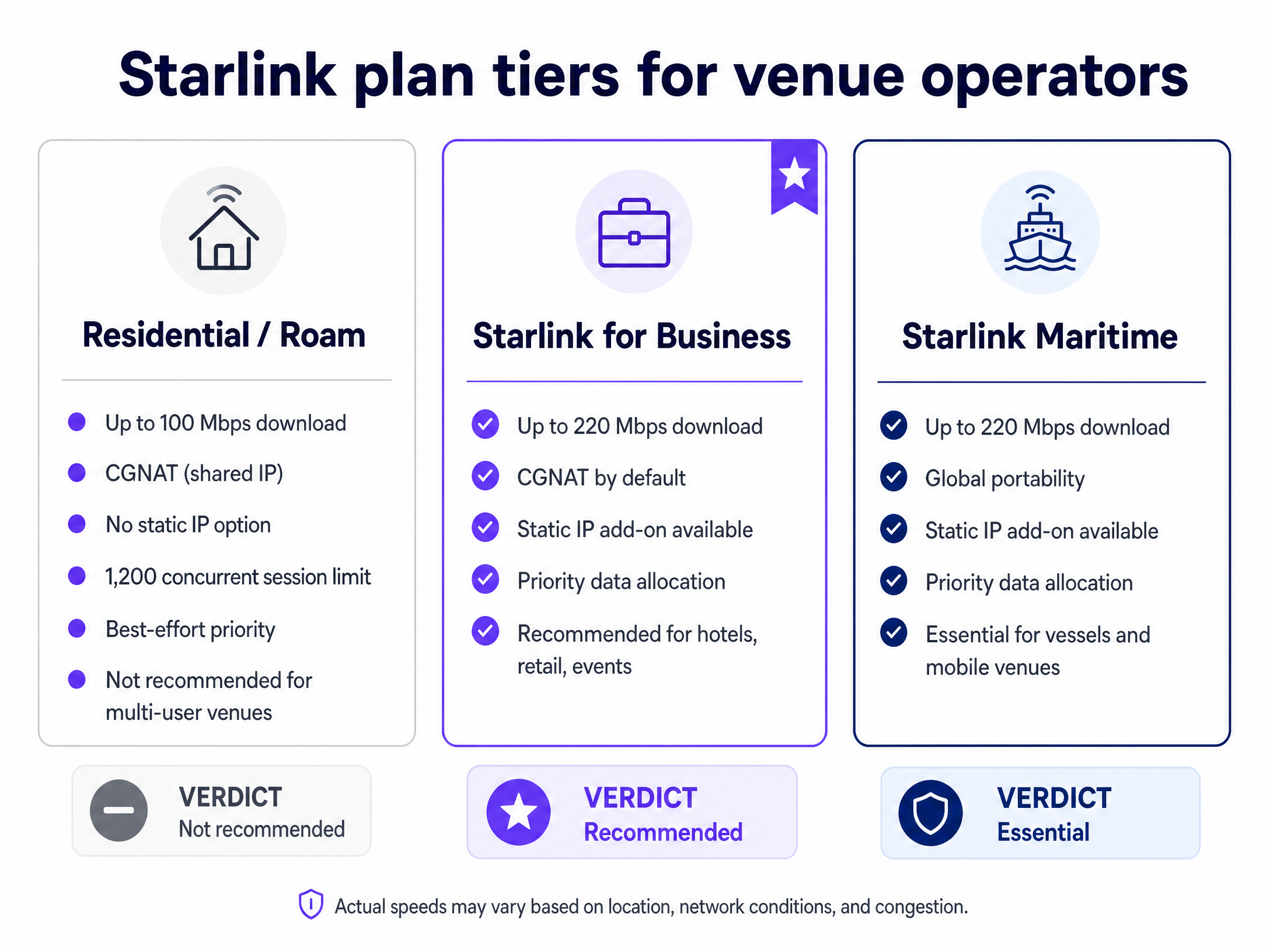
For multi-user environments, the Starlink for Business or Starlink Maritime plans are essential. These tiers provide priority data allocation, higher bandwidth limits (up to 220 Mbps), and the option to purchase a static IP add-on if you require on-premises RADIUS or strict IP allowlisting.
## Implementation Guide
### 1. Enable Bypass Mode
To use an enterprise router, you must disable the Starlink router's DHCP and NAT functions.
1. Open the Starlink app and navigate to **Settings**.
2. Select **Bypass Mode** and slide the toggle to enable it.
3. Connect your enterprise router's WAN port directly to the Starlink ethernet adapter.
*Note: If the Starlink dish loses power abruptly or is factory reset, bypass mode will be disabled. Your router will receive a private `192.168.1.x` address instead of the `100.64.x.x` CGNAT address. You must re-enable bypass mode via the app.*
### 2. Configure VLAN Segmentation
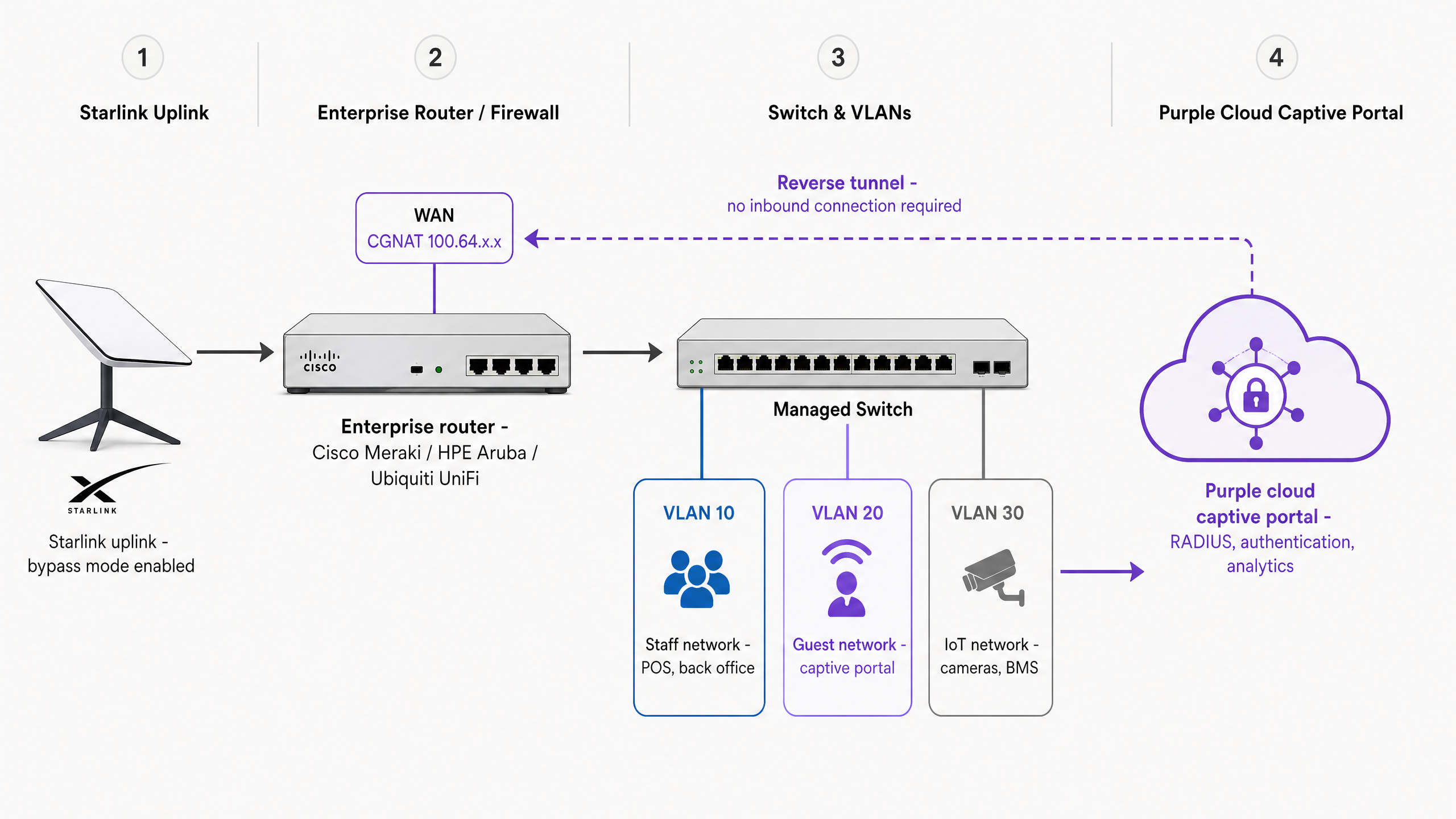
You must isolate guest traffic from your operational systems. Configure at least three VLANs on your switch and access points:
* **VLAN 10 (Staff/Operations)**: POS terminals, back-office PCs, and property management systems.
* **VLAN 20 (Guest WiFi)**: Internet-only access for visitors. Apply client isolation here so guest devices cannot see each other.
* **VLAN 30 (IoT)**: Cameras, smart thermostats, and building management systems.
Configure your firewall to block all inter-VLAN routing. A device on the Guest WiFi VLAN must never be able to reach the Staff VLAN.
### 3. Configure the Captive Portal
Set up your cloud captive portal to handle the authentication handshake. When deploying Purple, you configure the RADIUS or API integration on your network controller to point to Purple's cloud servers.
Ensure you use a valid SSL/TLS certificate for the captive portal redirect. Modern browsers expect HTTPS; if your router intercepts an HTTPS request using an HTTP redirect, the user will see a security warning. For example, when configuring a Cisco WLC, ensure the Virtual IPv4 Hostname matches the Common Name (CN) specified in the SSL certificate.
## Best Practices
### Bandwidth Management
Bandwidth is finite. A single user streaming 4K video can consume 25 Mbps. Implement strict bandwidth controls at the router and portal level:
* **Per-Device Limits**: Cap individual guest speeds (e.g., 5 Mbps download, 2 Mbps upload).
* **Data Quotas**: Enforce a daily allowance (e.g., 1 GB per 24 hours) to prevent abuse.
* **Tiered Access**: Offer a free tier for browsing and a paid premium tier for streaming.
### Captive Network Assistant (CNA) Handling
Apple and Android devices use a Captive Network Assistant (CNA) to detect captive portals. The CNA opens a limited browser window for login.
Because the CNA environment restricts cookies, ensure your portal architecture supports MAC-based authentication after the initial login. If a user closes the CNA prematurely, advise them to open their standard browser and navigate to `neverssl.com` to force the redirect.
## Troubleshooting & Risk Mitigation
* **Certificate Errors**: If users see "Your connection is not private," your router is likely attempting an HTTP redirect for an HTTPS request. Install a valid public certificate on your controller.
* **Session Timeouts**: Starlink's low-Earth orbit constellation has low latency (20-40 ms), but handoffs between satellites can cause brief micro-drops. Set your RADIUS timeout and session keepalive intervals to handle these brief interruptions without forcing the user to log in again.
* **Compliance Failures**: Operating in a remote location does not exempt you from data privacy laws. Ensure your portal includes explicit, unchecked consent boxes for marketing, in line with GDPR and CCPA requirements.
## ROI & Business Impact
Deploying a managed captive portal transforms Starlink from a cost centre into a data acquisition tool. By capturing first-party data (email addresses, demographics) during the login process, venues can build direct marketing lists.
For example, Purple processed 440 million logins in 2024 across 80,000 live venues. Integrating this identity data with your CRM allows for targeted post-visit campaigns, driving repeat visits and direct bookings while maintaining strict ISO 27001 and GDPR compliance.
---
### Implementing SCEP for Secure BYOD and 802.1X WiFi in Higher Education
**Source:** https://www.purple.ai/en-gb/guides/implementing-scep-for-secure-byod-and-802-1x-wifi-in-higher-education
**Summary:** This technical guide details how higher education IT teams can automate 802.1X certificate enrollment for thousands of BYOD devices using SCEP. It covers the architecture, security benefits, and practical deployment steps to replace manual onboarding with a secure, zero-touch network access model.
**Estimated read time:** 5 minutes
**Word count:** 1,196
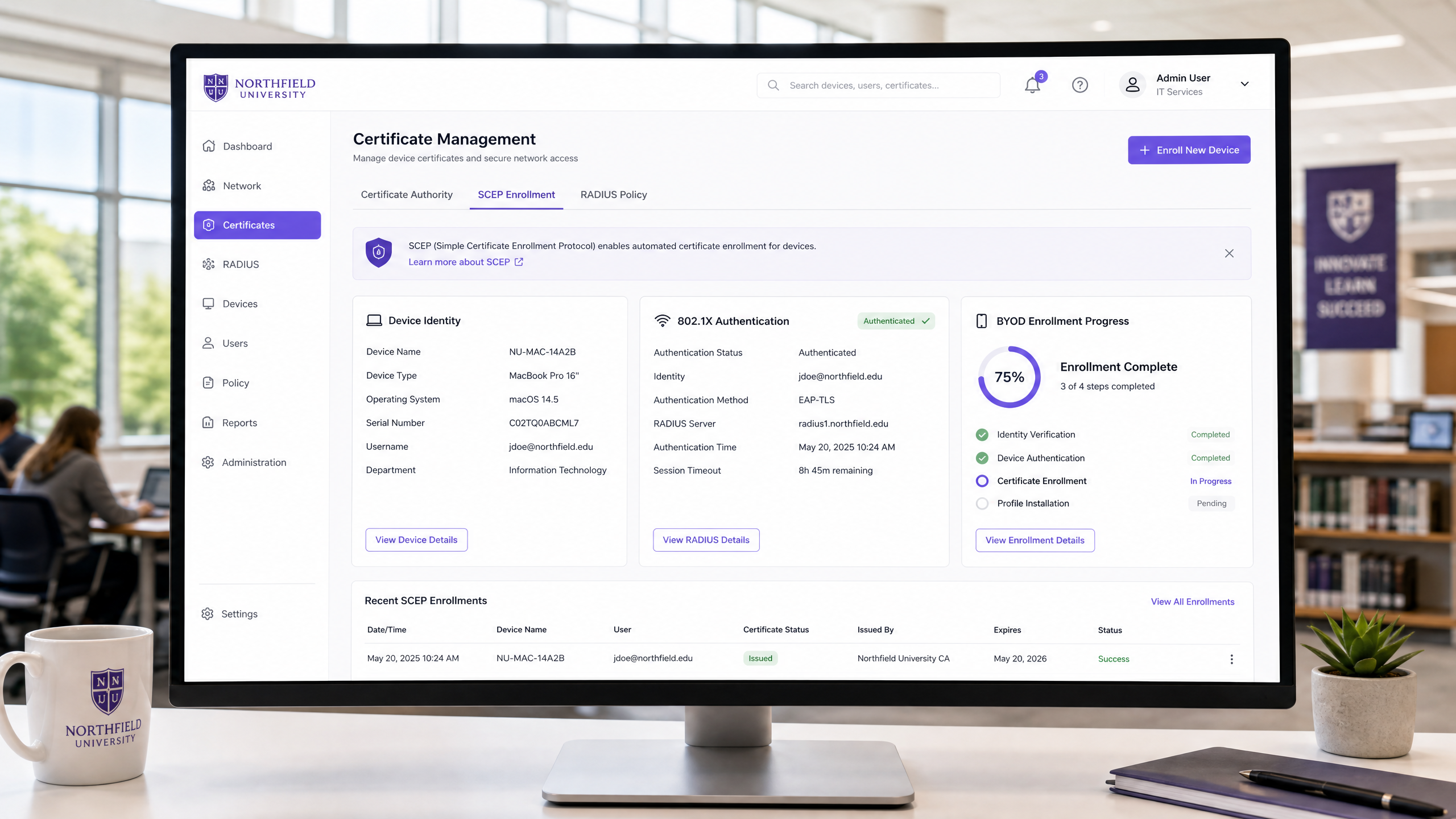
## Executive Summary
Higher education IT teams face a unique networking challenge every autumn: onboarding tens of thousands of unmanaged student devices onto a secure campus network. Traditional captive portals frustrate students and generate high helpdesk ticket volumes. Manual certificate installation is unscalable. The solution is Simple Certificate Enrollment Protocol (SCEP) combined with 802.1X authentication.
This guide provides a comprehensive technical reference for network architects and IT directors on implementing SCEP for Bring Your Own Device (BYOD) environments. By automating the distribution of digital certificates, universities can enforce EAP-TLS authentication - the gold standard for wireless security. This approach eliminates password-related vulnerabilities, prevents MAC randomisation issues, and provides granular visibility into network usage.
We will examine the architecture required, including Mobile Device Management (MDM) integration, Certificate Authority (CA) configuration, and cloud RADIUS deployment. We will also outline the implementation steps to transition from legacy authentication methods to a modern, Identity-Based Network.
## Technical Deep-Dive: SCEP and 802.1X Architecture
To understand how SCEP secures a campus network, we must examine the interaction between device identity, certificate management, and network access control.
### The Role of SCEP
SCEP automates the process of requesting and receiving digital certificates. Originally developed by Cisco, it replaces the manual exchange of public keys with an automated workflow. When a device is enrolled in an MDM platform, it receives a configuration profile containing a SCEP URL and a challenge password. The device generates a cryptographic key pair locally, keeping the private key secure in its hardware enclave. It then sends a Certificate Signing Request (CSR) to the Certificate Authority via the SCEP proxy (often an NDES server).
The CA validates the request against the challenge password and issues a certificate binding the device's identity to its public key. This entire process occurs in the background, typically within 30 seconds, requiring no action from the student.
### 802.1X and EAP-TLS Authentication
Once the device holds a valid certificate, it can authenticate to the campus WiFi using IEEE 802.1X. Specifically, the network should be configured to use EAP-TLS (Extensible Authentication Protocol with Transport Layer Security).
Unlike PEAP or TTLS, which rely on usernames and passwords, EAP-TLS requires mutual certificate authentication. The access point acts as the authenticator, passing the device's certificate to the RADIUS server. The RADIUS server validates the certificate against the CA. Simultaneously, the device validates the RADIUS server's certificate. If both checks pass, the device is granted access.
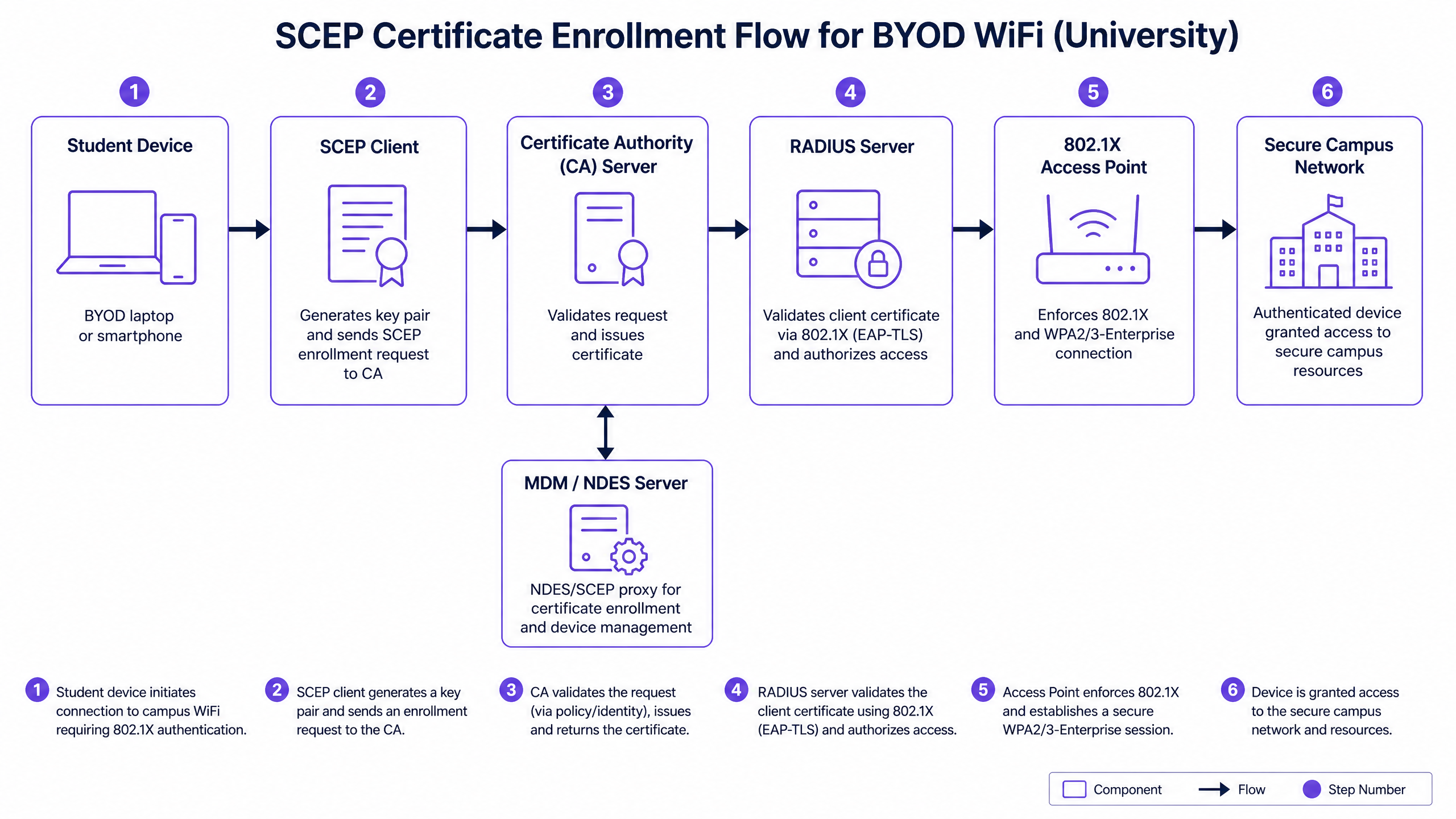
### Infrastructure Components
A successful SCEP deployment requires coordination across several infrastructure layers:
1. **Mobile Device Management (MDM)**: The system that pushes the SCEP configuration profile to the device.
2. **Network Device Enrollment Service (NDES)**: Acts as a proxy between the MDM-managed devices and the CA.
3. **Certificate Authority (CA)**: The entity that issues and revokes the digital certificates.
4. **Cloud RADIUS**: The authentication server that validates certificates during the 802.1X handshake. Purple SecurePass provides a cloud-native RADIUS service (rad1-secure.purple.ai and rad2-secure.purple.ai) operating on standard ports (1812/1813).
5. **Wireless Access Points**: Enterprise-grade hardware supporting WPA2/WPA3-Enterprise and Passpoint (Hotspot 2.0). Supported vendors include Cisco Meraki, HPE Aruba, Ruckus, Juniper Mist, Ubiquiti UniFi, and Fortinet.
## Implementation Guide
Deploying SCEP for a university BYOD population requires a phased approach. The goal is to transition devices from open networks or legacy authentication to certificate-based access with minimal disruption.
### Step 1: Configure the Certificate Authority and NDES
Establish your PKI infrastructure. If using Microsoft Active Directory Certificate Services (AD CS), install the NDES role. Configure the certificate templates for client authentication. Ensure the NDES server is accessible from the internet or via your MDM's cloud connector, as devices must reach it to request certificates.
### Step 2: Integrate MDM and Identity Provider
Link your MDM platform with your primary identity provider, such as Microsoft Entra ID or Google Workspace. This integration is crucial for the "joiners, movers, leavers" workflow. When a student's account is disabled in Entra ID upon graduation, their network access must be automatically revoked. Configure the MDM to push the SCEP payload, specifying the CA URL, the challenge type, and the required certificate subject format (e.g., embedding the user's email or device MAC address).
### Step 3: Configure Cloud RADIUS and Access Points
Set up your RADIUS servers to authenticate against your CA. In the Purple dashboard, configure SecurePass to validate the specific certificate templates you created.
Configure your wireless controllers or access points to broadcast a dedicated SSID for secure access. This SSID must have WPA2/WPA3-Enterprise and Hotspot 2.0 enabled. Do not reuse your existing captive portal SSID. Ensure the SSID is broadcast; hidden SSIDs will prevent the automatic connection behaviour that SCEP enables.
### Step 4: Phased Rollout
Begin with staff devices. Staff laptops and phones are typically corporate-owned and already managed by MDM, providing a controlled environment to validate the SCEP flow and RADIUS authentication. Once the staff deployment is stable, extend the MDM enrollment and SCEP profile distribution to student BYOD devices.
## Best Practices
Based on deployments across 80,000+ live venues, adhere to the following best practices for SCEP and 802.1X implementations:
* **Implement Passpoint (Hotspot 2.0)**: Use Passpoint alongside 802.1X. Passpoint enables seamless network discovery. A student enrolled via SecurePass will automatically connect not only on your campus but at any of the 80,000+ OpenRoaming locations worldwide.
* **Align Certificate Lifetimes with the Academic Year**: Set certificate validity periods carefully. A standard one-year lifetime may cause mass expirations during critical periods. Configure automatic SCEP renewal (e.g., renewing at 80% of the lifetime) to prevent authentication failures.
* **Do Not Rely on MAC Addresses for Identity**: Since iOS 14 and Android 10, devices use randomised MAC addresses. SCEP solves this by identifying devices via their cryptographic certificate, ensuring accurate analytics and stable authentication regardless of MAC rotation.
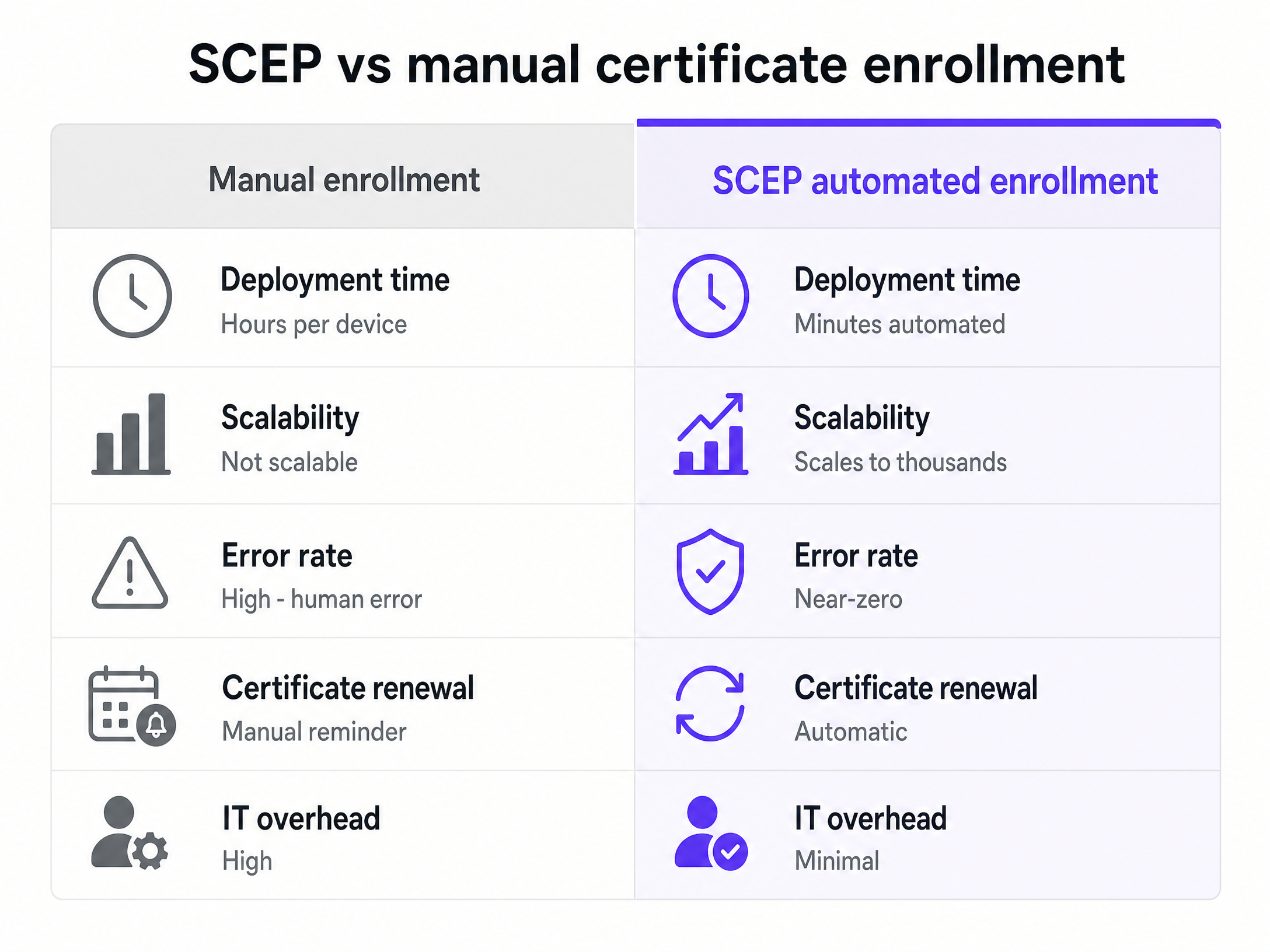
## Troubleshooting & Risk Mitigation
Even with automated enrollment, edge cases occur. Prepare your IT helpdesk for the following scenarios:
* **NDES Challenge Password Expiry**: The challenge password generated by the MDM has a short validity window. If the device delays requesting the certificate (e.g., due to poor connectivity during setup), the challenge will expire, and enrollment will fail. Ensure devices have a stable internet connection during the initial MDM profile installation.
* **Android Fragmentation**: While iOS and macOS have robust, native SCEP support, Android behaviour varies significantly by manufacturer. Maintain clear documentation for Android users, noting that some devices may require a third-party MDM agent app to process the SCEP payload correctly.
* **Unsupported Devices**: IoT devices (smart TVs, gaming consoles) typically lack 802.1X support. Segment these devices onto a separate VLAN using an alternative authentication method, such as iPSK (Identity Pre-Shared Key), rather than attempting to force them through a SCEP workflow.
## ROI & Business Impact
Transitioning to SCEP and 802.1X delivers measurable returns across security and operational efficiency:
1. **Reduced Helpdesk Volume**: Automating certificate enrollment eliminates the majority of WiFi-related support tickets at the start of the academic year.
2. **Enhanced Security Posture**: EAP-TLS mutual authentication mitigates the risk of man-in-the-middle attacks and credential theft. The network is protected by cryptography rather than easily shared passwords.
3. **Accurate Network Analytics**: By identifying users via stable certificates rather than rotating MAC addresses, IT and estates teams gain reliable data on campus utilisation and dwell times.
For further details on configuring your specific hardware vendors, consult the Purple [Supported Hardware](https://support.purple.ai/hc/en-gb/articles/7330787441693-Supported-Hardware) documentation.
### Expert Audio Briefing
Listen to our senior technical consultant discuss the implementation strategy and common pitfalls in this 10-minute briefing:
---
### Secure BYOD WiFi: Passpoint certificate onboarding vs xPSK (iPSK)
**Source:** https://www.purple.ai/en-gb/guides/secure-byod-wifi-passpoint-vs-ipsk-guide
**Summary:** A comprehensive technical guide for IT teams on securing unmanaged employee and student devices (BYOD) using zero-touch Passpoint EAP-TLS certificates vs vendor-specific xPSK (iPSK/easyPSK, DPSK, PPSK, MPSK).
**Estimated read time:** 5 minutes
**Word count:** 776
Bring Your Own Device (BYOD) programs are standard across corporate offices, healthcare facilities, and higher education campuses. However, connecting unmanaged smartphones, tablets, and laptops to an enterprise network presents a fundamental security challenge for network administrators.
Legacy WPA2/3-Personal pre-shared keys (PSKs) leak quickly across staff members and leave networks vulnerable to unauthorized access and packet inspection. Conversely, traditional 802.1X EAP-TLS certificate enrollment often generates high helpdesk volume when deployed on personal devices without Mobile Device Management (MDM) agents.
To secure BYOD devices without increasing operational overhead, network engineering teams choose between two modern architectural patterns: **Passpoint (Hotspot 2.0) certificate onboarding** and **vendor-specific xPSK (Identity PSK)**.
---
## The BYOD Security Problem
Standard WiFi authentication models fail on unmanaged personal devices for three reasons:
1. **Shared Key Leakage**: A single WPA2/3-Personal password shared among staff is compromised as soon as one employee leaves or shares it with a visitor.
2. **Lack of Identity Attribution**: Shared keys provide no audit trail linking individual network traffic or MAC addresses to named employee identities in your identity provider (Entra ID, Okta, or Google Workspace).
3. **Supplicant Complexity**: Manual 802.1X EAP-TLS or PEAP configuration requires users to manually trust root CA certificates, select EAP methods, and input domain names - leading to failed connections and support tickets.
---
## Approach 1: Passpoint & Secure Staff Certificate Onboarding
Passpoint (IEEE 802.11u / Hotspot 2.0) establishes zero-touch, enterprise-grade 802.1X EAP-TLS security on personal devices without requiring manual supplicant configuration or MDM enrollment.
### How Passpoint Onboarding Works
1. **Identity Authentication**: The employee logs in via a web onboarding portal using existing single sign-on (SSO) credentials (Entra ID, Okta, Google Workspace, or SAML 2.0).
2. **Profile Generation**: The Purple platform provisions a unique, signed network profile containing an individual client certificate and trusted RADIUS CA root.
3. **Zero-Touch Provisioning**: On iOS, Android, macOS, and Windows 11, the user taps once to install the profile or configuration file.
4. **Automated Connection**: The device automatically detects and joins any Passpoint-enabled venue network worldwide using WPA3-Enterprise 802.1X EAP-TLS.
### Key Advantages of Passpoint for BYOD
- **Individual Identity Binding**: Every packet is encrypted and tied directly to the employee's user account.
- **Instant Revocation**: When an employee leaves, revoking their identity in Entra ID or Okta immediately terminates their Passpoint certificate across all sites.
- **Cross-Site Roaming**: Employees automatically connect across branch offices and remote locations without re-entering credentials.
---
## Approach 2: Vendor xPSK (Identity Pre-Shared Keys)
For environments where 802.1X EAP-TLS is not feasible - such as legacy personal devices or headless BYOD hardware - vendor-specific **xPSK** implementations deliver individual key security over standard WPA2/3-Personal SSIDs.
### Hardware Vendor Implementation Variants
Different wireless hardware manufacturers implement unique pre-shared key technology under distinct names:
- **Cisco / Meraki - iPSK (Identity PSK) / easyPSK**: Maps individual pre-shared keys to specific RADIUS user profiles, enabling per-user VLAN assignment and firewall policy enforcement on a single WPA2-Personal SSID.
- **Ruckus Wireless - DPSK (Dynamic PSK)**: Generates unique passphrase keys per user or device via Ruckus Cloud / SmartZone, automatically bound to MAC addresses.
- **Extreme Networks - PPSK (Private PSK)**: Assigns custom keys per user with automated expiration dates and individual bandwidth caps.
- **Fortinet / FortiAP - MPSK (Multiple PSK)**: Integrates with FortiGate wireless controllers to assign unique keys tied to FortiAuthenticator or external RADIUS user databases.
- **HPE Aruba Networking - ePSK (Enhanced PSK)**: Combines local user roles and ClearPass policy enforcement with per-device PSK keys.
- **Ubiquiti UniFi - PPSK (Private Pre-Shared Key)**: Assigns distinct keys to specific target VLANs on a unified SSID.
### Key Advantages of xPSK
- **Universal Device Support**: Operates over standard WPA2/3-Personal, making it compatible with devices that lack 802.1X EAP supplicants.
- **Isolated Key Erasure**: Deleting a single user's key does not disrupt any other user on the network.
- **VLAN & Policy Steering**: Cloud RADIUS assigns individual users or device types to isolated VLANs based on their unique key.
---
## Technical Comparison: Passpoint EAP-TLS vs xPSK
| Architecture Feature | Passpoint (EAP-TLS) | Vendor xPSK (iPSK/DPSK/PPSK) |
| :--- | :--- | :--- |
| **Authentication Protocol** | WPA2/WPA3-Enterprise (802.1X) | WPA2/WPA3-Personal (WPA-PSK) |
| **Security Layer** | Certificate-based EAP-TLS | Unique AES encryption key per user |
| **User Onboarding** | One-tap profile / app download | Self-service portal or SMS key issuance |
| **Device Support** | Smartphones, tablets, laptops | All WiFi devices (including legacy/IoT) |
| **Identity Provider Sync** | Real-time SCIM / SAML revocation | Cloud RADIUS / API key mapping |
| **Multi-Site Roaming** | Automatic seamless roaming | Requires synchronized RADIUS backend |
---
## Architectural Recommendation for Enterprise IT
For optimal BYOD security and user experience, enterprise IT teams implement a dual-tier strategy:
1. **Primary Staff & Student BYOD**: Deploy **Passpoint EAP-TLS certificate onboarding** via Purple Staff Secure for all personal smartphones, tablets, and laptops. This enforces zero-trust 802.1X security tied to your identity provider.
2. **Specialized & Legacy Devices**: Utilize **cloud RADIUS xPSK (iPSK/PPSK)** for personal devices that cannot process Passpoint profiles, ensuring every device receives an individual key and isolated VLAN assignment.
---
### How to leverage SMS in marketing to increase return visits
**Source:** https://www.purple.ai/en-gb/guides/sms-in-marketing
**Summary:** This technical reference guide outlines how enterprise venues can integrate WiFi analytics with SMS marketing engines to drive repeat visits. It details the architecture required to capture real-time presence data, trigger automated SMS campaigns based on physical behaviour, and measure the direct impact on return rates. By aligning network infrastructure with marketing automation, IT and operations teams can establish a high-yield channel for customer retention.
**Estimated read time:** 9 minutes
**Word count:** 1,966
## Executive Summary
Physical venues face a persistent challenge in matching the customer retention capabilities of digital spaces. While e-commerce platforms track, retarget, and re-engage visitors with precision, physical locations often operate in an informational vacuum. Enterprise WiFi infrastructure, when integrated with analytics and communication engines, bridges this gap. By utilising the captive portal as a data collection point, venues can capture verified mobile numbers and link them to unique device identifiers.
This guide details how to utilise SMS marketing - triggered by real-time WiFi analytics - to systematically increase return visits. SMS remains an exceptionally effective channel, boasting open rates near 98%, with the majority of messages read within three minutes of delivery. By tying these messages to physical behaviour, such as dwell time, visit frequency, or lapsed attendance, organisations can deliver highly contextual communications that prompt action. This document provides the technical architecture, implementation steps, and best practices required by IT managers, network architects, and operations directors to deploy a reliable, compliant, and automated SMS marketing system.
## Technical Deep-Dive
To build an automated SMS marketing system based on physical presence, you must integrate several distinct layers: the physical wireless network, the AAA (Authentication, Authorization, and Accounting) server, the WiFi analytics engine, and the external SMS gateway.
### The Data Capture and Authentication Flow
When a visitor enters a venue and attempts to connect to the guest WiFi, the process begins at the Access Point (AP) or Wireless LAN Controller (WLC). The WLC redirects the user's HTTP traffic to a captive portal hosted by the Purple platform.
1. **Association and Redirection**: The user's device associates with the guest SSID. The WLC intercepts the initial browser request and redirects the user to the captive portal URL, appending the client's MAC address and the AP's MAC address (called the Called-Station-ID) to the query string.
2. **Data Collection and Consent**: The captive portal presents a registration form. To enable SMS marketing, the form must collect the user's mobile phone number with an explicit, active opt-in checkbox that complies with local regulations (such as GDPR in Europe or TCPA in the United States). The country code must be automatically detected or explicitly selected to ensure correct routing.
3. **RADIUS Authentication**: Once the user submits the form, the Purple platform communicates with the network's RADIUS server to authorise internet access. The RADIUS server logs the session start time, associating the authenticated MAC address with the user profile in the database.
### Presence Detection and Behavioral Tracking
To trigger SMS messages based on return behaviour, the system must distinguish between active connections (users logged into the WiFi) and passive presence (devices with WiFi enabled but not logged in).
* **Active Connection Tracking**: This relies on RADIUS accounting packets (Start, Interim-Update, and Stop). When a user connects, the RADIUS Start packet registers their presence. Interim-Update packets, sent at configured intervals (typically 15 minutes), confirm ongoing dwell time. A RADIUS Stop packet registers their departure.
* **Passive Presence Tracking**: This utilises probe requests sent by mobile devices searching for known networks. Access Points capture these probe requests, recording the device's MAC address, timestamp, and Received Signal Strength Indicator (RSSI). If the device has previously registered through the captive portal, the system can identify the user's physical presence near the venue even if they do not log into the WiFi during that specific visit. To protect privacy, MAC addresses are cryptographically hashed (using SHA-256) immediately upon capture.
### Integration Architecture and Webhooks
To initiate an SMS, the WiFi analytics engine must transmit data to an SMS gateway (such as Twilio, Sinch, or Link Mobility) in real time. This is achieved using webhooks or REST APIs.
```
+-------------------+ RADIUS +---------------------+
| Wireless Network | <----------------> | Purple Platform |
| (APs / WLC) | | (Analytics Engine) |
+-------------------+ +---------------------+
| |
| Redirect | Webhook (JSON)
v v
+-------------------+ +---------------------+
| Captive Portal | | SMS Gateway |
| (User Opt-in) | | (Twilio / Sinch) |
+-------------------+ +---------------------+
|
| SMPP / HTTP
v
+---------------------+
| User Handset |
+---------------------+
```
When a behavioral rule is met - for example, a registered user has not been detected in the venue for 30 days - the Purple analytics engine generates an event. This event triggers a webhook that sends a POST request containing a JSON payload to the SMS gateway. The payload includes the recipient's phone number, the message body (populated with dynamic fields like first name and last visited location), and tracking parameters.
## Implementation Guide
Deploying an automated SMS marketing system requires systematic configuration across your network infrastructure, the Purple platform, and your chosen SMS gateway.
### Step 1: Configure the Captive Portal for Compliant Data Capture
1. Log into the Purple Portal administration interface.
2. Navigate to **Form Builder** and select your active splash page.
3. Add a **Phone Number** field. Configure the field settings:
* Set the field as **Required**.
* Enable **International Format Validation** to force users to input their country code.
4. Add a **Consent Checkbox** specifically for SMS marketing. This must be separate from the general terms and conditions checkbox.
* Label text: "I agree to receive updates and exclusive offers via SMS. Max 2 messages per month. Reply STOP to opt-out."
* Ensure the checkbox is **unchecked by default**.
5. Save and publish the splash page changes.
### Step 2: Establish the SMS Gateway Integration
This step configures the communication link between Purple and your SMS provider. This example assumes the use of Twilio.
1. Obtain your **Account SID**, **Auth Token**, and a dedicated **Messaging Service SID** or phone number from your Twilio console.
2. In the Purple Portal, navigate to **Integrations** > **Connectors** > **Add New**.
3. Select **Twilio** from the list of supported SMS providers.
4. Enter your Twilio credentials into the configuration fields.
5. Test the connection by entering your own mobile number and clicking **Send Test SMS**. Verify that the message arrives and that the delivery status is logged as successful.
### Step 3: Define Behavioral Segments and Triggers
To drive return visits, you must target users based on their physical behaviour. Create a segment for "Lapsed Visitors" who have not visited the venue in the last 30 days.
1. In the Purple Portal, navigate to **Analytics** > **Visitor Profiling** > **Segments**.
2. Click **Create Segment** and name it `Lapsed_30_Days`.
3. Define the criteria:
* `Last Visit Date` is greater than `30 days ago`.
* `Total Visits` is greater than or equal to `1` (ensuring they are a historical visitor).
* `SMS Opt-in` is equal to `True`.
4. Save the segment.
### Step 4: Configure the Automated Campaign and Webhook Trigger
Now, link the segment to an automated action that fires when a user enters this state.
1. Navigate to **Marketing** > **Campaigns** > **Create Campaign**.
2. Select **Triggered Campaign** and choose the trigger event: **Enter Segment** (`Lapsed_30_Days`).
3. Select **SMS** as the delivery channel.
4. Draft the message template using dynamic placeholders to personalise the content:
```text
Hi {{visitor.first_name}}, we miss you at {{venue.name}}! Come back this week and show this text for 15% off your next purchase. Opt-out: {{sms.opt_out_link}}
```
5. Configure **Quiet Hours** to prevent messages from sending during unsociable hours. Set the quiet window from `20:00` to `09:00` based on the venue's local time zone. Messages triggered during this window must be queued and sent the following morning.
6. Set a **Frequency Cap** of 1 message per 30 days for this specific campaign to prevent over-communication.
7. Activate the campaign.
## Best Practices
To maximise return visits while maintaining high opt-in rates and network performance, adhere to the following industry standards.
### Data Hygiene and Number Validation
Invalid phone numbers waste marketing budget and skew performance analytics. Implement real-time validation at the point of capture.
* **Use HLR Lookups**: Before sending high-volume campaigns, configure your SMS gateway to perform Home Location Register (HLR) lookups. This queries the mobile network to verify if the number is active and currently routed, filtering out landlines and deactivated numbers.
* **Enforce E.164 Formatting**: Ensure all numbers captured are stored in the international E.164 format (e.g., `+447700900077`). This prevents delivery failures when users travel internationally or when routing through global carriers.
### Timing and Contextual Relevance
SMS is an intrusive channel. Sending messages at the wrong time leads to high opt-out rates.
* **Align with Historical Behaviour**: If analytics show a user typically visits your venue on Friday afternoons, schedule their re-engagement SMS for Friday morning at 10:00. This places the incentive top-of-mind when they are planning their day.
* **Dwell Time Verification**: Do not trigger "thank you" or feedback SMS messages immediately upon connection. Set a minimum dwell time threshold (e.g., 20 minutes) to ensure the user has actually spent time in the venue, rather than just walking past and briefly associating with the network.
### Compliance and Privacy
Regulatory bodies heavily penalise non-compliant SMS marketing.
* **Explicit Consent**: Never bundle SMS marketing consent with WiFi terms of service. It must be a distinct, affirmative action by the user.
* **Simple Opt-Out**: Every SMS must contain a clear, free method for opting out. The standard is to support "STOP" replies or provide a shortened, zero-rated URL that processes the opt-out instantly. When a user opts out, their profile in the Purple database must be updated to `SMS Opt-in = False` within seconds to prevent subsequent sends.
## Troubleshooting & Risk Mitigation
### Issue 1: High SMS Delivery Failure Rates
* **Root Cause**: Users entering fake phone numbers to bypass the captive portal and gain internet access.
* **Mitigation**: Implement **SMS Verification (Two-Factor Authentication)** for WiFi access. Instead of granting immediate access upon form submission, send a 4-digit PIN via SMS to the entered number. The user must input this PIN into the captive portal to access the internet. This guarantees that only valid, owned mobile numbers are added to your database.
### Issue 2: Webhook Latency and Queue Backlogs
* **Root Cause**: During peak hours (e.g., halftime at a stadium or Saturday afternoon at a shopping centre), thousands of users may trigger events simultaneously, overwhelming the SMS gateway API.
* **Mitigation**: Configure an asynchronous message queue (such as RabbitMQ or AWS SQS) between the Purple webhook output and the SMS gateway. This buffers the requests, allowing the system to process messages at a controlled rate without dropping payloads or hitting API rate limits.
### Issue 3: MAC Randomisation Disrupting Return Metrics
* **Root Cause**: Modern mobile operating systems (iOS 14+, Android 10+) randomise MAC addresses by default when scanning for networks, making it difficult to track return visits via passive probe requests.
* **Mitigation**: Rely on authenticated data rather than passive probe data for high-accuracy campaigns. When a user logs into the captive portal, link their verified identity (phone number) to their current MAC address. If they return and log in again, the system matches the phone number, bypassing the limitations of MAC randomisation.
## ROI & Business Impact
To justify the investment in WiFi-integrated SMS marketing, you must track specific metrics that demonstrate a direct correlation between SMS delivery and physical return visits.
### Key Performance Indicators (KPIs)
1. **Return Visit Rate (RVR)**: The percentage of users who received an SMS and subsequently authenticated on the venue's WiFi within a defined attribution window (typically 7, 14, or 30 days).
$$\text{RVR} = \left( \frac{\text{Number of SMS recipients who returned and authenticated}}{\text{Total SMS messages successfully delivered}} \right) \times 100$$
2. **Attribution Window Match**: The system must correlate SMS delivery logs with RADIUS accounting logs. If a user receives an SMS on Tuesday and their MAC address registers a RADIUS Start packet on Thursday, this is counted as an attributed return visit.
3. **Cost Per Return Visit (CPRV)**: Calculate the total cost of SMS delivery divided by the number of attributed return visits.
$$\text{CPRV} = \left( \frac{\text{Total SMS Cost}}{\text{Attributed Return Visits}} \right)$$
For example, if sending 10,000 SMS messages costs £200 (at £0.02 per message) and results in 400 return visits, the CPRV is £0.50. Compare this against the average customer lifetime value (LTV) or average transaction value to determine profitability.
### Data-Driven Optimisation
By continuously analysing these metrics within the Purple dashboard, operations teams can run A/B tests on message copy, incentive values, and delivery timing. This iterative process ensures the SMS channel remains a highly efficient driver of footfall and revenue.
---
### Configuring RADIUS Authentication for Guest and Staff WiFi Networks
**Source:** https://www.purple.ai/en-gb/guides/configuring-radius-authentication-for-guest-and-staff-wifi-networks
**Summary:** This technical reference guide outlines the architecture, configuration, and deployment of RADIUS authentication for enterprise guest and staff WiFi networks. It provides network architects and IT managers with the exact protocols, security standards, and troubleshooting methodologies required to build secure, scalable wireless access control systems.
**Estimated read time:** 8 minutes
**Word count:** 1,776
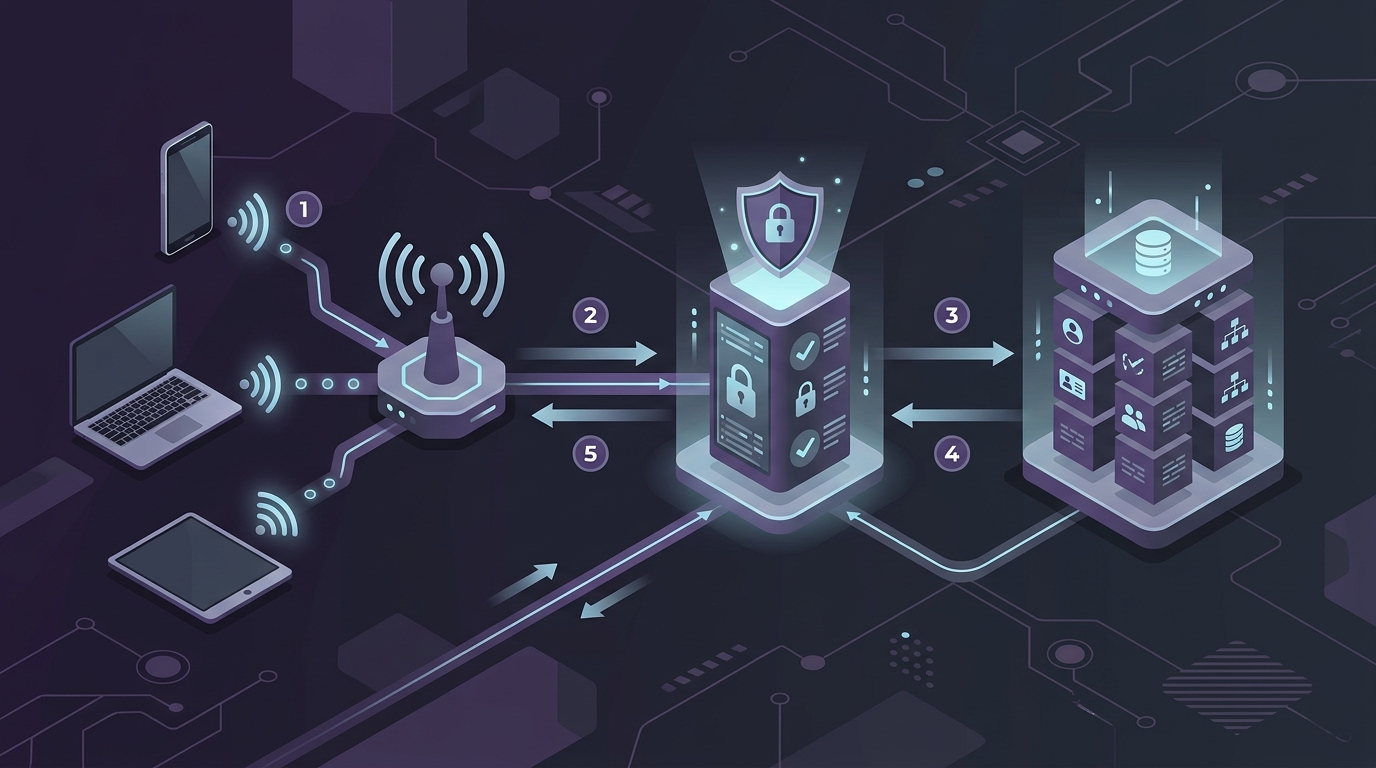
## Executive Summary
In modern enterprise environments, securing wireless networks is a critical operational requirement. Legacy security methods, such as shared pre-shared keys (PSKs), introduce significant security vulnerabilities. If a single employee leaves an organisation, or if a guest compromises a shared password, the entire network security posture is compromised. This guide details how to implement Remote Authentication Dial-In User Service (RADIUS) to centralise access control, enforce granular security policies, and segment guest and staff traffic.
By transitioning to a centralised RADIUS architecture, organisations can implement 802.1X authentication for staff - ensuring every device authenticates with unique, revocable credentials - while utilising secure captive portals and MAC Authentication Bypass (MAB) for guest users. This technical reference provides the architectural blueprints, configuration steps, and troubleshooting frameworks necessary to deploy a resilient, enterprise-grade wireless authentication infrastructure.
## Technical Deep-Dive
### The AAA Framework
RADIUS operates on the AAA framework, which defines the core phases of access control:
1. **Authentication**: Verifying the identity of the user or device attempting to connect to the WiFi network. This is achieved via credentials, digital certificates, or tokens.
2. **Authorization**: Determining the level of network access granted to the authenticated entity. This includes assigning specific VLANs, applying Access Control Lists (ACLs), or enforcing bandwidth limits.
3. **Accounting**: Tracking network resource consumption, including session duration, data transferred, and login/logout times. This data is critical for auditing, compliance, and network planning.
4. **Auditing**: Reviewing the collected accounting data to identify anomalies, security breaches, or policy violations.
### RADIUS Architecture Components
A standard enterprise RADIUS deployment consists of three primary components:
* **The Supplicant**: The client software running on the user's device (e.g., laptop, smartphone) that requests access to the network and provides credentials or certificates.
* **The Authenticator (Network Access Server / NAS)**: The physical or virtual network device - typically a Wireless LAN Controller (WLC) or an Access Point (AP) - that controls physical access to the network. The authenticator does not decide if the credentials are valid; it acts as a proxy, packaging the authentication request into RADIUS packets and forwarding them to the RADIUS server.
* **The Authentication Server**: The central server (such as FreeRADIUS, Cisco ISE, Aruba ClearPass, or Purple's cloud-based RADIUS engine) that validates the credentials against an identity store (e.g., Active Directory, LDAP, or a cloud identity provider) and returns an Access-Accept or Access-Reject message to the authenticator.
### EAP Methods for Staff WiFi
For staff networks, Extensible Authentication Protocol (EAP) is used within the 802.1X framework to negotiate authentication. The two most common enterprise EAP methods are:
* **PEAP-MSCHAPv2 (Protected EAP)**: This method establishes a secure, encrypted TLS tunnel between the supplicant and the RADIUS server using the server's digital certificate. Inside this secure tunnel, the user's username and password are authenticated using the MSCHAPv2 protocol. This is highly popular due to its ease of deployment, as it does not require certificates to be installed on client devices.
* **EAP-TLS**: The most secure authentication method available. It requires mutual authentication, meaning both the RADIUS server and the client device must present valid digital certificates. This eliminates password-based attacks but requires a robust Public Key Infrastructure (PKI) to manage certificate distribution and revocation.
### Guest WiFi Authentication Flow
Guest networks typically use a different flow to balance security with user convenience. Instead of 802.1X, guest networks often utilise an Open SSID combined with a Captive Portal.
When a guest connects, the Authenticator uses MAC Authentication Bypass (MAB) or a redirection policy to send the user to a captive portal hosted by a platform like Purple. Once the user completes the registration or login process on the portal, the portal platform communicates with the RADIUS server, which then sends an Access-Accept message to the WLC/AP, authorising the guest's MAC address for network access for a specified session duration.
### Secure Transport: RadSec
Traditional RADIUS traffic is sent over UDP (ports 1812 for authentication and 1813 for accounting) in cleartext, with only the user password field obfuscated using a shared secret. This introduces security risks when routing authentication traffic over public WAN connections or the internet.
To mitigate this, RadSec (RADIUS over TLS) should be implemented. RadSec wraps standard RADIUS packets inside a secure TLS tunnel (typically using TCP port 2083). This ensures that all authentication and accounting data, including usernames, MAC addresses, and session attributes, are fully encrypted during transit between the local network and cloud-based RADIUS servers.
## Implementation Guide
### Step 1: Define RADIUS Clients on the Server
Before any network device can communicate with the RADIUS server, it must be registered as a client.
1. Log into your RADIUS server administration console.
2. Navigate to the **Clients** or **Network Devices** section.
3. Add a new client entry for each WLC or AP.
4. Enter the IP address or subnet of the authenticator.
5. Generate a high-entropy Shared Secret. This secret must be at least 22 characters long, containing a mix of uppercase letters, lowercase letters, numbers, and special characters. Avoid using simple dictionary words.
### Step 2: Configure the Wireless LAN Controller (WLC) / Access Points
Configure your wireless hardware to point to the RADIUS server for authentication and accounting.
1. Log into your WLC or AP management interface.
2. Navigate to **Security** > **AAA** > **RADIUS** > **Authentication**.
3. Add a new RADIUS Authentication Server:
* **Server IP Address**: Enter the IP address of your primary RADIUS server.
* **Shared Secret**: Enter the exact shared secret configured in Step 1.
* **Port**: 1812 (or 2083 if using RadSec).
* **Timeout**: Set to 5 seconds to allow for network latency.
* **Retry Count**: Set to 3.
4. Navigate to **RADIUS Accounting** and add a new server entry using port 1813 (or 2083 for RadSec).
5. Repeat these steps to add a secondary (backup) RADIUS server for high availability.
### Step 3: Configure the Staff SSID (802.1X)
1. Create a new SSID named `Staff_Enterprise`.
2. Set the Security Type to **WPA3-Enterprise** (or WPA2/WPA3-Enterprise transition mode if legacy device support is required).
3. Select **802.1X** as the key management protocol.
4. Associate the SSID with the RADIUS authentication and accounting servers configured in Step 2.
5. Map the SSID to the secure Staff VLAN (e.g., VLAN 10).
### Step 4: Configure the Guest SSID with Captive Portal
1. Create a new SSID named `Guest_WiFi`.
2. Set the Security Type to **Open** (or **Enhanced Open / OWE** for opportunistic wireless encryption).
3. Enable **MAC Filtering** or **MAC Authentication** and point it to the RADIUS server.
4. Enable **Captive Portal / Web Portal** redirection.
5. Configure the redirection URL to point to the Purple captive portal login page.
6. Configure the Walled Garden (Pre-Authentication ACLs) to allow traffic to the captive portal domain, DNS servers, and necessary CDN assets before authentication is complete.
7. Map the SSID to an isolated Guest VLAN (e.g., VLAN 20).
## Best Practices
### High Availability and Redundancy
Always deploy RADIUS servers in redundant pairs (primary and secondary). Ensure that these servers are located on different physical hardware or in different cloud availability zones. Configure your WLCs to failover gracefully to the secondary server if the primary server becomes unresponsive. Implement load balancing where appropriate to distribute authentication traffic evenly.
### Certificate Management
For PEAP and EAP-TLS deployments, the validity and trust of the RADIUS server's certificate are paramount.
* Use a certificate issued by a trusted Public Certificate Authority (CA) for guest portals and PEAP deployments to prevent certificate warning prompts on user devices.
* For EAP-TLS, establish a dedicated internal Private CA to issue and manage client and server certificates.
* Monitor certificate expiration dates closely and implement automated renewal processes (such as SCEP or ACME) to prevent sudden network-wide authentication failures.
### VLAN Segmentation
Strictly segment your network traffic using VLANs. Guest traffic must be completely isolated from corporate resources. Implement firewall rules at the core switch or gateway to prevent inter-VLAN routing between the Guest VLAN and the Staff/Management VLANs. Only allow guest traffic to route directly to the internet.
### Session Timeout and Accounting Intervals
Configure appropriate session timeouts to prevent stale sessions from consuming IP addresses and network resources.
* For staff networks, set a session timeout of 8 to 12 hours, aligning with a standard work shift.
* For guest networks, set a shorter session timeout of 2 to 4 hours.
* Configure the RADIUS accounting interim-update interval to 10 or 15 minutes. This ensures that the RADIUS server receives regular updates on device connectivity and data usage without overwhelming the server with accounting packets.
## Troubleshooting & Risk Mitigation
### Common Failure Modes and Solutions
#### 1. Shared Secret Mismatch
* **Symptom**: The WLC logs show "RADIUS server not responding," and the RADIUS server logs show "Packet dropped - invalid authenticator" or "Bad authenticator in request."
* **Root Cause**: The shared secret configured on the WLC does not match the shared secret configured on the RADIUS server.
* **Mitigation**: Re-enter the shared secret on both devices, ensuring no trailing spaces or hidden characters are copied.
#### 2. Certificate Trust Issues
* **Symptom**: Client devices fail to connect to the Staff SSID, displaying errors such as "Untrusted Server Certificate" or "Connection Rejected."
* **Root Cause**: The client device does not trust the CA that signed the RADIUS server's certificate, or the certificate has expired.
* **Mitigation**: Ensure the root and intermediate CA certificates are installed in the client device's trusted root store. For corporate-managed devices, push these certificates out via MDM or Group Policy.
#### 3. Firewall Blocks
* **Symptom**: No traffic is received by the RADIUS server from the WLC, even though routing is verified.
* **Root Cause**: Intermediate firewalls are blocking UDP ports 1812 and 1813.
* **Mitigation**: Create explicit firewall rules to allow UDP 1812 and 1813 (or TCP 2083 for RadSec) between the WLC management IP and the RADIUS server IP.
#### 4. Latency-Induced Timeouts
* **Symptom**: Intermittent authentication failures, particularly during peak hours or when using cloud-based RADIUS servers.
* **Root Cause**: Network latency exceeds the WLC's RADIUS timeout threshold, causing the WLC to assume the server is offline.
* **Mitigation**: Increase the WLC's RADIUS timeout setting from the default (typically 2 seconds) to 5 or 7 seconds. Optimise WAN routing or implement local RADIUS proxies to cache authentication requests.
## ROI & Business Impact
Transitioning to a centralised RADIUS authentication model delivers measurable business value across several key areas:
* **Reduced Operational Overhead**: Eliminates the manual effort required to rotate shared WiFi passwords when staff leave the organisation. User accounts can be instantly disabled in Active Directory or your identity provider, immediately revoking their network access.
* **Enhanced Security Posture**: Mitigates the risk of data breaches caused by credential theft or unauthorised network access. By enforcing 802.1X and certificate-based authentication, organisations ensure that only authorised, compliant devices can access sensitive corporate resources.
* **Optimised Venue Operations**: By integrating guest WiFi with Purple's cloud RADIUS platform, venue operators capture valuable demographic and behavioural data. This data can be used to design targeted marketing campaigns, improve visitor engagement, and optimise physical space utilisation based on footfall analytics.
* **Regulatory Compliance**: Centralised RADIUS accounting logs provide an audit trail of network access, helping organisations meet compliance requirements for standards such as PCI-DSS, ISO 27001, and GDPR.
---
### Captive Portals vs. Open Networks: Balancing Security and UX
**Source:** https://www.purple.ai/en-gb/guides/captive-portals-vs-open-networks
**Summary:** This technical reference guide provides network architects and IT managers with a comprehensive blueprint for deploying guest WiFi networks. It analyses the technical trade-offs between open networks and captive portals, detailing how to balance security protocols with user experience. Readers will learn how to configure resilient redirection mechanisms, manage MAC randomisation, and implement seamless authentication workflows.
**Estimated read time:** 6 minutes
**Word count:** 2,380
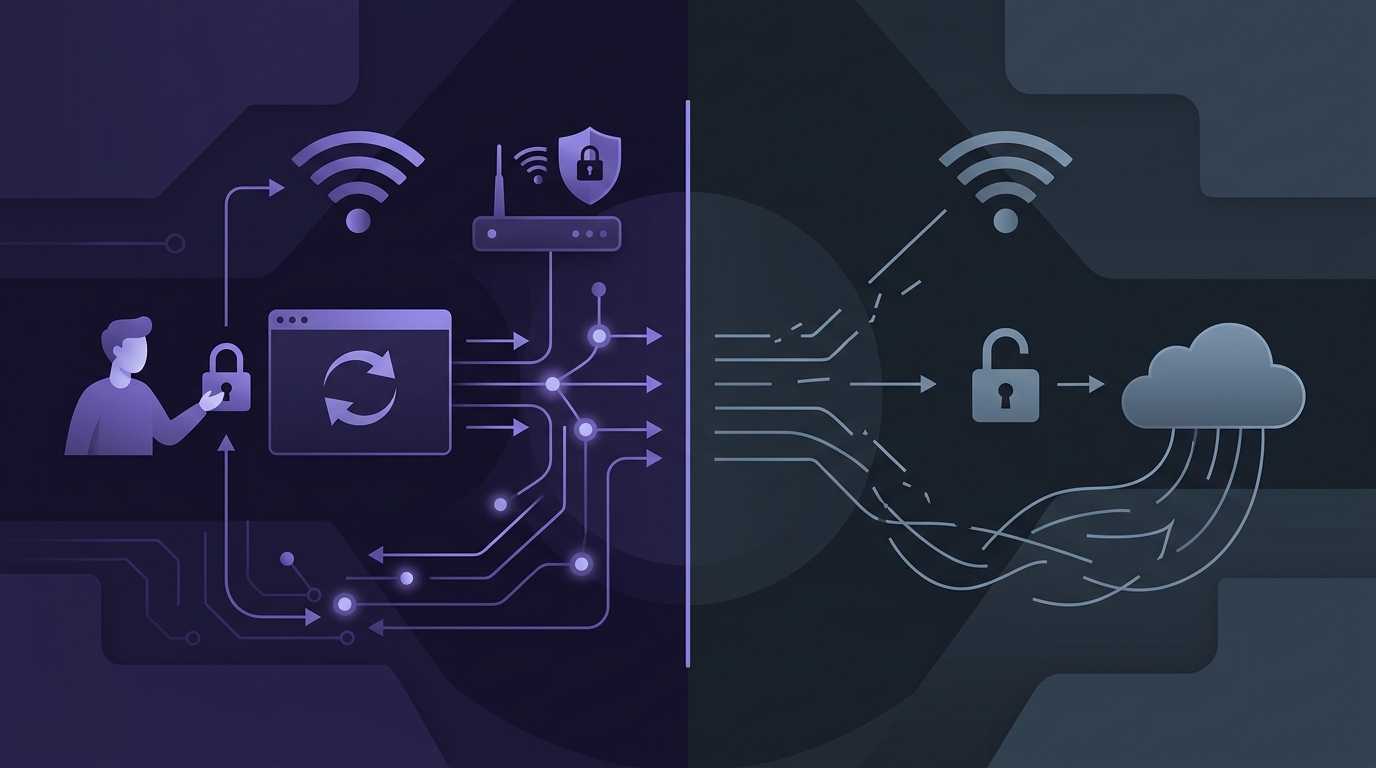
## Executive Summary
In modern enterprise environments, guest WiFi is no longer merely an operational utility - it is a critical touchpoint for customer engagement, brand interaction, and network security. For IT managers, network architects, and venue operations directors, the fundamental challenge lies in balancing network security with user experience (UX).
This guide provides an authoritative technical analysis of the two primary guest WiFi architectures: Captive Portals and Open Networks. While open networks offer frictionless access, they expose users to security vulnerabilities and strip venues of valuable data capture opportunities. Conversely, poorly configured captive portals introduce friction, leading to connection abandonment and increased helpdesk tickets.
By understanding the underlying protocols - including RADIUS AAA, Change of Authorization (CoA), and Opportunistic Wireless Encryption (OWE) - organisations can deploy guest WiFi systems that secure the network edge, ensure regulatory compliance, and deliver a seamless user experience. This document outlines the technical blueprints, configuration steps, and industry best practices required to achieve this balance.
## Technical Deep-Dive
### Captive Portal Redirection Mechanics
To understand how a captive portal functions, we must examine the packet-level interactions that occur when a client device associates with an open SSID configured for web redirection.
When a client associates with the Access Point (AP) or Wireless LAN Controller (WLC), it is assigned an IP address via DHCP. However, the WLC places the client's MAC address in an "unauthenticated" state within its association table. In this state, the WLC applies a pre-authentication Access Control List (ACL) that blocks all IP traffic except for DNS (UDP port 53), DHCP (UDP ports 67 and 68), and specific IP ranges defined in the "Walled Garden".
```
+-------------+ +------------+ +---------------+ +---------------+ +---------------+
| Client | | AP/WLC | | DNS Server | | Purple Portal | | RADIUS Server |
+-------------+ +------------+ +---------------+ +---------------+ +---------------+
| | | | |
|--- 1. Associate ----->| | | |
|<-- 2. IP Assigned ----| | | |
| | | | |
|--- 3. DNS Query ----->|------------------------>| | |
| (captive.apple.com)| | | |
|<-- 4. DNS Response ---|<------------------------| | |
| | | | |
|--- 5. HTTP GET ------>| | | |
| (Intercepted) | | | |
|<-- 6. HTTP 302 -------| | | |
| (Redirect to Purple) | | |
| | | | |
|--- 7. HTTPS GET ---------------------------------------------------------->| |
| (Request Portal Page) | |
|<-- 8. Serve Page ----------------------------------------------------------| |
| | | | |
|--- 9. Submit Form -------------------------------------------------------->| |
| | | |--- 10. Auth Request ---->|
| |<-- 11. RADIUS CoA (Authorize MAC) -----------------| |
| | |<-- 12. Auth Accept ------|
|<-- 13. Access Granted-| | | |
```
When the user attempts to navigate to an HTTP website, or when the operating system's Captive Network Assistant (CNA) triggers an automatic browser window, the client sends an HTTP GET request. The WLC intercepts this request (typically on port 80) and returns an HTTP 302 Redirect status code. This redirect points the client's browser to the external captive portal URL (e.g., Purple's portal hosting platform), appending key query parameters such as:
- `client_mac`: The MAC address of the guest device.
- `ap_mac`: The MAC address of the AP the client is associated with.
- `ssid`: The name of the guest network.
- `redirect_url`: The original URL the user attempted to access.
### The Role of the Captive Network Assistant (CNA)
Modern operating systems (iOS, Android, macOS, and Windows) employ background daemons that monitor network connectivity. Upon associating with a WiFi network, the OS sends an HTTP request to a dedicated, hardcoded validation URL. Examples include:
- Apple: `http://captive.apple.com/hotspot-detect.html`
- Google Android: `http://connectivitycheck.gstatic.com/generate_204`
- Microsoft Windows: `http://www.msftconnecttest.com/connecttest.txt`
If the OS receives the expected HTTP 200 OK (or HTTP 204 No Content) response, it assumes direct internet access is available. If it receives an HTTP 302 redirect, it detects a captive portal and launches the CNA - a sandboxed, stripped-down browser window.
Managing the CNA is a critical aspect of guest WiFi design. Because the CNA browser is sandboxed, it has severe limitations: it often does not support cookies, local storage, or certain JavaScript APIs, and it will immediately close if the user switches apps. If the captive portal configuration does not account for these limitations, the user experience will fail.
### RADIUS AAA and Change of Authorization (CoA)
Once the user completes the required action on the captive portal (e.g., entering an email address, accepting terms, or authenticating via a social provider), the portal server must notify the WLC to grant network access. This is achieved using the RADIUS (Remote Authentication Dial-In User Service) protocol, specifically utilising RFC 3576 Change of Authorization (CoA).
1. **Authentication Request**: The portal server sends an API call or a RADIUS Access-Request to the organisation's RADIUS server (or directly to the WLC if acting as the AAA client), validating the user's session.
2. **RADIUS CoA**: The RADIUS server sends a CoA-Request packet (UDP port 3799) to the WLC. This packet contains the client's MAC address and instructions to update the session state.
3. **Session State Update**: The WLC processes the CoA-Request, transitions the client's state from "unauthenticated" to "authenticated", and applies the post-authentication policy (e.g., moving the client to a different VLAN, applying bandwidth rate limits, or enabling unrestricted internet access).
4. **CoA-ACK**: The WLC returns a CoA-ACK (Acknowledge) packet to the RADIUS server, confirming the policy change.
### Open Networks and Opportunistic Wireless Encryption (OWE)
Traditional open networks (no captive portal, no encryption) transmit all wireless frames in cleartext. This allows malicious actors within physical range to perform passive eavesdropping, capturing sensitive data transmitted over unencrypted protocols (HTTP, FTP, IMAP).
To mitigate this vulnerability without introducing the friction of a pre-shared key (PSK), the WiFi Alliance introduced Opportunistic Wireless Encryption (OWE), standardised in RFC 8110. OWE uses a Diffie-Hellman key exchange during the 802.11 association process to establish a unique, encrypted pairwise session key for each client.
While OWE protects against passive sniffing, it does not provide authentication. It is an "open" network in terms of access control, but encrypted in terms of transmission. For venues, OWE represents a significant step forward in security, though it does not facilitate data capture or terms-of-service acceptance unless paired with a web-based redirection mechanism.
## Implementation Guide
This step-by-step deployment guide outlines how to configure an enterprise-grade guest WiFi network utilising a Cisco Catalyst Wireless LAN Controller (WLC) integrated with Purple's external captive portal and RADIUS services.
### Step 1: Configure the Guest VLAN and DHCP Scope
Before configuring the wireless parameters, establish a dedicated, isolated VLAN on your core switch and configure a DHCP scope with a short lease time (e.g., 2 to 4 hours) to prevent IP address exhaustion in high-density environments.
```text
! Core Switch Configuration
vlan 900
name Guest_WiFi
!
interface Vlan900
description Guest WiFi Gateway
ip address 172.16.0.1 255.255.240.0
ip helper-address 172.16.0.10
!
! DHCP Server Configuration (ISC DHCPD Example)
subnet 172.16.0.0 netmask 255.255.240.0 {
range 172.16.0.50 172.16.15.254;
option routers 172.16.0.1;
option domain-name-servers 8.8.8.8, 1.1.1.1;
default-lease-time 7200;
max-lease-time 14400;
}
```
### Step 2: Define the Walled Garden (Pre-Authentication ACL)
To allow unauthenticated clients to resolve DNS and access the captive portal, you must configure a pre-authentication ACL on the WLC. This ACL must permit traffic to and from Purple's hosting infrastructure and any required CDNs or social login endpoints.
```text
! Cisco WLC CLI Configuration
ip access-list extended PRE_AUTH_ACL
! Permit DNS resolution
permit udp any any eq domain
permit udp any eq domain any
! Permit DHCP
permit udp any any eq bootpc
permit udp any eq bootps any
! Permit access to Purple Portal Servers
permit tcp any host 54.246.117.243 eq www
permit tcp any host 54.246.117.243 eq 443
permit tcp any host 52.19.194.225 eq www
permit tcp any host 52.19.194.225 eq 443
! Permit Apple CNA validation bypass (Optional - if you wish to bypass CNA)
permit tcp any host 17.253.109.201 eq www
deny ip any any
```
### Step 3: Configure RADIUS Authentication and Accounting Servers
Configure the WLC to communicate with Purple's RADIUS servers for authentication, accounting, and CoA.
```text
! Configure RADIUS Authentication Server
radius-server host 54.246.117.243 auth-port 1812 acct-port 1813 key 7
! Configure RADIUS Accounting Server
radius-server host 52.19.194.225 auth-port 1812 acct-port 1813 key 7
!
! Enable RFC 3576 Change of Authorization (CoA)
aaa server radius dynamic-author
client 54.246.117.243 server-key 7
client 52.19.194.225 server-key 7
port 3799
```
### Step 4: Configure the Guest SSID (WLAN)
Create the Guest SSID, map it to the Guest VLAN, and apply the security and redirection policies.
```text
! Create WLAN
wlan Guest_WiFi 1 Guest_WiFi
client vlan Guest_WiFi
ip flow monitor wireless-input unicast
ip flow monitor wireless-output unicast
! Configure Layer 2 Security to Open
security wpa secondary none
security wpa akm owe
! Configure Layer 3 Security for Web Redirect
security web-auth
security web-auth parameter-map PURPLE_MAP
security web-auth authentication-list PURPLE_RADIUS_LIST
! Apply Pre-Authentication ACL
security web-auth acl PRE_AUTH_ACL
no shutdown
```
### Step 5: Configure the Web Auth Parameter Map
Define the redirection parameters, including the external portal URL and how the WLC should handle the client's MAC address.
```text
! Parameter Map Configuration
parameter-map PURPLE_MAP
type webauth
redirect-server-url https://portal.purplewifi.net/auth
redirect portal
banner-page-disable
logout-window-disable
```
## Best Practices
### Security Optimisation
1. **Client Isolation**: Always enable client isolation (peer-to-peer blocking) on the guest VLAN. This prevents associated guest devices from communicating with each other, mitigating the risk of internal scanning, ARP spoofing, and lateral malware propagation.
2. **DNS Filtering**: Implement DNS-layer security (e.g., Cisco Umbrella or Cloudflare Gateway) on the guest network. This ensures that even before a user authenticates, they are protected from accessing known phishing, malware, or adult content domains.
3. **Secure Redirection (HTTPS)**: Ensure that the redirection hostname configured on your WLC uses a valid, publicly trusted SSL/TLS certificate. If the WLC redirects an HTTPS request using a self-signed certificate, the user's browser will display a severe security warning, destroying trust and increasing abandonment rates.
### User Experience (UX) Optimisation
1. **Optimise Redirect Speed**: Keep the pre-authentication ACL (walled garden) as lean as possible. Excessive DNS lookups or IP checks within a bloated ACL can delay the redirection process, causing the client device to timeout and assume the network is broken.
2. **Minimise Form Fields**: Every additional field in a captive portal form reduces conversion rates by approximately 10%. Limit data capture to essential fields (e.g., email address or social login) and utilise progressive profiling to gather more information over subsequent visits.
3. **Implement MAC Caching**: To prevent returning guests from having to re-authenticate every time they step into the venue, configure MAC caching (also known as MAC bypass). When a client authenticates successfully, the RADIUS server caches their MAC address for a defined period (e.g., 30 days). On subsequent visits, the WLC performs a silent MAC authentication against the RADIUS server, granting immediate access without displaying the portal.
## Troubleshooting & Risk Mitigation
### 1. The "CNA Loop" Failure Mode
* **Symptom**: The client connects to the SSID, the CNA window opens, the user completes the login process, but the CNA window does not close, or it immediately re-opens, prompting the user to log in again.
* **Root Cause**: The CNA browser determines internet connectivity by continuously polling its validation URL (e.g., `captive.apple.com`). If the WLC grants internet access but the walled garden or routing configuration still blocks or redirects traffic to the validation URL, the OS believes it is still captive.
* **Mitigation**: Ensure that the RADIUS CoA successfully transitions the client to an unrestricted role where all traffic to the validation domains is permitted. Alternatively, configure the WLC to bypass CNA detection entirely by allowing access to the validation domains in the pre-authentication ACL, though this will prevent the portal from auto-popping on some devices.
### 2. MAC Randomisation Issues
* **Symptom**: Returning guests are forced to re-authenticate through the captive portal despite MAC caching being enabled.
* **Root Cause**: Modern operating systems (iOS 14+, Android 10+, Windows 10/11) utilise MAC randomisation by default. The device generates a unique locally administered MAC address for each SSID. If the user has "Private Address" enabled, the MAC address may rotate periodically, breaking MAC-based caching and analytics.
* **Mitigation**: Accept that MAC-based tracking is depreciated for long-term analytics. Utilise alternative identifiers, such as user accounts or email addresses captured via the portal, to link sessions. For seamless access, consider deploying Passpoint (Hotspot 2.0), which uses secure profiles rather than MAC addresses for authentication.
### 3. DNS Resolution Failures
* **Symptom**: The captive portal page fails to load, displaying a "DNS_PROBE_FINISHED_NO_INTERNET" or similar error in the client browser.
* **Root Cause**: Unauthenticated clients cannot resolve the hostname of the external captive portal because the WLC is blocking DNS traffic, or the assigned DNS server is unreachable from the guest VLAN.
* **Mitigation**: Double-check the pre-authentication ACL to ensure that UDP port 53 is explicitly permitted to and from the DNS servers. Verify that the DHCP scope is distributing valid, reachable DNS servers (such as public resolvers 8.8.8.8 or 1.1.1.1) that are allowed in the ACL.
## ROI & Business Impact
Deploying a sophisticated guest WiFi solution represents a strategic investment that yields measurable business value across multiple vectors.
| Metric | Open Network | Basic Captive Portal | Optimised Captive Portal (Purple) |
| :--- | :--- | :--- | :--- |
| **Data Capture Rate** | 0% | 15% - 25% | 45% - 65% |
| **User Friction** | Zero | High (Every visit) | Low (MAC Caching enabled) |
| **Security Posture** | Vulnerable (No encryption) | Moderate (Cleartext payload) | High (OWE + Client Isolation) |
| **Compliance (GDPR/DPA)** | Non-compliant | Basic (Static terms) | Fully Compliant (Dynamic consent) |
| **Marketing ROI** | None | Low | High (Targeted campaigns) |
### Data Capture vs Friction
An open network provides zero data capture, leaving the venue blind to who is utilising their services. A basic captive portal captures data but introduces high friction if it requires authentication on every visit.
An optimised captive portal, utilising Purple's intelligence platform, balances this trade-off. By implementing MAC caching, the venue captures rich demographic and behavioural data on the first visit, whilst subsequent visits are entirely frictionless. This approach maintains high user satisfaction while building a clean, compliant marketing database.
### Regulatory Compliance
Operating an open, unmonitored guest network exposes organisations to significant legal risks. In many jurisdictions (including the UK under the Data Protection Act 2018 and the EU under GDPR), venues must be able to identify users or at least demonstrate that they have taken reasonable steps to prevent illegal activities (such as copyright infringement or accessing illegal content) on their networks.
An enterprise captive portal mitigates this risk by:
- Presenting legally binding Terms of Service and Privacy Policies.
- Capturing explicit, granular consent for marketing communications.
- Logging session data (IP allocation, MAC address, and timestamps) to comply with law enforcement requests (e.g., RIPA in the UK).
---
### Passpoint and OpenRoaming: Complete Guide
**Source:** https://www.purple.ai/en-gb/guides/passpoint-and-openroaming-complete-guide
**Summary:** This technical reference guide provides a comprehensive analysis of Passpoint (Hotspot 2.0) and WBA OpenRoaming frameworks within enterprise WiFi networks. It details the underlying authentication protocols, architectural components, and deployment strategies required to establish secure, frictionless guest connectivity. Network architects and IT leaders will learn how to design, implement, and troubleshoot these standards to eliminate manual login barriers while maintaining enterprise-grade security.
**Estimated read time:** 6 minutes
**Word count:** 1,220
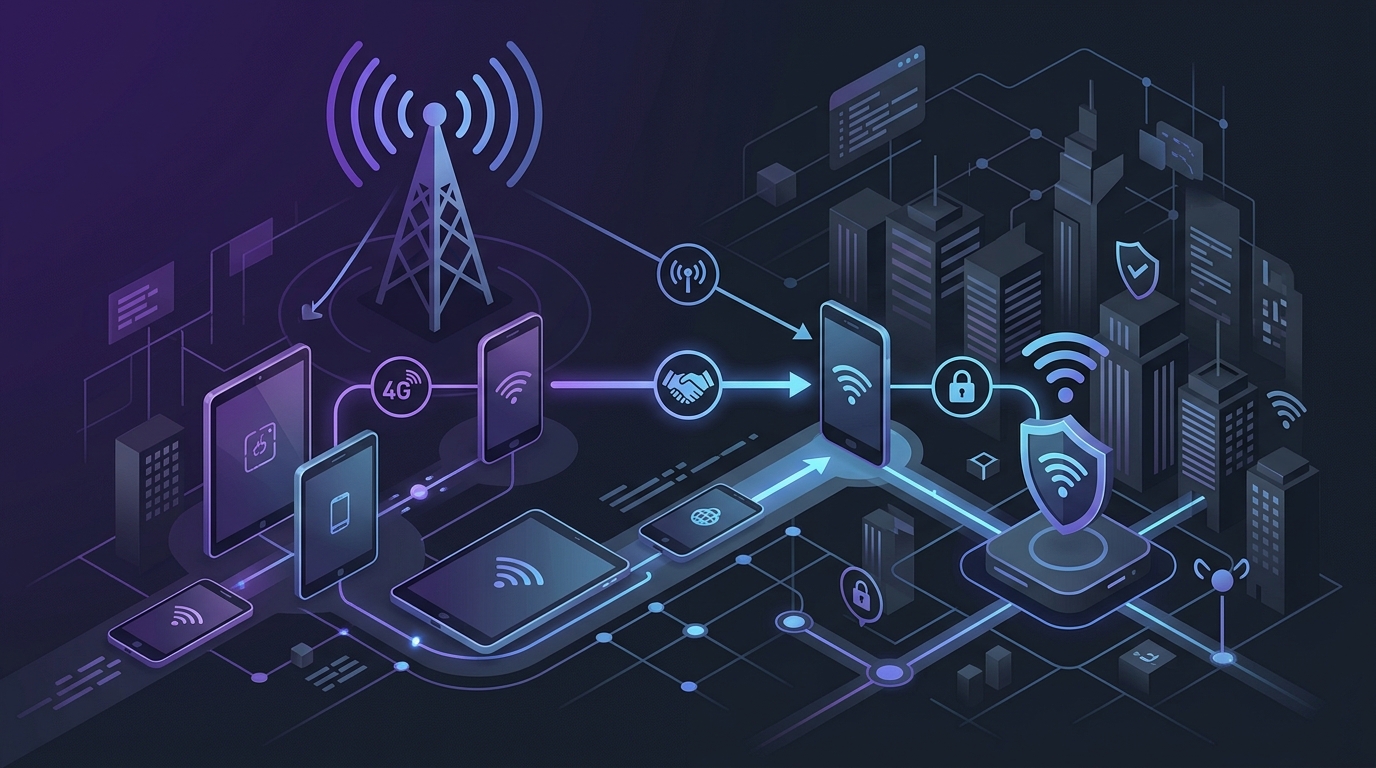
## Executive Summary
Enterprise connectivity demands have shifted from manual, captive-portal-based guest access to automated, secure, and frictionless onboarding. Passpoint (defined by the WiFi Alliance as Hotspot 2.0) and OpenRoaming (orchestrated by the Wireless Broadband Alliance) represent the standardisation of this shift. By utilising IEEE 802.11u protocols and WPA3-Enterprise security, these technologies allow mobile devices to discover, authenticate, and connect to secure WiFi networks automatically without user intervention.
This guide serves as an authoritative reference for network architects and IT directors planning to deploy these technologies across large-scale venues, retail environments, and corporate campuses. We examine the underlying cryptographic handshakes, the federation architecture, and the practical configuration steps required to integrate these standards into existing wireless infrastructure. By adopting these frameworks, organisations can eliminate the friction of traditional guest portals while significantly enhancing their wireless security posture.
## Technical Deep-Dive
To understand Passpoint and OpenRoaming, one must first dissect the underlying protocols that govern their operation. At the core of Passpoint is IEEE 802.11u, an amendment to the 802.11 standard that enables wireless devices to discover network services before establishing an association.
Historically, a client device had to associate with an Access Point (AP) and obtain an IP address before it could query the network's capabilities. With 802.11u, this discovery occurs in the pre-association state using Access Network Query Protocol (ANQP) queries.
### The 802.11u Discovery Process
When a Passpoint-enabled device scans the airwaves, it detects a beacon containing an Interworking element. This element signals that the AP supports 802.11u and advertises its network type (e.g., private, free public, chargeable public). The client device then sends an ANQP query to request specific parameters, such as:
* **Roaming Consortium Organisation Identifiers (OIs):** Globally unique identifiers assigned by the IEEE that represent specific roaming partners or federations.
* **Venue Name and Venue Group:** Metadata describing the physical location (e.g., "Terminal 2" or "Stadium").
* **IP Address Type Availability:** Information on whether IPv4 or IPv6 is available, and if NAT is applied.
If the client device possesses a profile containing a matching Roaming Consortium OI, it initiates the authentication process without prompting the user.
### OpenRoaming Federation Architecture
OpenRoaming acts as a global federation layer on top of Passpoint. It establishes a secure Public Key Infrastructure (PKI) managed by the Wireless Broadband Alliance (WBA). This federation allows identity providers (IDPs) - such as mobile network operators, device manufacturers (Apple, Google), and enterprise identity systems - to peer securely with network providers.
Authentication is executed using WPA3-Enterprise (or WPA2-Enterprise for legacy compatibility) with Protected Extensible Authentication Protocol (PEAP) or Extensible Authentication Protocol-Transport Layer Security (EAP-TLS). The AP acts as an authenticator, encapsulating the EAP packets into RADIUS (Remote Authentication Dial-In User Service) or RadSec (RADIUS over TLS) packets and forwarding them to the identity provider.
RadSec is mandatory in OpenRoaming to secure the communication between the local network's RADIUS proxy and the global IDPs over the public internet. RadSec uses TCP port 2083 and TLS encryption, ensuring that user credentials and authentication attributes remain confidential during transit across intermediate transit providers.
## Implementation Guide
Deploying Passpoint and OpenRoaming requires a systematic approach across the wireless controller (WLC), RADIUS infrastructure, and DNS/firewall configurations.
### Step 1: Network Infrastructure Audit
Ensure your APs and WLCs support 802.11u and Passpoint Release 2 or 3. Verify that your RADIUS server supports RadSec (RFC 6614). If your legacy RADIUS server does not support RadSec, you must deploy a RadSec proxy (such as FreeRADIUS or a dedicated gateway) in your DMZ.
### Step 2: Firewall Configuration
Open outbound TCP port 2083 to the OpenRoaming RadSec proxy servers. Ensure DNS resolution is configured correctly on your RADIUS servers, as RadSec relies on Dynamic Delegation Discovery System (DDDS) and NAPTR records to locate the appropriate IDP.
### Step 3: Certificate Acquisition
Obtain a WBA-approved RadSec certificate from an authorised Certificate Authority (CA). This certificate is critical for mutual TLS (mTLS) authentication between your local RadSec proxy and the OpenRoaming federation brokers.
### Step 4: Wireless Controller Configuration
1. **Create a Secure SSID:** Configure a new SSID or modify an existing one to use WPA3-Enterprise (or WPA2/WPA3 transition mode).
2. **Enable 802.11u (Interworking):** Enable the Interworking feature on the SSID.
3. **Configure the HESSID:** Set the Homogeneous ESSID, typically the MAC address of one of the AP radios, to uniquely identify the network group.
4. **Add Roaming Consortium OIs:** Add the OpenRoaming Roaming Consortium OIs. The standard OIs are:
* `5A-03-BE-00-00` (Settlement-Free, identities verified by Google, Apple, or mobile operators)
* `5A-03-BE-00-01` (Settled, for commercial roaming agreements)
5. **Configure ANQP Parameters:** Define the Venue Name, Venue Group, and Network Type.
### Step 5: RADIUS/RadSec Proxy Setup
Configure your local RADIUS server to act as a RadSec proxy. Define routing rules that forward authentication requests containing the OpenRoaming OIs or specific realm patterns to the OpenRoaming RadSec gateway.
## Best Practices
To ensure a stable and high-performing deployment, adhere to the following industry-standard recommendations:
* **SSID Consolidation:** Do not create a dedicated SSID for Passpoint or OpenRoaming. Instead, combine them onto a single, secure enterprise SSID. This minimises beacon overhead and conserves valuable airtime.
* **Certificate Management:** Implement automated certificate renewal processes for your RadSec certificates. An expired certificate will immediately halt all OpenRoaming authentications.
* **Channel Planning:** Because Passpoint relies on pre-association ANQP exchanges, client devices spend more time scanning and querying. Optimise your 5 GHz and 6 GHz channel planning to reduce contention and ensure rapid probe responses.
* **Realm Filtering:** Implement strict realm filtering on your RadSec proxy to prevent unnecessary authentication traffic from flooding the federation network. Only forward requests that match valid OpenRoaming patterns.
* **User Experience Alignment:** Ensure that your physical venue signage and digital marketing materials inform users that they can connect automatically via OpenRoaming, reducing reliance on unencrypted open SSIDs.
## Troubleshooting & Risk Mitigation
### Common Failure Modes and Resolutions
#### Issue: Client devices fail to connect automatically
* **Root Cause:** Missing or misconfigured Roaming Consortium OIs on the WLC, or the client device does not have the correct profile installed.
* **Mitigation:** Use a packet analyser to capture the beacon and probe response frames. Verify that the 802.11u Interworking element contains the correct OIs. Ensure the client profile is provisioned correctly via an MDM or a provisioning portal.
#### Issue: RadSec connection failures
* **Root Cause:** Firewall blocking TCP port 2083, or invalid/expired RadSec certificates.
* **Mitigation:** Perform a packet capture on the WAN interface of the RADIUS proxy. Verify that the TLS handshake completes successfully. Check the certificate revocation list (CRL) status.
#### Issue: High latency during authentication
* **Root Cause:** Geographically distant IDPs or slow DNS resolution for NAPTR records.
* **Mitigation:** Implement local caching of DNS records and ensure your RADIUS proxy has low-latency paths to the regional OpenRoaming hubs.
## ROI & Business Impact
Transitioning to Passpoint and OpenRoaming delivers measurable business value across three primary vectors: operational efficiency, security posture, and data intelligence.
### Operational Efficiency
By automating the connection process, venues experience a significant reduction in guest-WiFi-related support tickets. Front-desk staff and IT helpdesks spend less time troubleshooting captive portal failures and password issues.
### Security Posture
Traditional open guest networks expose users to eavesdropping and man-in-the-middle attacks. Passpoint mandates enterprise-grade encryption (WPA2/WPA3-Enterprise), securing all over-the-air traffic. This protects both the user and the venue from liability associated with data breaches.
### Data Intelligence
When integrated with platforms like Purple, Passpoint allows venues to identify returning visitors seamlessly. Because the device connects automatically, the venue captures accurate dwell time and visit frequency metrics without requiring the user to open a browser and log in repeatedly. This continuous data stream enables highly targeted, real-time engagement strategies.
---
### WPA2 Personal vs Enterprise: what is the difference and which should you use?
**Source:** https://www.purple.ai/en-gb/guides/wpa2-personal-vs-enterprise-explained
**Summary:** This technical reference guide provides a comprehensive comparison of WPA2 Personal and WPA2 Enterprise security protocols within enterprise WiFi environments. It outlines the architectural differences, deployment methodologies, and security implications of each standard to help network architects and IT leaders make informed deployment decisions.
**Estimated read time:** 9 minutes
**Word count:** 1,966
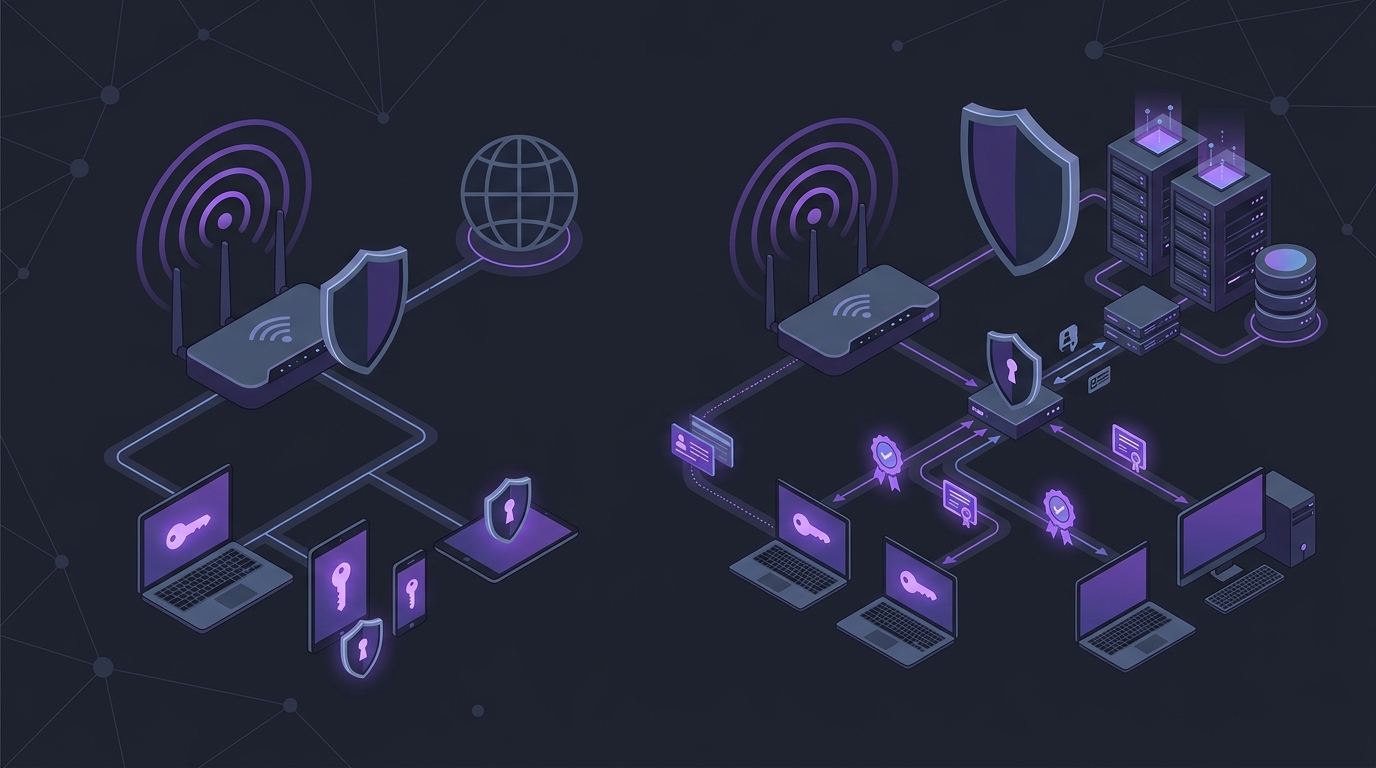
## Executive Summary
Wireless security is a foundational pillar of modern enterprise infrastructure. For IT managers, network architects, and CTOs, selecting the appropriate wireless security protocol is not merely a technical choice, but a critical risk management decision. This guide examines the fundamental differences between WPA2 Personal (WPA2-PSK) and WPA2 Enterprise (WPA2-802.1X), detailing why the former introduces unacceptable vulnerabilities in commercial environments.
While WPA2 Personal relies on a single Pre-Shared Key (PSK) shared among all users, WPA2 Enterprise utilises individual credentials authenticated via a central server. This architectural distinction eliminates the risk of shared key compromise, enables granular access control, and provides comprehensive audit trails. For organisations managing hotels, retail chains, stadiums, or corporate offices, transitioning to WPA2 Enterprise is essential to secure sensitive data, maintain regulatory compliance, and protect brand reputation. This document provides the technical depth and practical blueprints required to execute this transition successfully.
## Technical Deep-Dive
To understand the security disparity between WPA2 Personal and WPA2 Enterprise, one must analyse their underlying authentication mechanics and cryptographic key derivation processes.
### WPA2 Personal (WPA2-PSK) Architecture
WPA2 Personal relies on a Pre-Shared Key (PSK) - a passphrase between 8 and 63 characters. The security of this method hinges on the 4-Way Handshake, which establishes the encryption keys for the session without transmitting the actual PSK over the air.
1. **PMK Derivation**: The Access Point (AP) and the client station (STA) independently derive the Pairwise Master Key (PMK). This is done using the PBKDF2 (Password-Based Key Derivation Function 2) algorithm, hashing the passphrase, the SSID (Service Set Identifier), the SSID length, and repeating the process 4096 times. Because the SSID is factored into the hash, the same passphrase on different SSIDs yields different PMKs.
2. **The 4-Way Handshake**: Once the PMK is established, the AP and STA execute the handshake to generate the Pairwise Transient Key (PTK), which encrypts unicast traffic, and the Group Temporal Key (GTK), which encrypts multicast and broadcast traffic.
- **Message 1**: The AP sends a random value (ANonce) to the STA.
- **Message 2**: The STA generates its own random value (SNonce) and calculates the PTK using the PMK, ANonce, SNonce, and the MAC addresses of both devices. The STA sends the SNonce to the AP, accompanied by a Message Integrity Code (MIC) to prove it knows the PMK.
- **Message 3**: The AP verifies the MIC, derives the PTK, and sends the GTK and a MIC to the STA.
- **Message 4**: The STA confirms receipt and signals that the keys are ready for use.
**The Vulnerability**: The fundamental flaw in WPA2 Personal is that the PMK is static and identical for every device on the network. If an attacker captures the 4-Way Handshake (which can be forced by sending de-authentication frames to a connected client), they can perform an offline dictionary attack. Since the SSID and MAC addresses are transmitted in the clear, the attacker can pre-compute hashes or use GPU-accelerated tools to brute-force the passphrase without interacting with the network. Once the passphrase is recovered, the attacker can decrypt all historical and future traffic captured over the air.
### WPA2 Enterprise (WPA2-802.1X) Architecture
WPA2 Enterprise eliminates the shared key vulnerability by decoupling authentication from encryption. It implements the IEEE 802.1X standard, which introduces a three-party model: the Supplicant (client device), the Authenticator (Access Point or Wireless LAN Controller), and the Authentication Server (typically a RADIUS server).
Instead of a static PMK, WPA2 Enterprise dynamically generates a unique PMK for every single session. The authentication process is governed by the Extensible Authentication Protocol (EAP). The most common EAP methods deployed in enterprise environments include:
- **EAP-TLS (Transport Layer Security)**: The most secure method. It requires mutual certificate-based authentication. Both the server and the client must present valid digital certificates issued by a trusted Certificate Authority (CA). This eliminates password-based vulnerabilities entirely.
- **PEAP-MSCHAPv2 (Protected EAP)**: A two-stage protocol. In stage one, the RADIUS server presents its certificate to the client, establishing an encrypted TLS tunnel. In stage two, the client authenticates inside this secure tunnel using a username and password via the MSCHAPv2 protocol. While easier to deploy than EAP-TLS, it remains vulnerable to credential harvesting if clients are not configured to validate the server's certificate.
- **EAP-TTLS (Tunneled TLS)**: Similar to PEAP, it establishes a secure TLS tunnel using the server's certificate. However, the inner authentication can support legacy protocols, client certificates, or directory services directly.
Once EAP authentication completes successfully, the RADIUS server generates a Master Session Key (MSK). The server transmits this MSK to the Authenticator (AP) over a secure wired connection (using a shared secret between the AP and RADIUS server). The client and the AP then use the MSK as the PMK to initiate the standard 4-Way Handshake. Because the PMK is unique to that session and never reused, capturing the handshake yields no benefit to an attacker; there is no shared passphrase to crack, and other users' traffic remains completely secure.
## Implementation Guide
Transitioning from WPA2 Personal to WPA2 Enterprise requires systematic planning. Below is the deployment blueprint for a resilient WPA2 Enterprise network using PEAP-MSCHAPv2 (as an initial step) and EAP-TLS (for managed corporate assets).
### Step 1: Establish the Identity Source and PKI
Before configuring wireless hardware, you must establish a trusted identity source and a Public Key Infrastructure (PKI).
1. **Directory Services**: Ensure your user directory (Active Directory, LDAP, or cloud identity providers like Okta or Azure AD) is populated and structured with appropriate security groups.
2. **Certificate Authority (CA)**: For EAP-TLS, deploy an internal CA (such as Active Directory Certificate Services) to issue machine and user certificates. For PEAP, obtain a public SSL/TLS certificate from a trusted public CA (e.g., DigiCert, Sectigo) for the RADIUS server. Avoid self-signed certificates for production, as they complicate client provisioning and increase the risk of man-in-the-middle attacks.
### Step 2: Deploy and Configure the RADIUS Server
The RADIUS server acts as the policy decision point. Common enterprise options include Cisco ISE, FreeRADIUS, and Microsoft Network Policy Server (NPS).
1. **Define RADIUS Clients**: Register your Wireless LAN Controllers (WLCs) or standalone Access Points as RADIUS clients. Assign a strong, randomly generated shared secret (minimum 24 characters) for communication between the AP/WLC and the RADIUS server.
2. **Configure Authentication Policies**: Define which EAP methods are permitted. Disable weak protocols such as PAP, CHAP, and EAP-MD5. Restrict allowed protocols to EAP-TLS and PEAP-MSCHAPv2.
3. **Configure Authorisation Policies**: Map directory groups to network access levels. For example, members of the 'Finance-Dept' group should be assigned to VLAN 10, while 'Marketing-Dept' is assigned to VLAN 20. This is achieved by returning specific RADIUS attributes in the Access-Accept message (e.g., `Tunnel-Type = VLAN`, `Tunnel-Medium-Type = 802`, `Tunnel-Private-Group-ID = [VLAN ID]`).
### Step 3: Configure the Wireless Infrastructure
Access the management interface of your WLC or AP management platform (such as Purple's integrated dashboard or your hardware controller).
1. **Create a New SSID**: Define a new SSID (e.g., 'Corporate-Secure').
2. **Set Security Type**: Select WPA2 Enterprise (or WPA3 Enterprise if hardware supports it, ensuring backward compatibility).
3. **Configure RADIUS Servers**: Input the IP addresses of your primary and secondary RADIUS servers. Enter the matching shared secrets configured in Step 2. Set the authentication port to UDP 1812 and the accounting port to UDP 1813.
4. **Enable 802.11r (Fast Transition)**: To prevent roaming delays as clients move between APs, enable 802.11r. This allows the client and AP to pre-associate, reducing the overhead of full 802.1X re-authentication during roams.
### Step 4: Client Provisioning and Onboarding
Unconfigured client devices will reject 802.1X connections if they do not trust the RADIUS server's certificate.
1. **Managed Devices**: Use Mobile Device Management (MDM) or Group Policy Objects (GPO) to push wireless profiles to corporate laptops and smartphones. These profiles must specify the trusted root CA, the exact hostname of the RADIUS server, and the authentication method (e.g., EAP-TLS with machine certificates).
2. **Unmanaged/BYOD Devices**: Implement an onboarding portal (such as Purple's guest and BYOD onboarding workflows) that guides users through installing a temporary profile or certificate, automating the supplicant configuration.
## Best Practices
To maintain a secure and performant WPA2 Enterprise environment, adhere to the following industry standards:
1. **Enforce Strict Certificate Validation**: Never allow clients to connect without validating the RADIUS server's certificate. If 'Validate Server Certificate' is disabled on client devices, they will blindly present credentials to any rogue AP broadcasting the same SSID name, exposing them to credential harvesting.
2. **Implement Dynamic VLAN Assignment**: Do not place all authenticated users on a single flat network. Utilise RADIUS attributes to dynamically assign users to isolated VLANs based on their role, minimising the lateral movement capability of any compromised device.
3. **Isolate Guest Traffic**: Guest networks should never use WPA2 Enterprise or WPA2 Personal with a shared key. Instead, deploy an isolated guest SSID utilising a captive portal with client isolation enabled at the AP level. This prevents guest devices from communicating with each other or accessing corporate resources.
4. **Monitor RADIUS Logs**: Centralise RADIUS authentication logs into a SIEM (Security Information and Event Management) system. Monitor for anomalies such as high rates of authentication failures, logins from unusual locations, or credential sharing.
5. **Decommission Legacy Protocols**: Ensure TKIP (Temporal Key Integrity Protocol) is completely disabled. Only AES-CCMP encryption must be permitted.
## Troubleshooting & Risk Mitigation
Deploying 802.1X introduces complexity that can lead to specific failure modes. Understanding these issues allows for rapid resolution.
### 1. Client Connection Failures (Certificate Untrusted)
- **Symptom**: Client devices fail to connect, showing 'Authentication Failed' or 'Untrusted Certificate' warnings.
- **Root Cause**: The client does not possess the Root CA certificate that signed the RADIUS server's certificate, or the client's system clock is incorrect (preventing valid certificate validation).
- **Mitigation**: Ensure the Root CA certificate is distributed to all managed devices via MDM prior to SSID deployment. For BYOD, use an onboarding portal to install the certificate chain.
### 2. RADIUS Server Timeouts
- **Symptom**: Clients experience long delays or fail to connect entirely, with AP logs indicating 'RADIUS server unreachable'.
- **Root Cause**: Network latency between the AP and the RADIUS server exceeds the AP's timeout threshold, or firewalls are blocking UDP ports 1812 and 1813.
- **Mitigation**: Place RADIUS servers geographically close to the wireless infrastructure. Adjust AP timeout settings from the default (typically 3 seconds) to 5 or 7 seconds to accommodate WAN latency if authenticating to a cloud-hosted RADIUS server.
### 3. Roaming Drops and Latency
- **Symptom**: Users experience dropped VoIP calls or session disconnects when walking through a facility.
- **Root Cause**: The client is performing a full 802.1X authentication exchange (which can take up to 1000ms) at every AP transition.
- **Mitigation**: Enable 802.11r (Fast Transition) or Opportunistic Key Caching (OKC) on the wireless controller. This reduces roaming handoff times to under 50ms by reusing cached keys.
## ROI & Business Impact
Transitioning to WPA2 Enterprise represents an investment in operational security that yields measurable business returns.
### Risk Reduction and Financial Protection
The financial impact of a data breach is severe. WPA2 Personal networks present a massive attack surface; a single disgruntled employee leaving the organisation with the shared passphrase necessitates changing the key on every single device - an operational nightmare that is rarely executed. Consequently, former employees often retain access to the corporate network. WPA2 Enterprise mitigates this risk entirely. When an employee departs, disabling their account in the central directory instantly revokes their wireless access across all devices, preventing unauthorised access and potential data exfiltration.
### Operational Efficiency
Managing pre-shared keys across hundreds of devices is highly inefficient. IT personnel spend significant hours manually configuring keys on new devices, updating keys when compromises occur, and troubleshooting connectivity issues. WPA2 Enterprise, integrated with an automated onboarding platform, eliminates manual key distribution. Users self-authenticate using existing corporate credentials, reducing wireless-related helpdesk tickets by up to 40%.
### Regulatory Compliance
For organisations operating in regulated sectors (such as retail processing credit cards or healthcare managing patient data), WPA2 Enterprise is often a non-negotiable requirement. Standards such as PCI-DSS (Requirement 8) and HIPAA mandate unique user identification and secure access controls. Implementing WPA2 Enterprise ensures compliance, avoiding costly fines and protecting the organisation's brand reputation.
---
### Arista Networks AP and guest WiFi: captive portal setup with Purple
**Source:** https://www.purple.ai/en-gb/guides/arista-cognitive-wifi-purple-wifi-integration
**Summary:** How Purple's cloud guest WiFi sits on top of Arista Networks access points using external web authentication and RADIUS, and where to find the exact setup steps.
**Estimated read time:** 2 minutes
**Word count:** 423
Arista Networks access points, managed through Arista's cloud dashboard, run the radio side of your network. Purple adds the guest layer on top: the captive portal your visitors see, the sign-in journey, and the first-party data you collect. It does not replace any of your Arista kit.
## How Arista Networks works with Purple guest WiFi
Purple is a cloud overlay. Your Arista access points keep running the WiFi; Purple runs the guest experience through two standard mechanisms Arista already supports.
- **External web authentication.** In your Arista SSID profile, the captive portal is set to use an external splash page with RADIUS authentication. A new device is redirected to your Purple splash page instead of getting access straight away. The visitor signs in, and the page hands control back to the access point.
- **RADIUS.** Arista checks each sign-in against Purple's RADIUS service on the standard ports, 1812 for authentication and 1813 for accounting. You add these as RADIUS profiles in the Arista dashboard, one primary and one secondary. The accounting data is what powers your visitor analytics.
A walled garden, a short allow-list of addresses a device can reach before it signs in, lets the splash page load and any payment or social-login steps complete.
That is the whole model: Arista moves the packets, Purple owns the sign-in and the data. Because it runs on standard web authentication and RADIUS, it works the same way across Cisco Meraki, HPE Aruba, Ruckus, Juniper Mist, Ubiquiti UniFi, Cambium, Extreme and Fortinet. Purple is hardware-agnostic by design.
## What you need
- Arista access points managed in the Arista Networks cloud dashboard, with admin access.
- A Purple venue with your splash page and sign-in journey set up.
- Your Purple RADIUS details and walled garden addresses, from your Purple dashboard.
## Set it up with Purple
The exact settings, the RADIUS profiles, the SSID profile with external captive portal and RADIUS authentication, the walled garden domains and the device template, are documented step by step in Purple's support guide, with the precise values to enter.
**[Arista Networks AP setup guide](https://support.purple.ai/hc/en-gb/articles/7580732984733-Arista-Networks-AP)**
Follow that guide for the configuration. This page explains how the pieces fit together, so you know what each step is doing.
## What you get
Once guests sign in through Purple, every visit becomes verified, conscious-choice opt-in first-party data: who visited, how often, and how to reach them with permission. That is the difference between WiFi that connects people and WiFi that builds a marketing audience you own. Purple is GDPR-aligned and ISO 27001 certified, with 99.999% uptime across more than 80,000 live venues.
---
### Cambium cnPilot and guest WiFi: captive portal setup with Purple
**Source:** https://www.purple.ai/en-gb/guides/cambium-networks-cnpilot-purple-wifi-integration
**Summary:** How Cambium cnPilot Enterprise access points work with Purple guest WiFi using an external captive portal, RADIUS and a white list, without replacing your kit.
**Estimated read time:** 2 minutes
**Word count:** 423
Cambium cnPilot Enterprise access points run the radio side of your network. Purple adds the guest layer on top: the captive portal your visitors see, the sign-in journey, and the first-party data you collect. It does not replace any of your Cambium kit.
## How Cambium cnPilot works with Purple guest WiFi
Purple is a cloud overlay. Your cnPilot access point keeps running the WiFi; Purple runs the guest experience through standard mechanisms the access point already supports.
- **External captive portal.** In the access point's Guest Access settings, the portal mode is set to an external hotspot, so a new device is redirected to your Purple splash page instead of being let straight on. The visitor signs in, and the page hands control back to the access point.
- **RADIUS.** The access point checks each sign-in against Purple's RADIUS service on the standard ports, 1812 for authentication and 1813 for accounting. cnPilot runs accounting as start, interim and stop updates, which is what keeps your visitor analytics current.
- **White list.** cnPilot calls the walled garden a white list, a short list of addresses a device can reach before it signs in, so the splash page and any payment or social-login steps can load.
That is the whole model: Cambium moves the packets, Purple owns the sign-in and the data. Because it runs on standard external web authentication and RADIUS, it works the same way across Cisco Meraki, HPE Aruba, Ruckus, Juniper Mist, Ubiquiti UniFi, Cambium, Extreme and Fortinet. Purple is hardware-agnostic by design.
## What you need
- A Cambium cnPilot Enterprise access point on firmware 3.1 or above, with admin access to the web interface.
- A Purple venue with your splash page and sign-in journey set up.
- Your Purple RADIUS details and white list addresses, from your Purple dashboard.
## Set it up with Purple
The exact settings, the wireless LAN, the RADIUS server entries, the external guest access configuration and the white list, are documented step by step in Purple's support guide, with the precise values to enter.
**[Cambium Networks cnPilot Enterprise AP setup guide](https://support.purple.ai/hc/en-gb/articles/7580769207965-Cambium-Networks-cnPilot-Enterprise-AP)**
Follow that guide for the configuration. This page explains how the pieces fit together, so you know what each step is doing.
## What you get
Once guests sign in through Purple, every visit becomes verified, conscious-choice opt-in first-party data: who visited, how often, and how to reach them with permission. That is the difference between WiFi that connects people and WiFi that builds a marketing audience you own. Purple is GDPR-aligned and ISO 27001 certified, with 99.999% uptime across more than 80,000 live venues.
---
### Alcatel-Lucent OmniAccess Stellar and guest WiFi: captive portal setup with Purple
**Source:** https://www.purple.ai/en-gb/guides/alcatel-lucent-omniaccess-purple-wifi-integration
**Summary:** How Alcatel-Lucent OmniAccess Stellar access points, managed from OmniVista Cirrus, work with Purple guest WiFi: an external captive portal, RADIUS and a walled garden, with a link to Purple's step-by-step setup guide for the exact configuration.
**Estimated read time:** 2 minutes
**Word count:** 421
Alcatel-Lucent OmniAccess Stellar access points, managed from the OmniVista Cirrus cloud dashboard, run the radio side of your network. Purple adds the guest layer on top: the captive portal your visitors see, the sign-in journey, and the first-party data you collect. It does not replace any of your Alcatel-Lucent kit.
## How Alcatel-Lucent OmniAccess Stellar works with Purple guest WiFi
Purple is a cloud overlay. Your Stellar access points keep running the WiFi; Purple runs the guest experience through standard mechanisms you configure in OmniVista Cirrus.
- **External captive portal.** On your guest WLAN, an access role profile sends a new device to your Purple splash page instead of granting access straight away. The visitor signs in, and the page hands control back to the access point.
- **RADIUS.** You add Purple as a RADIUS server and reference it from an AAA server profile, so each sign-in is checked against Purple's RADIUS service on the standard ports, 1812 for authentication and 1813 for accounting. The accounting data is what powers your visitor analytics.
A walled garden, set as allowlist domains on the access role profile, lets the splash page load and any payment or social-login steps complete before a visitor has signed in.
That is the whole model: Alcatel-Lucent moves the packets, Purple owns the sign-in and the data. Because it runs on standard web authentication and RADIUS, it works the same way across Cisco Meraki, HPE Aruba, Ruckus, Juniper Mist, Ubiquiti UniFi, Cambium, Extreme and Fortinet. Purple is hardware-agnostic by design.
## What you need
- Alcatel-Lucent OmniAccess Stellar access points with access to the OmniVista Cirrus dashboard.
- A Purple venue with your splash page and sign-in journey set up.
- Your Purple RADIUS details and walled garden addresses, from your Purple dashboard.
## Set it up with Purple
The exact settings, the RADIUS server, the AAA server profile, the access role profile with its external captive portal and allowlist domains, and the guest WLAN SSID, are documented step by step in Purple's support guide, with the precise values to enter.
**[Alcatel-Lucent Stellar AP setup guide](https://support.purple.ai/hc/en-gb/articles/7580771525277-Alcatel-Lucent-Stellar-Enterprise-Cloud-AP)**
Follow that guide for the configuration. This page explains how the pieces fit together, so you know what each step is doing.
## What you get
Once guests sign in through Purple, every visit becomes verified, conscious-choice opt-in first-party data: who visited, how often, and how to reach them with permission. That is the difference between WiFi that connects people and WiFi that builds a marketing audience you own. Purple is GDPR-aligned and ISO 27001 certified, with 99.999% uptime across more than 80,000 live venues.
---
### Captive portal for Ruijie: set it up with Purple guest WiFi
**Source:** https://www.purple.ai/en-gb/guides/how-to-configure-a-ruijie-captive-portal-for-guest-wifi
**Summary:** How Purple's cloud guest WiFi sits on top of Ruijie RG Series access points using web authentication and RADIUS, configured from the command line, and where to find the exact setup steps.
**Estimated read time:** 2 minutes
**Word count:** 425
Ruijie RG Series access points run the radio side of your network. Purple adds the guest layer on top: the captive portal your visitors see, the sign-in journey, and the first-party data you collect. It does not replace any of your Ruijie kit.
## How Ruijie works with Purple guest WiFi
Purple is a cloud overlay. Your Ruijie access points keep running the WiFi; Purple runs the guest experience through Ruijie's web authentication. RG Series access points are configured from the command line, over Telnet or SSH, or through Ruijie Cloud, rather than a web interface.
- **External web authentication.** A web authentication template on the access point redirects a new device to your Purple splash page instead of granting access straight away. The visitor signs in, and control passes back to the access point.
- **RADIUS.** Ruijie checks each sign-in against Purple's RADIUS service on the standard ports, 1812 for authentication and 1813 for accounting, defined as a RADIUS server group with a primary and secondary server. The accounting data is what powers your visitor analytics.
A walled garden, set on the access point as free-to-reach addresses a device can use before it signs in, lets the splash page load and any payment or social-login steps complete.
That is the whole model: Ruijie moves the packets, Purple owns the sign-in and the data. Because it runs on standard web authentication and RADIUS, it works the same way across Cisco Meraki, HPE Aruba, Ruckus, Juniper Mist, Ubiquiti UniFi, Cambium, Extreme and Fortinet. Purple is hardware-agnostic by design.
## What you need
- Ruijie RG Series access points, with command-line access over Telnet, SSH or Ruijie Cloud.
- A Purple venue with your splash page and sign-in journey set up.
- Your Purple RADIUS details and walled garden addresses, from your Purple dashboard.
## Set it up with Purple
The exact configuration, the RADIUS server group, the web authentication settings, the web authentication template, the free-to-reach addresses and the SSID binding, is provided as a command-line script in Purple's support guide, with the precise values to enter.
**[Ruijie RG Series AP setup guide](https://support.purple.ai/hc/en-gb/articles/16399202065565-Ruijie-RG-Series-AP)**
Follow that guide for the configuration. This page explains how the pieces fit together, so you know what each step is doing.
## What you get
Once guests sign in through Purple, every visit becomes verified, conscious-choice opt-in first-party data: who visited, how often, and how to reach them with permission. That is the difference between WiFi that connects people and WiFi that builds a marketing audience you own. Purple is GDPR-aligned and ISO 27001 certified, with 99.999% uptime across more than 80,000 live venues.
---
### Huawei iMaster NCE (CloudCampus) and guest WiFi: captive portal setup with Purple
**Source:** https://www.purple.ai/en-gb/guides/huawei-airengine-purple-wifi-integration
**Summary:** How Purple's cloud guest WiFi sits on top of Huawei AirEngine access points managed in iMaster NCE, using portal authentication and RADIUS relay, and where to find the exact setup steps.
**Estimated read time:** 2 minutes
**Word count:** 430
Huawei AirEngine access points, managed through iMaster NCE (CloudCampus), run the radio side of your network. Purple adds the guest layer on top: the captive portal your visitors see, the sign-in journey, and the first-party data you collect. It does not replace any of your Huawei kit.
## How Huawei iMaster NCE works with Purple guest WiFi
Purple is a cloud overlay. Your Huawei access points keep running the WiFi; Purple runs the guest experience through standard mechanisms iMaster NCE already supports.
- **External web authentication.** iMaster NCE uses portal authentication in relay mode. The SSID's portal policy pushes new devices to your Purple splash page, set up through a URL template that maps the sign-in parameters Purple needs. The visitor signs in, and control passes back to the access point.
- **RADIUS relay.** Huawei checks each sign-in against Purple's RADIUS service on the standard ports, 1812 for authentication and 1813 for accounting, configured as a RADIUS relay server profile with a primary and secondary server. The accounting data is what powers your visitor analytics.
A walled garden, set up as an access control list of permitted domains a device can reach before it signs in, lets the splash page load and any payment or social-login steps complete.
That is the whole model: Huawei moves the packets, Purple owns the sign-in and the data. Because it runs on standard web authentication and RADIUS, it works the same way across Cisco Meraki, HPE Aruba, Ruckus, Juniper Mist, Ubiquiti UniFi, Cambium, Extreme and Fortinet. Purple is hardware-agnostic by design.
## What you need
- Huawei AirEngine access points managed in iMaster NCE (CloudCampus), with admin access to the web interface.
- A Purple venue with your splash page and sign-in journey set up.
- Your Purple RADIUS details and walled garden domains, from your Purple dashboard.
## Set it up with Purple
The exact settings, the ACL template, the URL template parameter mapping, the RADIUS relay server profile, the SSID portal policy and the portal page push policy, are documented step by step in Purple's support guide, with the precise values to enter.
**[Huawei iMaster NCE (CloudCampus) setup guide](https://support.purple.ai/hc/en-gb/articles/7580746728477-Huawei-iMaster-NCE-CloudCampus)**
Follow that guide for the configuration. This page explains how the pieces fit together, so you know what each step is doing.
## What you get
Once guests sign in through Purple, every visit becomes verified, conscious-choice opt-in first-party data: who visited, how often, and how to reach them with permission. That is the difference between WiFi that connects people and WiFi that builds a marketing audience you own. Purple is GDPR-aligned and ISO 27001 certified, with 99.999% uptime across more than 80,000 live venues.
---
### Juniper Mist and guest WiFi: captive portal setup with Purple
**Source:** https://www.purple.ai/en-gb/guides/juniper-mist-integration-with-purple-wifi
**Summary:** How Juniper Mist access points work with Purple guest WiFi using an external portal and the Mist API secret, including what differs because Mist does not use RADIUS for the captive portal.
**Estimated read time:** 2 minutes
**Word count:** 449
Juniper Mist access points, managed from the Mist Cloud dashboard, run the radio side of your network. Purple adds the guest layer on top: the captive portal your visitors see, the sign-in journey, and the first-party data you collect. It does not replace any of your Mist kit.
## How Juniper Mist works with Purple guest WiFi
Purple is a cloud overlay. Your Mist wireless LAN keeps running the WiFi; Purple runs the guest experience through Mist's external portal.
- **External portal.** In the Mist wireless LAN guest settings, you forward visitors to an external portal, your Purple splash page, instead of granting access straight away. The visitor signs in, and the page hands control back.
- **Mist API secret.** Mist authorises the hand-back using an API secret generated on the wireless LAN, which you paste into your Purple venue settings, rather than a RADIUS exchange.
- **Allowed hostnames.** Mist calls the walled garden allowed hostnames, the short list of addresses a device can reach before it signs in, so the splash page and any payment or social-login steps can load.
One honest caveat: Mist does not support RADIUS authentication and accounting for a captive portal. Because of that, Purple reports that rely on accounting data, such as live users online now and some network reports, are not available with Mist. Everything else, the sign-in and the opt-in data, works as normal.
That is the model: Mist moves the packets, Purple owns the sign-in and the data. Most vendors use RADIUS for this hand-off; Mist uses its own API secret, but the cloud-overlay approach is the same across Cisco Meraki, HPE Aruba, Ruckus, Juniper Mist, Ubiquiti UniFi, Cambium, Extreme and Fortinet. Purple is hardware-agnostic by design.
## What you need
- Juniper Mist access points managed in the Mist Cloud dashboard, with admin access.
- A Purple venue with your splash page and sign-in journey set up.
- Your Mist wireless LAN API secret and your allowed hostnames, set in your Purple dashboard.
## Set it up with Purple
The exact settings, the external portal configuration, the API secret, the allowed hostnames and the optional secure repeat-visitor sign-in, are documented step by step in Purple's support guide, with the precise values to enter.
**[Juniper Mist setup guide](https://support.purple.ai/hc/en-gb/articles/7580745729437-Juniper-Mist)**
Follow that guide for the configuration. This page explains how the pieces fit together, so you know what each step is doing.
## What you get
Once guests sign in through Purple, every visit becomes verified, conscious-choice opt-in first-party data: who visited, how often, and how to reach them with permission. That is the difference between WiFi that connects people and WiFi that builds a marketing audience you own. Purple is GDPR-aligned and ISO 27001 certified, with 99.999% uptime across more than 80,000 live venues.
---
### WatchGuard WiFi Cloud AP and guest WiFi: captive portal setup with Purple
**Source:** https://www.purple.ai/en-gb/guides/watchguard-firebox-purple-wifi-integration
**Summary:** How WatchGuard WiFi Cloud access points, managed from WatchGuard Cloud, work with Purple guest WiFi: an external splash page with RADIUS authentication and a walled garden, with a link to Purple's step-by-step setup guide for the exact configuration.
**Estimated read time:** 2 minutes
**Word count:** 429
WatchGuard WiFi Cloud access points, managed from the WatchGuard Cloud Management dashboard, run the radio side of your network. Purple adds the guest layer on top: the captive portal your visitors see, the sign-in journey, and the first-party data you collect. It does not replace any of your WatchGuard kit.
## How WatchGuard WiFi Cloud works with Purple guest WiFi
Purple is a cloud overlay. Your WatchGuard access points keep running the WiFi; Purple runs the guest experience through two standard mechanisms you configure in WatchGuard Cloud.
- **External splash page with RADIUS authentication.** On your guest SSID profile, the captive portal redirects a new device to your Purple splash page instead of granting access straight away. The visitor signs in, and the page hands control back to the access point.
- **RADIUS.** You add Purple as a RADIUS profile, and each sign-in is checked against Purple's RADIUS service on the standard ports, 1812 for authentication and 1813 for accounting. WatchGuard supports a primary and secondary profile for resilience, and the accounting data is what powers your visitor analytics.
A walled garden, a short allow-list of addresses a device can reach before it signs in, lets the splash page load and any payment or social-login steps complete.
That is the whole model: WatchGuard moves the packets, Purple owns the sign-in and the data. Because it runs on standard web authentication and RADIUS, it works the same way across Cisco Meraki, HPE Aruba, Ruckus, Juniper Mist, Ubiquiti UniFi, Cambium, Extreme and Fortinet. Purple is hardware-agnostic by design.
## What you need
- WatchGuard WiFi Cloud access points with access to the WatchGuard Cloud Management dashboard.
- A Purple venue with your splash page and sign-in journey set up.
- Your Purple RADIUS details and walled garden addresses, from your Purple dashboard.
## Set it up with Purple
The exact settings, the RADIUS profiles, the guest SSID profile with its external splash page and walled garden, and adding the SSID to the radios in your device template, are documented step by step in Purple's support guide, with the precise values to enter.
**[WatchGuard WiFi Cloud AP setup guide](https://support.purple.ai/hc/en-gb/articles/7580747412125-WatchGuard-Wi-Fi-Cloud-AP)**
Follow that guide for the configuration. This page explains how the pieces fit together, so you know what each step is doing.
## What you get
Once guests sign in through Purple, every visit becomes verified, conscious-choice opt-in first-party data: who visited, how often, and how to reach them with permission. That is the difference between WiFi that connects people and WiFi that builds a marketing audience you own. Purple is GDPR-aligned and ISO 27001 certified, with 99.999% uptime across more than 80,000 live venues.
---
### Cisco Catalyst WLC and guest WiFi: captive portal setup with Purple
**Source:** https://www.purple.ai/en-gb/guides/cisco-wlc-catalyst-purple-wifi-integration
**Summary:** How a Cisco Catalyst 9800 (IOS-XE) wireless LAN controller works with Purple guest WiFi: external web authentication, RADIUS and a walled garden, with a link to Purple's step-by-step setup guide for the exact configuration.
**Estimated read time:** 2 minutes
**Word count:** 387
Cisco Catalyst 9800 wireless LAN controllers running IOS-XE handle the radio side of your network. Purple adds the guest layer on top: the captive portal your visitors see, the sign-in journey, and the first-party data you collect. It does not replace any of your Cisco kit.
## How Cisco Catalyst works with Purple guest WiFi
Purple is a cloud overlay. Your Catalyst controller keeps running the WiFi; Purple runs the guest experience through two standard mechanisms your controller already supports.
- **External web authentication.** The controller redirects a new device to your Purple splash page instead of granting access straight away. The visitor signs in, and the page hands control back to the controller.
- **RADIUS.** The controller checks each sign-in against Purple's RADIUS service on the standard ports, 1812 for authentication and 1813 for accounting. The accounting data is what powers your visitor analytics.
A walled garden, a short allow-list of addresses a device can reach before it signs in, lets the splash page load and any payment or social-login steps complete.
That is the whole model: Cisco moves the packets, Purple owns the sign-in and the data. Because it runs on standard web authentication and RADIUS, it works the same way across Cisco Meraki, HPE Aruba, Ruckus, Juniper Mist, Ubiquiti UniFi, Cambium, Extreme and Fortinet. Purple is hardware-agnostic by design.
## What you need
- A Cisco Catalyst 9800 controller on IOS-XE, with admin access to the web interface.
- A Purple venue with your splash page and sign-in journey set up.
- Your Purple RADIUS details and walled garden addresses, from your Purple dashboard.
## Set it up with Purple
The exact controller settings, the Web Auth parameter map, the AAA server entries, Change of Authorisation and the walled garden, are documented step by step in Purple's support guide, with the precise values to enter.
**[Cisco Catalyst WLC (IOS-XE) setup guide](https://support.purple.ai/hc/en-gb/articles/7580745944477-Cisco-Catalyst-WLC-IOS-XE)**
Follow that guide for the configuration. This page explains how the pieces fit together, so you know what each step is doing.
## What you get
Once guests sign in through Purple, every visit becomes verified, conscious-choice opt-in first-party data: who visited, how often, and how to reach them with permission. That is the difference between WiFi that connects people and WiFi that builds a marketing audience you own. Purple is GDPR-aligned and ISO 27001 certified, with 99.999% uptime across more than 80,000 live venues.
---
### OpenWrt and guest WiFi: captive portal setup with Purple
**Source:** https://www.purple.ai/en-gb/guides/openwrt-custom-firmware-purple-wifi-integration
**Summary:** How Purple's cloud guest WiFi works with OpenWrt devices through a standard external captive portal and RADIUS, and where to check support and find the steps.
**Estimated read time:** 2 minutes
**Word count:** 377
OpenWrt is open-source firmware that runs on a wide range of routers and access points. Purple adds the guest layer on top: the captive portal your visitors see, the sign-in journey, and the first-party data you collect. It does not replace your hardware or firmware.
## How OpenWrt works with Purple guest WiFi
Purple is a cloud overlay, and it is hardware-agnostic. If your device supports an external captive portal and RADIUS, it can run Purple's guest sign-in. Two standard mechanisms do the work.
- **External web authentication.** The device redirects a new device to your Purple splash page instead of granting access straight away. The visitor signs in, and the page hands control back.
- **RADIUS.** The device checks each sign-in against Purple's RADIUS service on the standard ports, 1812 for authentication and 1813 for accounting. The accounting data is what powers your visitor analytics.
A walled garden, a short allow-list of addresses a device can reach before it signs in, lets the splash page load and any payment or social-login steps complete.
That is the whole model: your hardware moves the packets, Purple owns the sign-in and the data. Because it runs on standard web authentication and RADIUS, it works the same way across Cisco Meraki, HPE Aruba, Ruckus, Juniper Mist, Ubiquiti UniFi, Cambium, Extreme and Fortinet. Purple is hardware-agnostic by design.
## What you need
- An OpenWrt device that supports an external captive portal and RADIUS.
- A Purple venue with your splash page and sign-in journey set up.
- Your Purple RADIUS details and walled garden addresses, from your Purple dashboard.
## Set it up with Purple
Whether your exact model is supported, and the settings to use, are confirmed in Purple's supported hardware list. Check your device there first, then follow the matching setup guide for the precise values to enter.
**[Purple supported hardware](https://support.purple.ai/hc/en-gb/articles/7330787441693-Supported-Hardware)**
This page explains how the pieces fit together, so you know what each step is doing.
## What you get
Once guests sign in through Purple, every visit becomes verified, conscious-choice opt-in first-party data: who visited, how often, and how to reach them with permission. That is the difference between WiFi that connects people and WiFi that builds a marketing audience you own. Purple is GDPR-aligned and ISO 27001 certified, with 99.999% uptime across more than 80,000 live venues.
---
### Ubiquiti UniFi and guest WiFi: captive portal setup with Purple
**Source:** https://www.purple.ai/en-gb/guides/ubiquiti-unifi-and-purple-wifi-integration-guide
**Summary:** How Ubiquiti UniFi Network works with Purple guest WiFi: an external portal server, controller authorisation and a walled garden, with a link to Purple's step-by-step setup guide for the exact configuration.
**Estimated read time:** 2 minutes
**Word count:** 449
Ubiquiti UniFi access points are run by the UniFi Network controller, whether that controller lives on a Dream Machine, a CloudKey, or your own server. Purple adds the guest layer on top: the captive portal your visitors see, the sign-in journey, and the first-party data you collect. It does not replace any of your UniFi kit.
## How Ubiquiti UniFi works with Purple guest WiFi
Purple is a cloud overlay. Your UniFi Network controller keeps running the WiFi; Purple runs the guest experience through features UniFi already has.
- **External portal server.** In UniFi's Hotspot Manager you point the landing page at Purple instead of UniFi's built-in page. A new device is redirected to your Purple splash page, the visitor signs in, and control returns to UniFi.
- **Controller authorisation.** Purple authorises each guest by communicating with your UniFi Network controller directly, using its public address and a dedicated controller login you create for the purpose. If the controller is not publicly reachable, a port forward makes that connection possible.
- **Walled garden.** UniFi's pre-authorisation rules let the splash page, and any payment or social-login steps, load before a visitor has signed in.
For repeat visitors, UniFi's SecurePass (Passpoint) option adds a secure, encrypted connection backed by RADIUS, so known users reconnect without signing in again.
That is the whole model: UniFi moves the packets and manages the radios, Purple owns the sign-in and the data. Because it runs on standard external web authentication and RADIUS, it works the same way across Cisco Meraki, HPE Aruba, Ruckus, Juniper Mist, Ubiquiti UniFi, Cambium, Extreme and Fortinet. Purple is hardware-agnostic by design.
## What you need
- A UniFi Network controller (on a Dream Machine, CloudKey, or your own server) with admin access.
- A Purple venue with your splash page and sign-in journey set up.
- A dedicated UniFi controller login and your controller's public address, so Purple can authorise guests.
## Set it up with Purple
The exact settings, the external portal server address, the Hotspot Manager landing page options, the pre-authorisation domains, the Venue Settings that link Purple to your controller, and the optional SecurePass configuration, are documented step by step in Purple's support guide, with the precise values to enter.
**[Ubiquiti UniFi Network setup guide](https://support.purple.ai/hc/en-gb/articles/11010597359645-Ubiquiti-UniFi-Network)**
Follow that guide for the configuration. This page explains how the pieces fit together, so you know what each step is doing.
## What you get
Once guests sign in through Purple, every visit becomes verified, conscious-choice opt-in first-party data: who visited, how often, and how to reach them with permission. That is the difference between WiFi that connects people and WiFi that builds a marketing audience you own. Purple is GDPR-aligned and ISO 27001 certified, with 99.999% uptime across more than 80,000 live venues.
---
### Cisco Meraki and guest WiFi: captive portal setup with Purple
**Source:** https://www.purple.ai/en-gb/guides/cisco-meraki-integration-with-purple-wifi
**Summary:** How Cisco Meraki access points and MX and Z-series appliances work with Purple guest WiFi: external web authentication, RADIUS and a walled garden, with a link to Purple's step-by-step setup guide for the exact configuration.
**Estimated read time:** 2 minutes
**Word count:** 414
Cisco Meraki access points, and the MX and Z-series appliances, are cloud-managed from the Meraki dashboard and run the radio side of your network. Purple adds the guest layer on top: the captive portal your visitors see, the sign-in journey, and the first-party data you collect. It does not replace any of your Meraki kit.
## How Cisco Meraki works with Purple guest WiFi
Purple is a cloud overlay. Your Meraki gear keeps running the WiFi; Purple runs the guest experience through two standard mechanisms the dashboard already supports.
- **External web authentication.** You point the SSID at a custom splash page hosted by Purple and set the splash mode to sign-on with a RADIUS server. A new device is held at the splash page until the visitor signs in, then control passes back to Meraki.
- **RADIUS.** Meraki checks each sign-in against Purple's RADIUS service on the standard ports, 1812 for authentication and 1813 for accounting. The accounting data is what powers your visitor analytics.
A walled garden, a short allow-list of addresses a device can reach before it signs in, lets the splash page load and any payment or social-login steps complete.
That is the whole model: Meraki moves the packets, Purple owns the sign-in and the data. Because it runs on standard web authentication and RADIUS, it works the same way across Cisco Meraki, HPE Aruba, Ruckus, Juniper Mist, Ubiquiti UniFi, Cambium, Extreme and Fortinet. Purple is hardware-agnostic by design.
## What you need
- A Cisco Meraki network (AP, MX or Z-series) with admin access to the Meraki dashboard.
- A Purple venue with your splash page and sign-in journey set up.
- Your Purple RADIUS details and walled garden addresses, from your Purple dashboard.
## Set it up with Purple
The exact dashboard settings, the access-control splash mode, the RADIUS authentication and accounting servers, the walled garden and the splash page URLs, are documented step by step in Purple's support guide, with the precise values to enter.
**[Cisco Meraki AP / MX / Z1 setup guide](https://support.purple.ai/hc/en-gb/articles/7580733017885-Cisco-Meraki-AP-MX-Z1)**
Follow that guide for the configuration. This page explains how the pieces fit together, so you know what each step is doing.
## What you get
Once guests sign in through Purple, every visit becomes verified, conscious-choice opt-in first-party data: who visited, how often, and how to reach them with permission. That is the difference between WiFi that connects people and WiFi that builds a marketing audience you own. Purple is GDPR-aligned and ISO 27001 certified, with 99.999% uptime across more than 80,000 live venues.
---
### Zyxel Nebula and guest WiFi: captive portal setup with Purple
**Source:** https://www.purple.ai/en-gb/guides/zyxel-nebula-purple-wifi-integration
**Summary:** How Zyxel Nebula Cloud access points work with Purple guest WiFi: an external captive portal, RADIUS and a walled garden, with a link to Purple's step-by-step setup guide for the exact configuration.
**Estimated read time:** 2 minutes
**Word count:** 393
Zyxel Nebula access points are managed from the cloud through the Nebula Control Centre. Purple adds the guest layer on top: the captive portal your visitors see, the sign-in journey, and the first-party data you collect. It does not replace any of your Zyxel kit.
## How Zyxel Nebula works with Purple guest WiFi
Purple is a cloud overlay. Your Nebula access points keep running the WiFi; Purple runs the guest experience through two standard mechanisms Nebula already supports.
- **External captive portal.** In the Nebula Control Centre you point the SSID's captive portal at Purple instead of granting access straight away. A new device is redirected to your Purple splash page, the visitor signs in, and control returns to Nebula.
- **RADIUS.** Nebula checks each sign-in against Purple's RADIUS service on the standard ports, 1812 for authentication and 1813 for accounting. The accounting data is what powers your visitor analytics.
A walled garden, a short allow-list of address ranges a device can reach before it signs in, lets the splash page load and any payment or social-login steps complete.
That is the whole model: Nebula moves the packets, Purple owns the sign-in and the data. Because it runs on standard external web authentication and RADIUS, it works the same way across Cisco Meraki, HPE Aruba, Ruckus, Juniper Mist, Ubiquiti UniFi, Cambium, Extreme and Fortinet. Purple is hardware-agnostic by design.
## What you need
- Zyxel Nebula access points managed through the Nebula Control Centre, with admin access.
- A Purple venue with your splash page and sign-in journey set up.
- Your Purple RADIUS details and walled garden ranges, from your Purple dashboard.
## Set it up with Purple
The exact settings, the external captive portal URL, the RADIUS authentication and accounting servers, and the walled garden ranges, are documented step by step in Purple's support guide, with the precise values to enter.
**[Zyxel Nebula Cloud AP setup guide](https://support.purple.ai/hc/en-gb/articles/7580747361693-Zyxel-Nebula-Cloud-AP)**
Follow that guide for the configuration. This page explains how the pieces fit together, so you know what each step is doing.
## What you get
Once guests sign in through Purple, every visit becomes verified, conscious-choice opt-in first-party data: who visited, how often, and how to reach them with permission. That is the difference between WiFi that connects people and WiFi that builds a marketing audience you own. Purple is GDPR-aligned and ISO 27001 certified, with 99.999% uptime across more than 80,000 live venues.
---
### Sophos Firewall and guest WiFi: captive portal setup with Purple
**Source:** https://www.purple.ai/en-gb/guides/sophos-firewall-purple-wifi-integration
**Summary:** How Purple's cloud guest WiFi works with Sophos Firewall and its access points through a standard external captive portal and RADIUS, and where to check support and find the steps.
**Estimated read time:** 2 minutes
**Word count:** 380
Sophos Firewall, with its built-in wireless and access points, secures and routes your network. Purple adds the guest layer on top: the captive portal your visitors see, the sign-in journey, and the first-party data you collect. It does not replace any of your Sophos kit.
## How Sophos works with Purple guest WiFi
Purple is a cloud overlay, and it is hardware-agnostic. If your device supports an external captive portal and RADIUS, it can run Purple's guest sign-in. Two standard mechanisms do the work.
- **External web authentication.** The device redirects a new device to your Purple splash page instead of granting access straight away. The visitor signs in, and the page hands control back.
- **RADIUS.** The device checks each sign-in against Purple's RADIUS service on the standard ports, 1812 for authentication and 1813 for accounting. The accounting data is what powers your visitor analytics.
A walled garden, a short allow-list of addresses a device can reach before it signs in, lets the splash page load and any payment or social-login steps complete.
That is the whole model: your hardware moves the packets, Purple owns the sign-in and the data. Because it runs on standard web authentication and RADIUS, it works the same way across Cisco Meraki, HPE Aruba, Ruckus, Juniper Mist, Ubiquiti UniFi, Cambium, Extreme and Fortinet. Purple is hardware-agnostic by design.
## What you need
- A Sophos Firewall or access point that supports an external captive portal and RADIUS.
- A Purple venue with your splash page and sign-in journey set up.
- Your Purple RADIUS details and walled garden addresses, from your Purple dashboard.
## Set it up with Purple
Whether your exact model is supported, and the settings to use, are confirmed in Purple's supported hardware list. Check your device there first, then follow the matching setup guide for the precise values to enter.
**[Purple supported hardware](https://support.purple.ai/hc/en-gb/articles/7330787441693-Supported-Hardware)**
This page explains how the pieces fit together, so you know what each step is doing.
## What you get
Once guests sign in through Purple, every visit becomes verified, conscious-choice opt-in first-party data: who visited, how often, and how to reach them with permission. That is the difference between WiFi that connects people and WiFi that builds a marketing audience you own. Purple is GDPR-aligned and ISO 27001 certified, with 99.999% uptime across more than 80,000 live venues.
---
### Alta Labs AP and guest WiFi: captive portal setup with Purple
**Source:** https://www.purple.ai/en-gb/guides/alta-labs-purple-wifi-integration
**Summary:** How Alta Labs access points work with Purple guest WiFi through an external captive portal, an authorisation secret and an IAPP key, with an honest note on the analytics that need RADIUS, and a link to Purple's step-by-step setup guide.
**Estimated read time:** 2 minutes
**Word count:** 445
Alta Labs access points, managed from the Alta Labs cloud dashboard, run the radio side of your network. Purple adds the guest layer on top: the captive portal your visitors see, the sign-in journey, and the first-party data you collect. It does not replace any of your Alta Labs kit.
## How Alta Labs works with Purple guest WiFi
Purple is a cloud overlay. Your Alta Labs access points keep running the WiFi; Purple runs the guest experience through an external captive portal.
- **External captive portal.** On your guest WiFi network, the hotspot redirects a new device to your Purple splash page instead of granting access straight away. The visitor signs in, and the page hands control back to the access point. Purple and the access point are paired using an authorisation secret and an IAPP key that you copy from Alta Labs into your Purple venue settings.
- **Walled garden.** A short list of authorised hosts a device can reach before it signs in lets the splash page load and any payment or social-login steps complete.
One honest note: Alta Labs access points do not support RADIUS authentication and accounting for the captive portal. Sign-in still produces first-party data, but the live reports that depend on RADIUS accounting, such as users online now and some network reports, are not available on this hardware.
That is the model: Alta Labs moves the packets, Purple owns the sign-in and the data. Purple is hardware-agnostic by design, and on vendors that support RADIUS, such as Cisco Meraki, HPE Aruba, Ruckus, Juniper Mist, Ubiquiti UniFi, Cambium, Extreme and Fortinet, the full analytics set is available.
## What you need
- Alta Labs access points with access to the Alta Labs dashboard.
- A Purple venue with your splash page and sign-in journey set up.
- Your authorisation secret, IAPP key and walled garden addresses, set between Alta Labs and your Purple venue settings.
## Set it up with Purple
The exact settings, the guest WiFi network with its external hotspot, the authorisation secret, the authorised hosts and copying the IAPP key into your Purple venue settings, are documented step by step in Purple's support guide, with the precise values to enter.
**[Alta Labs AP setup guide](https://support.purple.ai/hc/en-gb/articles/33699878357021-Alta-Labs-AP)**
Follow that guide for the configuration. This page explains how the pieces fit together, so you know what each step is doing.
## What you get
Once guests sign in through Purple, every visit becomes verified, conscious-choice opt-in first-party data: who visited and how to reach them with permission. That is the difference between WiFi that connects people and WiFi that builds a marketing audience you own. Purple is GDPR-aligned and ISO 27001 certified, with 99.999% uptime across more than 80,000 live venues.
---
### Allied Telesis TQ Series AP and guest WiFi: captive portal setup with Purple
**Source:** https://www.purple.ai/en-gb/guides/allied-telesis-purple-wifi-integration
**Summary:** How Allied Telesis TQ Series access points work with Purple guest WiFi: an external page redirect, RADIUS and a walled garden, with a link to Purple's step-by-step setup guide for the exact configuration.
**Estimated read time:** 2 minutes
**Word count:** 424
Allied Telesis TQ Series access points run the radio side of your network. Purple adds the guest layer on top: the captive portal your visitors see, the sign-in journey, and the first-party data you collect. It does not replace any of your Allied Telesis kit.
## How Allied Telesis TQ Series works with Purple guest WiFi
Purple is a cloud overlay. Your TQ Series access points keep running the WiFi; Purple runs the guest experience through two standard mechanisms you configure on the access point.
- **External page redirect.** On your chosen virtual access point, the captive portal redirects a new device to your Purple splash page instead of granting access straight away. The visitor signs in, and the page hands control back to the access point.
- **RADIUS.** You point the access point at Purple's RADIUS service on the standard ports, 1812 for authentication and 1813 for accounting, and Allied Telesis supports a primary and secondary server for resilience. The accounting data is what powers your visitor analytics.
A walled garden, a short allow-list of addresses a device can reach before it signs in, lets the splash page load and any payment or social-login steps complete.
That is the whole model: Allied Telesis moves the packets, Purple owns the sign-in and the data. Because it runs on standard web authentication and RADIUS, it works the same way across Cisco Meraki, HPE Aruba, Ruckus, Juniper Mist, Ubiquiti UniFi, Cambium, Extreme and Fortinet. Purple is hardware-agnostic by design.
## What you need
- Allied Telesis TQ Series access points with access to the AP web interface.
- A Purple venue with your splash page and sign-in journey set up.
- Your Purple RADIUS details and walled garden addresses, from your Purple dashboard.
## Set it up with Purple
The exact settings, the virtual access point with its external page redirect and walled garden, the primary and secondary RADIUS servers, and matching the configuration across every radio on the access point, are documented step by step in Purple's support guide, with the precise values to enter.
**[Allied Telesis TQ Series AP setup guide](https://support.purple.ai/hc/en-gb/articles/7580771300637-Allied-Telesis-TQ-Series-AP)**
Follow that guide for the configuration. This page explains how the pieces fit together, so you know what each step is doing.
## What you get
Once guests sign in through Purple, every visit becomes verified, conscious-choice opt-in first-party data: who visited, how often, and how to reach them with permission. That is the difference between WiFi that connects people and WiFi that builds a marketing audience you own. Purple is GDPR-aligned and ISO 27001 certified, with 99.999% uptime across more than 80,000 live venues.
---
### Fortinet FortiAP and guest WiFi: captive portal setup with Purple
**Source:** https://www.purple.ai/en-gb/guides/fortinet-fortiap-and-purple-wifi-integration-guide
**Summary:** How Fortinet FortiAP access points managed in FortiCloud work with Purple guest WiFi using an external captive portal, RADIUS and a walled garden, without replacing your kit.
**Estimated read time:** 2 minutes
**Word count:** 406
Fortinet FortiAP access points, managed from the FortiCloud dashboard, run the radio side of your network. Purple adds the guest layer on top: the captive portal your visitors see, the sign-in journey, and the first-party data you collect. It does not replace any of your Fortinet kit.
## How Fortinet FortiAP works with Purple guest WiFi
Purple is a cloud overlay. Your FortiAP access points keep running the WiFi; Purple runs the guest experience through standard mechanisms FortiCloud already supports.
- **External captive portal.** The guest SSID is set to use a captive portal pointed at your Purple splash page, so a new device is redirected there instead of being let straight on. The visitor signs in, and the page hands control back.
- **RADIUS.** FortiCloud holds a RADIUS server entry for authentication on port 1812 and one for accounting on port 1813, checked against Purple's RADIUS service. The accounting data is what powers your visitor analytics.
- **Walled garden.** FortiCloud calls the allow-list a walled garden, a short list of addresses a device can reach before it signs in, so the splash page and any payment or social-login steps can load.
That is the whole model: Fortinet moves the packets, Purple owns the sign-in and the data. Because it runs on standard external web authentication and RADIUS, it works the same way across Cisco Meraki, HPE Aruba, Ruckus, Juniper Mist, Ubiquiti UniFi, Cambium, Extreme and Fortinet. Purple is hardware-agnostic by design.
## What you need
- Fortinet FortiAP access points managed in FortiCloud, with admin access to the dashboard.
- A Purple venue with your splash page and sign-in journey set up.
- Your Purple RADIUS details and walled garden addresses, from your Purple dashboard.
## Set it up with Purple
The exact settings, the network, the RADIUS server entries for authentication and accounting, the SSID captive portal configuration and the walled garden, are documented step by step in Purple's support guide, with the precise values to enter.
**[Fortinet FortiCloud AP setup guide](https://support.purple.ai/hc/en-gb/articles/7580771566109-Fortinet-FortiCloud-AP)**
Follow that guide for the configuration. This page explains how the pieces fit together, so you know what each step is doing.
## What you get
Once guests sign in through Purple, every visit becomes verified, conscious-choice opt-in first-party data: who visited, how often, and how to reach them with permission. That is the difference between WiFi that connects people and WiFi that builds a marketing audience you own. Purple is GDPR-aligned and ISO 27001 certified, with 99.999% uptime across more than 80,000 live venues.
---
### Grandstream GWN and guest WiFi: captive portal setup with Purple
**Source:** https://www.purple.ai/en-gb/guides/grandstream-gwn-purple-wifi-integration
**Summary:** How Grandstream GWN access points work with Purple guest WiFi: an external splash page, RADIUS and a walled garden, with a link to Purple's step-by-step setup guide for the exact configuration.
**Estimated read time:** 2 minutes
**Word count:** 396
Grandstream GWN access points are managed from the cloud through GWN Cloud. Purple adds the guest layer on top: the captive portal your visitors see, the sign-in journey, and the first-party data you collect. It does not replace any of your Grandstream kit.
## How Grandstream GWN works with Purple guest WiFi
Purple is a cloud overlay. Your GWN access points keep running the WiFi; Purple runs the guest experience through features GWN Cloud already supports.
- **External splash page.** In GWN Cloud's captive portal policy you set the splash page to external and choose Purple as the platform. A new device is redirected to your Purple splash page, the visitor signs in, and control returns to GWN.
- **RADIUS.** GWN checks each sign-in against Purple's RADIUS service on the standard ports, 1812 for authentication and 1813 for accounting. The accounting data is what powers your visitor analytics.
A walled garden, a short allow-list of addresses a device can reach before it signs in, set as pre-authentication rules, lets the splash page load and any payment or social-login steps complete.
That is the whole model: GWN moves the packets, Purple owns the sign-in and the data. Because it runs on standard external web authentication and RADIUS, it works the same way across Cisco Meraki, HPE Aruba, Ruckus, Juniper Mist, Ubiquiti UniFi, Cambium, Extreme and Fortinet. Purple is hardware-agnostic by design.
## What you need
- Grandstream GWN access points on firmware v1.0.7.12 or above, managed through GWN Cloud.
- A Purple venue with your splash page and sign-in journey set up.
- Your Purple splash server, RADIUS details and pre-authentication domains, from your Purple dashboard.
## Set it up with Purple
The exact settings, the captive portal policy, the external splash server, the RADIUS authentication and accounting servers, and the pre-authentication rules, are documented step by step in Purple's support guide, with the precise values to enter.
**[Grandstream GWN Series AP setup guide](https://support.purple.ai/hc/en-gb/articles/7580747092765-Grandstream-GWN-Series-AP)**
Follow that guide for the configuration. This page explains how the pieces fit together, so you know what each step is doing.
## What you get
Once guests sign in through Purple, every visit becomes verified, conscious-choice opt-in first-party data: who visited, how often, and how to reach them with permission. That is the difference between WiFi that connects people and WiFi that builds a marketing audience you own. Purple is GDPR-aligned and ISO 27001 certified, with 99.999% uptime across more than 80,000 live venues.
---
### HPE Aruba Instant and guest WiFi: captive portal setup with Purple
**Source:** https://www.purple.ai/en-gb/guides/aruba-clearpass-and-purple-wifi-integration-and-deployment-guide
**Summary:** How HPE Aruba Instant access points, managed through Aruba Central or the Virtual Controller, work with Purple guest WiFi using an external captive portal, RADIUS and an allowlist.
**Estimated read time:** 2 minutes
**Word count:** 439
HPE Aruba Instant access points, managed either through Aruba Central or the on-device Virtual Controller, run the radio side of your network. Purple adds the guest layer on top: the captive portal your visitors see, the sign-in journey, and the first-party data you collect. It does not replace any of your Aruba kit.
## How HPE Aruba Instant works with Purple guest WiFi
Purple is a cloud overlay. Your Aruba Instant access points keep running the WiFi; Purple runs the guest experience through standard mechanisms Aruba already supports.
- **External captive portal.** The guest network uses an external captive portal profile pointed at your Purple splash page, so a new device is redirected there instead of being let straight on. The visitor signs in, and the page hands control back.
- **RADIUS.** Aruba holds a primary and a secondary RADIUS server, checked against Purple's RADIUS service on the standard ports, 1812 for authentication and 1813 for accounting. The accounting data is what powers your visitor analytics, and Aruba's dynamic authorisation lets the network act on a completed sign-in.
- **Allowlist.** Aruba calls the walled garden an allowlist, a short list of addresses a device can reach before it signs in, with matching pre-authentication role rules so the splash page and any payment or social-login steps can load.
That is the whole model: Aruba moves the packets, Purple owns the sign-in and the data. Because it runs on standard external web authentication and RADIUS, it works the same way across Cisco Meraki, HPE Aruba, Ruckus, Juniper Mist, Ubiquiti UniFi, Cambium, Extreme and Fortinet. Purple is hardware-agnostic by design.
## What you need
- HPE Aruba Instant access points, managed through Aruba Central or the Virtual Controller, with admin access.
- A Purple venue with your splash page and sign-in journey set up.
- Your Purple RADIUS details and allowlist addresses, from your Purple dashboard.
## Set it up with Purple
The exact settings, the SSID, the external captive portal profile, the primary and secondary RADIUS servers, the allowlist and the pre-authentication role, are documented step by step in Purple's support guide, with the precise values to enter and both setup methods covered.
**[HPE Aruba Instant (IAP) setup guide](https://support.purple.ai/hc/en-gb/articles/7580744083741-Aruba-Instant-IAP)**
Follow that guide for the configuration. This page explains how the pieces fit together, so you know what each step is doing.
## What you get
Once guests sign in through Purple, every visit becomes verified, conscious-choice opt-in first-party data: who visited, how often, and how to reach them with permission. That is the difference between WiFi that connects people and WiFi that builds a marketing audience you own. Purple is GDPR-aligned and ISO 27001 certified, with 99.999% uptime across more than 80,000 live venues.
---
### SonicWall and guest WiFi: captive portal setup with Purple
**Source:** https://www.purple.ai/en-gb/guides/sonicwall-sonicwave-purple-wifi-integration
**Summary:** How SonicWall firewalls and SonicWave access points work with Purple guest WiFi: external web authentication, RADIUS and a walled garden, with a link to Purple's step-by-step setup guide for the exact configuration.
**Estimated read time:** 2 minutes
**Word count:** 441
SonicWall firewalls, and the SonicWave access points that pair with them, secure and run your network. The firewall handles guest access, and Purple adds the guest layer on top: the captive portal your visitors see, the sign-in journey, and the first-party data you collect. It does not replace any of your SonicWall kit.
## How SonicWall works with Purple guest WiFi
Purple is a cloud overlay. Your SonicWall keeps running the WiFi and the firewalling; Purple runs the guest experience through standard mechanisms it already supports.
- **External web authentication.** SonicWall's guest services on your wireless zone use an external captive portal. A new device is redirected to a sign-in page hosted by Purple, the visitor signs in, and the firewall then permits the session.
- **RADIUS.** SonicWall checks each sign-in against Purple's RADIUS service on the standard ports, 1812 for authentication and 1813 for accounting. The accounting data is what powers your visitor analytics.
A walled garden, a short allow-list of addresses a device can reach before it signs in, lets the sign-in page load and any payment or social-login steps complete. On SonicWall these are set up as address objects, so the firewall permits that traffic before a guest has authenticated.
That is the whole model: SonicWall moves the packets, Purple owns the sign-in and the data. Because it runs on standard web authentication and RADIUS, it works the same way across Cisco Meraki, HPE Aruba, Ruckus, Juniper Mist, Ubiquiti UniFi, Cambium, Extreme and Fortinet. Purple is hardware-agnostic by design.
## What you need
- A SonicWall firewall, with SonicWave access points if you run SonicWall WiFi, and admin access to the firewall.
- A Purple venue with your splash page and sign-in journey set up.
- Your Purple RADIUS details and walled garden addresses, from your Purple dashboard.
## Set it up with Purple
The exact settings, the RADIUS authentication and accounting servers, the address objects for the walled garden, the zone guest services and external captive portal, and the firewall identifiers Purple needs from you, are documented step by step in Purple's support guide, with the precise values to enter. A supported firmware version is noted there too.
**[SonicWall Appliance / AP setup guide](https://support.purple.ai/hc/en-gb/articles/7580746542493-SonicWall-Appliance-AP)**
Follow that guide for the configuration. This page explains how the pieces fit together, so you know what each step is doing.
## What you get
Once guests sign in through Purple, every visit becomes verified, conscious-choice opt-in first-party data: who visited, how often, and how to reach them with permission. That is the difference between WiFi that connects people and WiFi that builds a marketing audience you own. Purple is GDPR-aligned and ISO 27001 certified, with 99.999% uptime across more than 80,000 live venues.
---
### Ruckus Unleashed and guest WiFi: captive portal setup with Purple
**Source:** https://www.purple.ai/en-gb/guides/ruckus-purple-wifi-integration-guide
**Summary:** How Ruckus Unleashed works with Purple guest WiFi: external web authentication, RADIUS and a walled garden, with a link to Purple's step-by-step setup guide for the exact configuration.
**Estimated read time:** 2 minutes
**Word count:** 434
Ruckus Unleashed is a controllerless WiFi system, where one access point acts as the master and runs the network for the rest. It handles the radio side. Purple adds the guest layer on top: the captive portal your visitors see, the sign-in journey, and the first-party data you collect. It does not replace any of your Ruckus kit.
## How Ruckus Unleashed works with Purple guest WiFi
Purple is a cloud overlay. Your Unleashed system keeps running the WiFi; Purple runs the guest experience through standard mechanisms it already supports.
- **External web authentication.** Unleashed uses a hotspot (WISPr) service that points at a login page hosted by Purple. A new device is redirected to that page, the visitor signs in, and the device is then sent on to where it was heading.
- **RADIUS.** Unleashed checks each sign-in against Purple's RADIUS service, configured as an AAA authentication server, on the standard ports, 1812 for authentication and 1813 for accounting. The accounting data is what powers your visitor analytics.
A walled garden, a short allow-list of addresses a device can reach before it signs in, lets the login page load and any payment or social-login steps complete.
That is the whole model: Ruckus moves the packets, Purple owns the sign-in and the data. Because it runs on standard web authentication and RADIUS, it works the same way across Cisco Meraki, HPE Aruba, Ruckus, Juniper Mist, Ubiquiti UniFi, Cambium, Extreme and Fortinet. Purple is hardware-agnostic by design.
## What you need
- A Ruckus Unleashed network with admin access to the Unleashed master AP.
- A Purple venue with your splash page and sign-in journey set up.
- Your Purple RADIUS details and walled garden addresses, from your Purple dashboard.
## Set it up with Purple
The exact settings, the AAA authentication server, the hotspot service with its login and redirect pages, the walled garden, and the WiFi network that uses the hotspot, are documented step by step in Purple's support guide, with the precise values to enter. It also covers a short command-line step on the master AP so the access point's MAC address is passed correctly.
**[Ruckus Unleashed setup guide](https://support.purple.ai/hc/en-gb/articles/7580745815709-Ruckus-Unleashed)**
Follow that guide for the configuration. This page explains how the pieces fit together, so you know what each step is doing.
## What you get
Once guests sign in through Purple, every visit becomes verified, conscious-choice opt-in first-party data: who visited, how often, and how to reach them with permission. That is the difference between WiFi that connects people and WiFi that builds a marketing audience you own. Purple is GDPR-aligned and ISO 27001 certified, with 99.999% uptime across more than 80,000 live venues.
---
### NETGEAR Enterprise AP and guest WiFi: captive portal setup with Purple
**Source:** https://www.purple.ai/en-gb/guides/netgear-enterprise-insight-purple-wifi-integration
**Summary:** How NETGEAR Enterprise access points, managed through NETGEAR Insight, work with Purple guest WiFi: external web authentication, RADIUS and a walled garden, with a link to Purple's setup guide for the exact configuration.
**Estimated read time:** 2 minutes
**Word count:** 381
NETGEAR Enterprise access points, managed through NETGEAR Insight, run the radio side of your network. Purple adds the guest layer on top: the captive portal your visitors see, the sign-in journey, and the first-party data you collect. It does not replace any of your NETGEAR kit.
## How NETGEAR Enterprise works with Purple guest WiFi
Purple is a cloud overlay. Your NETGEAR access points keep running the WiFi; Purple runs the guest experience through standard mechanisms your equipment already supports.
- **External web authentication.** The access point redirects a new device to your Purple splash page instead of granting access straight away. The visitor signs in, and the page hands control back to the access point.
- **RADIUS.** Each sign-in is checked against Purple's RADIUS service on the standard ports, 1812 for authentication and 1813 for accounting. The accounting data is what powers your visitor analytics.
A walled garden, a short allow-list of addresses a device can reach before it signs in, lets the splash page load and any payment or social-login steps complete.
That is the whole model: NETGEAR moves the packets, Purple owns the sign-in and the data. Because it runs on standard web authentication and RADIUS, it works the same way across Cisco Meraki, HPE Aruba, Ruckus, Juniper Mist, Ubiquiti UniFi, Cambium, Extreme and Fortinet. Purple is hardware-agnostic by design.
## What you need
- NETGEAR Enterprise access points with admin access to your management dashboard.
- A Purple venue with your splash page and sign-in journey set up.
- Your Purple RADIUS details and walled garden addresses, from your Purple dashboard.
## Set it up with Purple
NETGEAR Enterprise is supported, and the exact settings are confirmed with Purple's support team, who will walk you through the configuration for your access points and management platform.
**[NETGEAR Enterprise AP setup guide](https://support.purple.ai/hc/en-gb/articles/36177253145501-NETGEAR-Enterprise-AP)**
Start with that guide and Purple support for the configuration. This page explains how the pieces fit together, so you know what each step is doing.
## What you get
Once guests sign in through Purple, every visit becomes verified, conscious-choice opt-in first-party data: who visited, how often, and how to reach them with permission. That is the difference between WiFi that connects people and WiFi that builds a marketing audience you own. Purple is GDPR-aligned and ISO 27001 certified, with 99.999% uptime across more than 80,000 live venues.
---
### DrayTek Vigor and guest WiFi: captive portal setup with Purple
**Source:** https://www.purple.ai/en-gb/guides/draytek-vigor-purple-wifi-integration
**Summary:** How DrayTek Vigor routers work with Purple guest WiFi: an external captive portal, RADIUS and a walled garden, with a link to Purple's step-by-step setup guide for the exact configuration.
**Estimated read time:** 2 minutes
**Word count:** 424
DrayTek Vigor routers handle the routing, firewalling and WiFi for your network. Purple adds the guest layer on top: the captive portal your visitors see, the sign-in journey, and the first-party data you collect. It does not replace any of your DrayTek kit.
## How DrayTek Vigor works with Purple guest WiFi
Purple is a cloud overlay. Your Vigor router keeps running the WiFi; Purple runs the guest experience through features the Vigor already supports.
- **External captive portal.** DrayTek's Hotspot Web Portal can use an external server, so you point it at Purple. A new device is redirected to your Purple splash page, the visitor signs in, and control returns to the Vigor.
- **RADIUS.** The Vigor checks each sign-in against Purple's external RADIUS server on the standard ports, 1812 for authentication and 1813 for accounting. The accounting data is what powers your visitor analytics.
A walled garden, a short allow-list of destination domains a device can reach before it signs in, lets the splash page load and any payment or social-login steps complete.
After you save the hotspot settings, the Vigor needs a reboot before they take effect. That is the whole model: the Vigor moves the packets, Purple owns the sign-in and the data. Because it runs on standard external web authentication and RADIUS, it works the same way across Cisco Meraki, HPE Aruba, Ruckus, Juniper Mist, Ubiquiti UniFi, Cambium, Extreme and Fortinet. Purple is hardware-agnostic by design.
## What you need
- A supported DrayTek Vigor router with admin access to its web interface.
- A Purple venue with your splash page and sign-in journey set up.
- Your Purple RADIUS details and walled garden domains, from your Purple dashboard.
## Set it up with Purple
The exact settings, the Hotspot Web Portal profile, the external captive portal URL, the external RADIUS server, the destination domains, and the landing page, are documented step by step in Purple's support guide, with the precise values to enter and the list of supported Vigor models.
**[DrayTek Vigor Series setup guide](https://support.purple.ai/hc/en-gb/articles/7580770089629-Draytek-Vigor-Series)**
Follow that guide for the configuration, and remember to reboot the router once you are done. This page explains how the pieces fit together, so you know what each step is doing.
## What you get
Once guests sign in through Purple, every visit becomes verified, conscious-choice opt-in first-party data: who visited, how often, and how to reach them with permission. That is the difference between WiFi that connects people and WiFi that builds a marketing audience you own. Purple is GDPR-aligned and ISO 27001 certified, with 99.999% uptime across more than 80,000 live venues.
---
### Mikrotik RouterOS and guest WiFi: captive portal setup with Purple
**Source:** https://www.purple.ai/en-gb/guides/mikrotik-routeros-purple-wifi-integration
**Summary:** How Purple's cloud guest WiFi sits on top of MikroTik devices running RouterOS, using the built-in Hotspot and RADIUS, and where to find the exact setup steps.
**Estimated read time:** 2 minutes
**Word count:** 428
MikroTik devices running RouterOS, configured through Winbox, route and serve your network. Purple adds the guest layer on top: the captive portal your visitors see, the sign-in journey, and the first-party data you collect. It does not replace any of your MikroTik kit.
## How MikroTik RouterOS works with Purple guest WiFi
Purple is a cloud overlay. Your MikroTik device keeps running the WiFi; Purple runs the guest experience through RouterOS' built-in Hotspot.
- **Hotspot and external web authentication.** The RouterOS Hotspot redirects a new device to your Purple splash page. On RouterOS that redirect is handled by two small HTML files, a login page and a post-login page, uploaded to the device, which forward the visitor to Purple and back. The visitor signs in, and the Hotspot grants access.
- **RADIUS.** The Hotspot checks each sign-in against Purple's RADIUS service on the standard ports, 1812 for authentication and 1813 for accounting, added as RADIUS servers in RouterOS with a primary and secondary entry. The accounting data is what powers your visitor analytics.
A walled garden, added to the Hotspot as a list of permitted domains a device can reach before it signs in, lets the splash page load and any payment or social-login steps complete.
That is the whole model: MikroTik moves the packets, Purple owns the sign-in and the data. Because it runs on standard web authentication and RADIUS, it works the same way across Cisco Meraki, HPE Aruba, Ruckus, Juniper Mist, Ubiquiti UniFi, Cambium, Extreme and Fortinet. Purple is hardware-agnostic by design.
## What you need
- A MikroTik device running RouterOS, with admin access through Winbox.
- A Purple venue with your splash page and sign-in journey set up.
- Your Purple RADIUS details and walled garden domains, from your Purple dashboard.
## Set it up with Purple
The exact settings, the RADIUS servers, the Hotspot setup, the server and user profiles, the walled garden entries and the two redirect HTML files, are documented step by step in Purple's support guide, with the precise values to enter. The guide also covers Purple's SecurePass option for returning visitors.
**[Mikrotik RouterOS setup guide](https://support.purple.ai/hc/en-gb/articles/7580743260573-Mikrotik-RouterOS)**
Follow that guide for the configuration. This page explains how the pieces fit together, so you know what each step is doing.
## What you get
Once guests sign in through Purple, every visit becomes verified, conscious-choice opt-in first-party data: who visited, how often, and how to reach them with permission. That is the difference between WiFi that connects people and WiFi that builds a marketing audience you own. Purple is GDPR-aligned and ISO 27001 certified, with 99.999% uptime across more than 80,000 live venues.
---
### EnGenius and guest WiFi: captive portal setup with Purple
**Source:** https://www.purple.ai/en-gb/guides/engenius-cloud-purple-wifi-integration
**Summary:** How Purple's cloud guest WiFi works with EnGenius access points through a standard external captive portal and RADIUS, and where to check support and find the steps.
**Estimated read time:** 2 minutes
**Word count:** 373
EnGenius access points run the radio side of your network. Purple adds the guest layer on top: the captive portal your visitors see, the sign-in journey, and the first-party data you collect. It does not replace any of your hardware.
## How EnGenius works with Purple guest WiFi
Purple is a cloud overlay, and it is hardware-agnostic. If your device supports an external captive portal and RADIUS, it can run Purple's guest sign-in. Two standard mechanisms do the work.
- **External web authentication.** The device redirects a new device to your Purple splash page instead of granting access straight away. The visitor signs in, and the page hands control back.
- **RADIUS.** The device checks each sign-in against Purple's RADIUS service on the standard ports, 1812 for authentication and 1813 for accounting. The accounting data is what powers your visitor analytics.
A walled garden, a short allow-list of addresses a device can reach before it signs in, lets the splash page load and any payment or social-login steps complete.
That is the whole model: your hardware moves the packets, Purple owns the sign-in and the data. Because it runs on standard web authentication and RADIUS, it works the same way across Cisco Meraki, HPE Aruba, Ruckus, Juniper Mist, Ubiquiti UniFi, Cambium, Extreme and Fortinet. Purple is hardware-agnostic by design.
## What you need
- An EnGenius access point that supports an external captive portal and RADIUS.
- A Purple venue with your splash page and sign-in journey set up.
- Your Purple RADIUS details and walled garden addresses, from your Purple dashboard.
## Set it up with Purple
Whether your exact model is supported, and the settings to use, are confirmed in Purple's supported hardware list. Check your device there first, then follow the matching setup guide for the precise values to enter.
**[Purple supported hardware](https://support.purple.ai/hc/en-gb/articles/7330787441693-Supported-Hardware)**
This page explains how the pieces fit together, so you know what each step is doing.
## What you get
Once guests sign in through Purple, every visit becomes verified, conscious-choice opt-in first-party data: who visited, how often, and how to reach them with permission. That is the difference between WiFi that connects people and WiFi that builds a marketing audience you own. Purple is GDPR-aligned and ISO 27001 certified, with 99.999% uptime across more than 80,000 live venues.
---
### Captive portal for Cisco Meraki: set it up with Purple guest WiFi
**Source:** https://www.purple.ai/en-gb/guides/captive-portal-cisco-meraki-guide
**Summary:** How to run a Purple captive portal on Cisco Meraki: external web authentication, RADIUS and a walled garden, with a link to Purple's step-by-step setup guide for the exact configuration.
**Estimated read time:** 2 minutes
**Word count:** 399
A captive portal is the sign-in page guests meet before they get online. On Cisco Meraki, the access points and the MX and Z-series appliances run the WiFi from the Meraki dashboard, and Purple provides that captive portal as a cloud overlay. Your Meraki kit stays exactly as it is.
## How the Cisco Meraki captive portal works with Purple
Purple is a cloud overlay. Meraki carries the traffic; Purple hosts the portal and owns the data, through standard mechanisms the dashboard already supports.
- **External web authentication.** The SSID points at a custom splash page hosted by Purple, with the splash mode set to sign-on against a RADIUS server. A new device is held at the portal until the visitor signs in, then Meraki lets it through.
- **RADIUS.** Meraki validates each sign-in against Purple's RADIUS service on the standard ports, 1812 for authentication and 1813 for accounting. The accounting stream feeds your visitor analytics.
A walled garden, a short allow-list of addresses reachable before sign-in, lets the portal load and any payment or social-login steps finish.
So Meraki moves the packets and Purple owns the sign-in and the data. Because it relies on standard web authentication and RADIUS, the same approach works across Cisco Meraki, HPE Aruba, Ruckus, Juniper Mist, Ubiquiti UniFi, Cambium, Extreme and Fortinet. Purple is hardware-agnostic by design.
## What you need
- A Cisco Meraki network (AP, MX or Z-series) with admin access to the Meraki dashboard.
- A Purple venue with your splash page and sign-in journey set up.
- Your Purple RADIUS details and walled garden addresses, from your Purple dashboard.
## Set it up with Purple
The exact dashboard settings, the access-control splash mode, the RADIUS authentication and accounting servers, the walled garden and the splash page URLs, are documented step by step in Purple's support guide, with the precise values to enter.
**[Cisco Meraki AP / MX / Z1 setup guide](https://support.purple.ai/hc/en-gb/articles/7580733017885-Cisco-Meraki-AP-MX-Z1)**
Follow that guide for the configuration. This page explains how the captive portal fits together, so you know what each setting is doing.
## What you get
Once guests sign in through your Purple captive portal, every visit becomes verified, conscious-choice opt-in first-party data: who visited, how often, and how to reach them with permission. That is the difference between WiFi that simply connects people and WiFi that builds a marketing audience you own. Purple is GDPR-aligned and ISO 27001 certified, with 99.999% uptime across more than 80,000 live venues.
---
### Captive portal for HPE Aruba: set it up with Purple guest WiFi
**Source:** https://www.purple.ai/en-gb/guides/captive-portal-aruba-guide
**Summary:** Setting up a guest captive portal on HPE Aruba Instant access points with Purple, using an external captive portal, RADIUS and an allowlist, through Aruba Central or the Virtual Controller.
**Estimated read time:** 2 minutes
**Word count:** 435
A captive portal is the sign-in page a guest sees before they reach the internet. On HPE Aruba Instant access points, managed through Aruba Central or the Virtual Controller, Purple provides that portal and the data behind it. Aruba keeps running the WiFi; Purple adds the guest layer on top without replacing any of your kit.
## How the captive portal works on HPE Aruba with Purple
Purple is a cloud overlay. Your Aruba Instant access points carry the traffic; Purple runs the sign-in through standard mechanisms Aruba already supports.
- **External captive portal.** The guest network uses an external captive portal profile that points at your Purple splash page, so a new device is redirected there rather than let straight on. The visitor signs in, and the page hands control back.
- **RADIUS.** Aruba checks each sign-in against Purple's RADIUS service through a primary and a secondary server on the standard ports, 1812 for authentication and 1813 for accounting. The accounting data is what powers your visitor analytics.
- **Allowlist.** Aruba calls the walled garden an allowlist, the short list of addresses a device can reach before it signs in, backed by pre-authentication role rules so the splash page and any payment or social-login steps can load.
That is the whole model: Aruba moves the packets, Purple owns the sign-in and the data. Because the captive portal runs on standard external web authentication and RADIUS, it works the same way across Cisco Meraki, HPE Aruba, Ruckus, Juniper Mist, Ubiquiti UniFi, Cambium, Extreme and Fortinet. Purple is hardware-agnostic by design.
## What you need
- HPE Aruba Instant access points, managed through Aruba Central or the Virtual Controller, with admin access.
- A Purple venue with your splash page and sign-in journey set up.
- Your Purple RADIUS details and allowlist addresses, from your Purple dashboard.
## Set it up with Purple
The exact settings, the SSID, the external captive portal profile, the primary and secondary RADIUS servers, the allowlist and the pre-authentication role, are documented step by step in Purple's support guide, with the precise values to enter and both setup methods covered.
**[HPE Aruba Instant (IAP) setup guide](https://support.purple.ai/hc/en-gb/articles/7580744083741-Aruba-Instant-IAP)**
Follow that guide for the configuration. This page explains how the captive portal fits together, so you know what each step is doing.
## What you get
Once guests sign in through the captive portal, every visit becomes verified, conscious-choice opt-in first-party data: who visited, how often, and how to reach them with permission. That is the difference between WiFi that connects people and WiFi that builds a marketing audience you own. Purple is GDPR-aligned and ISO 27001 certified, with 99.999% uptime across more than 80,000 live venues.
---
### Captive portal for Ruckus Cloud: set it up with Purple guest WiFi
**Source:** https://www.purple.ai/en-gb/guides/captive-portal-ruckus-guide
**Summary:** How to run a Purple captive portal on Ruckus Cloud (Ruckus One): a third-party WISPr captive portal, an integration key and a walled garden, with a link to Purple's step-by-step setup guide for the exact configuration.
**Estimated read time:** 2 minutes
**Word count:** 427
A captive portal is the sign-in page guests meet before they get online. Ruckus Cloud, also known as Ruckus One, manages your access points from the cloud and runs the WiFi. Purple provides the captive portal as a cloud overlay, without changing your Ruckus hardware.
## How the Ruckus Cloud captive portal works with Purple
Purple is a cloud overlay. Ruckus carries the traffic; Purple hosts the portal and owns the data.
- **A third-party captive portal.** Ruckus Cloud supports an external captive portal using the WISPr standard. You select Purple as the portal provider, choose your portal region, and point the network at a captive portal URL hosted by Purple. A new device is redirected there, the visitor signs in, and Ruckus then sends them on to where they were heading.
- **An integration key.** Ruckus Cloud generates an integration key that you add to your Purple venue settings. This ties the network to your venue, so sign-ins are matched to the right account and your visitor analytics build up.
A walled garden, a short allow-list of addresses a device can reach before it signs in, lets the portal load and any payment or social-login steps complete.
That is the whole model: Ruckus moves the packets, Purple owns the sign-in and the data. Because Purple works through standard captive-portal and RADIUS mechanisms, the same approach applies across Cisco Meraki, HPE Aruba, Ruckus, Juniper Mist, Ubiquiti UniFi, Cambium, Extreme and Fortinet. Purple is hardware-agnostic by design.
## What you need
- A Ruckus Cloud (Ruckus One) account with admin access and your access points assigned to a venue.
- A Purple venue with your splash page and sign-in journey set up.
- Your Purple captive portal details, integration key and walled garden addresses, from your Purple dashboard.
## Set it up with Purple
The exact settings, the third-party (WISPr) captive portal, the portal provider and region, the captive portal and redirect URLs, the integration key and the walled garden, are documented step by step in Purple's support guide, with the precise values to enter.
**[Ruckus Cloud (One) setup guide](https://support.purple.ai/hc/en-gb/articles/7580746892701-Ruckus-Cloud-One)**
Follow that guide for the configuration. This page explains how the captive portal fits together, so you know what each setting is doing.
## What you get
Once guests sign in through your Purple captive portal, every visit becomes verified, conscious-choice opt-in first-party data: who visited, how often, and how to reach them with permission. That is the difference between WiFi that simply connects people and WiFi that builds a marketing audience you own. Purple is GDPR-aligned and ISO 27001 certified, with 99.999% uptime across more than 80,000 live venues.
---
### Captive portal for Ubiquiti UniFi: set it up with Purple guest WiFi
**Source:** https://www.purple.ai/en-gb/guides/captive-portal-ubiquiti-unifi-guide
**Summary:** How to add a Purple captive portal to Ubiquiti UniFi: an external portal server, controller authorisation and a walled garden, with a link to Purple's step-by-step setup guide for the exact configuration.
**Estimated read time:** 2 minutes
**Word count:** 437
A captive portal is the sign-in page guests see before they get online. On Ubiquiti UniFi, the access points and the UniFi Network controller run the WiFi; Purple runs that portal and the first-party data behind it, without replacing any of your UniFi kit.
## How Ubiquiti UniFi works with Purple guest WiFi
Purple is a cloud overlay. Your UniFi Network controller keeps running the WiFi; Purple runs the guest experience through features UniFi already has.
- **External portal server.** In UniFi's Hotspot Manager you point the landing page at Purple instead of UniFi's built-in page. A new device is redirected to your Purple splash page, the visitor signs in, and control returns to UniFi.
- **Controller authorisation.** Purple authorises each guest by communicating with your UniFi Network controller directly, using its public address and a dedicated controller login you create for the purpose. If the controller is not publicly reachable, a port forward makes that connection possible.
- **Walled garden.** UniFi's pre-authorisation rules let the splash page, and any payment or social-login steps, load before a visitor has signed in.
For repeat visitors, UniFi's SecurePass (Passpoint) option adds a secure, encrypted connection backed by RADIUS, so known users reconnect without signing in again.
That is the whole model: UniFi moves the packets and manages the radios, Purple owns the sign-in and the data. Because it runs on standard external web authentication and RADIUS, it works the same way across Cisco Meraki, HPE Aruba, Ruckus, Juniper Mist, Ubiquiti UniFi, Cambium, Extreme and Fortinet. Purple is hardware-agnostic by design.
## What you need
- A UniFi Network controller (on a Dream Machine, CloudKey, or your own server) with admin access.
- A Purple venue with your splash page and sign-in journey set up.
- A dedicated UniFi controller login and your controller's public address, so Purple can authorise guests.
## Set it up with Purple
The exact settings, the external portal server address, the Hotspot Manager landing page options, the pre-authorisation domains, the Venue Settings that link Purple to your controller, and the optional SecurePass configuration, are documented step by step in Purple's support guide, with the precise values to enter.
**[Ubiquiti UniFi Network setup guide](https://support.purple.ai/hc/en-gb/articles/11010597359645-Ubiquiti-UniFi-Network)**
Follow that guide for the configuration. This page explains how the pieces fit together, so you know what each step is doing.
## What you get
Once guests sign in through Purple, every visit becomes verified, conscious-choice opt-in first-party data: who visited, how often, and how to reach them with permission. That is the difference between WiFi that connects people and WiFi that builds a marketing audience you own. Purple is GDPR-aligned and ISO 27001 certified, with 99.999% uptime across more than 80,000 live venues.
---
### The Enterprise Guide to Setting Up Guest WiFi: Security, Segmentation, and Speed
**Source:** https://www.purple.ai/en-gb/guides/the-enterprise-guide-to-setting-up-guest-wifi-security-segmentation-and-speed
**Summary:** This enterprise technical guide provides actionable instruction for IT managers and network architects on deploying secure, segmented guest WiFi. It covers VLAN architecture, WPA3 encryption, 802.1X authentication, PCI DSS and GDPR compliance, and integrating Purple's hardware-agnostic captive portal layer.
**Estimated read time:** 5 minutes
**Word count:** 1,032

## Executive Summary
Guest WiFi is no longer an IT afterthought; it is critical business infrastructure. Across 80,000+ live venues globally, the failure to secure and segment wireless access leads directly to PCI DSS compliance failures, data breaches, and poor visitor experiences. This guide details the exact architecture required to isolate guest traffic from corporate assets while delivering seamless connectivity and compliant data capture. We cover VLAN segmentation, WPA3 implementation, RADIUS authentication for staff networks, and the legal requirements for captive portals under GDPR. Whether you are deploying Cisco Meraki, HPE Aruba, or Ubiquiti UniFi, the principles of Identity-Based Networks apply. By treating guest WiFi as an enterprise-grade service, you eliminate security risks and create a secure channel for first-party data collection.
## Listen to the Audio Briefing
## Technical Deep-Dive: Architecture and Standards
### Network Segmentation and VLAN Design
The foundation of secure enterprise WiFi is strict network segmentation. You must isolate untrusted devices from your corporate infrastructure at the network layer. Flat networks - where guests, staff, and point-of-sale systems share a broadcast domain - are a severe security risk and an immediate failure of PCI DSS Requirement 1.3.
An enterprise deployment requires at least three distinct Virtual Local Area Networks (VLANs):
1. **Guest WiFi (e.g., VLAN 10):** Internet access only. Completely isolated from internal resources.
2. **Staff WiFi (e.g., VLAN 20):** Authenticated access for corporate devices, providing a route to internal applications.
3. **IoT WiFi (e.g., VLAN 30):** Dedicated segment for building management systems, sensors, and printers.
If your venue processes payments, you must maintain a separate Corporate LAN (e.g., VLAN 1) for the cardholder data environment (CDE). Stateful firewall rules must explicitly block traffic originating from the Guest or IoT VLANs from reaching the Staff or Corporate VLANs. This segmentation shrinks your PCI scope and limits lateral movement during a breach.
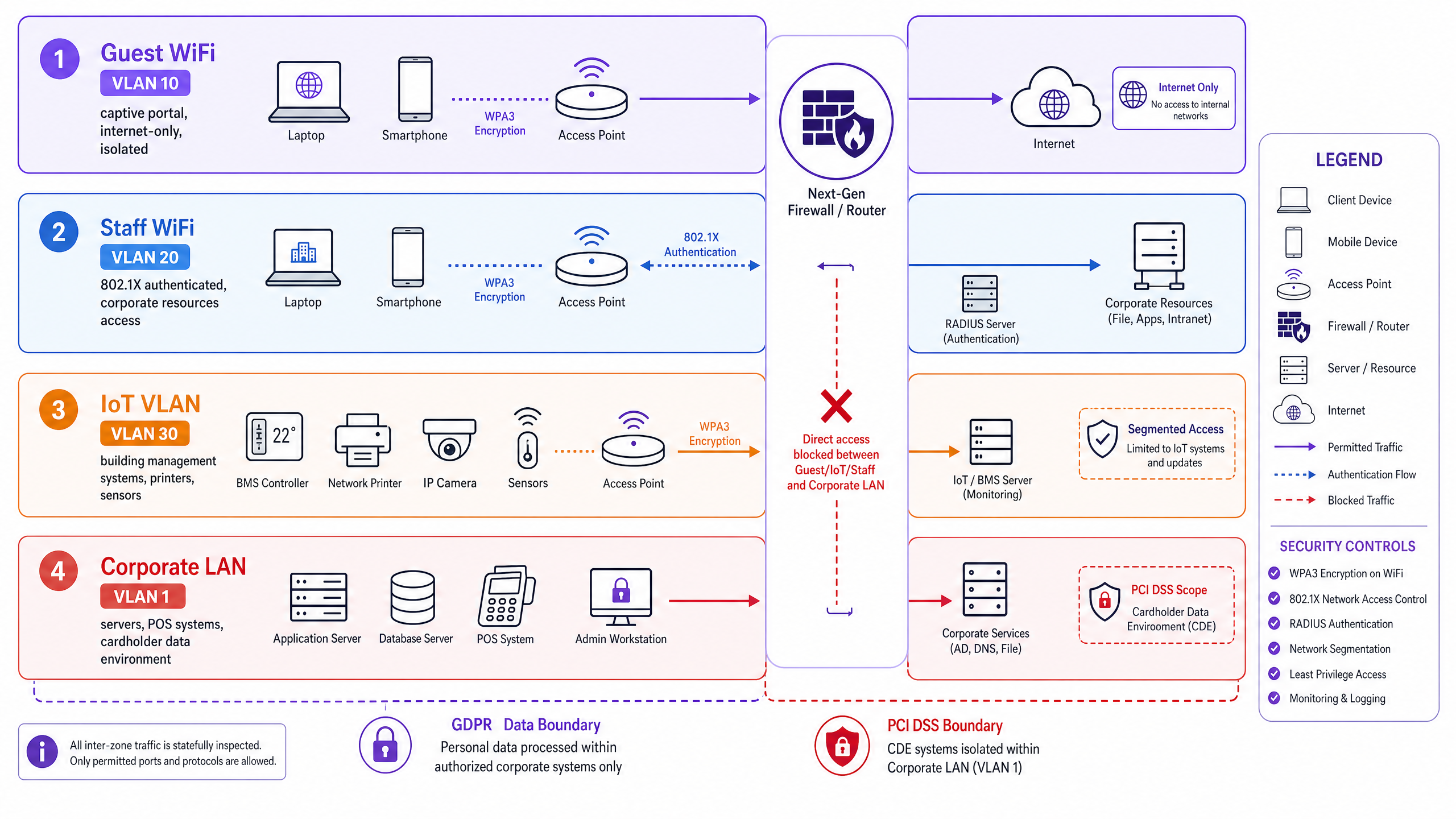
### Wireless Encryption Standards
The WiFi Alliance ratified WPA3 to replace WPA2, addressing critical vulnerabilities like the KRACK attack. WPA3 introduces Simultaneous Authentication of Equals (SAE), which prevents offline dictionary attacks against captured handshakes.
For [Guest WiFi](/guest-wifi), deploy WPA3 Enhanced Open (Opportunistic Wireless Encryption or OWE). This encrypts traffic between the client device and the access point without requiring a shared password, preventing passive packet sniffing on open networks.
For Staff WiFi, deploy WPA3 Enterprise. This uses 802.1X for port-based network access control, authenticating each device individually before granting access.
### Authentication and Identity
Enterprise authentication relies on a RADIUS server querying an identity provider like Microsoft Entra ID, Okta, or Google Workspace. When a staff device attempts to connect, it presents credentials via an Extensible Authentication Protocol (EAP) method. EAP-TLS, which uses mutual certificate-based authentication, is the most secure approach for managed devices.
For guests, 802.1X is impractical. Instead, you deploy a captive portal. This web page intercepts the guest's initial HTTP request and requires them to authenticate or accept terms before the firewall permits internet access. Purple provides a hardware-agnostic cloud overlay that handles this captive portal layer across all major hardware vendors.
## Implementation Guide
Deploying a secure guest network requires coordination between your core switches, wireless controllers, and captive portal platform. Follow this sequence for a standard deployment:
1. **Configure VLANs:** Define your Guest, Staff, and IoT VLANs on your core switch infrastructure.
2. **Establish Firewall Rules:** Implement stateful rules on your edge firewall to deny inter-VLAN routing from untrusted segments.
3. **Create SSIDs:** On your wireless controller (e.g., Cisco Meraki, HPE Aruba, Juniper Mist), create separate SSIDs mapped to the corresponding VLAN tags.
4. **Configure Guest Authentication:** Point your Guest SSID to Purple's captive portal URL and RADIUS servers. This offloads guest authentication and data capture to the cloud overlay.
5. **Configure Staff Authentication:** Point your Staff SSID to your internal or cloud RADIUS server, integrating with your primary identity provider.
6. **Apply Bandwidth Limits:** Implement Quality of Service (QoS) policies on the Guest SSID. A baseline of 10 Mbps download and 5 Mbps upload per client prevents single users from saturating the uplink.
## Best Practices and Compliance
### GDPR and Data Collection
If you collect personal data via a captive portal, you must comply with GDPR and local privacy laws. The legal basis for processing guest data is almost always consent. Consent must be freely given, specific, informed, and unambiguous. You cannot bundle marketing consent with network access, and you cannot use pre-ticked boxes.
Implement conscious-choice opt-ins. The user must actively choose to provide their data for marketing purposes separate from their agreement to the network terms of service. Purple's platform enforces this compliance by default, ensuring the first-party data you collect is legally sound and high-intent.
### Content Filtering and DNS
Guest networks are a liability if users access illegal or malicious content. Configure your Guest VLAN to use a secure DNS resolver that blocks known malware domains and adult content. Purple's Shield add-on provides DNS-level content filtering directly integrated into the platform.
## Troubleshooting & Risk Mitigation
### The Flat Network Trap
**Risk:** Deploying a single SSID for all users, or mapping multiple SSIDs to the same subnet.
**Mitigation:** Audit your switch configurations. Ensure every SSID drops traffic onto a distinct VLAN, and verify that your firewall drops packets attempting to cross from the guest subnet to the corporate subnet.
### Captive Portal Certificate Errors
**Risk:** Guests encounter browser warnings when the captive portal intercepts their traffic using a self-signed certificate.
**Mitigation:** Always use a valid TLS certificate from a trusted public Certificate Authority (CA) for your captive portal domain. Purple manages this automatically for hosted portals.
### Infinite Session Durations
**Risk:** Guest devices remain authenticated indefinitely, skewing analytics and consuming IP addresses.
**Mitigation:** Configure a hard session timeout on the captive portal. A 24-hour timeout suits hospitality; a 4-hour timeout is better for [Retail](/industries/retail).
## ROI & Business Impact
Guest WiFi is an investment in first-party data. By deploying a secure, compliant captive portal, you transform an IT cost centre into a marketing asset. Purple's platform processes 440 million logins annually, turning anonymous visitors into known customer profiles.
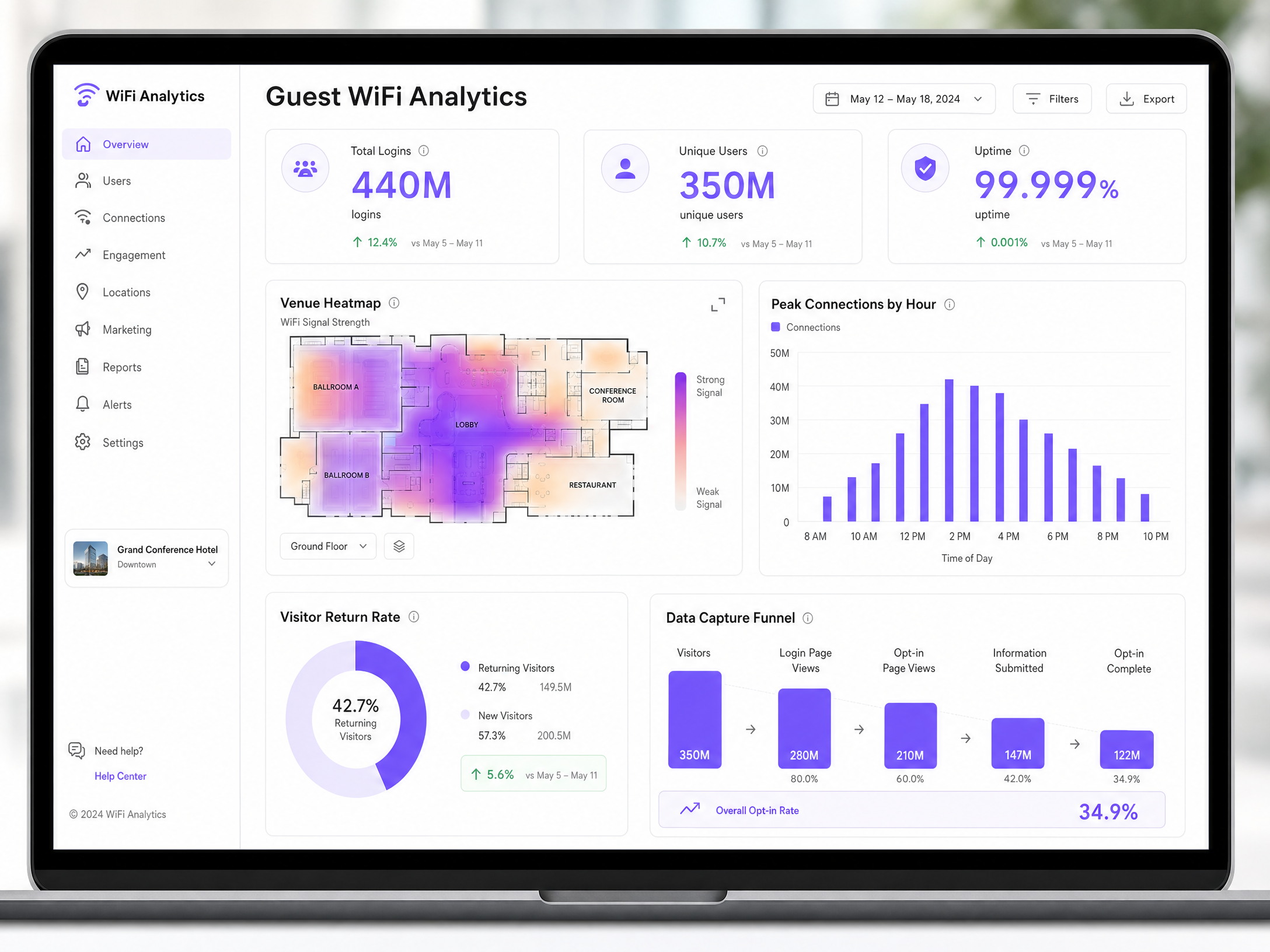
With proper segmentation, you reduce the scope and cost of PCI-DSS audits. With WPA3 and DNS filtering, you mitigate the risk of data breaches. And with [WiFi Analytics](/guest-wifi-marketing-analytics-platform), you gain visibility into footfall, dwell time, and return rates. For example, McDonald's used Purple's analytics to reduce physical IT engineer site visits by 90%, while Harrods achieved a 57x ROI by integrating WiFi data with their loyalty programme.
---
### First-party data marketing: a comprehensive guide for businesses
**Source:** https://www.purple.ai/en-gb/guides/first-party-data-marketing
**Summary:** This guide explains how to build a robust first-party data marketing strategy using enterprise Guest WiFi networks. It covers the technical architecture for secure data capture via captive portals, GDPR-compliant consent workflows, CRM integration patterns, and automated campaign deployment. Venue operators across hospitality, retail, events, and public-sector environments will find actionable guidance for turning passive visitors into a high-quality, owned marketing audience.
**Estimated read time:** 7 minutes
**Word count:** 1,510

## Executive summary
Third-party cookies are depreciating. Paid acquisition costs are rising. For physical venues, the most valuable marketing asset is already in the building: the guest. First-party data marketing shifts the focus from renting audiences to owning them.
This guide details how to implement a first-party data strategy using [Guest WiFi](/guest-wifi) and Purple Engage. We cover the technical architecture required to capture data securely at the network edge, the integration pathways to your existing CRM or Customer Data Platform (CDP), and the automated marketing workflows that drive measurable revenue. You will learn how to build a compliant, high-conversion Captive Portal and how to activate that data to increase customer lifetime value across hospitality, [retail](/industries/retail), events, and public-sector venues.
Purple operates across 80,000+ live venues and processed 440 million logins in 2024 (Purple internal data). That scale means the patterns in this guide are validated against real-world deployments, not theory.
---
## Technical deep-dive: the first-party data architecture
A successful first-party data strategy requires a robust underlying architecture. Offering an open SSID is not enough. You must deploy a managed Captive Portal that authenticates users, captures consent, and routes data securely to your marketing stack.

### Authentication and data capture
When a guest connects to the WiFi network, the hardware controller intercepts the traffic and redirects the device to a Captive Portal hosted by Purple. This portal is the primary data collection point. Rather than asking for a simple password, the portal requires the guest to authenticate using an email address, phone number, or social media profile.
This process captures critical first-party data: verified contact details (email addresses or phone numbers validated during login), demographic information (age, gender, and location data retrieved via social logins where permitted), and device identifiers (MAC addresses used to track repeat visits and dwell times).
For a deeper look at structuring your WiFi network for multiple use cases, see our guide on [Three SSIDs to rule them all: guest, Passpoint, and IoT WiFi](/blog/three-ssids-to-rule-them-all).
### Integration and data flow
Purple acts as a cloud overlay, sitting above your existing hardware infrastructure. We support canonical hardware integrations including Cisco Meraki, HPE Aruba, Ruckus, Juniper Mist, Ubiquiti UniFi, Cambium, Extreme Networks, and Fortinet. You do not need to replace your existing access points.
Once data is captured, it must flow into your broader marketing ecosystem. Purple Engage syncs this data in real-time to your CRM or CDP. This integration ensures your marketing team always has access to current visitor profiles, enabling immediate, context-aware campaigns. According to Salesforce research, 71% of WiFi marketers now have live CRM or CDP sync in place, and those who do see a 33.1% improvement in campaign response rates.
### Security and compliance standards
Handling first-party data requires strict adherence to security and privacy standards. The architecture must support secure authentication protocols and comply with global data protection regulations.
Purple maintains ISO 27001 certification and ensures compliance with GDPR, CCPA, and Cyber Essentials. When a guest logs in, the captive portal presents clear terms and conditions, capturing explicit, conscious-choice opt-ins for marketing communications. Pre-ticked boxes are not permitted under GDPR. Data is encrypted in transit and at rest.
- - -
## Implementation guide: deploying a first-party strategy
Implementing a first-party data marketing strategy involves configuring the network, designing the captive portal, and setting up automated marketing workflows.
### Step 1: network configuration
Begin by isolating the Guest WiFi network from your corporate infrastructure. Configure a dedicated VLAN for guest traffic to ensure security. If you operate multiple venues, centralise the management of the captive portal to maintain brand consistency across all locations.
For [hospitality](/industries/hospitality) operators managing properties with mixed guest, staff, and IoT traffic, refer to our architecture guidance on [Three SSIDs to rule them all: guest, Passpoint, and IoT WiFi](/blog/three-ssids-to-rule-them-all).
### Step 2: captive portal design
The captive portal is your digital front door. It must be visually appealing, mobile-responsive, and optimised for conversion. Use a light background and incorporate your brand colours and logo. Keep the data collection form brief. Ask only for the information you intend to use. Every additional field reduces the conversion rate.
A standard configuration requests an email address and a date of birth - useful for birthday campaigns. Ensure the opt-in checkboxes for marketing communications are clear and unticked by default to maintain GDPR compliance.
Learn more about optimising your portal in our guide: [How to make a great first impression with your guest WiFi (and keep your brand consistent)](/blog/guest-wifi-splash-page-first-impression).
### Step 3: marketing automation setup
With data flowing into Purple Engage, configure automated campaigns triggered by specific visitor behaviours.
| Campaign type | Trigger | Typical outcome |
|---|---|---|
| Welcome campaign | First-time login | Immediate discount redemption |
| Birthday campaign | Date of birth match | High open rate, loyalty reinforcement |
| Win-back campaign | No login in 90 days | Lapsed visitor recovery |
| Dwell-time upsell | Session exceeds 30 minutes | Incremental spend |
---
## Best practices for data activation
Collecting data is only the first step. To generate ROI, you must activate that data effectively.
### Segment your audience
Do not send batch-and-blast emails. Use the behavioural data captured by the WiFi network to segment your audience. Create segments based on visit frequency, dwell time, and the specific venue visited.
For example, a retail chain can segment shoppers who frequently visit a flagship store and send them exclusive invitations to in-store events. A hotel can segment guests who use the WiFi in the conference centre and target them with B2B promotional offers. For [transport](/industries/transport) hubs, segment passengers by route or terminal to deliver relevant retail promotions.
### Personalise the communication
Use the first-party data to personalise your marketing messages. Address the recipient by name and reference their recent visit. Personalisation increases engagement rates significantly. WiFi-triggered campaigns achieve a 54.7% open rate and an 18.3% click-through rate, compared to a 21.4% open rate and 2.9% click-through rate for standard broadcast emails (Klaviyo and Accenture, 2026).
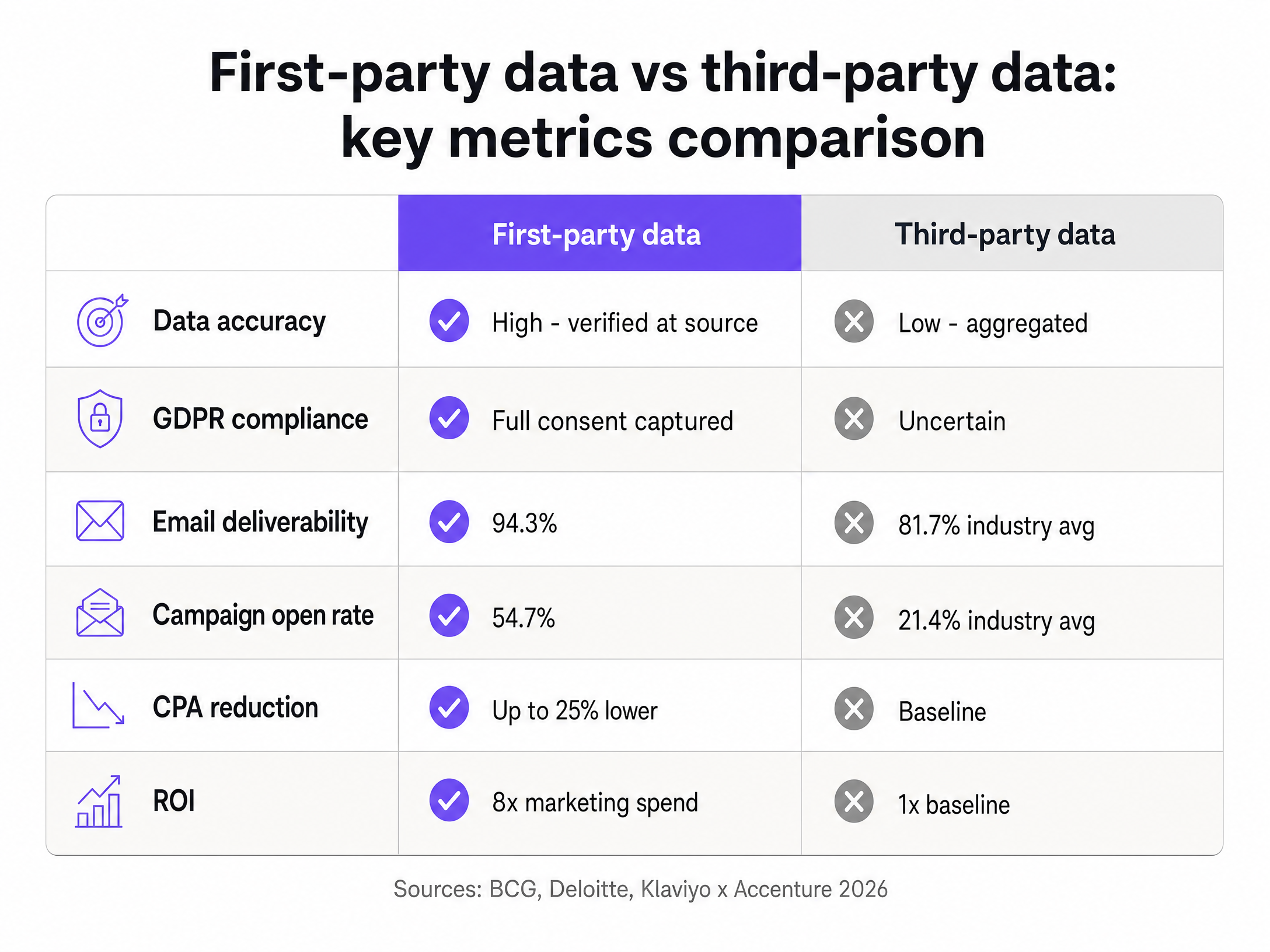
### Use retail media
If you operate high-traffic venues, consider monetising the captive portal itself. The portal splash screen is prime digital real estate. You can display targeted advertisements or sponsorships before the guest accesses the internet. This approach generates significant ancillary revenue. One 34-location European mall group generated 4.6 million euros in net new advertising revenue, fully offsetting WiFi infrastructure costs (PwC, 2026).
---
## Troubleshooting and risk mitigation
Deploying a WiFi marketing solution introduces specific technical and operational risks.
### Low opt-in rates
If guests are connecting to the network but not opting into marketing communications, review your captive portal design. Ensure the value proposition is clear. Offer a tangible benefit, such as a discount code or free loyalty points, in exchange for the data. A single, clear call-to-action outperforms a portal with multiple options.
### Data synchronisation failures
If data is not appearing in your CRM, verify the API connections between Purple and your marketing stack. Check the error logs in the Purple portal to identify authentication failures or rate-limiting issues. Ensure that the data fields mapped in Purple match the corresponding fields in your CRM. The most common failure point is a mismatch between the email field format in Purple and the CRM's required input format.
### MAC address randomisation
Modern smartphones use MAC address randomisation to protect user privacy. This feature assigns a temporary MAC address to the device when it scans for networks. To track repeat visitors accurately, rely on the authenticated user profile (email or phone number) rather than the MAC address alone. Once a user logs in, Purple associates the current MAC address with their persistent profile. Passive detection metrics will always overcount unique visitors relative to authenticated profiles.
### GDPR consent management
Maintain a clear audit trail of consent records. Purple stores consent timestamps and the specific version of the terms and conditions accepted at login. If a guest requests erasure under GDPR Article 17, the platform must be able to identify and delete all records associated with that individual. Test this workflow before going live.
-
## ROI and business impact
A first-party data strategy delivers measurable business impact across multiple dimensions.
| Metric | First-party data | Third-party data |
|---|---|---|
| Email deliverability | 94.3% | 81.7% industry average |
| Campaign open rate | 54.7% | 21.4% industry average |
| CPA reduction | Up to 25% lower | Baseline |
| Marketing ROI | 8x spend | 1x baseline |
Sources: Retail TouchPoints 2026, Klaviyo and Accenture 2026, BCG, Deloitte.
### Increased customer lifetime value
By building a direct relationship with your visitors, you increase their lifetime value. Automated campaigns drive repeat visits and incremental spend. Brands integrating first-party data into their advertising strategies see an 8x return on marketing spend (Deloitte). A 2% improvement in customer retention delivers the same financial benefit as a 10% reduction in costs (Think with Google).
### Reduced acquisition costs
Owning your audience reduces reliance on expensive third-party advertising channels. You can reach your existing customers directly via email or SMS at a fraction of the cost of a paid search or social media campaign. McKinsey research shows first-party data strategies reduce customer acquisition costs by up to 50%.
### Enhanced operational insights
The data collected provides valuable operational insights. By analysing foot traffic patterns and dwell times via [WiFi Analytics](/guest-wifi-marketing-analytics-platform), venue operators can optimise staffing levels, adjust store layouts, and measure the impact of physical marketing displays. One Chicago mall operator attributed a 2.3 million dollar annual revenue increase directly to tenant relocations informed by six months of WiFi movement data (JLL, 2026).
---
### How to Implement SCEP for Secure BYOD and Network Enrolment in Higher Education
**Source:** https://www.purple.ai/en-gb/guides/how-to-implement-scep-for-secure-byod-and-network-enrollment-in-higher-education
**Summary:** This technical guide provides network architects and IT managers with a vendor-neutral blueprint for deploying SCEP-based certificate enrolment to secure higher education campus networks. It details how to migrate from password-based PEAP to 802.1X EAP-TLS, automate BYOD onboarding, and enforce robust VLAN segmentation.
**Estimated read time:** 5 minutes
**Word count:** 963
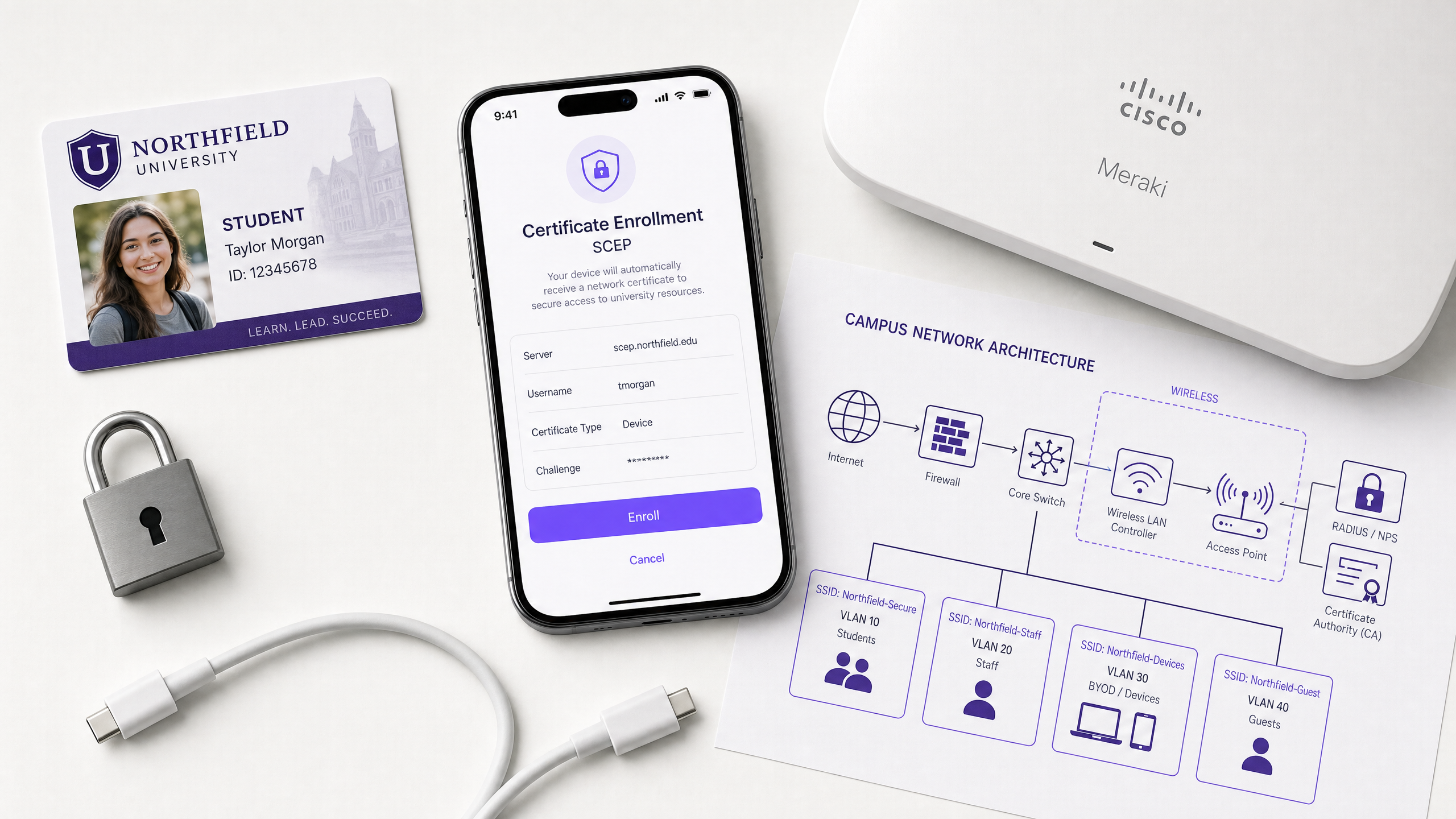
## Executive Summary
Higher education networks face a unique set of challenges: massive seasonal onboarding spikes, high device churn, pervasive credential sharing, and stringent compliance requirements. Traditional password-based authentication models (like PEAP-MSCHAPv2) fail to meet modern security standards and generate significant IT support overhead.
This guide details how to implement the Simple Certificate Enrollment Protocol (SCEP) to automate the delivery of X.509 digital certificates to both managed staff devices and unmanaged student BYOD (Bring Your Own Device) endpoints. By moving to certificate-based 802.1X EAP-TLS authentication, universities can eliminate shared passwords, neutralise credential phishing, and establish a cryptographically verifiable audit trail. We cover the underlying protocol mechanics, reference architectures for multi-VLAN segmentation, integration with Mobile Device Management (MDM) platforms, and the operational transition required to secure campus WiFi at scale.
## Technical Deep-Dive
### The Limitations of Legacy Authentication
Many university networks still rely on PEAP (Protected Extensible Authentication Protocol) with university credentials. This trust-on-first-use model presents severe risks:
1. **Credential Harvesting**: Attackers can broadcast spoofed SSIDs to capture student credentials.
2. **Password Sharing**: Students frequently share credentials, undermining network access control and bandwidth allocation.
3. **Support Overhead**: Password resets and manual configuration errors drive peak helpdesk volume during the start of the academic year.
### SCEP and EAP-TLS Architecture
SCEP, defined in RFC 8894, automates the lifecycle of digital certificates. Instead of authenticating the user via a password, the network authenticates the device via a unique X.509 certificate. This enables EAP-TLS (Extensible Authentication Protocol with Transport Layer Security), which requires mutual authentication between the client device and the RADIUS server.
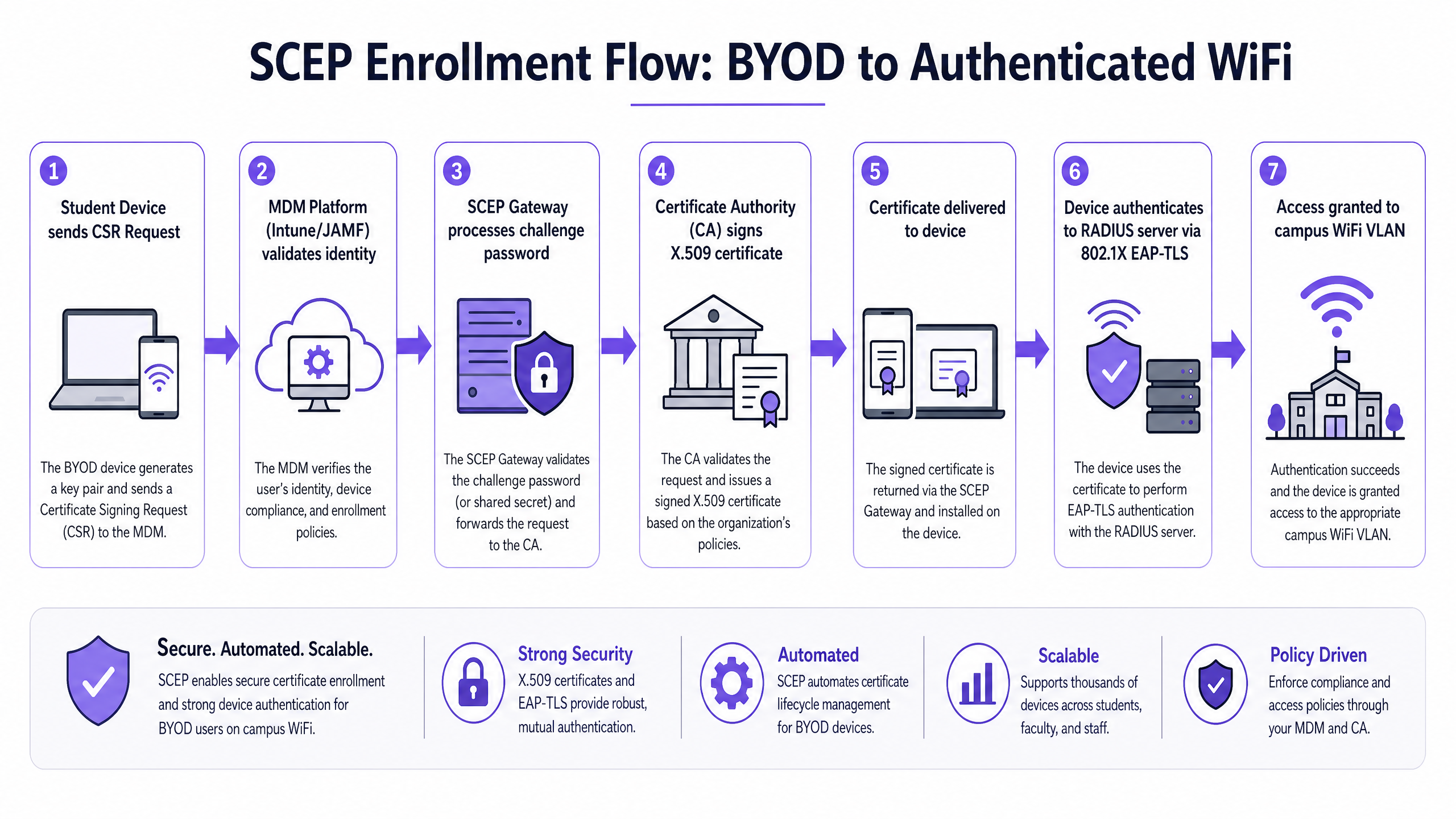
The SCEP enrolment flow operates as follows:
1. **Initial Connection**: The device connects to an onboarding portal or receives an MDM profile.
2. **CSR Generation**: The device generates a key pair and creates a Certificate Signing Request (CSR).
3. **Challenge Validation**: The SCEP gateway validates a dynamic, one-time challenge password provided by the MDM or onboarding portal.
4. **Certificate Issuance**: The Certificate Authority (CA) signs the CSR and returns the X.509 certificate.
5. **Authentication**: The device presents the certificate to the RADIUS server via 802.1X EAP-TLS to gain access to the secure VLAN.
### Infrastructure Components
Deploying SCEP requires several integrated components:
* **Certificate Authority (CA)**: The root of trust issuing the certificates (e.g., Microsoft AD CS, a cloud PKI).
* **SCEP Gateway**: The intermediary that validates requests before forwarding them to the CA (e.g., Microsoft NDES, SecureW2, IronWiFi).
* **MDM / Onboarding Platform**: Manages the deployment of SCEP profiles (e.g., Microsoft Intune, JAMF Pro, Google Workspace).
* **RADIUS Server**: Enforces network access policy based on certificate validity (e.g., Cisco ISE, HPE Aruba ClearPass, Microsoft NPS).
* **Wireless Infrastructure**: The access points and controllers enforcing 802.1X (e.g., Cisco Meraki, HPE Aruba, Ruckus, Juniper Mist).
## Implementation Guide
### Step 1: Establish the PKI and SCEP Gateway
If your university uses Microsoft Entra ID, integrating Intune with a cloud PKI or an on-premises NDES server is the standard approach. The SCEP gateway must be accessible externally if you intend to provision devices before they arrive on campus.
### Step 2: Configure the MDM Profiles
For managed devices (staff laptops, lab machines), configure SCEP profiles in your MDM. Ensure the profile specifies:
* **Subject Name Format**: CN={{AAD_Device_ID}} or similar, to uniquely identify the device.
* **Key Usage**: Digital Signature and Key Encipherment.
* **Extended Key Usage**: Client Authentication.
* **Challenge Type**: Dynamic (one-time password), never static.
### Step 3: Deploy the BYOD Onboarding Portal
For unmanaged student devices, deploy a self-service onboarding portal. Students authenticate via the university's single sign-on (SSO) provider (e.g., Microsoft Entra ID, Okta). The portal verifies their active enrolment status and pushes a lightweight SCEP profile to their device, automating the certificate request without requiring full MDM management.
### Step 4: Implement VLAN Segmentation
Configure your RADIUS server to assign VLANs dynamically based on the certificate attributes or the user group in your directory.
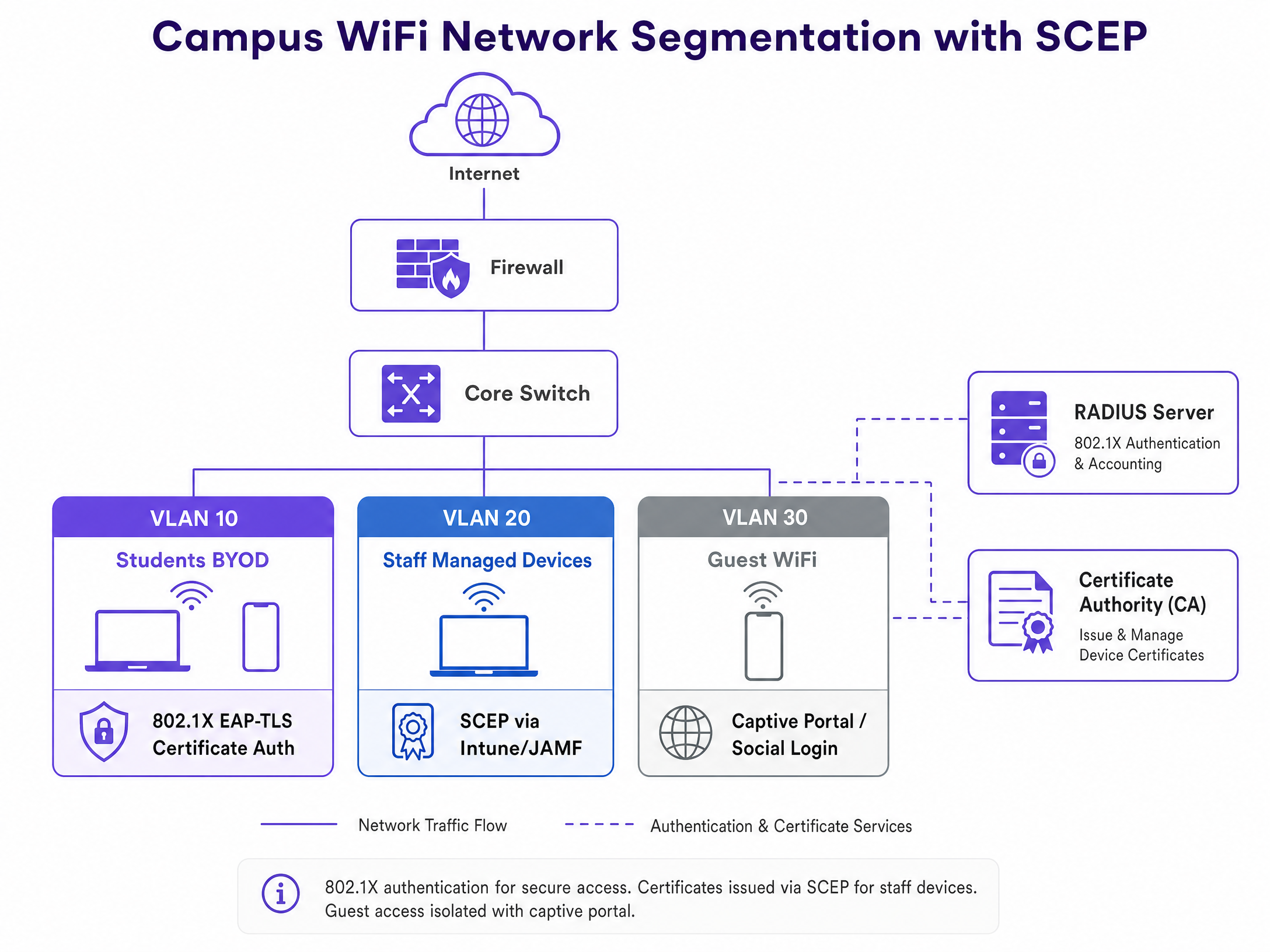
* **VLAN 10 (Student BYOD)**: EAP-TLS authenticated. Access to academic resources and internet.
* **VLAN 20 (Staff Managed)**: EAP-TLS authenticated. Access to administrative systems and internal servers.
* **VLAN 30 (Guest WiFi)**: Captive Portal authenticated. Internet access only, isolated from the core network.
## Best Practices
* **Dynamic Challenge Passwords**: Never use a static shared secret for your SCEP gateway. Ensure your MDM or onboarding platform generates one-time challenge passwords for every enrolment request.
* **Automated Renewal**: Configure certificates to renew automatically at 80% of their validity period. This prevents mass expirations during critical academic periods.
* **Device Compliance**: Use MDM conditional access policies to ensure devices meet security baselines (e.g., OS version, encryption) before the SCEP profile is delivered.
* **Revocation Checking**: Ensure your RADIUS server is configured to check the Certificate Revocation List (CRL) or use the Online Certificate Status Protocol (OCSP) to block access immediately if a device is reported lost or stolen.
## Troubleshooting & Risk Mitigation
### Common Failure Modes
1. **NDES/SCEP Gateway Unreachable**: If the SCEP gateway is not externally accessible, devices cannot enrol off-campus. Ensure the gateway is published securely via an application proxy.
2. **Certificate Chain Trust Errors**: The client device must trust the Root CA that issued the RADIUS server's certificate. Ensure the Root CA certificate is pushed alongside the SCEP profile.
3. **RADIUS Timeout**: EAP-TLS requires multiple round trips. Ensure your wireless controllers and RADIUS servers are configured with adequate timeout values to accommodate latency, especially during peak onboarding.
## ROI & Business Impact
Migrating to SCEP and EAP-TLS delivers measurable business outcomes for university IT departments:
* **Reduced Support Costs**: By automating enrolment, universities typically see a 50-70% reduction in WiFi-related helpdesk tickets during the start of the academic year.
* **Enhanced Security Posture**: Eliminating shared passwords and migrating to cryptographic device identity neutralises credential harvesting attacks.
* **Regulatory Compliance**: Certificate-based authentication provides a robust, attributable audit log, supporting GDPR Article 32 requirements for technical security measures.
Purple's platform integrates with this architecture at the guest WiFi layer. While your academic and staff networks remain secured via SCEP and EAP-TLS, Purple provides seamless captive portal onboarding for visitors, capturing first-party data and delivering analytics without compromising the security of the core network.
---
### Staff WiFi vs. Guest WiFi: Best Practices for Corporate Network Segmentation
**Source:** https://www.purple.ai/en-gb/guides/staff-wifi-vs-guest-wifi-best-practices-for-corporate-network-segmentation
**Summary:** A comprehensive technical guide for IT leaders on segmenting staff and guest WiFi networks. It covers VLAN architecture, 802.1X authentication, firewall policies, and the business impact of secure network design.
**Estimated read time:** 4 minutes
**Word count:** 830

## Executive Summary
Providing internet access to the public while maintaining secure corporate operations requires strict architectural separation. Running staff and guest traffic on a flat network is a critical vulnerability that enables lateral movement from unmanaged devices directly to your point-of-sale terminals, property management systems, and back-office servers. This guide details the technical requirements for implementing staff and guest WiFi segmentation using VLANs, 802.1X authentication, and zero-trust firewall policies. By isolating untrusted traffic, you mitigate breach risk, satisfy compliance mandates like PCI DSS, and create a secure foundation for deploying [Guest WiFi](/guest-wifi) as a first-party data asset.
Listen to the technical briefing podcast:
## Technical Deep-Dive
The fundamental mechanism for network segmentation is the Virtual Local Area Network (VLAN). Rather than deploying separate physical infrastructure for every user group, enterprise access points from vendors like Cisco Meraki, HPE Aruba, and Juniper Mist broadcast multiple SSIDs from a single radio. Each SSID is mapped to a distinct 802.1Q VLAN tag.
When a device connects to the Guest WiFi SSID, the access point tags its traffic (e.g., VLAN 10). When an employee connects to the Staff WiFi SSID, their traffic receives a different tag (e.g., VLAN 20). These tags persist across the switching infrastructure to the core firewall. The firewall acts as the absolute enforcement point, dropping any packets attempting to cross VLAN boundaries without an explicit permit rule.
### Authentication Architecture
Network segmentation requires robust identity verification. A hidden SSID provides zero security against passive scanning.
For Staff WiFi, WPA3-Enterprise with IEEE 802.1X is the mandatory standard. This architecture replaces shared passwords with individual, revocable credentials verified against an identity provider like Microsoft Entra ID or Okta via a RADIUS server. If an employee departs, revoking their central identity instantly terminates their network access. For high-security environments, EAP-TLS replaces passwords with client certificates, eliminating the risk of credential phishing.
For Guest WiFi, authentication relies on a captive portal. This provides a legal demarcation point for terms and conditions and serves as the data ingestion layer for a [WiFi Analytics](/guest-wifi-marketing-analytics-platform) platform.
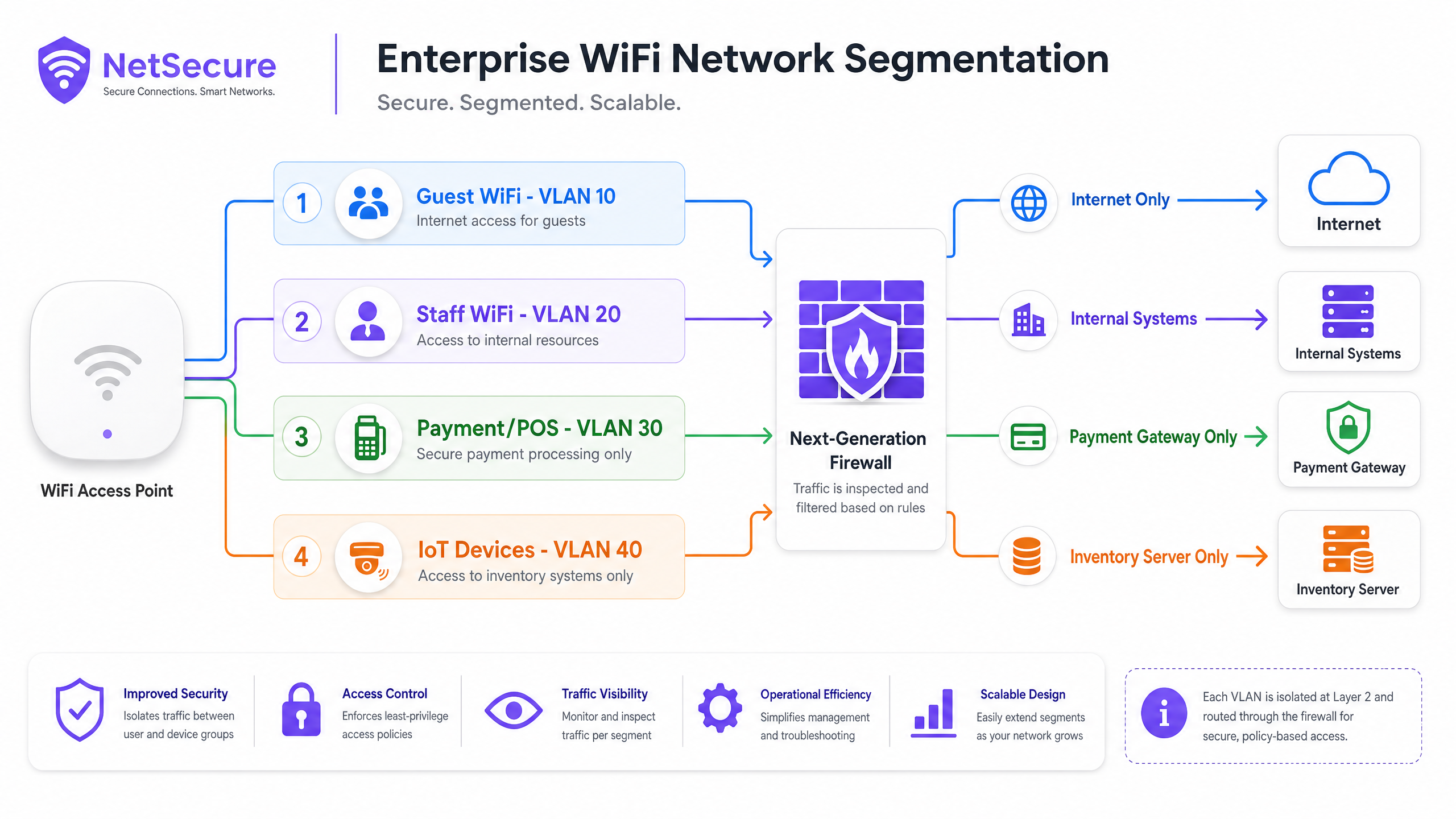
## Implementation Guide
Deploying a segmented network requires disciplined configuration across the wireless controller, switching fabric, and firewall.
1. **Define the VLAN Schema:** Assign non-overlapping subnets to each VLAN. For example, 10.10.0.0/22 for guests and 10.20.0.0/24 for staff.
2. **Configure the Access Points:** Map the Guest SSID to the guest VLAN and the Staff SSID to the corporate VLAN. Enable Client Isolation on the Guest SSID to block peer-to-peer communication between untrusted devices.
3. **Configure the Switching Fabric:** Ensure all switch ports connecting to access points are configured as 802.1Q trunk ports that permit the required VLAN tags. Avoid using the native VLAN for management traffic.
4. **Deploy Firewall Policies:** Implement a default-deny stance. The guest VLAN requires an explicit permit rule for HTTP/HTTPS traffic bound for the WAN interface, and a deny rule for all RFC 1918 internal IP ranges. The staff VLAN requires granular permit rules based on specific application requirements.
## Best Practices
To maintain the integrity of your network segmentation, adhere to these operational standards.
* **Enforce Client Isolation:** Always enable client isolation on public SSIDs. This prevents a compromised device in a hotel lobby from scanning or attacking other devices connected to the same access point.
* **Implement Bandwidth Throttling:** Apply Quality of Service (QoS) policies to prioritise staff traffic. Enforce per-user bandwidth limits (e.g., 5 Mbps) on the guest network to prevent a single user from saturating the WAN uplink and degrading critical business applications.
* **Limit SSID Sprawl:** Broadcasting excessive SSIDs degrades radio performance due to management frame overhead. Restrict deployments to three or four SSIDs per access point. Use dynamic VLAN assignment via RADIUS if you require more granular logical separation.
* **Standardise Configurations:** Use cloud-managed templates to deploy consistent configurations across multi-site estates. A single misconfigured switch port set to access mode instead of trunk mode can silently bridge VLANs and expose the corporate network.
## Troubleshooting & Risk Mitigation
The most severe risk in a segmented architecture is VLAN hopping caused by misconfiguration. If a trunk port is incorrectly provisioned, untagged guest traffic may default onto the corporate management VLAN.
Mitigate this risk through automated configuration auditing. Run regular penetration tests that attempt to route traffic from the guest network to internal IP addresses. If a ping reaches a corporate server from a guest IP, the segmentation has failed. Ensure all management interfaces (SSH, HTTPS) for network hardware reside on a dedicated, isolated management VLAN that is inaccessible from both guest and staff segments.
## ROI & Business Impact
Network segmentation is a prerequisite for operating securely in modern [Retail](/industries/retail), [Hospitality](/industries/hospitality), and [Transport](/industries/transport) environments. It satisfies PCI DSS Requirement 1.2, which mandates the isolation of cardholder data environments from untrusted networks, significantly reducing the scope and cost of compliance audits.
Beyond risk reduction, a segmented architecture transforms Guest WiFi from a pure operational cost into a secure data collection asset. By safely isolating public traffic, venues can deploy advanced captive portals to capture first-party data, drive loyalty programme sign-ups, and generate measurable marketing ROI without compromising the security of their internal systems.
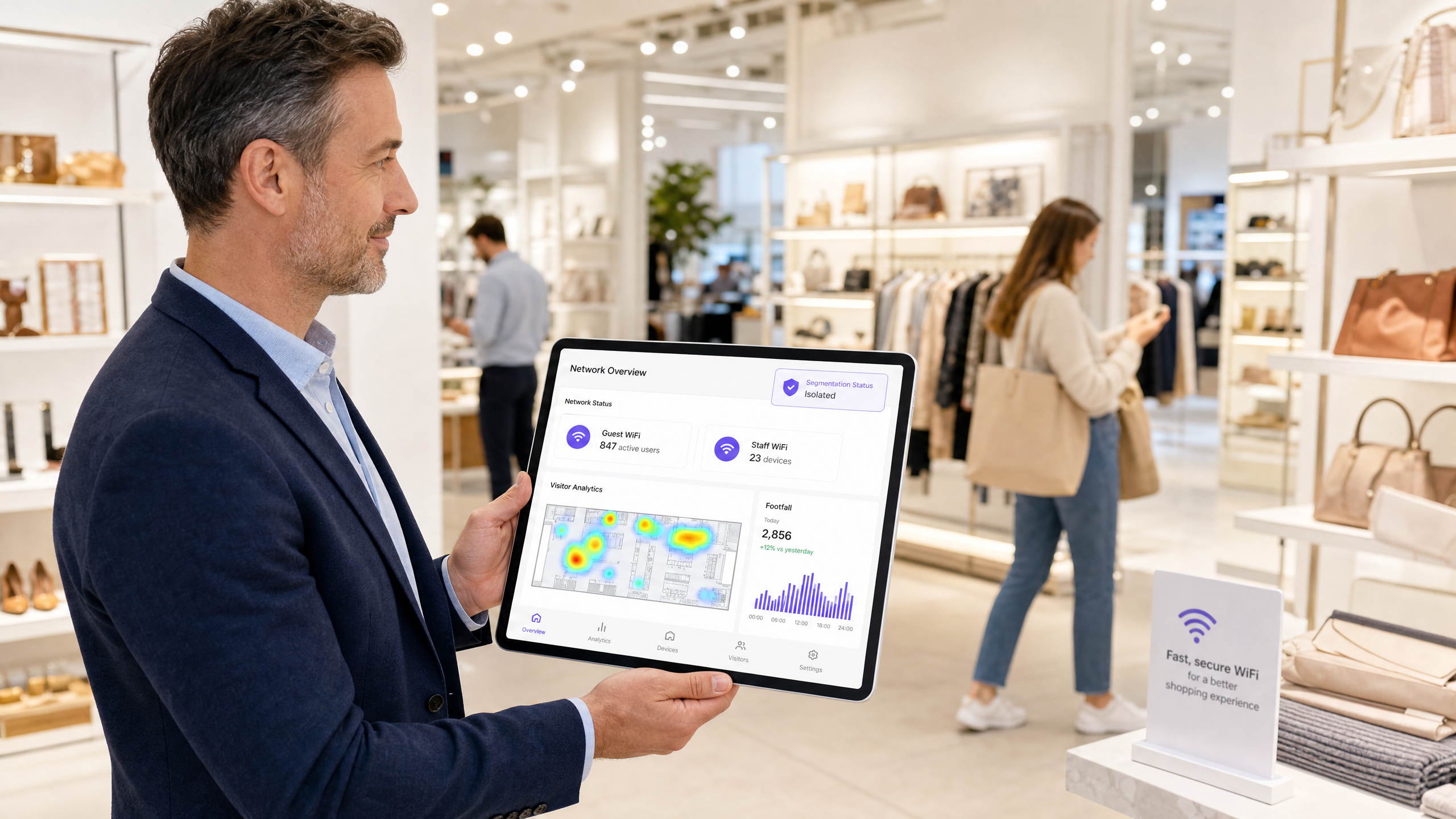
---
### Troubleshooting Captive Portal Redirects: Resolving Guest WiFi Connection Failures
**Source:** https://www.purple.ai/en-gb/guides/troubleshooting-captive-portal-redirects-resolving-guest-wifi-connection-failures
**Summary:** When guests connect to your WiFi but cannot access the internet, the cause is almost always a misconfigured captive portal redirect - not a hardware fault. This guide provides a deep-dive technical reference for IT managers, network architects, and CTOs to diagnose and resolve the full chain of failures: from OS-level connectivity probes and HSTS certificate conflicts through to RADIUS authorisation gaps and DHCP exhaustion. It maps each failure mode to a concrete fix and shows how Purple's hardware-agnostic cloud overlay eliminates these issues across Cisco Meraki, HPE Aruba, Ruckus, Juniper Mist, Ubiquiti UniFi, Cambium, Extreme, and Fortinet deployments.
**Estimated read time:** 9 minutes
**Word count:** 2,144
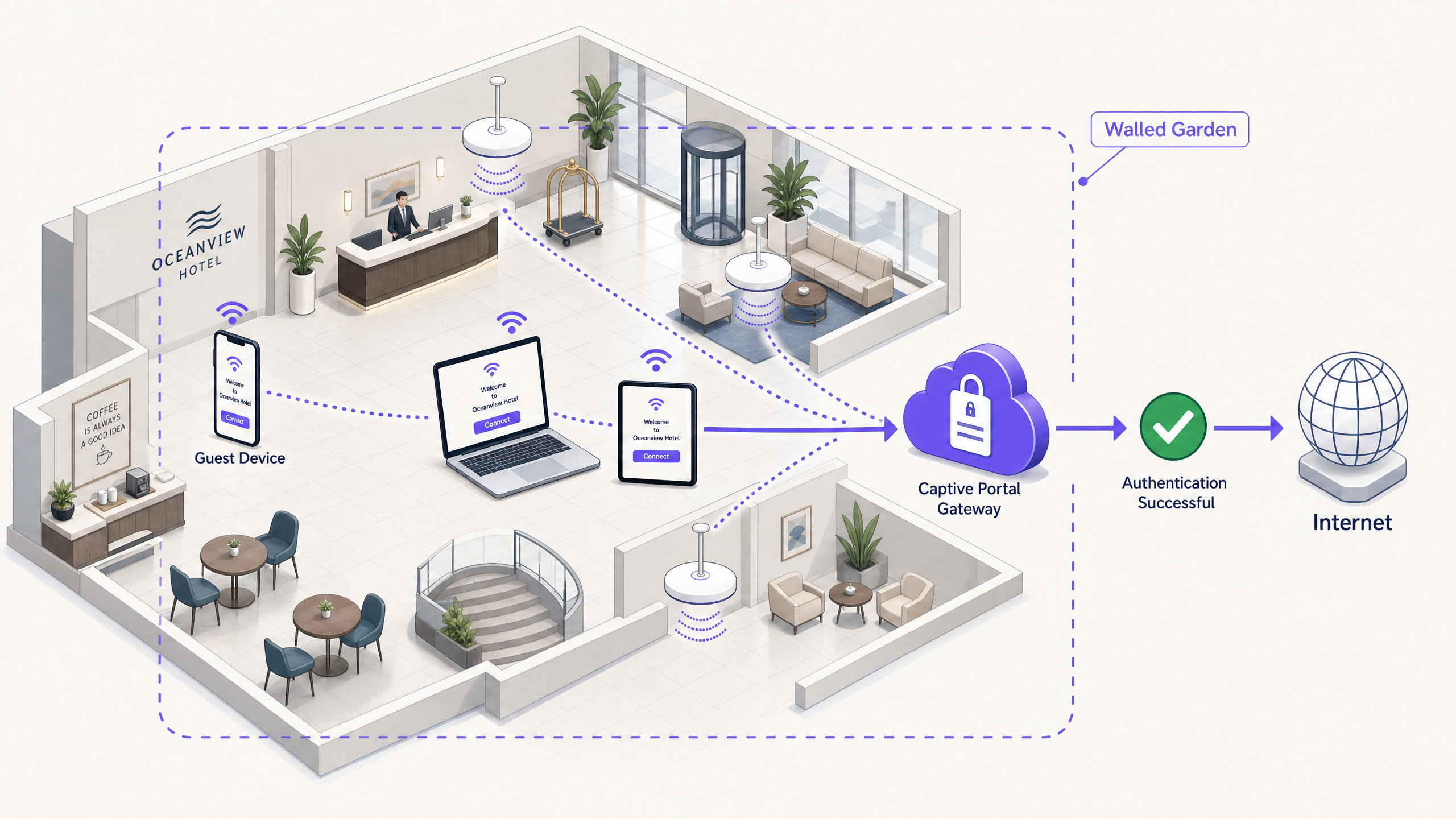
## Executive summary
The query 'guest WiFi connected but no internet' is one of the most common support tickets in enterprise networking. The symptom is visible to every visitor; the cause is invisible to most IT teams until they understand the redirect chain. A Captive Portal (also called a splash page or hotspot gateway) intercepts a device's initial HTTP connectivity probe and issues an HTTP 302 redirect to a login page. If any step in that chain breaks - blocked probes, HSTS conflicts, walled garden gaps, RADIUS failures, or DHCP exhaustion - the guest sees nothing but a connected WiFi icon and no internet. This guide walks you through every failure mode, the underlying protocol mechanics, and the configuration changes that resolve them. Purple operates across 80,000+ live venues, processing 440 million logins annually (Purple internal data, 2024), and the patterns described here represent the most frequent root causes we see across hospitality, retail, transport, and public-sector deployments.
---
## Technical deep-dive
### How Captive Portal detection actually works
Every major operating system ships with a built-in mechanism to detect whether a network requires authentication before granting internet access. Understanding these mechanisms is the foundation of all Captive Portal troubleshooting.
When a device associates with an SSID, the OS sends an unencrypted HTTP GET request to a predefined URL. The table below lists the probe URLs by platform.
| Operating system | Probe URL | Expected response |
|---|---|---|
| iOS / macOS | `http://captive.apple.com/hotspot-detect.html` | HTTP 200 with specific body |
| Android (Google) | `http://connectivitycheck.gstatic.com/generate_204` | HTTP 204 No Content |
| Windows (NCSI) | `http://www.msftconnecttest.com/connecttest.txt` | HTTP 200 with body 'Microsoft Connect Test' |
| Chrome (all platforms) | `http://www.gstatic.com/generate_204` | HTTP 204 No Content |
| Firefox | `http://detectportal.firefox.com/success.txt` | HTTP 200 |
If the gateway intercepts one of these requests and returns an HTTP 302 redirect pointing to the Captive Portal URL, the OS recognises it is behind a portal and opens a pseudo-browser (a lightweight WebView) to display the splash page. If the probe is blocked entirely, the OS reports 'No internet connection' and never attempts to open the portal. This is the single most common cause of the 'guest WiFi connected but no internet' symptom.
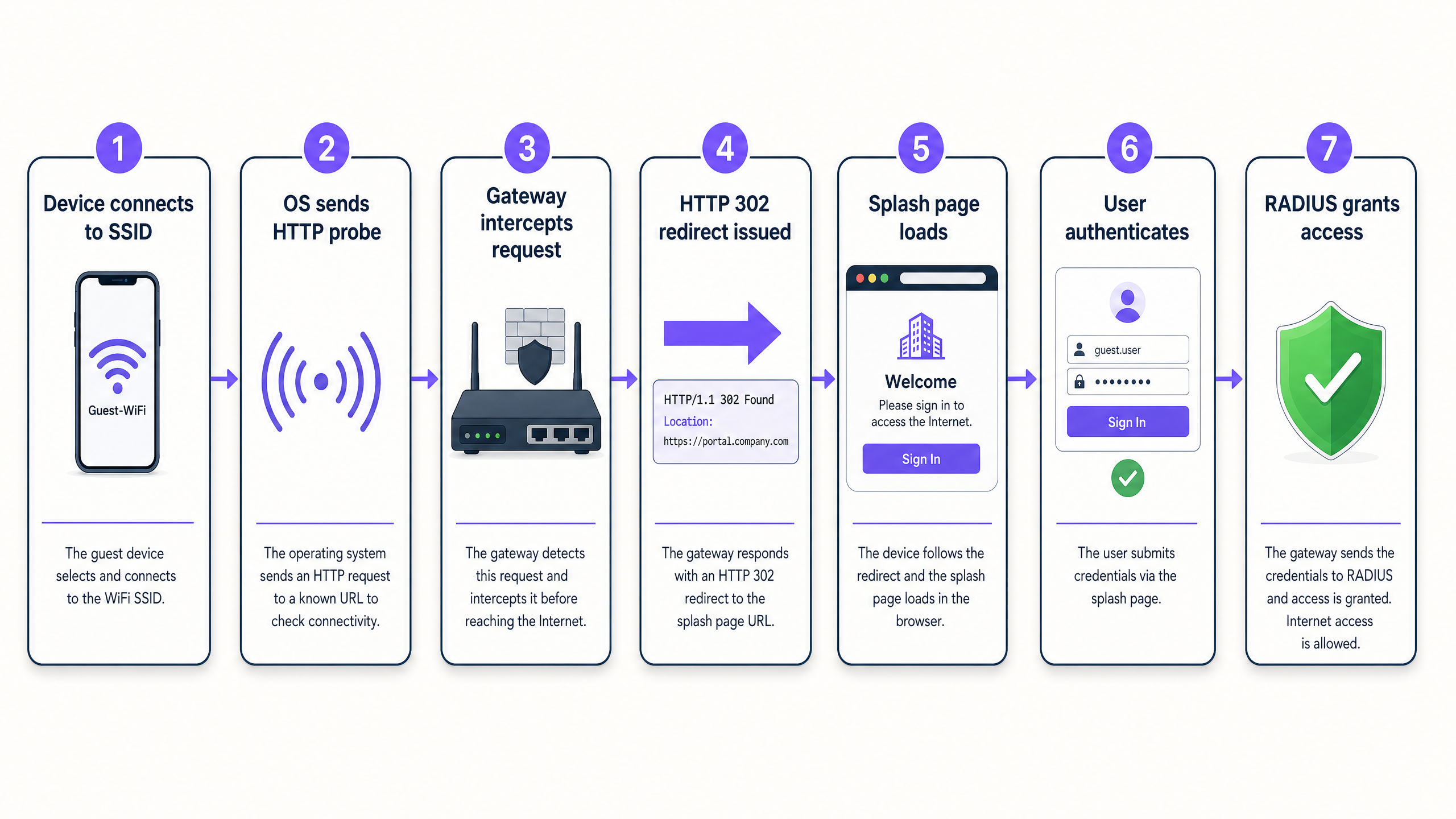
### The HSTS problem
HTTP Strict Transport Security (HSTS) is a web security policy defined in RFC 6797. It instructs browsers to refuse all plain HTTP connections to a domain and to reject any certificate that does not exactly match. Major domains including google.com, facebook.com, and most banking sites are on the HSTS preload list built into Chrome, Firefox, Safari, and Edge.
When a guest opens a browser and types `google.com`, the browser upgrades the request to HTTPS before it leaves the device. The gateway cannot intercept an HTTPS request and redirect it cleanly - it would have to present a certificate for google.com, which it does not hold. The browser detects the certificate mismatch and displays a hard security warning. The guest cannot proceed to the login page.
The correct architecture relies entirely on the OS-level HTTP probes described above. Those probes use plain HTTP to non-HSTS URLs specifically so that gateways can intercept and redirect them without certificate conflicts. Your gateway must intercept these HTTP probes and issue the 302 redirect. Do not attempt to intercept HTTPS traffic for captive portal purposes.
### The walled garden
A walled garden is the set of domains and IP addresses a device can reach before it has authenticated. If the walled garden is too narrow, the splash page may load but authentication will fail. Common gaps include:
- **Identity provider domains**: If you use Microsoft Entra ID, Okta, or Google Workspace for social or SSO login, their authentication endpoints must be in the walled garden.
- **CDN and asset domains**: Your splash page may load CSS, JavaScript, or fonts from a content delivery network. If those CDN domains are blocked, the page renders broken.
- **Payment processor domains**: If you charge for access via Stripe or another processor, their JavaScript SDK domains must be pre-authenticated.
- **Purple platform domains**: Purple's cloud overlay requires the gateway to reach Purple's RADIUS servers and portal endpoints. These are documented in Purple's hardware integration guides for each supported platform.
### RADIUS and the authorization gap
RADIUS (Remote Authentication Dial-In User Service) is the protocol that connects your local gateway to the authentication platform. When a guest completes the login form, the captive portal sends the credentials to the RADIUS server. The RADIUS server returns an Access-Accept or Access-Reject message. The gateway acts on that message by opening or keeping closed the firewall rule that grants internet access.
The authorization gap - where a guest successfully logs in on the splash page but still has no internet - almost always means the gateway did not receive or process the Access-Accept message. Common causes include a mismatched shared secret, UDP ports 1812 and 1813 blocked by a local firewall, or the RADIUS server IP address configured incorrectly on the gateway.
### DHCP exhaustion in high-density environments
In stadiums, conference centres, and transport hubs, DHCP exhaustion is a frequent cause of connection failures that looks identical to a captive portal problem. If the DHCP pool is full, a new device associates with the access point but never receives an IP address. Without an IP address, the device cannot send the HTTP probe and never reaches the captive portal. The device shows as connected to the SSID but has no internet.
For venues like Manchester Airports Group (MAG), where passenger volumes peak sharply, subnets must be sized for the maximum concurrent device count, not the average. Short DHCP lease times (15-30 minutes for transient visitor networks) reclaim addresses from departed devices quickly.
- - -
## Implementation guide
The following steps apply to any hardware platform - Cisco Meraki, HPE Aruba, Ruckus, Juniper Mist, Ubiquiti UniFi, Cambium, Extreme, or Fortinet - when integrated with Purple's cloud overlay.
**Step 1: Configure the SSID for external captive portal.** In your hardware controller, set the guest SSID to redirect unauthenticated clients to Purple's external portal URL. Disable any local splash page on the controller itself.
**Step 2: Define the walled garden.** Add the following domains at minimum: Purple's portal and RADIUS endpoints (see your hardware integration guide), the OS detection probe URLs listed above, your identity provider domains (Microsoft Entra ID, Okta, or Google Workspace), and any CDN domains your splash page assets use.
**Step 3: Configure RADIUS.** Enter Purple's RADIUS server IP addresses, the shared secret from your Purple dashboard, and set the authentication port to 1812 and the accounting port to 1813. Verify that your local firewall permits outbound UDP on these ports.
**Step 4: Set session parameters.** For hospitality and retail, set session duration to 24 hours with MAC address caching enabled. This prevents guests from being forced to re-authenticate during a single visit. For high-security environments, shorter sessions with re-authentication are appropriate.
**Step 5: Size your DHCP scope.** Calculate the maximum concurrent device count for your venue at peak capacity. A 500-seat restaurant may see 800 devices during a busy service. Size the DHCP pool to 1,000 addresses with a 30-minute lease time.
**Step 6: Test across operating systems.** After configuration, test the full flow on iOS, Android, and Windows devices. Each uses a different probe URL and WebView implementation. A failure on one platform while others work is almost always a walled garden gap.
- - -
## Best practices
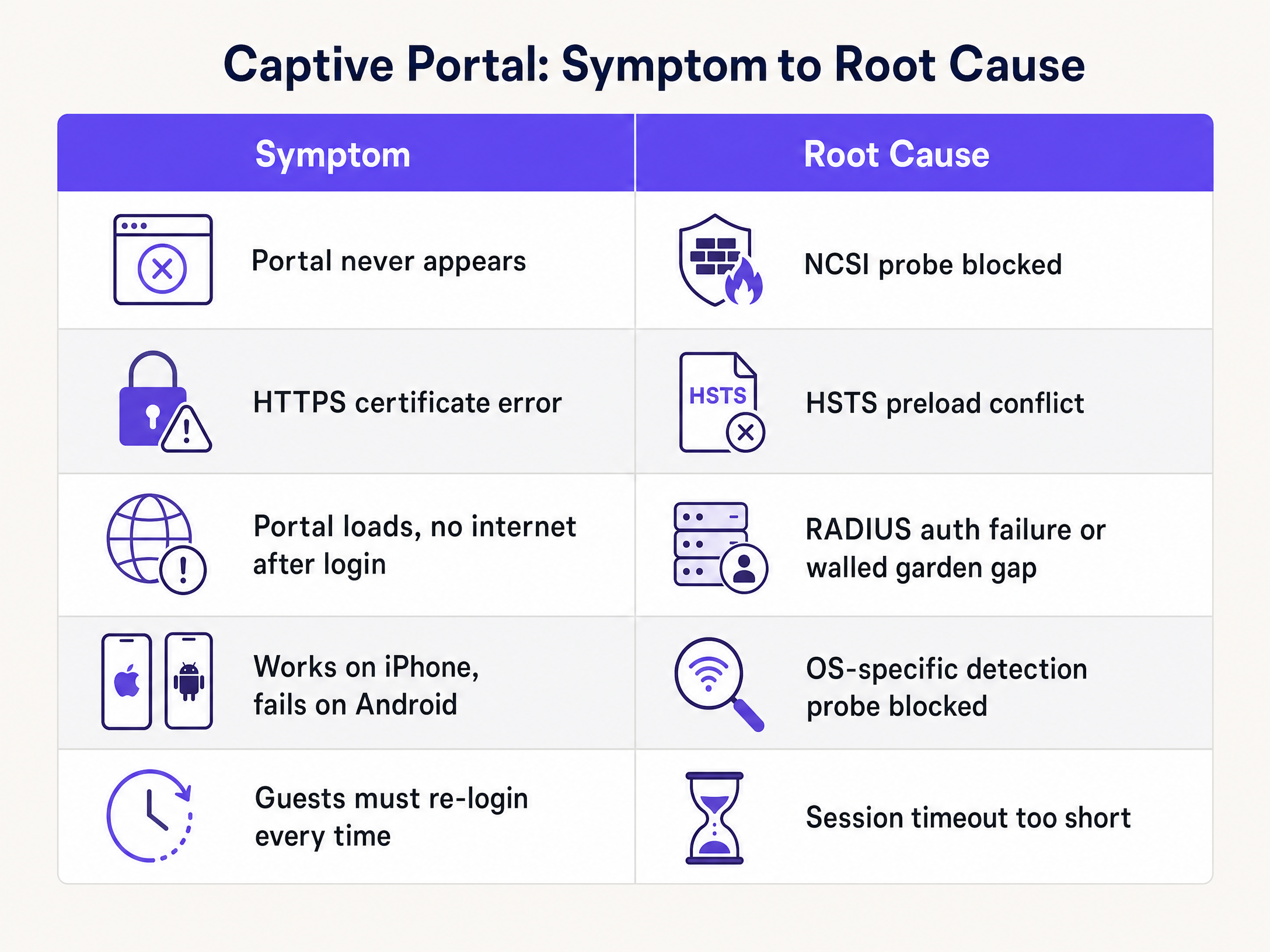
The following recommendations reflect standards and patterns across Purple's 80,000+ venue deployments.
**Separate guest and staff networks.** Run at least three SSIDs: Guest WiFi, Staff WiFi, and an IoT network. Guest traffic must be isolated from internal systems. See our guide on [Three SSIDs to rule them all: guest, Passpoint, and IoT WiFi](/blog/three-ssids-to-rule-them-all) for architecture detail.
**Use a dedicated guest VLAN.** Segment guest traffic into its own VLAN to prevent lateral movement and simplify firewall policy. This is a PCI DSS requirement if any payment card data traverses the network.
**Implement conscious-choice opt-ins.** GDPR requires that data collection at the captive portal is based on informed, affirmative consent. Purple's Conscious-choice opt-ins present data collection choices clearly, with separate tick boxes for each purpose. This is not optional for venues operating in the UK or EU.
**Monitor portal health proactively.** Purple's [WiFi Analytics](/guest-wifi-marketing-analytics-platform) platform provides real-time visibility into login success rates, session counts, and authentication failures. A sudden drop in successful logins is an early warning of a RADIUS or walled garden issue before guests start complaining.
**Apply consistent branding.** The splash page is the first branded interaction a guest has with your network. A well-designed portal increases opt-in rates and sets expectations for the WiFi experience. See [How to make a great first impression with your guest WiFi](/blog/guest-wifi-splash-page-first-impression) for design guidance.
-
## Troubleshooting and risk mitigation
When a captive portal issue is reported, follow this diagnostic sequence before making any configuration changes.
**Isolate the failure point.** Ask the guest which OS and browser they are using. Test the same flow yourself on the same OS. If the issue is OS-specific, the cause is almost certainly a missing walled garden entry for that OS's probe URL.
**Check DNS resolution.** From a device on the guest VLAN, attempt to resolve the captive portal hostname. If DNS resolution fails, the device cannot reach the splash page even if the redirect is issued correctly. Verify that your DHCP server is distributing reliable DNS addresses and that the gateway permits DNS queries in the pre-authentication state.
**Capture the redirect.** Use browser developer tools (F12) or a packet capture to observe the HTTP exchange. You should see the OS probe request followed by an HTTP 302 response containing the portal URL. If you see the probe request but no 302 response, the gateway is not intercepting correctly. If you see no probe request at all, the OS has already determined it has internet access (possibly from a cached state) and is not sending the probe.
**Verify RADIUS communication.** On the gateway, check the RADIUS accounting logs. A successful authentication produces an Accounting-Start record. If you see no accounting records after a guest logs in, the RADIUS communication is broken. Check the shared secret, server IP, and firewall rules.
**Check DHCP lease utilisation.** On the DHCP server, review the current lease count against the pool size. If utilisation exceeds 90%, you are approaching exhaustion. Expand the pool or reduce the lease time immediately.
The following table maps the most common symptoms to their root causes and the relevant fix.
| Symptom | Most likely root cause | Fix |
|---|---|---|
| Portal never appears on any device | OS probe blocked by gateway ACL | Add probe URLs to pre-auth allow list |
| Portal appears on iOS, not Android | Android probe URL missing from walled garden | Add `connectivitycheck.gstatic.com` to walled garden |
| HTTPS certificate error on portal load | Gateway intercepting HTTPS instead of HTTP | Rely on HTTP probe interception only |
| Portal loads, no internet after login | RADIUS Access-Accept not received by gateway | Verify shared secret, ports 1812/1813, RADIUS server IP |
| Social login button fails silently | Identity provider domain not in walled garden | Add Microsoft Entra ID / Google Workspace endpoints |
| Guests must re-authenticate every visit | Session duration too short or MAC caching disabled | Set session to 24 hours, enable MAC address caching |
| Intermittent failures at peak times | DHCP pool exhaustion | Expand subnet, reduce lease time |
---
## ROI and business impact
Every captive portal failure is a missed data capture event. Purple's [Guest WiFi](/guest-wifi) platform converts each successful authentication into a first-party data record - name, email, demographic data, and visit frequency - that feeds directly into marketing automation and loyalty programmes.
For a [hospitality](/industries/hospitality) operator like Premier Inn or Whitbread, a 10% improvement in portal authentication success rates across a 700-property estate translates directly into tens of thousands of additional opt-in records per month. Those records power personalised email campaigns with measurably higher open rates than purchased lists.
For [retail](/industries/retail) operators, the captive portal is the entry point to understanding shopper dwell time, repeat visit frequency, and cross-location behaviour. Purple has collected 29 billion data points (Purple internal data) across its venue network. That data is only as good as the authentication rate that generates it.
For [transport](/industries/transport) hubs like Manchester Airports Group, reliable guest WiFi is a passenger satisfaction metric tracked at board level. A portal that fails intermittently during peak departure periods generates complaints and damages the venue's Net Promoter Score.
For [healthcare](/industries/healthcare) environments, reliable visitor WiFi reduces pressure on clinical staff who would otherwise field connectivity complaints, and supports patient experience metrics.
Purple's 99.999% uptime SLA ensures that the cloud overlay itself is not the point of failure. When portal issues occur, the cause is almost always local configuration - which this guide equips you to resolve without raising a support ticket.
---
### References
[1] Troubleshooting Tip: General captive portal explanation, flow and troubleshooting. Fortinet Community, November 2024. https://community.fortinet.com/fortigate-3/troubleshooting-tip-general-captive-portal-explanation-flow-and-troubleshooting-188409
[2] RFC 8910: Captive-Portal Identification in DHCP and Router Advertisements. IETF. https://www.rfc-editor.org/info/rfc8910
[3] Network Connectivity Status Indicator overview for Windows. Microsoft Learn, February 2025. https://learn.microsoft.com/en-us/windows-server/networking/ncsi/ncsi-overview
[4] 7 Captive Portal Problems That Break Guest WiFi (And Quick Fixes). Spotipo, February 2026. https://www.spotipo.com/post/troubleshooting-captive-portals-common-issues
[5] Solution for HSTS issues with captive portal. Ubiquiti Community. https://community.ui.com/questions/Solution-for-HSTS-issues-with-captive-portal/17b033e7-3dfe-4830-af8f-bf6ead23d8b0
---
### Customer data management platform: a comprehensive guide for businesses
**Source:** https://www.purple.ai/en-gb/guides/customer-data-management-platform
**Summary:** This guide explains how venue operators can deploy a customer data management platform to unify fragmented visitor data. It covers technical architecture, integration strategies, and the critical role of Guest WiFi in building first-party data profiles.
**Estimated read time:** 4 minutes
**Word count:** 907
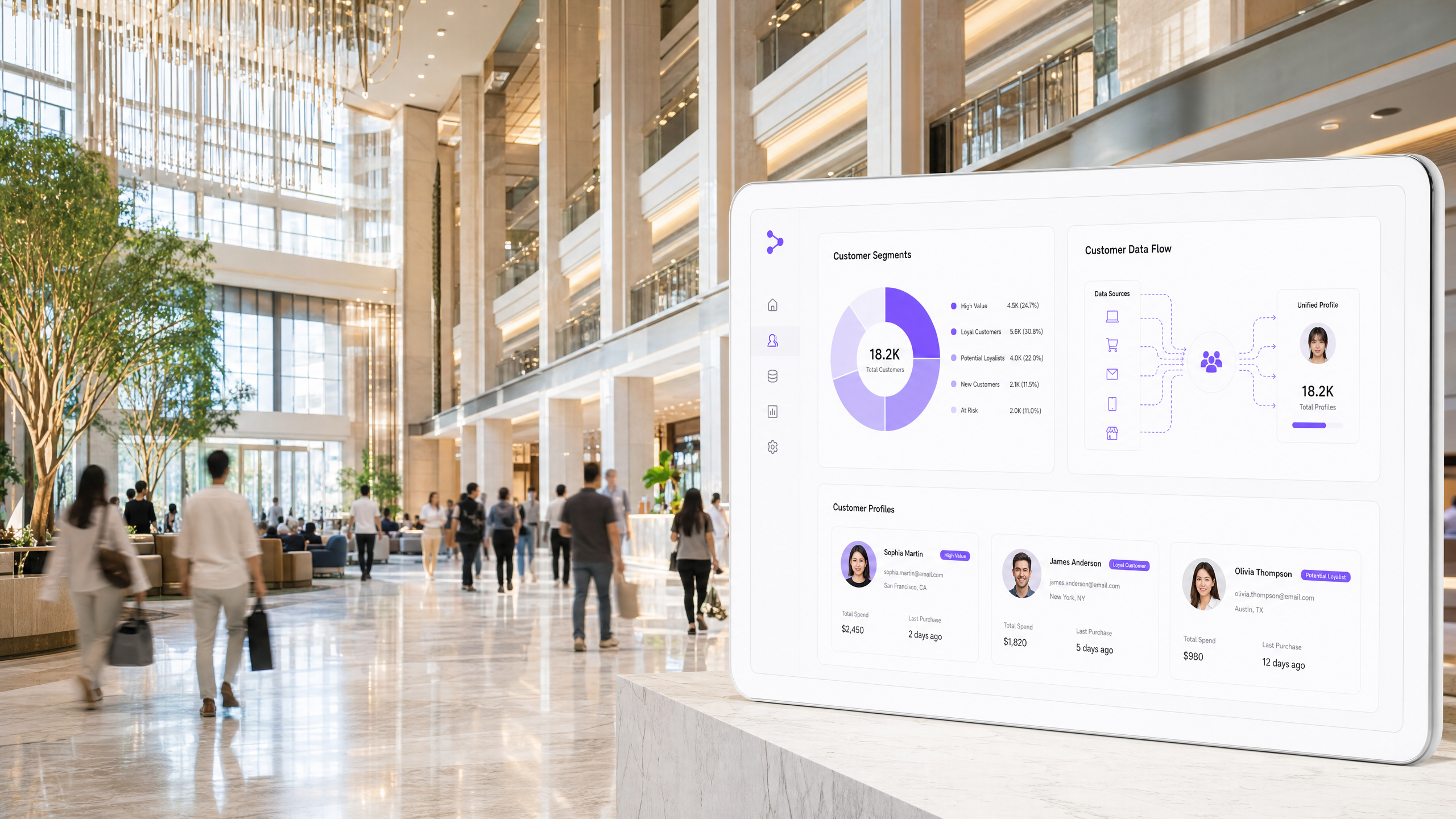
## Executive Summary
Venue operators face a structural data gap. You know the guests who booked in advance and the shoppers who scanned a loyalty card. You know almost nothing about the vast majority of visitors who walk through your doors. A customer data management platform closes this gap. It ingests data from every physical and digital touchpoint, resolves it into a single unified profile per individual, and makes that profile available for segmentation and activation.
For physical venues, the most scalable data collection point is the network itself. By using Guest WiFi as a data layer, you capture verified first-party data at the point of login. When integrated with a customer data management platform, this presence data transforms an anonymous footfall metric into a known, reachable audience. This guide details the architecture, implementation strategy, and compliance requirements for deploying a customer data management platform across enterprise venues.
## Technical Deep-Dive
A customer data management platform differs from a CRM. A CRM manages your relationship with known customers and focuses on sales workflows. A customer data management platform ingests raw event data from across the organisation, including anonymous touchpoints, and builds a complete behavioural picture.
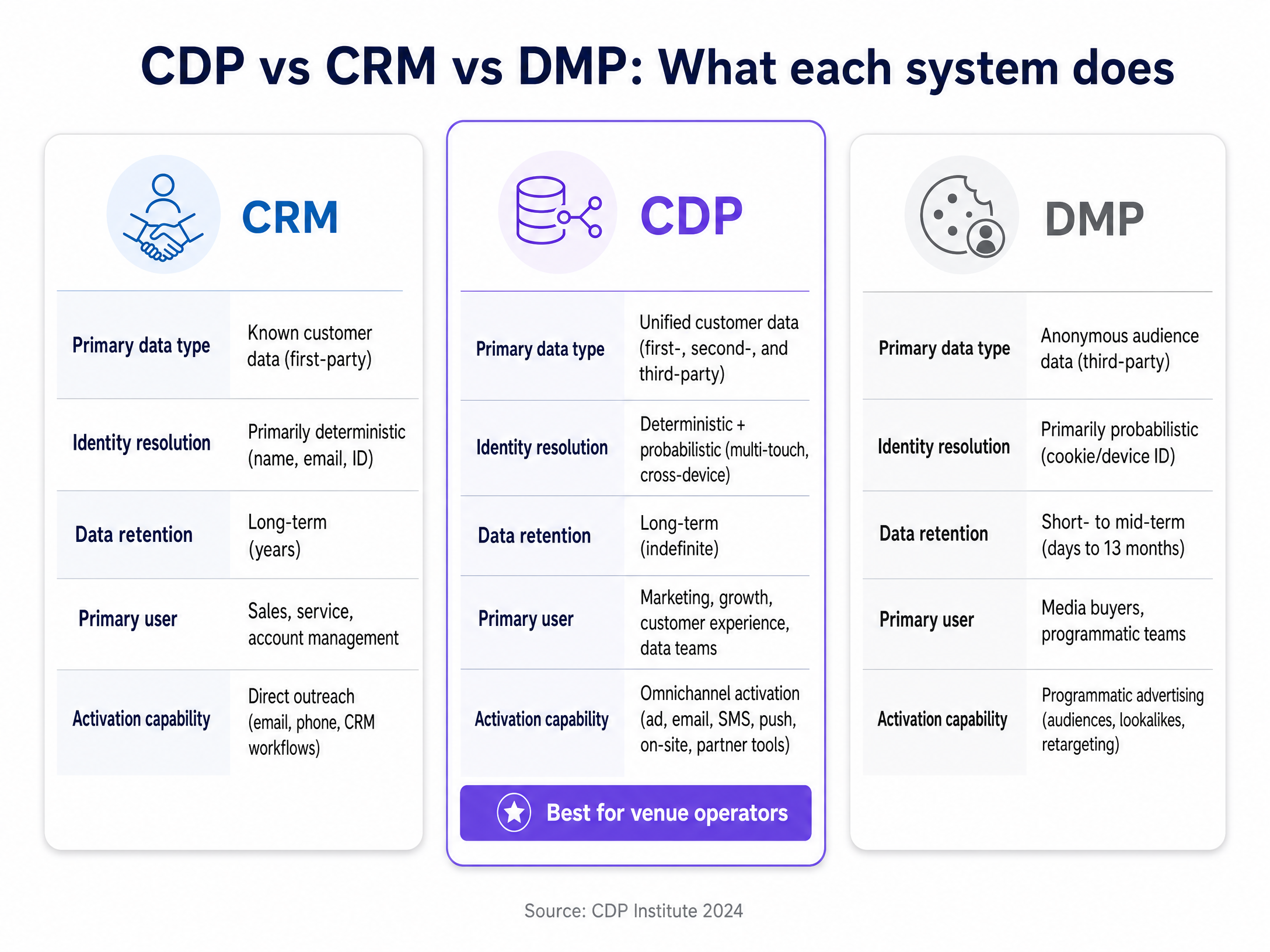
### Core Architecture
The architecture of a modern customer data management platform consists of six logical layers:
1. **Ingestion Layer**: Collects data across touchpoints. This includes batch uploads from property management systems, streaming data from point-of-sale systems, and API feeds from the WiFi login portal.
2. **Storage Layer**: Persists raw data in an immutable format before cleaning and structuring it into curated profiles.
3. **Processing Layer**: Executes identity resolution. This is where the system matches a WiFi MAC address to an email address, and links that email to a loyalty programme ID.
4. **Cataloguing Layer**: Manages metadata, access controls, and data governance.
5. **Analytics Layer**: Enables audience segmentation and behavioural analysis.
6. **Activation Layer**: Pushes audience segments to destination systems like email marketing platforms, SMS tools, and paid media networks.
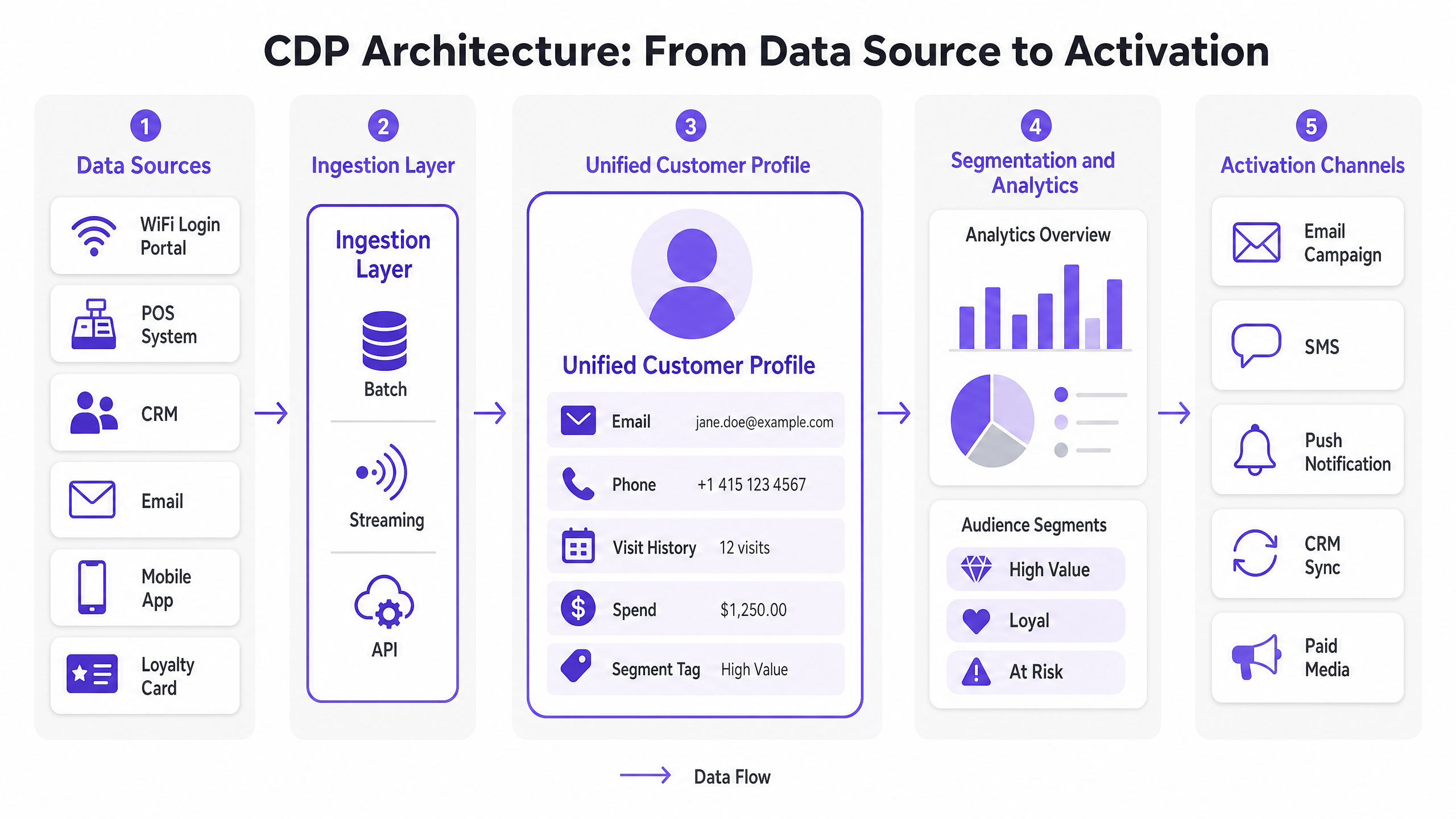
### The Role of Guest WiFi
In a venue context, [Guest WiFi](/guest-wifi) is the primary engine for identity resolution. When a visitor authenticates through a captive portal, you capture a verified email address or phone number. Purple's identity-based network authenticates 440 million logins annually across 80,000 venues. This scale provides the baseline first-party data required to populate a customer data management platform.
The integration requires a cloud overlay. Purple operates hardware-agnostic, integrating directly with Cisco Meraki, HPE Aruba, Ruckus, Juniper Mist, Ubiquiti UniFi, Cambium, Extreme, and Fortinet. This prevents the need for a hardware rip-and-replace when deploying a new data strategy.
## Implementation Guide
Deploying a customer data management platform requires strict scope control. Industry data indicates a high failure rate for projects that attempt to solve every data problem simultaneously. The fastest path to value is a phased approach targeting specific business outcomes.
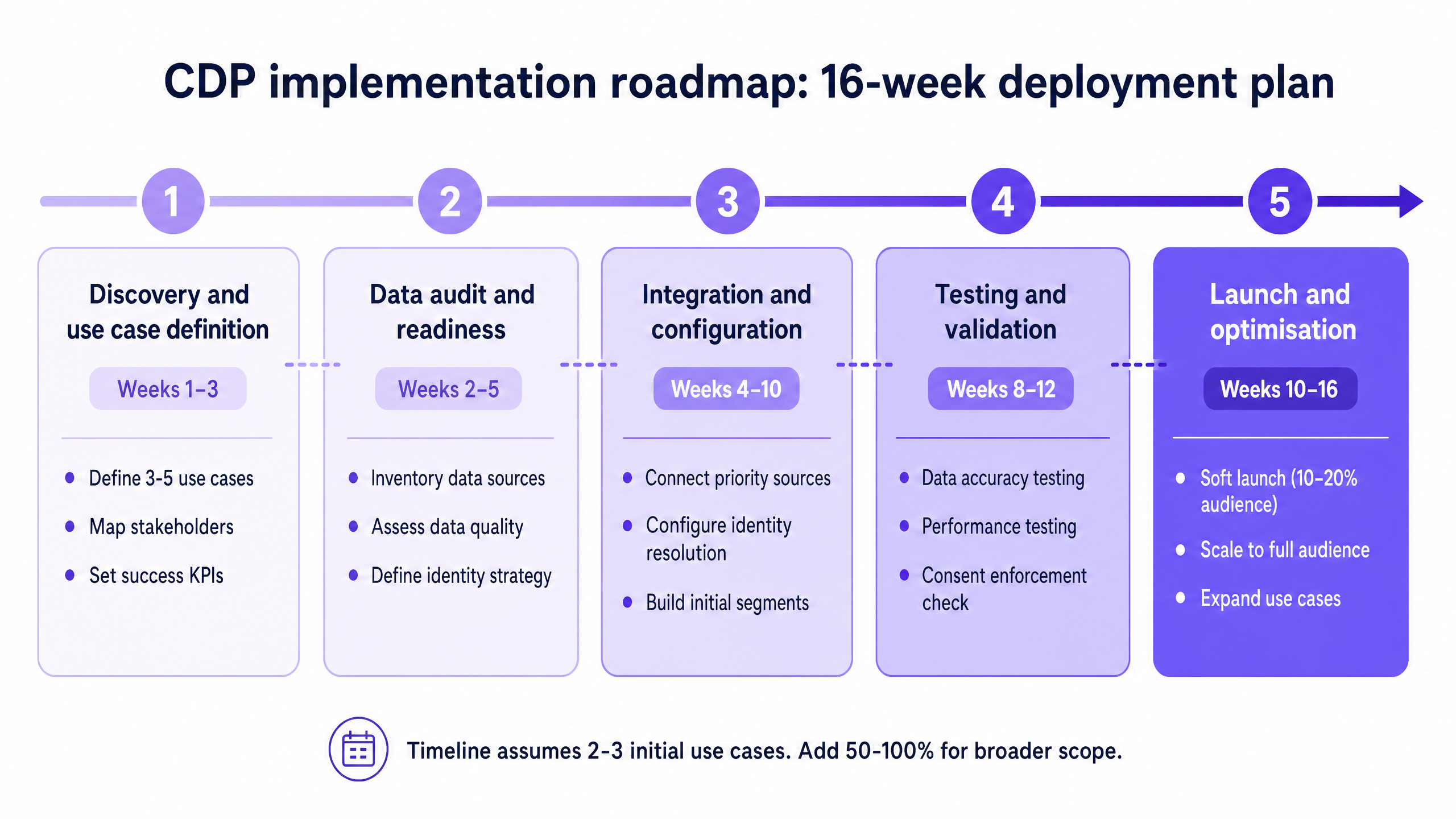
### Phase 1: Discovery and Use Case Definition
Define three to five specific use cases. Each must specify the business outcome, the required data, the activation channel, and the success metric. Do not proceed until these are locked.
### Phase 2: Data Audit and Readiness
Document every system containing customer data. Assess completeness and consistency. If 30% of your legacy email addresses are invalid, clean the data before ingestion. A customer data management platform that unifies bad data produces bad profiles.
### Phase 3: Integration and Configuration
Connect your highest-priority sources first. Configure your identity resolution rules. For example, determine whether email address or phone number serves as the primary key when merging profiles.
### Phase 4: Launch and Optimisation
Execute a soft launch with 10% to 20% of your audience. Monitor profile match rates, data latency, and activation delivery before scaling to the full database.
## Best Practices
**Secure Conscious-Choice Opt-ins**
Under GDPR and CCPA, you must establish a clear consent basis for marketing. The captive portal provides a conscious-choice opt-in mechanism. The visitor actively consents to communications in exchange for network access.
**Enforce Cross-Channel Opt-outs**
If a user unsubscribes from an email, that preference must propagate through the customer data management platform to all other activation channels, including SMS and paid media, within 24 hours.
**Focus on Return Visit Rate**
When evaluating the success of your [WiFi Analytics](/guest-wifi-marketing-analytics-platform), track return visit rate as the primary KPI. Reaching known visitors with relevant campaigns consistently outperforms broadcasting to a generic list.
## Troubleshooting & Risk Mitigation
**Risk: Scope Creep**
Teams frequently expand requirements during the integration phase.
*Mitigation*: Maintain a strict Phase 2 backlog. Refuse new data source integrations until the initial use cases are live and generating return on investment.
**Risk: Identity Fragmentation**
The system fails to merge profiles, resulting in duplicate records for the same visitor.
*Mitigation*: Implement deterministic matching rules based on hard identifiers (email, phone) before attempting probabilistic matching based on device or location behaviour.
**Risk: Siloed Implementation**
Treating the deployment as a marketing-only project.
*Mitigation*: Form a cross-functional team. IT must handle infrastructure and security. Legal must review data processing agreements. Marketing defines the use cases.
## ROI & Business Impact
The business impact of a customer data management platform is measured in data activation efficiency. In the [Hospitality](/industries/hospitality) sector, integrating property management data with WiFi presence data enables automated, highly targeted post-stay campaigns. This increases email open rates and drives direct bookings.
In [Retail](/industries/retail), matching dwell time analytics with point-of-sale data allows operators to segment shoppers into high-value regulars and lapsed visitors. Activating these segments through targeted offers improves return visit frequency. The return on investment justifies the deployment when the platform moves from passive data storage to active revenue generation.
Listen to our full executive briefing on customer data management platforms:
---
### Apartment WiFi solutions: a comprehensive guide for businesses
**Source:** https://www.purple.ai/en-gb/guides/apartment-wifi-solutions
**Summary:** This guide covers the architecture, deployment, and business case for apartment WiFi solutions in Build to Rent and multi-dwelling unit properties. It explains how Identity Pre-Shared Key (iPSK) technology creates secure, isolated network bubbles for each resident while supporting smart devices and IoT. Property developers, landlords, and BTR operators will find actionable deployment guidance, ROI data, and worked implementation scenarios.
**Estimated read time:** 9 minutes
**Word count:** 1,930
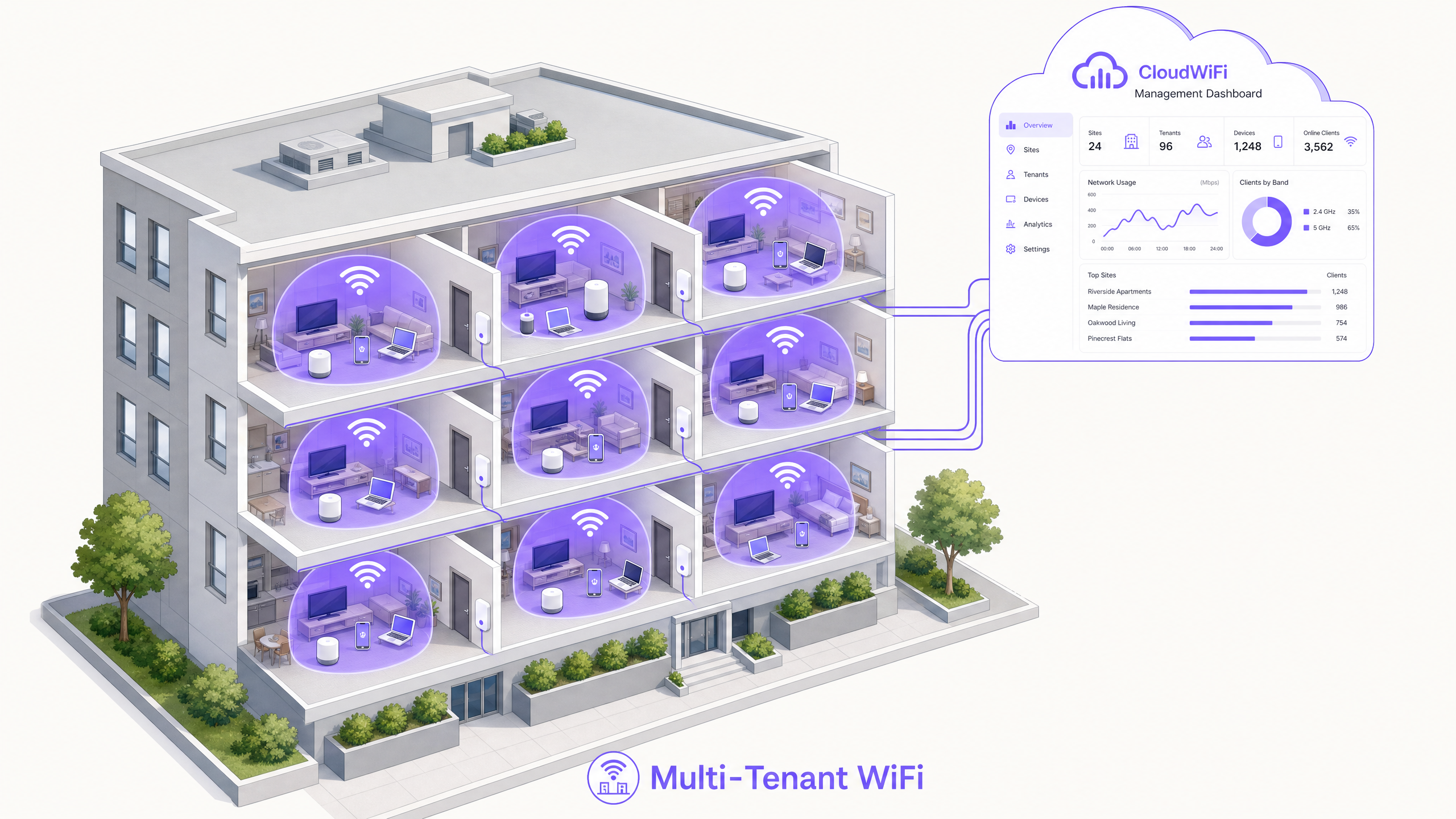
## Executive summary
Multi-tenant WiFi is not guest WiFi. In Build to Rent (BTR) and multi-dwelling unit (MDU) environments, residents expect an at-home network experience from day one. They need smart televisions, game consoles, and IoT devices to discover each other seamlessly while remaining completely isolated from the apartment next door. Standard captive portals and shared passwords fail on both counts.
The technical answer is Identity-Based Networks using iPSK (Identity Pre-Shared Key). This architecture assigns each resident a unique WiFi key, which the cloud RADIUS server uses to dynamically place every device into a private VLAN. The result is a secure, persistent network bubble that follows the resident throughout the property.
For property developers and BTR operators, deploying managed WiFi as a software overlay on enterprise hardware converts a cost centre into a revenue-generating amenity. According to Parks Associates (2025), 70% of MDU owners report that WiFi helps attract residents and almost 80% say it increases property value. Rent premiums of £15-30 per unit per month are achievable in the UK BTR market, according to Purple's own deployment data.
This guide covers the technical architecture, a five-phase deployment process, real-world scenarios, and the compliance requirements your legal team will ask about.
## Technical deep-dive
### The device isolation problem
In a standard [Guest WiFi](/guest-wifi) deployment, client isolation is absolute. Every device is separated from every other device to prevent lateral movement across the network. This is the correct behaviour for a hotel lobby or [Retail](/industries/retail) environment where users are transient and unknown to each other.
In a residential environment, this breaks the service. A resident's smartphone cannot communicate with their Chromecast on the local network. Their smart speaker cannot discover their smart bulbs. Their games console cannot find the television. The network is technically functional but practically useless for modern residential living.
The alternative - disabling client isolation on a shared SSID - creates a far worse problem. Every resident's devices become visible to every other resident in the building. A device in unit 101 can browse the file shares of a device in unit 405. This is unacceptable in a residential environment where residents have an ongoing relationship with the property and a reasonable expectation of privacy.
### The iPSK architecture
iPSK (Identity Pre-Shared Key) - called PPSK by HPE Aruba and Personal Private Network by Cisco Meraki - solves this by decoupling the SSID from the encryption key. Instead of a single building-wide password, the network supports thousands of unique passphrases on a single SSID.
When a device associates with an access point, the AP forwards the passphrase to the cloud RADIUS server. The RADIUS server authenticates the specific key, looks up the resident profile, and returns a dynamic VLAN assignment via a RADIUS Access-Accept message. The AP places the device into that VLAN immediately.
The result is a per-resident WiFi bubble:
- Every device using Resident A's key discovers every other device on that key. Their phone finds their Chromecast. Their smart speaker pairs with their smart bulbs. Their console connects to their television.
- No device on Resident A's key can see any device on a different key. Resident B's devices are invisible, even though both residents share the same physical access point.
- When Resident A moves out, Purple revokes their key. No other resident is affected. No building-wide password rotation is required.
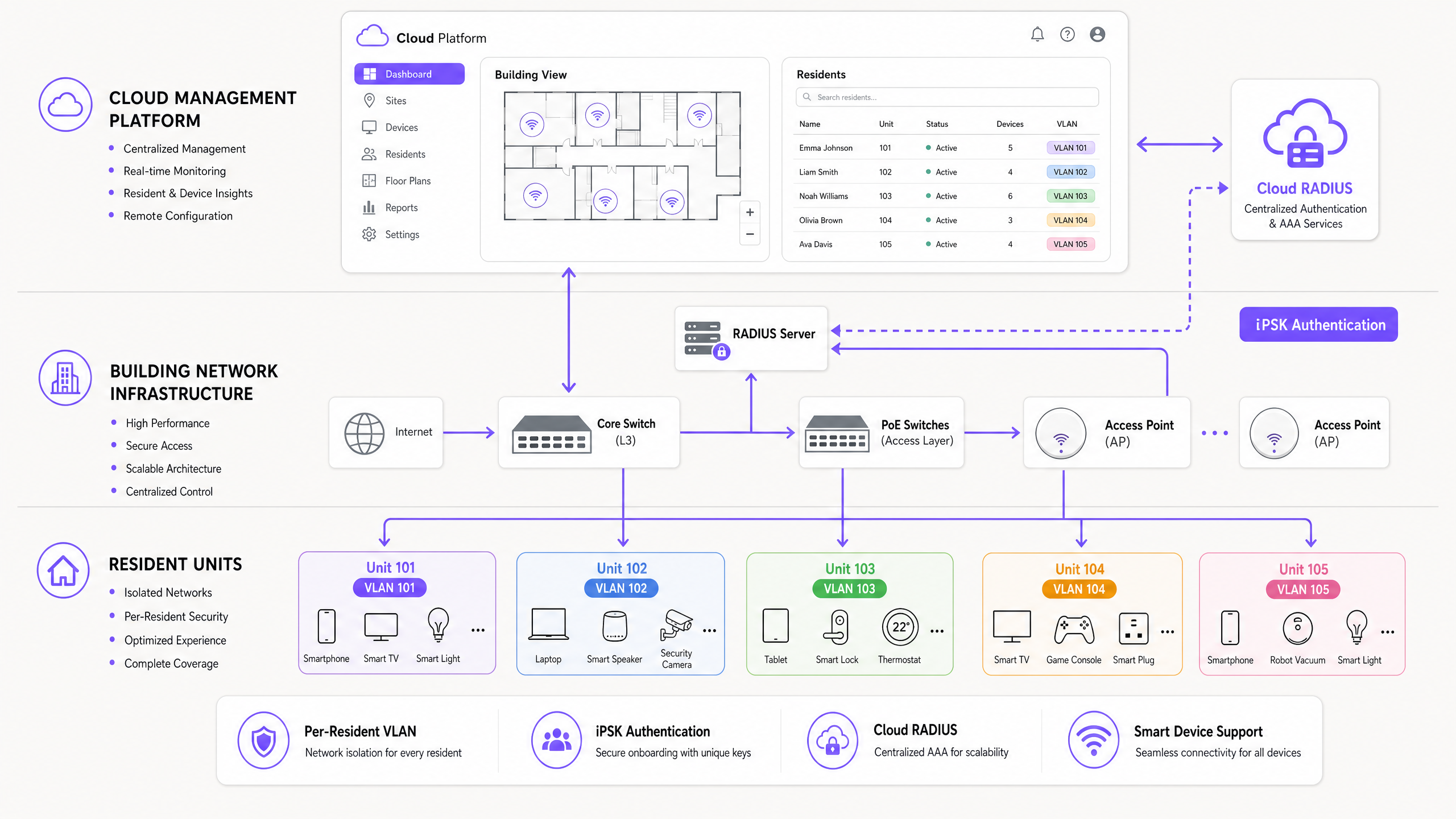
### Standards and security
This architecture is built on well-established industry standards:
| Standard | Role in the architecture |
|---|---|
| IEEE 802.1X | Framework for dynamic VLAN assignment via RADIUS |
| WPA3-Personal | Individualised encryption per resident, mitigating offline dictionary attacks |
| RADIUS (RFC 2865) | Authentication, authorisation, and accounting via cloud RADIUS |
| VLAN (IEEE 802.1Q) | Logical traffic isolation between resident segments |
| mDNS (RFC 6762) | Device discovery within the resident's VLAN bubble |
The architecture aligns with GDPR and CCPA requirements. Tenant traffic is logically separated, and individual resident behaviour analytics within private units are restricted by design. Aggregate common-area utilisation data - occupancy by floor, peak usage hours - is generally permissible and operationally useful.
### Hardware compatibility
Purple operates as a hardware-agnostic cloud overlay. The cloud RADIUS integrates with access points from Cisco Meraki, HPE Aruba, Ruckus, Juniper Mist, Ubiquiti UniFi, Cambium, Extreme, and Fortinet. You do not need to replace existing infrastructure. You point your access points at Purple's cloud RADIUS endpoint and configure the SSID to use WPA2/WPA3-Enterprise authentication.
## Implementation guide
A multi-tenant WiFi deployment follows five phases. Skipping any phase - particularly the RF survey and identity provider integration - is the most common cause of post-deployment support issues.
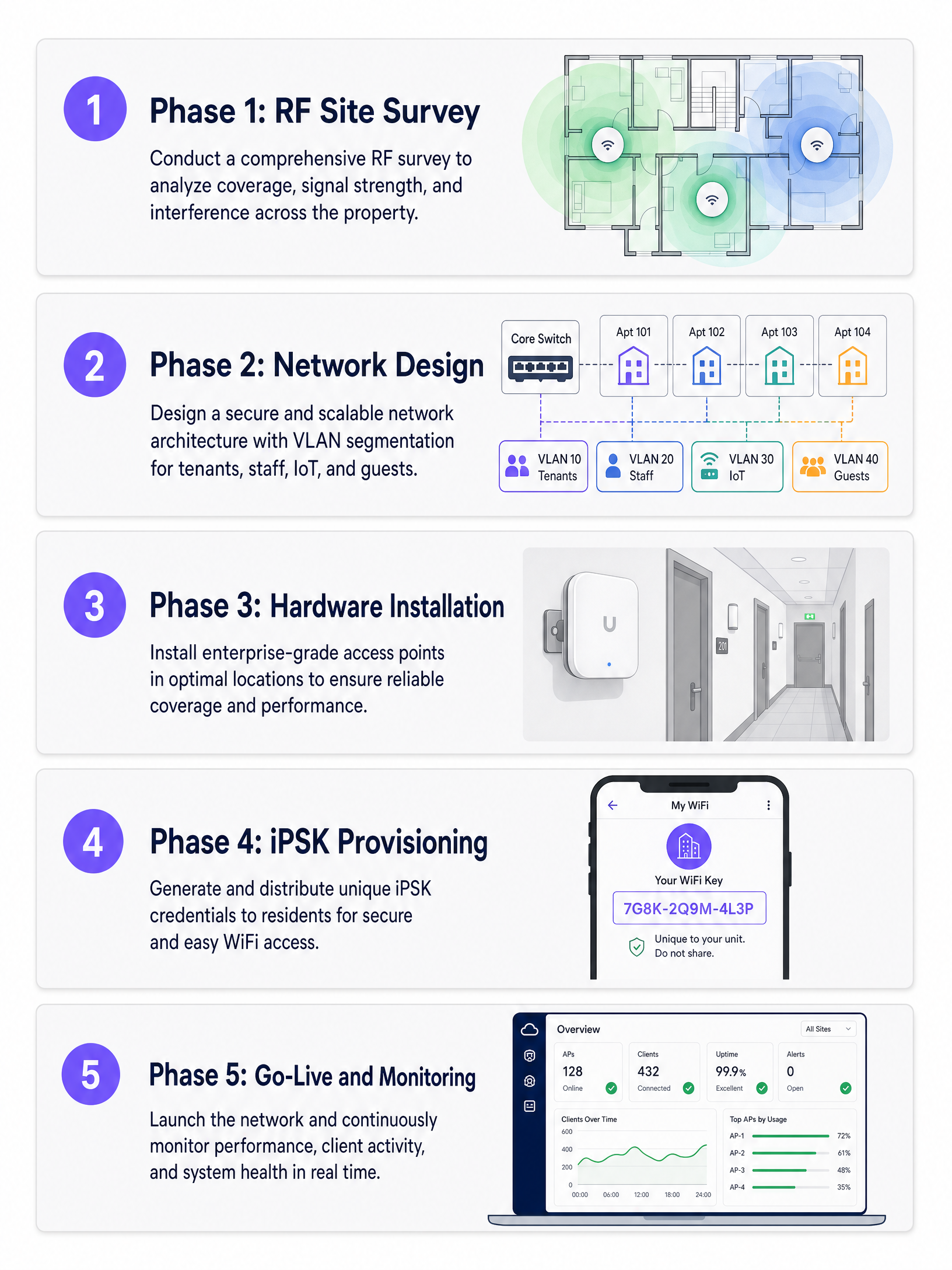
### Phase 1: RF site survey
Do not rely solely on predictive modelling. BTR and MDU environments contain dense concrete and masonry walls that attenuate 5GHz and 6GHz signals heavily. Conduct an active RF site survey using a spectrum analyser to identify interference sources, coverage gaps, and co-channel interference from neighbouring buildings.
Access point placement decisions:
- In-unit placement (ceiling or wall) provides the strongest signal but requires cable runs into each apartment.
- Corridor placement with directional antennas reduces cabling cost but requires careful RF design to avoid inter-unit interference.
- Target -65 dBm or better at the furthest point in each unit.
### Phase 2: Network design
Design the switching infrastructure to support dynamic VLAN pooling. A 200-unit building with 15-25 devices per household requires a DHCP scope of at least 5,000 addresses. Use /22 or /21 subnets per VLAN pool. Ensure your core and distribution switches support the required number of VLANs - most enterprise switches support 4,094 VLANs per IEEE 802.1Q.
Configure DHCP snooping and ARP inspection on all access-layer switches to prevent rogue DHCP servers and ARP spoofing. Implement rate limiting per VLAN to prevent a single resident from saturating the uplink.
For a detailed comparison of PPSK deployment models, see our guide on PPSK: comparing features and deployment models.
### Phase 3: Hardware installation
Install PoE switches at each distribution point. Use Cat6A cabling to all access point locations to support WiFi 6E and WiFi 7 speeds. Label all ports and document the physical topology - this is essential for remote troubleshooting.
For common areas (lobbies, gyms, coworking spaces), deploy access points on a separate SSID for [Guest WiFi](/guest-wifi) to handle visitor traffic. This keeps visitor traffic off the resident network entirely. For more on this three-SSID design pattern, see [Three SSIDs to rule them all: guest, Passpoint, and IoT WiFi](/blog/three-ssids-to-rule-them-all).
### Phase 4: iPSK provisioning and identity integration
Integrate Purple with your Property Management System (PMS) or identity provider - Microsoft Entra ID, Okta, or Google Workspace. When a lease is signed, the integration automatically generates an iPSK and delivers it to the resident via email or the resident portal. When the lease terminates, Purple revokes the key automatically.
This zero-touch provisioning eliminates manual IT intervention for onboarding and offboarding. In a 200-unit building with 30% annual turnover, that is approximately 60 move-in and move-out events per year - each one handled without a support ticket.
### Phase 5: Go-live and monitoring
Before go-live, test the following scenarios on each access point model in the deployment:
- A phone and a Chromecast on the same iPSK can discover each other.
- A phone and a Chromecast on different iPSKs cannot discover each other.
- A headless IoT device (smart plug) connects using the iPSK without a browser.
- A resident's devices roam seamlessly between access points without re-authentication.
Post-launch, monitor the Purple dashboard for authentication failures, DHCP exhaustion warnings, and AP health. Set alerts for any AP with more than 50 associated clients, which indicates a coverage gap elsewhere.
## Best practices
**Never use a shared PSK across multiple units** without per-client isolation and rate shaping. The moment residents can see each other's devices, the service is compromised and the operator faces a GDPR liability.
**Automate the credential lifecycle.** Tie network access directly to the lease. Purple revokes access at lease end without any manual intervention, eliminating the security risk of former residents retaining network access.
**Prioritise 5GHz and 6GHz.** Design the network for 5GHz and 6GHz primary coverage. Reserve 2.4GHz for legacy IoT devices only. In dense MDU environments, 2.4GHz co-channel interference from neighbouring buildings is severe.
**Plan for IoT density.** Assume 15-25 devices per household as a baseline. A 200-unit building has 3,000-5,000 devices on the network at any moment. Size your DHCP pools, switching capacity, and uplink bandwidth accordingly.
**Test mDNS reflection before launch.** This is the single most common configuration error in multi-tenant deployments. Verify that mDNS is reflected within each resident's VLAN but not across VLANs.
For a first-impression perspective on the resident onboarding experience, see [How to make a great first impression with your Guest WiFi](/blog/guest-wifi-splash-page-first-impression).
## Troubleshooting and risk mitigation
### Chromecast and smart home pairing failures
**Symptom**: Residents report that their phone cannot find their smart speaker or casting device.
**Root cause**: mDNS reflection is either disabled or configured to broadcast across the entire subnet rather than being restricted to individual VLANs.
**Fix**: Enable mDNS reflection within each resident VLAN. Verify that the access point is not enforcing absolute client isolation within the dynamic VLAN. Test with an Apple TV, a Sonos speaker, and a Chromecast - these three cover the main discovery protocols in use.
### Console NAT type errors
**Symptom**: Gamers report Strict NAT (PlayStation) or Type 3 NAT (Nintendo Switch), preventing online multiplayer.
**Root cause**: Symmetric NAT at the gateway prevents peer-to-peer UDP hole-punching required by gaming platforms.
**Fix**: Implement per-resident CGNAT with UPnP enabled. Avoid network-wide symmetric NAT. Test with a PlayStation 5 and an Xbox Series X before go-live.
### IP address exhaustion
**Symptom**: Devices fail to obtain an IP address, particularly during peak evening hours.
**Root cause**: DHCP pool sized for device count at a single point in time, not for the churn of short-lived leases from IoT devices.
**Fix**: Use Purple's free iPSK Subnet Designer to calculate appropriate subnet sizes. Implement aggressive DHCP lease times of four to eight hours for IoT devices. Monitor DHCP pool utilisation in the Purple dashboard.
### Rogue access points
**Symptom**: Residents install their own consumer routers, causing channel interference and degrading the managed network.
**Fix**: Enable rogue AP detection on the managed access points. Communicate clearly to residents at move-in that the managed network provides the same at-home experience they would get from a consumer router, including full IoT and smart home support. The managed network is the better option - make that case in the resident welcome pack.
## ROI and business impact
Treating WiFi as a managed amenity transforms the property's financial model. The data below is drawn from Parks Associates (2025) and ASK4's Building a True Home study (2025).
| Metric | Data point | Source |
|---|---|---|
| MDU owners who say WiFi attracts residents | 70% | Parks Associates, 2025 |
| MDU owners who say WiFi increases property value | 80% | Parks Associates, 2025 |
| Renters more likely to move in if WiFi is bundled | 77% | ASK4, 2025 |
| Renters who say poor WiFi affects lease renewal | 84% | ASK4, 2025 |
| Renters who expect WiFi ready within days of move-in | 93% | ASK4, 2025 |
| BTR rent premium per unit per month | £15-30 | Purple deployment data |
| Reduction in void periods | 5-10 days | Purple deployment data |
When deployed as a software overlay on owned hardware, managed WiFi is consistently NOI-positive. The model deteriorates when WiFi is bundled with a third-party broadband contract that captures the revenue uplift. Owning the infrastructure and using Purple as the management layer keeps the value with the operator.
Beyond the direct financial return, WiFi analytics provide building utilisation data - occupancy by wing, peak usage hours, common area dwell time - that feeds directly into facilities management and maintenance scheduling. Purple's [WiFi Analytics](/guest-wifi-marketing-analytics-platform) platform exports this data to existing dashboards via API.
For [Hospitality](/industries/hospitality) operators managing mixed-use BTR developments with hotel-style amenities, the same Purple platform handles both the resident Multi-Tenant WiFi and the visitor Guest WiFi from a single management console.
---
### Cox business managed WiFi: a comprehensive guide for businesses
**Source:** https://www.purple.ai/en-gb/guides/cox-business-managed-wifi
**Summary:** This guide details how property developers and BTR operators can deploy scalable, secure networks using Cox Business managed WiFi. It covers network architecture, vendor-neutral hardware deployment, and the business impact of transitioning connectivity from an operational headache to reliable infrastructure.
**Estimated read time:** 4 minutes
**Word count:** 869
## Executive Summary
Connectivity is no longer an optional amenity; it is core infrastructure. For property developers, landlords, and BTR operators, providing reliable, high-speed WiFi is expected by residents and tenants on day one. A managed WiFi service provider like Cox Business takes full responsibility for the design, deployment, monitoring, and ongoing maintenance of your wireless network. You hand over the technical complexity. They hand back a working, secure, scalable network backed by a strict service level agreement (SLA).
This guide details the technical architecture, implementation strategies, and business impact of deploying Cox Business managed WiFi across multi-tenant environments, retail parks, and hospitality venues. We cover how to segment networks securely using VLANs, why hardware-agnostic platforms prevent vendor lock-in, and how to structure SLAs to guarantee uptime.
Listen to the companion podcast briefing:
## Technical Deep-Dive
A well-designed managed WiFi deployment for a multi-tenant building runs on three separate networks. We recommend deploying three SSIDs to isolate traffic securely. For a detailed exploration of this concept, see our guide: [Three SSIDs to rule them all: guest, Passpoint, and IoT WiFi](/blog/three-ssids-to-rule-them-all).
### The resident network
The primary network serves residents or staff. It must provide gigabit-class speeds and seamless roaming across the property. Authentication happens per-unit using iPSK (individual pre-shared keys) or 802.1X with a RADIUS server. This means each flat gets its own isolated network segment. Flat 12 cannot see Flat 13's traffic. Full stop.
Purple's Multi-Tenant WiFi platform automates this segmentation. When a resident moves in, they receive a unique credential. When they connect their laptop, smart TV, and phone, those devices form a private micro-network within the wider building infrastructure. For more on authentication methods, read [Usm PPSK: comparing features and deployment models](/guides/usm-ppsk).
### The guest network
The second network serves visitors. It requires simpler authentication, typically via a captive portal, and offers time-limited access. It is completely isolated from the resident network. A competent managed provider builds GDPR compliance into the captive portal by default, ensuring you have a lawful basis for any data processing.
Learn more about our [Guest WiFi](/guest-wifi) solutions.
### The IoT network
The third network supports building management systems, smart meters, door entry panels, and CCTV. This network is air-gapped from both resident and guest traffic. You do not want a compromised smart thermostat on the same network as a resident's laptop.
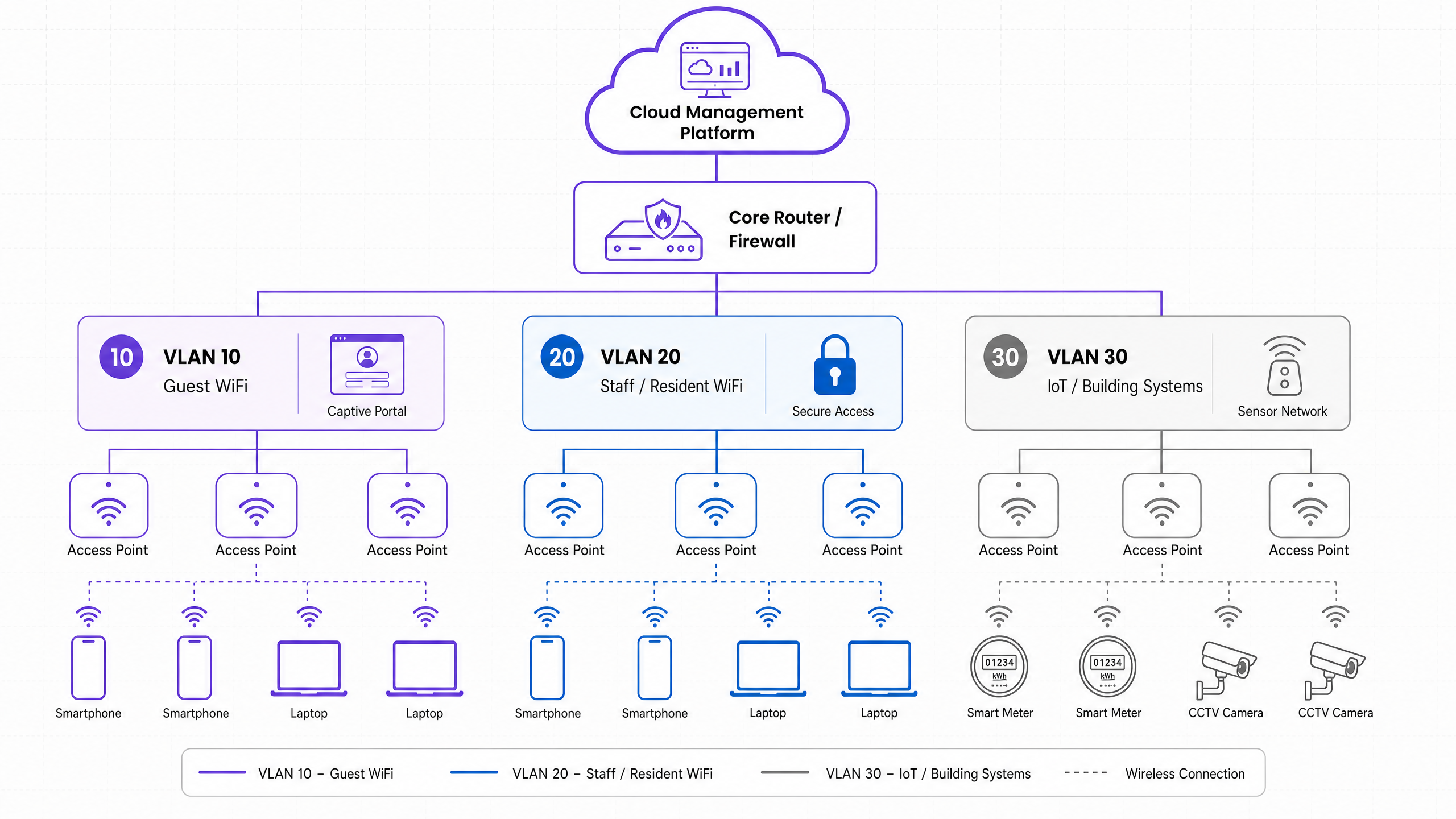
### Hardware and the cloud overlay
Your managed provider should be hardware-agnostic. They should support deployments using Cisco Meraki, HPE Aruba, Ruckus, Juniper Mist, Ubiquiti UniFi, Cambium, Extreme, or Fortinet access points. What matters is not the brand of access point on the ceiling - it is the cloud management platform sitting above it. That platform is where policies are set, firmware is updated, faults are detected, and usage data is analysed.
## Implementation Guide
If you are procuring a managed WiFi service for a new development, here is the sequence that works.
1. **Conduct a site survey.** Before any hardware is specified, a radio frequency survey maps signal propagation across the building. Concrete walls, lift shafts, and metal-framed windows all attenuate signal. The survey tells you how many access points you need and where to place them. Do not skip this step. Under-specifying access points is the single most common cause of poor resident experience.
2. **Define your network architecture.** How many SSIDs? What authentication method per segment? What bandwidth allocation per unit? What QoS (quality of service) policies for video calling and gaming traffic?
3. **Agree the SLA.** Key metrics: uptime guarantee, mean time to repair for hardware faults, escalation paths, and reporting frequency. A 99.9% uptime guarantee sounds good - but check whether that is measured per access point or per site. There is a significant difference.
4. **Plan for scale.** If you are building phase one of a five-phase development, your managed provider needs to demonstrate that the architecture scales. Adding 200 units in phase two should not require a network redesign.
## Best Practices
* **Isolate traffic securely:** Use three SSIDs (Resident, Guest, and IoT).
* **Use iPSK or 802.1X:** Create secure, private micro-networks for individual flats.
* **Insist on hardware-agnostic cloud platforms:** Avoid costly vendor lock-in.
* **Always conduct a radio frequency site survey:** Do this before specifying hardware.
* **Ensure data ownership:** Your contract must grant you ownership of the valuable analytics data your network generates.
## Troubleshooting & Risk Mitigation
Vendor lock-in is the most common pitfall. Some managed providers tie you to proprietary hardware that only works with their platform. When you want to switch provider in year five, you replace every access point. Insist on hardware-agnostic deployments and open APIs.
Bandwidth contention is the second. A shared internet connection across 200 units will fail during peak evening hours if it is not sized correctly. Model your bandwidth on 80% concurrent usage, not average usage.
Data ownership is critical. The analytics your network generates - device counts, dwell times, usage patterns - are valuable. Make sure your contract specifies that you own that data, not the provider.
## ROI & Business Impact
For property developers and BTR operators, the business case is straightforward: residents expect connectivity as infrastructure. A managed provider delivers that infrastructure with a defined SLA, handles security and compliance, and gives you analytics to demonstrate value.
For retail and hospitality, [WiFi Analytics](/guest-wifi-marketing-analytics-platform) provide insights into visitor behaviour, dwell times, and demographics to drive better business outcomes.
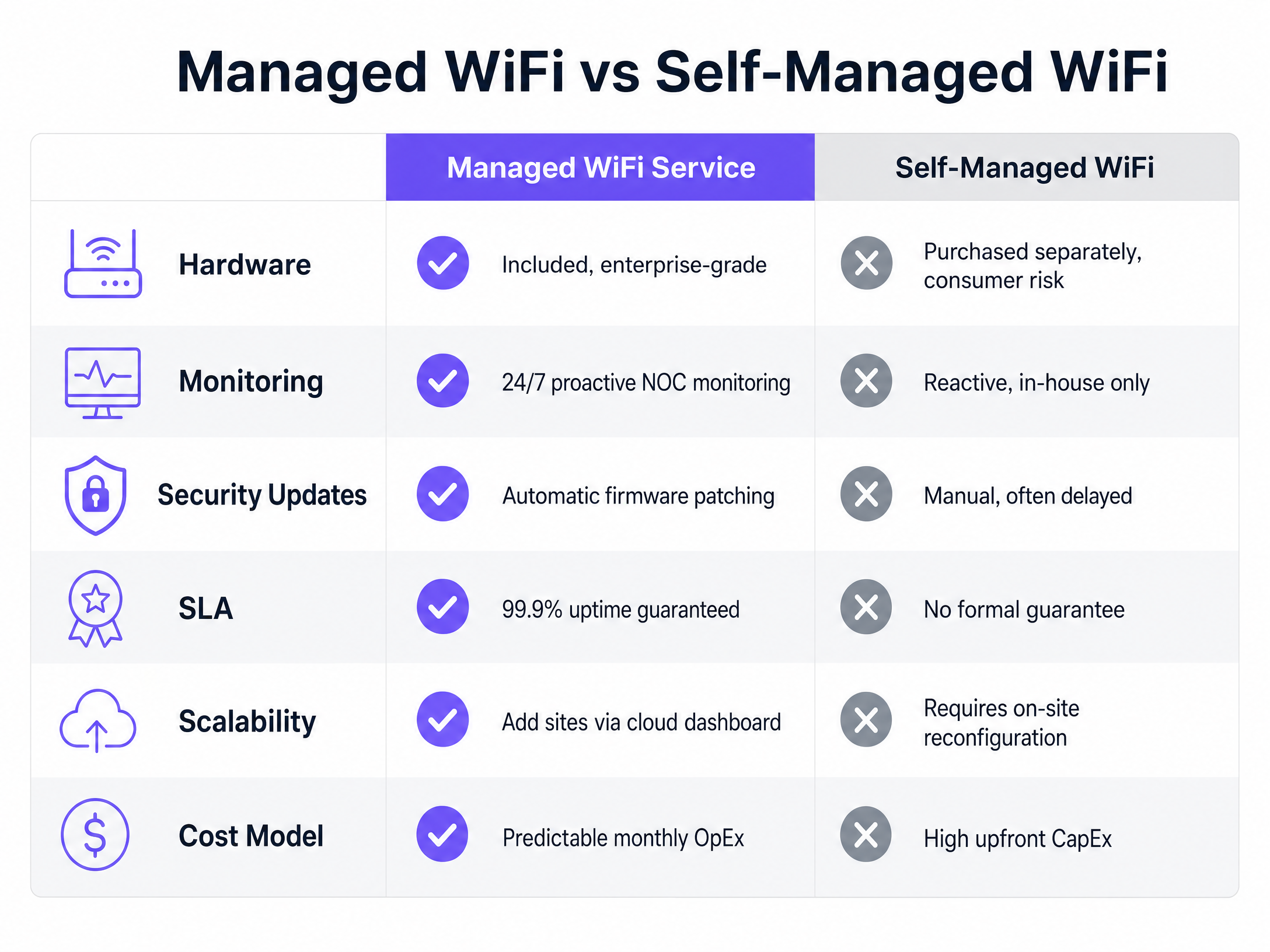
---
### PPSK wpa3: comparing features and deployment models
**Source:** https://www.purple.ai/en-gb/guides/ppsk-wpa3
**Summary:** This technical reference guide compares PPSK and WPA3-SAE, explaining their architectural differences and deployment models for multi-tenant environments. It provides actionable guidance for IT managers and property developers on achieving secure, isolated WiFi networks using Purple's identity-based solutions.
**Estimated read time:** 4 minutes
**Word count:** 827
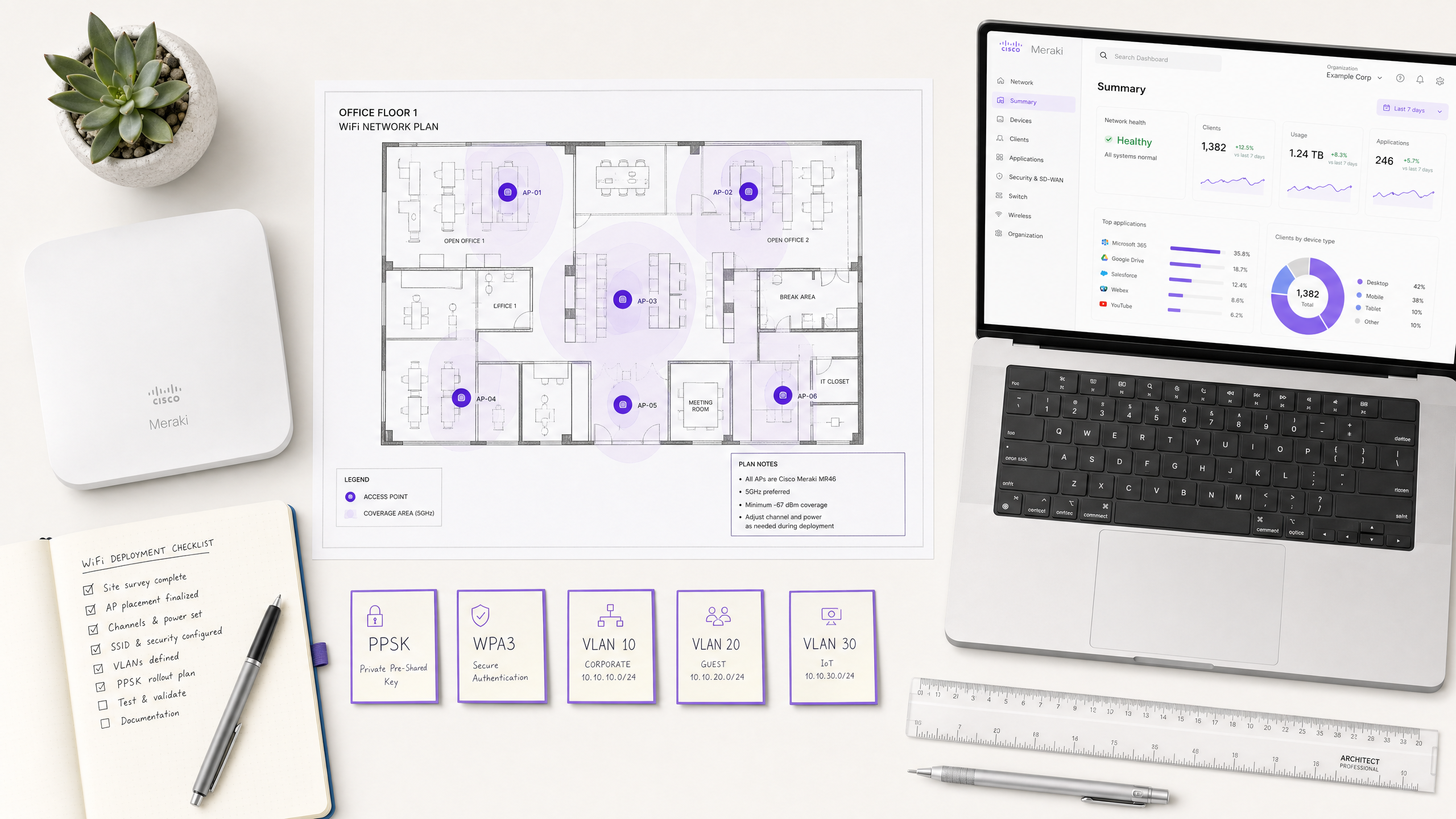
## Executive Summary
For IT managers and network architects overseeing enterprise WiFi deployments, the transition from WPA2 to WPA3 is a critical security mandate. However, deciding how to integrate Private Pre-Shared Key (PPSK) architectures with WPA3 requires a nuanced understanding of your venue's device ecosystem and compliance posture. While WPA3-Personal introduces Simultaneous Authentication of Equals (SAE) to mitigate offline dictionary attacks, traditional PPSK relies on the older WPA2 four-way handshake. This guide provides a vendor-neutral technical comparison, helping operations directors in retail, hospitality, and public sectors choose the optimal security mode, manage legacy device compatibility, and deploy isolated multi-tenant networks using Purple.
## Technical Deep-Dive
### The Architecture of WPA3-Personal and SAE
WPA3-Personal replaces the vulnerable Pre-Shared Key (PSK) mechanism of WPA2 with Simultaneous Authentication of Equals (SAE). SAE is a variant of the Dragonfly key exchange protocol, designed to provide forward secrecy and protect against offline dictionary attacks. When a device connects using WPA3-Personal, SAE ensures that even if an attacker captures the handshake traffic, they cannot brute-force the password offline. Each authentication attempt requires active interaction with the access point, severely rate-limiting automated attacks.
For venue operators managing [Guest WiFi](/guest-wifi) networks, WPA3-Personal offers a significant security upgrade without requiring the complex infrastructure of an 802.1X deployment.
### PPSK and Multi-Tenant Isolation
Private Pre-Shared Key (PPSK) is a proprietary technology that allows an access point to support multiple passphrases on a single SSID. Instead of every device sharing one password, each device or user gets a unique passphrase. When a device connects, the access point or an external RADIUS server matches the passphrase to a specific VLAN.
This architecture is foundational for Build-to-Rent (BTR) and Multi-Dwelling Unit (MDU) operators. It allows property developers to assign each resident a unique passphrase that maps to an isolated VLAN. Residents share the same physical infrastructure but their traffic is isolated at Layer 2, providing a private home-network experience. Purple's hardware-agnostic cloud overlay manages this provisioning workflow automatically.
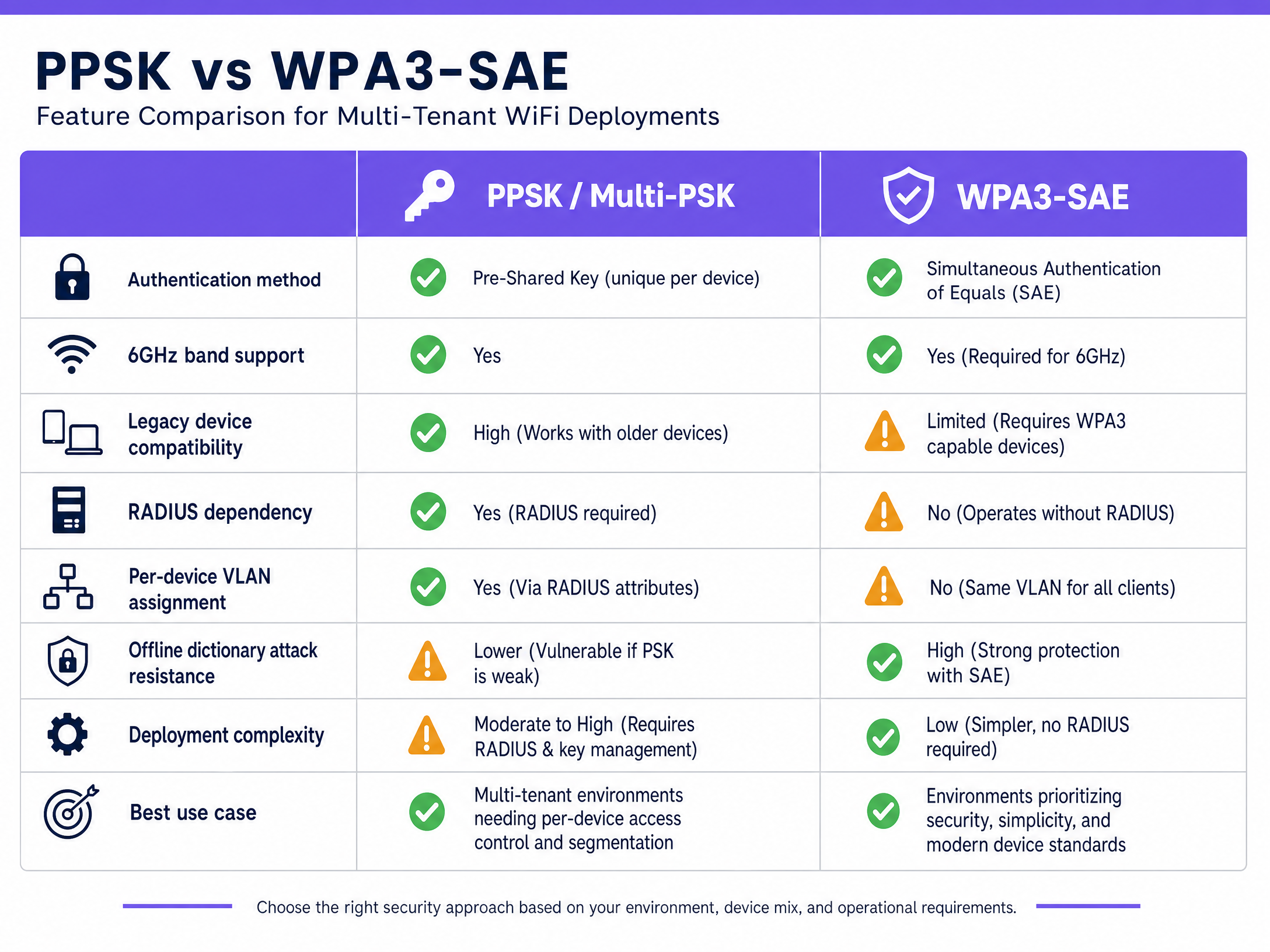
### The WPA3 and PPSK Protocol Conflict
PPSK, in its traditional form, relies on the four-way handshake defined in the IEEE 802.11i standard underpinning WPA2. Because WPA3-Personal replaces this handshake with SAE, the two mechanisms are fundamentally incompatible at the protocol level on older firmware. If you configure a pure WPA3-Personal SSID on legacy access points, you cannot simultaneously run PPSK on that same SSID.
However, modern enterprise hardware vendors - including Cisco Meraki, HPE Aruba, and Juniper Mist - now support WPA3-SAE with RADIUS-based multi-PSK. In this model, the access point operates in WPA3-SAE mode, and the RADIUS server handles the per-device key lookup. This is particularly critical for 6GHz deployments (WiFi 6E and WiFi 7), which mandate WPA3.
## Implementation Guide
### Assessing Your Device Fleet
Before deploying WPA3, IT teams must audit their device fleet. While modern smartphones support WPA3 natively, legacy IoT devices, point-of-sale terminals, and older barcode scanners may not. WPA3 mandates Protected Management Frames (PMF). If a legacy device does not support PMF, it will fail to associate with a pure WPA3 network.
### Deployment Models
1. **PPSK with RADIUS (Recommended for BTR/MDU)**: The PSK pool lives in an external RADIUS server. When a device connects, the access point forwards the request to RADIUS, which returns the VLAN assignment. This integrates with identity providers (Microsoft Entra ID, Okta) for automated provisioning when a resident moves in or out.
2. **WPA3-Enterprise (Recommended for Staff/Corporate)**: Uses 802.1X port-based access control with EAP-TLS certificates. This is the gold standard for secure corporate environments but introduces too much friction for resident or guest networks.
3. **Enhanced Open (OWE) (Recommended for Public Guest WiFi)**: Uses a Diffie-Hellman key exchange to encrypt wireless traffic without requiring credentials. Ideal for [Retail](/industries/retail) environments gathering [WiFi Analytics](/guest-wifi-marketing-analytics-platform) securely.
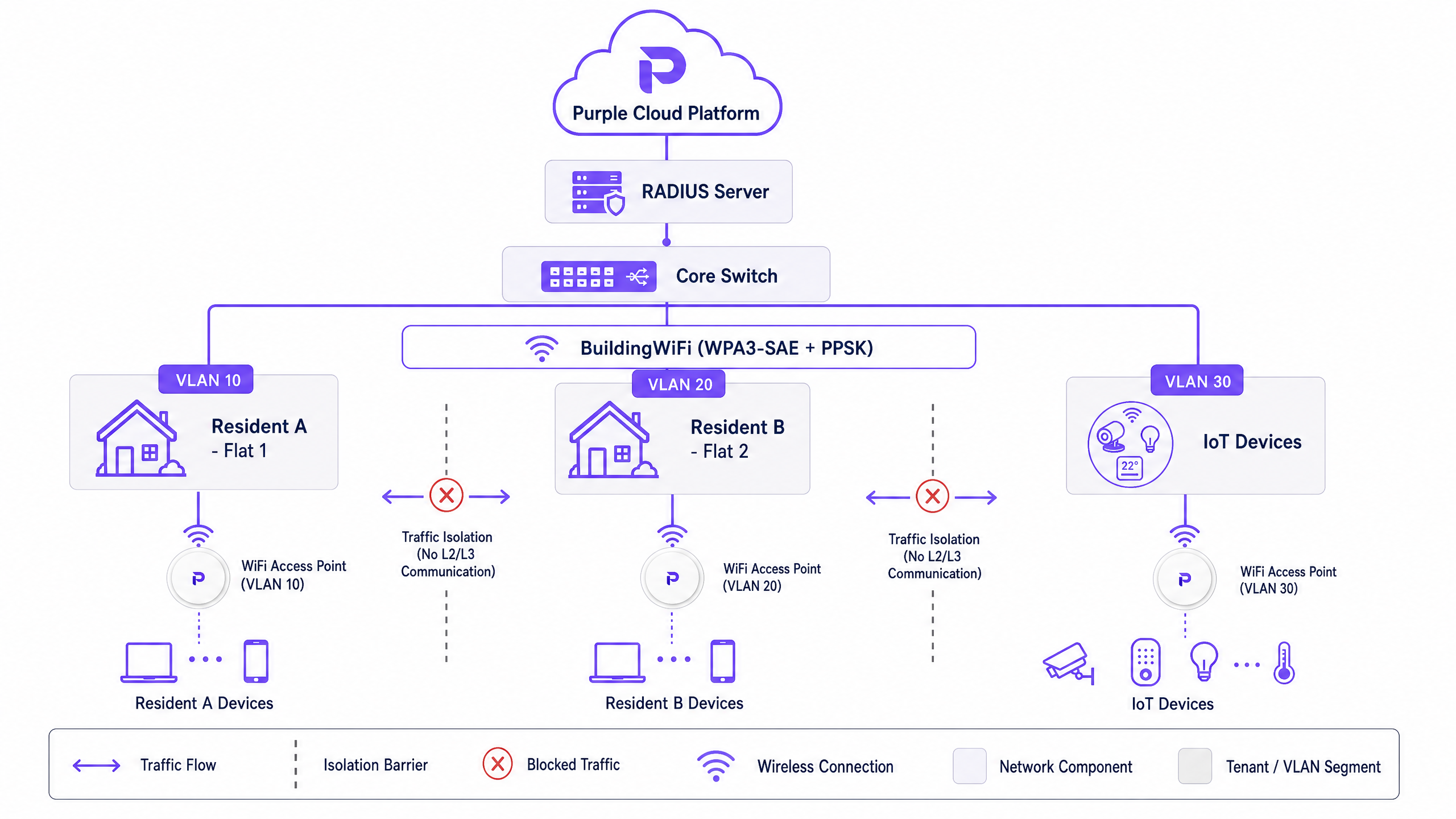
## Best Practices
* **Automate Key Lifecycle Management**: In a PPSK deployment, automate provisioning and deprovisioning via your property management system to prevent stale keys and security risks.
* **Segment IoT Devices**: Legacy IoT devices that do not support WPA3 should be isolated on a dedicated WPA2-PSK SSID on a separate VLAN.
* **Plan for 6GHz**: If you are deploying WiFi 6E, WPA3 is mandatory. Ensure your PPSK strategy is supported by your vendor's WPA3 firmware implementation.
## Troubleshooting & Risk Mitigation
* **PMF Incompatibility**: If devices fail to connect to a new WPA3 SSID, check if they support Protected Management Frames. Use WPA3 Transition Mode temporarily, or deploy a dedicated legacy SSID.
* **Downgrade Attacks**: WPA3 Transition Mode is susceptible to downgrade attacks. Monitor your network using Wireless Intrusion Prevention Systems (WIPS) and treat Transition Mode as a migration step, not a permanent state.
* **Key Sprawl**: Audit your RADIUS database quarterly to remove orphaned PSKs from former residents or decommissioned devices.
## ROI & Business Impact
Deploying a centralised PPSK architecture via Purple allows property developers to consolidate network hardware. Instead of installing individual routers in every flat, operators deploy enterprise access points in corridors and use PPSK to segment traffic. This reduces hardware capital expenditure by up to 40% and cuts ongoing maintenance costs. Furthermore, it enables landlords to offer "instant-on" WiFi as a premium utility, increasing rental yields and resident satisfaction.
---
### Spectrum managed WiFi customer service: a comprehensive guide for businesses
**Source:** https://www.purple.ai/en-gb/guides/spectrum-managed-wifi-customer-service
**Summary:** This comprehensive guide details how build-to-rent operators and property developers can deploy spectrum managed WiFi to provide secure, isolated network experiences for residents. It covers the technical architecture of cloud RADIUS, VLAN isolation, and iPSK, alongside practical implementation strategies to reduce support overhead.
**Estimated read time:** 6 minutes
**Word count:** 1,238
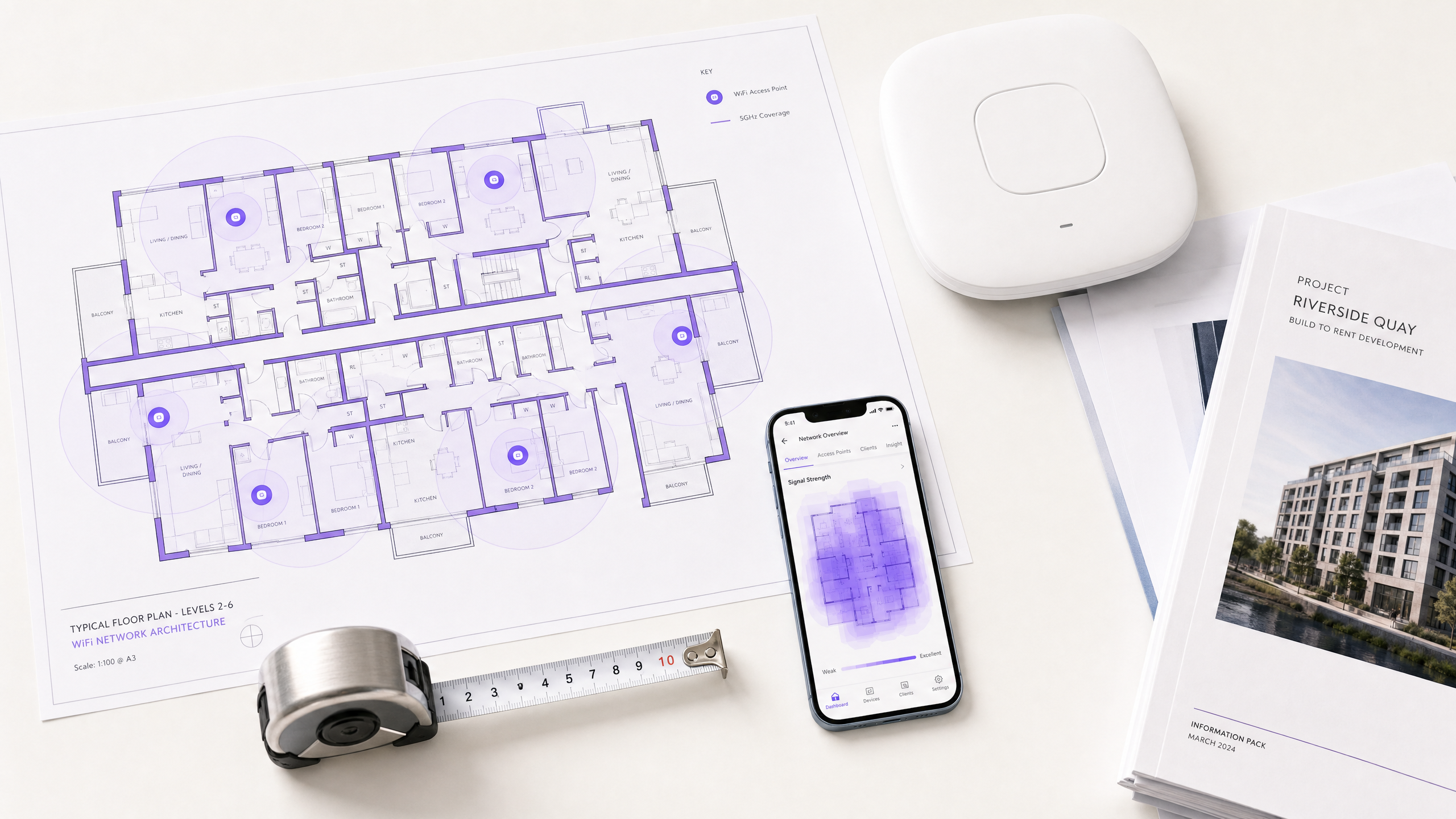
## Executive Summary
Spectrum managed WiFi customer service provides build-to-rent (BTR) operators and property developers with a fully outsourced, enterprise-grade wireless network that delivers isolated, private connectivity to hundreds of tenants simultaneously. Rather than running individual broadband lines to every unit - a model that introduces hardware clutter and support overhead - a managed WiFi overlay creates secure, private network bubbles for every resident over shared access point infrastructure.
For the IT director or facilities manager, this architecture shifts the operational burden of network design, hardware maintenance, and resident support to a specialist provider. Supported by a cloud RADIUS identity layer, the network uses 802.1X and WPA3-Enterprise to secure laptops and phones, while deploying Identity Pre-Shared Keys (iPSK) to connect browserless devices like smart TVs and consoles.
This guide details the technical architecture required to deploy a multi-tenant managed WiFi service, the hardware integration requirements, and the business case for centralising network management.
## Technical Deep-Dive
### The Multi-Tenant Architecture
Deploying WiFi in a high-density residential environment requires more than simply installing access points in corridors. You must provide a network that feels like a private home connection, while operating on shared enterprise hardware. This is achieved through a three-tier architecture: the hardware layer, the network layer, and the identity layer.
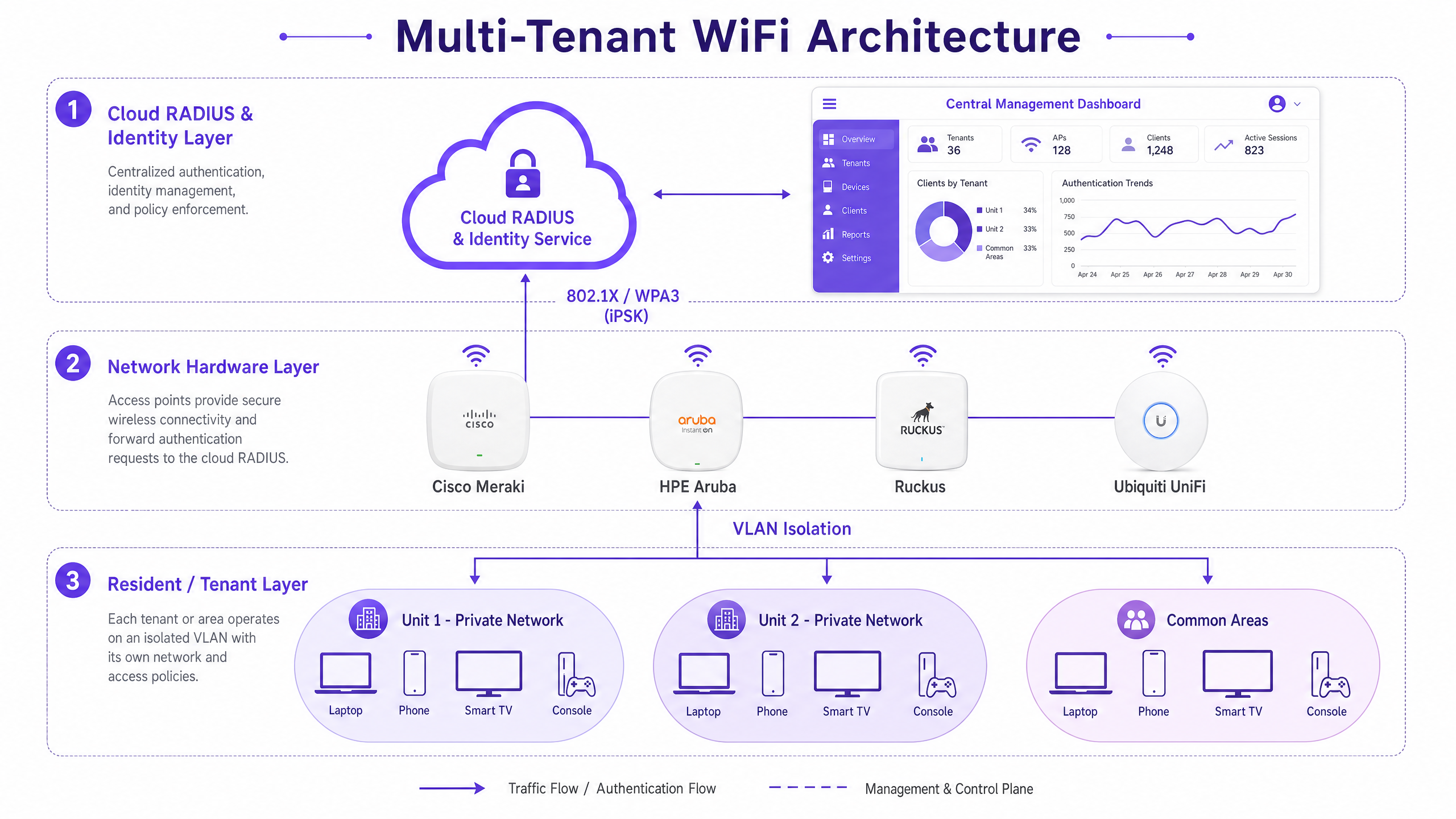
#### The Identity Layer: Cloud RADIUS
The core of a managed WiFi deployment is the RADIUS (Remote Authentication Dial-In User Service) server. In a modern architecture, this is hosted in the cloud. When a resident attempts to connect, the access point forwards the authentication request to the cloud RADIUS. The RADIUS server validates the credentials against an identity provider (such as Microsoft Entra ID or Google Workspace) and returns an accept or reject message, along with specific policy attributes.
Purple's cloud overlay provides this identity layer as a managed service, handling 440 million logins in 2024 across 80,000 live venues. By abstracting the identity management away from the physical hardware, you maintain hardware-agnostic flexibility.
#### The Network Layer: VLAN Isolation and iPSK
Once authenticated, the RADIUS server instructs the access point to place the user's device into a specific Virtual Local Area Network (VLAN). This micro-segmentation ensures that devices in Unit 14 cannot communicate with, or even see, devices in Unit 15.
For devices that support 802.1X (laptops, smartphones), authentication is seamless and certificate-based. However, the average resident brings multiple browserless devices - smart TVs, games consoles, and IoT sensors - that cannot process an 802.1X certificate.
To solve this, managed WiFi platforms use Identity Pre-Shared Keys (iPSK). Instead of a global password for the building, the cloud RADIUS generates a unique passcode tied specifically to that resident's identity. When a smart TV connects using that iPSK, the RADIUS server recognises the key, identifies the resident, and drops the TV into their private VLAN bubble. The resident's phone and TV can now communicate (using mDNS reflection for discovery), while remaining invisible to the rest of the building.
#### The Hardware Layer: Access Points and RF Design
The physical access points must support enterprise features: 802.1X forwarding, dynamic VLAN assignment, and high client density. The canonical hardware list for these deployments includes Cisco Meraki, HPE Aruba, Ruckus, Juniper Mist, Ubiquiti UniFi, Cambium, Extreme, and Fortinet.
In concrete-frame BTR developments, 5GHz signal attenuation is significant. A standard deployment requires one access point per two to three units, plus dedicated coverage for common areas. WiFi 6 (802.11ax) is the baseline standard, utilising OFDMA (Orthogonal Frequency Division Multiple Access) to serve multiple devices simultaneously and BSS Colouring to mitigate co-channel interference between adjacent access points.
## Implementation Guide
### 1. The RF Survey and Network Design
Never rely on a predictive, desk-based survey for a concrete building. A physical walkthrough with a spectrum analyser is mandatory to identify attenuation factors. Design for the 5GHz band as primary, with 2.4GHz relegated to legacy IoT devices. Plan for an average of 8 to 12 connected devices per resident.
### 2. Hardware Selection and Integration
Select access points from the canonical list above. Configure the controllers to point to the managed provider's cloud RADIUS IP addresses. Define the VLAN pools on your core switches to accommodate the total number of units plus common areas.
### 3. Identity Provider Integration
Integrate the managed WiFi platform with your property management system or identity provider. If you use Microsoft Entra ID to manage tenancy records, configure SAML or SCIM provisioning so that when a tenancy begins, the resident's network access is automatically created, and when the tenancy ends, Purple revokes access immediately.
### 4. The Onboarding Flow
The onboarding experience dictates your early support ticket volume. Residents should download the Purple app, authenticate via single sign-on, and receive their iPSK passcodes for browserless devices. Test this flow extensively with consumer devices (PlayStation, Xbox, Roku, Apple TV) before resident handover.
## Best Practices
### Standardise on WPA3-Enterprise
WPA3-Enterprise is the current security standard mandated by the Wi-Fi Alliance. It uses 192-bit security mode with GCMP-256 encryption. While WPA3 access points support WPA2 clients in transition mode, you should specify WPA3 for all new hardware deployments to future-proof the network.
### Implement Three SSIDs
Do not mix resident, staff, and guest traffic on a single SSID. Deploy a three-SSID architecture:
1. **Resident WiFi**: 802.1X with iPSK for smart devices, isolated by unit VLANs.
2. **Staff/Admin WiFi**: 802.1X certificate-based authentication for property management staff and building systems.
3. **Guest/Retail WiFi**: Captive portal authentication for visitors to common areas or ground-floor retail, capturing first-party data.
For more detail on this architecture, read our guide on [Three SSIDs to rule them all: guest, Passpoint, and IoT WiFi](/blog/three-ssids-to-rule-them-all).
### Retain Hardware Agnosticism
Do not lock your identity and management layer to a single hardware vendor. By using a cloud overlay like Purple, you can deploy Ruckus in one building and Cisco Meraki in another, while managing all residents through a single, centralised dashboard.
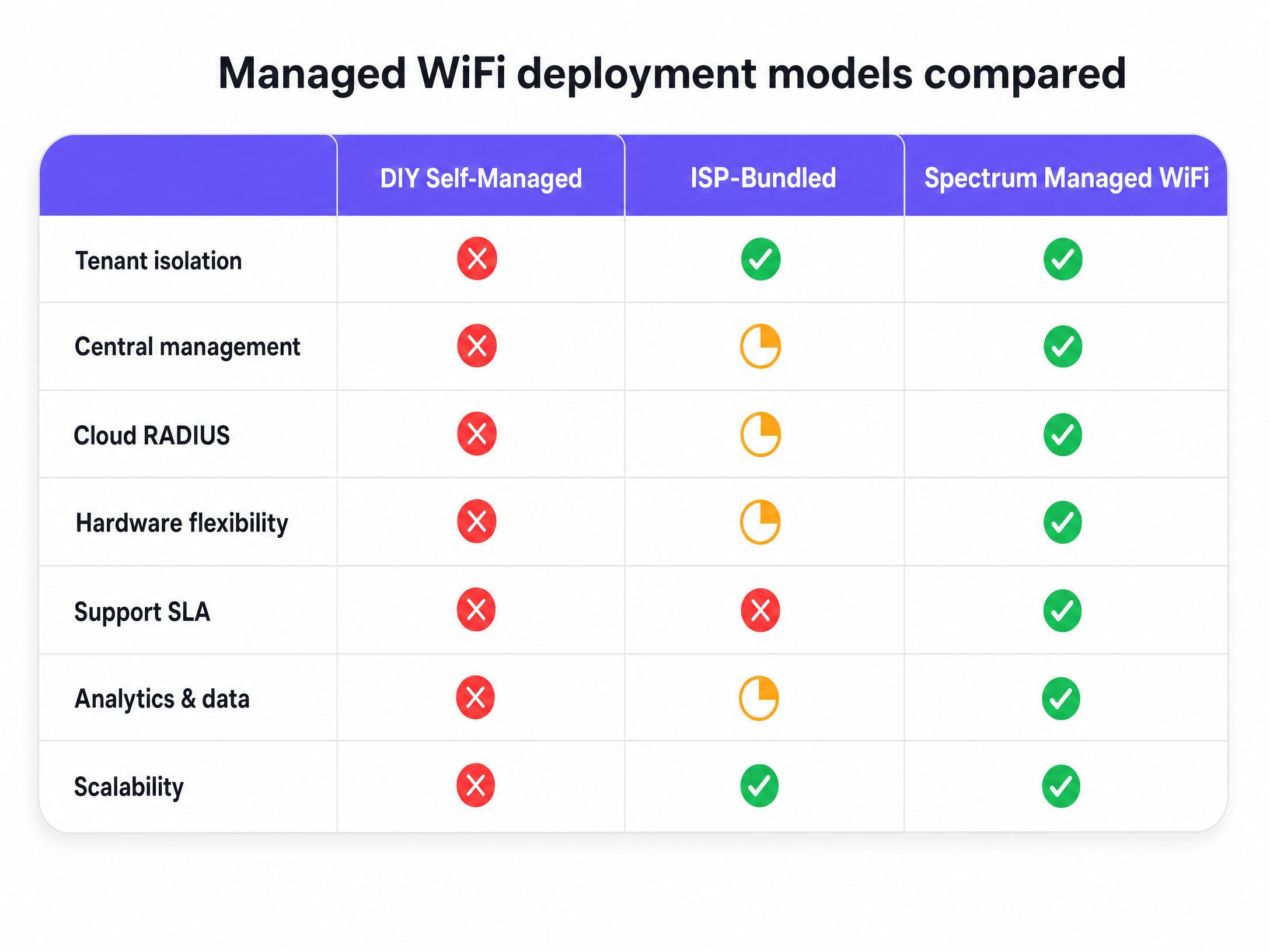
## Troubleshooting & Risk Mitigation
### The "My TV Won't Connect" Failure Mode
**Risk**: A resident attempts to connect a legacy smart TV to the 802.1X network, fails, and logs a support ticket.
**Mitigation**: Clear onboarding documentation directing browserless devices to the iPSK workflow. The managed service provider's support desk can view the RADIUS logs to confirm if the device is attempting the wrong authentication method and guide the resident remotely.
### Co-Channel Interference
**Risk**: In dense MDU environments, access points on the same channel interfere with each other, degrading throughput.
**Mitigation**: Implement automated channel planning on the wireless controller. Enable BSS Colouring on WiFi 6 access points to allow devices to ignore frames from adjacent networks.
### Compliance and Data Privacy
**Risk**: Capturing resident data during onboarding violates GDPR or CCPA if mishandled.
**Mitigation**: Use a certified platform. Purple is ISO 27001, GDPR, and CCPA certified, using conscious-choice opt-ins to ensure all data collection is lawful and auditable.
## ROI & Business Impact
Transitioning to spectrum managed WiFi customer service fundamentally changes the operating model of a residential building.
First, it eliminates the capital expenditure of running individual broadband lines and installing consumer routers in every unit. You deploy a single, enterprise-grade network infrastructure that serves the entire building.
Second, it reduces support overhead. In a DIY deployment, your facilities team handles every connectivity complaint. With a managed service, the provider takes first-line support, backed by a Service Level Agreement (SLA). Purple delivers 99.999% uptime, ensuring reliable connectivity.
Finally, it increases asset value. Build-to-rent operators can bundle high-speed, frictionless WiFi into the tenancy agreement, increasing yield and resident retention. The network data also provides facilities management with utilisation metrics - showing which common areas are heavily used and when, allowing you to optimise heating, lighting, and cleaning schedules based on actual occupancy.
---
### Managed WiFi services in Dubai: a comprehensive guide for businesses
**Source:** https://www.purple.ai/en-gb/guides/managed-wifi-services-in-dubai
**Summary:** This guide gives IT managers, network architects, and property developers a practical framework for deploying managed WiFi services in Dubai. It covers multi-tenant isolation using iPSK, VLAN segmentation architecture, TDRA and UAE PDPL compliance, and the commercial case for treating connectivity as a managed amenity across hospitality, retail, and BTR environments.
**Estimated read time:** 7 minutes
**Word count:** 1,550

## Executive summary
Dubai's commercial real estate market demands connectivity that matches its architectural ambition. For IT managers and venue operations directors, deploying managed WiFi services in Dubai is no longer about simply providing internet access. It requires building an identity-based network that supports thousands of concurrent devices, isolates tenant traffic securely, and complies with the UAE Personal Data Protection Law (PDPL). This guide breaks down the technical architecture required to deliver enterprise-grade WiFi across hospitality, retail, and multi-tenant environments. We examine how iPSK (Identity Pre-Shared Key) technology replaces shared passwords with per-resident network bubbles, reducing support overhead and increasing Net Operating Income (NOI). Whether you are upgrading a 200-room hotel on Sheikh Zayed Road or outfitting a new Build-to-Rent (BTR) development in Dubai Marina, this reference provides the vendor-neutral frameworks and Purple integrations needed to deploy resilient, scalable wireless infrastructure. Purple runs 80,000+ live venues globally, with 99.999% uptime and ISO 27001 certification.
## Technical deep-dive: architecture and isolation
Modern enterprise WiFi requires strict logical separation on shared physical infrastructure. A flat network is a security vulnerability and an operational liability. The standard approach for large venues in Dubai is a three-tier architecture: a cloud management platform, a robust core network (firewalls and RADIUS servers), and a high-density access layer.
### The multi-tenant isolation problem
In a BTR or Multi-Dwelling Unit (MDU) environment, residents expect their smart TVs, games consoles, and voice assistants to communicate seamlessly. However, they must not see the devices of the resident next door. Traditional guest WiFi, which isolates every device from every other device, breaks smart home functionality. Traditional home WiFi, which puts everyone on the same subnet, exposes resident data and violates privacy expectations.
The technical solution is iPSK (Identity Pre-Shared Key), referred to as Personal Private Network by Cisco Meraki or PPSK by HPE Aruba. iPSK assigns a unique WPA2/WPA3 passphrase to each resident or tenant. The RADIUS server uses this passphrase to dynamically assign the user's devices to a specific VLAN or micro-segment.
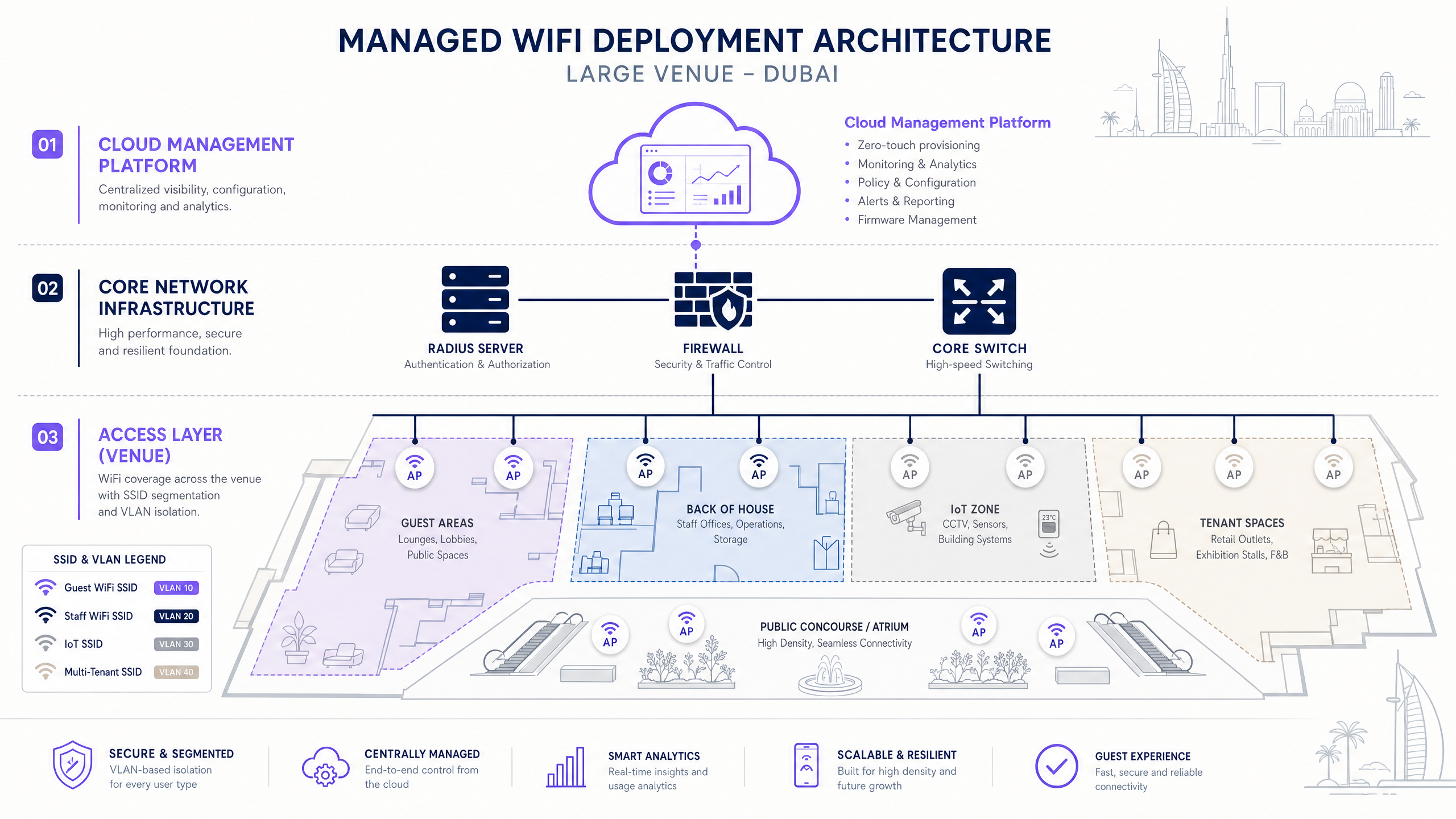
This creates a private network bubble. All devices using Resident A's passphrase can discover and communicate with each other via mDNS reflection - so their Chromecast, smart speaker, and console all connect as they would at home. Devices using Resident B's passphrase, even when connected to the exact same access point, remain completely invisible. When Resident A moves out, Purple revokes their specific passphrase. The building-wide network remains untouched, and no other resident needs to update their settings. For a deeper comparison of PPSK deployment models, see our guide: Power probe PPSK: comparing features and deployment models.
### SSID design: three networks, one infrastructure
A well-designed venue network uses three SSIDs, each mapped to a distinct VLAN. Read more about this architecture in our guide: [Three SSIDs to rule them all: guest, Passpoint, and IoT WiFi](/blog/three-ssids-to-rule-them-all).
| SSID | Authentication | VLAN | Use case |
|---|---|---|---|
| Staff WiFi | 802.1X via Microsoft Entra ID, Okta, or Google Workspace | Corporate (e.g., VLAN 10) | Employees, operations, back-of-house |
| Resident/Tenant WiFi | iPSK (per-unit unique passphrase) | Per-unit micro-segment (e.g., VLANs 101-500) | BTR residents, hotel guests, coworking members |
| Guest WiFi | Open with captive portal | Internet-only (e.g., VLAN 900) | Visitors, delivery personnel, retail shoppers |
### Hardware and standards
Deployments must support high device density. A 200-unit BTR building will typically see 3,000 to 5,000 concurrent devices. Purple integrates with Cisco Meraki, HPE Aruba, Ruckus, Juniper Mist, Ubiquiti UniFi, Cambium, Extreme, and Fortinet. Deploy WiFi 6 (802.11ax) or WiFi 6E hardware as the baseline for all new builds. Enforce WPA3-Enterprise where supported, falling back to WPA2-Enterprise for legacy devices. For authentication, use 802.1X with a cloud RADIUS backend for staff networks, and iPSK for resident and IoT networks.
## Implementation guide: deployment strategies
Deploying managed WiFi services in Dubai requires careful planning to align with Telecommunications and Digital Government Regulatory Authority (TDRA) guidelines and local construction realities.
### Step 1: RF planning and access point placement
Concrete, steel, and mirrored glass dominate Dubai's architecture. These materials severely attenuate RF signals. Do not rely on predictive surveys alone. Conduct active site surveys (AP-on-a-stick) before finalising cable runs. For hospitality and BTR, the standard is an in-room deployment model: one access point per room, mounted on the ceiling rather than hidden in media enclosures. Ceiling-mounted access points deliver consistent coverage across the room and avoid the signal degradation caused by furniture and walls.
### Step 2: Network segmentation design
Design your SSID and VLAN structure before configuring hardware. The three-SSID model described above is the starting point. For large venues with distinct operational zones (conference areas, food and beverage, retail concessions), add additional VLANs per zone to contain broadcast traffic and simplify troubleshooting.
### Step 3: Selecting the service model
Operators must choose how to manage the infrastructure.
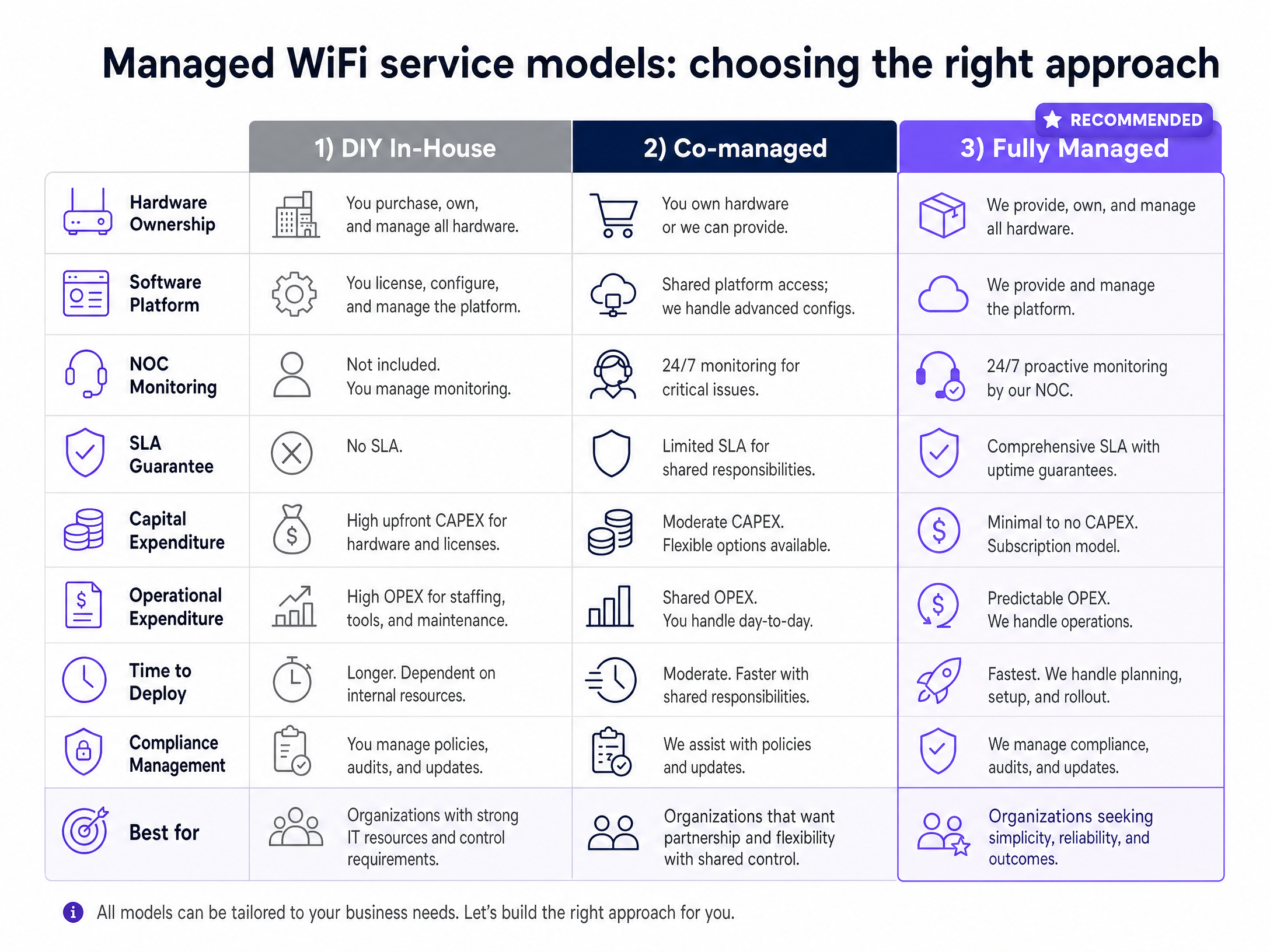
We recommend a software overlay model. You purchase and own the hardware (e.g., Cisco Meraki or HPE Aruba), and Purple provides the cloud RADIUS, captive portal, and management layer via our hardware-agnostic platform. This prevents vendor lock-in and keeps capital expenditure manageable. Purple's cloud RADIUS has maintained 99.999% uptime across 80,000+ venues.
### Step 4: Captive portal and data capture
For [Guest WiFi](/guest-wifi) in retail and hospitality, the captive portal is where business value is generated. Purple's conscious-choice opt-in model collects first-party data - email addresses, visit frequency, dwell time - with explicit consent. This data feeds directly into [WiFi Analytics](/guest-wifi-marketing-analytics-platform), giving you actionable insight into venue utilisation. Harrods and Manchester Airports Group (MAG) use this infrastructure to drive personalised engagement at scale.
## Best practices for the UAE market
### Data privacy and PDPL compliance
The UAE Personal Data Protection Law (Federal Decree-Law No. 45 of 2021) governs how you collect and store user data. When operating a captive portal for guest WiFi in retail or hospitality, you must obtain explicit opt-in consent before collecting email addresses or phone numbers for marketing, practise data minimisation, and implement automated data deletion policies. Purple stores data in secure regional instances and automates compliance with GDPR, CCPA, and UAE PDPL. For venues hosting international visitors, GDPR obligations apply to EU residents regardless of where the network is located.
### TDRA compliance
Ensure all wireless hardware imported and deployed is type-approved by the TDRA. Unapproved hardware can lead to fines and forced removal. The TDRA has published a Telecommunications Networks Specifications Manual for Buildings and, in partnership with Dubai Municipality, a Smart Buildings Guideline that defines technical requirements for telecommunications integration, IoT, and cybersecurity in new developments. Work with local system integrators who understand these requirements.
### PCI DSS for payment environments
If your venue processes card payments over the network, PCI-DSS compliance is mandatory. Segment payment terminal traffic onto a dedicated VLAN, isolated from both guest and staff networks. Disable split tunnelling on any access points serving payment zones.
## Troubleshooting and risk mitigation
### The captive portal will not load on mobile
Modern smartphones use strict captive portal detection. If your firewall blocks the specific domains Apple and Google use to test connectivity, the portal fails to render. Ensure your walled garden allows traffic to `captive.apple.com` and `connectivitycheck.gstatic.com`.
### IoT device onboarding failures
Many smart home devices lack a web browser and cannot navigate a captive portal. They also often only support the 2.4GHz band. Use iPSK: the resident generates a device-specific password via the Purple app and enters it into the IoT device. Ensure your network broadcasts a 2.4GHz signal on the resident SSID.
### IP address exhaustion
A 500-user venue can exhaust a standard /24 DHCP scope within hours due to MAC address randomisation on modern smartphones. Use a /22 or /21 subnet for guest networks and reduce the DHCP lease time to 30 minutes for transient areas like retail floors or hotel lobbies.
### Roaming failures in large venues
In venues with many access points, poor roaming configuration causes devices to stay connected to a distant, weak access point rather than roaming to a closer one. Enable 802.11r (Fast BSS Transition) and 802.11k (Neighbour Reports) on all access points to enable seamless roaming.
## ROI and business impact
Managed WiFi is a revenue driver, not a cost centre.
For BTR operators, providing immediate, high-speed WiFi as an amenity increases the monthly rent premium by $20 to $40 per unit (Purple internal data, National Apartment Association benchmarks). Research from WiredScore's 2024 Smart Living report found that 89% of Middle East residents expect fast internet from day one, and nine in ten are willing to pay a premium of 2.3% for a residence with smart technology features. Managed WiFi eliminates the 5 to 10-day wait for traditional broadband installation, reducing vacancy periods and improving Net Operating Income.
For [retail](/industries/retail) and [hospitality](/industries/hospitality), Purple captures first-party data via conscious-choice opt-ins. McDonald's, Harrods, and Manchester Airports Group use this infrastructure to understand venue utilisation and drive personalised engagement. Purple has collected 29 billion data points across 80,000+ venues globally (Purple internal data, 2024). By analysing authentication data, you can track dwell times, measure the impact of physical layout changes, and deliver targeted promotions.
For [transport](/industries/transport) hubs and large public venues, the Expo 2020 Dubai deployment provides a benchmark: Cisco deployed 8,645 access points including 453 WiFi 6 access points, enabling three million unique WiFi connections over six months across a 4.38 square kilometre site (Cisco, 2022). That network is now the backbone of Expo City Dubai.
When you own the hardware and use Purple as the management overlay, the per-door cost is 30% to 50% lower than bundling WiFi with a third-party broadband contract (Purple internal data). You retain control of the network, the data, and the resident experience.
---
### Managed WiFi solutions in Dubai: a comprehensive guide for businesses
**Source:** https://www.purple.ai/en-gb/guides/managed-wifi-solutions-in-dubai
**Summary:** This guide provides IT managers, network architects, and property developers in Dubai with a practical blueprint for deploying managed WiFi solutions across multi-tenant environments. It covers the technical architecture of VLAN segmentation, iPSK, and 802.1X authentication, alongside TDRA compliance requirements and the commercial case for treating connectivity as a managed amenity. Whether you operate a Build to Rent development, a luxury hotel, or a retail mall, this guide gives you the decision frameworks and implementation steps to deploy and manage enterprise-grade WiFi at scale.
**Estimated read time:** 8 minutes
**Word count:** 1,823
## Executive summary
Dubai's commercial real estate and hospitality sectors are deploying WiFi infrastructure at a scale that flat, unmanaged networks cannot support. A 300-unit Build to Rent (BTR) development in Dubai Marina carries 4,500 to 6,000 connected devices at any given moment. A luxury hotel on the Palm Jumeirah serves guests, conference delegates, and back-of-house IoT systems simultaneously. Each group has distinct security, performance, and compliance requirements.
Managed WiFi solutions address this by deploying a cloud-managed overlay on enterprise hardware from Cisco Meraki, HPE Aruba, Ruckus, Juniper Mist, Ubiquiti UniFi, Cambium, Extreme, or Fortinet. The overlay handles authentication, VLAN assignment, analytics, and captive portal management centrally, without requiring a separate physical network per tenant.
Purple operates across 80,000+ live venues and has processed 440 million logins in 2024 (Purple internal data). We hold ISO 27001, GDPR, and Cyber Essentials certifications, and our platform delivers 99.999% uptime. This guide covers the architecture, deployment steps, and business case for managed WiFi solutions in Dubai.
---
## Technical deep-dive: architecture and isolation
Transitioning from a single-occupant to a multi-tenant WiFi architecture requires a shift from a flat, trusted environment to a segmented, zero-trust framework. The primary objective is to ensure multiple independent tenants co-exist on a single physical infrastructure without compromising security or performance.
### The foundational role of VLANs
The cornerstone of any multi-tenant network is the Virtual Local Area Network (VLAN). As defined by the IEEE 802.1Q standard, VLANs partition a single physical network switch into multiple logically separate broadcast domains. Traffic from a retail unit on VLAN 10 is invisible to a corporate office on VLAN 20, even when their devices connect to the same physical access point.
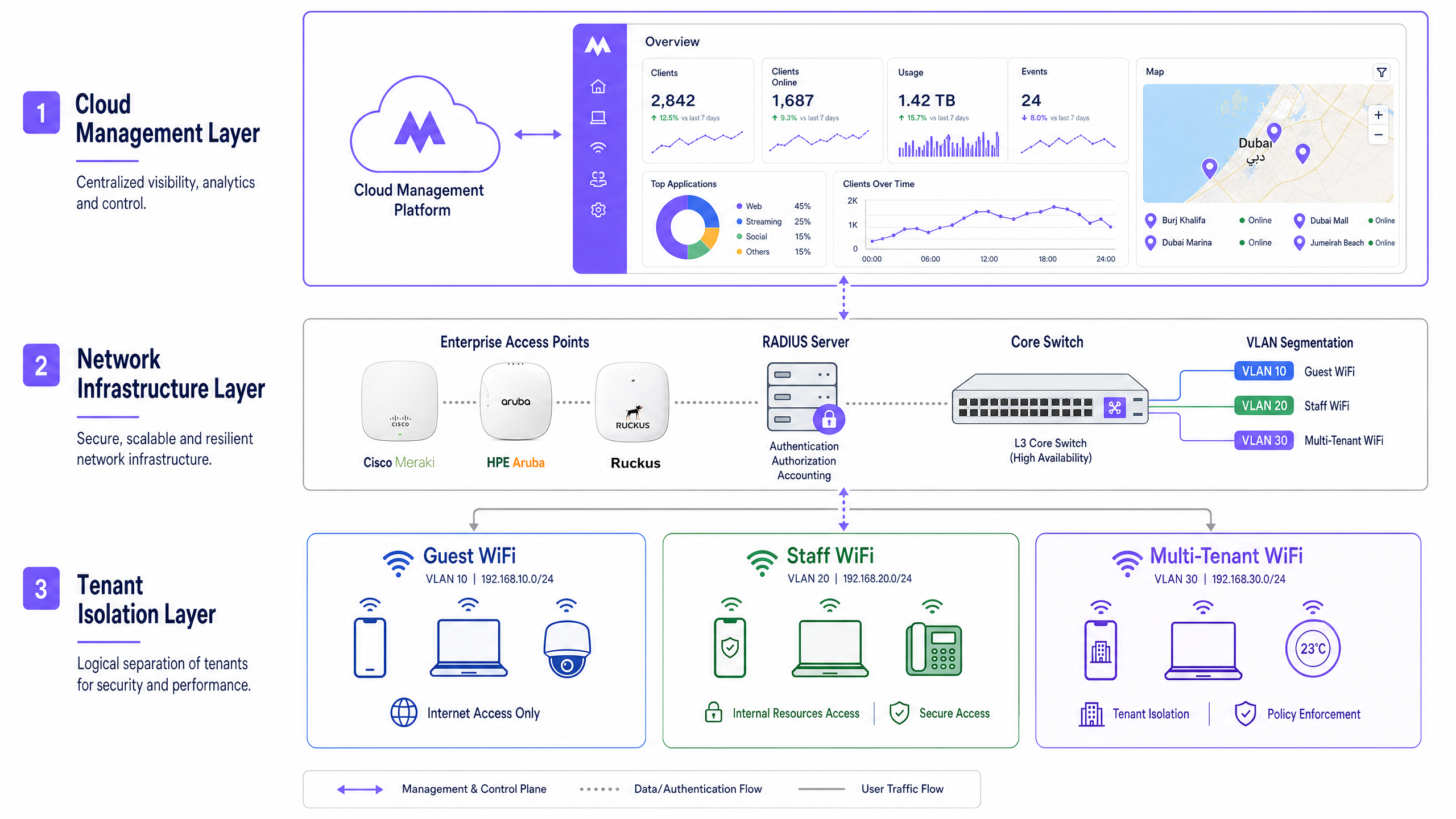
Without proper VLAN implementation, tenant separation is cosmetic. Multiple SSIDs on a single LAN offer no isolation against lateral movement if a device is compromised. A moderately skilled attacker on a flat network can see all traffic on the subnet. VLAN boundaries enforced by default-deny inter-VLAN firewall rules contain the blast radius of any breach to a single tenant segment.
### Identity-based networks and iPSK
For residential BTR and student accommodation, operators face a specific challenge: residents need to connect headless IoT devices (smart TVs, games consoles, smart speakers) while remaining isolated from neighbours. Standard 802.1X authentication (WPA-Enterprise) requires a certificate or username/password combination that most IoT devices cannot process.
The solution is Identity Pre-Shared Key (iPSK), referred to by HPE Aruba as PPSK and by Cisco Meraki as Personal Private Network. Each resident receives a unique WiFi password during onboarding. The RADIUS server authenticates the password and dynamically assigns the device to that resident's specific VLAN.
Devices on the same key recognise each other. A resident's phone discovers their Chromecast. Devices on different keys remain invisible. When a resident moves out, Purple revokes their specific key without requiring a password rotation for the rest of the building. See our guide on [Power probe PPSK: comparing features and deployment models](/guides/power-probe-ppsk) for a full vendor comparison.
### Authentication standards by tenant type
The correct authentication method depends on the tenant type and device profile.
| Tenant type | Recommended auth method | Standard |
|---|---|---|
| BTR residents and IoT devices | iPSK / PPSK | WPA2/WPA3-Personal per-key |
| Corporate tenants and staff | 802.1X with RADIUS | WPA3-Enterprise, EAP-TLS or PEAP |
| Hotel guests and retail shoppers | Captive portal | WPA3-Enhanced Open (OWE) |
| Conference and event attendees | Time-limited PSK or captive portal | WPA3-Personal |
| Back-of-house IoT sensors | MAC Authentication Bypass (MAB) | Vendor-specific |
For staff authentication, integrate the RADIUS server with Microsoft Entra ID, Okta, or Google Workspace. Purple supports SCIM provisioning and SAML-based single sign-on, meaning a new employee's WiFi access is created automatically when their account is provisioned in your identity provider, and revoked the moment HR deactivates it.
### Quality of Service and bandwidth management
In a shared environment, a single tenant streaming 4K video can degrade performance for all others. Quality of Service (QoS) policies define upstream and downstream bandwidth limits per VLAN, per user, or per application category. A conference facility can guarantee a 100 Mbps dedicated tier for a corporate client while providing a 20 Mbps shared tier for general visitors. Purple's cloud dashboard applies these policies without requiring manual switch configuration.
---
## Implementation guide: deployment strategies
Deploying managed WiFi solutions in Dubai requires alignment with both technical best practices and local regulatory requirements.
### Step 1: RF planning and site survey
Conduct a predictive site survey before any hardware is installed. Dubai construction typically uses reinforced concrete and glass curtain walls, both of which attenuate 5GHz and 6GHz signals significantly. Model the expected device density per area: 15-25 devices per residential unit, up to 500 concurrent devices per conference room at a major hotel.
For high-density venues such as the Dubai World Trade Centre or Expo City Dubai, deploy directional antennas and reduce transmit power to minimise co-channel interference. The 6GHz band (WiFi 6E and WiFi 7) provides additional spectrum for high-density deployments.
### Step 2: Hardware selection and integration
Purple operates as a hardware-agnostic cloud overlay. Deploy the physical infrastructure from Cisco Meraki, HPE Aruba, Ruckus, Juniper Mist, Ubiquiti, UniFi, Cambium, Extreme Networks, or Fortinet, and point authentication traffic to Purple's RADIUS servers. The cloud dashboard provides a single pane of glass across all hardware vendors and all sites.
For BTR and MDU deployments, consider switch-level PoE budgets carefully. A 48-port PoE+ switch at 30W per port supports 48 access points. A large residential tower may require multiple distribution switches with fibre uplinks to a core.
### Step 3: VLAN and SSID design
Follow the three-SSID model described in [Three SSIDs to rule them all: guest, Passpoint, and IoT WiFi](/blog/three-ssids-to-rule-them-all). Broadcast a maximum of three to four SSIDs per access point to minimise management frame overhead. Use dynamic VLAN assignment via RADIUS to segment traffic without multiplying SSIDs.
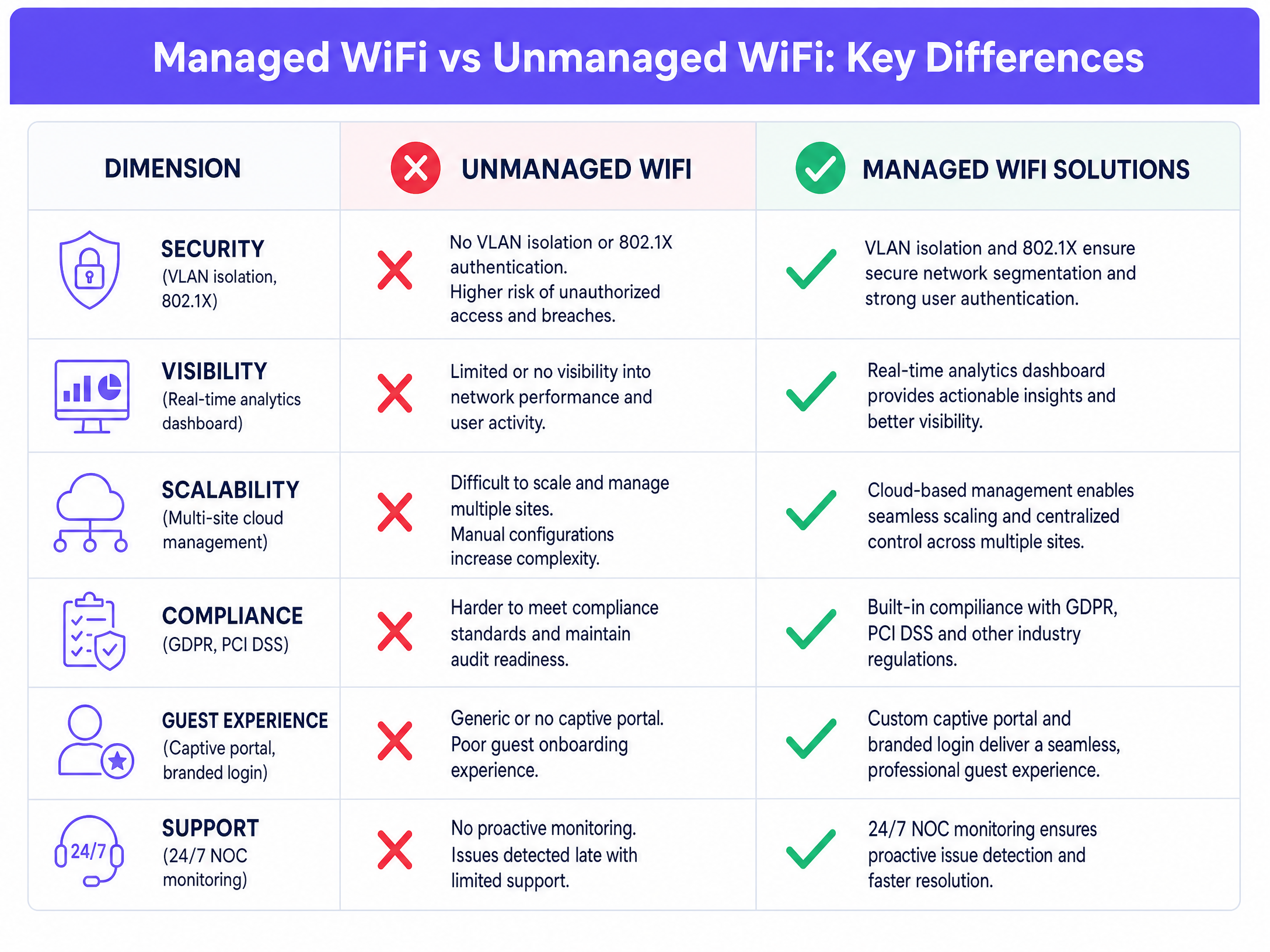
### Step 4: TDRA compliance and data sovereignty
Operating public or multi-tenant WiFi in the UAE requires compliance with the Telecommunications and Digital Government Regulatory Authority (TDRA). The TDRA's IoT Policy mandates registration for service providers. Data handling must align with UAE data sovereignty expectations. Purple's architecture supports selectable data residency, ensuring authentication logs and analytics data remain within compliant regional boundaries.
For venues capturing guest data through Captive Portals, implement conscious-choice opt-ins that clearly state the terms of data use. This satisfies both GDPR requirements for European visitors and UAE consumer protection expectations.
### Step 5: Identity provider integration and lifecycle management
Automate the onboarding and offboarding lifecycle. Integrate the WiFi provisioning process with your Property Management System (PMS) for hospitality, or your tenancy management platform for BTR. When a lease is signed, the system generates an iPSK and delivers it to the resident. When the lease ends, Purple revokes the key. No manual intervention required.
For staff networks, connect Purple to Microsoft Entra ID or Okta via SCIM. Joiner-mover-leaver processes automatically propagate to WiFi access rights.
---
## Best practices for venue operators
### Segment traffic by use case
Never mix guest, staff, and resident traffic on the same logical network segment. Guest WiFi provides internet access with client isolation. Staff WiFi provides access to internal resources with 802.1X authentication. Multi-tenant WiFi provides per-resident isolation with device discovery within each household. Each has a distinct security posture and compliance requirement.
### Implement Passpoint and OpenRoaming for seamless roaming
Passpoint (also known as Hotspot 2.0) allows devices to connect automatically to trusted networks without a captive portal interaction. OpenRoaming extends this to a global federation of networks. For Dubai's hospitality sector, where guests arrive from 190+ countries, Passpoint eliminates the friction of repeated captive portal sign-ins across a hotel's multiple buildings and outdoor areas.
### Use [WiFi Analytics](/guest-wifi-marketing-analytics-platform) to measure and optimise
Purple's analytics platform processes 29 billion data points (Purple internal data) to surface actionable insights. For retail operators, dwell-time heatmaps identify which zones attract the most traffic. For hospitality operators, repeat visit rates measure loyalty programme effectiveness. For BTR operators, aggregate usage data informs bandwidth planning for the next tenancy cycle.
### Plan for IoT device density
A 200-unit BTR building carries 3,000 to 5,000 connected devices. Many are IoT devices that cannot handle 802.1X certificates. Design the IP addressing scheme to accommodate this density from day one. A /22 subnet (1,022 usable addresses) is the minimum for a 200-unit building. Use DHCP lease times of 24 hours or less to reclaim addresses efficiently.
---
## Troubleshooting and risk mitigation
### The Chromecast visibility issue
The most common support ticket in BTR environments is: my phone cannot see my Chromecast. If the network uses client isolation (correct for guest networks), multicast traffic is blocked. If the network uses iPSK correctly, multicast traffic is permitted within the resident's specific VLAN, resolving the issue securely. Diagnose by checking whether client isolation is enabled at the SSID level or the VLAN level.
### Games consoles and NAT type
PlayStation and Xbox consoles require specific NAT types for online multiplayer. Strict CGNAT often causes Strict (Type 3) NAT, blocking voice chat and matchmaking. The fix requires correct UPnP handling and port forwarding rules mapped to the specific resident segment, rather than loosening security across the entire building. Configure UPnP per-VLAN, not globally.
### Rogue access points and RF interference
In dense urban environments like Dubai Marina or Downtown Dubai, rogue access points from neighbouring properties can cause co-channel interference. Deploy WIDS (Wireless Intrusion Detection System) features available on Cisco Meraki, HPE Aruba, and Ruckus to detect and alert on rogue devices. Schedule regular RF spectrum scans to identify interference sources.
### Captive portal bypass attempts
Some devices attempt to bypass captive portals by using DNS-over-HTTPS or pre-configured VPNs. Implement DNS filtering at the VLAN level to block DoH endpoints for guest VLANs. This ensures all guest traffic passes through the captive portal and complies with TDRA requirements for user identification on public networks.
---
## ROI and business impact
Managed WiFi is a measurable asset, not a cost centre.
### BTR and residential
BTR operators deploying managed WiFi report a £15-30 rent premium per unit per month (British Property Federation sector research). Providing move-in-ready WiFi reduces void periods by 5-10 days, as residents do not need to wait for a consumer broadband installation. The software-overlay model on owned hardware delivers a 30-50% lower per-door cost than bundled broadband contracts.
### Hospitality
For [Hospitality](/industries/hospitality) venues, the ROI is measured in data acquisition and guest experience scores. Purple captures first-party data through conscious-choice opt-ins via the captive portal. Premier Inn, a Whitbread brand, uses Purple's platform across its estate to automate guest engagement. This data integrates directly into CRM platforms to drive repeat bookings.
### Retail
For [Retail](/industries/retail) operators, WiFi analytics provide shopper dwell-time data that informs store layout decisions and promotional placement. McDonald's uses Purple's platform across its estate to capture first-party data and automate marketing campaigns. Harrods uses Purple to deliver a premium guest WiFi experience aligned with its brand standards.
### Public sector and transport
For [Transport](/industries/transport) hubs and public-sector venues, the ROI is measured in passenger satisfaction scores and operational efficiency. Manchester Airports Group (MAG) uses Purple to manage WiFi across its airport estate, providing passenger connectivity and operational analytics.
---
*Purple was founded in 2012 and serves 80,000+ live venues across 29 billion data points. For a [Guest WiFi](/guest-wifi) deployment consultation or to explore Purple's multi-tenant WiFi platform, visit purple.ai.*
---
### Cloud-managed WiFi solutions: a comprehensive guide for businesses
**Source:** https://www.purple.ai/en-gb/guides/cloud-managed-wifi-solutions
**Summary:** This guide gives property developers, BTR operators, and IT leaders a technical framework for deploying cloud-managed WiFi solutions across multi-tenant residential and commercial buildings. It covers iPSK network architecture, tenant isolation, VLAN design, and the business case for treating connectivity as a managed amenity that drives measurable NOI uplift.
**Estimated read time:** 9 minutes
**Word count:** 2,078

## Executive summary
In the Build-to-Rent (BTR) and Multi-Dwelling Unit (MDU) sectors, high-performance internet is no longer an optional upgrade - it is the most critical utility. The traditional model of forcing residents to source their own broadband contracts and install consumer-grade routers creates severe radio frequency (RF) interference, delays move-ins, and leaves significant revenue on the table.
Cloud-managed WiFi solutions represent the modern standard for residential operators. By separating the management plane from the physical access points, you gain single-pane-of-glass visibility across your entire portfolio without deploying expensive controller hardware on-site. Purple operates across 80,000+ live venues with 99.999% uptime, serving 350 million unique users and recording 440 million logins in 2024 (Purple internal data, 2024).
Crucially, when paired with Identity Pre-Shared Key (iPSK) technology, a cloud-managed network allows you to provide a true "instant-on" experience. Residents move in, connect immediately using a unique credential, and enjoy a private, secure network that supports all their smart devices. This approach reduces vacancy periods, commands a measurable rent premium, and transforms a utility cost into a net operating income driver.
## Technical deep-dive
### Cloud architecture vs on-premise controllers
Enterprise WiFi architecture has fundamentally shifted. Historically, deploying an enterprise-grade network required on-premise Wireless LAN Controllers (WLCs) to manage traffic, enforce policies, and coordinate roaming between access points. This model required dedicated IT resources per building and introduced a single point of failure in the comms room.
Cloud-managed WiFi solutions move the control and management planes to hosted data centres. The access points (APs) handle the data plane locally. If the connection to the cloud controller drops, the APs continue to route local traffic and authenticate known devices using cached policy. This architecture delivers 99.999% uptime and allows network architects to manage dozens of properties from a central dashboard.
The WiFi as a Service market is projected to grow from $9.27 billion in 2025 to $21.96 billion by 2030, at a CAGR of 18.8% (MarketsandMarkets, 2025). Cloud-managed WLAN services recorded 6% year-on-year revenue growth in 2024, significantly outperforming the broader networking market (650 Group, 2024).
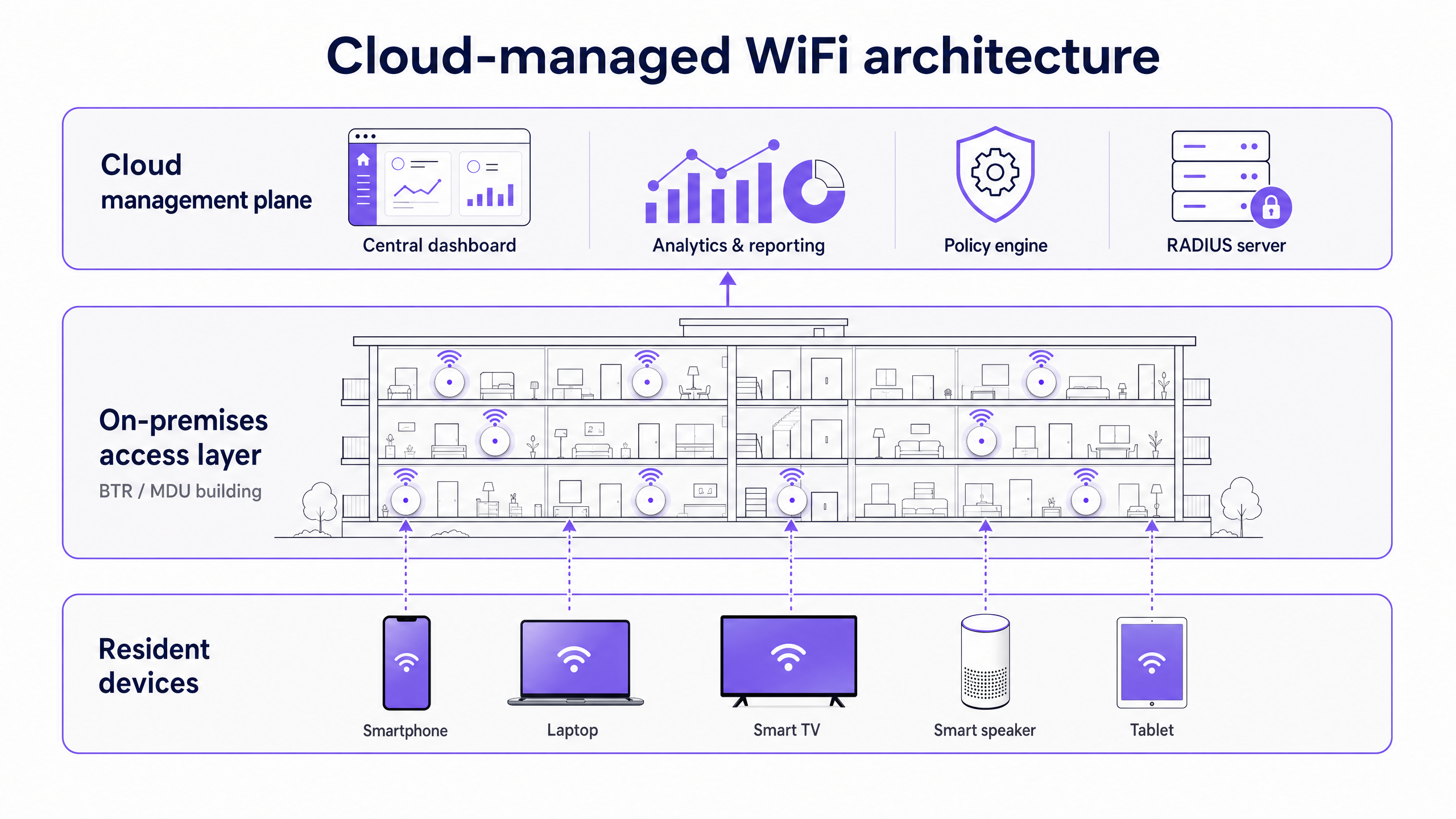
### The iPSK requirement for multi-tenant environments
The defining technical challenge in a BTR property is tenant isolation at scale. You have hundreds of households sharing the same physical infrastructure.
Standard WPA2/WPA3-Personal uses a single Pre-Shared Key (PSK) for the entire network. This is fundamentally insecure for an MDU: one leaked password compromises the building, and residents can see each other's devices on the same network segment. Conversely, WPA3-Enterprise with IEEE 802.1X provides excellent security but fails in residential settings because smart TVs, gaming consoles, and IoT devices do not support username and password authentication - they have no browser or keyboard to complete the flow.
The solution is Identity Pre-Shared Key (iPSK), referred to by vendors as PPSK (HPE Aruba) or Personal Private Network (Cisco Meraki). iPSK allows the network to issue a unique password to every resident. The RADIUS server links that specific password to a dedicated Virtual Local Area Network (VLAN).
When a resident connects their smartphone, laptop, and smart speaker using their unique key, the network groups them into a Private Area Network (PAN). The resident's devices can discover and communicate with each other natively - allowing seamless casting and smart home control - while remaining completely isolated from every other resident in the building. A 200-unit building running iPSK typically manages between 3,000 and 5,000 connected devices simultaneously (Purple internal data, 2024).
### Hardware and physical layer design
For the physical layer, WiFi 6 (IEEE 802.11ax) is the baseline standard. WiFi 6 introduces Orthogonal Frequency Division Multiple Access (OFDMA), which allows a single AP to communicate with multiple devices simultaneously by dividing channels into sub-channels. This dramatically improves performance in high-density environments where legacy WiFi 5 access points would queue clients sequentially.
AP placement is critical and frequently mishandled. The legacy approach of placing APs in corridors forces the signal to penetrate fire-rated doors and bathrooms, causing severe attenuation. Best practice dictates in-room placement - typically one AP per unit, or one AP per two units - hardwired back to a PoE switch via Cat 6A cabling. Every AP must be wired; mesh backhaul is unsuitable for enterprise residential deployments.
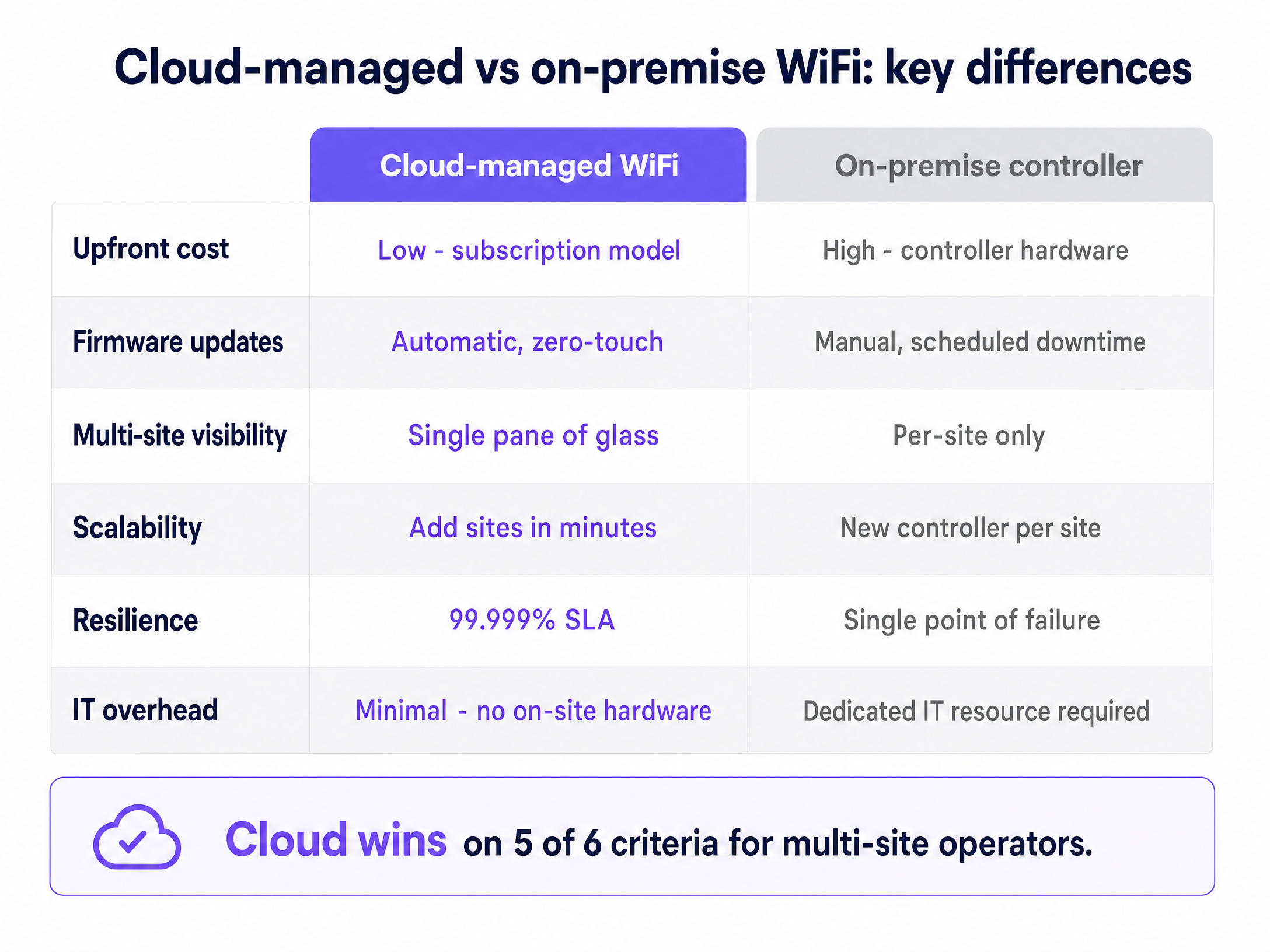
## Implementation guide
### Step 1: RF planning and site survey
Before cabling begins, execute a predictive RF survey using tools like Ekahau or iBwave. In an MDU, co-channel interference is the primary threat to performance. Configure 20 MHz channels on the 2.4 GHz band and 40 MHz channels on the 5 GHz band to maximise non-overlapping channels. Document your channel plan before deployment and review it quarterly as the RF environment changes.
### Step 2: Select hardware and software overlay
Deploy enterprise-grade access points from the canonical list: Cisco Meraki, HPE Aruba, Ruckus, Juniper Mist, Ubiquiti UniFi, Cambium, Extreme, or Fortinet. Apply Purple's hardware-agnostic cloud overlay to manage iPSK authentication, resident onboarding flows, and analytics. Purple's software overlay runs on all eight vendors without requiring hardware replacement.
### Step 3: Design your VLAN architecture
Map out your network segments before configuring anything. A standard BTR deployment requires four VLANs at minimum: a Resident WiFi VLAN (per-resident iPSK isolation), a Guest WiFi VLAN (for visitors, delivery drivers, and contractors using a Captive Portal), a Building Systems VLAN (CCTV, access control, BMS), and a Management VLAN (AP management traffic, isolated from all user traffic). Get this architecture approved and documented before deployment begins.
### Step 4: Automate the resident lifecycle
Integrate the WiFi management platform with your Property Management Software (PMS). When a lease is signed, the system generates an iPSK and emails it to the resident automatically. When the tenancy ends, the system revokes that specific key without affecting any other resident. This eliminates manual password management entirely and ensures the network remains secure through every tenancy transition.
### Step 5: Size the internet uplink correctly
Provision 5 to 10 Mbps of dedicated leased-line bandwidth per unit at peak concurrency. Do not use contended broadband products for the building uplink. A leased line provides symmetrical bandwidth, a guaranteed SLA, and no contention with other customers on the same circuit. For a 200-unit building at 80% occupancy, plan for a minimum of 800 Mbps to 1.6 Gbps of committed bandwidth.
## Best practices
For [Guest WiFi](/guest-wifi) in common areas such as lobbies, gyms, and co-working spaces, deploy a separate SSID with a Captive Portal to capture visitor data and consent. This is distinct from the resident iPSK network and should sit on its own VLAN. Purple's [WiFi Analytics](/guest-wifi-marketing-analytics-platform) platform connects this data layer to your CRM and marketing tools, enabling you to understand how residents and visitors use your shared spaces.
For IoT and smart home devices that use Bluetooth or a temporary local network for initial setup, ensure your resident VLAN configuration allows the device to complete its pairing flow. Most smart home devices need to be on the same logical network as the controlling app, which iPSK handles natively. Refer to [Three SSIDs to rule them all: guest, Passpoint, and IoT WiFi](/blog/three-ssids-to-rule-them-all) for a detailed breakdown of SSID architecture across use cases.
For security compliance, ensure your building systems VLAN is firewalled from all resident traffic. If you process card payments anywhere on the property (parking, amenity bookings), PCI-DSS requires that payment systems are isolated from any network segment accessible to residents or guests. Maintain audit logs of all network access for a minimum of 90 days to satisfy GDPR and Cyber Essentials requirements.
## Troubleshooting and risk mitigation
**The Chromecast problem.** If residents cannot cast to their TVs, verify that client isolation is disabled within their specific VLAN while remaining enforced between VLANs. iPSK creates the per-resident bubble, but the VLAN configuration must allow intra-VLAN device discovery for casting to work.
**Strict NAT on gaming consoles.** PlayStation, Xbox, and Nintendo Switch require Open or Type 2 NAT for online multiplayer. Ensure your firewall rules for resident VLANs handle UPnP and CGNAT correctly. Tightening NAT globally to reduce attack surface will break gaming for residents and generate significant support volume.
**Rogue access points.** Residents may plug in their own routers out of habit, creating interference and security gaps. Enable rogue AP detection on your cloud controller. When a rogue AP is detected, the system alerts your central IT team and can automatically block the offending device's MAC address from the network.
**Consumer hardware at scale.** The most common deployment failure is using consumer-grade mesh hardware to reduce upfront costs. Consumer hardware lacks the processing power to handle 15 to 25 devices per household across a 200-unit building, and it does not support the VLAN capabilities required for iPSK isolation. Enterprise hardware from the canonical vendor list is non-negotiable for BTR deployments.
## ROI and business impact
Deploying managed WiFi as an amenity drives measurable returns. Industry benchmarks indicate a $20 to $40 per unit per month rent premium for buildings offering premium, instant-on connectivity (National Apartment Association, 2024). Buildings with managed WiFi also see vacancy periods reduced by 5 to 10 days, as units are immediately ready for occupancy on move-in day.
When calculating the business case, compare the per-door cost of a managed software overlay on owned hardware against the revenue generated by the amenity fee. The model is consistently NOI-positive for operators who retain control of the infrastructure rather than outsourcing it to a retail broadband provider, who captures the value instead.
For [retail](/industries/retail) and [hospitality](/industries/hospitality) operators managing mixed-use developments, the same cloud-managed infrastructure serves both resident and commercial tenant connectivity, with Purple's Multi-Tenant WiFi isolating each business's traffic as securely as it isolates individual households. [Transport](/industries/transport) hubs and [healthcare](/industries/healthcare) facilities using Purple's platform benefit from the same hardware-agnostic architecture, with Purple's ISO 27001, GDPR, CCPA, and Cyber Essentials certifications covering all deployments.
### Tiered service models and revenue uplift
A cloud-managed platform enables tiered service delivery without hardware changes. You can offer a standard residential tier at a base speed, and a premium tier (marketed as a Gamer Tier or Work From Home Tier) at higher throughput, with the speed policy enforced at the VLAN level via the cloud controller. Upgrading a resident from standard to premium takes seconds in the dashboard and requires no engineer visit. This model converts a flat amenity cost into a tiered revenue stream.
Purple's platform supports this via per-VLAN QoS policies, allowing operators to set download and upload rate limits per resident segment. Combined with the PMS integration, tier upgrades can be self-served by residents through a resident portal, with billing handled by the property management system.
### Compliance and data residency
Cloud-managed WiFi platforms that handle resident identity data must comply with GDPR in the UK and EU, and CCPA in California. Purple stores data in EU, UK, or US regions, chosen at provision time. Resident-identifiable network logs should be retained only as long as required for security and operations - six months is a common ceiling for residential deployments.
For mixed-use developments that include retail or food and beverage tenants processing card payments, PCI-DSS compliance requires that payment terminals are isolated from any network segment accessible to residents or guests. The building systems VLAN must be firewalled from all resident and guest traffic, with access control lists (ACLs) enforced at the distribution switch layer.
Purple holds ISO 27001, GDPR, CCPA, Cyber Essentials, and B Corp certifications. These certifications apply across all deployments and are available for review in due diligence processes.
### Network design for mixed-use BTR developments
Modern BTR developments increasingly combine residential units with ground-floor retail, co-working spaces, and food and beverage outlets. A single cloud-managed WiFi platform can serve all of these use cases from one hardware estate, with logical separation enforced by VLAN and SSID policy.
For the residential floors, deploy the iPSK Multi-Tenant WiFi architecture described above. For the commercial ground floor, deploy a separate Guest WiFi SSID with a captive portal, giving retail shoppers and co-working members a distinct network experience with its own branding and data capture flow. Purple's platform manages both SSIDs from the same cloud dashboard, with separate analytics views per zone.
For co-working members who require persistent, credential-based access across multiple visits, Purple's SecurePass add-on provides certificate-based authentication via EAP-TLS, eliminating the captive portal entirely for members while retaining it for day visitors. This mirrors the enterprise WiFi experience that corporate tenants expect, without requiring a separate network infrastructure.
The key design principle is that every user population - resident, retail shopper, co-working member, building staff, and IoT device - sits on its own VLAN with its own access policy. The cloud controller enforces these policies consistently across every access point in the building, regardless of which vendor's hardware you have deployed.
---
### PPSK WiFi: comparing features and deployment models
**Source:** https://www.purple.ai/en-gb/guides/ppsk-wifi
**Summary:** Technical guide to Private Pre-Shared Key (PPSK) and Identity PSK (iPSK) architectures: dynamic VLAN steering, mDNS isolation, IoT onboarding, and airtime recovery across MDUs and student housing.
**Estimated read time:** 11 minutes
**Word count:** 1,256
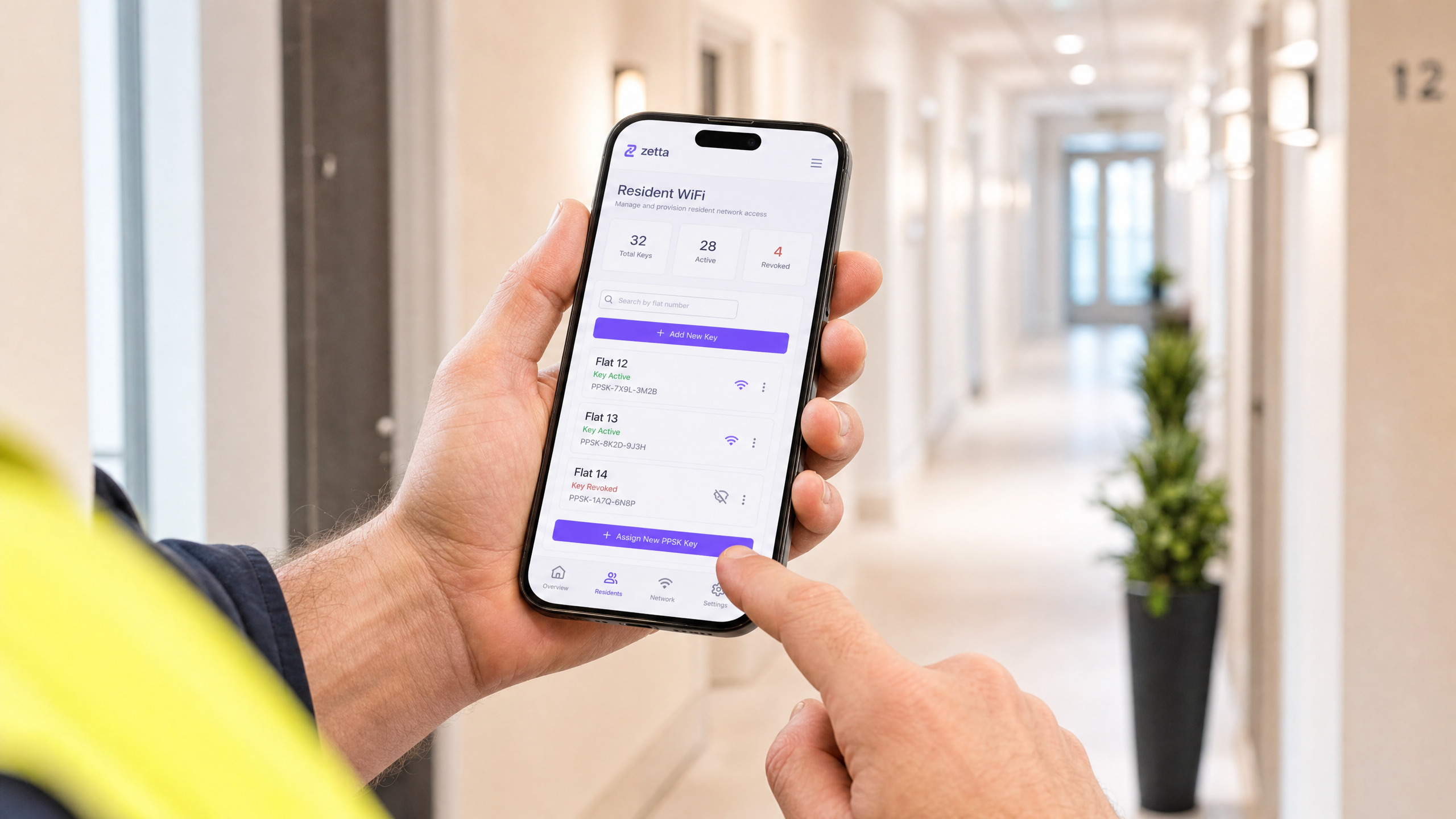
## Executive Summary
Network architecture for multi-tenant buildings demands a specific balance of isolation, scale, and device compatibility. Traditional WPA2-Personal networks fail at scale because shared passwords compromise resident privacy and break all devices when rotated. Conversely, 802.1X provides excellent security but fails in residential environments because IoT devices, smart speakers, and games consoles lack the supplicants required for RADIUS authentication.
PPSK WiFi solves this structural problem. By issuing a unique pre-shared key to each resident and mapping that key to an isolated VLAN, operators can deliver a secure, home-like WiFi experience across shared enterprise hardware. This guide details the architecture, implementation models, and business impact of deploying PPSK across Cisco Meraki, HPE Aruba, Ruckus, and other leading vendors, specifically targeting Build to Rent (BTR), student accommodation, and multi-dwelling unit (MDU) environments.
## Technical Deep-Dive
### The Architecture of PPSK
Private Pre-Shared Key (PPSK) operates at the WPA-Personal layer. The fundamental innovation is decoupling the SSID from a single password. Instead of one password for the entire network, the access point or cloud controller maintains a database of thousands of unique keys.
When a device connects, it presents its key during the standard WPA2 or WPA3 four-way handshake. The network validates the key and checks its associated policy. Crucially, this policy includes a VLAN assignment. The access point then tags all traffic from that device with the assigned VLAN ID before passing it to the distribution switch.
This creates a "WiFi bubble" for each resident. Device A and Device B, using the same key, are placed on VLAN 10 and can discover each other via mDNS. Device C, using a different key, is placed on VLAN 20. Device C cannot see or communicate with Devices A or B, even if all three are connected to the exact same physical access point.
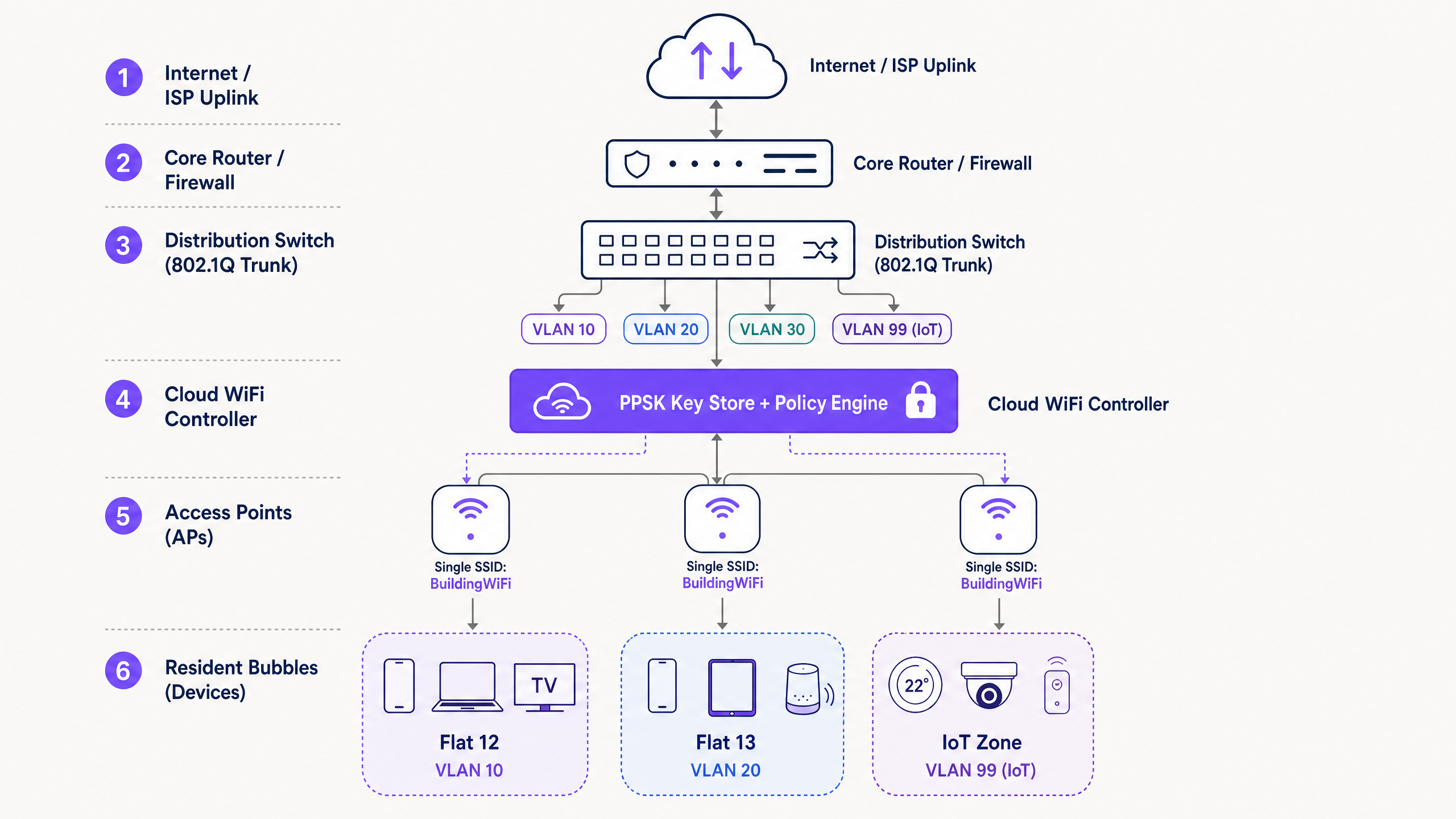
### PPSK vs 802.1X
It is a mistake to view PPSK as a direct replacement for 802.1X. They serve different threat models.
802.1X with EAP-TLS provides mutual authentication. The client verifies the network via a server certificate, preventing rogue access point attacks, and the network verifies the client via a client certificate. This is the mandatory standard for corporate staff networks where data exfiltration is the primary risk.
PPSK provides inter-resident isolation. It does not provide mutual authentication. However, it supports 100% of WiFi-enabled devices, including headless IoT hardware. For a BTR operator, the primary risk is Resident A accessing Resident B's smart TV or viewing their local network traffic. PPSK mitigates this risk effectively without the administrative overhead of a Public Key Infrastructure (PKI).
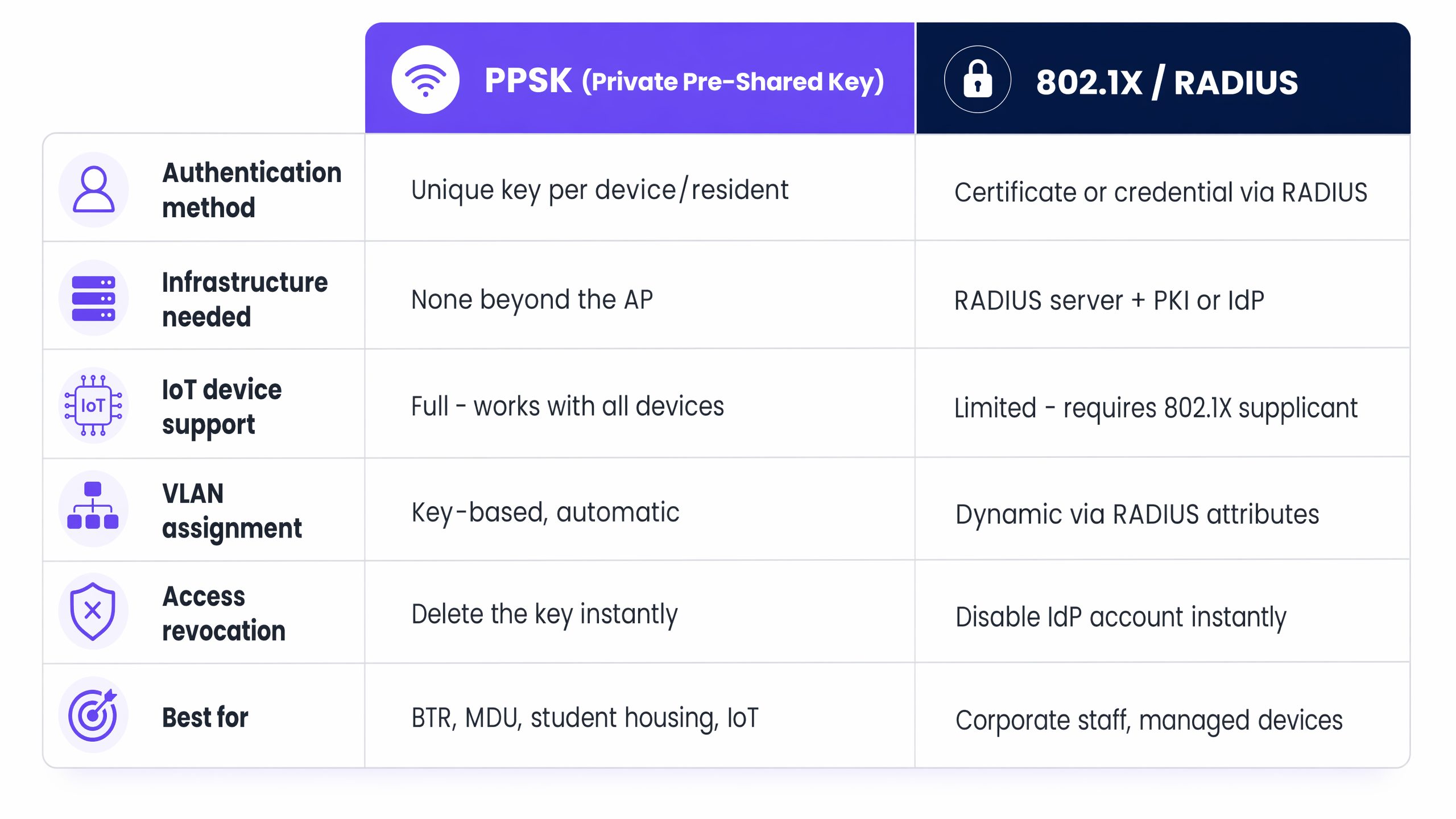
### WPA3 and Forward Secrecy
The transition to WPA3 significantly strengthens PPSK deployments. WPA3-Personal replaces the PSK handshake with Simultaneous Authentication of Equals (SAE). SAE uses the Dragonfly key exchange protocol, which provides forward secrecy.
In a WPA2-PSK network, an attacker who captures the initial handshake and later obtains the password can decrypt the captured traffic. In a WPA3-SAE network, this is cryptographically impossible. If your hardware supports it, WPA3-SAE should be the default configuration for new PPSK deployments.
## Implementation Guide
Deploying a multi-tenant WiFi architecture requires strict adherence to layer 2 segmentation principles.
### 1. Logical Segmentation Strategy
Before configuring access points, define the VLAN taxonomy. A standard BTR deployment requires:
- **Resident VLANs**: One VLAN per unit (e.g. VLANs 10 - 210 for a 200-unit building).
- **IoT VLAN**: A dedicated segment (e.g. VLAN 99) for building management systems, HVAC, and access control.
- **Management VLAN**: A strictly isolated segment for AP and switch management traffic.
- **Guest VLAN**: A routed-to-internet segment for common areas.
### 2. Hardware and Vendor Selection
PPSK is a software feature, not an IEEE standard, which means implementation varies by vendor:
- **Cisco Meraki**: Termed iPSK (Identity PSK). Managed via the Meraki dashboard with per-SSID policies. Highly scalable.
- **HPE Aruba**: Termed PPSK or MPSK (Multiple PSK). Supported natively in ArubaOS and Aruba Central.
- **Ruckus**: Termed DPSK (Dynamic PSK). Managed via SmartZone or Ruckus Cloud.
- **Juniper Mist**: Termed ePSK. Integrates tightly with Mist's AI-driven RF management.
- **Ubiquiti UniFi**: Termed PPSK. Added in 2023. *Note: Currently restricted to WPA2; incompatible with 6GHz bands.*
### 3. Key Lifecycle Management
The operational success of a PPSK deployment depends entirely on key distribution. Generating keys is trivial; securely delivering them to residents is complex.
Integrate key generation with the property management system via API. When a lease is signed, the system should call the WiFi controller API (e.g. Aruba Central or Meraki Dashboard) to generate a key and assign it to the correct VLAN. The key is then delivered to the resident via email or a secure resident app. When the lease terminates, the API call revokes the key instantly.
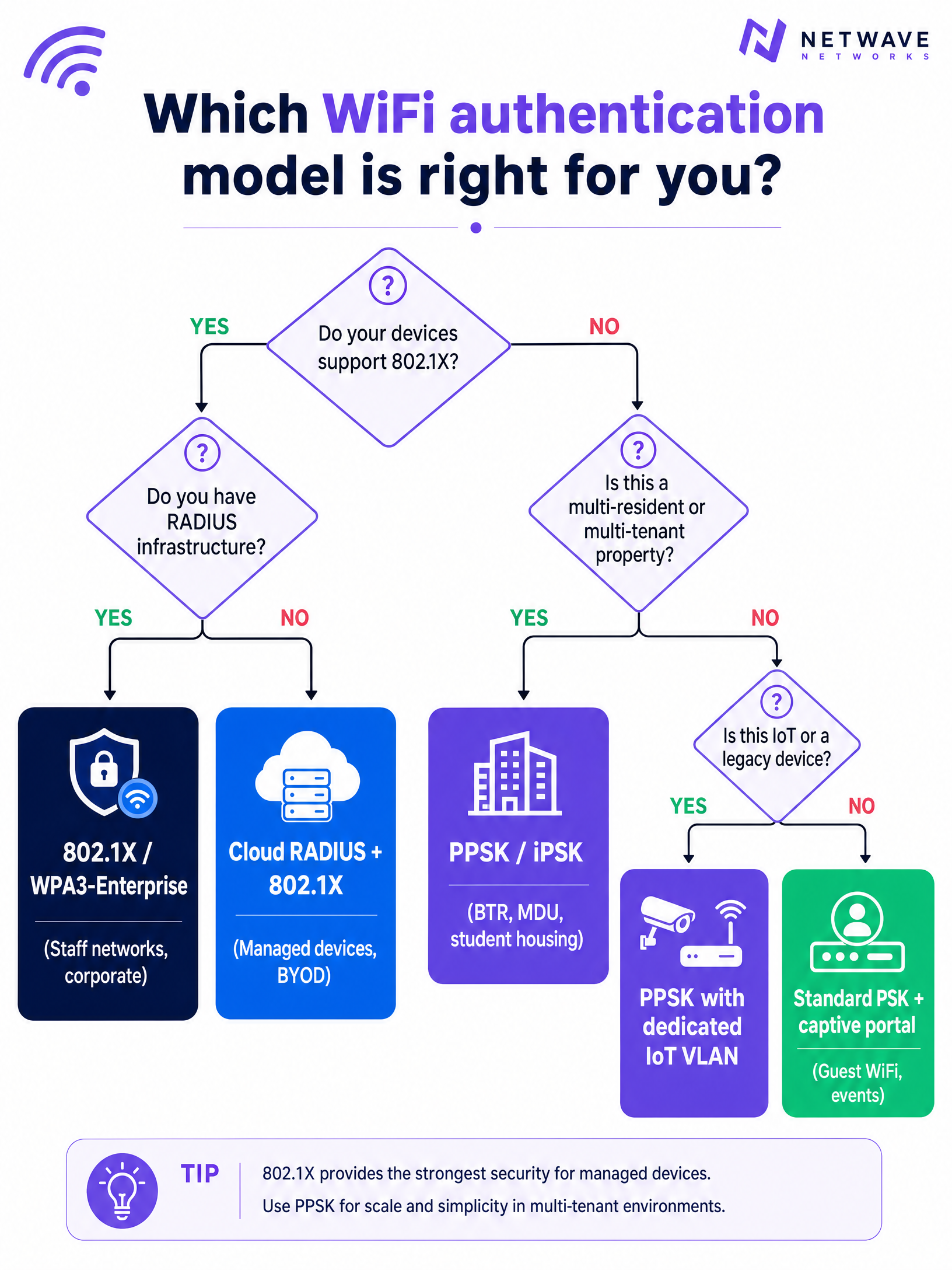
## Best Practices
### RF Planning and SSID Consolidation
In a high-density environment, SSID proliferation destroys network performance. Every SSID broadcast by an access point consumes airtime for management frames. Broadcasting eight SSIDs in a dense corridor can consume 25% of available airtime before a single byte of user data is transmitted.
PPSK solves this by allowing hundreds of residents to share a single SSID. Best practice dictates broadcasting no more than three SSIDs per radio:
1. `Building_Resident` (PPSK for tenants)
2. `Building_Guest` (Open with captive portal for visitors)
3. `Building_IoT` (PPSK for infrastructure)
### Managing CGNAT and IP Exhaustion
A 200-unit BTR property will host 3,000 to 5,000 concurrent devices. Standard /24 subnets will exhaust rapidly. Deploy /23 or /22 subnets for resident VLANs.
Because IPv4 addresses are limited, operators must deploy Carrier-Grade NAT (CGNAT). Ensure the firewall or core router handling the NAT translation has sufficient state table capacity to track tens of thousands of concurrent connections. Configure NAT policies to allow "Type 2" or "Moderate" NAT for games consoles, as strict NAT will break online multiplayer functionality.
## Troubleshooting & Risk Mitigation
### The Trunk Port Failure Mode
The most common deployment failure occurs at the switch layer. An AP is configured to map a PPSK key to VLAN 50, but the switch port connecting the AP to the distribution layer is not configured to permit VLAN 50 on the 802.1Q trunk. The AP tags the traffic, the switch drops it, and the resident has no internet access. Meticulously document and audit all trunk port allowed-VLAN lists during commissioning.
### IoT Device Isolation
Residents will inevitably connect vulnerable, low-cost IoT devices to their personal VLANs. While PPSK isolates Resident A from Resident B, it does not isolate Resident A's laptop from Resident A's compromised smart bulb.
Implement layer 2 client isolation within the resident VLAN where possible, but use caution: strict client isolation breaks Chromecast and smart speaker pairing. The optimal mitigation is deploying a dedicated IoT VLAN for building infrastructure, while accepting the localised risk within individual resident VLANs.
## ROI & Business Impact
Treating WiFi as a managed amenity rather than a tenant responsibility delivers measurable commercial returns for BTR and student accommodation operators.
**Rent Premiums**: Properties with managed, day-one WiFi command a rent premium of £15 to £30 per unit per month. For a 200-unit building, this generates £36,000 to £72,000 in additional annual NOI.
**Operational Efficiency**: Shared-password networks generate continuous support tickets regarding device pairing and move-out password rotations. PPSK deployments typically reduce WiFi-related support volume by 30% by mimicking a standard home network environment.
**Retention**: Move-in friction is a primary driver of early tenant dissatisfaction. By eliminating the 7-to-14 day wait for a broadband engineer and providing immediate connectivity, operators improve the initial resident experience, directly impacting long-term retention metrics.
### Internal Linking
For further reading on related architectures, consult our guides on [Managed WiFi provider: a comprehensive guide for businesses](/guides/managed-wifi-provider) and [Three SSIDs to rule them all: guest, Passpoint, and IoT WiFi](/blog/three-ssids-to-rule-them-all). For sector-specific implementations, review our [Hospitality](/industries/hospitality) and [Retail](/industries/retail) deployment models, or explore the analytics capabilities of [WiFi Analytics](/guest-wifi-marketing-analytics-platform).
---
### Managed WiFi services: a comprehensive guide for businesses
**Source:** https://www.purple.ai/en-gb/guides/managed-wifi-services
**Summary:** This comprehensive guide details the architecture, deployment, and business impact of managed WiFi services for multi-tenant and BTR properties. It provides actionable guidance for IT managers and network architects on implementing Dynamic VLAN Assignment using 802.1X and RADIUS to ensure secure, scalable connectivity.
**Estimated read time:** 6 minutes
**Word count:** 1,247

Listen to the technical briefing:
## Executive Summary
For IT managers and network architects overseeing multi-tenant buildings (such as commercial offices, retail complexes, or expansive hospitality venues), managing network segmentation is a critical challenge. Historically, isolating tenant traffic meant deploying separate physical infrastructure or broadcasting a unique SSID for every tenant. Both approaches are fundamentally flawed. Physical separation is cost-prohibitive and inflexible, while broadcasting multiple SSIDs severely degrades RF performance due to excessive management frame overhead.
Dynamic VLAN Assignment solves this by consolidating the wireless environment into a single, secure SSID. Leveraging IEEE 802.1X authentication and RADIUS, the network dynamically assigns users to their dedicated Virtual Local Area Network (VLAN) based on their identity, not the network they choose. This guide provides a comprehensive technical deep-dive into architecting, deploying, and troubleshooting dynamic VLAN assignment, ensuring secure Layer 2 isolation, compliance with standards like PCI-DSS and GDPR, and a robust ROI for venue operators.
## Technical Deep-Dive
### The Problem with Multiple SSIDs
In a shared building, it is common to see dozens of SSIDs broadcasted. Every SSID broadcasted by an Access Point (AP) must transmit beacon frames at the lowest mandatory data rate (typically 1 Mbps or 6 Mbps). As the number of SSIDs increases, the proportion of airtime consumed by management overhead grows exponentially, leaving less airtime for actual data transmission. This results in high latency, low throughput, and a poor user experience, regardless of the underlying internet connection speed.
To address this, the industry has shifted toward single-SSID deployments using advanced authentication to handle segmentation. This approach, central to any modern managed WiFi service, simplifies the user experience while hardening the underlying security posture.
### The 802.1X and RADIUS Architecture
Dynamic VLAN Assignment shifts the segmentation logic from the RF layer to the authentication layer. It relies on the IEEE 802.1X standard for port-based network access control, integrated with a RADIUS (Remote Authentication Dial-In User Service) server.
The architecture consists of three primary components:
1. **Supplicant:** The client device (laptop, smartphone) requesting network access.
2. **Authenticator:** The network access device, typically the WiFi Access Point or wireless controller, which blocks traffic until authentication is successful.
3. **Authentication Server:** The RADIUS server that validates credentials against an identity store and dictates network policies.
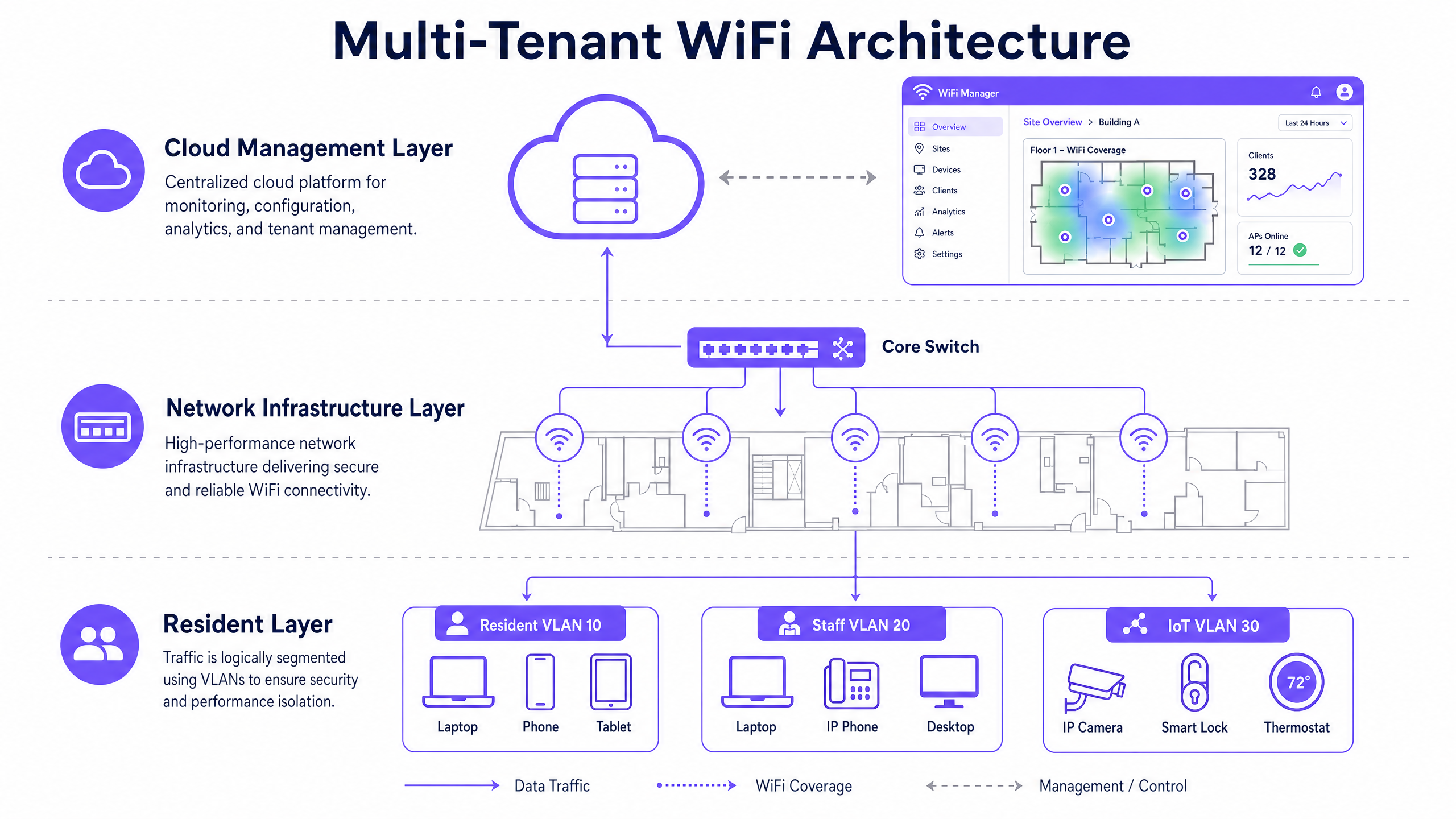
### The Authentication Flow
When a supplicant attempts to connect to the unified SSID, the following flow occurs:
1. **EAPOL Initialisation:** The supplicant connects to the AP. The AP blocks all traffic except Extensible Authentication Protocol over LAN (EAPOL) packets.
2. **RADIUS Access-Request:** The AP encapsulates the EAP data and forwards it to the RADIUS server as an Access-Request.
3. **Credential Validation:** The RADIUS server verifies the user's credentials.
4. **RADIUS Access-Accept:** Upon successful validation, the RADIUS server responds with an Access-Accept message. Crucially, this message includes specific IETF standard RADIUS attributes that instruct the AP on which VLAN to assign the user.
The critical RADIUS attributes required for dynamic VLAN assignment are:
* `Tunnel-Type` (64): Set to `VLAN` (Value 13)
* `Tunnel-Medium-Type` (65): Set to `802` (Value 6)
* `Tunnel-Private-Group-ID` (81): Set to the specific VLAN ID (e.g., "20" for Tenant A, "30" for Tenant B)
Once the AP receives these attributes, it drops the user's traffic directly into the specified VLAN. The upstream network switches then handle the traffic as if the user were physically plugged into a dedicated port for that tenant, ensuring complete Layer 2 isolation.
## Implementation Guide
Deploying dynamic VLAN assignment requires careful coordination between the wireless infrastructure, edge switches, and the identity provider. Follow this vendor-neutral implementation sequence.
### Phase 1: Network Infrastructure Preparation
1. **VLAN Provisioning:** Define and create the necessary VLANs on your core routing infrastructure and DHCP servers. Ensure each tenant VLAN has its own distinct subnet and appropriate routing policies (e.g., routing to the internet, but dropping inter-VLAN traffic).
2. **Switch Trunking:** This is a critical step. The switch ports connecting to your Access Points must be configured as 802.1Q trunks, allowing all potential tenant VLANs to traverse the link.
### Phase 2: Hardware Selection
The managed WiFi market is hardware-agnostic at the platform level, but the access points and switches matter. Enterprise-grade hardware from vendors like Cisco Meraki, HPE Aruba, Ruckus, Juniper Mist, or Ubiquiti UniFi will outperform consumer-grade equipment in dense multi-unit environments. Look for access points with dedicated scanning radios, which allow the system to monitor the RF environment for rogue access points and interference without impacting client throughput.
### Phase 3: Identity Management Integration
Integrate your RADIUS server with your chosen identity provider. For enterprise environments, this is typically Microsoft Entra ID, Okta, or Google Workspace. For public-facing or multi-tenant environments, a platform like Purple acts as the identity broker, authenticating users via social logins, SMS, or forms, and translating those identities into RADIUS attributes.
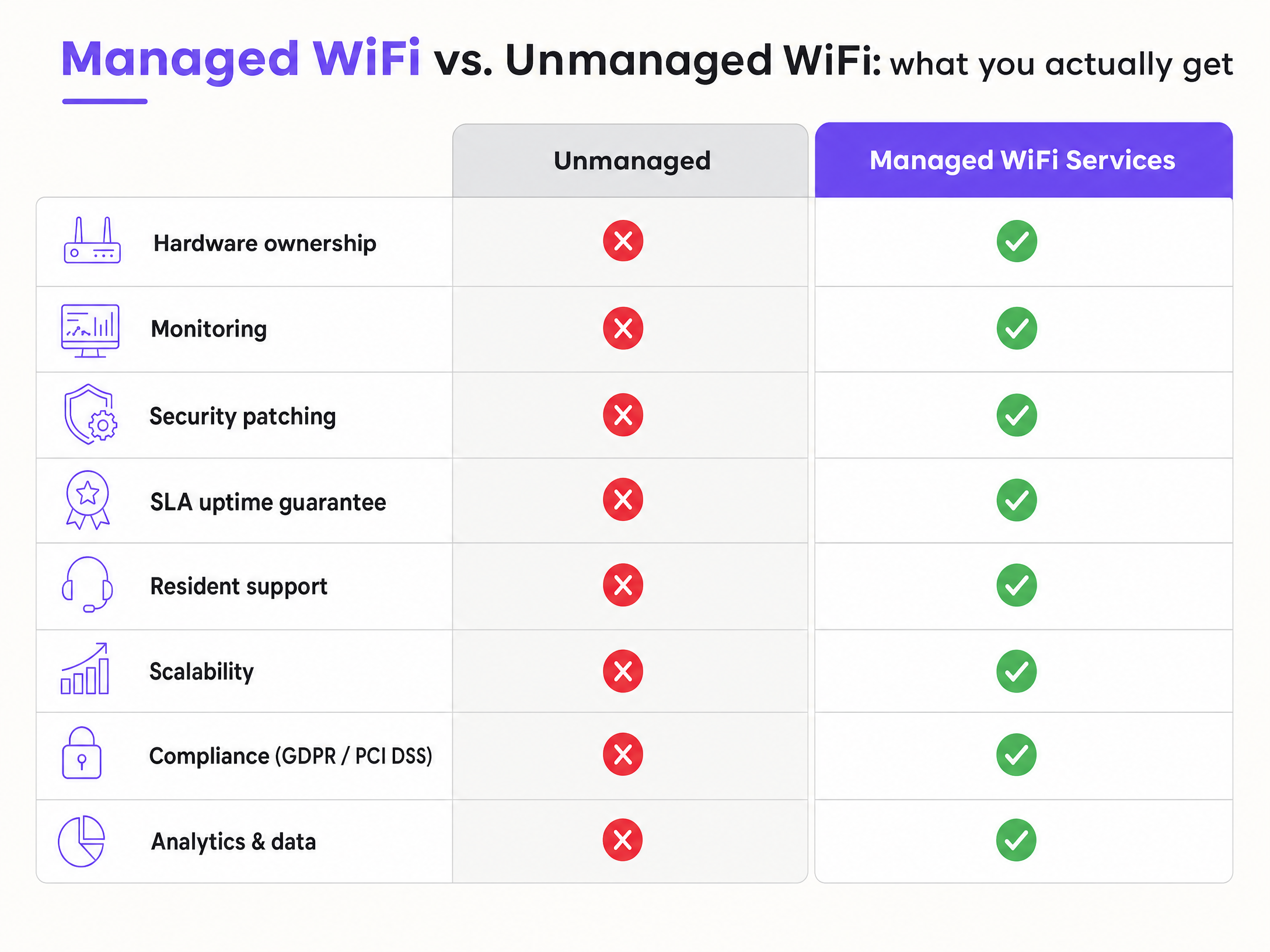
## Best Practices
### 1. Enforce WPA3 Encryption
WPA3 is the current standard, ratified by the Wi-Fi Alliance. For enterprise deployments using 802.1X, you want WPA3-Enterprise, which uses 192-bit encryption in its highest security mode. This eliminates the offline dictionary attacks that plagued WPA2.
### 2. Segment IoT Devices
For devices that do not support 802.1X (common in the IoT space), use MAC Authentication Bypass (MAB). The RADIUS server authenticates based on the device's MAC address and assigns it to the appropriate VLAN. These devices should always land on a restricted IoT VLAN, not on the resident's primary network, because MAC addresses can be spoofed.
### 3. Maintain Compliance
If your development includes any retail tenants who process card payments over the WiFi network, PCI DSS applies. The key requirement is network segmentation: cardholder data environments must be isolated from all other network traffic. A properly configured VLAN architecture satisfies this requirement. Similarly, ensure your provider holds ISO 27001 certification and has a signed Data Processing Agreement under GDPR. Purple is ISO 27001 certified, GDPR compliant, CCPA compliant, and Cyber Essentials certified.
## Troubleshooting & Risk Mitigation
### Switch Port Misconfiguration
If RADIUS tells the AP to put a user on VLAN 40, but VLAN 40 is not tagged on the switch port connected to the AP, the traffic drops into a black hole. The user will authenticate successfully but fail to get an IP address via DHCP. This is the most common troubleshooting ticket. Always verify your trunk port configurations.
### Certificate Expiration
802.1X relies heavily on certificates. If you are using EAP-TLS, which is the gold standard for security, every device needs a client certificate. For BYOD environments, PEAP-MSCHAPv2 is more common, relying on a server-side certificate and user credentials. If that server certificate expires, your entire building goes offline. Set up aggressive monitoring on your RADIUS certificates.
### Fallback Mechanisms
What happens if the RADIUS server is unreachable? You need a defined "fail-open" or "fail-closed" policy. In a multi-tenant office, you typically fail-closed for security. But for a guest network, you might configure a fail-open policy that drops users into a highly restricted, internet-only quarantine VLAN.
## ROI & Business Impact
Managed WiFi services are a commercial differentiator that directly affects tenant acquisition and retention. Properties with managed WiFi report higher Net Promoter Scores and lower churn.
Consider a 280-unit build-to-rent development. A single bulk broadband connection with shared infrastructure and per-unit VLAN isolation typically results in a 40% reduction in connectivity cost per unit compared to individual retail contracts. The managed service pays for itself within 18 months through reduced resident churn alone.
Furthermore, a centralised platform provides analytics and data that unmanaged networks simply cannot offer. You gain visibility into how the multi-tenant space is being utilised, allowing you to optimise common areas and tailor services to actual usage patterns. For more insights on leveraging this data, explore our [WiFi Analytics](/guest-wifi-marketing-analytics-platform) capabilities and see how [Retail](/industries/retail) and [Hospitality](/industries/hospitality) operators are driving revenue through connected experiences.
---
### How to Safely Segregate Staff and Guest WiFi Networks
**Source:** https://www.purple.ai/en-gb/guides/how-to-safely-segregate-staff-and-guest-wifi-networks
**Summary:** This authoritative technical guide provides IT leaders with actionable strategies for safely segregating staff, guest, and IoT WiFi networks using VLANs and 802.1X. It details how to secure enterprise infrastructure, maintain PCI DSS compliance, and leverage captive portals to capture first-party data.
**Estimated read time:** 6 minutes
**Word count:** 1,413
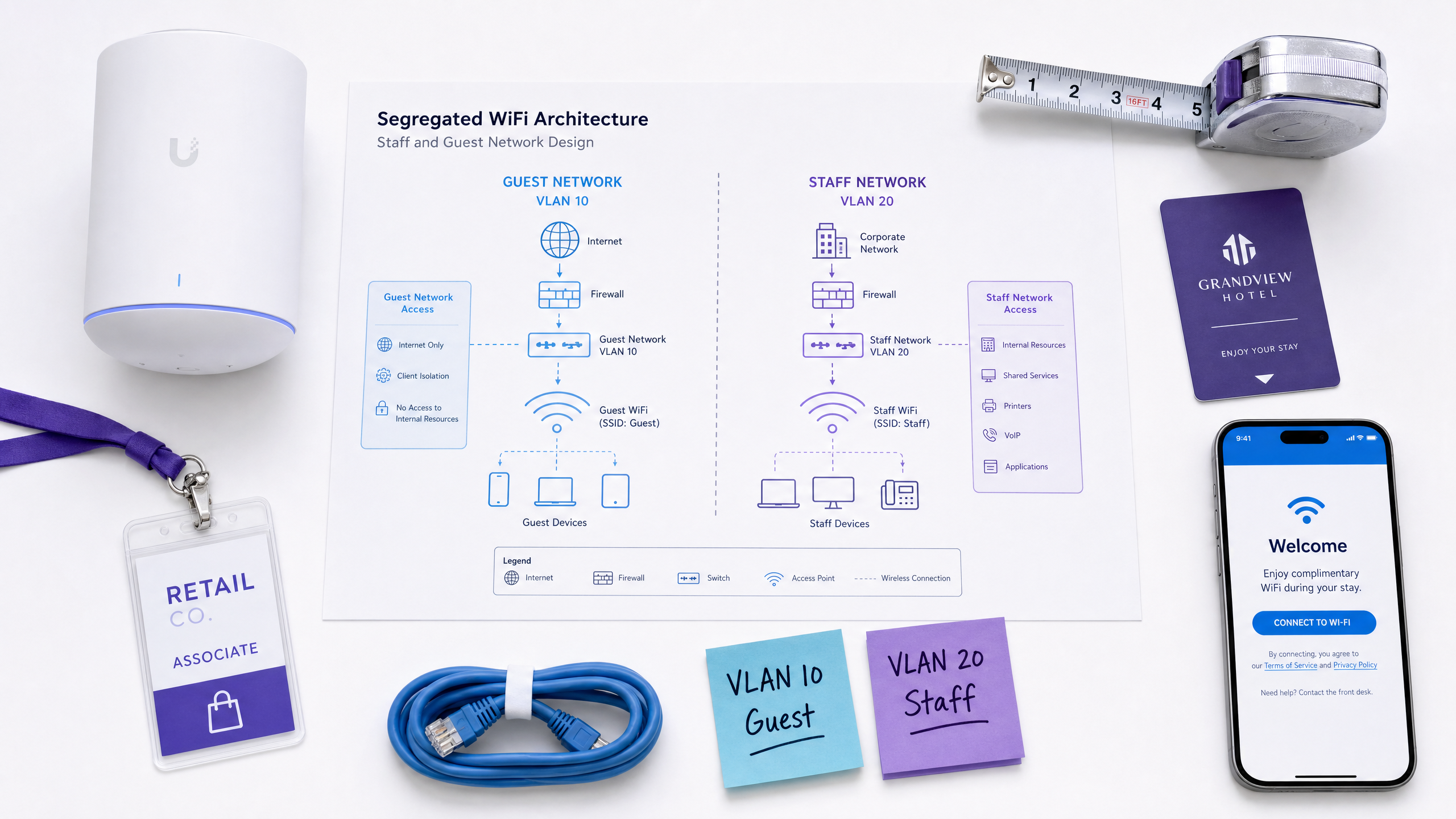
## Executive Summary
For enterprise venues spanning hospitality, retail, stadiums, and the public sector, the wireless network is no longer just a utility. It is a critical data platform and a core operational requirement. However, serving both public guests and internal staff on the same physical infrastructure introduces significant security and compliance risks. A flat, unsegmented network allows lateral movement, meaning a compromised guest device can potentially access point-of-sale terminals or staff laptops.
This authoritative technical reference guide provides IT managers, network architects, and CTOs with actionable strategies for safely segregating Staff WiFi, Guest WiFi, and IoT networks. By implementing proper VLAN architecture, role-based authentication, and strict firewall policies, organisations can secure their infrastructure, satisfy PCI-DSS and GDPR requirements, and leverage platforms like Purple to capture valuable first-party data.
## Technical Deep-Dive
### The Architecture of Segregation
The fundamental mechanism for safely operating multiple networks over shared physical hardware is the Virtual Local Area Network (VLAN). A VLAN is a Layer 2 construct defined by the IEEE 802.1Q standard that allows a single physical switch or access point to carry multiple, logically separate broadcast domains.
In an enterprise deployment, modern access points from vendors like Cisco Meraki, HPE Aruba, Ruckus, and Juniper Mist broadcast multiple Service Set Identifiers (SSIDs) simultaneously. Each SSID maps directly to a specific VLAN. This ensures that traffic entering the network via the guest SSID is tagged differently from traffic entering via the staff SSID, forcing the packets down separate logical paths.
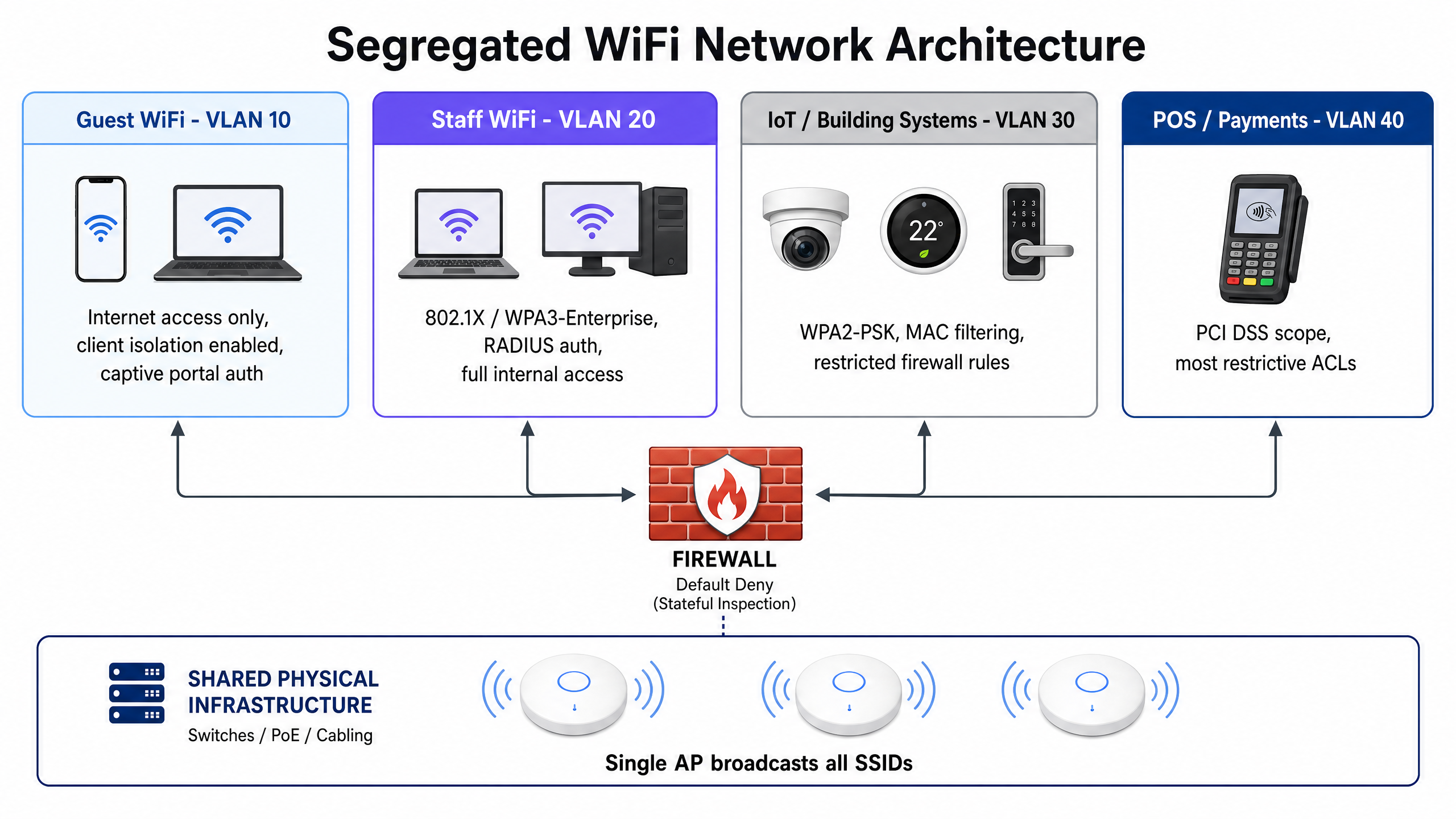
A robust enterprise architecture typically requires at least four distinct segments:
1. **Guest Network (VLAN 10):** Dedicated to public visitors. This segment requires internet access only. Client isolation must be enabled at the access point level to prevent guest devices from communicating directly with one another.
2. **Staff Network (VLAN 20):** Dedicated to corporate employees. This segment provides access to internal resources, shared drives, and corporate applications based on role-based access controls.
3. **IoT and Building Systems (VLAN 30):** Dedicated to headless devices like CCTV cameras, smart thermostats, and digital signage. This segment requires strict firewall rules limiting outbound access to specific required services.
4. **Point-of-Sale (POS) Network (VLAN 40):** Dedicated to payment terminals and cash registers. This segment falls under PCI-DSS scope and requires the most restrictive access control lists (ACLs).
### Authentication and Encryption Standards
Segregation at the network layer must be paired with appropriate authentication at the wireless edge. Different user populations require different authentication mechanisms.
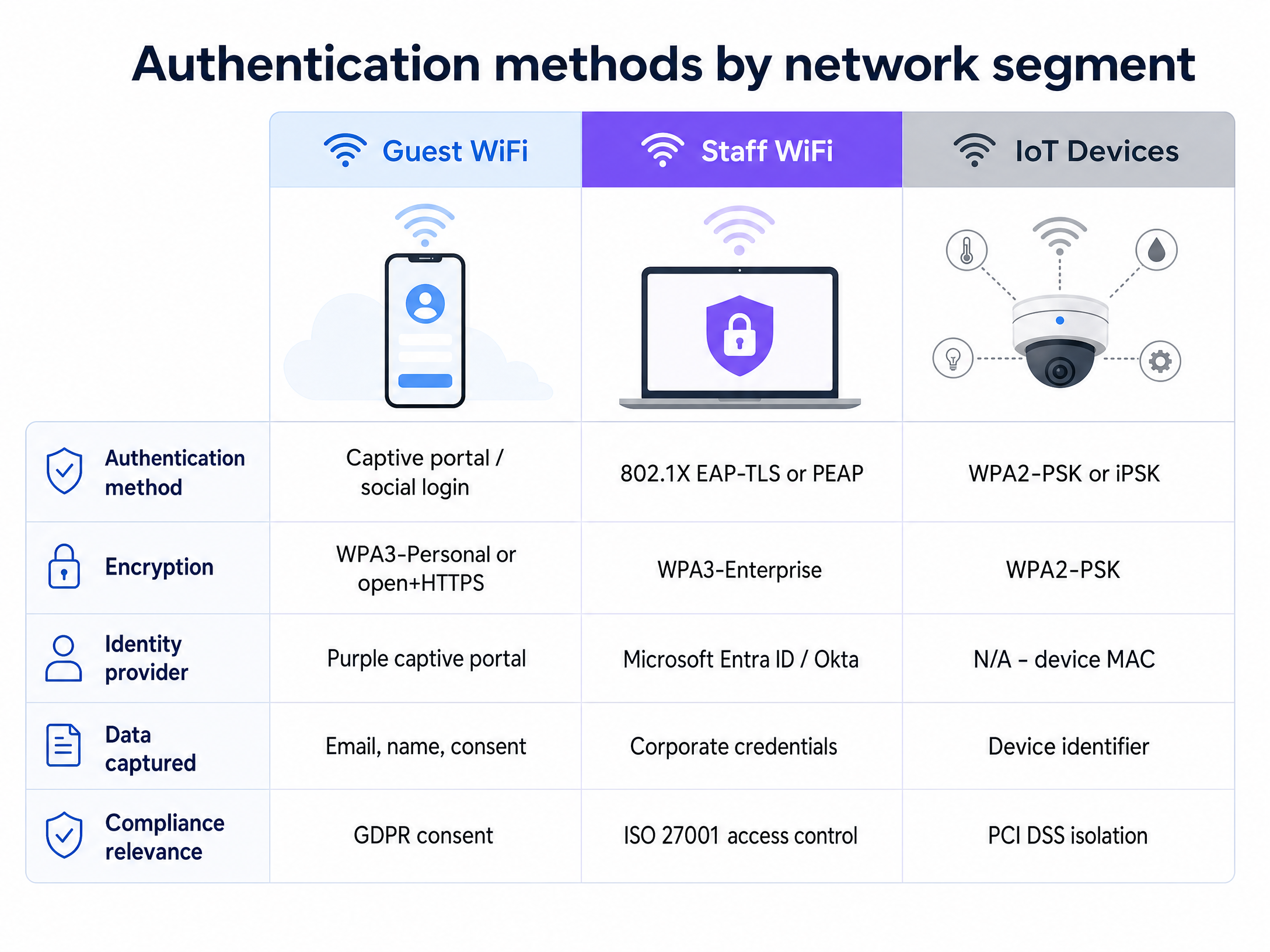
#### Staff Authentication: IEEE 802.1X
For corporate staff, WPA3-Enterprise with IEEE 802.1X is the required standard. This protocol uses a RADIUS server to authenticate each user against a central identity provider like Microsoft Entra ID or Okta. Rather than sharing a single password, each staff member uses their corporate credentials or a client certificate to access the network.
The Extensible Authentication Protocol (EAP) facilitates this exchange. EAP-TLS, which uses mutual certificate-based authentication, is the most secure method as it eliminates passwords entirely. PEAP (Protected EAP) is also widely deployed, using a server-side certificate alongside username and password credentials.
#### Guest Authentication: Captive Portals and First-Party Data
For public visitors, the network serves a dual purpose: providing connectivity and capturing first-party data. The standard approach is an open network or WPA3-Personal, placed behind a captive portal.
When guests connect, they are redirected to a branded splash page where they authenticate via email, SMS, or social login. This is where Purple's [Guest WiFi](/guest-wifi) platform delivers significant value. By handling the authentication flow, Purple captures verified identities, associates them with device MAC addresses, and builds a rich, GDPR-compliant dataset. Guests provide explicit consent for marketing, transforming the network from a cost centre into a revenue-generating asset for [Retail](/industries/retail) and [Hospitality](/industries/hospitality) venues.
#### IoT Authentication: iPSK
Internet of Things (IoT) devices rarely support 802.1X supplicants. Historically, this meant relying on WPA2-PSK with a single shared password. Modern deployments should leverage Identity Pre-Shared Key (iPSK) or Multiple Pre-Shared Key (MPSK) technologies. These allow network administrators to assign unique passphrases to individual devices or groups of devices on the same SSID, providing granular visibility and the ability to revoke access for a single compromised camera without changing the password for the entire building.
## Implementation Guide
Deploying a segregated wireless architecture requires disciplined execution. Follow this vendor-neutral implementation sequence:
### Phase 1: Traffic Classification and VLAN Design
Before configuring hardware, document every device type operating in the venue. Assign a dedicated VLAN ID and IP subnet to each traffic class. Ensure the guest VLAN subnet is sized generously to prevent DHCP exhaustion during peak periods. For high-density environments, review our guide on [Three SSIDs to rule them all: guest, Passpoint, and IoT WiFi](/blog/three-ssids-to-rule-them-all).
### Phase 2: SSID Configuration
Configure your wireless LAN controller or cloud dashboard to broadcast the required SSIDs. Map each SSID to its corresponding VLAN. Crucially, enable "Client Isolation" (sometimes called Layer 2 Isolation or Guest Isolation) on the guest SSID. Limit the total number of broadcasted SSIDs to a maximum of four per radio band to preserve wireless airtime.
### Phase 3: Firewall Policy Enforcement
The VLAN architecture is only effective if enforced by the firewall. Implement a default-deny policy for all inter-VLAN routing. Explicitly permit only documented, necessary traffic flows. The guest VLAN must have an explicit deny rule blocking access to all internal subnets (RFC 1918 addresses), with a permit rule allowing outbound HTTP and HTTPS traffic to the internet. To further secure guest traffic, implement robust content filtering as detailed in our guide on the [Best DNS filtering: a comprehensive guide for businesses](/guides/best-dns-filtering).
### Phase 4: Captive Portal Integration
Integrate the guest SSID with your captive portal provider. For Purple deployments, configure the RADIUS authentication and accounting settings to point to Purple's cloud servers, and set the walled garden (allowed domains) to permit access to the splash page resources before authentication is complete.
## Best Practices
* **Minimise SSID Count:** Every broadcasted SSID consumes management overhead and reduces available airtime. Consolidate networks where possible. Do not broadcast separate SSIDs for different staff departments; use 802.1X dynamic VLAN assignment to place users on the correct subnet based on their identity profile.
* **Enforce Client Isolation:** Always enable client isolation on guest networks. This prevents a compromised guest device from scanning or attacking other guest devices on the same access point.
* **Secure the Wired Edge:** WiFi segregation is easily bypassed if the wired network remains flat. Ensure all physical ethernet ports in public areas (like hotel rooms or conference spaces) are either disabled or assigned to the guest VLAN.
* **Implement Rate Limiting:** Apply per-client bandwidth limits on the guest network (e.g., 5-10 Mbps) to prevent a single user from saturating the venue's internet uplink.
## Troubleshooting & Risk Mitigation
### Failure Mode: Misconfigured Trunk Ports
**The Risk:** If a switch port connecting an access point is accidentally configured as an access port rather than a trunk port (802.1Q), all traffic from all SSIDs will collapse onto a single native VLAN, destroying the segregation silently.
**Mitigation:** Standardise switch port configurations using templates. Regularly audit switch configurations and run penetration tests from the guest network to verify isolation.
### Failure Mode: Firewall Rule Sprawl
**The Risk:** Over time, temporary firewall rules added for troubleshooting are left in place, creating unintended pathways between the guest and corporate networks.
**Mitigation:** Implement a strict change management process for firewall rules. Conduct quarterly reviews of all access control lists, removing any rules that lack clear documentation or current business justification.
### Failure Mode: DHCP Exhaustion
**The Risk:** In high-footfall venues like stadiums or transport hubs, the sheer volume of transient guest devices can exhaust the available IP addresses in the DHCP pool, preventing new users from connecting even when WiFi signal is excellent.
**Mitigation:** Size the guest VLAN subnet generously (e.g., a /16 subnet providing 65,000 addresses) and configure short DHCP lease times (30 to 60 minutes) to rapidly reclaim IP addresses from devices that have left the venue.
## ROI & Business Impact
Implementing secure WiFi segregation is a foundational requirement, but it also unlocks significant commercial value.
By confidently isolating guest traffic, venues can offer free, high-performance WiFi without compromising corporate security. This connectivity drives guest satisfaction and dwell time. More importantly, routing that secure guest traffic through a captive portal transforms the network into a data acquisition engine.
Purple's [WiFi Analytics](/guest-wifi-marketing-analytics-platform) platform leverages this infrastructure to provide actionable insights into visitor behaviour, footfall patterns, and demographic profiles. For a retail chain, this means understanding cross-store loyalty. For a hospitality brand, it means capturing verified emails to drive direct bookings. The ROI of the network infrastructure is measured not just in uptime, but in the volume of first-party data captured and the subsequent marketing revenue generated.
Listen to our comprehensive technical briefing podcast below:
---
### Designing B2B Captive Portals: Collecting Registered Name and Company Data
**Source:** https://www.purple.ai/en-gb/guides/designing-b2b-captive-portals-collecting-registered-name-and-company-data
**Summary:** This guide provides IT managers and venue operators with a vendor-neutral technical framework for designing B2B captive portals. It details how to structure registration fields to capture registered name and company data, ensuring high completion rates while maintaining GDPR compliance and building account-level intelligence.
**Estimated read time:** 5 minutes
**Word count:** 1,064
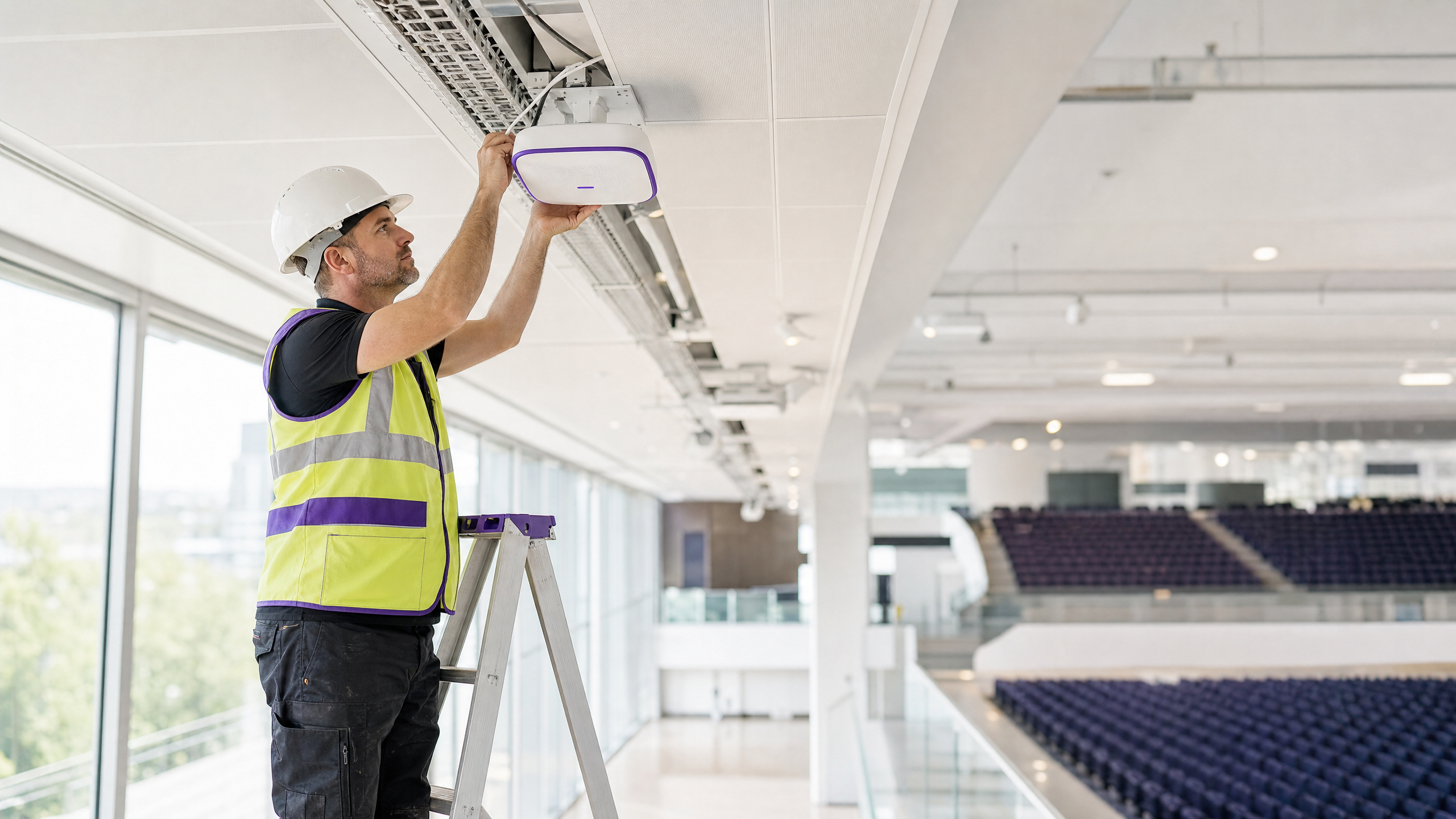
## Executive Summary
Designing a B2B captive portal requires a different architectural approach than a consumer retail deployment. For IT managers and venue operations directors at conference centres, hotels, and business hubs, the primary objective is not simply building a generic email list. The goal is to capture structured registered name and company data to build account-level intelligence.
This technical guide outlines the exact field architecture required to maximise form completion rates while capturing commercially valuable first-party data. It covers the technical data flow from access point to CRM, the specific GDPR compliance mechanisms required for B2B data processing, and how to normalise company identities using email domains. By implementing these vendor-neutral recommendations across hardware platforms like Cisco Meraki or HPE Aruba, venues can transform their guest WiFi from a cost centre into a measurable driver of commercial ROI.
## Technical Deep-Dive
A captive portal intercepts a visitor's initial HTTP request and redirects their device to a hosted login page before granting network access. In a B2B context, the data captured during this authentication flow is highly valuable. However, the architecture must balance data collection requirements against user friction and compliance obligations.
### The B2B Field Architecture
The most common failure mode in B2B captive portal design is form bloat. Research consistently demonstrates that increasing mandatory fields from two to five results in a 20% drop in form completion. For a busy professional at a conference centre, a long registration form leads directly to connection abandonment.
The optimal B2B registration form consists of exactly three mandatory fields:
1. **Full Name**: Identifies the individual visitor.
2. **Company Name**: Provides the explicit business affiliation.
3. **Business Email**: Serves as the verified contact point and the primary identity anchor.
Job title should be included as an optional field. It provides valuable segmentation data for exhibitors or sponsors, but making it mandatory introduces unnecessary friction.
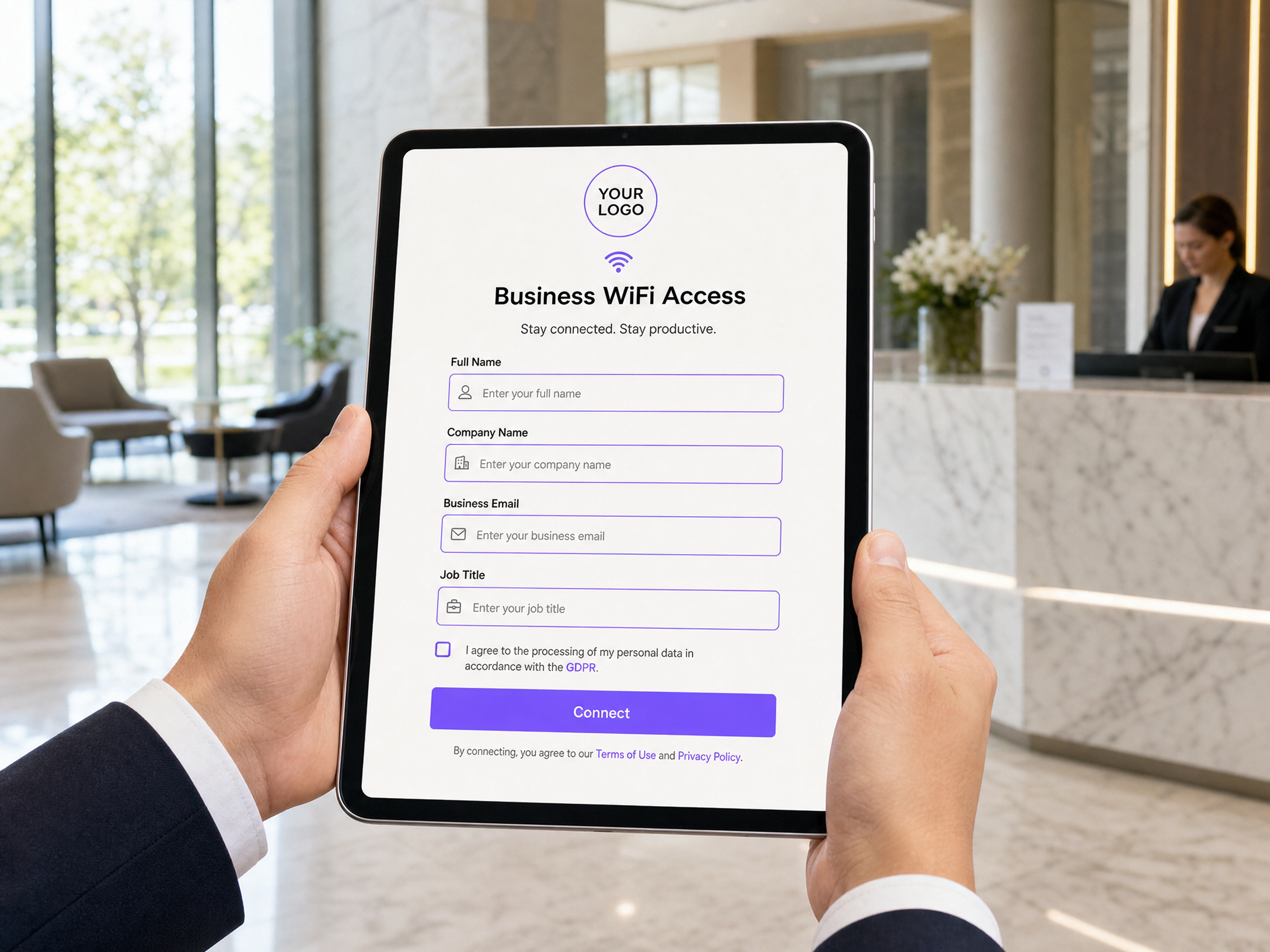
### Identity Resolution and Data Normalisation
The critical technical mechanism in B2B data collection is using the email domain for identity resolution, rather than relying on the free-text company name field. Visitors will type their company name inconsistently (e.g., "Deloitte", "Deloitte UK", "Deloitte Consulting").
Your back-end logic must normalise these entries using the email domain suffix (e.g., `@deloitte.com`). This ensures that 50 visitors from the same organisation are aggregated into a single account profile in your CRM, regardless of how they typed the company name. This approach also mitigates the impact of MAC address randomisation (introduced in iOS 14 and Android 10), as the verified email address remains stable across devices and sessions.
### Technical Architecture and Data Flow
The data flow for a compliant B2B captive portal involves four distinct layers. Purple operates as a cloud overlay across these layers, integrating with existing infrastructure rather than requiring a rip-and-replace approach.
1. **Access Point Layer**: Hardware from vendors like Cisco Meraki, HPE Aruba, or Juniper Mist intercepts the connection and handles the redirection.
2. **Portal Controller**: Serves the branded registration page and validates the submitted data.
3. **Identity Store**: Securely stores the registered name, company data, and explicit consent logs.
4. **Analytics and CRM Integration**: Normalises the data and syncs it to marketing platforms or CRM systems via API.
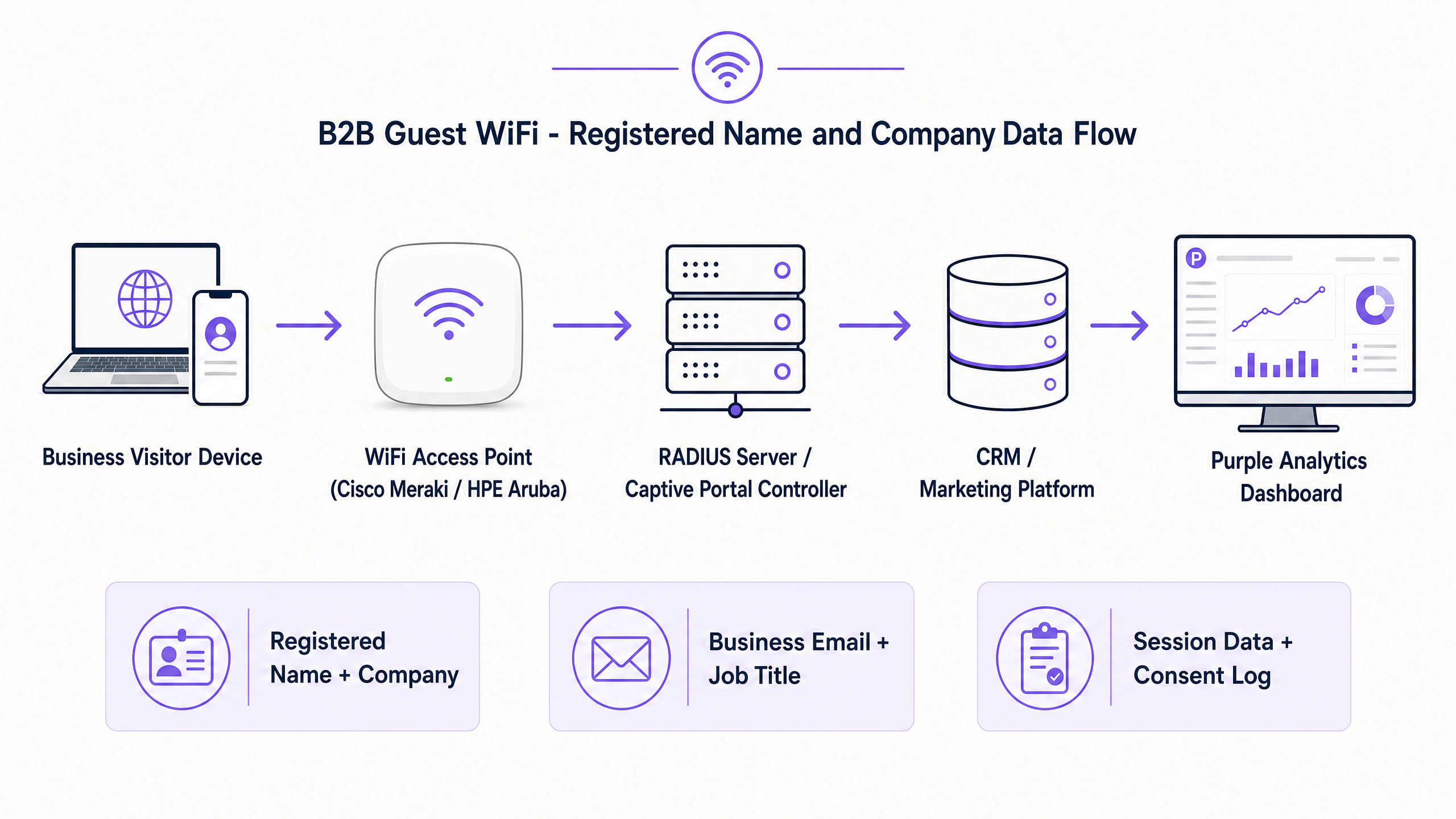
## Implementation Guide
Deploying a B2B captive portal requires careful configuration of both the network hardware and the portal software.
### Step 1: Network Configuration
Configure your guest SSID to use an open network with a captive portal redirect. Ensure that WPA3 is enabled where supported by client devices to provide encryption over the air, even on an open network. Isolate the guest VLAN entirely from the corporate network, routing traffic directly to the firewall.
### Step 2: Portal Design
Build the registration page using the minimal field set: Full Name, Company Name, and Business Email. Implement domain validation on the email field to reject known consumer domains (e.g., `@gmail.com`, `@yahoo.com`) if your venue policy strictly requires business addresses.
### Step 3: Consent Architecture
Implement separate checkboxes for network access and marketing communications. The terms of service checkbox is mandatory for access; the marketing checkbox must be optional and unticked by default.
### Step 4: CRM Integration
Configure the API webhook from your portal controller to your CRM. Map the portal fields to the corresponding Contact and Account objects, using the email domain to handle Account matching and deduplication.
## Best Practices
When designing B2B captive portals, adhere to these industry-standard recommendations:
* **Mandate Business Emails**: For high-value B2B venues, validate the email input to reject consumer domains. This ensures the data collected is professionally relevant.
* **Enforce Session Limits**: Implement a per-device bandwidth cap and a session timeout (e.g., 4 hours). This prevents a single device from monopolising the network and forces a re-authentication if the visitor stays for an extended period.
* **Offer Social Login Cautiously**: LinkedIn login provides excellent B2B data (name, company, job title) without manual entry. Offer it as an option, but always provide a standard form fallback, as not all visitors will authorise a social connection on a corporate device.
## Troubleshooting & Risk Mitigation
The primary risk in captive portal deployment is regulatory non-compliance, specifically under the UK GDPR.
### Managing GDPR Compliance
Collecting registered name and company data constitutes processing personal data. You must establish a lawful basis for this processing. While legitimate interest can cover basic session data for network security, building a marketing database requires explicit consent under Article 6(1)(a).
Do not bundle consent. If a visitor must agree to receive marketing emails to access the WiFi, the consent is not freely given and is invalid. Your portal must log the exact timestamp of consent and the version of the privacy notice displayed.
### Data Retention
Do not store session logs and consent records in the same system with the same retention policy. Session logs used for troubleshooting should be purged after 30 days. Consent records must be retained for the duration of the relationship plus two years to handle Data Subject Access Requests (DSARs). Use a platform that authorises these distinct retention rules.
## ROI & Business Impact
A properly designed B2B captive portal transforms anonymous footfall into structured account intelligence. For a conference centre, knowing that 34% of attendees belong to FTSE 100 companies directly supports higher sponsorship and advertising rates. For a hotel group, identifying business travellers who visit multiple properties enables highly targeted, account-based marketing campaigns that drive direct bookings. The ROI is measured not just in marketing list size, but in the actionable sales signals generated by the registered company data.
## Podcast Briefing
Listen to our senior technology consultant explain the technical architecture and compliance requirements for B2B captive portals.
---
### How to Set Up Guest WiFi: The Enterprise Network Segmentation Guide
**Source:** https://www.purple.ai/en-gb/guides/how-to-set-up-guest-wifi-the-enterprise-network-segmentation-guide
**Summary:** This guide details the technical architecture, authentication standards, and deployment methodology required to build a secure, segmented enterprise WiFi network. You will learn how to implement the three-SSID model, deploy 802.1X for staff authentication, configure captive portals for GDPR-compliant guest access, and reduce your PCI DSS scope.
**Estimated read time:** 7 minutes
**Word count:** 1,553
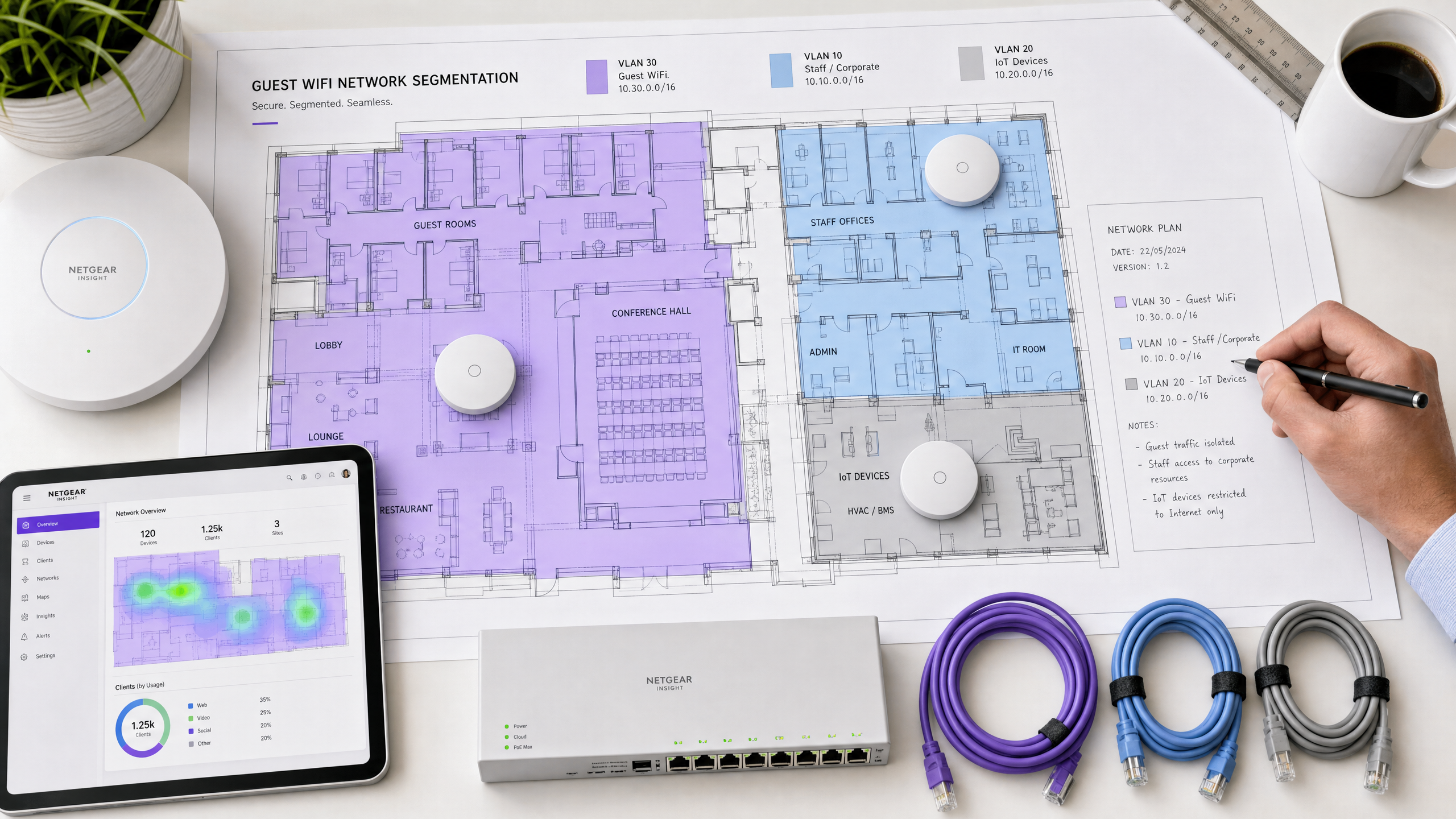
## Executive Summary
The primary failure mode in enterprise WiFi deployments is a flat network topology. When you place guests, staff, and IoT devices on the same broadcast domain, you introduce significant compliance and security risks. You also compromise the commercial utility of the network. A properly segmented network isolates traffic at the data link layer using Virtual Local Area Networks (VLANs), ensuring that a compromised IoT sensor cannot pivot to your property management system, and a malicious guest cannot scan your corporate servers.
This guide details the technical architecture, authentication standards, and deployment methodology required to build a secure, segmented enterprise WiFi network. You will learn how to implement the three-SSID model, deploy 802.1X for staff authentication, configure captive portals for GDPR-compliant guest access, and reduce your PCI-DSS scope through explicit network isolation. Purple operates across 80,000+ live venues and processes 440 million logins annually; the architecture described here is the exact model we deploy for global retail, hospitality, and transport brands.
## Technical Deep-Dive: The Three-SSID Architecture
The foundational principle of enterprise WiFi segmentation is mapping distinct user groups to isolated network segments. The most effective approach is the three-SSID model, which balances security requirements with airtime efficiency. Every additional SSID broadcast by an access point consumes management frame overhead, reducing overall network capacity. Limiting your deployment to three SSIDs preserves performance while maintaining strict logical separation.
### Guest WiFi (VLAN 30)
The guest segment requires internet access only. You must configure this VLAN with explicit firewall rules that drop all traffic destined for internal RFC 1918 IP address spaces (10.0.0.0/8, 172.16.0.0/12, 192.168.0.0/16).
Guest authentication presents a specific challenge. You need to balance ease of access with security and data capture requirements. The recommended approach is an open network secured by a captive portal. When a user connects, the access point redirects their HTTP request to a branded splash page. The user authenticates via social login, email, or SMS. This mechanism allows you to capture explicit, granular consent for data processing under GDPR. Purple's [Guest WiFi](/guest-wifi) platform handles this identity capture and consent logging centrally, storing the exact consent text version agreed to by the user.
For transport hubs and large public venues, Passpoint (Hotspot 2.0) offers an alternative to the captive portal. Passpoint allows devices to authenticate automatically using credentials already stored on the device. Purple acts as an identity provider for OpenRoaming under our Connect plan, enabling seamless, secure connectivity without manual intervention.
### Staff / Corporate (VLAN 10)
The staff segment requires access to internal corporate resources. You must secure this segment using WPA2-Enterprise or WPA3-Enterprise, authenticating against a RADIUS server via IEEE 802.1X.
When a staff device attempts to connect, the access point (authenticator) passes the credentials to the RADIUS server (authentication server). The RADIUS server verifies the credentials against your identity provider, such as Microsoft Entra ID or Okta. The recommended protocol is PEAP-MSCHAPv2, which wraps the authentication exchange in a secure TLS tunnel. This approach ensures that every staff member uses unique credentials, allowing you to revoke access for a single user instantly when they leave the organisation.
### IoT Devices (VLAN 20)
The IoT segment isolates headless devices: CCTV cameras, smart TVs, HVAC sensors, and digital signage. These devices often lack the capability to authenticate via 802.1X or a captive portal. You must secure this segment using WPA2-PSK or WPA3-SAE with a strong, complex passphrase.
Crucially, you must apply strict egress firewall rules to the IoT VLAN. A smart TV only needs to communicate with its specific content delivery network; it does not need unrestricted internet access, and it certainly does not need access to your staff VLAN. By restricting outbound ports and destinations, you contain the blast radius if an IoT device is compromised.
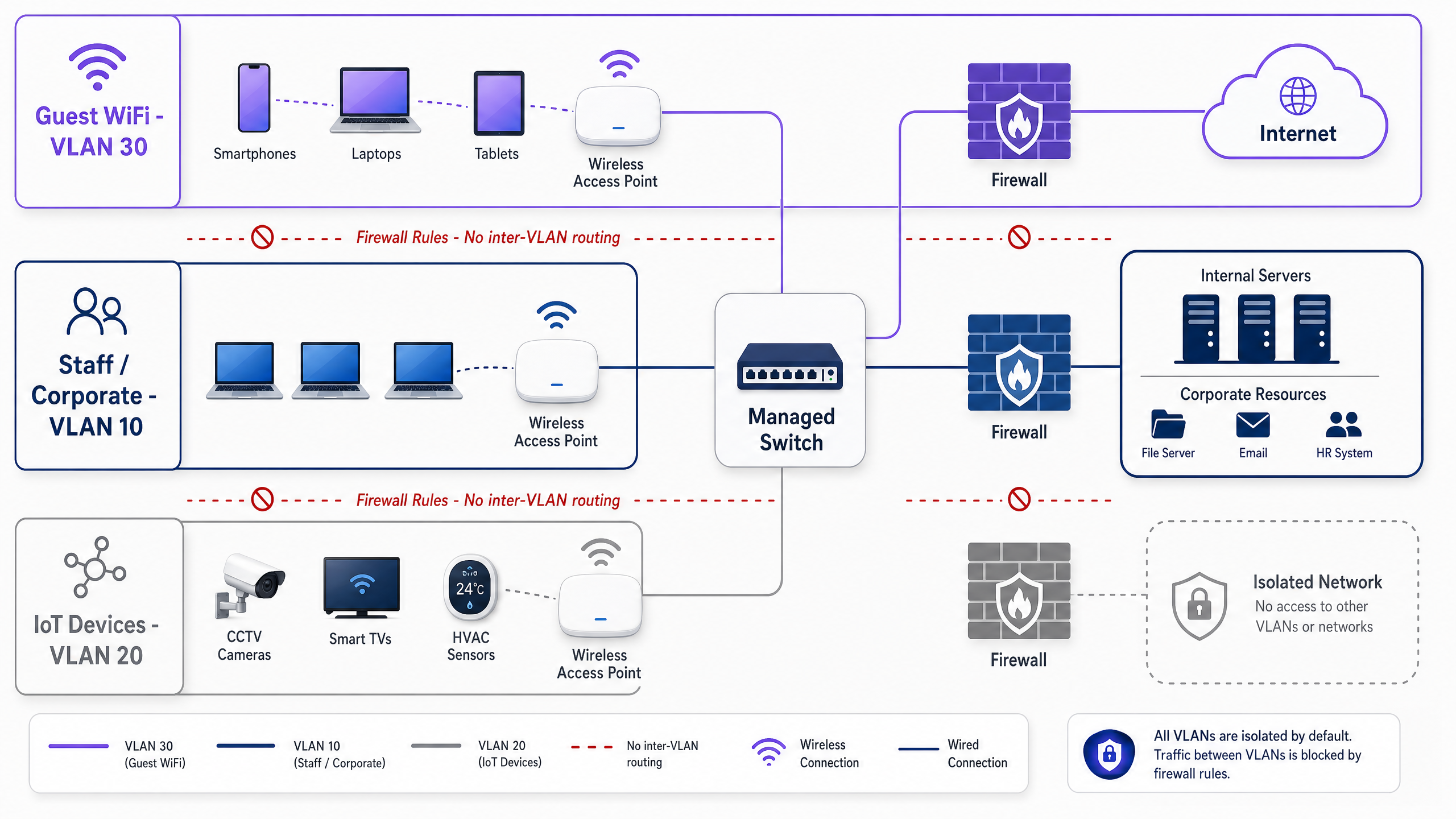
## Implementation Guide
Deploying this architecture requires coordinated configuration across your access points, managed switches, and firewalls. The exact steps vary by vendor, but the methodology remains consistent whether you deploy Cisco Meraki, HPE Aruba, Ruckus, Juniper Mist, or Ubiquiti UniFi.
### Step 1: Define the VLAN Structure
Configure your core switch and firewall with the required VLANs. Assign each VLAN a dedicated subnet and DHCP scope.
- **VLAN 10 (Staff):** 10.10.0.0/16
- **VLAN 20 (IoT):** 10.20.0.0/16
- **VLAN 30 (Guest):** 10.30.0.0/16
### Step 2: Configure Trunk Ports
Configure the switch ports connected to your access points as 802.1Q trunk ports. The trunk port must allow traffic for all three VLANs to pass between the access point and the switch.
### Step 3: Build the SSIDs
In your wireless management dashboard, create the three SSIDs and map them to their respective VLANs.
- Map the "Corporate" SSID to VLAN 10. Configure 802.1X authentication and point the access points to your RADIUS server IP address.
- Map the "IoT" SSID to VLAN 20. Configure WPA2-PSK and set a strong passphrase. Hide the SSID broadcast to reduce clutter.
- Map the "Guest" SSID to VLAN 30. Configure an open network with a captive portal redirect URL pointing to your Purple splash page.
### Step 4: Enforce Layer 3 Isolation
Configure your firewall or layer 3 switch to block inter-VLAN routing. Create explicit deny rules:
- Deny traffic from VLAN 30 to VLAN 10 and VLAN 20.
- Deny traffic from VLAN 20 to VLAN 10 and VLAN 30.
- Permit traffic from VLAN 10 to VLAN 20 only for specific administrative IP addresses if required.
### Step 5: Enable Client Isolation
Enable client isolation (sometimes called layer 2 isolation or AP isolation) on the Guest WiFi SSID. This setting prevents devices connected to the same access point from communicating directly with each other, mitigating the risk of lateral attacks between guests.
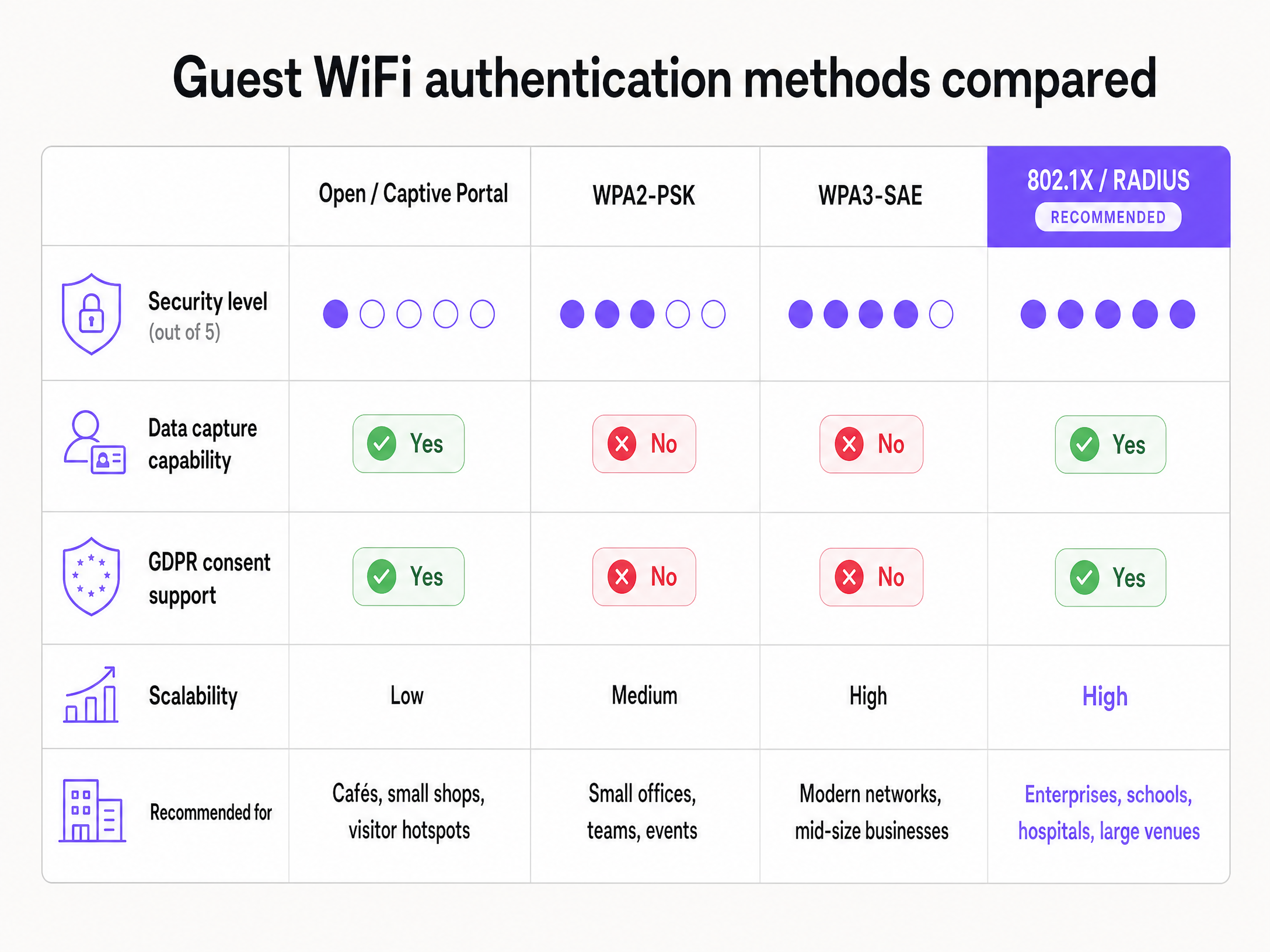
## Best Practices
### Deploy Filtered DNS
You must deploy a filtered DNS resolver for your guest network. A filtered DNS service blocks queries to known malware command-and-control domains, phishing sites, and inappropriate content. This protects your guests and reduces the liability of your venue. Purple's Purple Shield add-on includes comprehensive DNS filtering integrated directly into the guest authentication flow. For more details on implementing this, review our guide on the [Best DNS filtering: a comprehensive guide for businesses](/guides/best-dns-filtering).
### Implement Bandwidth Management
Guest WiFi traffic can easily saturate your WAN uplink, degrading performance for critical staff and operational systems. You must implement bandwidth limits. Apply a per-client limit (e.g., 5 Mbps down / 2 Mbps up) to ensure fair usage among guests. Apply a per-SSID limit (e.g., 50% of total WAN capacity) to guarantee bandwidth for your staff and IoT VLANs.
### Centralise Configuration Management
For multi-site deployments in [Retail](/industries/retail) or [Hospitality](/industries/hospitality), you cannot manually configure individual access points. You must use a cloud-managed platform to define your VLAN and SSID templates centrally. When you open a new site, you apply the template, and the access points inherit the correct configuration automatically. Purple acts as a cloud overlay across your entire estate, ensuring consistent captive portal branding and centralised data collection regardless of the underlying hardware vendor.
## Troubleshooting & Risk Mitigation
### DHCP Scope Exhaustion
A common failure mode in high-footfall venues like stadiums or large [Transport](/industries/transport) hubs is DHCP scope exhaustion. If your guest VLAN uses a /24 subnet, you only have 253 usable IP addresses. When the 254th guest connects, they will fail to obtain an IP address.
**Mitigation:** Size your guest DHCP scope appropriately. Use a /22 or /21 subnet for large venues. Reduce the DHCP lease time to 30 minutes or 1 hour so that IP addresses are returned to the pool quickly when guests leave the venue.
### Internal Hostname Leakage
If you point the guest VLAN DHCP scope to your internal corporate DNS servers, guests can resolve internal hostnames, exposing your network topology.
**Mitigation:** Always configure the guest DHCP scope to assign public DNS servers (like 8.8.8.8 or 1.1.1.1) or a dedicated filtered DNS service. Never use your internal Active Directory DNS servers for guest clients.
### Captive Portal Interception
Modern operating systems use specific URLs (like captive.apple.com) to detect captive portals. If your firewall blocks these detection URLs, the captive portal will fail to load, and guests will see a "no internet connection" error.
**Mitigation:** Ensure your "walled garden" or pre-authentication firewall rules explicitly permit traffic to the captive portal detection URLs used by Apple, Android, and Windows devices. Purple provides a documented list of required walled garden domains for all supported hardware vendors.
## ROI & Business Impact
Proper network segmentation delivers measurable business value across three vectors:
**1. PCI DSS Scope Reduction**
If your point-of-sale terminals share a network with your guest WiFi, your entire wireless infrastructure is in scope for PCI DSS compliance. By implementing strict VLAN segmentation and firewall rules, you isolate the payment environment. This reduces the number of systems subject to the annual PCI DSS assessment, significantly lowering your compliance costs and audit complexity.
**2. First-Party Data Acquisition**
An open guest network provides connectivity but no commercial return. By routing guest traffic through a captive portal, you transform an IT cost centre into a marketing asset. Purple's [WiFi Analytics](/guest-wifi-marketing-analytics-platform) platform captures verified demographics, contact details, and venue visitation frequency. For a retail chain, this first-party data directly feeds CRM systems, enabling targeted campaigns based on actual physical visits rather than just online browsing behaviour.
**3. Operational Efficiency**
Deploying 802.1X for staff networks eliminates the operational overhead of managing shared PSKs. When an employee leaves, you disable their account in Microsoft Entra ID, and their WiFi access is revoked instantly across all sites. You eliminate the need to update a shared password on hundreds of devices, reducing IT helpdesk tickets and improving overall security posture.
---
### Best DNS filtering: a comprehensive guide for businesses
**Source:** https://www.purple.ai/en-gb/guides/best-dns-filtering
**Summary:** This technical reference guide explains how enterprise DNS filtering secures public networks by blocking malicious domains at the resolution layer - before a connection is ever established. It gives IT directors, network architects, and venue operations teams the deployment architecture, firewall configuration, and compliance context they need to protect Guest WiFi across hospitality, retail, and public-sector environments. Purple Shield blocks malware, botnets, and inappropriate content at the DNS level across 80,000+ live venues.
**Estimated read time:** 8 minutes
**Word count:** 1,757
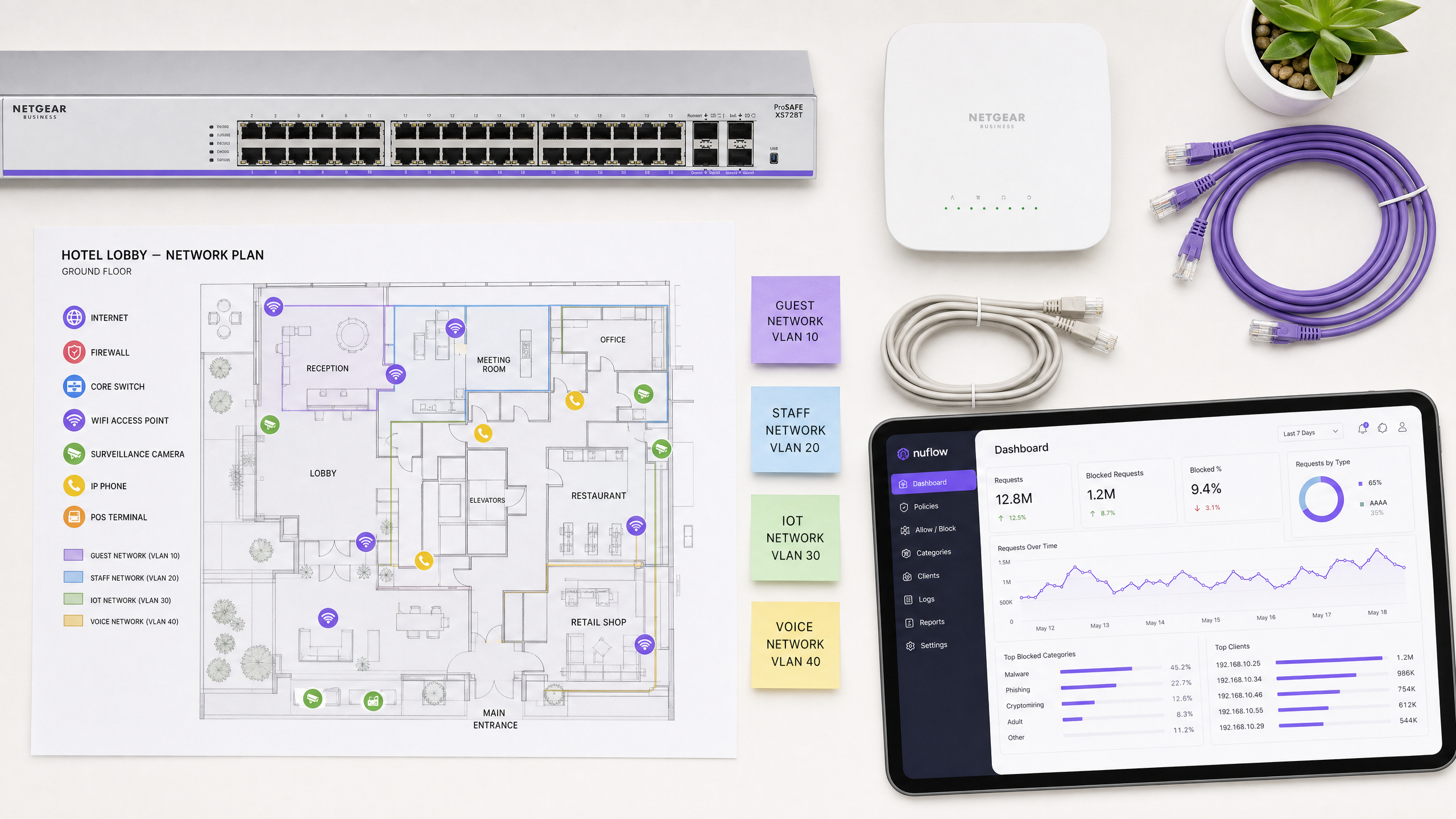
## Executive summary
For IT leaders managing large-scale public networks, securing the browsing environment is an operational mandate, not a nice-to-have. [Guest WiFi](/guest-wifi) in hospitality, retail, and public venues is an inherently untrusted environment. Without robust controls, it becomes a vector for malware distribution, botnet activity, and access to inappropriate content that damages brand reputation and creates compliance exposure.
DNS filtering is the most efficient mechanism to enforce content policy and block threats at the network edge. Unlike resource-intensive Deep Packet Inspection (DPI), DNS filtering intercepts the domain resolution request before any payload is exchanged. It evaluates a lightweight UDP packet against real-time threat intelligence and returns either a valid IP address or a sinkhole, adding under two milliseconds of latency. This makes it the only practical content control method for high-density environments serving thousands of concurrent unmanaged devices.
This guide covers the technical architecture required to deploy DNS filtering across distributed enterprise venues, including VLAN segmentation, port 53 enforcement, captive portal integration, and DNS over HTTPS (DoH) evasion prevention. It also addresses compliance with PCI-DSS and GDPR, and explains how Purple Shield integrates into existing hardware stacks from Cisco Meraki, HPE Aruba, Ruckus, Juniper Mist, Ubiquiti UniFi, Cambium, Extreme Networks, and Fortinet without requiring hardware replacement.
---
## Technical deep-dive: how DNS filtering operates
The Domain Name System (DNS) translates human-readable domains into machine-readable IP addresses. Every internet connection begins with a DNS resolution request. In a standard network, devices query a default resolver assigned by the ISP. In a secure architecture, the DHCP server assigns a policy-enforced DNS resolver to devices on the guest VLAN.
When a device queries this secure resolver, the filtering engine evaluates the domain against multiple data sources simultaneously: real-time threat intelligence feeds, category blocklists (adult content, gambling, piracy), and botnet command-and-control domain registries. The decision happens in milliseconds.
If the domain is safe, the engine returns the correct IP address and the connection proceeds normally. If the domain is flagged as malicious or violates your acceptable use policy, the engine either returns a non-routable IP address (sinkholing) or redirects the user to a branded block page. The key point: this intervention happens before any data payload is exchanged between the device and the destination server.
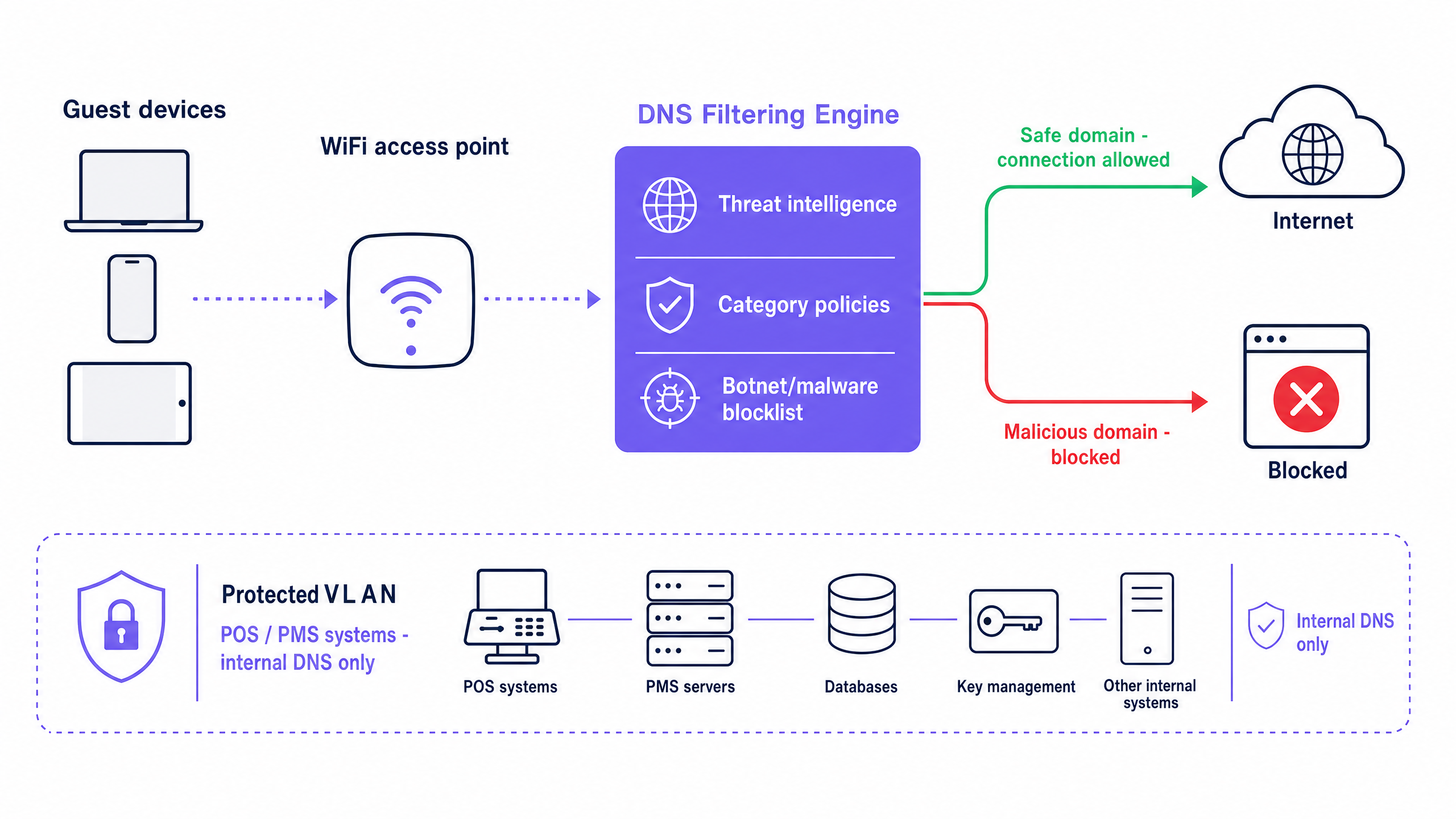
### Performance and scale advantages
DNS filtering is architecturally superior to DPI for high-density public environments. DPI requires network hardware to inspect the payload of every packet. In a venue with 50,000 concurrent users - a stadium, conference centre, or large retail estate - DPI introduces significant latency and requires expensive, purpose-built hardware at every inspection point.
DNS filtering operates at the beginning of the connection lifecycle. It evaluates a single lightweight UDP packet. Once resolution completes, data transfers directly between the client and the destination server. The filtering engine never processes the data payload. Latency impact is consistently under two milliseconds, regardless of concurrent user count.
Because DNS filtering operates before connection establishment, it is protocol-agnostic. It blocks connections whether the application uses HTTP, HTTPS, FTP, or a custom port. This is a significant advantage over URL-based filtering, which only inspects HTTP/HTTPS traffic.
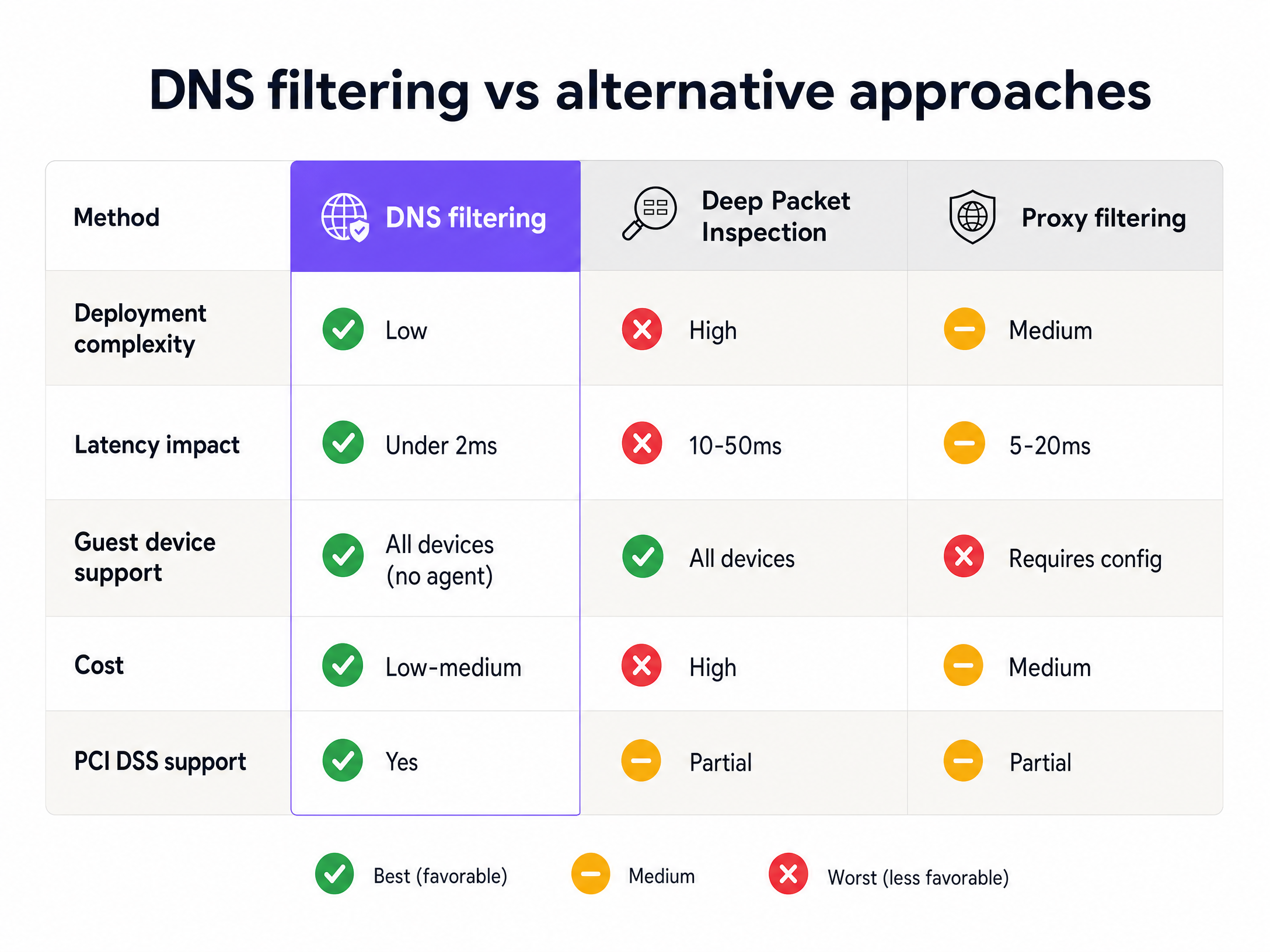
### The 10-day threat detection advantage
Legacy DNS security relies on reactive blacklisting: a domain is identified as malicious, reported to a central authority, added to a database, and eventually distributed to your filter - a process that can take days. Modern malware campaigns exploit this lag. Attackers register fresh domains, execute a campaign within a 24-hour window, and abandon the domain before it reaches any standard blocklist.
Purple Shield uses AI-driven threat detection to analyse domain registration patterns, IP reputation, and cryptographic signatures in real time. This approach identifies and blocks emerging zero-day threats up to 10 days faster than traditional reactive providers (Purple internal data, 2026). In an environment where a single malicious link on a guest device can lead to ransomware, that detection window is operationally significant.
---
## Implementation guide: architecture and deployment
Deploying DNS filtering correctly requires precise network configuration at three layers: DHCP, firewall, and captive portal.
### Step 1: VLAN segmentation
Segment your network so that guest traffic is isolated from operational systems. Place guest devices on a dedicated VLAN (for example, VLAN 20) and keep POS terminals, property management systems, and staff devices on separate VLANs with internal DNS resolvers. This ensures that your DNS filtering policy applies exclusively to untrusted guest traffic and does not disrupt operational systems.
This segmentation also satisfies PCI DSS Requirement 1.3, which mandates that cardholder data environments are isolated from untrusted networks. Guest WiFi must never share a VLAN with payment infrastructure.
### Step 2: DHCP scope configuration
Configure the DHCP scope for the guest VLAN to assign the IP addresses of your cloud DNS filtering service as the primary and secondary DNS servers. This ensures every device that joins the guest network receives the correct resolver automatically.
### Step 3: Port 53 enforcement at the firewall
DHCP assignment alone is insufficient. A user can override the DHCP-provided DNS settings by manually configuring their device to use a public resolver such as Google (8.8.8.8) or Cloudflare (1.1.1.1). Malware often hardcodes DNS settings to bypass network controls entirely.
You must implement a firewall rule that drops all outbound traffic on port 53 (both UDP and TCP) from the guest VLAN to any IP address other than your designated filtering servers. This converts the DNS filter from an advisory control into an enforced one.
### Step 4: DNS over HTTPS (DoH) mitigation
Modern browsers and applications increasingly use DoH, which encrypts DNS queries inside standard HTTPS traffic on port 443. This bypasses port 53 interception entirely. To maintain coverage, configure your firewall to block the known IP address ranges of major DoH providers. This forces client devices to fall back to standard unencrypted DNS, which your filtering engine can inspect. NIST SP 800-81r3 (published March 2026) specifically addresses DoH as an enterprise DNS security consideration.
### Step 5: Captive Portal walled garden configuration
If you operate a Captive Portal for guest authentication, you must configure a Walled Garden before applying any blocking policy. The Walled Garden is a list of domains that devices can access before they have authenticated. It must include all domains required for the Captive Portal to function: your portal's own domain, any identity providers (Microsoft Entra ID, Okta, Google Workspace), and any social login OAuth endpoints.
If these domains are blocked before authentication, users cannot complete the login flow. The result is a broken onboarding experience and frustrated guests. Configure the Walled Garden first, then apply your content filtering policy to authenticated sessions only.
For more on SSID architecture and how Guest WiFi, Staff WiFi, and IoT networks should be structured, see [Three SSIDs to rule them all: guest, Passpoint, and IoT WiFi](/blog/three-ssids-to-rule-them-all).
---
## Best practices: policy design and ongoing management
### Category-based blocking
Organise your DNS filtering policy around content categories rather than individual domain blocklists. Categories typically include: malware and phishing, botnet command-and-control, adult content, gambling, illegal streaming, and peer-to-peer file sharing. Category-based policies are easier to maintain and automatically capture new domains as threat intelligence updates.
### Threat intelligence update frequency
Select a DNS filtering provider that updates threat intelligence in real time or near-real time. Static blocklists updated daily are insufficient against modern fast-flux malware campaigns. Purple Shield updates its threat intelligence continuously, reflecting the same AI-driven detection that provides the 10-day advantage over reactive providers.
### Hardware-agnostic deployment
Purple Shield operates as a cloud overlay, meaning it integrates with your existing access point infrastructure without hardware replacement. It is compatible with Cisco Meraki, HPE Aruba, Ruckus, Juniper Mist, Ubiquiti UniFi, Cambium, Extreme, and Fortinet. The filtering policy is applied at the DNS layer, so the access point hardware only needs to forward DNS queries to the correct resolver.
### Analytics and reporting
DNS filtering generates detailed query logs that provide visibility into network behaviour. Use these logs to identify trends: a spike in blocked phishing attempts from a specific access point may indicate a targeted attack. Regular review of blocked category reports also supports compliance audits, demonstrating to PCI DSS assessors and GDPR auditors that you have active controls in place.
Purple's [WiFi Analytics](/guest-wifi-marketing-analytics-platform) platform integrates with Shield to provide unified visibility across security events and network performance.
- - -
## Troubleshooting and risk mitigation
### Filter bypass via custom DNS
**Symptom**: Users report accessing content that should be blocked. Firewall logs show DNS queries to 8.8.8.8 or 1.1.1.1 from the guest VLAN.
**Cause**: Port 53 is not blocked at the firewall. Users are overriding DHCP-assigned DNS settings.
**Fix**: Implement a firewall rule dropping all outbound UDP/TCP port 53 traffic from the guest VLAN to any IP other than your filtering engine.
### Captive portal authentication failure
**Symptom**: Guests cannot complete the login flow. The captive portal page fails to load or social login buttons do not respond.
**Cause**: The DNS filter is blocking identity provider domains before authentication. Microsoft Entra ID, Google Workspace, or your portal's own domain is on a blocked category list.
**Fix**: Audit your Walled Garden configuration. Add all required authentication domains to the pre-authentication allowlist. Test the full login flow in a staging environment before deploying policy changes.
### DoH bypass
**Symptom**: DNS filter logs show low query volume despite high network utilisation. Some devices appear to bypass filtering entirely.
**Cause**: Browsers or applications are using DoH, routing encrypted DNS queries over port 443 to external resolvers.
**Fix**: Block the known IP ranges of major DoH providers at the firewall. Verify coverage by monitoring for HTTPS connections to known DoH resolver IPs.
### Operational VLAN disruption
**Symptom**: POS terminals or property management systems lose connectivity after DNS filter deployment.
**Cause**: The DNS filtering policy has been applied to the wrong VLAN, or DHCP is assigning the cloud DNS resolver to operational devices.
**Fix**: Verify VLAN tagging on all switch ports and access points. Confirm that operational device VLANs are configured to use internal DNS resolvers only.
---
## ROI and business impact
DNS filtering delivers measurable returns across three dimensions.
**Bandwidth reclamation**: Blocking illegal streaming, peer-to-peer sharing, and automated botnet traffic reclaims significant bandwidth. In a hotel environment, this can reduce guest VLAN utilisation by 20-40%, improving performance for legitimate users without requiring circuit upgrades.
**Compliance cost reduction**: Demonstrating active DNS-level controls reduces the scope and cost of PCI DSS assessments. It also provides documented evidence for GDPR Article 32 (technical measures to ensure data security) and supports Cyber Essentials certification requirements for malware protection.
**Brand and liability protection**: Enforcing family-friendly browsing policies in retail and hospitality environments prevents public display of inappropriate content. In venues serving children - shopping centres, family hotels, stadiums - this is both a brand requirement and a legal consideration in many jurisdictions.
For sector-specific deployment guidance, see our industry pages for [Hospitality](/industries/hospitality), [Retail](/industries/retail), [Healthcare](/industries/healthcare), and [Transport](/industries/transport).
---
### Understanding Cisco SUDI: Hardware-Anchored Identity in Secure Network Access Control
**Source:** https://www.purple.ai/en-gb/guides/understanding-cisco-sudi-hardware-anchored-identity-in-secure-network-access-control
**Summary:** This guide explains how Cisco SUDI provides hardware-anchored, cryptographically secure identity for enterprise network infrastructure. Learn how to replace spoofable MAC addresses with immutable 802.1AR certificates to secure your venue's network access control.
**Estimated read time:** 4 minutes
**Word count:** 787
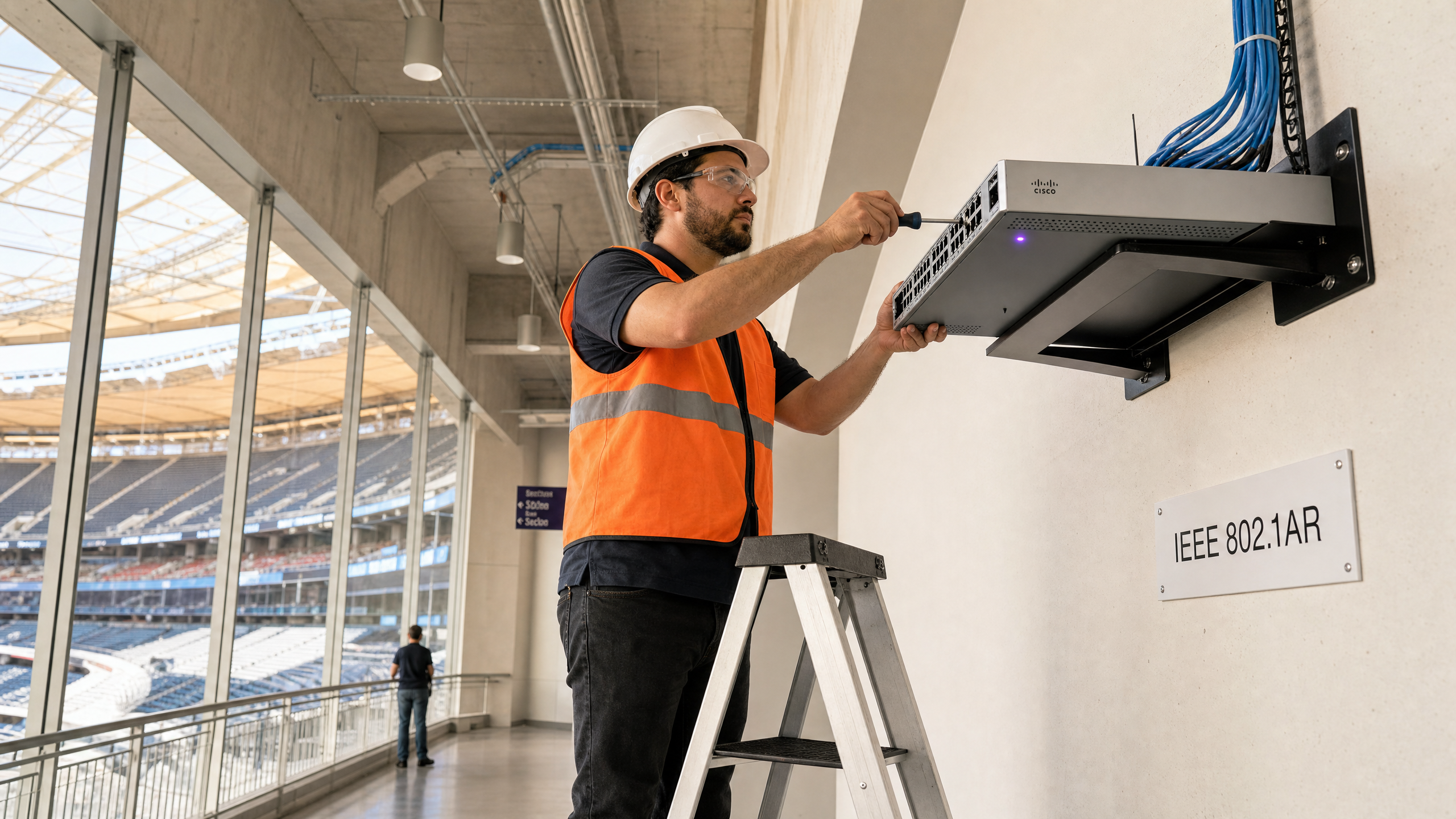
## Executive Summary
Most enterprise networks still rely on MAC Authentication Bypass (MAB) to identify infrastructure devices. The issue is that MAC addresses are trivially spoofable. A bad actor with a laptop and fifteen minutes can clone the MAC address of a trusted access point and walk straight onto your network. That is a documented attack vector, and one that PCI-DSS 4.0 specifically calls out as inadequate for cardholder data environments.
Cisco's Secure Unique Device Identifier (SUDI) solves this. It is an X.509v3 certificate burned into the device's Trust Anchor module (TAm) during manufacturing. It cannot be cloned or exported. By migrating from MAB to SUDI-based EAP-TLS authentication, you replace a shared secret with cryptographic proof of identity. This guide details the technical architecture of Cisco SUDI, explaining how hardware-anchored identity secures network access control and enables Zero Touch Provisioning at scale.
## Technical Deep-Dive
SUDI is an implementation of IEEE 802.1AR, the standard for Secure Device Identifiers. In 802.1AR terminology, the SUDI acts as an IDevID (Initial Device Identifier). It is the factory-installed identity that proves the device is a genuine Cisco product, manufactured at a known facility, with a known serial number.
### The Authentication Flow
When a Cisco device connects to your network, it acts as an 802.1X supplicant. It presents its SUDI certificate to the network's authenticator (typically a switch port). The authenticator forwards that credential to a RADIUS server, such as Cisco ISE, via EAP-TLS.
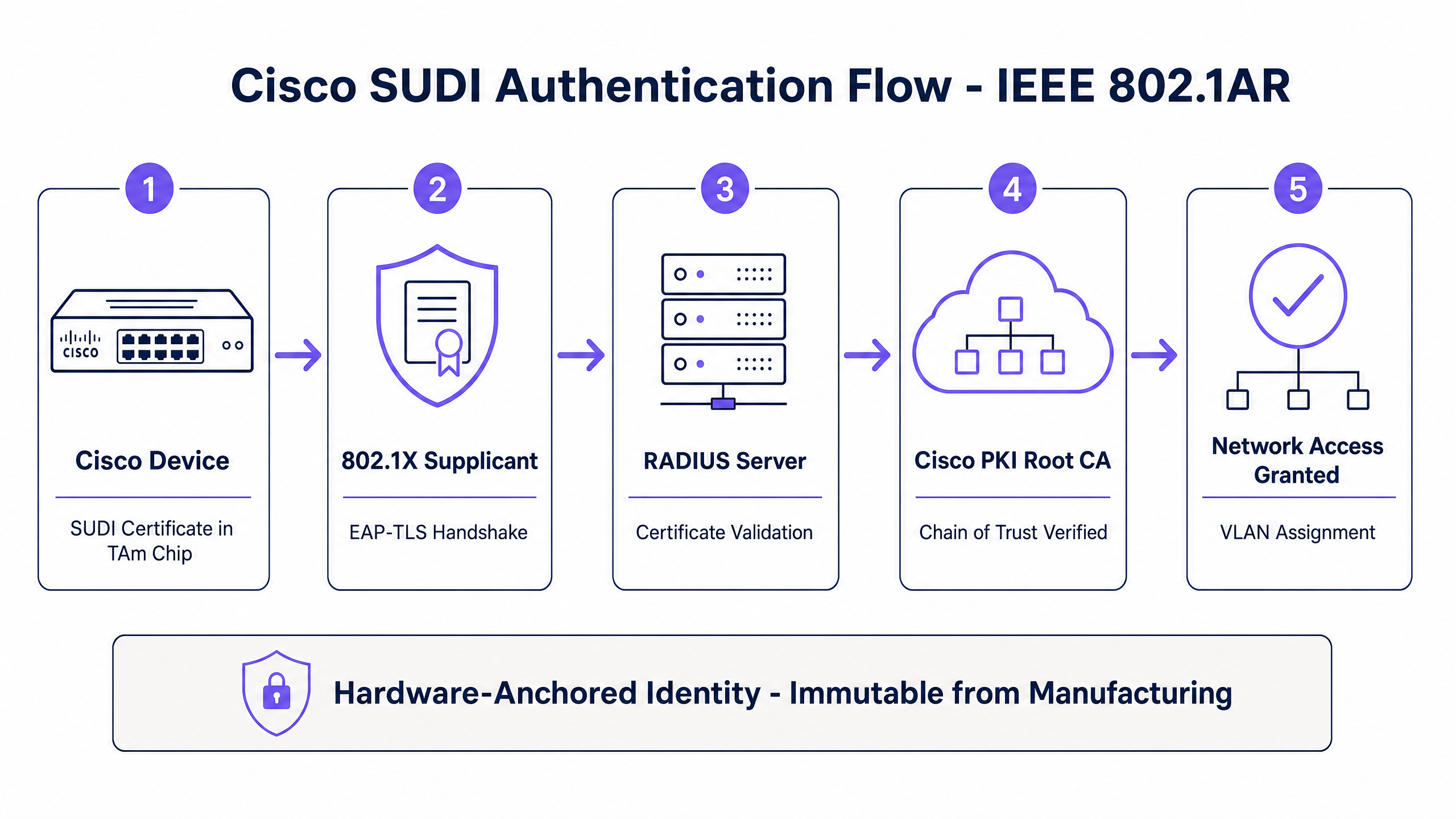
The RADIUS server validates the certificate chain back to Cisco's public root Certificate Authority. If the chain is valid, the device is genuine. Access is granted, and the appropriate VLAN is assigned. This mutual authentication ensures both the device and the network verify each other's identity before passing traffic.
### Certificate Expiry and SUDI-2099
Original SUDI certificates were issued with a 10-year validity period from the date of manufacture, capped at 14 May 2029. Devices manufactured after May 2019 have a shorter window. When the SUDI expires, features that rely on it for TLS - such as HTTPS management interfaces, SSH certificate authentication, and Zero Touch Provisioning - may stop working.
Cisco addressed this by introducing SUDI-2099 certificates on newer hardware, valid until December 2099. You must audit your existing inventory to identify devices with expiring certificates and plan your refresh cycles accordingly.
## Implementation Guide
Migrating to SUDI requires careful planning to avoid locking out legitimate infrastructure.
### 1. Audit Your Inventory
Check the expiry dates of existing SUDI certificates on IOS or IOS-XE devices using the `show crypto pki certificates` command. Document these dates in your CMDB.
### 2. Configure Your RADIUS Server
Import the Cisco Root CA into your RADIUS server's trusted certificate store. This is required for the server to validate the SUDI certificate chain.
### 3. Build Serial Number Validation
A valid Cisco certificate proves the device is genuine Cisco hardware, but it does not prove it is the specific device you ordered for that location. You must configure your RADIUS authorisation policy to cross-reference the Subject CN (which contains the serial number) against your approved device inventory.
### 4. Run Parallel Policies
Run SUDI alongside your existing MAB policy during migration. Use Cisco ISE profiling to identify which devices support 802.1AR and progressively move them to certificate-based authentication. Legacy IoT devices often cannot perform 802.1X, so MAB remains the fallback for those specific endpoints.
## Best Practices
When deploying Cisco infrastructure alongside [Guest WiFi](/guest-wifi) solutions, segment your traffic cleanly. As discussed in [Three SSIDs to rule them all: guest, Passpoint, and IoT WiFi](/blog/three-ssids-to-rule-them-all), infrastructure devices should reside on a dedicated management VLAN, completely isolated from visitor traffic.
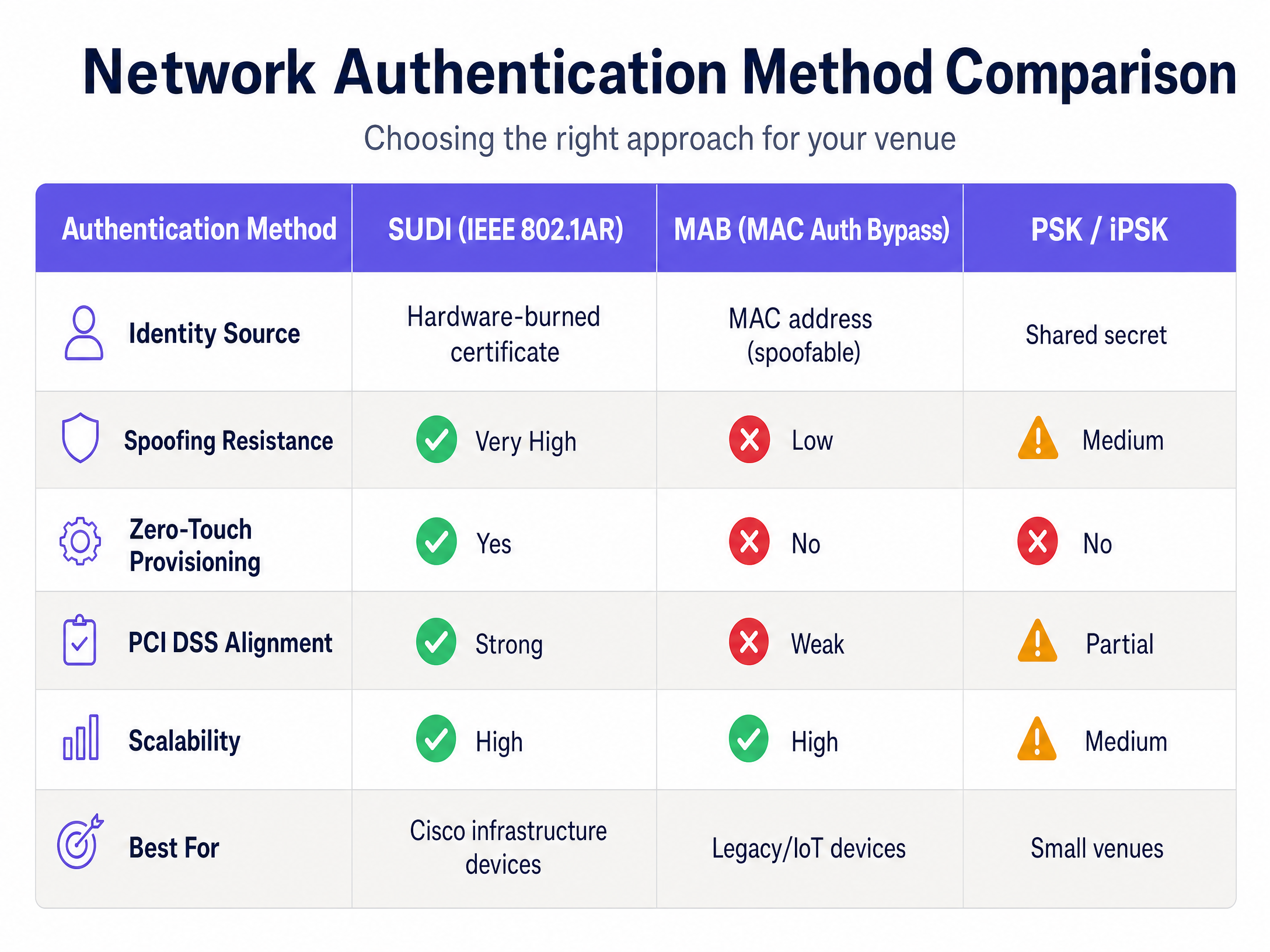
Use SUDI to authenticate the infrastructure hardware (Cisco Meraki, HPE Aruba, Ruckus, Juniper Mist, Ubiquiti UniFi, Cambium, Extreme, Fortinet). Then, use Purple's cloud overlay to handle the visitor identity layer. Purple integrates with Microsoft Entra ID, Okta, and Google Workspace to provide secure, profile-based authentication for venue users, while SUDI secures the underlying hardware.
## Troubleshooting & Risk Mitigation
The most common failure mode is an expired SUDI certificate causing management lockouts. Document expiry dates rigorously.
If a device fails authentication, verify that the RADIUS server has the correct Cisco Root CA installed and that the device's clock is synced via NTP. Certificate validation will fail if the authenticator's time is incorrect.
## ROI & Business Impact
SUDI enables Zero Touch Provisioning (ZTP) at scale. For hospitality and retail operators, this is a significant operational saving. When deploying access points across 40 retail locations, ZTP allows you to ship pre-racked hardware directly to the site. The device boots, presents its SUDI identity to the provisioning server, and pulls its encrypted configuration automatically. This reduces a two-day commissioning visit to a two-hour physical installation.
Listen to our 10-minute technical briefing podcast above for a deeper discussion on implementation strategies and how to align SUDI with PCI DSS 4.0 requirements.
---
### Three SSIDs to rule them all: guest, Passpoint, and IoT WiFi setup guide
**Source:** https://www.purple.ai/en-gb/guides/three-ssids-wifi-setup-guide
**Summary:** This technical guide provides a definitive blueprint for implementing the three-SSID WiFi design across enterprise venues. It details the configuration of an open Guest WiFi portal, automated Passpoint onboarding, and per-device xPSK authentication to achieve complete VLAN segmentation and zero-trust network access.
**Estimated read time:** 5 minutes
**Word count:** 1,144
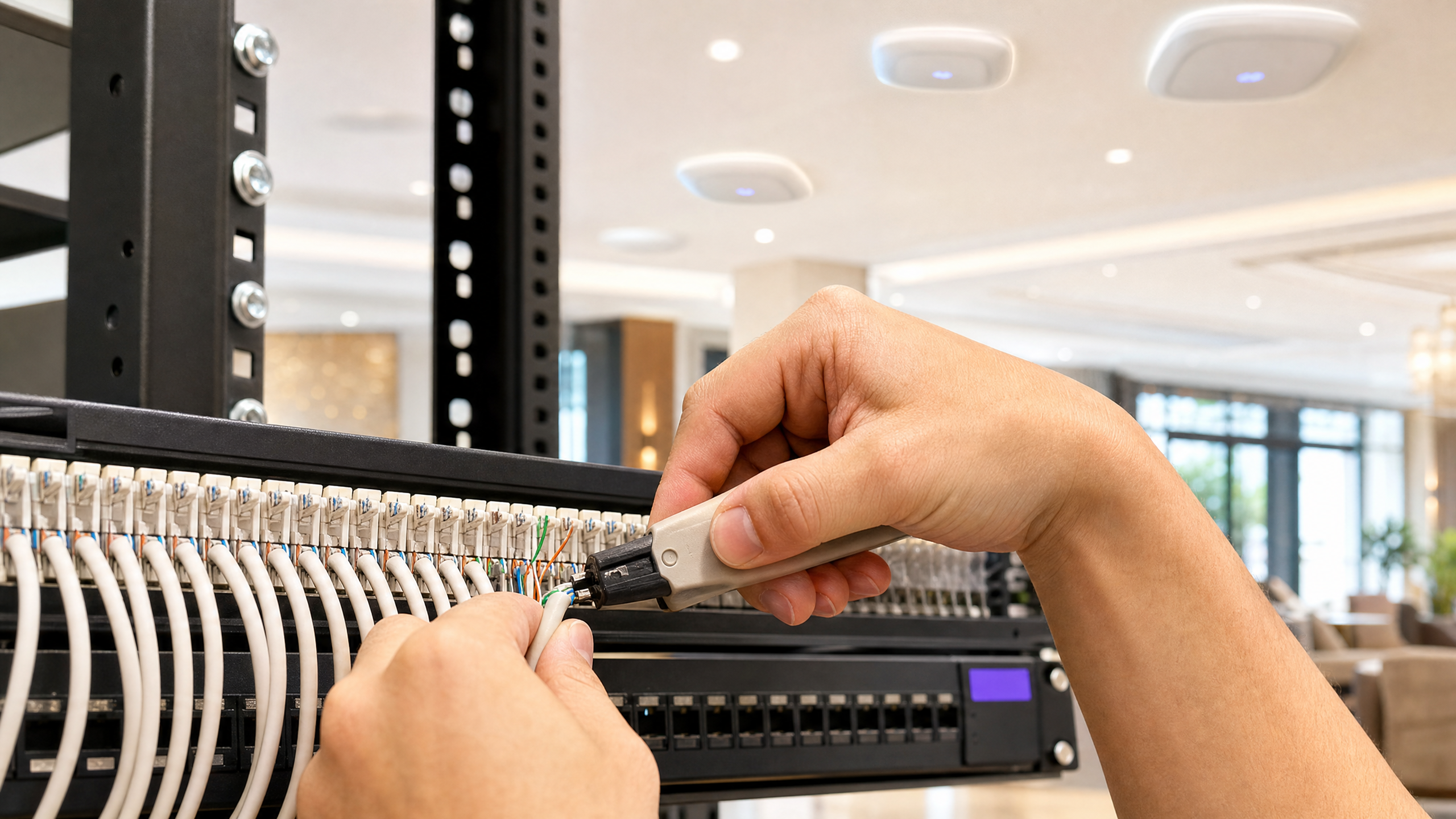
## Executive Summary
Most enterprise venues still operate legacy wireless architectures that collapse all traffic onto one or two SSIDs. This approach creates unacceptable risk by placing unmanaged IoT devices, contractor hardware, and public visitors on shared network segments. The three-SSID WiFi design eliminates this vulnerability by assigning every class of device and user its own dedicated network, its own VLAN, and its own authentication method. This guide provides a step-by-step blueprint for deploying three distinct SSIDs: an open Guest WiFi network for compliance and data capture, a Passpoint (Hotspot 2.0) network for automated secure access via the Purple app or SDK, and an xPSK network that consolidates all headless devices under per-device keys. By standardising on this architecture, IT teams can achieve strict VLAN segmentation, reduce radio frequency overhead, and streamline network operations across Cisco Meraki, HPE Aruba, Ruckus, Juniper Mist, and Ubiquiti UniFi deployments.
## Listen to the Briefing
## Technical Architecture Deep-Dive
The three-SSID design is a zero-trust approach applied to the wireless edge. It relies on the principle that the SSID is merely the entry point; the actual security boundary is the VLAN assignment dictated by the authentication method.
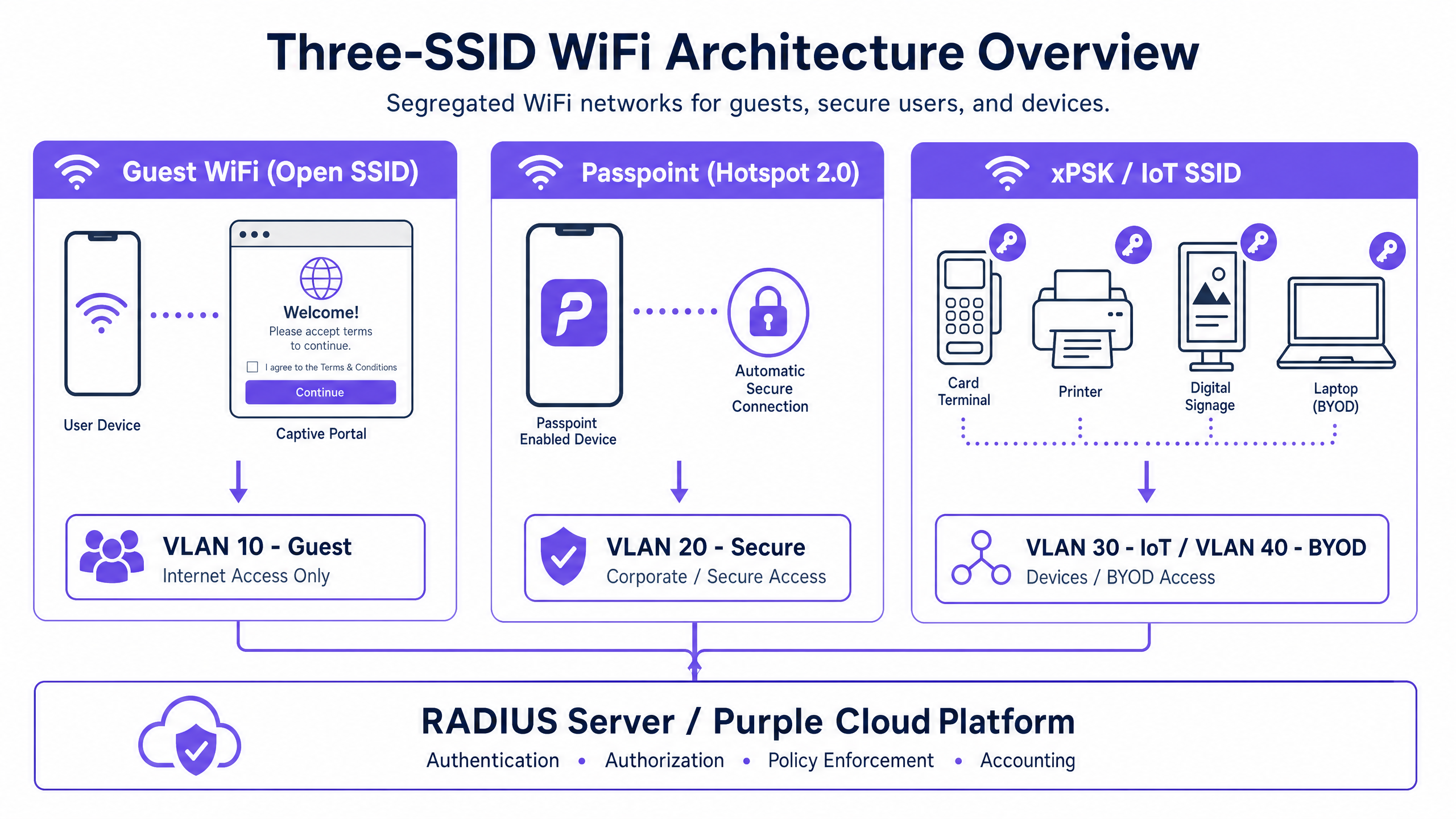
### 1. Guest WiFi (Open SSID)
The first SSID is an open network with a captive portal. It serves visitors, temporary guests, and casual users. Because it is open, there is zero friction at the point of connection. The security control point shifts to the portal layer. When a device connects, it is assigned an IP address from a heavily restricted subnet and placed in a walled garden. The user is redirected to a splash page where they accept terms of service and optionally provide identity data.
This SSID is critical for compliance. Under GDPR, you must record consent and the lawful basis for processing data. Purple handles this natively, logging the consent timestamp and capturing first-party data. Once authenticated, the session is mapped to VLAN 10. Firewall rules enforce that VLAN 10 has internet access only, completely isolated from internal systems. For venues subject to PCI DSS, this segmentation ensures guest traffic never touches the cardholder data environment.
### 2. Passpoint (Hotspot 2.0)
The second SSID leverages IEEE 802.11u Passpoint to provide automated, encrypted access. This is designed for returning guests, loyalty members, and staff. Instead of a captive portal, Passpoint uses an installed profile to negotiate authentication in the background via EAP-TLS or EAP-TTLS with PEAP.
When a user with the Purple app (or your own app integrating the Purple SDK) enters the venue, their device detects the Passpoint SSID broadcasting specific ANQP (Access Network Query Protocol) elements. It matches these against its profile and connects automatically. Purple acts as the cloud RADIUS server, processing the credential and returning a RADIUS Access-Accept message. Crucially, this message includes VLAN assignment attributes (such as Tunnel-Private-Group-ID). A loyalty member might be assigned to VLAN 20, while a staff member using the same SSID is assigned to VLAN 30. This dynamic VLAN assignment enables policy enforcement per identity rather than per SSID.
### 3. xPSK (IoT and BYOD)
The third SSID consolidates all other use cases - card terminals, digital signage, printers, contractors, and BYOD - using xPSK (iPSK, PPSK, DPSK, or MPSK). Instead of a single shared password, every device or group receives a unique pre-shared key.
When a device connects, the access point sends the device's MAC address and the specific PSK used to the Purple RADIUS server. Purple validates the key and returns the corresponding VLAN assignment. A card terminal lands on VLAN 40 (PCI-scoped), while a digital signage player lands on VLAN 50. If a contractor's key is revoked, their access is terminated immediately without affecting any other device. This eliminates the need for MAC authentication bypass (MAB) lists and shared passwords.
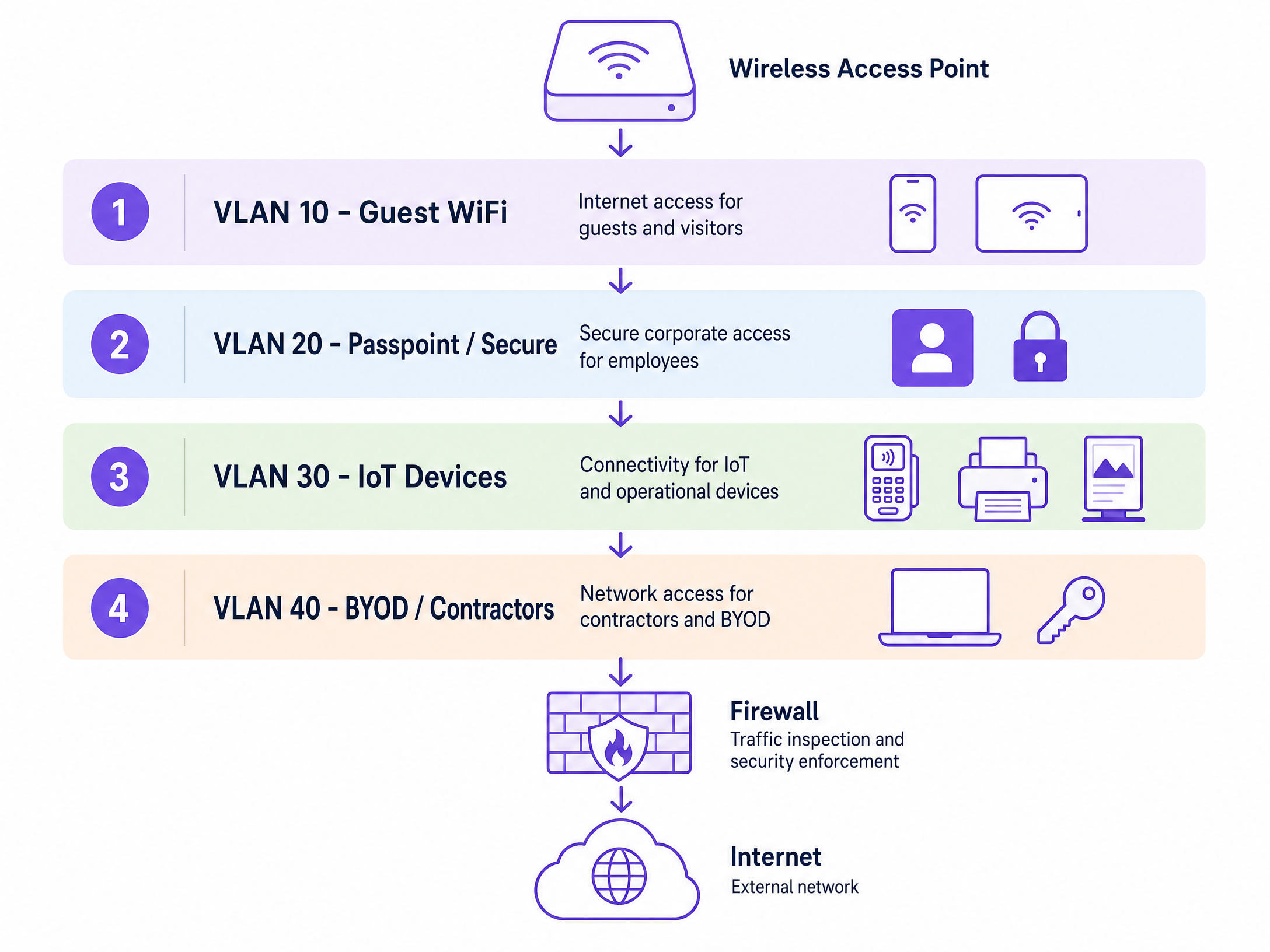
## Implementation Guide
Deploying this architecture requires strict sequencing. Do not configure the wireless controllers until the underlying wired network is prepared.
### Step 1: Switch and Firewall Configuration
Define your VLANs at the switch layer first. Create discrete VLANs for each device class (e.g., VLAN 10 Guest, VLAN 20 Secure, VLAN 30 IoT, VLAN 40 PCI). Configure inter-VLAN routing policies on your firewall to enforce strict isolation. Guest and IoT VLANs should typically only have outbound internet access. Ensure that all access point uplink ports are configured as trunks carrying all required VLANs.
### Step 2: RADIUS Server Integration
Navigate to the Purple portal and generate your RADIUS credentials. Note the primary and secondary IP addresses, the authentication port (typically 1812), the accounting port (1813), and the shared secret. Enter these details into your wireless controller's AAA configuration. Set the RADIUS timeout to at least two seconds to accommodate cloud latency.
### Step 3: SSID Configuration
Configure the three SSIDs according to your vendor's specific implementation:
**Guest SSID:** Set security to Open. Enable captive portal redirect and point it to your Purple portal URL. Configure the walled garden to allow access to Purple's domains, your DNS resolver, and OS captive portal detection endpoints (e.g., `captivedetect.apple.com`).
**Passpoint SSID:** Enable 802.11u/Hotspot 2.0. Configure the ANQP elements, ensuring the NAI Realm matches the profile deployed by the Purple app exactly. Set security to WPA2-Enterprise or WPA3-Enterprise and point authentication to the Purple RADIUS servers.
**xPSK SSID:** Enable the vendor-specific xPSK feature (e.g., iPSK on Cisco Meraki, MPSK on HPE Aruba). Point the MAC authentication to the Purple RADIUS servers and enable dynamic VLAN assignment.
## Best Practices
- **Limit SSID Count:** Never broadcast more than four SSIDs per access point. Excessive SSIDs increase beacon overhead, which degrades overall network performance. The three-SSID design optimises airtime utilisation.
- **Walled Garden Accuracy:** Keep your walled garden as tight as possible. Only include domains essential for the portal flow and OS detection. Broad IP ranges create security loopholes.
- **Key Lifecycle Management:** Establish a strict lifecycle for xPSK keys. Set expiry dates for contractor keys at the time of provisioning. Review and rotate IoT keys annually.
## Troubleshooting & Risk Mitigation
- **RADIUS Timeouts:** If devices fail to connect to the Passpoint or xPSK networks, check the RADIUS timeout settings on the controller. Cloud RADIUS requires a slightly longer timeout than local servers. Ensure both primary and secondary Purple RADIUS IPs are configured.
- **VLAN Tagging Failures:** If a device authenticates successfully but fails to obtain an IP address, the issue is almost always a missing VLAN tag on the access point's switch port. Verify the trunk configuration.
- **Passpoint Discovery Issues:** If devices ignore the Passpoint SSID, verify the ANQP NAI Realm configuration. Even a minor typo will cause the device to silently reject the network.
## ROI & Business Impact
Implementing the three-SSID design delivers measurable business value. By consolidating SSIDs, venues reduce RF interference and improve client performance. Dynamic VLAN assignment via Passpoint and xPSK significantly reduces IT support tickets related to password resets and MAC address whitelisting. Furthermore, the robust segmentation ensures compliance with PCI DSS and GDPR, mitigating the financial risk of data breaches while maximising the collection of first-party data through the [Guest WiFi](/guest-wifi) portal.
---
### Server RADIUS: a comprehensive guide for businesses
**Source:** https://www.purple.ai/en-gb/guides/server-radius
**Summary:** This guide provides IT managers, network architects, and CTOs with a definitive technical reference on server RADIUS authentication for enterprise WiFi. It covers the AAA framework, 802.1X architecture, EAP method selection, cloud versus on-premises deployment trade-offs, and dynamic VLAN assignment. Venue operators across hospitality, retail, events, and the public sector will find actionable implementation guidance, real-world case studies, and the decision frameworks needed to migrate from insecure pre-shared keys to a secure, identity-driven network access control architecture.
**Estimated read time:** 9 minutes
**Word count:** 2,038

## Executive summary
For IT managers, network architects, and CTOs operating across [hospitality](/industries/hospitality), [retail](/industries/retail), [transport](/industries/transport), and large public venues, securing wireless access is a core operational requirement - not an optional upgrade. Relying on a pre-shared key (PSK) for WiFi access is a significant security liability. A single compromised credential exposes the entire network, and revoking access requires changing the password for every device on the estate. Implementing 802.1X authentication via a server RADIUS (Remote Authentication Dial-In User Service) architecture eliminates this problem. Each user authenticates individually, access can be revoked instantly, and network segmentation is enforced dynamically.
Server RADIUS implements the AAA framework: Authentication, Authorisation, and Accounting. It validates identities against directories such as Microsoft Entra ID, Okta, or Google Workspace, assigns users to the correct network segment via dynamic VLAN assignment, and maintains a detailed audit trail for every session. For organisations subject to PCI DSS, GDPR, or Cyber Essentials, this audit trail is not optional. It is a hard compliance requirement. Purple's Cloud RADIUS server secures staff and corporate devices via certificate-based 802.1X authentication, integrating with Cisco Meraki, HPE Aruba, Ruckus, Juniper Mist, Ubiquiti UniFi, Cambium, Extreme, and Fortinet across 80,000+ live venues.
## Technical deep-dive: server RADIUS architecture
The IEEE 802.1X standard defines port-based network access control (PNAC). In a wireless context, it involves three primary roles working in concert to secure the network edge.
| Role | Component | Responsibility |
|---|---|---|
| **Supplicant** | Client device (laptop, smartphone) | Presents credentials to request network access |
| **Authenticator** | WiFi access point or controller | Enforces access control; relays EAP messages |
| **Authentication server** | Server RADIUS | Validates credentials; returns accept or reject and policy attributes |
When a supplicant associates with an access point, the AP blocks all data traffic except Extensible Authentication Protocol (EAP) messages. The AP encapsulates these EAP messages in RADIUS packets and forwards them to the server RADIUS over UDP port 1812. The server verifies the credentials against a backend directory and returns an `Access-Accept` or `Access-Reject` message. If accepted, the AP unblocks the port and client traffic flows freely.
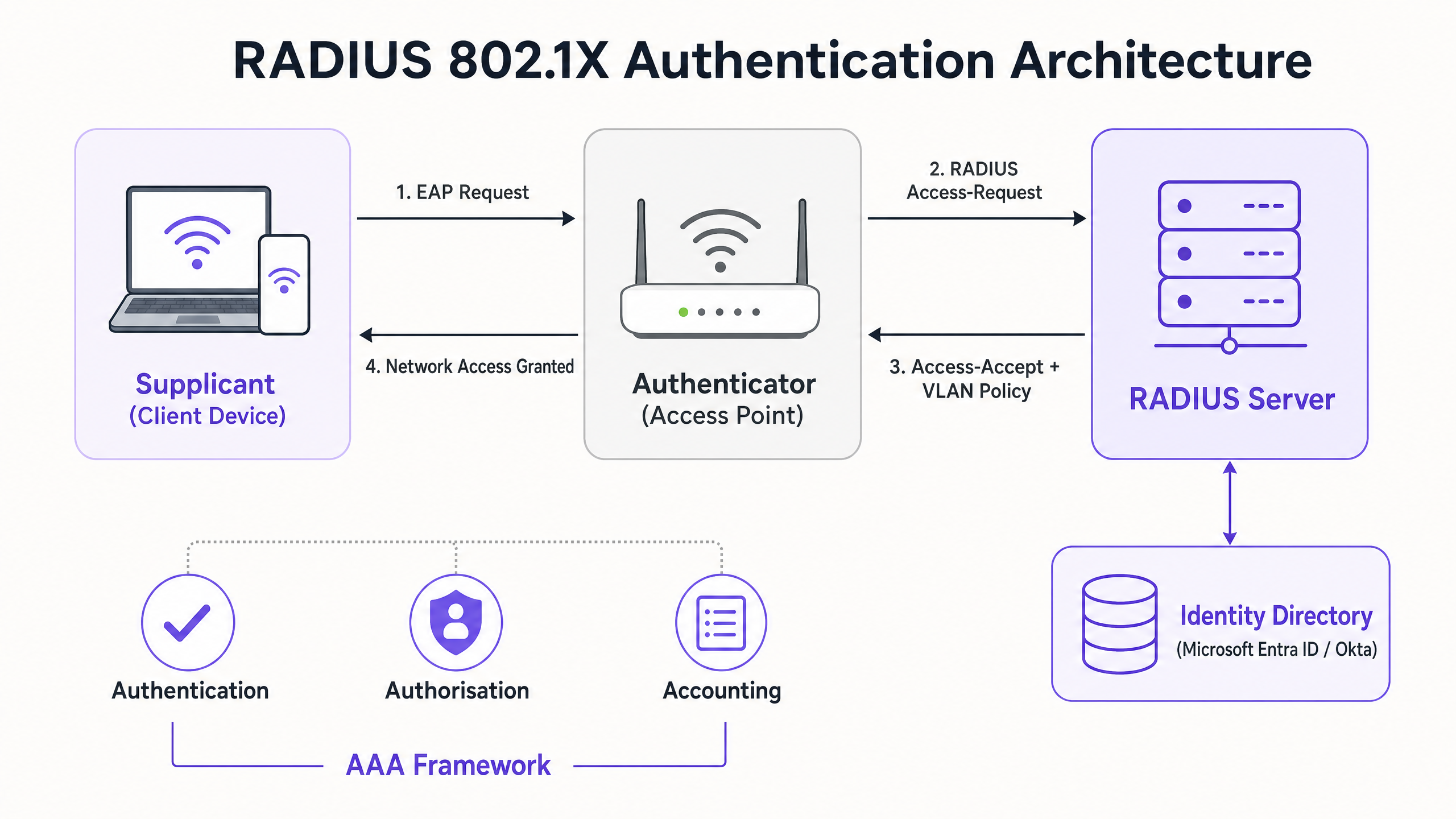
### The AAA framework in practice
**Authentication** is the first pillar: verifying who someone is. When a device connects to a WPA3-Enterprise SSID, the server RADIUS checks the presented credentials or certificate against the configured identity source. Microsoft Entra ID, Okta, and Google Workspace are the canonical cloud identity providers that integrate directly with modern Cloud RADIUS platforms.
**Authorisation** is the second pillar: determining what the authenticated user can do. The server RADIUS returns RADIUS attributes to the access point, most critically the VLAN ID. A staff member in the finance team lands on VLAN 10 with access to internal systems. A contractor lands on VLAN 20 with internet-only access. A guest lands on VLAN 30, isolated from all corporate resources. This dynamic VLAN assignment is the mechanism that enables proper network segmentation - a mandatory control for PCI DSS compliance in [retail](/industries/retail) environments.
**Accounting** is the third pillar: recording what actually happened. The server RADIUS logs session start and stop times, session duration, data transferred, and the MAC address of each device. Under PCI DSS v4.0, this logging is a hard requirement. In the event of a security incident, these logs are the foundation of any forensic investigation.
### EAP method selection
The security of your server RADIUS deployment depends heavily on the EAP method selected. The three most common methods in enterprise WiFi are PEAP, EAP-TTLS, and EAP-TLS.
**PEAP-MSCHAPv2** is the most widely deployed method. It creates an encrypted TLS tunnel using a server-side certificate, inside which the user authenticates with a username and password. It is relatively straightforward to deploy because you only need to manage one certificate - the server's. However, if client devices are not explicitly configured to validate the server certificate, they are vulnerable to rogue access point attacks. An attacker can present a fraudulent certificate and capture credentials. This is a documented real-world threat, not a theoretical one. Enforce strict certificate validation via Group Policy Objects or MDM profiles without exception.
**EAP-TLS** is the gold standard. It requires digital certificates on both the server RADIUS and every client device, eliminating passwords entirely. Even if an attacker captures the full authentication exchange, there are no credentials to extract. The trade-off is administrative overhead: deploying and managing client certificates requires a Public Key Infrastructure (PKI) and an MDM platform such as Microsoft Intune or Jamf. For corporate devices, EAP-TLS is the authentication method you should be working towards. Purple's Cloud RADIUS supports EAP-TLS natively, with automated certificate lifecycle management.
## Implementation guide: cloud vs on-premises
When deploying a server RADIUS architecture, IT teams must choose between cloud-hosted and on-premises deployment. This is the most consequential architectural decision in the project.
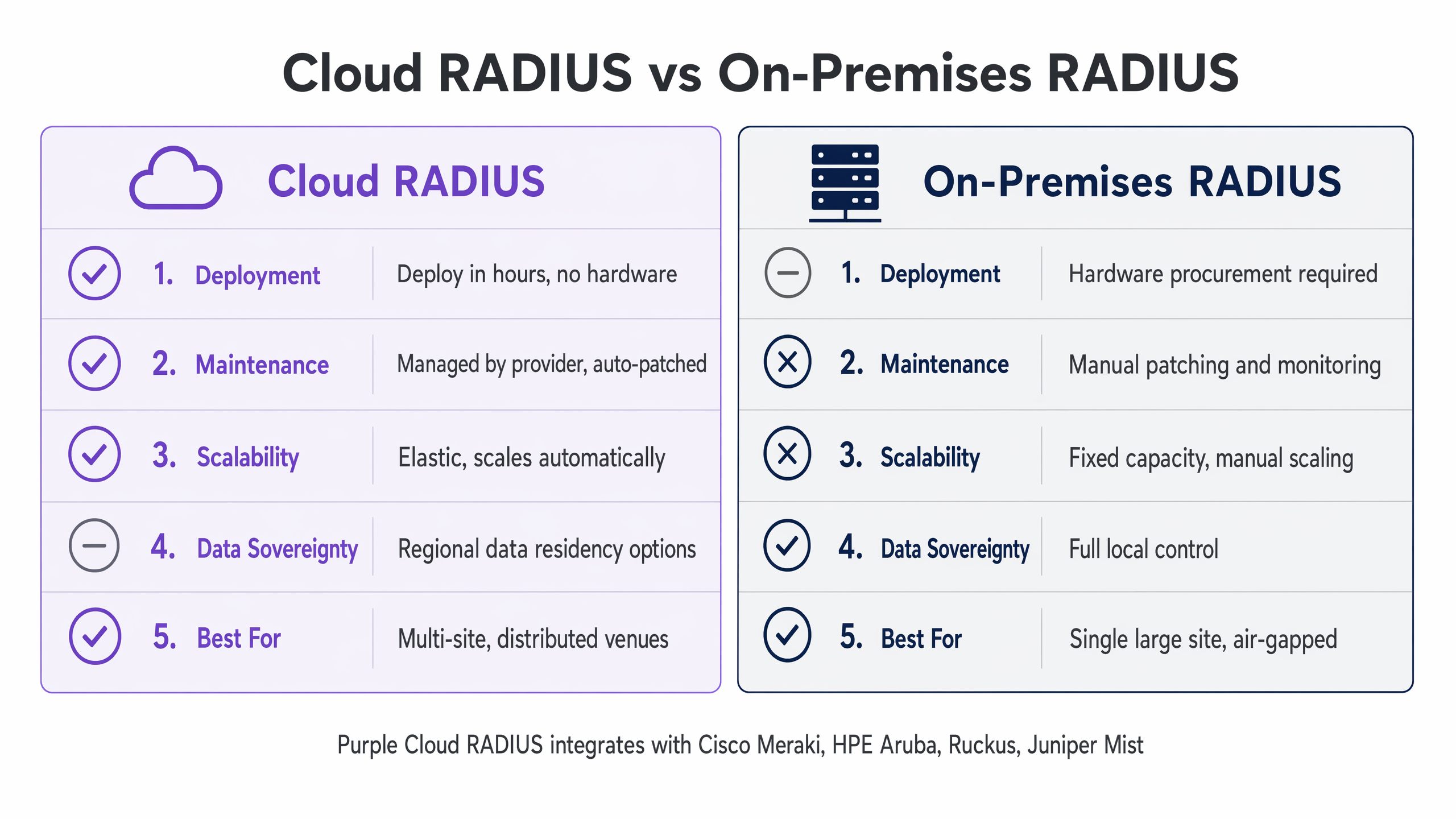
**On-premises RADIUS**, using platforms like FreeRADIUS or Microsoft Network Policy Server (NPS), gives you complete control over the infrastructure. For a single large venue - a stadium, a hospital, or a government facility - this can be the right call. Authentication requests travel over the local LAN, delivering sub-millisecond response times. If your identity directory is an on-premises Active Directory that cannot be exposed to the internet for data sovereignty reasons, an on-premises server RADIUS is often your only viable option.
Reflecting this, for multi-site organisations, on-premises RADIUS introduces significant operational overhead. You are managing separate server instances at each location, handling certificate renewals manually, and responding to outages at two in the morning when a certificate expires. For a retail chain with 50 locations, that means 50 separate RADIUS instances to patch, monitor, and maintain.
**Cloud RADIUS** changes this entirely. The infrastructure is hosted globally across multiple availability zones. When a user connects at a branch location, the request routes to the nearest cloud edge node. High availability is built in by default. Certificate rotation is automated, eliminating the single most common cause of authentication outages in on-premises deployments. For multi-site organisations with cloud-native identity providers like Microsoft Entra ID, Okta, or Google Workspace, Cloud RADIUS is almost always the operationally superior choice.
Purple's Cloud RADIUS integrates directly with Cisco Meraki, HPE Aruba, Ruckus, Juniper Mist, Ubiquiti UniFi, Cambium, Extreme, and Fortinet. You deploy across your entire hardware estate without replacing a single access point.
### Step-by-step deployment
**Step 1: Choose your deployment model.** Audit three factors: your current identity provider and whether it is cloud-native; your WAN resilience at each site; and your team's capacity to manage ongoing maintenance. These three factors determine whether cloud or on-premises is the right path.
**Step 2: Integrate your identity source.** Connect your server RADIUS to your organisation's identity directory. Most Cloud RADIUS platforms support direct integration with Microsoft Entra ID, Okta, and Google Workspace via LDAP or SAML. For on-premises Active Directory, use LDAP over a secure connector.
**Step 3: Configure your network hardware.** Create a new SSID configured for WPA2-Enterprise or WPA3-Enterprise and point it at your server RADIUS. Configure the shared secret - the password that encrypts communication between the access point and the server RADIUS. This shared secret must match exactly on both sides. A mismatch is one of the most common causes of authentication failures during initial deployment.
**Step 4: Define authorisation policies.** Map user groups from your identity directory to network policies. Staff get full access on VLAN 10. Guests get internet-only access on VLAN 20. IoT devices get a restricted VLAN with firewall rules blocking lateral movement.
**Step 5: Onboard your users.** For corporate staff, deploy WiFi profiles via your MDM platform. For guests, use a captive portal. Purple's [Guest WiFi](/guest-wifi) platform automates the guest onboarding flow, supporting social login, registration forms, and voucher codes. Staff and corporate devices authenticate silently via 802.1X while guests are directed to a branded portal - a tiered access model that delivers both security and [WiFi Analytics](/guest-wifi-marketing-analytics-platform).
For a deeper look at SSID architecture across guest, staff, and IoT networks, see [Three SSIDs to rule them all: guest, Passpoint, and IoT WiFi](/blog/three-ssids-to-rule-them-all).
## Best practices
**Enforce strict certificate validation on every client device.** Use Group Policy Objects for Windows devices and MDM profiles for macOS and mobile devices. The profile must specify exactly which Certificate Authority to trust and what the expected server name is. Do not leave this to the user to configure manually. Failure to enforce this is the primary attack vector for credential theft on PEAP deployments.
**Deploy at least two server RADIUS instances.** Configure all access points to fail over to the secondary if the primary becomes unreachable. For Cloud RADIUS, this redundancy is built in and managed by the provider. For on-premises, deploy an active-active cluster across two geographically separated locations.
**Use MAC Authentication Bypass (MAB) for headless IoT devices.** Printers, sensors, and digital signage cannot present 802.1X credentials. MAB allows authentication based on MAC address. Because MAC addresses are easily spoofed, always pair MAB-authenticated devices with a restrictive VLAN and firewall rules blocking access to corporate resources.
**Rotate shared secrets regularly.** The shared secret between your access points and your server RADIUS must be long, random, and rotated periodically. A weak or default shared secret undermines the entire authentication chain.
**Validate segmentation with penetration testing.** Configuration alone is not evidence. Commission a penetration test that explicitly includes the wireless environment and validation of VLAN segmentation. A tester should actively attempt to access corporate resources from the guest VLAN and document that every attempt is blocked. This is the evidence your PCI DSS Qualified Security Assessor needs.
## Troubleshooting and risk mitigation
The most common failure modes in server RADIUS deployments fall into four categories.
**Shared secret mismatch.** If the shared secret configured on the access point does not match the secret on the server RADIUS, every authentication attempt will fail silently. Always copy-paste shared secrets rather than typing them manually. Verify the configuration on both sides before testing.
**Certificate expiry.** On on-premises deployments, if the server certificate expires, every client device will reject the connection. This causes a complete authentication outage with no graceful degradation. Cloud RADIUS providers automate certificate rotation, eliminating this risk. For on-premises deployments, configure monitoring alerts at 60 days, 30 days, and seven days before expiry.
**Client certificate validation not enforced.** If PEAP clients are not configured to validate the server certificate, they will connect to any RADIUS server that responds - including rogue access points. Enforce certificate validation via GPO or MDM profiles on every managed device.
**WAN dependency for Cloud RADIUS.** Cloud RADIUS relies entirely on the WAN link at each venue. If the internet connection drops, authentication fails. Implement a local survivability strategy: configure access points to cache credentials for critical staff, or use SD-WAN to ensure high availability of the internet link. Always configure a fallback policy - either open access to a restricted VLAN, or locally cached credentials.
## ROI and business impact
Deploying a server RADIUS architecture transforms the wireless network from a vulnerability into a managed, secure asset with measurable operational benefits.
For a European hotel group with 45 properties, migrating from 45 on-premises FreeRADIUS instances to Cloud RADIUS reclaimed roughly 40% of the central IT team's maintenance time (Purple internal data). That is engineering capacity redirected from keeping the lights on to strategic initiatives.
For a retail chain preparing for a PCI DSS audit, proper network segmentation via dynamic VLAN assignment removes the guest WiFi network from the Cardholder Data Environment scope entirely. Platforms like Purple's [Guest WiFi](/guest-wifi) operate on the guest-facing VLAN, completely isolated from payment traffic. The analytics platform is out of PCI scope, and the business retains the freedom to deploy revenue-generating tools - guest analytics, loyalty programmes, customer engagement - safely and confidently.
For organisations with more than 10 sites and fewer than five network engineers, the predictable operational expenditure of Cloud RADIUS typically delivers a positive return on investment within 18 months compared to maintaining on-premises infrastructure (Purple internal data). Hardware procurement, power, cooling, and engineering time for on-premises deployments at scale consistently exceed the subscription cost of a managed Cloud RADIUS service.
Purple operates across 80,000+ live venues with 99.999% uptime, ISO 27001 certification, GDPR and CCPA compliance, and Cyber Essentials certification. For IT teams that need to demonstrate due diligence to their board or auditors, these certifications provide the third-party validation that a self-managed on-premises deployment cannot.
For a detailed comparison of Purple's Cloud RADIUS against alternative platforms, see the [Aruba ClearPass vs. Purple WiFi feature and co-deployment comparison](/guides/aruba-clearpass-vs-purple-wifi-vergleich-der-funktionen-und-co-deployment).
---
### Aruba ClearPass vs. Purple WiFi: Comparing Features and Co-deployment
**Source:** https://www.purple.ai/en-gb/guides/aruba-clearpass-vs-purple-wifi
**Summary:** A comprehensive technical guide detailing the co-deployment architecture of Aruba ClearPass and Purple WiFi. It covers RADIUS proxy configuration, dynamic VLAN assignment, and best practices for delivering secure, analytics-driven guest networks alongside enterprise NAC.
**Estimated read time:** 6 minutes
**Word count:** 1,433
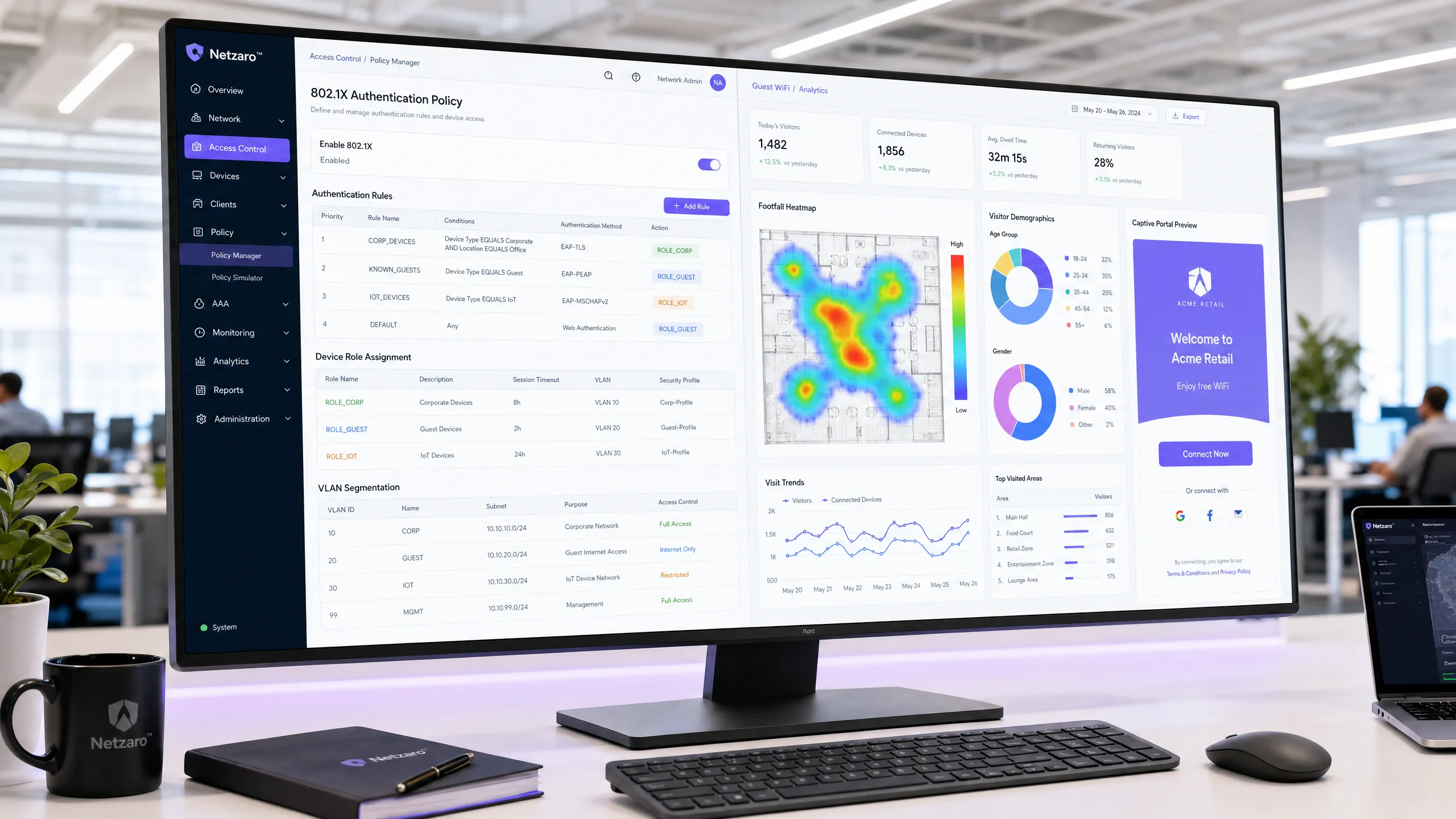
## Executive Summary
For enterprise environments heavily invested in HPE Aruba infrastructure, managing complex network access policies whilst delivering a seamless, data-rich guest WiFi experience presents a significant architectural challenge. Whilst Aruba ClearPass Policy Manager excels in Network Access Control (NAC) and 802.1X security for corporate devices, its built-in Captive Portal often lacks the advanced marketing automation and analytics required by modern venues. This guide details how to integrate Purple WiFi with ClearPass, allowing each platform to focus on its core strengths.
By deploying ClearPass as a RADIUS proxy, you maintain a unified security audit trail and dynamic VLAN assignment for corporate and IoT devices, whilst offloading the guest onboarding experience to Purple. This approach enables GDPR-compliant first-party data capture, detailed footfall analytics, and integrations with over 400 marketing connectors - all without replacing your existing Aruba NAC investment. This document provides the technical blueprint for this co-deployment, covering architecture, configuration workflows, and best practices.
## Technical Deep Dive
The integration of Aruba ClearPass and Purple WiFi relies on standard RADIUS protocols and HTTP redirect mechanisms, structured around a RADIUS proxy architecture. This design ensures that ClearPass remains the central policy decision point for all network access, whilst Purple manages the guest-facing Captive Portal and data collection.
### Core Architecture
In a standard co-deployment, your Aruba Mobility Controllers or Aruba Instant Access Points broadcast multiple SSIDs. A typical design pattern, as detailed in [Three SSIDs to rule them all: the WiFi design for guest, staff and IoT](/blog/three-ssids-to-rule-them-all), utilises three dedicated networks:
1. **Corporate SSID:** Utilises 802.1X with EAP-TLS. Devices authenticate using certificates provisioned via ClearPass Onboard. ClearPass assesses device posture, queries Microsoft Entra ID or Active Directory, and assigns the device to the corporate VLAN (e.g., VLAN 10). Purple is not involved in this flow.
2. **IoT SSID:** Utilises MAC Authentication Bypass (MAB). ClearPass profiles the device using its Organisationally Unique Identifier (OUI) and assigns it to an isolated IoT VLAN (e.g., VLAN 30) with no internet access.
3. **Guest SSID:** An open or Opportunistic Wireless Encryption (OWE) network that triggers the Purple Captive Portal.

### RADIUS Proxy Flow
When a visitor connects to the guest SSID and opens a browser, the Aruba controller intercepts HTTP traffic and redirects the session to the Purple Captive Portal URL. The visitor authenticates via Purple using social login, custom forms, or OpenRoaming (where Purple acts as a free identity provider under the Connect plan).
Once Purple validates the visitor, it sends a RADIUS Access-Accept message. However, instead of the Aruba controller contacting Purple's cloud RADIUS servers directly, ClearPass is integrated as a RADIUS proxy:
1. The Aruba controller sends all RADIUS requests to ClearPass.
2. ClearPass evaluates the request against its Service Rules. If the request matches the guest SSID (identified by the `Called-Station-Id` or NAS identifier), the RADIUS Routing Policy forwards the request to Purple's RADIUS servers.
3. Purple responds with an Access-Accept message.
4. ClearPass receives this response and applies its own Enforcement Policy, appending specific Vendor-Specific Attributes (VSAs) before forwarding the final response to the controller.
### Dynamic Role-Based VLAN Assignment
The key VSA in this architecture is `Aruba-User-Role`. When ClearPass forwards the Access-Accept message to the controller, it includes this attribute to define precisely what role the visitor should assume on the wireless network.
For example, ClearPass can return `Aruba-User-Role = guest-authenticated`. On the Aruba controller, this role is mapped to VLAN 20, which is configured with firewall policies allowing internet access but blocking routing to internal corporate subnets. This segmentation is essential for compliance with standards such as PCI DSS [1].
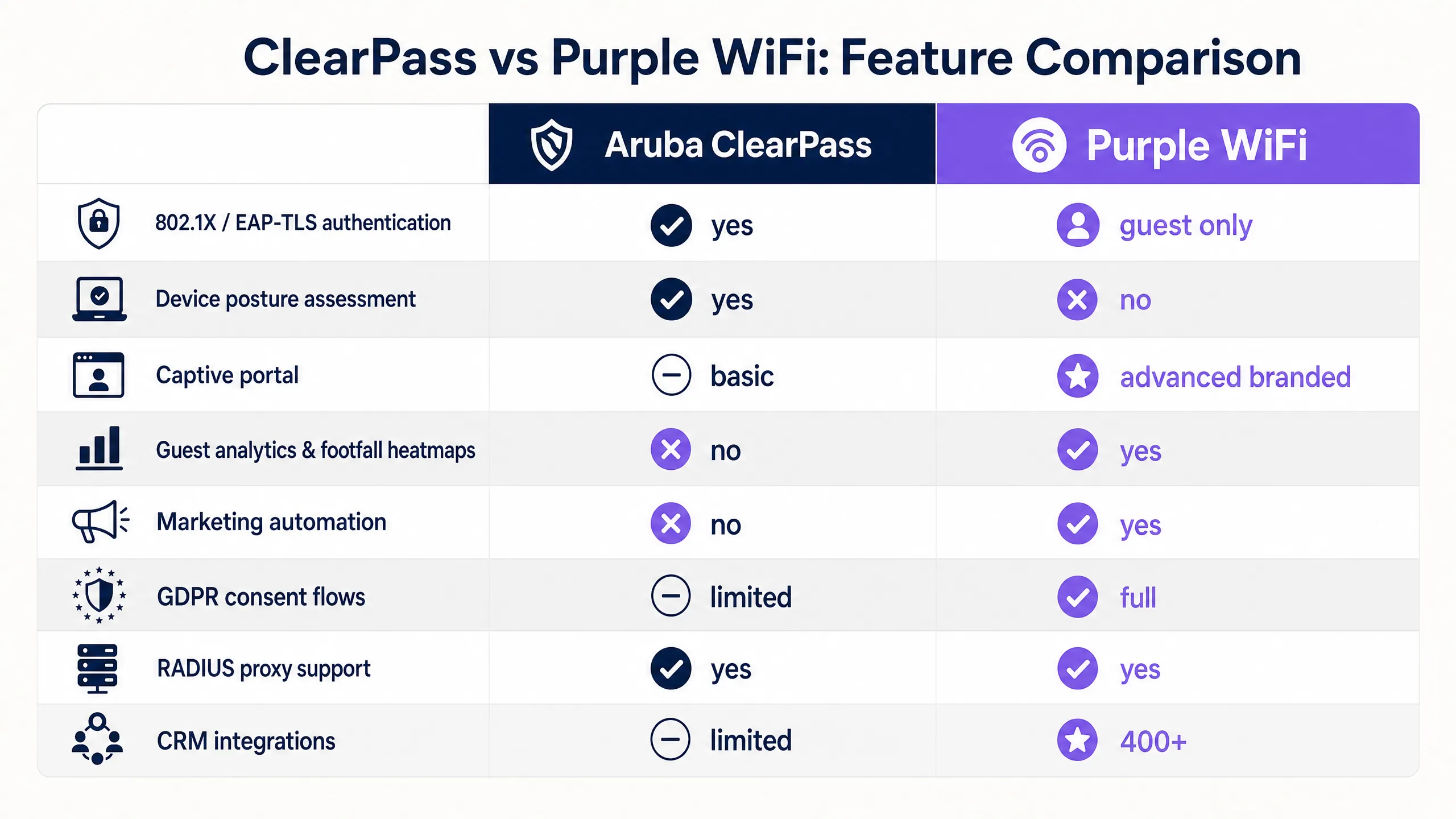
## Implementation Guide
Deploying this architecture requires precise configuration on both the Aruba infrastructure and ClearPass. Follow these vendor-neutral steps to establish the integration.
### Step 1: Configure Purple RADIUS Servers in ClearPass
Navigate to Configuration > Network > Devices in ClearPass and add Purple's primary and secondary RADIUS servers as network devices. You will require the IP addresses and shared secret provided in your Purple venue configuration dashboard.
### Step 2: Create a RADIUS Routing Policy
Create a new RADIUS Routing Policy in ClearPass. This policy will determine under which conditions requests are proxied to Purple. Set the primary and backup destinations to the Purple RADIUS servers you configured in Step 1.
### Step 3: Define the Guest Service
Create a new Service in ClearPass for guest authentication.
* **Type:** RADIUS Enforcement (Generic)
* **Service Rules:** Match the `Radius:IETF:Called-Station-Id` containing your guest SSID name.
* **Routing Policy:** Select the policy created in Step 2.
* **Enforcement Policy:** Configure a policy to return the `Aruba-User-Role` VSA with the value corresponding to your guest role on the Aruba Controller.
### Step 4: Configure the Walled Garden on the Controller
The walled garden is a list of domains that a device can access prior to authentication. This is configured on the Aruba Controller (or via access rules in ArubaOS 10). You must include Purple's core domains:
* `*.purple.ai`
* `*.cloudfront.net`
* `*.venuewifi.com`
If you are enabling social logins, you must also add the OAuth domains for each provider (e.g. `*.facebook.com`, `*.google.com`, `*.microsoftonline.com`).
### Step 5: Configure RADIUS Accounting
Ensure that RADIUS accounting is also being proxied via ClearPass to Purple. Purple uses accounting data (`Acct-Start`, `Acct-Interim-Update`, `Acct-Stop`) to track session duration and populate its [WiFi Analytics](/guest-wifi-marketing-analytics-platform) dashboard. Set the accounting interval to 5 minutes on the Aruba Controller.
## Best Practices
To ensure a robust and consistent deployment, follow these industry-standard recommendations.
* **Strictly Segregate Traffic:** Always place guest traffic on a dedicated VLAN with no path to corporate resources. This is a fundamental requirement for PCI DSS and general network security.
* **Proxy Accounting Data:** Do not neglect RADIUS accounting. If accounting packets do not reach Purple, your footfall analytics and dwell time reports will be incomplete.
* **Enable WISPr:** On the Aruba Controller’s captive portal profile, ensure WISPr (Wireless Internet Service Provider roaming) is enabled. This protocol allows mobile operating systems to automatically detect the captive portal and display the login screen seamlessly.
* **Use Active-Choice Opt-Ins:** For GDPR compliance, configure your Purple portal to use explicit opt-in checkboxes for marketing communications rather than pre-ticked boxes or assumed consent [2].
## Troubleshooting and Risk Mitigation
Even with careful configuration, integrations can fail. Here are the most common failure modes and how to resolve them.
### Walled Garden Misconfiguration
If the captive portal fails to load on a visitor's device, the root cause is almost always the walled garden. Social login providers frequently update their CDN IP ranges and domain names. Treat the walled garden as a continuously changing configuration. If a specific social login fails, use a packet capture to identify which domain the device is attempting to reach and add it to the allowed list.
### RADIUS Timeout Errors
The default RADIUS timeout on most Aruba controllers is 3 seconds. In a proxy architecture, the authentication request must travel from the AP to the controller, to ClearPass, over the internet to Purple's cloud infrastructure, and back. On a congested network, this round trip can easily exceed 3 seconds, causing the controller to drop the request. Increase the RADIUS timeout on the Aruba controller to at least 10 seconds and configure retry logic.
### Shared Secret Mismatch
RADIUS relies on shared secrets for security. If the shared secret between the Aruba controller and ClearPass, or ClearPass and Purple, does not match exactly, authentication will fail silently. The visitor will not be shown any meaningful error message. Always verify these secrets character-by-character if authentication is failing.
### Role Name Case Sensitivity
The value of the `Aruba-User-Role` VSA returned by ClearPass must match the role name defined on the Aruba controller exactly, including case. If ClearPass returns `guest-authenticated` but the controller expects `Guest-Authenticated`, the visitor will fall back to the default logon role and will not get internet access.
## ROI and Business Impact
Deploying Purple WiFi instead of a basic local captive portal delivers measurable business value across multiple departments.
* **Marketing Impact:** By capturing first-party data via the portal, venues see a significant increase in their marketing databases. For example, Harrods achieved a 57x marketing ROI using Purple to drive loyalty program sign-ups [3].
* **Operational Efficiency:** The RADIUS proxy architecture reduces the operational burden on IT. Security teams maintain a single pane of glass in ClearPass for all network access events, simplifying compliance reporting and troubleshooting.
* **Monetisation:** For venues in [transport](/industries/transport) or [hospitality](/industries/hospitality) sectors, Purple enables tiered bandwidth models. AGS Airports generated an 842% ROI by implementing a paid premium WiFi tier alongside a free basic tier [4].
By implementing this co-deployment, you transform your guest network from a cost centre into a revenue-generating asset, whilst maintaining the rigorous security posture required for enterprise IT.
## References
[1] PCI Security Standards Council. "Payment Card Industry (PCI) Data Security Standard."
[2] Information Commissioner's Office (ICO). "Guide to the General Data Protection Regulation (GDPR)."
[३] Purple. "Harrods Guest WiFi Case Study."
[४] Purple. "AGS Airports Guest WiFi Case Study."
---
### Cisco ISE vs. Purple WiFi: How They Compare and Work Together
**Source:** https://www.purple.ai/en-gb/guides/cisco-ise-vs-purple-wifi
**Summary:** This guide explains how Cisco ISE and Purple WiFi serve distinct but complementary roles in enterprise networks. It details how to use Cisco ISE for secure 802.1X corporate access while leveraging Purple for GDPR-compliant guest WiFi, marketing analytics, and CRM integration.
**Estimated read time:** 6 minutes
**Word count:** 1,225
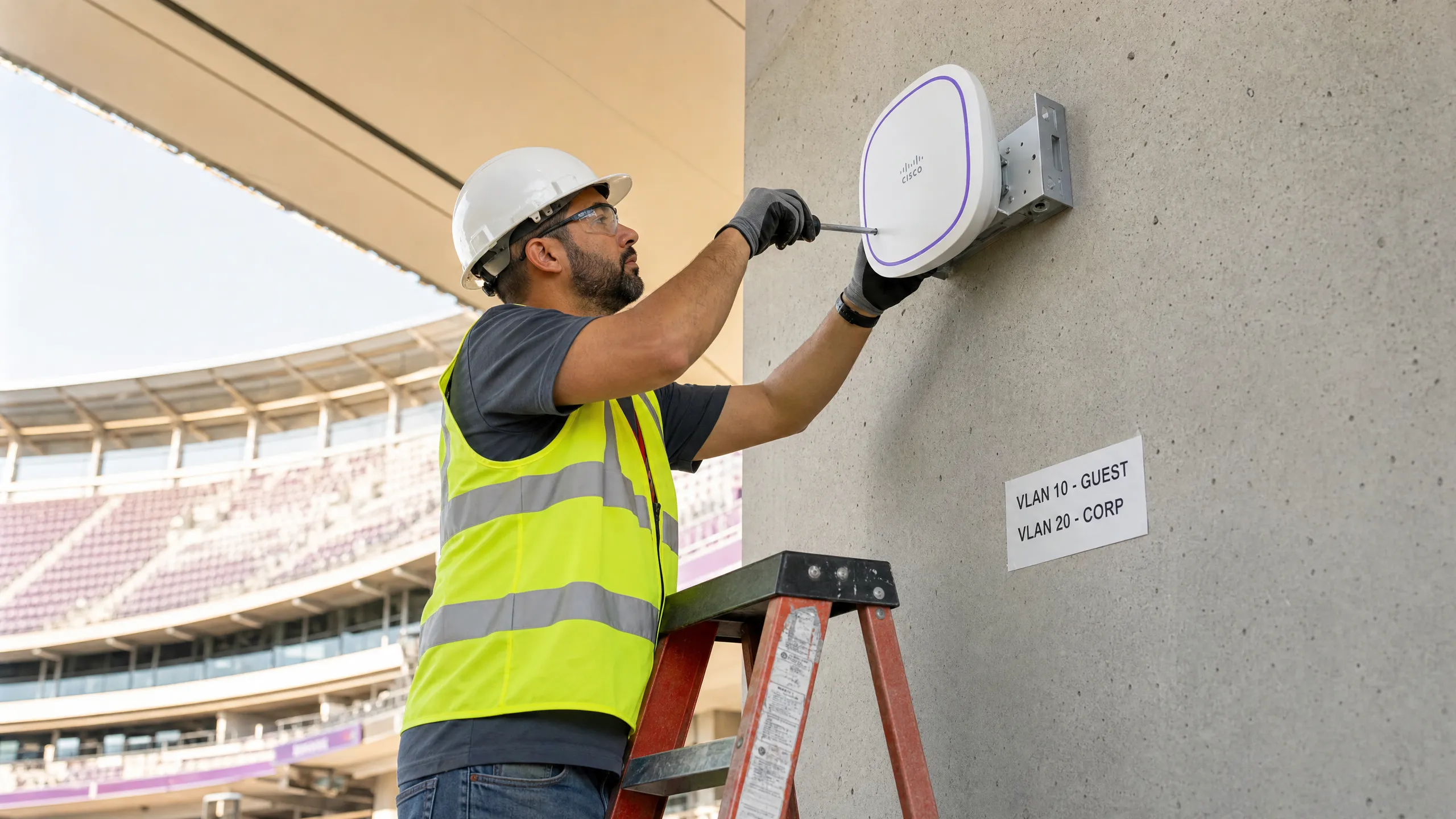
## Executive Summary
Enterprise network architecture demands a clear separation of concerns between corporate security and commercial guest engagement. When evaluating Cisco ISE vs Purple WiFi, the mistake many IT leaders make is viewing them as competing platforms. They are not. Cisco Identity Services Engine (ISE) is an industry-standard Network Access Control (NAC) and 802.1X policy engine for securing workforce and corporate devices. Purple is a cloud-based overlay platform built to handle guest Captive Portals, visitor marketing consent, and operational analytics.
Attempting to force Cisco ISE to serve as a cisco ise guest portal alternative for commercial marketing introduces unnecessary complexity and fails to deliver actionable data. Conversely, deploying Purple WiFi alongside Cisco ISE allows each platform to do what it does best. Purple integrates natively with Cisco infrastructure to offload complex guest experience logic while leaving core enterprise security policies with Cisco ISE. This guide breaks down how they coexist in a modern enterprise network topology, providing practical deployment strategies for [retail](/industries/retail), [hospitality](/industries/hospitality), and large public venues.
## Technical Deep-Dive
### The Role of Cisco ISE: Corporate Network Access Control
Cisco ISE is the gold standard for enterprise NAC. Its primary function is to authenticate and authorise known devices and users connecting to the corporate network, relying heavily on the port-based network access control standard IEEE 802.1X.
When a corporate laptop connects to a switch port or a corporate SSID, ISE acts as a RADIUS server. It validates device certificates via EAP-TLS or user credentials via PEAP against Active Directory or Microsoft Entra ID. ISE then assesses the device's security posture. If compliant, ISE assigns the correct VLAN and applies the appropriate Security Group Tag (SGT). If the device fails the posture assessment, ISE can quarantine it using RADIUS Change of Authorisation (CoA). For a deeper look at client configuration, review our guide on [What is an 802.1X Supplicant? Client Types & Device Configuration](/guides/802-1x-supplicant-explained).
ISE also manages Bring Your Own Device (BYOD) onboarding, where personal devices are enrolled with certificates for secure and password-free access. Additionally, it integrates with Cisco's pxGrid framework, allowing firewalls and SIEM platforms to utilise real-time identity context. ISE is licensed in three tiers: Essentials, Advantage, and Premier, which scale from basic 802.1X to advanced threat integration.
### Purple's Role: Guest Experience and Analytics
While ISE excels at securing corporate assets, its built-in guest portal is more utilitarian than commercial. It can provide basic internet access for contractors, but it cannot capture GDPR-compliant marketing consent, run branded splash pages with social login, or push visitor data into CRM platforms like Salesforce. Purple fills precisely this gap.
Purple is a hardware-agnostic cloud overlay. It operates on top of your existing WiFi infrastructure, including Cisco Meraki, HPE Aruba, Ruckus, Juniper Mist, Ubiquiti UniFi, Cambium, Extreme and Fortinet. Purple essentially owns the guest experience layer. When a visitor connects to your guest SSID, Purple presents a branded Captive Portal. This portal offers social login via Facebook, Google, or LinkedIn, custom data capture forms, and seamless options like Passpoint.
Every login captures first-party data with clear, active-choice opt-ins. Purple processes this data through its analytics engine, creating footfall heatmaps and visitor demographics, and then pushes it directly to your marketing stack. Purple operates across 80,000+ live venues and processed 440 million logins in 2024. We hold ISO 27001 certification and comply with GDPR and CCPA, ensuring enterprise-grade stability with 99.999% uptime. For a deeper dive into the commercial benefits, see our [WiFi Analytics](/guest-wifi-marketing-analytics-platform) platform overview.
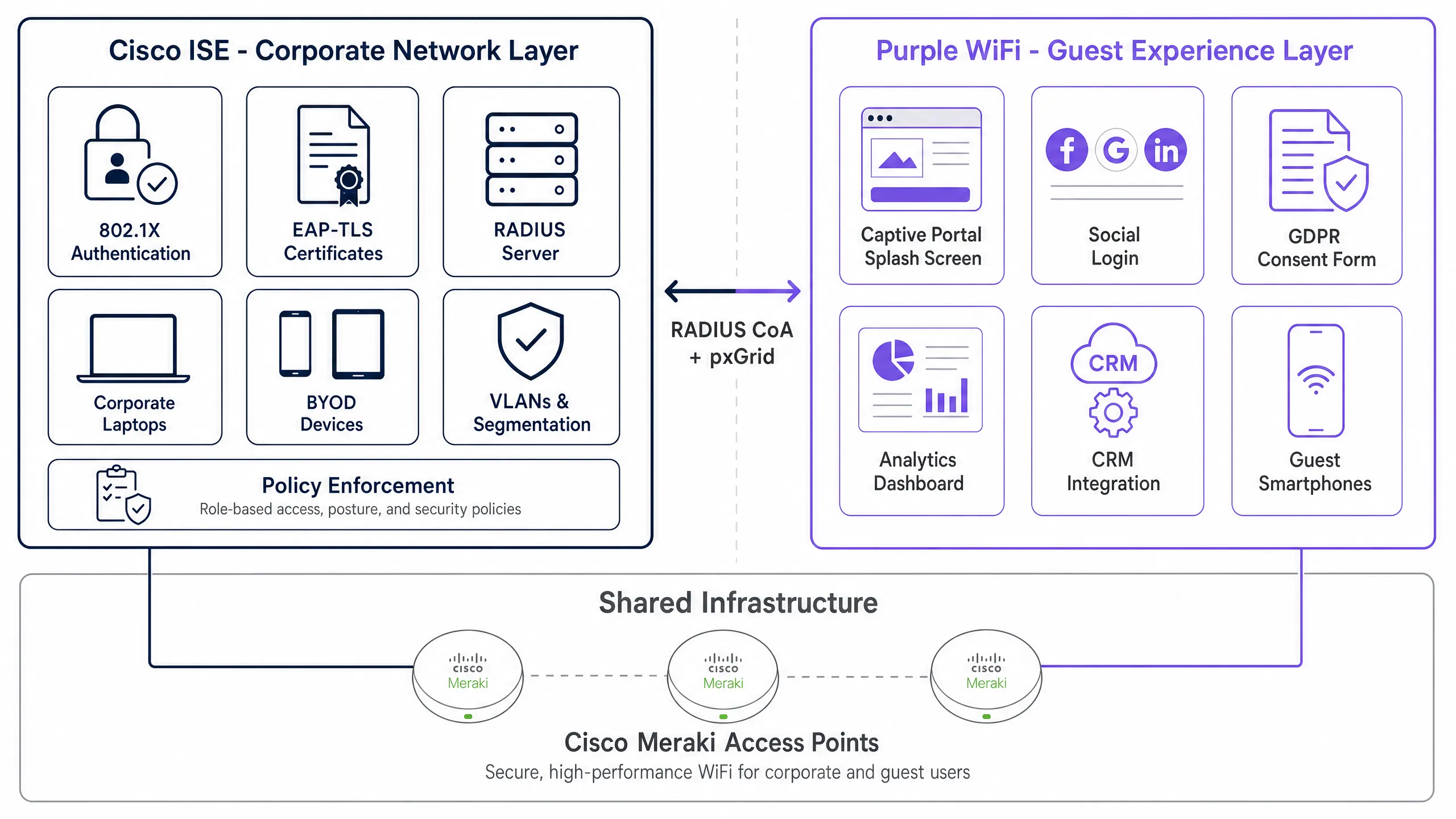
### Architectural Coexistence
When you separate the SSIDs, the architecture becomes remarkably simple. You run two or three SSIDs on the same access points. For a detailed breakdown of this design, read [Three SSIDs to rule them all: guest, Passpoint, and IoT WiFi](/blog/three-ssids-to-rule-them-all).
The corporate SSID uses WPA3-Enterprise with 802.1X, and ISE is the RADIUS server. ISE assigns the device to the correct VLAN and enforces policy. Purple plays no part here.
The guest SSID uses an open network for initial association or WPA3-Personal with a pre-shared key. Traffic is redirected to Purple's cloud portal. Purple manages authentication, consent capture and analytics. The access point enforces a walled garden until Purple signals authorisation, then enables internet access. ISE has no role here.
For venue IoT devices, such as point-of-sale terminals, Purple's SecurePass feature can manage Identity Pre-Shared Keys (iPSK), or ISE can manage corporate IoT.
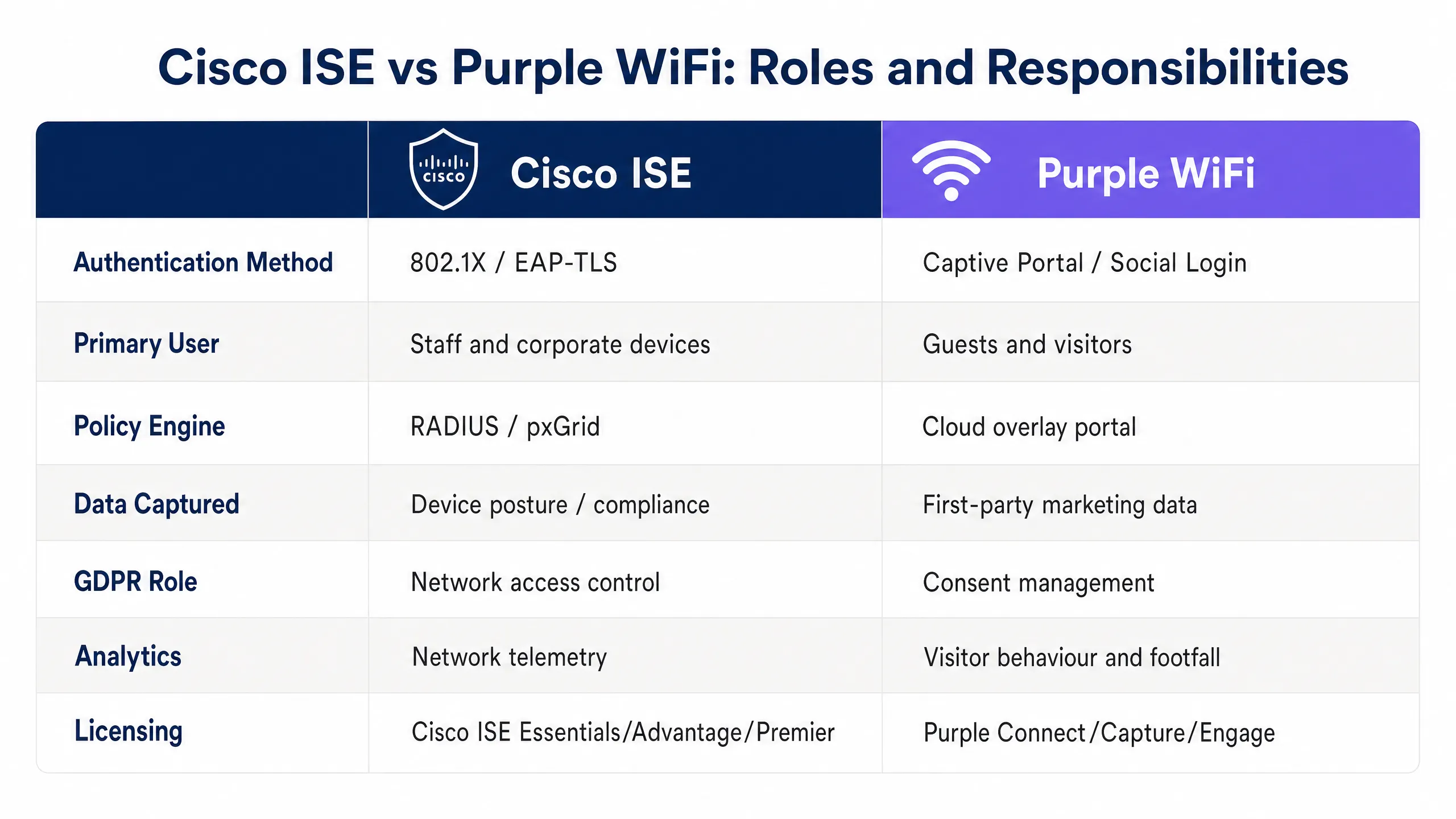
## Implementation Guide
Deploying Purple alongside Cisco ISE requires careful configuration of your wireless LAN controllers or cloud dashboards.
### Step 1: SSID Segmentation
Create separate SSIDs for corporate and guest traffic. Configure the corporate SSID for WPA3-Enterprise and point RADIUS authentication to your Cisco ISE nodes. Configure the guest SSID for open access with MAC filtering or WPA3-Personal.
### Step 2: VLAN Isolation
Ensure guest traffic is isolated from corporate traffic at Layer 2. The guest SSID must be mapped to a dedicated VLAN that bypasses internal routing tables and routes directly to the internet firewall. ISE enforces VLAN assignment for the corporate SSID based on policies.
### Step 3: Walled Garden Configuration
For the guest SSID, configure Captive Portal redirection to point towards Purple's cloud infrastructure. You must configure a walled garden (pre-authorisation ACL) on your access points to allow DNS and HTTP/HTTPS traffic to Purple's required IP ranges and domains. If the walled garden is too restrictive, the Captive Portal will fail to load.
### Step 4: RADIUS Integration for Guest WiFi
Configure your wireless controller to use Purple's RADIUS servers for the guest SSID. This allows Purple to authorise the user and track session duration and bandwidth usage.
## Best Practices
1. **Never mix guest and corporate traffic on the same SSID.** This creates significant security and compliance risks. Always use dedicated SSIDs mapped to isolated VLANs.
2. **Use Purple for commercial guest access.** Do not use ISE's built-in guest portal if you require marketing analytics, CRM integration or branded social login.
3. **Enforce tiered bandwidth.** Offer a free, baseline service on the guest SSID, and offer a premium, paid option for higher speeds using Purple's Connect, Capture or Engage plans.
4. **Leverage Passpoint.** Use Passpoint (Hotspot 2.0) through Purple to allow returning guests to connect automatically and securely without seeing the Captive Portal repeatedly.
## Troubleshooting & Risk Mitigation
* **Captive Portal fails to load:** This is almost always a walled garden issue. Verify that all required Purple domains and IP addresses are allowed in your Cisco hardware's pre-authentication ACL.
* **Guest devices are accessing internal resources:** This indicates a failure in VLAN isolation. Verify that the guest VLAN cannot route to corporate subnets at the firewall or core switch layer.
* **RADIUS Timeouts:** If the wireless controller cannot reach Purple's RADIUS servers, guest authentication will fail. Ensure your firewall permits outbound UDP ports 1812 and 1813 to Purple's infrastructure.
## ROI and Business Impact
The business impact of separating network access control Cisco ISE from guest experience management is highly significant. By offloading guest WiFi responsibilities to Purple, IT teams can reduce the operational burden of managing temporary accounts and troubleshooting portal issues.
More importantly, Purple turns the guest network into a revenue-generating asset. By collecting first-party data and integrating it with CRM platforms, venues can run highly targeted marketing campaigns. For example, Harrods used a simple question on their splash page to drive sign-ups for their loyalty programme, directly contributing to a 3x ROI from that cohort alone. AGS Airports saw an 842% return on investment by implementing tiered bandwidth. Combining Cisco ISE for security and Purple for engagement delivers both peace of mind and measurable commercial value.
---
### EAP-TLS vs EAP-TTLS: Which Certificate-Based WiFi Protocol Should You Choose?
**Source:** https://www.purple.ai/en-gb/guides/eap-tls-vs-eap-ttls
**Summary:** This guide provides a definitive head-to-head comparison of EAP-TLS and EAP-TTLS for enterprise WiFi authentication under IEEE 802.1X. It explains the architectural difference between mutual certificate authentication and server-only certificate tunnelling, and gives IT managers, network architects, and CISOs a clear decision framework based on device management capabilities and compliance requirements. Purple supports both EAP-TLS and EAP-TTLS authentication paths for Staff WiFi, and this guide helps organisations understand the infrastructure trade-offs before committing to either approach.
**Estimated read time:** 9 minutes
**Word count:** 2,002

## Executive Summary
Choosing the right EAP method for your 802.1X deployment determines whether your enterprise WiFi is truly secure or merely compliant on paper. EAP-TLS (Extensible Authentication Protocol - Transport Layer Security), defined in RFC 5216, requires mutual certificate authentication: both the client device and the RADIUS server present valid X.509 certificates before network access is granted. At no point are passwords exchanged. EAP-TTLS (Tunneled Transport Layer Security), defined in RFC 5281, requires only a server-side certificate to establish an encrypted TLS tunnel, inside which the client authenticates using existing directory credentials.
For CTOs and network architects managing infrastructure across retail chains, hospitality venues, and public sector organisations, this decision boils down to one question: do you manage the devices? If you control the device fleet via MDM, EAP-TLS is the definitive choice. If you support a diverse BYOD environment or lack a robust Public Key Infrastructure (PKI), EAP-TTLS provides a pragmatic, highly secure alternative. Purple supports both authentication paths for [Staff WiFi](/guest-wifi) across 80,000+ live venues.
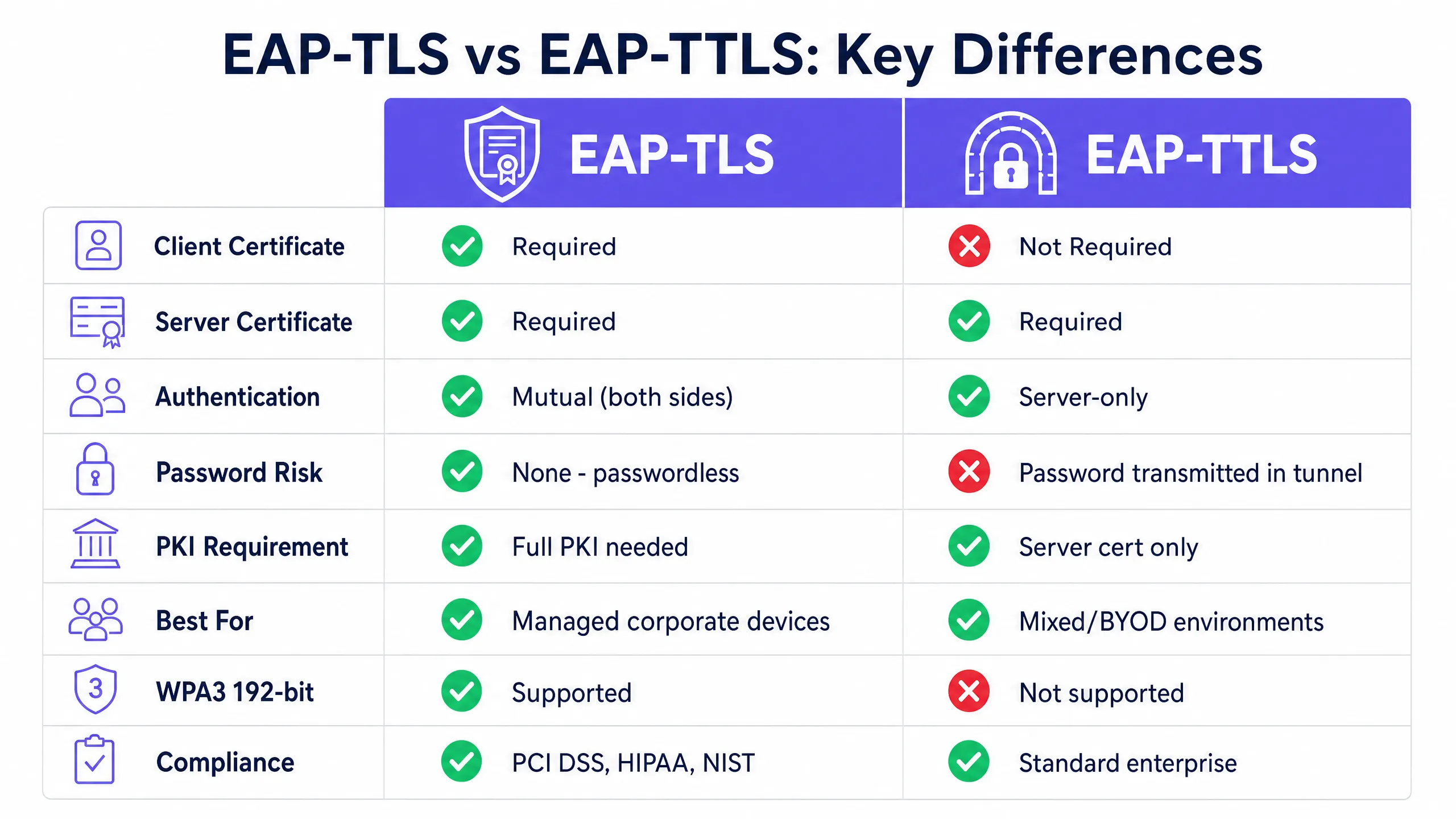
---
## Technical Deep-Dive
### Architecture of EAP-TLS
EAP-TLS operates on a mutual authentication model within the IEEE 802.1X port-based access control framework. Every authentication exchange involves three core components: the **supplicant** (client device), the **authenticator** (wireless access point), and the **authentication server** (RADIUS server). The access point does not make the authentication decision itself. It acts as a transparent relay, encapsulating EAP messages into RADIUS packets and forwarding them to the authentication server.
The EAP-TLS handshake proceeds as follows. The access point sends an EAP-Request/Identity to the connecting device. The device responds with its identity. The RADIUS server initiates the TLS handshake with an EAP-TLS/Start message. The client sends a ClientHello, advertising its supported TLS cipher suites. The RADIUS server responds with a ServerHello, its X.509 server certificate, and a certificate request. The client validates the server certificate against its trusted root CA store. If validation fails, the handshake terminates - providing protection against rogue access points. The client then presents its own X.509 certificate. The RADIUS server validates the client certificate, checking the signature chain up to the trusted root CA, verifying that the certificate has not expired, and checking the certificate revocation list (CRL) or querying OCSP. Only when both parties are satisfied is the TLS tunnel established and network access granted.
Since no passwords are exchanged, EAP-TLS is secure from offline dictionary attacks, credential stuffing, and phishing. It is the only EAP method that meets WPA3-Enterprise 192-bit (Suite B) requirements, and it is mandated or strongly recommended by PCI DSS 4.0 for cardholder data environments and by NIST SP 800-120 for high-security wireless deployments.
**EAP-TLS requires a PKI.** You need at least an offline root CA and an online issuing CA. The root CA must be air-gapped, as its private key is the master trust anchor for your entire certificate hierarchy. The issuing CA handles daily certificate issuance and publishes CRLs. Client certificates are issued to individual devices, not users - this is a device-identity model. This distinction is critical for IoT devices, shared terminals, and headless systems.
### Structure of EAP-TTLS
EAP-TTLS was designed to provide robust 802.1X security without the operational burden of deploying certificates on every client device. It works in two phases. In the first phase, the RADIUS server presents its certificate and establishes a secure TLS tunnel. Only the server requires a certificate. In the second phase, the client is authorised within that encrypted tunnel using an internal authentication method. Common internal methods include PAP (Password Authentication Protocol), CHAP, and MS-CHAPv2. The client sends its username and password, but because this exchange occurs within the TLS tunnel, credentials are encrypted in transit and never exposed over the air.
EAP-TTLS provides excellent cross-platform support across macOS, Linux, Android, and iOS. The caveat is with Windows: the built-in Windows supplicant does not natively support EAP-TTLS for wireless 802.1X out of the box. Environments with a high volume of Windows devices may require a third-party supplicant, which increases operational complexity. For Windows-centric environments, PEAP with MS-CHAPv2 is often the more pragmatic choice.
The biggest limitation of EAP-TTLS is that it does not eliminate the inherent risks of passwords. If a user chooses a weak password, it remains vulnerable to offline brute force attacks. If the inner authentication uses PAP, the password is sent in plaintext within the tunnel - which is acceptable if you trust your RADIUS infrastructure, but remains an essential trust model to understand.
### Side-by-Side Comparison
| Feature | EAP-TLS | EAP-TTLS |
|---|---|---|
| RFC Standard | RFC 5216 | RFC 5281 |
| Client Certificate Required | Yes | No |
| Server Certificate Required | Yes | Yes |
| Authentication Model | Mutual (Both Sides) | Server-Only |
| Password Risk | None - Passwordless | Password in Encrypted Tunnel |
| PKI Requirement | Full PKI (Root CA + Issuing CA + MDM) | Server Certificate Only |
| WPA3-Enterprise 192-bit | Required Method | Not Supported |
| PCI DSS 4.0 Alignment | Strongly Recommended | Acceptable with Strong Inner Authentication |
| BYOD Suitability | Low (Requires Client Cert) | High (Credentials Only) |
| IoT Device Suitability | High (Cert Provisioned on Staging) | Low (No UI for Credential Input) |
| Windows Native Support | Yes | Partial (Often Requires Third-Party Supplicant) |
| macOS/Linux/Android Support | Yes | Yes |
| Deployment Complexity | High | Medium |
---
## Implementation Guide
### Deploying EAP-TLS for Managed Fleets
Deploying EAP-TLS requires a functional PKI and an MDM platform. Manual certificate installation is not viable at enterprise scale. You must integrate your PKI with your MDM using SCEP (Simple Certificate Enrolment Protocol) or EST (Enrolment over Secure Transport). When a corporate device is enrolled, it automatically requests and receives its certificate without user intervention.
For identity management, Purple acts as a free identity provider for services like OpenRoaming under the Connect licence, facilitating secure roaming across different locations using underlying certificate and identity frameworks.
On the RADIUS side, configure your server to validate client certificates against your internal CA and check CRLs or use OCSP for real-time revocation checking. Supported RADIUS platforms include FreeRADIUS, Microsoft NPS, and Cisco ISE. Purple's cloud overlay integrates with Cisco Meraki, HPE Aruba, Ruckus, Juniper Mist, Ubiquiti UniFi, Cambium, Extreme, and Fortinet hardware.
### Deploying EAP-TTLS for Mixed Environments
EAP-TTLS is the optimal choice for environments with unmanaged devices. You only need to deploy a trusted certificate on your RADIUS server. Ensure that your RADIUS server integrates directly with your directory service - Microsoft Entra ID, Okta, or Google Workspace - to validate internal authentication credentials. Configure your MDM-deployed WiFi profiles to enforce server certificate validation against your specific trusted CA. Without this step, the TLS tunnel provides no protection against rogue access points.

---
## Best Practices
### Enforce Server Certificate Validation on Every Client
The most critical configuration step for both EAP-TLS and EAP-TTLS is to enforce server certificate validation on client devices. If a device does not validate the RADIUS server's certificate against a specific trusted CA, it will connect to any server presenting any certificate - including a rogue access point. Always specify the trusted CA and expected server name in your MDM-deployed WiFi profiles. This single configuration check is the most effective security improvement you can implement today.
### Automate Certificate Lifecycle Management
Certificates expire. If you do not have an automated renewal process, you will face mass authentication failures when certificates expire simultaneously. Use SCEP or EST to automate renewals, and configure monitoring alerts well ahead of expiry dates. If a device is lost or an employee leaves, revoke the certificate immediately. Configure your RADIUS server to check CRLs or use OCSP for real-time validation.
### Segment Your Network by Authentication Method
In large or distributed environments, consider running both protocols on separate SSIDs. Corporate managed devices authenticate via EAP-TLS on a dedicated staff WiFi SSID. Contractors and BYOD devices authenticate via EAP-TTLS on a separate SSID with appropriate VLAN segmentation. This pattern is common in hospitality groups like Premier Inn and Whitbread, where staff devices are managed and issued certificates, whilst guest infrastructure uses a separate authentication path. For more details on SSID architecture, see our guide [Three SSIDs to rule them all: the WiFi design for guest, staff and IoT](/blog/three-ssids-to-rule-them-all).
### Synchronise Time Across All Infrastructure
Certificate validation relies on accurate system time. Clock drift on client devices or RADIUS servers generates 'not yet valid' or 'expired' certificate errors that are difficult to diagnose. Ensure all infrastructure components are synchronised with reliable NTP servers.
---
## Troubleshooting and Risk Mitigation
### Unknown CA Errors
If RADIUS logs show 'unknown CA', the client device does not trust the CA that issued the RADIUS server's certificate. Verify that your MDM profile includes the root CA certificate and the supplicant is configured to trust it. Following a CA rotation or certificate renewal, re-push the updated CA bundle to all devices.
### EAP Method Mismatch
If devices connect to the access point but authentication fails, check that the EAP method configured on the client matches the method accepted by the RADIUS server. A device profile set for EAP-TLS will fail on a RADIUS server configured only for PEAP.
### Mass Failures Due to Expired Certificates
If a large number of devices fail to authenticate simultaneously, first check the certificate expiry dates. This is the most common cause of mass 802.1X failures in EAP-TLS deployments. Implement a monitoring system that sends alerts 60 days, 30 days and seven days prior to expiry.
### RADIUS Client Misconfiguration
Each access point or wireless controller must be defined as a RADIUS client with the correct IP address and shared secret. Mismatches cause authentication timeouts that are often incorrectly attributed to the EAP method. Enable detailed RADIUS logging from day one. For further WiFi troubleshooting guidance, see our guide [Troubleshooting Public WiFi: Fixing 'Connected, No Internet' and Splash Page Redirection Failures](/guides/troubleshooting-public-wifi-fixing-connected-no-internet-and-splash-page-redirection-failures).
---
## Compliance and Regulatory Alignment
For CISOs and network architects, understanding the regulatory landscape is essential when deciding between EAP-TLS and EAP-TTLS. The choice of EAP method directly impacts your compliance posture across several key frameworks.
**PCI DSS 4.0** (Payment Card Industry Data Security Standard) requires strong cryptographic authentication for wireless networks in cardholder data environments. Requirement 8.3 mandates multi-factor authentication for all access to the CDE, and in-scope wireless networks must utilise strong authentication mechanisms. EAP-TLS, with certificate-based mutual authentication, definitively meets this requirement. EAP-TTLS with MS-CHAPv2 is acceptable if the inner authentication is properly secured and server certificate validation is enforced, but EAP-TLS is the more robust and auditor-friendly choice.
**HIPAA** (Health Insurance Portability and Accountability Act) requires covered entities to implement technical safeguards that protect electronic protected health information (ePHI) transmitted over electronic communications networks. The HIPAA Security Rule does not mandate specific protocols, but the expectation of encryption and access control for wireless networks carrying ePHI leans heavily in favour of EAP-TLS for managed medical device fleets and EAP-TTLS with enforced server certificate validation for staff devices.
**WPA3-Enterprise 192-bit** (also known as Suite B or CNSA mode) is the highest security level of the Wi-Fi Alliance's WPA3 certification. It mandates EAP-TLS as the only permitted authentication method, requires TLS 1.2 or higher with specific cipher suites (ECDHE with P-384, AES-256-GCM), and requires ECDSA or RSA-3072 certificates. Organisations deploying WPA3-Enterprise 192-bit for government, defence, or critical infrastructure applications must use EAP-TLS.
**ISO/IEC 27001** does not mandate specific protocols, but requires organisations to implement appropriate access controls for network resources. An 802.1X deployment with either EAP-TLS or EAP-TTLS (with enforced server certificate validation) satisfies the network access control requirements of Annex A.9.1 and A.13.1.
---
## ROI and Business Impact
Migrating to EAP-TLS requires an initial investment in PKI and MDM integration, but it eliminates the operational overhead of password resets and the financial risk of network breaches due to compromised credentials. For a retail chain with 400 stores, a single compromised password on a shared PSK network can jeopardise the entire estate. EAP-TLS completely eliminates that attack vector.
For multi-tenant environments and travel hubs, secure authentication ensures that only authorised users access network bandwidth, thereby optimising infrastructure utilisation. Dynamic VLAN assignment via RADIUS certificate attributes enables cryptographically enforced network segmentation, ensuring devices are placed on the correct network segment based on certificate properties rather than relying on SSID selection or MAC address filtering.
Purple's [WiFi Analytics](/guest-wifi-marketing-analytics-platform) platform integrates with both authentication paths, providing visibility into device counts, session durations, and network utilisation across your entire estate. For sector-specific deployment guidance, explore our resources for [Hospitality](/industries/hospitality), [Retail](/industries/retail), [Healthcare](/industries/healthcare), and [Transport](/industries/transport).
---
### What is an 802.1X Supplicant? Client Types and Device Configuration
**Source:** https://www.purple.ai/en-gb/guides/802-1x-supplicant-explained
**Summary:** This guide explains the role of the 802.1X supplicant in enterprise WiFi authentication. It covers the technical architecture, compares native OS supplicants with third-party clients, and provides practical configuration guidance for IT teams deploying EAP-TLS and PEAP.
**Estimated read time:** 5 minutes
**Word count:** 1,077

## Executive Summary
When a device connects to an enterprise network, the 802.1X supplicant is the software component responsible for proving its identity. For IT managers and network architects at large venues, understanding how the supplicant works is vital to securing network access without generating helpdesk tickets. This guide demystifies the device-side agent in IEEE 802.1X authentication, contrasting native OS capabilities with third-party supplicant software. We will examine how to configure supplicants for EAP-TLS and PEAP-MSCHAPv2, explore real-world deployment scenarios across hospitality and retail, and detail how proper supplicant configuration integrates with Identity-Based Networks to optimise access. Whether you manage a 200-room hotel or an active venue with over 80,000 seats, correct supplicant configuration is a cornerstone of building secure, reliable WiFi.
## Deep Tech Dive
The IEEE 802.1X standard defines port-based network access control. It operates on a simple premise: block all traffic at the network edge until a device proves its identity. The supplicant is the client-side participant in this process.
### The Three Components of 802.1X
Authentication requires three distinct entities:
1. **Supplicant**: The client device (laptop, smartphone, or tablet) requesting network access.
2. **Authenticator**: The network access device, such as a Cisco Meraki, HPE Aruba, Ruckus, or Juniper Mist access point.
3. **Authentication Server**: The RADIUS server that validates credentials against an identity provider like Microsoft Entra ID or Okta.
Prior to authentication, the authenticator's port is in an unauthorised state, permitting only Extensible Authentication Protocol over LAN (EAPOL) traffic. The supplicant initiates the process with an EAPOL-Start frame. The authenticator requests identity, and the supplicant responds. This identity is forwarded to the RADIUS server, which determines the EAP method to be used. Upon successful validation, the RADIUS server sends an Access-Accept message, the port transitions to an authorised state, and the device is typically assigned to a specific VLAN.
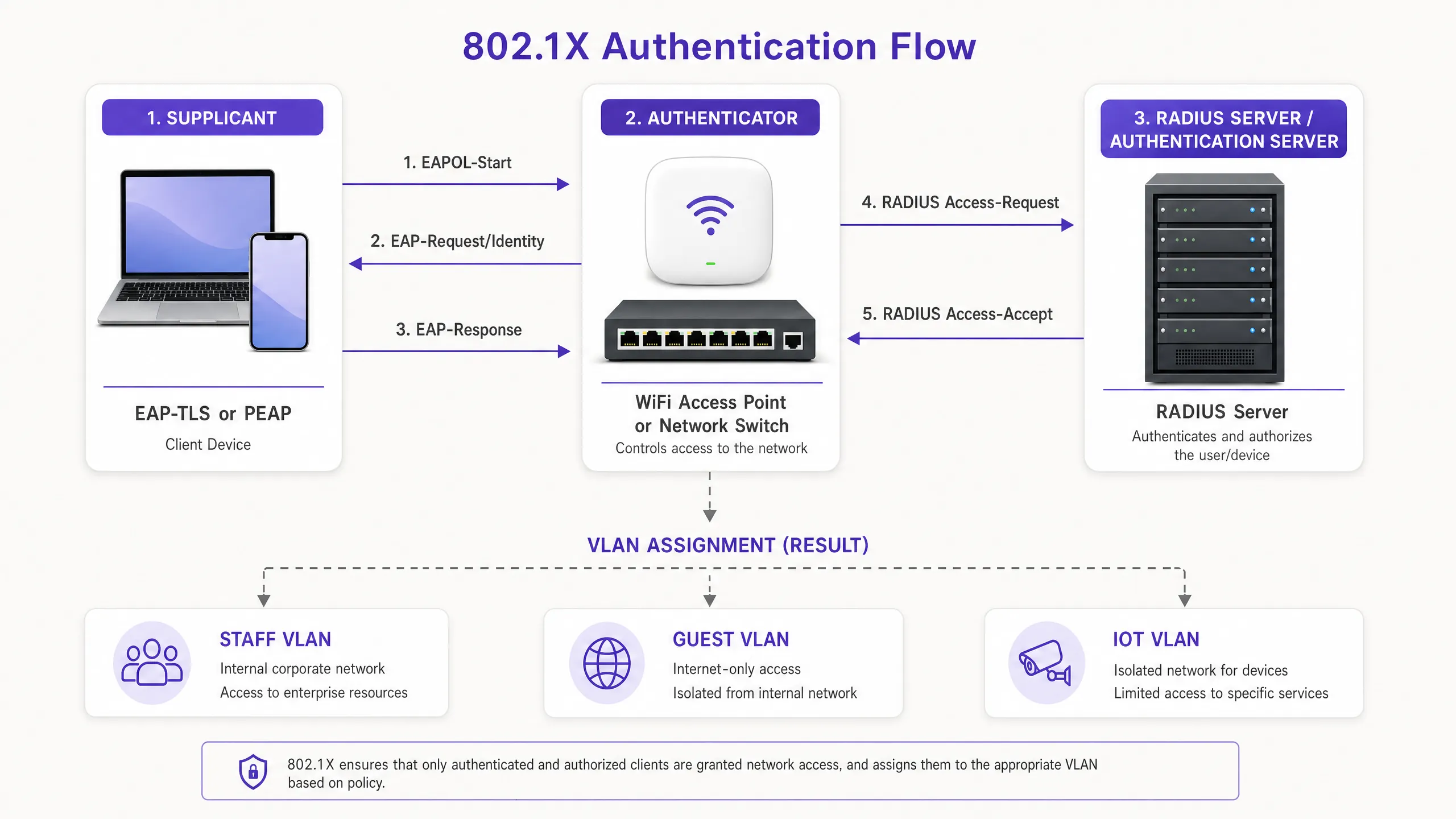
### EAP Methods: The Language of the Supplicant
The supplicant and the RADIUS server must agree on an Extensible Authentication Protocol (EAP) method. The choice of EAP method dictates the security posture and the configuration burden on the supplicant.
**EAP-TLS (Transport Layer Security)**
EAP-TLS requires certificate-based mutual authentication. The supplicant provides a client certificate to prove its identity, and the RADIUS server provides a server certificate to prove the legitimacy of the network. This passwordless method eliminates credential theft and is required by strict security frameworks such as NIST SP 800-171. The supplicant must be configured to trust the issuing Certificate Authority (CA) and possess a valid client certificate.
**PEAP (Protected EAP)**
In scenarios where a full Public Key Infrastructure (PKI) is not feasible, PEAP is widely used. It encapsulates an inner authentication method (typically MSCHAPv2) within a secure TLS tunnel. The RADIUS server provides a certificate, but the supplicant only needs to provide a username and password. While PEAP is easier to deploy, it is highly vulnerable to credential harvesting if the supplicant is not strictly configured to validate the server certificate.
## Implementation Guide
When deploying 802.1X, IT teams must decide between using the native supplicant built into the operating system or deploying third-party supplicant software.
### Native OS Supplicants
Every modern operating system includes a native 802.1X supplicant. Windows utilises the Wired AutoConfig and WLAN AutoConfig services. Apple devices utilise Network Profiles. Android integrates this within its WiFi settings.
Native supplicants are ideal for managed fleets. Using Mobile Device Management (MDM) platforms like Microsoft Intune or Jamf, IT admins can silently push configuration profiles that define the SSID, EAP method, trusted root CAs, and certificate enrolment processes via SCEP. The user experience is seamless; the device authenticates in the background.
### Third-Party Supplicant Software
Third-party supplicants, such as Cisco AnyConnect Network Access Manager or SecureW2 JoinNow, are necessary in specific scenarios:
- **Proprietary Protocols**: Using Cisco EAP-FAST requires a Cisco supplicant.
- **BYOD Onboarding**: Third-party tools often act as onboarding wizards, guiding users to install certificates on unmanaged devices where native configuration is complex (particularly in fragmented Android environments).
- **Strict Configuration Control**: Third-party supplicants can lock down settings, preventing users from disabling server certificate validation.
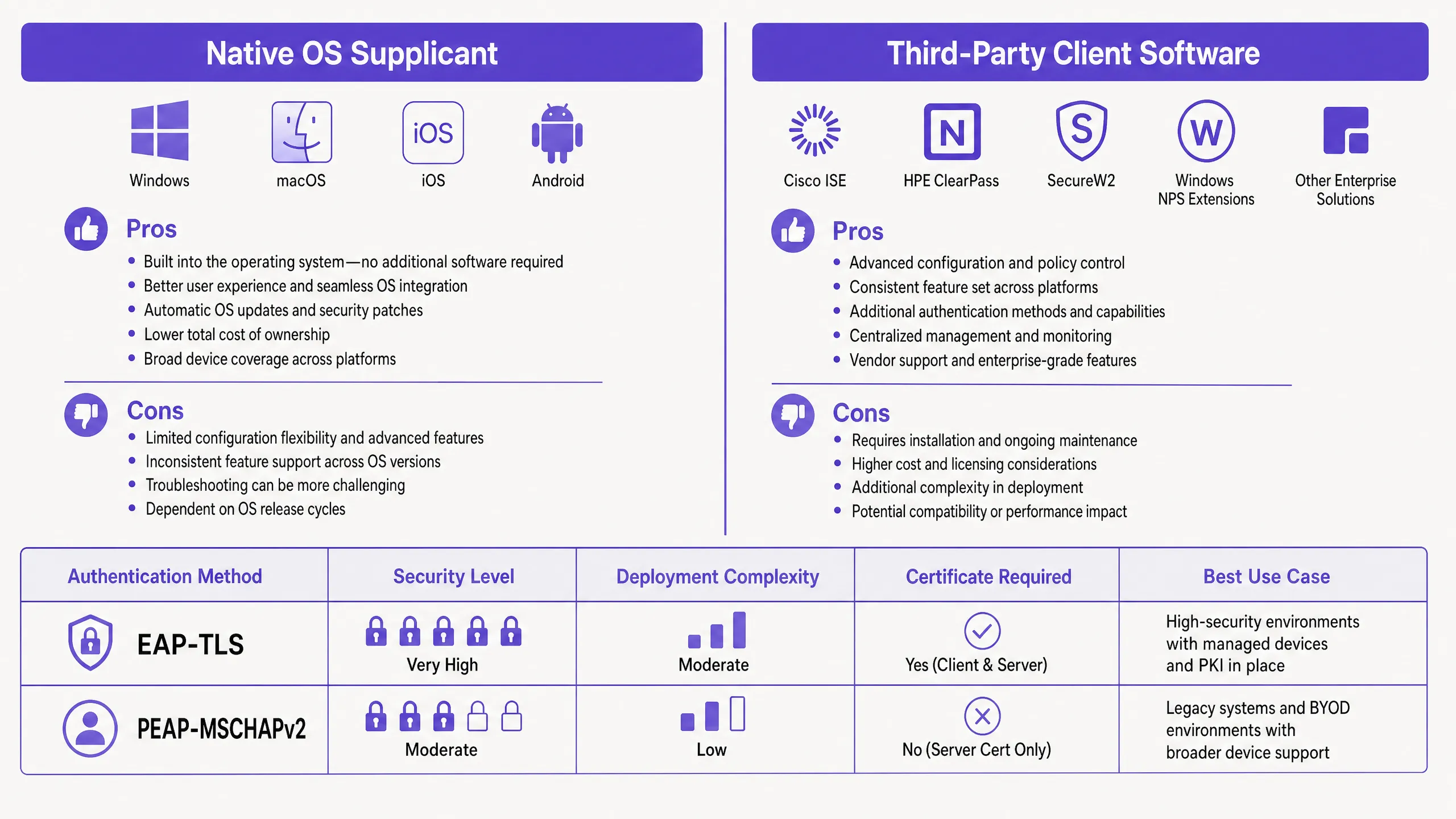
### Configuring Server Certificate Validation
Regardless of the chosen supplicant, configuring server certificate validation is critical, especially for PEAP. If the supplicant does not validate the RADIUS server's certificate, it will blindly send credentials to a rogue access point mimicking your SSID.
In Windows, this means ticking "Verify the server's identity by validating the certificate" in PEAP properties, selecting the Trusted Root Certification Authority (Root CA), and specifying the exact server names the client should expect. On Apple devices, the configuration profile must explicitly list the trusted certificates.
## Best Practices
1. **Enforce Server Validation**: When deploying PEAP, never do so without configuring supplicants to validate the RADIUS server certificate. This is the primary line of defence against "evil twin" attacks.
2. **Automate Certificate Lifecycle**: When using EAP-TLS, automate client certificate enrolment and renewal through MDM using SCEP or NDES. Manual certificate management does not scale and leads to sudden authentication failures.
3. **Segregate by Identity**: Use RADIUS attributes to assign VLANs based on the validated identity. Employee devices and POS terminals should authenticate to the same SSID but land on entirely different VLANs.
4. **Plan for IoT**: Most IoT devices lack 802.1X supplicants. For these devices, use MAC Address Bypass (MAB), but ensure they are strictly isolated on a dedicated IoT VLAN.
## Troubleshooting and Risk Mitigation
When a device fails to connect, the issue is almost always within the client configuration or the certificate chain.
- **"Connected, No Internet"**: This usually points to a VLAN assignment failure or post-authentication DHCP issues. Check RADIUS logs to verify that the Access-Accept message contains the correct Tunnel-Private-Group-Id.
- **Silent Failures on Windows 11**: Recent Windows 11 feature updates (such as 24H2) have changed how the native supplicant handles EAP-TLS fallback. Always test profiles against new OS builds before widespread deployment.
- **Certificate Expiry**: If a batch of devices suddenly drops offline, check the validity period of the client certificates. Ensure your MDM successfully renews them before they expire.
## ROI and Business Impact
Migrating to 802.1X with correctly configured supplicants delivers measurable business value. By eliminating shared passwords (Pre-Shared Keys/PSK), you completely remove the operational overhead of rotating passwords when employees leave. Moving to EAP-TLS can entirely eliminate password-reset tickets, freeing up significant productivity hours for the service desk.
Furthermore, 802.1X enables identity-based network isolation on a single SSID. Instead of broadcasting separate networks for [Guest WiFi](/guest-wifi), staff, and operations, a single SSID can securely route traffic based on client credentials. This reduces channel interference and improves overall network performance, directly supporting Purple's cloud overlay approach to hardware-agnostic network management. For deeper analytical insights, explore our [WiFi Analytics](/guest-wifi-marketing-analytics-platform) feature.
---
### Managing Digital Certificates for EAP-TLS WiFi Authentication
**Source:** https://www.purple.ai/en-gb/guides/managing-certificates-eap-tls
**Summary:** This technical reference guide details the lifecycle management of digital certificates for EAP-TLS WiFi authentication. It provides actionable strategies for deploying, renewing, and revoking certificates at scale across enterprise networks using SCEP and MDM integrations.
**Estimated read time:** 4 minutes
**Word count:** 857
## Executive Summary
Managing digital certificates for EAP-TLS WiFi authentication represents a major operational challenge for enterprise IT teams. As organisations phase out credential-based authentication to align with Zero Trust compliance, the operational burden shifts from password resets to certificate lifecycle management. This guide details the architectural patterns required to deploy, renew, and revoke client-side certificates at scale across complex estate environments.
For CTOs and network architects, the objective is clear: implement a robust Public Key Infrastructure (PKI) that integrates seamlessly with existing Mobile Device Management (MDM) platforms. By automating certificate issuance via Simple Certificate Enrolment Protocol (SCEP) and executing real-time revocation, manual intervention is eliminated. This approach secures the network perimeter, satisfies compliance frameworks including PCI DSS 4.0, and ensures continuous connectivity for over 80,000 physical venues running corporate hardware.
## Technical Deep Dive
EAP-TLS (Extensible Authentication Protocol-Transport Layer Security) represents the gold standard for 802.1X network access control. It enforces mutual authentication. The RADIUS server presents its certificate to prove its identity to the client, while the client presents its certificate to prove its identity to the network.
### Three-Tier PKI Architecture
A flat PKI hierarchy introduces unacceptable risk. The recommended pattern is a three-tier architecture:
1. **Root Certificate Authority (Root CA)**: The ultimate trust anchor. This server remains offline and air-gapped from the network. Its sole function is to sign intermediate CA certificates.
2. **Intermediate CA (Issuing CA)**: This server remains online and handles daily client and server certificate signing. If compromised, it can be revoked by the Root CA without needing to rebuild the entire trust infrastructure.
3. **End-Entity Certificates**: These are the actual certificates deployed to RADIUS servers and client devices.
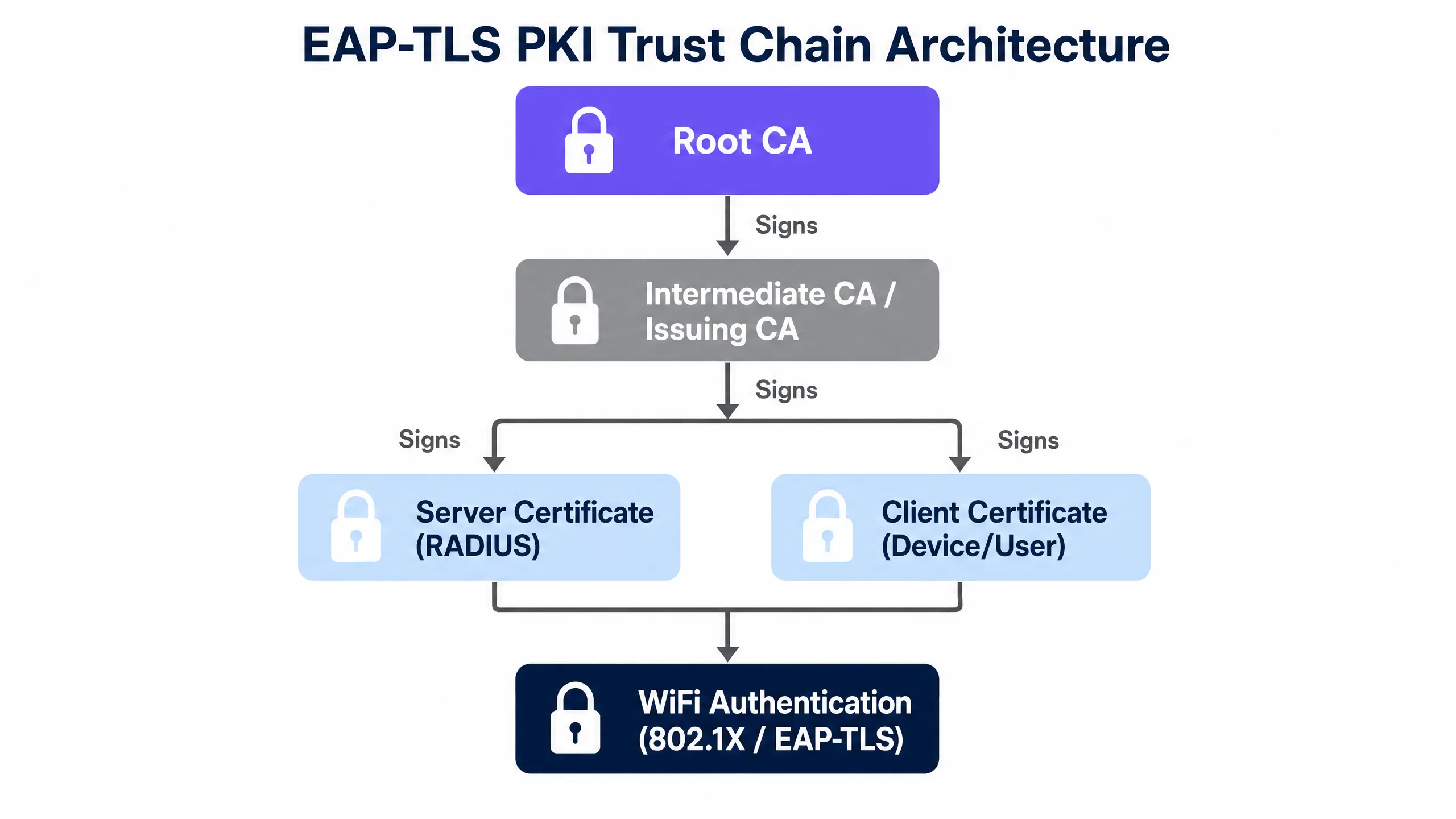
### Certificate Lifespans and Cryptographic Standards
The industry is mandating shorter certificate lifespans to limit the exposure window if a key is compromised. While public TLS certificates are capped at 398 days, internal client certificates used for WiFi authentication typically use a 365-day validity period.
Cryptographic requirements mandate a minimum of RSA 2048-bit keys or Elliptic Curve Cryptography (ECC) using the P-256 curve. WPA3-Enterprise 192-bit mode requires specific cipher suites, and EAP-TLS is the only authentication method that fully satisfies these requirements.
## Implementation Guide
Deploying EAP-TLS across distributed venues requires tight integration between your identity provider, MDM platform, and network hardware. Purple's cloud overlay integrates with Cisco Meraki, HPE Aruba, Ruckus, Juniper Mist, Ubiquiti UniFi, Cambium, Extreme, and Fortinet.
### Step 1: Establish the Trust Chain
Before any device can authenticate, it must trust the RADIUS server. Deploy the Root CA certificate to all managed devices via your MDM. For unmanaged devices, you must provide a bootstrapping onboarding portal to install the trust profile.
### Step 2: Automate Issuance via SCEP
Generating certificates manually is non-viable. Implement SCEP to automate this workflow:
1. The MDM (e.g., Microsoft Intune) pushes a SCEP payload to the device.
2. The device generates a private key locally.
3. The device submits a Certificate Signing Request (CSR) to the SCEP server.
4. The CA issues the certificate, and the device installs it in its hardware-backed keystore.
### Step 3: Configure RADIUS Policies
Configure your RADIUS server to require EAP-TLS. Ensure the server validates the Subject Alternative Name (SAN) in the client certificate against your identity directory (Microsoft Entra ID, Okta, or Google Workspace) to confirm the user account is still active.

## Best Practices
- **Automate Renewal Early**: Configure MDM profiles to trigger certificate renewal at least 30 days before expiry. This prevents sudden authentication failures across entire venues.
- **Enforce Hardware Keystores**: Require that private keys are generated and stored within the device's Trusted Platform Module (TPM) or Secure Enclave. Keys must be configured as non-exportable.
- **Implement Real-Time Revocation**: Relying on static Certificate Revocation Lists (CRLs) introduces latency. Implement Online Certificate Status Protocol (OCSP) so the RADIUS server can verify certificate status in real time during authentication.
## Troubleshooting & Risk Mitigation
The most common failure modes in EAP-TLS deployments relate to trust and time.
### Trust Anchor Failures
If a client device rejects the RADIUS server certificate, authentication will fail silently. This happens when the Root CA certificate is missing from the device's trust store. Verify MDM deployment logs to ensure the trust profile is applied before the WiFi profile. For further diagnostics on connectivity issues, see [Troubleshooting Public WiFi: Fixing 'Connected, No Internet' and Splash Page Redirection Failures](/guides/troubleshooting-public-wifi-fixing-connected-no-internet-and-splash-page-redirection-failures).
### Expiry Cliffs
Issuing thousands of certificates simultaneously creates a renewal spike cliff-edge. If the SCEP server experiences downtime during this window, devices will be disconnected from the network. Stagger initial deployments to spread the renewal load.
### OCSP Timeouts
If the RADIUS server cannot reach the OCSP responder, it must decide whether to fail open or fail closed. For enterprise networks, failing closed is standard practice. Ensure your OCSP infrastructure is highly available and geographically distributed.
## ROI & Business Impact
Transitioning to EAP-TLS requires upfront engineering effort, but the operational return is significant. An organisation with 5,000 users typically spends 40 hours per month resolving password resets and RADIUS lockouts caused by PEAP password rotations.
By automating certificate lifecycles, you can eliminate these support tickets. Additionally, you satisfy the strict access control requirements of ISO 27001 and PCI DSS, reducing audit overheads. When integrated with [Guest WiFi](/guest-wifi) and [WiFi Analytics](/guest-wifi-marketing-analytics-platform), Purple provides a unified view of network access for all user types, simplifying compliance reporting across distributed locations.
---
### Troubleshooting Public WiFi: Fixing 'Connected, No Internet' and Splash Page Redirection Failures
**Source:** https://www.purple.ai/en-gb/guides/troubleshooting-public-wifi-fixing-connected-no-internet-and-splash-page-redirection-failures
**Summary:** This authoritative technical reference guide explains the underlying mechanics of captive portal detection and details the six primary failure modes that prevent guest WiFi from connecting. It provides IT managers and network architects with a practical troubleshooting framework to resolve HTTP redirect issues, DNS conflicts, and MAC randomisation challenges.
**Estimated read time:** 6 minutes
**Word count:** 1,288
## Executive Summary

A guest connects to your WiFi, but the login page fails to load. They see a 'Connected, No Internet' warning and give up. For Venue Operations Directors and IT Managers, this failure represents a direct degradation of the guest experience, an increase in support tickets, and a missed opportunity to collect first-party data, which justifies investment in wireless infrastructure.
This guide explains exactly how Captive Portal detection works at the operating system level and identifies the six root causes responsible for most connection failures. It provides a practical, vendor-neutral troubleshooting framework for resolving DHCP exhaustion, DNS interception failures, incomplete walled gardens, blocked HSTS redirects, active VPN conflicts, and MAC address randomisation issues.
## Technical Deep-Dive: How Captive Portal Detection Actually Works
To troubleshoot a captive portal, you must first understand what a captive portal actually does at the network level. It is not simply a login page; it is a network-level traffic interception mechanism.
When a guest device joins a guest SSID, it receives an IP address via DHCP. The operating system does not wait for the user to open a browser. Instead, a background system service immediately sends an unencrypted HTTP GET request to a vendor-controlled probe URL. Apple devices query `captive.apple.com`. Android devices query `connectivitycheck.gstatic.com`. Windows devices query `msftconnecttest.com`. Firefox queries `detectportal.firefox.com`.
If the network has open internet access, these probes return their expected HTTP 200 OK response and the operating system decides that the connection is active. However, on a guest network, the wireless gateway or controller intercepts this HTTP probe before it can reach the internet. Instead of the expected response, the gateway returns an HTTP 307 Temporary Redirect pointing to the captive portal's splash page. The operating system detects this unexpected redirect, understands that it is behind a captive portal, and opens a sandboxed browser window (Captive Network Assistant) to display the login page.
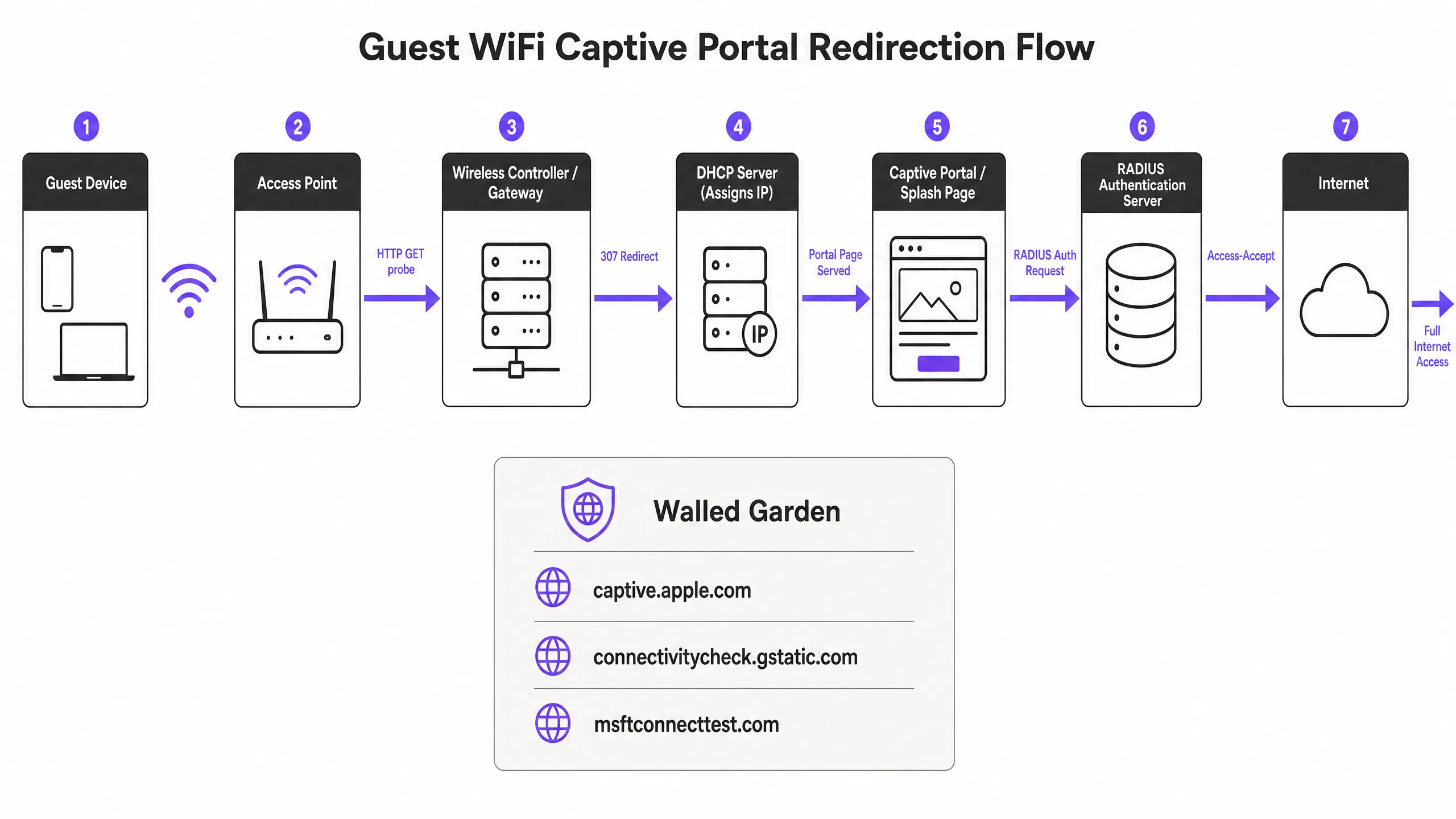
## Troubleshooting & Risk Mitigation: The 6 Root Causes of Failure
When a captive portal fails to load, the issue is almost always caused by one of six specific failure modes.
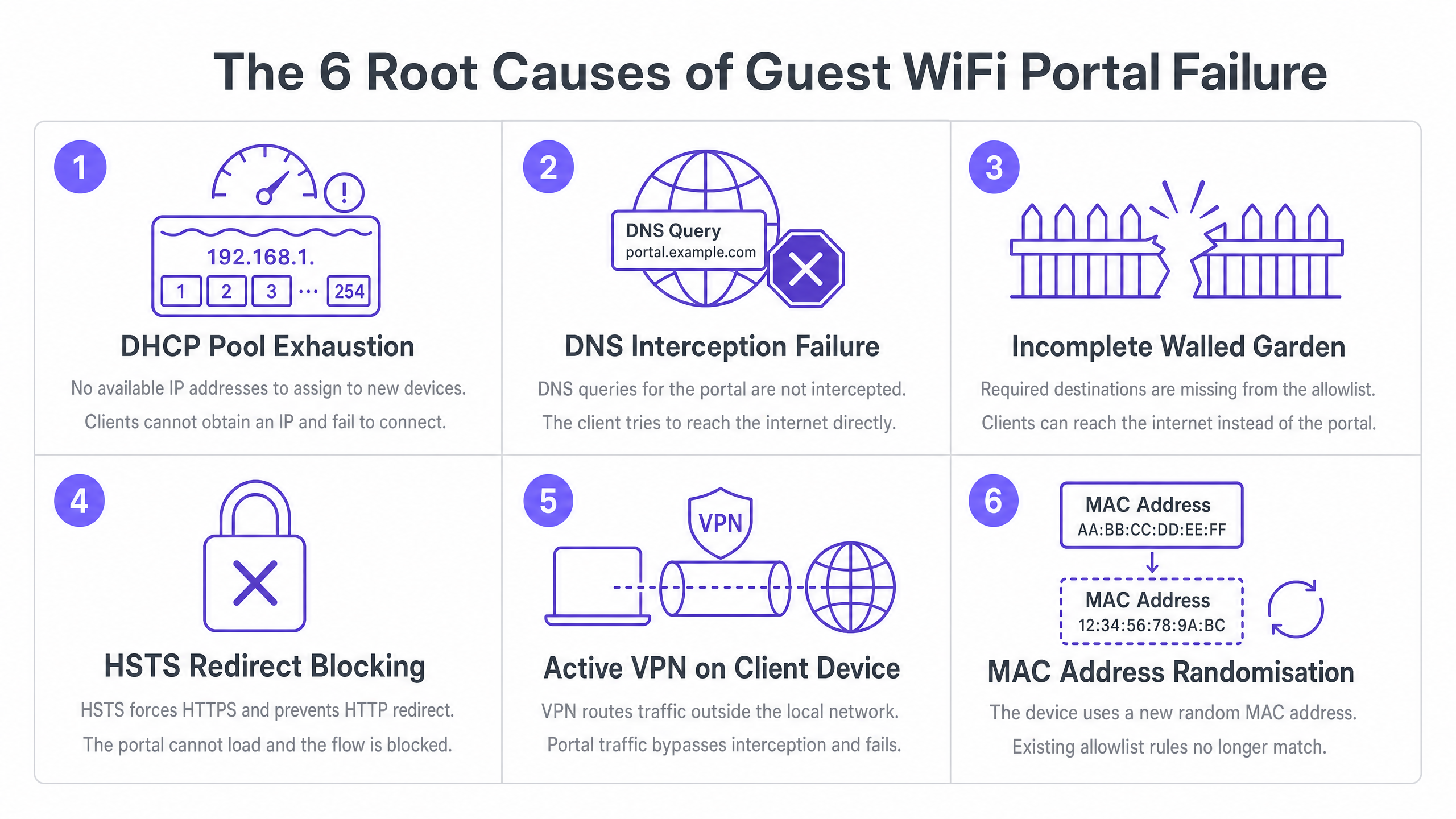
### 1. DHCP Pool Exhaustion
This is a silent killer at high-density events. If you are running a conference with 2,000 attendees and using a standard /24 subnet, you only have 254 usable IP addresses. If your DHCP lease time is set to the default 24 hours, your pool will be exhausted within minutes of the doors opening. Every connection attempt after that will fail before the Captive Portal sequence even begins.
**Solution:** Set guest DHCP lease times to between 15 and 30 minutes for high-turnover environments. Size your subnets according to peak concurrent users, not just average attendance. A /22 subnet provides 1,022 usable addresses, which is the minimum recommended size for enterprise venues.
### 2. DNS Interception Failure
Captive Portal redirection relies on the gateway intercepting an HTTP probe. However, that probe first requires a DNS lookup. If your DNS configuration does not allow pre-authenticated clients to resolve external domain names, the probe will never fire.
**Solution:** Ensure your firewall policies explicitly allow DNS queries (port 53) from unauthenticated clients. Run a packet capture on a test device to verify that your DNS interception is functioning.
### 3. Incomplete Walled Garden
The walled garden (pre-authentication access control list) defines which external domains unauthenticated guests can reach. If your portal splash page loads assets from a CDN that is not included in the walled garden, the page will render as a blank screen. If you offer social logins via Google, Apple, or Microsoft Entra ID, every single OAuth domain used by those providers must be whitelisted. Social identity providers regularly update their CDN IP ranges and authentication domains; a walled garden that worked perfectly six months ago can break overnight.
**Solution:** Schedule quarterly walled garden audits. Where your hardware supports it, use wildcard domain snooping, which is natively available on Cisco Meraki, HPE Aruba, Ruckus, and Juniper Mist. Purple automatically maintains and updates these walled garden entries as part of our cloud-managed service.
### 4. HSTS Redirect Blocking
HTTP Strict Transport Security (HSTS) is a browser security policy that forces connections to specific domains only via HTTPS. If a guest device attempts to communicate with an HSTS-preloaded domain, and your gateway tries to intercept that HTTPS request to redirect to the portal, the browser detects a certificate mismatch. This displays an unavoidable security warning and completely blocks the redirect.
**Solution:** Never attempt HTTPS interception for the initial redirect. Ensure your gateway only redirects unencrypted HTTP canary probes. The long-term standards-based solution is RFC 8910, which defines DHCP Option 114. This option allows your DHCP server to advertise the Captive Portal URL directly to the client device, completely bypassing the need for HTTP redirection. iOS 14 and Android 11 and above support this natively.
### 5. Active VPN on the Client Device
A VPN encrypts all traffic from the device and routes it through an external tunnel before it reaches your gateway. Your gateway never sees the HTTP probe, so the Captive Portal detection sequence is never triggered. Guests see neither a login page nor the internet.
**Solution:** The guest must disable the VPN, connect to the portal, and then re-enable the VPN. For front-of-house staff, asking if the guest is using a VPN should be the first troubleshooting step.
### 6. Session Persistence Interrupted by MAC Address Randomisation
Modern iOS and Android devices use randomised MAC addresses by default as a privacy feature. Each time a device connects to a network, it may present a different MAC address. Since the Captive Portal session state is tracked by the MAC address, a guest authenticated an hour ago may be presented with the login page again after their device's MAC changes.
**Solution:** The solution for guests is to disable Private Address for your specific SSID in their network settings. The operator-side solution is to implement profile-based authentication, such as Passpoint and OpenRoaming via 802.1X, which authenticates at Layer 2 using credentials rather than MAC addresses, making randomisation irrelevant.
## Implementation Guide: Building a Resilient Architecture
Deploying a well-configured Captive Portal requires active architectural decisions.
1. **Verify your walled garden before every major event.** The minimum required entries are: your portal's FQDN and all associated CDN domains, the Captive Portal detection URLs for Apple, Google, Windows, and Firefox, and the OAuth domains for every social login provider you support.
2. **Use a publicly trusted TLS certificate.** Self-signed certificates will trigger browser warnings on every device. Renew certificates before they expire; an expired certificate is one of the most common causes of sudden, venue-wide portal failures.
3. **Test from a fresh, unauthenticated state.** Testing the portal from a previously authenticated device will bypass the portal entirely because the session is still active. Always test from a new device, or from a device where you have forgotten the network and deleted the WiFi profile.
4. **Adjust idle timeouts.** Many controllers default to a 5-minute idle timeout, which is highly aggressive for mobile devices that go into sleep mode between interactions. Set the idle timeout to at least 30 minutes for hospitality and retail environments.
## ROI and Business Impact
Captive Portals are a mature technology, but they have some inherent complexities. The strategic goal is to move towards seamless and secure authentication.
OpenRoaming, built on Passpoint and 802.1X, helps returning guests connect automatically and securely without seeing any login page. Under our Connect plan, Purple acts as a free identity provider for OpenRoaming. Venues like Premier Inn and Manchester Airports Group are already using it to eliminate the hassle of re-authentication for repeat visitors, while maintaining full GDPR compliance and first-party data collection. By reducing connection failures, you can directly increase the volume of first-party data collected, boosting customer loyalty and personalised engagement.
## Technical Briefing Podcast
Listen to a detailed breakdown of these troubleshooting steps from our Senior Solutions Architect in our 10-minute technical briefing.
---
### Captive Portal Architecture: Security, Redirection, and Best Practices
**Source:** https://www.purple.ai/en-gb/guides/captive-portal-architecture-security-redirection-and-best-practices
**Summary:** A definitive technical reference on enterprise captive portal architecture. This guide unpacks network isolation, DNS redirection, RADIUS authentication, and security compliance for IT leaders deploying secure, data-rich guest WiFi networks.
**Estimated read time:** 5 minutes
**Word count:** 1,195

## Executive summary
For enterprise venues, guest WiFi is critical infrastructure that demands strict architectural discipline. Bridging the gap between open public access and secure corporate networking requires precise configuration of VLAN isolation, DNS interception, and identity management. This guide dissects the mechanics of enterprise captive portal architecture, stripping away the marketing jargon to explain exactly how it works at the packet level. We cover the core technical components: VLAN segmentation, DHCP pool management, HTTP redirection, RADIUS authentication, and bandwidth shaping.
Whether you are deploying a new network for a [Hospitality](/industries/hospitality) chain or upgrading legacy infrastructure in [Healthcare](/industries/healthcare), understanding these mechanics is essential for mitigating risk, ensuring PCI DSS and GDPR compliance, and capturing actionable first-party data via our [WiFi Analytics](/guest-wifi-marketing-analytics-platform) platform.
Listen to the technical briefing podcast:
## Technical deep-dive: how captive portals work
At a fundamental level, an enterprise guest WiFi network operates by deceiving the client device just enough to intercept its traffic, force authentication, and then route it securely to the internet without ever touching the corporate LAN.
### 1. Logical isolation via VLANs
The foundation of any secure [Guest WiFi](/guest-wifi) network is logical separation. When a venue user connects to the guest SSID, the access point tags their traffic with a specific Virtual Local Area Network (VLAN) ID (e.g., VLAN 20), while corporate traffic operates on a separate VLAN (e.g., VLAN 10).
This tagging ensures that at the switch and firewall level, guest traffic is physically incapable of routing to internal subnets containing point-of-sale systems or patient records. The firewall is configured with explicit deny rules for inter-VLAN routing, forcing guest traffic directly out the WAN interface.
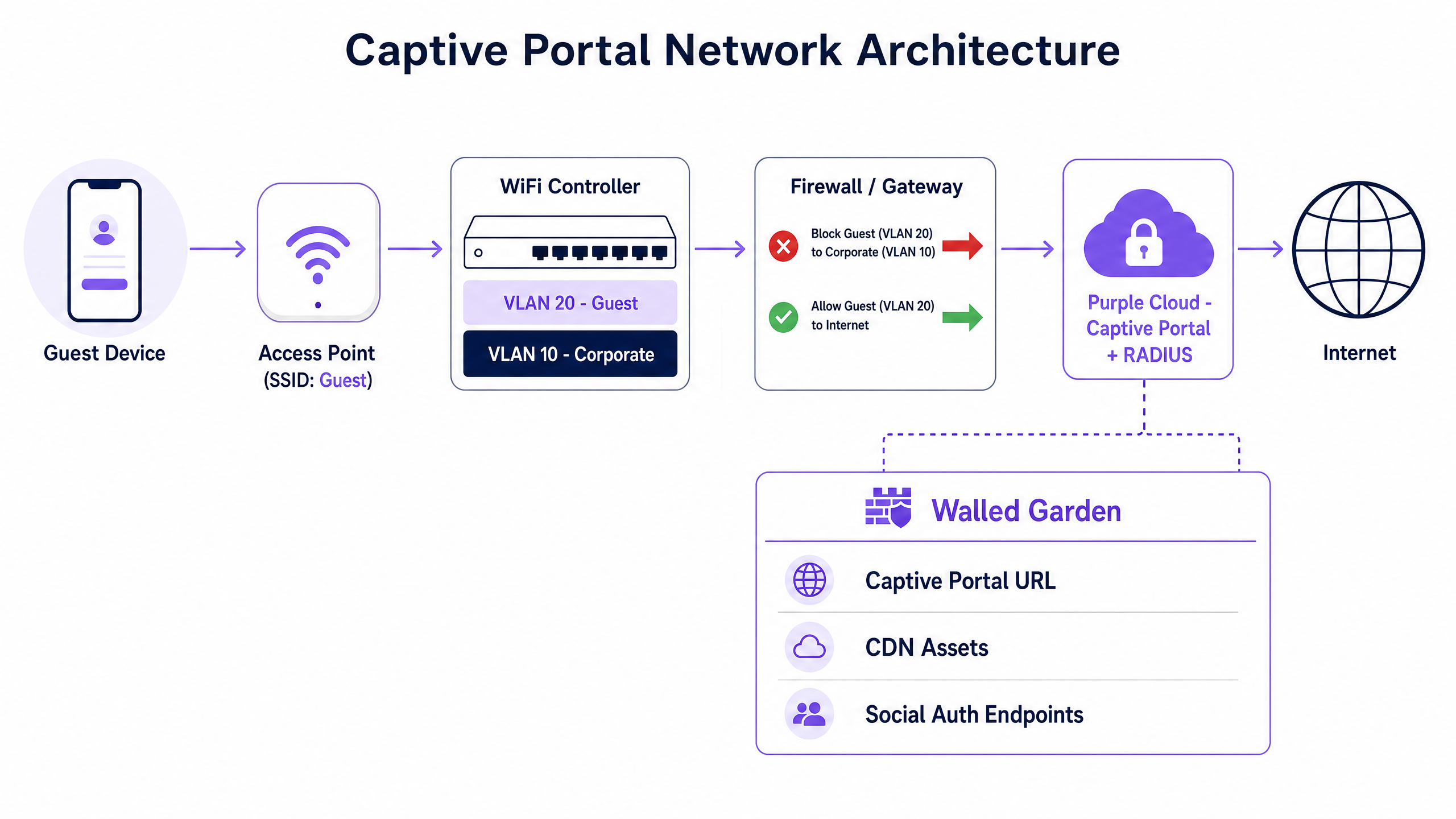
### 2. DHCP and the IP address pool
Upon connection, the client device broadcasts a DHCP Discover packet. The network responds by assigning an IP address from a dedicated guest subnet. A critical technical distinction here is the lease time. While corporate devices might retain an IP for eight days, guest networks must use aggressive lease times (30 to 60 minutes) to prevent IP pool exhaustion in high-turnover environments like [Transport](/industries/transport) hubs.
### 3. DNS interception and the captive portal
This is where the user experience begins. When the newly connected device attempts to reach a website (or when the OS performs its captive portal detection check, like Apple's `captive.apple.com`), the network intercepts the DNS request.
Instead of resolving the actual IP address of the requested site, the gateway returns the IP address of the captive portal. The client's browser is then HTTP-redirected to the splash page hosted by Purple.
### 4. Authentication and RADIUS
Once the user interacts with the captive portal - whether by accepting terms and conditions, entering an email, or using a social login - the platform must inform the local network controller to allow the traffic.
This is handled via the RADIUS (Remote Authentication Dial-In User Service) protocol. Purple acts as the cloud RADIUS server, sending an Access-Accept message back to the local WiFi controller or gateway. The controller then changes the user's state from 'unauthorised' (walled garden access only) to 'authorised', opening the firewall ports for standard internet access.
## Implementation guide: building for scale
Deploying guest WiFi requires balancing user friction with security and data capture requirements. Our cloud overlay integrates natively with Cisco Meraki, HPE Aruba, Ruckus, Juniper Mist, Ubiquiti UniFi, Cambium, Extreme, and Fortinet hardware.
### Step 1: Architect the network topology
Ensure your core switches and firewalls support 802.1Q VLAN tagging. Configure your guest VLAN to terminate at a DMZ interface on the firewall, completely bypassing internal routing tables.
### Step 2: Configure the walled garden
A walled garden is a list of IP addresses and domains that unauthenticated users are allowed to access. This must include the URLs required to load the captive portal, CDN assets for logos, and the authentication endpoints for social logins (e.g., Microsoft Entra ID, Okta, Google Workspace). If the walled garden is misconfigured, the splash page will fail to load, resulting in a dead end for the user.
### Step 3: Implement client isolation
Enable client isolation on your access points. This prevents connected guest devices from communicating directly with one another over the wireless medium, effectively mitigating peer-to-peer attacks and malware propagation within the guest subnet.
### Step 4: Integrate identity management
Move away from shared PSKs. Implement a managed captive portal that captures first-party data through conscious-choice opt-ins. For seamless, secure onboarding, consider implementing OpenRoaming. Purple acts as a free identity provider for OpenRoaming under the Connect plan, allowing devices to authenticate securely via certificates without a traditional splash page. For more on designing multi-network environments, read our guide: [Three SSIDs to rule them all: the WiFi design for guest, staff, and IoT](/blog/three-ssids-to-rule-them-all).
## Best practices and compliance
Compliance is not optional. A properly engineered captive portal protects your organisation from liability and regulatory fines.
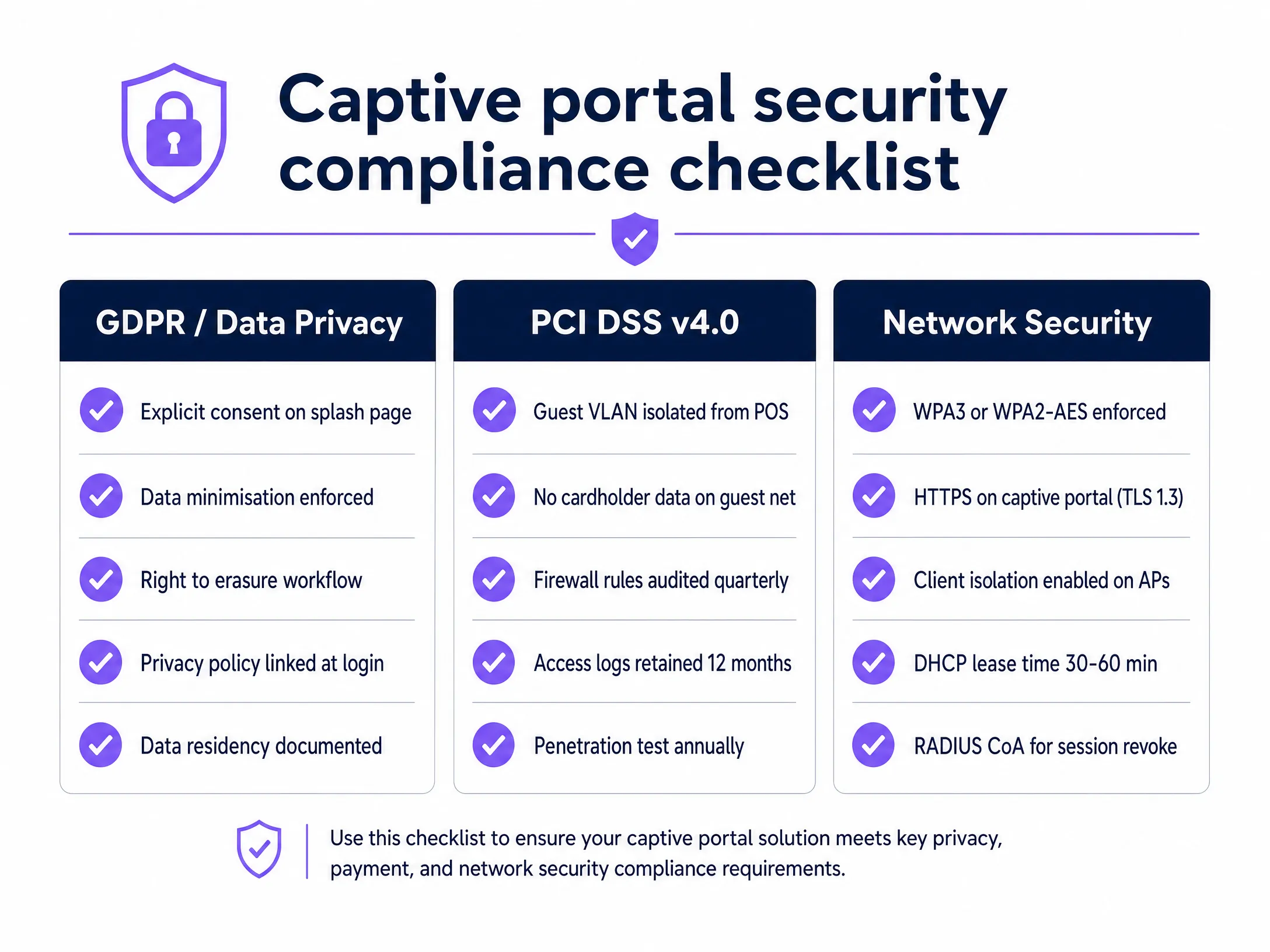
### GDPR and data privacy
A captive portal collects personal data from the moment a user connects. To meet GDPR requirements, you must capture explicit consent before processing this data. Purple's platform handles the Layer 7 identity and consent requirements necessary for GDPR compliance, ensuring that data is collected legally, stored securely, and can be erased upon request via automated workflows.
### PCI DSS v4.0 compliance
If your organisation processes credit cards, your network is subject to PCI DSS. Guest WiFi networks that run on the same network as POS systems can drag the guest network into PCI DSS scope, which creates significant audit burdens. Strict VLAN segmentation is mandatory to ensure guest traffic never touches the cardholder data environment.
### Network security standards
Enforce WPA3 or WPA2-AES encryption on the wireless transport layer. Ensure your captive portal is served over HTTPS using TLS 1.2 or TLS 1.3 to protect user credentials during the authentication phase.
## Troubleshooting and risk mitigation
Even well-designed networks encounter issues. Here are the most common failure modes and how to avoid them.
**Failure mode: IP address exhaustion**
In a busy [Retail](/industries/retail) environment, devices constantly probe and connect to open networks. If your DHCP lease time is 24 hours, a shopper who walks past your store for five minutes consumes an IP address for the entire day.
**Mitigation:** Reduce DHCP lease times to 30 minutes on the guest VLAN.
**Failure mode: Walled garden blocks**
Cloud services frequently change their IP addresses. If your walled garden uses static IP whitelisting for social login endpoints, authentication will break when those IPs rotate.
**Mitigation:** Use domain-based whitelisting for walled garden entries wherever your hardware controller supports it.
**Failure mode: Stale sessions**
Users leave the venue without disconnecting, but their session remains active on the controller, consuming resources.
**Mitigation:** Implement aggressive idle timeouts (e.g., 30 minutes) and use RADIUS Change of Authorisation (CoA) to actively revoke sessions when time limits are reached.
## ROI and business impact
A secure captive portal transforms a traditional IT cost centre into a revenue-generating asset. By capturing verified first-party data, venues can build detailed visitor profiles. Purple processed 440 million logins in 2024 across 80,000+ live venues, proving the scale and reliability of this approach.
For example, McDonald's uses captive portal data to understand diner dwell times and visit frequency, while Manchester Airports Group optimises passenger flow based on connection analytics. The ROI is measured not just in marketing database growth, but in the operational insights derived from the 29 billion data points collected by the platform.
---
### Optimising B2B Captive Portals: Capturing Company Names and Professional Data
**Source:** https://www.purple.ai/en-gb/guides/optimizing-b2b-captive-portals-capturing-company-names-and-professional-data
**Summary:** This guide explains how IT managers, network architects, and venue operations directors can configure B2B captive portals to capture professional data - company names, job titles, and business email addresses - at the point of WiFi login. It covers the full technical architecture from VLAN isolation and RADIUS authentication through to CRM integration with Salesforce and HubSpot, with GDPR and CCPA compliance built in. Venues that deploy this correctly turn their guest WiFi network into a first-party data engine and automated lead generation system.
**Estimated read time:** 8 minutes
**Word count:** 1,844

## Executive Summary
Most enterprise guest WiFi networks waste their most valuable asset: the moment of initial connection. When business professionals connect to your network at a conference centre, hotel, or corporate venue, a simple email-only Captive Portal misses the opportunity to understand exactly who is in your building.
By optimising your Captive Portal to capture registered company names, job titles, and professional email addresses, you can transform a cost centre into a lead generation engine. This guide provides IT managers, network architects, and venue operations directors with a technical blueprint for deploying a B2B-optimised Captive Portal. We cover the architecture required to capture this data securely, how to integrate it with CRM systems like Salesforce and HubSpot, and the compliance frameworks needed to protect it - including GDPR, CCPA, and ISO 27001.
Purple provides a hardware-agnostic cloud overlay to implement this strategy across Cisco Meraki, HPE Aruba, Ruckus, Juniper Mist, Ubiquiti UniFi, Cambium, Extreme, and Fortinet, delivering secure connectivity and actionable first-party data at over 80,000+ live venues. (Purple internal data, 2024.)
---
## Technical Deep Dive
### Professional Data Capture Architecture
The technical foundation of a B2B Captive Portal requires a secure, scalable architecture that handles authentication, data capture, and downstream routing with zero latency. The standard flow involves four components: the user device, the local Access Point, the Captive Portal server, and the backend RADIUS (Remote Authentication Dial-In User Service) server.
When a visitor connects to the guest SSID, the Access Point intercepts the HTTP/HTTPS request and redirects it to the Captive Portal URL. This is where the data exchange occurs. For B2B environments, the portal must be configured to request specific professional data points - company name, job title, and business email - rather than just a simple email address or social login.
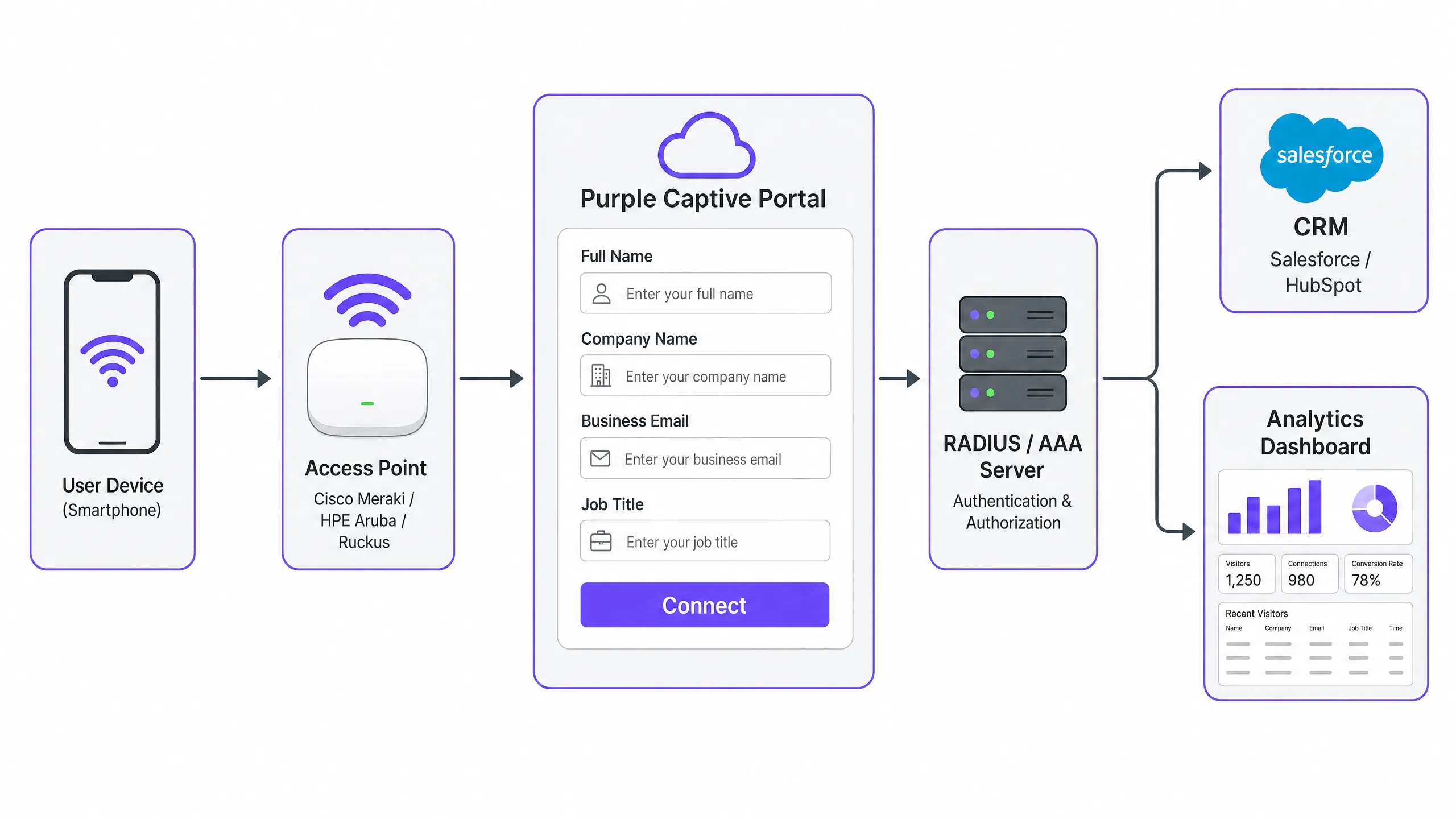
After the user submits the form, the portal communicates with the RADIUS server to authenticate the session and authorise network access. Purple manages this complex handshake in the cloud, ensuring 99.999% uptime and seamless integration with existing hardware. The Access Point receives the authorisation signal and opens the port for the authenticated device.
### Secure Authentication Standards
While open networks with a simple splash page are common in retail environments, B2B environments require more robust security measures. IEEE 802.1X authentication with WPA2-Enterprise or WPA3-Enterprise provides strong encryption and per-session key rotation. WPA3 specifically addresses the vulnerabilities of the WPA2 four-way handshake through Simultaneous Authentication of Equals (SAE), making offline dictionary attacks significantly more difficult.
In a B2B deployment, the Captive Portal acts as the initial onboarding mechanism. Once professional data is captured, the system can issue a unique credential for the user - such as a Dynamic PSK (DPSK) or a certificate via EAP-TLS. This ensures that subsequent connections remain secure and authenticated without requiring the user to repeatedly fill in portal forms, balancing user experience with security.
### Data Flow and CRM Integration
Capturing data is only the first step; pushing it to systems where it can drive business value is the crucial second step. The Captive Portal must support secure API integrations with enterprise CRM platforms.
When a user authenticates, the portal software automatically pushes captured fields - name, company, job title, email - to the CRM via webhooks or native API connectors. Purple integrates natively with over 400 connectors, including Salesforce and HubSpot. This allows venue operators to automatically create or update contact records based on physical presence. This first-party data is highly valuable for B2B marketing, as it indicates real-world engagement and intent, not just a digital click.
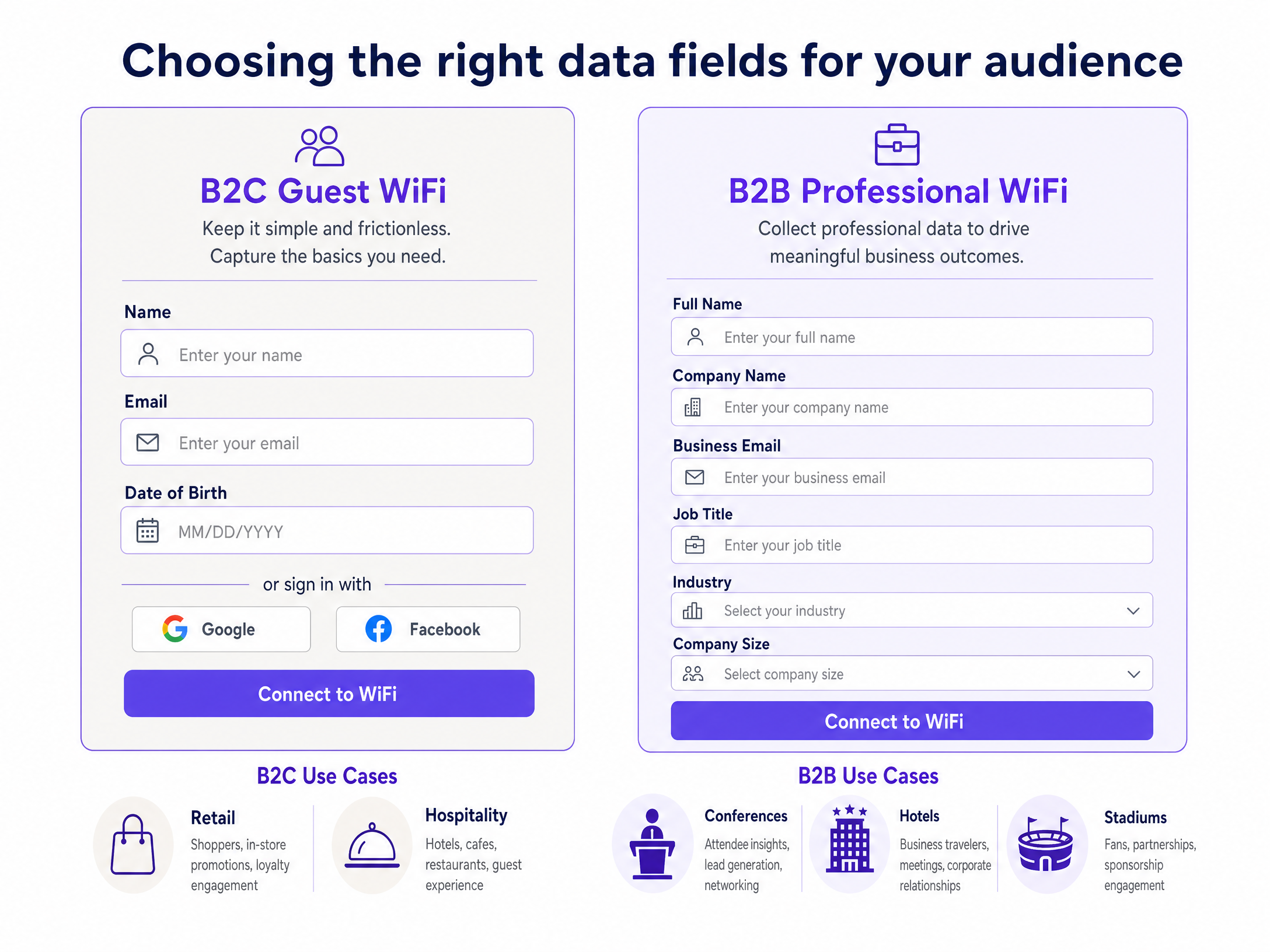
### Selecting the Right Data Fields
The table below shows the recommended field set for specific B2B venue contexts.
| Venue Type | Mandatory Fields | Optional Fields | Integration Target |
|---|---|---|---|
| Conference Centre | Full Name, Company, Email | Job Title, Industry | Salesforce, HubSpot |
| Business Hotel | Full Name, Company, Email | Job Title, Room Number | PMS, Salesforce |
| Stadium (Corporate) | Full Name, Company, Email | Job Title | HubSpot, Marketo |
| Co-working Space | Full Name, Company, Email | Job Title, Member Type | HubSpot, Zoho |
| Public Sector Office | Full Name, Organisation, Email | Department | Internal LDAP, Okta |
For Identity Provider (IdP) integration, Purple supports Microsoft Entra ID, Okta, and Google Workspace for Single Sign-On (SSO) flows, enabling business visitors to authenticate with their existing corporate credentials. This eliminates the need for manual forms entirely, whilst simultaneously capturing company name and job title from the IdP directory.
---
## Implementation Guide
Setting up a B2B-optimised Captive Portal requires coordination between network engineering and marketing operations. The following steps provide a vendor-neutral deployment framework.
### Step 1: Define Data Requirements
Work with your marketing and sales teams to define the exact data fields required. Balance the need for data against user friction. This is where the Rule of Three Fields applies: keep mandatory fields to three or fewer. Every additional mandatory field reduces login completion rates by approximately 10%. (Purple platform analytics, 2024.)
For a B2B audience, the optimal mandatory field set is:
- Full Name
- Business Email Address
- Company Name
Job Title is the recommended optional fourth field. Avoid asking for phone numbers or physical addresses on initial connection.
### Step 2: Configure Network Hardware
Configure your access points to redirect guest traffic to the external Captive Portal. Set up a dedicated VLAN for guest traffic to isolate it from the corporate network. This is mandatory from a security standpoint and aligns with PCI DSS requirements for network segmentation.
Ensure that walled garden rules permit access to the Captive Portal URL and any required authentication domains before the user is fully authenticated. For iOS devices, the walled garden must block `captive.apple.com` to trigger the Captive Network Assistant (CNA). For Android, block `connectivitycheck.gstatic.com`. Failing to configure these correctly is the single most common reason why portals fail to pop up automatically.
### Step 3: Design the Captive Portal
Build the portal using your brand guidelines. The design must be clean, professional, and mobile-responsive. Over 80% of guest WiFi logins occur on mobile devices. (Purple platform analytics, 2024.) Ensure terms of service and privacy policies are clearly linked and that the consent workflow complies with regional regulations.
For GDPR compliance, the marketing opt-in checkbox must be unticked by default. For CCPA compliance, include a clear "Do Not Sell My Personal Information" link in the footer.
### Step 4: Set Up CRM Integration
Configure the API connection between your Captive Portal platform and your CRM. Map the Captive Portal fields to the corresponding CRM fields. Set up deduplication rules to ensure returning visitors update existing records rather than creating duplicates. Use the business email address as the primary unique identifier.
On Purple's Capture and Engage plans, the connector library provides pre-built integrations for Salesforce and HubSpot, reducing configuration time to less than 30 minutes for a standard deployment.
### Step 5: Test and Deploy
Run thorough testing across multiple device types - iOS, Android, Windows, macOS - to ensure the portal renders correctly and the authentication flow is seamless. Verify that data flows into the CRM before rolling out to the entire venue. Monitor successful authentication rates in the Purple analytics dashboard during the first 48 hours of live operation.
---
## Best Practices
**Apply progressive profiling.** When a visitor returns to a venue, do not ask them for the same information again. Use device MAC address recognition to identify returning visitors and, if necessary, ask a new question to enrich their profile over time.
**Ensure GDPR and CCPA compliance.** Clearly state what data is being collected and how it will be used. Ensure opt-ins for marketing communications are active. Never pre-tick consent boxes. Purple provides data retention controls and automated anonymisation to manage consent at scale.
**Optimise for mobile.** Ensure your Captive Portal is lightweight, fast-loading, and easy to navigate on smaller screens. Avoid multi-page forms. A single-page design with three fields and a clear call to action works best on mobile.
**Monitor network health.** Use the [WiFi Analytics](/guest-wifi-marketing-analytics-platform) dashboard to track successful authentication rates, dwell times, and return rates. A sudden drop in successful logins typically indicates a hardware issue or a misconfigured walled garden.
**Separate your SSIDs.** For venues that host both business visitors and general consumers, deploy separate SSIDs with different portal configurations. See our [three SSIDs to rule them all](/blog/three-ssids-to-rule-them-all) guide for the recommended architecture to cover guest, staff, and IoT networks.
---
## Troubleshooting and Risk Mitigation
### High Drop-off Rates
If visitors connect to the SSID but fail to complete the Captive Portal form, the form is likely too long or the page is loading too slowly. Review analytics to identify where visitors are abandoning the process. Reduce the number of mandatory fields and ensure the portal page loads in under two seconds on a 4G connection.
### Captive Portal Not Appearing (CNA Issues)
Modern operating systems use a Captive Network Assistant to automatically detect and display a Captive Portal. If the portal does not appear automatically, the walled garden is almost certainly misconfigured. Check whether the OS detection URLs are blocked before authentication. For iOS, this is `captive.apple.com`. For Android, this is `connectivitycheck.gstatic.com`.
### CRM Data Sync Failure
If visitor data is not appearing in your CRM, check the API logs in the Purple dashboard. Common causes include expired API tokens, mapped fields with mismatched data types, or rate limiting by the CRM provider. Salesforce enforces an API call limit based on your licence tier; ensure your daily connection volume does not exceed this threshold.### MAC Address Randomisation
Modern iOS and Android devices randomise their MAC address per SSID to protect user privacy. This disrupts MAC-based progressive profiling. The solution is to use the authenticated email address as the persistent identifier instead of the MAC address. Purple's identity layer handles this automatically.
---
## ROI and Business Impact
Collecting professional data via [Guest WiFi](/guest-wifi) delivers measurable business value across multiple venue types.
**Conference Centres and Event Venues** can identify corporate decision-makers at their venues and target them for future event bookings. A 500-seat conference centre that collects company names and job titles from 80% of attendees at a trade show builds a qualified prospect list that would cost significantly more to acquire through paid advertising or list purchases.
**Business Hotels** can enrich their B2B loyalty databases with real-world location data, enabling targeted campaigns to corporate travel managers. Premier Inn and Whitbread deployed Purple to enable precisely this kind of first-party data capability across their estate.
**Stadiums and Arenas** hosting corporate hospitality events can identify sponsors, partners, and VIP guests by company affiliation, facilitating personalised post-event communications and renewal discussions.
For [Retail](/industries/retail) environments with B2B trade counters or trade days, collecting company names during WiFi login provides a direct signal of which businesses are actively visiting physical locations.
For [Hospitality](/industries/hospitality) operators, data collected via a B2B-optimised portal feeds directly into account-based marketing campaigns, lowering the cost of acquiring repeat corporate bookings.
For [transport](/industries/transport) hubs like Manchester Airports Group (MAG), collecting professional data from business travellers enables targeted B2B advertising and lounge upgrade offers based on company affiliation and job seniority.
Purple's own data shows that venues on the Capture plan generate an average of 29 billion data points annually across the network, with 440 million logins processed in 2024. (Purple internal data, 2024.) First-party data collected through B2B-optimised portals consistently outperforms data purchased from third parties in CRM conversion rates, as it reflects real physical presence and intent.
---
### Deploying SCEP for Secure Higher Education BYOD and WiFi Authentication
**Source:** https://www.purple.ai/en-gb/guides/deploying-scep-for-secure-higher-education-byod-and-wifi-authentication
**Summary:** This technical guide provides network architects and IT managers with a vendor-neutral blueprint for deploying SCEP-based certificate enrolment to secure higher education WiFi. It details the transition from vulnerable password-based authentication to EAP-TLS, focusing on scalable BYOD onboarding and MDM integration.
**Estimated read time:** 5 minutes
**Word count:** 1,198
## Executive Summary
For higher education IT teams, the start of the academic year brings an immediate stress test. Thousands of students arrive on campus with multiple unmanaged devices, expecting instant, secure connectivity. When universities rely on password-based authentication like PEAP-MSCHAPv2, this influx predictably results in massive helpdesk queues, configuration errors, and severe vulnerabilities to credential theft via evil twin access points.
The architectural solution to this scale and security challenge is certificate-based authentication using EAP-TLS. To make certificate deployment viable across tens of thousands of endpoints, universities must implement the Simple Certificate Enrollment Protocol (SCEP). SCEP automates the provisioning of digital certificates to both managed devices via MDM and unmanaged student devices via self-service onboarding portals. This guide details the technical requirements for deploying SCEP in a higher education environment, providing actionable steps to eliminate password-related helpdesk tickets and secure the campus perimeter.
## The Architecture of SCEP Certificate Enrollment
Transitioning to certificate-based WiFi requires a fundamental shift from validating user knowledge (a password) to validating device identity (a certificate). The SCEP protocol acts as the bridge between your device management layer and your Public Key Infrastructure (PKI).
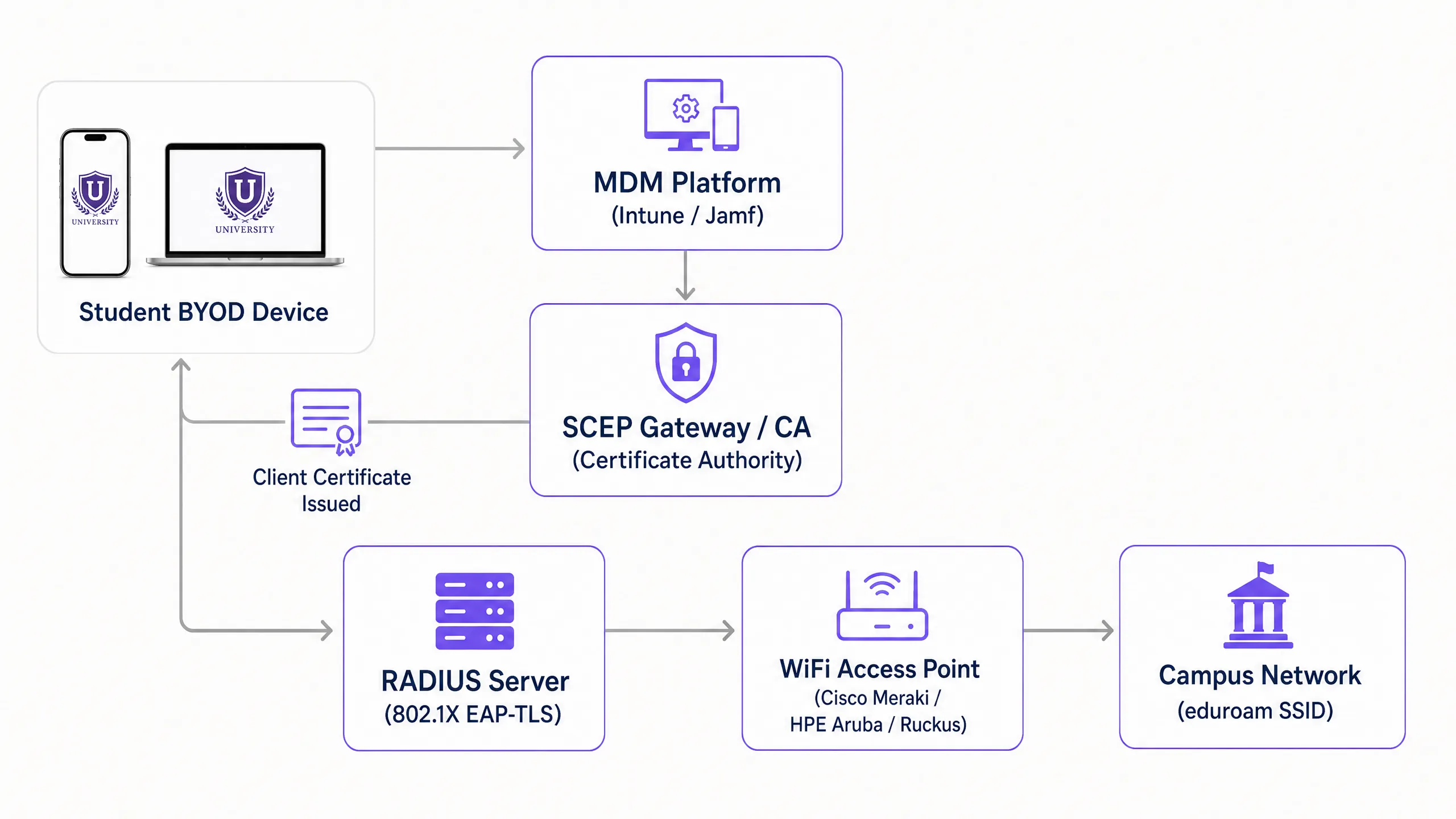
### Core Infrastructure Components
A production-ready SCEP deployment requires six integrated components working in sequence:
1. **Identity Provider (IdP)**: The authoritative directory (Microsoft Entra ID, Okta, or Google Workspace) that verifies the user's identity before certificate issuance.
2. **Mobile Device Management (MDM)**: Platforms like Microsoft Intune or Jamf that push the SCEP payload to institution-owned devices.
3. **Certificate Authority (CA)**: The PKI engine that signs and issues the certificates. This can be an on-premises Microsoft ADCS deployment or a cloud-native PKI overlay.
4. **SCEP Gateway**: The HTTP endpoint that receives Certificate Signing Requests (CSRs) from devices, validates the challenge password, and forwards the request to the CA.
5. **RADIUS Server**: The authentication server that evaluates the presented client certificate against network access policies during the 802.1X EAP-TLS exchange.
6. **Wireless Access Network**: The physical access points (Cisco Meraki, HPE Aruba, Ruckus, or Juniper Mist) configured to enforce 802.1X authentication.
### The SCEP Enrollment Flow
The enrollment process executes without user intervention on managed devices. The MDM platform pushes a configuration profile containing the SCEP gateway URL and a dynamically generated challenge password. The device generates a private key locally and constructs a CSR. It then transmits this CSR to the SCEP gateway over HTTP.
The gateway intercepts the request and validates the challenge password against the MDM API to confirm the device is authorised. Once verified, the gateway forwards the CSR to the CA. The CA signs the certificate and returns it through the gateway to the device. The private key never leaves the endpoint, ensuring cryptographic integrity.
## Implementation Guide: A Phased Deployment Strategy
Deploying SCEP requires precise sequencing. Profile dependencies mean that executing these steps out of order will result in authentication failures.
### Step 1: Directory Synchronisation and Group Policy
Before touching certificates, ensure your identity store is clean. Create distinct security groups for students, staff, and faculty in Entra ID or Active Directory. Your RADIUS server will use these group memberships, embedded as Subject Alternative Names (SAN) in the certificates, to assign devices to the correct VLANs dynamically.
### Step 2: PKI and SCEP Gateway Configuration
Establish your CA hierarchy. If building on-premises, deploy an offline Root CA and an online Issuing CA. For higher education environments looking to reduce infrastructure footprint, cloud PKI solutions offer operational simplicity. Configure the SCEP gateway to communicate with your CA and expose the enrollment endpoint to the network segment where devices will initially connect.
### Step 3: RADIUS Server Integration
Import the Issuing CA certificate into your RADIUS server's trusted certificate store. Configure the authentication protocol strictly to EAP-TLS. Define network policies that map certificate attributes (such as the User Principal Name) to specific VLAN return attributes, enabling micro-segmentation across the campus.
### Step 4: MDM Profile Sequencing
For institution-owned devices managed by Intune or Jamf, profile deployment order is critical. You must deploy profiles in this exact sequence:
1. **Trusted Certificate Profile**: Distributes the Root CA certificate to establish trust.
2. **SCEP Certificate Profile**: Directs the device to the gateway to obtain its client certificate.
3. **WiFi Profile**: Configures the SSID to use WPA3-Enterprise with EAP-TLS, explicitly referencing the certificate acquired in the previous step.
### Step 5: BYOD Self-Service Onboarding
Students will not manually install certificates on their personal devices. You must provide an automated onboarding pathway. Deploy an open SSID that restricts traffic exclusively to the captive portal and the SCEP gateway. When a student connects, the portal prompts them to authenticate via Single Sign-On using their university credentials. Upon successful authentication, the portal provisions the SCEP payload to the device. Purple integrates this onboarding flow directly into the captive portal experience, enabling students to complete enrollment in under two minutes without IT intervention.
## Best Practices and Risk Mitigation
Transitioning to EAP-TLS eliminates credential theft, but introduces new operational considerations. Network architects must anticipate scale and lifecycle events.
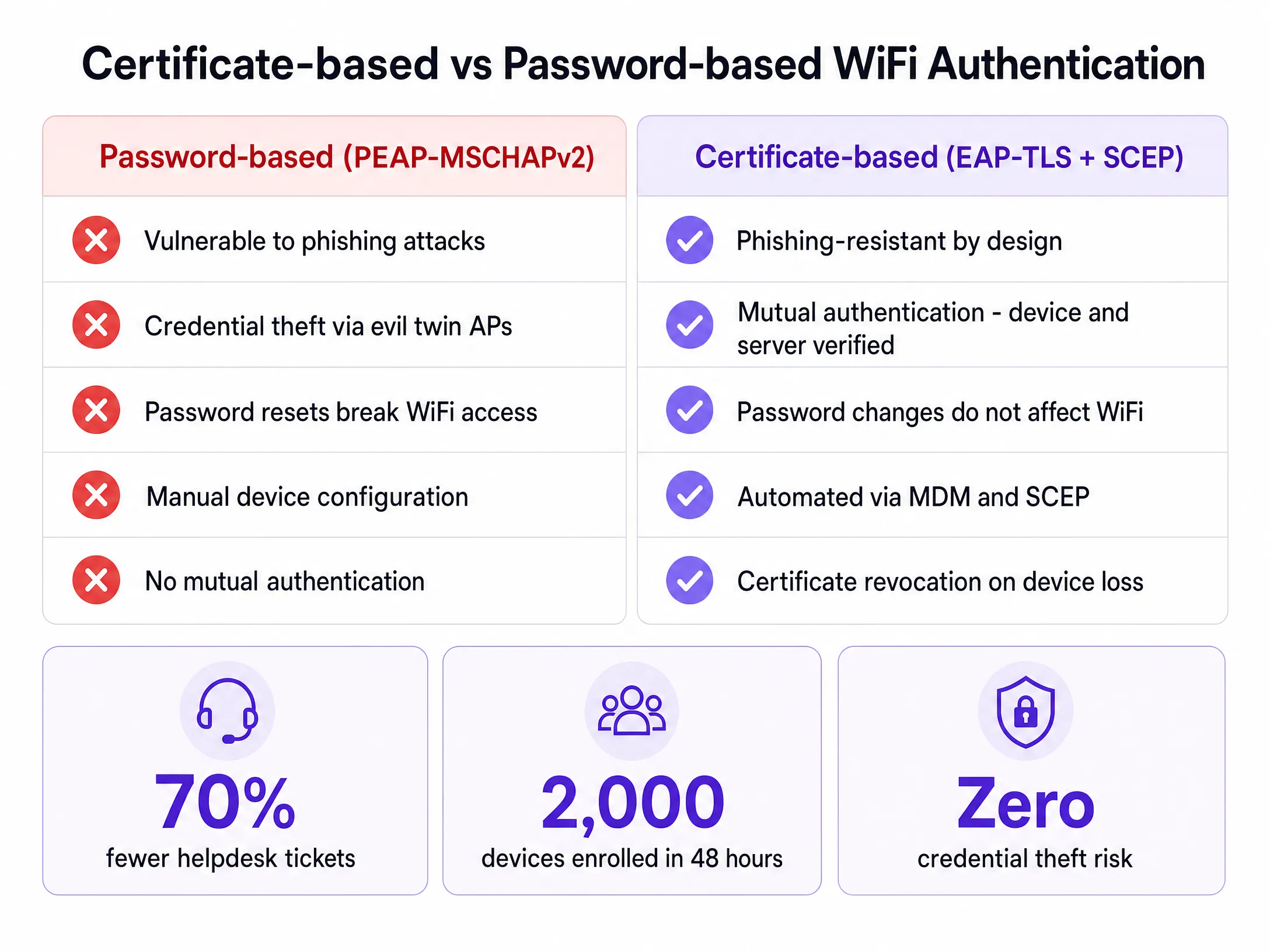
### RADIUS Capacity Planning
The computational overhead of EAP-TLS certificate validation is significantly higher than PEAP password checking. During the first week of term, thousands of devices will attempt to authenticate simultaneously. A single RADIUS node will likely exhaust its resources and drop requests, leading to widespread connection failures. You must implement load balancing across multiple RADIUS nodes and increase the authentication timeout on your access points to at least five seconds to accommodate peak latency.
### Certificate Lifecycle Management
Certificates for student devices should typically carry a validity period of one to two years. This duration covers the academic cycle while limiting exposure if a device is compromised. Crucially, you must implement a robust revocation mechanism. When a student graduates or reports a lost device, the certificate must be revoked immediately. Ensure your CA publishes a Certificate Revocation List (CRL) or operates an Online Certificate Status Protocol (OCSP) responder, and configure your RADIUS server to check revocation status on every authentication attempt.
### Handling Headless IoT Devices
Smart TVs, gaming consoles, and wireless printers in residence halls lack the native 802.1X supplicants required for SCEP enrollment. For these devices, implement MAC Authentication Bypass (MAB). Provide a self-service device registration portal where students can register the MAC addresses of their IoT hardware. The Network Access Control (NAC) system then authenticates these registered addresses and places them into the appropriate student VLAN.
## Listen to the Technical Briefing
For a deeper dive into the architecture and real-world deployment scenarios, listen to our 10-minute technical briefing podcast.
## ROI and Business Impact
The business case for SCEP deployment in higher education rests on two pillars: security posture and operational efficiency.
From a security perspective, EAP-TLS provides mutual authentication. The device verifies the RADIUS server's certificate before transmitting any data, entirely mitigating the risk of evil twin access points harvesting credentials. This architecture aligns with zero-trust principles, ensuring that only cryptographically verified devices access the campus network.
Operationally, decoupling WiFi authentication from directory passwords yields immediate financial returns. When a university forces a 90-day password reset, students using PEAP must update their credentials on every device. Inevitably, many fail, resulting in a surge of helpdesk tickets. With SCEP and EAP-TLS, the certificate remains valid regardless of password changes. Universities deploying automated certificate onboarding consistently report up to a 70% reduction in WiFi-related support tickets during peak periods, allowing IT staff to focus on strategic initiatives rather than basic connectivity troubleshooting.
---
### Integrating RADIUS as a Service with Cloud Directories (Azure AD & Google Workspace)
**Source:** https://www.purple.ai/en-gb/guides/integrating-cloud-radius-cloud-directories
**Summary:** This technical reference guide details how to integrate RADIUS as a Service with cloud directories - Microsoft Entra ID and Google Workspace - for enterprise WiFi authentication. It covers the architectural shift from on-premises NPS to cloud-native RADIUS, the deployment of certificate-based EAP-TLS authentication, and the operational best practices for securing wireless access across hospitality, retail, and public-sector environments. For IT managers and network architects already invested in cloud identity, this guide bridges the gap between directory management and physical network security.
**Estimated read time:** 10 minutes
**Word count:** 2,302
## Executive summary
For modern enterprises invested in cloud identity ecosystems, bridging cloud directories with physical wireless networks is a critical security imperative. Historically, WiFi authentication relied on on-premise Active Directory Domain Services and Windows Network Policy Server (NPS). As organisations migrate to Microsoft Entra ID and Google Workspace, that on-premise authentication stack becomes a liability - costly to maintain, difficult to scale, and incompatible with zero-trust security models.
RADIUS as a Service (RADIUSaaS) changes the equation. A cloud-hosted RADIUS server integrates directly with your cloud directory, validates authentication requests in real time, and returns access decisions to your access points - with no on-premise servers, no patching cycles, and no single point of failure. Combined with EAP-TLS certificate-based authentication, this architecture eliminates credential theft, supports PCI DSS and GDPR compliance, and delivers a seamless experience for staff across every site.
This guide covers the architectural decision between on-premise NPS and cloud-native RADIUS, the deployment of EAP-TLS via Microsoft Intune and Google Admin Console, and the operational best practices for securing wireless access across hotels, retail estates, stadiums, and public-sector venues. For a broader introduction to network access control, see [A Guide to Your Network Access Control System](/blog/network-access-control-system).
---
## Technical deep-dive: architecture and standards
### The role of RADIUS and IEEE 802.1X
The foundation of secure enterprise WiFi is the IEEE 802.1X standard, which provides port-based network access control. When a client device (the **supplicant**) attempts to connect to a WPA2-Enterprise or WPA3-Enterprise network, the Wireless Access Point (the **authenticator**) blocks all traffic except EAP (Extensible Authentication Protocol) packets. The AP forwards these packets to a RADIUS server. The RADIUS server validates the identity against a directory service and returns an `Access-Accept` or `Access-Reject` message. Only then does the AP grant network access.
This three-party model - supplicant, authenticator, authentication server - is the cornerstone of enterprise wireless security and is defined in IEEE 802.1X. It has not fundamentally changed since its introduction. What has changed is where the RADIUS server lives and how it communicates with your directory.
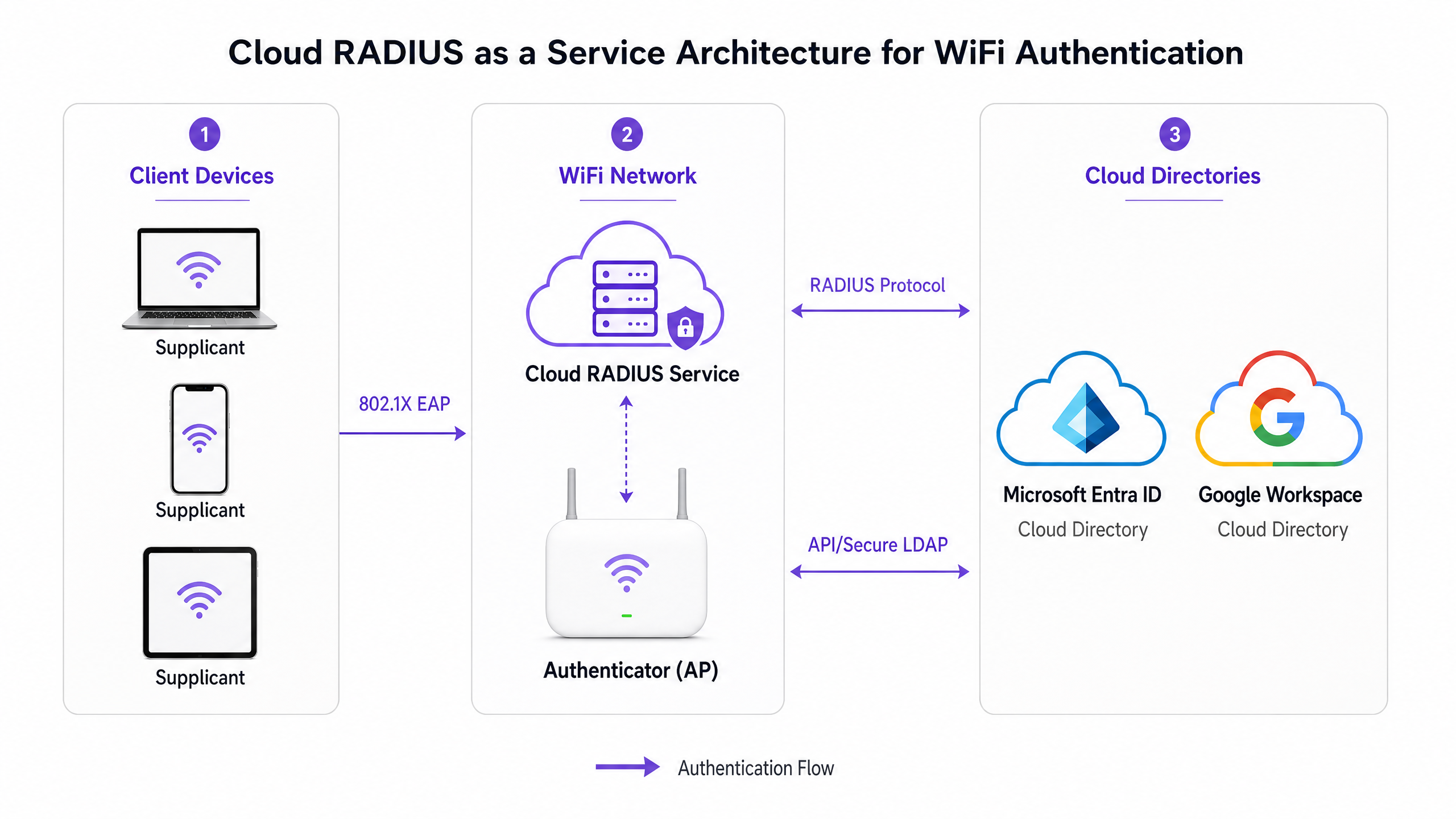
### Cloud-native RADIUS architecture
A cloud-native RADIUS architecture eliminates the need for on-premise NPS or FreeRADIUS servers. A third-party Cloud RADIUS provider integrates directly with Microsoft Entra ID via Microsoft Graph API, or with Google Workspace via Google Secure LDAP or SAML/OAuth. Authentication happens entirely in the cloud. This aligns with zero-trust network access principles and significantly reduces operational overhead.
The table below compares the two primary architectural approaches:
| Dimension | Hybrid on-premise (NPS) | Cloud-native (RADIUSaaS) |
|---|---|---|
| **Infrastructure** | Windows Server VM or bare metal required | No on-premise servers |
| **Identity source** | AD DS via LDAP/Kerberos | Entra ID or Google Workspace via API |
| **Certificate authority** | ADCS on-premise + Intune Connector | Cloud PKI from vendor or Microsoft |
| **High availability** | Manual HA and load balancing | Auto-scaled by provider |
| **Setup time** | Days to weeks | Hours |
| **Best for** | Hybrid AD, legacy devices | Cloud-first, MDM-managed organisations |
| **Operational complexity** | Higher initial and ongoing | Lower operational overhead |
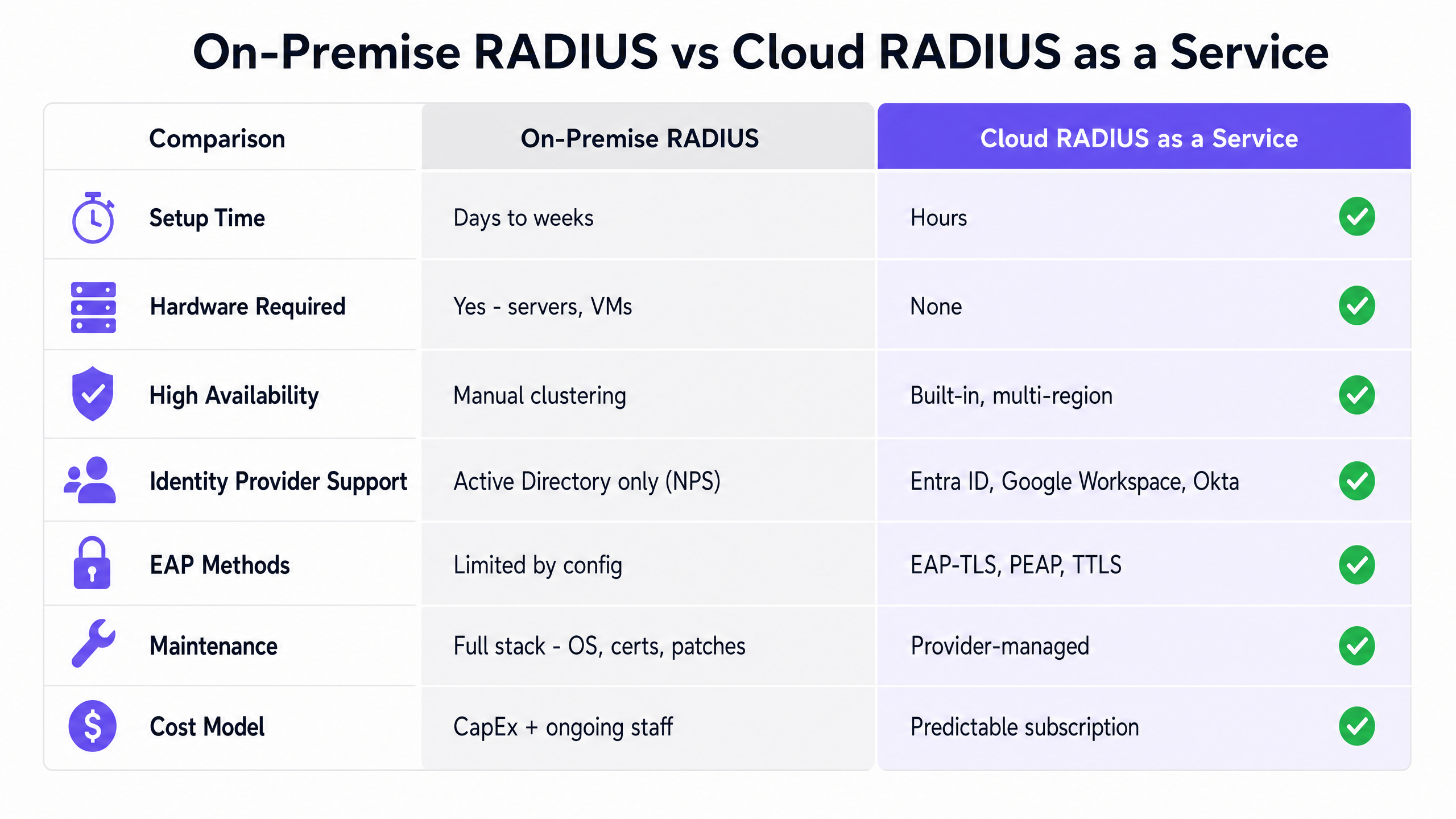
### EAP-TLS vs. PEAP-MSCHAPv2: the critical choice
The choice of EAP method is the single most consequential security decision in this deployment. PEAP-MSCHAPv2 relies on users entering their domain credentials. This is vulnerable to credential theft and man-in-the-middle attacks. If a client device does not strictly validate the RADIUS server certificate - and many do not by default - an attacker can deploy a rogue access point with your SSID, intercept the EAP handshake, and capture credentials. This is an Evil Twin attack, and it is well-documented.
**EAP-TLS** (Transport Layer Security) uses digital certificates installed on the client device for mutual authentication. Both the client and the server prove their identity cryptographically. There are no passwords to type or steal. In a Microsoft environment, certificates deploy silently via Microsoft Intune using SCEP (Simple Certificate Enrollment Protocol) or PKCS profiles. This is the recommended path for all new deployments and is essential for compliance with **PCI DSS v4.0** (Requirement 8.3 on strong authentication) and **GDPR** data protection obligations.
### Google Workspace: the architectural difference
Microsoft Entra ID and Google Workspace differ in one important way for RADIUS integration. Microsoft NPS integrates natively with Active Directory, and Cloud RADIUS providers connect to Entra ID via Microsoft Graph API. Google, however, does not offer a native RADIUS service. You always need an intermediary.
**Google Secure LDAP** is the primary integration path. Available on Cloud Identity Premium and Google Workspace Enterprise editions, it provides a traditional LDAP interface to your cloud directory. Your Cloud RADIUS server connects to `ldap.google.com` on port 636 using client certificates that Google generates for you. From that point, the RADIUS server queries Google's directory to validate credentials or group memberships, just as it would query an on-premise Active Directory.
An alternative path uses SAML-based integration, where the Cloud RADIUS provider registers as a SAML application in Google Admin Console and performs an OAuth lookup at authentication time to verify the user's identity and group memberships in real time.
---
## Implementation guide
Implementing RADIUSaaS with EAP-TLS requires coordinating identity, device management, and network infrastructure. The following five-phase approach applies to both Microsoft Entra ID and Google Workspace environments.
### Phase 1: prepare identity and device management infrastructure
For **Microsoft Entra ID**: verify that your tenant has Microsoft 365 E3/E5 or Enterprise Mobility + Security (EMS) E3/E5 licensing. This includes Microsoft Intune and Conditional Access. Without Intune, automated certificate deployment is not possible.
For **Google Workspace**: confirm you have Cloud Identity Premium or Google Workspace Enterprise to access Google Secure LDAP. If you plan to use EAP-TLS on managed Chromebooks, ensure the Google Admin Console is configured to manage device certificates.
Establish your Public Key Infrastructure (PKI). For new deployments, a cloud-native PKI provided by your Cloud RADIUS vendor is strongly recommended. Alternatives include Microsoft Cloud PKI (available with Intune Suite licensing) or an existing on-premise ADCS deployment connected via the Microsoft Intune Certificate Connector.
### Phase 2: configure certificate deployment
**Microsoft Intune path**: in the Intune admin centre, create a **Trusted Certificate** configuration profile. Upload the Root CA certificate and deploy it to your target device groups. This ensures client devices trust the certificate presented by the RADIUS server during the TLS handshake. Next, create a **SCEP Certificate** profile. For user-based authentication, set the Subject Name to `CN={{UserPrincipalName}}`. For device-based authentication, use `CN={{DeviceName}}`. Set the Subject Alternative Name to include the User Principal Name or device ID.
**Google Admin Console path**: navigate to Devices, then Networks, then Certificates. Upload your Root CA. Configure a certificate issuance mechanism - either a cloud PKI that supports SCEP integration with Google Workspace, or the Google Cloud Certificate Connector which proxies requests to an on-premise Microsoft Certificate Authority. Deploy the Root CA and client certificate profiles to the appropriate Organisational Units.
### Phase 3: configure Cloud RADIUS integration
Grant your Cloud RADIUS provider the necessary API permissions in your directory tenant. For Entra ID, this requires at minimum `User.Read.All` and `GroupMember.Read.All` via Microsoft Graph API. Some providers also require `Device.Read.All` for device compliance checks. For Google Workspace via Secure LDAP, download the client certificate and key from Google Admin Console and install them on the RADIUS service.
Define your authentication policies within the Cloud RADIUS management portal. A well-structured policy for a corporate environment: "Allow access if the certificate is issued by [Trusted CA] AND the user is a member of the [Corporate-WiFi-Users] group AND the device is marked Compliant in Intune." This enforces identity, group membership, and device health simultaneously.
### Phase 4: configure wireless infrastructure
In your wireless LAN controller or cloud management dashboard - Cisco Meraki, HPE Aruba, Ruckus, Juniper Mist, Ubiquiti UniFi, Cambium, Extreme, or Fortinet - add the Cloud RADIUS server IP addresses and shared secrets as RADIUS authentication servers. Configure primary and secondary servers for redundancy. Set the RADIUS timeout to a minimum of five seconds to accommodate cloud round-trip latency.
Create a new SSID configured for WPA2-Enterprise or WPA3-Enterprise. For [Hospitality](/industries/hospitality) deployments, ensure the corporate SSID is on a separate VLAN from any [Guest WiFi](/guest-wifi) network. For [Retail](/industries/retail) environments, consider deploying the corporate SSID only in back-of-house areas.
### Phase 5: deploy WiFi profile via MDM
**Microsoft Intune**: create a WiFi configuration profile. Set the SSID to match your infrastructure configuration exactly. Select WPA2-Enterprise or WPA3-Enterprise. Under EAP settings, select EAP-TLS. Link the SCEP certificate profile as the client certificate and specify the Trusted Root CA profile. Assign this WiFi profile to the same device groups that received the certificate profiles. Devices silently receive the certificate and the WiFi configuration during their next Intune sync.
**Google Admin Console**: navigate to Devices, then Networks, then WiFi. Create a new WiFi network profile. Set the SSID, select WPA3-Enterprise, choose EAP-TLS, and push the trusted Root CA certificate to the devices. Apply this profile to your Organisational Units. Chromebooks connect silently and securely.
---
## Best practices
**Mandate EAP-TLS across all new deployments.** Do not deploy new networks using PEAP-MSCHAPv2. The security risks are well-documented and the migration path is straightforward with modern MDM tooling.
**Enforce strict server certificate validation.** If you must use PEAP for legacy devices, configure the devices to validate the RADIUS server's certificate. In the Intune WiFi profile and in the Google Admin Console WiFi profile, there is a field to specify the trusted CA for server validation. Do not leave this blank. This single configuration decision is the difference between a secure deployment and a vulnerable one.
**Segment your network with dynamic VLAN assignment.** Use your RADIUS server to inspect the user's group membership in Entra ID or Google Workspace and dynamically assign them to different VLANs. The RADIUS server returns the `Tunnel-Private-Group-Id` attribute to the access point, which places the client on the correct VLAN. This limits lateral movement in the event of a compromise and supports PCI DSS network segmentation requirements.
**Separate corporate and guest authentication.** Use EAP-TLS for corporate-managed devices. Use a captive portal with SSO for BYOD and guest devices. Trying to manually configure EAP-TLS on unmanaged devices creates excessive support overhead. Purple's [Guest WiFi](/guest-wifi) platform handles guest onboarding separately, maintaining a clean separation between staff and visitor traffic.
**Monitor certificate expiry proactively.** Set up monitoring and alerting at 90 days, 30 days, and seven days before certificate expiry. If your RADIUS server certificate expires, all devices lose connectivity simultaneously. Automate renewal where your PKI supports it.
**Test RADIUS timeout settings.** Cloud RADIUS introduces network round-trip latency that on-premise NPS does not. Set the RADIUS timeout on your access points to at least five seconds. A timeout of two seconds - common in default configurations - will cause intermittent authentication failures.
---
## Troubleshooting and risk mitigation
**Blocked firewall ports** are the leading cause of initial deployment failure. RADIUS authentication requires UDP port 1812 outbound from your wireless infrastructure to the Cloud RADIUS service. RADIUS accounting requires UDP port 1813. Verify these are open before any other troubleshooting.
**Certificate validation failures** present as authentication rejections with no obvious cause. Check the following in order: certificate expiry on both the client and the RADIUS server; clock skew between the client device and the RADIUS server (EAP-TLS relies on accurate timekeeping); and whether the Root CA certificate has been successfully deployed to the device via MDM.
**Group membership not enforcing** is a common issue when RADIUS policies reference Entra ID or Google Workspace groups. Verify that the Cloud RADIUS provider has the correct API permissions to read group memberships. In Entra ID, confirm the service principal has `GroupMember.Read.All`. In Google Workspace, confirm the Secure LDAP client has permission to read group information.
**VLAN assignment not working** typically indicates a mismatch between the RADIUS attribute values and the VLAN IDs configured on the wireless infrastructure. Confirm that `Tunnel-Type` is set to VLAN (value 13), `Tunnel-Medium-Type` is set to 802 (value 6), and `Tunnel-Private-Group-Id` matches the VLAN ID configured on the switch or controller.
**BYOD devices failing EAP-TLS** usually indicates the client certificate was not successfully deployed. For Intune-managed devices, check the device's certificate store in the Intune admin centre. For Google-managed Chromebooks, verify the certificate profile is assigned to the correct Organisational Unit and that the device has synced recently.
---
## ROI and business impact
Moving to Cloud RADIUS delivers measurable operational savings. On-premise RADIUS requires at minimum two servers for high availability, ongoing OS patching, certificate management, and specialist engineering time. A single engineer's time spent on RADIUS maintenance over a year typically exceeds the annual cost of a Cloud RADIUS subscription.
The business case extends beyond cost reduction. By tying network access to verified cloud identities, you gain:
**Instant offboarding.** Disabling a user in Entra ID or Google Workspace immediately revokes their network access at all sites. There is no lag, no manual process, and no risk of a former employee retaining WiFi access. This directly supports GDPR obligations around data access rights.
**Richer analytics.** Platforms like Purple's [WiFi Analytics](/guest-wifi-marketing-analytics-platform) provide richer data on space utilisation and visitor journeys when network access is tied to authenticated identities. You move from anonymous MAC addresses to named, authenticated users, which transforms the quality of insight available to operations and marketing teams.
**Compliance evidence.** EAP-TLS authentication generates detailed access logs - who connected, from which device, at which location, and at what time. This audit trail supports PCI DSS Requirement 10 (logging and monitoring) and GDPR accountability obligations.
**Multi-site consistency.** A single Cloud RADIUS service authenticates all your sites with consistent policies, managed from one dashboard. Adding a new hotel, store, or venue means adding its access points to the RADIUS configuration - not shipping and configuring another server. For organisations managing large estates, this is a significant operational advantage.
For [Transport](/industries/transport) operators and [Healthcare](/industries/healthcare) venues where network uptime is operationally critical, Cloud RADIUS providers typically offer 99.999% uptime SLAs with multi-region failover built in. Purple operates at 99.999% uptime across 80,000+ live venues, with 440 million logins processed in 2024 (Purple internal data, 2024).
For further reading on related topics, see [WAN Computer Definition: A Practical Guide for 2026](/blog/wan-computer-definition) and [World WiFi Day 2026: How Your Venue Can Help Bridge the Digital Divide](/blog/world-wifi-day-2026-bridge-digital-divide).
---
### Designing WiFi Networks for Multi-Tenant Office Buildings
**Source:** https://www.purple.ai/en-gb/guides/designing-wifi-multi-tenant-offices
**Summary:** This guide provides IT managers, network architects, and CTOs with a vendor-neutral blueprint for designing scalable, secure, and isolated WiFi networks across multi-tenant office buildings. It covers VLAN segmentation under IEEE 802.1Q, Dynamic VLAN Assignment via 802.1X and RADIUS, RF planning for high-density environments, and compliance considerations under GDPR and PCI DSS. Venue operators and building managers will find actionable architecture guidance, real-world case studies, and configuration pitfalls to avoid before deployment.
**Estimated read time:** 9 minutes
**Word count:** 1,963
## Executive Summary
For CTOs and network architects managing multi-tenant office buildings, the challenge is clear: how to deliver reliable, secure, isolated connectivity to multiple independent organisations over a single shared physical network. In a multi-tenant environment, a flat network architecture is a serious security liability. It expands your compliance scope under GDPR and PCI DSS, exposes tenants to lateral security threats, and creates an operational burden that scales poorly as tenant numbers grow.
This guide provides a vendor-neutral blueprint for designing multi-tenant WiFi architectures. By implementing IEEE 802.1Q VLAN segmentation, 802.1X-based Dynamic VLAN Assignment, and disciplined RF planning, you can eliminate SSID proliferation, reduce airtime overhead by up to 20%, and enforce strict Layer 2 isolation between tenants. We detail the technical standards, hardware considerations across vendors including Cisco Meraki, HPE Aruba, Ruckus, and Juniper Mist, and the routing policies required to secure the infrastructure. Implemented correctly, this architecture reduces support overheads, simplifies compliance audits, and lets you monetise connectivity as a service.
## Technical Deep Dive
### The Case Against Flat Networks
A flat network places every device - regardless of tenant, traffic type, or security tier - in a single broadcast domain. Every device receives every broadcast packet. A single compromised guest device can scan for and reach POS terminals, building management systems, and corporate workstations. It puts your entire network in scope for PCI DSS audit. This is not a theoretical risk; it is the default state of many multi-tenant buildings cabled before wireless density became a design consideration.
The solution is logical segmentation. You do not need separate physical infrastructure per tenant; you need a properly designed VLAN architecture, a well-configured firewall, and a centralised management platform.
### IEEE 802.1Q and VLAN Tagging
Virtual LANs - standardised as IEEE 802.1Q - allow you to partition a single physical switch fabric into multiple isolated logical networks. When a client connects to a WiFi access point (AP), the AP tags that client's frames with a 12-bit VLAN identifier (VID). The switches read this tag and ensure that traffic from one VLAN is never forwarded to a port on another VLAN unless an explicit firewall routing rule permits it.
A standard multi-tenant office building requires at least four VLANs:
| VLAN | Traffic Class | Routing Policy |
|---|---|---|
| VLAN 10 | Corporate Tenant A | Internet only + tenant-specific resources |
| VLAN 20 | Corporate Tenant B | Internet only + tenant-specific resources |
| VLAN 30 | Guest WiFi (captive portal) | Internet only, no access whatsoever to any tenant VLAN |
| VLAN 40 | IoT and BMS | Egress only to designated management platforms |
For buildings with more tenants, you extend the model. Each additional tenant receives a dedicated VLAN and a corresponding firewall policy. The physical infrastructure remains shared.
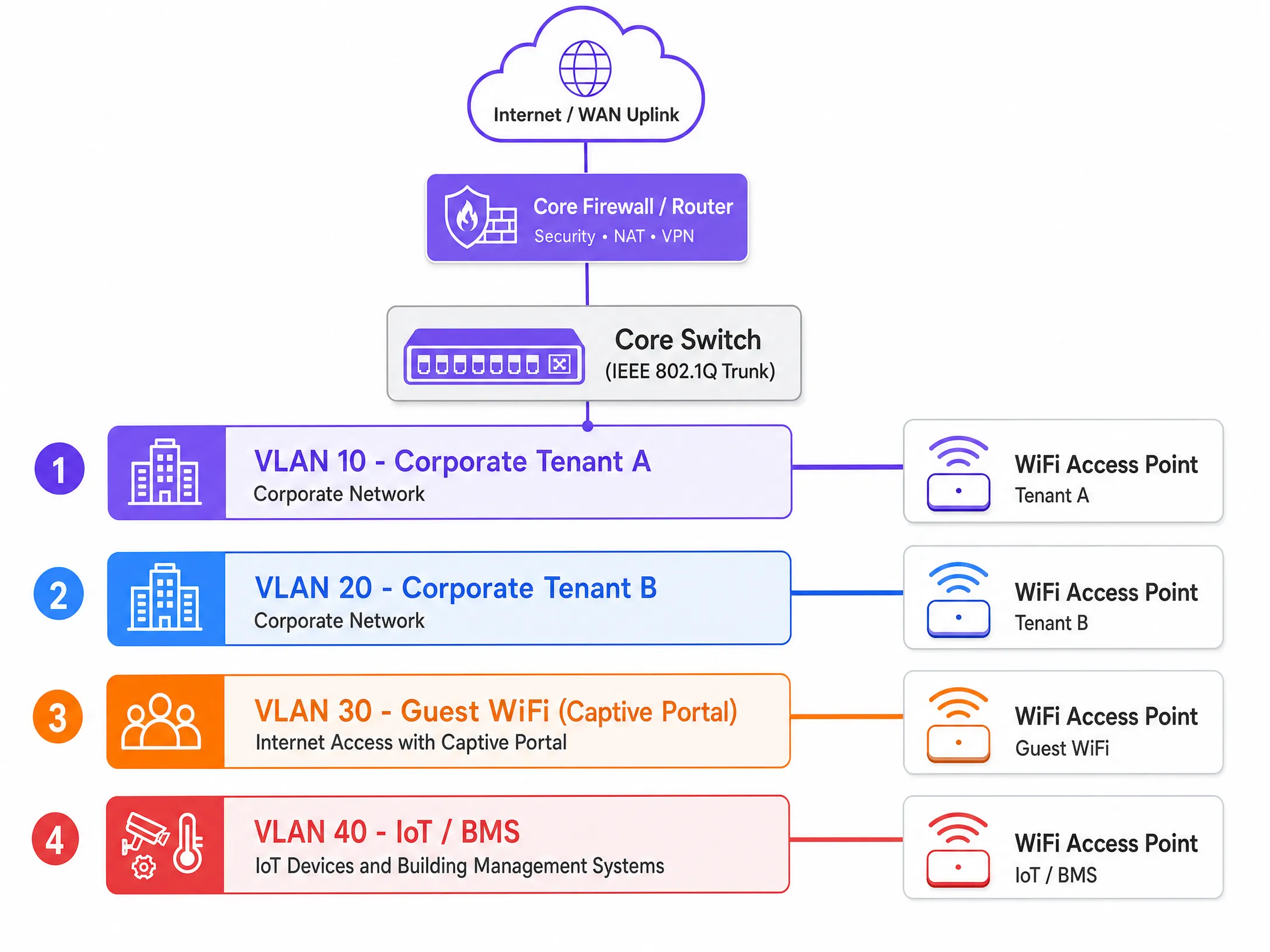
### Dynamic VLAN Assignment via 802.1X and RADIUS
Historically, network engineers created a separate SSID for every tenant. This approach degrades performance. Every SSID broadcasts management frames (beacons) at the lowest basic mandatory data rate to ensure legacy devices can connect. Broadcasting six or seven SSIDs on a single access point can consume 20% to 30% of available wireless airtime before any user data is transmitted. In a dense multi-tenant building, that is unacceptable.
The modern standard is Dynamic VLAN Assignment. You broadcast a single secure SSID using IEEE 802.1X authentication. When a user connects, their device (the supplicant) exchanges credentials with a RADIUS server via the access point (the authenticator). The RADIUS server validates the credentials against an identity provider - Microsoft Entra ID, Okta, or Google Workspace - and returns an Access-Accept message to the access point. That message contains three IETF-standard RADIUS attributes:
- **Tunnel-Type** (attribute 64): set to VLAN
- **Tunnel-Medium-Type** (attribute 65): set to 802
- **Tunnel-Private-Group-ID** (attribute 81): the specific VLAN ID for that user's organisation
The access point receives these attributes and dynamically places that user's traffic into their designated VLAN. An employee of Tenant A and an employee of Tenant B connect to the same SSID. Their traffic is fully isolated at Layer 2. The switches treat them as if they were plugged into entirely separate physical networks.
For the guest segment, route traffic through a dedicated guest VLAN to a captive portal. Purple's [Guest WiFi](/guest-wifi) platform handles GDPR-compliant consent management, secure onboarding, and [WiFi Analytics](/guest-wifi-marketing-analytics-platform) on the isolated segment, with zero routed access to corporate networks. For a broader overview of access control architecture, see our [guide to network access control systems](/blog/network-access-control-system).
### WPA3-Enterprise and Encryption Standards
WPA3-Enterprise is the recommended encryption standard for multi-tenant deployments. It offers a 192-bit security mode, eliminates the vulnerabilities in the WPA2 four-way handshake, and mandates Protected Management Frames (PMF) under IEEE 802.11w. For environments handling payment card data or sensitive corporate information, WPA3-Enterprise with EAP-TLS - certificate-based mutual authentication - removes the credential theft vector entirely.
For guest segments where certificates cannot be deployed, WPA3-SAE (Simultaneous Authentication of Equals) provides forward secrecy, ensuring that a compromised key does not expose historical traffic.
### RF Planning in High-Density Environments
Co-channel interference (CCI) is the primary cause of poor WiFi performance in multi-tenant office buildings. When adjacent access points broadcast on the same frequency channel, devices must wait for free airtime before transmitting. In a building with multiple tenants and extreme device density, unplanned channel allocation creates a congested RF environment that no amount of bandwidth can fix.
An active on-site RF survey is essential before deployment. Vendor coverage maps are typically optimistic. You need real signal measurements taken in the physical space, accounting for wall materials, floor construction, and the RF environment from neighbouring buildings.
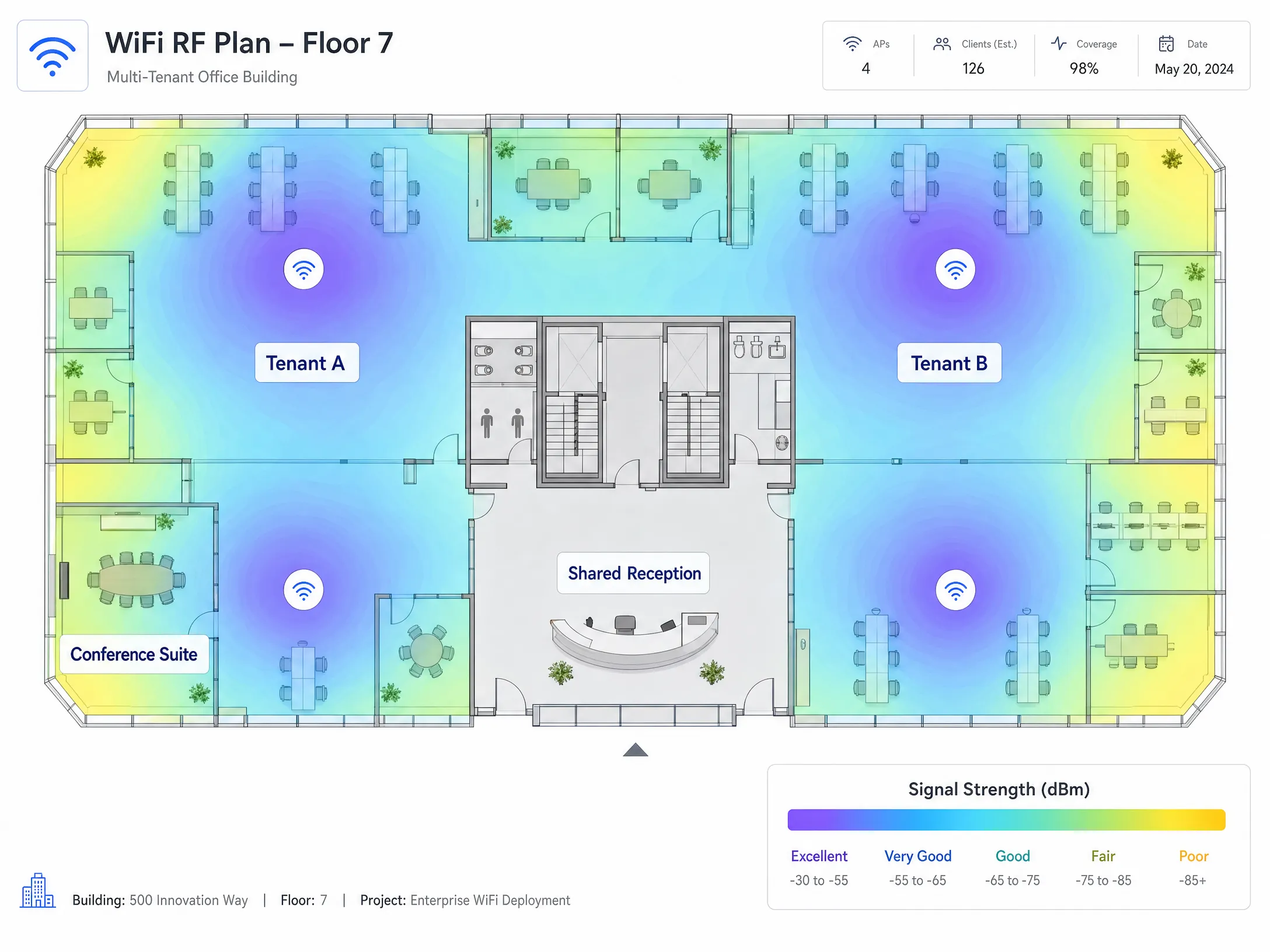
In most regulatory domains, the 2.4 GHz band offers three non-overlapping channels (1, 6, and 11). The 5 GHz band offers significantly more capacity. WiFi 6E extends into the 6 GHz band, providing clean spectrum largely free of legacy device interference. For new multi-tenant deployments, specifying WiFi 6E-capable access points from Cisco Meraki, HPE Aruba, Ruckus, Juniper Mist, or Ubiquiti UniFi provides the spectral headroom that high-density environments demand.
### IoT Isolation
Modern office buildings contain building management systems, HVAC controllers, smart lighting, access control, and CCTV. These devices are notoriously difficult to patch and represent a substantial attack surface. They must be isolated on a dedicated VLAN with strict egress filtering, permitting outbound communication only to their designated management platforms. Zero routed access to any tenant VLAN. Zero routed access to the guest VLAN. This is non-negotiable from both a security and a GDPR perspective.
## Implementation Guide
**Step 1: Design your logical architecture before touching hardware.** Map out your tenant count and traffic classes (corporate, guest, IoT, payment, management) and allocate VLANs. Document your IP addressing scheme. Define your inter-VLAN routing policy: what may talk to what, and what is absolutely forbidden.
**Step 2: Commission an active RF site survey.** Never rely on vendor coverage maps. You need real signal measurements taken in the physical space to inform AP placement and channel allocation.
**Step 3: Configure your core firewall with a Default-Deny policy.** Block all inter-VLAN routing by default. Add only explicit, port-specific exceptions. Every inter-VLAN path must be justified and documented.
**Step 4: Disable VLAN 1 on all trunk ports.** Change the native VLAN on trunk ports to an unused, non-routable VLAN ID. This prevents VLAN hopping attacks that exploit the default native VLAN.
**Step 5: Verify trunk port configuration.** Explicitly permit every required VLAN ID on every trunk link in the path from access point to distribution layer. A missing VLAN tag causes silent traffic drops that take hours to diagnose.
**Step 6: Deploy centralised cloud management.** Platforms from Cisco Meraki, HPE Aruba, Juniper Mist, and Ruckus provide per-SSID bandwidth policies, per-tenant reporting, and integration with your RADIUS infrastructure. Managing a distributed AP estate without a controller carries an operational overhead that is unsustainable at scale.
**Step 7: Set DHCP lease times per segment.** Corporate VLANs: 8 to 24 hours. Guest WiFi VLANs: 1 to 2 hours. Short lease times on the guest segment prevent IP address exhaustion in high-turnover environments.
**Step 8: Isolate the management plane.** Your management VLAN must be completely isolated from all tenant and guest VLANs. Apply strict ACLs to management traffic. If a tenant can reach your management plane, you have a serious security vulnerability.
## Best Practices
The table below summarises the key configuration standards for a compliant multi-tenant WiFi deployment.
| Control | Standard | Rationale |
|---|---|---|
| VLAN segmentation | IEEE 802.1Q | Layer 2 isolation between tenants |
| Authentication | IEEE 802.1X with WPA3-Enterprise | Eliminates credential theft vectors |
| Dynamic VLAN Assignment | RADIUS with tunnel attributes | Reduces SSID count, preserves airtime |
| Guest onboarding | Captive portal with GDPR consent | Compliance and data capture |
| IoT isolation | Dedicated VLAN with egress ACLs | Limits attack surface of unpatched devices |
| RF planning | Active site survey | Mitigates co-channel interference |
| Roaming | 802.11r Fast BSS Transition | Seamless handoff between APs |
| Native VLAN | Non-routable, unused VLAN ID | Prevents VLAN hopping attacks |
For [hospitality](/industries/hospitality) deployments, guest VLAN isolation is critical. For [retail](/industries/retail) environments, isolating POS terminals on a dedicated VLAN directly reduces PCI DSS audit scope. For [transport](/industries/transport) hubs and [healthcare](/industries/healthcare) facilities, the same segmentation principles apply, with additional attention to concurrent connection volumes and device type diversity.
For venues considering satellite broadband WAN uplinks, Purple's guide [How to Set Up a Captive Portal on Starlink](/guides/how-to-set-up-a-captive-portal-on-starlink-a-guide-for-remote-maritime-venues) covers the specific considerations for remote and maritime environments.
## Troubleshooting and Risk Mitigation
**Silent traffic drops.** This is the most common failure mode in multi-tenant deployments. The cause is a missing VLAN tag on a trunk port. A user authenticates successfully via 802.1X, the RADIUS server assigns them to VLAN 40, but VLAN 40 is not permitted on the trunk port. The traffic is dropped and the user cannot obtain an IP address. Document trunk configurations meticulously and verify them during commissioning.
**SSID proliferation.** Every SSID you broadcast consumes beacon frame airtime. In dense environments, 8 to 10 SSIDs per AP degrades network performance for everyone. Keep SSIDs to no more than 4 per radio. Use Dynamic VLAN Assignment via RADIUS attributes rather than separate SSIDs to serve multiple tenants.
**Management plane exposure.** If your management VLAN is not isolated, a tenant who gains access can modify AP configurations, disrupt service, or intercept management traffic. Use out-of-band management where possible and apply strict ACLs to all management interfaces.
**IoT device sprawl.** Building operators frequently add IoT devices without notifying the network team. Implement a network access control (NAC) policy requiring explicit authorisation before any new device obtains an IP address on the IoT VLAN.
**DHCP exhaustion on the guest VLAN.** In high-churn environments, devices retain DHCP leases after disconnecting. A /24 subnet provides 254 addresses. In a busy conference centre or coworking space, these are exhausted quickly. Set lease times to 1 to 2 hours and size guest VLAN subnets to accommodate peak concurrent device counts.
## ROI and Commercial Impact
A properly segmented multi-tenant WiFi architecture delivers measurable outcomes across three dimensions.
**Reduced compliance costs.** Based on Purple's own deployment data, isolating POS and payment terminals on a dedicated VLAN with strict firewall controls reduces PCI DSS audit scope by approximately 70%. This directly lowers annual audit costs and the time your IT team spends on compliance documentation.
**Operational efficiency.** Centralised cloud management reduces the OpEx associated with managing a distributed AP estate. Zero-touch provisioning, global policy enforcement, and per-tenant reporting eliminate the need for on-site configuration changes. Tenant onboarding time drops from days to hours.
**Revenue generation.** A secure, high-performance network enables building operators to monetise connectivity as a service. Tiered bandwidth plans, per-tenant SLAs, and analytics-driven insights turn WiFi from a cost centre into a revenue stream. Purple operates across more than 80,000 physical venues globally and processed 440 million logins in 2024 (Purple internal data, 2024), providing the analytics infrastructure to support this model at scale.
To explore further how WiFi connectivity supports wider digital inclusion goals, see our article on [World WiFi Day 2026](/blog/world-wifi-day-2026-bridge-digital-divide). For a primer on the WAN architecture considerations relevant to multi-site deployments, see our [guide to the definition of a WAN computer network](/blog/wan-computer-definition).
---
### How to Set Up a Captive Portal on Starlink: A Guide for Remote & Maritime Venues
**Source:** https://www.purple.ai/en-gb/guides/how-to-set-up-a-captive-portal-on-starlink-a-guide-for-remote-maritime-venues
**Summary:** This guide details how to bypass the native Starlink hardware and integrate a cloud-managed captive portal using enterprise routing equipment. You will learn how to overcome the CGNAT limitation, enforce VLAN segmentation, manage satellite bandwidth constraints, and ensure regulatory compliance.
**Estimated read time:** 5 minutes
**Word count:** 1,173
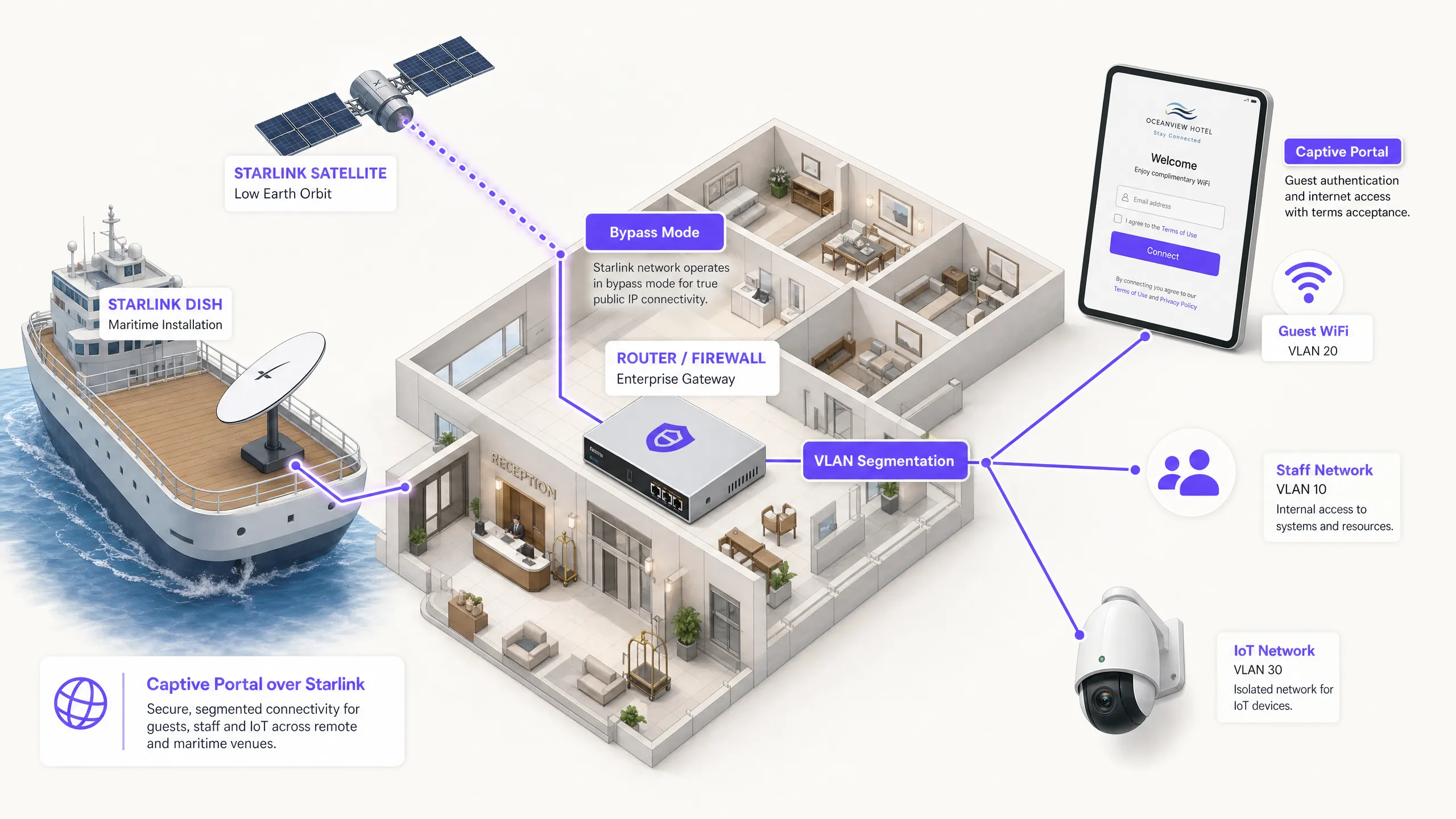
## Executive Summary
Starlink provides 220 Mbps connectivity in locations where fibre cannot reach, completely changing the networking landscape for remote and maritime venues. However, for public-facing environments, connectivity alone is not enough. When you deploy Starlink for guests, passengers or crew, you must implement authentication, access control, GDPR-compliant consent, and bandwidth management. The native Starlink router does not provide any of these capabilities.
This guide explains in detail how to bypass the native Starlink hardware and integrate a cloud-managed Captive Portal using enterprise routing equipment. You will learn how to overcome the limitations of Carrier Grade NAT (CGNAT), implement VLAN segmentation, manage satellite bandwidth constraints, and ensure regulatory compliance.
By implementing this architecture, venue operators transform an unmanaged internet pipe into a secure, segmented network that captures first-party data and protects core business infrastructure.
## Technical Deep Dive
### The CGNAT Constraint
The primary technical hurdle when deploying a Captive Portal on Starlink is Carrier Grade NAT (CGNAT). The standard Starlink dish connects to a proprietary router that handles DHCP and NAT. By default, the WAN IP address assigned to your equipment falls within the 100.64.0.0/10 range. Since this is not a public IP address, your router cannot receive inbound connections from the internet.
Standard Captive Portal architectures often assume that the cloud portal can reach back to your network to authenticate users or update access control lists. With CGNAT, inbound connections fail.
To resolve this, you must configure the Starlink dish in Bypass Mode (often referred to as bridge mode). In Bypass Mode, the Starlink router's functions are disabled, and the dish sends the CGNAT address directly to the WAN port of your enterprise router. Your enterprise router then takes full control of the routing layer.
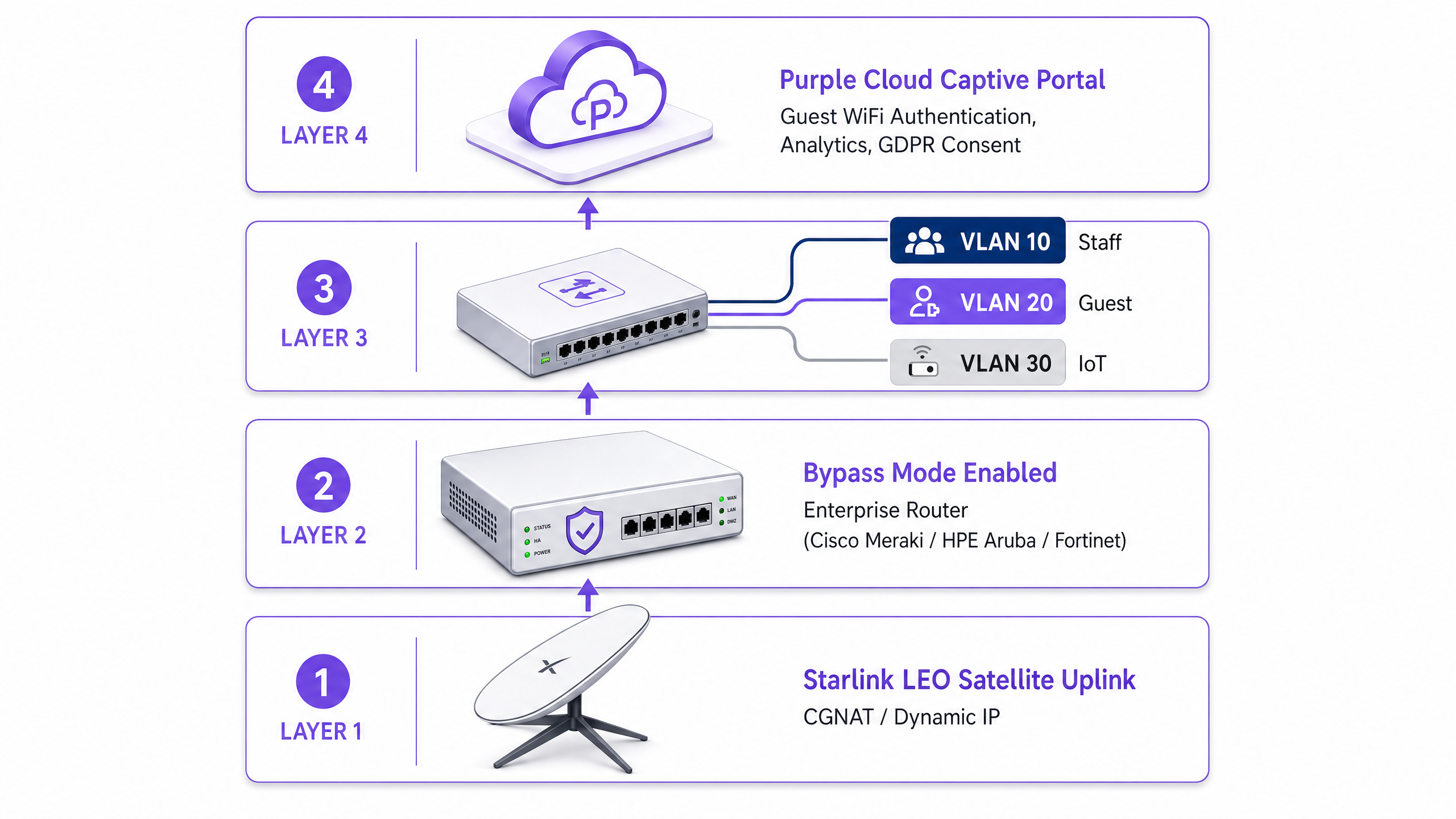
### Reverse Tunnel Architecture
Even with the enterprise router handling the traffic, the CGNAT inbound restriction remains. The solution is a reverse tunnel architecture. Your router establishes an outbound connection to the cloud portal and maintains it continuously. All authentication traffic flows through this established tunnel. The cloud infrastructure never needs to initiate an inbound connection.
Purple's cloud overlay architecture handles this natively. You do not need to configure manual VPN tunnels. If your deployment requires a static IP for legacy on-premises RADIUS servers or strict IP allowlisting, Starlink Business and Maritime plans provide a static IP as a paid add-on.
### Bandwidth Constraints and Traffic Shaping
Satellite bandwidth is a shared, finite resource. A single user streaming 4K video can continuously consume 25 Mbps. On a vessel with 50 passengers sharing a 220 Mbps Starlink connection, one user could consume 11% of the total capacity.
You must address this at the Captive Portal and router level through aggressive traffic shaping:
* **Per-device limits:** Restrict individual guest devices to 5 Mbps download and 2 Mbps upload.
* **Fair-use policies:** Enforce daily data allowances (e.g., 2GB per 24 hours).
* **Application control:** Prioritise web browsing and messaging protocols over video streaming and peer-to-peer file sharing.
* **Tiered access:** Provide a free tier for basic connectivity and a paid premium tier for streaming, transforming the WiFi infrastructure from a cost centre into a revenue source.
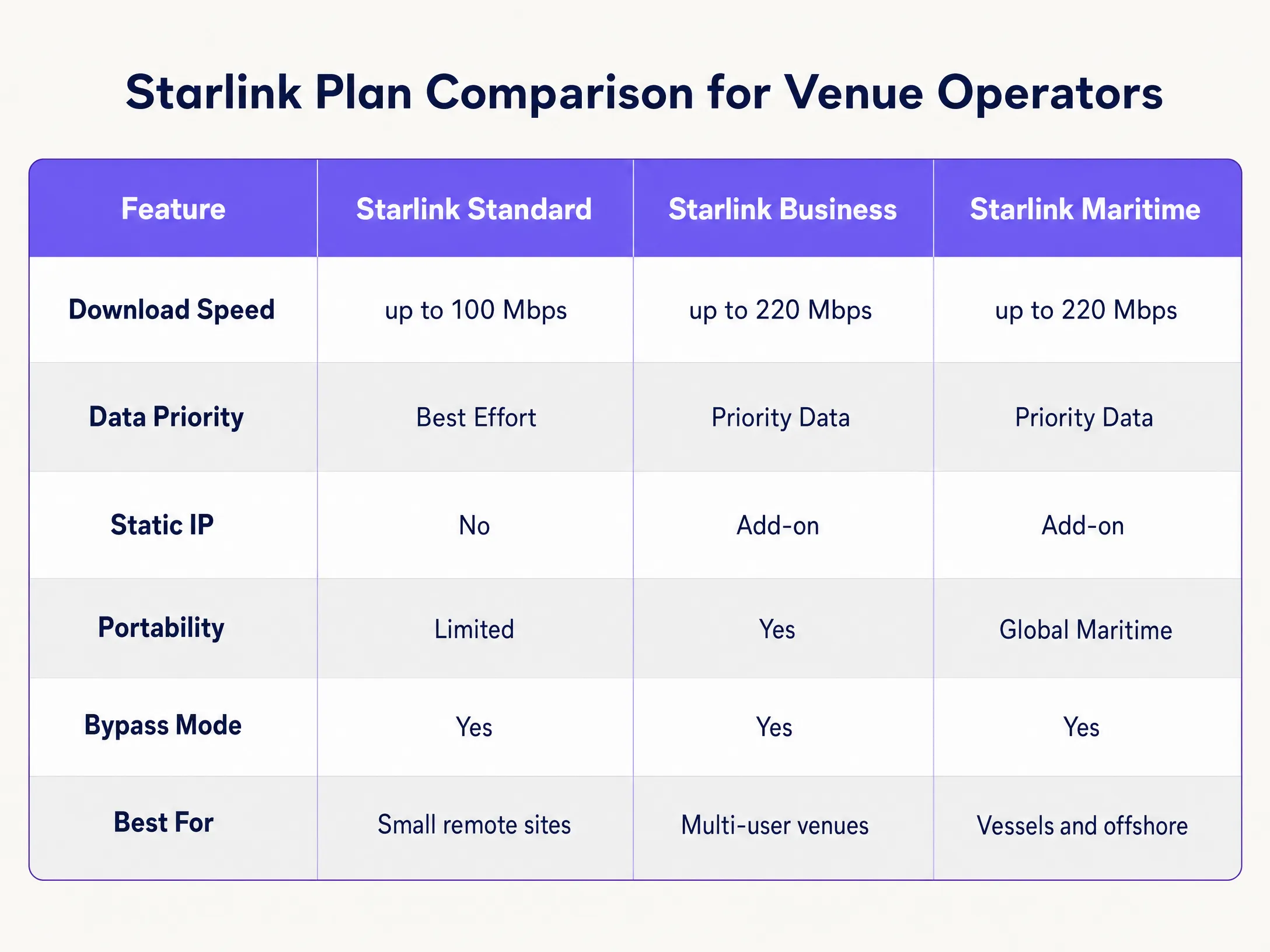
## Implementation Guide
Follow these steps to deploy a secure Captive Portal on Starlink using enterprise hardware.
### Step 1: Enable Bypass Mode
1. Install Starlink hardware and verify connectivity using the original router.
2. Open the Starlink mobile application and navigate to **Settings**.
3. Select and confirm **Bypass Starlink WiFi router**.
4. Connect the Starlink Ethernet Adapter to the WAN port of your enterprise router (Cisco Meraki, HPE Aruba, Ruckus, Juniper Mist, Ubiquiti UniFi, Cambium, Extreme, or Fortinet).
*Note: If the Starlink dish undergoes a factory reset, Bypass Mode is automatically disabled. Document this in your site runbook and configure a monitoring alert on your router's WAN interface.*
### Step 2: Configure VLAN Segmentation
You must isolate guest traffic from your core business systems. Configure at least three VLANs on your core switch and access points:
* **VLAN 10 (Staff):** Carries POS systems, back-office applications, and management traffic.
* **VLAN 20 (Guest):** Internet-only segment that redirects to the Captive Portal.
* **VLAN 30 (IoT):** Isolated network for cameras, smart thermostats, and building management systems.
Configure firewall rules to block all inter-VLAN routing. A guest device on VLAN 20 must never be able to ping a POS terminal on VLAN 10. This segmentation is a strict requirement for PCI-DSS compliance.
### Step 3: Deploy the Cloud Captive Portal
1. Configure your access points to broadcast the Guest SSID on VLAN 20.
2. Set the authentication method to external RADIUS or use the vendor's API integration.
3. Point the authentication server to Purple's cloud infrastructure.
4. Configure the walled garden (allowlist) to permit traffic to Purple's domains before authentication is complete.
5. Design the splash page in the Purple portal, ensuring the branding aligns with your venue and the terms of service are clearly displayed.
### Step 4: Test the User Flow
Test the authentication flow on both iOS and Android devices. Apple's Captive Network Assistant (CNA) and Android's network probe behave differently. Verify that the splash page loads within 10 seconds and that the device gains internet access immediately after authentication.
## Best Practices
* **HTTPS Intercept:** Ensure your router handles HTTPS interception correctly. Modern devices use HTTPS by default. If the router cannot redirect HTTPS requests cleanly, guests will experience certificate errors before reaching the portal.
* **Session Keepalive:** Starlink's Low Earth Orbit (LEO) constellation provides latencies of 20 to 40 milliseconds, but brief spikes occur during satellite handoffs. Set your Captive Portal session keepalive interval to 60 seconds or less to prevent premature disconnection.
* **Offline Caching:** Configure your router to cache active sessions locally. If the Starlink connection drops temporarily, guests who are already authenticated will remain online when connectivity is restored, rather than being forced to log in again.
## Troubleshooting and Risk Mitigation
| Failure Mode | Root Cause | Mitigation |
| :--- | :--- | :--- |
| Captive Portal fails to load | Incorrect walled garden configuration | Verify that all required Purple domains and CDN endpoints are added to the pre-authentication allowlist on the router. |
| Double NAT errors | Bypass Mode is disabled | Check the Starlink app to confirm Bypass Mode is active. Power fluctuations or manual resets may have reverted the dish to default settings. |
| Slow guest speeds | Unrestricted bandwidth | Apply per-device bandwidth limits (e.g., 5 Mbps) and block high-bandwidth applications like BitTorrent on the firewall. |
| Security audit failure | Inter-VLAN routing is enabled | Audit firewall rules to ensure traffic from the Guest VLAN cannot route to the Staff or Management VLAN. |
## ROI and Business Impact
Deploying a managed Captive Portal on Starlink transforms a raw internet connection into a measurable business asset.
For a 120-cabin cruise ship running Starlink Maritime at 220 Mbps, raw access yields zero business return. By deploying Cisco Meraki access points and Purple's Captive Portal, the operator can enforce a 2GB daily allowance for standard passengers while upselling a 10GB premium tier. The resulting WiFi revenue covers the $250+ monthly Starlink subscription cost. Furthermore, the portal captures fully compliant first-party email data, expanding the operator's direct marketing list for future voyages.
In a remote hotel environment, deploying a portal with strict bandwidth policies reduces guest complaints regarding slow WiFi by up to 60%, as heavy users are prevented from monopolising the satellite link.
---
### Hotel Guest WiFi Management: Integrating PMS, Portals, and Brand Standards
**Source:** https://www.purple.ai/en-gb/guides/hotel-guest-wifi-management-integrating-pms-portals-and-brand-standards
**Summary:** This technical guide details how to architect enterprise-grade hotel WiFi networks, focusing on VLAN segmentation, PMS integration for automated session management, and captive portal optimisation for GDPR-compliant data capture.
**Estimated read time:** 5 minutes
**Word count:** 983
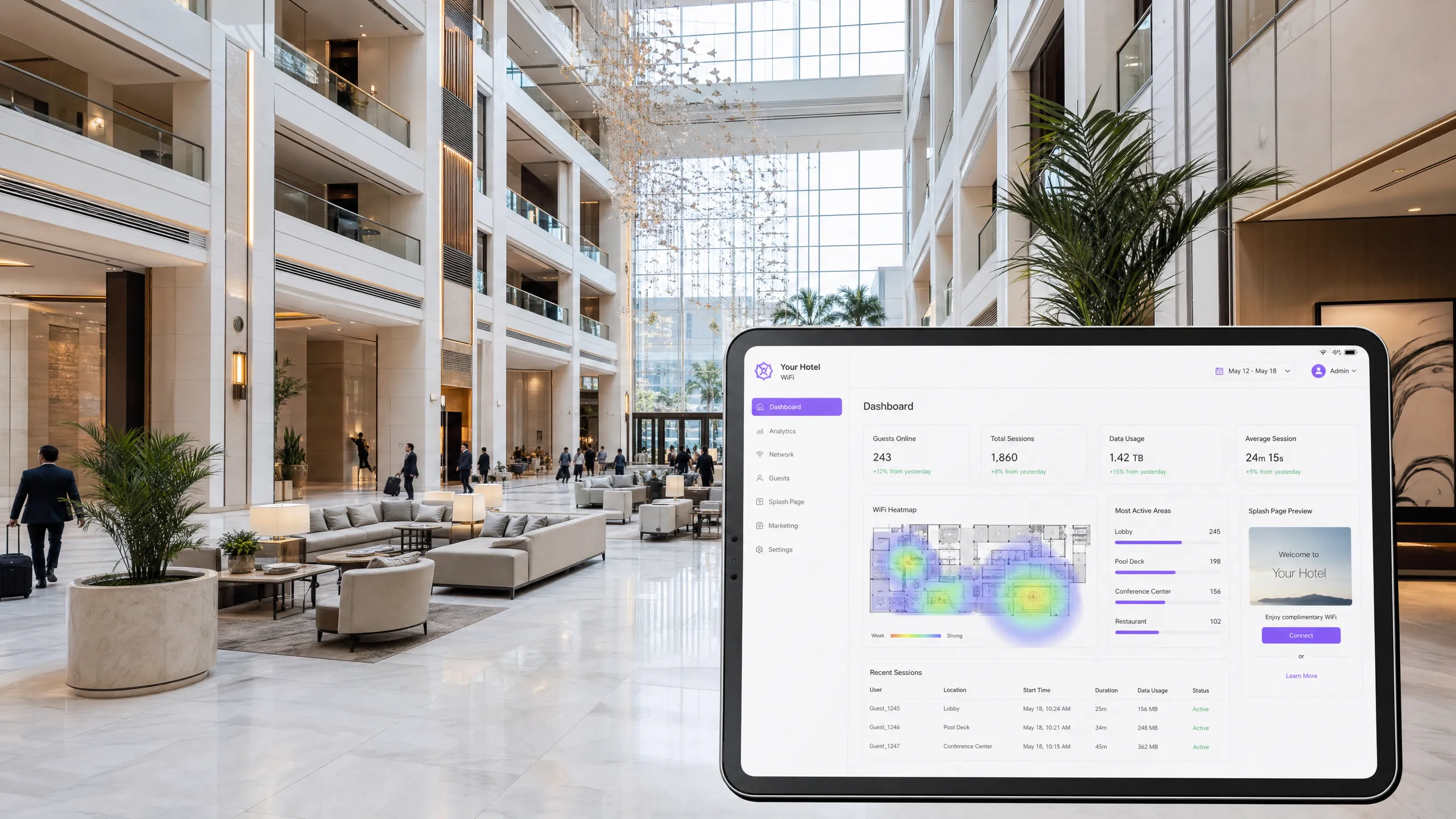
## Executive Summary
Hotel guest WiFi is no longer a utility; it is a critical operational system and a primary channel for first-party data capture. This technical reference guide details how to architect, deploy, and manage enterprise-grade WiFi across hospitality environments. It covers network segmentation, Property Management System (PMS) integration, captive portal optimisation, and chain-wide brand standard enforcement. For IT directors, network architects, and venue operations directors, the goal is clear: deliver a fast, secure connection that integrates seamlessly with your [Guest WiFi](/guest-wifi) infrastructure while capturing compliant data to feed your [WiFi Analytics](/guest-wifi-marketing-analytics-platform) platform.
Whether you manage a boutique hotel or a global portfolio of 500 properties, the technical requirements are the same: isolate traffic, automate session management via the PMS, and enforce consistent security policies. Purple provides the hardware-agnostic cloud overlay that makes this possible across Cisco Meraki, HPE Aruba, Ruckus, Juniper Mist, Ubiquiti UniFi, Cambium, Extreme, and Fortinet deployments.
## Technical Deep-Dive
### Network Segmentation and VLAN Architecture
A flat network in a hotel environment is a severe security vulnerability and a compliance failure. A hotel network must serve distinct populations: guests, staff, building management systems, and IoT devices. The foundation of secure hotel WiFi is logical segmentation using Virtual Local Area Networks (VLANs) as defined by IEEE 802.1Q.
You must assign a dedicated VLAN to each traffic class. A standard deployment requires at least four VLANs: Guest WiFi, Staff, IoT/Building Systems, and a PCI-scoped network for payment terminals. Your firewall must enforce a default-deny policy between these segments. Guest traffic must route directly to the internet, completely isolated from the property management system, point-of-sale (POS) terminals, and staff communications.
For the wireless edge, each Service Set Identifier (SSID) maps to a specific VLAN. On the guest SSID, you must enable client isolation. Client isolation prevents devices on the same SSID from communicating directly with each other, mitigating the risk of a compromised device probing other guests.
### PMS Integration and Automated Session Management
The integration between your WiFi management platform and your Property Management System (PMS) - such as Oracle OPERA, Mews, or Protel - is the linchpin of a modern hospitality network. The PMS holds the ground truth regarding guest identity, room assignment, check-in status, and loyalty tier.
When a guest checks in, the PMS sends an API call or webhook to the WiFi platform. The platform pre-provisions the guest session, applying the correct bandwidth policy based on their loyalty tier. When the guest connects, authentication is seamless. Crucially, when the guest checks out, the PMS signals the WiFi platform to revoke access immediately. This eliminates the security risk of lingering credentials and prevents former guests from consuming bandwidth.
### Captive Portals and First-Party Data Capture
The captive portal is the gateway where infrastructure investment converts into commercial value. It is not merely an access control mechanism; it is your primary engine for first-party data capture.
Guests authenticate via email, social login, or SMS verification. This captures a verified identity, which is then linked to their device MAC address, visit timestamp, and dwell time. This data feeds directly into your CRM, enabling targeted pre-stay emails, post-stay surveys, and location-based offers.
Compliance is non-negotiable. A GDPR-compliant captive portal must present a clear privacy notice and capture explicit, unbundled consent for marketing communications. Consent to access the WiFi must not be conditional on consent to receive marketing. Purple handles this natively, maintaining detailed audit trails for every user profile.
## Implementation Guide
### Phase 1: Site Survey and Capacity Planning
Before configuring any hardware, conduct a thorough RF site survey using predictive modelling tools. For hotel environments, the target is in-room coverage. Deploy one access point (AP) per room, or one AP per two rooms at minimum. Avoid corridor placement, which creates coverage shadows and degrades performance. Size your internet uplink for peak concurrent usage. Plan for 5 to 10 Mbps per room; a 200-room property requires an 800 Mbps to 1.6 Gbps committed leased line.
### Phase 2: Architecture and Policy Design
Map every device type to a dedicated VLAN. Document your inter-VLAN routing rules and default-deny firewall policies. Determine your authentication standards: WPA3-Enterprise with IEEE 802.1X for staff networks, and WPA3-Personal or an open network with HTTPS enforcement and client isolation for guests.
### Phase 3: PMS and Portal Integration
Configure the API connection between your PMS and the WiFi platform. Design the captive portal to align with brand standards. Test the end-to-end guest journey across iOS, Android, and Windows devices. Verify that session revocation triggers correctly upon checkout in the PMS.
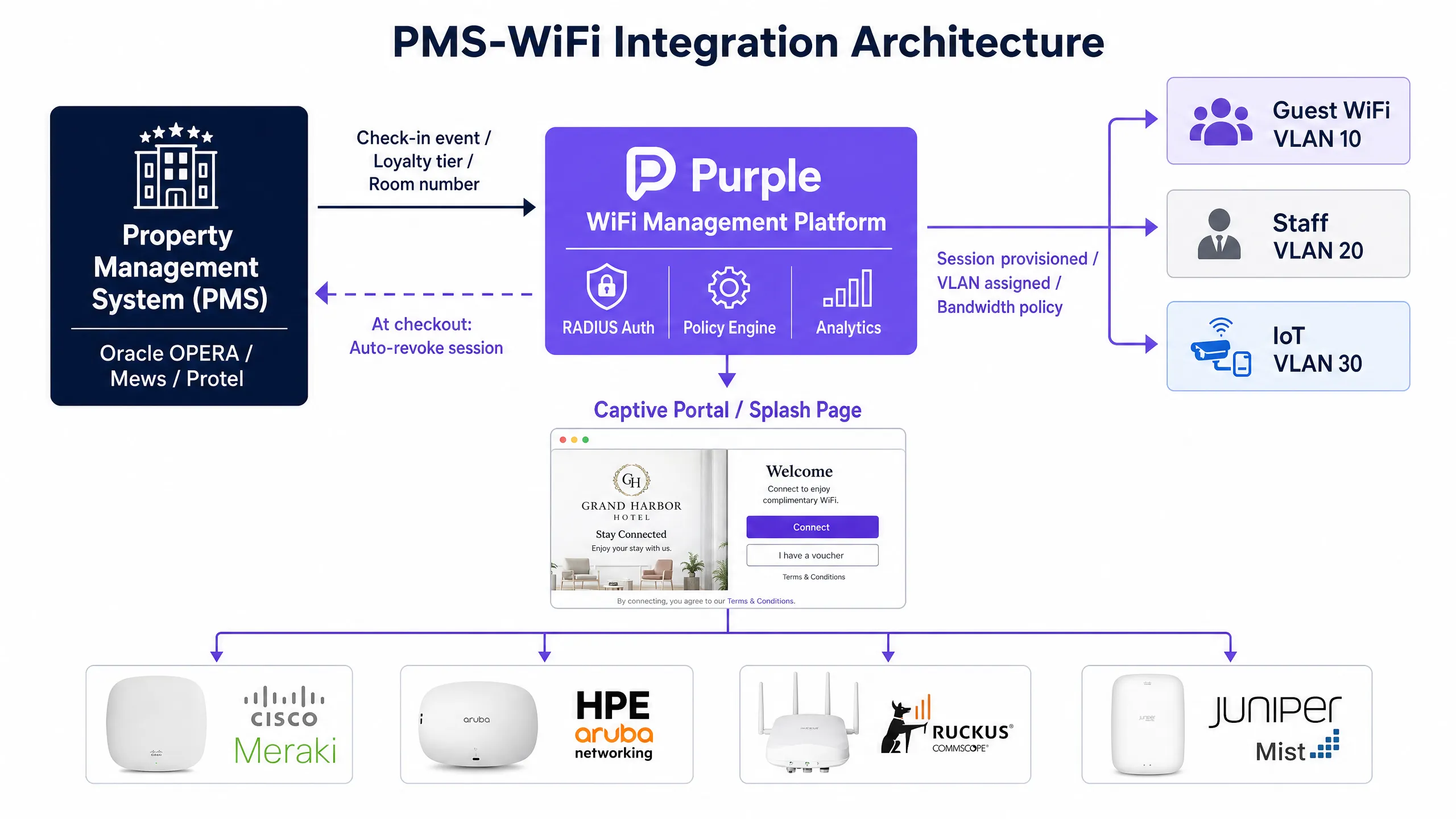
## Best Practices
* **Enforce Client Isolation:** Always enable client isolation on guest-facing SSIDs to prevent lateral movement between devices.
* **Automate Role-Based Access:** Use IEEE 802.1X and RADIUS authentication for staff networks. Integrate with Microsoft Entra ID, Okta, or Google Workspace to assign VLANs and QoS policies dynamically based on user roles.
* **Centralise Brand Standards:** Use a cloud-managed platform with a hierarchical policy engine. Define SSIDs, security protocols, and captive portal branding at the headquarters level, allowing regional or property-level inheritance without breaking brand standards.
* **Separate IoT Traffic:** Isolate smart TVs, thermostats, and voice assistants on a dedicated IoT VLAN with strict egress filtering.
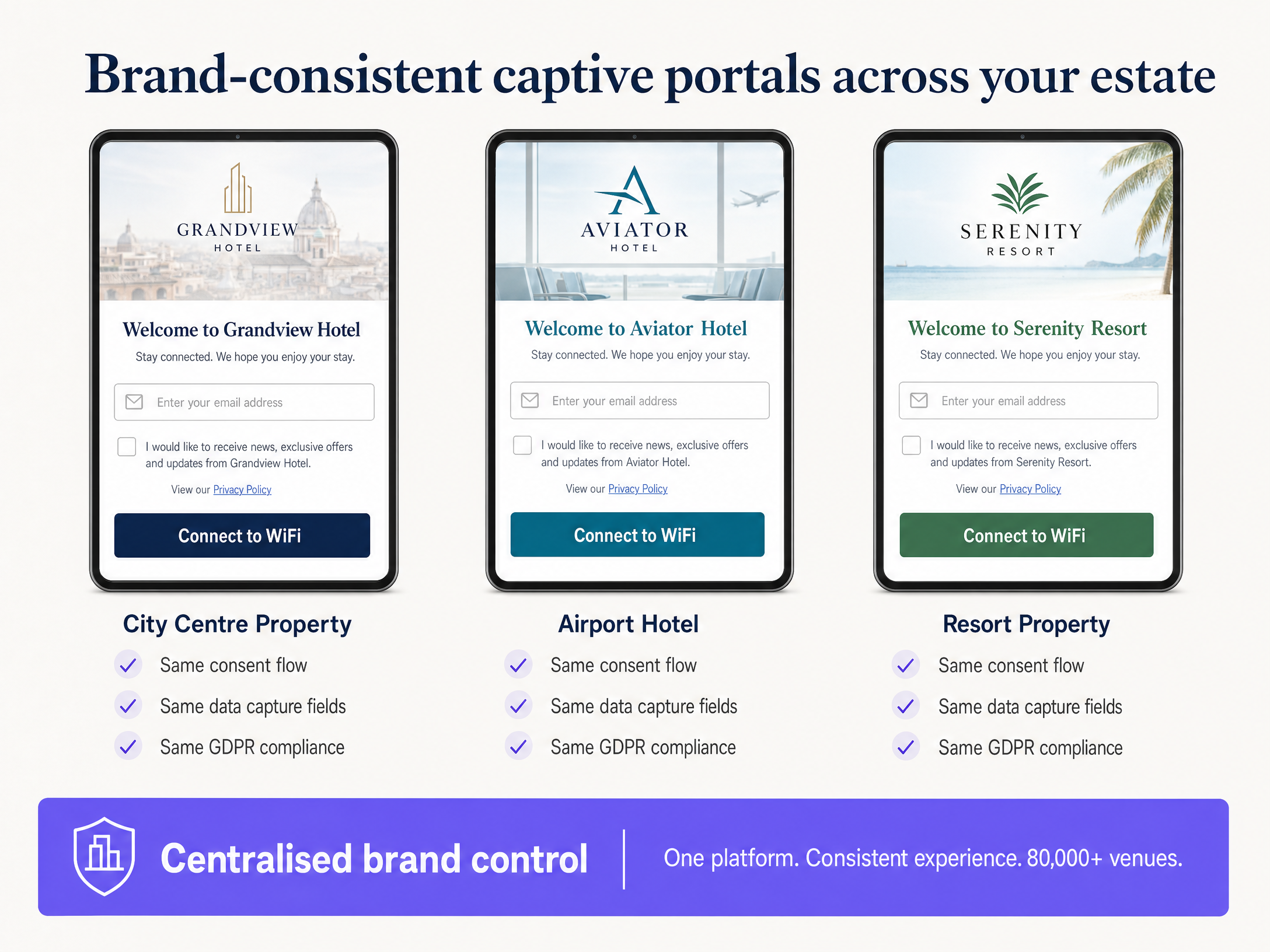
## Troubleshooting & Risk Mitigation
* **Slow Speeds:** The most common cause of slow hotel WiFi is an under-provisioned WAN uplink, not RF interference. Monitor your internet circuit utilisation. If the uplink is saturated, upgrading access points will not improve the guest experience.
* **Segmentation Failure:** Misconfigured switch trunk ports can collapse multiple VLANs onto a single broadcast domain, silently breaking your segmentation. Audit switch configurations regularly.
* **Authentication Friction:** A captive portal that requires excessive data entry will cause guests to abandon the connection process. Keep the form concise.
## ROI & Business Impact
A correctly architected hotel WiFi network delivers measurable returns. It reduces IT support tickets related to connectivity issues, driving operational efficiency. It improves guest satisfaction scores, which correlate directly with RevPAR. Most importantly, it generates a compliant, first-party database of verified guests, reducing reliance on Online Travel Agencies (OTAs) and powering direct-booking marketing campaigns.
---
### Captive Portal Best Practices: Designing for High Conversion and Compliance
**Source:** https://www.purple.ai/en-gb/guides/captive-portal-best-practices-designing-for-high-conversion-and-compliance
**Summary:** This technical guide gives IT managers, network architects, and venue operations directors a complete blueprint for deploying captive portals that balance network security with high user conversion. It covers the full architecture from VLAN segmentation and RADIUS authentication to GDPR-compliant consent design and authentication method selection. Drawn from Purple's operational experience across 80,000+ venues and 440 million logins in 2024, every recommendation is grounded in real deployment data.
**Estimated read time:** 8 minutes
**Word count:** 1,907

## Executive Summary
A captive portal is the sign-in page on public WiFi. It is also your most critical network security decision and, if you run a marketing programme, your most valuable data capture area. Both objectives - security and conversion - do not conflict. They require distinct configuration decisions, and this guide covers both.
The core architecture places each guest device in a quarantine VLAN until authentication is complete. A RADIUS server manages the session, and a Change of Authorisation (CoA) message moves the device to the production VLAN. Network segmentation ensures that guest traffic never reaches corporate infrastructure or point-of-sale systems. In any environment where payment terminals share physical infrastructure with guest WiFi, this isolation is a PCI-DSS requirement, not just a recommendation.
In terms of conversion, each additional form field reduces opt-in rates by 8 to 12%. The right authentication method depends on your venue type and data objectives. Email capture provides 65 to 80% conversion with directly owned data. Social login via OAuth 2.0 reduces friction but introduces third-party dependencies. This guide provides the technical blueprint to balance these requirements, drawn from Purple's operational experience across 80,000+ venues and 440 million logins in 2024 (Purple internal data).
For more context on related network architecture decisions, see our guide [How to Optimise Captive Portals for Maximum Network Security and User Conversion](/guides/how-to-optimize-captive-portals-for-maximum-network-security-and-user-conversion).
## Technical Deep Dive
A captive portal intercepts HTTP or HTTPS requests from devices connected to your SSID, and redirects the user to a splash page before granting internet access. The underlying mechanism relies on network segmentation and RADIUS authentication working in tandem.
When a device connects, the access point - whether it is Cisco Meraki, HPE Aruba, Ruckus, Juniper Mist, Ubiquiti UniFi, Cambium, Extreme, or Fortinet - places it into a quarantine VLAN. In this state, the firewall blocks all traffic except for DNS queries and access to a specific list of allowed destinations (known as a walled garden). The walled garden must include the portal URL and any external authentication services (such as Google Workspace or Microsoft Entra ID). If the walled garden is misconfigured and the OS captivity probe (for example, `captive.apple.com` on iOS) is blocked, the portal will not load. This is the most common failure mode in this area.
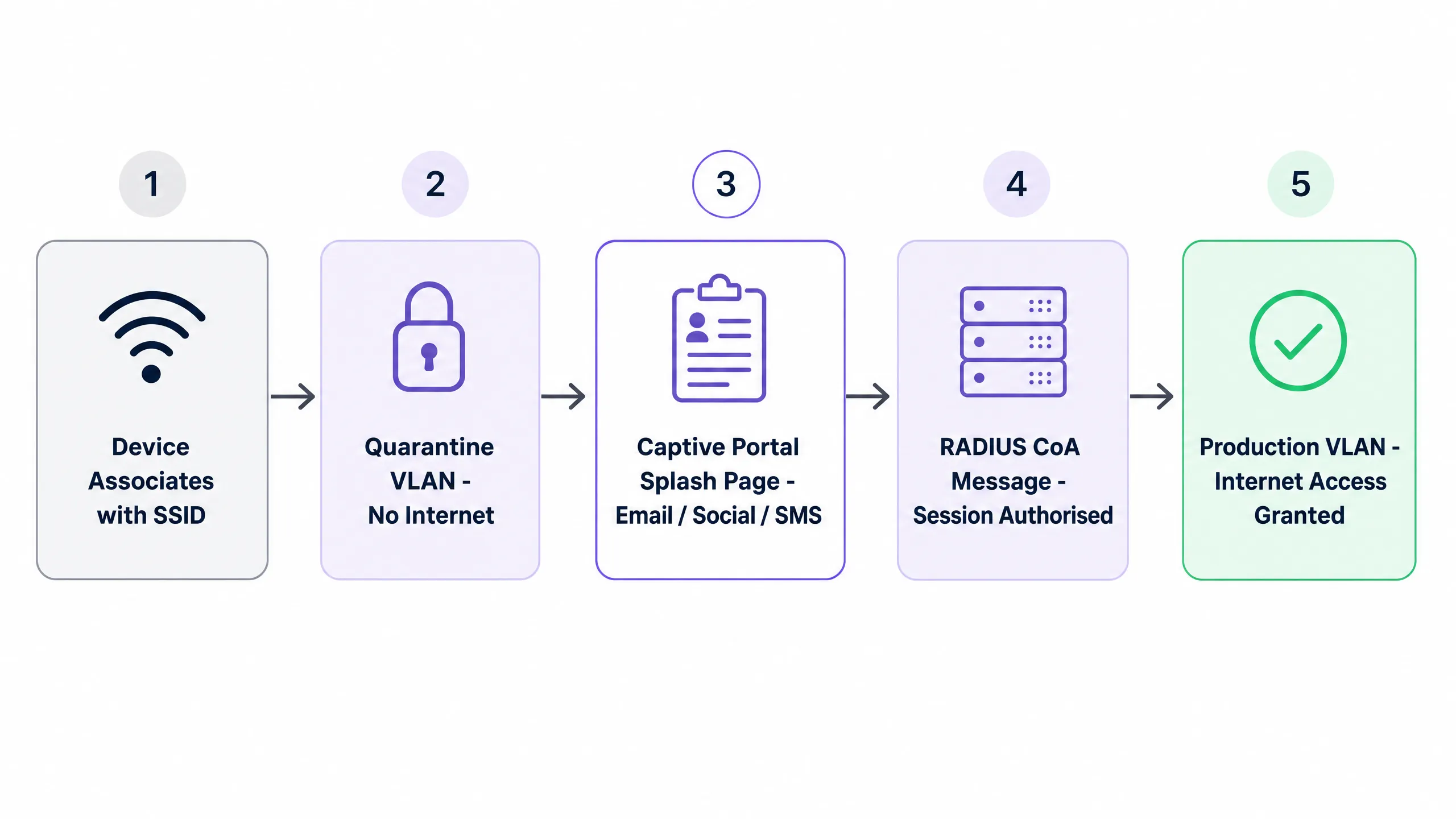
Once the user completes the login process, the portal communicates with your RADIUS server. The server sends a Change of Authorisation (CoA) message to the access controller, instructing it to remove the quarantine state and move the device to the production VLAN. This isolation is critical: on a flat network, a compromised guest device can probe internal systems. VLAN segmentation ensures that unauthenticated devices cannot reach point-of-sale systems or corporate databases.
### Comparison of Authentication Methods
Each of the five main captive portal authentication methods involves different trade-offs in terms of conversion rate, data quality, and compliance overhead. The table below summarises the key variables.
| Method | Conversion Rate | Data Quality | GDPR Overhead | Best Suited For |
|---|---|---|---|---|
| Click-through only / Terms & Conditions | 90-95% | Minimal (MAC + timestamp) | Low | Public sector, libraries, NHS |
| Email capture | 65-80% | High (directly owned) | Medium | Hospitality, retail, events |
| Social login (OAuth 2.0) | 55-70% | Medium (provider-dependent) | Medium-high | Consumer venues with Google/Apple users |
| SMS OTP | 45-60% | Very high (verified mobile) | Medium | Loyalty-focused: QSR, stadiums, retail |
| Full form registration | 30-45% | Highest (rich profile) | High | Hotels, healthcare, high-end retail |
*Source: Purple operational data, 440 million logins 2024.*
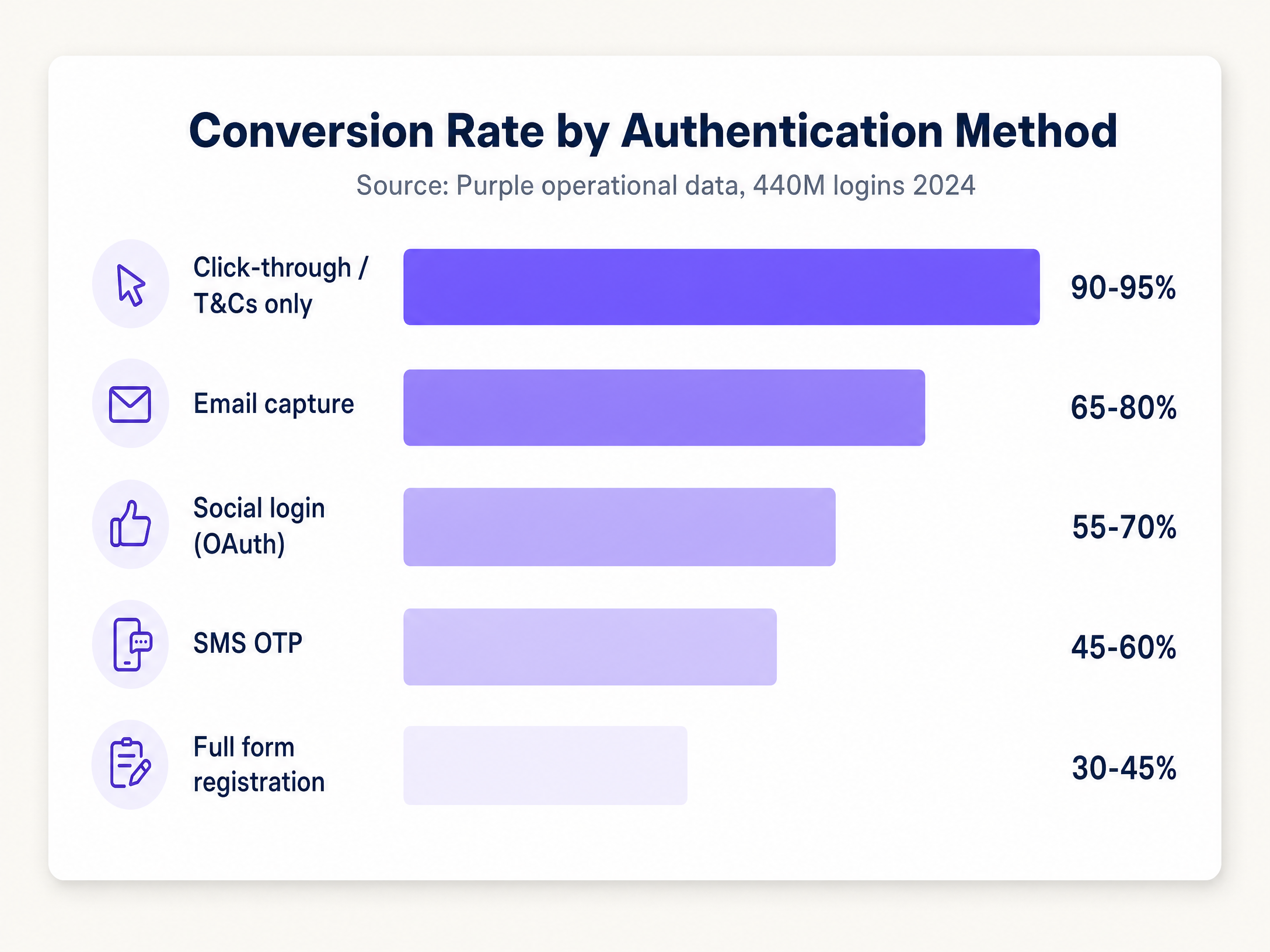
For most venue operators, the optimal starting point is a dual-method portal: email capture as the primary option, and Google login as the secondary option. This combination typically achieves a conversion rate of 65 to 75% while building a directly owned email database. You are not entirely dependent on a third-party OAuth provider, but you offer a convenient option for users who prefer it.
For [hospitality](/industries/hospitality) venues running loyalty programmes, add SMS OTP as a third option or make it the primary method. A lower conversion rate is acceptable because the data quality justifies it. A verified mobile number in your CRM is significantly more valuable than an unverified email address.
For public sector deployments - councils, NHS trusts, libraries - click-through with acceptance of terms is the right decision. The compliance overhead of collecting personal data in a public sector context is significantly higher, and the objective is connectivity, not building a CRM.
### Compliance Architecture
Under GDPR, you must separate connection from collection. You can provide network access based on legitimate interest under Article 6(1)(f) of the UK GDPR. You cannot use the same justification to send marketing emails. Marketing requires explicit, affirmative consent under Article 6(1)(a).
Your portal must have separate, unticked checkboxes. One covers the terms of service for WiFi access. The second, separate checkbox covers marketing consent. Pre-ticked boxes do not constitute valid consent. The system must log each consent event, which must record who consented, when they consented, and the exact version of the privacy notice they viewed. This audit trail is proof of your compliance in the event of regulatory scrutiny.
For [retail](/industries/retail) operators with on-site card payment terminals, PCI DSS requires that the cardholder data environment be isolated from all other network traffic. Proper VLAN segmentation can reduce the PCI DSS audit scope by 60 to 80% (Specgravity, 2024) and lower annual compliance costs.
## Implementation Guide
Deploying a captive portal that is both secure and high-converting requires a structured approach. The following five-step framework applies across all hardware platforms.
**Step 1 - Traffic categorisation.** Before touching a single switch port, document every device type and traffic class in your environment: guest devices, staff devices, IoT, payment terminals, building management systems, CCTV. Each requires a dedicated VLAN.
**Step 2 - VLAN design.** Assign a VLAN ID and IP subnet to each traffic class. Place the guest VLAN on a completely separate subnet with no routes to your internal address space. Your firewall must have an explicit 'deny-all' rule between the guest VLAN and everything internal, allowing only outbound internet access.
**Step 3 - Walled garden configuration.** Explicitly allow the portal URL, identity provider domains (Google Workspace, Microsoft Entra ID, Okta), and OS captivity probe URLs. Test on iOS, Android, and Windows devices prior to go-live.
**Step 4 - Firewall policy.** Explicitly document every permitted inter-VLAN flow. Default-deny everything else. This is where most deployments fall short: a VLAN architecture is only as strong as the firewall rules enforcing it.
**Step 5 - Monitoring and validation.** Deploy network monitoring and verify that the segmentation is working. Run periodic penetration tests, or at least use a scanning tool from a guest device to confirm you cannot reach internal subnets.
Purple's [Guest WiFi](/guest-wifi) platform integrates with all major enterprise wireless vendors via standard RADIUS and VLAN tagging. You do not need to replace existing access points. The platform handles captive portal rendering, consent management, and downstream [WiFi Analytics](/guest-wifi-marketing-analytics-platform) across Cisco Meraki, HPE Aruba, Ruckus, Juniper Mist, Ubiquiti UniFi, Cambium, Extreme, and Fortinet deployments.
## Best Practices
The following recommendations reflect operational patterns observed across Purple's network of 80,000+ venues.
**Minimise form fields.** Every field you add to your login form reduces your conversion rate. Only ask for data you actively use. An email address and first name are sufficient for most marketing use cases. Date of birth, postcode, and phone number should only appear if your CRM workflows genuinely require them.
**Separate access and marketing consent.** Ensure your captive portal has separate, unticked checkboxes for WiFi terms and marketing opt-in. Bundling the two is the most common GDPR compliance error we see in the field.
**Enable client isolation.** Configure the access controller to prevent devices on the guest SSID from communicating directly with each other. This eliminates peer-to-peer attack vectors on the guest network.
**Manage bandwidth.** Enforce per-client rate limits (typically 5 to 20 Mbps downstream) on the guest VLAN. This prevents a single user from saturating the uplink and degrading the experience for everyone else.
**Plan for MAC randomisation.** Modern iOS and Android devices use randomised MAC addresses by default. A returning guest appears as a new user, and the portal challenges them again. Mitigate this by encouraging users to install a Passpoint profile or by using app-based authentication flows that rely on identity tokens rather than MAC addresses.
**Keep SSID counts low.** Every additional SSID you broadcast consumes airtime for beacon frames. In a dense venue with hundreds of access points, broadcasting more than four SSIDs per radio can significantly degrade throughput. Three is a practical target: guest, corporate, IoT.
For a comprehensive view on authentication standards, see our guide [EAP Method WiFi: A Guide to Secure Network Access](/blog/eap-method-wifi).
## Troubleshooting and Risk Mitigation
The most frequent issue in this field is the portal failing to appear. This is almost always a walled garden configuration error. If the firewall blocks the device's OS captivity probe, the OS cannot detect the captive network, and the portal never launches. Check your walled garden entries first, every time.
The second common failure mode is DHCP pool exhaustion. In high-density environments like stadiums or conference centres, thousands of devices connect simultaneously. If your DHCP pool runs out of addresses, the authentication flow halts before the portal can be served. Size your infrastructure for peak concurrent connections, not average load.
The third risk is OAuth dependency without a fallback. If you deploy social login as your sole authentication method and the provider changes their API terms, your authentication flow breaks. This has happened with Facebook's Graph API. Always deploy at least one directly owned method alongside social login.
For [transport](/industries/transport) hubs and large event venues, the fourth risk is DNS resolver overload. At scale, DNS query volume during peak connection events can overwhelm an undersized resolver. Deploy dedicated DNS infrastructure for the guest VLAN and monitor query rates.
For [healthcare](/industries/healthcare) environments, the fifth consideration is clinical device isolation. In line with NHS Digital guidelines, clinical devices must be on a separate VLAN from general-purpose guest WiFi. The captive portal architecture must not allow guest devices to access any subnets carrying clinical device traffic.
## ROI and Business Impact
A well-structured captive portal turns guest WiFi from a cost centre into a strategic asset. By capturing first-party data, you build a verified CRM database that drives loyalty programmes and targeted marketing campaigns.
Success is measured by two primary metrics: conversion rate (the percentage of connected devices that complete authentication) and opt-in rate (the percentage of authenticated users who consent to marketing). A retail chain can track the conversion of WiFi users into loyalty members and measure subsequent footfall and spend lift.
For a 500-location retail estate running email capture at 70% conversion, 10,000 daily WiFi sessions across the estate generate 7,000 new or returning CRM contacts per day. At a conservative 2% email-to-visit conversion rate for marketing campaigns, that is 140 additional store visits per day driven by the WiFi channel.
Furthermore, proper network segmentation reduces the scope of PCI DSS audits. Proper segmentation can reduce the PCI DSS audit scope by 60 to 80% (Specgravity, 2024), lowering annual compliance costs and mitigating the financial risk of a data breach. Non-compliance with GDPR can result in fines of up to 4% of annual global turnover, making a compliant portal architecture a direct financial risk mitigation measure.
Purple's platform is ISO 27001, GDPR, CCPA, and Cyber Essentials certified, providing the necessary compliance documentation for your legal and procurement teams. With 99.999% uptime across 80,000+ locations, the infrastructure is sized for enterprise-scale deployments.
For further reading on related network concepts, see our [WAN Computer Definition: A Practical Guide for 2026](/blog/wan-computer-definition).
---
### How to Optimize Captive Portals for Maximum Network Security and User Conversion
**Source:** https://www.purple.ai/en-gb/guides/how-to-optimize-captive-portals-for-maximum-network-security-and-user-conversion
**Summary:** This guide provides a complete technical blueprint for optimising captive portals across enterprise venues, covering network segmentation architecture, authentication method selection, GDPR-compliant consent design, and conversion optimisation. It is written for IT managers, network architects, and CTOs at hotels, retail chains, stadiums, and public-sector organisations who need to balance network security with first-party data capture. Purple operates captive portal infrastructure across 80,000+ venues with 440 million logins in 2024, and the frameworks here reflect that operational experience.
**Estimated read time:** 10 minutes
**Word count:** 2,265
## Executive Summary
A Captive Portal is the login page on public WiFi. It is also your most important network security decision; and if you are running marketing projects, it is your most valuable data collection channel. The two goals of security and conversion are not in conflict, but they do require different configuration decisions, and this guide covers both.
Its core architecture is to place each visitor device in an isolated VLAN before authentication is complete. A RADIUS server manages sessions and releases devices to the production VLAN via Change of Authorization (CoA) messages. Network segmentation ensures that guest traffic never touches corporate infrastructure or POS systems. In any environment where payment terminals and guest WiFi share physical infrastructure, this is a hard PCI DSS requirement.
On the conversion side, for every form field added, subscription rates drop by 8% to 12%. The correct authentication method depends on your venue type and data goals. Email collection delivers a 65% to 80% conversion rate and provides first-party data ownership. Social login via OAuth 2.0 reduces friction but introduces third-party dependency risk. SMS OTP provides the highest data quality but the lowest conversion rate. For public sector environments without marketing goals, one-click login is the right choice.
Purple runs [Guest WiFi](/guest-wifi) infrastructure across more than 80,000 venues. The guidance in this document reflects the 440 million logins processed in 2024 (Purple internal data, 2024).
---
## Technical Deep Dive
### How Captive Portals Actually Work
After a device associates with an SSID, the Captive Portal intercepts HTTP and HTTPS requests. The access point places the device in an isolated VLAN, where the firewall only allows DNS queries and a small set of pre-approved destinations (the Walled Garden). The device's operating system detects this restricted state by probing known URLs (such as `captive.apple.com` on iOS or `connectivitycheck.gstatic.com` on Android). When the probe returns an anomalous response, the operating system automatically launches the portal.
The user authenticates. The portal transmits the results to the network's RADIUS server via a CoA message. The access controller removes the isolation restriction, moves the device to the production VLAN, and logs a session containing timestamps, MAC addresses, identity, and applied policies. Depending on the authentication method, this end-to-end process takes between one and ten seconds.
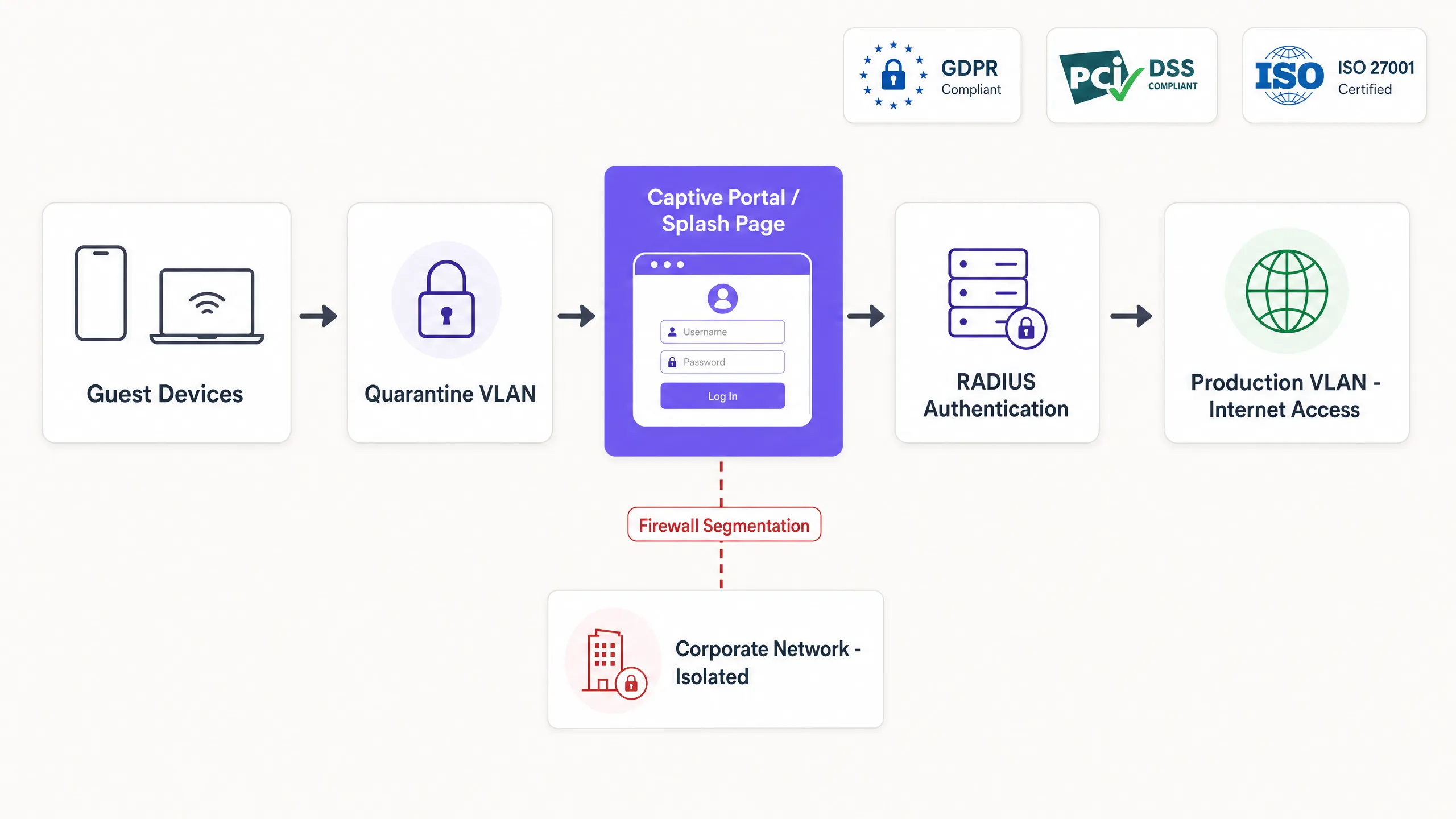
### Network Segmentation
An isolated VLAN is indispensable. Without it, unauthenticated devices on an open SSID can probe the internal network, access management interfaces, or touch point-of-sale (POS) systems. In PCI DSS scoped environments (i.e., any venue where card terminals and guest WiFi share physical infrastructure), the Payment Card Industry Data Security Standard v4.0 requires complete network isolation between the cardholder data environment and the customer network.
Network segmentation is implemented at the access controller level. On Cisco Meraki, this is configured via Group Policies; on HPE Aruba, via User Roles; on Ruckus, via Zone configuration; and on Juniper Mist, via WLAN policies. The principle is identical across all four platforms: unauthenticated devices have a restricted policy applied; authenticated devices have a production policy applied. The RADIUS server is responsible for enforcing this transition.
For venues with multiple user types (customers, employees, contractors), deploy separate SSIDs and map each SSID to a separate VLAN with dedicated firewall rules and bandwidth policies. Do not attempt to serve all user types from a single SSID via a single Captive Portal. The complexity of policy management will far outweigh any imagined convenience.
### Securing the Wireless Edge
Captive Portals operate at Layer 7 and do not encrypt the wireless link. On an open SSID, traffic between the device and the access point is unencrypted and visible to any device within radio range.
There are three ways to address this issue:
**WPA3 with Captive Portal.** WPA3-Personal provides Simultaneous Authentication of Equals (SAE), which eliminates offline dictionary attacks against WPA2-PSK. The Captive Portal still triggers for authentication, but the wireless link is encrypted. This is the minimum acceptable standard for new deployments in 2026.
**Passpoint (Hotspot 2.0) with 802.1X.** Passpoint uses EAP-TLS or PEAP to provide certificate- or credential-based authentication. The Captive Portal handles the initial onboarding and consent signing. On the second visit, Passpoint automatically authenticates the device in the background using the configured profile, bypassing the portal entirely. This is the architecture used by the carrier-grade roaming standard OpenRoaming. For more details on EAP methods, please see our guide: [EAP Method WiFi: A Guide to Secure Network Access](/blog/eap-method-wifi).
**iPSK (Identity Pre-Shared Key).** iPSK allocates a unique WPA2 or WPA3 password to each user or device via a portal. This password is stored in the RADIUS server and maps to a specific VLAN and policy. This provides personalised encryption and accountability on a shared SSID without the infrastructure overhead of deploying full 802.1X. This is the standard architecture for Multi-Tenant WiFi in build-to-rent and student accommodation environments.
For details on certificate-based authentication, see [WiFi Certificate Authentication: Secure Network Access](/blog/wifi-certificate-authentication).
---
## Implementation Guide
### Step 1: Define the Walled Garden
Before setting up your portal, map and verify all external dependencies required for authentication. If you offer Google social login, whitelist `accounts.google.com` and associated Google authentication domains. If you use Stripe for paid access, whitelist Stripe's API endpoints. If you use Apple login, whitelist `appleid.apple.com`.
Failure to maintain an accurate walled garden is the leading cause of Captive Portal rendering failures in production environments. Use a walled garden validation tool to generate copy-and-paste rules for your specific controller. Purple offers a free Walled Garden Domain Validator that outputs ready-to-use rules for Cisco Meraki, Ubiquiti UniFi, HPE Aruba and Catalyst controllers.
### Step 2: Configure RADIUS Integration
Integrate your access controller with your cloud RADIUS provider. Configure the controller to redirect unauthenticated traffic to the portal URL, and specify the RADIUS servers for authentication and accounting. Ensure the RADIUS shared secret is at least 22 characters, contains mixed case and special characters, and is rotated every 90 days.
For Cisco Meraki deployments, configure RADIUS servers under "Wireless > Access Control". For HPE Aruba, configure under "Security > Authentication Servers". For Ruckus, configure under "Services > Authentication". For Juniper Mist, configure under "Network > WLAN".
### Step 3: Choose Authentication Methods
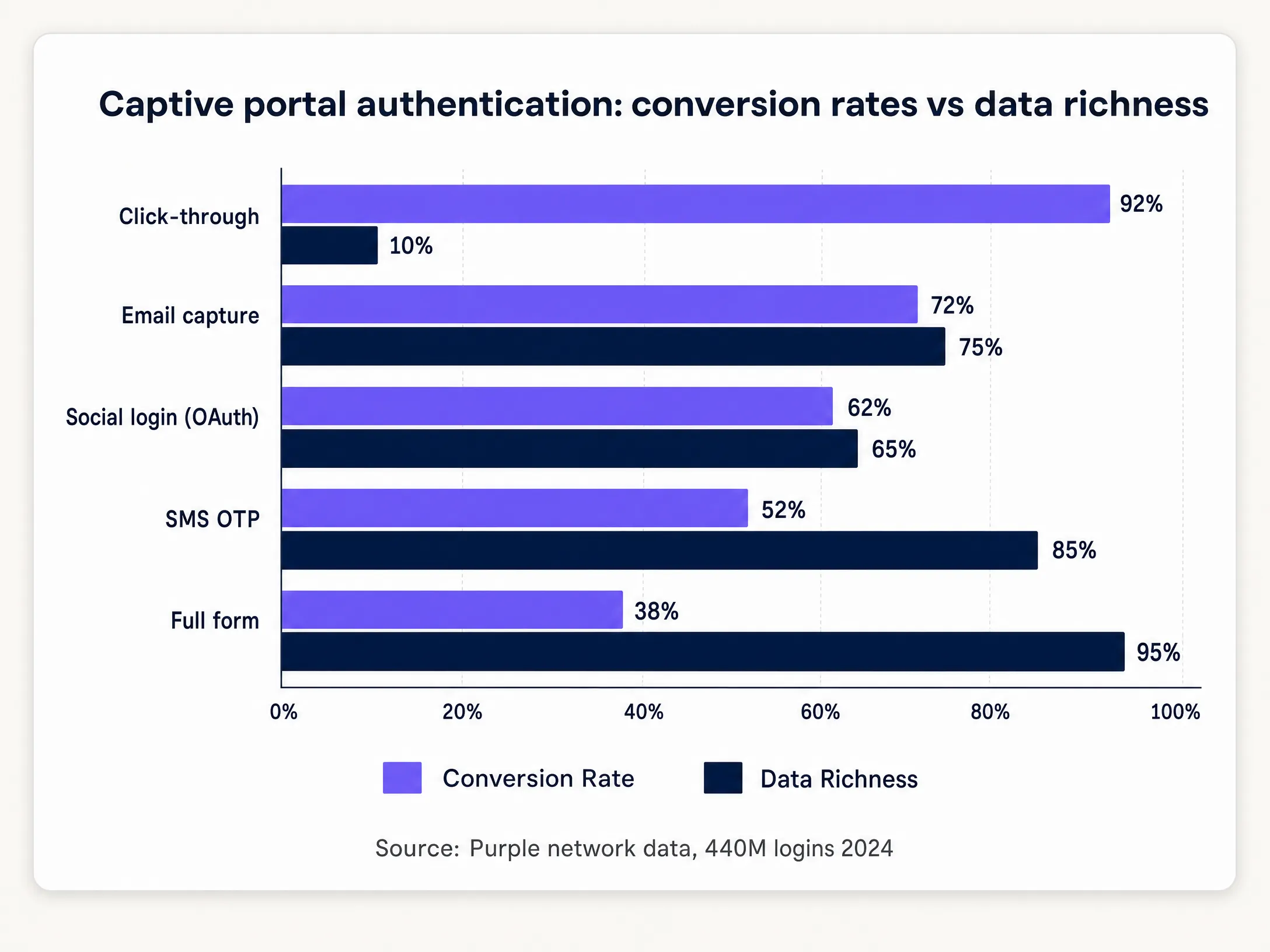
The following table maps venue types with recommended authentication methods and expected conversion rate ranges.
| Venue Type | Recommended Method | Expected Conversion | Collected Data |
|---|---|---|---|
| Hotels & Hospitality | Email Collection + Social Login | 65-80% | Email, Name, Optional Demographics |
| Retail | Email Collection | 68-75% | Email, Name |
| Stadiums & Events | SMS One-Time Passcode (SMS OTP) | 45-55% | Verified Mobile Number |
| Convention Centres | Social Login + Email | 60-70% | Email, Professional Profile |
| Public Sector | Click-through | 90-95% | MAC Address only, Timestamp |
| Healthcare | Click-through | 90-95% | MAC Address only, Timestamp |
Source: Purple network data, 440 million logins, 2024.
### Step 4: Design Consent Flows
Separate the consent required for network access from the consent required for marketing communications. Under UK GDPR (the retained UK law version of Regulation (EU) 2016/679), these are two distinct lawful bases.
Network access can be granted based on legitimate interests under Article 6(1)(f), covering network administration and security. Marketing communications require explicit consent under Article 6(1)(a). This consent must be freely given, specific, informed, and unambiguous. Pre-ticked checkboxes do not meet this standard.
Implement two independent checkboxes on the portal. The first, mandatory, covers Terms of Service and network access. The second, optional and unticked by default, covers marketing subscriptions. Log the timestamp, IP address, MAC address, and consent status for every session. This audit trail is your evidence of compliance in the event of regulatory inquiries.
### Step 5: Apply Bandwidth Policies via RADIUS VSAs
Configure the RADIUS server to return Vendor-Specific Attributes (VSAs) upon successful authentication. VSAs instruct the access point to apply specific bandwidth limits, content filters, and session timeouts based on the user profile.
On HPE Aruba, the `Aruba-User-Role` VSA assigns users to a named role with predefined policies. On Cisco Meraki, the group policy ID is returned via the `Filter-Id` attribute. On Ruckus, the `Ruckus-User-Groups` attribute maps users to configured groups. This mechanism enables dynamic policy enforcement without configuring separate SSIDs for different user tiers.
---
## Best Practices
### Conversion Rate Optimisation
Progressive profiling performs better than single-session data collection. Ask for an email address on the first visit. On the second visit, request a date of birth or postcode. On the third visit, ask for marketing preferences. This approach maintains high conversion rates while building richer profiles over time.
Over 85% of Captive Portal interactions happen on mobile devices (Purple internal data, 2024). Design for small screens. Buttons must be large enough to tap without zooming. Text must be legible at default font sizes. The login flow must be completed within three taps.
For [retail](/industries/retail) deployments, integrate the portal with your CRM or loyalty platform. Pizza Express used a branded Captive Portal to add 3.7 million customers to its CRM in two years, turning every WiFi connection into a verified marketing subscription (Purple customer data, Pizza Express). The portal became the primary channel for loyalty sign-ups and promotional re-engagement.
### Behavioral Analytics Integration
Captive Portal sessions are the correlation key between physical venue analytics and digital marketing systems. Each authenticated session generates a footfall event with a timestamp, dwell time, and repeat visitor status. Integrated with [WiFi Analytics](/guest-wifi-marketing-analytics-platform), this data drives footfall attribution, demographic segmentation, and campaign ROI measurement.
To learn more about how behavioural data from WiFi networks informs venue operations, see [Behavioral Analytics: Insights for WiFi Networks](/blog/behavioral-analytics).
### Security Hardening
Serve portals exclusively over HTTPS, using a valid TLS certificate from a trusted Certificate Authority (CA). HTTP portals expose user credentials to interception and trigger conversion-killing browser security warnings. Implement HTTP Strict Transport Security (HSTS) with a minimum max-age of 31536000 seconds.
Implement rate limiting at authentication endpoints. Without rate limiting, the portal is vulnerable to credential stuffing and brute-force attacks against credential codes. Limit authentication attempts to five per IP address per minute.
Conduct penetration testing on the portal application at least once a year. Purple holds ISO 27001 certification and Cyber Essentials certification, and regularly undergoes third-party penetration testing. For [Healthcare](/industries/healthcare) and [Transport](/industries/transport) deployments, quarterly testing is the appropriate standard.
---
## Troubleshooting and Risk Mitigation
### Portal Not Displaying
This is the most common failure mode. The device's operating system sends a captive probe to a known URL. If the firewall blocks that domain, the operating system cannot detect the captive state, and the portal will never launch automatically. Users must manually navigate to a non-HTTPS URL to trigger the redirection.
Check Walled Garden settings first. Ensure the following domains are accessible before authentication: `captive.apple.com`, `www.apple.com`, `connectivitycheck.gstatic.com`, `clients3.google.com`, and `msftconnecttest.com`. These are the probe URLs used by iOS, Android, and Windows respectively.
### MAC Address Randomisation
iOS 14 and Android 10 introduced per-network MAC address randomisation by default. Returning devices present a new MAC address upon each connection, breaking session persistence. The portal will prompt the user to authenticate again, requiring them to log in once more.
Mitigate this by deploying a Passpoint profile upon first login. This profile contains credentials that the device uses for subsequent connections, bypassing MAC-based identification entirely. Alternatively, use an app-based authentication flow that relies on identity tokens stored in the app rather than the device's MAC address.
### DHCP and DNS Exhaustion in Large-scale Environments
At large venues (stadiums, convention centres, transport hubs), thousands of devices connect simultaneously at the start of an event or conference. If the DHCP pool is too small, devices cannot obtain an IP address. If the DNS server cannot handle the volume of queries, captive probes fail, and the portal does not display.
Plan your DHCP pool size based on peak concurrent connections rather than averages. For a 60,000-seat stadium, assume 40,000 concurrent devices. Allocate a DHCP pool of at least 50,000 addresses and configure a short lease time (15 to 30 minutes) to reclaim addresses quickly. Deploy dedicated DNS resolvers for the guest network, separated from the enterprise DNS infrastructure.
### OAuth Provider API Changes
Social login providers change their API terms without notice. Facebook has progressively restricted the data available through its Graph API. If social login is your only authentication method and a provider changes its terms, your portal will fail for all users.
Always deploy at least one non-OAuth authentication method alongside social login. Email collection is the standard backup. Set up monitoring for OAuth authentication endpoints to alert on elevated error rates, which are often the precursor to, or accompaniment of, an API change.
---
## Return on Investment (ROI) and Business Impact
If measured solely by infrastructure spend, a Captive Portal is a cost centre; but if measured by the value of the data it collects and the marketing programmes it enables, it is a revenue asset.
A retail brand with 500 stores, processing 10,000 logins per store monthly with a 65% opt-in rate, will generate 39 million verified CRM contacts annually. Using a conservative email marketing revenue attribution model of £0.10 per contact per year, that single data collection channel delivers £3.9 million in attributed revenue.
For [Hospitality](/industries/hospitality) operators, the portal is the first touchpoint of the guest journey. Premier Inn and Whitbread use guest WiFi data to power loyalty programmes and measure the correlation between WiFi engagement and repeat bookings (Purple customer data, Whitbread).
For transport operators, the portal provides passenger flow data that informs retail leasing, staffing decisions, and concession performance. Manchester Airport Group (MAG) uses WiFi analytics to measure passenger dwell times across terminal zones and correlates WiFi session data with retail spend per passenger (Purple customer data, MAG).
Three key metrics define portal success: opt-in rate (aim for 60%+ for email collection), data quality rate (percentage of validated email addresses, aim for 80%+), and return rate (percentage of repeat users who authenticate without re-entering credentials, aim for 70%+).
Purple's [WiFi Analytics](/guest-wifi-marketing-analytics-platform) platform provides these metrics in real time across all venues, supporting segmentation by location, time block, and user cohort.
---
### Hotel Guest WiFi Architecture: PMS Integration, Captive Portals, and Bandwidth Control
**Source:** https://www.purple.ai/en-gb/guides/hotel-guest-wifi-architecture-pms-integration-captive-portals-and-bandwidth-control
**Summary:** This guide provides a comprehensive framework for architecting enterprise-grade hotel WiFi networks. It details the technical requirements for VLAN segmentation, PMS integration via FIAS, captive portal design, and per-client bandwidth control to ensure security, compliance, and optimal performance.
**Estimated read time:** 6 minutes
**Word count:** 1,369
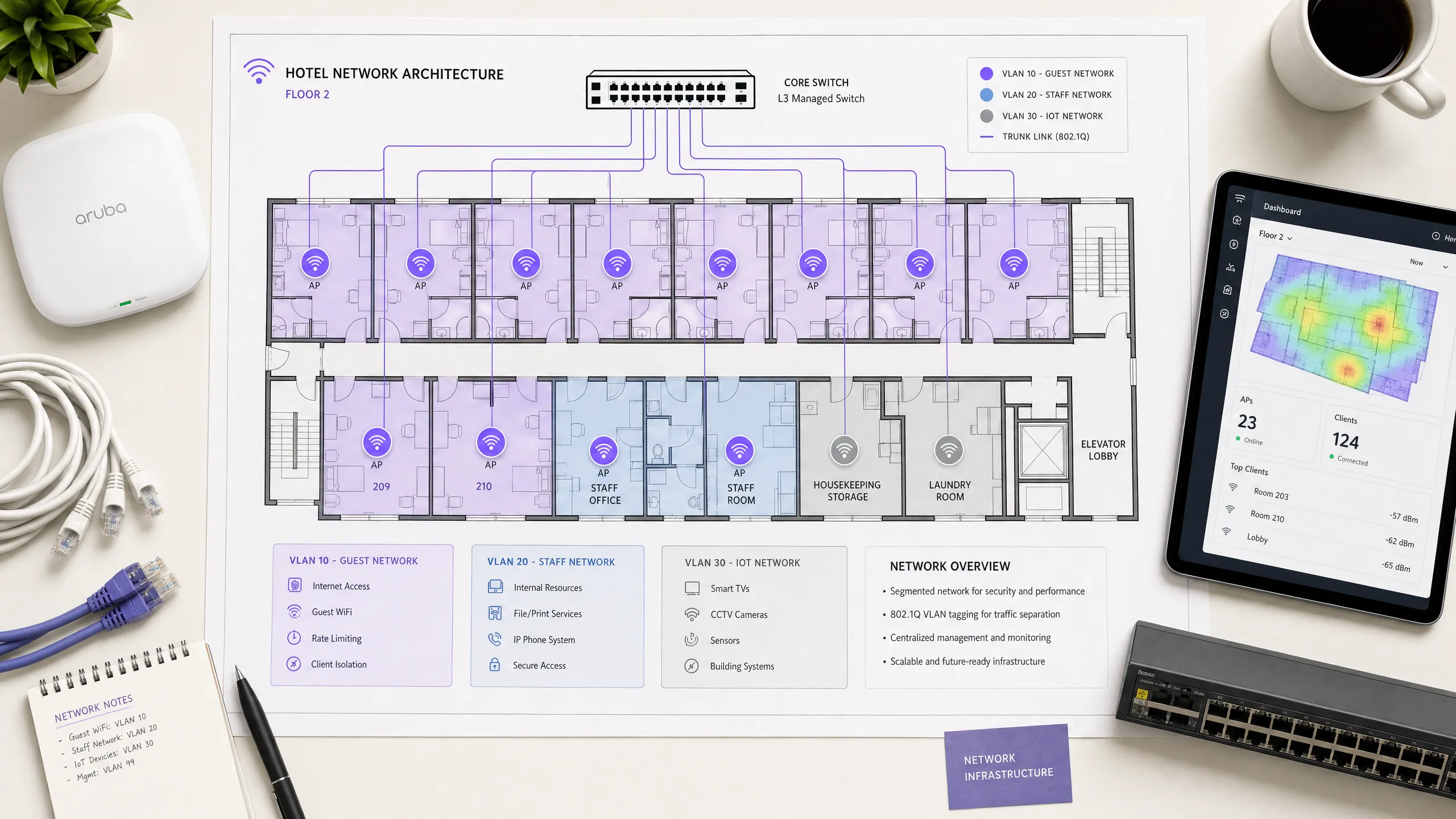
## Executive Summary
Hotel WiFi architecture is no longer just about coverage; it is about secure segmentation, seamless authentication, and converting a utility cost into a strategic data asset. For IT managers and network architects deploying infrastructure across [Hospitality](/industries/hospitality) venues, treating guest, staff, and building systems as a single flat network is a critical failure point. This guide details the technical requirements for enterprise-grade hotel WiFi, focusing on three core pillars: integrating the captive portal with your Property Management System (PMS) via FIAS for seamless guest validation, deploying robust VLAN segmentation to meet PCI-DSS requirements, and enforcing per-room bandwidth controls to ensure consistent performance. By aligning your hardware strategy - whether deploying Cisco Meraki, HPE Aruba, or Juniper Mist - with intelligent [Guest WiFi](/guest-wifi) authentication, you secure your environment while capturing the high-quality first-party data necessary to drive loyalty and revenue.
## Listen to the Briefing
## Technical Deep-Dive: Architecture and Segmentation
A hospitality network must simultaneously serve guests, staff, and operational technology without compromising the security or performance of any single group. The foundational requirement is logical separation using Virtual Local Area Networks (VLANs) governed by the IEEE 802.1Q standard.
You must isolate traffic at the switch level. Guest WiFi requires its own VLAN, firewalled entirely from internal resources. Staff access should operate on a separate VLAN, secured by 802.1X authentication against a RADIUS server (integrating with identity providers like Microsoft Entra ID or Okta). A third VLAN must isolate IoT devices - smart thermostats, door locks, and CCTV. Finally, any point-of-sale systems must sit on an isolated VLAN to maintain PCI-DSS compliance. This segmentation eliminates the lateral movement attack vector, ensuring a compromised guest device cannot probe your property management systems.
### Wireless Layer and Access Point Placement
For the radio frequency (RF) layer, WiFi 6 (IEEE 802.11ax) is the baseline standard for new deployments. It introduces Orthogonal Frequency Division Multiple Access (OFDMA), which allows a single access point to serve multiple clients simultaneously. This provides roughly four times the throughput capacity of WiFi 5 and significantly reduces latency in high-density environments.
The physical placement of access points (APs) dictates performance. The traditional model of deploying APs in corridors forces signals to penetrate thick fire doors and bathroom plumbing before reaching the guest. You must deploy an in-room AP model - one AP per room, or one AP per two rooms at minimum. Every AP requires a wired Cat 6A connection back to a PoE switch; mesh backhaul is unsuitable for enterprise hospitality environments.
## Property Management System (PMS) Integration
The PMS is the central source of truth for hotel operations. Integrating your WiFi authentication layer with the PMS transforms the guest experience and radically improves data quality.
### Authentication via FIAS
When a guest connects to the network, they are redirected to a Captive Portal. Instead of relying on a generic password or an unverified email form, PMS integration allows the guest to authenticate using their surname and room number. The Captive Portal platform queries the PMS in real time - typically using the Fidelio Interface Application Specification (FIAS) protocol - to validate the credentials against active reservations. This API validation occurs in under 500 milliseconds.
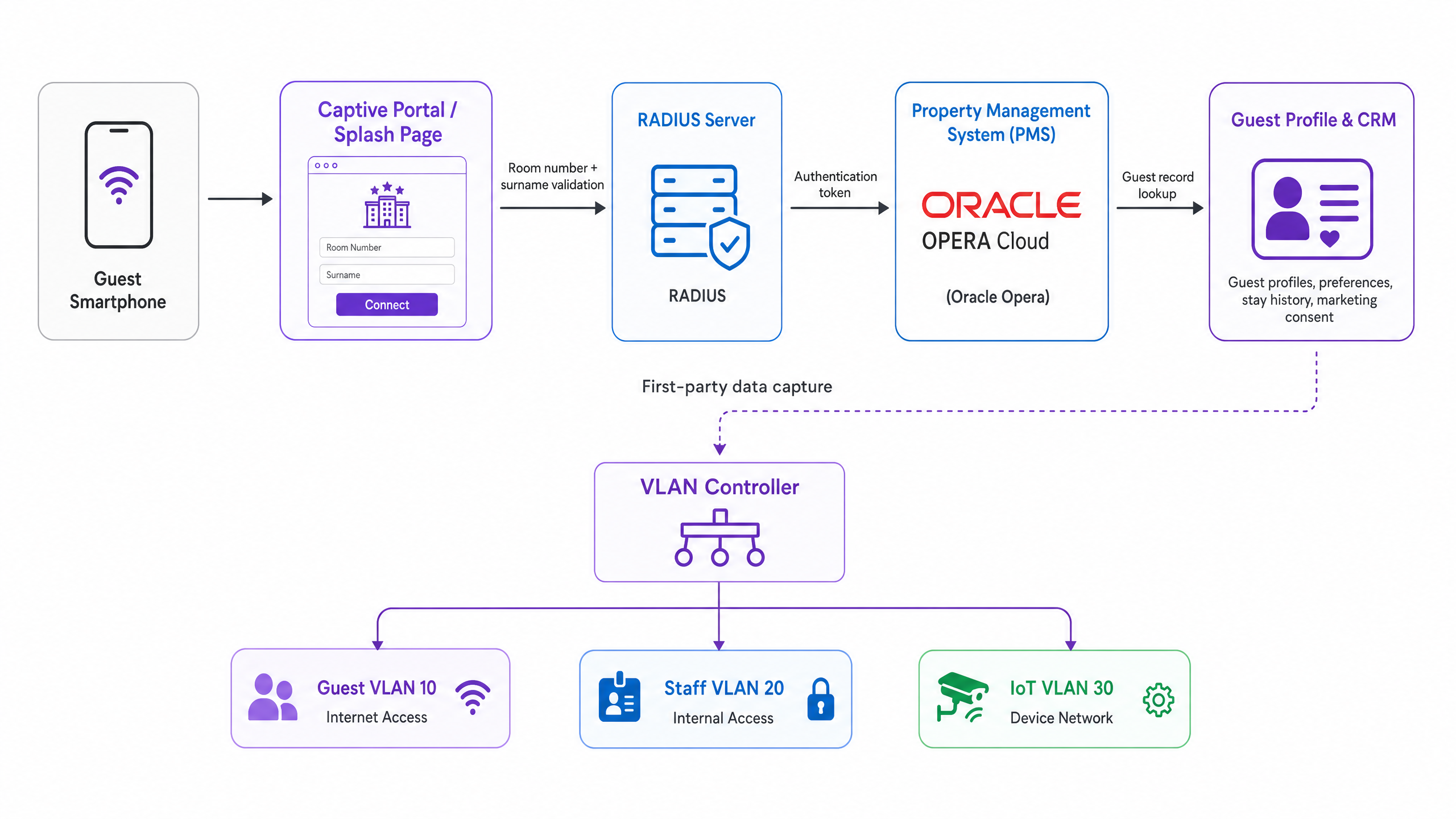
### Session Management and Data Quality
This integration optimises session lifecycles. When a guest checks out, the PMS triggers an event that revokes WiFi access immediately. If a guest extends their stay, the network session extends automatically.
More importantly, PMS integration solves the data quality problem. Standard email capture forms often yield error rates of 30%. By validating against the PMS, you capture a verified guest record linked to specific stay data. Purple has processed 440 million logins in 2024, and our data shows that PMS-integrated captive portals achieve validation rates of 70% to 80%. This consented, first-party data flows directly into your CRM, enabling targeted [WiFi Analytics](/guest-wifi-marketing-analytics-platform) and post-stay marketing.
## Captive Portal Design and Security
The Captive Portal is your primary mechanism for data capture and compliance. It operates by assigning a restricted IP address to the guest device and using a DNS intercept to redirect HTTP traffic to the splash page. Once the guest authenticates and accepts the terms, the RADIUS server authorises the MAC address, and full internet access is granted.
### GDPR and Unbundled Consent
Your captive portal must present explicit, granular consent options. Consent to use the network cannot be bundled with consent for marketing communications. Purple's platform handles this natively, tying verifiable consent records to individual user profiles.
### Encryption and Client Isolation
You must enable client isolation on the guest SSID. This prevents peer-to-peer communication, stopping one guest device from scanning or accessing another. For encryption, WPA3 is the standard. While WPA3-Enterprise secures the staff network, guest networks should utilise Opportunistic Wireless Encryption (OWE) where supported, providing individualised encryption for open networks without requiring a shared password. For further details on secure access, review our guide on [EAP Method WiFi: A Guide to Secure Network Access](/blog/eap-method-wifi).
## Bandwidth Control and QoS
Bandwidth management is the final pillar of a stable architecture. The primary cause of guest complaints is an under-provisioned internet uplink.
### Provisioning the Uplink
You must provision bandwidth based on peak concurrent demand, not average usage. The recommended allocations are:
* Budget / Mid-Scale: 10 - 25 Mbps per room
* Full-Service: 25 - 50 Mbps per room
* Luxury / Conference: 50 - 100 Mbps per room
For a 200-room property at 80% occupancy, allocating 25 Mbps per room requires a minimum committed uplink of 4 Gbps. A dedicated leased line is mandatory.
### Rate Limiting and QoS Policy
To prevent a single user from saturating the uplink, you must enforce per-client rate limiting at the controller level. Whether you deploy Cisco Meraki, HPE Aruba, or Ubiquiti UniFi, configure a hard cap on both downstream and upstream traffic per device.
Above rate limiting sits Quality of Service (QoS). Using the WMM (WiFi Multimedia) standard, you must prioritise traffic into four queues. VoIP and video calls require high priority, ensuring that a guest's Microsoft Teams call is not degraded by another guest downloading a large file on the best-effort queue.
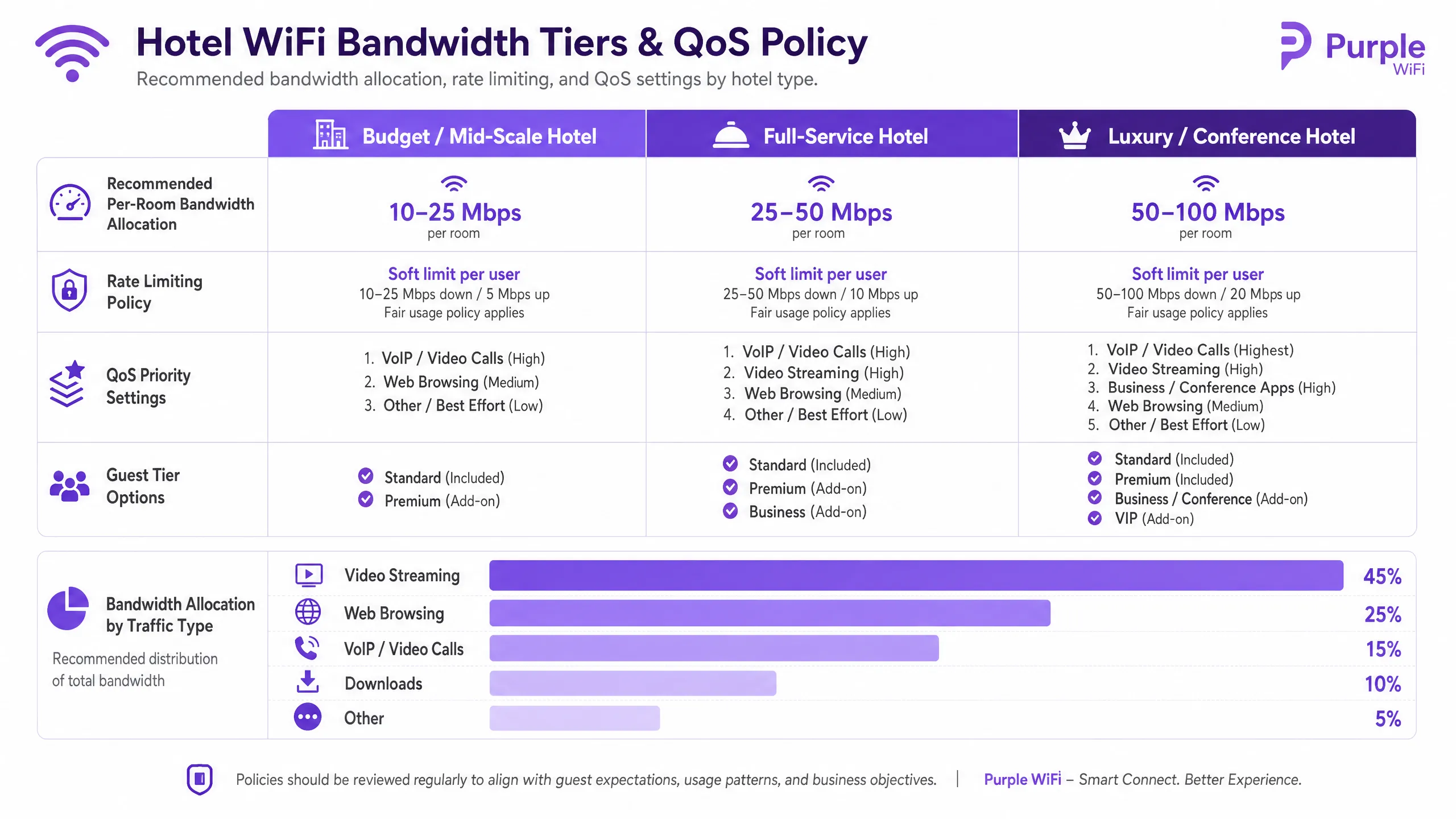
## Implementation Guide
Follow this sequence for a successful deployment:
1. **Conduct an RF Site Survey**: Walk the property with a spectrum analyser to identify interference sources before planning AP placement.
2. **Design the VLAN Architecture**: Document your Guest, Staff, IoT, and POS VLANs. Configure explicit default-deny firewall rules between them.
3. **Size the Uplink**: Calculate peak demand based on the 25 Mbps per room baseline and procure a dedicated leased line.
4. **Deploy the Captive Portal**: Integrate the portal with your PMS. Test the authentication flow, consent capture, and session revocation across iOS, Android, and Windows devices.
5. **Monitor and Adjust**: Post-deployment, monitor AP association counts and uplink utilisation to identify dead zones or bandwidth bottlenecks.
## Troubleshooting & Risk Mitigation
The most frequent failure modes in hotel WiFi deployments stem from poor planning rather than hardware failure.
* **The "Slow WiFi" Complaint**: This is rarely an RF issue. First, check your internet uplink utilisation. If the circuit is saturated, no amount of AP tuning will fix the problem. Second, check client distribution across APs; if one AP has 40 clients and an adjacent AP has 5, your band steering configuration requires adjustment.
* **The "Data Silo" Pitfall**: Deploying a captive portal without a downstream integration wastes the investment. The data captured at login must flow automatically into your marketing automation tools to drive [Retail](/industries/retail) or hospitality loyalty programmes.
* **The Flat Network Risk**: Failing to segment the wired network undermines wireless security. If a guest plugs a laptop into an exposed Ethernet port in a conference room and accesses the staff VLAN, your architecture has failed. Ensure switch ports in public areas are assigned to the guest VLAN or disabled entirely.
## ROI & Business Impact
Enterprise WiFi requires significant capital expenditure, but it delivers measurable returns when architected correctly. The ROI is realised through three channels:
1. **Operational Efficiency**: PMS integration eliminates manual voucher generation and front-desk troubleshooting, returning hours of staff time per week.
2. **First-Party Data Acquisition**: An authenticated captive portal builds a database of verified guest profiles. This data powers direct-booking campaigns, reducing reliance on Online Travel Agencies (OTAs) and their associated commission fees.
3. **Guest Satisfaction**: Reliable, high-speed WiFi is a primary driver of positive reviews. A segmented, properly provisioned network eliminates the friction that leads to negative feedback, directly impacting the property's reputation and average daily rate.
---
### How to Configure SCEP for Automated Enterprise WiFi Certificate Enrollment
**Source:** https://www.purple.ai/en-gb/guides/how-to-configure-scep-for-automated-enterprise-wifi-certificate-enrollment
**Summary:** This guide explains how to configure SCEP (Simple Certificate Enrollment Protocol) for automated enterprise WiFi certificate enrolment, covering the full architecture from PKI and NDES through to MDM profile deployment and RADIUS validation. It is aimed at IT managers, network architects, and CTOs at hotels, retail chains, stadiums, conference centres, and public-sector organisations who need to move beyond pre-shared keys and implement scalable, identity-based 802.1X EAP-TLS authentication. Purple's hardware-agnostic, cloud overlay platform integrates directly with this architecture, providing the guest and BYOD WiFi layer that sits alongside your certificate-authenticated staff network.
**Estimated read time:** 10 minutes
**Word count:** 2,715
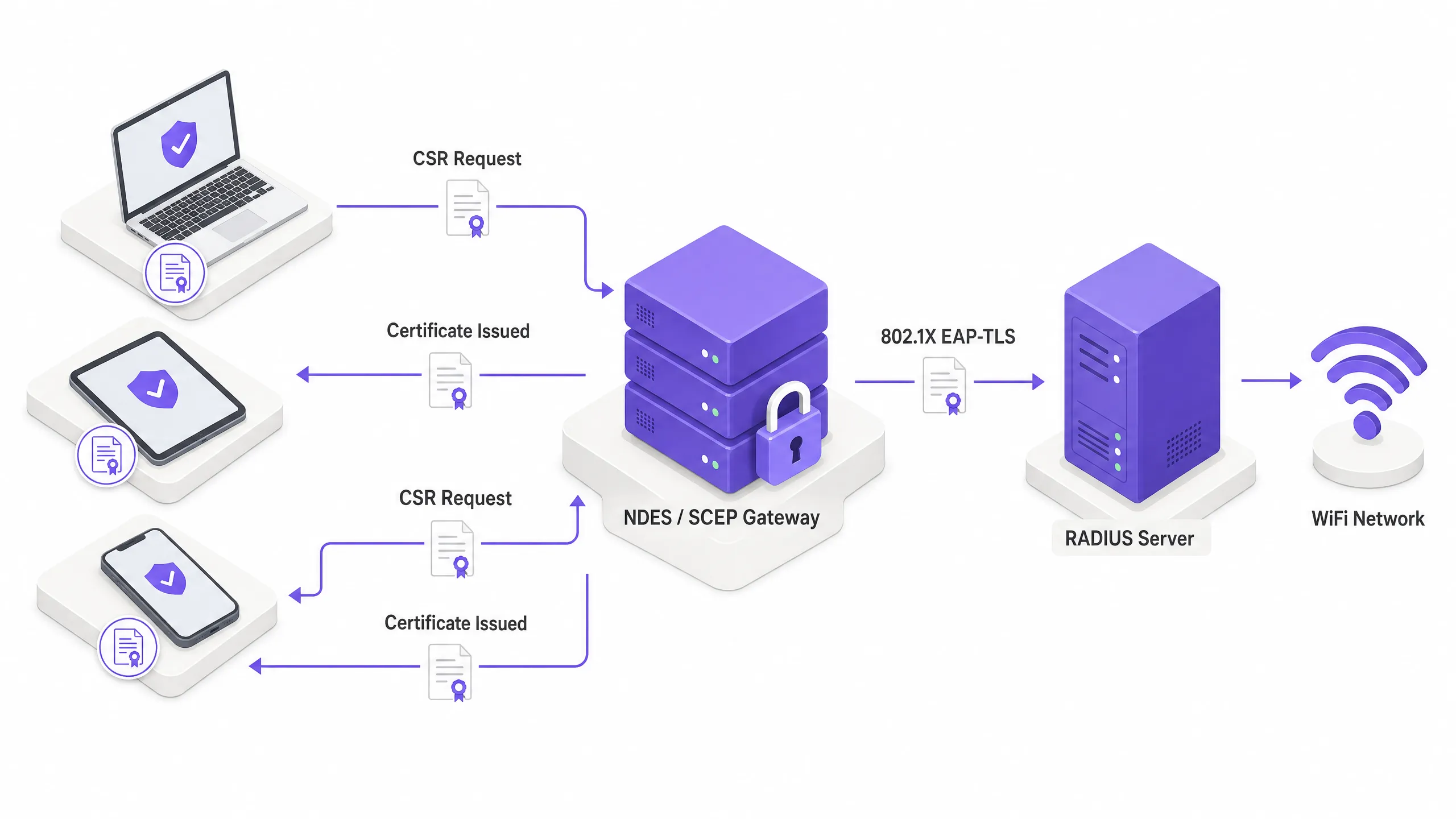
## Resumo executivo
Para espaços empresariais - quer se trate de um hotel de 200 quartos, de uma cadeia de retalho com 50 localizações ou de um grande centro de conferências - depender de chaves pré-partilhadas para o WiFi dos funcionários é um risco de segurança e um estrangulamento operacional. Uma única palavra-passe divulgada expõe toda a rede. A autenticação baseada em certificados via IEEE 802.1X e EAP-TLS (Extensible Authentication Protocol - Transport Layer Security) elimina totalmente esse risco. Cada dispositivo prova a sua identidade de forma criptográfica antes de o ponto de acesso lhe conceder acesso à rede.
O desafio reside na distribuição. Implementar manualmente certificados de cliente exclusivos em milhares de dispositivos Windows, iOS e Android não é viável. O SCEP (Simple Certificate Enrollment Protocol), formalizado como RFC 8894 pela IETF em 2020, resolve este problema. Automatiza o processo de solicitação, emissão e instalação de certificados digitais em dispositivos geridos através da sua plataforma MDM - sem qualquer interação do utilizador.
Este guia abrange toda a arquitetura: o que o SCEP faz, como se integra com o Microsoft Intune, Jamf e outras plataformas MDM, a sequência exata de implementação que a maioria das equipas erra e as armadilhas operacionais que causam interrupções de serviço. Também abordamos dois cenários reais de implementação em hotelaria e retalho, e explicamos onde a plataforma de [Guest WiFi](/guest-wifi) da Purple se enquadra ao lado da sua rede de funcionários autenticada por certificado.
Ouça o podcast informativo complementar:
---
## Análise técnica detalhada: SCEP, PKI e 802.1X
### O que o SCEP realmente faz
O SCEP não substitui a sua Public Key Infrastructure (PKI). É a camada de registo automatizada que se posiciona sobre ela. A sua PKI - normalmente uma hierarquia de dois níveis com uma CA raiz offline e uma CA emissora online - continua a ser a âncora de confiança. O SCEP automatiza a etapa em que um dispositivo solicita um certificado a essa CA, eliminando a necessidade de geração manual de CSR e instalação de certificados.
No contexto da autenticação WiFi, o protocolo de destino é o EAP-TLS. Este é o método de autenticação 802.1X que exige que tanto o dispositivo cliente como o servidor RADIUS apresentem certificados X.509 válidos. Nenhuma das partes confia na outra sem prova criptográfica. Esse modelo de autenticação mútua elimina o roubo de credenciais e protege contra ataques de "evil twin", em que um atacante cria um ponto de acesso falso para recolher nomes de utilizador e palavras-passe.
Para uma análise detalhada do handshake EAP-TLS, consulte o nosso guia sobre [WiFi Certificate Authentication: Secure Network Access](/blog/wifi-certificate-authentication).
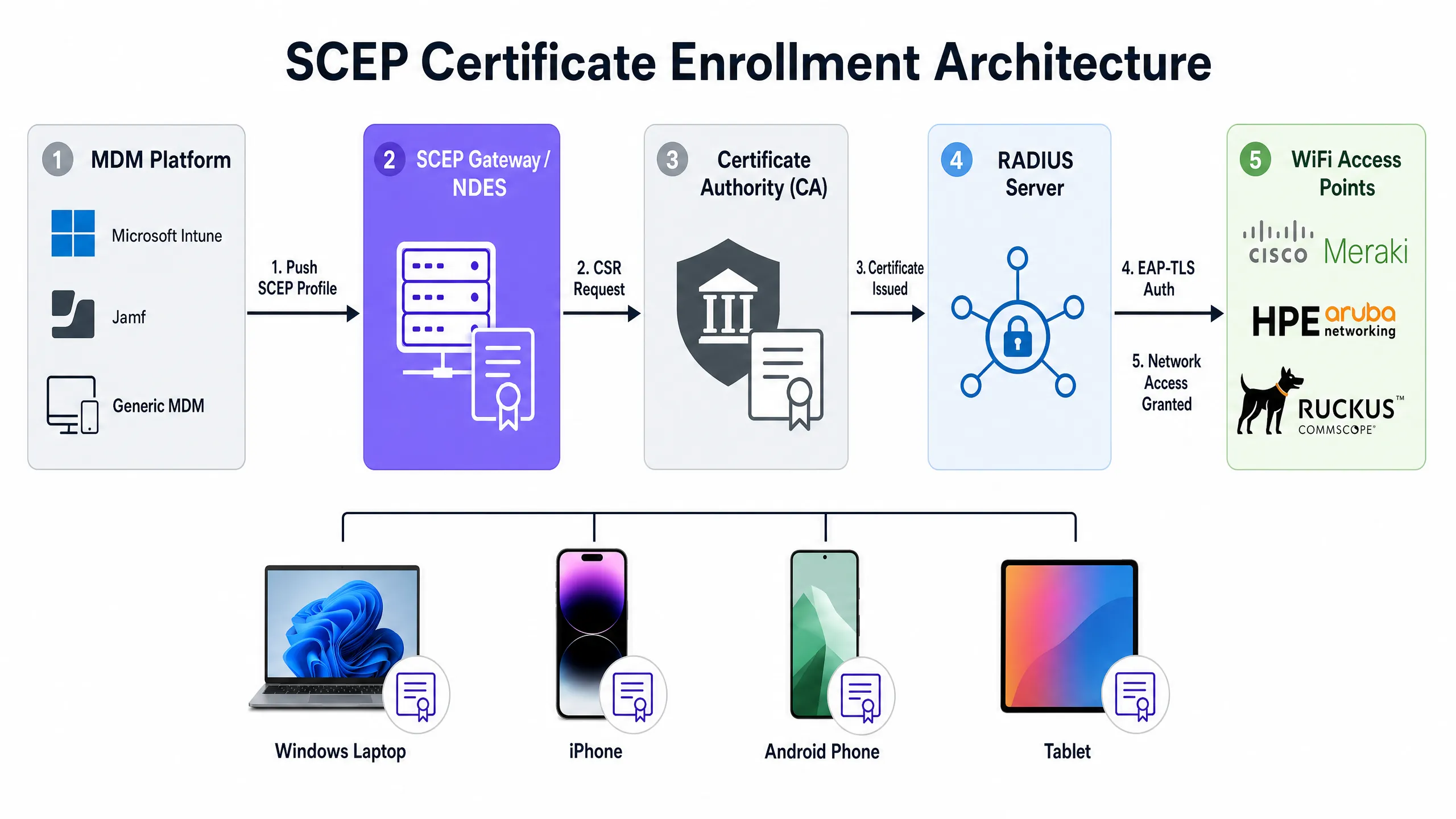
### O fluxo de registo SCEP, passo a passo
A cadeia de registo completa funciona da seguinte forma. A sua plataforma MDM - Microsoft Intune, Jamf ou outro MDM - envia um payload SCEP para um dispositivo gerido. Esse payload contém duas coisas: o URL do SCEP que aponta para o seu servidor NDES (Network Device Enrollment Service) ou gateway SCEP na nuvem, e uma palavra-passe de desafio ou segredo partilhado.
O dispositivo gera o seu próprio par de chaves pública e privada localmente. Esta é a propriedade de segurança crítica do SCEP: a chave privada é gerada no dispositivo, armazenada no enclave seguro ou chip TPM, e nunca é transmitida pela rede. O dispositivo cria então um Certificate Signing Request (CSR) e envia-o para o gateway SCEP. O gateway valida a palavra-passe de desafio, encaminha o CSR para a sua Autoridade de Certificação (CA), e a CA assina-o e devolve o certificado público ao dispositivo.
A partir desse momento, quando o dispositivo se liga ao seu SSID de WiFi, apresenta esse certificado ao servidor RADIUS. O servidor RADIUS valida o certificado em relação à sua cadeia de confiança da CA, verifica a Lista de Revogação de Certificados (CRL) para confirmar que o certificado não foi revogado e, se tudo estiver correto, envia uma mensagem Access-Accept para o ponto de acesso. O dispositivo está na rede. Todo o processo é invisível para o utilizador.
### SCEP vs. PKCS: qual utilizar para WiFi
As plataformas MDM como o Intune suportam dois mecanismos de entrega de certificados: SCEP e PKCS (Public Key Cryptography Standards). A diferença arquitetónica é significativa.
Com o SCEP, a chave privada é gerada no dispositivo e nunca sai dele. Com o PKCS, a Autoridade de Certificação gera a chave pública e a privada centralmente, e o conector de certificados envia o par de chaves para o dispositivo através da rede. Isso significa que a chave privada é transmitida, o que introduz uma superfície de ataque teórica.
O PKCS é adequado para casos de utilização em que a custódia de chaves é necessária, como a encriptação de e-mail S/MIME. Para a autenticação WiFi, o SCEP é a escolha correta. A chave privada permanece no dispositivo.
| Propriedade | SCEP | PKCS |
|---|---|---|
| Geração de chave privada | No dispositivo (TPM/Secure Enclave) | Centralizada (CA) |
| Transmissão de chave privada | Nunca | Através da rede |
| Servidor NDES necessário | Sim (ou gateway na nuvem) | Não |
| Recomendado para WiFi | Sim | Não |
| Recomendado para S/MIME | Não | Sim |
### Compatibilidade de hardware
O SCEP e o EAP-TLS são normas independentes de fornecedor. Funcionam em pontos de acesso Cisco Meraki, HPE Aruba, Ruckus, Juniper Mist, Ubiquiti UniFi, Cambium, Extreme e Fortinet. A sua configuração RADIUS - quer seja Windows NPS, FreeRADIUS ou um serviço RADIUS na nuvem - é onde define a política de validação de certificados e a atribuição dinâmica de VLAN.
A atribuição dinâmica de VLAN é a forma como segmenta a rede através da identidade do dispositivo. Um dispositivo de um funcionário recebe a VLAN 10 com acesso a sistemas internos. O dispositivo de um prestador de serviços recebe a VLAN 20 apenas com acesso à internet. Um terminal de ponto de venda recebe a VLAN 30 apenas com acesso a sistemas de processamento de pagamentos. Tudo isto é gerido por atributos de certificado e pela política RADIUS, sem qualquer intervenção manual por dispositivo.
Para saber mais sobre como o [WiFi Analytics](/guest-wifi-marketing-analytics-platform) se integra com a segmentação de rede baseada em identidade, consulte a nossa visão geral da plataforma de analytics.
---
## Guia de implementação: a sequência de implementação
A configuração bem-sucedida do SCEP para WiFi empresarial exige a adesão estrita a uma sequência de implementação específica. As plataformas MDM impõem dependências de perfil: um perfil de WiFi que faça referência a um certificado SCEP não pode ser aplicado até que esse certificado exista no dispositivo. A violação desta sequência é a causa mais comum de falhas na implementação.
**A sequência é: primeiro a Raiz de Confiança (Trusted Root), segundo o perfil SCEP, terceiro o perfil WiFi. Esta ordem não é negociável.**
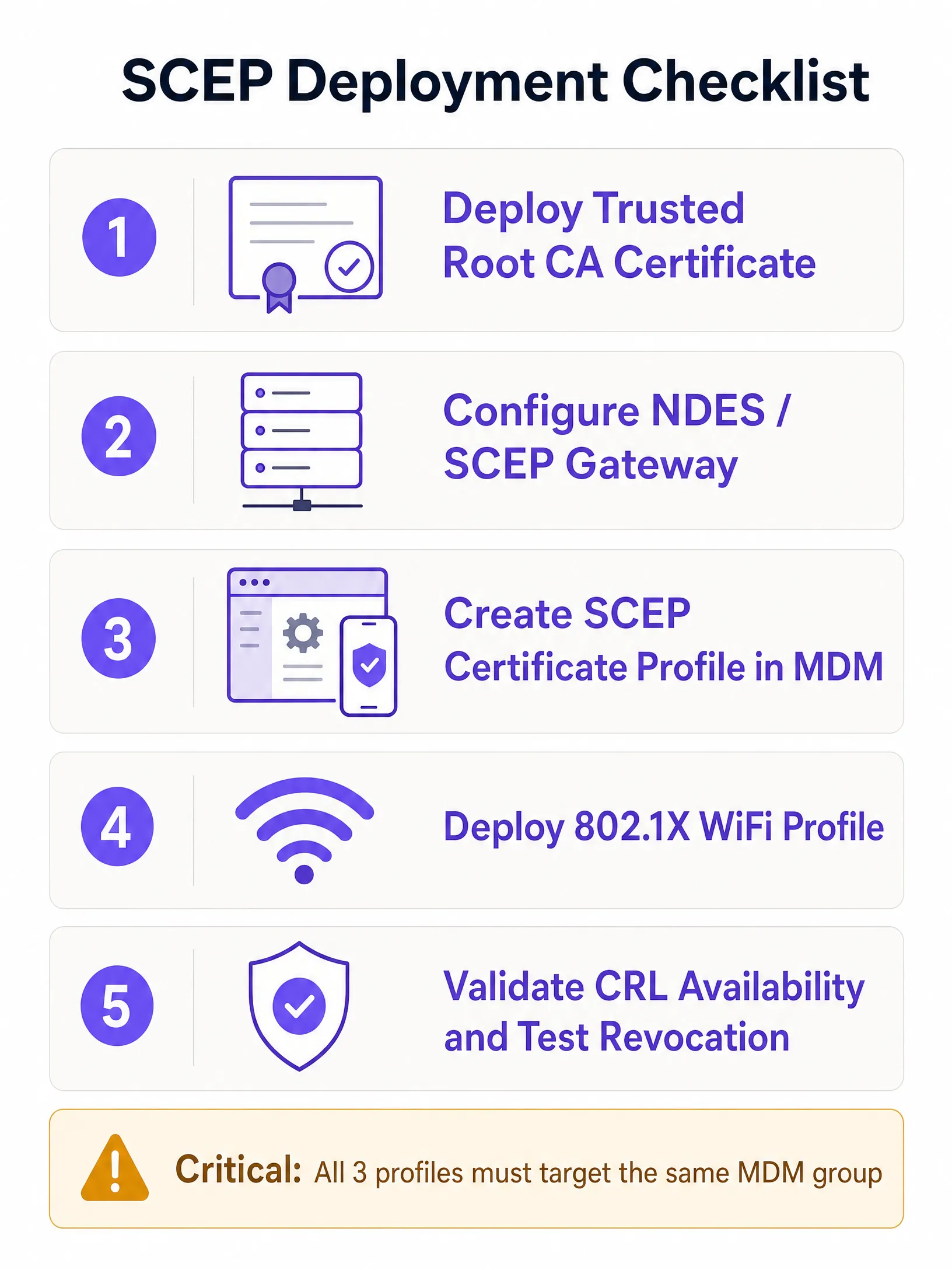
### Passo 1: implementar o perfil de Certificado de Raiz de Confiança (Trusted Root)
Antes de qualquer dispositivo poder solicitar um certificado de cliente ou confiar no seu servidor RADIUS, deve confiar na Autoridade de Certificação (CA) emissora. Exporte o seu certificado de CA Raiz - e quaisquer certificados de CA Intermédia - como ficheiros `.cer`. No seu centro de administração MDM, crie um perfil de Certificado de Confiança, carregue o ficheiro `.cer` e implemente-o no seu grupo de dispositivos de destino.
Se tiver uma hierarquia PKI de dois níveis (recomendado), precisa de implementar tanto o certificado da CA raiz como o da CA emissora como perfis de Certificado de Confiança separados, ou como uma cadeia num único perfil, dependendo da sua plataforma MDM.
### Passo 2: configurar o perfil de Certificado SCEP
Assim que a confiança estiver estabelecida, configure o perfil SCEP para instruir os dispositivos sobre como obter o seu certificado de cliente.
Crie um novo perfil de configuração e selecione o tipo de perfil de certificado SCEP. Configure o formato do Nome do Requerente (Subject name). Para autenticação baseada no utilizador, `CN={{UserPrincipalName}}` é o padrão. Para autenticação de dispositivos (dispositivos partilhados, IoT, terminais POS), utilize `CN={{AAD_Device_ID}}`. Defina a Utilização da chave (Key usage) para Assinatura digital e Cifragem de chave. Defina a Utilização de Chave Alargada (Extended Key Usage) para Autenticação de Cliente (OID: 1.3.6.1.5.5.7.3.2). Associe este perfil ao perfil de certificado de Raiz de Confiança criado no Passo 1. Forneça o URL externo do seu servidor NDES.Para o Microsoft Intune especificamente, o servidor NDES deve ser publicado através do Azure AD Application Proxy para permitir que os dispositivos remotos se registem antes de chegarem ao local. Não exponha o NDES diretamente à internet.
### Passo 3: implementar o perfil de WiFi 802.1X
O passo final é enviar a configuração de WiFi que associa os certificados ao SSID da rede. Crie um perfil de configuração de WiFi. Introduza o Nome da rede (SSID) exatamente como é transmitido pelos seus pontos de acesso. Selecione WPA2-Enterprise ou WPA3-Enterprise como o tipo de segurança. Defina o tipo de EAP para EAP-TLS. Nas definições de autenticação, selecione o perfil de certificado SCEP criado no Passo 2 como o certificado de autenticação do cliente. Especifique o certificado Trusted Root para validação do servidor - isto garante que o dispositivo apenas se liga ao seu servidor RADIUS legítimo e não a um ponto de acesso não autorizado.
### Integração do fornecedor de identidade
Os atributos do certificado SCEP - especificamente o Subject Alternative Name (SAN) - podem conter o nome principal do utilizador do Microsoft Entra ID, Okta ou Google Workspace. Isto associa o certificado a uma identidade específica. Quando desativa uma conta no Entra ID e o MDM remove o registo do dispositivo, o certificado é revogado e o acesso ao WiFi é cortado automaticamente. Essa revogação automatizada é a história de segurança que as chaves pré-partilhadas não conseguem igualar.
Para saber mais sobre [EAP Method WiFi: A Guide to Secure Network Access](/blog/eap-method-wifi), incluindo caminhos de migração PEAP-MSCHAPv2, consulte o nosso guia dedicado.
---
## Boas práticas e padrões da indústria
### Posicionamento do servidor NDES
O servidor NDES deve estar acessível a partir da internet para que os dispositivos se possam registar antes de chegarem ao local. Publique o URL do NDES através do Azure AD Application Proxy. Isto fornece um acesso remoto seguro sem abrir portas de firewall de entrada e permite-lhe aplicar políticas de Acesso Condicional ao fluxo de registo. Nunca exponha o NDES diretamente à internet.
Para redes com mais de 500 dispositivos geridos, considere um gateway SCEP na nuvem em vez de um NDES local. Os gateways na nuvem eliminam o ponto único de falha do NDES, escalam horizontalmente e, normalmente, integram-se diretamente com serviços RADIUS na nuvem.
### Disponibilidade da CRL
O seu servidor RADIUS verifica a Lista de Revogação de Certificados (CRL) sempre que um dispositivo se autentica. Se o seu Ponto de Distribuição de CRL (CDP) estiver indisponível - porque um servidor está em baixo ou o URL mudou - a autenticação falha para todos os dispositivos na rede em simultâneo. Configure o seu servidor NPS ou RADIUS para impor uma verificação rigorosa da CRL e torne os seus endpoints de CRL altamente disponíveis. Teste a revogação antes de entrar em produção.
O Requisito 8.6 do PCI DSS 4.0 exige autenticação multifator na camada de rede para ambientes de dados de titulares de cartões. O EAP-TLS com certificados provisionados por SCEP satisfaz este requisito para redes sem fios em ambientes de [Retail](/industries/retail) e [Hospitality](/industries/hospitality).
### Compatibilidade com WPA3
O EAP-TLS é totalmente compatível com o WPA3-Enterprise. O WPA3-Enterprise com a suite de segurança de 192 bits (Suite B) exige o EAP-TLS e é a combinação recomendada pela Wi-Fi Alliance para redes governamentais, financeiras e de saúde. Se está a implementar em ambientes de [Saúde](/industries/healthcare) ou [Transportes](/industries/transport) com requisitos de conformidade rigorosos, o WPA3-Enterprise com EAP-TLS é a arquitetura-alvo correta.
### BYOD e WiFi de convidados
O SCEP requer a inscrição no MDM para enviar o payload do certificado. Não abrange dispositivos BYOD não geridos ou convidados. Para esses casos de utilização, necessita de um SSID separado com um Captive Portal e verificação de identidade. A plataforma da Purple lida com essa camada de forma limpa, coexistindo com a sua rede de funcionários autenticada por certificado. A nossa plataforma de [Guest WiFi](/guest-wifi) suporta opt-ins de escolha consciente, captura de dados primários (first-party) e integração com o Microsoft Entra ID, Okta e Google Workspace para verificação de identidade.
---
## Resolução de problemas e mitigação de riscos
### Falha na aplicação do perfil de WiFi
**Sintoma:** O dispositivo recebe os certificados Trusted Root e SCEP, mas o perfil de WiFi é apresentado como Erro ou Não Aplicável no MDM.
**Causa raiz:** Incompatibilidade de segmentação de grupo. Se o perfil SCEP se destinar a um grupo de Utilizadores e o perfil de WiFi se destinar a um grupo de Dispositivos, o MDM não consegue resolver a dependência.
**Solução:** Audite as suas atribuições. Certifique-se de que os perfis Trusted Root, SCEP e WiFi se destinam todos exatamente ao mesmo grupo de diretório.
### Erros NDES 403 Forbidden
**Sintoma:** Os dispositivos não conseguem obter o certificado SCEP. Os registos do IIS do NDES mostram erros HTTP 403.
**Causa raiz:** A conta de serviço do MDM Certificate Connector não tem permissões de Leitura e Inscrição (Read and Enroll) no modelo de certificado, ou a filtragem de URLs da firewall está a bloquear os parâmetros de query string do SCEP.
**Solução:** Verifique se a conta do conector tem permissões de Leitura e Inscrição no modelo da CA. Verifique os registos da firewall para garantir que os URLs que contêm `?operation=GetCACaps` não estão bloqueados.
### Falha de autenticação em massa após expiração da CRL
**Sintoma:** Todos os dispositivos na rede falham a autenticação em simultâneo.
**Causa raiz:** A CRL expirou ou o URL do CDP está inacessível. O servidor RADIUS não consegue confirmar se os certificados são válidos e falha por omissão (fails closed).
**Solução:** Configure a monitorização e alertas de CRL. Publique as CRLs com um período de validade significativamente superior ao intervalo de publicação. Teste a acessibilidade do CDP a partir do servidor RADIUS antes do lançamento.
### Expiração de certificado a causar falhas silenciosas
**Sintoma:** Dispositivos individuais falham a ligação de forma intermitente, sem um padrão claro.
**Causa raiz:** Os certificados de cliente expiraram e o MDM não os renovou com sucesso.
**Solução:** Configure a renovação do certificado para ser acionada a 80% do tempo de vida do certificado. Monitorize os relatórios de estado de inscrição do MDM para dispositivos com erros de certificado. Defina períodos de validade de certificado adequados ao ciclo de atualização dos seus dispositivos - normalmente um a dois anos para endpoints geridos.
---
## ROI e impacto empresarial
A transição para a autenticação por certificado 802.1X baseada em SCEP proporciona retornos mensuráveis em termos de segurança, operações e conformidade.
**Redução de pedidos de suporte:** O WiFi baseado em palavra-passe gera um volume significativo de pedidos de suporte - expiração de palavras-passe, bloqueios e erros de digitação. A autenticação baseada em certificado é invisível para o utilizador. As organizações registam tipicamente uma redução de 70-80% no volume de suporte relacionado com WiFi após a migração.
**Postura de segurança:** O EAP-TLS elimina a recolha de credenciais e os ataques Man-in-the-Middle. Isto apoia diretamente a conformidade com a norma PCI DSS 4.0 para redes de retalho e hotelaria, bem como os requisitos do Artigo 32.º do GDPR para medidas técnicas de segurança adequadas.
**Revogação automatizada:** Quando um colaborador sai da empresa, a desativação da sua conta no Microsoft Entra ID aciona a revogação automática do certificado e a desassociação do MDM. O acesso ao WiFi é cortado sem qualquer intervenção manual por parte da equipa de rede.
**Segmentação de rede:** A atribuição dinâmica de VLAN através de atributos de certificado RADIUS oferece-lhe uma segmentação de rede aplicada de forma criptográfica. Os dispositivos entram no segmento de rede correto com base nas propriedades do certificado, e não na seleção de SSID ou na filtragem de endereços MAC - ambas facilmente contornáveis.
A Purple opera em mais de 80.000 locais ativos com 99,999% de tempo de atividade, e a nossa plataforma possui as certificações ISO 27001, GDPR, CCPA e Cyber Essentials. A nossa sobreposição de nuvem agnóstica em termos de hardware integra-se com Cisco Meraki, HPE Aruba, Ruckus, Juniper Mist, Ubiquiti UniFi, Cambium, Extreme e Fortinet - para que a sua rede de colaboradores autenticada por certificado e a nossa camada de WiFi de convidados funcionem a partir da mesma infraestrutura.
Para saber mais sobre como a análise comportamental ([Behavioral Analytics: Insights for WiFi Networks](/blog/behavioral-analytics)) pode complementar a sua implementação de rede segura, consulte o nosso guia de análise.
---
### Referências
[1] [RFC 8894: Simple Certificate Enrollment Protocol - IETF](https://www.rfc-editor.org/rfc/rfc8894)
[2] [Configure infrastructure to support SCEP with Intune - Microsoft Learn](https://learn.microsoft.com/en-us/intune/fundamentals/certificates/scep-infrastructure)
[3] [PCI DSS Wireless Guidelines - PCI Security Standards Council](https://www.pcisecuritystandards.org/pdfs/PCI_DSS_Wireless_Guidelines.pdf)
---
### Mean time to innocence: how to prove it's not the WiFi
**Source:** https://www.purple.ai/en-gb/guides/mean-time-to-innocence
**Summary:** Mean time to innocence (MTTI) is the critical metric defining how long IT teams spend proving a network issue is not their fault. This guide details a five-step observability methodology to eliminate the blame game in multi-tenant environments, replacing finger-pointing with shared evidence to drive down mean time to resolution (MTTR).
**Estimated read time:** 6 minutes
**Word count:** 1,292
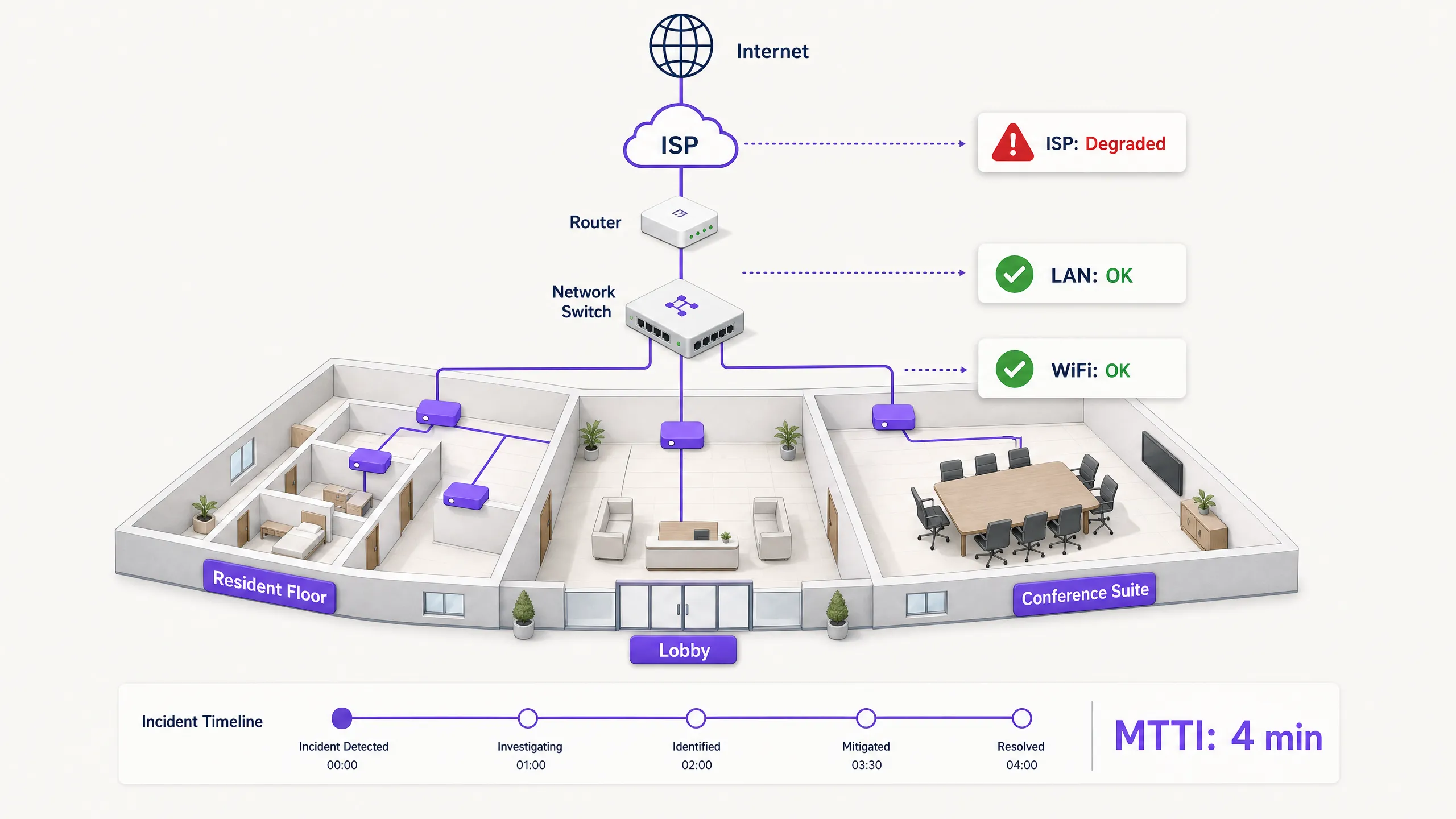
## Executive Summary
When connectivity drops in a multi-tenant environment, the WiFi gets blamed first. It is the visible edge of the network, the last hop before the device, and the easiest target for frustrated users. For IT managers, network architects, and venue operations directors, this creates a persistent operational tax: the time spent proving innocence.
Mean time to innocence (MTTI) measures the average elapsed time between an incident being reported and a team's ability to demonstrate that their domain is not the root cause. In complex environments like build-to-rent (BTR) blocks, hotels, or conference centres, the network is fragmented across property managers, managed WiFi providers, and internet service providers (ISPs). Without definitive telemetry, MTTI inflates mean time to resolution (MTTR) as teams argue over responsibility rather than fixing the fault.
This guide details a five-step observability methodology to systematically reduce MTTI. By deploying continuous synthetic checks, hop-by-hop path visibility, flow data analysis, topology mapping, and event correlation, you can replace adversarial finger-pointing with shared evidence. The goal is not to win the blame game faster, but to end it entirely.
## Technical Deep-Dive: The Mechanics of MTTI
### The Distinction Between MTTI and Mean Time to Identify
It is vital to separate MTTI from mean time to identify. Mean time to identify is an organisation-wide metric tracking how long it takes to find the actual root cause of an outage. MTTI is a siloed, domain-specific metric tracking how long it takes one team to prove they are not the culprit.
Every minute of MTTI adds directly to MTTR. If a managed WiFi provider spends 40 minutes manually checking access points (APs) and switch logs before concluding the issue lies with the ISP, the MTTR has a 40-minute penalty built in before the actual remediation even begins.
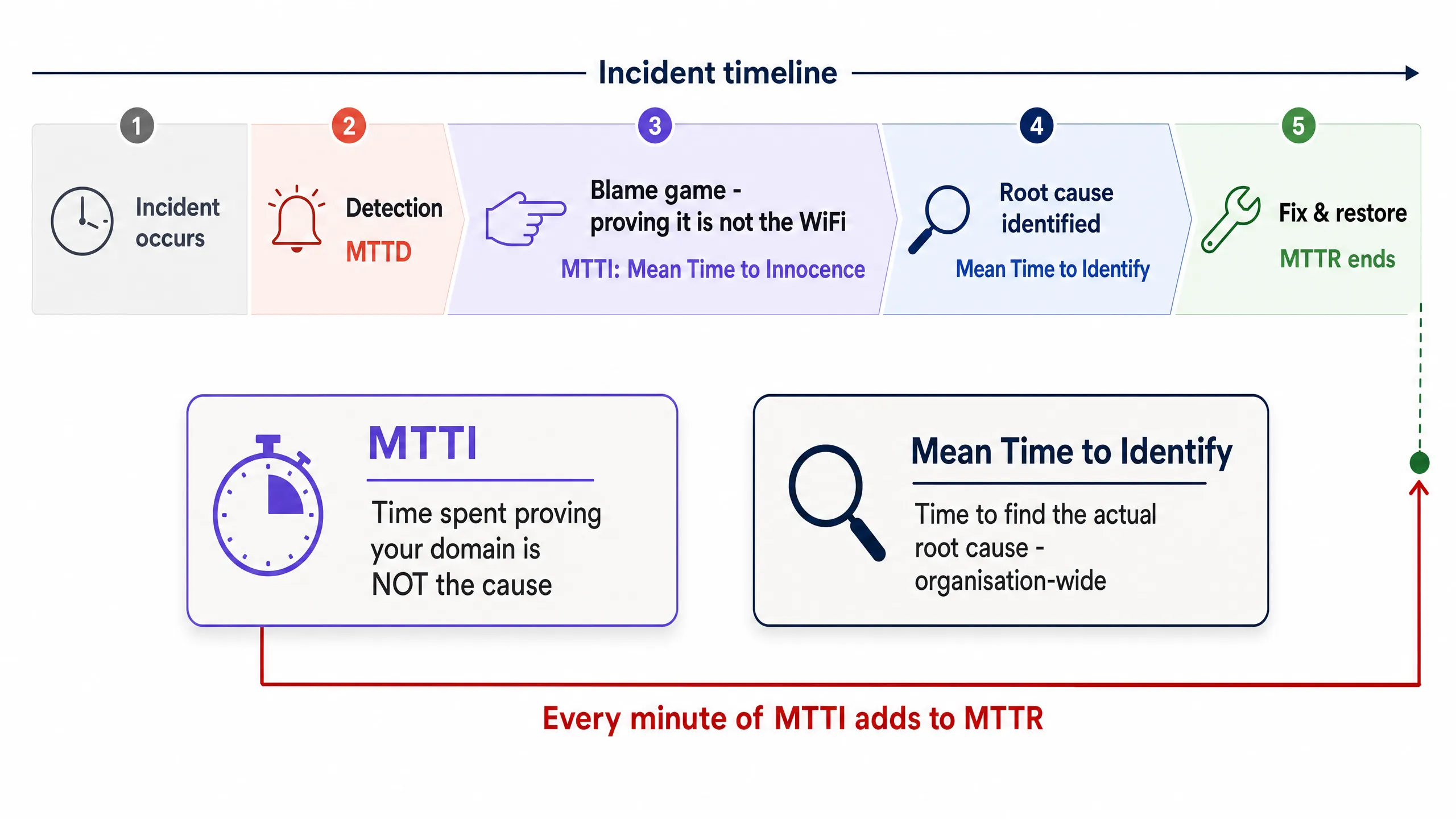
### Why the WiFi Takes the Blame
In environments serving 350 million unique users across 80,000+ live venues, Purple sees the same pattern repeatedly. The WiFi layer is blamed by default due to three structural realities:
1. **Visibility bias**: The WiFi signal indicator is the only network diagnostic tool available to the average venue user.
2. **Edge proximity**: As the final hop to the client device, WiFi inherits the symptoms of every upstream failure. A DNS timeout at the ISP looks identical to an AP failure from the user's perspective.
3. **Telemetry gaps**: Historically, proving wireless health required manual intervention. If you cannot show a clean bill of health for the wireless layer in under two minutes, you lose the narrative.
### The Multi-Tenant Complication
In a single-tenant enterprise, network teams own the stack from the AP to the firewall. In Multi-Tenant WiFi environments, ownership is fractured.
A BTR resident pays the property manager. The property manager contracts a managed WiFi provider. The managed WiFi provider relies on a third-party ISP circuit and, often, the landlord's in-building distribution network. When a resident cannot stream video, the provider must rapidly exonerate the WiFi hardware (Cisco Meraki, HPE Aruba, Ruckus, or Juniper Mist) and isolate the fault to the client device, the building switch, or the ISP. Failure to do so damages the commercial relationship between the provider and the property manager.
## Implementation Guide: The 5-Step Methodology
To systematically reduce MTTI, implement this five-layer observability architecture.
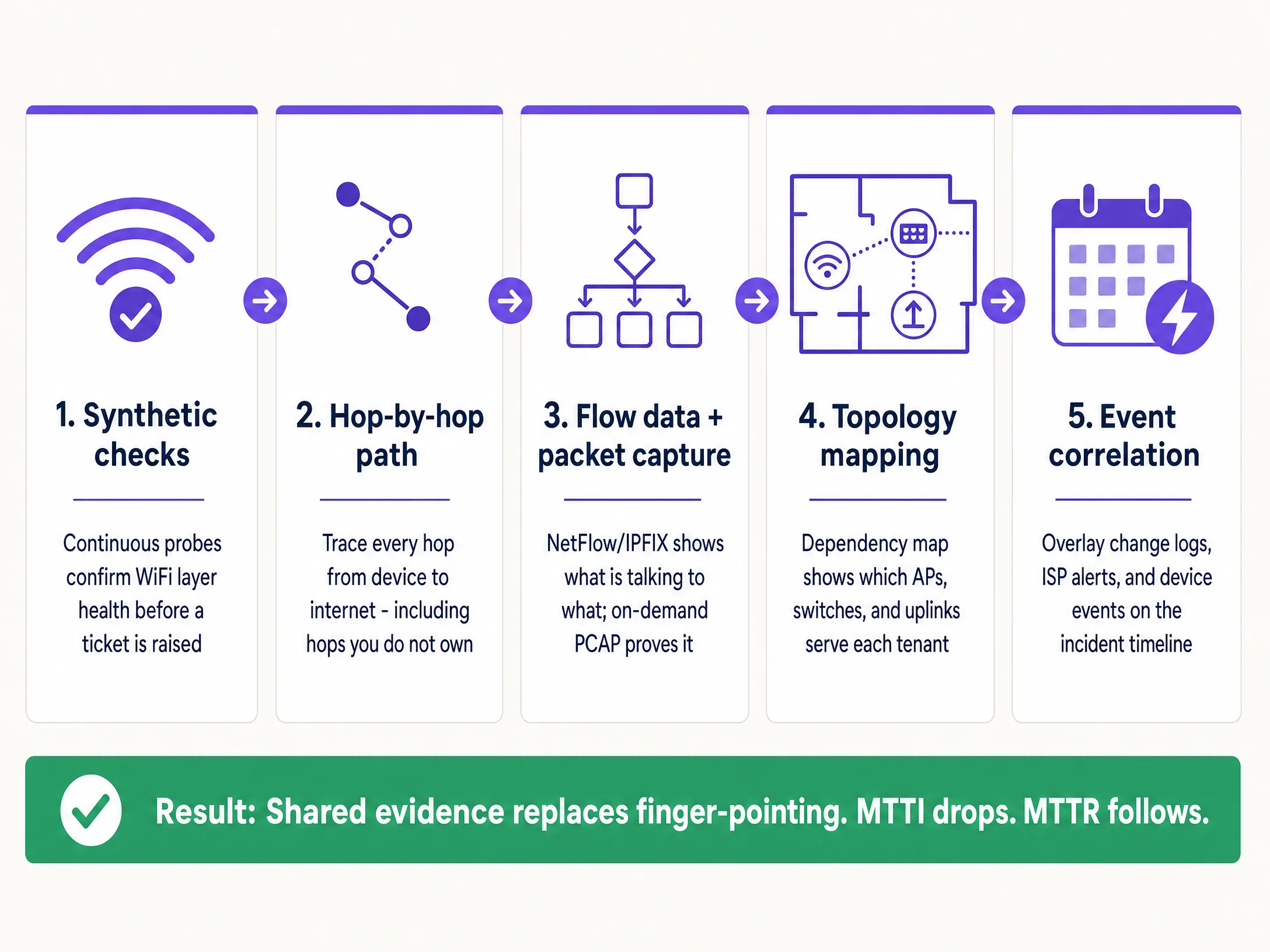
### 1. Continuous Synthetic Checks
Do not wait for a user to complain. Deploy automated synthetic probes that continuously emulate user behaviour from the network edge.
* **Implementation**: Configure APs or dedicated sensors to run scheduled tests for DHCP response, DNS resolution, HTTP reachability, and authentication flows (such as 802.1X or Captive Portal logins).
* **Outcome**: When a ticket is raised, you check the synthetic dashboard first. If the probes show clean HTTP reachability at the exact time of the complaint, you immediately exonerate the WiFi layer and the WAN circuit, shifting focus to the specific client device or the target application.
### 2. Hop-by-Hop Path Visibility
Proving your hardware is healthy is insufficient if you cannot prove the path to the internet is clear.
* **Implementation**: Use path visualisation tools to trace traffic from the access layer across the LAN, through the demarcation point, and into the ISP network.
* **Outcome**: When latency spikes, a path trace reveals exactly which node introduced the delay. If hops one through four (your domain) show 2ms latency, and hop five (the ISP edge router) shows 150ms latency and 12% packet loss, you have definitive proof to hand to the ISP.
### 3. Flow Data and On-Demand Packet Capture
When users report application-specific failures, you need conversation-level visibility.
* **Implementation**: Export NetFlow or IPFIX data from your core switches or firewalls. Ensure your access layer hardware supports remote, on-demand packet capture (PCAP) without requiring an engineer on site.
* **Outcome**: Flow data proves whether traffic to a specific service is leaving your network cleanly. If it is, the network is innocent. If deeper forensic proof is required, a targeted PCAP on the specific VLAN provides undeniable evidence of TCP retransmissions or server-side resets.
### 4. Topology and Dependency Mapping
In a multi-tenant environment, isolating the blast radius is the fastest way to categorise a fault.
* **Implementation**: Maintain a live, dynamically updated dependency map linking every AP to its switch, uplink, and WAN circuit, mapped against tenant VLANs.
* **Outcome**: If a fault affects APs across multiple floors but only on a single switch, the issue is the switch. If it affects all APs but only one tenant's VLAN, it is a logical configuration issue. Rapid scoping prevents wasted effort investigating healthy infrastructure.
### 5. Event Correlation
Data without context prolongs investigations.
* **Implementation**: Feed change logs, ISP maintenance alerts, hardware firmware updates, and user tickets into a single timeline view.
* **Outcome**: Overlaying a spike in authentication failures with a Microsoft Entra ID certificate expiration event that occurred 10 minutes prior immediately identifies the root cause, bypassing the network hardware entirely.
## Best Practices
* **Standardise the Hardware Stack**: Limit deployments to canonical enterprise vendors (Cisco Meraki, HPE Aruba, Ruckus, Juniper Mist, Ubiquiti UniFi, Cambium, Extreme, Fortinet) that expose APIs for synthetic testing and remote PCAP.
* **Automate the Evidence**: Configure your monitoring platform to automatically attach synthetic test results and path traces to ITSM tickets the moment they are created.
* **Share the Dashboard**: Provide property managers with read-only access to a high-level health dashboard. Transparency preempts the blame game.
* **Track MTTI Formally**: Measure the time between ticket creation and the moment your team provides evidence of innocence. Treat it as a primary KPI alongside MTTR.
## Troubleshooting & Risk Mitigation
* **Risk: The 'No Fault Found' Loop**: Users report issues, but synthetic checks show green.
* **Mitigation**: The issue is likely device-specific or related to RF interference (co-channel interference or physical obstruction). Use client-side analytics to check the specific device's RSSI and roaming history.
* **Risk: ISP Denial**: The ISP refuses to accept the fault despite your evidence.
* **Mitigation**: Provide hop-by-hop path traces showing the exact IP address where packet loss begins. Share PCAPs demonstrating clean egress from your demarcation point. Hard data forces escalation past Level 1 support.
* **Risk: Captive Portal Failures**: Users blame the WiFi when the portal fails to load.
* **Mitigation**: Isolate the identity provider. Check the status of the integration (Microsoft Entra ID, Okta, Google Workspace). If the network allows pre-authentication traffic but the IdP times out, the network is innocent.
## ROI & Business Impact
Reducing MTTI delivers measurable business value beyond simply saving engineering hours.
1. **Reduced MTTR**: Stripping 40 minutes of finger-pointing from an incident directly reduces downtime, protecting revenue in [retail](/industries/retail) and [hospitality](/industries/hospitality) environments.
2. **SLA Compliance**: Faster exoneration prevents unfair penalties being levied against the managed WiFi provider when the fault lies with the ISP or the building infrastructure.
3. **Client Retention**: In the Multi-Tenant WiFi sector, property managers renew contracts with providers who offer transparency and rapid answers. Shared evidence builds trust; defensive arguments destroy it.
4. **Resource Optimisation**: Highly paid Level 3 network engineers spend their time engineering solutions, rather than manually proving the network is functioning correctly.
---
### The Enterprise Guide to SCEP: Deploying Simple Certificate Enrollment Protocol for Automated Campus WiFi Security
**Source:** https://www.purple.ai/en-gb/guides/the-enterprise-guide-to-scep-deploying-simple-certificate-enrollment-protocol-for-automated-campus-wifi-security
**Summary:** This technical reference guide provides a definitive architectural blueprint and step-by-step implementation strategy for enterprise WiFi certificate deployment using SCEP. It covers the critical differences between SCEP and PKCS, the exact deployment sequence required for success, and real-world risk mitigation strategies for IT leaders.
**Estimated read time:** 6 minutes
**Word count:** 1,217
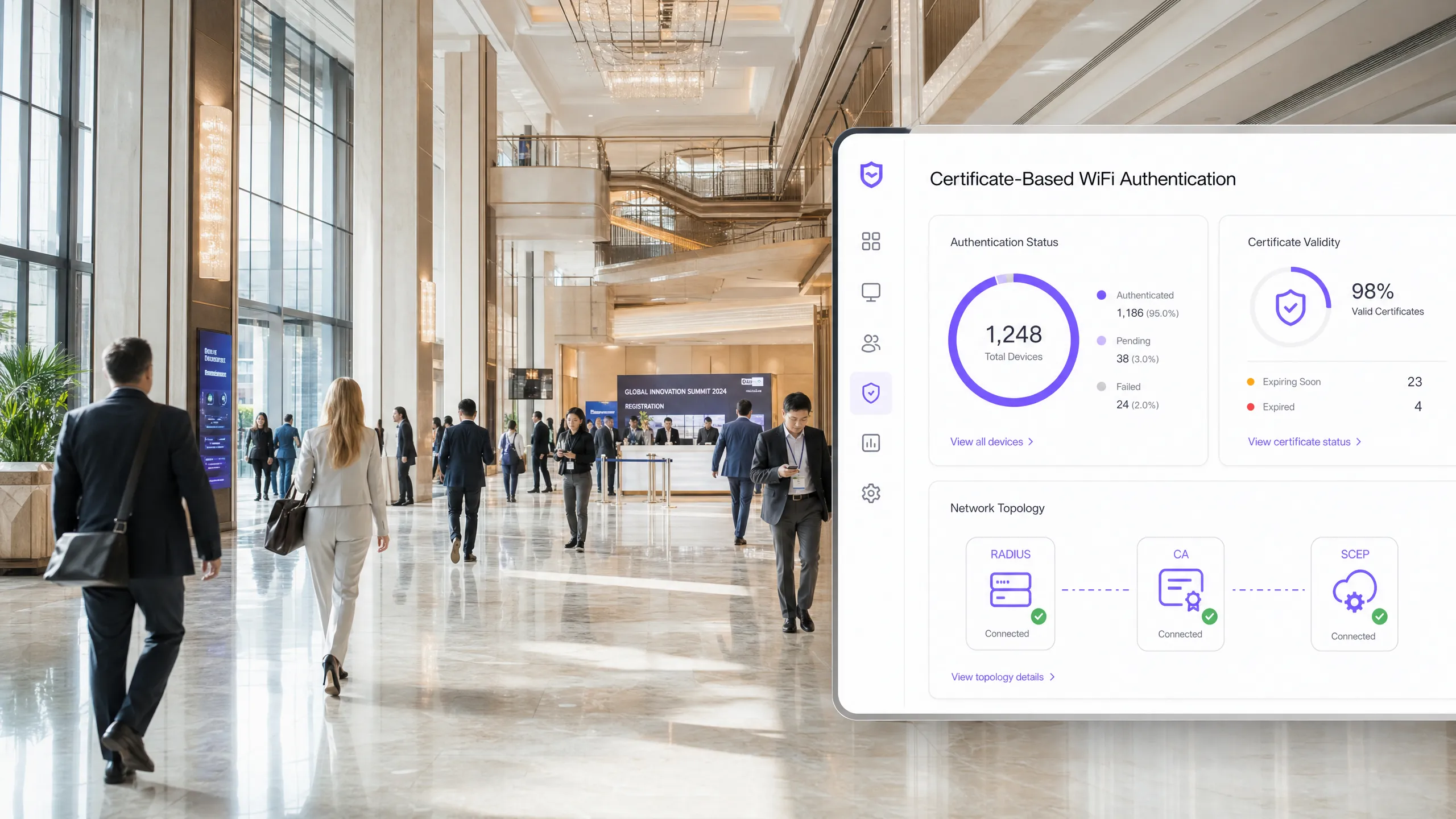
## Executive Summary
For enterprise venues, whether a busy hospitality environment, a multi-site retail operation, or a modern corporate campus, relying on pre-shared keys or basic Captive Portals for staff WiFi is a security vulnerability and an operational bottleneck. Modern network architectures require 802.1X authentication using EAP-TLS, which ensures every device is cryptographically verified before gaining network access.
The challenge lies in distribution: how do you deploy unique client certificates to thousands of Windows, iOS, and Android devices without burying your helpdesk under support tickets? Microsoft Intune and other MDM platforms solve this through automated certificate lifecycle management. By deploying Simple Certificate Enrolment Protocol (SCEP) profiles, IT teams silently push trusted root and client certificates to managed endpoints.
This guide provides a definitive architectural blueprint and step-by-step implementation strategy for deploying enterprise WiFi certificates. We will explore the critical differences between SCEP and PKCS, detail the correct deployment sequence required for success, and outline real-world risk mitigation strategies to ensure your [Guest WiFi](/guest-wifi) and corporate networks remain secure and operational.
## Listen to the Briefing
## Technical Deep-Dive: SCEP Architecture
When designing your enterprise WiFi certificate deployment strategy, the first architectural decision is selecting the certificate delivery mechanism. Mobile Device Management (MDM) platforms support both SCEP and PKCS, but they operate fundamentally differently.
### Simple Certificate Enrolment Protocol (SCEP)
SCEP is the industry standard for enterprise device enrolment. In a SCEP workflow, the management service instructs the endpoint to generate its own private and public key pair. The device generates a Certificate Signing Request (CSR) and submits it to your Certificate Authority (CA) via a Network Device Enrollment Service (NDES) server. The CA signs the request and returns the public certificate to the device.
The most critical security benefit of SCEP is that the private key never leaves the device. It is generated locally, stored in the device's secure enclave (such as TPM for Windows or Secure Enclave for iOS), and is never transmitted over the network. For this reason, SCEP is highly recommended for 802.1X authentication.
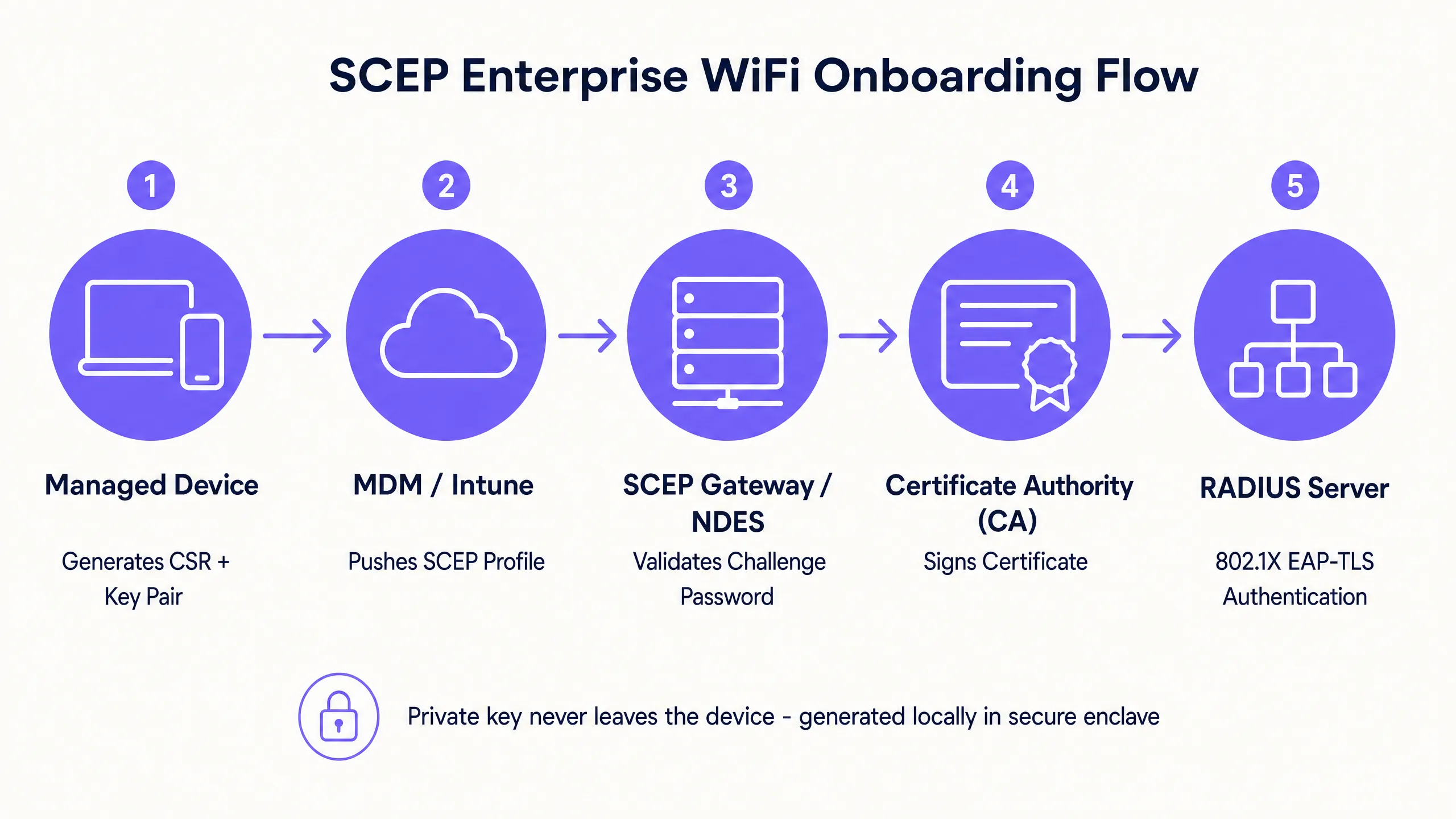
### Public Key Cryptography Standards (PKCS)
Conversely, with PKCS, the Certificate Authority generates both the public and private keys centrally. A certificate connector securely exports this key pair and pushes it to the target device.
Whilst PKCS reduces infrastructure complexity by eliminating the need to deploy and maintain an NDES server, it introduces a theoretical security risk because the private key is transmitted over the network. Rather than network authentication, PKCS is typically better suited for use cases where key escrow is required, such as S/MIME email encryption.
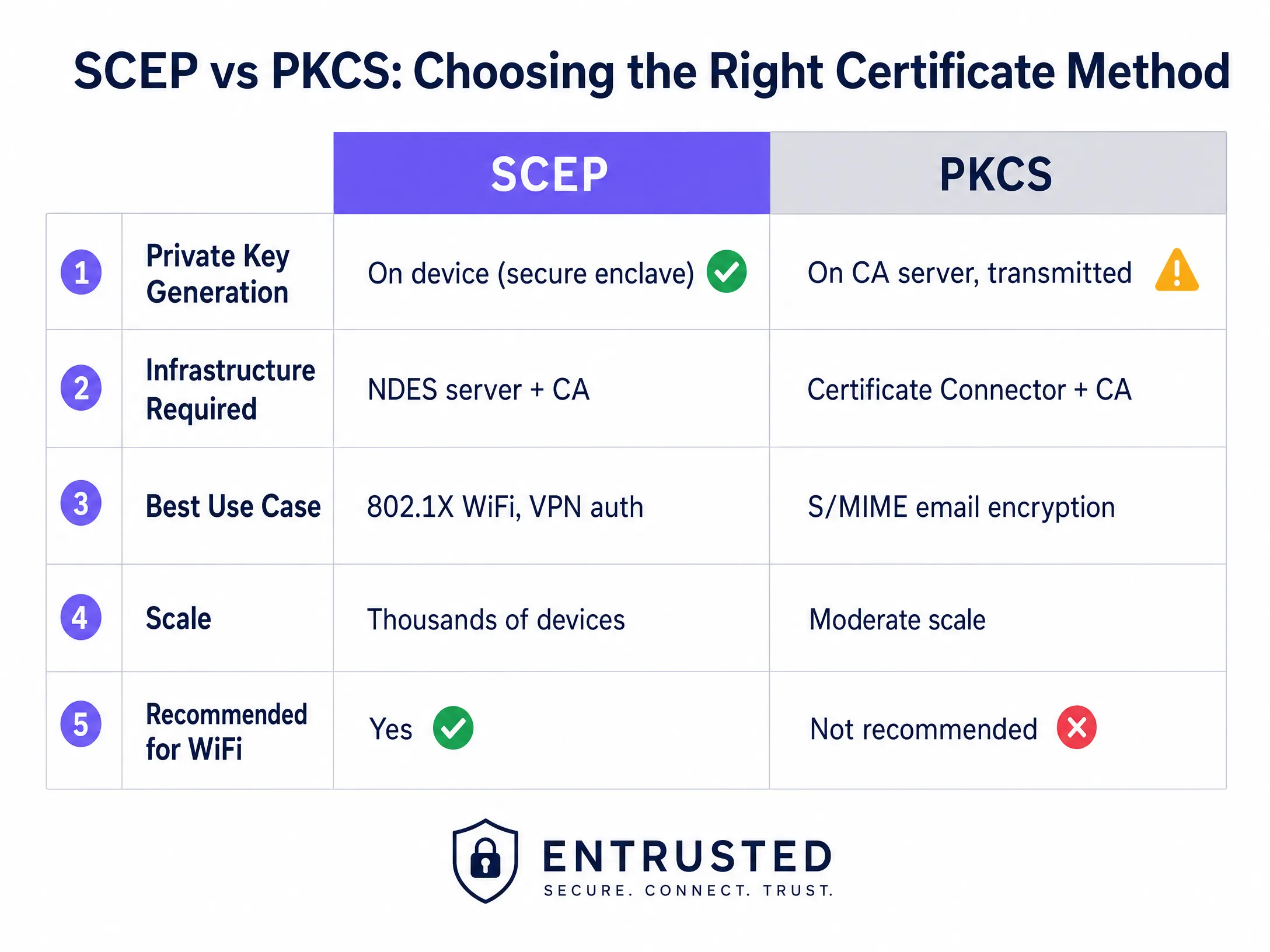
## Implementation Guide: Deployment Sequence
Successfully configuring a managed WiFi profile for 802.1X requires strict adherence to a specific deployment sequence. Due to profile dependency rules, trust must be established before authentication can be configured.
### Step 1: Deploying the Trusted Root Certificate Profile
Before any device can request a client certificate or trust your RADIUS server, it must trust the issuing Certificate Authority.
1. Export your Root CA certificate and any Intermediate CA certificates as .cer files.
2. Create a new configuration profile in your MDM console.
3. Select the target platform and choose the Trusted Certificate profile type.
4. Upload the .cer file and deploy this profile to your target device groups.
### Step 2: Configuring the SCEP Certificate Profile
Once trust is established, configure the SCEP profile to define how devices retrieve their client certificates.
1. Create a new configuration profile and select SCEP Certificate.
2. Configure the Subject Name Format. For user-driven authentication, `CN={{UserPrincipalName}}` is standard. For device authentication, use `CN={{AAD_Device_ID}}`.
3. Set the Key Usage to Digital Signature and Key Encipherment.
4. Under Extended Key Usage, specify Client Authentication (OID: 1.3.6.1.5.5.7.3.2).
5. Link this profile to the Trusted Root Certificate profile created in Step 1.
6. Provide the external URL of your SCEP gateway or NDES server.
### Step 3: Deploying the 802.1X WiFi Profile
The final step is to push the WiFi configuration that associates the certificates with the network SSID.
1. Create a WiFi configuration profile.
2. Enter the network name exactly as it is broadcast by your wireless access points.
3. Select WPA2-Enterprise or WPA3-Enterprise as the security type.
4. Set the EAP type to EAP-TLS.
5. In the authentication settings, select the SCEP certificate profile created in Step 2 as the Client Authentication certificate.
6. Specify the Trusted Root Certificate for server validation to ensure the device only connects to your legitimate RADIUS server.
## Best Practices and Industry Standards
When implementing SCEP certificate deployments, adhere to the following vendor-neutral best practices to ensure compliance and reliability.
### SCEP Gateway Placement and Security
To allow remote devices to provision certificates before arriving on-site, the SCEP gateway must be accessible from the internet. Exposing an internal server directly to the internet is a major security risk. Publish the SCEP URL using an application proxy or reverse proxy. This provides secure remote access without opening inbound firewall ports and allows you to enforce Conditional Access policies on the enrolment flow.
### RADIUS and CRL Checking
Certificate deployment is only half of the security equation; revocation is equally critical. If an employee leaves the organisation, disabling their directory account may not immediately revoke their WiFi access if their client certificate remains valid and the RADIUS server does not strictly check the Certificate Revocation List (CRL).
Configure your RADIUS server to enforce strict CRL checking. Ensure your CRL distribution points are highly available; if the RADIUS server cannot reach the CRL, authentication will fail, causing widespread outages.
For a more detailed consideration of modern connectivity, review our [Bandwidth Management: A Practical Guide for 2026](/blog/bandwidth-management) guide.
## Troubleshooting and Risk Mitigation
Even with meticulous planning, certificate deployments can encounter issues. Here are common failure modes and their mitigation strategies.
### Failure to Apply WiFi Profile
The device receives the Trusted Root and SCEP certificates, but the WiFi profile shows as failed or not applicable in the MDM console. This is almost always caused by a group targeting mismatch. If the SCEP profile is assigned to a user group, but the WiFi profile is assigned to a device group, the MDM cannot resolve the dependency. Audit your assignments. Ensure the Trusted Root, SCEP, and WiFi profiles are all deployed to the exact same groups.
### Gateway 403 Forbidden Error
Devices fail to retrieve SCEP certificates and the gateway logs show HTTP 403 errors. The connector service account lacks the required permissions on the certificate template, or your firewall's URL filtering is blocking specific query string parameters used by SCEP. Verify that the connector account has Read and Enrol permissions on the CA template. Check firewall logs to ensure URLs containing `?operation=GetCACaps` are not being blocked.
## ROI and Business Impact
Transitioning to SCEP-driven 802.1X certificate deployment delivers measurable returns across security and operations.
1. **Reduction in Helpdesk Tickets:** Password-based WiFi generates a high volume of support tickets due to expired passwords, lockouts, and typos. Certificate-based authentication is invisible to the user, typically reducing WiFi-related helpdesk workloads by 70%.
2. **Enhanced Security Posture:** EAP-TLS eliminates the risk of credential harvesting and Man-in-the-Middle attacks. This is critical for compliance with frameworks like PCI DSS and GDPR, especially in [Retail](/industries/retail) and [Healthcare](/industries/healthcare) environments.
3. **Streamlined Onboarding:** Integrating certificate deployment with existing MDM workflows ensures a unified, zero-touch provisioning experience from day one.
Whilst SCEP secures your managed corporate devices, guest and visitor networks require a different approach. For unmanaged devices, a Captive Portal with social login or SMS verification feeds into a first-party data layer, providing you with actionable insights. Explore our [WiFi Analytics](/guest-wifi-marketing-analytics-platform) platform to see how this data drives revenue.
---
### Why Is My Guest WiFi Not Connecting? Troubleshooting Captive Portal Issues
**Source:** https://www.purple.ai/en-gb/guides/why-is-my-guest-wifi-not-connecting-troubleshooting-captive-portal-issues
**Summary:** This authoritative technical reference guide explains the underlying mechanics of captive portal detection and details the six primary failure modes that prevent guest WiFi from connecting. It provides IT managers and network architects with a practical troubleshooting framework to resolve HTTP redirect issues, DNS conflicts, and MAC randomisation challenges.
**Estimated read time:** 6 minutes
**Word count:** 1,378
## Executive Summary
For modern enterprise venues, guest wireless networks are no longer a simple convenience; they represent a critical touchpoint for customer engagement, operational intelligence, and brand positioning. However, the commercial value of these networks depends entirely on the reliability of the initial connection experience. When a guest connects to a network and the Captive Portal login page does not appear, the venue immediately suffers from increased service friction, a spike in support tickets, and lost data capture opportunities.
At the heart of these failures lies a fundamental tension between secure web standards and the network-level interception techniques historically used by captive portals. Modern web browsers and operating systems are designed to detect and block unauthorised traffic redirection to protect users from man-in-the-middle attacks. By understanding the precise HTTP and DNS redirection sequences, the impact of secure protocols like HSTS, and the privacy features of modern mobile devices, IT teams can design robust wireless access solutions. This guide provides the definitive framework to diagnose and resolve the root causes behind the "guest wifi not connecting captive portal" failure state.
Listen to the full technical briefing:
## Detailed Technical Analysis: How Captive Portal Detection Actually Works
To troubleshoot a Captive Portal issue, you must first understand what a Captive Portal actually does at the network level. Most people think of it as simply a login page. In reality, it is a network-level traffic interception mechanism.
When a device connects to your guest SSID and receives an IP address via DHCP, the operating system does not wait for the user to open a browser. In the background, a system service immediately triggers an unencrypted HTTP GET request to a test URL controlled by the manufacturer. Apple devices query `captive.apple.com`. Android devices query `connectivitycheck.gstatic.com`. Windows devices query `msftconnecttest.com`.
If the network has open internet access, these probes return the expected responses and the operating system concludes that all is well. But on a guest network, your gateway or wireless controller intercepts this HTTP probe before it reaches the internet. Instead of the expected response, the gateway returns an HTTP 302 redirect pointing to the Captive Portal page. The operating system detects the unexpected redirect, realises it is behind a Captive Portal, and opens a sandboxed browser window to display the login page.
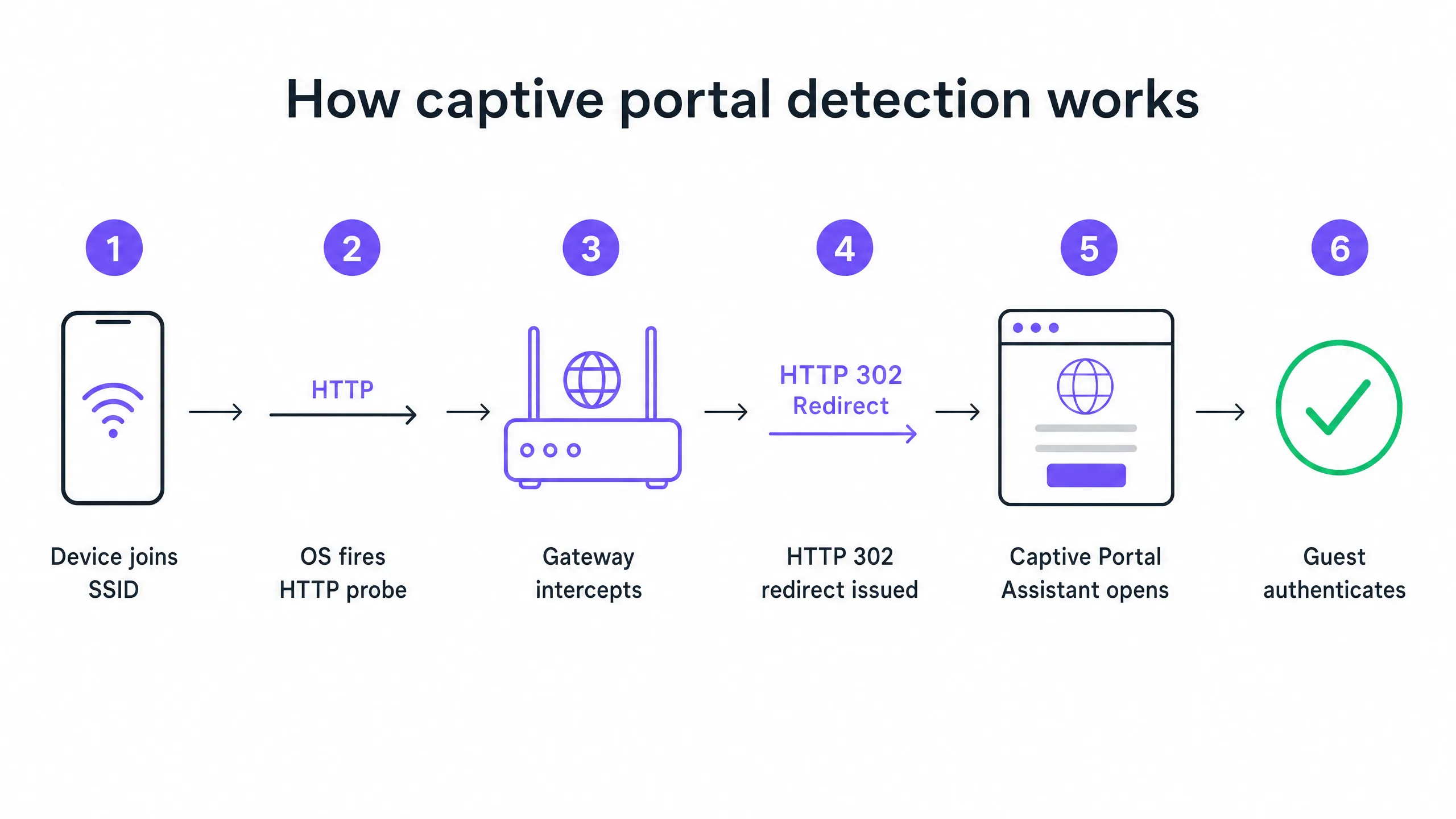
### The Top Six Failure Modes
When a guest reports that the WiFi is not connecting, the failure almost always stems from one of six root causes that disrupt this sequence.
**1. DHCP Pool Exhaustion**
This is the silent killer at high-density events. If you host a conference with 2,000 attendees on a standard /24 subnet, you have 254 usable IP addresses. If your DHCP lease time is set to the default of 24 hours, you will exhaust this pool within minutes of the doors opening. Every subsequent connection attempt fails before the Captive Portal sequence even begins.
**2. DNS Interception Failure**
The Captive Portal redirect relies on the gateway intercepting the HTTP probe. But the probe requires a DNS query first. If your DNS configuration does not allow pre-authenticated clients to resolve external domain names, the probe is never triggered.
**3. Incomplete Walled Garden**
The walled garden defines which external domains unauthenticated guests can access. If your portal page loads assets from a CDN that is not in the walled garden, the page renders as a blank screen. If you offer social login via Google, Apple or Facebook, all OAuth domains used by these providers must be on the allowlist. Social identity providers update their CDN IP ranges regularly. A walled garden that worked perfectly six months ago might be silently broken today.
**4. HSTS Blocking the Redirect**
HTTP Strict Transport Security (HSTS) is a browser security policy that forces connections to specific domains only via HTTPS. If a guest attempts to contact an HSTS-preloaded domain and your gateway tries to intercept that HTTPS request to redirect to the portal, the browser will detect a certificate mismatch. It will present a security warning that cannot be bypassed and will block the redirect entirely. The correct solution is to never attempt HTTPS interception. Your gateway should only redirect unencrypted HTTP canary probes.
**5. Active VPN on Guest Device**
A VPN encrypts all traffic from the device and routes it through an external tunnel before it reaches your gateway. Your gateway never sees the HTTP probe. The Captive Portal detection sequence is never triggered.
**6. MAC Address Randomisation**
Modern iOS and Android devices use randomised MAC addresses by default as a privacy feature. Because the Captive Portal session state is tracked by the MAC address, a visitor who authenticated an hour ago might be faced with the login page again after their device's MAC rotates.
## Implementation Guide: Architecting for Reliability
A well-configured Captive Portal deployment requires careful coordination across your [Guest WiFi](/guest-wifi) infrastructure.
### Step 1: Optimise DHCP Architecture
For any venue expecting more than 200 concurrent devices, avoid using a single /24 subnet. Use /22 or larger and set lease times to match the dwell profile of your venue. A hotel sets leases for 8 hours. A stadium sets leases for 3 hours. A shopping centre sets leases for 90 minutes. A convention centre sets leases for 30 minutes.
### Step 2: Automate Walled Garden Management
Validate your walled garden before every major event. On Purple's platform, we maintain and update these walled garden entries automatically as part of our cloud managed service, which removes the manual maintenance burden from your team. We support integrations with Cisco Meraki, HPE Aruba, Ruckus, Juniper Mist, Ubiquiti UniFi, Cambium, Extreme and Fortinet.
### Step 3: Implement RFC 8910 (DHCP Option 114)
The standards-based long-term solution for HSTS conflicts is RFC 8910, which defines DHCP Option 114. This option allows your DHCP server to advertise the Captive Portal URL directly to the client device, completely bypassing the need for HTTP redirection. iOS 14 and Android 11 or higher support this natively.
## Best Practices
**Deploy Profile-Based Authentication for Returning Visitors**
Captive Portals are a mature technology, but they bring inherent friction. OpenRoaming, built on Passpoint and 802.1X, allows recurring visitors to connect automatically and securely without ever seeing a login page. Purple acts as a free identity provider for OpenRoaming on our Connect plan. Venues like Premier Inn and Manchester Airports Group are already deploying this to eliminate re-authentication friction for frequent visitors while maintaining full GDPR compliance and first-party data capture.
**Never Test From an Authenticated Device**
A common mistake that affects many IT teams: testing the portal from a device that has already been previously authenticated. Your device session is still active, so you bypass the portal entirely and conclude that everything is working. Always test from a device in a clean, unauthenticated state.
**Read Related Guidance**
To read more about securing your networks, see our [What Is Secure WiFi: Essential Guide for Business 2026](/blog/what-is-secure-wifi) and our [Bandwidth Management: A Practical Guide for 2026](/blog/bandwidth-management).
## Troubleshooting and Risk Mitigation
When a visitor reports a connection issue, your front-of-house team needs a rapid diagnostic framework.
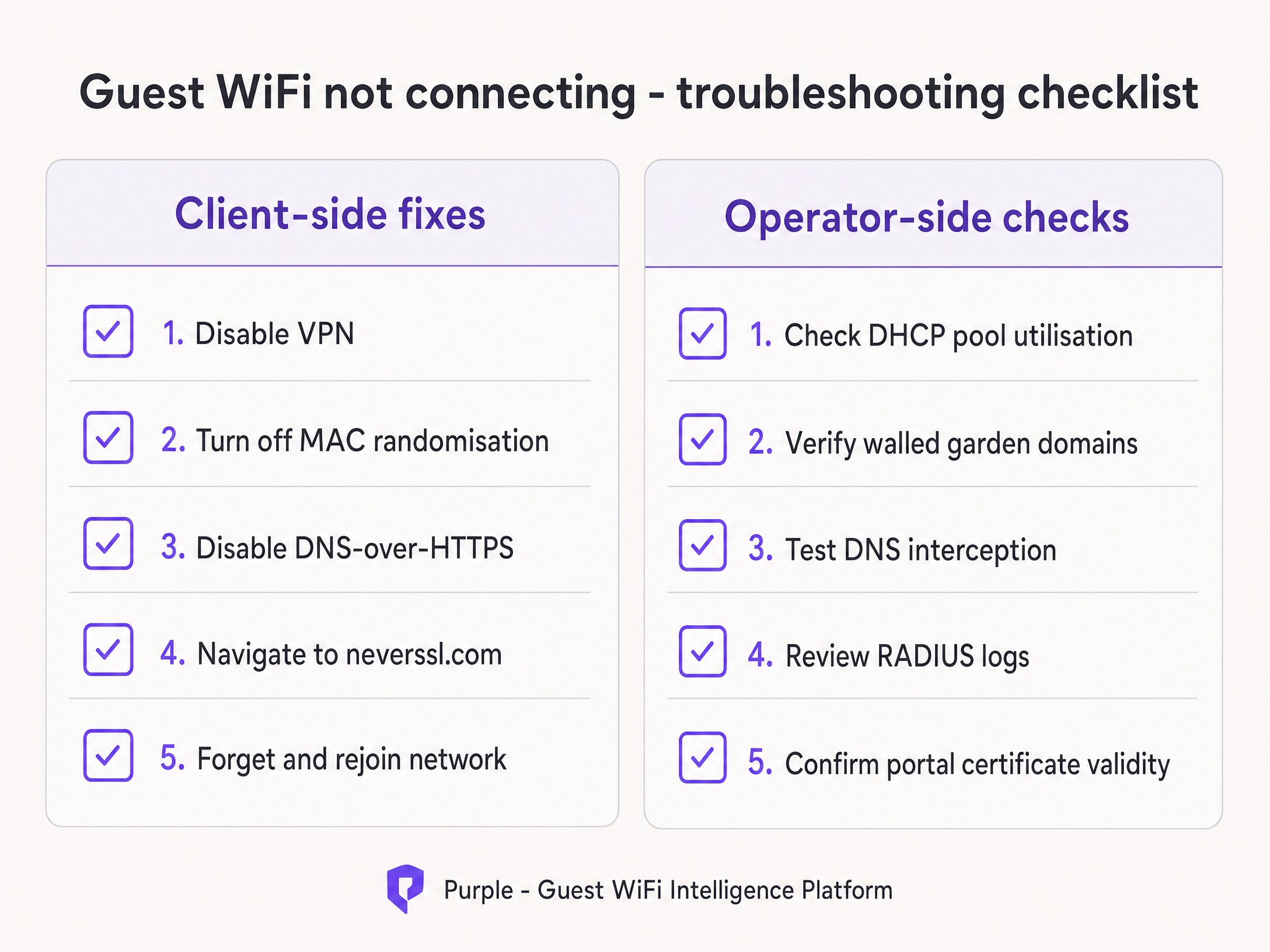
Instruct your team to run client-side fixes first:
1. Ask the visitor to disable any active VPN.
2. Instruct the visitor to disable MAC randomisation (Private Address) for your specific SSID.
3. Ask the visitor to open a default browser and navigate to `http://neverssl.com`. Because this site is designed never to use SSL, the gateway can easily intercept the request and trigger the redirect.
4. If all else fails, ask the visitor to forget the network and connect again.
If the issue persists across multiple visitors, move to operator-side checks. Review DHCP pool utilisation immediately, check RADIUS logs for Access-Reject messages, and test DNS interception.
## ROI and Business Impact
The business impact of a reliable Captive Portal goes far beyond IT metrics. By eliminating connection failures, venues directly increase the growth rate of their marketing database.
Consider Harrods, which achieved a 57x marketing ROI by optimising their [WiFi Analytics](/guest-wifi-marketing-analytics-platform) and Captive Portal flow. Or AGS Airports, which delivered an 842% ROI through seamless tiered bandwidth management. A reliable connection experience is the fundamental requirement for gathering the modern feedback collection data detailed in our guide, [Modern Feedback Collection: A Playbook for Venues 2026](/blog/feedback-collection).
Every Captive Portal load failure represents a lost customer profile. By implementing the architectural standards outlined in this guide, IT leaders transform their wireless infrastructure from a cost centre into a reliable, compliant revenue generator.
---
### How to Implement SCEP for Automated WiFi Certificate Enrollment
**Source:** https://www.purple.ai/en-gb/guides/how-to-implement-scep-for-automated-wifi-certificate-enrollment
**Summary:** This guide explains how to implement SCEP (Simple Certificate Enrollment Protocol) for automated WiFi certificate enrollment across enterprise venues. It covers the full architectural blueprint - from PKI design and MDM integration to the mandatory three-step deployment sequence - and shows IT managers and network architects how to eliminate shared credentials, automate certificate lifecycle management, and satisfy PCI DSS and GDPR requirements at scale.
**Estimated read time:** 10 minutes
**Word count:** 2,287
## Executive summary
For venue operators running [Guest WiFi](/guest-wifi) across hotels, retail estates, stadiums, and conference centres, relying on pre-shared keys or basic captive portals for staff network access is a security liability. Modern network architecture demands 802.1X authentication using EAP-TLS (Extensible Authentication Protocol - Transport Layer Security), ensuring every device is cryptographically verified before it touches the network. The challenge is distribution: how do you deploy unique client certificates to thousands of Windows, iOS, and Android devices without burying your helpdesk?
The answer is SCEP - the Simple Certificate Enrolment Protocol. Formalised by the IETF as RFC 8894 in 2020, SCEP automates certificate enrolment across managed device fleets. When integrated with an MDM platform such as Microsoft Intune or Jamf, SCEP delivers zero-touch certificate provisioning: devices request, receive, and renew their own certificates without any IT intervention. The private key is generated locally on the device and never transmitted across the network - a fundamental security advantage over PKCS-based delivery.
This guide walks through the complete SCEP implementation workflow: PKI architecture, NDES gateway configuration, the mandatory three-step MDM deployment sequence, and the operational controls - particularly CRL checking and group targeting - that determine whether a rollout succeeds or stalls. Two real-world scenarios illustrate the approach in hospitality and retail environments. Purple operates across 80,000+ live venues and 350 million unique users; the patterns described here reflect what works at that scale.
---
## Technical deep-dive
### What SCEP actually does
SCEP sits between your MDM platform and your Certificate Authority (CA). It provides a standardised HTTP-based mechanism for devices to request, receive, and renew X.509 certificates without requiring a domain-joined credential or manual administrator involvement. The protocol was originally developed in the early 2000s and gained widespread adoption in enterprise MDM environments before the IETF formally published it as RFC 8894.
The six-step enrolment flow works as follows. First, the managed device connects to the SCEP gateway URL pre-configured in its MDM profile. Second, the device generates a private/public key pair locally and creates a Certificate Signing Request (CSR). Third, the SCEP gateway validates the device's authorisation using a challenge password or OTP embedded in the MDM policy. Fourth, the gateway forwards the validated CSR to the CA. Fifth, the CA signs the certificate and returns it to the gateway. Sixth, the gateway delivers the signed certificate to the device. Future renewals follow the same automated path - the device re-enrols before expiry without any user or administrator action.
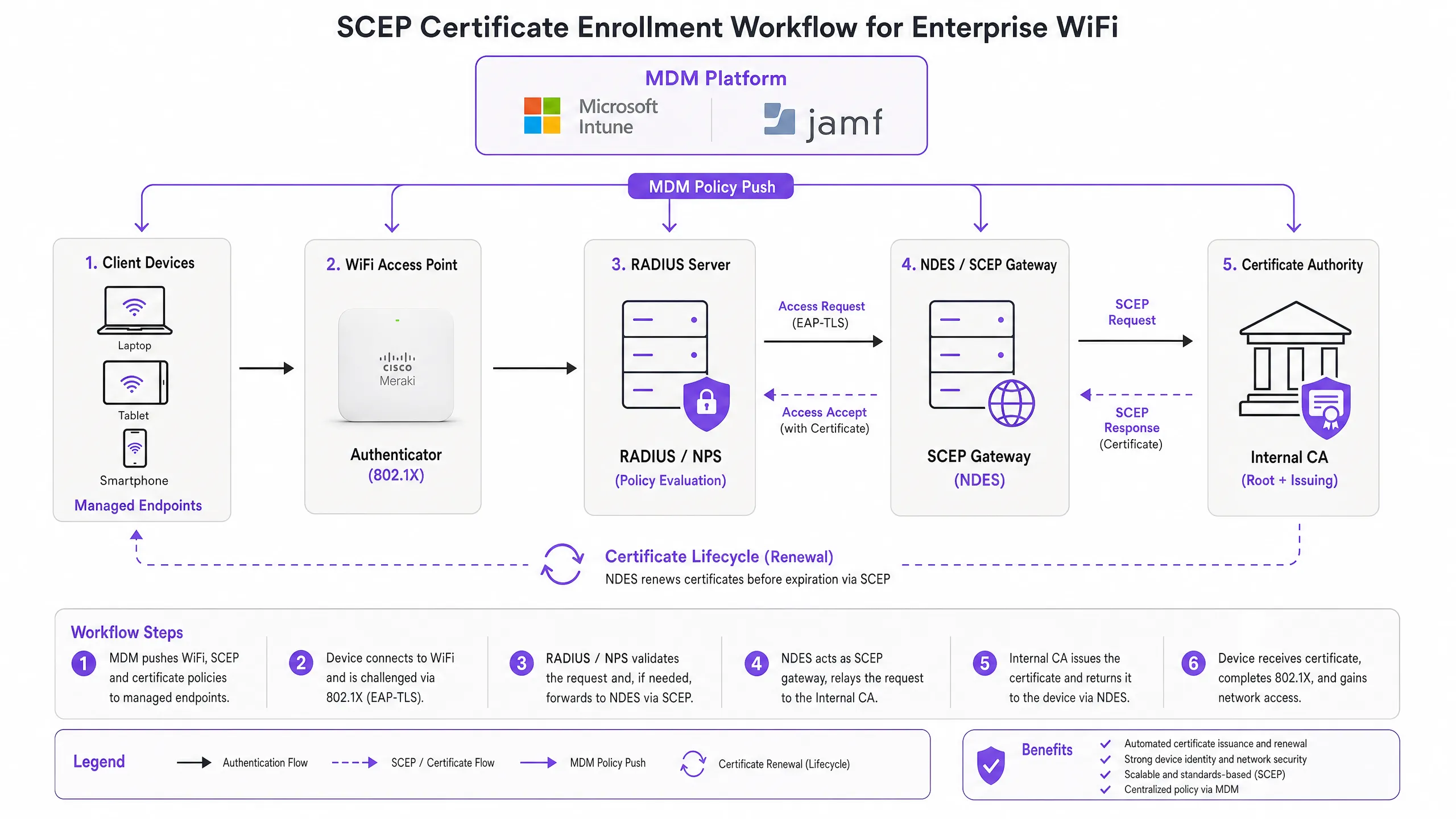
### SCEP vs PKCS: the decision that matters
Microsoft Intune and most MDM platforms support two certificate delivery mechanisms: SCEP and PKCS. The distinction is architectural, not cosmetic.
With SCEP, the private key is generated on the device and stays there. The CA never sees it. The device's TPM (on Windows) or Secure Enclave (on iOS/macOS) protects the key at the hardware level. With PKCS, the CA generates the key pair centrally and transmits it to the device over the network. The CA retains a copy, enabling key escrow - which is useful for S/MIME email encryption but introduces unnecessary risk for network authentication.
For 802.1X WiFi authentication, use SCEP. The private key never leaves the device. That is the rule.
| Criterion | SCEP | PKCS |
|---|---|---|
| Private key generated on | Device | CA (centrally) |
| Private key transmitted over network | Never | Yes |
| Supports TPM / Secure Enclave | Yes | No |
| Recommended for WiFi auth | Yes | No |
| Recommended for email encryption (S/MIME) | No | Yes |
| Key escrow possible | No | Yes |
### 802.1X and EAP-TLS: the authentication framework
IEEE 802.1X is the port-based network access control standard that underpins enterprise WiFi security. It defines three roles: the supplicant (the client device), the authenticator (the access point - Cisco Meraki, HPE Aruba, Ruckus, Juniper Mist, Ubiquiti UniFi, Cambium, Extreme, or Fortinet), and the authentication server (a RADIUS server such as Microsoft NPS, FreeRADIUS, or Cisco ISE).
EAP-TLS is the most secure EAP method for 802.1X. Both sides present certificates: the RADIUS server presents its certificate to the client, and the client presents its SCEP-provisioned certificate to the RADIUS server. Neither side can impersonate the other without a valid, non-revoked certificate from the trusted CA hierarchy. This mutual authentication model eliminates credential theft, Evil Twin attacks, and rogue access point risks in a single architectural decision.
EAP-TLS satisfies PCI DSS 4.0 Requirement 8.6 for multi-factor authentication at the network layer. It is required for WPA3 Enterprise 192-bit (Suite B) deployments. For any wireless network in scope for cardholder data processing - retail point-of-sale, hotel front desk, stadium ticketing - EAP-TLS is the correct choice.
For a deeper look at [secure WiFi](/blog/what-is-secure-wifi) architecture and how certificate-based authentication fits within a broader security posture, see our essential guide.
---
## Implementation guide
The deployment sequence is non-negotiable. Intune and Jamf resolve profile dependencies in order: the WiFi profile depends on the SCEP profile, which depends on the Trusted Root profile. Deploy them out of sequence and the WiFi profile will fail to apply.
### Step 1: Design your PKI
Before you touch an MDM console, design your certificate hierarchy. A two-tier PKI is standard: an offline root CA and an online issuing CA. The root CA's private key is the master trust anchor for your entire certificate infrastructure - keep it air-gapped. The issuing CA handles day-to-day certificate issuance and publishes the Certificate Revocation List (CRL) and OCSP responder.
For most enterprise venue deployments, Microsoft Active Directory Certificate Services (AD CS) running on Windows Server provides the issuing CA. Cloud-hosted PKI services from providers such as SCEPman or SecureW2 eliminate the on-premises infrastructure requirement entirely and are worth evaluating for distributed estate deployments across hotel groups, retail chains, or multi-site public-sector organisations.
### Step 2: Deploy the NDES server (or cloud SCEP gateway)
NDES (Network Device Enrolment Service) is the Microsoft Windows Server role that acts as the SCEP gateway between your MDM and your CA. Key configuration requirements:
- Publish the NDES URL externally via Azure AD Application Proxy (or equivalent reverse proxy). This allows remote devices to enrol before they arrive on-site, without opening inbound firewall ports.
- The NDES service account requires Read and Enrol permissions on the CA certificate template.
- Configure the certificate template with Key Usage set to Digital Signature and Key Encipherment, and Extended Key Usage set to Client Authentication (OID: 1.3.6.1.5.5.7.3.2).
- Set an appropriate certificate validity period. One year is standard for client certificates; two years is acceptable for device certificates in stable fleets.
If you prefer to avoid on-premises NDES infrastructure, cloud SCEP gateways integrate directly with Intune and your CA via API, removing the IIS dependency entirely.
### Step 3: Deploy the Trusted Root Certificate profile
In your MDM platform, create a Trusted Certificate profile and upload your Root CA certificate (and any Intermediate CA certificates) as .cer files. Deploy this profile to your target device groups before any other certificate or WiFi profiles. Without this step, devices cannot validate the RADIUS server's certificate during the EAP-TLS handshake, and they cannot trust the issuing CA when requesting their own SCEP certificate.
**Rule of thumb:** Always target the same Azure AD group (either Users or Devices) across all three related profiles. A mismatch here is the single most common cause of WiFi profile deployment failures.
### Step 4: Configure the SCEP Certificate profile
Create a SCEP certificate configuration profile in your MDM:
- **Subject name format:** For user-driven authentication, use `CN={{UserPrincipalName}}`. For device authentication (recommended for shared devices and IoT), use `CN={{AAD_Device_ID}}`.
- **Key usage:** Digital Signature, Key Encipherment.
- **Extended key usage:** Client Authentication (OID: 1.3.6.1.5.5.7.3.2).
- **SCEP server URL:** The externally published NDES URL.
- **Root certificate:** Link to the Trusted Root profile from Step 3.
- **Certificate validity period:** Match the template configured on the CA.
### Step 5: Deploy the 802.1X WiFi profile
Create a WiFi configuration profile:
- **SSID:** Enter the network name exactly as broadcast by your access points.
- **Security type:** WPA2-Enterprise or WPA3-Enterprise.
- **EAP type:** EAP-TLS.
- **Client authentication certificate:** Select the SCEP certificate profile from Step 4.
- **Server validation:** Specify the Trusted Root certificate from Step 3 and enter the expected RADIUS server name. This prevents devices from connecting to rogue access points presenting fraudulent certificates.
---
## Best practices
### Enforce strict CRL checking on your RADIUS server
Certificate revocation is the operational control that closes the gap between disabling an account and blocking network access. When a device is lost, stolen, or an employee leaves, disable the AD account and revoke the certificate at the CA. Your RADIUS server must be configured to check the CRL on every authentication attempt. If the CRL is unavailable - because the CDP (CRL Distribution Point) is unreachable - most RADIUS servers default to failing open, which is a security risk. Ensure your CDPs are highly available and that your RADIUS server is configured to fail closed if the CRL cannot be fetched.
For real-time revocation, configure OCSP (Online Certificate Status Protocol) in addition to CRL. OCSP provides per-certificate status responses without requiring the RADIUS server to download and parse the entire CRL.
### Use device certificates for shared and IoT devices
For shared devices - hotel housekeeping tablets, retail POS terminals, stadium access control readers - use device certificates rather than user certificates. Device certificates are tied to the machine identity, not a user account. This means the device authenticates regardless of which user is logged in, and revocation is tied to the device record rather than an employee's departure.
For [retail](/industries/retail) deployments, device certificates on POS hardware also satisfy the PCI DSS requirement for network-layer device identity without introducing user-credential complexity at the point of sale.
### Automate certificate renewal
SCEP supports automatic renewal: the MDM instructs the device to re-enrol before the certificate expires. Configure your SCEP profile to trigger renewal at 20% of the certificate's remaining validity period. For a one-year certificate, renewal begins approximately 73 days before expiry. This window provides enough time to resolve any renewal failures before the certificate expires and devices lose network access.
Expired certificates causing mass authentication failures are the most common operational incident in 802.1X deployments. Automated renewal via SCEP eliminates this risk entirely.
### Segment networks by certificate attribute
RADIUS servers can read certificate attributes - Subject, SAN, or custom OIDs - and use them to assign devices to VLANs dynamically. A housekeeping tablet with a certificate issued from the `HousekeepingDevices` template lands on the housekeeping VLAN. A POS terminal with a certificate from the `RetailPOS` template lands on the PCI-scoped VLAN. This is cryptographically enforced network segmentation - far more reliable than SSID-based or MAC-based approaches.
For [hospitality](/industries/hospitality) operators running Guest WiFi alongside Staff WiFi on the same physical infrastructure, VLAN assignment via certificate attributes ensures guests and staff are always on separate network segments, regardless of which SSID a device connects to.
---
## Troubleshooting & risk mitigation
### WiFi profile shows 'Error' or 'Not Applicable' in Intune
**Root cause:** Group targeting mismatch. The SCEP profile is assigned to a different group than the WiFi profile. Intune cannot resolve the certificate dependency.
**Fix:** Audit all three profiles (Trusted Root, SCEP, WiFi). Ensure they are all assigned to the exact same Azure AD group. If you are deploying to Users, all three profiles must target a Users group. If deploying to Devices, all three must target a Devices group.
### NDES returns HTTP 403 errors
**Root cause:** The Intune Certificate Connector service account lacks Read or Enrol permissions on the CA certificate template, or firewall URL filtering is blocking SCEP query strings.
**Fix:** Verify the connector account has Read and Enrol permissions on the template in the CA console. Check firewall logs for blocked requests containing `?operation=GetCACaps` or `?operation=PKIOperation`. These query strings must pass through without modification.
### Devices fail to renew certificates before expiry
**Root cause:** The SCEP renewal window is too short, or the NDES server is unreachable at the time of renewal.
**Fix:** Set the renewal threshold to 20% of certificate validity. Ensure the NDES URL is published via a highly available reverse proxy. Monitor NDES IIS logs for renewal request failures and alert on them proactively.
### RADIUS rejects valid certificates
**Root cause:** The RADIUS server's trusted CA store does not include the issuing CA certificate, or the CRL is stale.
**Fix:** Import the full CA chain (Root CA + Issuing CA) into the RADIUS server's trusted store. Verify the CRL is being fetched successfully and that the CDP URL is reachable from the RADIUS server. Check the CRL's next-update timestamp - if it has passed, the CA needs to publish a new CRL.
For broader network performance considerations alongside security, see our [bandwidth management guide](/blog/bandwidth-management).
---
## ROI & business impact
The business case for SCEP-based certificate enrolment is straightforward. Password-based WiFi generates a predictable volume of helpdesk tickets: password expirations, lockouts, staff sharing credentials with guests, and onboarding friction for new starters. Certificate-based authentication is invisible to the end user. Devices connect automatically. There are no passwords to expire, share, or forget.
Organisations that migrate from password-based WiFi to EAP-TLS with SCEP typically report a 70-80% reduction in WiFi-related helpdesk tickets (Purple internal data, 2024, based on deployments across hospitality and retail estates). The helpdesk saving alone often justifies the implementation cost within the first year.
The compliance impact is equally concrete. EAP-TLS satisfies PCI DSS 4.0 Requirement 8.6 for multi-factor authentication at the network layer. For [healthcare](/industries/healthcare) environments, it aligns with HIPAA technical safeguard requirements for wireless network access. For public-sector organisations, it supports NCSC Cyber Essentials Plus certification requirements for network access control.
For [transport](/industries/transport) operators - rail franchises, airport operators, bus networks - certificate-based authentication on staff devices ensures that operational networks carrying safety-critical data are isolated from passenger WiFi and protected against credential-based attacks.
Purple's [WiFi Analytics](/guest-wifi-marketing-analytics-platform) platform integrates with 802.1X-secured networks to deliver first-party data insights without compromising the security posture of the underlying infrastructure. The 29 billion data points collected across Purple's network demonstrate that security and analytics are complementary, not competing, objectives.
For feedback and experience management alongside your secure network deployment, see our [venue feedback playbook](/blog/feedback-collection).
---
### Integrating WeChat Authentication with Guest WiFi Captive Portals
**Source:** https://www.purple.ai/en-gb/guides/integrating-wechat-authentication-with-guest-wifi-captive-portals
**Summary:** This guide explains how to integrate WeChat OAuth 2.0 authentication into enterprise guest WiFi captive portals. It covers the dual-platform registration requirements, scope selection for first-party data capture, network enforcement via RADIUS Change of Authorization, and compliance with GDPR and China's PIPL. Venue operators in hospitality, retail, and events will find concrete implementation steps, real-world case studies, and security hardening guidance to deploy WeChat login guest wifi at scale.
**Estimated read time:** 8 minutes
**Word count:** 1,958
## Summary
When a Chinese visitor connects to your enterprise network and encounters a Captive Portal offering only email, Facebook, or credential codes, you create instant friction. According to Tencent's 2024 data, WeChat has 1.38 billion monthly active users. Integrating WeChat login with guest wifi is not a hospitality amenity; it is a technical requirement for capturing first-party data from this demographic without friction.
This guide details the technical architecture of integrating WeChat OAuth 2.0 authentication with captive portals. It explains the dual-platform registration required to support standard mobile browsers alongside the WeChat in-app browser, evaluates the trade-offs between `snsapi_base` and `snsapi_userinfo` scopes for data collection, and outlines how network access is enforced using RADIUS Change of Authorization (CoA) or MAC Authentication Bypass. It also covers the security configurations and compliance directives - GDPR and China's Personal Information Protection Law (PIPL) - required for large-scale deployments across Cisco Meraki, HPE Aruba, Ruckus, Juniper Mist, Ubiquiti UniFi, Cambium, Extreme, and Fortinet infrastructure.
---
## Technical Deep Dive: WeChat OAuth 2.0 Architecture
A Captive Portal intercepts HTTP traffic from unauthenticated devices and redirects them to a landing page hosted on a portal server. Adding WeChat authentication inserts a third-party identity provider into this flow using the OAuth 2.0 protocol, the same standard used by Google, Microsoft Entra ID, and Okta for federated identity.
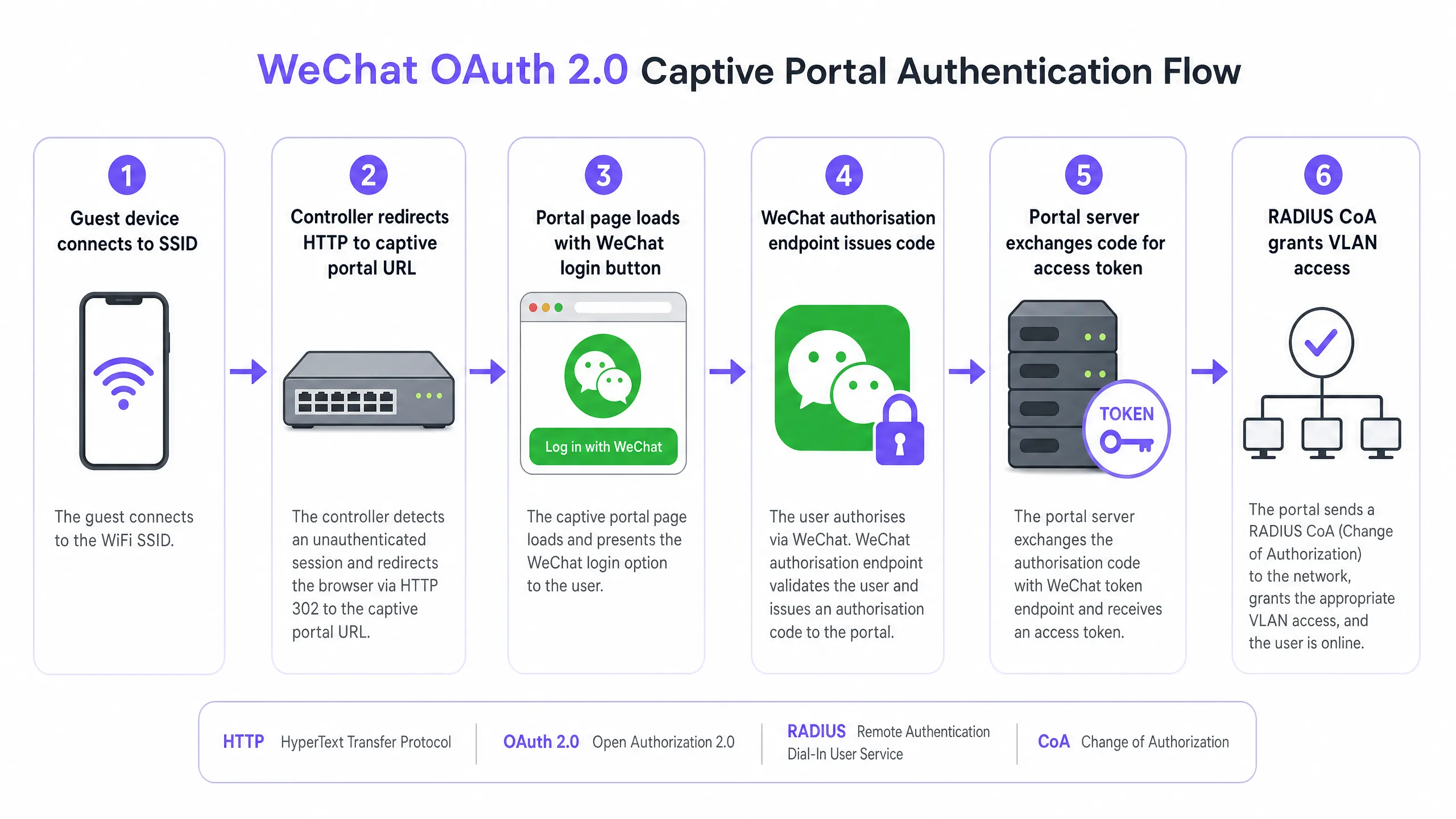
The authentication flow operates as follows: A visitor connects to the SSID. The access point or wireless controller detects the unauthenticated session and redirects HTTP traffic to the Captive Portal URL. The visitor selects WeChat login on the Portal page. The Portal server redirects the browser to the WeChat authorisation endpoint at `open.weixin.qq.com`, passing the `AppID`, redirect URI, response type of `code`, and the requested Scope. WeChat handles the authentication on its own servers. If the visitor is inside the WeChat built-in browser using the `snsapi_base` Scope, the authentication is silent - no authorisation consent prompt appears. If `snsapi_userinfo` is used, WeChat displays an authorisation consent page. WeChat then redirects back to the Portal's redirect URI with a temporary authorisation code. The Portal server exchanges this code for an Access Token by making an API call to `api.weixin.qq.com/sns/oauth2/access_token` with the `AppID`, `AppSecret`, the code, and a grant type of `authorization_code`. WeChat returns the Access Token, Refresh Token, the user's OpenID, and the granted Scope. If `snsapi_userinfo` was granted, the server initiates a second API call to fetch the user's nickname, profile picture, gender, and city.
### Dual-Platform Registration Requirements
Most implementations fail at the registration phase. WeChat operates two separate developer platforms, and enterprise deployments typically require both.
| Platform | URL | Required Account Type | Supported Scopes | Browser Environment |
|---|---|---|---|---|
| Official Accounts Platform | mp.weixin.qq.com | Service Account | snsapi_base, snsapi_userinfo | WeChat In-App Browser |
| Open Platform | open.weixin.qq.com | Web Application | snsapi_login | Standard Mobile Browsers |
For visitors accessing the Portal inside the WeChat in-app browser, you need a **Service Account** on the Official Accounts Platform. Subscription accounts will not work - they lack OAuth webpage authorisation permissions. For visitors accessing the Portal from Chrome on Android or Safari on iOS, you need a **Web Application** on the Open Platform, which uses the `snsapi_login` Scope and displays a QR code for the user to scan.
In practice, most venue deployments use both. A hotel guest might open the Portal in Chrome, see a QR code, scan it with WeChat, and authenticate. Or they might tap a link directly within WeChat, enter the in-app browser, and authenticate silently via `snsapi_base`.
### Scope Selection: Data Harvesting vs. User Friction
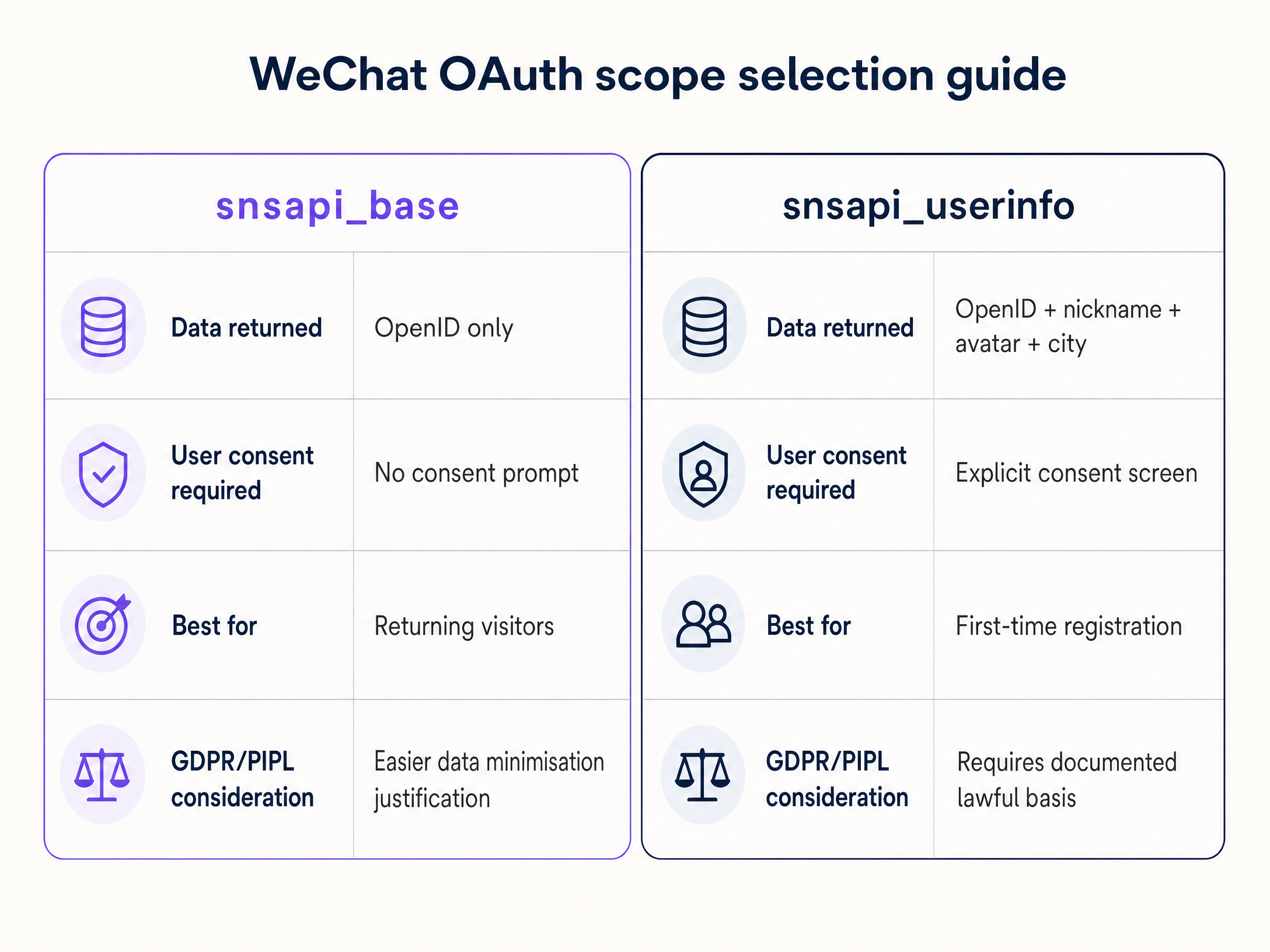
The scope you request determines the data you collect and the friction the visitor experiences. This is a practical decision point with compliance implications.
**`snsapi_base`** returns only the OpenID - the unique identifier for that user within your Official Account. It requires no user consent prompt. Authentication is silent for the visitor. Ideal for returning visitors whose profiles you already have, or when you prioritise frictionless access. Under GDPR and PIPL data minimisation principles, `snsapi_base` is much easier to justify.
**`snsapi_userinfo`** returns the OpenID plus the user's nickname, profile picture, gender, and city. It requires an explicit authorisation consent page. Ideal for first-time visitor registration where you need to build a profile, paired with a compliant consent overlay on your Portal page.
### UnionID for Multi-Site Deployments
An OpenID is unique to the combination of a user and a specific Official Account. A hotel group with 20 properties, each running its own Official Account, would see 20 different OpenIDs for the same visitor. The **UnionID** resolves this. It is a single identifier that represents a user across all Official Accounts and applications linked under the same Open Platform account. Link your Official Accounts to your Open Platform account, and the UnionID is returned in the OAuth response. This is the foundation for cross-site visitor recognition.
---
## Implementation Guide
### Network Enforcement Mechanisms
Obtaining an OAuth token only proves identity; it does not open the network. You must signal the controller to allow traffic through.
**RADIUS Change of Authorization (CoA)** (defined in RFC 3576) is the recommended enterprise-grade method. After successful OAuth validation, the Portal server sends a CoA request to the network controller. The controller moves the device from the pre-authentication VLAN to the guest VLAN. This applies to Cisco Meraki, HPE Aruba, Ruckus, Juniper Mist, Ubiquiti UniFi, Cambium, Extreme, and Fortinet.
**MAC Authentication Bypass (MAB)** registers the device's MAC address as an authorised client in the RADIUS database. The controller allows access based on this MAC. MAB is easier to implement but less reliable: modern iOS and Android devices randomise MAC addresses by default, which breaks session association upon reconnection.
Purple's [Guest WiFi](/guest-wifi) platform automates this transition. Once WeChat OAuth is complete, Purple's cloud overlay network sends the appropriate CoA or MAB signal to the underlying hardware, removing the hassle of manual VLAN configuration.
### Security Configuration
The following three configurations are non-negotiable.
1. **Protect the AppSecret.** The `AppSecret` must never appear in client-side JavaScript. It must remain on your server. If compromised, attackers can impersonate your application and call the WeChat API on your behalf.
2. **Implement CSRF Protection.** Generate a cryptographically random `state` value, store it in the user session, and validate it when the WeChat redirect returns. This prevents cross-site request forgery attacks as defined in RFC 6749.
3. **Register All Redirect URI Variations.** WeChat validates the redirect URI against your registered domain. Register every subdomain and path variant you use (including staging environments) to prevent 40029 errors (invalid code).
### In-App Browser Detection
WeChat's in-app browser sets a user-agent string containing `MicroMessenger`. Your Captive Portal must detect this string and route accordingly: the in-app browser uses the Official Account flow, whilst standard browsers use the Open Platform QR code flow. Failing to detect this string results in a broken experience or authentication errors.
---
## Best Practices and Compliance
### GDPR Compliance
If you serve European visitors or operate in Europe, GDPR applies to the data you collect via WeChat OAuth. You must establish a compliant processing basis - typically consent or legitimate interest. Before authentication occurs, you must provide a clear privacy notice on the Captive Portal. You must respond to subject access requests and deletion requests. For a detailed compliance framework, refer to the [Compliance Playbook: GDPR and Guest WiFi Data Privacy](/guides/the-compliance-playbook-gdpr-and-guest-wifi-data-privacy).
### PIPL Compliance
When you handle the personal data of Chinese citizens, the Chinese Personal Information Protection Law (PIPL) applies. Similar to GDPR, PIPL requires explicit purpose limitation, data minimisation, and a written legal basis. Under the data minimisation principle, `snsapi_base` is much easier to justify than `snsapi_userinfo`. Whichever data you collect, document your legal basis and retention periods before going live.
### Network Isolation
Use VLAN segmentation to isolate guest WiFi traffic from your corporate network. Guests authenticated via WeChat should be placed on a dedicated guest VLAN with access only to the internet - no access to internal systems. This aligns with PCI DSS requirements for cardholder data environment isolation and general corporate security practices. For more on isolation architecture, refer to [Bandwidth Management: A Practical Guide for 2026](/blog/bandwidth-management).
### Fallback Authentication
If WeChat's API is unavailable, your portal must redirect to an alternative login method. Do not leave guests staring at a blank screen. Providing email or SMS fallbacks ensures continuity. This is particularly crucial in [Transport](/industries/transport) and [Healthcare](/industries/healthcare) environments, where network connectivity is a service obligation.
---
## Real-World Case Studies
### Hospitality: Luxury Hotel Group
A 400-room luxury hotel in London hosted a significant number of guests from mainland China. Their original Captive Portal required email address and SMS verification. Chinese mobile numbers frequently failed to receive SMS messages from European carriers, and many guests did not have native email accounts configured on their devices. This led to portal abandonment rates as high as 60%.
The hotel registered a Service Account on the Official Accounts platform and a Website Application on the Open Platform. The Portal detected the `MicroMessenger` user-agent and triggered `snsapi_base` for in-app browser users - connecting them in under three seconds with no authorization prompt. Guests on Chrome or Safari were presented with a QR code. On subsequent visits, the system recognised the same OpenID and silently authenticated the guest without prompting for credentials. The hotel's CRM logged the guest's return, enabling targeted pre-arrival communication. For more on deploying WiFi in hospitality, see [Hospitality](/industries/hospitality).
### Retail: Shopping Centre Analytics
A large shopping centre wanted to capture demographic insights from Chinese consumers to inform tenant mix and marketing strategies. They needed to understand home city, gender, and visit frequency. Here, `snsapi_base` was insufficient - they required `snsapi_userinfo`. The Portal requested the full userinfo scope. Guests saw the WeChat authorisation prompt and clicked allow. The shopping centre's analytics platform, integrated with Purple's [WiFi Analytics](/guest-wifi-marketing-analytics-platform), received a stream of verified demographic data. On Saturday afternoons, 40% of WiFi users were from a specific region. This data directly influenced which brands were approached for pop-up activations. For more on retail WiFi deployments, see [Retail](/industries/retail).
---
## Troubleshooting and Risk Mitigation
The five most common failure modes in WeChat OAuth Captive Portal deployments are:
**Redirect URI Mismatch (Error 40029).** WeChat validates the redirect URI against the registered domain. Any mismatch in subdomain, path, or protocol will cause the code exchange to fail. Register all variants, including staging environments.
**AppSecret exposure.** Embedding the AppSecret in client-side code is the most critical security mistake. Please shift all token exchange logic to the server side.
**Missing CSRF protection.** Neglecting `state` parameter validation leaves the Portal vulnerable to Cross-Site Request Forgery attacks. Generate a cryptographic random value per session and validate it upon callback.
**In-app browser detection failure.** Failing to detect `MicroMessenger` in the user agent means in-app browser users will be served the wrong OAuth flow, resulting in errors.
**MAC address randomisation breaks MAB sessions.** Modern mobile operating systems randomise MAC addresses. Guests relying on MAB enforcement will lose their session upon reconnection. Upgrade to RADIUS CoA for reliable session management. For guidance on secure WiFi configuration, refer to [What is Secure WiFi: The 2026 Enterprise Essential Guide](/blog/what-is-secure-wifi).
---
## ROI and Business Impact
Deploying WeChat login for guest WiFi delivers three measurable impacts.
**Improved authentication rates.** Eliminating SMS verification failure points and email input requirements increases the proportion of Chinese visitors who successfully connect. For Captive Portals without WeChat support, a 60% abandonment rate is a realistic baseline.
**First-party data quality.** WeChat-verified profiles include a validated OpenID and, via `snsapi_userinfo`, direct access to demographic attributes from the social platform. This data can be injected into analytics platforms to drive targeted marketing without relying on third-party cookies.
**Reduced support overhead.** Seamless login reduces the volume of calls to front desk and IT support staff troubleshooting connection issues for international visitors.
Purple operates in over 80,000 venues and processed 440 million logins in 2024 (Purple internal data). The platform is ISO 27001 certified, GDPR and CCPA compliant, and maintains a 99.999% uptime. For venues in the [Retail](/industries/retail) and [Hospitality](/industries/hospitality) sectors, WeChat authentication transforms the network from a cost centre into a robust first-party data capture channel.
---
### Understanding Cisco SUDI: Hardware-Based Device Identity in Network Access Control
**Source:** https://www.purple.ai/en-gb/guides/understanding-cisco-sudi-hardware-based-device-identity-in-network-access-control
**Summary:** This guide details the technical architecture of Cisco SUDI, explaining how hardware-anchored identity secures network access control. It provides actionable implementation steps for IT leaders to deploy 802.1X EAP-TLS authentication and automate Zero Touch Provisioning across enterprise venues.
**Estimated read time:** 6 minutes
**Word count:** 1,275
## Executive Summary
Hardware authentication secures the physical foundation of enterprise networks. The Cisco Secure Unique Device Identifier (SUDI) provides an immutable, cryptographically verifiable identity for infrastructure devices, embedded directly into a tamper-resistant chip during manufacturing. For IT leaders managing large-scale deployments across hospitality, retail, and public sectors, SUDI eliminates the risk of rogue hardware and enables automated Zero Touch Provisioning.
This guide details the technical architecture of Cisco SUDI, its integration with IEEE 802.1X Network Access Control (NAC), and the operational steps required to deploy and maintain hardware-based identity at scale. You will learn how to transition from weak MAC address bypass to robust EAP-TLS authentication, manage the SUDI-2099 certificate lifecycle, and align infrastructure security with user identity management platforms like Purple.
## Technical Deep-Dive
### The Architecture of Hardware Identity
The Cisco Secure Unique Device Identifier (SUDI) is an X.509v3 certificate that provides a permanent identity for network devices. Unlike software certificates that IT teams generate and deploy, Cisco injects the SUDI certificate and its associated key pair into the device during the manufacturing process.
The certificate is securely stored in the Trust Anchor module (TAm), a proprietary, tamper-resistant chip. The TAm generates the private key internally, ensuring it can never be exported or cloned. This hardware root of trust guarantees that if a device successfully authenticates using its SUDI, it is a genuine Cisco product.
SUDI implements the IEEE 802.1AR standard for Secure Device Identifiers. Under this standard, the manufacturer-provided certificate is known as an Initial Device Identifier (IDevID). Organisations can supplement the IDevID with a Locally Significant Device Identifier (LDevID) issued by their own enterprise Public Key Infrastructure (PKI).
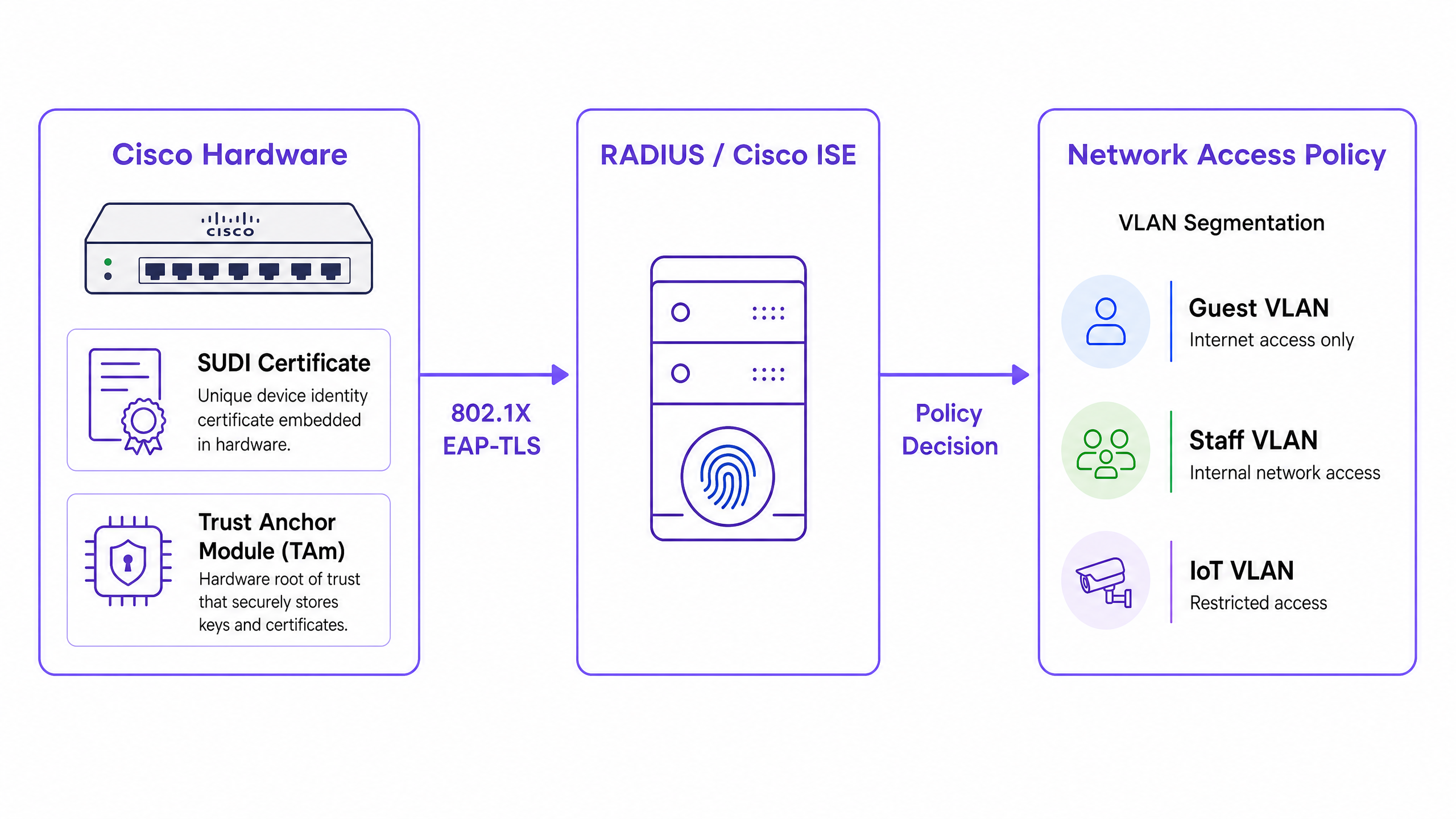
### Integration with Network Access Control
In an enterprise environment, SUDI integrates with Network Access Control (NAC) systems primarily through IEEE 802.1X port-based authentication. When a Cisco access point or switch connects to the network, it acts as a supplicant and presents its SUDI certificate to a RADIUS server, such as Cisco Identity Services Engine (ISE).
The authentication process uses Extensible Authentication Protocol with Transport Layer Security (EAP-TLS). The RADIUS server validates the SUDI certificate against the Cisco Public Key Infrastructure. Once validated, the RADIUS server authorises the device and assigns it to the correct VLAN based on the network access policy.
This approach replaces MAC Address Bypass (MAB), a legacy method that relies on easily spoofed MAC addresses. MAB provides zero cryptographic assurance of device identity, leaving networks vulnerable to rogue access points.
### Hardware Fingerprinting and Tamper Detection
The Trust Anchor module provides more than secure storage. It actively protects the device against physical tampering during transit or deployment.
During manufacturing, Cisco records a cryptographic fingerprint of the critical hardware components, such as CPUs and ASICs. This fingerprint is permanently stored in the TAm. When the device boots, the UEFI firmware calculates a new fingerprint of the observed hardware and compares it to the master fingerprint in the TAm. If the fingerprints do not match, the device halts the boot process. This mechanism ensures that hardware deployed in a hotel or retail store has not been compromised between the factory and the installation site.
## Implementation Guide
Deploying SUDI-based authentication requires coordination between your switching infrastructure, your RADIUS server, and your network management platform. Follow these steps to implement hardware identity.
### Step 1: Configure RADIUS Trust
Your RADIUS server must trust the Cisco Certificate Authority that issued the SUDI.
1. Download the Cisco Root CA and the ACT2 SUDI CA certificates from the Cisco PKI portal.
2. Import these certificates into the trusted certificate store of your RADIUS server (e.g., Cisco ISE).
3. Configure the RADIUS server to use these certificates for EAP-TLS authentication.
### Step 2: Define 802.1X Policies
Create specific authentication policies for infrastructure devices, separate from user authentication policies.
1. Create a policy set in Cisco ISE that matches the SUDI certificate attributes (e.g., matching the Subject Alternative Name against expected device PIDs).
2. Assign successful authentications to the infrastructure management VLAN.
3. Configure a quarantine VLAN for devices that fail SUDI authentication. Do not configure a fallback to MAB for infrastructure ports.
### Step 3: Enable Zero Touch Provisioning
Use SUDI to automate device onboarding.
1. Configure your network management system (such as Cisco Catalyst Center) to act as the ZTP server.
2. When a new device connects, it presents its SUDI certificate.
3. The management system verifies the certificate, confirms the device serial number against the inventory database, and pushes the initial configuration.
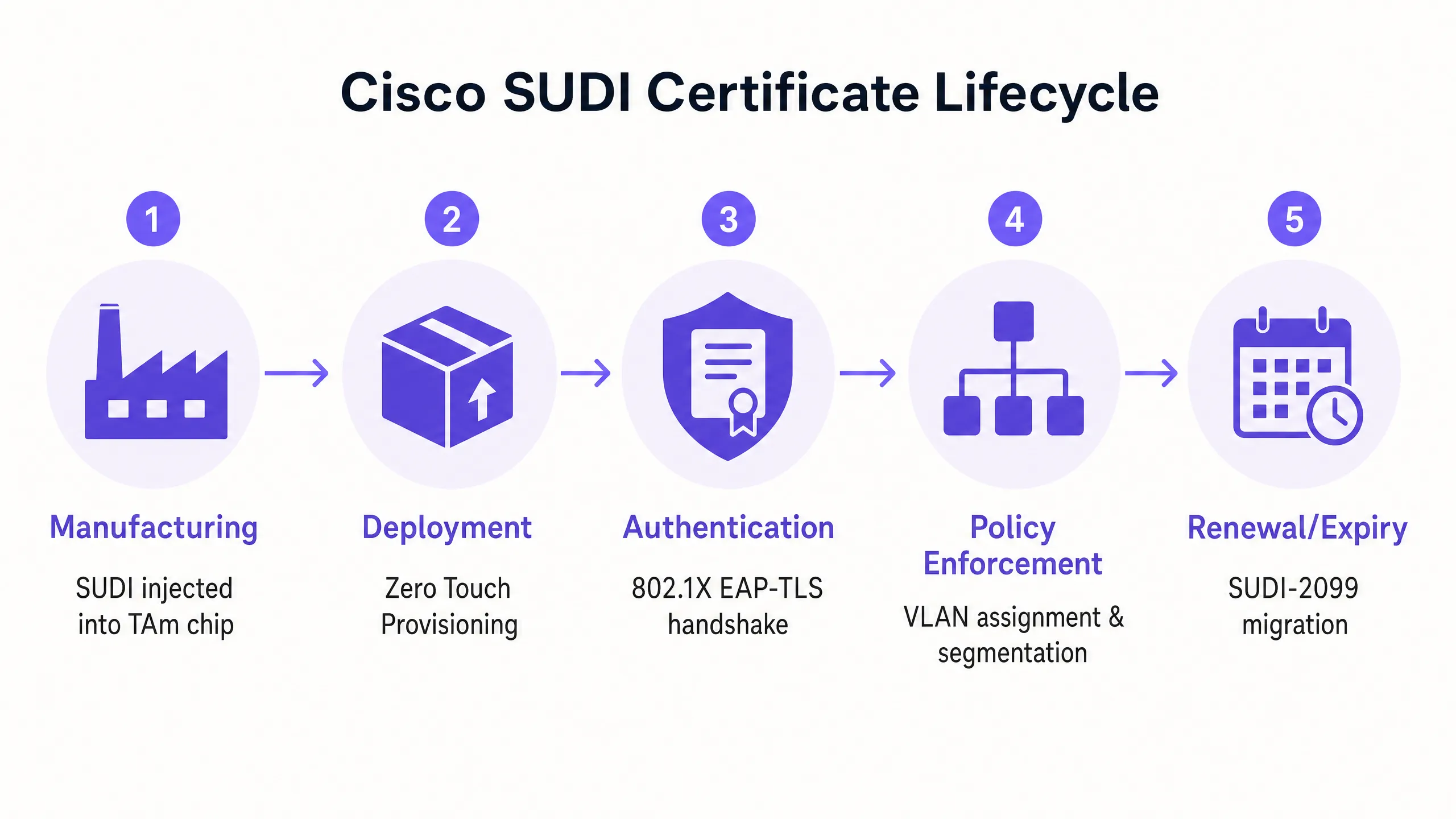
### Step 4: Manage the SUDI-2099 Migration
SUDI certificates issued before May 2019 expire either 10 years from the date of manufacture or on 14 May 2029, whichever is earlier. When a SUDI expires, features that rely on it, including HTTPS, SSH, and Zero Touch Provisioning, will fail.
Cisco has introduced SUDI-2099 certificates, which remain valid until December 2099. To ensure continuity:
1. Audit your inventory using the `show crypto pki certificate` command on IOS-XE devices. Check the `end date` of the `CISCO_IDEVID_SUDI` trustpoint.
2. Upgrade affected hardware to the recommended software releases. For example, Catalyst 9200 switches require IOS-XE 17.12.2 or later to correctly handle the 2099 expiry date.
## Best Practices
To maximise the security benefits of hardware identity, adhere to these vendor-neutral principles.
1. **Enforce Strict EAP-TLS**: Require EAP-TLS for all infrastructure devices. Do not permit weaker EAP methods like PEAP for device authentication.
2. **Isolate Infrastructure Identity from User Identity**: SUDI authenticates the hardware, not the user. Use a dedicated platform to manage human identity. For example, use Purple to handle guest authentication, consent capture, and first-party data collection, while relying on SUDI to secure the underlying Cisco Meraki or HPE Aruba hardware.
3. **Automate Certificate Monitoring**: Implement monitoring tools to track certificate expiry dates across your entire estate. Proactive monitoring prevents sudden authentication failures.
4. **Implement Micro-segmentation**: Use the identity verified by SUDI to assign devices to strictly controlled VLANs. An access point should only have network reachability to its controller and management systems, nothing else.
## Troubleshooting & Risk Mitigation
When deploying SUDI-based authentication, prepare for these common failure modes.
| Failure Mode | Root Cause | Mitigation Strategy |
| :--- | :--- | :--- |
| EAP-TLS Authentication Fails | RADIUS server lacks the correct Cisco Root or Intermediate CA certificates. | Verify that the complete Cisco trust chain is installed in the RADIUS server's trusted store. |
| Device Refuses to Boot | The hardware fingerprint calculated at boot does not match the master fingerprint in the TAm. | Treat the device as compromised. Return the hardware to the vendor via the RMA process. |
| Management Access Fails | The SUDI certificate has expired, breaking HTTPS and SSH certificate authentication. | Upgrade the device firmware to a release that supports SUDI-2099, or deploy an LDevID using your enterprise PKI. |
| Rogue Device Gains Access | The switch port is configured to fall back to MAC Address Bypass (MAB) if 802.1X fails. | Remove MAB fallback configurations from infrastructure ports. Enforce strict 802.1X policy. |
## ROI & Business Impact
Implementing hardware-based device identity delivers measurable business value across three areas.
**1. Reduced Provisioning Costs**
Zero Touch Provisioning secured by SUDI eliminates manual staging. Instead of an engineer spending 45 minutes pre-configuring an access point before shipping it to a retail store, the device ships directly from the distributor. It authenticates securely upon connection and downloads its configuration automatically. For a 500-site retail deployment, this saves approximately 375 engineering hours.
**2. Eliminated Rogue Device Risk**
By deprecating MAC Address Bypass in favour of cryptographic hardware identity, you eliminate the risk of an attacker connecting a rogue device to an infrastructure port. This directly supports compliance with PCI DSS and ISO 27001 requirements for network access control.
**3. Clear Identity Boundaries**
Deploying SUDI establishes a clean architectural boundary. The hardware layer authenticates itself cryptographically, allowing you to focus your resources on the user identity layer. When you integrate a platform like Purple to manage [Guest WiFi](/guest-wifi) and [WiFi Analytics](/guest-wifi-marketing-analytics-platform), you do so on top of a verifiable, secure infrastructure foundation.
---
### Automating Enterprise WiFi Security: The SCEP Certificate Deployment Guide
**Source:** https://www.purple.ai/en-gb/guides/automating-enterprise-wifi-security-the-scep-certificate-deployment-guide
**Summary:** This technical guide explains how to automate enterprise WiFi security using SCEP certificate deployment. It provides a detailed architectural blueprint and implementation steps for deploying 802.1X EAP-TLS authentication across corporate and guest networks.
**Estimated read time:** 5 minutes
**Word count:** 1,215

## Executive Summary
For enterprises in hospitality, retail and the public sector, relying on pre-shared keys or a basic captive portal for network access introduces serious security vulnerabilities. Modern network architecture demands 802.1X authentication using EAP-TLS, ensuring every device is cryptographically verified before it accesses the network. For IT managers and network architects, the challenge lies in efficiently deploying unique client certificates to thousands of Windows, iOS and Android devices.
This guide provides the definitive architectural blueprint and step-by-step implementation strategy for automated WiFi certificate deployment using the Simple Certificate Enrolment Protocol (SCEP). By integrating your Mobile Device Management (MDM) platform with a SCEP gateway and Certificate Authority (CA), you can silently push trusted root and client certificates to managed endpoints. We explore the critical differences between SCEP and PKCS, detail the precise sequence of steps required for a successful deployment, and outline practical risk mitigation strategies to keep your WiFi network secure and performant.
Listen to the accompanying podcast briefing:
## Technical Deep Dive: SCEP Architecture and EAP-TLS
When designing an enterprise WiFi certificate deployment strategy, the core architectural decision is how certificates are delivered securely. The industry standard for this process is SCEP. SCEP automates the certificate enrolment process, allowing devices to securely request certificates from a Certificate Authority using a standardised protocol.
### The Advantages of SCEP over PKCS
Whilst platforms such as Microsoft Intune support both SCEP and Public Key Cryptography Standards (PKCS), their operating mechanisms are fundamentally different. In the SCEP workflow, the MDM service instructs the endpoint to generate its own private and public key pair. The device then creates a Certificate Signing Request (CSR) and sends it to your CA via a Network Device Enrolment Service (NDES) server. The CA signs the request and returns the public key certificate to the device.
The key security advantage of SCEP is that the private key never leaves the device. It is generated locally and stored in the device's secure enclave. This makes SCEP the strongly recommended method for 802.1X authentication. By contrast, with PKCS the CA generates both keys centrally and transmits them across the network. PKCS is better suited to use cases requiring key escrow (such as S/MIME email encryption) rather than network authentication.
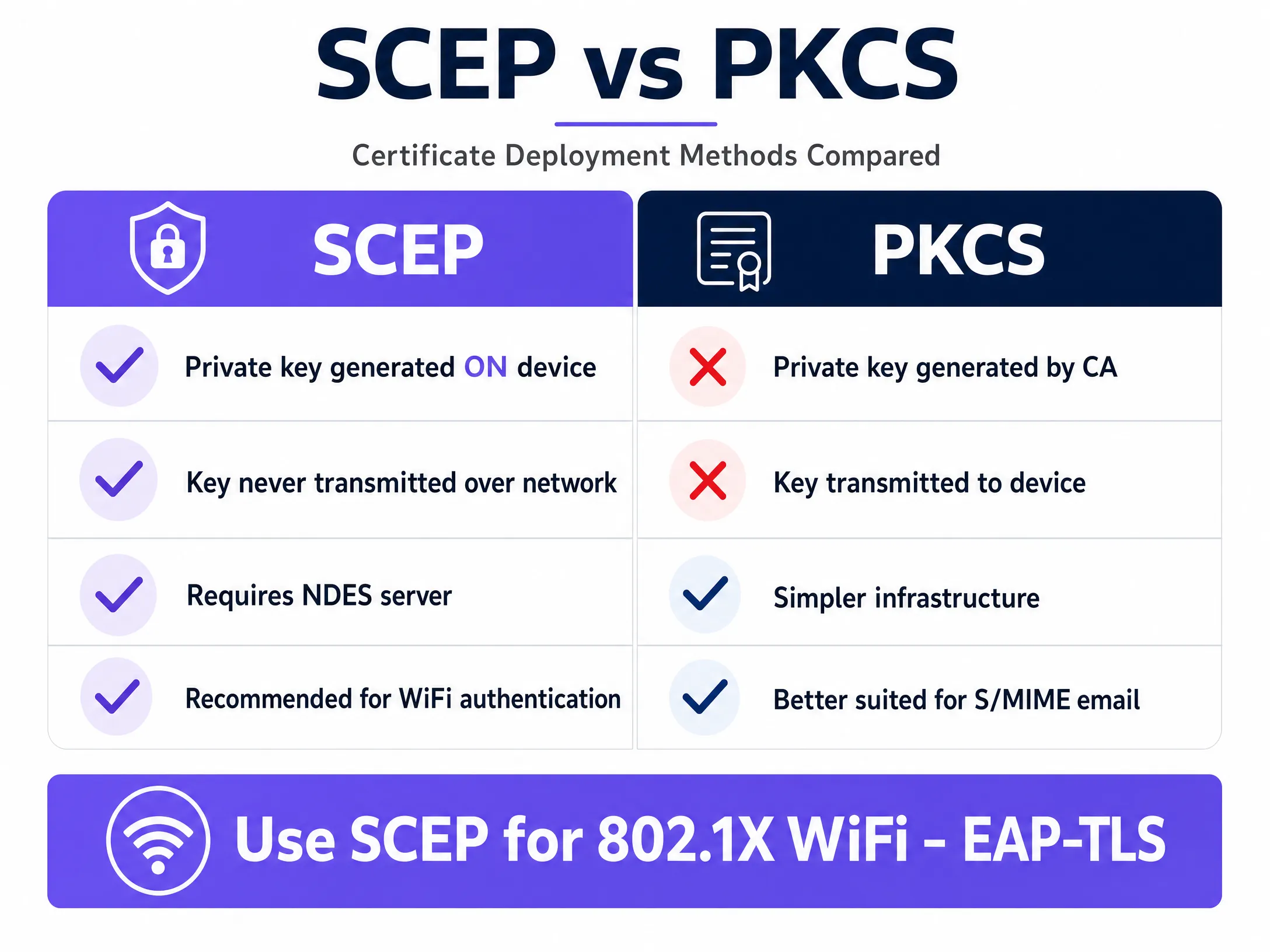
### 802.1X and EAP-TLS Authentication
The IEEE 802.1X standard provides the framework for centralised network access management. It defines how Extensible Authentication Protocol (EAP) packets are transported over the LAN (EAPoL) to enable authentication between the client, the access point and the authentication server - typically a RADIUS server.
EAP-TLS is the most secure authentication protocol for 802.1X networks. It requires mutual authentication: the client validates the RADIUS server's certificate, and the RADIUS server validates the client's certificate. This rigorous validation process ensures that only authenticated and authorised users on enrolled devices gain access, protecting the network against threats such as Evil Twin attacks.
## Implementation Guide: The Deployment Sequence
Successfully configuring automated certificate deployment for 802.1X requires strict adherence to a specific sequence. Profile dependencies dictate that trust must be established before authentication is configured. This applies whether you are using Microsoft Intune, Jamf or another MDM platform.
### Step 1: Deploy the Trusted Root Certificate
Before any device can request a client certificate or trust your RADIUS server, it must trust the Certificate Authority that issues the certificates.
1. Export your root CA certificate and any intermediate CA certificates.
2. In your MDM platform, create a trusted certificate profile.
3. Upload the certificate files and deploy this profile to your target device groups.
### Step 2: Configure the SCEP Certificate Profile
With trust established, configure the SCEP profile to instruct devices how to obtain their client certificates.
1. Create a new SCEP certificate configuration profile.
2. Configure the subject name format. For user-driven authentication, use the User Principal Name (UPN). For device authentication, use the device ID.
3. Set the key usage to digital signature and key encipherment.
4. Specify client authentication for the extended key usage.
5. Link this profile to the trusted root certificate profile created in Step 1.
6. Provide the external URL of your SCEP gateway or NDES server.
### Step 3: Deploy the 802.1X WiFi Profile
The final step is pushing the WiFi configuration that binds the certificate to the network SSID.
1. Create a WiFi configuration profile.
2. Enter the SSID exactly as broadcast by your access points.
3. Select WPA2-Enterprise or WPA3-Enterprise as the security type.
4. Set the EAP type to EAP-TLS.
5. Select the SCEP certificate profile created in Step 2 for client authentication.
6. Specify the trusted root certificate for server validation, ensuring devices only connect to your legitimate RADIUS server.
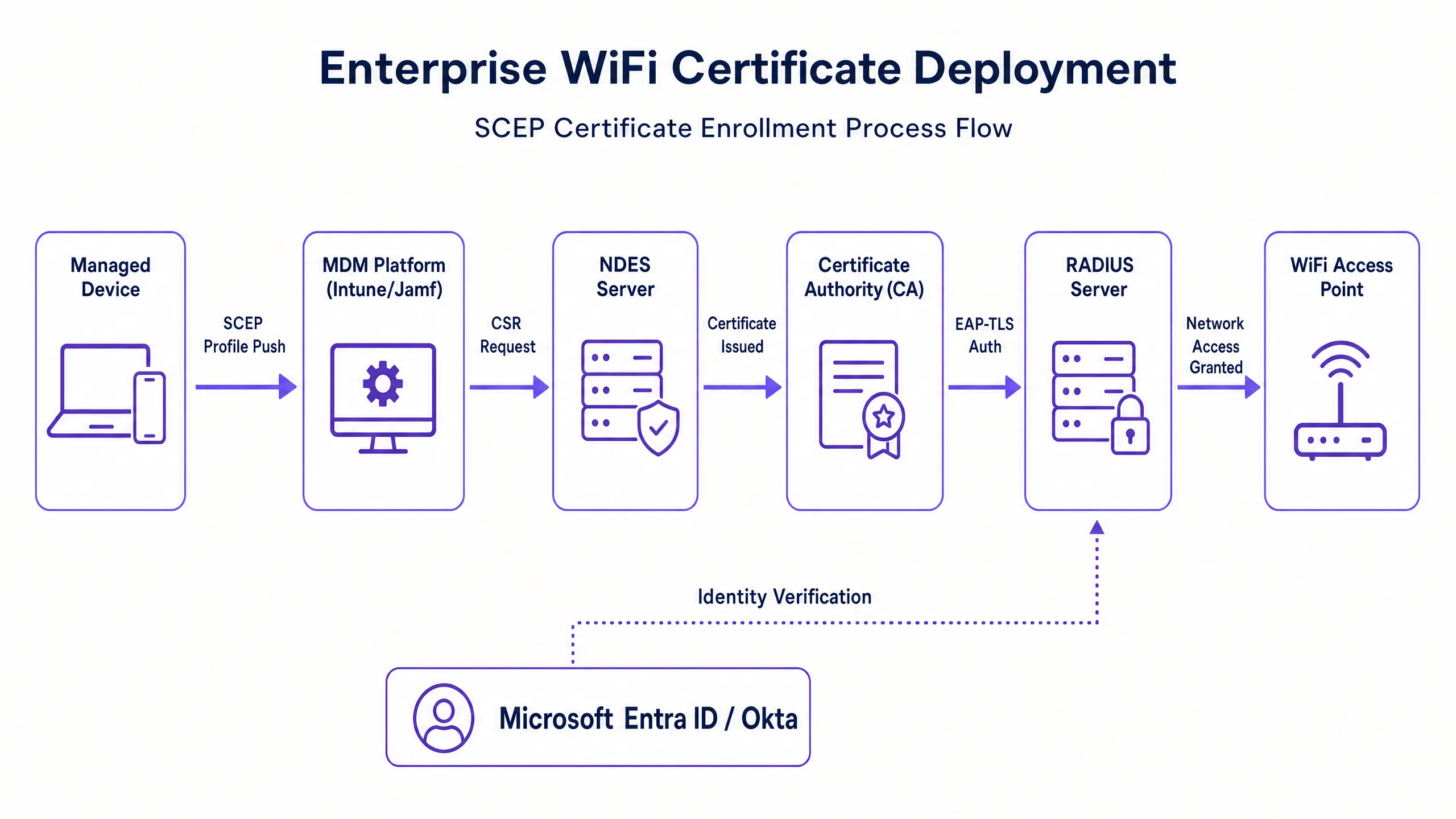
## Best Practices for Enterprise Environments
When implementing SCEP certificate deployment, follow these vendor-agnostic best practices to ensure compliance and reliability.
### Secure the SCEP Gateway
The SCEP gateway or NDES server must be reachable from the internet so that remote devices can provision certificates before they arrive on site. However, exposing an internal server directly to the internet presents a significant security risk. Publish the URL using an application proxy. This provides secure remote access without opening inbound firewall ports and allows you to apply conditional access policies to the enrolment flow.
### Enforce Strict CRL Checking
Certificate deployment is only half of the security equation; revocation is equally critical. If an employee leaves, disabling their directory account may not immediately revoke their WiFi access if their client certificate remains valid. Configure your RADIUS server to enforce strict Certificate Revocation List (CRL) checking. Ensure your CRL distribution points are highly available; if the RADIUS server cannot reach the CRL, authentication will fail, causing widespread service disruption.
### Hardware Integration
Ensure your network infrastructure supports the required protocols. Purple integrates seamlessly with Cisco Meraki, HPE Aruba, Ruckus, Juniper Mist, Ubiquiti UniFi, Cambium, Extreme and Fortinet hardware. Configure these systems to forward authentication requests to your centralised RADIUS infrastructure.
## Troubleshooting and Risk Mitigation
Even with careful planning, certificate deployments can encounter issues. Below are common failure modes and mitigation strategies.
### Dependency Failures
A common issue is that a device receives the trusted root and SCEP certificates, but the WiFi profile fails to apply. This is almost always caused by mismatched group targeting within the MDM. If the SCEP profile is assigned to a user group whilst the WiFi profile is assigned to a device group, the MDM cannot resolve the dependency. Audit your assignments and ensure all related profiles are deployed to exactly the same directory groups.
### Enrolment Errors
If devices fail to retrieve SCEP certificates and the gateway logs show HTTP 403 errors, the service account may lack the necessary permissions on the certificate template, or URL filtering on the firewall may be blocking the specific query string parameters used by SCEP. Verify that the connector account has read and enrol permissions on the CA template, and check firewall logs to ensure the SCEP URL is not being blocked.
## ROI and Business Impact
Transitioning to automated 802.1X certificate deployment delivers measurable returns in both security and operations.
Password-based WiFi generates a heavy volume of support tickets due to password expiries, lockouts and typing errors. Certificate-based authentication is invisible to the user and typically reduces WiFi-related helpdesk ticket volume by 70% to 80%.
Furthermore, EAP-TLS eliminates the risk of credential theft and man-in-the-middle attacks. This is essential for compliance with frameworks such as PCI DSS and GDPR. For multi-site retail operations or large hotel chains, automating this process ensures a consistent, zero-touch provisioning experience from day one, securing the network perimeter whilst significantly reducing operational overhead.
---
### The Compliance Playbook: GDPR and Guest WiFi Data Privacy
**Source:** https://www.purple.ai/en-gb/guides/the-compliance-playbook-gdpr-and-guest-wifi-data-privacy
**Summary:** This comprehensive guide provides IT managers and venue operators with a technical framework for architecting GDPR-compliant guest WiFi networks. It details consent mechanics, network segmentation, automated data retention, and how to transform compliance from a regulatory liability into a defensible first-party data asset.
**Estimated read time:** 6 minutes
**Word count:** 1,371
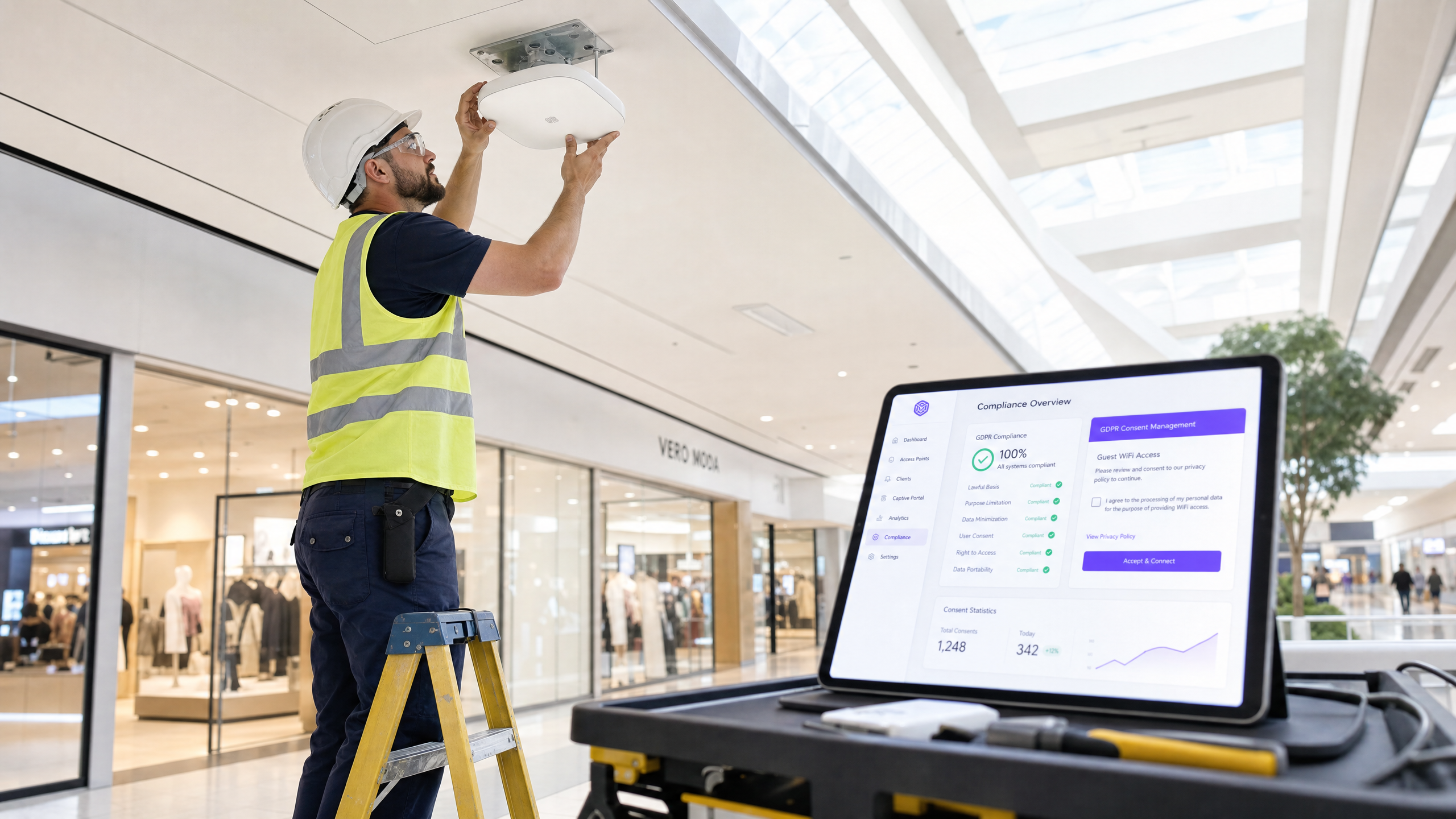
## Executive Summary
Guest WiFi ist ein regulierter Endpunkt für die Datenerfassung. Jedes Hotel, jede Einzelhandelskette, jedes Stadion und jedes Konferenzzentrum, das einen öffentlichen Netzwerkzugang bereitstellt, wird in dem Moment, in dem sich ein Gast verbindet, zum Datenverantwortlichen gemäß der General Data Protection Regulation (GDPR). Das Information Commissioner's Office (ICO) kann bei Nichteinhaltung Bußgelder von bis zu 20 Millionen Euro oder 4 % des weltweiten Jahresumsatzes verhängen.
Dieser Leitfaden bietet IT-Managern, Netzwerkarchitekten und Operations Directors einen praktischen, umsetzbaren Rahmen, um sicherzustellen, dass ihre Guest WiFi-Dienste vollständig konform sind. Wir untersuchen die spezifischen Datentypen, die über Guest WiFi erfasst werden, die rechtlichen Anforderungen an die Einwilligung und Datenverarbeitung sowie herstellerunabhängige Best Practices für die Implementierung einer konformen Lösung.
Sie erfahren, wie Sie rechtliche und finanzielle Risiken im Zusammenhang mit Non-Compliance minimieren, indem Sie ein sicheres System konzipieren - vom Design des Captive Portal bis zur Automatisierung von Datenaufbewahrungsrichtlinien. Durch die Einhaltung dieser Prinzipien können Unternehmen ihr Guest WiFi von einem potenziellen Compliance-Risiko in ein strategisches Asset verwandeln, das das Geschäftswachstum fördert und gleichzeitig die Privatsphäre der Nutzer respektiert.
## Technical Deep-Dive
Das Verständnis der GDPR-Compliance für Guest WiFi beginnt mit einer klaren Bewertung der verarbeiteten Daten. Gemäß der Verordnung werden personenbezogene Daten weit gefasst als alle Informationen definiert, die sich auf eine identifizierte oder identifizierbare natürliche Person beziehen. Im Kontext eines Guest WiFi-Netzwerks umfasst dies ein breiteres Spektrum an Datenpunkten, als viele Unternehmen annehmen. Eine fehlerhafte Klassifizierung dieser Daten ist ein grundlegender Fehler in der Compliance-Strategie.
### Datenkategorien im Guest WiFi
Die über ein Guest WiFi-Netzwerk erfassten Daten lassen sich in vier Hauptkategorien unterteilen. Jede hat unterschiedliche Auswirkungen auf die GDPR-Compliance, insbesondere im Hinblick auf die Rechtsgrundlage für die Verarbeitung und die erforderliche Aufbewahrungsfrist.
1. **Registrierungsdaten**: Name, E-Mail-Adresse, Telefonnummer und Social-Media-Profildaten. Dies sind die expliziten Informationen, die Gäste auf Ihrem Captive Portal angeben. Die primäre Rechtsgrundlage ist die **Einwilligung**, und diese muss freiwillig, für den konkreten Fall, in informierter Weise und unmissverständlich erteilt werden.
2. **Geräte- und Sitzungsdaten**: MAC-Adressen, IP-Adressen, Verbindungszeitstempel und Sitzungsdauer. Diese werden automatisch erfasst. Die Rechtsgrundlage ist in der Regel ein **berechtigtes Interesse** für das Netzwerkmanagement und die Netzwerksicherheit, vorausgesetzt, Sie haben eine Interessenabwägung (Legitimate Interest Assessment) durchgeführt.
3. **Standortdaten**: Physische Standortkoordinaten, Verweildauer und Bewegungspfade, die aus der Triangulation von WiFi-Zugangspunkten abgeleitet werden. Dies wird von [WiFi Analytics](/guest-wifi-marketing-analytics-platform)-Systemen verarbeitet. Da die Standortverfolgung aufdringlich sein kann, erfordert sie eine ausdrückliche Offenlegung und häufig eine explizite Einwilligung, insbesondere wenn sie zur Profilerstellung verwendet wird.
4. **Nutzungsdaten**: Anwendungsnutzung, Surfverhalten und Bandbreitenverbrauch. Wenn Sie den Inhalt des Datenverkehrs überprüfen, benötigen Sie eine sehr klare Rechtsgrundlage. Eine Anleitung zur sicheren Verwaltung dieses Datenverkehrs finden Sie in unserem Leitfaden [Bandwidth Management: A Practical Guide for 2026](/blog/bandwidth-management).
### Captive Portal Compliance-Architektur
Das Captive Portal ist Ihre primäre Schnittstelle für die Compliance. Hier schaffen Sie die Rechtsgrundlage für die Datenverarbeitung.
Der häufigste architektonische Fehler ist die Koppelung. Wenn Sie von einem Gast verlangen, dass er Marketing-E-Mails akzeptiert, um auf das Netzwerk zuzugreifen, ist diese Einwilligung nicht freiwillig erteilt und gemäß GDPR Artikel 7 ungültig. Sie müssen eine **entkoppelte Einwilligung** implementieren.
Ihr Captive Portal muss mindestens zwei separate Einwilligungselemente aufweisen:
* Ein obligatorisches Kontrollkästchen zur Annahme der Nutzungsbedingungen für den Netzwerkzugriff.
* Ein optionales, nicht angekreuztes Kontrollkästchen für die Einwilligung in die Marketingkommunikation.
GDPR Erwägungsgrund 32 verbietet vorab angekreuzte Kästchen ausdrücklich. Darüber hinaus muss Ihr Portal gemäß Artikel 13 eine klare Datenschutzerklärung anzeigen, bevor der Nutzer Daten übermittelt. Diese Erklärung muss erläutern, welche Daten Sie erfassen, warum, wie lange Sie diese aufbewahren und mit wem Sie sie teilen.
Entscheidend ist, dass Ihr System ein **Einwilligungs-Audit-Protokoll** führt. Dieses Protokoll muss aufzeichnen, wer eingewilligt hat, wann eingewilligt wurde, in was eingewilligt wurde und welche genaue Version der Datenschutzerklärung angezeigt wurde. Dies ist Ihr Nachweis der Compliance.
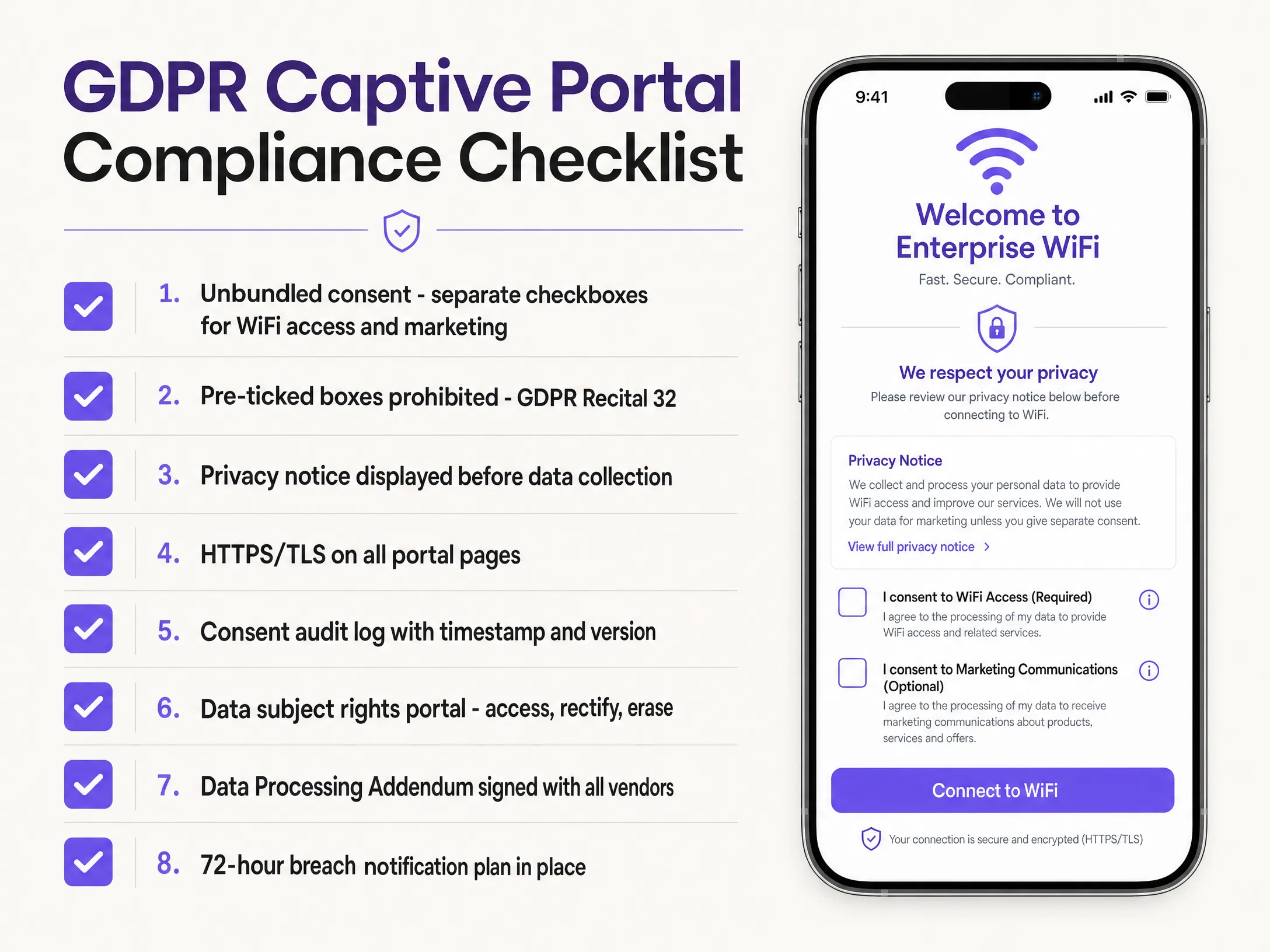
### Netzwerksegmentierung und Sicherheit
Aus Sicht der Netzwerkarchitektur ist die Segmentierung nicht verhandelbar. Ihr Gast-WiFi-Datenverkehr muss in einem dedizierten VLAN (Virtual Local Area Network) isoliert werden, das vollständig von Ihrem Unternehmensnetzwerk getrennt ist. Verwenden Sie Zugriffskontrolllisten, um zu verhindern, dass Gastgeräte auf interne Subnetze zugreifen, und aktivieren Sie die Client-Isolierung, damit Gastgeräte nicht untereinander kommunizieren können. Dies schützt sowohl die Gäste als auch Ihre Unternehmenswerte. Weitere Informationen zu diesen Prinzipien finden Sie unter [What Is Secure WiFi: Essential Guide for Business 2026](/blog/what-is-secure-wifi).
Integrieren Sie zur Authentifizierung Ihren Wireless-LAN-Controller mit einem Cloud-RADIUS-Server. Wenn ein Benutzer den Captive Portal-Flow abschließt, sendet die Plattform eine RADIUS-Access-Accept-Nachricht an den Controller, um den Zugriff zu gewähren. Dies sorgt für eine saubere Trennung zwischen der Authentifizierungsschicht und der Datenerfassungsschicht.
Bei der Verschlüsselung sollte Ihre Gäste-SSID WPA3 verwenden, sofern Ihre Hardware dies unterstützt. Erzwingen Sie mindestens WPA2 mit AES-Verschlüsselung. Zudem muss Ihr Captive Portal über HTTPS mit einem gültigen TLS-Zertifikat bereitgestellt werden. Das Bereitstellen eines Formulars zur Erfassung personenbezogener Daten über HTTP ist ein kritischer Sicherheitsfehler.
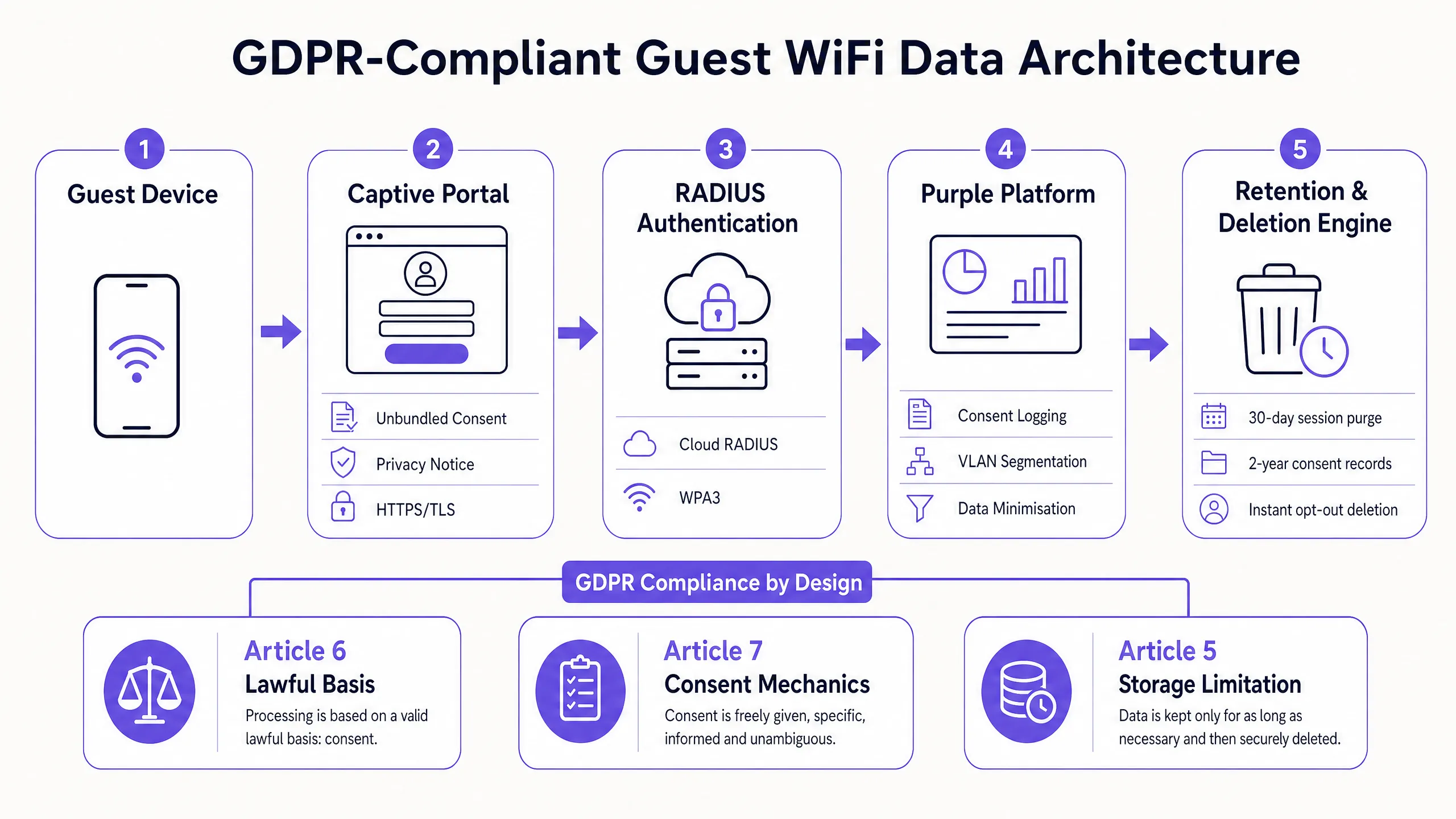
## Implementierungsleitfaden
Die Bereitstellung eines DSGVO-konformen Gäste-WiFi-Netzwerks erfordert einen strukturierten Ansatz über Hardware-, Software- und Richtlinienebenen hinweg.
1. **Hardware-Auswahl**: Stellen Sie sicher, dass Ihre Access Points VLAN-Tagging, Client-Isolierung und WPA3 unterstützen. Die Plattform von Purple ist hardwareunabhängig und lässt sich nahtlos in Cisco Meraki, HPE Aruba, Ruckus, Juniper Mist, Ubiquiti UniFi, Cambium, Extreme und Fortinet integrieren. Verwenden Sie keine Hardware für Endverbraucher; siehe [Warum Consumer-WiFi-Geräte nicht in Ihr Gästenetzwerk gehören](/blog/consumer-wifi-gear-guest-network).
2. **Captive Portal Design**: Erstellen Sie eine Splash-Page mit entkoppelter Einwilligung. Stellen Sie sicher, dass die Datenschutzerklärung zugänglich ist, bevor Daten übermittelt werden. Wenn Sie in Regionen tätig sind, die bestimmte Social-Logins erfordern, stellen Sie sicher, dass der Datenaustausch transparent ist. Siehe dazu beispielsweise unseren Leitfaden zur [Integration der WeChat-WiFi-Authentifizierung: Captive Portal Onboarding für APAC-Kunden](/guides/integrating-wechat-wifi-authentication-captive-portal-onboarding-for-apac-customers).
3. **Automatisierung der Datenaufbewahrung**: Konfigurieren Sie Ihre Plattform so, dass Daten gemäß Ihrer Aufbewahrungsrichtlinie automatisch gelöscht werden. Eine manuelle Löschung ist bei großen Datenmengen nicht praktikabel.
4. **Anbietervereinbarungen**: Stellen Sie sicher, dass Sie eine unterzeichnete Auftragsverarbeitungsvereinbarung (AVV) mit Ihrem Gäste-WiFi-Anbieter, CRM-Anbieter und allen anderen Dritten haben, die diese Daten verarbeiten.
## Best Practices
Um die Compliance zu wahren und Vertrauen aufzubauen, halten Sie sich an diese branchenüblichen Best Practices:
* **Datenminimierung**: Erheben Sie nur die Daten, die Sie unbedingt benötigen. Wenn Sie keinen definierten geschäftlichen Anwendungsfall für eine Telefonnummer haben, fragen Sie diese nicht im Captive Portal ab.
* **Automatisierte Speicherbegrenzung**: Implementieren Sie strenge Aufbewahrungsfristen für Daten. Sitzungsprotokolle sollten nach 30 Tagen gelöscht werden. Einwilligungsnachweise sollten für die Dauer der Servicebeziehung plus zwei Jahre aufbewahrt werden. Marketingprofile müssen unverzüglich nach Widerruf der Einwilligung gelöscht werden.
* **Betroffenenrechte ermöglichen**: Stellen Sie ein Self-Service-Präferenzzentrum bereit, in dem Gäste ihre Einwilligung verwalten, Auskunft über ihre Daten verlangen oder die Löschung (das Recht auf Vergessenwerden) beantragen können. Dies reduziert den operativen Aufwand für die Bearbeitung von Auskunftsbegehren (DSARs) drastisch.
* **Durchführung einer DSFA**: Eine Datenschutz-Folgenabschätzung ist gemäß GDPR Artikel 35 gesetzlich vorgeschrieben, wenn Ihre Bereitstellung großflächiges Standort-Tracking oder Verhaltens-Profiling umfasst.
## Fehlerbehebung & Risikominderung
Selbst bei einer starken Architektur bleiben Risiken bestehen. Gehen Sie diese häufigen Fehlerquellen proaktiv an:
* **Einwilligungsmüdigkeit**: Wenn Ihr Portal zu komplex ist, brechen Nutzer die Verbindung ab oder klicken blindlings weiter. Halten Sie den Wertaustausch klar: schnelles, kostenloses WiFi im Austausch für eine E-Mail-Adresse und optionales Marketing.
* **Fehlende AVVs**: Ihr Anbieter der Guest-WiFi-Plattform ist ein Auftragsverarbeiter. Wenn Sie personenbezogene Daten ohne einen unterzeichneten AVV mit ihm teilen, verstoßen Sie gegen die Vorschriften. Stellen Sie sicher, dass Verträge geschlossen sind, bevor Daten fließen.
* **Verzögerte Meldung von Datenschutzverletzungen**: Gemäß GDPR Artikel 33 haben Sie ab dem Zeitpunkt, an dem Sie davon erfahren, 72 Stunden Zeit, um der Aufsichtsbehörde eine Verletzung des Schutzes personenbezogener Daten zu melden. Integrieren Sie diesen Zeitrahmen in Ihren Vorfall-Reaktionsplan; warten Sie mit der Meldung nicht, bis die Untersuchung abgeschlossen ist.
## ROI & geschäftliche Auswirkungen
Compliance ist nicht nur eine regulatorische Hürde, sondern ein strategischer Wegbereiter. Eine GDPR-konforme [Guest WiFi](/guest-wifi)-Plattform schützt Sie vor Bußgeldern von bis zu 4 % des weltweiten Umsatzes, liefert aber auch einen messbaren ROI.
Durch die Implementierung von entkoppelten, bewussten Opt-ins bauen Sie eine qualitativ hochwertige Datenbank mit First-Party-Daten auf. Während das reine Volumen an Marketing-Opt-ins zwar geringer sein mag als bei einem nicht-konformen, gekoppelten Ansatz, sind die Interaktionsraten (Öffnungsraten, Klickraten und Konversionen) deutlich höher, da sich die Zielgruppe aktiv dafür entschieden hat, von Ihnen zu hören.
Darüber hinaus liefert eine konforme Plattform ethisch gewonnene Business Intelligence. In Branchen wie dem [Einzelhandel](/industries/retail) und dem [Gastgewerbe](/industries/hospitality) treiben diese Daten betriebliche Verbesserungen voran - von der Optimierung des Personaleinsatzes basierend auf der Besucherfrequenz bis hin zur Personalisierung des Gästeerlebnisses. Die nach ISO 27001 zertifizierte Plattform von Purple hat bereits 440 Millionen Logins verarbeitet und 29 Milliarden Datenpunkte gesammelt, was beweist, dass Skalierbarkeit und strenge Compliance gewinnbringend koexistieren können.
---
### How to Set Up Guest WiFi: A Secure Enterprise Configuration Guide
**Source:** https://www.purple.ai/en-gb/guides/how-to-set-up-guest-wifi-a-secure-enterprise-configuration-guide
**Summary:** This authoritative guide provides IT leaders and network architects with a definitive blueprint for deploying secure enterprise guest WiFi. It covers essential architecture, WPA3 migration, VLAN segmentation, and captive portal integration to protect internal systems while capturing compliant first-party data.
**Estimated read time:** 5 minutes
**Word count:** 972
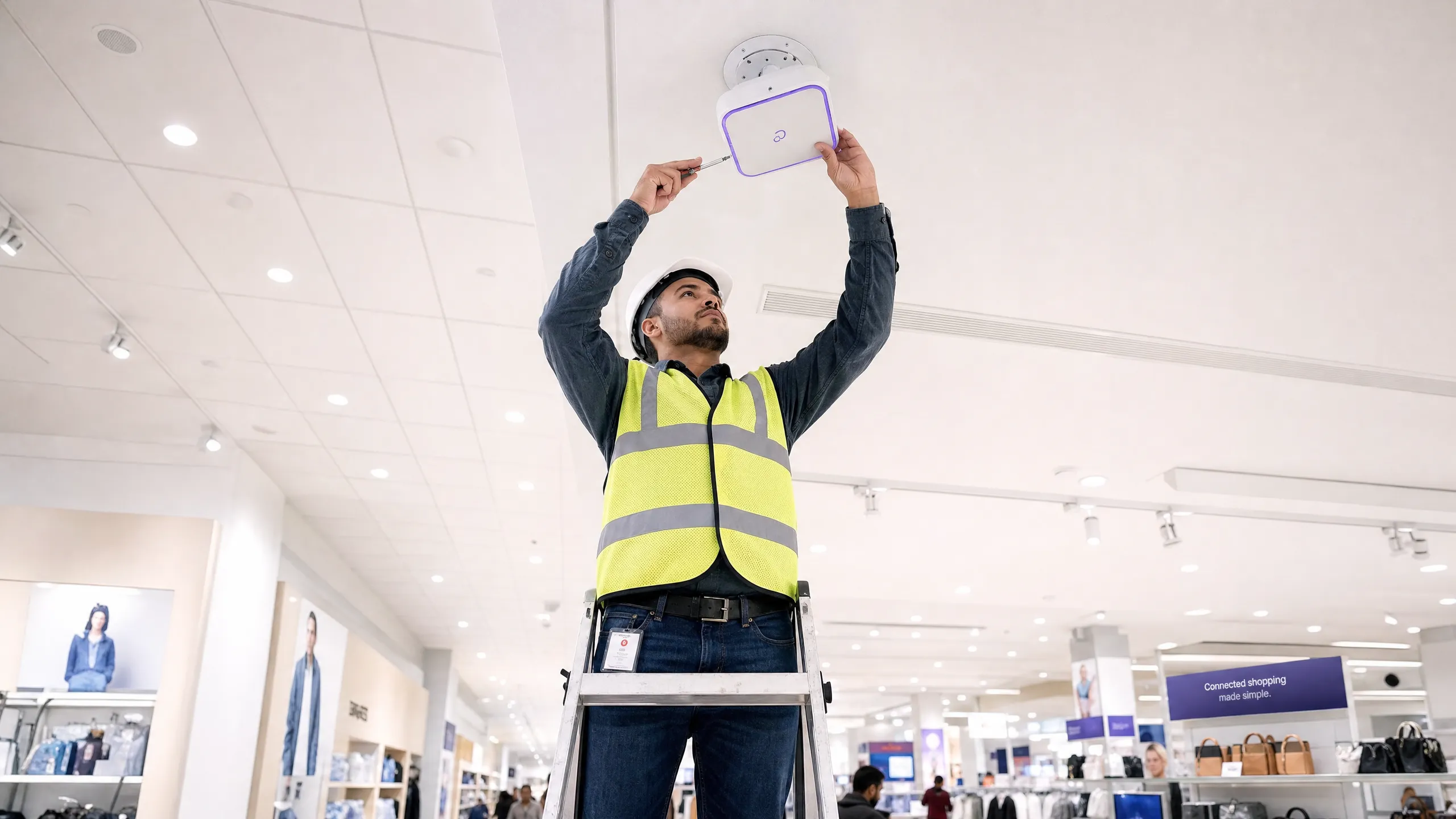
## Executive Summary
For enterprise environments - whether it is a large university campus, a high-density stadium, or a distributed retail chain - relying on a Pre-Shared Key (PSK) for guest WiFi access is a major security risk. A single leaked credential compromises the entire network, and revoking access requires changing the password on every device across the entire campus. Implementing a secure, segmented architecture with WPA3 encryption and robust identity management completely eliminates this problem. Each visitor is individually authenticated, access can be revoked instantly, and network segmentation is dynamically enforced. This guide provides IT managers and network architects with a definitive roadmap for deploying secure guest WiFi. We cover architectural trade-offs, migration to WPA3, and integration with directory services. We also show how a robust authentication layer integrates with guest WiFi solutions to provide visitors with seamless access, whilst capturing [WiFi Analytics](/guest-wifi-marketing-analytics-platform) that turn your network into a business intelligence asset.
## Technical Deep Dive
The foundation of any secure guest WiFi deployment is network segmentation. Before evaluating captive portals or analytics, you must establish strict isolation between guest traffic and internal systems. This requires a dedicated SSID mapped to its own Virtual Local Area Network (VLAN), with firewall rules denying access to internal subnets by default. Think of the guest network as a controlled external zone; visitors get a separate entrance and only gain access to the internet.
### Security Architecture Baseline
The technical baseline requires several non-negotiable controls:
1. **Dedicated SSID**: Create a guest SSID separate from staff and operational networks.
2. **VLAN Segmentation**: Map the SSID to a dedicated VLAN to isolate guest traffic.
3. **Client Isolation**: Enable client isolation to prevent guest devices from communicating with each other, mitigating lateral movement attacks.
4. **Firewall Policy**: Block access to the primary LAN and management interfaces.
5. **Dedicated DHCP**: Use a separate DHCP scope and prevent internal DNS records from leaking.
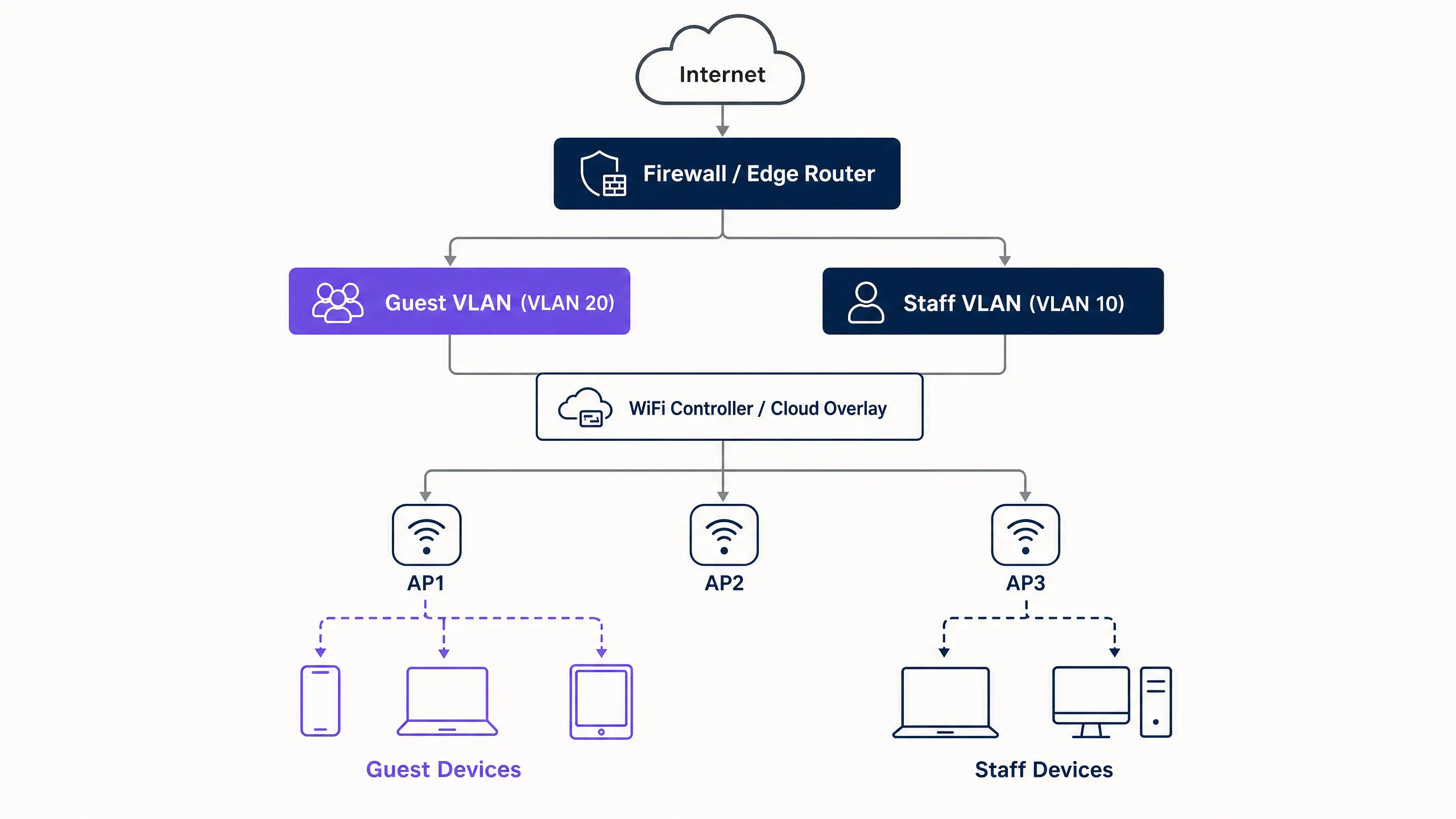
### WPA3 Migration Imperative
If you are deploying or refreshing hardware in 2026, WPA3 must be the default standard. The WiFi Alliance mandated WPA3 certification for all new devices in July 2020. Most enterprise access points from Cisco Meraki, HPE Aruba, Ruckus, Juniper Mist, Ubiquiti UniFi, Cambium, Extreme, and Fortinet support WPA3 via firmware updates. WPA3 introduces three critical operational improvements:
* **Simultaneous Authentication of Equals (SAE)**: This replaces the vulnerable WPA2 four-way handshake, eliminating offline dictionary attacks. Even if an attacker captures the authentication exchange, they cannot derive the session key.
* **Forward Secrecy**: This ensures that even if a network password is compromised today, historically recorded traffic is not exposed. Each session generates a unique ephemeral key.
* **Opportunistic Wireless Encryption (OWE)**: Automatically establishes an encrypted connection on open networks without requiring a password. This protects data in transit and directly supports GDPR compliance obligations.
## Implementation Guide
Deploying secure guest WiFi requires a phased approach: first architecture, then authentication, followed by the portal layer, and finally analytics.
### Step 1: Configure the Network Foundation
Configure VLANs and firewall rules before enabling any SSID. Verify that the guest VLAN cannot route traffic to internal subnets. Implement WPA3-Personal (SAE) or OWE depending on your authentication strategy. Ensure client isolation is active on the controller.
### Step 2: Implement the Authentication Layer
For staff and corporate devices, IEEE 802.1X is the standard. This requires devices to authenticate against a RADIUS server before access is granted. For guests, the captive portal remains the primary mechanism for capturing identity and consent.
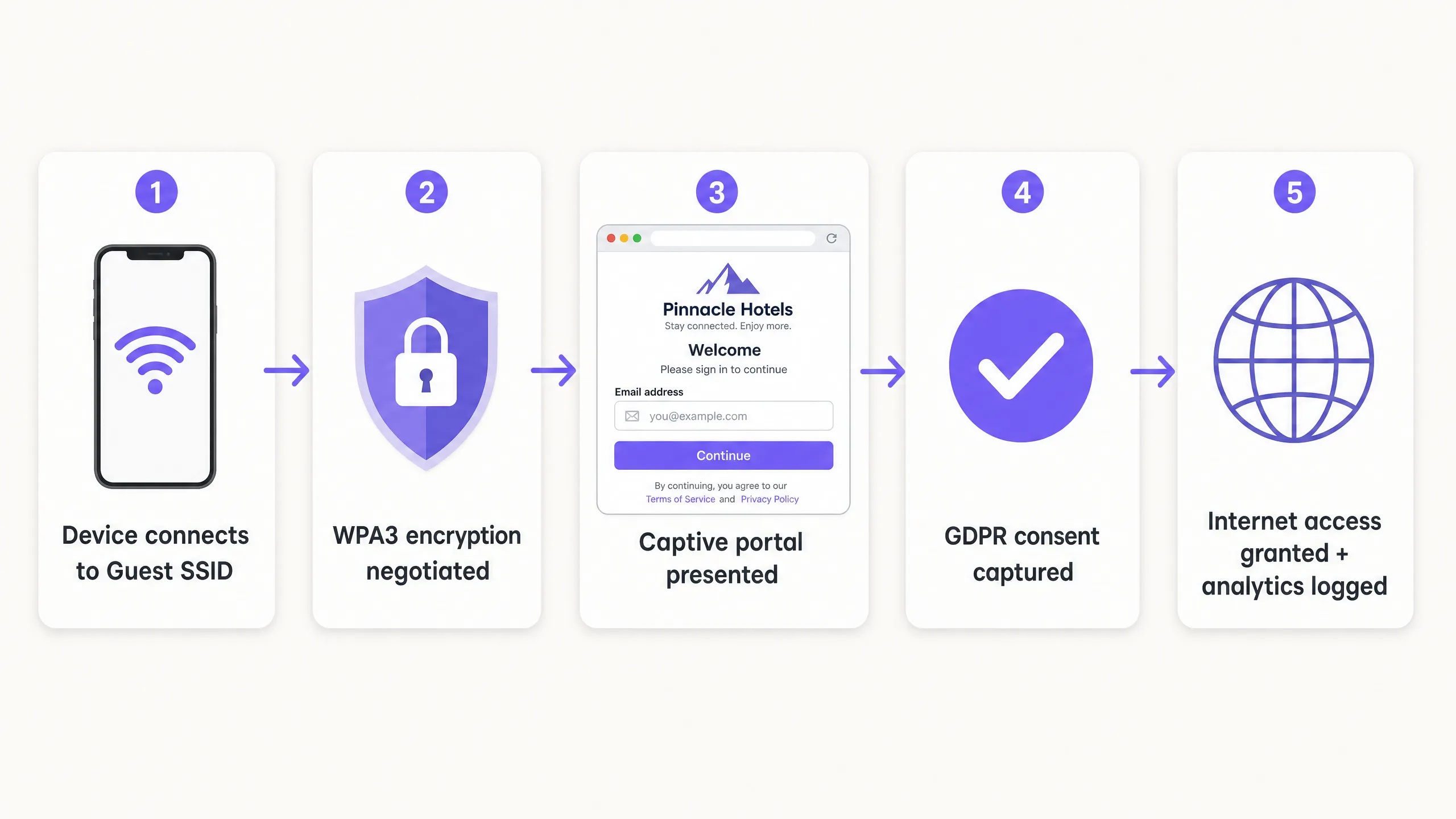
### Step 3: Deploy the Cloud Overlay
Purple operates as a hardware-agnostic cloud overlay. It integrates with your existing infrastructure to handle the captive portal, consent flow, and analytics. The overlay manages the identity layer whilst physical access points enforce radio and VLAN policies.
### Step 4: Verify and Test
Test the deployment from a physical client device. Attempt to access internal resources, printers, and management interfaces. Verify fail-open behaviour: decide clearly whether guests will lose connectivity or bypass the portal if the authentication service is temporarily unavailable.
## Best Practices
* **Enforce Strict Certificate Validation**: For 802.1X deployments using PEAP-MSCHAPv2, clients should be configured to validate the RADIUS server's certificate via Mobile Device Management (MDM) or Group Policy Objects (GPO). This prevents rogue access point attacks.
* **Use Dynamic VLAN Assignment**: Configure the RADIUS server to dynamically assign VLANs based on directory group membership. This allows a single SSID to securely serve staff, contractors, and IoT devices.
* **Isolate Legacy Devices**: Devices that do not support WPA3 should be placed on a dedicated WPA2 SSID, isolated on a separate VLAN. Do not compromise the security of the primary guest network for legacy device compatibility.
* **Align with Industry Standards**: Ensure the deployment aligns with PCI-DSS requirements by physically or logically isolating guest traffic from payment infrastructure. Support GDPR compliance by using OWE for encryption and capturing explicit consent through the captive portal.
## Troubleshooting and Risk Mitigation
The most common deployment failures occur due to configuration oversights rather than hardware limitations.
* **Cosmetic Separation**: A new SSID on the same broadcast domain as the staff network provides no security. Verify VLAN tagging and firewall rules.
* **Disabled Client Isolation**: Failing to isolate clients increases the risk of lateral attacks on guests. This is particularly dangerous in [hospitality](/industries/hospitality) environments where guests share the network for extended periods.
* **Unplanned Fail-Open**: If the captive portal is unreachable, the network must handle the failure predictably. For most public venues, fail-open is preferred to maintain connectivity, but this should be a conscious configuration choice, not an accident.
## ROI and Business Impact
A secure guest WiFi deployment turns a network cost centre into a strategic asset. By replacing shared passwords with a compliant captive portal, venues capture verified first-party data. Purple's platform processes 440 million logins annually, providing clean contact lists for marketing automation.
Furthermore, secure onboarding reduces IT support overhead. Implementing Passpoint or OpenRoaming allows returning visitors to connect silently, eliminating password reset requests. For [retail](/industries/retail) operators, this seamless connectivity drives app engagement and loyalty programme participation, delivering a measurable return on investment (ROI).
---
## Listen to the Briefing
---
### Integrating WeChat WiFi Authentication: Captive Portal Onboarding for APAC Customers
**Source:** https://www.purple.ai/en-gb/guides/integrating-wechat-wifi-authentication-captive-portal-onboarding-for-apac-customers
**Summary:** WeChat has 1.41 billion monthly active users, making it the primary digital identity for Chinese consumers globally. This guide explains how to integrate WeChat OAuth 2.0 authentication into enterprise captive portals for APAC venues, covering platform registration, scope selection, RADIUS Change of Authorisation enforcement, and dual-framework compliance with GDPR and China's PIPL. It is aimed at IT managers, network architects, and venue operations directors who need to act this quarter.
**Estimated read time:** 9 minutes
**Word count:** 2,049
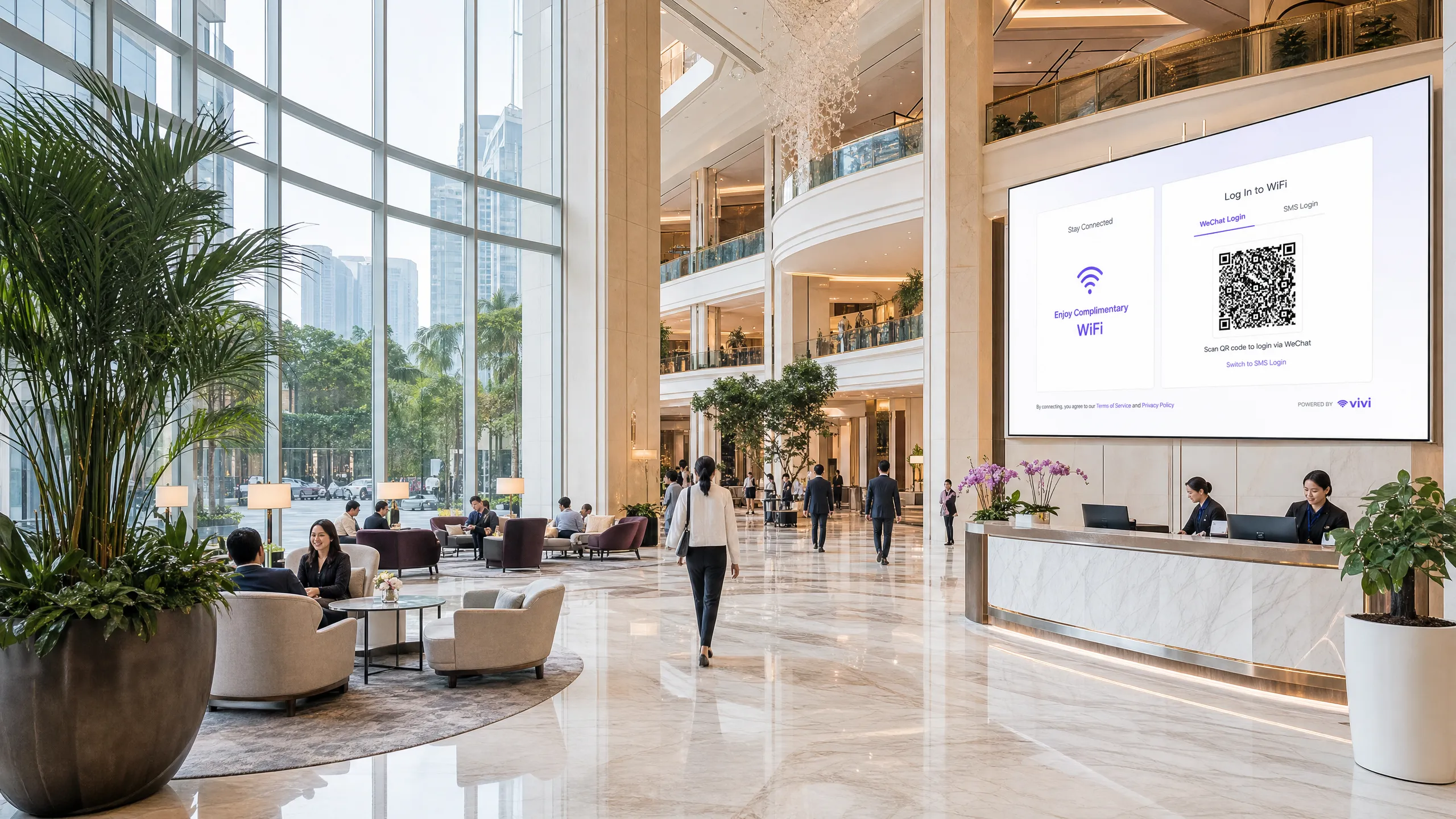
## Executive summary
For enterprise venues operating across the APAC region, or serving Chinese tourists globally, WeChat WiFi authentication is no longer optional. With 1.41 billion monthly active users as of 2025 (source: Tencent), WeChat is the primary digital identity for Chinese consumers. A guest who connects to your SSID and sees only email or Facebook login options faces immediate friction. They almost certainly have WeChat. They almost certainly do not have a local email address configured on that device.
This guide details how to integrate WeChat OAuth 2.0 into a captive portal. We cover the two distinct platform registrations Tencent requires, the scope decision that determines what first-party data you collect, and the RADIUS Change of Authorisation (CoA) mechanism that translates a successful OAuth exchange into actual network access. We also address the overlapping compliance requirements of GDPR and China's Personal Information Protection Law (PIPL).
Purple's [Guest WiFi](/guest-wifi) platform automates the network enforcement layer across Cisco Meraki, HPE Aruba, Ruckus, Juniper Mist, Ubiquiti UniFi, Cambium, Extreme, and Fortinet hardware. Purple operates across 80,000+ live venues and recorded 440 million logins in 2024 (Purple internal data).
## Technical deep-dive
### The OAuth 2.0 flow
A captive portal (a web-based authentication gateway that intercepts HTTP traffic from unauthenticated devices) redirects guests to a login page hosted on a portal server, either on-premises or in the cloud. Adding WeChat OAuth inserts Tencent's identity infrastructure into that flow.
The sequence runs as follows. The guest associates with the SSID. The wireless controller detects the absence of an authenticated session and redirects all HTTP traffic to the captive portal URL. The portal page loads and presents login options, including WeChat. The guest selects WeChat. The portal server constructs a redirect to WeChat's authorisation endpoint at `open.weixin.qq.com`, passing four parameters: the AppID, the redirect URI, the response type set to `code`, and the requested scope.
WeChat authenticates the user entirely on its own infrastructure. If the guest is already signed in via the WeChat in-app browser, the `snsapi_base` scope allows silent authentication with no visible prompt. WeChat redirects back to the portal's registered redirect URI with a short-lived authorisation code. The portal server exchanges this code for an access token by calling `api.weixin.qq.com/sns/oauth2/access_token` with the AppID, AppSecret, code, and grant type. WeChat returns an access token, a refresh token, the user's OpenID, and the granted scope. If `snsapi_userinfo` was requested, a second API call to `api.weixin.qq.com/sns/userinfo` retrieves the user's nickname, profile image, gender, and city.
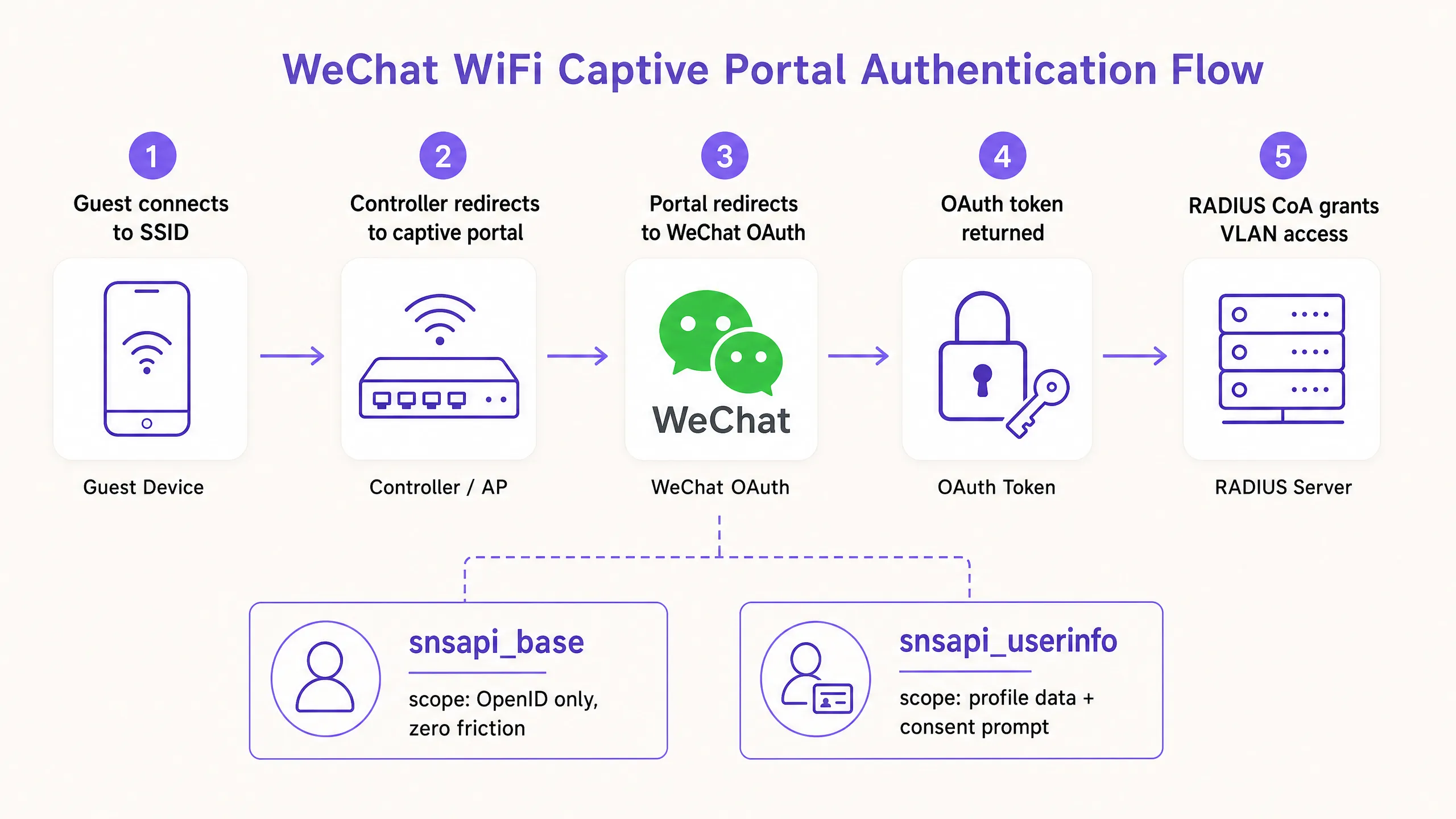
### Platform registration: the decision that trips most deployments
Tencent operates two separate developer platforms, and selecting the wrong one is the most common cause of failed implementations.
| Access context | Required registration | Platform URL | Supported scopes |
|---|---|---|---|
| WeChat in-app browser | Service Account (Official Accounts Platform) | mp.weixin.qq.com | snsapi_base, snsapi_userinfo |
| Standard mobile browser (Chrome, Safari) | Website Application (Open Platform) | open.weixin.qq.com | snsapi_login (QR code flow) |
A Subscription Account on the Official Accounts Platform will not work. It lacks OAuth web page authorisation permissions. Only a Service Account carries those permissions.
Most enterprise deployments in [Hospitality](/industries/hospitality) and [Retail](/industries/retail) implement both registrations. A guest at a hotel might open the portal in Chrome, scan a QR code with WeChat, and authenticate via the Open Platform flow. Or they might follow a link inside WeChat itself, land in the in-app browser, and authenticate silently via the Official Accounts flow. Both paths must be handled.
### Scope selection and data collection
The OAuth scope is a genuine architectural decision, not a configuration detail. It determines the friction the user experiences and the data your [WiFi Analytics](/guest-wifi-marketing-analytics-platform) platform receives.
**snsapi_base** returns only the OpenID - a stable, unique identifier for that user within your Official Account. It requires no user consent prompt. Authentication is invisible. Use this for returning guests whose profiles you already hold, or for high-throughput environments such as stadiums and transport hubs where connection speed is the priority.
**snsapi_userinfo** returns the OpenID plus nickname, profile image, gender, language setting, and city. It triggers an explicit consent screen. Use this for first-time guest registration to build a first-party data profile, paired with a PIPL-compliant and GDPR-compliant consent layer on the portal page.
The practical rule: use `snsapi_base` for speed, `snsapi_userinfo` for data. You can implement both by checking whether the user's OpenID already exists in your database. If it does, request `snsapi_base`. If it does not, request `snsapi_userinfo`.
### Network enforcement: RADIUS CoA and MAC bypass
An OAuth token proves identity. It does not open the network. A separate mechanism must translate the successful authentication into a network policy change.
**RADIUS Change of Authorisation (CoA)**, defined in RFC 3576, is the standard approach. After the portal server receives a valid OAuth token, it sends a CoA request to the wireless controller. The controller updates the session, moving the device from the walled garden VLAN (a restricted network segment that allows only portal traffic) to the full guest VLAN. This works with Cisco Meraki, HPE Aruba, Ruckus, Juniper Mist, Ubiquiti UniFi, Cambium, Extreme, and Fortinet.
**MAC address bypass** registers the device's MAC address as an authorised client after successful OAuth. The controller then permits traffic from that address without further challenge. It is simpler to implement but carries two risks: MAC addresses can be spoofed, and iOS 14 and Android 10 onwards use MAC address randomisation by default, which breaks the mechanism on reconnection.
For any deployment where security matters, RADIUS CoA is the correct choice. For more on securing guest networks, see [What Is Secure WiFi: Essential Guide for Business 2026](/blog/what-is-secure-wifi) and [Enterprise WiFi Security: A Complete Guide for 2026](/blog/enterprise-wifi-security).
## Implementation guide
### Pre-deployment checklist
Before writing a line of configuration, complete these five steps.
First, determine the access context. Survey your venue and identify whether guests will encounter the portal inside the WeChat in-app browser, in a standard mobile browser, or both. The answer determines your platform registration requirements.
Second, register on the correct platform. For in-app browser access, create a Service Account on the WeChat Official Accounts Platform. For standard browser access, register a Website Application on the WeChat Open Platform. Note your AppID and AppSecret for each.
Third, configure your redirect URIs. Register every domain and subdomain your portal uses, including staging environments. WeChat enforces exact-match validation. A mismatch returns error 40029.
Fourth, implement server-side token exchange. The AppSecret must never appear in client-side code. Build a server-side endpoint that accepts the authorisation code, exchanges it for a token, and returns only the data your portal needs.
Fifth, implement the `state` parameter for CSRF protection. Generate a cryptographically random value, store it in the user's session, pass it in the OAuth request, and validate it on return.
### Configuration steps for Ruckus SmartZone
For venues running Ruckus SmartZone, the WeChat portal configuration sits under Services and Profiles, then Hotspots and Portals, then the WeChat tab. You configure the Authentication URL (your portal server's WeChat callback endpoint), the DNAT Destination (the server that handles unauthenticated client redirects), and the Grace Period (the window during which a recently disconnected user can reconnect without re-authenticating, defaulting to 60 minutes). You also configure the walled garden whitelist to permit traffic to WeChat's API endpoints during the authentication phase. See also the [Step-by-Step Guide: Configuring Ruijie Wireless Controllers for Guest WiFi Captive Portals](/guides/step-by-step-guide-configuring-ruijie-wireless-controllers-for-guest-wifi-captive-portals) for comparable controller configuration patterns.
### In-app browser detection
WeChat's in-app browser sets a user agent string containing `MicroMessenger`. Your portal must detect this string and serve the appropriate OAuth flow. If `MicroMessenger` is present, use the Official Accounts flow. If absent, use the Open Platform QR code flow. Failure to detect this correctly produces broken experiences or authentication errors.
## Best practices
### Data minimisation and dual-framework compliance
GDPR (applicable to European visitors) and PIPL (applicable to Chinese citizens) both require a lawful basis for processing personal data, clear purpose limitation, and data minimisation. The `snsapi_base` scope is easier to justify under data minimisation principles than `snsapi_userinfo`. When you do collect demographic data via `snsapi_userinfo`, document your legal basis, your retention period, and your data processing agreement with Tencent.
PILP, in force since November 2021, requires explicit consent for sensitive personal information and mandates that data processors outside China implement equivalent protection standards. If your portal server sits outside mainland China, you must assess whether cross-border data transfer rules apply to the WeChat OpenID and profile data you receive.
### UnionID for multi-property deployments
The OpenID is unique per user per Official Account. If you operate multiple Official Accounts across properties, the same guest will have different OpenIDs in each. WeChat provides a UnionID that remains consistent across all accounts linked to the same Open Platform registration. For hotel chains, retail groups, or airport operators managing multiple venues, implement UnionID-based identity resolution from the start.
### Security hardening
Store the AppSecret in an environment variable or secrets manager, never in source code. Rotate it immediately if you suspect exposure. Implement rate limiting on your token exchange endpoint to prevent abuse. Log all OAuth errors, particularly 40029 (invalid code) and 40163 (code expired), as these indicate either misconfiguration or active probing.
For a broader view of guest network security architecture, see [Why Consumer WiFi Gear Doesn't Belong on Your Guest Network](/blog/consumer-wifi-gear-guest-network).
## Case studies
### Luxury hotel chain, Singapore
A 350-room luxury hotel in Singapore serving a predominantly Chinese business travel segment implemented WeChat WiFi authentication alongside their existing email login option. Prior to implementation, front-desk staff reported an average of 15 guest complaints per day about WiFi login difficulties. Chinese guests were attempting to use email addresses they had not configured on their travel devices.
The hotel registered a Service Account on the WeChat Official Accounts Platform and a Website Application on the Open Platform. They configured `snsapi_userinfo` for first-time connections and `snsapi_base` for returning guests identified by MAC address. The HPE Aruba controller was configured for RADIUS CoA to handle session promotion.
Within 30 days, guest WiFi login complaints dropped to under two per day. The hotel's [WiFi Analytics](/guest-wifi-marketing-analytics-platform) database grew by 4,200 verified first-party profiles in the first month, with city-level demographic data enabling targeted post-stay communications.
### International retail mall, Kuala Lumpur
A premium retail mall in Kuala Lumpur with 12 million WeChat users in Malaysia alone needed a WiFi onboarding experience that matched the digital expectations of its shopper base. The mall operated Cisco Meraki access points across 180,000 square metres of retail floor.
The deployment used Purple's [Guest WiFi](/guest-wifi) platform as the cloud overlay, with WeChat OAuth as the primary authentication method and SMS OTP as the fallback. Purple's hardware-agnostic architecture handled the RADIUS CoA integration with Cisco Meraki without requiring custom development.
The mall recorded a 34% increase in WiFi session starts in the first quarter post-deployment, attributed to reduced onboarding friction for WeChat users. The first-party data collected via `snsapi_userinfo` consent flows enabled the mall's marketing team to segment shoppers by home city for targeted campaign delivery.
## Troubleshooting and risk mitigation
| Error | Cause | Resolution |
|---|---|---|
| 40029 invalid code | Redirect URI mismatch or code reuse | Verify registered URIs match exactly; codes are single-use |
| 40163 code expired | Token exchange delayed beyond 5 minutes | Reduce server-side processing time; implement retry logic |
| Blank screen after authentication | RADIUS CoA not configured or failing | Check controller CoA settings and firewall rules on UDP port 3799 |
| MAC randomisation breaks returning guest flow | iOS/Android MAC randomisation | Migrate to OpenID-based session tracking; avoid MAC-only identification |
| snsapi_userinfo returns empty fields | User has set WeChat privacy restrictions | Handle null fields gracefully; do not require profile data for access |
## ROI and business impact
The business case for WeChat WiFi authentication rests on three measurable outcomes.
First-party data acquisition. Each `snsapi_userinfo` authentication generates a verified guest profile with demographic data. For a 200-room hotel running at 70% occupancy with 40% Chinese guests, that represents approximately 20,000 new verified profiles per year, each tied to a WeChat identity that supports ongoing re-engagement.
Reduced support burden. Login friction is the primary driver of guest WiFi support calls. Venues that add WeChat authentication alongside existing options consistently report a reduction in WiFi-related front-desk queries, freeing staff time for higher-value interactions.
Marketing reach. WeChat Official Accounts allow venues to push notifications to followers. A guest who authenticates via your Official Account can be prompted to follow it, creating a direct communication channel that operates within WeChat's ecosystem, where Chinese consumers spend an average of 82 minutes per day (source: Walk the Chat).
Purple's Engage plan extends this further, enabling automated post-visit messaging, loyalty triggers, and segmented campaigns built on the first-party data collected at the point of WiFi authentication.
---
### Configuring Captive Portal Redirection on Enterprise Network Controllers
**Source:** https://www.purple.ai/en-gb/guides/configuring-captive-portal-redirection-on-enterprise-network-controllers
**Summary:** This authoritative guide details the technical architecture and vendor-specific configuration steps required to implement captive portal redirection on enterprise network controllers. It provides actionable guidance for IT teams on configuring walled gardens, integrating RADIUS authentication, and ensuring compliance with GDPR and PCI DSS.
**Estimated read time:** 6 minutes
**Word count:** 1,332
## Executive Summary
Configuring a captive portal redirect on an enterprise network controller is a fundamental requirement for delivering secure, compliant guest WiFi. When configured correctly, the controller intercepts unauthenticated client traffic and issues an HTTP 302 redirect to an external portal, enabling authentication, consent capture, and network segmentation. When misconfigured, it results in silent connection failures, browser security warnings, and compliance exposures.
This guide provides the technical architecture and vendor-specific configuration steps required to deploy external captive portals across Cisco Meraki, HPE Aruba, Ruckus, Juniper Mist, and Ubiquiti UniFi. We detail the mechanics of the redirect flow, the precise requirements for walled garden configuration, and the integration of RADIUS for authentication and accounting. By following these steps, you ensure that your guest network meets PCI DSS segmentation requirements, captures explicit GDPR consent, and securely routes first-party data to platforms like Purple.
## Technical Deep-Dive
The captive portal redirect mechanism operates at the network controller level. It relies on a specific sequence of network state changes to intercept, authenticate, and authorise a client device.
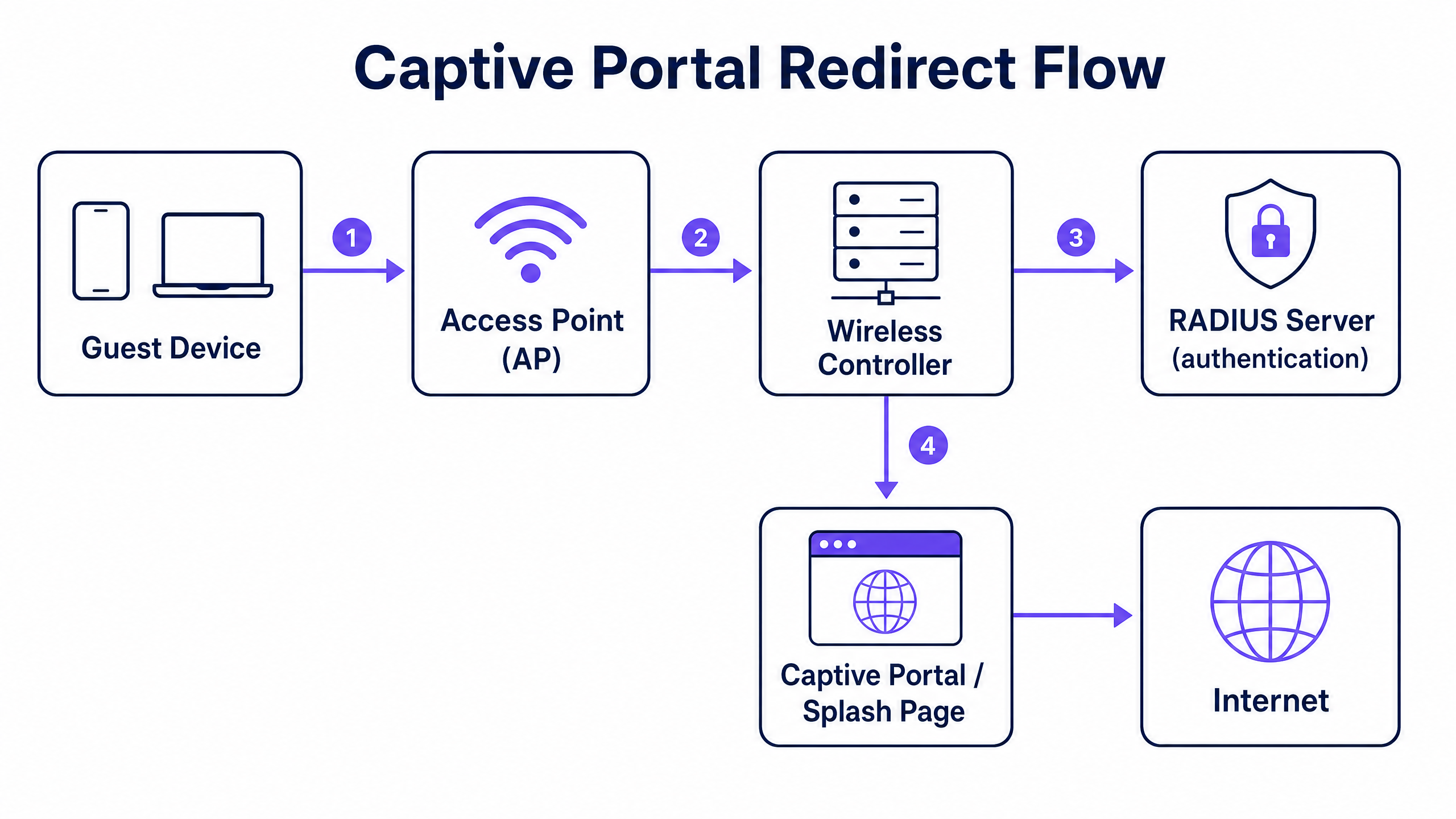
### The Redirect Flow
1. **Association and DHCP**: A guest device associates with the guest SSID. The controller assigns an IP address via DHCP but places the client in a restricted pre-authentication state (often mapped to a specific pre-auth VLAN or role).
2. **Walled Garden Enforcement**: In this pre-authentication state, all outbound traffic is dropped except for DNS (port 53), DHCP (ports 67 and 68), and traffic destined for specific IP addresses or domains defined in the access control list (ACL). This ACL is known as the walled garden.
3. **Interception and Redirect**: When the guest opens a browser and initiates an HTTP request, the controller intercepts the request. Instead of routing the traffic to the internet, the controller responds with an HTTP 302 Found status code, redirecting the browser to your external captive portal URL. Modern operating systems use automatic HTTPS probes (like Apple's Captive Network Assistant) to detect this redirect and trigger a pseudo-browser.
4. **Authentication**: The guest interacts with the splash page hosted on the external portal (e.g., Purple). This might involve a social login, a form submission, or a simple click-through. Upon completion, the portal communicates with the controller to authorise the session.
5. **Authorisation and Accounting**: The authorisation signal is typically sent via a RADIUS Access-Accept message or through a vendor-specific API. The controller receives this signal, moves the client to the post-authentication state (often a different VLAN), removes the redirect rule, and grants internet access. The controller then sends a RADIUS Accounting-Start message to log the session duration and data usage.
## Implementation Guide
The fundamental architecture is consistent across vendors, but the configuration syntax varies significantly. Below are the steps for the leading enterprise platforms.
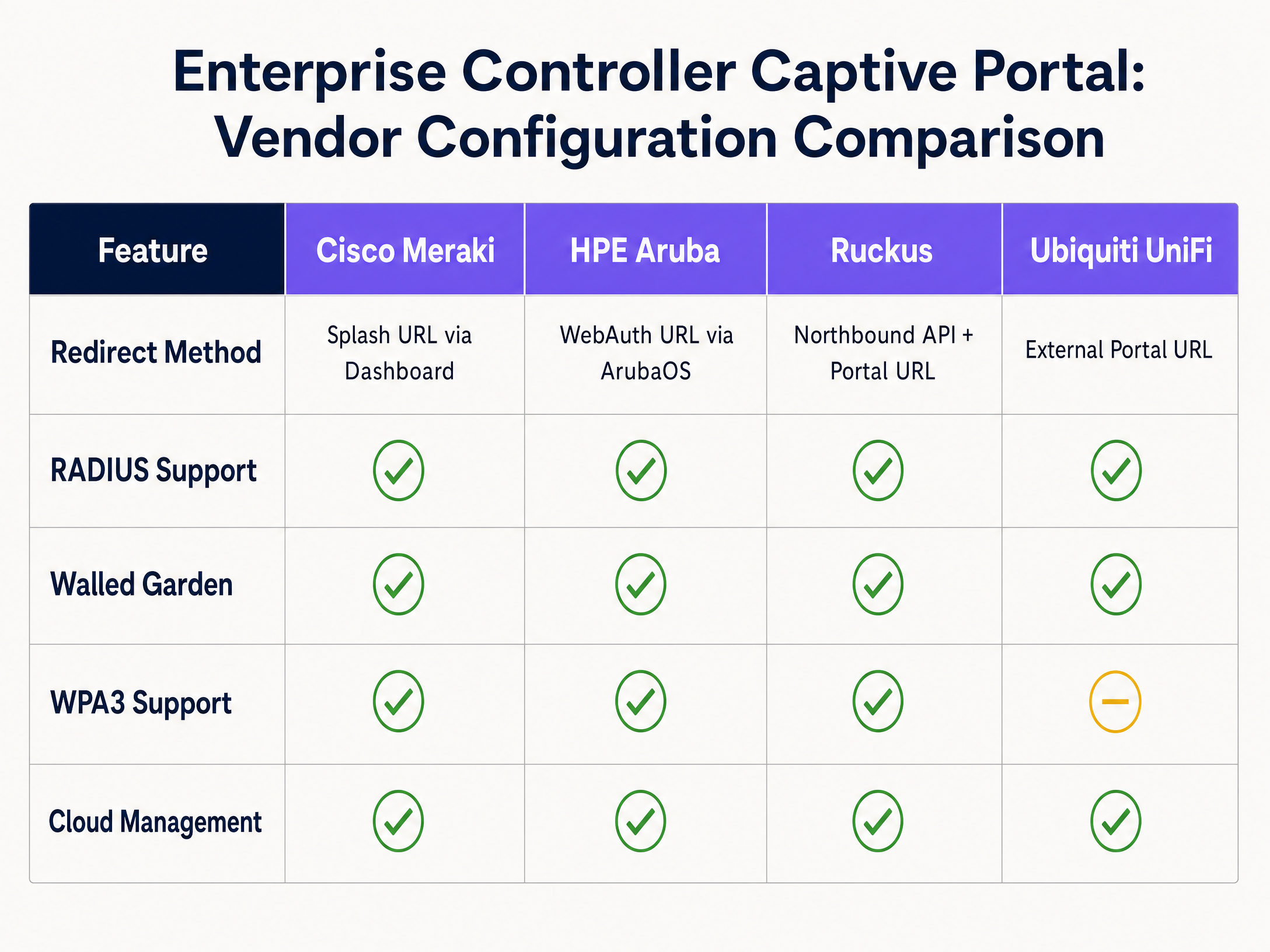
### Cisco Meraki
Cisco Meraki configures captive portals entirely through the Meraki Dashboard.
1. Navigate to **Wireless > Access Control** and select your guest SSID.
2. Under **Splash page**, select **Sign-on with my RADIUS server** (for credential-based access) or **Click-through**.
3. In the **Custom Splash URL** field, enter your external portal URL provided by Purple.
4. Under **RADIUS**, enter the IP addresses of the primary and secondary RADIUS servers for both authentication (port 1812) and accounting (port 1813), along with the shared secret.
5. Scroll to **Advanced Splash Settings** to configure the walled garden. Add the IP addresses or domains of your portal server and any required CDNs.
### HPE Aruba
Aruba configuration involves defining a captive portal profile and applying it to a role.
1. In ArubaOS, navigate to **Configuration > Authentication > L3 Authentication**.
2. Create a new **Captive Portal Authentication Profile**. Enter the **Login URL** pointing to your Purple splash page.
3. Create a **Server Group** containing your RADIUS servers and assign it to the captive portal profile.
4. Navigate to **Configuration > Security > Roles**. Edit the pre-authentication role (often named `logon`). Ensure the ACL permits DHCP, DNS, and HTTP/HTTPS traffic to your walled garden IP addresses, and applies the captive portal profile to all other HTTP traffic.
5. Assign the `logon` role as the initial role in your AAA profile for the guest SSID.
### Ruckus SmartZone
Ruckus uses a specific WLAN type for hotspot deployments.
1. Navigate to **WLANs** and create a new WLAN. Set the **WLAN Type** to **Hotspot (WISPr)**.
2. Under **Authentication Options**, select **External RADIUS Server** and input your server details for both authentication and accounting.
3. Under **Hotspot Portal**, select **External** and enter your portal URL.
4. Configure the **Walled Garden** by adding the necessary IP addresses or domains.
5. Ruckus relies on its Northbound Portal Interface (NPI) to handle the authorisation flow, which requires configuring the NPI settings to allow communication from your portal server.
### Ubiquiti UniFi
UniFi provides a straightforward interface for external portals.
1. In the UniFi Network Controller, go to **Settings > WiFi** and select your guest network.
2. Under **Advanced Options**, enable the **Guest Policy**.
3. Go to **Settings > Guest Control**. Under **Portal Type**, select **External Portal Server** and enter your portal URL.
4. Under **Access Control**, add the required IP addresses to the **Pre-Authorisation Access** list (the walled garden).
5. Configure the RADIUS server details under **Profiles > RADIUS** and apply the profile to the guest network.
## Best Practices
### 1. Walled Garden Configuration
The walled garden is the most critical point of failure in captive portal deployments. If the walled garden is incomplete, the guest's browser will fail to load the splash page, resulting in a blank screen or a timeout error.
You must explicitly permit access to:
- The primary portal server IP addresses or domains.
- The RADIUS server IP addresses.
- Any Content Delivery Networks (CDNs) used by the portal to load fonts, images, or JavaScript.
- Identity provider domains if using social login (e.g., `facebook.com`, `google.com`).
### 2. Network Segmentation for PCI DSS
If your venue processes card payments, PCI DSS compliance requires strict isolation of the guest network from the cardholder data environment. Do not rely solely on SSID separation. You must configure a dedicated guest VLAN at the controller or switch level, with firewall rules that explicitly deny routing between the guest VLAN and any internal corporate or Point of Sale (POS) networks.
### 3. RADIUS Accounting
Always configure RADIUS accounting. While MAC authorisation bypass can grant access, RADIUS accounting (`Accounting-Start` and `Accounting-Stop` messages) is required to accurately track session duration and data usage. Without accounting, your analytics platform will report inaccurate dwell times and concurrent user counts.
## Troubleshooting & Risk Mitigation
### HTTPS Interception Failures
Modern operating systems use HTTPS probes to detect captive portals. If the controller intercepts an HTTPS request but presents an invalid or untrusted SSL certificate for the redirect, the browser will display a severe security warning (e.g., "Your connection is not private") and block the redirect. To mitigate this, ensure your controller is provisioned with a valid, publicly trusted SSL certificate for its virtual interface, or configure the controller to only intercept HTTP traffic for the initial redirect.
### DNS Leakage
If the pre-authentication ACL permits unrestricted outbound DNS traffic, sophisticated users can use DNS tunnelling to bypass the captive portal and access the internet without authenticating. Mitigate this by restricting outbound DNS traffic in the pre-authentication role to only your designated DNS resolvers, blocking all other port 53 traffic.
### Session Timeout Mismatches
If the session timeout configured on the wireless controller is shorter than the session validity period defined in the external portal, guests will be abruptly disconnected and forced to re-authenticate. Ensure the controller's idle timeout and absolute session timeout align with the intended guest experience (e.g., 24 hours for hospitality environments, 8 hours for retail).
## ROI & Business Impact
Deploying a properly configured captive portal transforms guest WiFi from an operational cost into a strategic asset. By integrating enterprise controllers with an intelligence layer like Purple, venues can capture explicit GDPR consent and collect valuable first-party data.
Purple processes 440 million logins annually across 80,000 venues. This data feeds directly into CRM platforms, enabling targeted marketing campaigns based on actual physical visits. For example, [Retail](/industries/retail) operators can measure footfall and repeat visit rates, while [Hospitality](/industries/hospitality) venues can drive direct bookings by engaging guests post-stay. The ROI is measured in increased customer lifetime value, improved operational efficiency through accurate footfall analytics, and the mitigation of regulatory risk through automated compliance management.
---
### Step-by-Step Guide: Configuring Ruijie Wireless Controllers for Guest WiFi Captive Portals
**Source:** https://www.purple.ai/en-gb/guides/step-by-step-guide-configuring-ruijie-wireless-controllers-for-guest-wifi-captive-portals
**Summary:** This guide provides a complete technical walkthrough for configuring Ruijie wireless controllers and gateways to deploy enterprise-grade guest WiFi captive portals. It covers VLAN segmentation, external RADIUS authentication via WISPr protocol, walled garden configuration, and seamless integration with Purple's Identity-Based Networks platform to capture first-party data and drive measurable business value across hospitality, retail, and public-sector environments.
**Estimated read time:** 8 minutes
**Word count:** 1,738
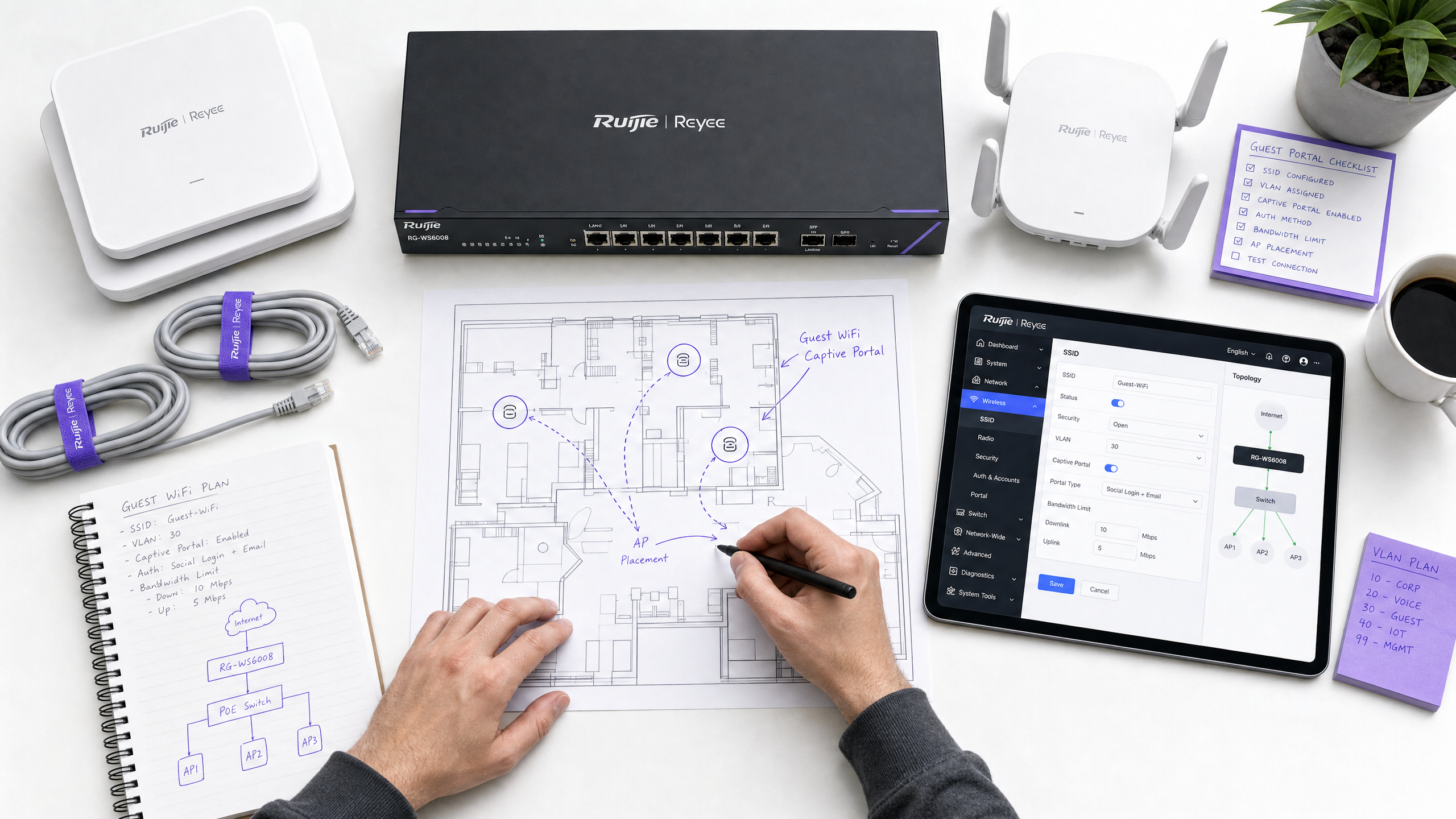
## Executive Summary
Deploying guest WiFi across distributed enterprises involves more than just providing an open SSID. For IT managers and network architects, the challenge lies in balancing seamless access with strict security, GDPR compliance, and data acquisition needs. This guide details the specific configuration steps required to deploy a secure, scalable Captive Portal using Ruijie wireless controllers and gateways, illustrating how integrating this infrastructure with Purple’s [Guest WiFi](/guest-wifi) platform transforms basic wireless connectivity into a compliant, revenue-generating asset.
We will cover technical prerequisites, VLAN isolation strategies, external RADIUS authentication via WISPr protocol, Walled Garden configuration, and the specific QoS settings required for production-grade deployment. Whether you manage a 200-room hotel, a 50-store retail chain, or a 40,000-capacity stadium, this guide provides the authoritative blueprint for a secure Ruijie Captive Portal setup. Operating in over 80,000 active venues worldwide and processing 440 million logins in 2024 (Purple internal data), the integration patterns described here are proven at scale.
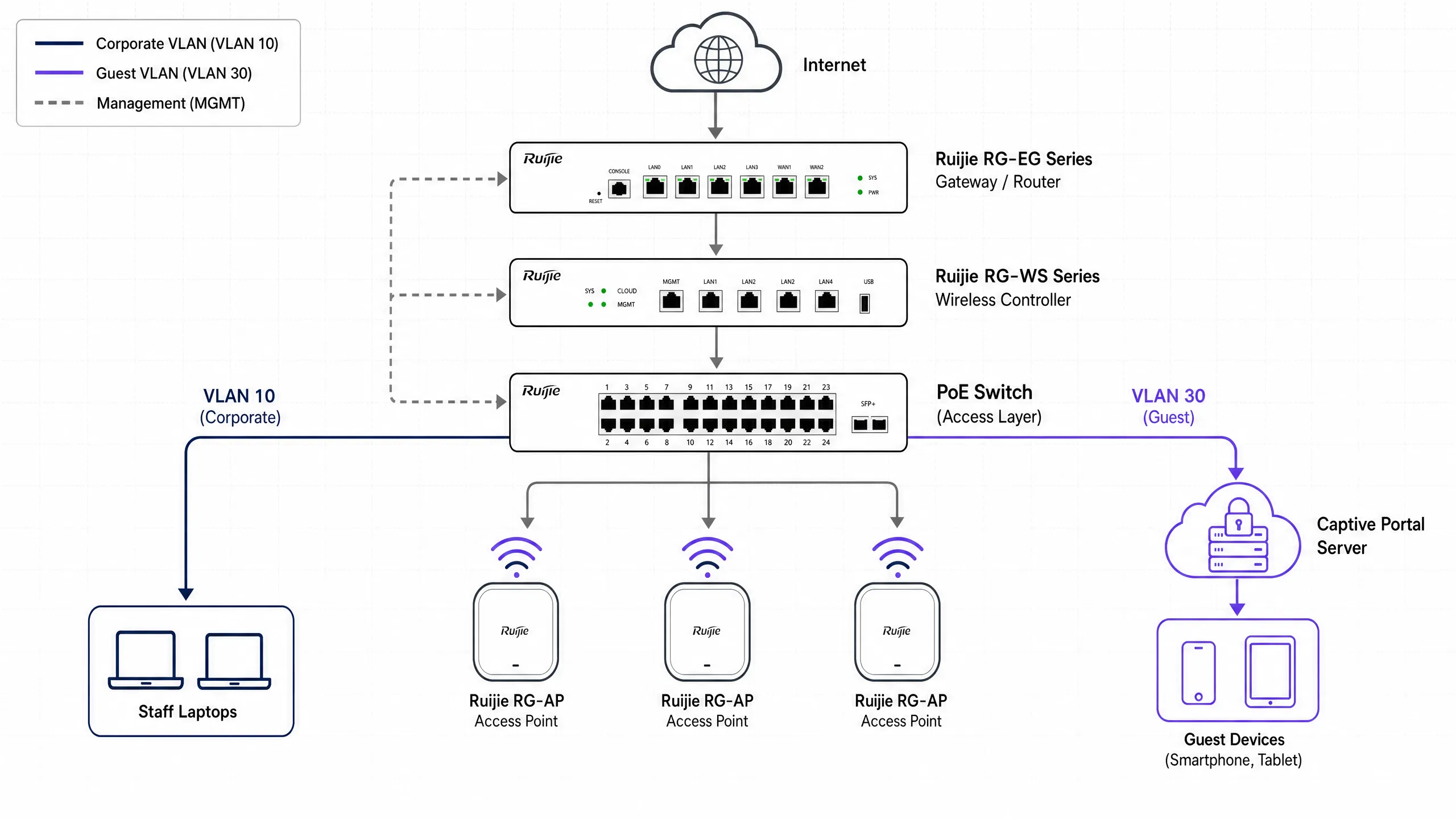
## Technical Architecture & Prerequisites
Before modifying your Ruijie controller, establish the correct network architecture. A secure guest network requires complete isolation from corporate traffic at Layer 2 (switch level).
### Network Segmentation
The cornerstone of secure guest WiFi is VLAN isolation. You must create a dedicated guest VLAN on the Ruijie gateway or core switch. This ensures that guest traffic never intersects with internal systems, payment terminals, or staff devices. A standard enterprise VLAN scheme for Ruijie deployments is shown below:
| VLAN ID | Purpose | Notes |
|---|---|---|
| 10 | Corporate | Staff devices, internal servers |
| 20 | Voice | VoIP phones |
| 30 | Guest | Captive Portal, internet-only |
| 40 | IoT | Printers, smart TVs, sensors |
| 99 | Management | Controller, switch management |
For more information on why consumer-grade approaches fail here, read [Why consumer-grade WiFi gear is not for your guest network](/blog/consumer-wifi-gear-guest-network).
### Required Components
To complete this deployment, you will need:
- A Ruijie Cloud account or an on-premises Ruijie RG-WS series wireless controller (e.g., RG-WS6008 or RG-WS7110).
- A Ruijie RG-EG series gateway - essential for external portal authentication via WISPr.
- Ruijie RG-AP series access points (e.g., RG-AP820-I, RG-AP850-AR).
- A Purple Connect, Capture, or Engage licence.
- Outbound UDP access allowed from the gateway to Purple servers for port 1812 (RADIUS authentication) and 1813 (RADIUS accounting).
### Authentication Protocol Overview
Ruijie supports multiple authentication methods. Enterprise-grade deployments should use external RADIUS authentication. This method uses the WISPr (Wireless Internet Service Provider Roaming) protocol to securely redirect unauthenticated users to Purple's Splash Page, process their credentials, and return a RADIUS Accept or Reject message to the Ruijie controller.
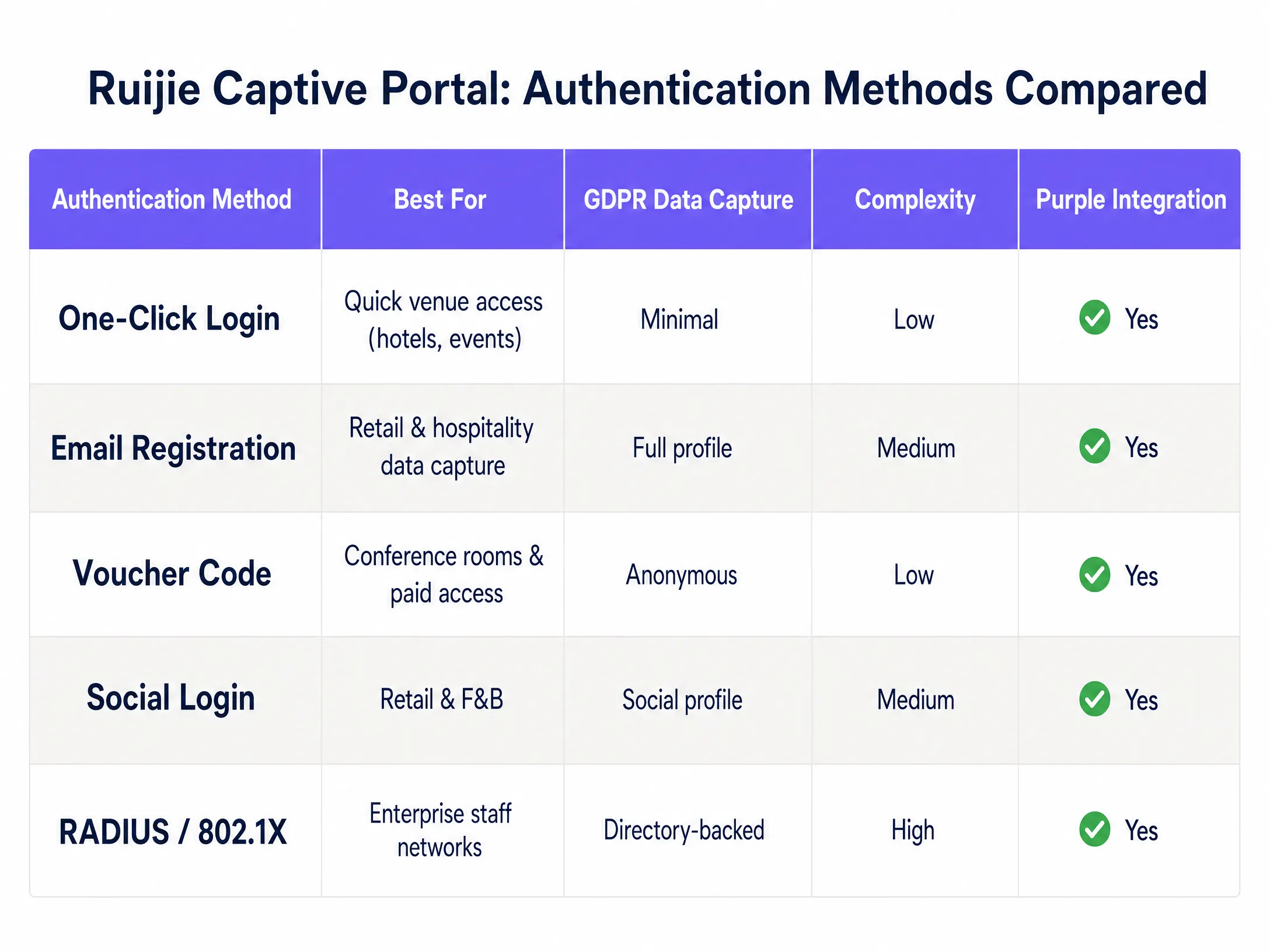
The table above summarises the five authentication methods offered by the Ruijie platform. Email sign-ups and social media logins are the most common choices for hospitality and retail environments, as they capture structured, GDPR-compliant first-party data. Voucher codes are suitable for meeting rooms and paid access tiers. RADIUS with 802.1X is reserved exclusively for staff networks requiring directory-backed authentication.
## Step-by-Step Implementation Guide
Please execute the following steps in the Ruijie Cloud or on-premises controller interface. The UI paths below apply to the new Ruijie Cloud interface (post-2024) and the Ruijie JaCS platform.
### Step 1: Configure the Guest SSID
Establish the wireless broadcast network.
1. Log in to the Ruijie Cloud or on-premises controller web interface.
2. Navigate to **Device Config**, and select **WiFi** under the Wireless section.
3. Click **+** to create a new SSID, or edit an existing SSID.
4. Set the **SSID Name** (e.g., "Free Guest WiFi").
5. Set the **Security Mode** to **Open** - no pre-shared key.
6. Assign the SSID to your dedicated guest VLAN (e.g., VLAN 30).
7. Save the SSID configuration.
### Step 2: Define the Captive Portal Policy
Instruct the controller to intercept guest traffic and redirect it to Purple.
1. Navigate to **Auth & Account**, and select **Captive Portal** under Authentication.
2. Create a new policy. Set a descriptive **Policy Name** (e.g., "Purple-Guest-Portal").
3. Set the **Policy Mode** to **External**.
4. Set the **Authentication Device** to your Ruijie gateway (RG-EG series) or access point.
5. Select the guest SSID created in Step 1.
6. In the **Portal Server URL** field, enter your unique Purple Splash Page URL (found in the Purple control panel under 'Hardware Configuration').
7. Enter the Purple RADIUS server IP addresses in the designated fields.
8. Set the **Seamless Online** duration to match your session timeout policy (e.g. 24 hours for hospitality, 1 hour for retail).
9. Determine the **Portal Escape** behaviour - see the "Best Practices" section below.
### Step 3: Configure the Walled Garden (Allowlist)
A Captive Portal intercepts all traffic until a user is authenticated. Certain traffic must be allowed through in the pre-authentication stage to load the login page and process social media logins. This is the most common misconfigured part of any Captive Portal deployment.
1. Navigate to **Auth & Account** and select **Allowlist**.
2. Add all required Purple infrastructure domains. Your Purple dashboard provides the specific list for your region.
3. If offering social media logins, add the OAuth domains for each provider:
- For Microsoft Entra ID: `*.microsoft.com`, `*.microsoftonline.com`, `login.live.com`
- For Google Workspace: `*.google.com`, `accounts.google.com`
- For Okta: your specific Okta tenant domain
4. If offering paid WiFi plans, add any payment processor domains.
5. Save and apply the allowlist.
### Step 4: Configure RADIUS Authentication
Configure the secure communication channel between Ruijie and Purple.
1. Navigate to the RADIUS server settings in your Ruijie controller or gateway.
2. Add the Purple primary RADIUS server IP address and port 1812 for authentication.
3. Add the Purple secondary RADIUS server IP address for failover.
4. Enter the **Shared Secret** from your Purple dashboard. This must match exactly.
5. Add the accounting server on port 1813 and enable RADIUS accounting. This tracks session duration and data usage, feeding directly back into Purple's [WiFi Analytics](/guest-wifi-marketing-analytics-platform) reporting.
6. Set the **NAS Identifier** to a meaningful string (e.g. your venue name) to differentiate traffic in Purple's analytics.
### Step 5: Apply QoS Policies
Unrestricted guest access can saturate your internet link during peak hours.
1. Navigate to the QoS or bandwidth management section of your Ruijie gateway.
2. Set per-user download limits (e.g. 10 Mbps for hotel guests, 5 Mbps for retail customers).
3. Set per-user upload limits (e.g. 2-5 Mbps).
4. Disable **Client Escape** to ensure unauthenticated users cannot access the network if the portal server is temporarily unreachable.
5. Save and push the configuration to all relevant devices.
### Step 6: Test the Deployment
Always test using a clean device with no cached credentials.
1. Connect a mobile device to the guest SSID.
2. Open a browser and navigate to a non-HTTPS URL (e.g. `http://example.com`). The portal page should redirect.
3. Verify that the Purple splash page loads correctly.
4. Complete the authentication process.
5. Confirm internet access is granted post-authentication.
6. Check the Purple dashboard to confirm the session appears in your analytics.
## Enterprise Deployment Best Practices
### Security & Compliance
Never rely on shared PSKs for guest access. Shared passwords offer no audit trail and cannot be revoked on an individual basis. By utilising a Purple Captive Portal with individual authentication, you can mandate explicit consent for data processing, satisfying GDPR Article 7 requirements. Purple holds ISO 27001, GDPR, CCPA, and Cyber Essentials certifications, ensuring the data capture mechanism itself is auditable.
For a deeper dive into security architecture, read our [Enterprise WiFi Security: Complete Guide for 2026](/blog/enterprise-wifi-security) and [What is Secure WiFi: The Essential Enterprise Guide for 2026](/blog/what-is-secure-wifi).
### Portal Escape: A Deliberate Decision
Ruijie's Portal Escape feature automatically allows user traffic to pass if the AP cannot connect to the Portal Server. In a hospitality setting, you may choose to enable this - guests unable to connect to WiFi due to a brief server blip will cause complaints. In retail or healthcare environments, you may choose to disable it - unauthenticated access represents a compliance and security risk. Document your decision and reasoning in your network runbooks.
### Multi-Site Consistency
Use Ruijie Cloud to manage configuration centrally across all locations. Push portal policies simultaneously to eliminate configuration drift between sites - the most common cause of inconsistent guest experiences in distributed estates. Purple's cloud overlay operates on the same principle: one dashboard, all venues.
### Firmware Management
Certain Ruijie Captive Portal features, particularly bandwidth control and dynamic VLAN assignment, require specific firmware versions running on your gateways. Ruijie documents these dependencies in their release notes. Ensure your RG-EG gateways run firmware version RGOS11.9(6)B17T1 or higher for complete QoS support in cloud-managed deployments.
## Troubleshooting & Risk Mitigation
### Portal Page Fails to Load
If the Captive Portal does not appear when a device connects, first verify your Walled Garden settings. The device must be able to resolve DNS and access the Purple Portal URL before it can authenticate. Check that your Ruijie allowlist includes all necessary domains and that your DNS servers are reachable from the guest VLAN.
### Authentication Timeouts
If users see the Portal but cannot log in, the issue usually lies in the RADIUS configuration. Verify the RADIUS server IPs, ports (1812 for authentication, 1813 for accounting), and the shared secret. Ensure your firewalls permit inbound and outbound UDP traffic on these ports from the Ruijie gateway management IP.
### Social Media Logins Stuck
If users click a social media login button and nothing happens, the OAuth redirect is blocked. Add the required social media provider domains to your Ruijie allowlist. Test this by temporarily allowing all traffic prior to authentication to confirm if the portal works, then tighten the allowlist incrementally.
### Dynamic VLAN Assignment Fails
If you use RADIUS to dynamically assign users to VLANs, ensure that the RADIUS response includes the correct VLAN attributes (Tunnel-Type, Tunnel-Medium-Type, Tunnel-Private-Group-ID). Ruijie's RG-EG310GH-E and similar gateways support dynamic VLAN assignment, but this feature requires explicit configuration on both the RADIUS server and the gateway.
## ROI and Business Impact
Deploying a secure Captive Portal transforms guest WiFi from a cost centre into a strategic asset. Purple's [WiFi Analytics](/guest-wifi-marketing-analytics-platform) platform integrates with your Ruijie infrastructure to capture first-party data, build high-intent contact lists, and deliver actionable insights into guest behaviour across your venues.
Harrods used Purple's Guest WiFi to promote its loyalty programme, achieving an industry-leading opt-in rate and a 57x ROI (Purple customer data). c2c Rail used Purple to encourage direct bookings, achieving a 121% return on investment and saving £76,000 in operating costs (Purple customer data). Pizza Express deployed Purple across more than 470 restaurants to build richer customer profiles.
For [hospitality](/industries/hospitality) operators, data captured at login (email, demographics, visit frequency) can be fed directly into CRM systems and loyalty programmes. For [retail](/industries/retail) environments, repeat-visit analytics identify your highest-value shoppers. For [transport](/industries/transport) hubs, passenger flow data optimises staffing and commercial space planning.
Purple integrates with Cisco Meraki, HPE Aruba, Ruckus, Juniper Mist, Ubiquiti UniFi, Cambium, Extreme, Fortinet, and Ruijie, making it a hardware-agnostic cloud overlay that works with your existing equipment without requiring a rip-and-replace.
---
*Related Guide: [Grandstream GWN Access Points and Purple WiFi Integration](/guides/grandstream-gwn-purple-wifi-integration)*
---
### How to Configure SCEP for Secure BYOD and 802.1X Network Authentication
**Source:** https://www.purple.ai/en-gb/guides/how-to-configure-scep-for-secure-byod-and-802-1x-network-authentication
**Summary:** This guide provides a comprehensive technical reference for configuring SCEP to deploy certificate-based 802.1X network authentication. It covers the architectural shift from shared passwords to EAP-TLS, Mobile Device Management integration, and strict network segmentation for secure BYOD access in enterprise environments.
**Estimated read time:** 4 minutes
**Word count:** 847
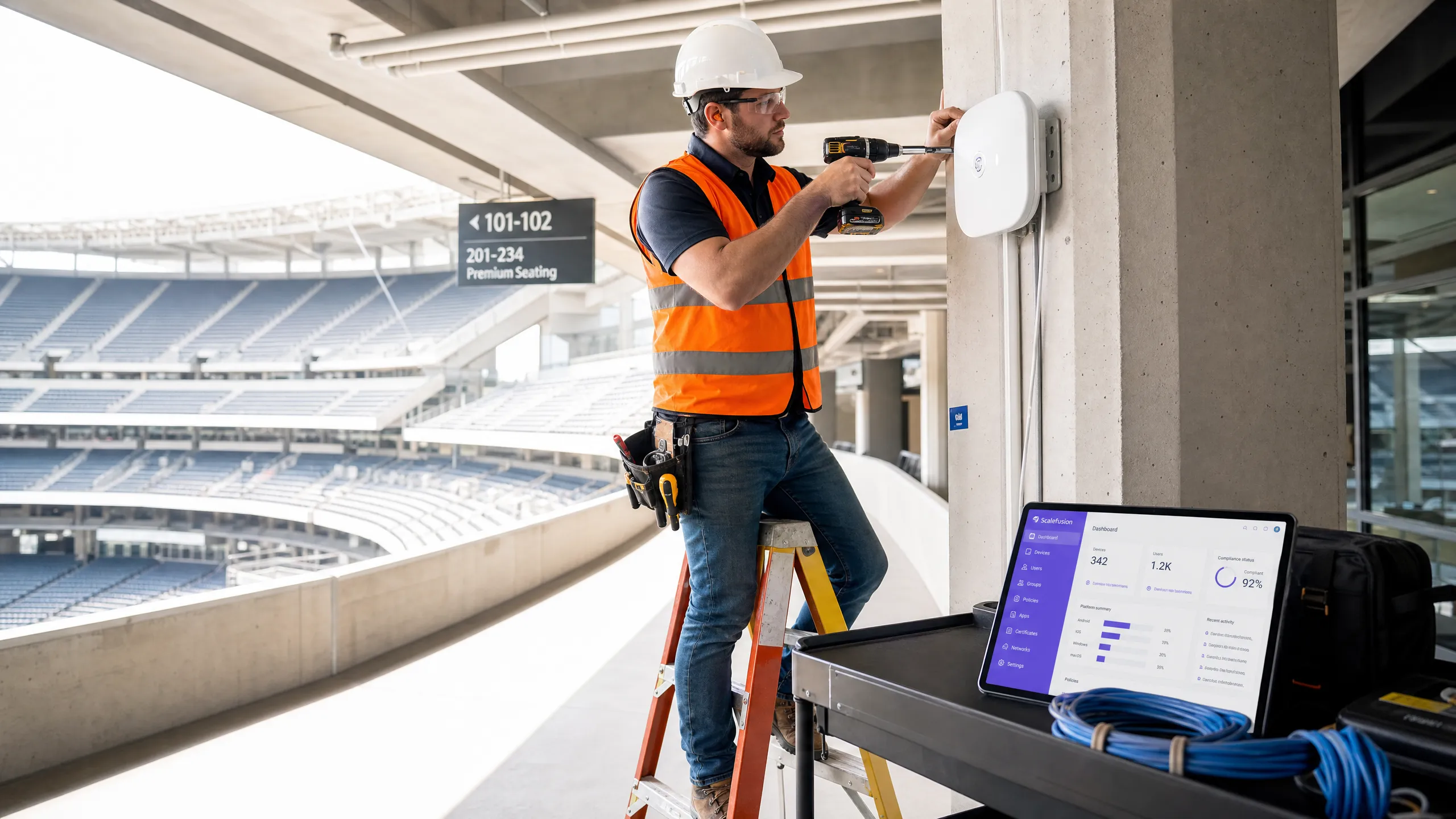
## Executive Summary
For IT managers and network architects working in enterprise environments, managing BYOD (Bring Your Own Device) WiFi access is no longer just a matter of convenience, but has become a critical security requirement. Relying on pre-shared keys or basic Captive Portals for employee WiFi creates a security vulnerability and an operational bottleneck. In modern network architecture, 802.1X authentication using EAP-TLS is essential, ensuring cryptographic verification of every device before it accesses the network.
This guide provides a practical, vendor-neutral framework for deploying secure BYOD WiFi using Simple Certificate Enrollment Protocol (SCEP). We detail the specific configurations required to secure the modern enterprise edge, including implementing 802.1X authentication, using Mobile Device Management (MDM) for compliance, and enforcing strict network segmentation. By aligning these technical controls with business outcomes, IT leaders can deploy solutions that protect data integrity while maintaining operational efficiency.
## Technical Deep-Dive: SCEP and 802.1X Architecture
The foundation of secure BYOD WiFi is using identity-based access control, avoiding shared passwords.
### 802.1X Standard and EAP-TLS
The IEEE 802.1X standard is an essential benchmark for enterprise WiFi security. It provides port-based network access control (PNAC), ensuring that no device can communicate on the network until it is explicitly authenticated. For BYOD deployments, EAP-TLS (Transport Layer Security) is the gold standard. EAP-TLS relies on client-side X.509 certificates, which eliminates the risk of credential theft and man-in-the-middle attacks.
### SCEP (Simple Certificate Enrollment Protocol)
To deploy these certificates at scale, SCEP automates certificate issuance and management within a Public Key Infrastructure (PKI). In a SCEP workflow, the MDM service instructs the endpoint to generate its own private/public key pair. The device then generates a Certificate Signing Request (CSR) and sends it to your Certificate Authority (CA) via a Network Device Enrolment Service (NDES) server.
The primary security benefit of SCEP is that the private key never leaves the device. It is generated locally and stored in the device's secure enclave (such as TPM in Windows or Secure Enclave in iOS).
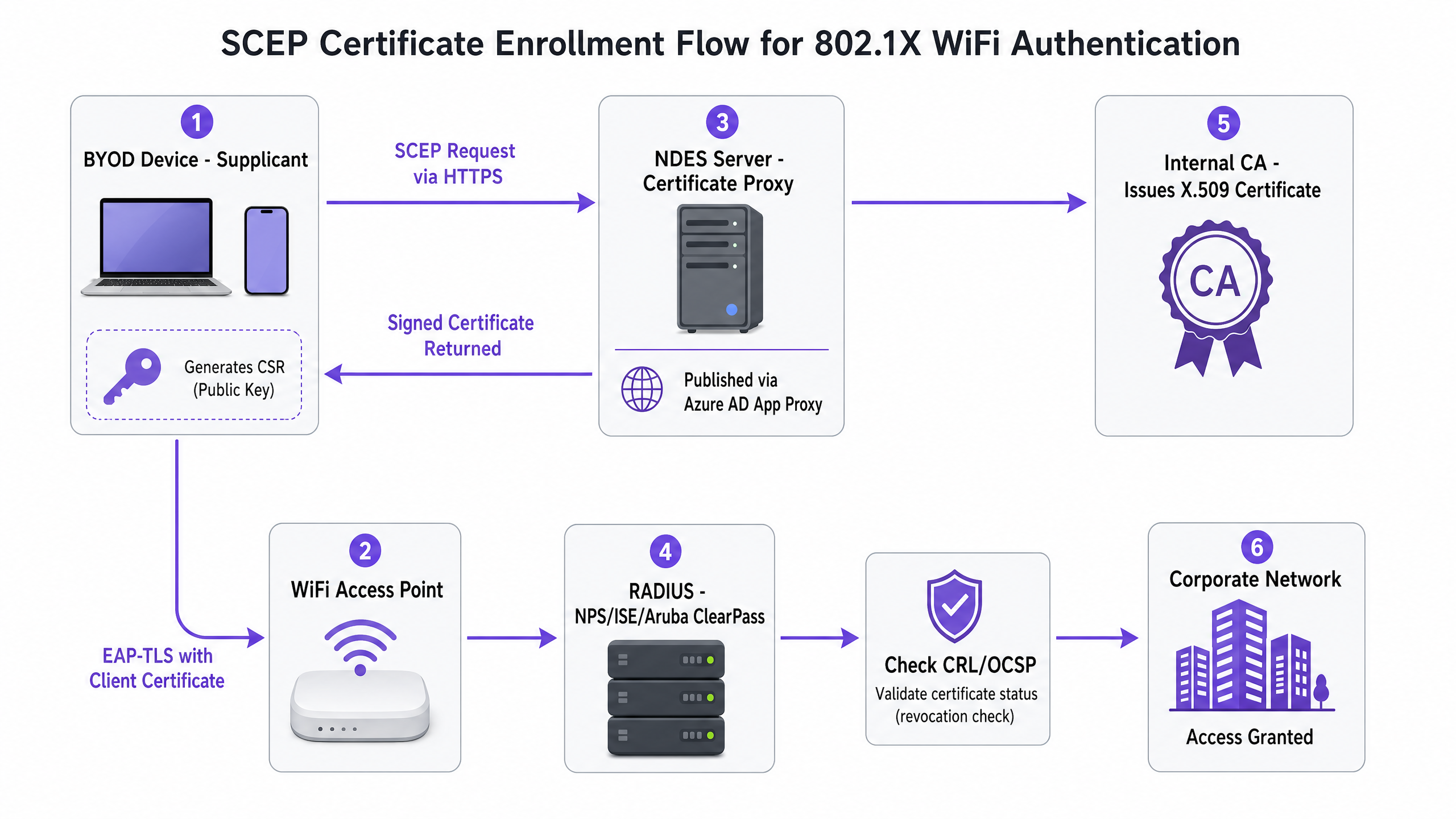
## Implementation Guide: Deployment Sequence
Successfully configuring SCEP for 802.1X requires strict adherence to a specific deployment sequence. Intune profile dependencies dictate that trust must be established before authentication can be configured.
### Step 1: Deploy Trusted Root Certificate Profile
Before any device can request a client certificate or trust your RADIUS server, it must trust the issuing Certificate Authority. Export your Root CA certificate as a `.cer` file and deploy this profile to your target device groups.
### Step 2: Configure SCEP Certificate Profile
Configure the SCEP profile to define how devices obtain their client certificates. Link this profile to the Trusted Root Certificate profile created in Step 1 and provide the external URL of your NDES server.
### Step 3: Deploy 802.1X WiFi Profile
The final step is to push the WiFi configuration that associates the certificates with the network SSID. Set the security type to WPA2-Enterprise or WPA3-Enterprise, set the EAP type to EAP-TLS, and select the SCEP certificate profile created in Step 2 as the client authentication certificate.
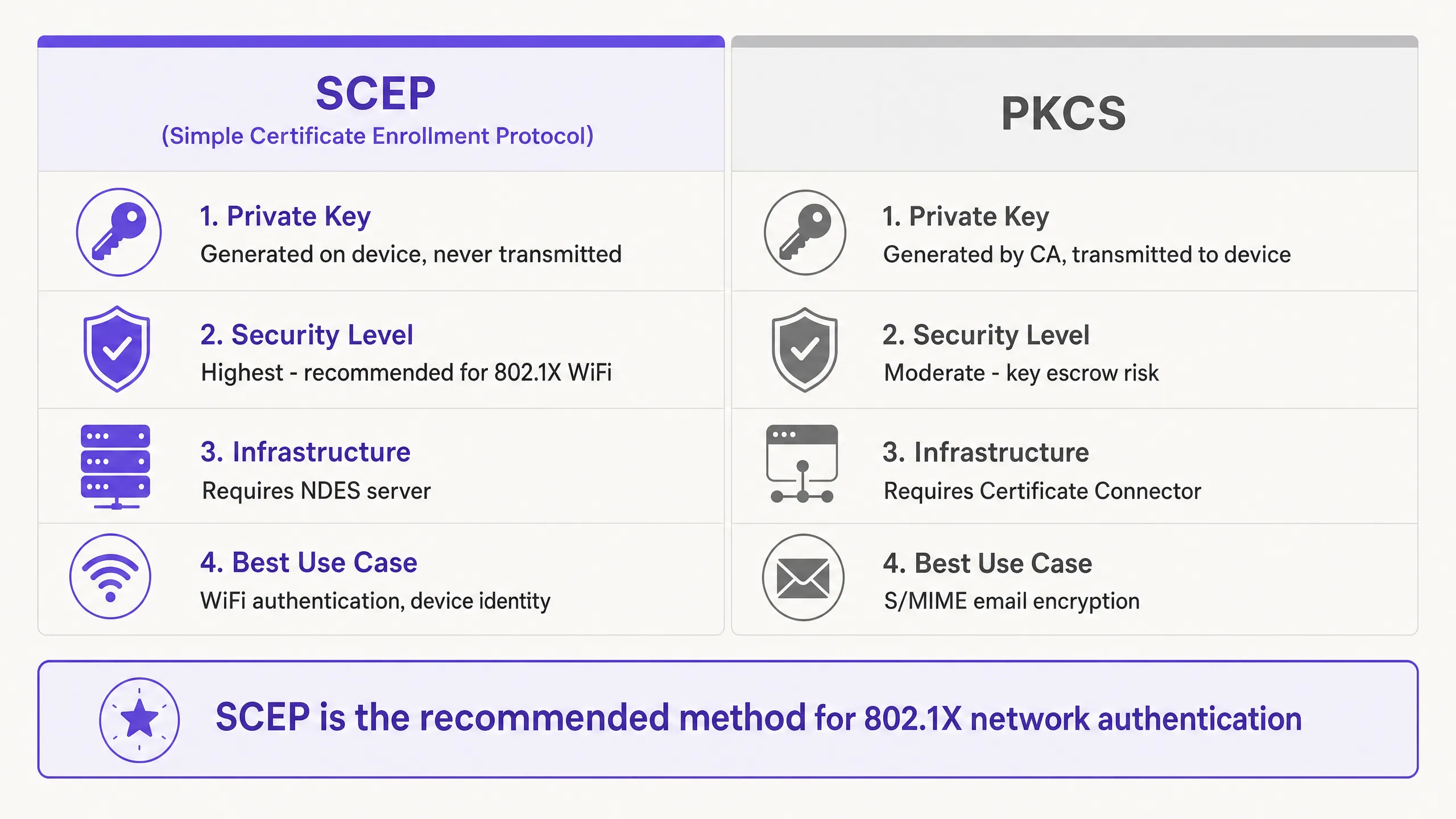
## Best Practices and Network Segmentation
When implementing SCEP certificate deployment, adhere to the following vendor-neutral best practices to ensure compliance and reliability.
### Strict Three-Zone Architecture
A flat network is a compromised network. Implement strict segmentation:
1. Corporate Zone: Managed, company-owned devices with full access to internal resources.
2. BYOD Zone: Employees' personal devices with internet access and limited access to specific internal applications.
3. Guest Zone: Visitor devices with internet access only and client isolation enabled.
### NDES Server Placement
Publish the NDES URL using Microsoft Entra ID Application Proxy. This provides secure remote access without opening inbound firewall ports and allows you to apply Conditional Access policies to the enrolment flow.
### WPA3-Enterprise and OpenRoaming
Transition from WPA2 to WPA3-Enterprise to take advantage of mandatory Protected Management Frames (PMF). Consider implementing OpenRoaming for seamless, secure connectivity across locations. Purple acts as a free identity provider for OpenRoaming under the Connect licence, simplifying secure access without manual onboarding.
## Troubleshooting and Risk Mitigation
Even with meticulous planning, certificate deployment issues can arise.
### Group Targeting Mismatch
If the SCEP profile is assigned to a User Group, but the WiFi profile is assigned to a Device Group, the MDM cannot resolve this dependency. Ensure that the Trusted Root, SCEP, and WiFi profiles are all deployed to the same group.
### RADIUS and CRL Checking
If a device's certificate is revoked, the RADIUS server must know immediately. Configure your Network Policy Server (NPS) or RADIUS server to enforce strict Certificate Revocation List (CRL) checking. Ensure that your CRL Distribution Points (CDPs) are highly available.
## ROI and Business Impact
Transitioning to SCEP 802.1X certificate deployment delivers measurable returns in both security and operations.
1. Reduction in Helpdesk Tickets: Password-based WiFi generates a high volume of support tickets. Certificate-based authentication is invisible to the user, typically reducing WiFi-related helpdesk tickets by up to 70%.
2. Enhanced Security Posture: EAP-TLS eliminates the risk of credential harvesting. This is crucial for maintaining compliance with frameworks like PCI DSS and GDPR, especially in healthcare and retail environments.
3. Seamless Onboarding: Integrating SCEP with existing MDM workflows ensures a unified, zero-touch provisioning experience from day one.
For further reading on related topics, see [Guest WiFi](/guest-wifi), [WiFi Analytics](/guest-wifi-marketing-analytics-platform), and our [Enterprise WiFi Security: A Complete Guide for 2026](/blog/enterprise-wifi-security).
---
### Staff WiFi Terms and Conditions: Legal and Compliance Essentials
**Source:** https://www.purple.ai/en-gb/guides/staff-wifi-terms-and-conditions
**Summary:** This guide covers the legal and technical essentials of drafting and enforcing staff WiFi terms and conditions for enterprise venues. It details what to include in an Acceptable Use Policy (AUP), how to meet GDPR and PCI DSS requirements, and how to deploy identity-based authentication and network segmentation to protect corporate assets. IT managers, HR teams, and operations directors at hotels, retail chains, stadiums, and public-sector organisations will find actionable guidance they can implement this quarter.
**Estimated read time:** 8 minutes
**Word count:** 1,695
## Executive summary
Securing staff network access requires more than technical controls. It demands a clear, enforceable Acceptable Use Policy (AUP) backed by identity-based authentication, network segmentation, and DNS-level content filtering. As venues scale across [hospitality](/industries/hospitality), [retail](/industries/retail), and public sectors, the risk surface expands proportionally. A single compromised employee device on a shared network can breach PCI DSS and GDPR requirements, triggering fines and operational disruption.
This guide gives IT managers, network architects, and venue operations directors a definitive framework for drafting and enforcing staff WiFi terms and conditions. We cover the legal essentials of employee monitoring transparency, the technical architecture required for compliance, and how Purple's Identity-Based Networks protect corporate assets from internal misuse. The core principle is straightforward: your staff WiFi policy must be specific, transparent, and technically enforced. A policy that exists only on paper is not a policy.
---
## Technical deep-dive
### Why shared passwords fail
The majority of staff WiFi networks in hospitality and retail still run on WPA2-Personal with a single shared password. That password is written on whiteboards, shared in Slack channels, and never changed when people leave. This is not a minor inconvenience. It is a structural security failure. When an employee departs, their access to the corporate network persists indefinitely. There is no audit trail, no per-user session key, and no way to isolate a compromised device without disrupting everyone.
The IEEE 802.1X standard, combined with WPA3-Enterprise encryption, resolves this. Each user authenticates with individual credentials tied to a central directory. Each session uses unique encryption keys, so a device on the same access point cannot intercept another user's traffic. Purple implements this through Identity-Based Networks, replacing shared passwords with certificate-based access managed through Microsoft Entra ID, Okta, or Google Workspace. When HR removes a staff member from the directory, Purple revokes their WiFi access within minutes via SCIM (System for Cross-domain Identity Management). No ticket to raise. No estate-wide password to rotate.
### Network segmentation and PCI DSS compliance
Effective staff WiFi security begins with isolation. You must separate staff traffic from guest and payment networks to limit the scope of compliance audits and contain potential breaches. Deploying VLANs (Virtual Local Area Networks) is the standard approach, and it is a fundamental requirement of PCI DSS compliance.
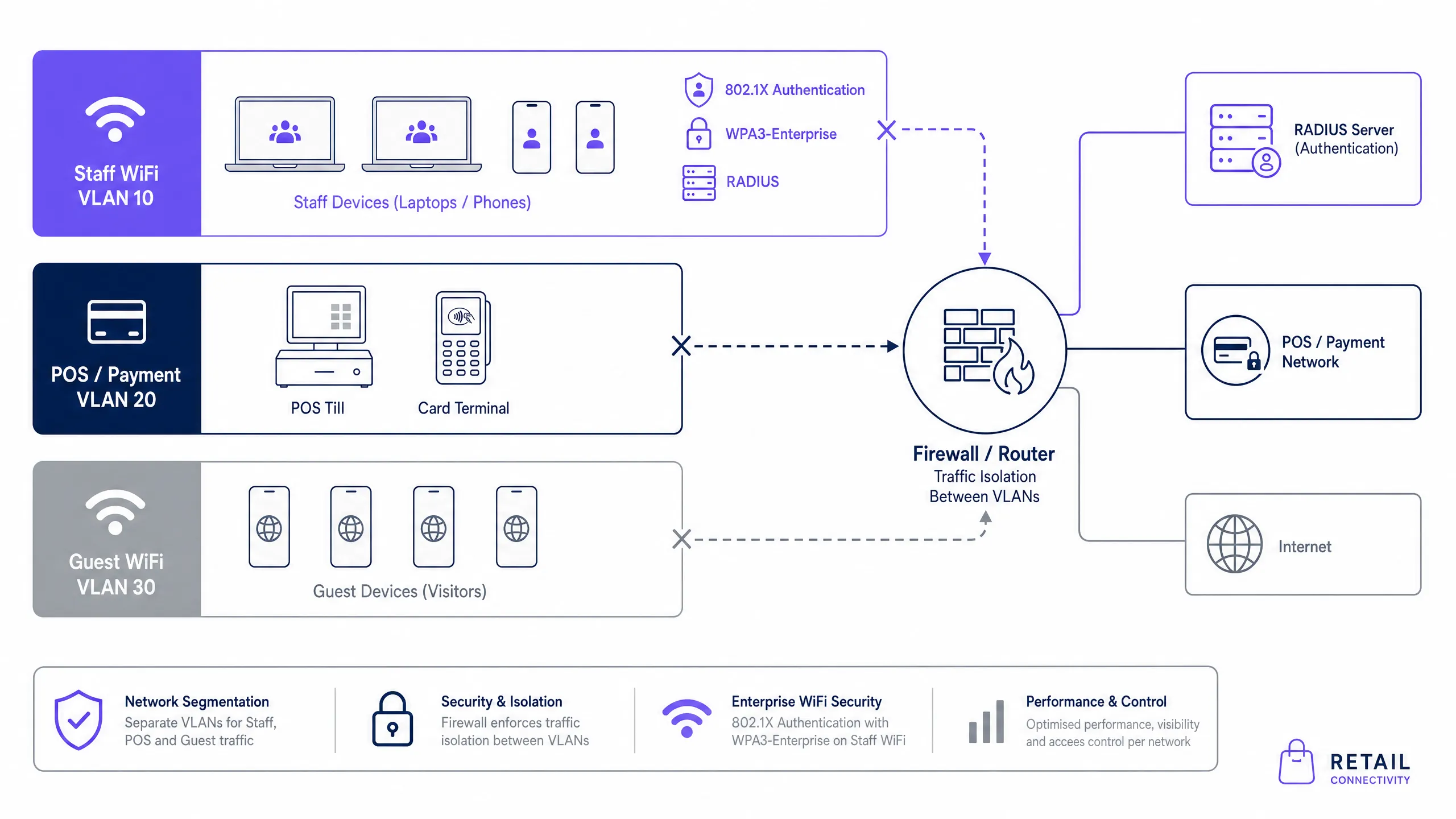
For a retail environment, you need at minimum three distinct VLANs: Guest WiFi, Staff WiFi, and Point of Sale (POS). This segmentation ensures that a compromised staff device cannot reach the cardholder data environment. PCI DSS v4.0 requires that network segmentation be validated annually as part of the compliance assessment. Purple integrates with all major enterprise wireless vendors - Cisco Meraki, HPE Aruba, Ruckus, Juniper Mist, Ubiquiti UniFi, Cambium, Extreme, and Fortinet - via standard RADIUS and VLAN tagging, so you do not need to replace existing hardware to achieve compliance.
### GDPR and monitoring transparency
UK GDPR and the Data Protection Act 2018 impose strict requirements on employee monitoring. Monitoring is permitted, but only when it is lawful, proportionate, and transparent. The Information Commissioner's Office (ICO) is clear: simply having the technical capability to monitor staff does not give you the legal right to do so.
To establish a lawful basis, most organisations rely on legitimate interests. This requires documenting that the monitoring serves a specific security or operational purpose, that it is necessary to achieve that purpose, and that the privacy intrusion is proportionate. Consent is generally unsuitable in an employment context because the power imbalance between employer and employee means consent cannot be freely given.
The practical implication is that your staff WiFi terms and conditions must explicitly state what data is collected (connection times, device identifiers, bandwidth usage, DNS queries), why it is collected, who has access to it, and how long it is retained. This information must be in the AUP, the employee handbook, and the employment contract. Staff must acknowledge it. If you cannot demonstrate that employees were informed before monitoring began, you are exposed.
---
## Implementation guide
### Drafting the Acceptable Use Policy
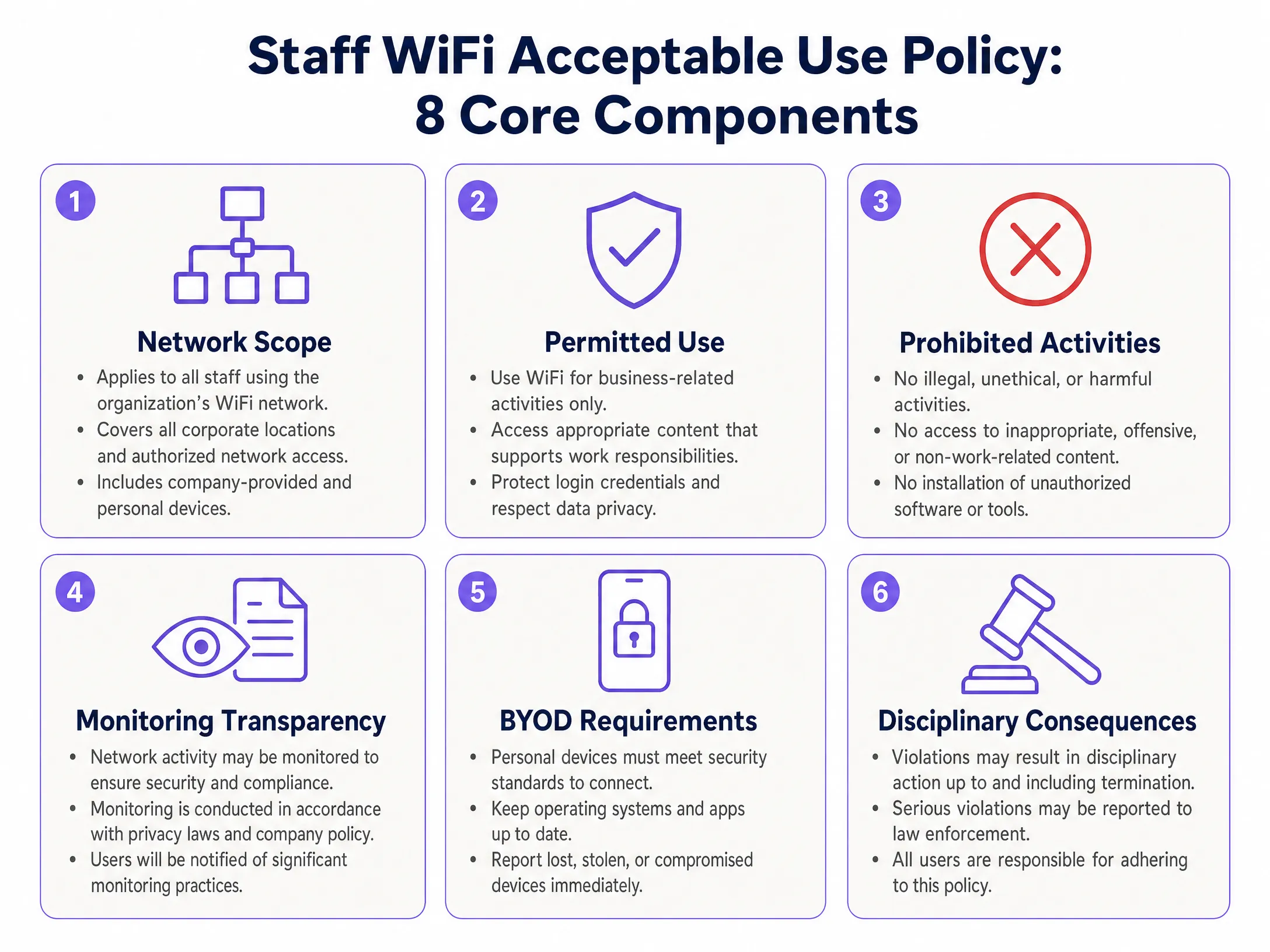
Your AUP is the legal foundation for network monitoring and disciplinary action. It must cover eight core areas.
**1. Network scope.** Specify that the policy applies to all employees, contractors, and authorised users connecting to the corporate network, regardless of whether they use a company-issued device or their own personal device (BYOD).
**2. Permitted use.** State clearly that the network is provided for business purposes. Incidental personal use may be tolerated, but it must not interfere with productivity or consume excessive bandwidth.
**3. Prohibited activities.** Explicitly forbid illegal activities, accessing inappropriate content, installing unauthorised software, attempting to bypass security controls, and using the network to access competitor systems.
**4. Monitoring transparency.** State that network activity may be monitored for security and performance management. Detail what data is collected and how it is used. This is your GDPR lawful basis statement.
**5. BYOD requirements.** If staff use personal devices, specify minimum security requirements: supported operating system, up-to-date security patches, and screen lock enabled. Require staff to report lost or stolen devices immediately.
**6. Data handling obligations.** Remind staff that they must not transmit sensitive customer or corporate data over unsecured connections, and that the corporate network does not substitute for data classification controls.
**7. Disciplinary consequences.** State the consequences of policy violations clearly, from verbal warnings through to termination and referral to law enforcement for serious breaches.
**8. Policy review cycle.** Commit to reviewing the AUP at least annually and communicating changes to all staff.
### Deploying technical controls
Policy alone is insufficient. You must enforce it technically. The following sequence applies to most enterprise venues.
First, integrate your identity provider with Purple's cloud RADIUS. Connect Microsoft Entra ID, Okta, or Google Workspace to Purple's authentication infrastructure. This removes the need for on-premises RADIUS servers and provides multi-region failover with a 99.999% uptime SLA (Purple's own data).
Second, configure your access points to broadcast a dedicated staff SSID secured with WPA3-Enterprise. Assign staff devices to a dedicated VLAN based on their authenticated identity. Role-based VLAN assignment allows you to give managers, contractors, and general staff different levels of network access from the same infrastructure.
Third, enable SCIM synchronisation between your directory and Purple. This automates both onboarding and offboarding. When a new employee joins, their account in the directory automatically grants them WiFi access. When they leave, access is revoked within minutes.
Fourth, deploy Purple Shield for DNS-level content filtering. Shield blocks malicious domains and inappropriate content before they load, enforcing the prohibited activities clause of your AUP without requiring deep packet inspection. Shield strips ads and trackers at the DNS layer, reducing total data downloaded by 44% and cutting DNS queries by 62% (Purple's own data). During busy periods, you can throttle high-bandwidth streaming services to protect bandwidth for critical applications.
---
## Best practices
**Automate offboarding.** Tie network access directly to your HR system. When an employee's status changes to inactive, their WiFi access must terminate instantly. Manual processes introduce gaps. IT teams using Purple typically see WiFi support tickets drop by 80% after automating access management (Purple's own data).
**Conduct a Data Protection Impact Assessment (DPIA).** Before implementing any new monitoring capability, complete a DPIA as required by UK GDPR for high-risk processing activities. Employee monitoring is classified as high-risk because it involves systematic tracking of individuals. Document the assessment and retain it for audit purposes.
**Segment by role, not just by device type.** Use role-based VLAN assignment to give contractors time-limited access that expires automatically. This is particularly relevant in [hospitality](/industries/hospitality) environments where agency staff and seasonal workers are common.
**Review policies annually.** Regulations evolve. PCI DSS v4.0 introduced new requirements in 2024. UK GDPR guidance from the ICO is updated regularly. Schedule an annual policy review that involves IT, HR, and legal teams.
**Train staff, not just managers.** Do not bury the AUP in an onboarding manual. Run brief, practical training sessions that explain the risks of unsecured WiFi and the reasons behind the network policies. Staff who understand the why are far more likely to comply.
---
## Troubleshooting and risk mitigation
| Failure Mode | Risk | Mitigation |
|---|---|---|
| Shared WPA2 password | Former employees retain access indefinitely | Migrate to 802.1X with identity provider integration |
| Staff and POS on the same subnet | PCI DSS scope violation, breach containment failure | Implement strict VLAN segmentation |
| No monitoring disclosure in AUP | GDPR violation, evidence inadmissible in disciplinary action | Update AUP and obtain signed acknowledgment |
| Manual offboarding process | Access persists after departure | Enable SCIM synchronisation with HR system |
| No content filtering | Malware ingress, bandwidth exhaustion, AUP enforcement gap | Deploy Purple Shield at DNS layer |
| BYOD without minimum security standards | Compromised personal devices on corporate network | Define and enforce BYOD requirements in AUP |
For a broader view of enterprise WiFi security architecture, see our [Enterprise WiFi Security: A Complete Guide for 2026](/blog/enterprise-wifi-security). If your primary concern is back-of-house retail networks, the [Staff WiFi Policies for Retail: Securing Back-of-House Networks](/guides/staff-wifi-policies-retail) guide covers retail-specific deployment scenarios in detail.
---
## ROI and business impact
Implementing a robust staff WiFi policy and secure architecture delivers measurable outcomes. Automating onboarding and offboarding through identity provider integration reduces IT support tickets related to WiFi access by up to 80% (Purple's own data from 80,000+ live venues). This efficiency allows IT teams to focus on strategic work rather than password resets.
Deploying Purple Shield reduces total data downloaded by 44% and improves page load times by 53% (Purple's own data). In a venue where staff rely on cloud-based applications, this directly improves productivity. In a retail environment, it protects POS performance during peak trading hours.
From a compliance perspective, the cost of a PCI DSS audit failure or a GDPR enforcement action far exceeds the cost of implementing proper controls. The ICO issued fines totalling over £7.5 million in 2023 for data protection violations. Network monitoring without transparency and proper segmentation without documentation are both audit failures waiting to happen.
Purple is ISO 27001, GDPR, CCPA, and Cyber Essentials certified, and operates across 80,000+ live venues with 350 million unique users. For venues in [transport](/industries/transport) and [healthcare](/industries/healthcare) environments where compliance requirements are particularly stringent, Purple's audit trail - logging every authentication event with user, device, time, and location - provides the documentation your auditors require.
For more on how to measure the effectiveness of your WiFi infrastructure, see [WiFi Analytics](/guest-wifi-marketing-analytics-platform).
---
### Managing Bandwidth for Staff WiFi: Shaping, QoS and Reducing Traffic
**Source:** https://www.purple.ai/en-gb/guides/managing-bandwidth-staff-wifi
**Summary:** This guide details practical methods for managing bandwidth for staff WiFi in enterprise venues. It covers traffic shaping, QoS implementation, and how deploying Purple Shield reduces network load without requiring infrastructure upgrades.
**Estimated read time:** 3 minutes
**Word count:** 700
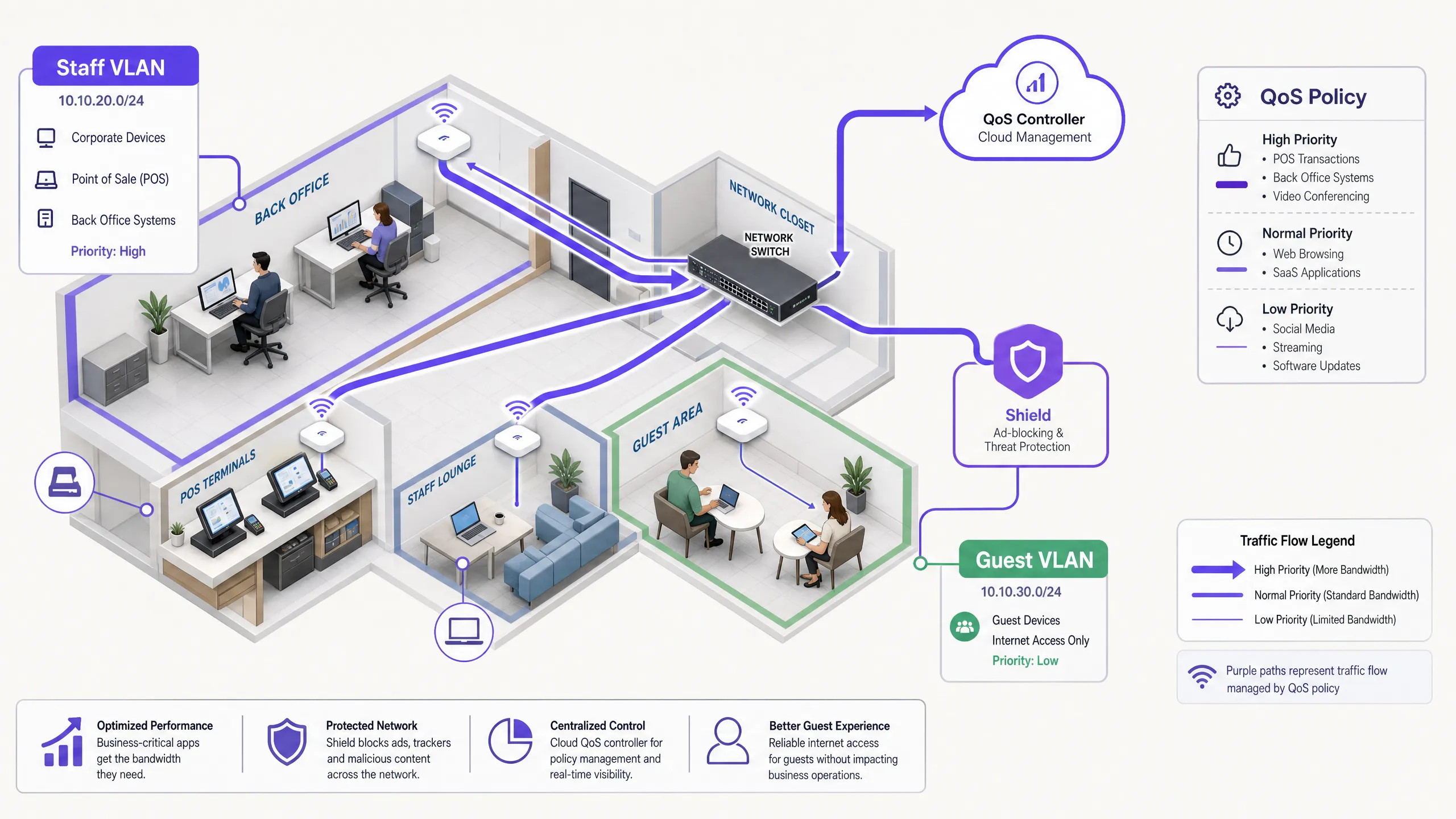
## Executive Summary
Managing bandwidth for staff WiFi requires far more than simply increasing line speed. Enterprise venues constantly face network congestion as business-critical applications compete with background tasks and non-essential traffic. This guide outlines the technical implementation of traffic shaping and Quality of Service (QoS) to guarantee performance for essential systems. Crucially, it demonstrates how deploying Purple Shield for DNS-layer ad-blocking eliminates up to 30% of non-essential traffic before it even consumes bandwidth. By combining application-aware QoS with network-level threat protection, you optimise existing infrastructure and defer costly line upgrades.
## Technical Deep Dive: Architecture and Standards
A robust network architecture segregates traffic types to apply specific policies. Staff WiFi must run on a dedicated VLAN, completely isolated from [Guest WiFi](/guest-wifi) and IoT devices. This segmentation is a fundamental requirement for compliance with standards such as PCI DSS and GDPR, and it forms the foundation for effective traffic management.
### The Role of QoS and WMM
Quality of Service (QoS) ensures that latency-sensitive traffic receives priority. In wireless environments, this is governed by the IEEE 802.11e standard, which introduced Wireless Multimedia (WMM). WMM categorises traffic into four access tiers: Voice, Video, Best Effort, and Background. Enterprise hardware from Cisco Meraki, HPE Aruba, Ruckus, Juniper Mist, Ubiquiti UniFi, Cambium, Extreme, and Fortinet fully supports WMM.
On wired infrastructure, QoS relies on Differentiated Services Code Point (DSCP) markings in the IP header.
- **DSCP EF (Expedited Forwarding)** is assigned to critical systems such as voice traffic and POS transactions.
- **DSCP AF41** handles video conferencing and ERP applications.
- **DSCP CS1** manages background tasks like software updates.
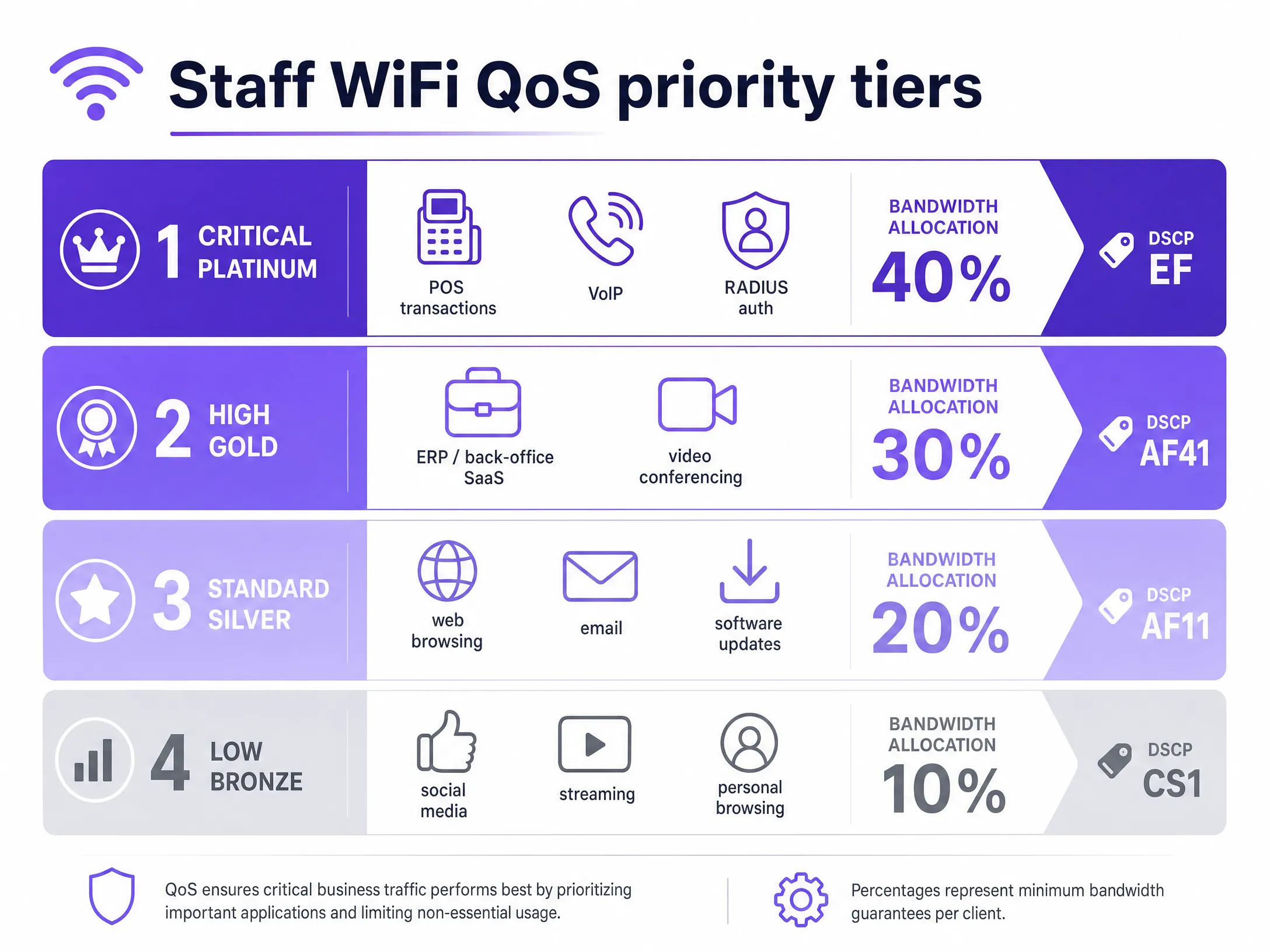
### Identity and Access Management
Staff devices must authenticate using 802.1X with EAP-TLS or PEAP against a RADIUS server. Purple integrates directly with Microsoft Entra ID, Okta, and Google Workspace. This ensures network access is tied to the central identity provider. When you revoke access in Entra ID, network access is terminated instantly.
## Implementation Guide: Shaping and Reduction
### 1. Network Segmentation
Deploy separate VLANs for staff, guests, and operational hardware. Apply per-user rate limits (e.g., 5 Mbps downstream) on the guest VLAN to prevent individual users from saturating connections. On the staff VLAN, allocate a guaranteed minimum bandwidth percentage to critical applications.
### 2. Application-Aware QoS Configuration
Map your business applications to appropriate DSCP markings. Ensure your core switches and access points are configured to respect these markings across the entire network path. Verify that your ISP does not strip DSCP tags at the gateway.
### 3. Deploying Purple Shield for Traffic Reduction
A large portion of staff web traffic consists of third-party ad networks and tracking pixels. This traffic consumes bandwidth, increases DNS query loads, and poses security risks. Purple Shield operates as a DNS-layer filter. By pointing your DHCP servers to Purple's DNS resolvers, Shield blocks requests to known ad networks and malicious domains before connections are established.
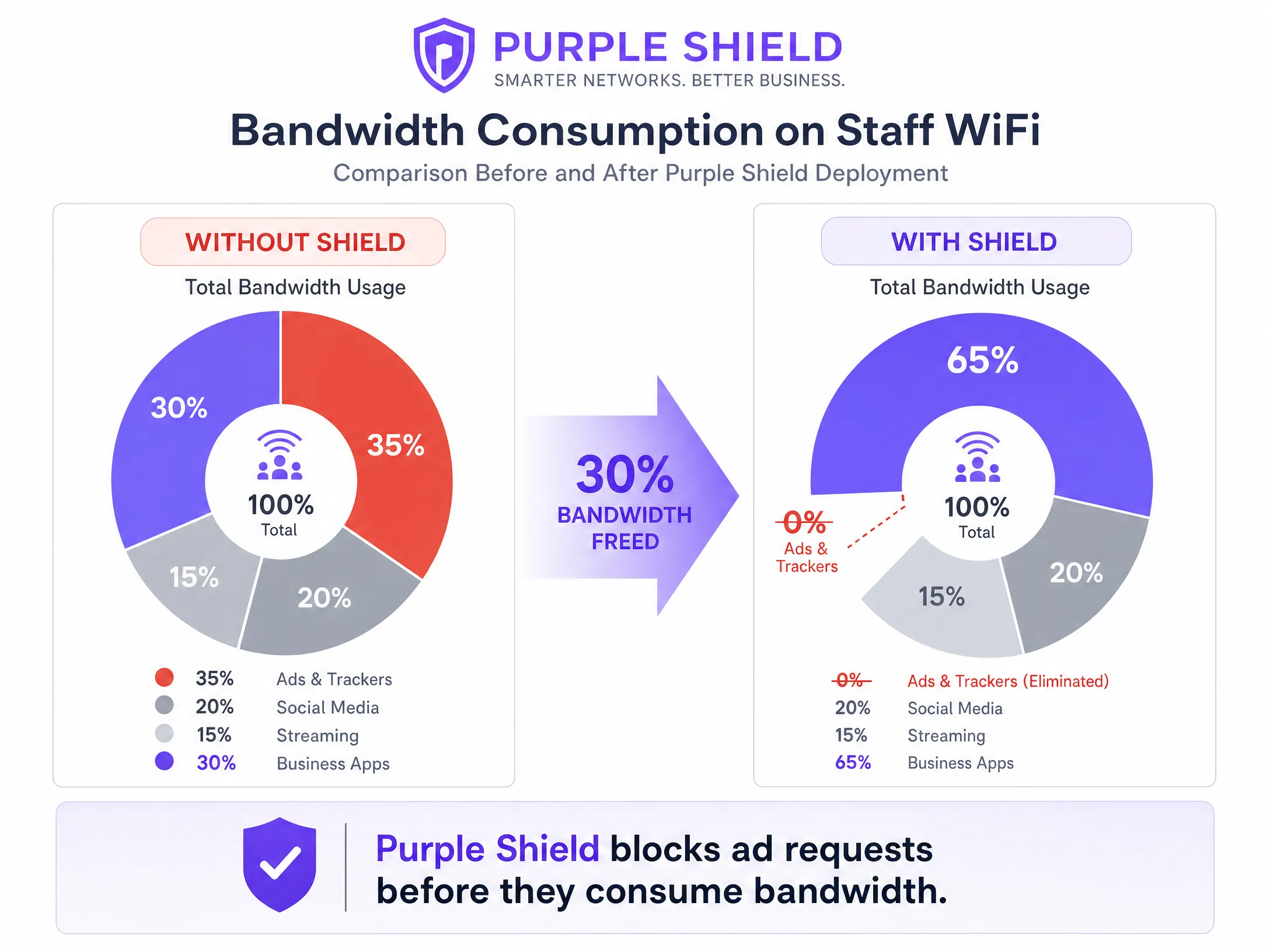
Locations deploying Shield typically see a 30% reduction in overall DNS query volume. This effectively frees up bandwidth for business applications, working like a line upgrade without the associated costs.
## Best Practices
1. **Use Token Bucket Shaping**: Instead of strict rate limits, use token bucket shaping with a burst allowance. This accommodates brief spikes in traffic, such as sudden software updates, without impacting sustained performance.
2. **Audit Legacy Devices**: Older shared terminals may not support WMM properly. Identify these devices and apply port-based QoS policies if necessary.
3. **Monitor and Adjust**: Regularly review peak utilisation metrics and DNS query volumes using [WiFi Analytics](/guest-wifi-marketing-analytics-platform). Adjust rate limits as staff headcount and application needs change.
## Troubleshooting and Risk Mitigation
- **DSCP Remarking**: If QoS policies seem ineffective, capture packets at the gateway. Some enterprise switches remark DSCP values to default settings, rendering your configuration useless.
- **DNS-over-HTTPS Bypass**: If staff devices use DNS-over-HTTPS, they bypass the local DNS resolver, rendering Shield ineffective. Block DNS-over-HTTPS at the firewall or configure managed devices via MDM to use internal resolvers.
## ROI and Business Impact
The primary business impact of effective bandwidth management is cost avoidance. By implementing QoS and deploying Shield, a venue can defer expensive leased line upgrades. For a mid-sized [Retail](/industries/retail) chain, avoiding line upgrades across 50 stores can save thousands of pounds annually. Furthermore, prioritising POS and ERP traffic directly improves operational efficiency and reduces downtime during peak trading periods.
Listen to our technical briefing podcast for more details:
---
### Staff WiFi Captive Portal: Onboarding and Authenticating Employees
**Source:** https://www.purple.ai/en-gb/guides/staff-wifi-captive-portal
**Summary:** A comprehensive technical reference for IT leaders on designing and deploying staff WiFi captive portals. This guide covers EAP-TLS authentication, BYOD onboarding, VLAN segmentation, and bandwidth management to enhance operational efficiency and mitigate security risks.
**Estimated read time:** 6 minutes
**Word count:** 1,213
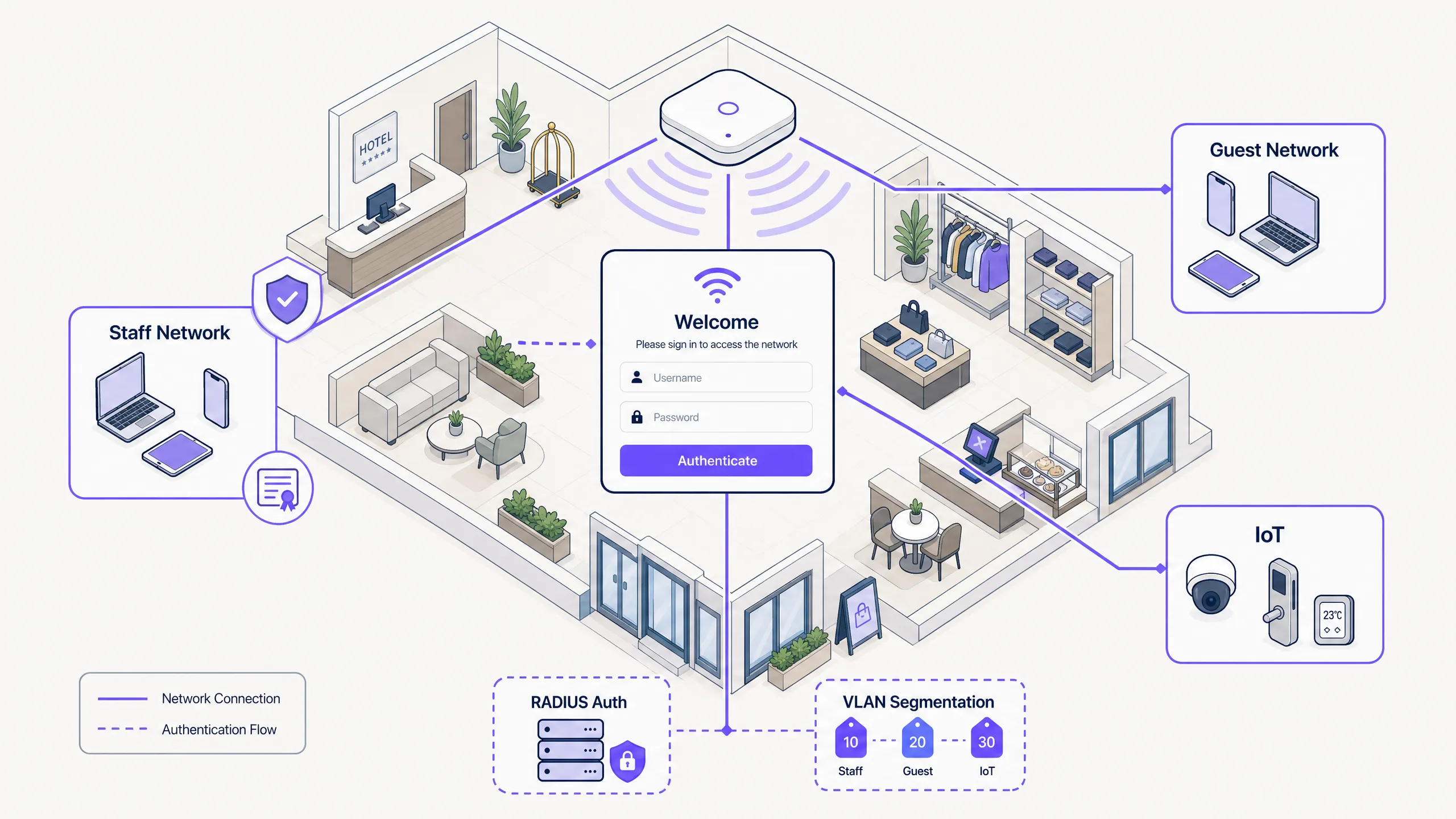
## Executive Summary
For IT managers and network architects in hospitality, retail, and large public venues, managing network access for employee devices presents significant security and operational challenges. Relying on shared Pre-Shared Keys (PSKs) is fundamentally insecure and creates an operational burden, allowing former employees and unmanaged devices to retain network access indefinitely. This guide outlines a practical and secure approach to onboarding staff WiFi using a Captive Portal flow integrated with your identity provider. By leveraging this architecture, you can securely guide unmanaged BYOD devices onto an 802.1X network, enforce acceptable use policies, and maintain compliance, all without the friction of full Mobile Device Management (MDM) enrolment. For venues already utilising [Guest WiFi](/guest-wifi) and [WiFi Analytics](/guest-wifi-marketing-analytics-platform), extending secure onboarding to employee devices provides a unified and robust network management strategy.
## Listen to this Guide
## Technical Deep Dive
The foundation of secure employee onboarding is the transition from legacy authentication methods to EAP-TLS (Extensible Authentication Protocol-Transport Layer Security). EAP-TLS is the industry standard for secure WiFi authentication, relying on digital certificates rather than passwords. The challenge with employee networks, particularly in BYOD environments, is distributing these certificates to unmanaged devices.
### Self-Service Onboarding Flow
To achieve this, venues deploy a self-service onboarding portal. This process follows a structured path to ensure secure credential delivery:
1. **Initial Connection:** The user connects their personal device to a dedicated open provisioning SSID. This network acts as a walled garden, restricting access to everything except the onboarding portal and the identity provider (IdP).
2. **Authentication:** The user is redirected to the Captive Portal, where they authenticate using their corporate credentials. This involves SAML or SCIM integration with IdPs like Microsoft Entra ID, Okta, or Google Workspace.
3. **Certificate Generation:** Upon successful authentication, the system generates a unique, device-specific client certificate.
4. **Profile Installation:** A configuration profile is pushed to the device. This profile contains the client certificate, the root CA certificate, and the network configuration settings for the secure 802.1X SSID.
5. **Secure Connection:** The device automatically disconnects from the provisioning SSID and connects to the secure corporate SSID using the newly installed certificate for EAP-TLS authentication.
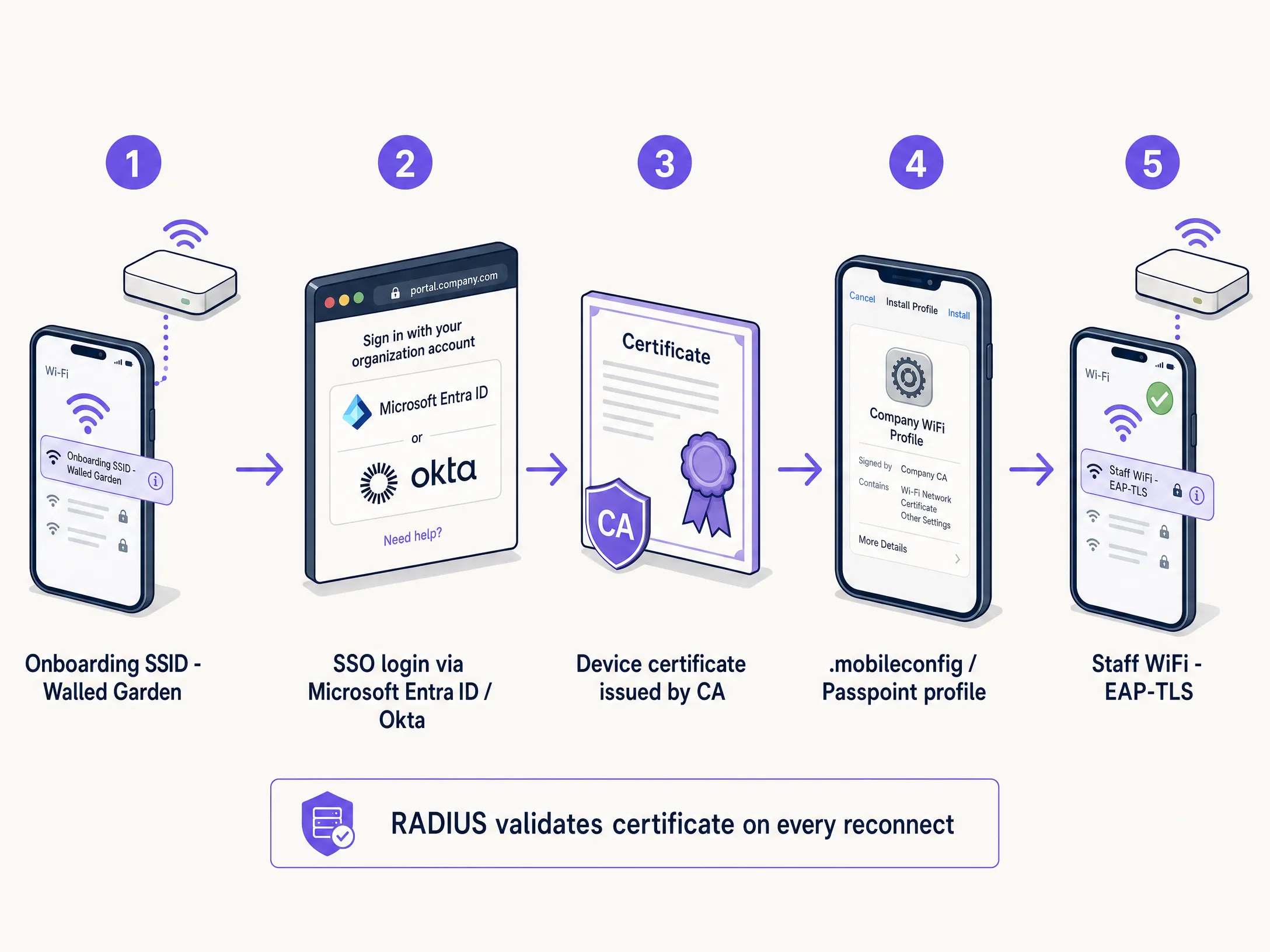
### Why Shared PSKs Fail in Employee Networks
Historically, venues have relied on Pre-Shared Keys (PSKs) for employee access. This approach is fundamentally flawed in a modern enterprise environment. PSKs, once shared, pose a security risk. They do not offer individual accountability, and if a device is lost or an employee leaves, changing the password across the entire network is required. In a 200-room hotel with 80 employees, a shared password has likely been shared with roughly 80 people, their partners, and at least three former employees. That is not a secure network; it is an open door.
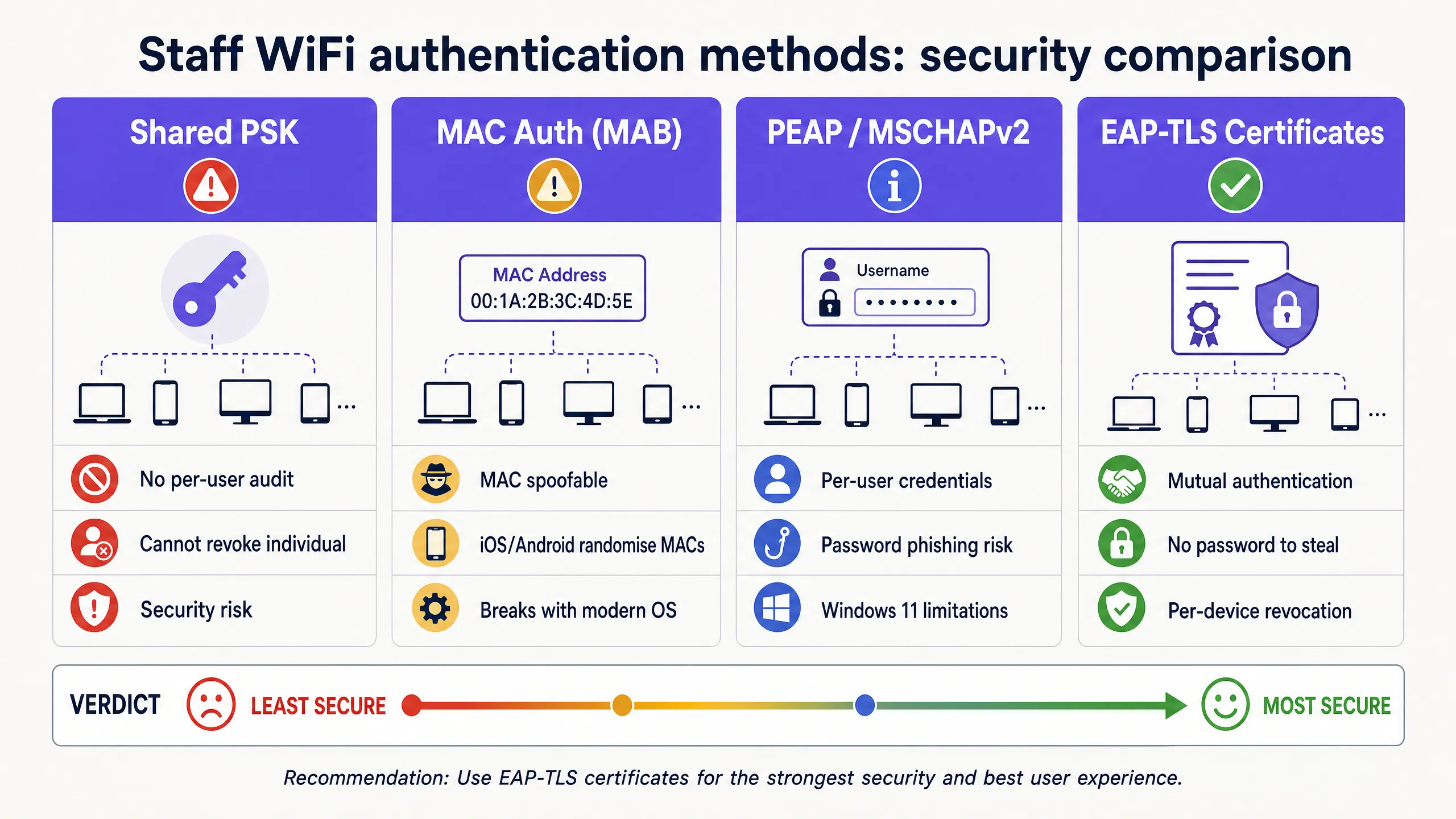
## Implementation Guide
Deploying a secure employee WiFi Captive Portal requires careful planning and execution. Follow these steps for a successful rollout in hospitality, retail, or stadium environments.
### Step 1: Define Access Policies and Segmentation
Before configuring the technical infrastructure, clearly define what employee devices should be allowed to access. BYOD devices are unmanaged; you have no control over their operating system updates, antivirus status, or installed applications. Therefore, they must be treated as untrusted devices.
Place employee devices in a dedicated VLAN. This VLAN should provide internet access and restrict access only to the specific internal applications required for the employee's role, such as a retail Point of Sale web interface or a hospitality housekeeping application. Never put BYOD devices on the same VLAN as corporate servers or managed devices. For further reading on securing back-of-house networks, see our guide on [Retail Staff WiFi Policies: Securing the Back-of-House Network](/guides/staff-wifi-policies-retail).
### Step 2: Configure RADIUS Server and IdP Integration
Your RADIUS server is the heart of the 802.1X authentication process. It must be configured to support EAP-TLS and integrate with your identity provider.
Connect your RADIUS server to your IdP via SAML or LDAP. This ensures that only active employees can authenticate and receive certificates. When an employee is deprovisioned in Microsoft Entra ID or Okta, the RADIUS server will stop accepting their credentials or certificates at the next connection attempt. Establish an internal CA or leverage a cloud-hosted PKI to issue client certificates. The RADIUS server must trust this CA.
### Step 3: Design the Onboarding Portal and Enforce AUP
The onboarding portal is the user's first point of interaction with the system. It must be intuitive and clearly branded. Provide step-by-step instructions on the portal screen. Users need to know exactly what to click and what to expect next.
Captive Portal is a natural enforcement point for Mandatory Acceptable Use Policy (AUP) acceptance. Before employees access the staff network, the portal presents the policy and requires explicit acknowledgment. This creates a time-stamped, auditable record of policy acceptance, which is critical for GDPR and PCI DSS compliance.
## Best Practices
To ensure a secure and manageable deployment, follow these industry best practices.
### Implement Short-Lived Certificates
Because BYOD devices are unmanaged, there is a higher risk of compromised devices remaining on the network. Mitigate this risk by issuing short-lived certificates. Rather than issuing certificates valid for three years, issue certificates valid for 90 days. When the certificate expires, the user must re-authenticate through the onboarding portal. This naturally purges stale devices from the network and ensures only active employees maintain access.
### Leverage Passpoint (Hotspot 2.0)
For a seamless onboarding experience, especially on Android devices, leverage Passpoint. Passpoint allows devices to automatically detect and authenticate to secure networks without requiring the user to manually select the SSID or interact with a captive portal after the initial setup. This significantly reduces friction and improves the user experience.
### Use Purple Shield for Bandwidth Management
In high-density employee environments, bandwidth contention on the staff network is a real operational issue. Purple Shield operates at the DNS level, blocking ad payloads, tracking scripts, and malware domains before they reach the device. The practical effect is up to a 40% reduction in total downloaded data across the network. For employee devices, this translates to faster page load speeds, reduced device battery consumption, and more available bandwidth for operational traffic.
## Troubleshooting and Mitigation
Even with well-designed systems, issues can arise. Understanding common failure modes is critical for rapid resolution.
### Walled Garden Configuration
The provisioning SSID must be tightly controlled. If the Walled Garden is too open, users may simply remain connected to the provisioning network for internet access, bypassing the secure onboarding process entirely. Ensure the provisioning SSID only permits access to the onboarding portal, IdP authentication endpoints, and necessary certificate download servers. All other traffic must be blocked.
### Android Fragmentation
Apple iOS devices handle configuration profiles very consistently. Android, however, is highly fragmented. Different manufacturers and OS versions handle WiFi profiles and certificate installation differently. To mitigate this, ensure your onboarding solution provides clear, OS-specific instructions, and leverage Passpoint whenever possible.
## ROI & Enterprise Impact
Implementing a secure staff WiFi captive portal delivers a clear return on investment through improved security, reduced IT overhead, and enhanced employee productivity.
By empowering users to self-onboard, IT help desks see a dramatic reduction in support tickets related to WiFi passwords and connectivity issues. Moving from PSK to EAP-TLS significantly reduces the risk of unauthorised network access and data breaches. This is critical for maintaining compliance with standards like PCI DSS and GDPR. Employees can quickly and securely connect their personal devices to access the tools they need, improving overall efficiency and satisfaction across [retail](/industries/retail), [healthcare](/industries/healthcare), [hospitality](/industries/hospitality), and [transport](/industries/transport) sectors.
---
### Staff WiFi Policies for Retail: Securing Back-of-House Networks
**Source:** https://www.purple.ai/en-gb/guides/staff-wifi-policies-retail
**Summary:** This guide covers the critical technical and policy requirements for securing retail back-of-house WiFi networks - from VLAN segmentation and PCI DSS 4.0 compliance to managing employee BYOD on the shop floor. It gives IT managers, network architects, and operations directors a practical, vendor-neutral blueprint they can act on this quarter.
**Estimated read time:** 8 minutes
**Word count:** 1,750

## Executive summary
Securing retail back-of-house WiFi is a critical operational mandate. As retail environments become increasingly connected, the boundary between the shop floor and the back office blurs. Staff use mobile point-of-sale (mPOS) devices, handheld inventory scanners, and personal smartphones on the same physical premises as customer [Guest WiFi](/guest-wifi). Without rigorous network segmentation, this convergence creates a massive attack surface.
PCI DSS 4.0, fully enforced as of March 2025, demands stricter controls, continuous monitoring, and documented segmentation testing every six months. A single misconfigured access point or a compromised staff device can expose the Cardholder Data Environment (CDE), leading to data breaches and severe financial penalties. The 2013 Target breach - which cost $18.5 million in settlements - began with an attacker entering through a third-party HVAC system on the same flat network as the POS systems. That lesson still applies today.
This guide provides a practical, vendor-neutral blueprint for implementing robust staff WiFi policies. We cover the technical architecture required to isolate back-of-house systems, manage employee BYOD access, and maintain compliance without crippling operational efficiency. For a broader view of enterprise security architecture, see our [Enterprise WiFi Security: A Complete Guide for 2026](/blog/enterprise-wifi-security).
## Technical deep-dive: architecture and segmentation
The foundation of secure retail WiFi is logical isolation. A flat network is a compromised network. Best practices dictate a layered architecture that separates responsibilities across distinct network zones.
### The four-zone retail network model
Retail store networks must be segmented using Virtual Local Area Networks (VLANs) to isolate traffic types. A standard deployment requires at least four distinct zones.
**Zone 1 - Cardholder Data Environment (CDE), VLAN 10.** This is the most critical segment. It houses fixed POS terminals, payment gateways, and any device that processes or transmits credit card data. This VLAN must be strictly isolated from all other networks. The tighter you lock down the CDE, the smaller your PCI DSS audit scope becomes - saving significant time and cost on annual assessments.
**Zone 2 - Staff Operations Network, VLAN 20.** This segment supports business-critical devices that do not handle payment data: inventory scanners, back-office PCs, manager tablets, and VoIP phones. Access must be tightly controlled using 802.1X authentication.
**Zone 3 - Staff BYOD / Personal Devices, VLAN 30.** Employee personal smartphones and tablets belong here. This network should provide internet access only, completely isolated from all internal corporate resources. Bandwidth controls are essential to prevent staff streaming from degrading operational network performance.
**Zone 4 - Guest / Shopper WiFi, VLAN 40.** This is the public-facing network for customers. It must be logically separated from all internal systems and routed directly to the internet. For a detailed guide on deploying this layer, see our [Retail](/industries/retail) industry resources.
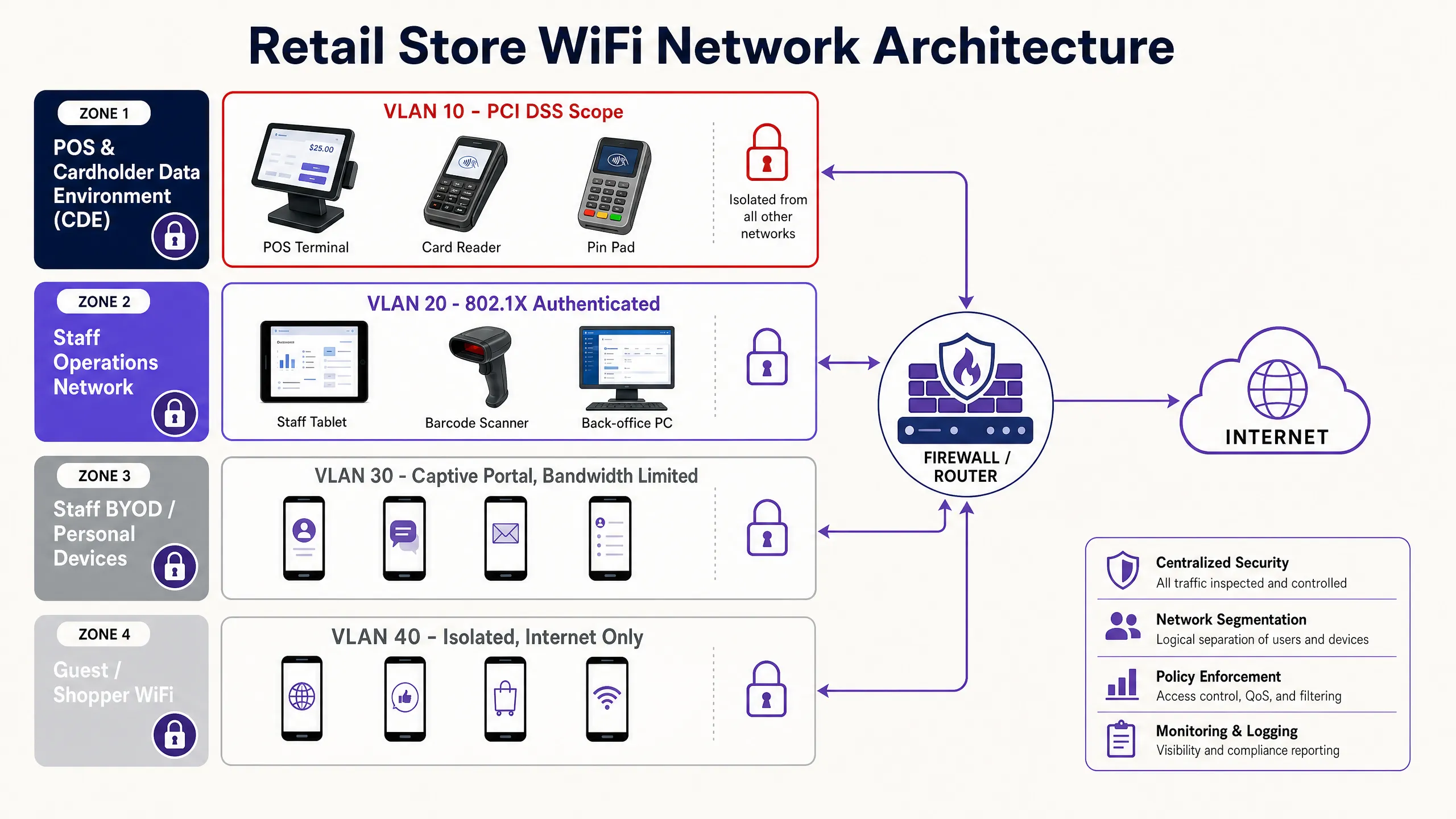
| VLAN | Zone | Devices | Authentication | Internet | Internal Access |
|------|------|---------|---------------|----------|-----------------|
| 10 | CDE / POS | POS terminals, card readers | WPA3-Enterprise + 802.1X | No | Payment gateway only |
| 20 | Staff Operations | Scanners, back-office PCs, tablets | WPA3-Enterprise + 802.1X | Restricted | Inventory DB, VoIP |
| 30 | Staff BYOD | Personal smartphones, personal laptops | Captive portal + corporate SSO | Yes | None |
| 40 | Guest WiFi | Shopper devices | Captive portal | Yes | None |
### Authentication protocols
Securing the Staff Operations Network requires robust authentication. Pre-Shared Keys (PSKs) are insufficient for enterprise environments. If a single employee leaves, the PSK must be rotated across all devices. Nobody actually does this, which means the network remains compromised indefinitely.
Instead, deploy IEEE 802.1X authentication using a RADIUS server. This standard provides port-based network access control, ensuring that only authorised devices and users can connect to the corporate VLAN. For the highest security posture, deploy WPA3-Enterprise, which mandates 256-bit encryption and server certificate validation.
When managing a fleet of corporate-owned devices - like mPOS tablets or inventory scanners - use Mobile Device Management (MDM) to push unique client certificates to each device. This is the EAP-TLS method. It eliminates passwords entirely and ensures that only managed devices can access the operations network. If a device is lost or stolen, revoke its certificate instantly from the MDM console without affecting any other device on the network.
For environments where EAP-TLS is not yet feasible, PEAP (Protected Extensible Authentication Protocol) with MSCHAPv2 provides a reasonable intermediate step, using username and password credentials tunnelled inside a TLS session.
## Implementation guide: deploying staff BYOD policies
Managing employee personal devices on the shop floor presents a unique challenge. Banning them entirely is often culturally unfeasible, but allowing unrestricted access is a security risk.
### The captive portal approach
For most retail environments, the most practical approach for Staff BYOD is a dedicated SSID backed by a captive portal, similar to a [Guest WiFi](/guest-wifi) deployment but tailored for employees.
**Step 1 - Isolation.** The BYOD SSID must map to a dedicated VLAN (VLAN 30) that only routes to the internet. It must have zero access to the CDE or the Staff Operations Network. Enforce this with explicit deny rules in your ACLs.
**Step 2 - Authentication.** Require staff to authenticate via the captive portal using their corporate credentials. Integrate with Microsoft Entra ID, Okta, or Google Workspace to provide single sign-on. This creates an audit trail of who is connected and when - critical for both security investigations and GDPR compliance.
**Step 3 - Bandwidth management.** Deploy Purple Shield to enforce strict bandwidth limits on the BYOD network. Cap individual user speeds - typically 2-5 Mbps is sufficient for personal use - and block high-bandwidth application categories like video streaming. This guarantees that personal device usage never starves core retail operations of the bandwidth they need to process payments and sync inventory.
**Step 4 - Policy acceptance.** The captive portal must require employees to explicitly accept the company's Acceptable Use Policy (AUP) before granting access. Under GDPR, this creates a documented record of consent for any data processing associated with network access.
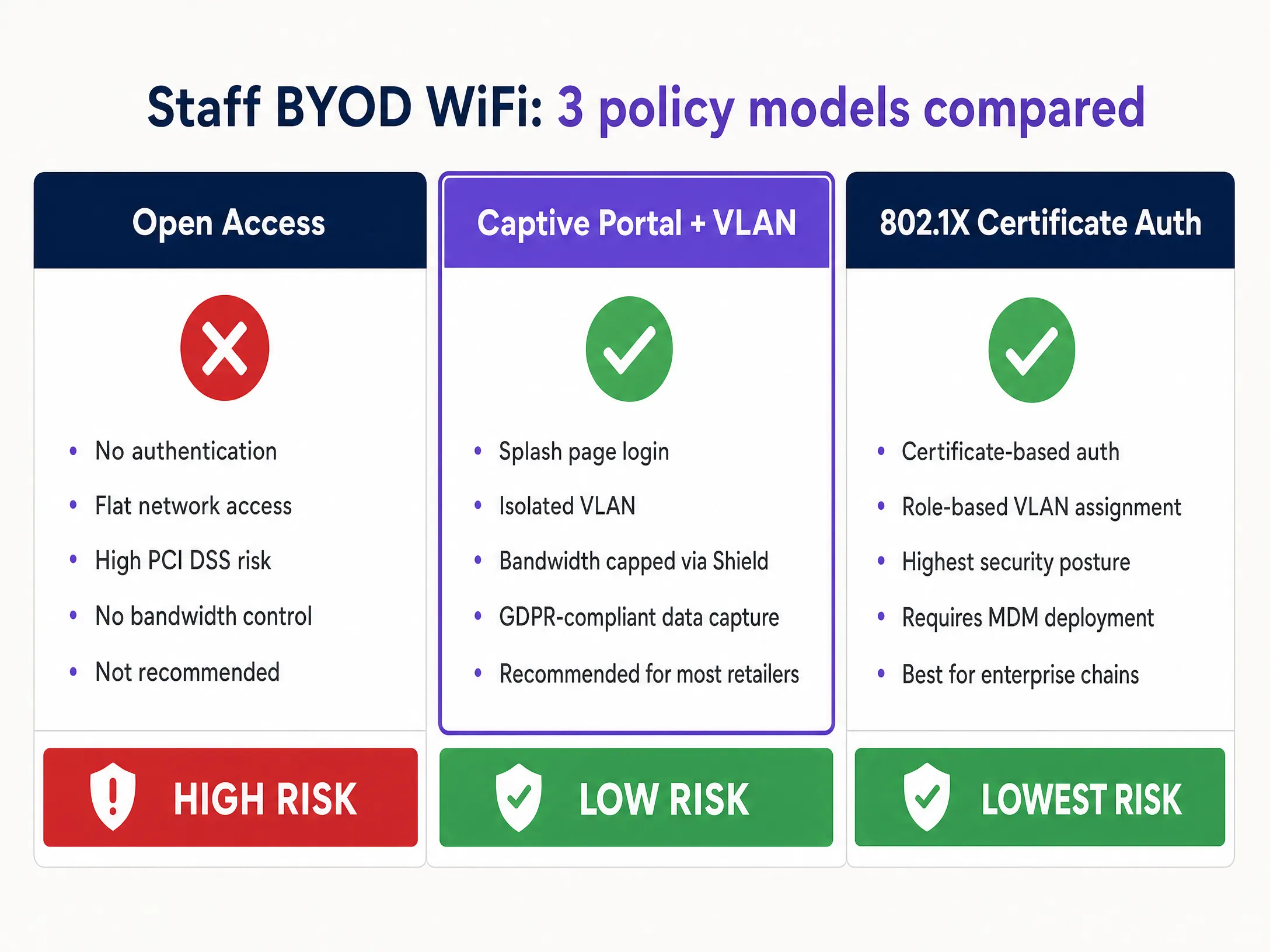
### Hardware integration
Ensure your chosen access points and controllers support dynamic VLAN assignment and robust QoS policies. Enterprise hardware from Cisco Meraki, HPE Aruba, Ruckus, Juniper Mist, Ubiquiti UniFi, Cambium, Extreme, and Fortinet all support these capabilities. Purple operates as a hardware-agnostic cloud overlay, integrating with all of these platforms to deliver consistent policy enforcement and analytics across your entire estate.
## Best practices for retail environments
**Continuous compliance monitoring.** PCI DSS 4.0 shifts the focus from annual audits to continuous compliance. Implement automated logging and centralised monitoring to detect unauthorised access attempts or configuration drift. Every access event on VLAN 10 should generate a log entry.
**Regular segmentation testing.** Requirement 11.4.5 of PCI DSS 4.0 mandates that segmentation controls must be tested at least every six months. Do not assume your VLANs are secure; prove it through penetration testing. VLAN bleed - where traffic inadvertently crosses zone boundaries due to a misconfigured switch port or ACL - is the most common cause of PCI audit failures.
**Disable legacy protocols.** Ensure all access points reject outdated, vulnerable protocols like WEP and WPA/WPA2-TKIP. Enforce WPA2-AES as a minimum, and transition to WPA3 wherever hardware supports it. Legacy protocol support is a common misconfiguration that creates unnecessary vulnerabilities.
**Physical security.** Secure the physical access points. A rogue device plugged into an exposed ethernet port in the stockroom can bypass all wireless security controls. Implement Wireless Intrusion Prevention Systems (WIPS) to detect and neutralise rogue access points automatically. Hardware vendors including Cisco Meraki and HPE Aruba include WIPS capabilities in their enterprise access points.
**Multifactor authentication for admins.** PCI DSS 4.0 requires MFA for all privileged admin accounts. If your network engineers manage the wireless infrastructure, they must use MFA to access the management console.
## Troubleshooting and risk mitigation
### Common failure modes
**VLAN bleed.** Misconfigured switch ports or router rules can allow traffic to jump between VLANs. This is the most common cause of PCI audit failures. Regularly audit Access Control Lists and re-test segmentation after any firmware updates or infrastructure changes.
**Rogue access points.** Employees may plug consumer-grade WiFi routers into corporate ethernet ports to improve signal in the break room. This completely bypasses enterprise security controls. Deploy WIPS to detect and block these automatically. Educate staff that this is a disciplinary matter, not just an IT inconvenience.
**Credential sharing.** If using a single PSK for staff operations, credential sharing is inevitable. Transition to 802.1X to tie authentication to individual user identities or device certificates. This also provides the audit trail required by PCI DSS.
**Certificate expiry.** When using EAP-TLS, client certificates have expiry dates. An expired certificate will silently fail authentication, locking devices off the network. Implement automated certificate renewal through your MDM and set alerts for certificates expiring within 30 days.
**Bandwidth contention.** Without QoS policies, a single staff member streaming 4K video can saturate the shared radio frequency and degrade POS transaction speeds. Purple Shield addresses this directly by enforcing per-user and per-category bandwidth limits on the BYOD VLAN.
## ROI and business impact
Implementing a robust staff WiFi policy requires investment in enterprise-grade hardware and management software, but the return is clear and measurable.
The average cost of a retail data breach exceeds $3 million, factoring in fines, remediation, and reputational damage. Proper segmentation is the most effective control against this risk. The PCI SSC estimates that organisations with documented, tested segmentation reduce their audit scope by up to 60%, directly reducing the cost of annual compliance assessments.
Bandwidth management via Purple Shield ensures that critical retail operations - processing payments, syncing inventory, running mPOS devices - are never delayed by staff streaming in the break room. This protects revenue during peak trading hours.
A structured BYOD policy also improves staff morale. Providing a sanctioned, controlled option for personal device usage - rather than an outright ban - reduces friction and demonstrates that the organisation takes a balanced approach to technology policy.
For organisations measuring the broader return on their WiFi investment, see our guide on [Measuring the Business ROI of Guest WiFi and Location Analytics](/guides/measuring-the-business-roi-of-guest-wifi-and-location-analytics).
Purple operates across 80,000+ live venues and has processed 440 million logins in 2024, providing the scale and data to inform policies that work in practice, not just in theory. Our platform is ISO 27001 certified, GDPR and CCPA compliant, and Cyber Essentials certified - giving you confidence that the infrastructure underpinning your network policies meets the same standards you are trying to enforce.
---
### References
[1] BizTech Magazine, "Understanding PCI DSS 4.0: A Guide for IT Leaders in Retail" (May 2024). https://biztechmagazine.com/article/2024/05/pci-dss-40-guide-for-retail-it-leaders-perfcon
[2] PDI Technologies, "Enterprise Retail Network Architecture: Build a Scalable, Secure Foundation for Growth". https://security.pditechnologies.com/blog/enterprise-retail-network-architecture/
[3] SecureW2, "What Is 802.1X? IEEE 802.1X Authentication". https://securew2.com/protocols/802-1x-authentication-configuration
[4] Cloud4Wi, "5 best practices for strengthening enterprise WiFi security" (March 2024). https://cloud4wi.ai/resources/enterprise-wifi-security-best-practices-revealed/
[5] OpenMetal, "Building PCI DSS Compliant Infrastructure for Payment Processors" (April 2026). https://openmetal.io/resources/blog/building-pci-dss-compliant-infrastructure-for-payment-processors/
---
### Integrating WeChat WiFi Login: Capturing Engagement via Social Captive Portals
**Source:** https://www.purple.ai/en-gb/guides/integrating-wechat-wifi-login-capturing-engagement-via-social-captive-portals
**Summary:** This guide details how to integrate WeChat WiFi authentication into enterprise captive portals, covering the OAuth 2.0 architecture, RADIUS integration, and step-by-step deployment across Cisco Meraki, HPE Aruba, and Juniper Mist hardware. It gives IT managers and network architects a practical framework for capturing first-party data from WeChat's 1.3 billion users while driving engagement via Official Account follows and post-login redirects.
**Estimated read time:** 8 minutes
**Word count:** 1,779
## Executive Summary
Integrating WeChat WiFi login transforms a standard Captive Portal into a strategic first-party data engine for Chinese visitors and the wider WeChat ecosystem. For IT managers and network architects, deploying WeChat login via OAuth 2.0 and RADIUS requires balancing frictionless guest access with secure, compliant data collection. This guide details the technical architecture, implementation steps, and security considerations for deploying WeChat WiFi authentication on enterprise network hardware including Cisco Meraki, HPE Aruba, Ruckus, and Juniper Mist. It shows how Purple's [Guest WiFi](/guest-wifi) platform mediates the OAuth flow, maps profile data to your CRM, and drives engagement through post-login redirects to your WeChat Official Account.
WeChat has over 1.3 billion monthly active users, and World Tourism Organization data indicates that Chinese travellers were projected to spend $255 billion internationally in 2023. For hotels, luxury retail, airports, and conference centres, offering WeChat WiFi login is a direct channel to that demographic. Purple operates across more than 80,000 active venues and recorded 440 million logins in 2024, giving us direct insight into what succeeds and what fails in production deployments.
---
## Technical Deep Dive
### How WeChat WiFi Authentication Works
WeChat WiFi authentication replaces manual form entry with an OAuth 2.0 flow integrated directly into the Captive Portal experience. The sequence involves five components communicating in a defined order:
1. The guest device connects to the venue SSID.
2. The access point (AP) intercepts unauthenticated HTTP traffic and redirects the device to a Captive Portal hosted by Purple.
3. The user selects the WeChat login option on the portal page.
4. The portal initiates an OAuth 2.0 authorisation request to the WeChat open platform API, passing the venue's AppID and redirect URI.
5. The WeChat client opens on the device and prompts the user to authorise the connection.
6. WeChat returns an authorisation code to the redirect URI.
7. The Purple platform exchanges the authorisation code for an access token and retrieves the user's profile data: OpenID, unionid, nickname, avatar, and registered location.
8. Purple signals the RADIUS server to send an Access-Accept message to the access point.
9. The access point grants internet access and applies the configured policies (VLAN assignment, bandwidth limits, session timeout).
10. The portal redirects the user to the venue's WeChat Official Account or a custom landing page.
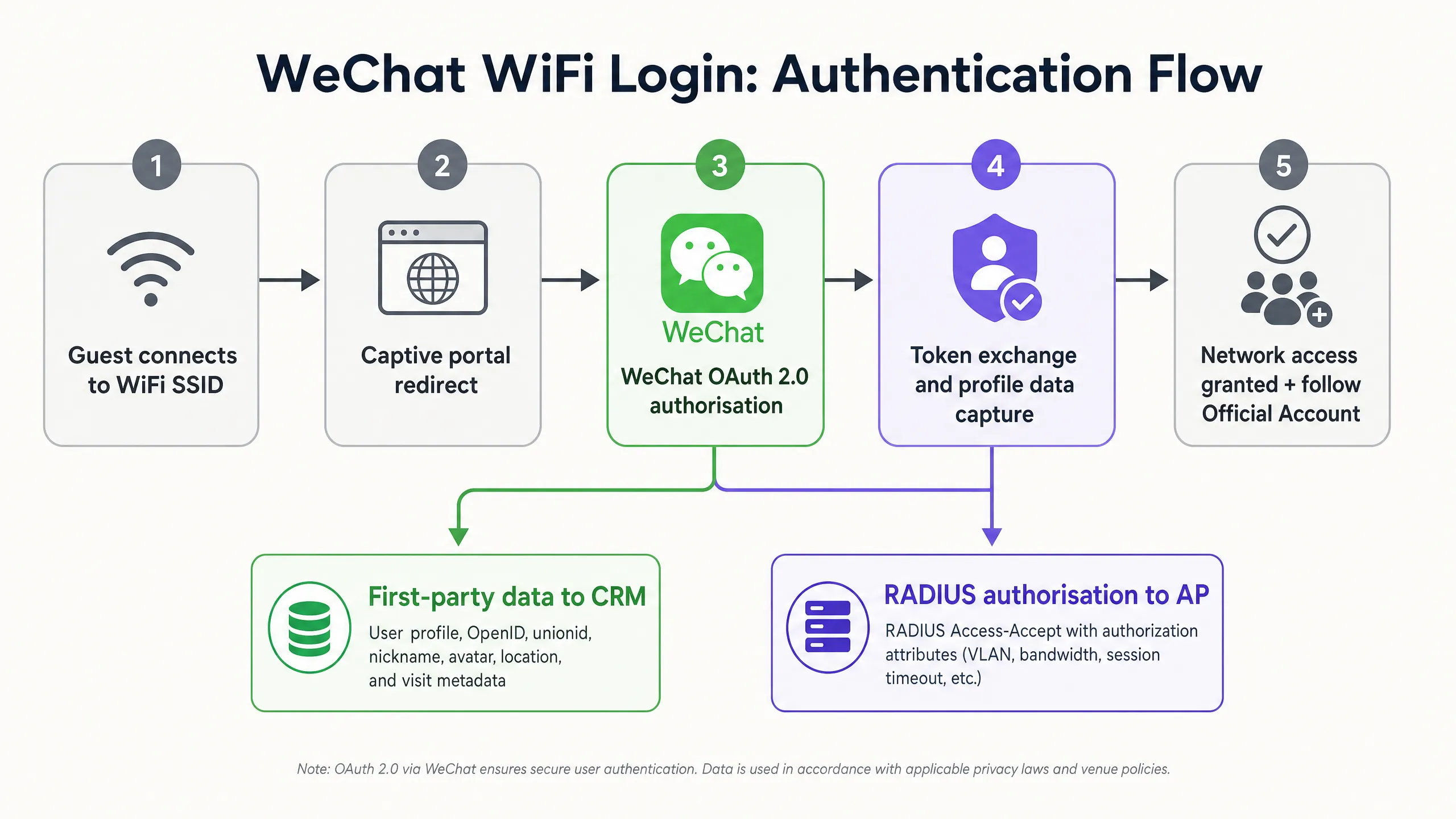
### Account Type Requirements
This is the most common single point of failure in WeChat WiFi deployments. You must use a verified WeChat **Service Account** (服务号). Subscription Accounts do not expose the OAuth 2.0 web authorisation APIs required for Captive Portal integration. The table below summarises the key differences:
| Feature | Service Account | Subscription Account |
|---|---|---|
| OAuth 2.0 WiFi login | Yes | No |
| API access level | Full | Restricted |
| Push messages per month | 4 | 30 |
| Chat list placement | Yes (as a contact) | No (folded into the subscriptions folder) |
| WeChat Pay integration | Yes | No |
| Verification required | Yes | Yes |
Obtaining a verified Service Account requires either a Chinese business licence or a special overseas application process through Tencent, which carries a $99 annual verification fee and a two-to-four-week review period.
### The Walled Garden: The Most Critical Network Configuration
The **walled garden** (also known as the pre-authentication whitelist) defines the IP addresses and domains a device can reach before completing Captive Portal authentication. If the WeChat API domains are not in the walled garden, the device cannot initiate the OAuth handshake, and the login fails silently in the background.
At a minimum, the following domains must be whitelisted:
- `*.weixin.qq.com`
- `*.wechat.com`
- `*.wx.qq.com`
- `res.wx.qq.com`
- `mp.weixin.qq.com`
- The WeChat CDN IP ranges (consult Tencent's published IP range documentation, as these change periodically)
On Cisco Meraki, configure this under **Wireless > Access Control > Walled Garden**. On HPE Aruba, use the **Captive Portal Profile** whitelist. On Juniper Mist, configure the **Guest Portal** allowed domains list.
### RADIUS Integration and Policy Enforcement
In this architecture, Purple operates as a RADIUS proxy. After a successful WeChat OAuth exchange, Purple sends a RADIUS Access-Accept message to the venue's wireless controller. The Access-Accept message can carry standard RADIUS attributes to enforce per-user policies:
- `Tunnel-Type` and `Tunnel-Private-Group-ID` for VLAN assignment (isolating guest traffic from the corporate network, in line with IEEE 802.1X segmentation best practice)
- `Session-Timeout` for automatic disconnection after a defined period
- `WISPr-Bandwidth-Max-Up` and `WISPr-Bandwidth-Max-Down` for bandwidth limiting
The architecture is hardware-agnostic. Purple integrates with Cisco Meraki, HPE Aruba, Ruckus, Juniper Mist, Ubiquiti UniFi, Cambium, Extreme, and Fortinet without firmware changes or on-premises servers.
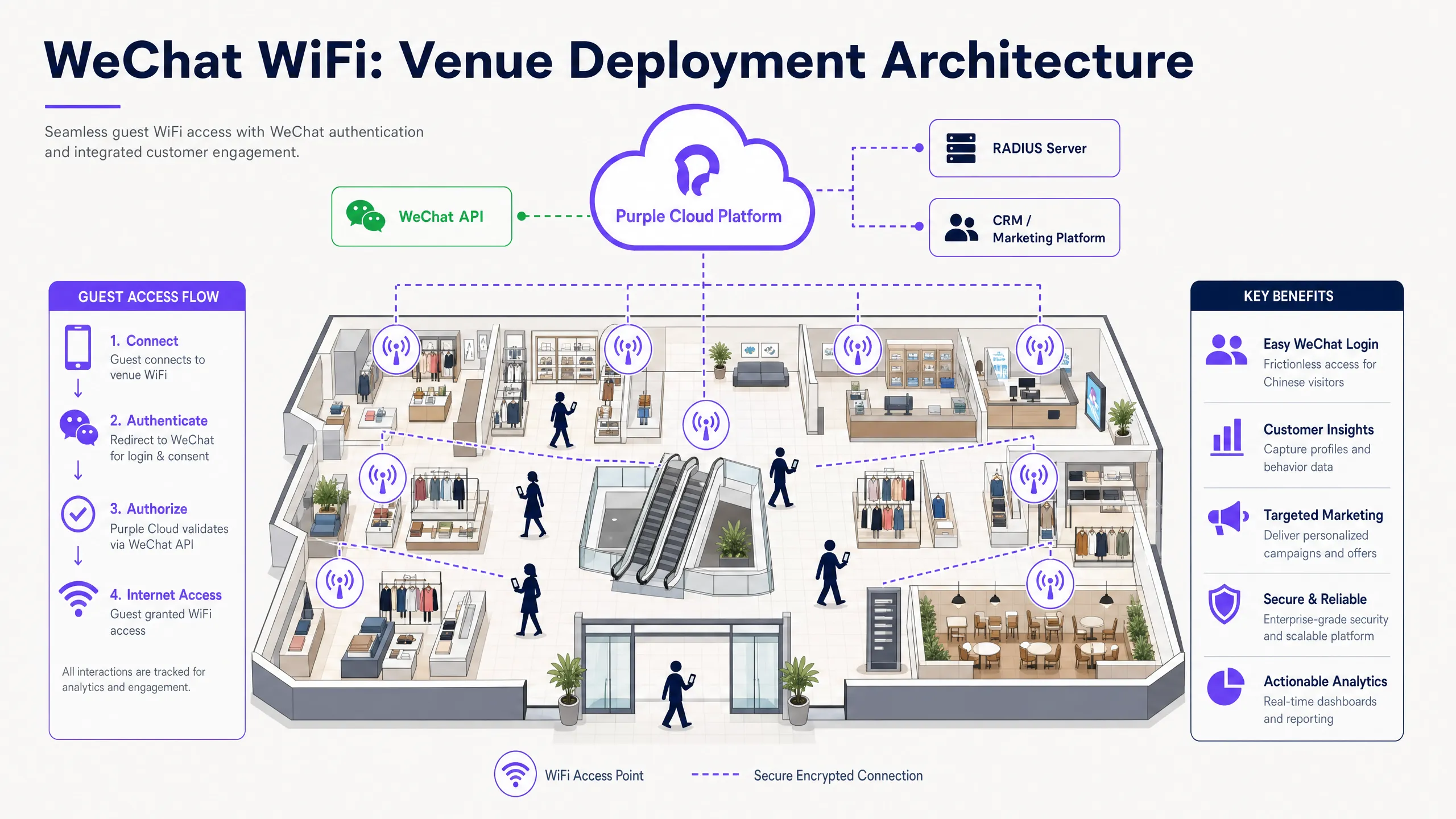
---
## Implementation Guide
### Step 1: Configure the WeChat Developer Account
Log in to the WeChat Official Accounts Platform (`mp.weixin.qq.com`). Navigate to **Settings and Development > Security Centre > Web Authorisation Domains**. Enable OAuth 2.0 web authorisation and add your Captive Portal domain as an authorised callback domain (for example, `wifi.yourvenue.com`). WeChat will only return authorisation codes to domains registered here - a mismatch causes silent failures.
Obtain your **AppID** and **AppSecret** from the **Settings and Development > Basic Configuration** panel. Store the AppSecret securely; treat it as a private key.
### Step 2: Configure Purple
In the Purple portal, navigate to **Authentication > Social Login** and enable WeChat. Enter the AppID and AppSecret. Design the Captive Portal splash page using Purple's drag-and-drop editor. Position the WeChat login button as the primary call to action (CTA) above the fold.
Configure the post-authentication redirect. Options include:
- The venue's WeChat Official Account follow page (recommended for engagement)
- A promotional landing page hosted within a WeChat Mini Program
- A survey page using Purple's [WiFi Analytics](/guest-wifi-marketing-analytics-platform) tools
- A loyalty programme enrolment page
Enable MAC address caching under **Authentication > Return Visitor Settings**. Set the cache duration to match your typical visit frequency (7 days is recommended for retail, 30 days for hotels). Returning visitors connect automatically without seeing the portal again, while their visit is still registered in the analytics dashboard.
### Step 3: Configure the Network Hardware
On your wireless controller, configure the guest SSID to use an external Captive Portal. Enter the Purple portal URL as the splash page URL. Add the WeChat domains to the walled garden. Set the RADIUS server IP address and shared secret provided by Purple.
Before going live, test the complete flow with a mobile device. Specifically:
1. Connect to the guest SSID.
2. Confirm the Captive Portal loads in the Captive Portal Assistant (CPA) mini-browser.
3. Tap the WeChat login button and confirm the WeChat client opens.
4. Authorise the connection and confirm internet access is granted.
5. Confirm the post-login redirect fires correctly.
---
## Best Practices
**Optimise the walled garden.** A misconfigured walled garden is the leading cause of WeChat login failures in production. Test before launch, and re-test after any network firmware update, as some controllers reset whitelist entries during upgrades.
**Drive post-login engagement.** The moment after authentication is the point of highest attention in the guest WiFi experience. Redirect users to your Official Account follow page. Visitors who follow your account remain reachable via push notifications long after they leave the venue.
**Implement MAC caching for returning visitors.** Requiring repeat authentication on every visit degrades the experience. MAC caching removes friction for returning visitors while still logging the visit for analytics. See Purple's [WiFi Analytics](/guest-wifi-marketing-analytics-platform) for dwell-time and return-visit reporting.
**Apply data minimisation.** Request only the WeChat profile fields your CRM actually uses. Requesting unnecessary permissions increases authorisation drop-off and adds GDPR compliance complexity. For most venues, OpenID, nickname, and avatar are sufficient for personalisation.
**Isolate guest traffic via VLANs.** Assign WeChat-authenticated guests to a dedicated VLAN, isolated from your corporate or POS networks. This satisfies PCI DSS network isolation requirements and limits the blast radius of any guest-side security incident. For a complete treatment of WiFi security architecture, see our [enterprise WiFi security guide](/blog/enterprise-wifi-security).
**Comply with GDPR and PIPL.** Display a clear privacy notice on the splash page before the user initiates the WeChat OAuth flow. The notice must identify the data controller, list the categories of data collected from WeChat, state the legal basis for processing, and link to the full privacy policy. For detailed guidance, see our [WiFi GDPR compliance guide](/guides/wifi-gdpr-compliance-how-to-securely-collect-guest-data-via-captive-portals).
---
## Troubleshooting and Risk Mitigation
### OAuth Redirect Mismatch
If the callback URL registered in the WeChat developer console does not exactly match the URL Purple uses for the redirect, WeChat returns an error code and blocks the authorisation. Check for protocol mismatches (HTTP vs HTTPS), trailing slashes, and subdomain differences. The registered domain must be an exact string match.
### Captive Portal Assistant (CPA) Interference
Mobile operating systems use CPA mini-browsers to detect and handle Captive Portal networks. These mini-browsers often lack the ability to open native apps, which breaks the WeChat app hand-off in the OAuth flow. Mitigations include:
- Implementing a JavaScript redirect that detects the CPA environment and opens the full system browser before initiating the OAuth flow.
- Displaying clear instructions on the splash page telling users to open the page in a full browser if the WeChat button does not respond.
### Token Expiry and Stale Sessions
WeChat access tokens expire after two hours. If your platform does not refresh the token, the user's CRM record stops updating after the initial session. Configure Purple's token refresh settings to maintain an active token for the duration of the guest's visit.
### Geopolitical and Regulatory Risk
WeChat is subject to Chinese government regulation and Tencent platform policy. API access can be suspended or modified without notice. To mitigate this risk, ensure your Captive Portal supports multiple authentication methods (email, SMS, other social logins) so that a WeChat API outage does not take your entire guest WiFi offline. Purple's multi-channel portals natively support this fallback architecture.
---
## ROI and Business Impact
Deploying WeChat WiFi authentication delivers measurable returns across three dimensions.
**Higher data capture rates.** Social login removes the friction of form filling. Venues using Purple's social login options report authentication completion rates 20-30% higher than comparable email-only portals (Purple internal data, 2024). At a venue handling 500 guest WiFi connections per day, a 25% uplift means 125 additional verified profiles captured daily.
**Official Account follower growth.** Redirecting authenticated users to the Official Account follow page converts transient footfall into a reachable digital audience. A hotel with 200 WeChat-authenticated visitors per day achieving a 40% follow rate gains 80 new Official Account followers daily - followers who can receive targeted push notifications about return-visit offers, loyalty programme updates, and seasonal promotions.
**Operational visibility.** Purple's [WiFi Analytics](/guest-wifi-marketing-analytics-platform) platform correlates WeChat-authenticated sessions with dwell time, visit frequency, and zone-level movement data. This gives venue operations directors the data to optimise staffing, layout, and promotional timing. For [hospitality](/industries/hospitality) venues, this data integrates directly with PMS systems to enrich guest profiles.
For [retail](/industries/retail) environments, WeChat authentication combined with Purple's analytics platform replicates e-commerce-grade data richness in a physical store setting - a capability that grows increasingly valuable as third-party cookie deprecation reduces the effectiveness of digital retargeting.
---
*For related guidance, see our [WiFi GDPR compliance guide](/guides/wifi-gdpr-compliance-how-to-securely-collect-guest-data-via-captive-portals) and our [enterprise WiFi security guide](/blog/enterprise-wifi-security). To learn how Purple deploys in specific verticals, see our [hospitality](/industries/hospitality), [retail](/industries/retail), [healthcare](/industries/healthcare), and [transport](/industries/transport) pages.*
---
### WiFi GDPR Compliance: How to Securely Collect Guest Data via Captive Portals
**Source:** https://www.purple.ai/en-gb/guides/wifi-gdpr-compliance-how-to-securely-collect-guest-data-via-captive-portals
**Summary:** This technical guide gives IT managers, network architects, and venue operations directors a practical framework for achieving GDPR compliance across guest WiFi deployments. It covers how captive portals collect personal data, how to secure explicit consent, and how to implement automated data retention policies that protect your organisation from regulatory fines of up to 4% of global turnover. Purple's guest WiFi platform maps directly to each compliance requirement, from consent logging to one-click data erasure.
**Estimated read time:** 8 minutes
**Word count:** 1,895
## Executive Summary
Guest WiFi is no longer a simple convenience. Every Captive Portal login is a regulated data collection event. When guests connect to your network, you capture registration data, device identifiers, session metadata, and potential location data. Under GDPR, you are the Data Controller for all of this data.
As of January 2025, GDPR enforcement authorities have issued cumulative fines totalling approximately €5.88 billion (DLA Piper GDPR Fines and Data Breaches Survey, January 2025). A single infringement can result in fines of up to 4% of global annual turnover or €20 million, whichever is higher. For hotel groups or retail chains, this represents a significant financial risk.
This guide details the technical architecture required to securely and legally collect guest data. We cover Captive Portal consent design, network segmentation, data retention automation, and how to respond to Data Subject Access Requests within the 30-day statutory limit. Purple's [Guest WiFi](/guest-wifi) platform and [WiFi Analytics](/guest-wifi-marketing-analytics-platform) tools map directly to each of these requirements, operating in over 80,000 physical venues and processing up to 440 million logins annually (Purple internal data, 2024).
---
## Technical Deep Dive: What Data You Collect and Why It Matters
Understanding the importance of GDPR compliance for Guest WiFi begins with correctly classifying the data processed by your network. Many operators underestimate this scope. The GDPR definition of personal data is extremely broad: any information relating to an identified or identifiable natural person. In the context of Guest WiFi, this covers far more than just the fields on your login form.
| Data Category | Example | GDPR Classification | Required Legal Basis |
|---|---|---|---|
| **Registration Data** | Name, email address, phone number | Personal Data | Consent |
| **Device Identifiers** | MAC address, device type | Personal Data | Consent or Legitimate Interest |
| **Session Metadata** | Connection time, duration, data volume | Personal Data | Legitimate Interest (Network Management) |
| **Location Data** | Footfall heatmaps, zone dwell times | Sensitive Personal Data | Explicit Consent |
| Even without an associated name, a MAC address is personal data. Because it identifies a specific device and tracks its physical movement within a venue, this potential for identification is sufficient to constitute personal data under GDPR. MAC address randomisation on modern iOS and Android devices complicates analysis, but does not eliminate compliance obligations at the point of collection.
### Consent Architecture
The Captive Portal is your primary compliance interface. Article 7 of the GDPR requires that consent must be freely given, specific, informed, and unambiguous. In practice, this means your portal must do two things correctly.
Firstly, separate network access from marketing consent. You cannot condition WiFi access on a user agreeing to receive promotional emails. If a marketing checkbox must be ticked to connect, that is forced, not consent. The checkbox must be unticked by default, and users must be able to connect without ticking it.
Secondly, log every consent event. Your Consent Management Platform (CMP) must record who consented, when they consented, what they consented to, and the exact version of the privacy policy they were shown. This audit trail is your primary line of defence during a regulatory investigation.
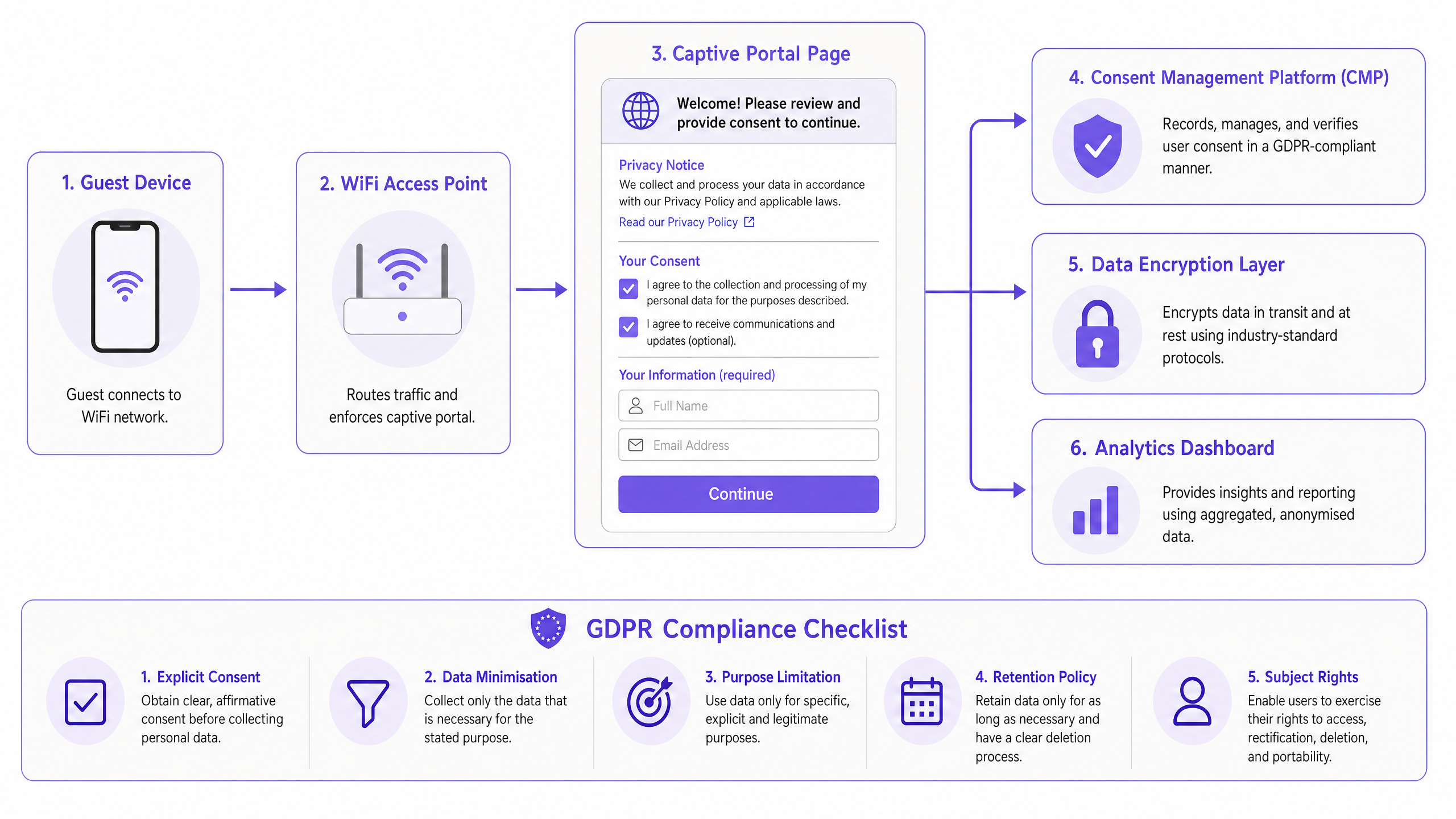
Purple's Capture solution includes a built-in CMP that logs timestamps and privacy policy versions for all consent events. When the ICO requests proof of compliance, you can simply export the logs rather than trying to reconstruct them from memory.
### Network Security Requirements
Article 32 of the GDPR requires appropriate technical measures to protect personal data. For guest WiFi, this translates into three non-negotiable controls.
**Encryption in Transit.** All Captive Portal traffic must use HTTPS. Modern deployments should implement WPA3 for stronger wireless encryption, replacing WPA2 where hardware support exists. WPA3's Simultaneous Authentication of Equals (SAE) handshake eliminates offline dictionary attacks that compromise WPA2-PSK networks.
**Network Segmentation.** Guest WiFi traffic must be isolated from the corporate network using a dedicated VLAN. This prevents compromised guest devices from accessing internal systems. On Cisco Meraki, HPE Aruba, and Juniper Mist deployments, Purple automatically configures this segmentation as part of the cloud overlay configuration.
**Data Sovereignty.** European guests' data must reside on servers hosted within the EU. If your WiFi platform stores data in US-based infrastructure without adequate transfer mechanisms, you are in breach of Chapter V of the GDPR. Purple maintains EU-based data residency for European deployments.
For a deeper dive into enterprise network security architecture, please refer to our [Enterprise WiFi Security: A Complete Guide for 2026](/blog/enterprise-wifi-security).
---
## Implementation Guide: Deploying a Compliant Portal
### Step 1: Audit Your Current Data Collection
Before reconfiguring anything, map every data point collected by your current portal. This includes fields on forms, data logged by RADIUS servers, and any third-party integrations receiving guest data. This Record of Processing Activities (RoPA) document is a GDPR requirement for most organisations and is the starting point for identifying gaps.
### Step 2: Redesign Portal Forms
Apply the principle of data minimisation. If your goal is to provide basic network access, an email address is sufficient. If you are building a marketing database for a [retail](/industries/retail) chain, include a first name. Do not include postal addresses, dates of birth, or phone numbers unless you have a specific, documented business need.
Implement email verification to reject invalid addresses. This protects database integrity and simplifies future Data Subject Access Requests. Purple's portals enforce real-time email verification before granting access.
When designing your captive portal structure, you should include two distinct interactions:
1. **Acceptance of Terms of Service** - required for connection, covering the basic data processing necessary to provide the network service.
2. **Marketing Consent Checkbox** - optional, unticked by default, accompanied by a plain-language explanation of what the user is consenting to.
### Step 3: Configure Automated Data Retention
GDPR prohibits the indefinite storage of data. Define retention periods for each category of data and automate their deletion.
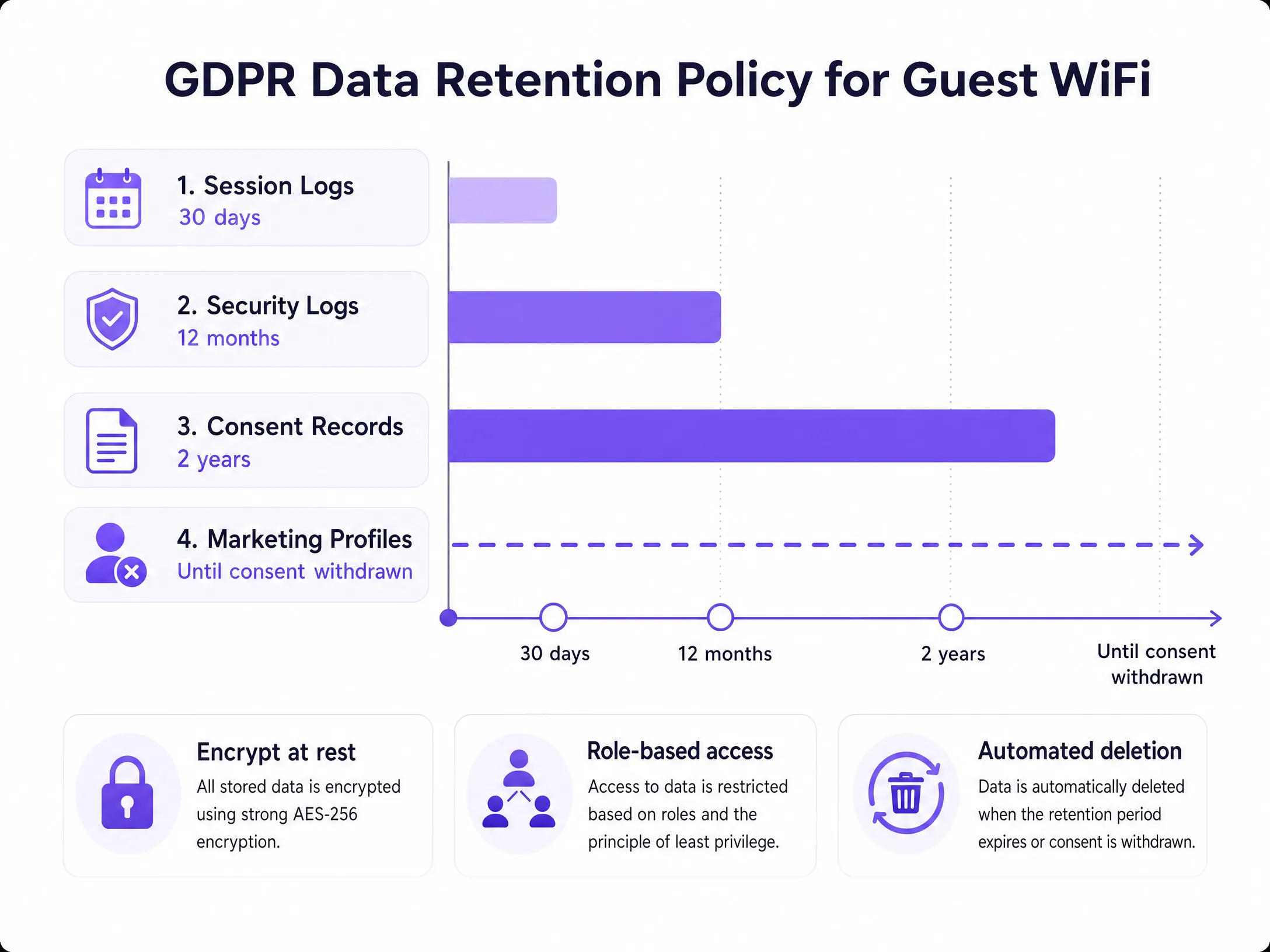
The retention periods shown above are recommended baselines. Adjust these to your specific operational requirements and document the rationale for each period. Purple natively applies these rules, purging logs without requiring manual database queries by your IT team.
### Step 4: Enable Data Subject Rights Management
Under GDPR, users have the right to access, rectify, and delete their data. You have 30 days to respond to a request. Your systems must be capable of:
- Locating a user across all data stores using their email address or MAC address.
- Exporting their complete history in a machine-readable format (JSON or CSV).
- Executing a permanent deletion across active databases and marking records for removal from backups.
Purple centralises this operation into a single dashboard. Data Subject Access Requests that used to take hours of manual SQL queries can now be completed in minutes.
### Step 5: Perform a Data Protection Impact Assessment
If you deploy location analytics, footfall heatmaps, or behavioural profiling via your WiFi network, a Data Protection Impact Assessment (DPIA) is a legal requirement prior to launch. A DPIA identifies privacy risks and documents the mitigation measures you have implemented. For large venues like stadiums or convention centres handling thousands of attendees simultaneously, this is a critical step.
For a detailed template, refer to our complete guide: [The Network Administrator's Guide to GDPR and Guest Data Privacy Compliance](/guides/the-network-administrator-s-guide-to-gdpr-and-guest-data-privacy-compliance).
---
## Case Study: Premier Inn and Whitbread
Whitbread, the parent company of Premier Inn, operates one of the UK’s largest hospitality guest WiFi networks. By deploying Purple across their [hospitality](/industries/hospitality) estates, they centralised consent management across hundreds of sites. Each portal page presents a clear, compliant consent journey. Through a transparent value exchange rather than forced bundling, they achieved a 30-40% marketing opt-in rate. The result is a verified first-party data asset that feeds directly into their CRM and loyalty programmes, complete with a full audit trail for every consent event.
## Case Study: Manchester Airports Group (MAG)
MAG operates three major UK airports, handling passenger data at scale within [transport](/industries/transport) hubs. Airport guest WiFi faces specific compliance challenges: passengers from multiple jurisdictions connecting simultaneously, each potentially subject to different data protection regulations. Purple's deployment for MAG enforces GDPR-compliant consent journeys for EU travellers while maintaining the operational flexibility to adjust portal configurations for each terminal. Session logs are automatically purged after 30 days, and the security team can respond to Data Subject Access Requests (DSARs) without querying fragmented RADIUS logs.
---
## Best Practices
**Conduct Vendor Assessments.** Your WiFi platform provider acts as a Data Processor under GDPR. Before sharing any personal data with them, you must have a formal Data Processing Addendum (DPA) in place. Verify their security certifications. Purple is certified to ISO 27001, GDPR, CCPA, and Cyber Essentials.
**Monitor Portal Completion Rates.** High drop-off rates on your captive portal indicate overly complex forms or unclear consent language. Streamline data requests. Fewer fields improve compliance and enhance the guest experience.
**Train Frontline Staff.** Staff should understand how to handle guest questions about data collection, where to direct data subject requests, and why pre-ticked boxes are not permitted. A 30-minute briefing can prevent common compliance failures.
**Review Your Portals Quarterly.** Regulations evolve. Privacy notice language that was sufficient in 2023 may not reflect current ICO guidance. Schedule a quarterly review of your portal configurations, privacy policies, and consent logs.
For guidance on designing high-performing data collection forms that balance compliance with conversion rates, see our guide: [Design of a Survey: A Practical Guide for Physical Spaces](/blog/design-of-a-survey).
---
## Troubleshooting and Risk Mitigation
**Pre-ticked Consent Boxes.** The most common compliance failure. Audit every portal across your estate and verify that all marketing checkboxes are unticked by default. On a high-traffic portal, a single pre-ticked box can constitute a systemic GDPR violation.
**Vague Privacy Notices.** Replace generic phrases like "We may use your data for various purposes" with specific descriptions: "We use your email address to send you promotional offers from [Brand]. You can unsubscribe at any time." Vague language does not meet the requirement of "informed consent" for valid consent.
**Accumulation of Obsolete Data.** If your database contains guest profiles from three or more years ago with no recent activity, you are retaining data beyond its lawful purpose. Run an audit to purge inactive records immediately and configure automated deletion moving forward.
**Fragmented Data Storage.** Guest data often ends up scattered across multiple systems: the WiFi platform, CRM, email marketing tools, and RADIUS servers. When a DSAR is received, you must locate and delete data across all of them. Map your data flows now to avoid a scramble under time pressure.
**Breach Notification.** Under Article 33 of GDPR, you must notify the ICO of a personal data breach within 72 hours of becoming aware of it. Integrate this timeline into your incident response plan. The clock starts when you detect it, not when the investigation is complete.
---
## ROI and Business Impact
Compliance is not a cost centre. A well-configured, GDPR-compliant guest WiFi deployment drives three measurable business outcomes.
**Higher-quality marketing data.** Visitors who actively opt-in to marketing are more engaged than those who are forced. Compliant captive portals generate email lists that, whilst smaller, are of higher quality, yielding higher open rates, fewer complaints, and improved sender reputation.
**Lower operational overheads.** Automated consent logging and data retention features eliminate hours of manual database management. IT teams can focus their time on infrastructure rather than compliance maintenance.
**Mitigate regulatory risk.** With cumulative GDPR fines exceeding €5.88 billion as of early 2025 (DLA Piper, January 2025), the cost of non-compliance is significant. A compliant platform eliminates the risk of fines up to 4% of global turnover.
Purple has collected 29 billion data points across more than 80,000 venues, proving that enterprise-grade compliance scales with business growth. The platform’s 99.999% uptime ensures that compliance infrastructure is never a risk to network availability.
---
### How to Configure WeChat OAuth Authentication for Captive Portals
**Source:** https://www.purple.ai/en-gb/guides/how-to-configure-wechat-oauth-authentication-for-captive-portals
**Summary:** This technical guide explains how to configure WeChat OAuth authentication for captive portals. It details the required platform registrations, OAuth 2.0 flow, scope selection, and network enforcement mechanisms necessary to capture first-party data from Chinese visitors securely.
**Estimated read time:** 4 minutes
**Word count:** 777
## Executive Summary
When Chinese visitors connect to your WiFi, presenting a splash page with only email or Facebook login options creates an immediate barrier to entry. With 13.8 billion monthly active users, configuring WeChat as an identity provider removes this friction. This guide demonstrates how to implement WeChat OAuth 2.0 authentication for Captive Portals, detailing the necessary platform registrations, OAuth flows, and the network enforcement mechanisms required to translate a successful login into network access. We will cover technical implementation for enterprise-grade hardware, alongside compliance requirements under GDPR and PIPL.
## Technical Architecture
The Captive Portal intercepts HTTP traffic from unauthenticated devices and redirects them to a splash page hosted on a portal server. When you integrate WeChat OAuth, you insert a third-party identity provider into this flow.
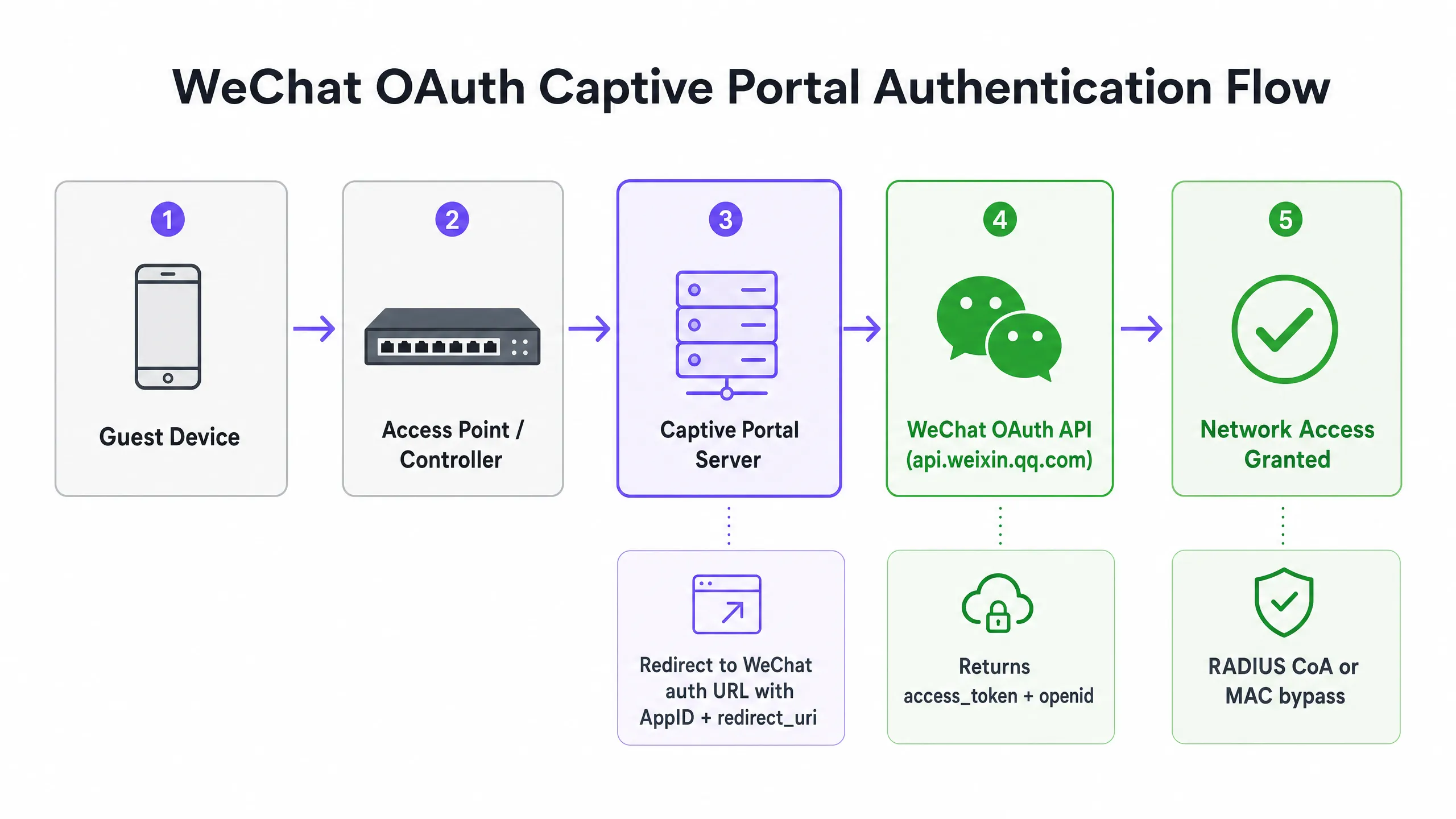
Here is the exact step-by-step interaction:
1. The visitor connects to the SSID.
2. The wireless Access Point (AP) or wireless controller detects the lack of an authenticated session and redirects HTTP traffic to the Captive Portal URL.
3. The visitor selects WeChat Login.
4. The portal server redirects the browser to WeChat’s authorisation endpoint (`open.weixin.qq.com`), passing the `AppID`, `redirect_uri`, `response_type=code`, and `scope`.
5. WeChat handles authentication. If the visitor is inside the WeChat in-app browser using the `snsapi_base` scope, this happens silently.
6. WeChat redirects back to the portal’s `redirect_uri` with a temporary authorisation code.
7. The portal server exchanges this code for an access token by calling `api.weixin.qq.com/sns/oauth2/access_token`.
8. WeChat returns the `access_token`, `refresh_token`, and the user's `openid`.
## Platform Registration Requirements
Implementing WeChat login requires registration on the correct developer platform. WeChat operates two separate platforms, and selecting the wrong one will cause integration failure.
### WeChat Official Accounts Platform
For Captive Portals served inside the WeChat in-app browser, you require a Service Account registered on the WeChat Official Accounts Platform (`mp.weixin.qq.com`). Subscription Accounts lack the required OAuth webpage authorisation permissions. Service Accounts support both `snsapi_base` and `snsapi_userinfo` scopes.
### WeChat Open Platform
For Captive Portals accessed from standard mobile browsers outside of WeChat (e.g., Chrome on Android or Safari on iOS), you need a Website Application registered on the Open Platform (`open.weixin.qq.com`). This uses the `snsapi_login` scope and presents a QR code for the user to scan with their WeChat app.
Most enterprise deployments require both registrations to cover all access pathways.
## Scope Selection and Data Collection
The scope parameter determines what data WeChat returns to your portal server. This decision impacts both user friction and data privacy compliance.
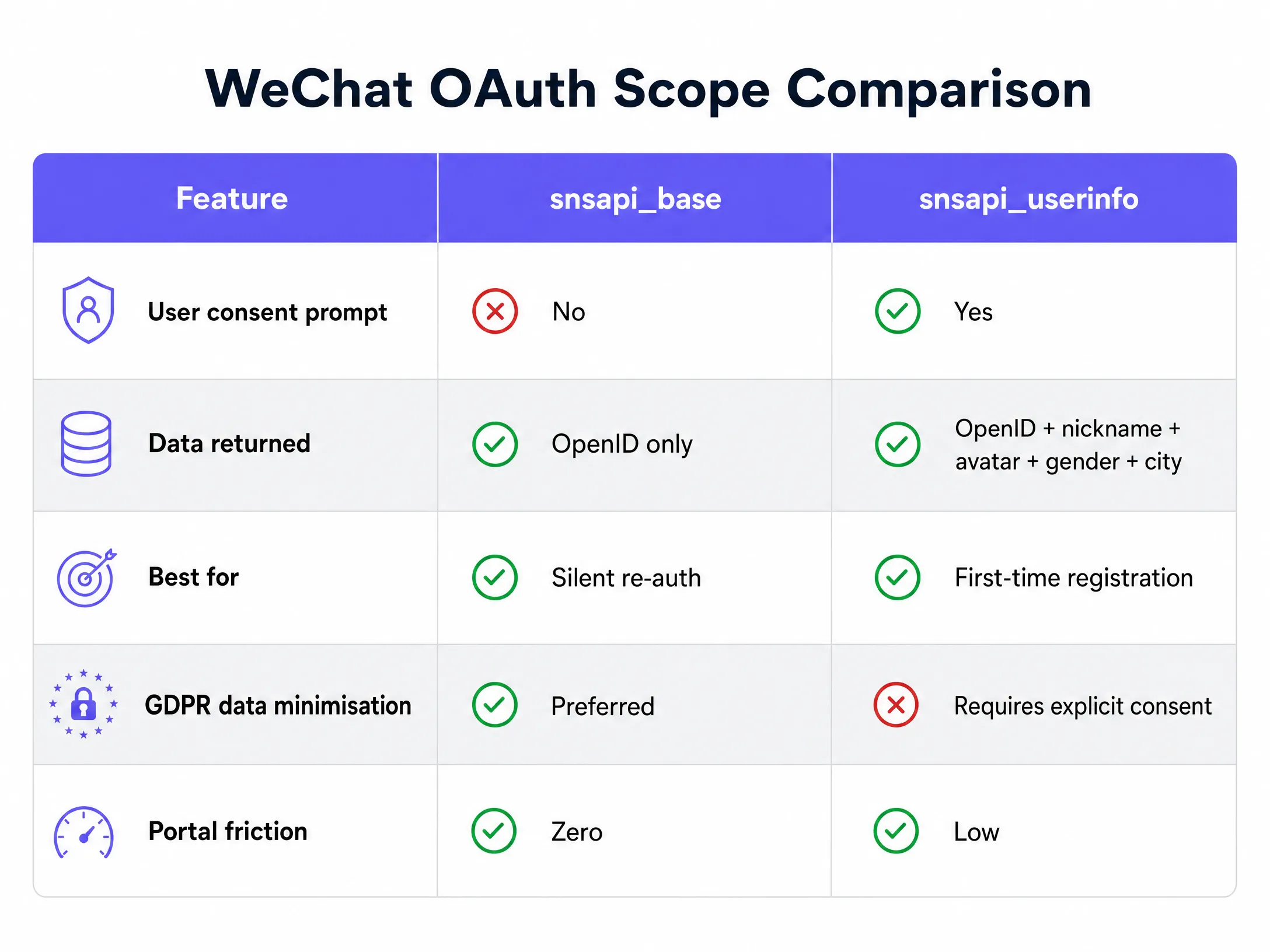
### snsapi_base
This scope returns only the OpenID, the unique identifier for the user within your Official Account. It requires no user authorisation prompt, making authentication silent. This is optimal for returning visitors where you already have a profile, or for venues prioritising zero friction over new data collection.
### snsapi_userinfo
This scope returns the OpenID along with the user's WeChat nickname, profile picture, gender, language settings, and city. It requires an explicit authorisation page, introducing friction. Use this for first-time visitor registration where establishing a profile is necessary, paired with a GDPR-compliant consent layer.
## Network Enforcement Integration
Acquiring an OAuth token proves identity, but it does not open the network. You must translate successful authentication into network access using standard protocols.
### RADIUS Change of Authorization (CoA)
Defined in IEEE 802.1X and RFC 3576, RADIUS CoA allows the portal server to send a request to the network controller upon successful OAuth. The controller then moves the device from an unauthenticated VLAN to a guest VLAN. This is the standard for enterprise-grade hardware, including Cisco Meraki, HPE Aruba, Ruckus, and Juniper Mist.
### MAC Address Bypass
Alternatively, the portal server registers the device’s MAC address as an authorised client, and the controller permits access. While simpler to implement, this is less secure as MAC addresses can be spoofed.
Purple's cloud overlay technology automates this handoff, sending the appropriate signals to the underlying hardware (including Ubiquiti UniFi, Cambium, Extreme, and Fortinet) once WeChat OAuth is complete.
## Compliance and Security Considerations
### GDPR and PIPL Alignment
If you serve European visitors, GDPR applies to data collected via WeChat OAuth. If you serve Chinese visitors, China’s Personal Information Protection Law (PIPL) applies. Both frameworks require processing to have a lawful basis, explicit purpose limitation, and data minimisation. Compared to the `snsapi_userinfo` scope, the `snsapi_base` scope is easier to align with data minimisation principles.
### CSRF Protection
The `state` parameter in OAuth requests prevents Cross-Site Request Forgery. You must generate a cryptographically random state value, store it in the user session, and validate it when WeChat redirects back.
### Redirect URI Validation
WeChat validates the `redirect_uri` against the authorised domain registered on the platform. If your portal server uses a different subdomain, path, or uses HTTP instead of HTTPS, the OAuth flow will fail with error 40029.
For more information on securing your network, see our [Enterprise WiFi Security: A Complete Guide for 2026](/blog/enterprise-wifi-security).
---
### Enterprise SCEP Setup Guide: Certificate-Based WiFi Authentication for Higher Education and Large Networks
**Source:** https://www.purple.ai/en-gb/guides/enterprise-scep-setup-guide-certificate-based-wi-fi-authentication-for-higher-education-and-large-networks
**Summary:** This guide provides a comprehensive technical blueprint for deploying certificate-based WiFi authentication using SCEP. It covers the architectural transition from pre-shared keys to EAP-TLS, deployment sequences across MDM platforms, and critical risk mitigation strategies for large-scale networks.
**Estimated read time:** 5 minutes
**Word count:** 1,099
## Executive Summary
For enterprise venues - whether a modern higher education campus, a multi-site retail operation, or a large hospitality group - relying on pre-shared keys for staff and operational WiFi introduces unacceptable security vulnerabilities and operational complexity. Modern network architecture requires 802.1X authentication using EAP-TLS, ensuring every device is cryptographically verified before gaining network access.
The challenge lies in distribution: deploying unique client certificates to thousands of Windows, iOS, and Android devices without burying your helpdesk under support tickets. Microsoft Intune, Jamf, and other MDM platforms solve this through automated certificate lifecycle management. Using SCEP (Simple Certificate Enrolment Protocol), IT teams can silently push trusted root and client certificates to managed endpoints.
This guide provides a definitive architectural blueprint and step-by-step implementation strategy for enterprise SCEP certificate deployment. We will explore the deployment sequence required for success, outline real-world risk mitigation strategies, and detail how Purple's identity-based network approach aligns with these requirements.
## Technical Deep-Dive: SCEP and 802.1X Architecture
When designing a certificate-based WiFi deployment strategy, understanding the underlying protocol interactions is crucial. SCEP is the delivery mechanism; EAP-TLS is the authentication protocol.
### SCEP (Simple Certificate Enrolment Protocol)
SCEP is the industry standard for enterprise device enrolment. In a SCEP workflow, the MDM service instructs the endpoint to generate its own private and public key pair. The device creates a Certificate Signing Request (CSR) and sends it to your Certificate Authority (CA) via a Network Device Enrolment Service (NDES) server or cloud gateway. The CA signs the request and returns the public certificate to the device.
The primary security benefit of SCEP is that the private key never leaves the device. It is generated locally, stored in the device's secure hardware enclave, and never transmitted over the network. This makes SCEP the highly recommended method for 802.1X authentication.
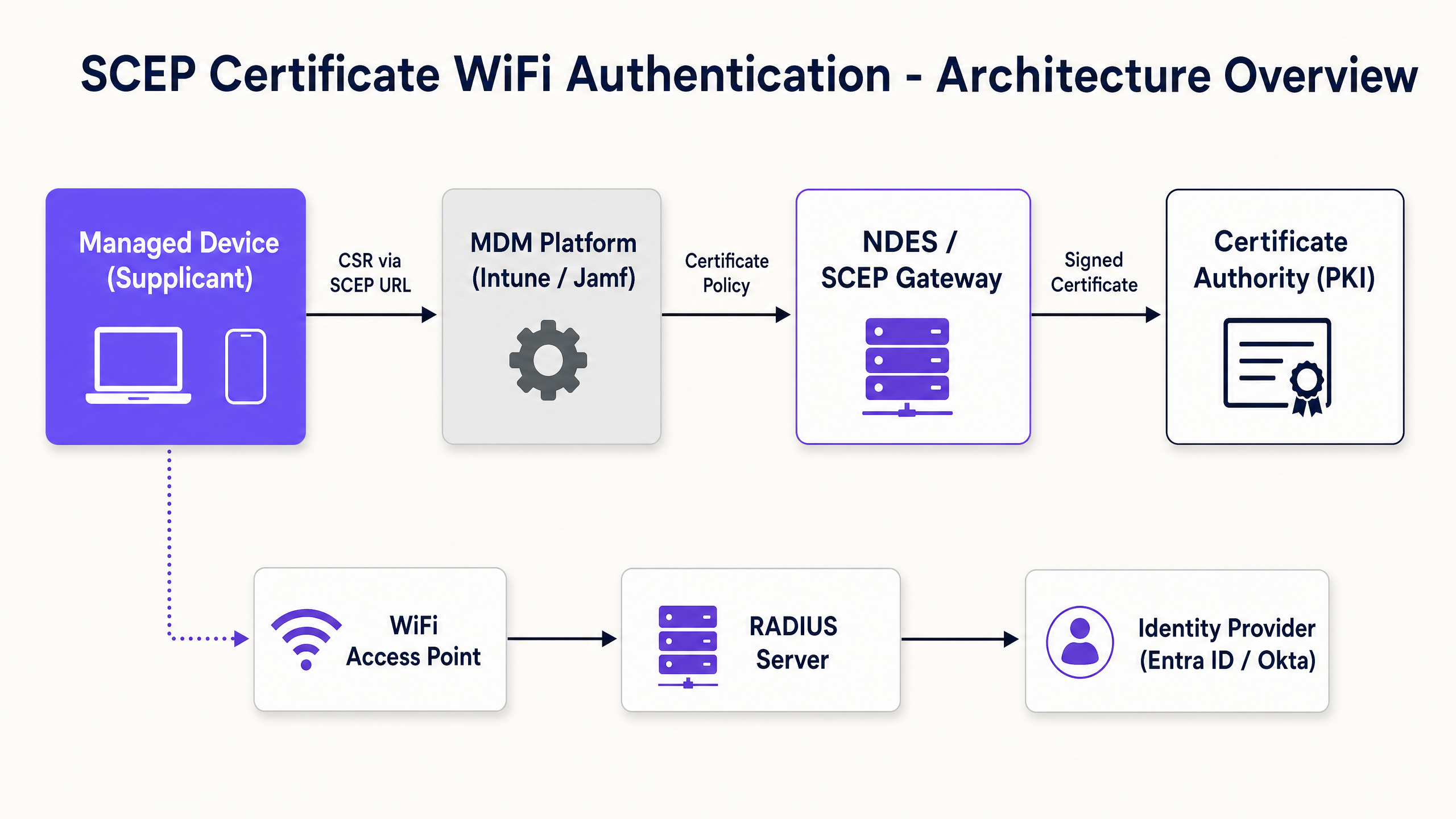
### EAP-TLS and Mutual Authentication
EAP-TLS (Extensible Authentication Protocol with Transport Layer Security) resides within the 802.1X framework. EAP-TLS is widely considered the most secure authentication method for enterprise wireless networks because it requires mutual authentication. Both the client device and the RADIUS server must present valid certificates. Neither party trusts the other without cryptographic proof. This mutual authentication protects the network from rogue access points and credential harvesting.
When a device connects to your WiFi SSID, it presents its certificate to the RADIUS server. The RADIUS server validates the certificate against your CA trust chain, checks the Certificate Revocation List (CRL) to ensure the certificate has not been revoked, and, if successful, sends an accept message to the access point.
## Implementation Guide: Deployment Sequence
Successfully configuring an MDM WiFi profile for 802.1X requires strict adherence to a specific deployment sequence. Profile dependencies dictate that trust must be established before authentication can be configured.
### Step 1: Deploy Trusted Root Certificate Profile
Before any device can request a client certificate or trust your RADIUS server, it must trust the issuing Certificate Authority.
1. Export your Root CA certificate as a .cer file.
2. In your MDM (e.g., Intune or Jamf), create a Trusted Certificate profile.
3. Upload the .cer file and deploy this profile to your target device groups.
### Step 2: Configure SCEP Certificate Profile
Once trust is established, configure the SCEP profile to instruct devices on how to obtain their client certificates.
1. Create a new configuration profile and select SCEP certificate.
2. Configure the Subject name format. For user-driven authentication, use the User Principal Name.
3. Set Key usage to Digital signature and Key encipherment.
4. Under Extended key usage, specify Client Authentication.
5. Link this profile to the Trusted Root certificate profile created in Step 1.
6. Provide the external URL of your NDES server or SCEP gateway.
### Step 3: Deploy 802.1X WiFi Profile
The final step is to push the WiFi configuration that binds the certificates to the network SSID.
1. Create a WiFi configuration profile.
2. Enter the Network name (SSID) exactly as your access points are broadcasting it.
3. Select WPA2-Enterprise or WPA3-Enterprise as the security type.
4. Set the EAP type to EAP-TLS.
5. Select the SCEP certificate profile created in Step 2 as the client authentication certificate.
6. Specify the Trusted Root certificate for server validation.
## Best Practices and Industry Standards
When implementing SCEP certificate deployment, adhere to these vendor-neutral best practices to ensure compliance and reliability.
### NDES Server Placement and Security
To allow remote devices to provision certificates before arriving on-site, the NDES server must be accessible from the internet. However, exposing an internal server directly to the internet is a major security risk. Publish the NDES URL using Azure AD Application Proxy or use a cloud-hosted SCEP gateway. This provides secure remote access without opening inbound firewall ports.
### RADIUS and CRL Checking
Certificate deployment is only half of the security equation; revocation is equally critical. If an employee leaves, their client certificate remains valid, and if the RADIUS server does not strictly check the Certificate Revocation List (CRL), disabling their Active Directory account may not immediately revoke their WiFi access. Configure your RADIUS server to enforce strict CRL checking and ensure your CRL distribution points are highly available.
### Hardware-Agnostic Deployment
SCEP and EAP-TLS are vendor-neutral standards. Your deployment should be hardware-agnostic, working seamlessly across Cisco Meraki, HPE Aruba, Ruckus, Juniper Mist, Ubiquiti UniFi, Cambium, Extreme, and Fortinet infrastructure.
## Troubleshooting and Risk Mitigation
Despite proper planning, certificate deployments can encounter issues.
### Issue: WiFi Profile Fails to Apply
This is almost always caused by a mismatch in group targeting. If the SCEP profile is assigned to a User Group, but the WiFi profile is assigned to a Device Group, the MDM cannot resolve the dependency. Ensure that the Trusted Root, SCEP, and WiFi profiles are all deployed to the exact same group.
### Issue: NDES 403 Forbidden Error
Devices are failing to retrieve SCEP certificates. This is likely because the certificate template lacks the required permissions for the Intune Certificate Connector service account, or your firewall's URL filtering is blocking specific query string parameters used by SCEP.
## ROI and Business Impact
Transitioning to SCEP 802.1X certificate deployment delivers measurable returns across security and operations.
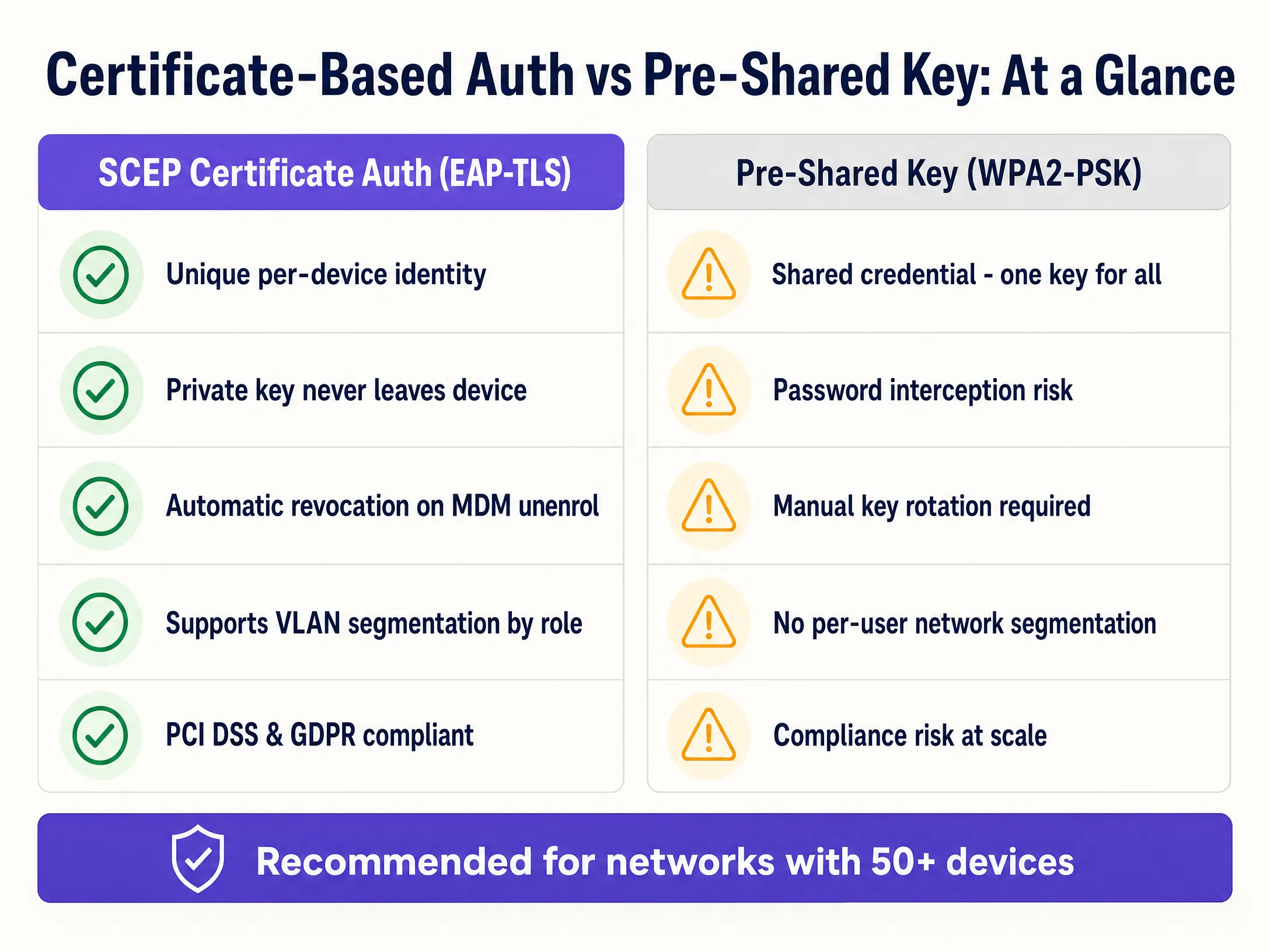
1. **Reduction in Helpdesk Tickets:** Password-based WiFi generates a high volume of support tickets. Certificate-based authentication is invisible to the user, typically reducing WiFi-related helpdesk workloads by up to 70%.
2. **Enhanced Security Posture:** EAP-TLS eliminates the risk of credential harvesting and man-in-the-middle attacks. This is crucial for compliance with frameworks such as PCI DSS and GDPR.
3. **Seamless Onboarding:** For organisations managing large fleets of Apple devices alongside Windows, integrating with existing MDM workflows ensures a unified, zero-touch provisioning experience.
4. **Dynamic Segmentation:** Supports dynamic VLAN assignment based on identity, isolating IoT devices from corporate data without requiring separate SSIDs.
For further reading, see our related guides: [Enterprise WiFi Security: A Complete Guide for 2026](/blog/enterprise-wifi-security) and [How to revoke WiFi access when an employee leaves](/guides/revoke-wifi-access-employee-leaves).
---
### Enterprise WiFi authentication without Active Directory or an on-prem server
**Source:** https://www.purple.ai/en-gb/guides/enterprise-wifi-without-active-directory
**Summary:** This guide explains how to deploy secure WPA2/3-Enterprise WiFi authentication without an on-premises Active Directory, Windows NPS, or RADIUS server. It covers the protocol mismatch between cloud identity providers and 802.1X, the case for EAP-TLS over PEAP-MSCHAPv2, and how to deploy cloud RADIUS with MDM-issued certificates against Microsoft Entra ID, Okta, or Google Workspace. Written for IT leads at cloud-first and Mac/Chromebook-heavy organisations that are ready to retire on-premises infrastructure.
**Estimated read time:** 9 minutes
**Word count:** 2,149
## Executive summary
Most organisations have moved their identity to the cloud. Microsoft Entra ID, Okta, and Google Workspace now manage users, groups, and access policies for email, SaaS apps, and device management. But enterprise WiFi has not kept pace. Access points still expect a RADIUS server, and that RADIUS server has historically been Windows Network Policy Server (NPS) connected to an on-premises Active Directory domain controller.
This mismatch forces IT teams to maintain redundant on-premises infrastructure purely to keep the WiFi running. The solution is cloud RADIUS: a fully managed authentication service that speaks RADIUS to your access points and speaks OAuth2, SCIM, and SAML to your cloud identity provider. Pair it with EAP-TLS certificate delivery via your MDM, and you have a complete 802.1X deployment with no on-premises servers, no OS patching, and instant access revocation tied directly to your cloud directory.
Purple operates cloud RADIUS across 80,000+ venues globally, with 99.999% uptime (Purple internal data, 2024) and native integrations with Microsoft Entra ID, Okta, and Google Workspace. You can be live on your existing Cisco Meraki, HPE Aruba, Ruckus, Juniper Mist, Ubiquiti UniFi, Cambium, Extreme, or Fortinet access points in under an hour.
---
## Technical deep-dive
### The protocol mismatch at the heart of the problem
The fundamental challenge is that cloud identity providers and WiFi access points speak entirely different languages. Microsoft Entra ID (formerly Azure AD) authenticates users via SAML, OIDC, and OAuth2 - the protocols that browsers and SaaS apps use. WiFi access points use RADIUS (Remote Authentication Dial-In User Service, RFC 2865), a UDP-based protocol designed in the 1990s for dial-up and VPN. Microsoft has never shipped a native RADIUS endpoint for Entra ID. You cannot point a Meraki or Aruba access point directly at Azure and expect 802.1X to work.
This is the wall that every cloud-first IT team hits when they try to secure Staff WiFi with WPA2-Enterprise or WPA3-Enterprise. Something has to bridge the gap between the access point and the cloud identity provider. That something is cloud RADIUS.
### Why PEAP-MSCHAPv2 fails without Active Directory
Historically, 802.1X deployments relied on PEAP-MSCHAPv2 (Protected Extensible Authentication Protocol with Microsoft Challenge Handshake Authentication Protocol version 2). The user typed their username and password, the access point forwarded the request to the RADIUS server, and the RADIUS server validated the password against an NTLM hash stored in Active Directory.
Microsoft Entra ID does not store NTLM hashes. This is not a configuration gap - it is a deliberate architectural decision. Entra ID is a modern cloud identity provider, not a domain controller. Consequently, a RADIUS server pointed at Entra ID cannot validate a PEAP-MSCHAPv2 challenge. The only way to make PEAP work with Entra ID is to deploy Entra Domain Services, a paid managed Active Directory that synchronises from Entra ID, and then run NPS against that. This reintroduces most of what you were trying to eliminate: Windows Server VMs, OS patching, NTLM hash storage, and manual certificate management.
### EAP-TLS: the right answer for cloud-first organisations
EAP-TLS (Extensible Authentication Protocol-Transport Layer Security, RFC 5216) replaces passwords with X.509 digital certificates. The device presents a certificate to the RADIUS server. The RADIUS server validates the certificate against a trusted Certificate Authority (CA). Because there is no password in the exchange, the RADIUS server does not need an NTLM hash store. It needs only to trust the CA and to check the user's group membership in the identity provider to apply the correct VLAN and access policy.
EAP-TLS is phishing-resistant by design. There is no credential to steal. It satisfies CISA guidance on phishing-resistant multi-factor authentication and aligns with PCI DSS requirements for strong authentication on networks that handle cardholder data. It is the authentication method recommended by IEEE 802.1X for managed device fleets.
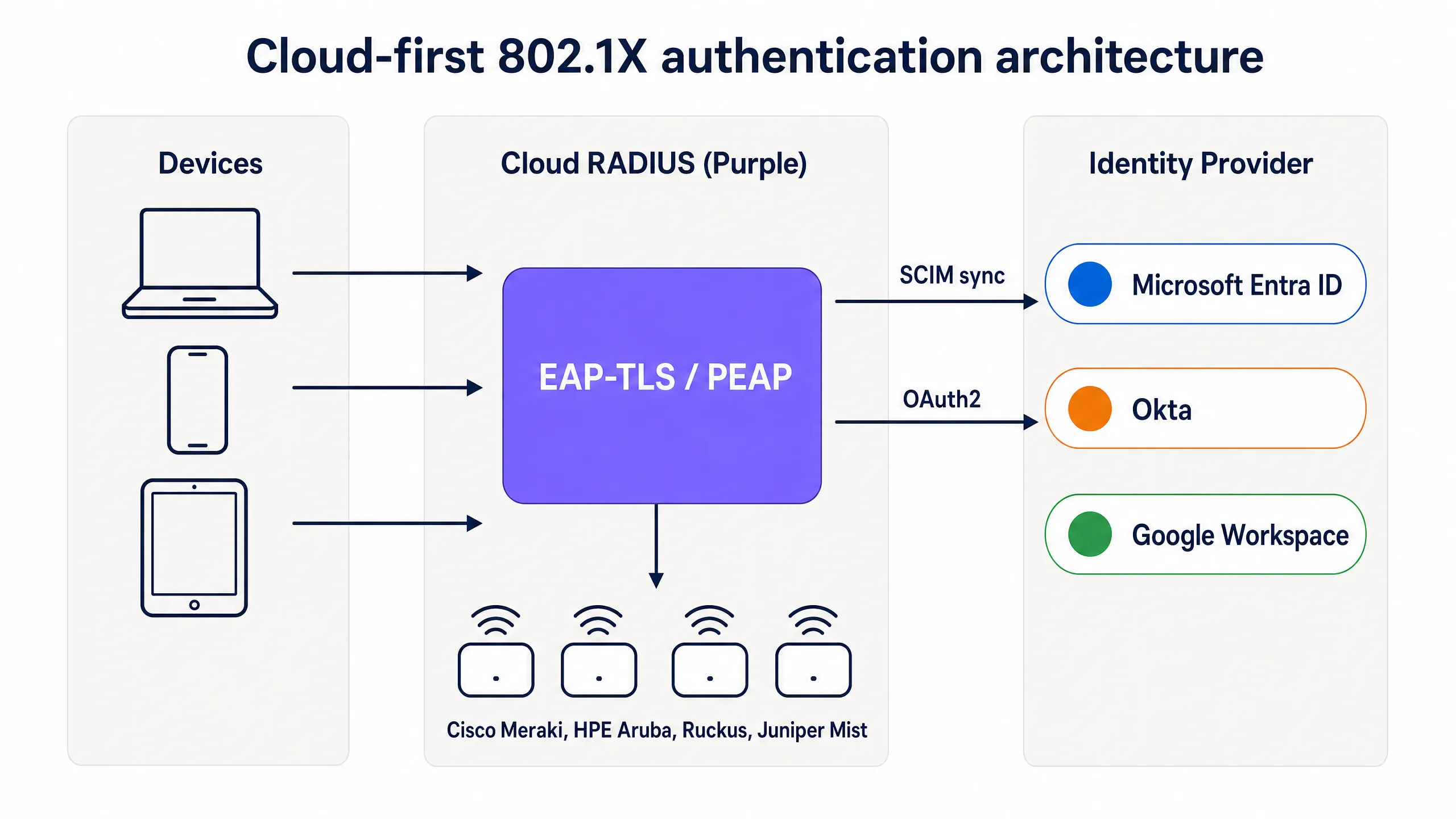
*Cloud-first 802.1X authentication architecture: devices authenticate via EAP-TLS through Purple's cloud RADIUS, which validates certificates and applies group-based policy from Entra ID, Okta, or Google Workspace.*
### How MDM replaces the on-premises CA
In a traditional 802.1X deployment, certificates were issued by an on-premises Certificate Authority running Active Directory Certificate Services (AD CS). In a cloud-first deployment, the MDM takes over this role using SCEP (Simple Certificate Enrollment Protocol). Microsoft Intune, Jamf Pro, and other MDM platforms can request certificates from a cloud-hosted CA and push them silently to managed devices.
The flow works as follows. The IT administrator creates a SCEP certificate profile in the MDM, scoped to the device groups that require WiFi access. The MDM pushes the certificate to Windows, macOS, iOS, iPadOS, Android Enterprise, and ChromeOS devices automatically. The user sees nothing. The certificate is bound to the device identity in the MDM and renews automatically before expiry. When the device connects to the WiFi, it presents the certificate to the cloud RADIUS server, which validates it against the CA and applies the correct network policy.
For organisations using Microsoft Intune, Microsoft Cloud PKI provides a fully managed CA that integrates directly with Intune SCEP profiles, eliminating the need for an on-premises NDES (Network Device Enrollment Service) server. For Jamf-managed Mac and iOS fleets, Jamf's built-in CA or a third-party cloud CA serves the same purpose.
### SCIM and instant access revocation
One of the most operationally important aspects of cloud RADIUS is SCIM (System for Cross-domain Identity Management) provisioning. SCIM is an open standard that pushes identity changes from the source of truth - your cloud identity provider - to dependent systems in real time. When an employee is disabled in Entra ID or Okta, SCIM pushes that change to the cloud RADIUS service immediately. The next time the device attempts to authenticate, the RADIUS server returns Access-Reject. With a short session timeout configured on the access point, the device is removed from the network within minutes of the account being disabled.
This is a material security improvement over shared PSK networks, where the only way to revoke access is to change the password across every device, and over legacy RADIUS deployments that rely on periodic LDAP syncs with a window of hours or days.
### RadSec: securing RADIUS traffic over the internet
Traditional RADIUS uses UDP and provides only basic message authentication. When your RADIUS server is in the same data centre as your access points, this is acceptable. When your RADIUS server is a cloud service, the authentication traffic traverses the public internet. RadSec (RADIUS over TLS, RFC 6614) encrypts the RADIUS exchange using TLS, providing confidentiality and integrity for authentication traffic. Purple supports RadSec natively, with IPsec fallback for access points that do not yet support RadSec.
---
## Implementation guide
Deploying cloud RADIUS with EAP-TLS requires four coordinated steps. A pilot SSID can be live in under an hour if Entra ID and an MDM are already in place.
### Step 1: Connect cloud RADIUS to your identity provider
Connect Purple to your identity provider via OAuth2 admin consent (for Entra ID) or API token (for Okta and Google Workspace). This authorises Purple to read users, groups, and group memberships from the directory. Configure SCIM provisioning to push user state changes to Purple in real time. No service principal credentials are stored on disk. Group changes propagate on the next authentication event, not on a sync schedule.
### Step 2: Configure your MDM and SCEP profile
In Microsoft Intune, create a Trusted Certificate Profile for the CA root, then create a SCEP certificate profile pointing at the Purple-managed CA. Scope both profiles to the device groups that require WiFi access. For Jamf, configure a SCEP payload in a configuration profile. The MDM pushes the certificates silently. Verify certificate delivery in the MDM compliance dashboard before proceeding.
### Step 3: Define network policies in the cloud RADIUS dashboard
Create RADIUS policies that map identity provider groups to specific VLANs and access controls. For example, map the Entra ID group "Staff-Finance" to VLAN 20 with full internet access, and map "Staff-Contractors" to VLAN 30 with time-limited access that expires automatically. Purple's dashboard applies these policies at the point of authentication, with no firewall changes required.
### Step 4: Update access point configuration
Update the SSID configuration on your access points to use WPA2-Enterprise or WPA3-Enterprise with 802.1X. Enter the Purple cloud RADIUS primary and secondary endpoint hostnames or IP addresses, along with the shared secret. Configure the access points to use dynamic VLAN assignment based on the RADIUS attributes returned by Purple. Test with a single SSID on a subset of access points before rolling out across the estate.
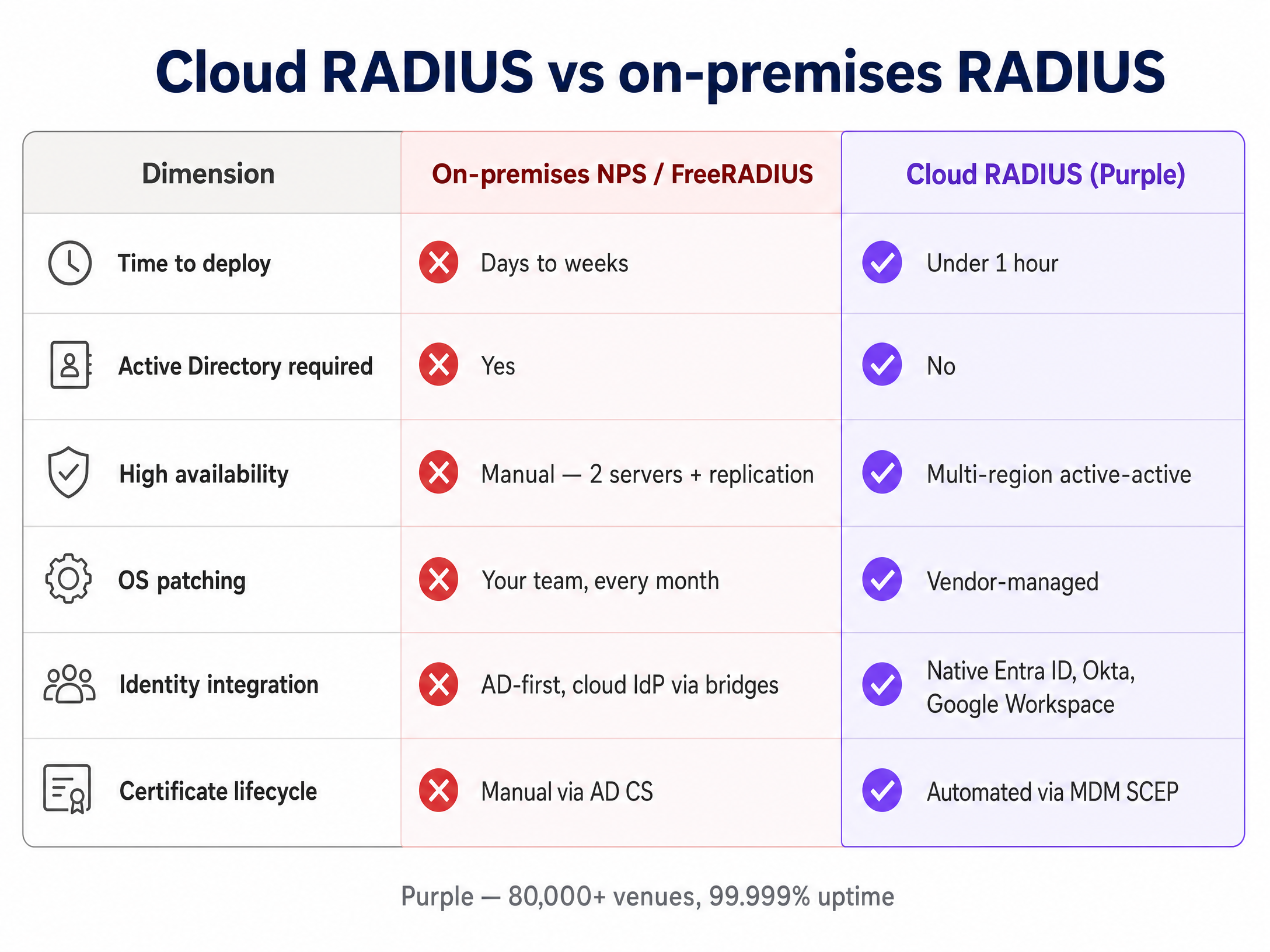
*Cloud RADIUS vs on-premises RADIUS: a direct comparison across deployment time, Active Directory dependency, high availability, OS patching, identity integration, and certificate lifecycle management.*
---
## Best practices
These recommendations reflect IEEE 802.1X standards, PCI DSS v4.0 requirements, and operational experience across Purple's 80,000+ venue estate.
**Mandate EAP-TLS for managed devices.** Passwords are susceptible to phishing and credential stuffing. Certificates provide cryptographic proof of identity and device compliance. EAP-TLS is the only 802.1X method that is phishing-resistant by design.
**Use SCIM for instant revocation.** Periodic LDAP syncs leave a window where a terminated employee retains network access. SCIM ensures access is revoked the moment the account is disabled in the identity provider.
**Deploy multi-region RADIUS.** Configure your access points with at least two RADIUS endpoints in different geographic regions. Purple provides active-active multi-region failover by default, with failover completing in seconds.
**Segment traffic with dynamic VLANs.** Use identity provider group memberships to assign users to specific VLANs dynamically. This isolates sensitive traffic and limits the blast radius of a compromised device without requiring manual firewall changes.
**Enable RadSec.** If your access points support RadSec, enable it to encrypt authentication traffic between the access point and the cloud RADIUS server. This is particularly important for branch offices and venues where the access point is on an untrusted network segment.
**Monitor certificate lifecycle.** Set MDM auto-renewal to trigger at 80% of the certificate lifetime. For a one-year certificate, renewal begins at the 10-month mark. Alert on devices that fail to renew before the certificate expires.
For a broader treatment of enterprise WiFi security standards and frameworks, see our [Enterprise WiFi Security: A Complete Guide for 2026](/blog/enterprise-wifi-security).
---
## Troubleshooting and risk mitigation
Transitioning to cloud RADIUS introduces new dependencies. Prepare for these common failure modes before they affect production.
**Certificate expiration.** If a device certificate expires before the MDM renews it, the device fails authentication silently. The user sees a connection error with no explanation. Mitigate by configuring MDM auto-renewal at 80% of certificate lifetime and monitoring the MDM compliance dashboard for devices with expiring certificates.
**MDM sync failures.** A device that falls out of MDM compliance or fails to check in may not receive a renewed certificate. Implement compliance policies that flag unhealthy devices and alert administrators before the certificate expires.
**Firewall blocking RADIUS traffic.** The access points must reach the cloud RADIUS endpoints on UDP port 1812 (authentication) and UDP port 1813 (accounting), or TCP port 2083 for RadSec. Outbound firewall rules at branch offices frequently block these ports. Test reachability from the access point management VLAN before deployment.
**SCIM provisioning failures.** If the SCIM connection between the identity provider and Purple is interrupted, user state changes will not propagate. Monitor SCIM sync status in both the identity provider and the Purple dashboard. Configure alerting for sync failures.
**Legacy devices without certificate support.** IoT devices, printers, and older hardware may not support EAP-TLS. For these devices, use iPSK (individual pre-shared keys) rather than a shared PSK. Purple supports iPSK natively, assigning a unique key per device and placing each device on the correct VLAN without requiring 802.1X supplicant support.
---
## ROI and business impact
Migrating from on-premises RADIUS to cloud RADIUS delivers measurable value across infrastructure, operations, and security.
| Dimension | On-premises NPS | Cloud RADIUS (Purple) |
|---|---|---|
| Infrastructure cost | Windows Server licences, VM compute, storage | Per-AP subscription, no server hardware |
| Time to deploy | Days to weeks | Under one hour |
| High availability | Manual - two servers plus replication | Multi-region active-active, default |
| OS patching | Monthly, your team | Vendor-managed |
| WiFi helpdesk tickets | High - password resets, manual onboarding | Down 80% (Purple customer data) |
| Access revocation | Hours to days via LDAP sync | Seconds via SCIM |
IT teams using Purple's Staff WiFi typically see WiFi support tickets drop by 80% (Purple internal data, 2024), driven by the elimination of password resets and manual device onboarding. Certificate-based authentication also satisfies PCI DSS requirement 8.3 for strong authentication and ISO 27001 control A.9.4 for system and application access control, reducing the audit burden on your security team.
For organisations in [retail](/industries/retail) and [hospitality](/industries/hospitality), the ability to manage Staff WiFi and [Guest WiFi](/guest-wifi) from a single cloud dashboard - with a unified identity layer - reduces operational complexity across multi-site estates. For [transport](/industries/transport) operators and [healthcare](/industries/healthcare) providers, the instant revocation capability and full audit trail satisfy regulatory requirements without additional tooling.
Purple's [WiFi Analytics](/guest-wifi-marketing-analytics-platform) layer adds occupancy and hybrid working data on top of the authentication infrastructure, turning Staff WiFi from a cost centre into a source of operational intelligence.
---
*Related reading: [Enterprise WiFi Security: A Complete Guide for 2026](/blog/enterprise-wifi-security) - [OpenWrt Custom Firmware Integration with Purple WiFi](/guides/openwrt-custom-firmware-purple-wifi-integration)*
---
### Per-Device PSK by Vendor: iPSK, DPSK, MPSK and PPSK Compared (and WPA3 Support)
**Source:** https://www.purple.ai/en-gb/guides/per-device-psk-by-vendor-wpa3-support
**Summary:** A comprehensive comparison of per-device PSK implementations across Cisco Meraki, HPE Aruba, Ruckus, Juniper Mist, Extreme, Fortinet, and Ubiquiti UniFi. Learn how WPA3-SAE impacts per-device key strategies and when to deploy transition modes versus moving to 802.1X.
**Estimated read time:** 6 minutes
**Word count:** 1,316
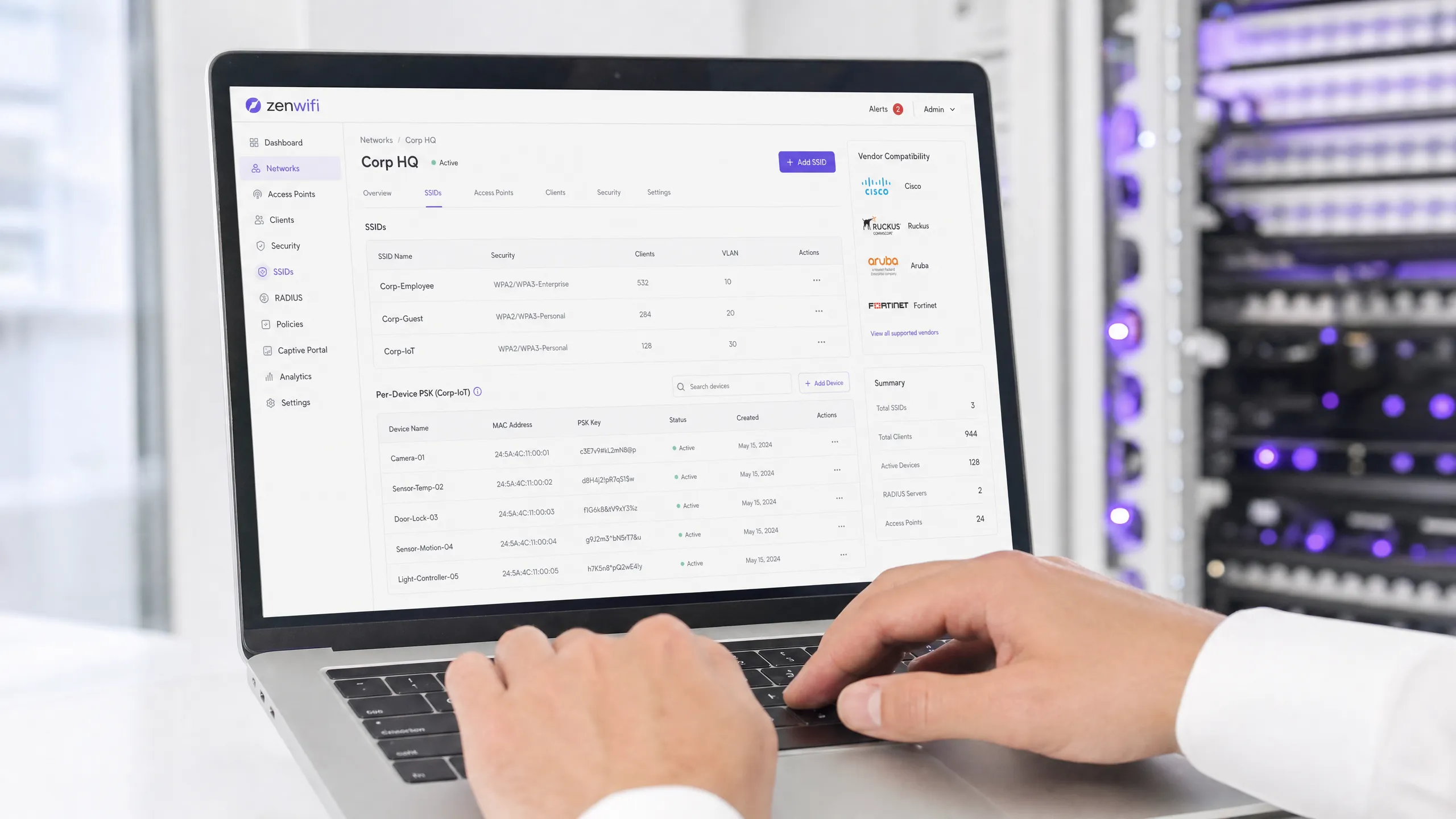
## Executive Summary
Per-device Pre-Shared Key (PSK) is the essential transition technology for enterprise networks that need per-device visibility without the complexity of full 802.1X authentication. While vendors use different names - Cisco Meraki iPSK, HPE Aruba MPSK, Ruckus DPSK, Juniper Mist PPSK - the fundamental goal is identical: assigning a unique password to every device on a single SSID.
However, the move to WPA3 introduces a significant architectural constraint. WPA3 replaces the traditional WPA2 four-way handshake with Simultaneous Authentication of Equals (SAE). SAE requires the password to be known by both the access point and the client before the exchange begins, which breaks the standard RADIUS-based lookup mechanism used by most per-device PSK implementations. This guide details how each major vendor handles per-device PSK, how they store and look up keys, and how they address the WPA3-SAE challenge - from WPA3 transition modes to proprietary extensions like Ruckus DPSK3.
## Technical Deep-Dive
### The Architecture of Per-Device PSK
Traditional WPA2-Personal uses a single shared passphrase for an entire SSID. Every device uses the same password, which means you cannot revoke access for one device without changing the password for everyone. Furthermore, you have no per-device visibility or policy enforcement.
Per-device PSK solves this by issuing a unique credential to each device or user. You can revoke one key without touching the others. You can assign different VLANs, bandwidth policies, or access schedules per key.
The technical mechanism relies on the WPA2 four-way handshake. When a client associates, the access point sends the client's MAC address to a RADIUS server (or a local database) in an Access-Request message. The RADIUS server returns an Access-Accept message containing the specific key for that device. The access point then completes the four-way handshake using that specific key to derive the Pairwise Master Key (PMK).
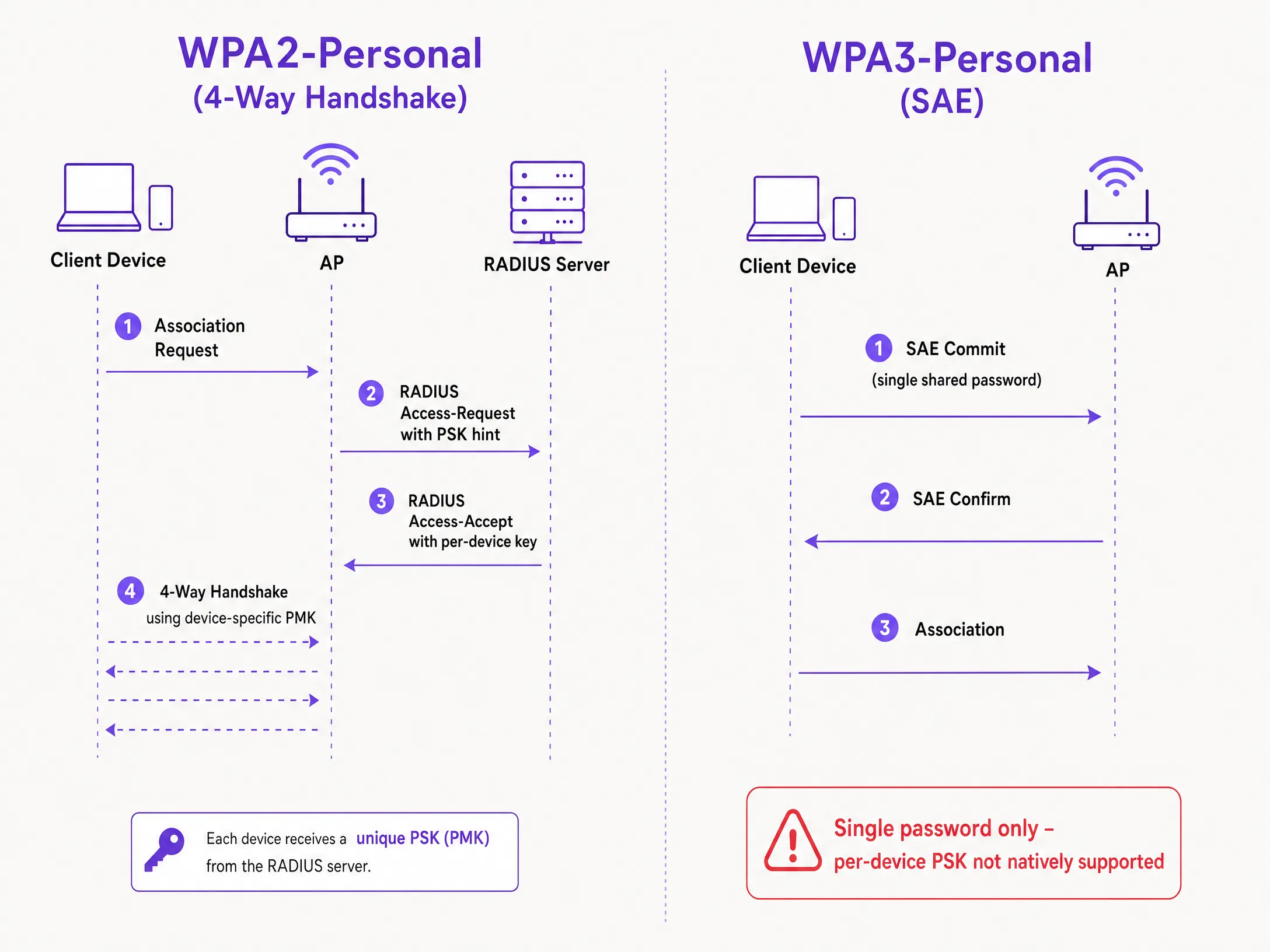
### The WPA3-SAE Challenge
WPA3-Personal replaces the four-way handshake with SAE. SAE is a Diffie-Hellman-based protocol where both sides commit to a shared password element derived from the passphrase before the association completes.
The critical difference is that the password must be known to both sides before the SAE exchange begins. There is no point in the protocol where a RADIUS server can inject a different key per device. The access point and client are already executing a cryptographic exchange based on a single shared value. This is a protocol constraint defined by the IEEE 802.11 standard, not a vendor limitation.
### Vendor Implementations Compared
Every major enterprise vendor supports per-device PSK, but their implementations and WPA3 readiness vary.
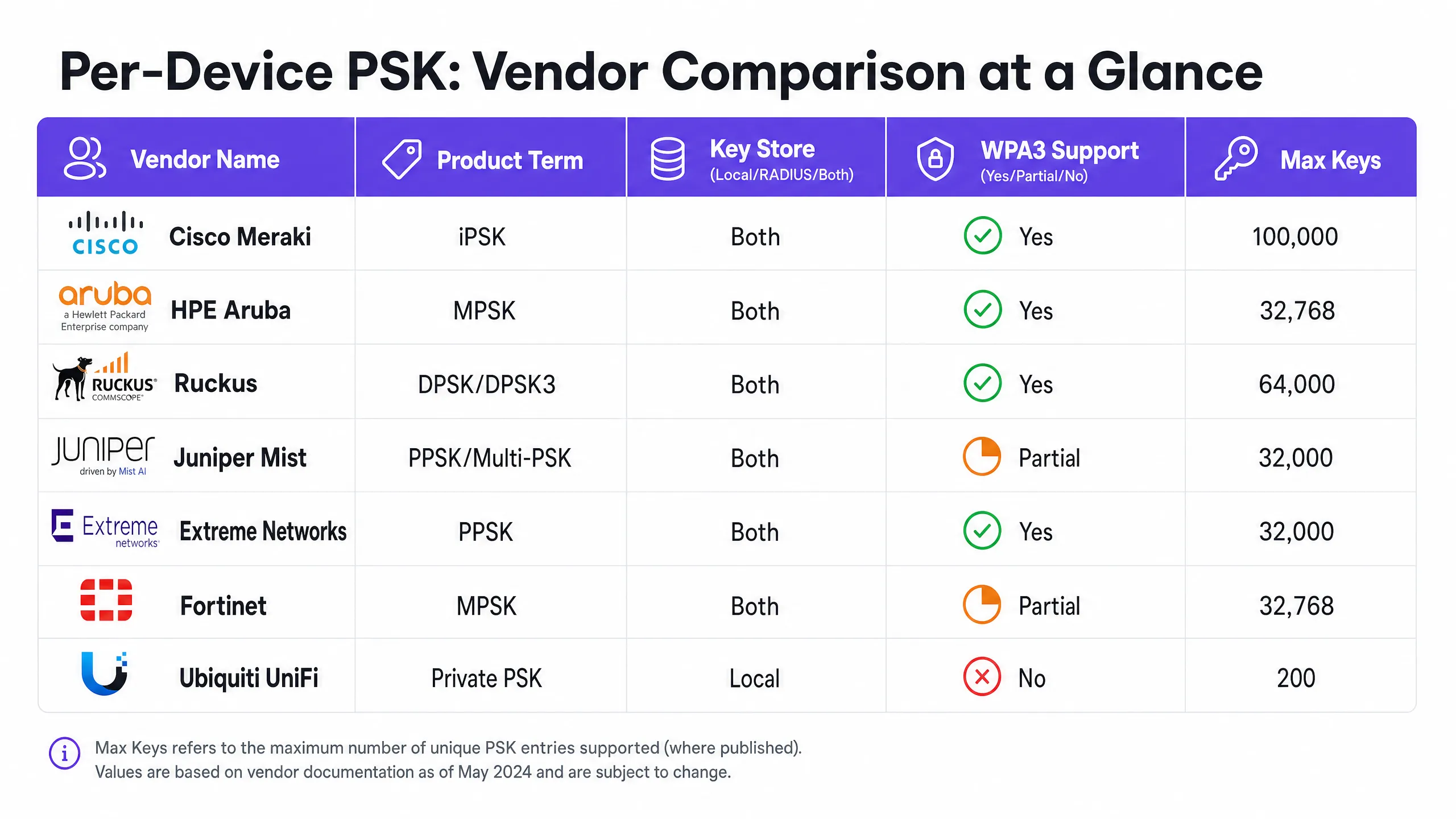
**Cisco Meraki (iPSK)**
Cisco Meraki calls it Identity Pre-Shared Key (iPSK). It supports two modes. Without RADIUS, you can configure up to five unique PSKs directly in the Meraki dashboard. With RADIUS - typically Cisco ISE - you can scale to 100,000 keys. The RADIUS server performs the lookup and returns the per-device key. For WPA3, Meraki relies on WPA3 transition mode (WPA2/WPA3 mixed mode), where WPA2 clients use the four-way handshake and receive per-device keys, while WPA3 clients use SAE with a single shared password.
**HPE Aruba (MPSK)**
HPE Aruba calls it Multiple Pre-Shared Key (MPSK). Aruba supports MPSK Local, where keys are stored on the controller, and MPSK with ClearPass, which acts as the RADIUS and policy engine. ClearPass can hold tens of thousands of keys and assign dynamic VLANs. Like Meraki, WPA3 support is currently handled via transition mode.
**Ruckus (DPSK and DPSK3)**
Ruckus calls it Dynamic Pre-Shared Key (DPSK). It is one of the most mature implementations, available since the early SmartZone days. In RADIUS mode, it integrates with Cloudpath. Ruckus is notable for DPSK3, their WPA3 extension. DPSK3 operates in WPA2/WPA3 mixed mode and requires Cloudpath as the RADIUS backend. It allows WPA3-capable devices to use SAE while the system manages per-device key binding through the Cloudpath integration.
**Juniper Mist (PPSK / Multi-PSK)**
Juniper Mist calls it Private Pre-Shared Key (PPSK) or Multi-PSK. Mist stores keys in the cloud database, with a limit of 5,000 keys per site. Keys can be assigned per user, per device, or per group. Mist integrates with its Access Assurance service, which adds RADIUS-based PSK lookup. Juniper supports WPA3 RADIUS PSK through Access Assurance, allowing a single WPA3-Personal SSID to serve multiple passphrases.
**Extreme Networks (PPSK)**
Extreme Networks calls it Private Pre-Shared Key (PPSK) through ExtremeCloud IQ. It supports local key storage on the access point itself, which is useful for remote sites, as well as RADIUS-based lookup via ExtremeCloud IQ's cloud RADIUS service. Extreme supports MAC binding to tie a PPSK to a specific device.
**Fortinet (MPSK)**
Fortinet calls it Multiple Pre-Shared Key (MPSK), managed through FortiAP and the FortiGate wireless controller. Fortinet explicitly supports WPA3-SAE and WPA3-SAE Transition security modes in its MPSK profiles. You can create an MPSK profile with WPA3-SAE keys, assign them to a VAP, and enable dynamic VLAN assignment.
**Ubiquiti UniFi (Private PSK)**
Ubiquiti UniFi calls it Private Pre-Shared Keys. The implementation is local only; keys are stored in the UniFi Network controller. You can assign different VLANs per key. However, UniFi Private PSK only works on WPA2 networks on 2.4 GHz and 5 GHz. WPA3 and 6 GHz are not supported.
## Implementation Guide
When deploying per-device PSK, follow these steps to ensure a secure and scalable architecture.
1. **Audit Your Device Landscape**: Identify which devices support WPA3 and which rely on WPA2. Legacy IoT devices will likely require WPA2 for the foreseeable future.
2. **Select the Right SSID Strategy**: For a mixed environment, deploy a hybrid SSID design. Maintain a WPA2-Personal SSID with per-device PSK for legacy IoT and guest devices. Deploy a WPA3-Enterprise SSID for managed staff devices.
3. **Implement Transition Mode Carefully**: If you use WPA3 transition mode on your primary guest SSID, ensure your access points and RADIUS servers are correctly configured to handle the mixed authentication flows.
4. **Integrate Identity Management**: Do not manage keys manually. Integrate your key provisioning with your device management workflow or an identity provider like Microsoft Entra ID or Okta.
5. **Configure Dynamic VLANs**: Map each per-device PSK to a specific VLAN to enforce network segmentation. This is critical for isolating IoT devices from guest traffic.
## Best Practices
* **Enforce Lifecycle Management**: Per-device PSK requires strict lifecycle management. You must have a process to revoke keys when devices are decommissioned to prevent key sprawl.
* **Use 802.1X for Managed Endpoints**: For corporate laptops and staff devices, move to WPA3-Enterprise with EAP-TLS. It provides stronger security and native compatibility with zero-trust models.
* **Test WPA3 Upgrades**: Never enable WPA3 on an existing per-device PSK SSID without testing in a pilot site. Verify firmware versions and RADIUS server compatibility.
* **Leverage Purple for Identity**: Integrate Purple to handle the identity layer. Purple sits as a cloud overlay, providing authentication, data capture, and consent management, and passes the appropriate VLAN assignment back to your hardware via RADIUS. See [Enterprise WiFi Security: A Complete Guide for 2026](/blog/enterprise-wifi-security) for more details.
## Troubleshooting & Risk Mitigation
* **Clients Failing to Connect on WPA3**: If legacy devices fail to connect to a WPA3 transition mode SSID, it is often due to incompatible wireless drivers. Ensure client drivers are updated. If the issue persists, move legacy devices to a dedicated WPA2-only SSID.
* **RADIUS Timeouts**: If the access point times out waiting for the per-device key from the RADIUS server, check the network path and ensure the RADIUS server is scaled to handle the authentication load.
* **VLAN Assignment Failures**: If a device connects but receives the wrong IP address, verify the VLAN mapping in the RADIUS Access-Accept message and ensure the VLAN exists on the access point and switch port.
## ROI & Business Impact
Implementing per-device PSK delivers measurable business value by reducing support tickets and improving security.
* **Reduced Helpdesk Load**: Automating key provisioning and revocation eliminates manual password resets.
* **Improved Security Posture**: Isolating devices onto separate VLANs based on their unique key reduces the blast radius of a compromised device.
* **Enhanced Visibility**: Per-device keys provide granular visibility into network utilisation, allowing you to identify bandwidth hogs and optimise capacity planning.
---
### How to Reduce the Number of WiFi SSIDs Using Per-Device PSK (iPSK, DPSK, MPSK)
**Source:** https://www.purple.ai/en-gb/guides/reduce-ssids-with-per-device-psk
**Summary:** This authoritative technical reference guide explains how IT teams can eliminate WiFi performance degradation caused by SSID beacon overhead by collapsing multiple purpose-built networks into a single SSID using per-device PSK (xPSK). It covers the vendor landscape across Cisco iPSK, HPE Aruba MPSK, Ruckus DPSK, Juniper Mist PPSK, and Ubiquiti UniFi PPSK, with practical implementation guidance on dynamic VLAN assignment, IoT onboarding, and PCI DSS compliance. Venue operators in hospitality, retail, stadiums, and public-sector organisations will find actionable architecture guidance and real-world worked examples.
**Estimated read time:** 9 minutes
**Word count:** 1,962

## Executive summary
Venue operators face a growing crisis of WiFi spectrum congestion. Every time you broadcast a new SSID to segment guest, staff, point-of-sale, and IoT traffic, you consume valuable airtime with management frame overhead. A network broadcasting six SSIDs can consume nearly 20% of available airtime on beacons alone before a single packet of actual data is transmitted. This degrades performance for every user in the venue.
The solution is to collapse multiple purpose-built SSIDs into a single broadcast network using per-device Pre-Shared Keys (xPSK). By assigning a unique passphrase to each device or user group, IT teams can dynamically steer traffic into specific VLANs and apply role-based access control policies - all on a single SSID. This approach delivers the segmentation benefits of 802.1X enterprise authentication without the heavy burden of certificate management or RADIUS supplicant configuration on guest devices.
This guide details the architectural case for xPSK (including Cisco iPSK, HPE Aruba MPSK, Ruckus DPSK, Juniper Mist PPSK, and Ubiquiti UniFi PPSK), explains the underlying mechanics of dynamic VLAN assignment, and provides a practical roadmap for implementation in enterprise environments across [Hospitality](/industries/hospitality), [Retail](/industries/retail), [Healthcare](/industries/healthcare), and [Transport](/industries/transport) verticals.
## Technical deep-dive
### The hidden cost of SSID sprawl
The performance problems often blamed on poor coverage or capacity are frequently the result of SSID congestion. Every enabled SSID broadcasts a beacon frame every 100 milliseconds. While a single beacon is small, this management traffic is transmitted at the lowest basic data rate - typically 1 or 2 Mbps - to ensure all devices at the cell edge can receive it. This means beacons occupy the channel for a disproportionately long time relative to their payload.
When a venue broadcasts separate networks for [Guest WiFi](/guest-wifi), staff BYOD, tills, IoT sensors, and contractors, the airtime consumption compounds rapidly. If an access point broadcasts six SSIDs and a client device can hear four access points on the same channel, that channel must carry 240 beacon frames per second. This overhead consumes airtime that should carry actual data, increasing latency and reducing throughput across the entire network. The industry consensus is clear: broadcast no more than three SSIDs per radio, and ideally fewer.
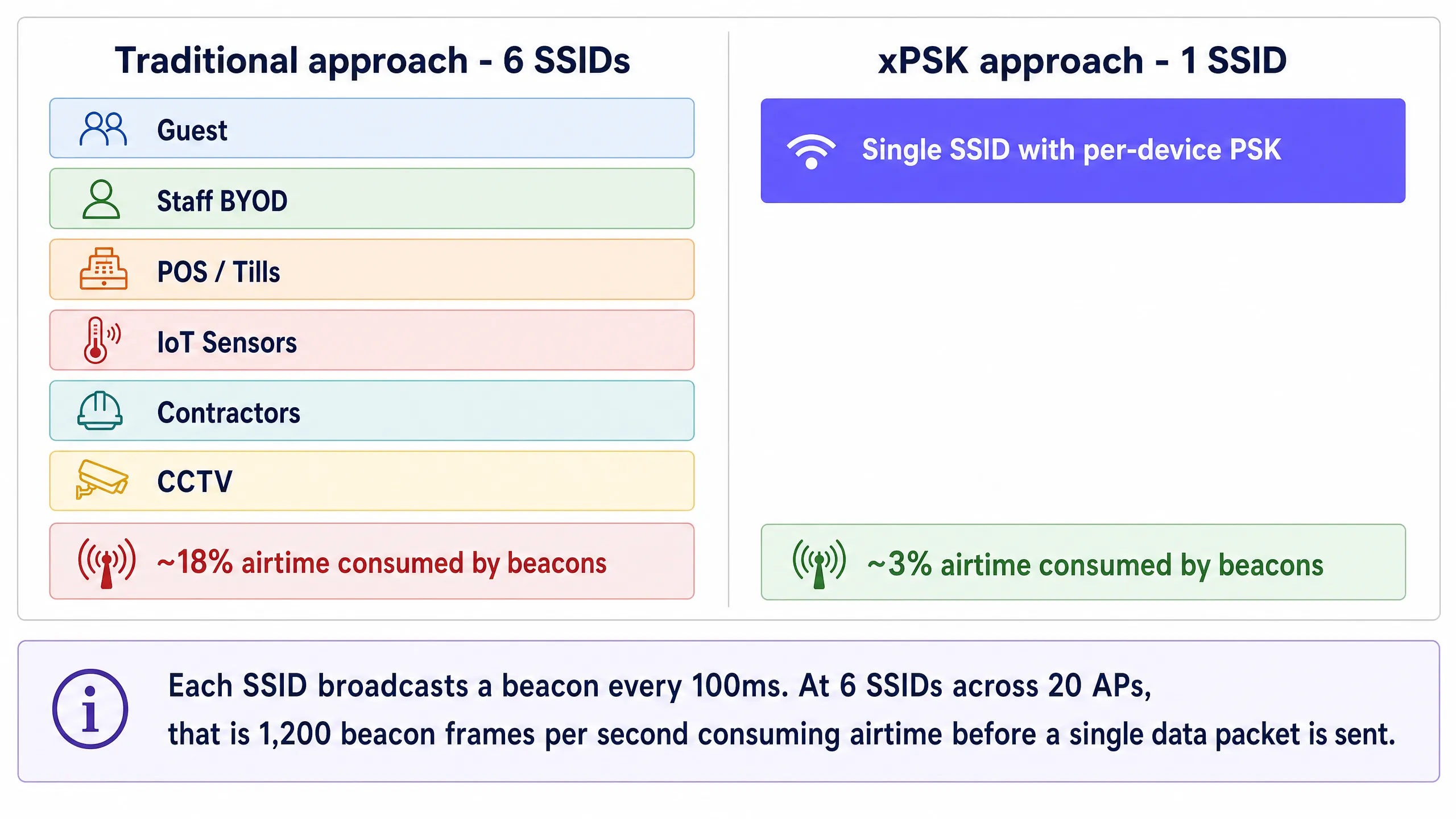
### The xPSK architecture
Per-device Pre-Shared Key technology - collectively referred to as xPSK - solves this problem by decoupling the passphrase from the SSID. Instead of one shared password for the entire network, the wireless controller or cloud management platform maintains a database of unique keys. When a device associates with the access point, it presents its assigned key during the standard WPA2 or WPA3 4-way handshake. The controller validates the key and maps it to an identity record, which triggers specific policies: dynamic VLAN assignment, bandwidth throttling, or firewall rules.
From the client device's perspective, the connection process is identical to joining a standard home network. There are no certificates to install, no complex supplicant configurations, and no Captive Portals required for initial association. This makes xPSK ideal for headless IoT devices, smart TVs, and guest BYOD scenarios where 802.1X is impractical.
The VLAN steering mechanism relies on three standard IETF RADIUS attributes returned in the Access-Accept message: `Tunnel-Type` (Attribute 64, value 13 for VLAN), `Tunnel-Medium-Type` (Attribute 65, value 6 for IEEE-802), and `Tunnel-Private-Group-ID` (Attribute 81, containing the VLAN ID string). When the access point receives these attributes, it dynamically tags the device's traffic with the specified VLAN, placing it into the correct network segment regardless of which physical port or access point it connected through.
### Vendor implementations at a glance
While the underlying concept is uniform, hardware vendors use different terminology and offer varying levels of scale and integration.
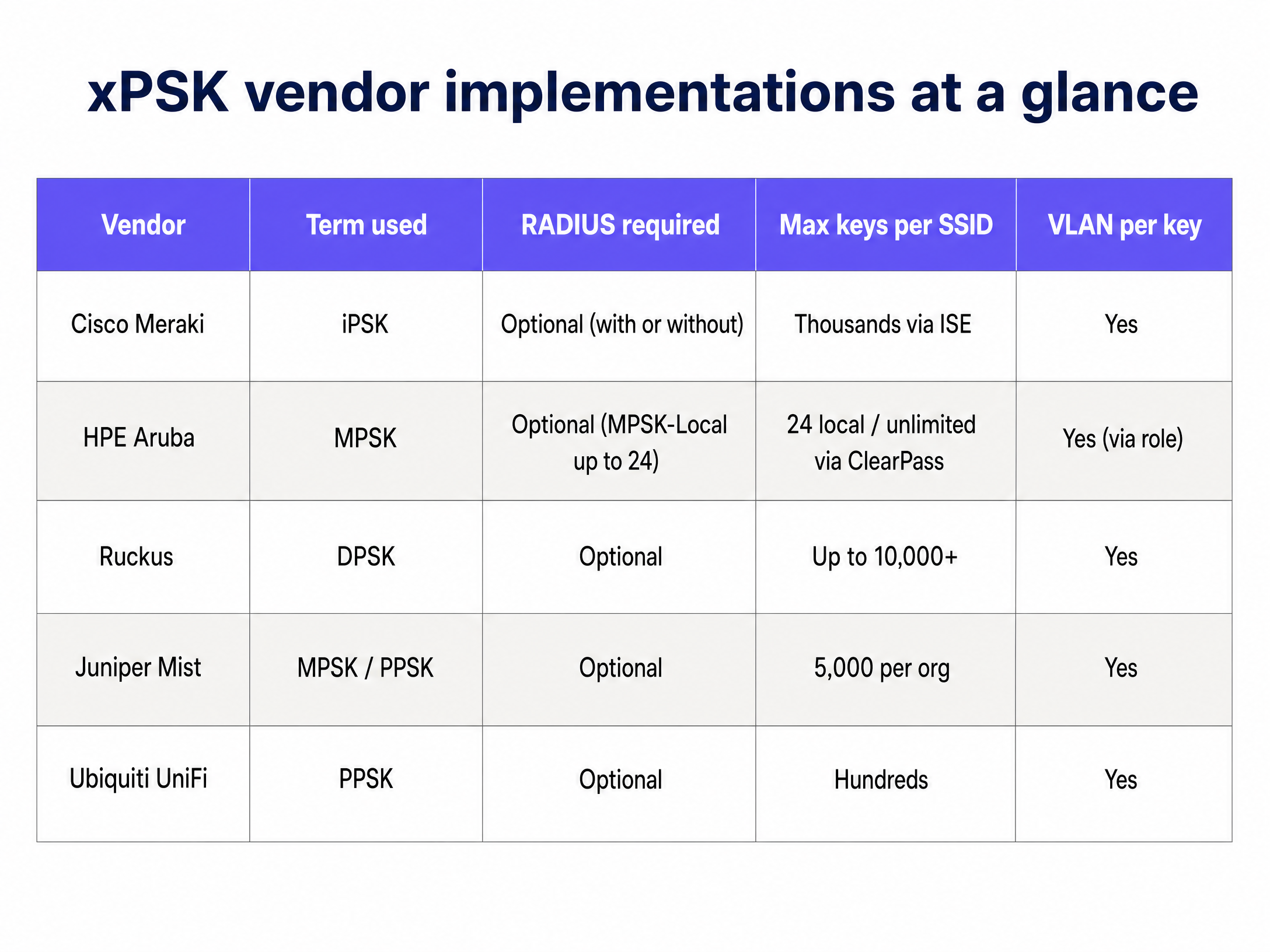
**Cisco Meraki (iPSK):** Identity PSK integrates tightly with Cisco ISE or Meraki's native cloud RADIUS. You can run it without a separate RADIUS server by managing keys directly in the Meraki dashboard, or scale to thousands of unique keys via ISE with full dynamic profiling and integration with Microsoft Entra ID or Okta.
**HPE Aruba (MPSK):** Multi Pre-Shared Key supports up to 24 keys locally on the access point (MPSK-Local) without any external server. For larger deployments, pairing with ClearPass removes the scale limit entirely and adds role-based access control on top of VLAN assignment.
**Ruckus (DPSK):** Dynamic PSK is a mature, patented implementation that has been in the market for over a decade. It supports up to 10,000 unique keys per SSID and has strong API support for automated provisioning, making it well-suited for large hospitality deployments.
**Juniper Mist (PPSK/MPSK):** Private PSK integrates with Mist's AI-driven cloud platform, supporting up to 5,000 keys per organisation with dynamic role and VLAN assignment. Keys can be imported via CSV or provisioned via API.
**Ubiquiti UniFi (PPSK):** Private Pre-Shared Key is built into the UniFi Network controller with no additional licensing. It is the most accessible entry point for smaller venues already running UniFi infrastructure.
**Extreme Networks (PPSK):** Extreme's ExtremeCloud IQ platform supports PPSK with per-key VLAN assignment, suitable for education and public-sector deployments.
**Fortinet (MPSK):** FortiGate and FortiAP support MPSK with per-key VLAN steering, integrating with FortiAuthenticator as the RADIUS backend.
### When to use 802.1X instead
xPSK is not a universal replacement for 802.1X. For corporate-owned devices managed by an MDM platform, where certificates can be pushed silently via Microsoft Entra ID or Okta, 802.1X with EAP-TLS (Extensible Authentication Protocol - Transport Layer Security) remains the most secure option. It provides per-session encryption keys, mutual authentication, and certificate-based identity that cannot be shared or stolen as easily as a passphrase.
Use 802.1X for: managed corporate laptops and tablets, devices enrolled in Microsoft Intune or Jamf, and any scenario where you can guarantee supplicant configuration on every device.
Use xPSK for: guest BYOD, IoT and headless devices, point-of-sale terminals running legacy operating systems, contractor devices, and any scenario where certificate deployment is impractical.
For a broader treatment of enterprise WiFi security standards, see our [Enterprise WiFi Security: A Complete Guide for 2026](/blog/enterprise-wifi-security).
## Implementation guide
### Step 1: Define your segmentation strategy
Before configuring your wireless controller, map out your required network segments. A typical hospitality or retail environment requires at least four isolated zones:
| Zone | VLAN | Access Policy | Typical Devices |
|---|---|---|---|
| Guest | 20 | Internet only, client isolation | Personal phones, tablets, laptops |
| Staff BYOD | 10 | Internet + specific internal apps | Staff personal devices |
| IoT and Facilities | 30 | Restricted outbound to vendor cloud only | Thermostats, sensors, digital signage |
| POS and Secure Ops | 40 | PCI DSS compliant, isolated | Payment terminals, tills |
Standardise these VLAN IDs across all your venues before deployment. Inconsistent VLAN numbering across sites is one of the most common causes of failed multi-site rollouts.
### Step 2: Configure the RADIUS infrastructure
Enterprise deployments require a central RADIUS server to manage the key lifecycle and pass dynamic VLAN attributes. Configure your RADIUS server to return the following attributes upon successful authentication:
- `Tunnel-Type` (64): Set to `VLAN` (13)
- `Tunnel-Medium-Type` (65): Set to `IEEE-802` (6)
- `Tunnel-Private-Group-ID` (81): Set to the assigned VLAN ID (e.g., "40" for POS)
Create separate authorization profiles for each device group. For example, a profile named "POS_Devices" returns VLAN 40. A profile named "IoT_Sensors" returns VLAN 30. Each profile is triggered by the unique key presented during authentication.
### Step 3: Deploy the single SSID
Create a new SSID on your wireless controller. Configure the security type as WPA2-Personal (or WPA3-Transition if supported by your specific xPSK implementation) and enable the vendor-specific xPSK feature. Disable all legacy SSIDs once the new SSID is validated.
Ensure that MAC Authentication Bypass (MAB) is configured correctly to allow headless IoT devices to authenticate using their MAC address as the identity, mapping them to the appropriate PSK and VLAN.
### Step 4: Automate key distribution
The success of an xPSK deployment depends on frictionless key distribution. For [Guest WiFi](/guest-wifi), integrate key generation with your Property Management System or CRM. Purple's identity-based network platform can automate this process, generating a unique key upon booking and delivering it via email or SMS, then revoking it automatically at checkout.
For IoT devices, IT teams can pre-provision keys in bulk via CSV import or API integration, associating each device's MAC address with a specific key and VLAN role before it connects to the network.
## Best practices
**Plan for MAC randomisation from day one.** Modern operating systems (iOS 14 and later, Android 10 and later, Windows 11) randomise MAC addresses by default. If your xPSK implementation relies on MAC address tracking for policy enforcement, you must require users to disable "Private WiFi Address" for your network, or use a vendor solution that binds the identity to the key rather than the MAC address.
**Enforce key lifecycle management.** Keys must expire. Tie guest keys to their checkout date. Rotate staff keys annually or upon departure. Stale keys accumulate over time and become a significant security liability. Build the revocation workflow before you go live, not after.
**Maintain a fallback VLAN.** Configure a critical VLAN on your access points. If the RADIUS server becomes unreachable, devices should fail over to a restricted VLAN that provides basic internet connectivity without exposing internal systems. This prevents a RADIUS outage from taking down the entire venue network.
**Audit WPA3 compatibility before forcing it.** While WPA3 is the future, many legacy IoT devices do not support it. Test your specific xPSK implementation thoroughly before enabling WPA3-Transition mode, as some vendors require WPA2-only for xPSK functionality.
**Standardise key format.** Use 16 to 24 character alphanumeric keys. Some legacy devices struggle with keys longer than 32 characters or keys containing complex special characters. Consistency prevents hard-to-diagnose authentication failures.
For a broader treatment of dynamic VLAN segmentation, see our guide on [Dynamic VLAN Assignment with RADIUS](/guides/dynamic-vlan-assignment-with-radius-segmenting-users-by-role).
## Troubleshooting and risk mitigation
**Device connects but lands on the wrong VLAN.** Verify that the wireless controller has "AAA Override" or dynamic VLAN assignment enabled. Check the RADIUS logs to confirm that the `Tunnel-Private-Group-ID` attribute is being sent correctly in the Access-Accept message. A packet capture on the RADIUS exchange will confirm whether the attributes are present.
**Authentication fails entirely.** Check the key length and character set. Verify that the RADIUS shared secret matches between the controller and the RADIUS server. Confirm that the RADIUS server has the access point's IP address registered as a valid client.
**DHCP failure after VLAN assignment.** After dynamic VLAN assignment, the device must obtain an IP address for the new subnet. Ensure the DHCP server is configured for all dynamic VLANs and that IP helper addresses are in place on the Layer 3 switch if DHCP is centralised.
**MAC randomisation breaks authentication.** If devices are failing to re-authenticate after a period of time, MAC randomisation is the most likely cause. Implement a pre-registration workflow or require users to disable the private address feature for your SSID.
## ROI and business impact
Collapsing multiple SSIDs into a single xPSK network delivers measurable business value across three dimensions.
**Performance.** Reclaiming 15 to 20% of wireless airtime from beacon overhead immediately improves application performance and throughput for all users. This extends the usable life of existing access points and delays costly hardware refreshes. In a 200-room hotel with 40 access points, eliminating five redundant SSIDs can recover the equivalent of eight additional access points worth of capacity.
**Security and compliance.** xPSK eliminates the need to change a shared password across the entire venue when a single contractor leaves. It provides the granular audit trails required for PCI DSS compliance without the massive IT overhead of deploying 802.1X certificates to every point-of-sale terminal. Each device has a unique credential, so a compromised key affects only that device.
**Operational efficiency.** Automated key provisioning and revocation via API integration with your PMS or identity provider eliminates manual IT intervention for routine access changes. Purple's platform, deployed across 80,000+ live venues, provides this orchestration layer with full [WiFi Analytics](/guest-wifi-marketing-analytics-platform) and reporting on top.
For related architecture guidance, see our guides on [OpenWrt Custom Firmware Integration with Purple WiFi](/guides/openwrt-custom-firmware-purple-wifi-integration) and [WiFi Network Segmentation with VLANs and SSIDs](/guides/wifi-network-segmentation-vlans-ssids-and-guest-traffic).
---
### Legal and Compliance Requirements for Shared WiFi Infrastructure
**Source:** https://www.purple.ai/en-gb/guides/legal-compliance-shared-wifi
**Summary:** This authoritative technical reference guide outlines the critical legal, regulatory, and architectural requirements for deploying and managing shared WiFi infrastructure. It provides IT managers, network architects, and venue operators with actionable frameworks for ensuring robust data protection, strict payment security compliance, and high-performance tenant isolation using enterprise standards.
**Estimated read time:** 13 minutes
**Word count:** 3,077
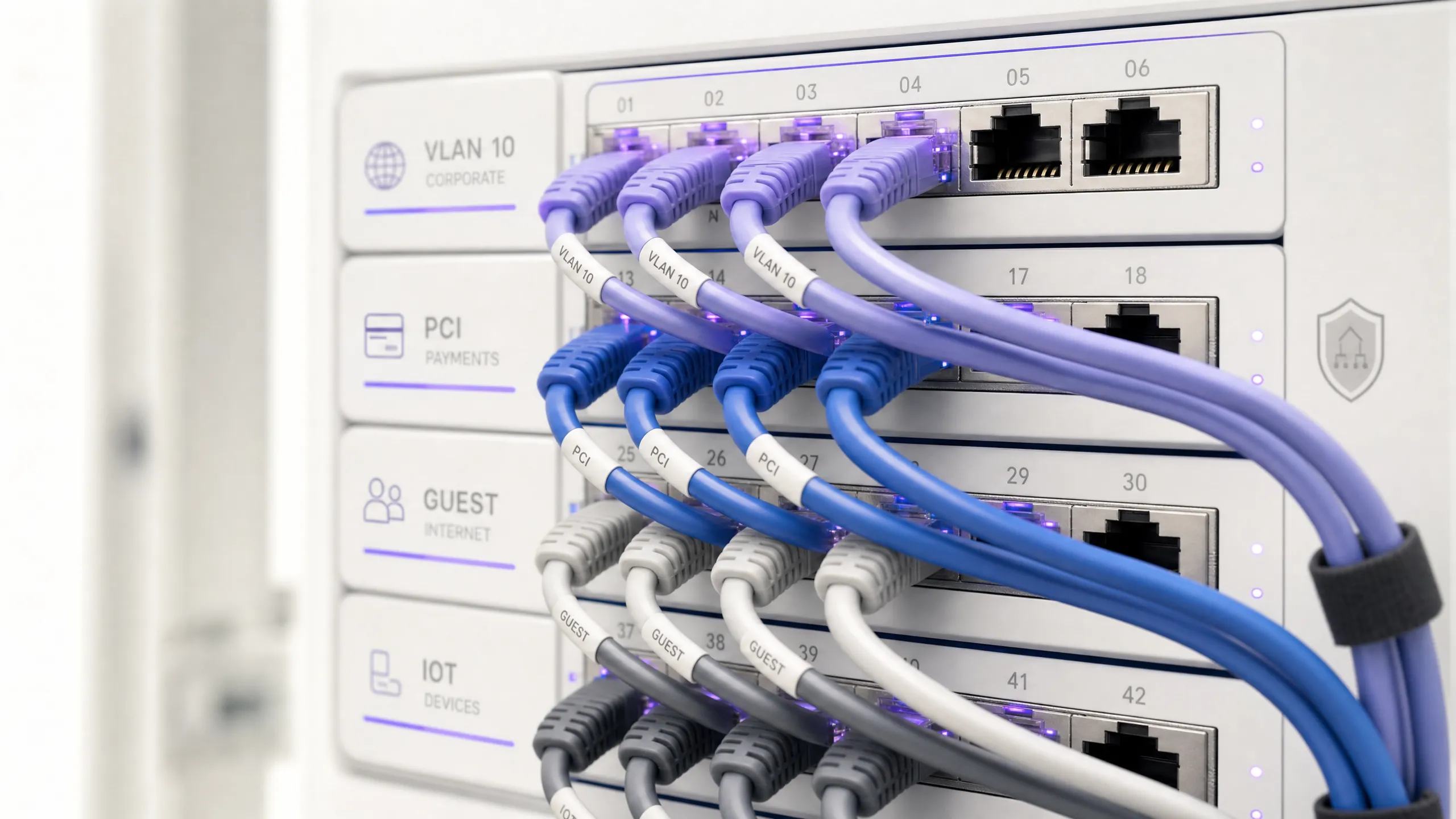
## Executive Summary
Modern enterprise venues operate in a hyper-connected, highly regulated landscape. The provision of shared wireless infrastructure - whether in a hotel, retail development, transport hub, or public-sector campus - is no longer a simple utility; it is a regulated activity. The moment an organisation routes traffic or collects data from multiple independent tenants, employees, and public guests on a single physical network, it assumes substantial legal liabilities. These obligations span data privacy regulations such as the General Data Protection Regulation (GDPR) [1], payment card security standards (PCI DSS 4.0) [2], and national security legislation such as the UK Investigatory Powers Act [3].
For the Chief Technology Officer (CTO) and Chief Information Security Officer (CISO), a failure to architect these networks correctly exposes the enterprise to severe regulatory fines - up to 4% of global annual turnover under GDPR - and catastrophic security breaches. For the Venue Operations Director, non-compliance represents a direct threat to business continuity, tenant retention, and customer trust.
This guide provides a comprehensive, vendor-neutral architectural blueprint to navigate these challenges. By implementing virtual network segmentation (VLANs), robust identity-based access control (IEEE 802.1X), and automated consent management, organisations can transform their shared wireless network from a high-risk liability into a secure, compliant, and highly valuable business asset. Integrating enterprise intelligence platforms like Purple's [Guest WiFi](/guest-wifi) and [WiFi Analytics](/guest-wifi-marketing-analytics-platform) ensures that compliance is not achieved at the expense of user experience, but rather acts as an enabler for secure, first-party data capture and operational efficiency.
## Technical Deep-Dive
Transitioning from a single-venue wireless deployment to a shared, multi-tenant infrastructure requires a fundamental shift in network design philosophy: from a flat, trusted environment to a segmented, zero-trust framework. The primary objective is to ensure that multiple independent tenants co-exist on a single physical infrastructure without compromising security, performance, or privacy.
### The Foundational Imperative of VLAN Segmentation
The cornerstone of any multi-tenant network is the **Virtual Local Area Network (VLAN)**. As defined by the **IEEE 802.1Q** standard, VLANs allow a single physical network switch to be partitioned into multiple, logically separate broadcast domains [4]. In a shared venue, this means that traffic from one tenant - for example, a retail store on VLAN 10 - is completely invisible and inaccessible to traffic from another tenant, such as a corporate office on VLAN 20, even when their devices connect to the same physical access points.
> **Architectural Rule**: Without proper VLAN implementation, tenant separation is merely cosmetic. Multiple SSIDs on a single, flat LAN offer no security isolation; any device on the network can sniff broadcast traffic and perform lateral reconnaissance.
To enforce strict tenant isolation, the network core must implement stateful, inter-VLAN firewall rules. By default, all inter-VLAN routing must be blocked (**Default Deny**). Traffic must only be permitted to traverse VLAN boundaries if it matches explicit, highly restricted firewall rules (e.g., routing specific ports to a shared local printer or payment gateway).
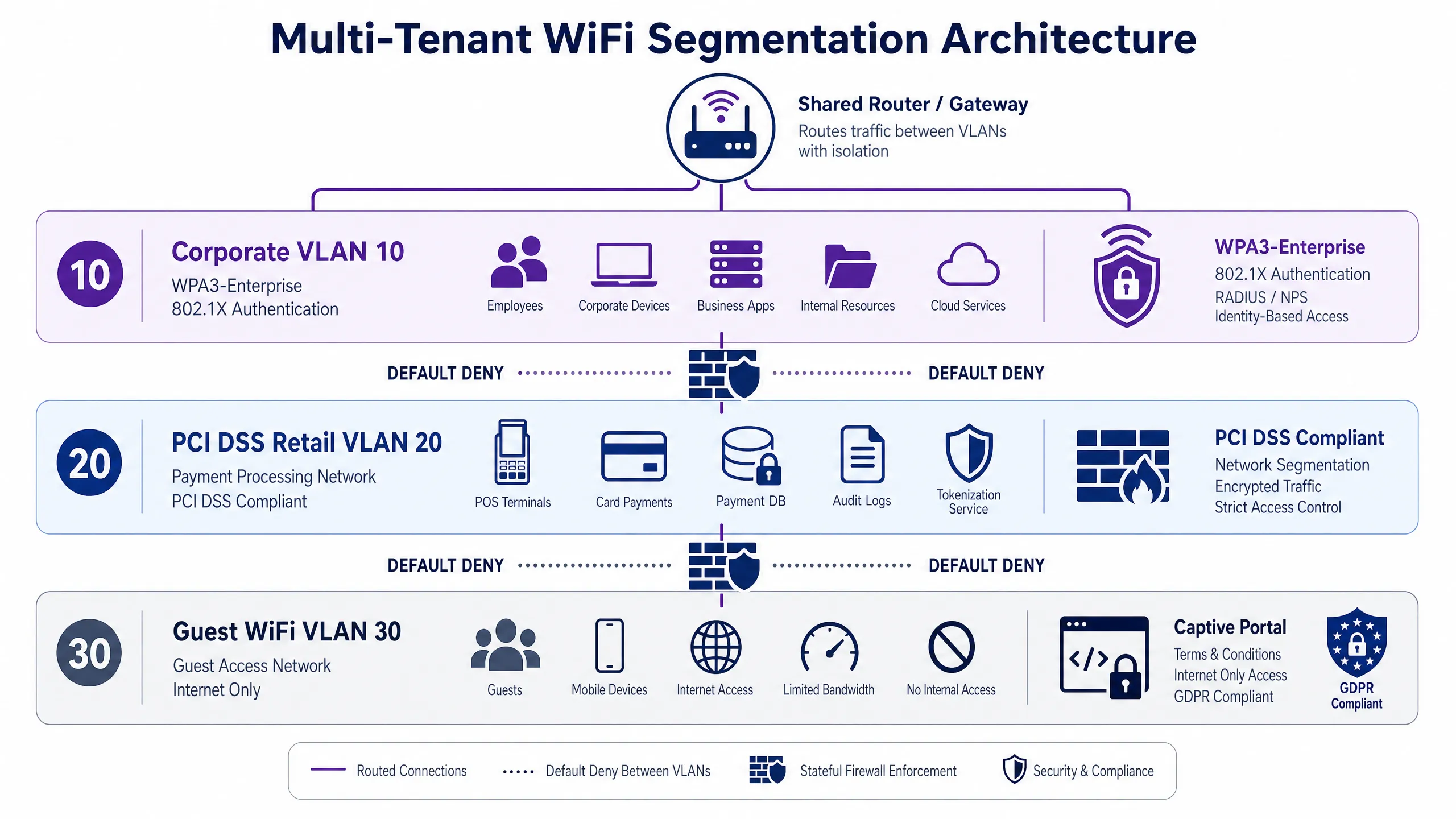
### Authentication Standards: WPA3 and IEEE 802.1X
Securing access to the shared infrastructure requires matching the authentication protocol to the specific tenant risk profile. A one-size-fits-all pre-shared key (PSK) approach is a critical security vulnerability and a direct compliance failure in enterprise environments.
* **Corporate and Regulated Tenants**: These environments demand **WPA3-Enterprise** paired with **IEEE 802.1X** port-based network access control [5]. This architecture replaces static passwords with individual, dynamic credentials authenticated via an Extensible Authentication Protocol (EAP) method, such as EAP-TLS (certificate-based) or PEAP-MSCHAPv2 (credential-based), communicating with a central RADIUS (Remote Authentication Dial-In User Service) server. This ensures that when an employee leaves or a device is compromised, their access can be revoked instantly without affecting any other user or tenant. For detailed deployment steps, refer to our guide on [How to Implement 802.1X Authentication with Cloud RADIUS](/guides/implementing-8021x-with-cloud-radius).
* **IoT and Headless Devices**: Smart building sensors, digital signage, and environmental controls often lack the capability to perform 802.1X authentication. For these devices, **Multi-Pre-Shared Key (MPSK)** or **Dynamic PSK (DPSK)** technologies must be deployed. This allows the network to assign a unique, individual PSK to each device, mapping it automatically to a restricted IoT VLAN without requiring enterprise-grade client software.
* **Public Guest Access**: To protect public guest traffic from passive wireless sniffing without introducing the friction of passwords, venues should deploy **WPA3-Enhanced Open**, based on **Opportunistic Wireless Encryption (OWE)** [6]. OWE establishes individual, encrypted wireless sessions for each guest device automatically, ensuring privacy on open networks while maintaining a seamless onboarding flow through a captive portal.
### The Data Protection Layer: GDPR and UK GDPR Compliance
When a venue operates a guest WiFi network, it is legally classified as a **Data Controller** under the GDPR and UK GDPR. The captive portal provider acts as the **Data Processor**. This distinction is critical: the venue retains ultimate legal liability for how guest data is captured, processed, and stored.
Under Article 4 of the GDPR, personal data includes any information relating to an identified or identifiable natural person [1]. In a guest WiFi environment, this encompasses both **explicit data** (names, email addresses, phone numbers, or social media profiles captured via the captive portal) and **implicit data** (MAC addresses, IP addresses, session timestamps, and device location data captured automatically by the wireless controller).
To process this personal data legally, venues must establish a valid lawful basis under GDPR Article 6. For basic network connectivity and security logging, venues can claim **Legitimate Interest** (Article 6(1)(f)). However, if the venue wishes to use this data for marketing, behavioural profiling, or analytics, it must obtain **Explicit Consent** (Article 6(1)(a)).
> **Consent Standard**: Consent must be freely given, specific, informed, and unambiguous. It must be indicated by a clear, affirmative action. Bundling marketing consent with the terms of service for network access is a direct violation of the regulation.
To meet this standard, the captive portal splash page must be architected with separate, unticked checkboxes for each distinct processing purpose. For example, a user must be able to accept the network Terms of Use to get online without being forced to opt into marketing communications. Furthermore, the system must maintain a detailed, tamper-proof **Consent Audit Trail**, logging exactly who consented, when, what disclosures they were shown, and the exact privacy policy version active at that moment.
### Data Retention and the Regulatory Conflict
IT teams face a complex, dual-front challenge when managing network log retention. They must balance the GDPR principle of **Data Minimisation** (retaining personal data for no longer than is strictly necessary) with national security laws that mandate log retention.
For example, the **UK Investigatory Powers Act 2016** (IPA) requires communication service providers to retain **Internet Connection Records (ICRs)** for up to 12 months to assist law enforcement in serious-crime investigations [3]. Similarly, various European national telecommunications regulations mandate connection log retention ranging from 30 days to 12 months.
To navigate this conflict, venues must implement a **Tiered Retention Architecture** that segregates and automates retention schedules based on data classification:
1. **Network Session Logs (IP allocations, MAC addresses, timestamps)**: Retained for 12 months in a secure, encrypted syslog repository with restricted access to satisfy statutory law enforcement obligations, then automatically purged.
2. **Captive Portal Registration Data (unconsented)**: Purged or fully anonymised within 30 days of session termination.
3. **Marketing Profiles (consented)**: Retained until the user withdraws consent (opts out). Inactive profiles (e.g., users who have not connected for 180 days) must be automatically flagged for deletion or re-consent campaigns.
## Implementation Guide
Deploying a secure, compliant, multi-tenant wireless network requires a structured, phase-gate approach. This section outlines the critical configuration steps, focusing on vendor-neutral best practices for network architects and IT managers.
### Step 1: Physical and Logical VLAN Configuration
Begin by defining the VLAN schema at the core switch and propagating it across all distribution switches and access points (APs) using 802.1Q trunking. Allocate distinct subnets and VLAN IDs to isolate traffic domains completely:
```
Configure Core Switch:
vlan 10 -> Name: Corporate_Tenant (Subnet: 10.10.10.0/24)
vlan 20 -> Name: Retail_POS_PCI (Subnet: 10.20.20.0/24)
vlan 30 -> Name: Guest_WiFi (Subnet: 172.16.0.0/16)
```
On the edge switches, configure the ports connecting to the wireless Access Points as **Trunk Ports**, allowing VLANs 10, 20, and 30. Ensure the native (untagged) VLAN is set to a non-routing management VLAN (e.g., VLAN 99) to protect management traffic from tenant interception.
### Step 2: Access Control List (ACL) and Firewall Enforcement
At the Layer 3 boundary (typically the core switch or security gateway), enforce strict inter-VLAN blocking. The default state for all inter-VLAN traffic must be blocked. Implement stateful Access Control Lists (ACLs) or firewall rules to prevent lateral movement:
```
Create Access-List (Cisco IOS Example):
ip access-list extended BLOCK_LATERAL
deny ip 172.16.0.0 0.0.255.255 10.10.10.0 0.0.0.255 (Block Guest to Corp)
deny ip 172.16.0.0 0.0.255.255 10.20.20.0 0.0.0.255 (Block Guest to PCI)
permit ip 172.16.0.0 0.0.255.255 any (Permit Guest to WAN)
```
Apply this ACL inbound on the SVI (Switch Virtual Interface) for VLAN 30. For the PCI-scoped VLAN 20, configure a stateful inspection rule that blocks all inbound traffic from all other VLANs, permitting only outbound encrypted TLS sessions to the specific payment processor IP addresses.
### Step 3: Enterprise RADIUS and 802.1X Integration
For corporate tenants, integrate the wireless controller with a secure RADIUS server (such as FreeRADIUS, Microsoft NPS, or a cloud-based RADIUS solution). Configure the corporate SSID to use WPA3-Enterprise (AES-CCMP or GCMP-256 encryption) with 802.1X authentication.
Configure the RADIUS server to perform certificate-based authentication (EAP-TLS). Generate and distribute unique client certificates to all corporate devices via an MDM (Mobile Device Management) platform. This prevents unauthorized personal devices from connecting to the corporate network, even if user credentials are leaked.
### Step 4: Captive Portal and Consent Capture Setup
For the public Guest WiFi (VLAN 30), configure the wireless controller to redirect all unauthenticated HTTP/HTTPS traffic to an external captive portal. Ensure the portal is hosted on a secure, HTTPS-enabled server with a valid SSL/TLS certificate.
Using a compliance-focused platform like Purple, design the captive portal splash page to enforce the following UI elements:
1. **Clear Privacy Notice**: Display a prominent, easily readable summary explaining what data is collected (e.g., name, email, MAC address) and the purposes of processing.
2. **Separate Consent Checkboxes**: Implement separate, unticked, non-mandatory checkboxes for marketing opt-ins. The 'Accept Terms of Use' checkbox must be separate from the marketing opt-in.
3. **Data Subject Rights Link**: Provide direct, functional links to the venue's full Privacy Policy and a self-service portal where guests can request data access or deletion (DSARs).
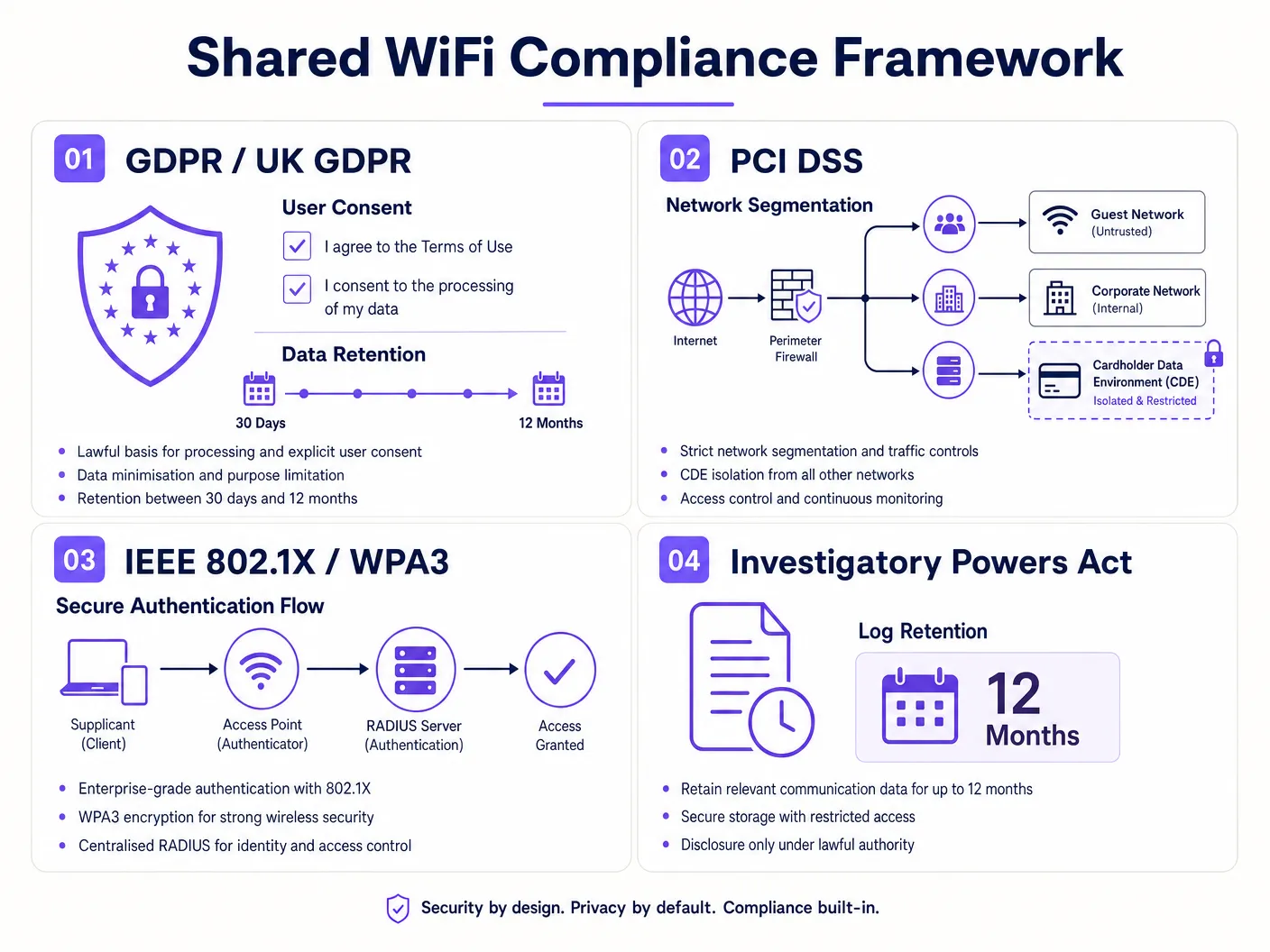
## Best Practices & Regulatory Mapping
To ensure long-term compliance, IT teams must align their technical controls with established international regulations and standards. The table below maps specific regulatory requirements to the corresponding technical controls and architectural best practices.
| Regulation / Standard | Specific Requirement | Technical Control / Best Practice | Purple Platform Capability |
| :--- | :--- | :--- | :--- |
| **GDPR / UK GDPR** [1] | Article 6: Lawful basis for processing; Article 7: Conditions for consent. | Unticked, granular consent checkboxes on captive portal; secure, immutable consent logging. | Automated, multi-lingual captive portals with compliant consent logging and audit-ready exports. |
| **GDPR / UK GDPR** [1] | Article 35: Data Protection Impact Assessment (DPIA). | Conduct a formal DPIA prior to deploying location analytics or systematic public tracking. | Anonymised footfall analytics and aggregated data reporting to minimise privacy impact. |
| **PCI DSS 4.0** [2] | Requirement 1.2: Restrict traffic between Cardholder Data Environment (CDE) and other networks. | Layer 3 VLAN segmentation; stateful default-deny firewall rules; physical/logical isolation of POS networks. | Complete network isolation compatibility; vendor-neutral deployment across segmented VLANs. |
| **PCI DSS 4.0** [2] | Requirement 11.4: Detect and prevent unauthorized wireless access points (Rogue APs). | Implement Wireless Intrusion Prevention Systems (WIPS); conduct quarterly wireless scans. | Integration with enterprise controller APIs to flag unauthorized or rogue access points. |
| **UK Investigatory Powers Act** [3] | Section 87: Retention of Internet Connection Records (ICRs) for law enforcement. | Segregated syslog storage; 12-month retention of IP-to-MAC mapping and session timestamps. | Automated syslog forwarding to secure, off-site retention repositories with compliant archiving. |
| **IEEE 802.1X / WPA3** [5] | Secure over-the-air encryption and robust port-based access control. | WPA3-Enterprise for corporate networks; WPA3-Enhanced Open (OWE) for public guest networks. | Seamless integration with enterprise RADIUS and support for advanced WPA3 security standards. |
### Industry-Specific Implementation Best Practices
* **Hospitality (Hotels & Resorts)**: Guest networks must be segmented per room or per guest using **Private VLANs (PVLANs)** or **Client Isolation** at the AP level. This prevents guests in Room 101 from scanning or accessing devices (like smart TVs or laptops) in Room 102. For the retail and food-and-beverage tenants operating on-site, enforce strict VLAN segregation to keep their Point-of-Sale (POS) systems completely out of the hospitality guest scope [7]. Refer to our [Hospitality Industry Guide](/industries/hospitality) for deep-dive vertical insights.
* **Retail Chains & Malls**: Retailers must isolate their primary POS networks from both the public guest WiFi and the back-office corporate networks. If deploying location-based analytics (such as tracking customer dwell times via WiFi probe requests), the system must immediately hash or anonymise MAC addresses at the edge to prevent tracking identifiable individuals without consent. Explore our [Retail Industry Guide](/industries/retail) to learn how to balance compliant data capture with marketing intelligence.
* **Public Sector & Education**: Municipalities and school districts must enforce strict content filtering (CIPA compliance in the US, or local public-sector filtering guidelines in the UK) to block access to harmful or illegal material on public networks [8]. Furthermore, networks must be segmented to ensure that administrative systems, student records, and public guest networks are entirely isolated. For education-specific compliance, see our comprehensive guide on [WiFi in Schools: The 2026 Administrator & IT Guide](/blog/wifi-in-schools).
## Troubleshooting & Risk Mitigation
Even the most carefully designed networks can experience configuration drift or operational failures that compromise compliance. This section outlines common failure modes and provides technical mitigation strategies.
### Common Failure Modes and Technical Mitigations
#### 1. The 'Noisy Neighbour' and Bandwidth Exhaustion
* **Risk**: A single tenant or public guest consumes excessive bandwidth (e.g., streaming high-definition video), degrading network performance for critical business applications or other tenants.
* **Mitigation**: Enforce **Quality of Service (QoS)** policies and strict rate-limiting. Apply upstream and downstream bandwidth caps per user session on the guest VLAN (e.g., 5 Mbps down, 1 Mbps up). At the WAN edge, configure class-based queuing to guarantee a minimum dedicated bandwidth pool for critical corporate and payment processing VLANs, regardless of guest network utilization.
#### 2. VLAN Leaks and Misconfigured Switch Ports
* **Risk**: A switch port is misconfigured (e.g., an untagged access port assigned to the wrong VLAN, or a trunk port leaking management traffic), allowing packets to traverse tenant boundaries without passing through the firewall.
* **Mitigation**: Implement **Dynamic ARP Inspection (DAI)**, **DHCP Snooping**, and **IP Source Guard** on all switches to prevent MAC spoofing and unauthorized IP address assignment. Conduct bi-annual network audits using automated configuration-compliance tools to detect unauthorized VLAN changes or port misconfigurations.
#### 3. Rogue Access Points and 'Evil Twin' Attacks
* **Risk**: An attacker deploys an unauthorized access point broadcasting the same SSID as the venue's guest WiFi, capturing guest login credentials and personal data via a rogue captive portal.
* **Mitigation**: Enable **Wireless Intrusion Prevention System (WIPS)** on all enterprise APs. Configure WIPS to actively monitor the airwaves, detect unauthorized APs broadcasting corporate or guest SSIDs, and automatically contain the rogue devices using de-authentication frames. Enforce WPA3-Enterprise and WPA3-Enhanced Open, which mitigate the risk of passive eavesdropping and offline dictionary attacks.
#### 4. Consent Audit Trail Failures
* **Risk**: The captive portal platform fails to log a guest's marketing opt-in timestamp or records it incorrectly, leaving the venue unable to prove compliance during a regulatory audit.
* **Mitigation**: Deploy a robust, cloud-based platform like Purple that replicates consent logs across multiple geographically isolated data centres. Ensure that consent logs are stored in a read-only, append-only database with cryptographic hashing to guarantee log integrity. Implement automated daily health checks to verify that database writes are occurring successfully.
## ROI & Business Impact
IT leaders often view legal and compliance requirements solely through the lens of cost and risk mitigation. However, a well-architected, compliant shared WiFi infrastructure is a powerful driver of operational efficiency, customer trust, and measurable business value.
### The Cost-Benefit of Compliance
The financial impact of non-compliance is severe. Under the GDPR, the maximum fine for a serious breach is **€20 million or 4% of global annual turnover**, whichever is higher [1]. For a large hotel group or retail multinational, a single compliance failure can result in a multi-million-pound penalty, not including the associated legal fees, forensic investigation costs, and catastrophic damage to brand reputation.
Conversely, the cost of implementing a compliant, enterprise-grade solution like Purple is a fraction of this risk exposure. By consolidating multiple fragmented network utilities into a single, centrally managed, multi-tenant physical infrastructure, organisations achieve significant **Capital Expenditure (CapEx)** and **Operational Expenditure (OpEx)** savings:
* **Infrastructure Consolidation**: Instead of deploying separate physical cabling, switches, and access points for each tenant or service, a single high-performance physical network is logically segmented. This reduces hardware acquisition costs by up to 40% and dramatically lowers energy consumption and ongoing maintenance overhead.
* **Centralised Management**: Managing multiple tenants from a single, cloud-based dashboard reduces the administrative burden on internal IT teams. Onboarding a new tenant, adjusting bandwidth limits, or updating captive portal privacy policies can be executed in minutes rather than days, representing a massive operational efficiency gain.
### Turning Compliance into a Strategic Asset
By deploying a compliant captive portal, venues can legally capture high-quality, first-party data from their visitors. This data is highly valuable for marketing and business intelligence, provided it has been captured ethically and transparently:
* **Ethical Marketing Databases**: Because guests have actively and transparently opted into marketing communications via compliant, unticked checkboxes, the resulting marketing database exhibits significantly higher engagement, lower unsubscribe rates, and superior conversion metrics compared to unsegmented or non-compliant lists.
* **Granular Visitor Analytics**: By leveraging compliant, anonymised location tracking, venue operators gain deep insights into visitor behaviour - such as footfall patterns, average dwell times, and repeat visit frequencies. This data can be shared with retail tenants to help them optimise staffing, evaluate window displays, and measure marketing ROI, creating a powerful differentiator in competitive property markets.
To hear an in-depth audio briefing on these concepts, listen to the professional podcast episode below:
***
## References
1. **European Parliament and Council**. (2016). *Regulation (EU) 2016/679 (General Data Protection Regulation)*. Official Journal of the European Union. [https://gdpr-info.eu/](https://gdpr-info.eu/)
2. **PCI Security Standards Council**. (2022). *Payment Card Industry (PCI) Data Security Standard, Version 4.0*. [https://www.pcisecuritystandards.org/](https://www.pcisecuritystandards.org/)
3. **UK Parliament**. (2016). *Investigatory Powers Act 2016*. UK Statute Law Database. [https://www.legislation.gov.uk/ukpga/2016/25/contents](https://www.legislation.gov.uk/ukpga/2016/25/contents)
4. **IEEE Computer Society**. (2018). *IEEE Standard for Local and Metropolitan Area Networks - Bridges and Bridged Networks (IEEE Std 802.1Q-2018)*. IEEE Xplore. [https://ieeexplore.ieee.org/document/8403927](https://ieeexplore.ieee.org/document/8403927)
5. **Wi-Fi Alliance**. (2018). *WPA3™ Security White Paper*. [https://www.wi-fi.org/](https://www.wi-fi.org/)
6. **IETF RFC 8110**. (2017). *Opportunistic Wireless Encryption (OWE)*. Internet Engineering Task Force. [https://tools.ietf.org/html/rfc8110](https://tools.ietf.org/html/rfc8110)
7. **PCI Security Standards Council**. (2009). *PCI DSS Wireless Guidelines*. [https://www.pcisecuritystandards.org/pdfs/PCI_DSS_v2_Wireless_Guidelines.pdf](https://www.pcisecuritystandards.org/pdfs/PCI_DSS_v2_Wireless_Guidelines.pdf)
8. **Federal Communications Commission**. (2001). *Children's Internet Protection Act (CIPA)*. FCC Consumer Guide. [https://www.fcc.gov/consumers/guides/childrens-internet-protection-act](https://www.fcc.gov/consumers/guides/childrens-internet-protection-act)
---
### Roaming Optimisation for VoIP and Video Calls on Corporate WiFi
**Source:** https://www.purple.ai/en-gb/guides/roaming-optimization-voip-video-corporate-wifi
**Summary:** This guide provides IT managers, network architects, and CTOs with a comprehensive, vendor-neutral blueprint for optimising WiFi roaming to support seamless VoIP and video calls on corporate staff networks. It covers the IEEE 802.11k/r/v protocol stack, WMM QoS configuration, RF cell design, and end-to-end wired QoS mapping required to achieve sub-50ms handoff latency. Applicable across hospitality, retail, healthcare, and large-venue environments, this reference includes real-world implementation scenarios, troubleshooting frameworks, and a measurable ROI analysis.
**Estimated read time:** 10 minutes
**Word count:** 2,194
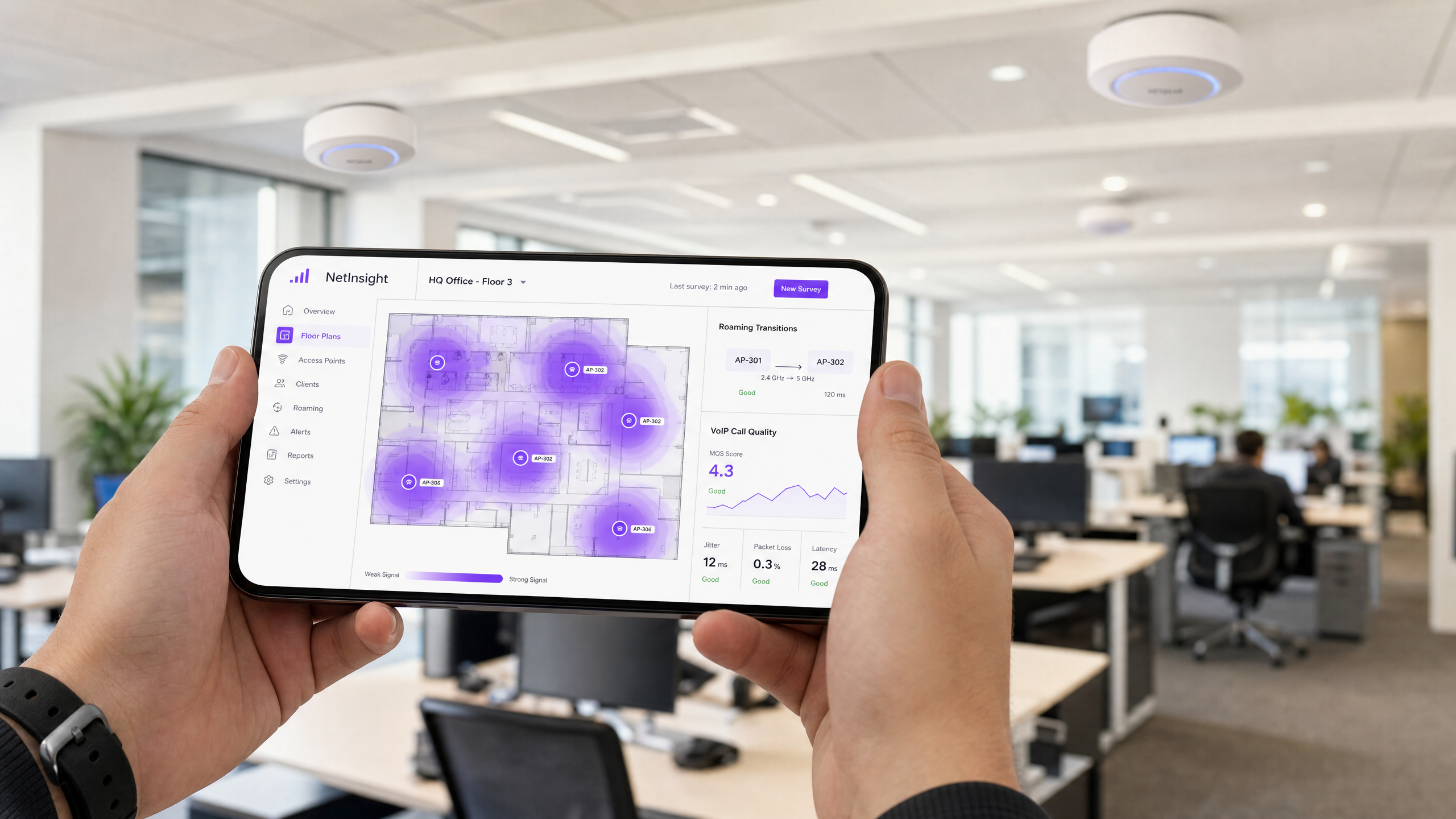
## Executive Summary
In the modern enterprise workspace, real-time communication tools such as Microsoft Teams, Zoom and Cisco Webex have shifted from convenience applications to mission-critical business infrastructure. Yet when corporate staff move through large environments - hotel lobbies, multi-storey healthcare facilities, expansive retail floors, or stadium press rooms - maintaining a seamless voice or video call remains a significant technical challenge. Real-time Protocol (RTP) streams are acutely sensitive to latency, jitter and packet loss. A single poorly optimised roaming event can cause audio dropouts, frozen video, or complete call termination, directly impacting operational efficiency and customer satisfaction.
This technical reference guide provides network architects, IT managers and CTOs with an authoritative blueprint for optimising wireless roaming on corporate Staff WiFi networks. By leveraging IEEE standards such as **802.11k**, **802.11r** and **802.11v**, combined with a robust Quality of Service (QoS) framework and sound radio frequency (RF) cell design, organisations can reduce roaming handoff latency from hundreds of milliseconds to the seamless sub-50ms threshold. Whether deploying wireless infrastructure in [hospitality](/industries/hospitality), [retail](/industries/retail), [healthcare](/industries/healthcare) or [transport](/industries/transport) hubs, this guide outlines the practical, vendor-neutral configuration required to ensure enterprise-grade voice and video performance.
---
## Technical Deep-Dive
### The Physics of Roaming: Why Calls Drop
To understand roaming optimisation, one must first understand the mechanics of a wireless handoff. Roaming is entirely a client-side decision; the wireless client device continuously monitors its Received Signal Strength Indicator (RSSI) and decides when to seek out and transition to an access point (AP) with a stronger signal. The standard roaming process consists of three distinct phases: scanning (discovery), authentication and association.
On an unoptimised network, the scanning and 802.1X authentication phases can take **400 milliseconds to upwards of 1200 milliseconds**. For standard web browsing or file downloads, this sub-second delay is imperceptible. For Voice over IP (VoIP) and real-time video, however, it is catastrophic. Standard voice codecs send an RTP packet every 20 milliseconds. Any handoff exceeding 50 milliseconds introduces a noticeable audio gap; beyond 150 milliseconds, the call becomes choppy; and beyond 300 milliseconds, most softphone clients will terminate the session entirely.
| Metric | VoIP Target | Video Target | Impact of Unoptimised Roaming |
| :--- | :--- | :--- | :--- |
| **One-way latency** | < 150 ms | < 200 ms | Noticeable audio gaps, degraded call quality |
| **Jitter** | < 10 ms | < 30 ms | Packet buffer exhaustion, robotic-sounding audio |
| **Packet loss** | < 1.0% | < 2.0% | Audio dropouts, frozen video |
| **Handoff latency** | < 50 ms | < 100 ms | Handoffs > 300ms cause complete call termination |
---
### The Roaming Optimisation Trio: 802.11k, 802.11r and 802.11v
To close this gap, modern enterprise networks deploy three complementary IEEE standards that streamline the scanning, authentication and selection phases of roaming.
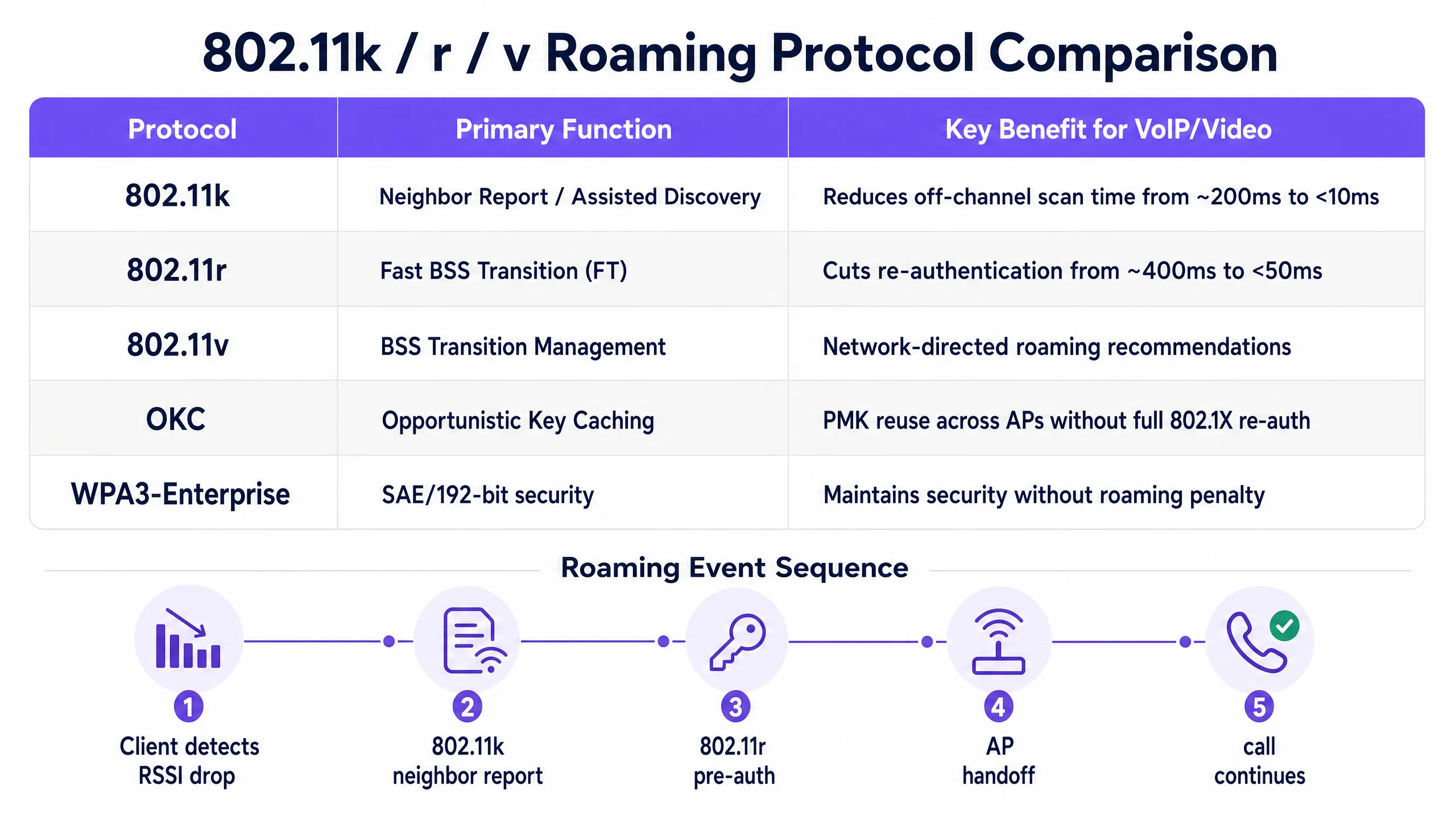
**IEEE 802.11k: Assisted Roaming** eliminates the need for off-channel scanning. Without it, a client must temporarily leave its active channel, tune to each candidate channel, send probe requests and wait for responses - a process that can consume 200 milliseconds or more. With 802.11k, the client requests a neighbour report from its currently associated AP, which returns a curated list of nearby APs and their operating channels. The client then scans only those specific channels, cutting discovery time to under 10 milliseconds.
**IEEE 802.11r: Fast BSS Transition (FT)** addresses the authentication bottleneck. In secure enterprise environments using 802.1X/EAP authentication, every roam triggers a full RADIUS exchange - multiple round trips across the wired network that can take 400 milliseconds or more. 802.11r introduces the concept of pre-authentication: the client and the wireless infrastructure negotiate and cache Pairwise Master Key (PMK) security associations before the roam occurs. FT operates in two modes - Over-the-Air (the client negotiates directly with the target AP) and Over-the-DS (forwarded through the current AP via the wired backbone). In either mode, the re-authentication phase is reduced to a single local 4-way handshake taking under 50 milliseconds.
**IEEE 802.11v: BSS Transition Management (BTM)** allows the network control layer to actively influence client roaming decisions. Through BTM, an AP can send solicited or unsolicited transition management frames to a client, recommending a specific target AP based on network-side intelligence such as AP client load, channel utilisation, or the client's current RSSI. This is the primary mechanism for addressing the "sticky client" phenomenon, where a device remains connected to a weak, distant AP even when a closer AP with a stronger signal is available.
---
### Quality of Service (QoS) and WMM Mapping
Enabling fast roaming protocols is only half the battle. If the wireless channel is congested with guest traffic, file downloads or system updates, real-time voice and video packets will still suffer queueing delays. To prevent this, **WiFi Multimedia (WMM)**, based on IEEE 802.11e, must be enforced and mapped end-to-end across the wired and wireless infrastructure.
WMM prioritises traffic by dividing it into four Access Categories (ACs) with different contention parameters, ensuring that higher-priority queues gain more frequent access to the wireless medium.
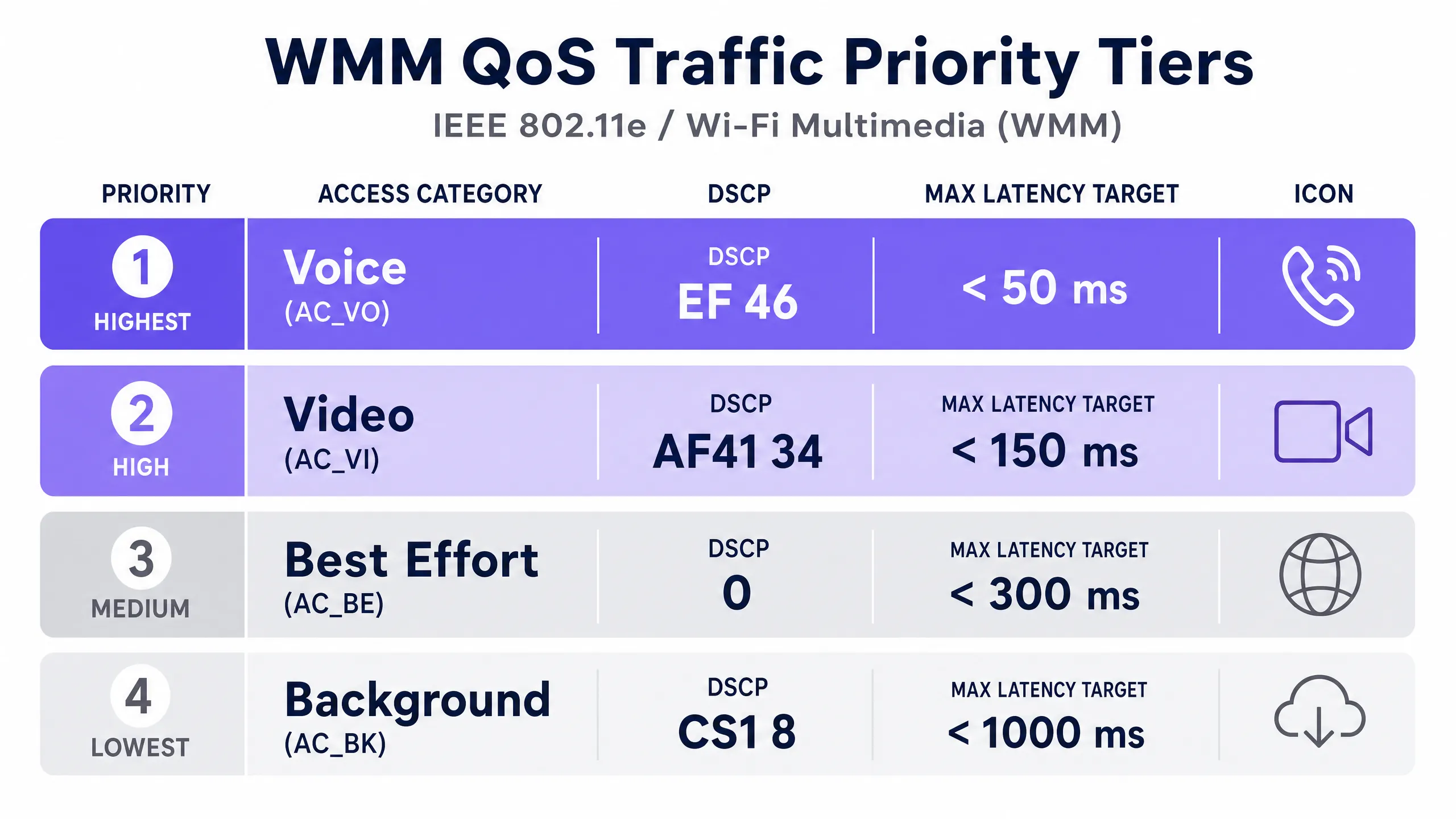
| WMM Access Category | Recommended DSCP | Recommended CoS/PCP | Typical Applications |
| :--- | :--- | :--- | :--- |
| **AC_VO (Voice)** | EF (46) | 6 | VoIP (SIP/RTP), Teams Voice, Jabber |
| **AC_VI (Video)** | AF41 (34) | 5 | Zoom, Teams Video, IP video |
| **AC_BE (Best Effort)** | 0 | 0 | Web browsing, email, general staff traffic |
| **AC_BK (Background)** | CS1 (8) | 1 | Large file transfers, application updates |
> **Critical design note**: For QoS to function end-to-end, the wired network infrastructure must be configured to **trust DSCP markings originating from the wireless access points**. If intermediate switches or routers do not trust DSCP, they will strip the markings and rewrite them as Best Effort (0), breaking end-to-end prioritisation.
---
## Implementation Guide
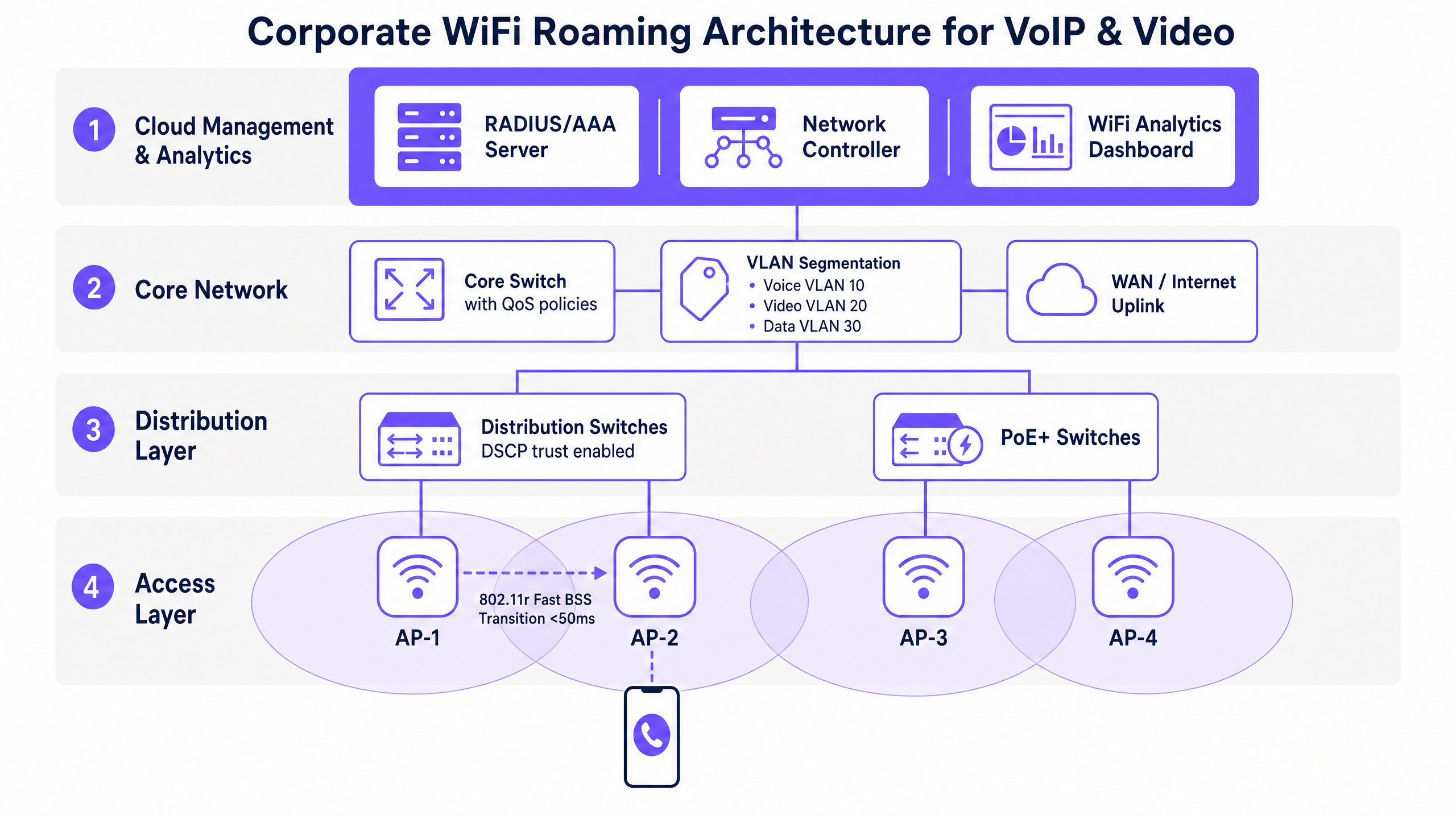
### Step 1: RF Cell Design and Signal Thresholds
A common mistake in enterprise wireless deployments is designing for coverage alone rather than for capacity and voice density. The fundamental requirement for a voice-grade wireless network is a minimum signal strength of **-67 dBm** at all locations on the floor plan on the 5 GHz band, delivering a Signal-to-Noise Ratio (SNR) of 25 dB or greater. Plan AP placement so that adjacent cells overlap by approximately 20%, ensuring that a client can detect and pre-authenticate with a target AP before its current connection degrades below the roaming threshold.
Avoid asymmetric power configurations. Mobile client devices typically transmit at 12 to 15 dBm. If an AP broadcasts at 20 dBm, the client can receive the AP's packets, but the AP cannot decode the client's weak return signal, resulting in one-way audio and roaming failures. Cap 5 GHz AP transmit power at 14 to 17 dBm to match client capabilities.
### Step 2: SSID Configuration and Security Policy
Segregate your corporate staff traffic from guest traffic. Use a captive portal solution like [Guest WiFi](/guest-wifi) combined with [WiFi Analytics](/guest-wifi-marketing-analytics-platform) to map your guest network to an isolated VLAN, managing public traffic and capturing first-party data. Map your internal staff to a secure, dedicated VLAN.
Secure the staff SSID with **WPA3-Enterprise** (or WPA2/WPA3 transition mode) backed by a central RADIUS server. For detailed instructions on deploying cloud-based RADIUS authentication, see [How to implement 802.1X authentication with Cloud RADIUS](/guides/implementing-8021x-with-cloud-radius). Enable 802.11k, 802.11r (Over-the-Air FT) and 802.11v BTM on this SSID. Disable legacy data rates (802.11b rates: 1, 2, 5.5, 11 Mbps) and set the minimum bitrate to 12 Mbps or higher. This forces clients to roam proactively rather than clinging to distant APs at low speeds.
### Step 3: Wired Infrastructure and QoS Mapping
Segment real-time traffic into dedicated VLANs (for example, VLAN 10 for voice and VLAN 20 for video). Configure every switch port connected to a wireless access point to trust DSCP markings. On Cisco Catalyst switches, this is typically configured as `qos trust dscp` on the AP-facing interface. On your WAN edge routers and firewalls, configure egress queueing policies that place DSCP 46 (EF) traffic into a Strict Priority Queue, allocating up to 30% of total WAN bandwidth for real-time voice to prevent bandwidth starvation during peak traffic.
For a comprehensive overview of enterprise-grade AP deployment strategy and hardware selection, [Cisco Wireless APs: 2026 Guide to Products & Deployment](/blog/cisco-wireless-ap) provides detailed vendor-specific guidance. For network access control strategies that complement your roaming architecture, see [10 Best Network Access Control (NAC) Solutions for 2026](/blog/best-network-access-control).
---
## Best Practices
In dense network environments, deploy a multi-channel architecture using 20 MHz channel widths to maximise the number of non-overlapping channels and eliminate co-channel interference. On the 5 GHz band, this provides up to 25 non-overlapping channels in the EU, significantly reducing interference between adjacent APs.
While 802.11r is the gold standard for fast roaming, some legacy enterprise clients - particularly older barcode scanners, DECT handsets or embedded IoT devices - do not support it. Enable **Opportunistic Key Caching (OKC)** as a fallback mechanism. OKC allows clients and APs to reuse a previously generated PMK across multiple APs without a full 802.1X re-authentication, providing fast roaming for non-802.11r clients without protocol-level changes.
Conduct regular active site surveys using enterprise-grade survey tools (such as Ekahau or AirMagnet) to validate that secondary coverage (the signal from the second-best AP) reaches -72 dBm or better across the entire floor plan. This is the most reliable indicator that the physical RF environment supports seamless roaming.
For education and public-sector environments with complex multi-building deployments, the principles outlined in [WiFi in Schools: The 2026 Administrator & IT Guide](/blog/wifi-in-schools) provide additional context for managing roaming across distributed campus environments.
---
## Troubleshooting and Risk Mitigation
### The Sticky Client Phenomenon
The most common roaming failure mode is the sticky client: a device that remains connected to a distant, weak AP even when a stronger AP is nearby. This is typically caused by excessive AP transmit power (making the distant AP appear viable) or by the presence of legacy low data rates (allowing the client to stay connected at extremely low throughput rather than roaming). Mitigation is threefold: reduce 5 GHz transmit power to 14 dBm, raise the Minimum Bitrate to 12 Mbps or 24 Mbps, and ensure 802.11v BTM is enabled with an aggressive RSSI steering threshold (initiate steering when client RSSI falls below -75 dBm).
### One-Way Audio on VoIP Calls
One-way audio - where one party can hear but cannot be heard - is the classic symptom of transmit power asymmetry. The AP broadcasts at high power (for example, 23 dBm) while the mobile client transmits at low power (for example, 12 dBm). The AP's packets reach the client, but the client's packets are too weak for the AP to decode. The fix is simple: reduce AP transmit power to match the maximum capability of the weakest client device on the network.
### 802.11r Compatibility Failures
Certain legacy devices cannot parse the 802.11r Fast Transition Information Elements (IEs) in beacon frames, causing them to reject the SSID entirely. The solution is to maintain a dedicated legacy SSID with 802.11r disabled, using standard WPA2-PSK combined with OKC for fast roaming. Modern staff devices running VoIP clients should be migrated to a separate, dedicated SSID with WPA3-Enterprise and 802.11r enabled.
---
## ROI and Business Impact
### Real-World Case Study 1: 450-Room Conference Hotel
A large conference hotel with 450 rooms and 12 meeting suites deployed a roaming-optimised staff WiFi network to support its banqueting and events team, which relied on mobile VoIP handsets to coordinate room setups and communicate with the kitchen. Before optimisation, staff reported frequent dropped calls when moving between the conference wing and the service corridors, causing coordination delays and client complaints.
The deployment involved repositioning 38 ceiling-mounted APs to achieve -67 dBm coverage at all cell edges, enabling 802.11k/r/v on the staff SSID, and configuring a dedicated voice VLAN with DSCP EF marking. Post-deployment measurements showed roaming handoff latency reduced from an average of 680 milliseconds to 42 milliseconds. Within the first month, IT support tickets related to dropped calls fell by 63%. The operations manager reported a marked improvement in event coordination speed, with room turnaround times shortened by an average of 8 minutes per event.
### Real-World Case Study 2: Multi-Site Retail Chain (120 Stores)
A national retail chain with 120 stores deployed handheld barcode scanners and mobile POS terminals across its shop floors, all of which relied on a shared corporate WiFi network. The existing network had been designed for coverage only, with no QoS policy and APs running at maximum transmit power. As a result, scanners frequently lost connectivity mid-transaction as staff moved between aisles, causing POS timeouts and requiring manual re-authentication.
The remediation project involved a full RF redesign using predictive planning software, enforcing a 12 Mbps minimum bitrate, enabling 802.11r with OKC fallback for legacy scanners, and deploying DSCP AF41 marking for inventory management application traffic. Across the 120-store rollout, transaction timeout rates dropped by 78%, and the estimated productivity gain from eliminating re-authentication delays was approximately 14 staff-hours per store per week - a substantial cost saving at scale.
### Measuring Success: Key Performance Indicators
To validate your roaming optimisation deployment, monitor the following KPIs using your wireless network management platform:
| KPI | Baseline (Unoptimised) | Target (Optimised) | Measurement Method |
| :--- | :--- | :--- | :--- |
| **Roaming handoff latency** | 400-1200 ms | < 50 ms | WLAN controller roaming event logs |
| **VoIP MOS score** | < 3.5 (poor) | > 3.9 (good) | Softphone diagnostics (Teams, Jabber) |
| **Packet loss** | 3-8% | < 0.5% | WLAN controller per-client statistics |
| **Jitter** | 20-50 ms | < 10 ms | WLAN controller per-client statistics |
| **IT support tickets (WiFi)** | Baseline volume | 40% to 65% reduction | ITSM platform (ServiceNow, Jira) |
By establishing a robust, standards-based roaming architecture, enterprise IT teams move from reactive troubleshooting to proactive capacity management, ensuring the wireless network remains an accelerator for business growth rather than a bottleneck.
---
### Certificate-Based Authentication for Corporate Devices (EAP-TLS)
**Source:** https://www.purple.ai/en-gb/guides/certificate-based-authentication-corporate-devices
**Summary:** This authoritative technical reference guide covers the architecture, deployment, and operational best practices of EAP-TLS certificate-based authentication for corporate devices. Designed for IT architects and venue operations leaders, it provides a practical roadmap to eliminate password-based credential risks and achieve robust 802.1X network access control across multi-site enterprise environments.
**Estimated read time:** 13 minutes
**Word count:** 3,042
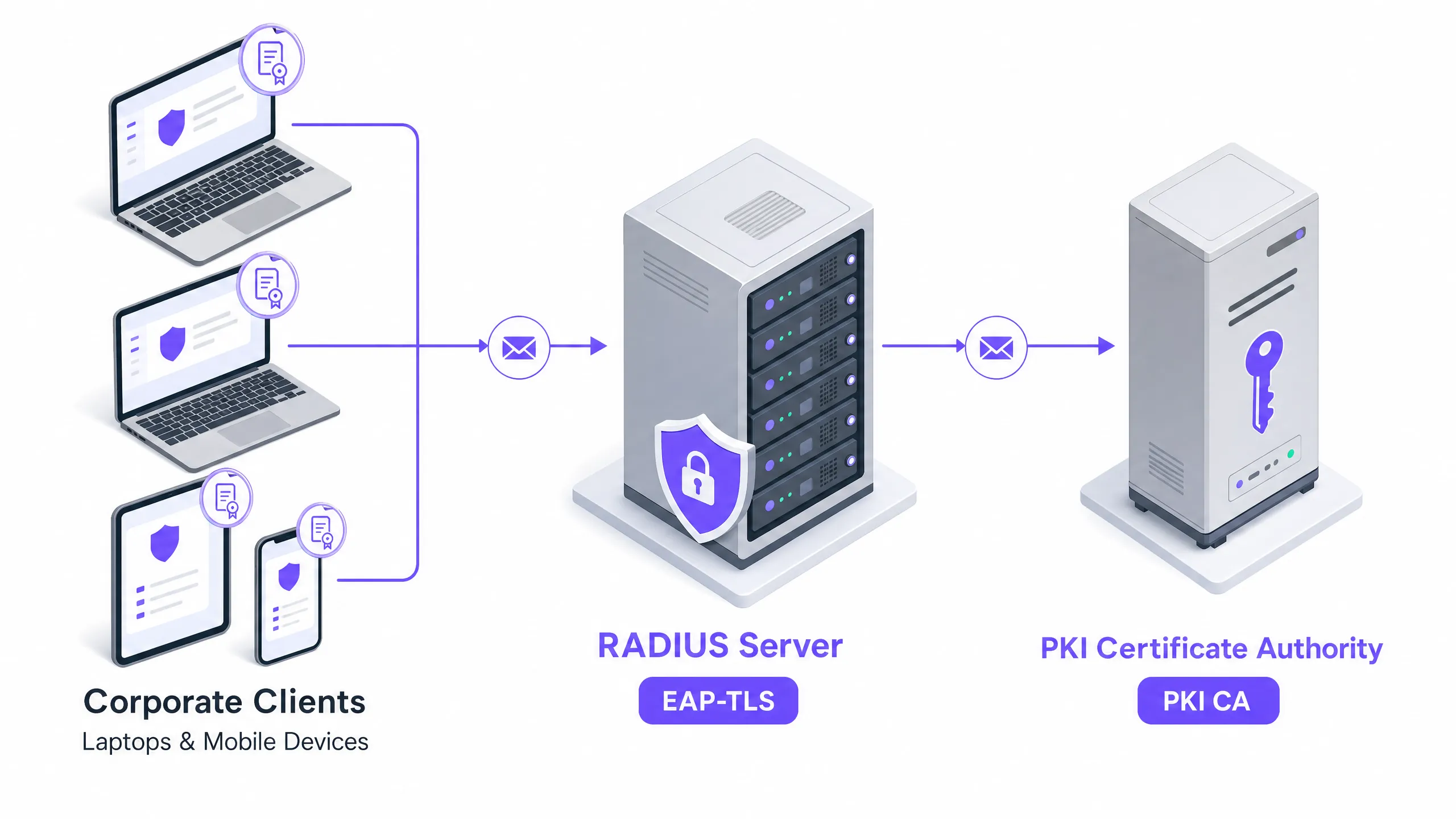
## Executive Summary
In the modern enterprise network environment, password-based wireless authentication is one of the most vulnerable avenues for credential theft, man-in-the-middle attacks, and unauthorised network access. Legacy protocols such as PEAP-MSCHAPv2, while historically popular due to their low barrier to entry, rely on user credentials that are readily intercepted via rogue access points or compromised through social engineering. For IT managers, network architects, and CTOs managing high-traffic, multi-site estates - hotels, retail chains, stadiums, and public-sector offices - securing the "staff WiFi" network is a business-critical priority that directly affects business continuity, brand trust, and regulatory compliance.
This guide lays out the technical blueprint for migrating corporate-owned devices to **EAP-TLS (Extensible Authentication Protocol - Transport Layer Security)**, the industry-standard cryptographic protocol for certificate-based mutual authentication under the IEEE 802.1X standard. By replacing fallible user passwords with cryptographically bound X.509 digital certificates, EAP-TLS eliminates the credential-based attack surface entirely. Implementing EAP-TLS ensures that only verified, corporately managed devices can associate with internal networks, simplifying compliance with stringent standards such as PCI DSS and GDPR while drastically reducing help-desk tickets related to password expiry and resets.
Although the security benefits of EAP-TLS are absolute, successful deployment demands a structured approach to Public Key Infrastructure (PKI), Mobile Device Management (MDM) integration, and certificate lifecycle automation. This document provides the actionable technical guidance and architectural patterns required to deploy, scale, and maintain a robust EAP-TLS infrastructure across complex, multi-site enterprise environments.
## Technical Deep-Dive
### Cryptographic Foundations and Mutual Authentication
At its core, EAP-TLS applies the Transport Layer Security (TLS) handshake to network access control under the Extensible Authentication Protocol (EAP) framework, as defined in RFC 5216 [1]. Unlike password-based EAP methods (such as PEAP or EAP-TTLS), which establish a tunnel to protect a legacy credential exchange, EAP-TLS uses TLS to perform **mutual cryptographic authentication**.
During the EAP-TLS handshake, both the client (known as the **supplicant** in 802.1X terminology) and the RADIUS server (the **authentication server**) must present valid X.509 digital certificates. The authentication flow proceeds as follows:
1. **Server authentication**: The RADIUS server presents its server certificate to the client. The client validates this certificate against its local trust store, confirming that it is signed by a trusted root Certificate Authority (CA), has not expired, and matches the expected server identity (Common Name/Subject Alternative Name).
2. **Client authentication**: Once the server's identity has been verified, the client presents its unique device certificate to the RADIUS server. The server validates this certificate against its trust store, confirming its signature, validity period, and revocation status.
3. **Key derivation**: After both parties have completed mutual verification, they cryptographically derive a unique **Pairwise Master Key (PMK)** and **Group Temporal Key (GTK)**. These keys are used to encrypt wireless traffic over the air via WPA2-Enterprise or WPA3-Enterprise, ensuring every session uses unique, non-reusable encryption keys.
Because authentication relies entirely on asymmetric cryptography (RSA or elliptic curve cryptography), no password, hash, or shared secret is ever transmitted over the air or stored on the authentication server. This design renders the network completely immune to offline brute-force attacks, dictionary attacks, and credential harvesting via rogue access points.
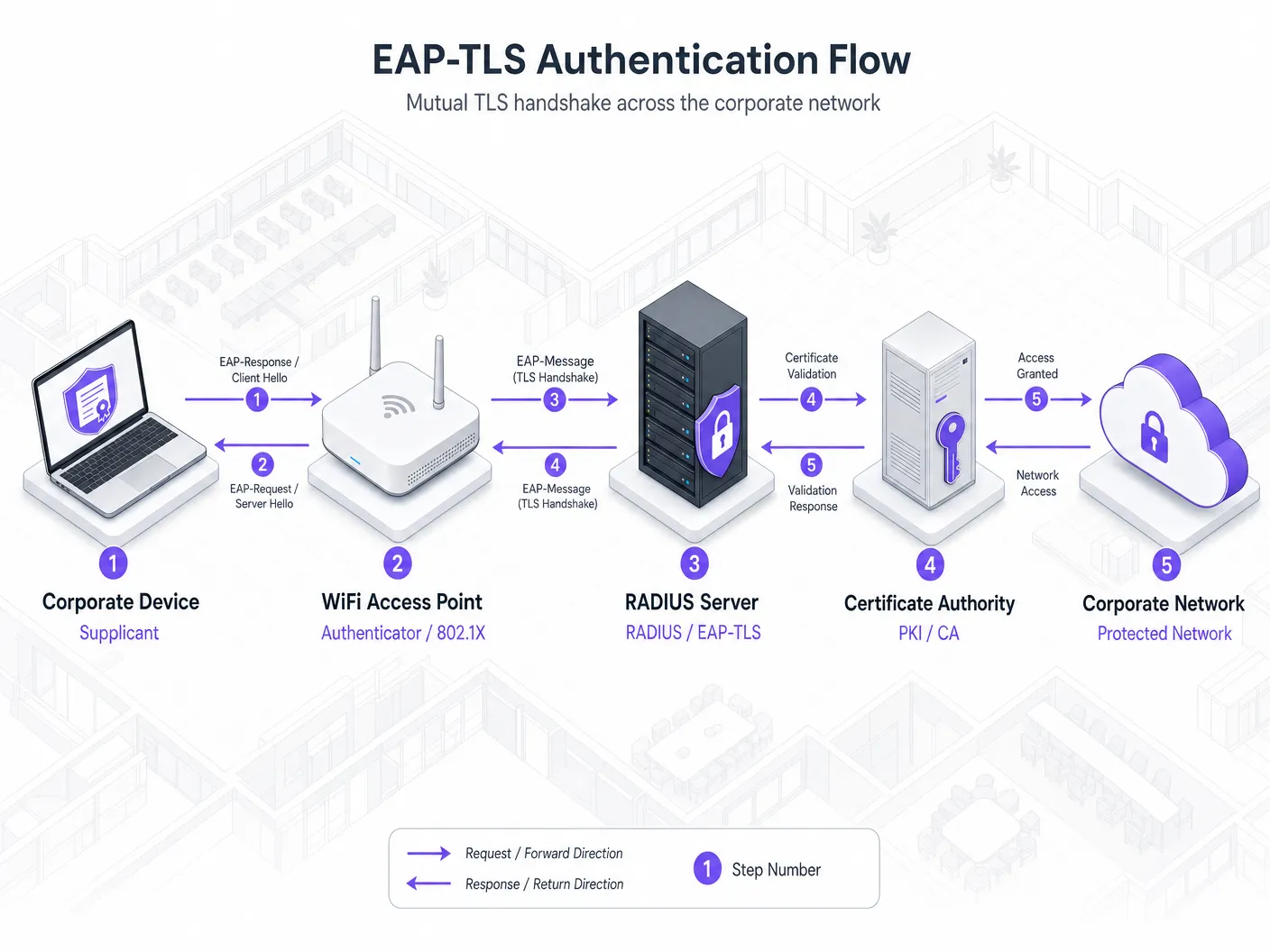
### Architectural Components
A production-grade EAP-TLS deployment comprises four core infrastructure pillars, each fulfilling a distinct role within the chain of trust:
| Pillar | Component | Technical Function | Enterprise-Grade Options |
| :--- | :--- | :--- | :--- |
| **PKI** | Certificate Authority (CA) | Issues, signs, and manages the X.509 digital certificate lifecycle for servers and devices. | Active Directory Certificate Services (AD CS), Cloud PKI (Sectigo, EZCA, Smallstep), EJBCA |
| **RADIUS** | Authentication Server | Terminates the EAP-TLS handshake, validates certificates, and makes 802.1X admission allow/deny decisions. | Cisco ISE, Aruba ClearPass, FreeRADIUS, Cloud RADIUS (JoinNow, Foxpass) |
| **MDM** | Endpoint Management | Automatically deploys root CA trust profiles and triggers SCEP/EST certificate enrolment on devices. | Microsoft Intune, Jamf Pro, Ivanti Neurons (MobileIron), VMware Workspace ONE |
| **WLAN** | Network Infrastructure | Acts as the 802.1X authenticator, relaying EAP frames between the client and RADIUS via RADIUS-over-UDP/TCP. | Cisco Catalyst, Aruba AP, Ruckus Wireless, Mist Systems, Meraki AP |
| **Identity** | Identity Provider (IdP) | Maintains the single source of truth for user and device accounts, referenced by RADIUS during policy evaluation. | Microsoft Entra ID, Okta, Active Directory, Google Workspace |
### EAP Method Comparison
To understand why EAP-TLS is the mandatory standard for corporate-owned devices, it is worth comparing it against the other EAP methods commonly found in enterprise environments:
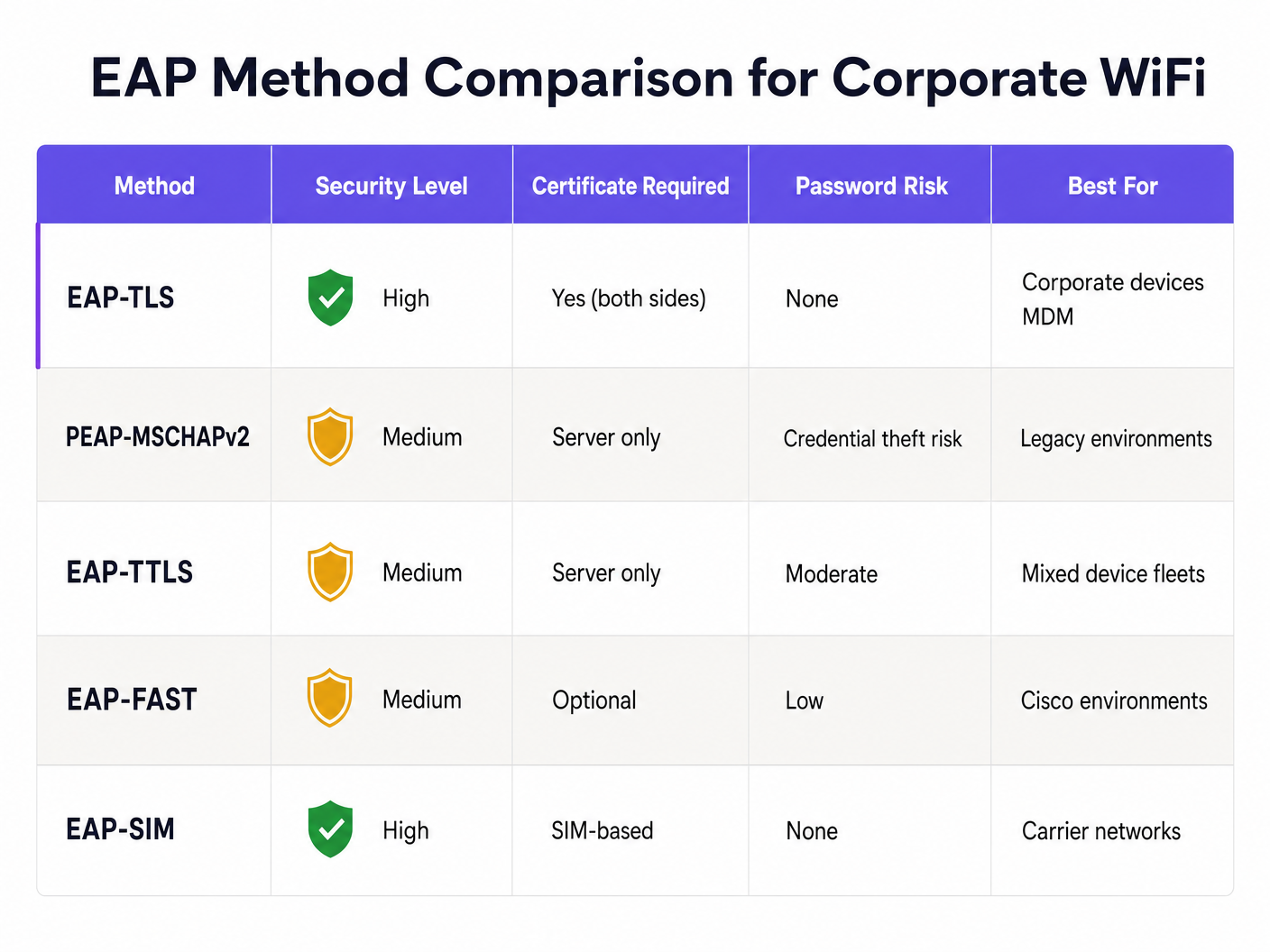
As the chart above illustrates, EAP-TLS is the only method that achieves a **high** security posture while eliminating password-based risk entirely. Methods such as PEAP-MSCHAPv2 remain highly susceptible to credential-theft attacks using basic toolchains such as Hostapd-WPE, making them unsuitable for protecting sensitive corporate resources in the modern threat landscape.
## Implementation Guide
Deploying EAP-TLS across a multi-site enterprise network requires systematic execution across the PKI, MDM, RADIUS, and wireless infrastructure layers. The following steps outline a vendor-agnostic, production-tested deployment framework.
### Step 1: Establish the Public Key Infrastructure (PKI)
The PKI is the cryptographic cornerstone of EAP-TLS. For enterprise security, a **two-tier CA architecture** is strongly recommended:
1. **Offline Root CA**: A highly secured, offline Certificate Authority used solely to sign the certificates of the Issuing CAs. The Root CA's private key must be protected by a Hardware Security Module (HSM) or strict physical access controls.
2. **Online Issuing CA**: An active, online Certificate Authority integrated with your network and MDM platform, used to issue certificates to RADIUS servers and client devices.
*RADIUS server certificate configuration*:
- Issue a server certificate to your RADIUS server from the Issuing CA.
- Ensure the certificate includes the **Server Authentication** Extended Key Usage (EKU) OID (`1.3.6.1.5.5.7.3.1`).
- Configure the Subject Alternative Name (SAN) to match the fully qualified domain name (FQDN) of the RADIUS server.
### Step 2: Automate Client Certificate Enrolment via MDM
Manual certificate installation does not scale and introduces serious security risk. Enterprise deployments must use an MDM platform to automate certificate provisioning via the **Simple Certificate Enrolment Protocol (SCEP)** or **Enrolment over Secure Transport (EST)**.
```
+-------------+ 1. SCEP Profile Push +------------+
| | -----------------------------------> | |
| MDM | | Client |
| (Intune/ | <----------------------------------- | Device |
| Jamf) | 3. SCEP Challenge Validation | |
+-------------+ +------------+
^ |
| 2. Challenge Get | 4. SCEP Request
v v
+-------------+ +------------+
| SCEP/EST | <----------------------------------- | Issuing |
| Gateway | 5. Certificate Issuance | CA |
+-------------+ +------------+
```
*MDM profile deployment sequence*:
1. **Root CA profile**: Deploy a trusted certificate profile containing the public certificates of the Root CA and Issuing CA to the device's trusted root Certificate Authorities store. This ensures the device trusts the RADIUS server certificate.
2. **SCEP/EST profile**: Configure a SCEP certificate profile pointing to the SCEP gateway of your Issuing CA. Configure the profile with:
- **Subject name format**: `CN={{DevicePhysicalIds:AADDeviceId}}` or `CN={{UserPrincipalName}}`, to bind the certificate to a unique device or user identity.
- **Extended Key Usage (EKU)**: Must include **Client Authentication** (`1.3.6.1.5.5.7.3.2`).
- **Key usage**: Digital signature, key encipherment.
- **Key size**: Minimum RSA 2048-bit or ECC SECP256R1.
3. **WiFi profile**: Deploy a wireless network profile configured for **WPA3-Enterprise** (with WPA2-Enterprise fallback) containing:
- **EAP type**: EAP-TLS.
- **Trusted server certificate**: Explicitly specify the FQDN of your RADIUS server and select the Root CA profile deployed in Step 1 as the trust anchor. This prevents devices from connecting to a malicious RADIUS server.
- **Authentication method**: Use the certificate enrolled via the SCEP profile.
### Step 3: Configure the RADIUS Policy Engine
Your RADIUS server (for example, Cisco ISE, Aruba ClearPass, or Cloud RADIUS) must be configured to process incoming 802.1X authentication requests from the access points.
1. **Trust store configuration**: Import the public certificates of the Root CA and Issuing CA into the RADIUS server's trusted certificate store. Enable certificate validation for client authentication.
2. **Identity source mapping**: Configure the RADIUS policy to map the identity extracted from the client certificate's Subject or SAN (for example, the UPN or Azure AD device ID) to your identity provider (such as Microsoft Entra ID or Okta). This allows the RADIUS server to verify that the user or device account is still active in the directory before granting network access.
3. **Authorisation rules**: Create granular authorisation policies based on certificate attributes and directory group memberships. For example:
- *Rule 1*: If `Certificate:Issuer` equals `Corporate Issuing CA` and `EntraID:DeviceStatus` equals `Compliant`, assign VLAN 10 (corporate data network) and apply a high-priority role-based ACL.
- *Rule 2*: If `Certificate:Issuer` equals `Corporate Issuing CA` and `EntraID:UserGroup` equals `Finance`, assign VLAN 20 (finance segmented network).
### Step 4: Configure the Wireless LAN (WLAN) Infrastructure
Configure your wireless controllers or cloud-managed access points (for example, Cisco Catalyst, Aruba, or Meraki) to enforce 802.1X authentication on the corporate SSID.
1. **Define the RADIUS servers**: Add your RADIUS server IP addresses and configure a strong, unique shared secret for each AP or wireless controller.
2. **Enable WPA3-Enterprise**: Configure the corporate SSID to use WPA3-Enterprise. WPA3 provides robust protection against offline dictionary attacks and mandates Protected Management Frames (PMF), securing control traffic over the air. Offer WPA2-Enterprise as a transition mode only where legacy corporate clients exist.
3. **802.1X/EAP configuration**: Set the authentication type to 802.1X. Enable dynamic VLAN assignment if your RADIUS server is configured to return VLAN attributes in the `Access-Accept` packet.
## Best Practices
To ensure operational stability, high availability, and robust security, enterprise-grade EAP-TLS deployments must adhere to the following industry-standard best practices:
### 1. Certificate Revocation Checking
Real-time validation of certificate validity is non-negotiable. If a corporate laptop is lost or stolen, its network access must be terminated immediately. Configure your RADIUS server to enforce strict revocation checking using:
- **Online Certificate Status Protocol (OCSP)**: Highly recommended for real-time, low-latency validation of individual certificates.
- **Certificate Revocation Lists (CRLs)**: Configure a local cache of the CRL on the RADIUS server with frequent updates (for example, every 2 to 4 hours) to prevent authentication outages if the CA goes offline.
- **Fail-safe policy**: Define the RADIUS behaviour when revocation servers are unreachable. For high-security environments, default to "deny access" (hard-fail). For business continuity across distributed retail or hospitality estates, a "soft-fail" policy can be applied that temporarily restricts access to a quarantined VLAN.
### 2. Strict Client-Side Trust Validation
To mitigate man-in-the-middle (MitM) attacks - where an attacker stands up a rogue access point impersonating the corporate SSID - client devices must be rigorously configured to validate the RADIUS server's identity. This is enforced via the MDM wireless profile:
- **Disable user prompts**: Ensure the option to "prompt the user to trust new servers or certificate authorities" is disabled. If a server certificate mismatch occurs, the device must silently disconnect rather than allow the user to bypass the warning.
- **Explicit domain matching**: Restrict trusted servers to specific FQDNs (for example, `radius01.purple.ai` or `radius02.purple.ai`).
### 3. Network Segmentation and Role-Based Access Control (RBAC)
Successful 802.1X authentication should not grant unrestricted lateral access to the corporate network. Implement network segmentation at the wireless edge:
- Use RADIUS attributes (for example, `Tunnel-Private-Group-ID` for VLANs or `Filter-Id` for ACLs) to dynamically assign clients to isolated network segments based on their role (for example, executive, engineering, HR, finance).
- Pair this with a modern Network Access Control (NAC) solution to continuously monitor device compliance. If an active device becomes non-compliant in your MDM (for example, firewall disabled or malware detected), the MDM should trigger certificate revocation, or notify the NAC to dynamically reassign the device to a quarantine VLAN. For a comprehensive view of leading control systems, see our guide: [10 Best Network Access Control (NAC) Solutions for 2026](/blog/best-network-access-control).
### 4. High Availability and Geographic Redundancy
For multi-site venue operations, a RADIUS outage means staff devices stop working instantly. Ensure your architecture is fully redundant:
- Deploy at least two RADIUS servers per region behind an enterprise-grade load balancer, or configure them as primary/secondary targets in the wireless controller.
- For global deployments (for example, international hotel chains or retail brands), leverage a **Cloud RADIUS** architecture with geographically distributed points of presence (PoPs) to ensure low-latency handshakes and local survivability. This pattern is explored in depth in our technical guide [How to Implement 802.1X Authentication with Cloud RADIUS](/guides/implementing-8021x-with-cloud-radius).
## Troubleshooting and Risk Mitigation
Deploying EAP-TLS eliminates password-related issues but introduces cryptographic and infrastructure dependencies. Understanding the common failure modes and establishing a structured troubleshooting protocol for operational teams is essential.
### Common Failure Modes and Resolution Workflows
#### 1. Handshake Failure: "Unknown CA" or "Certificate Untrusted"
- **Symptom**: The client device attempts to connect but disconnects immediately during the TLS handshake. RADIUS logs show `TLS Alert: Alert Certificate Unknown`.
- **Root cause**: The client does not trust the Certificate Authority (CA) that signed the RADIUS server certificate, or the RADIUS server does not trust the CA that signed the client certificate.
- **Resolution**: Verify that the Root CA and Issuing CA public certificates are correctly installed in the client's trusted root store via MDM. Check that the RADIUS server's trust store contains the client's Issuing CA certificate, and that the certificate chain of the RADIUS server certificate itself is complete.
#### 2. SCEP Enrolment Failure
- **Symptom**: A new corporate device cannot connect to WiFi because it has no client certificate. MDM logs show SCEP enrolment errors.
- **Root cause**: The SCEP gateway is unreachable, the SCEP challenge password has expired, or the NDES (Network Device Enrollment Service) server is resource-exhausted.
- **Resolution**: Verify network connectivity between the client, the MDM, and the SCEP gateway. Restart the NDES IIS application pool and verify the SCEP challenge validation service is operating correctly. Ensure the MDM service account holds the appropriate permissions on the CA.
#### 3. Silent Handshake Timeouts
- **Symptom**: The client attempts to authenticate but the connection times out. The RADIUS log shows no record of the attempt, or shows a partially interrupted handshake.
- **Root cause**: IP fragmentation. The EAP-TLS exchange involves large certificate payloads, causing EAP packets to exceed the standard 1500-byte MTU. If an intermediate switch or router drops the fragmented packets, the handshake times out.
- **Resolution**: Configure the **Framed-MTU** attribute on the RADIUS server and wireless controllers. Setting Framed-MTU to `1344` or `1300` forces the RADIUS server to fragment EAP messages into smaller packets that traverse the network cleanly without fragmentation at the IP layer.
### Structured Diagnostic Protocol
When troubleshooting authentication issues, network engineers should follow this sequential diagnostic protocol:
```
+-------------------------------------------------------------+
| Step 1: Check physical/wireless association at the Access Point |
+-------------------------------------------------------------+
|
v
+-------------------------------------------------------------+
| Step 2: Verify the active EAP-TLS session in the RADIUS live logs |
+-------------------------------------------------------------+
|
v
+-------------------------------------------------------------+
| Step 3: Inspect the TLS handshake details and certificate EKU OIDs |
+-------------------------------------------------------------+
|
v
+-------------------------------------------------------------+
| Step 4: Validate CRL/OCSP reachability and latency status |
+-------------------------------------------------------------+
|
v
+-------------------------------------------------------------+
| Step 5: Check endpoint directory status in the Identity Provider |
+-------------------------------------------------------------+
```
## ROI and Business Impact
Transitioning to EAP-TLS represents a significant technical shift, but its return on investment (ROI) is rapid and measurable across security, operational, and financial dimensions.
### 1. Elimination of Credential-Based Risk
Password-based networks are inherently vulnerable to credential sharing, brute-force attacks, and social engineering. In sectors with high staff turnover, such as [Hospitality](/industries/hospitality) and [Retail](/industries/retail), managing password security is an operational nightmare. When an employee leaves, changing a shared WPA2 password across hundreds of devices is practically impossible, creating a persistent insider threat. EAP-TLS binds network access to the physical device. When an employee departs or a device is decommissioned, the certificate is revoked in the MDM, instantly terminating network access across every physical location without affecting any other device.
### 2. Reduced Operational Costs
According to industry data, up to 30% of IT help-desk tickets relate to password resets, lockouts, and wireless connectivity issues caused by credential expiry. EAP-TLS operates entirely in the background. Once provisioned via MDM, connectivity is automatic, silent, and permanent. Automated certificate renewal workflows ensure devices remain connected without user intervention, eliminating thousands of hours of lost productivity and drastically reducing help-desk overhead. For large-scale environments such as [Healthcare](/industries/healthcare) or [Transport](/industries/transport) hubs, this operational efficiency translates directly into hundreds of thousands of pounds in annual support-cost savings.
### 3. Compliance and Regulatory Alignment
For venues handling sensitive data, robust network access control is a legal mandate. EAP-TLS directly satisfies and accelerates compliance with key regulatory frameworks:
- **PCI DSS 4.0 (Requirement 8)**: Mandates strong cryptographic authentication and unique credential verification for all system components accessing the cardholder data environment. EAP-TLS provides a unique, cryptographically bound device identity that fully satisfies this requirement for corporate networks in retail and hospitality environments.
- **GDPR**: Requires organisations to implement appropriate technical and organisational measures to ensure a level of security appropriate to the risk. Mutual TLS authentication provides the highest level of protection against unauthorised access to corporate systems containing personal data.
- **ISO/IEC 27001 (Control A.8)**: Requires strict access control and secure authentication. EAP-TLS provides a precise, cryptographically auditable record of which physical device accessed the network, at what time, and from which access point.
### Business Value Matrix
To justify the transition to executive leadership, IT directors can leverage the following business value matrix:
| Business Driver | Before EAP-TLS (Passwords/PEAP) | After EAP-TLS (Certificates) | Financial & Operational Impact |
| :--- | :--- | :--- | :--- |
| **Credential Security** | Extremely high risk of credential harvesting, sharing, and brute-force attacks. | Cryptographically secure. Zero risk of over-the-air credential theft. | Reduced data-breach risk (average breach cost exceeds £3.4 million).
| **Onboarding Overhead** | Manual credential entry, user training, frequent connectivity troubleshooting. | Zero-touch background provisioning via MDM. Instant connectivity. | 90% reduction in WiFi-related onboarding tickets. |
| **Offboarding/Revocation**| Requires changing shared secrets or manually disabling accounts across multiple systems. | Instant one-click certificate revocation via MDM/RADIUS. | Immediate elimination of insider threat vectors and rogue device access. |
| **Compliance Audits** | Difficult to prove exact device identity; logs rely on fallible user credentials. | Cryptographically verifiable audit trail binding physical devices to sessions. | Seamless compliance audits for PCI DSS, GDPR, and SOC 2. |
| **Help-Desk Workload** | Heavy ticket volume for password resets, credential expiry, and lockout states. | Near-zero tickets. Certificates renew silently and automatically in the background. | Reallocation of IT staff to high-value strategic initiatives. |
By framing the EAP-TLS migration around risk mitigation, operational efficiency, and compliance, IT leaders can present a compelling business case that aligns network security directly with corporate financial and strategic objectives.
## References
- [1] **RFC 5216**: *The EAP-TLS Authentication Protocol*. Extensible Authentication Protocol (EAP) Working Group. [https://datatracker.ietf.org/doc/html/rfc5216](https://datatracker.ietf.org/doc/html/rfc5216)
- [2] **IEEE 802.1X-2020**: *Standard for Local and Metropolitan Area Networks--Port-Based Network Access Control*. IEEE Computer Society. [https://standards.ieee.org/ieee/802.1X/7343/](https://standards.ieee.org/ieee/802.1X/7343/)
- [3] **WPA3-Enterprise Security Specification**: *Wi-Fi Alliance WPA3 Technical Specifications*. Wi-Fi Alliance. [https://www.wi-fi.org/discover-wi-fi/security](https://www.wi-fi.org/discover-wi-fi/security)
- [4] **PCI DSS v4.0 Standard**: *Payment Card Industry Data Security Standard*. PCI Security Standards Council. [https://www.pcisecuritystandards.org/](https://www.pcisecuritystandards.org/)
- [5] **GDPR Technical Security Measures**: *European Data Protection Board Guidelines on Network Security*. European Union. [https://gdpr-info.eu/](https://gdpr-info.eu/)
- [6] **Purple Cloud RADIUS Architecture**: *Enterprise WiFi Security & Cloud RADIUS Integration Guide*. Purple. [https://purple.ai/guides/implementing-8021x-with-cloud-radius](/guides/implementing-8021x-with-cloud-radius)
- [7] **Network Access Control Best Practices**: *10 Best Network Access Control (NAC) Solutions for 2026*. Purple Blog. [https://purple.ai/blog/best-network-access-control](/blog/best-network-access-control)
---
### Designing Secure Staff WiFi Networks Separated from Guest Traffic
**Source:** https://www.purple.ai/en-gb/guides/secure-staff-wifi-network-design
**Summary:** An authoritative technical reference guide for network architects and IT leaders on designing secure, high-performance staff WiFi networks. It details the logical and physical segmentation of operational traffic from public guest networks using VLANs, 802.1X authentication, and WPA3-Enterprise to satisfy compliance mandates (PCI DSS, GDPR) and eliminate lateral movement security risks.
**Estimated read time:** 3 minutes
**Word count:** 698

In enterprise, hospitality, retail, and healthcare venues, wireless networks must support two conflicting groups: public visitors who require frictionless internet access, and internal staff members who access sensitive corporate databases, point-of-sale (POS) systems, and internal operational tools.
Allowing guest devices to communicate with corporate hardware or failing to isolate guest internet traffic creates severe security risks, including packet interception, malware propagation, and regulatory compliance breaches (such as PCI DSS 4.0 and GDPR).
This guide outlines enterprise network design patterns for segregating staff and guest WiFi networks through VLAN tagging, 802.1X certificate authentication, firewall access control lists (ACLs), and Layer 2 client isolation.
## Security Architecture: Core Staff vs Guest Network Segregation
Enterprise network segregation relies on separating traffic at the physical, data link, and network layers:
| Architectural Layer | Guest WiFi Network Design | Internal Staff WiFi Network Design |
| :--- | :--- | :--- |
| **Authentication** | Captive portal with SMS, email, or social login | 802.1X EAP-TLS with enterprise certificates or SAML SSO |
| **VLAN Assignment** | Isolated Guest VLAN (e.g. VLAN 50) | Enterprise Corporate VLANs (e.g. Management, Staff, POS) |
| **Layer 2 Policy** | Client Isolation enabled (no peer-to-peer communication) | Peer discovery enabled for printers, servers, and collaboration |
| **Routing & Firewall** | Direct outbound NAT to internet; RFC 1918 internal subnets blocked | Access to internal servers, ERP, and databases permitted via stateful firewall rules |
| **DNS Configuration** | Content-filtered public DNS (protective DNS / CIPA compliant) | Internal Active Directory / split-horizon corporate DNS |
### 1. VLAN Tagging and 802.1Q Trunking
Never mix guest and corporate traffic on a flat subnet. The wireless access points must support multi-SSID tagging using IEEE 802.1Q trunks back to managed distribution switches:
- **Corporate SSID:** Maps to the Corporate VLAN. Packets pass through internal firewalls to reach domain controllers and business applications.
- **Guest SSID:** Maps to an isolated DMZ or Guest VLAN. Traffic is directed straight to an edge firewall or dedicated internet gateway, completely bypassing internal server subnets.
### 2. Mandatory Firewall Access Control Lists (ACLs)
At the layer 3 default gateway for the guest network, implement explicit egress firewall rules:
- **Drop RFC 1918 Ranges:** Block all traffic originating from the guest subnet targeting `10.0.0.0/8`, `172.16.0.0/12`, and `192.168.0.0/16`.
- **Enforce Client Isolation:** Enable Layer 2 client isolation on the guest SSID within the wireless access point firmware. This drops address resolution protocol (ARP) lookups and prevents guest devices from scanning or communicating with other guest devices connected to the same AP.
- **Restrict DNS Port Access:** Prevent guests from circumventing corporate content filtering by redirecting outbound UDP/TCP port 53 and port 853 traffic to the designated protective DNS gateway.
## Staff Authentication: Migrating from Shared Passwords to 802.1X EAP-TLS
While guest networks prioritize onboarding ease, staff networks must enforce identity-based access control. Relying on a shared WPA2-PSK password for staff creates severe operational vulnerabilities when employees leave the company.
Modern staff wireless design employs **802.1X EAP-TLS**:
- Each corporate laptop or smartphone is provisioned with a cryptographic device certificate pushed via Mobile Device Management (MDM) platforms such as Microsoft Intune, Jamf, or Kandji.
- Authentication occurs against a RADIUS server (or Cloud RADIUS).
- If an employee is terminated, revoking their directory account in Microsoft Entra ID or Google Workspace automatically invalidates their wireless access in real time without affecting any other staff member.
## Compliance and Auditing Considerations
- **PCI DSS 4.0 Requirement 1.2:** Payment card environments (POS terminals) must be completely isolated from guest wireless networks. Firewalls must enforce non-routable boundaries between cardholder data environments (CDE) and guest traffic.
- **GDPR / Data Protection:** Guest registration data captured via captive portals must be stored in compliant marketing databases with explicit opt-in mechanisms, segregated from operational staff logs.
## Frequently Asked Questions
### Can staff and guests share the same physical access points?
Yes. Enterprise access points support multiple virtual BSSIDs (SSIDs) broadcast from a single radio. Each SSID is mapped to its own 802.1Q VLAN tag, allowing physical hardware to be shared safely while maintaining absolute cryptographic and logical separation.
### Why is client isolation necessary if guest traffic is already on a separate VLAN?
VLAN segmentation isolates the guest network from the internal corporate network. However, without Layer 2 client isolation on the access point, one infected guest device could scan, probe, or attack another visitor device connected to that same guest WiFi network. Client isolation ensures that visitors can only communicate with the external internet gateway.
---
### Top 10 causes of DHCP timeouts on high-density wireless networks
**Source:** https://www.purple.ai/en-gb/guides/causes-dhcp-timeouts-high-density-wifi
**Summary:** A technical reference for network engineers, enterprise architects, and venue IT directors troubleshooting DHCP onboarding bottlenecks in high-density WiFi environments. Covers IP helper relay misconfigurations, lease pool starvation, broadcast airtime degradation, rogue DHCP servers, and multi-vendor remediation.
**Estimated read time:** 15 minutes
**Word count:** 1,787
In high-density wireless deployments - including sporting stadiums, arena concert halls, university lecture complexes, convention centres, and high-footfall shopping malls - the Dynamic Host Configuration Protocol (DHCP) is frequently the first infrastructure service to buckle under load. When thousands of mobile devices enter a venue and attempt to associate with local access points (APs) simultaneously, users experience prolonged connection delays, captive portal popups that fail to render, or persistent "No Internet, Secured" errors on their smartphones and laptops.
To an end user, the network appears broken or "slow". To a network engineer, however, packet captures reveal that devices have successfully completed 802.11 open authentication and association at Layer 2, but are timing out at Layer 3 because their initial DHCP Discover requests never receive a corresponding DHCP Offer from the server within the client operating system timeout window (typically 4 to 16 seconds).
Key architectural takeaways
Layer 2 broadcast saturation: Access points transmit broadcast DHCP frames at the lowest mandatory basic data rate (such as 1 or 6 Mbps), consuming excessive RF airtime when hundreds of devices associate simultaneously.
Lease duration tuning: In venues with high visitor turnover, standard 24-hour leases rapidly deplete IP address scopes; tuning lease duration to 30 to 60 minutes prevents pool starvation.
VLAN pooling: Breaking massive client populations into hashed VLAN pools (/23 or /24 subnets) keeps broadcast domains manageable without restricting overall venue capacity.
Proxy ARP and unicast conversion: Enabling Broadcast-to-Unicast conversion on wireless controllers allows APs to transmit DHCP offers as targeted unicast frames at high PHY rates.
Helper-address and relay capacity: Upstream DHCP relays must be configured with redundant helper addresses and monitored for queue buffer drops during burst arrivals.
The five primary causes of DHCP failure in dense WiFi
Diagnosing DHCP timeouts in high-density environments requires understanding both wireless RF mechanics and wired Layer 3 routing dynamics. Five root causes account for more than 90% of all real-world failures:
1. RF broadcast airtime exhaustion
Because the initial DHCP Discover is sent from a client that does not yet possess an IP address, it is broadcast to the Layer 2 MAC address FF:FF:FF:FF:FF:FF. In 802.11 wireless networks, broadcast and multicast frames cannot use dynamic link adaptation and must be transmitted at the lowest configured basic (mandatory) data rate on the SSID so that devices at the furthest edge of the cell can receive them.
If an SSID supports legacy 1 Mbps or 6 Mbps basic rates, each 350-byte DHCP packet occupies the channel for several milliseconds. When 300 users enter a lecture hall within 60 seconds, the sheer volume of broadcast DHCP transactions consumes over 40% of total channel airtime, triggering severe RF contention, CSMA/CA collisions, and packet drops before the frame ever reaches the wired distribution switch.
2. DHCP scope exhaustion (pool starvation)
Corporate office networks typically run with 8-hour or 24-hour DHCP lease times. When this configuration is applied to a public venue - such as a transit hub, stadium, or retail centre - every passerby whose smartphone briefly probes the open guest SSID leases an IP address. Even if the visitor walks away after 90 seconds, their leased IP remains locked in the DHCP database for 24 hours. Within hours of opening, the available subnet pool is 100% depleted, and legitimate incoming users are met with instant DHCP timeouts.
3. Upstream DHCP relay and IP helper-address drops
In enterprise architectures where the DHCP server resides centrally in a data centre or cloud environment, access switches or wireless controllers must relay broadcast DHCP requests across routed Layer 3 boundaries using ip helper-address commands. If the relay agent router experiences CPU throttling or exceeds its internal UDP forwarding buffer during sudden ingress spikes, it silently drops incoming Discover packets. Furthermore, if the round-trip latency between the local relay agent and the central DHCP server exceeds 2,000 ms under network congestion, client devices abort the negotiation before the Offer returns.
4. Asymmetric RF power and hidden node packet collision
Access points transmitting at high power levels (e.g. 20 dBm / 100 mW) can broadcast beacons far beyond their physical coverage cell. Mobile smartphones, which typically transmit at much lower power (10 to 14 dBm), hear the AP clearly and attempt to associate. However, the smartphone uplink DHCP Discover frame is too weak to penetrate through the high RF noise floor and physical stadium obstacles. The AP never receives the packet, resulting in an immediate timeout from the client perspective.
5. Rogue DHCP servers and DHCP snooping misconfiguration
In unmanaged or poorly segmented networks, a misconfigured client device, mobile hotspot, or rogue virtual machine connected to a switch port can respond to client Discover packets with invalid default gateways and DNS servers. Conversely, if network administrators enable switch-level ip dhcp snooping but forget to flag the core WLC uplink port as trusted, the switch drops all valid DHCP offers, resulting in 100% timeout failure across all access points on that switch.
Subnet sizing and lease duration matrix
Configuring the appropriate subnet size and lease duration is the foundation of high-density DHCP stability. The following matrix provides verified reference parameters across key venue types:
Venue Environment
Visitor Turnover Pattern
Recommended Lease Time
Subnet Architecture
Turnover Headroom Multiplier
Stadium & Arena
High burst entry (2 to 4 hours dwell)
30 - 60 minutes
VLAN Pool (Multiple /23 or /24)
1.3x peak attendance
Convention Centre & Expo
Sustained multi-device (6 to 8 hours dwell)
120 minutes (2 hours)
VLAN Pool (Multiple /22 or /23)
1.5x attendee count
Shopping Mall & Retail Hub
Continuous rapid transient (30 to 90 min dwell)
30 minutes
VLAN Pool (Multiple /23)
3.0x daily average footfall
University Campus & Lecture Halls
Hourly migration between buildings
60 - 120 minutes
Per-Building VLAN Pools (/22)
1.4x student body
Hotel & Resort Property
Multi-day sustained occupancy
1,440 minutes (24 hours)
Segmented Guest & Staff VLANs (/22)
1.1x total room capacity
Step-by-step diagnostic workflow: Packet capture and log analysis
When investigating live DHCP timeouts, follow this diagnostic workflow to pinpoint the exact failure layer within minutes:
Step 1: Check server pool utilization and lease depletion
Log into your core DHCP server or IPAM platform (such as Infoblox, Microsoft Windows Server DHCP, or Linux Kea) and check active lease counts against pool thresholds. If active leases exceed 95% of available addresses, new requests will fail immediately.
Step 2: Isolate over-the-air RF retry rates and basic rates
Verify that the 2.4 GHz and 5 GHz radios are not offering legacy data rates below 12 Mbps. High channel utilization above 65% on the AP radio indicates that management and broadcast frames are congesting the medium.
Step 3: Perform client-side Wireshark capture filtering
Capture traffic on a test laptop while attempting association. Use the following Wireshark display filters to isolate DHCP transactions:
# Filter for all DHCP protocol traffic
bootp || dhcp
# Identify repeated DHCP Discovers with no response
dhcp.option.dhcp == 1
Step 4: Verify switch-level DHCP snooping statistics
Check switch interface counters for dropped packets. On Cisco Catalyst or IOS-XE switches, execute show ip dhcp snooping statistics to verify if packets are being dropped due to un-trusted uplinks or rate-limit violations.
Multi-vendor configuration blueprints
Implementing targeted configuration changes on enterprise wireless LAN controllers and access points eliminates the vast majority of high-density DHCP timeouts. Below are tested configuration snippets across major enterprise networking platforms:
Cisco Catalyst 9800 WLC (IOS-XE)
Enable Proxy ARP, convert broadcast DHCP to unicast, and configure VLAN pooling across guest WLAN profiles:
! Configure VLAN Group for Guest Pooling
vlan group GUEST-POOL
vlan-list 101-108
! Configure Wireless Policy Profile with Proxy ARP & Broadcast Optimization
wireless profile policy GUEST-POLICY-PROFILE
ipv4 dhcp-required
proxy-arp
broadcast-multicast-unicast
vlan GUEST-POOL
no shutdown
! Configure Global DHCP Snooping with Trusted Core Uplinks
ip dhcp snooping
ip dhcp snooping vlan 101-108
interface TenGigabitEthernet1/0/1
description UPLINK-TO-CORE-SWITCH
ip dhcp snooping trust
Aruba Central / AOS-10 Gateway Architecture
Enable client VLAN pooling with hash assignment and configure broadcast-to-unicast optimization on the WLAN SSID profile:
# Create VLAN Pool with hash-based MAC distribution
vlan-pool guest-pool
vlan 201-208
assignment hash
# Apply broadcast optimization on the Virtual AP profile
wlan ssid-profile "Guest-WiFi"
vlan guest-pool
broadcast-filter arp
broadcast-filter all
drop-bcast-unknown
dmo-channel-util-threshold 60
no legacy-rates
Ruckus SmartZone (SZ-100 / Virtual SmartZone)
Enable Directed DHCP/ARP and configure Option 82 sub-option insertion on the Zone WLAN profile:
# Under Wireless LAN Configuration:
# Enable Directed Multicast to Unicast (Directed MC/BC)
# Enable Proxy ARP
# Set Minimum Basic Rate: 12 Mbps (5 GHz) / 11 Mbps (2.4 GHz)
# Enable DHCP Option 82 Insertion with Sub-Option 1 (Circuit ID) & Sub-Option 2 (Remote ID)
FortiGate FortiOS & FortiAP Architecture
Configure dedicated DHCP scope with aggressive lease duration and enable broadcast suppression on the FortiGate wireless controller interface:
config system dhcp server
edit 1
set default-gateway 192.168.100.1
set netmask 255.255.248.0
set interface "guest-wifi-vlan"
config ip-range
edit 1
set start-ip 192.168.100.10
set end-ip 192.168.107.254
next
end
set lease-time 3600
set dns-service default
next
end
config wireless-controller vap
edit "Guest-WLAN"
set intra-vap-privacy enable
set broadcast-suppression dhcp-up arp-known
set schedule-vlan-pool enable
next
end
Optimizing guest WiFi and captive portal onboarding
When running a high-density guest WiFi network, the interaction between initial DHCP acquisition and the captive portal authentication workflow is critical. In legacy implementations, devices are assigned an IP address on an unauthenticated subnet, forced to execute HTTP 302 redirection, and then transitioned to a secondary VLAN upon successful login. This "VLAN flipping" forces the client to release and renew its DHCP lease a second time, doubling the transaction load on the DHCP server and increasing timeout failure rates by over 40%.
Modern guest management platforms like Purple decouple authentication from Layer 3 IP reassignment. Clients remain on their initially assigned VLAN throughout the session; access control is enforced at Layer 4 via dynamic firewall filter rules, radius Access-Accept attributes, or walled garden access control lists (ACLs). This keeps the client DHCP lease stable, prevents unnecessary renegotiations, and delivers instant, seamless portal splash page rendering.
Summary of high-density DHCP best practices
Prune legacy basic rates: Set minimum mandatory data rates to 12 Mbps on 5 GHz and 11 Mbps on 2.4 GHz to accelerate broadcast frame transmission.
Tune lease durations: Match lease time to venue dwell time (30 to 60 minutes for high turnover, 2 hours for conventions, 24 hours for hotels).
Implement VLAN pooling: Divide large attendee populations into groups of /23 or /24 subnets to cap broadcast domain sizes.
Convert broadcast to unicast: Enable Proxy ARP and Broadcast-to-Unicast conversion on all wireless LAN controllers and AP profiles.
Maintain redundant DHCP relays: Configure secondary ip helper-address targets and monitor upstream relay buffer queues.
Avoid VLAN flipping: Use single-VLAN captive portal architectures with ACL-based access control rather than dynamic subnet re-assignment.
---
### Troubleshooting 802.1X Authentication Failures (RADIUS/EAP)
**Source:** https://www.purple.ai/en-gb/guides/troubleshooting-8021x-authentication-failures
**Summary:** Step-by-step diagnostic guide for resolving 802.1X, EAP-TLS, PEAP, and RADIUS authentication errors on enterprise WiFi networks.
**Estimated read time:** 13 minutes
**Word count:** 3,066
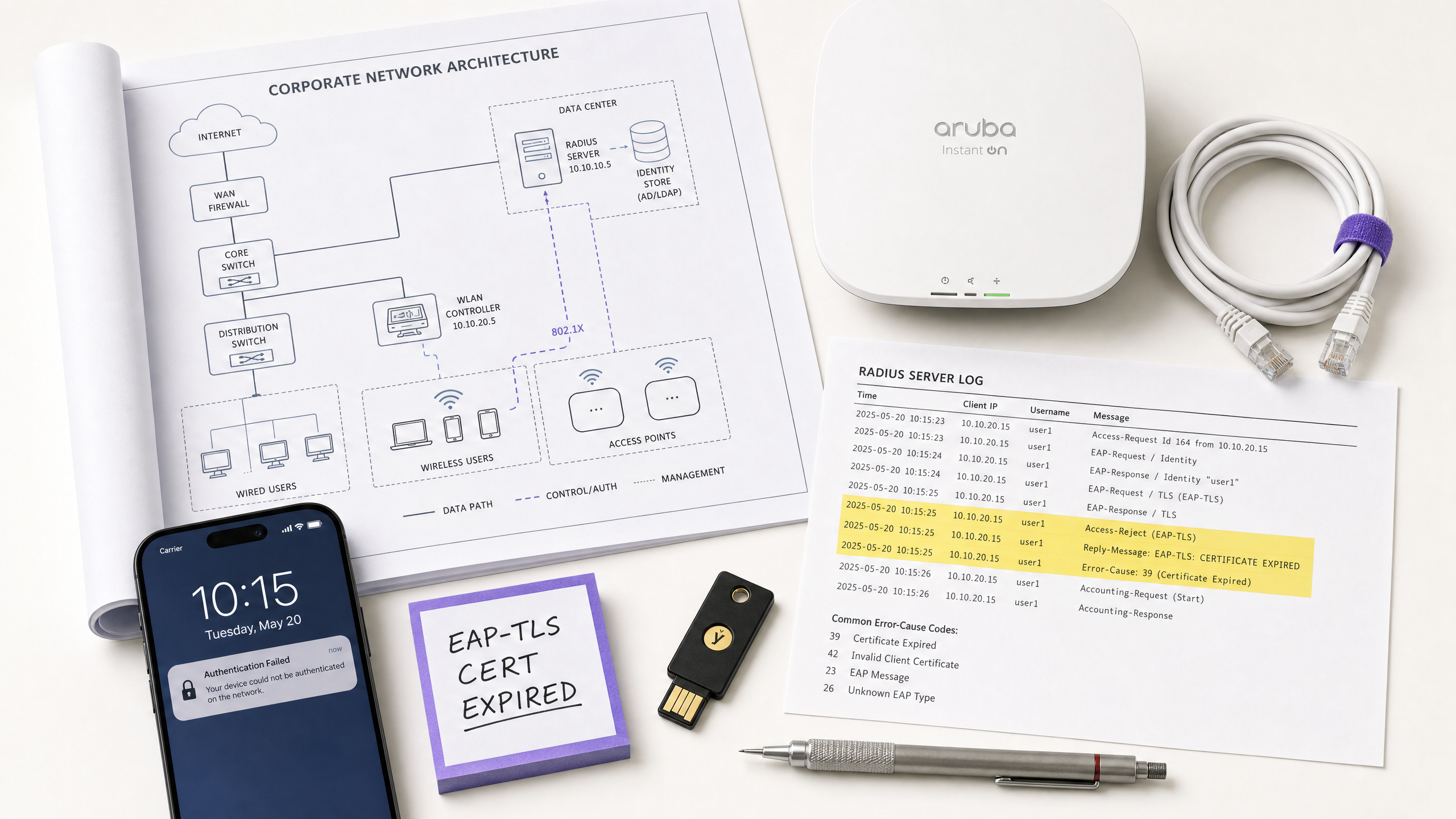
## Executive Summary
For IT leaders managing enterprise WiFi at hotels, retail chains, stadiums, and public-sector venues, 802.1X authentication is the backbone of network access control - and when it fails, the impact is immediate and operationally severe. A single misconfigured supplicant profile, an expired RADIUS certificate, or a mismatched shared secret can block hundreds of users simultaneously, triggering support escalations, revenue loss, and potential compliance violations.
IEEE 802.1X defines port-based network access control, operating at Layer 2 of the OSI model. It works in conjunction with the Extensible Authentication Protocol (EAP) and a RADIUS server to authenticate every device before granting network access. The protocol supports multiple EAP methods - EAP-TLS, PEAP-MSCHAPv2, EAP-TTLS, and EAP-FAST - each with distinct security profiles, certificate requirements, and operational complexity.
This guide provides a structured diagnostic framework for resolving 802.1X failures across the three-component authentication chain: the Supplicant (end device), the Authenticator (access point or switch), and the Authentication Server (RADIUS). It includes real-world case studies, a rapid triage decision tree, implementation best practices aligned with PCI DSS v4.0 and WPA3-Enterprise standards, and a worked example library drawn from hospitality and retail deployments.
For organisations deploying [Guest WiFi](/guest-wifi) alongside staff networks, understanding where 802.1X breaks - and how to fix it quickly - is a direct operational and commercial priority.
---
## Technical Deep-Dive
### The 802.1X Authentication Architecture
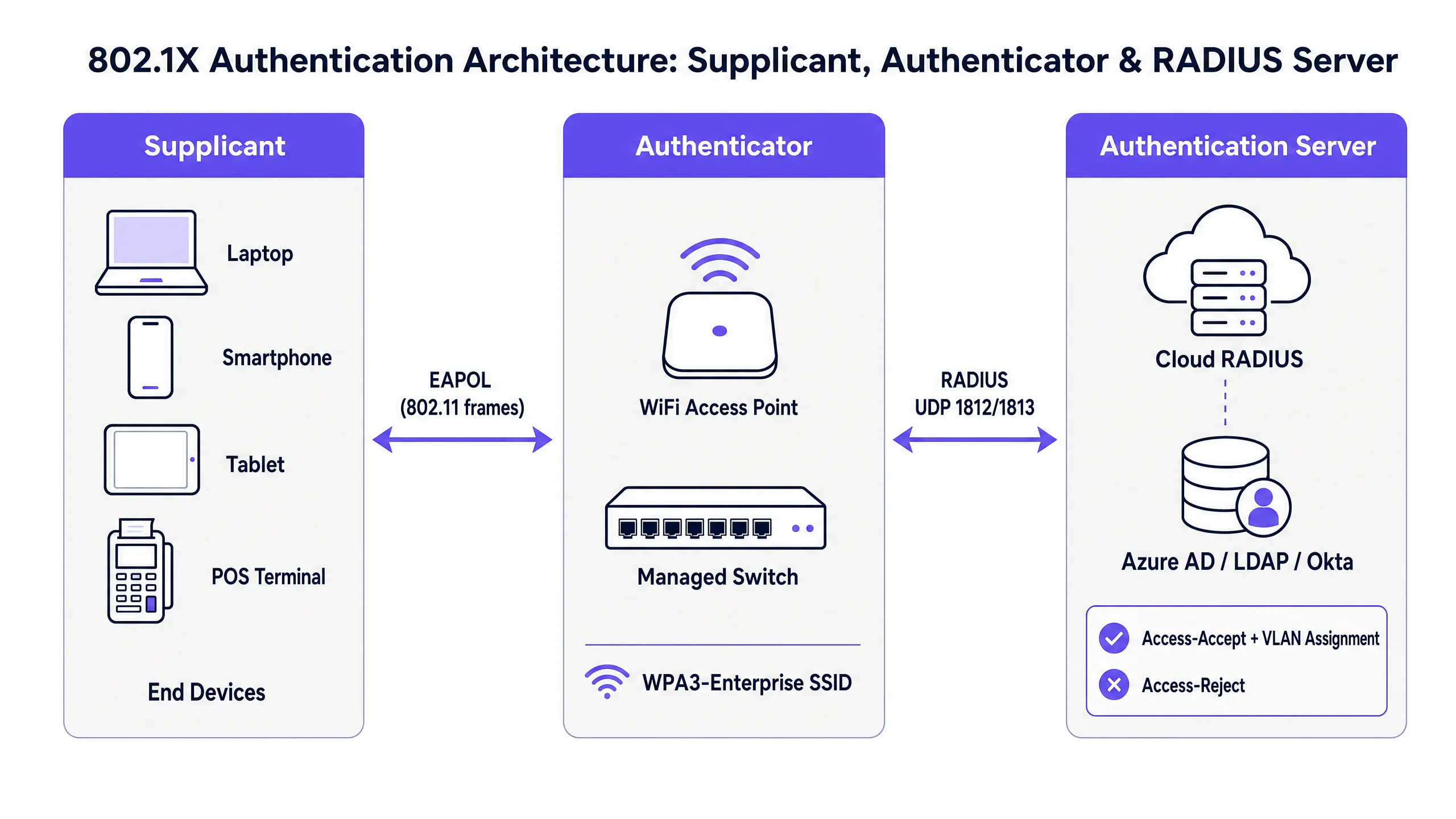
The IEEE 802.1X standard defines a three-component model that governs every enterprise WiFi authentication exchange. Understanding each component's role is the prerequisite for effective troubleshooting.
The **Supplicant** is the end-user device - a laptop, smartphone, tablet, or point-of-sale terminal. It runs a software component (the supplicant client, built into the OS on Windows, macOS, iOS, and Android) that initiates the EAP exchange and presents credentials to the network. Supplicant configuration - specifically the EAP method, certificate trust settings, and credential source - is one of the most common sources of authentication failures.
The **Authenticator** is the wireless access point or managed switch. Critically, the Authenticator does not make authentication decisions. It acts as a stateless relay, blocking all data traffic on the controlled port until the RADIUS server issues an authorisation decision. It communicates with the Supplicant using EAPOL (EAP over LAN) frames over the wireless or wired medium, and with the RADIUS server using RADIUS Access-Request and Access-Accept/Reject packets over UDP ports 1812 (authentication) and 1813 (accounting).
The **Authentication Server** is the RADIUS server. This is where the actual credential validation occurs. The RADIUS server negotiates the EAP method with the Supplicant, validates credentials against an identity directory (Active Directory, Azure AD, Okta, or LDAP), and returns an Access-Accept with optional VLAN assignment attributes, or an Access-Reject with a reason code. In modern deployments, this is increasingly a cloud-hosted service - see [How to Implement 802.1X Authentication with Cloud RADIUS](/guides/implementing-8021x-with-cloud-radius) for a full implementation guide.
### EAP Method Comparison
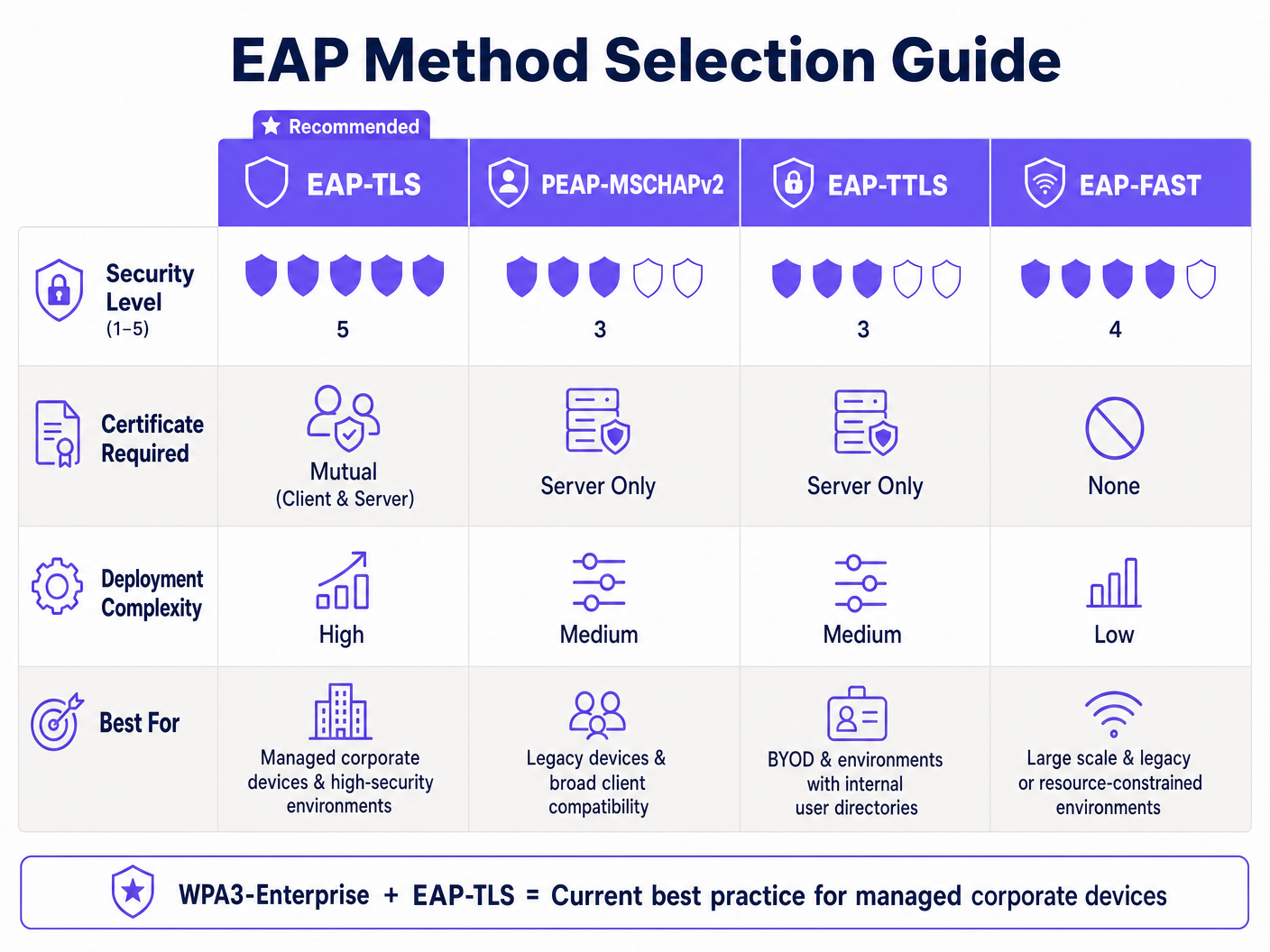
EAP is not a single authentication method but a framework supporting multiple inner methods. The choice of EAP method has direct implications for security posture, certificate infrastructure requirements, and the types of failures you are likely to encounter.
| EAP Method | Certificate Requirement | Security Level | Deployment Complexity | Primary Use Case |
|---|---|---|---|---|
| **EAP-TLS** | Mutual (client + server) | Highest | High (requires PKI + MDM) | Managed corporate devices |
| **PEAP-MSCHAPv2** | Server-side only | Medium | Medium | AD-integrated environments |
| **EAP-TTLS** | Server-side only | Medium | Medium | Mixed-OS BYOD environments |
| **EAP-FAST** | None (uses PAC) | Medium-High | Low | Legacy device support |
WPA3-Enterprise with EAP-TLS is the current industry best practice for managed corporate device fleets. For venues deploying [Guest WiFi](/guest-wifi) and staff networks in parallel - common in [Hospitality](/industries/hospitality) and [Retail](/industries/retail) environments - a hybrid approach is typical: EAP-TLS for corporate devices, captive portal with RADIUS backend for guests.
### The Authentication Flow: Step by Step
Understanding the precise sequence of the 802.1X exchange is essential for pinpointing where a failure occurs. The flow proceeds as follows:
1. The Supplicant associates with the SSID. The Authenticator opens a controlled port, blocking all non-EAP traffic.
2. The Authenticator sends an EAP-Request/Identity to the Supplicant.
3. The Supplicant responds with an EAP-Response/Identity (the user or device identity).
4. The Authenticator encapsulates this in a RADIUS Access-Request and forwards it to the RADIUS server.
5. The RADIUS server issues an Access-Challenge, proposing the EAP method (e.g., EAP-TLS or PEAP).
6. The Supplicant and RADIUS server negotiate the EAP method and exchange credentials through multiple Access-Request / Access-Challenge round trips, relayed by the Authenticator.
7. The RADIUS server validates credentials against the identity directory and returns either an Access-Accept (with optional VLAN assignment attributes) or an Access-Reject (with a reason code).
8. If accepted, the Authenticator opens the controlled port and the device gains network access. For WPA2/WPA3-Enterprise, a 4-Way Handshake follows to derive session encryption keys.
A failure at any step in this sequence produces a different symptom profile. Mapping the symptom to the step is the foundation of rapid triage.
### Common Failure Modes and Diagnostic Indicators
**Failure Mode 1: Certificate Expiry (Server or Client)**
This is the single most disruptive failure mode in production 802.1X deployments. When the RADIUS server's TLS certificate expires, every client simultaneously fails authentication - a complete network outage. When a client certificate expires (in EAP-TLS deployments), individual devices fail while others continue to authenticate normally.
*Diagnostic indicators:* NPS/RADIUS event logs show Reason Code 22 ("Client certificate has expired or is not yet valid") or Reason Code 16 ("Authentication failed due to a user credentials mismatch"). On Windows NPS, check Event ID 6273 in the Security event log. On FreeRADIUS, look for `TLS Alert read:fatal:certificate expired` in the debug output.
*Resolution:* Renew the expired certificate and push the updated CA certificate to all clients via MDM. Implement automated certificate expiry monitoring with a 90-day alert threshold.
**Failure Mode 2: RADIUS Shared Secret Mismatch**
The shared secret is used to authenticate RADIUS messages between the Authenticator and the RADIUS server. A mismatch causes the RADIUS server to silently discard Access-Request packets. From the AP's perspective, the RADIUS server appears unresponsive.
*Diagnostic indicators:* The AP logs show RADIUS server timeouts and retransmissions. The RADIUS server shows no corresponding log entries for the failed attempts - the requests are being dropped before processing. A Wireshark capture on the RADIUS server interface will show incoming UDP packets on port 1812 that are silently discarded.
*Resolution:* Verify and synchronise the shared secret on both the Authenticator (AP/controller configuration) and the RADIUS server (NAS client configuration). Use a strong, randomly generated secret of at least 32 characters. Implement RadSec (RADIUS over TLS) to eliminate shared secret dependency for cloud RADIUS deployments.
**Failure Mode 3: Supplicant Profile Misconfiguration**
In PEAP-MSCHAPv2 deployments, clients must be configured to validate the RADIUS server's certificate against a trusted CA. If certificate validation is disabled - a common shortcut during initial deployment - the network is vulnerable to rogue AP credential harvesting attacks. If the wrong CA is trusted, or if the server certificate CN/SAN does not match the configured server name, authentication will fail.
*Diagnostic indicators:* Individual devices fail while others succeed. RADIUS logs show EAP-TLS handshake failures or PEAP tunnel establishment failures. On Windows, WLAN-AutoConfig Event ID 8001 or 8002 in the Operational log indicates supplicant-side failures.
*Resolution:* Deploy standardised WiFi profiles via MDM (Microsoft Intune, Jamf, or equivalent). Ensure the trusted CA certificate is included in the profile and that server certificate validation is enforced. Never disable certificate validation in production.
**Failure Mode 4: Network Transit Issues (MTU Fragmentation)**
EAP-TLS exchanges involve the transmission of full certificate chains, which can produce large RADIUS packets. If the WAN path between the Authenticator and a cloud RADIUS server has a low MTU (common in certain MPLS or SD-WAN configurations), these packets may be fragmented. Many firewalls and stateful inspection devices drop fragmented UDP packets, causing the TLS handshake to stall silently.
*Diagnostic indicators:* EAP-TLS authentication fails intermittently or consistently on sites connected via WAN, while sites with local RADIUS succeed. Packet captures show RADIUS Access-Request packets being fragmented at the WAN interface. Authentication succeeds when the RADIUS server is on the local LAN.
*Resolution:* Deploy RadSec (RADIUS over TLS on TCP port 2083). TCP handles fragmentation and retransmission natively, eliminating this failure mode entirely. Alternatively, adjust the MTU on the WAN interface or configure RADIUS fragmentation parameters on the server.
**Failure Mode 5: Identity Directory Connectivity Failure**
The RADIUS server must be able to reach the identity directory (Active Directory, LDAP, Azure AD) to validate credentials. A DNS failure, firewall rule change, or domain controller outage will cause all authentication attempts to fail even though the RADIUS service itself is running correctly.
*Diagnostic indicators:* RADIUS server logs show authentication attempts being received but failing with "Cannot contact the LDAP server" or equivalent errors. NPS Event ID 6273 with Reason Code 16 or 66. The RADIUS server's own health monitoring may not surface this if directory connectivity is not explicitly monitored.
*Resolution:* Implement dedicated health monitoring for the RADIUS-to-directory connection path. Configure multiple domain controllers or LDAP replicas as failover targets. For cloud RADIUS deployments, ensure the identity provider integration (Azure AD Connect, LDAP proxy) is included in your availability monitoring.
---
## Implementation Guide
### Phase 1: Pre-Deployment Validation
Before deploying 802.1X at scale, validate the following prerequisites. Skipping this phase is the primary cause of post-deployment failures.
First, confirm that your RADIUS server certificate is issued by a CA that is trusted by all client device platforms in your estate. On Windows, this means the CA must be in the Trusted Root Certification Authorities store. On iOS and Android, the CA certificate must be explicitly distributed via MDM profiles. Do not use self-signed certificates in production.
Second, verify network connectivity between all Authenticators (APs and switches) and the RADIUS server on UDP ports 1812 and 1813. Use a RADIUS test client (such as `radtest` on Linux or the NPS test tool on Windows) to confirm end-to-end authentication before deploying to production SSIDs.
Third, validate your identity directory integration. Confirm that the RADIUS server can perform LDAP binds and group membership queries against your directory. Test with a service account and verify that the expected VLAN assignment attributes are returned in the Access-Accept response.
### Phase 2: EAP Method Selection and Certificate Strategy
For managed corporate devices, deploy EAP-TLS with client certificates distributed via MDM. This eliminates credential theft risk and provides the strongest authentication posture. Ensure your MDM platform is configured to auto-renew client certificates before expiry.
For environments with unmanaged or BYOD devices, PEAP-MSCHAPv2 is the pragmatic choice. Enforce server certificate validation in all client profiles. Never distribute WiFi profiles with certificate validation disabled.
For legacy devices (IoT sensors, older POS terminals) that cannot run an 802.1X supplicant, implement MAC Authentication Bypass (MAB) as a fallback. Assign MAB devices to a highly restricted VLAN with explicit firewall rules limiting their network access to only the services they require.
### Phase 3: Deployment and Monitoring
Deploy in a phased approach: pilot with a controlled group of 20-50 devices, validate authentication logs, confirm VLAN assignment, and verify accounting records before expanding to the full estate. For large venue deployments - stadiums, conference centres, hotels - this phased approach is essential to contain the blast radius of any configuration errors.
Implement continuous monitoring of: RADIUS server certificate expiry (alert at 90 days), RADIUS server availability and response time, authentication success/failure rates by SSID and site, and identity directory connectivity. For [Healthcare](/industries/healthcare) and [Retail](/industries/retail) environments subject to regulatory audit, ensure RADIUS accounting logs are retained for the required period (typically 12 months under PCI DSS).
For [Transport](/industries/transport) and large public venue deployments, consider deploying redundant RADIUS servers with automatic failover. A single RADIUS server is a single point of failure for the entire network access control infrastructure.
---
## Best Practices
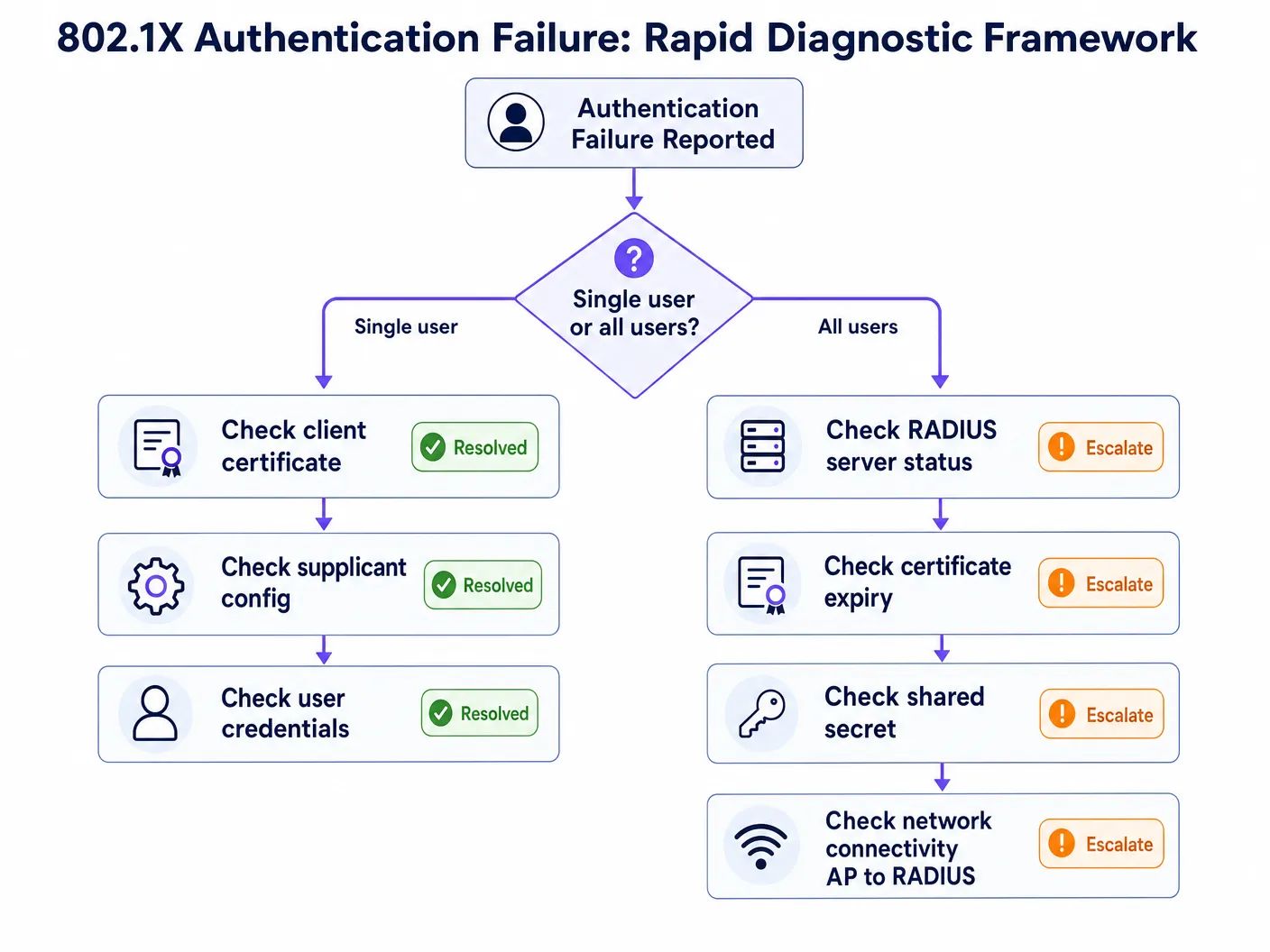
The following best practices are drawn from IEEE 802.1X, WPA3-Enterprise specifications, PCI DSS v4.0 requirements, and operational experience across enterprise venue deployments.
**Certificate Lifecycle Management** is the highest-priority operational control. Implement automated monitoring with alerts at 90, 60, and 30 days before expiry for all RADIUS server certificates. For EAP-TLS deployments, extend this monitoring to client certificate populations via your MDM platform. Certificate expiry is the leading cause of mass authentication outages in production 802.1X deployments.
**RadSec Deployment** should be the default for any 802.1X deployment where RADIUS traffic traverses the public internet or a WAN. RadSec (RFC 6614) encapsulates RADIUS in TLS over TCP, providing transport security, eliminating UDP fragmentation issues, and removing the dependency on shared secrets. Most modern cloud RADIUS platforms and enterprise AP vendors support RadSec.
**MDM-Enforced Client Profiles** eliminate the single largest source of supplicant misconfiguration. All corporate-owned devices should receive their WiFi profiles via MDM, not manual configuration. Profiles must include the trusted CA certificate, enforce server certificate validation, and specify the correct EAP method and inner authentication settings.
**Network Segmentation via Dynamic VLAN Assignment** is a mandatory control for PCI DSS compliance and a cornerstone of Zero Trust network architecture. Configure RADIUS authorisation policies to assign users to the appropriate VLAN based on group membership - staff to the corporate VLAN, guests to an isolated internet-only VLAN, IoT devices to a restricted management VLAN. This limits the blast radius of any single compromised device.
**RADIUS Accounting Log Retention** provides the audit trail required by PCI DSS Requirement 10 and is essential for forensic investigation following a security incident. Ensure accounting logs capture session start/stop events, user identity, device MAC address, assigned VLAN, session duration, and data volume. Integrate RADIUS accounting with your SIEM for real-time anomaly detection.
For organisations deploying [WiFi Analytics](/guest-wifi-marketing-analytics-platform) alongside 802.1X, the combination of per-user authentication data and analytics provides a powerful operational intelligence layer - enabling dwell time analysis, capacity planning, and anomaly detection at the individual session level.
---
## Troubleshooting & Risk Mitigation
### Rapid Triage Framework
When an 802.1X authentication failure is reported, the first diagnostic question determines the entire troubleshooting path: **Is this affecting a single user/device, or all users on the network?**
If the failure affects all users simultaneously, the root cause is almost certainly infrastructure-level: an expired RADIUS server certificate, a RADIUS server outage, a shared secret mismatch following a configuration change, or a connectivity failure between the Authenticator and the RADIUS server. Begin by checking RADIUS server availability and certificate validity.
If the failure affects a single user or device, the root cause is almost certainly client-level: an expired client certificate (EAP-TLS), a supplicant profile misconfiguration, incorrect credentials, or a device-specific software issue. Begin by checking the client's certificate store and supplicant configuration.
### Diagnostic Toolset
The following tools are essential for 802.1X troubleshooting across different infrastructure components.
| Tool | Platform | Use Case |
|---|---|---|
| NPS Event Log (Event IDs 6272/6273) | Windows Server | RADIUS authentication success/failure with reason codes |
| WLAN-AutoConfig Operational Log | Windows Client | Supplicant-side EAP exchange failures |
| CAPI2 Event Log | Windows Client | Certificate validation failures |
| `debug radius authentication` | Cisco IOS/WLC | RADIUS exchange debugging on Authenticator |
| `radiusd -X` | FreeRADIUS | Full debug output including EAP negotiation |
| Wireshark (EAPOL filter) | Any | Client-side packet capture of EAP frames |
| Wireshark (EAP filter) | Any | Server-side RADIUS packet capture |
| `radtest` | Linux | Manual RADIUS authentication test |
### NPS Reason Code Reference
Microsoft NPS Event ID 6273 (authentication failure) includes a Reason Code that directly identifies the failure cause. The most operationally significant codes are:
| Reason Code | Description | Likely Root Cause |
|---|---|---|
| 16 | Authentication failed due to user credentials mismatch | Wrong password, expired client cert, or directory lookup failure |
| 22 | Client certificate has expired or is not yet valid | Client certificate expiry - check MDM certificate renewal |
| 23 | User account expired | AD account expiry - check account status |
| 48 | The connection request did not match any configured policy | RADIUS policy misconfiguration - check NPS network policies |
| 66 | The user attempted to use an authentication method not enabled on the matching network policy | EAP method mismatch between client and server |
### Risk Mitigation: The Certificate Expiry Disaster
The most common and most preventable 802.1X outage is RADIUS server certificate expiry. In January 2025, a major retail chain experienced a complete staff network outage when their RADIUS server certificate expired at 3:00 AM on a Monday morning. By 9:00 AM, over 300 point-of-sale terminals across 45 stores had lost network connectivity. The certificate had been deployed two years prior with no automated monitoring, and the renewal reminder had been missed during a team restructure.
The mitigation is straightforward: implement automated certificate expiry monitoring integrated with your alerting platform (PagerDuty, OpsGenie, or equivalent). Set alert thresholds at 90, 60, and 30 days. Assign certificate renewal as a named responsibility in your IT operations runbook. For cloud RADIUS platforms, verify whether the provider manages certificate renewal on your behalf - this is a key differentiator between managed and self-service offerings.
---
## ROI & Business Impact
### The Cost of Authentication Downtime
For venue operators, 802.1X authentication failures translate directly into measurable business impact. In [Hospitality](/industries/hospitality) environments, a staff network outage affects property management systems, point-of-sale terminals, and guest service delivery. In [Retail](/industries/retail), POS terminal authentication failures halt transactions entirely. In conference centres and stadiums, authentication failures during peak events generate immediate and visible service failures.
The operational cost of a 30-minute authentication outage at a 200-room hotel - affecting PMS access, restaurant POS, and concierge terminals - typically exceeds £5,000 in direct operational disruption, before accounting for guest experience impact and potential SLA penalties.
### Compliance Value
For organisations in scope for PCI DSS v4.0, a properly deployed 802.1X infrastructure directly satisfies multiple requirements: Requirement 1 (network access controls), Requirement 7 (restrict access to system components), Requirement 8 (identify users and authenticate access), and Requirement 10 (log and monitor all access). The alternative - shared PSK networks - fails all four requirements and creates significant audit liability.
For public-sector organisations and [Healthcare](/industries/healthcare) deployments subject to data protection regulations, per-user authentication and comprehensive accounting logs provide the audit trail required to demonstrate compliance with access control obligations.
### Measuring Success
The key performance indicators for a well-functioning 802.1X deployment are: authentication success rate (target >99.5%), mean time to authenticate (<150ms for cloud RADIUS), certificate expiry incidents (target zero), and RADIUS server availability (target 99.9%). These metrics should be tracked in your network management platform and reviewed monthly as part of your network operations cadence.
For organisations using [WiFi Analytics](/guest-wifi-marketing-analytics-platform), the combination of 802.1X per-user session data with analytics provides additional business intelligence: accurate dwell time measurement, device type distribution, and network utilisation patterns that inform capacity planning and venue operations decisions.
For further reading on related network access control solutions, see [10 Best Network Access Control (NAC) Solutions for 2026](/blog/best-network-access-control) and [Cisco Wireless APs: 2026 Guide to Products & Deployment](/blog/cisco-wireless-ap). For school and education deployments, [WiFi in Schools: The 2026 Administrator & IT Guide](/blog/wifi-in-schools) covers 802.1X implementation in multi-user education environments.
---
### A Step-by-Step Guide to Diagnosing WiFi Roaming Issues
**Source:** https://www.purple.ai/en-gb/guides/diagnosing-wifi-roaming-issues
**Summary:** This comprehensive guide provides enterprise IT leaders and network architects with an authoritative, step-by-step methodology for diagnosing and resolving WiFi roaming issues. By combining technical deep-dives into IEEE 802.11k/v/r standards with real-world case studies and packet-level analysis, this reference equips teams to eliminate the 'sticky client' problem and deliver seamless mobile connectivity. It covers the full diagnostic workflow from RF site surveys and controller configuration audits through to over-the-air packet capture analysis and post-remediation validation.
**Estimated read time:** 8 minutes
**Word count:** 2,495
## Executive Summary
In the modern enterprise venue - the luxury hotel, the multi-floor retail flagship, the packed stadium, and the sprawling corporate campus - wireless connectivity is no longer a static amenity but a dynamic operational cornerstone. As users, staff, and IoT devices move through these physical spaces, their devices must transition seamlessly from one access point (AP) to another. When that transition fails or lags, the consequences are immediate and costly: dropped VoIP calls, frozen video conferences, stalled mobile point-of-sale (mPOS) transactions, and a degraded user experience that directly damages brand reputation and venue ROI.
This technical reference guide provides network architects, CTOs, and IT managers with a rigorous, step-by-step diagnostic framework for identifying, isolating, and resolving WiFi roaming failures. We go beyond generic troubleshooting advice to deliver an in-depth architectural analysis of the IEEE 802.11k, 802.11v, and 802.11r amendments. By understanding the packet-level mechanics of these protocols and deploying advanced diagnostic tooling - including multi-channel over-the-air (OTA) packet capture and client-side logging - IT teams can systematically resolve the notorious "sticky client" problem.
Additionally, this guide explores the critical integration between fast roaming and centralised session management, clarifying how platforms like Purple's [Guest WiFi](/guest-wifi) and [WiFi Analytics](/guest-wifi-marketing-analytics-platform) ensure that guest authentication sessions persist across thousands of APs without repeated Captive Portal logins. Through real-world case studies from the [Hospitality](/industries/hospitality) and [Retail](/industries/retail) sectors, this guide gives enterprise IT teams the actionable strategies they need to deploy resilient, high-performance wireless infrastructure.
---
## Technical Deep Dive: The Mechanics of WiFi Roaming
To diagnose roaming failures, you must first understand that **roaming is fundamentally a client-side decision**. While the infrastructure can assist, the client device determines when to scan, which target AP to select, and when to initiate the handoff.
### The Three Phases of Roaming
Every roaming event consists of three sequential phases. Phase one is **scanning (discovery)**: the client device detects that its current connection is deteriorating (typically based on an RSSI threshold) and performs either an active scan (sending probe requests across channels) or a passive scan (listening for beacons) to discover candidate APs. Phase two is **AP selection (decision)**: the client evaluates the candidates based on signal strength (RSSI), signal-to-noise ratio (SNR), channel load, and supported capabilities, and selects the best target. Phase three is **handoff (execution)**: the client disconnects from its current AP (BSSID) and associates with the new one, which involves authentication, reassociation, and the cryptographic key handshake.
### The "Sticky Client" Problem and RSSI Thresholds
The most common roaming failure is the **sticky client** phenomenon. It occurs when a client device remains associated with a distant, weak AP (often at an RSSI of -75 dBm to -85 dBm) despite standing directly beneath a stronger, closer AP. This happens because the client's internal roaming threshold (typically around -70 dBm to -75 dBm, depending on the operating system) has not been crossed, or because its driver algorithms are poorly optimised.
Sticky clients not only suffer from low throughput and high packet loss - they degrade the performance of the entire cell. Because they transmit at low physical data rates (PHY rates), they consume a disproportionate amount of airtime, starving every other device sharing the same channel of airtime.
### The Roaming Assistance Framework: 802.11k, 802.11v, and 802.11r
To mitigate client inefficiencies, the IEEE introduced three key standards that transform roaming from a blind, client-only process into a collaborative, infrastructure-assisted interaction.
| Standard | Name | Core Mechanism | Practical Benefit |
| :--- | :--- | :--- | :--- |
| **IEEE 802.11k** | Radio Resource Management | Provides a **Neighbour Report** containing a curated list of nearby APs and their channels | Eliminates full-band active scanning, cutting discovery time from >100ms to <10ms |
| **IEEE 802.11v** | BSS Transition Management | Allows the AP to send **BTM Request** frames to steer clients | Enables the network to proactively steer "sticky" or overloaded clients to the optimal AP |
| **IEEE 802.11r** | Fast BSS Transition (FT) | Establishes a **Mobility Domain** to pre-distribute cryptographic key material across APs | Compresses the 802.1X/EAP handshake, cutting handoff time from 200-400ms to <50ms |
#### 802.11k Neighbour Reports in Practice
When an 802.11k-capable client notices its RSSI has dropped below a specific threshold, it sends an 802.11k Neighbour Report Request to its current AP. The AP responds with a list of neighbouring BSSIDs and their operating channels. Instead of scanning all 25+ channels in the 5 GHz band, the client scans only the 3 or 4 channels listed in the report, dramatically reducing latency and battery drain.
#### 802.11v BSS Transition Management (BTM)
Under 802.11v, the infrastructure can actively suggest that a client roam. If an AP is overloaded or detects a client's signal declining, it sends an 802.11v BTM Request frame. The frame contains a preferred target BSSID. While the client can technically ignore the request, modern operating systems (iOS, Android, Windows) weight 802.11v suggestions heavily in their roaming decisions.
#### The 802.11r Fast BSS Transition (FT) Key Hierarchy
On enterprise networks secured by WPA2/WPA3-Enterprise (802.1X), a standard roam requires a full EAP exchange with the RADIUS server, which can take up to 400 milliseconds. 802.11r bypasses this by creating a three-tier key hierarchy. The **MSK (Master Session Key)** is generated during the initial 802.1X authentication. The **PMK-R0 (Pairwise Master Key Level 0)** is held by the key holder (typically the wireless controller). The **PMK-R1 (Pairwise Master Key Level 1)** is derived from the PMK-R0 and pre-distributed to every AP within the same Mobility Domain. When the client roams to a new AP, it presents its PMK-R1 identifier. The target AP already holds the corresponding key, allowing the client to complete association and the 4-way handshake in a single exchange, typically in under 50 milliseconds.
---
## Step-by-Step Diagnostic Workflow
Diagnosing roaming issues demands a structured, scientific approach. The following six-step framework is designed to systematically isolate and resolve roaming failures.

### Step 1: Validate the Symptoms and Scope
Begin by gathering empirical data to define the scope of the problem. If roaming issues affect **all devices**, this typically indicates an architectural or physical deployment flaw - such as poor AP placement, excessive channel overlap, or misconfigured controller settings. If the problem is **device-specific**, it usually points to a client driver bug, a lack of support for specific bands or channels (such as DFS channels), or an overly aggressive internal roaming threshold.
### Step 2: Examine RF Coverage and Signal Overlap
The leading physical cause of roaming failure is incorrect AP spacing. If APs are too far apart, dead zones or weak-signal areas exist between them. If they are too close together, clients will not roam because the signal from the original AP remains too strong, producing the "sticky client" problem.
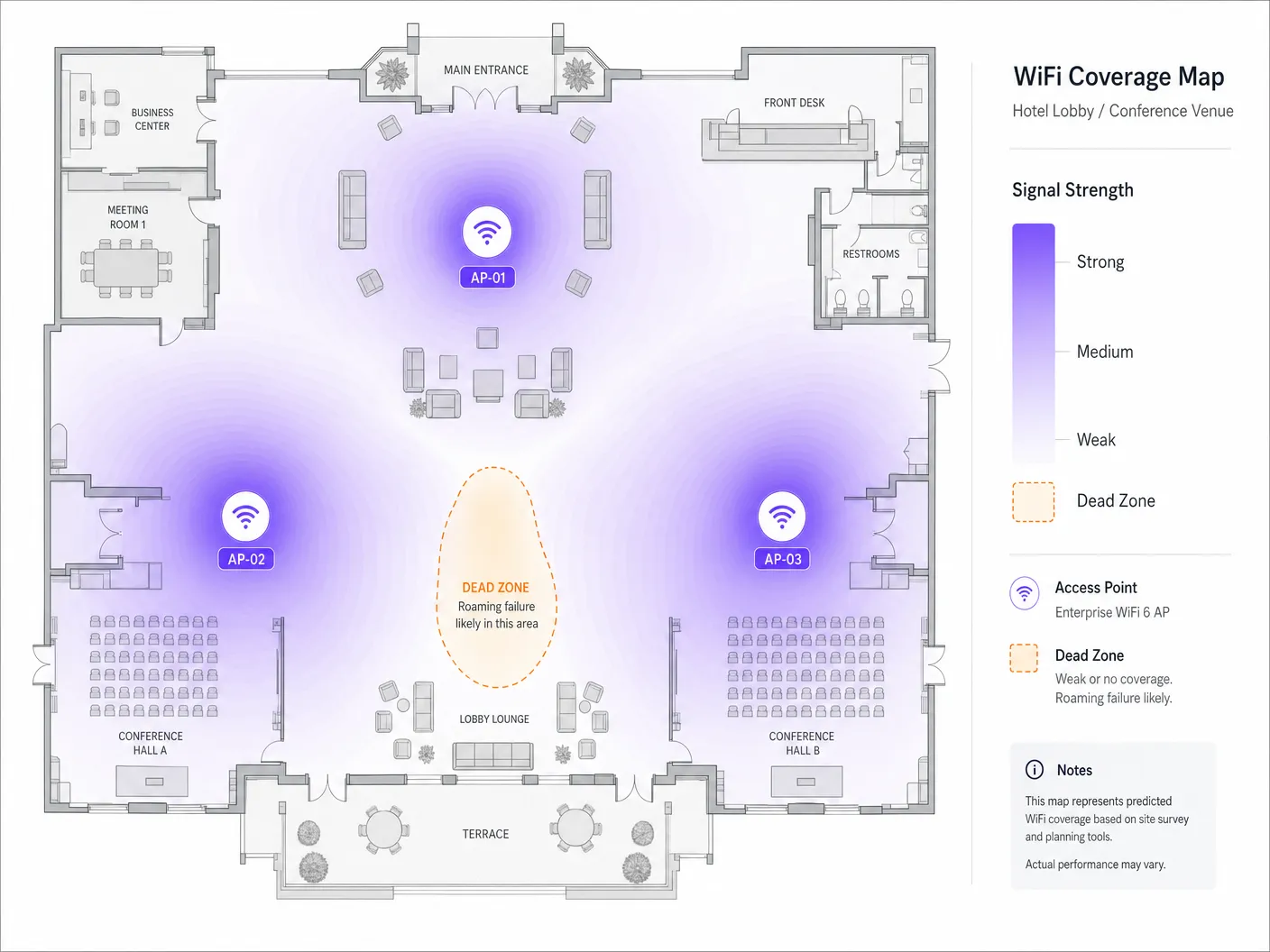
Conduct an active site survey with a dedicated WiFi analyser. The target metric is an overlapping signal strength of **-67 dBm** from neighbouring APs at the cell boundary. In high-density environments, aim for **20% to 30% cell overlap**. Verify that overlapping APs are not operating on the same channel. In the 5 GHz band, use non-overlapping 20 MHz or 40 MHz channels to minimise co-channel interference (CCI).
### Step 3: Review AP and Controller Configuration
Ensure the wireless controller is configured to support and broadcast the roaming assistance features. Verify that the SSID name, security type (e.g. WPA3-Enterprise), and VLAN assignment are perfectly consistent across all APs. Enable 802.11k, 802.11v, and 802.11r on the target SSID. Exercise caution when running WPA2/WPA3 transition mode, as some older client devices struggle to parse the complex Information Elements (IEs) in beacon frames, causing association failures.
### Step 4: Analyse Client Behaviour and Driver Settings
If the infrastructure is correctly configured, examine the client devices. Ensure client NIC drivers - particularly Intel and Realtek chipsets on Windows - are updated to the latest enterprise-certified versions. On Windows clients, navigate to Device Manager > Network Adapters > Wireless Adapter Properties > Advanced, and adjust "Roaming Aggressiveness" to "Medium-High" or "High" to force the client to scan for better APs sooner. Verify that client devices support Dynamic Frequency Selection (DFS) channels. If APs are on DFS channels (52-144) and the client does not support them, the client will never roam to those APs, creating coverage blind spots.
### Step 5: Capture and Decode Packets Over the Air (OTA)
The gold standard of wireless troubleshooting is **over-the-air (OTA) packet capture**. To capture a roaming event, you must capture wireless frames on the channels of both the source and target APs simultaneously. Position the packet capture device in the physical area where the roam occurs and apply the following Wireshark filter to isolate management frames:
`wlan.fc.type_subtype == 0x00 || wlan.fc.type_subtype == 0x01 || wlan.fc.type_subtype == 0x0b || wlan.fc.type_subtype == 0x0c`
In a healthy 802.11r over-the-air roam, you should observe: the client sending a **Reassociation Request** containing the Fast BSS Transition Information Element (FTIE) and the Mobility Domain Information Element (MDIE) to the target AP, followed by a **Reassociation Response** with status code `0x0000 (Success)`, with the 4-way handshake embedded within the reassociation frames.
If the roam fails, examine the status code in the Reassociation Response. **Status code 0x000c** (association denied) typically indicates the target AP is overloaded. **Status code 0x001e** (association denied for security reasons) indicates an FT key negotiation mismatch. If the client sends a standard **Association Request** instead of a Reassociation Request, it is performing a full authentication - indicating that 802.11r is disabled on the AP, or the client does not support the protocol.
### Step 6: Remediate and Validate
Make the necessary physical or logical changes, then validate the results. Adjust AP transmit power - a common best practice is to set 2.4 GHz power to **6-9 dBm** and 5 GHz power to **12-15 dBm** to maintain a clean 5 GHz preference. Adjust the **BSS Minimum Rate** (data rate pruning): disable legacy rates (1, 2, 5.5, 11 Mbps) and set the minimum mandatory rate to **12 Mbps** or **24 Mbps** to force clients to roam earlier and prevent sticky client behaviour. Validate by running continuous ping or VoIP tests while walking the venue, ensuring handoff times remain below 50ms with zero packet loss.
---
## Best Practices and Industry Standards
### 1. Unified Security and Network Access Control (NAC)
Seamless roaming requires consistent authentication across the entire venue. When deploying enterprise-grade security, integrate your wireless infrastructure with a centralised RADIUS or NAC solution. For a detailed guide to this architecture, see our guide: [How to Implement 802.1X Authentication with Cloud RADIUS](/guides/implementing-8021x-with-cloud-radius). To evaluate vendor options, consult our review of the [10 Best Network Access Control (NAC) Solutions for 2026](/blog/best-network-access-control).
### 2. Physical and Logical Separation of SSIDs
In environments with a mix of modern and legacy devices, a single-SSID configuration can create compatibility problems. The recommended approach is to maintain three separate SSIDs: a **Corporate/Staff SSID** with WPA3-Enterprise and 802.11k/v/r enabled; a **Guest SSID** powered by Purple's [Guest WiFi](/guest-wifi) platform, with MAC caching and an 8-hour session timeout to prevent re-authentication on every roam; and a **Legacy/IoT SSID** restricted to 2.4 GHz with WPA2-PSK for devices that do not support 802.11r.
### 3. Compliance and Regulatory Standards
In retail environments, devices within PCI DSS scope (such as mobile point-of-sale mPOS terminals) must roam securely. Ensure WPA3-Enterprise is enforced and enable rogue AP detection to defend roaming clients against "evil twin" attacks. When using [WiFi Analytics](/guest-wifi-marketing-analytics-platform) to track user roaming patterns and dwell times, ensure MAC addresses are cryptographically salted and hashed at the point of collection to remain GDPR compliant.
For a reference on AP hardware selection and deployment best practices, see our [Cisco Wireless APs: 2026 Guide to Products & Deployment](/blog/cisco-wireless-ap). For education environments, the principles in this guide apply equally - see [WiFi in Schools: The 2026 Administrator & IT Guide](/blog/wifi-in-schools).
---
## Real-World Case Studies
### Case Study 1: Resolving Roaming Failures in a 500-Room Luxury Hotel
A multi-storey luxury hotel with 500 rooms, conference space, and a large lobby lounge was receiving persistent guest complaints of dropped VoIP calls and broken VPN sessions when walking from the lobby towards the guest rooms. Staff also reported that their mobile housekeeping tablets disconnected frequently, delaying room status updates.
A comprehensive RF audit revealed two primary issues. First, the APs were running at maximum transmit power (20+ dBm) on both 2.4 GHz and 5 GHz, creating enormous coverage overlap and causing client devices in guest rooms to remain "stuck" to lobby APs. Second, 802.11r had been disabled on the main guest SSID over concerns about legacy device compatibility.
Remediation included: adjusting AP transmit power to 8 dBm on 2.4 GHz and 14 dBm on 5 GHz; enabling 802.11k, 802.11v, and 802.11r (over-the-air FT); pruning mandatory data rates below 12 Mbps; and integrating the wireless controller with Purple's [hospitality](/industries/hospitality) WiFi platform with MAC caching and 8-hour session timeouts. As a result, average roaming handoff latency fell from 380 milliseconds to 42 milliseconds, VoIP call drops were eliminated entirely, and guest satisfaction scores for WiFi connectivity rose by 48% within 30 days.
### Case Study 2: Optimising mPOS Roaming for a Global Retailer
A high-density flagship retail store spanning three floors was using mobile point-of-sale (mPOS) terminals for checkout. During peak shopping periods, mPOS terminals frequently failed to complete transactions as sales associates moved with customers across the retail floor.
Over-the-air packet capture revealed that the mPOS terminals exhibited sticky client behaviour, remaining connected to third-floor APs while on the ground floor. When they finally attempted to roam, the lack of 802.11r forced a full 802.1X/EAP re-authentication, which timed out due to extreme channel utilisation (85%) caused by co-channel interference.
The solution involved: redesigning the channel plan to use non-overlapping 20 MHz channels (reducing channel utilisation below 35%); enabling 802.11k and 802.11v; implementing a dedicated hidden SSID with 802.11r enabled for store operations; and consulting the [retail](/industries/retail) deployment guidance to optimise AP placement near checkout queues. The result was zero failed mPOS transactions, a 14-second reduction in average transaction completion time, directly shortening checkout queues and increasing peak-hour sales throughput.
---
## ROI and Business Impact
Optimising WiFi roaming is a strategic business investment that delivers measurable financial and operational returns. In sectors such as [transport](/industries/transport) and [healthcare](/industries/healthcare), staff reliance on mobile devices is absolute. When clinical staff or logistics workers experience roaming drops, critical workflows stall. By reducing handoff latency below 50 milliseconds, organisations eliminate administrative delays and directly improve staff utilisation and operational throughput.
In hospitality and events, guest WiFi is a primary driver of customer satisfaction. A seamless wireless experience encourages guests to dwell longer on site, increasing secondary spend on food, beverage, and retail services. By leveraging Purple's [WiFi Analytics](/guest-wifi-marketing-analytics-platform), venue operators can track movement journeys and optimise staff rostering and retail layouts based on real-time dwell data.
As venues prepare for the widespread adoption of OpenRoaming and profile-based authentication, a perfectly tuned roaming infrastructure is a prerequisite. By deploying 802.11k/v/r today, organisations position themselves for seamless integration with global roaming federations, opening new monetisation channels and driving the network effects that define the modern digital venue.
---
## References
- [1] [WiFi Roaming and Handoff: 802.11r and 802.11k Explained](https://www.purple.ai/en-us/guides/wifi-roaming-and-handoff-802-11r-and-802-11k-explained)
- [2] [Cisco Wireless APs: 2026 Guide to Products & Deployment](/blog/cisco-wireless-ap)
- [3] [How to Implement 802.1X Authentication with Cloud RADIUS](/guides/implementing-8021x-with-cloud-radius)
- [4] [10 Best Network Access Control (NAC) Solutions for 2026](/blog/best-network-access-control)
- [5] [WiFi in Schools: The 2026 Administrator & IT Guide](/blog/wifi-in-schools)
- [6] [Understanding and Troubleshooting Client Roaming Issues](https://support.ruckuswireless.com/articles/000014303)
- [7] [Troubleshooting WiFi Connectivity and Roaming Problems](https://www.netally.com/tech-tips/troubleshooting-wifi-connectivity-and-roaming/)
---
### How to Implement Time and Bandwidth Restrictions on Guest WiFi
**Source:** https://www.purple.ai/en-gb/guides/time-bandwidth-restrictions-guest-wifi
**Summary:** An authoritative technical reference guide on implementing time and bandwidth restrictions on enterprise guest WiFi networks. This guide provides actionable architectural blueprints, vendor-neutral configurations, and real-world case studies to help IT leaders balance network performance, security compliance, and visitor experience.
**Estimated read time:** 11 minutes
**Word count:** 2,480
## Executive Summary
For the modern enterprise, providing guest wireless access is no longer a luxury - it is an operational necessity. However, an unmanaged guest network represents a significant threat vector, capable of degrading corporate network performance, exposing sensitive data, and introducing regulatory liability. IT managers, network architects, and CTOs must move away from an open connectivity model towards a highly structured, policy-driven guest access layer.
This reference guide details the technical strategies for implementing precise time and bandwidth restrictions on guest wireless networks. By deploying logical network segmentation through Virtual Local Area Networks (VLANs), leveraging enterprise-grade Quality of Service (QoS) frameworks, and integrating a cloud-managed Policy Decision Point (PDP), organisations can protect business-critical operations while delivering a high-quality guest experience.
Through proactive bandwidth throttling, session duration limits, and time-based SSID scheduling, network administrators can reduce the risk of "bandwidth hogs" saturating the uplink, maintain compliance with standards such as PCI DSS v4.0 and GDPR, and open new avenues for customer engagement. Whether managing a 200-room hotel, a high-density stadium, or a multi-site retail estate, deploying structured guest network access policies is a cornerstone of modern network infrastructure design.
---
## Technical Deep Dive
Implementing time and bandwidth restrictions on a guest wireless network requires a deep understanding of wireless protocols and network security architecture. To build a resilient guest network, administrators must operate across multiple layers of the OSI model, orchestrating access points, wireless controllers, firewalls, and authentication servers.
### 1. Bandwidth Management and Quality of Service (QoS)
Bandwidth restrictions are implemented to prevent a single client - or the guest network as a whole - from saturating the venue's WAN uplink. This is accomplished through two primary mechanisms: rate limiting (throttling traffic) and traffic prioritisation.
At the wireless layer, Quality of Service is governed by the **IEEE 802.11e** standard, which introduced WiFi Multimedia (WMM) [1]. WMM prioritises traffic into four access categories (ACs):
* **Voice (AC_VO)**: Highest priority, lowest latency (e.g. VoIP).
* **Video (AC_VI)**: High priority, low latency (e.g. streaming media).
* **Best Effort (AC_BE)**: Medium priority, standard traffic (e.g. web browsing).
* **Background (AC_BK)**: Lowest priority, high-throughput data (e.g. file downloads).
For guest networks, all traffic should be mapped to the **Best Effort (AC_BE)** or **Background (AC_BK)** categories. This ensures that critical corporate traffic - such as point-of-sale (POS) transactions or corporate VoIP calls - takes precedence over guest web browsing.
To enforce hard throughput limits, administrators deploy **per-client rate limiting** and **per-SSID rate limiting**. Per-client limits cap the maximum downstream and upstream speed of an individual device (e.g. 10 Mbps down / 2 Mbps up), while per-SSID limits cap the total bandwidth allocated to the entire guest network (e.g. 100 Mbps aggregate).
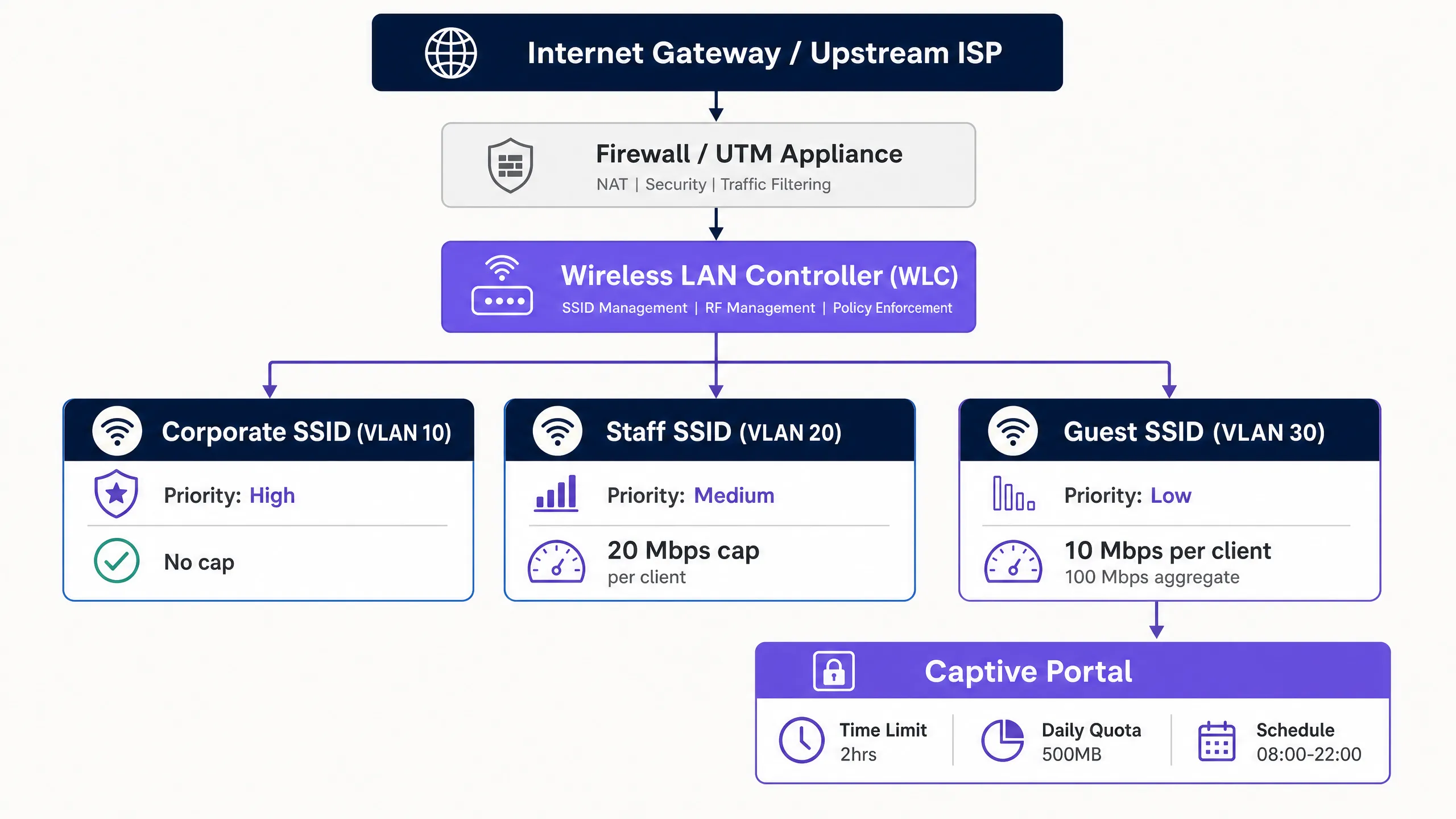
### 2. Time-Based Access and Session Management
Time-based restrictions manage network concurrency and prevent unauthorised long-term access. This involves two distinct concepts: session timeouts and SSID scheduling.
* **Session timeouts**: Enforced via RADIUS attributes returned during captive portal authentication. The RADIUS server sends the `Session-Timeout` attribute (RADIUS Attribute 27) to the access point (AP) or wireless LAN controller (WLC) [2]. This value, in seconds, dictates how long a client session remains active before re-authentication is required.
* **Idle timeouts**: The `Idle-Timeout` attribute (RADIUS Attribute 28) terminates a session if no traffic is detected from the client within a specific window (e.g. 15 minutes). This is essential in high-density venues for reclaiming IP addresses from inactive devices.
* **RADIUS Change of Authorisation (CoA)**: Defined in **RFC 5176**, CoA allows the RADIUS server to dynamically push policy changes to the WLC or AP without disrupting the physical wireless link [3]. For example, if a guest consumes their daily data allowance, the RADIUS server can send a CoA message to dynamically throttle the client's bandwidth from 20 Mbps down to 1 Mbps.
### 3. Network Segmentation and Compliance
A fundamental rule of guest wireless architecture is complete isolation from corporate systems. This is achieved through **VLAN segmentation**. Guest traffic must live on a dedicated VLAN (e.g. VLAN 30), fully isolated from the corporate LAN (VLAN 10) and the voice/management networks (VLAN 20).
Inter-VLAN routing must be restricted at the firewall layer. A restrictive firewall policy should block all guest-to-corporate traffic. In addition, **client isolation** (also known as peer-to-peer blocking) must be enabled on the guest SSID. This prevents wireless clients on the same guest network from communicating with one another, reducing the risk of lateral malware propagation or man-in-the-middle (MITM) attacks.
Network segmentation is not merely best practice - it is a hard compliance requirement. Under **PCI DSS v4.0 Requirement 1.3**, organisations must implement network segmentation to isolate the cardholder data environment (CDE) from untrusted networks, including guest WiFi [4]. Failing to segment the guest network brings the entire guest infrastructure into PCI audit scope, dramatically increasing compliance cost and security risk.
Furthermore, organisations collecting personal data via a captive portal must comply with **GDPR**. This requires establishing a lawful basis for data collection, presenting a clear privacy notice, and enforcing strict data retention limits on session records.
---
## Implementation Guide
Deploying time and bandwidth restrictions on an enterprise-grade network requires a systematic, vendor-agnostic process. The following is a recommended step-by-step implementation blueprint for senior network engineers.
### Step 1: Logical Network Segmentation (VLAN & DHCP)
Before configuring any wireless settings, establish the logical network boundaries on your core switches and firewall.
1. **Create the guest VLAN**: Configure a dedicated VLAN (e.g. VLAN 30) on the core switch and trunk it to all access points.
2. **Configure the DHCP scope**: Set up a dedicated DHCP scope for the guest VLAN. Use short lease times (e.g. 2 to 4 hours) to prevent IP address exhaustion in high-churn environments.
3. **Enable DHCP snooping and ARP inspection**: Enable DHCP snooping and dynamic ARP inspection (DAI) on the switches to prevent rogue DHCP servers and MAC spoofing attacks.
### Step 2: Firewall Policy and Traffic Shaping
Configure the security gateway to police traffic on the guest VLAN.
1. **Block inter-VLAN routing**: Create firewall rules that explicitly drop all traffic originating from the guest VLAN (VLAN 30) destined for any internal subnet (e.g. VLAN 10, VLAN 20).
2. **Apply traffic shaping**: Create a shared traffic-shaping policy on the firewall that caps the aggregate throughput of the guest VLAN interface to protect the primary WAN link. For example, on a 1 Gbps fibre circuit, cap the guest VLAN at 150 Mbps.
### Step 3: Wireless SSID Configuration
Configure the guest wireless network on your wireless LAN controller (WLC) or cloud management dashboard.
1. **Create the guest SSID**: Broadcast a dedicated SSID (e.g. "Venue Guest WiFi").
2. **Enable client isolation**: Switch on "Client Isolation" or "Peer-to-Peer Blocking" to prevent guest devices from communicating with each other.
3. **Enable WPA3 Opportunistic Wireless Encryption (OWE)**: To provide data confidentiality without a shared pre-shared key (PSK), configure WPA3-OWE. This encrypts each guest session's over-the-air traffic individually.
### Step 4: RADIUS and Captive Portal Integration
Integrate your wireless infrastructure with a centralised Policy Decision Point (PDP), such as [Guest WiFi](/guest-wifi), to manage authentication and policy enforcement.
1. **Configure the RADIUS server**: Point your WLCs/APs at the cloud RADIUS server's IP address. Configure secure shared secrets.
2. **Map RADIUS attributes**: Configure the RADIUS profile to return session restriction attributes on successful authentication:
* `Session-Timeout` = `7200` (enforces a 2-hour session limit).
* `Idle-Timeout` = `900` (enforces a 15-minute idle timeout).
3. **Configure the captive portal redirect**: Set up pre-authentication ACLs on the WLC/AP to permit DNS, DHCP, and traffic to the captive portal hostname, while redirecting all other HTTP/HTTPS traffic to the portal login page.
### Step 5: SSID Scheduling and Time Ranges
To further secure the network and reduce the attack surface, configure SSID scheduling to disable guest access outside operating hours.
1. **Define the schedule**: In the WLC or cloud dashboard, map the guest SSID to a time profile (e.g. Monday to Sunday, 08:00 to 22:00).
2. **Enforce hard shutdown**: Ensure APs completely stop broadcasting the guest SSID outside these hours, rather than simply blocking association.
---
## Best Practices
To ensure a balanced deployment that maintains high network performance without inconveniencing guests, network architects should follow these industry-standard best practices.
### 1. Dynamic Bandwidth Allocation and "Bursting"
Static bandwidth caps can sometimes give guests a poor experience during periods of low occupancy. Implementing a **dynamic bandwidth allocation** or **bursting** strategy is strongly recommended.
* **Bursting (or boosting)**: Allows a guest device to temporarily exceed its bandwidth cap (e.g. boosting from 10 Mbps to 30 Mbps for the first 15 seconds of a download) to enable fast page loads or video buffering, before smoothly throttling it back to the baseline rate. This is natively supported by advanced controllers and platforms such as Tanaza [5].
* **Dynamic shaping**: Adjusts the aggregate bandwidth cap of the guest SSID based on overall WAN utilisation. If the corporate network is idle, the guest network can dynamically expand its ceiling, contracting instantly when corporate traffic spikes.
### 2. Right-Sizing Policies by Industry Vertical
Bandwidth and time restrictions should not be uniform across environments. They must be tailored to the specific dwell times and user expectations of each vertical.
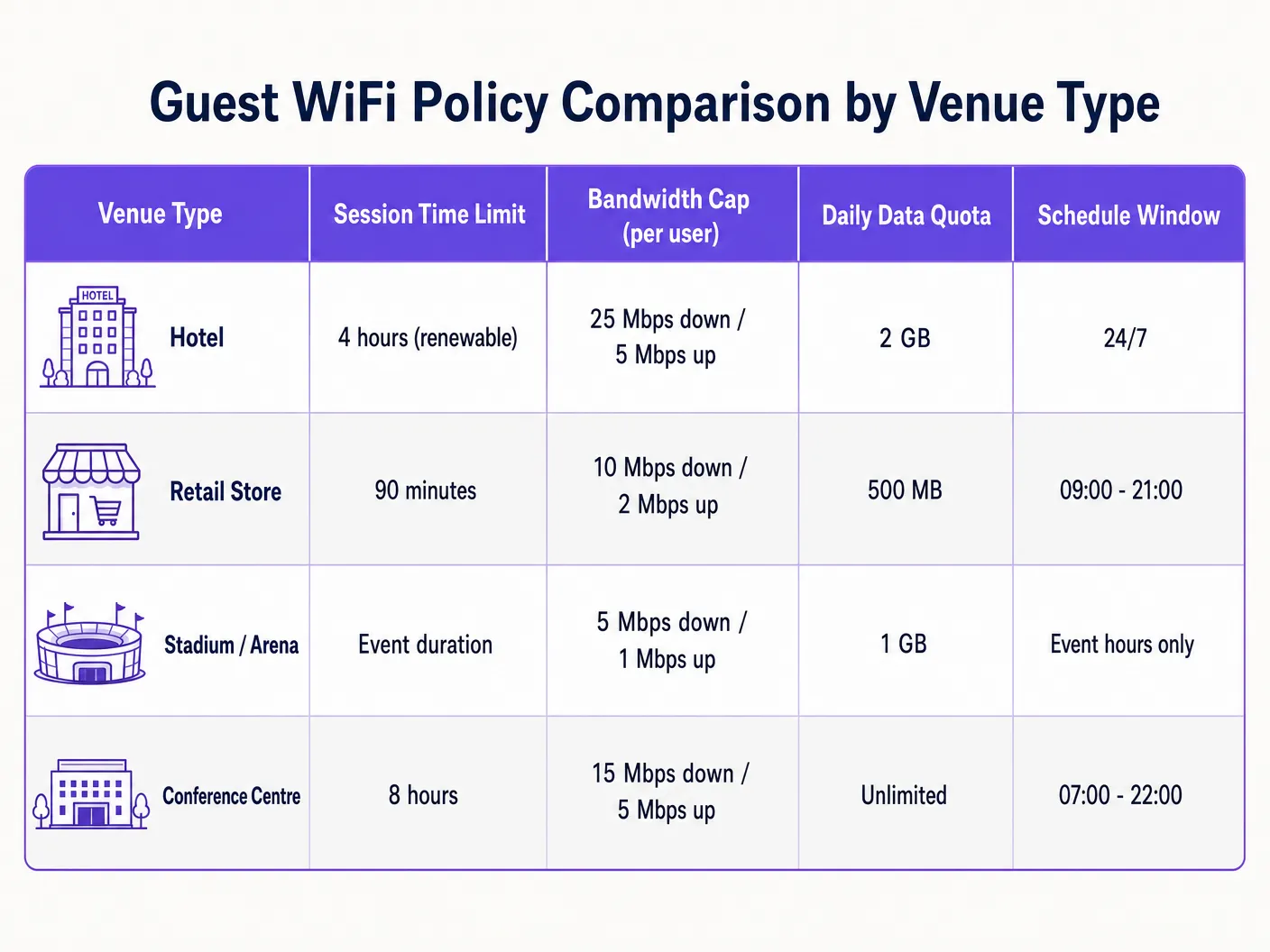
* **Hospitality**: Hotel guests expect high-throughput connectivity for streaming and remote work. Tailor policies to support at least 25 Mbps download per room, with longer session durations (e.g. 24 hours) to avoid the frustration of frequent re-authentication [6]. For deeper insight, see our [Hotel WiFi Speed & Bandwidth Planning](/guides/hotel-wifi-speed-bandwidth-planning) guide.
* **Retail**: Dwell times are shorter, typically 30 to 90 minutes. Implement a strict 90-minute session timeout to encourage turnover, and capture marketing data through [WiFi Analytics](/guest-wifi-marketing-analytics-platform) during re-authentication [7].
* **Stadiums and arenas**: Ultra-high-density environments with tens of thousands of concurrent users. Bandwidth throttling must be highly conservative (e.g. 5 Mbps download) to prevent saturation of the entire backhaul, with session durations matched to the length of the event [8].
### 3. Leveraging Profile-Based Tiered Access
Avoid a "one-size-fits-all" guest network. Implement tiered access profiles to reward loyalty and monetise premium connectivity:
* **Free tier**: Standard speed (e.g. 5 Mbps download), 1-hour session limit, basic captive portal login.
* **Premium tier**: High speed (e.g. 50 Mbps download), 24-hour session limit, authenticated via loyalty credentials, room number, or direct payment. This is typically implemented using [The 10 Best Network Access Control (NAC) Solutions in 2026](/blog/best-network-access-control) or integrated with [How to Implement 802.1X Authentication with Cloud RADIUS](/guides/implementing-8021x-with-cloud-radius).
---
## Troubleshooting and Risk Mitigation
Operating a guest wireless network with active restrictions introduces specific failure modes that IT teams must proactively monitor and mitigate.
### 1. MAC Address Randomisation and Session Tracking
Modern mobile operating systems (iOS 14+, Android 10+) employ MAC address randomisation by default, rotating the device's hardware identifier to protect user privacy.
* **Risk**: If your guest network tracks session timeouts or data allowances by MAC address alone, a device that randomises its MAC will appear as a brand-new device, bypassing your time limits and throttling policies.
* **Mitigation**: Do not rely on MAC addresses for session state. Use an identity-based authentication model at the captive portal layer. Tie session state, time limits, and data allowances to the authenticated user identity in the RADIUS database (e.g. email address, verified phone number, or loyalty ID).
### 2. IP Address Exhaustion in High-Churn Venues
In high-footfall venues such as transport hubs or retail malls, long DHCP lease times can rapidly exhaust the available IP pool, leaving new guests unable to connect.
* **Risk**: If DHCP leases are set to a standard 24 hours but the average guest dwell time is 20 minutes, thousands of IP addresses will remain leased to devices that have already left, starving active users of IPs.
* **Mitigation**: Shorten DHCP lease times on the guest scope to 30 or 60 minutes. Implement a larger subnet mask (e.g. use a `/20` or `/19` instead of a `/24`) to expand the available IP pool. If your wireless controller supports it, enable **DHCP Release on Disconnect**.
### 3. Captive Portal Redirect Failures (DNS and SSL)
The most common guest complaint is "the login page won't load". This is almost always caused by misconfigured DNS or SSL certificate issues.
* **Risk**: If a guest device cannot resolve DNS queries before authentication, the captive portal cannot load. Furthermore, if the captive portal redirect uses an untrusted or expired SSL certificate, modern browsers will block the redirect and display a security warning.
* **Mitigation**: Ensure the pre-authentication ACL (walled garden) explicitly permits DNS traffic to public resolvers (e.g. `1.1.1.1` or `8.8.8.8`) or the local gateway DNS. Always use a valid, publicly trusted SSL/TLS certificate for your captive portal redirect hostname. Avoid self-signed certificates.
---
## ROI and Business Impact
Implementing structured guest WiFi restrictions is not merely a technical exercise; it delivers measurable financial and operational returns to the business.
### 1. WAN Cost Control and Bandwidth Savings
An uncontrolled guest network forces the business to continually upgrade its WAN circuits to cope with peak demand. By implementing per-user rate limits and aggregate caps, organisations can significantly extend the life of their existing internet connectivity.
* **Scenario**: A mid-sized hotel with a 500 Mbps circuit suffers severe latency during the evening peak because a handful of guests are streaming 4K video.
* **Solution**: Implementing a 15 Mbps per-user cap reduces peak utilisation by 40%, removing the need to upgrade to an expensive 1 Gbps circuit and saving thousands of dollars per year in recurring ISP costs.
### 2. Enhanced Operational Network Reliability
In retail and hospitality, the same physical internet connection often supports both guest services and business-critical operations (such as POS systems, back-office ERP, and staff communications).
* **Business impact**: Implementing strict VLAN segmentation and prioritising corporate traffic via WMM ensures guest activity never interferes with transactions. Even when the guest network is packed with shoppers, the retail store's card processing remains instantaneous, directly protecting revenue at the point of sale.
### 3. Marketing Monetisation and First-Party Data Capture
Enforcing session time limits (e.g. 90 minutes) requires guests to interact with the captive portal on a recurring basis. This creates repeatable touchpoints for capturing valuable first-party data, driving loyalty sign-ups, and displaying targeted promotions.
* **Data capture**: By requiring an email or social media login to renew a session, venues can build a rich, compliant customer database for CRM and marketing platforms.
* **Advertising revenue**: Venues can monetise captive portal screen real estate by displaying sponsored splash pages or local business promotions during the re-authentication flow, transforming guest WiFi from an operational cost centre into a direct revenue stream.
---
## References
[1] IEEE Standard for Information Technology - Telecommunications and Information Exchange Between Systems - Wireless LAN Medium Access Control (MAC) and Physical Layer (PHY) Specifications. Amendment 8: Medium Access Control (MAC) Quality of Service Enhancements. IEEE Std 802.11e-2005.
[2] Rigney, C., et al. Remote Authentication Dial In User Service (RADIUS). RFC 2865, June 2000.
[3] Chiba, M., et al. Dynamic Authorization Extensions to Remote Authentication Dial In User Service (RADIUS). RFC 5176, January 2008.
[4] Payment Card Industry (PCI) Data Security Standard, Requirements and Security Assessment Procedures, Version 4.0. PCI Security Standards Council, March 2022.
[5] Tanaza S.p.A. Bandwidth Control per Client on Tanaza Cloud Platform. Tanaza Documentation, 2018.
[6] Purple.ai. Hotel WiFi Speed & Bandwidth Planning: An Authoritative Guide for IT Managers. Purple Reference Guides, 2024.
[7] Purple.ai. Guest WiFi Marketing & Analytics Platform: Capitalizing on Physical Footfall. Purple Whitepapers, 2025.
[8] Cox Business. Stadium Connectivity Solutions: High-Density Wireless Deployment. Cox Communications Whitepaper, 2025.
---
### Monetising Guest WiFi Through Data Analytics and Splash Pages
**Source:** https://www.purple.ai/en-gb/guides/monetizing-guest-wifi-splash-pages
**Summary:** This authoritative guide provides IT managers, network architects, and CTOs with a comprehensive technical framework for transforming guest WiFi from a cost centre into a high-yield first-party data asset. It outlines network architecture, data analytics integration, captive portal optimisation, and global compliance strategies to drive measurable venue revenue.
**Estimated read time:** 11 minutes
**Word count:** 2,490
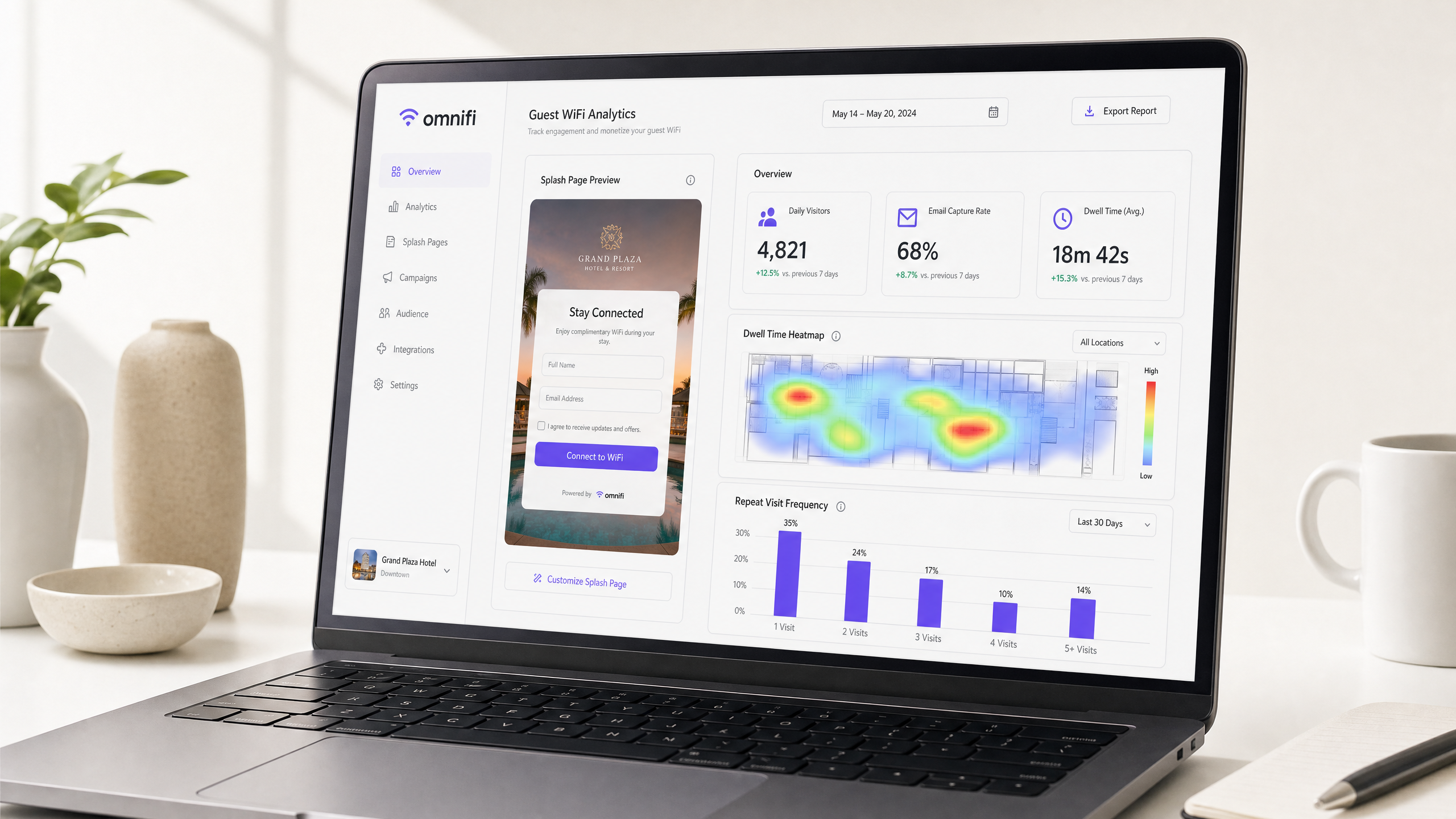
## Executive summary
For enterprise venue operators, guest WiFi has historically been classified as an essential utility and an operating expense. However, in the modern digital economy, this infrastructure represents one of the most underutilised first-party data assets in physical real estate. The global WiFi analytics market, valued at USD 6.65 billion in 2023, is projected to grow at a compound annual growth rate (CAGR) of 23.9% by 2030 [1]. This rapid expansion is driven by a fundamental shift: physical venues must de-anonymise their foot traffic to survive in a privacy-first marketing landscape.
By using a cloud-managed captive portal system integrated with a strong [WiFi Analytics](/guest-wifi-marketing-analytics-platform) engine, IT teams and venue operations directors can capture verified visitor profiles, map behavioural patterns, and unlock high-margin revenue channels such as retail media advertising and automated drip marketing. This technical reference guide details the network architecture, deployment methodologies, industry standards, and compliance frameworks required to successfully monetise [Guest WiFi](/guest-wifi) infrastructure without compromising network security, user experience, or regulatory alignment.
---
## Technical deep dive
To turn guest WiFi into a revenue-generating asset, network architects must design a strong data pipeline that sits on top of the physical access layer. This requires seamless integration between local wireless LAN (WLAN) infrastructure, a centralised cloud RADIUS server, a captive portal redirection engine, and downstream marketing systems.
### 1. Architectural topology and traffic flow
Standard enterprise guest WiFi monetisation architecture relies on separating the guest access layer from the corporate network while maintaining a secure, authenticated redirection flow. The network topology must be designed to isolate guest traffic at the physical or logical link layer.
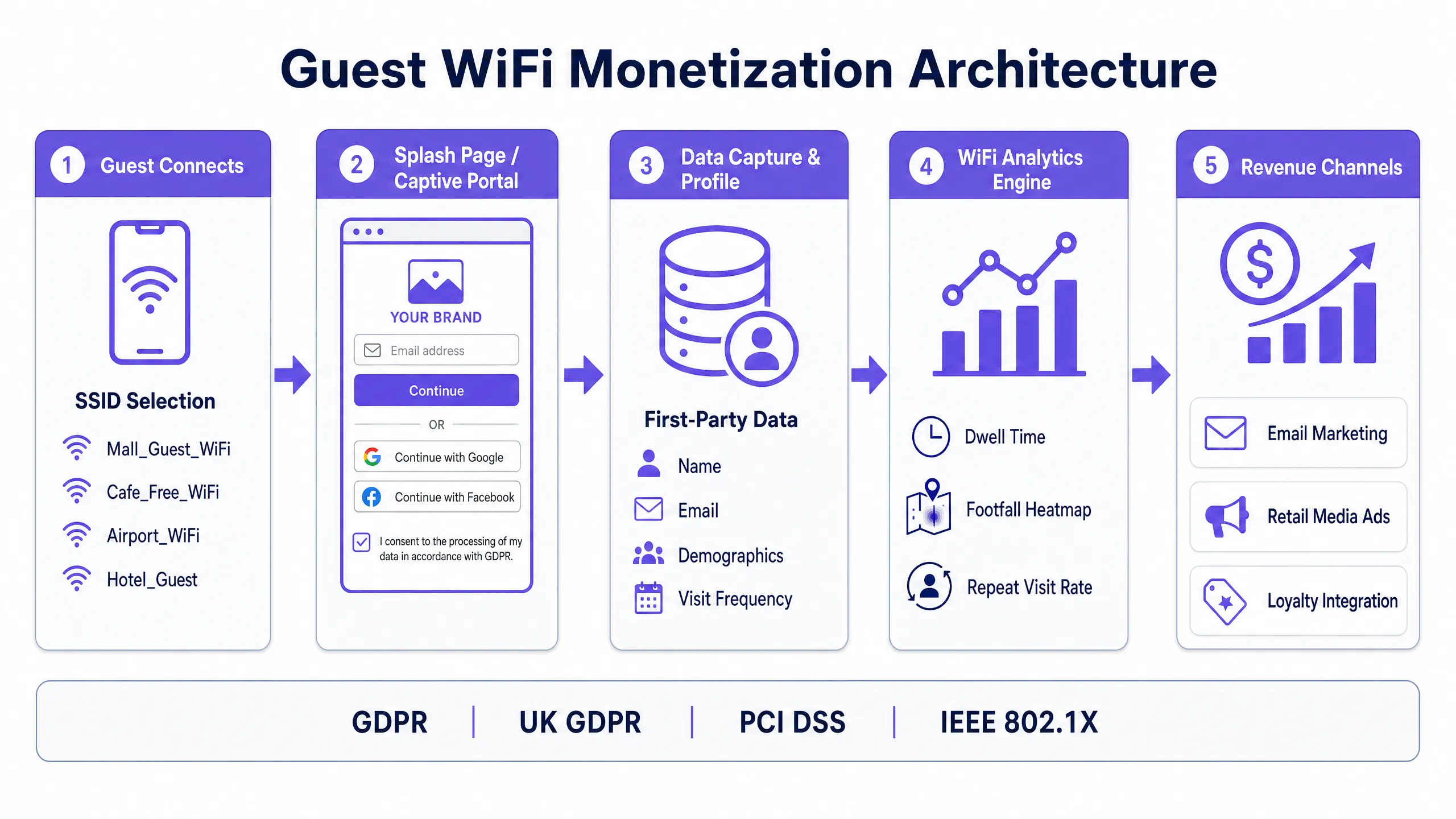
The sequential flow of a guest connection is as follows:
1. **Association**: The guest client device connects to the open guest SSID. The access point (AP) assigns the client to a dedicated guest VLAN.
2. **IP Allocation**: The local DHCP server issues an IP address from a restricted, non-routable pool.
3. **HTTP Interception**: The client device attempts to access an external HTTP/HTTPS resource. The local wireless controller or gateway intercepts DNS and HTTP requests.
4. **Redirection (Captive Portal)**: The controller redirects the client's browser to the hosted captive portal splash page URL, appending the client's MAC address, AP MAC, and original destination URL as query parameters.
5. **Authentication & Consent**: The guest interacts with the splash page, provides credentials (e.g., email, SMS OTP), and explicitly selects the marketing consent checkbox.
6. **RADIUS Authorization**: The captive portal platform submits an Access-Request to the cloud RADIUS server. Upon validation, the RADIUS server returns an Access-Accept with specific session attributes (e.g., bandwidth limits, session timeout).
7. **Access Granted**: The wireless controller updates its firewall session table, allowing the client MAC address full routing access to the WAN gateway, and redirects the user to a designated landing page or tenant advertisement.
### 2. Authentication methods: Balancing friction and data richness
Selecting the appropriate authentication method is a critical strategic decision. Each method presents a trade-off between user friction (which affects connection rates) and data richness (which affects monetisation potential).
| Authentication method | Network protocol / flow | Captured data fields | Business value | Friction level |
| :--- | :--- | :--- | :--- | :--- |
| **Email registration** | HTTP Form POST + database sync | Verified email, first/last name | High (direct email marketing channel) | Medium |
| **SMS verification** | OTP over SMS gateway API | Verified mobile number, country code | Extremely high (SMS marketing, loyalty matching) | High |
| **Social OAuth (Google/FB)**| OAuth 2.0 API flow | Email, demographics, profile picture | Extremely high (rich demographic profiling) | Low |
| **One-click clickthrough**| HTTP Form POST | MAC address, session metadata | Low (operational analytics only) | Extremely low |
| **Passpoint / OpenRoaming**| IEEE 802.11u / WPA3-Enterprise | Profile ID, identity provider token | Extremely high (seamless automatic login) | Zero (post-provisioning) |
### 3. Presence analytics and probe requests
Even if guests do not actively log in to the guest WiFi, the network can collect highly valuable presence analytics. Every WiFi-enabled device constantly broadcasts **Probe Requests** to discover nearby networks.
By capturing these probe frames, enterprise access points can record the device's MAC address, signal strength (RSSI), and timestamp. Analytics engines aggregate this raw metadata to calculate:
- **Footfall / capture rate**: The ratio of passing traffic (low RSSI, short duration) to entering visitors (high RSSI, long duration).
- **Dwell time**: The duration during which a specific MAC address remains associated with one or more APs in the venue.
- **Loyalty / recency**: The frequency with which a specific MAC address is observed over a 30, 90, or 360-day period.
> **Technical note on MAC randomization**: Modern mobile operating systems (iOS 14+ and Android 10+) use MAC address randomization, rotating the MAC address transmitted in probe requests to protect user privacy. To mitigate this, advanced analytics engines use machine learning algorithms to correlate signal fingerprints, or rely on the captive portal login step to bind the randomized MAC to a persistent, verified user profile (such as an email or phone number) during active sessions.
---
## Implementation guide
Deploying a monetised guest WiFi network requires a structured, vendor-neutral implementation plan. The following steps outline the technical configuration required to deploy an enterprise-grade captive portal with downstream CRM integration.
### Step 1: Network segmentation and VLAN configuration
To comply with security best practices and [PCI DSS](/blog/best-network-access-control) standards, guest traffic must be completely isolated from corporate, point-of-sale (POS), and administrative networks.
1. Create a dedicated **Guest VLAN** (e.g., VLAN 90) on the core switch and distribute it across all edge switches hosting access points.
2. Configure a separate DHCP scope on your firewall or local gateway for VLAN 90. Ensure lease times are short (e.g., 2 to 4 hours) to prevent IP address exhaustion in high-footfall environments.
3. Apply Access Control Lists (ACLs) on the gateway to prevent any routing between VLAN 90 and internal subnets.
### Step 2: Configure RADIUS and captive portal redirection on the wireless controller
Whether using [Cisco Wireless APs](/blog/cisco-wireless-ap), Aruba, Ruckus, or Ubiquiti infrastructure, the controller must be configured to delegate authentication to a cloud RADIUS server.
1. In the WLAN configuration, set the security profile to **Open** with **MAC Filtering** or **External Captive Portal** enabled.
2. Enter the primary and secondary IP addresses and shared secrets of the cloud RADIUS servers.
3. Configure the **Walled Garden** (pre-authentication ACL). This is a critical step: you must allow unauthenticated clients to access specific domains required to render the splash page and complete OAuth flows (e.g., Google, Facebook, Apple captive portal detection URLs, and your SMS gateway API).
### Step 3: Splash page design and brand alignment
The captive portal splash page is the primary digital touchpoint for visitors. Following Purple's brand guidelines, the UI should be designed for maximum engagement and trust:
- **Visuals**: Use a bright, clean layout with an off-white background (#F5F1ED) and rounded containers (12px radius) to maintain a modern corporate aesthetic.
- **Accents**: Use Purple (#7458FD) as the primary accent colour for action buttons (e.g., "Connect to WiFi") and form highlights.
- **Copy**: Ensure the value exchange is clear. Instead of "Connect to Internet", use "Enjoy free WiFi - enter your email to stay connected and receive exclusive venue offers."
- **Responsiveness**: The page must be fully responsive, prioritising a mobile-first layout as over 90% of guest connections originate from smartphones.
### Step 4: CRM and marketing automation integration
The real ROI of guest WiFi monetisation is achieved when captured first-party data flows seamlessly into your downstream systems.
1. Configure a webhook or native API integration between the captive portal platform and your customer relationship management (CRM) system (such as Salesforce, HubSpot, or an industry-specific CRM).
2. Map the data fields captured during splash page authentication (email, name, mobile, dwell time, visit count) to the corresponding fields in the CRM.
3. Set up automated **drip sequences** triggered by real visit events. For example:
- *Trigger*: Guest connects to WiFi for the first time. *Action*: Send a welcome email with a 10% discount voucher.
- *Trigger*: Guest departs the venue (session ends after 30+ minutes). *Action*: Send an automated feedback survey 2 hours after departure.
- *Trigger*: Guest has visited 5 times in 30 days. *Action*: Automatically upgrade their profile to "Loyalty Member" and send an invitation to join the VIP club.
---
## Best practices
To ensure operational stability, maximum data capture, and legal compliance, venue operators must adhere to established industry standards and regulatory frameworks.
### 1. Security and wireless standards
- **WPA3-SAE / OWE**: While traditional guest networks are completely open and unencrypted, network architects should switch to **Opportunistic Wireless Encryption (OWE)** under WPA3. OWE provides individual data encryption between the client and the AP without requiring a pre-shared key, protecting guest sessions from eavesdropping over the physical medium.
- **Network access control (NAC)**: Implement a cloud-based [NAC Solution](/blog/best-network-access-control) to continuously monitor guest device status and enforce bandwidth throttling. This prevents a single user from consuming excessive WAN bandwidth and degrading the experience for other guests.
- **DNS filtering**: Configure secure DNS servers (such as Cisco Umbrella or Cloudflare Families) on the guest VLAN to block malicious domains, phishing sites, and adult content, reducing the risk of illegal activity on your network.
### 2. Regulatory and compliance frameworks
Guest WiFi networks are subject to strict data privacy regulations. Compliance must be built into the splash page flow by design.
- **GDPR and UK GDPR**: Under European and UK privacy laws, a valid legal basis is required for personal data collection (including MAC addresses and email addresses) [2].
- **Consent**: Marketing consent must be **freely given, specific, informed, and unambiguous**. The splash page must feature an **unchecked checkbox** for marketing opt-in. You cannot make marketing consent a condition for accessing free WiFi (no "forced consent").
- **Transparency**: A link to a clear, plain-language privacy policy must be visible on the splash page.
- **Data minimisation**: Only collect data that is strictly necessary for the stated purpose.
- **PCI DSS**: If your venue processes credit card transactions (which is common in [Retail](/industries/retail) and [Hospitality](/industries/hospitality)), the guest WiFi network must be completely out of scope for PCI DSS. This is achieved through strict network segmentation (VLAN isolation) and firewall rules that block all traffic from the Guest VLAN to the Cardholder Data Environment (CDE).
- **Data retention**: Depending on the country, venues may be legally classified as "public communications providers" and required to retain network connection logs (IP allocations, MAC addresses, timestamps) for law enforcement purposes. In the UK, communications regulations may require log retention for approximately 12 months, while marketing data retention should be governed by standard GDPR minimisation policies (deleting inactive profiles).
---
## Troubleshooting and risk mitigation
IT operations teams must proactively plan for common failure modes in guest WiFi environments to minimise downtime and prevent negative guest experiences.
### 1. Captive Portal detection failures (CNA issues)
- **Symptoms**: When connecting to the SSID, the splash page does not automatically pop up on the guest's device, or the connection drops immediately.
- **Root cause**: Mobile operating systems use a background service called **Captive Network Assistant (CNA)** to test internet connectivity, which sends a lightweight HTTP request to a specific domain (such as `captive.apple.com` for iOS, `connectivitycheck.gstatic.com` for Android). If the wireless gateway blocks these specific requests, the device assumes there is no internet and drops the connection, or fails to trigger the browser pop-up.
- **Mitigation**: Ensure that all vendor-specific CNA bypass domains are explicitly added to the wireless controller's **Walled Garden / Pre-Authentication ACL** list. This allows the client device to successfully complete its background check and properly trigger the Captive Portal redirection.
### 2. IP address scope exhaustion
- **Symptom**: Guests can connect to the guest SSID but fail to obtain an IP address, resulting in a "No Internet Connection" or "Obtaining IP Address" loop.
- **Root cause**: In high-traffic locations (such as [Transport](/industries/transport) hubs, stadiums), the DHCP pool size is too small, or the DHCP lease time is configured to be too long (such as 24 hours). As a result, IP addresses remain bound to devices that left the venue long ago, leaving no available addresses for new arrivals.
- **Mitigation**:
- Configure a larger DHCP subnet (such as a `/20` or `/21` network that provides 2,048 to 4,096 IP addresses).
- Reduce the DHCP lease time on the Guest VLAN to **30 minutes or 1 hour** in high-transit zones and **2 to 4 hours** in hospitality or retail zones.
- Implement aggressive DHCP lease release timers on the gateway for inactive clients.
### 3. DNS latency and resolution failures
- **Symptom**: The splash page loads extremely slowly or times out, causing users to abandon the connection.
- **Root cause**: The DNS servers assigned to the Guest VLAN are overloaded, or pre-authentication DNS queries are being throttled by the firewall.
- **Mitigation**: Assign fast, highly reliable public DNS resolvers (such as `1.1.1.1` or `8.8.8.8`) directly to the Guest VLAN. Ensure that DNS traffic (UDP port 53) is prioritized in your Quality of Service (QoS) rules on the gateway.
---
## ROI and business impact
To secure budget approval from the CFO or venue operations director, IT teams must present a clear, data-driven financial justification for deploying guest WiFi analytics.
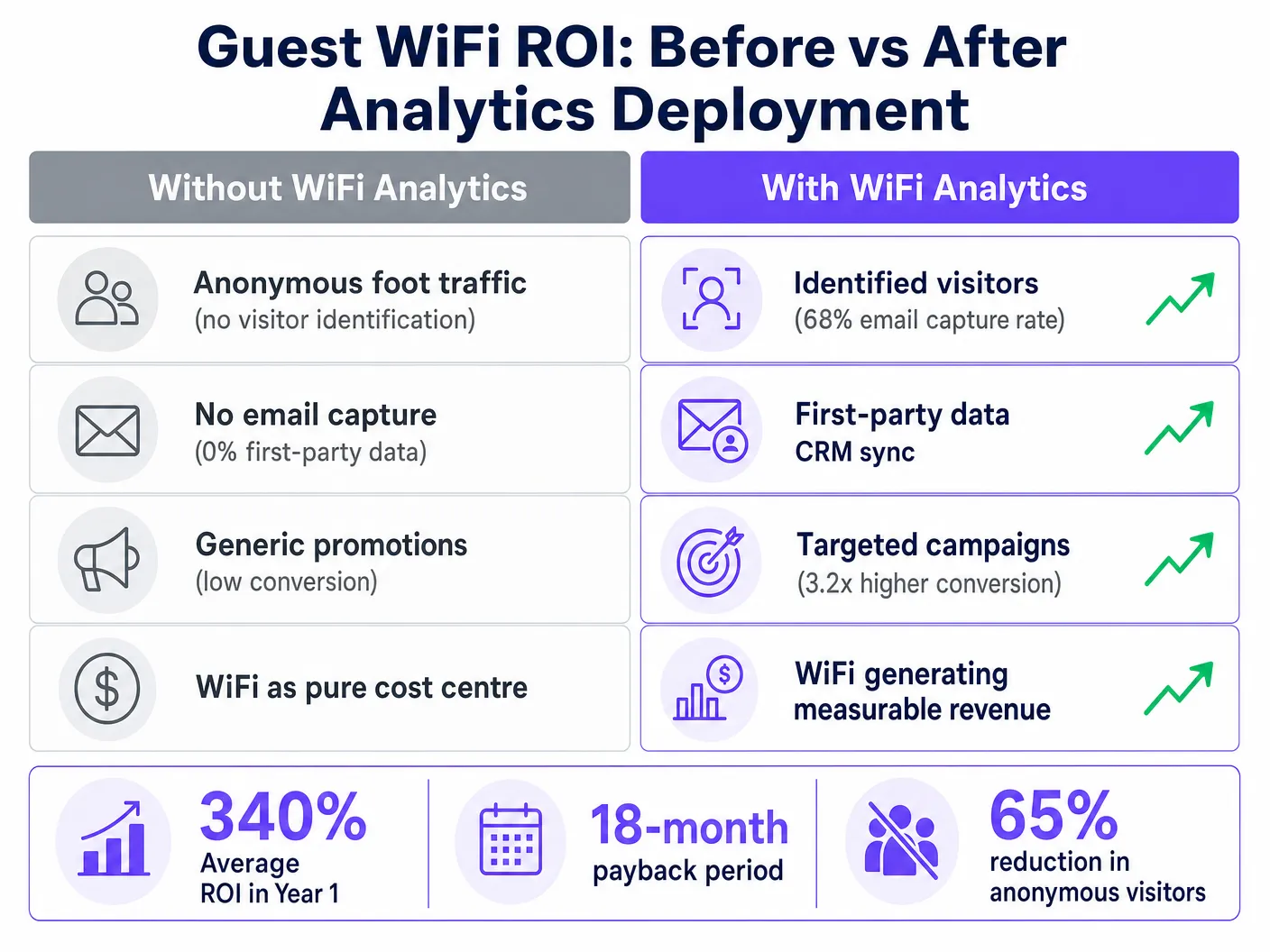
### 1. Direct revenue: Retail media networks (RMNs)
For multi-tenant physical environments such as shopping malls, airports, and exhibition centres, the captive portal splash page represents a premium advertising channel.
- **Splash page advertising**: Brands and in-venue tenants will pay a premium to display targeted, full-screen interstitial ads to a highly engaged audience right when they enter the venue.
- **Pricing models**: Venues can charge tenants based on **cost per thousand impressions (CPM)** or **cost per click (CPC)**, turning the WiFi splash page into a self-funding digital media asset.
### 2. Indirect revenue: First-party data capture
Acquiring consented, high-quality first-party data is the most effective way to reduce digital marketing customer acquisition costs (CAC).
- **Value of an email**: In the hospitality and retail sectors, a verified, active email address in a CRM is valued between £2.50 and £5.00 based on lifetime marketing value.
- **Capture rate**: A venue with 50,000 monthly visitors and a well-optimised splash page (60% capture rate) will acquire **30,000 new verified customer profiles per month**. At a conservative valuation of £2.50 per profile, this represents **£75,000 in monthly marketing asset value** generated directly from the WiFi network.
### 3. Operational savings: Data-driven resource allocation
WiFi presence analytics and heatmaps provide operations directors with accurate, real-world footfall data, allowing for optimised staffing and facilities management.
- **Staffing optimisation**: By aligning staff schedules with peak WiFi-detected footfall times, a large retail store or hotel can reduce unnecessary labour costs by 10% to 15%.
- **Energy management**: Integrate WiFi real-time occupancy data with building management systems (BMS) to dynamically adjust heating, ventilation, and air conditioning (HVAC) and lighting based on zone occupancy, leading to significant utility savings.
### 4. Financial ROI case study: Enterprise retail estate
The table below shows a standard 3-year financial projection for a retail chain with 50 physical locations deploying an integrated guest WiFi analytics platform.
| Financial metric | Year 1 | Year 2 | Year 3 |
| :--- | :--- | :--- | :--- |
| **Total hardware and licensing costs** | £120,000 | £40,000 | £40,000 |
| **Direct media advertising revenue** | £45,000 | £95,000 | £120,000 |
| **Value of captured first-party data** | £150,000 | £220,000 | £260,000 |
| **Operational labour savings** | £35,000 | £55,000 | £60,000 |
| **Net financial impact** | **+£110,000** | **+£330,000** | **+£400,000** |
| **Cumulative ROI** | **91.7%** | **275.0%** | **420.0%** |
---
> [!TIP]
> To see how guest WiFi splash pages convert into actual marketing revenue, use our free [WiFi marketing ROI calculator](/tools/roi-calculator) to estimate your database growth and CAC savings.
## References
[1] *Grand View Research*, "WiFi Analytics Market Size, Share & Growth Report, 2030", [https://www.grandviewresearch.com/industry-analysis/wi-fi-analytics-market-report](https://www.grandviewresearch.com/industry-analysis/wi-fi-analytics-market-report).
[2] *Spotipo*, "Are Your Captive Portals Legal? GDPR, Data Retention, and Privacy Rules by Region", [https://www.spotipo.com/post/are-your-captive-portals-legal-gdpr-data-retention-and-privacy-rules-by-region](https://www.spotipo.com/post/are-your-captive-portals-legal-gdpr-data-retention-and-privacy-rules-by-region).
---
### Legal Liabilities and Content Filtering on Public Guest Networks
**Source:** https://www.purple.ai/en-gb/guides/content-filtering-public-guest-wifi
**Summary:** This guide provides IT managers, network architects, and CTOs with a definitive technical and legal framework for deploying content filtering on public guest WiFi networks. It covers the regulatory obligations under GDPR, the UK Online Safety Act 2023, and PCI DSS, alongside a multi-layered architecture for DNS filtering, captive portal authentication, application-layer firewalling, and VLAN segmentation. Venue operators in hospitality, retail, healthcare, and transport will find actionable implementation steps, real-world case studies, and decision frameworks to build a legally defensible, high-performance guest network.
**Estimated read time:** 10 minutes
**Word count:** 2,145
## Executive Summary
For IT managers, network architects, and CTOs managing public venues, deploying [Guest WiFi](/guest-wifi) is a baseline operational requirement. However, providing an open internet pipe without robust content filtering exposes the venue to serious legal, financial, and reputational risk. When you provide public internet access, your organisation assumes the role of an Internet Service Provider (ISP). If malicious or illegal traffic - such as copyright infringement, peer-to-peer (P2P) piracy, or access to restricted material - originates from your public IP address, liability typically falls on the venue operator.
This guide provides the definitive technical framework for implementing mandatory content filtering. We examine the architecture required to maintain safe harbour protections, ensure regulatory compliance (including GDPR, the UK Online Safety Act 2023, and PCI DSS v4.0), and sustain network performance at scale. By pairing robust filtering with [WiFi Analytics](/guest-wifi-marketing-analytics-platform), venues across [retail](/industries/retail), [hospitality](/industries/hospitality), [healthcare](/industries/healthcare), and [transport](/industries/transport) can reduce risk while maintaining a seamless guest experience.
* * *
## Technical Deep Dive
### The Legal Landscape and Safe Harbour
The primary driver for content filtering is public WiFi liability. In most jurisdictions, ISPs and public WiFi providers are protected by "safe harbour" provisions - such as the Digital Millennium Copyright Act (DMCA) in the United States, or the EU's E-Commerce Directive and its successor frameworks. However, these protections are explicitly conditional. To qualify, providers must demonstrate that they have taken **reasonable technical steps** to prevent illegal activity and can assist law enforcement when required.
Without an audit trail and active filtering, a venue cannot demonstrate reasonable steps, which voids safe harbour protection entirely. This is especially critical for public sector deployments and educational institutions, where accountability requirements are more stringent. For background on managing WiFi in safeguarding-sensitive environments, see [WiFi in Schools: The 2026 Administrator & IT Guide](/blog/wifi-in-schools).
The three principal legal risk vectors of an unfiltered network are as follows. First, **copyright infringement via P2P piracy**: rights holders use automated monitoring to identify IP addresses sharing copyrighted files over the BitTorrent protocol. Under legislation such as the UK Digital Economy Act 2017, repeat infringements associated with a venue's public IP can result in service throttling, civil penalties, or litigation from rights holders. Second, **access to harmful or illegal content**: the UK Online Safety Act 2023 imposes a strict duty of care on internet access providers. Ofcom can impose fines of up to £18 million or 10% of global turnover for serious breaches. If a guest accesses illegal material through your network and you have not implemented industry-standard blocking (such as the Internet Watch Foundation's blocklist), your organisation faces intense regulatory scrutiny. Third, **data privacy and record-keeping compliance**: under GDPR and UK GDPR, any network metadata collected (IP leases, MAC addresses, timestamps) constitutes personal data. Venues must balance the legal obligation to retain connection records for law enforcement (typically 12 months under UK telecommunications regulations) against GDPR's data minimisation principle.
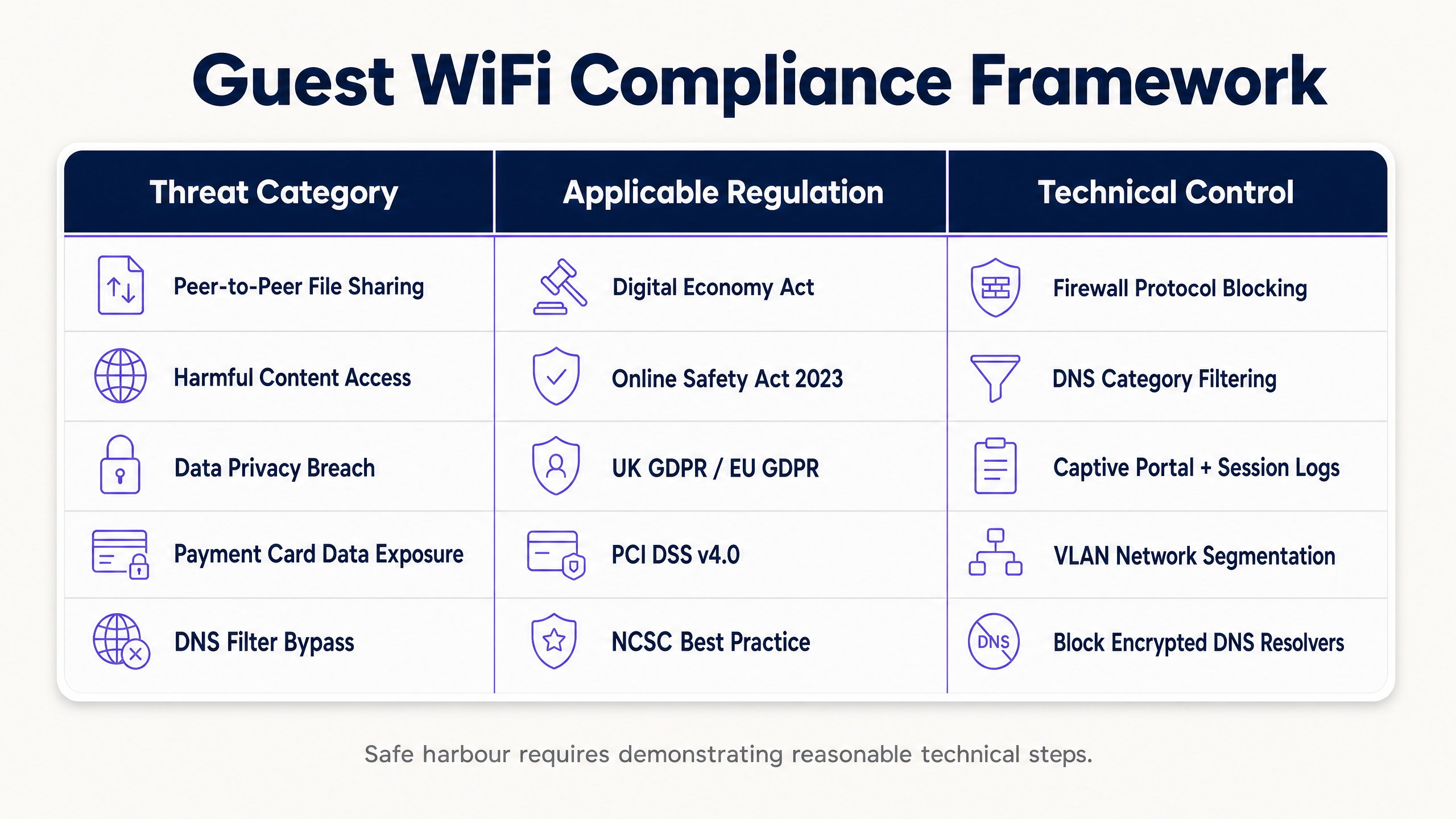
### The Multi-Layered Security Architecture
Protecting guests and the business requires a defence-in-depth approach. A single firewall rule or basic DNS filter is trivially bypassed by a moderately technical user. A robust guest network architecture must implement a layered security stack across four distinct control layers.
**Layer 1 - Authentication and Identity (Captive Portal):** Before network access is granted, users must authenticate through a Captive Portal. This binds the device's physical MAC address and its assigned local IP lease to a verified identity - such as an SMS-verified phone number, an email address, or a social media profile. This process establishes the critical audit trail needed to shift legal responsibility from the venue to the individual user. For enterprise environments requiring stronger assurance, integrating a [Network Access Control (NAC) solution](/blog/best-network-access-control) or implementing [802.1X authentication with Cloud RADIUS](/guides/implementing-8021x-with-cloud-radius) ensures that only authorised, compliant devices can connect.
**Layer 2 - DNS-Layer Filtering:** DNS filtering is the most scalable, low-latency method of blocking harmful content at the network edge. When a guest device requests a domain name resolution, the request is routed to a secure cloud DNS resolver. The resolver checks the domain against a real-time threat intelligence database categorised by content type (adult, gambling, P2P, malware, phishing). If the domain falls within a blocked category, the resolver returns the address of a local block page, preventing the connection from being established. For high-throughput deployments such as stadiums or large retail estates, cloud DNS filtering with local caching introduces negligible latency - typically under 20 milliseconds.
**Layer 3 - Application-Layer Gateway (Next-Generation Firewall):** Because DNS filtering blocks only domain names, users can bypass it by connecting directly to known IP addresses or using encrypted DNS tunnelling. The network gateway must therefore perform application-layer filtering using Deep Packet Inspection (DPI) to identify and block specific protocols - such as BitTorrent, Tor, and common VPN signatures - regardless of the port or DNS server used. DPI does introduce throughput overhead, so it should be applied selectively to high-risk protocol categories rather than all traffic.
**Layer 4 - Network Segmentation (VLANs):** The guest network must be fully isolated from corporate resources, point-of-sale (POS) systems, and back-of-house infrastructure via dedicated VLANs and strict access control lists (ACLs). Under PCI DSS v4.0, if guest traffic is not rigorously segmented from the cardholder data environment (CDE), the entire guest network falls within PCI audit scope, dramatically increasing compliance cost and audit complexity.
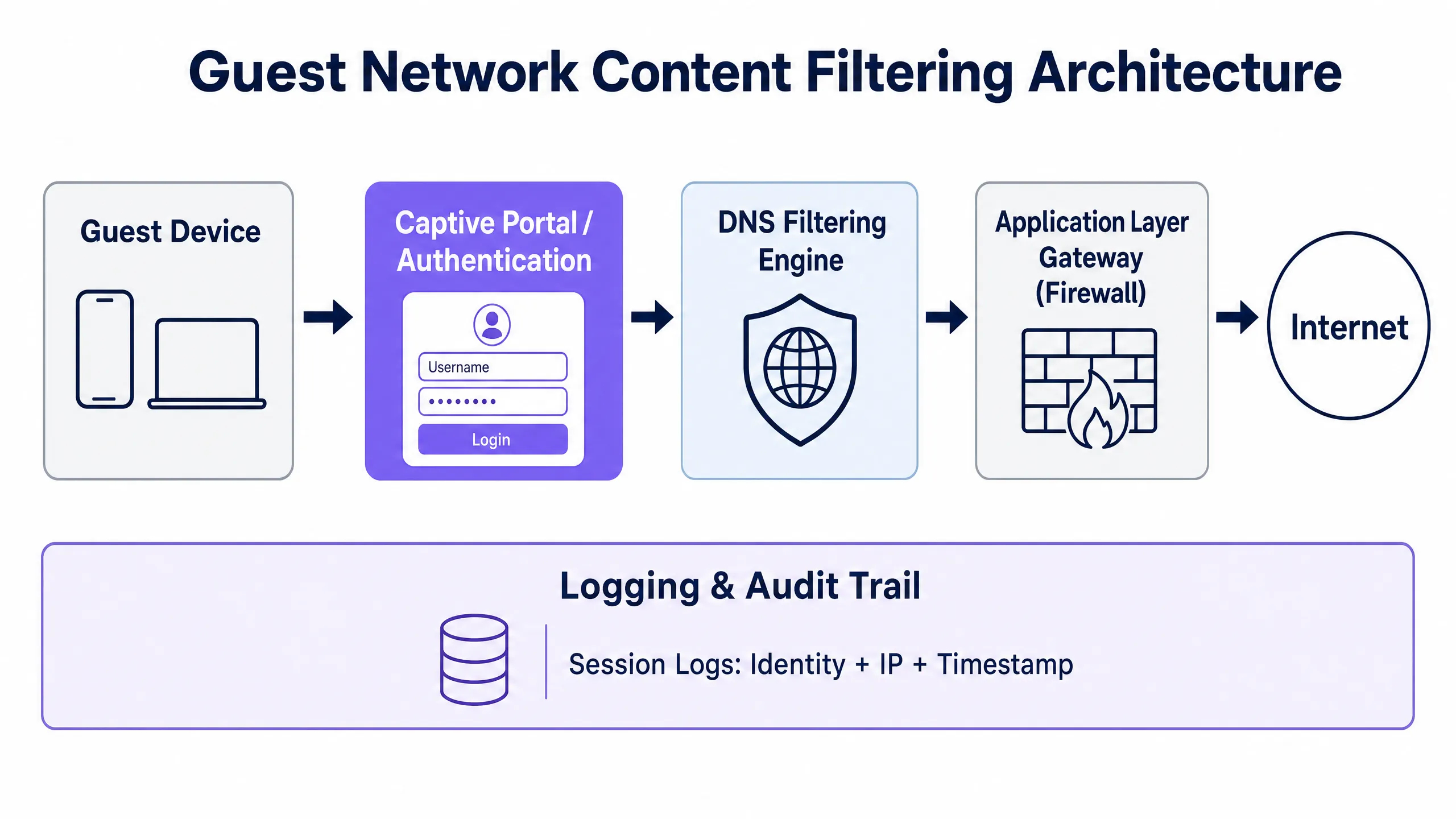
* * *
## Implementation Guide
### Step 1: Network Segmentation and VLAN Configuration
Configure a dedicated VLAN for guest traffic across all core switches and wireless controllers. Ensure inter-VLAN routing is disabled between the guest VLAN and any internal corporate VLANs. On your firewall, implement an access control list (ACL) that explicitly blocks the guest subnet from reaching any RFC 1918 private IP ranges while permitting all other outbound traffic to the internet. This single configuration step removes the guest network from PCI DSS scope and prevents lateral movement in the event of a compromised guest device.
### Step 2: DNS Filtering Deployment and DoH Mitigation
To prevent guests from bypassing the DNS-layer filter using DNS over HTTPS (DoH) or DNS over TLS (DoT), the network gateway must force all DNS traffic through the designated secure resolver. Configure destination NAT (DNAT) rules to intercept all outbound UDP/TCP port 53 requests from the guest VLAN and redirect them to your secure DNS filtering IP. For DoH mitigation, block outbound TCP port 853 (DoT) and restrict access over port 443 to known public DoH resolver IPs, using either your firewall's built-in DNS over HTTPS application blocking category or a curated IP blocklist maintained by a threat intelligence provider.
### Step 3: Captive Portal and Session Logging Configuration
Integrate your wireless access points - for example, [Cisco Wireless APs](/blog/cisco-wireless-ap) - with a centralised Captive Portal platform. The portal must capture the user's explicit consent to the terms of service and privacy policy before granting internet access. Under GDPR and UK GDPR, maintain a split retention schedule: retain connection metadata records (MAC address, assigned IP, session timestamps) for 12 months in encrypted, access-controlled storage to satisfy law enforcement data retention requirements, while marketing profile data must be purged immediately when a user withdraws consent or requests erasure.
### Step 4: Content Filtering Policy Configuration
Deploy a tiered content filtering policy based on venue type. At a minimum, all public guest networks must block the following categories: malware and phishing domains, peer-to-peer file-sharing protocols, adult and obscene content, and known proxy and anonymiser services. Venues serving families or minors - such as leisure centres, libraries, or transport hubs - should additionally enforce search engine SafeSearch modes by rewriting DNS queries at the resolver level, and integrate with the Internet Watch Foundation (IWF) URL blocklist to meet Friendly WiFi certification standards.
* * *
## Best Practices
### Adopt the Friendly WiFi Standard
For public venues serving families, local government, or educational spaces, obtaining **Friendly WiFi** certification is strongly recommended. The standard, developed in partnership with the UK Council for Child Internet Safety (UKCCIS), assures the public that your guest network actively blocks access to illegal material and obscene content. Displaying the Friendly WiFi Approved logo at venue entrances and on the Captive Portal welcome page directly enhances customer trust and differentiates the venue from competitors.
### The Content Filtering Policy Matrix
IT administrators should deploy tiered content filtering policies based on venue type and bandwidth capacity:
| Venue Type | Primary Focus | Mandatory Blocked Categories | Optional / Bandwidth Controls |
| :--- | :--- | :--- | :--- |
| **Retail & Shopping Centres** | Safety & compliance | Malware, phishing, adult, P2P | Throttle high-bandwidth video streaming |
| **Hospitality & Hotels** | Performance & liability | Malware, P2P piracy, adult | Dynamic per-session bandwidth limits |
| **Healthcare & Clinics** | Privacy & safeguarding | Malware, adult, gambling, P2P | Full blocking of VPN tunnels |
| **Schools & Colleges** | Child safeguarding | Adult, violence, proxy/VPN, P2P | Strict application controls, social media restrictions |
| **Stadiums & Arenas** | Throughput & compliance | Malware, P2P, adult | Strict per-device bandwidth caps |
### Centralised Multi-Site Policy Management
For organisations operating across multiple venues - such as hotel chains, retail estates, or local authorities - centralised policy management is non-negotiable. Pushing policy updates to all access points and gateways simultaneously through a single interface ensures a consistent compliance posture across the estate. Any venue operating without centralised management is effectively running an unaudited network, which is indefensible in a regulatory investigation.
* * *
## Troubleshooting and Risk Mitigation
### Issue 1: Users Bypassing Filters via VPNs
Guests using commercial VPN clients encrypt their traffic end-to-end, bypassing DNS and application-layer filters. The mitigation strategy is to block common VPN protocols at the gateway by enabling the proxy and VPN categories on your next-generation firewall. It is worth noting, however, that a guest successfully using a VPN means their traffic egresses from the VPN provider's IP address, not yours. In many cases this actually reduces your risk exposure rather than increasing it, as legal responsibility shifts to the VPN provider.
### Issue 2: Over-Blocking Legitimate Business Applications
Overly aggressive filtering policies frequently block legitimate enterprise SaaS platforms, prompting connection failure reports from corporate guests. The mitigation is to maintain a curated whitelist of essential business domains (such as Microsoft 365, Google Workspace, Zoom, Salesforce, and similar platforms) that bypass restrictive filtering categories. Consider deploying a separate "Corporate Guest" SSID with less restrictive filtering for verified business users who need access to corporate VPN endpoints.
### Issue 3: MAC Address Randomisation Breaking the Audit Trail
Modern mobile operating systems (iOS 14+, Android 10+) randomise the device's MAC address for each new network connection, preventing persistent device tracking. The mitigation is to base the audit trail on Captive Portal session tokens rather than hardware MAC addresses. When a user authenticates through the portal, their verified identity is associated with their active DHCP lease and session ID. If the MAC address changes, the user must re-authenticate through the Captive Portal, generating a fresh, valid log entry.
### Issue 4: "Set and Forget" Policy Decay
Threat intelligence databases are updated continuously. A content filtering policy that was comprehensive at deployment can miss thousands of newly registered malicious domains within weeks. Ensure your DNS filtering provider delivers automatic, real-time threat intelligence feed updates, and schedule a quarterly policy review to assess whether the blocked and whitelisted categories still match the venue's operational needs and the current threat landscape.
* * *
## ROI and Business Impact
Implementing a robust content filtering and legal compliance architecture on the guest network delivers tangible operational and financial returns beyond pure risk mitigation.
**Bandwidth optimisation and cost savings:** Unfiltered guest networks are routinely abused by users running P2P protocols or continuously streaming high-definition video. By actively blocking P2P networks and throttling non-essential streaming services, venues can reclaim up to 40% of total network bandwidth. This optimisation directly delays or eliminates the need to purchase expensive leased line upgrades, saving thousands of pounds in recurring telecommunications costs annually.
**Legal defensibility and liability shielding:** The financial consequences of a single copyright infringement claim or a regulatory investigation under the Online Safety Act can be severe. A fully audited, filtered network provides defensible safe harbour protection. If illegal activity is detected, the venue can immediately produce secure, de-identified connection records to demonstrate cooperation with law enforcement, deflecting liability away from the business and avoiding GDPR fines of up to 4% of global annual turnover.
**Enhanced brand reputation and guest trust:** For the modern consumer, digital safety is a key differentiator. Displaying Friendly WiFi certification at your venue entrance or on the Captive Portal login page assures families, corporate clients, and public sector partners that your digital environment is safe and professionally managed. That trust translates directly into longer dwell times, higher guest satisfaction scores, and stronger brand loyalty across your retail or hospitality estate.
* * *
## References
[1] UK Parliament. *Digital Economy Act 2017*. [Legislation.gov.uk](https://www.legislation.gov.uk/ukpga/2017/30).
[2] US Copyright Office. *Digital Millennium Copyright Act (DMCA)*. [Copyright.gov](https://www.copyright.gov/laws/).
[3] Purple.ai. *WiFi in Schools: The 2026 Administrator & IT Guide*. [/blog/wifi-in-schools](/blog/wifi-in-schools).
[4] Friendly WiFi. *Is Your Public WiFi Safe? Understanding the Online Safety Act*. [FriendlyWiFi.com](https://www.friendlywifi.com/single-post/is-your-public-wifi-safe-understanding-the-online-safety-act-and-the-role-of-friendly-wifi-certific).
[5] Spotipo. *Are Your Captive Portals Legal? GDPR, Data Retention, and Privacy Rules by Region*. [Spotipo.com](https://www.spotipo.com/post/are-your-captive-portals-legal-gdpr-data-retention-and-privacy-rules-by-region).
[6] Purple.ai. *How to Implement 802.1X Authentication with Cloud RADIUS*. [/guides/implementing-8021x-with-cloud-radius](/guides/implementing-8021x-with-cloud-radius).
[7] TitanHQ. *Web Filtering For Guest WiFi*. [TitanHQ.com](https://www.titanhq.com/dns-filtering/web-filtering-for-guest-wifi/).
[8] Purple.ai. *Cisco Wireless APs: 2026 Guide to Products & Deployment*. [/blog/cisco-wireless-ap](/blog/cisco-wireless-ap).
---
### Bandwidth Management and Quality of Service (QoS) in Co-Working Spaces
**Source:** https://www.purple.ai/en-gb/guides/bandwidth-management-qos-coworking
**Summary:** An authoritative technical reference guide for IT managers, network architects, and venue operations directors on implementing robust Bandwidth Management and Quality of Service (QoS) frameworks in co-working environments. This guide details network segmentation, traffic prioritisation, vendor-neutral configurations, and real-world ROI metrics to deliver enterprise-grade connectivity. It covers IEEE 802.11e/WMM standards, VLAN design, per-user rate limiting, and troubleshooting strategies with measurable business outcomes.
**Estimated read time:** 8 minutes
**Word count:** 1,697
## Executive Summary
Co-working spaces present a unique and volatile RF (radio frequency) and network environment. Unlike traditional corporate offices with predictable user behaviour, or public hotspots with low bandwidth expectations, co-working spaces must support high-density, multi-tenant deployments where users demand enterprise-grade throughput, low latency and exceptional reliability. A single tenant performing a large data transfer or running an unrestricted backup sync can degrade the wireless experience for the entire venue, leading to tenant churn and direct revenue loss.
This guide provides network architects and IT directors with an actionable, vendor-neutral framework for implementing Bandwidth Management and Quality of Service (QoS) policies. By leveraging advanced network segmentation with [Guest WiFi](/guest-wifi) and secure VLANs, integrating [WiFi Analytics](/guest-wifi-marketing-analytics-platform) to monitor real-time utilisation, and enforcing strict IEEE 802.11e/WMM standards, operators can guarantee Service Level Agreements (SLAs) for high-value tenants while maintaining a smooth baseline experience for casual visitors.
---
## Technical Deep-Dive
### The Multi-Tenant Network Dilemma
In a multi-tenant co-working environment, the primary challenge is traffic unpredictability. On any given day, the network must simultaneously support latency-sensitive Unified Communications as a Service (UCaaS) (such as Zoom or Microsoft Teams), highly bursty cloud database syncs, high-throughput file transfers, and recreational video streaming. Without active management, the "first-in, first-out" (FIFO) scheduling of standard network switches and access points will inevitably lead to bufferbloat - a phenomenon in which high-bandwidth, non-real-time packets saturate buffer queues, introducing jitter and latency that destroy the usability of real-time applications.
To mitigate this, network administrators must move beyond simple rate limiting to a multi-layered Quality of Service (QoS) and traffic-shaping architecture. This begins with proper physical and logical network design, leveraging enterprise-grade hardware to segment and prioritise traffic.
### Network Segmentation and VLAN Design
Effective bandwidth management is impossible without strict logical isolation of tenant groups. We recommend deploying a minimum of three distinct Virtual Local Area Networks (VLANs), mapped to separate SSIDs using enterprise-grade [Cisco Wireless APs](/blog/cisco-wireless-ap) or similar hardware:
| VLAN ID | SSID Name | Target Audience | Authentication Mechanism | QoS Profile |
| :--- | :--- | :--- | :--- | :--- |
| **VLAN 10** | `CoWork_Private` | Private office tenants | WPA3-Enterprise (802.1X / Cloud RADIUS) | Platinum (Voice/Video priority) |
| **VLAN 20** | `CoWork_HotDesk` | Hot-desk / flexible members | WPA3-Enterprise or WPA3-SAE with Portal | Gold (Business applications) |
| **VLAN 30** | `CoWork_Guest` | Day visitors / guests | Captive Portal via [Guest WiFi](/guest-wifi) | Bronze (Best effort / rate limited) |
By segmenting the network, administrators can apply tailored QoS profiles at the VLAN boundary, ensuring that guest traffic on VLAN 30 never crowds out business-critical traffic on VLANs 10 and 20. Implementing these security policies requires integration with a robust [Network Access Control (NAC) solution](/blog/best-network-access-control) to dynamically assign VLANs based on user credentials. For detailed guidance, see our complete guide: [How to Implement 802.1X Authentication with Cloud RADIUS](/guides/implementing-8021x-with-cloud-radius).
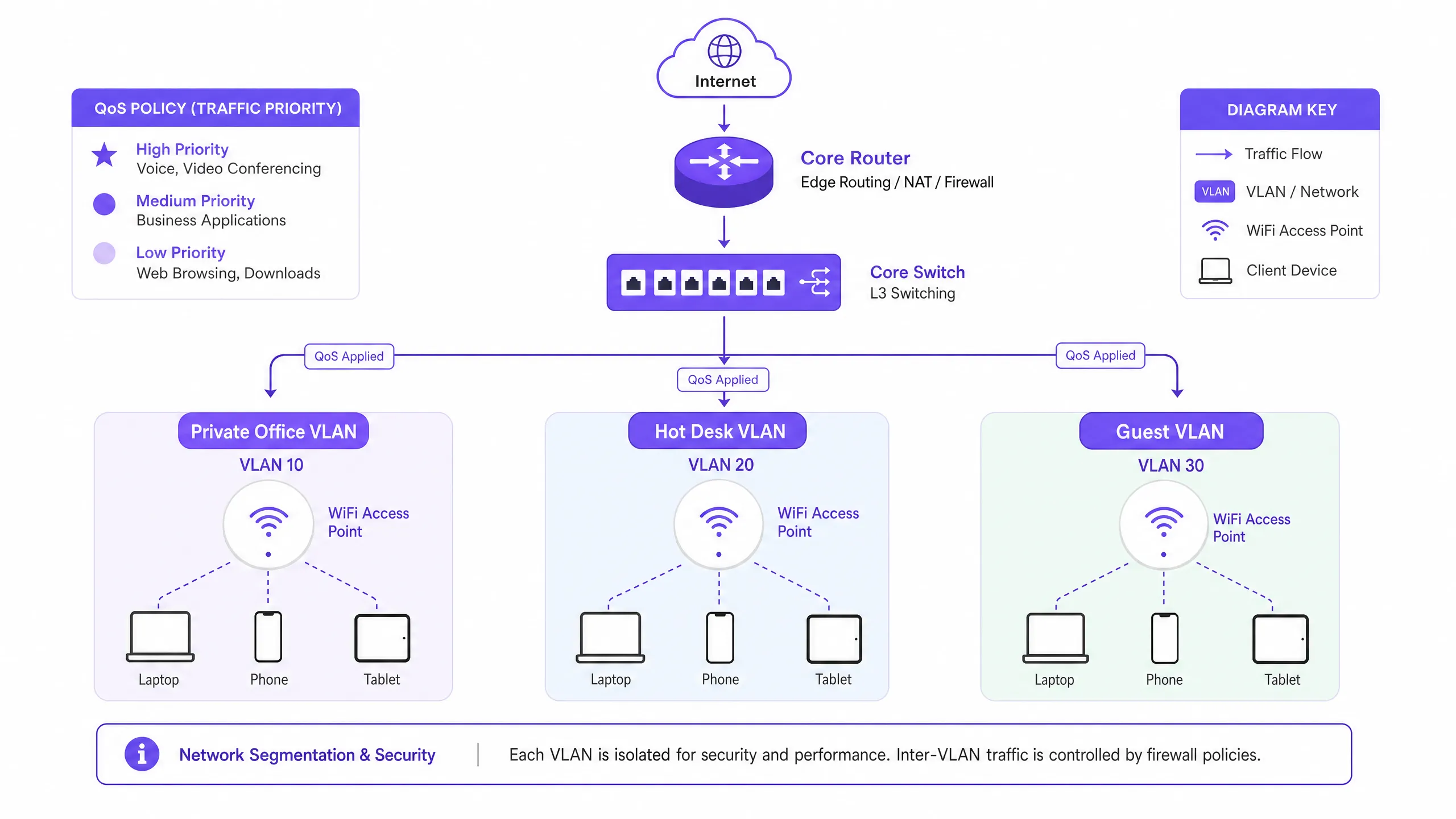
### IEEE 802.11e and WiFi Multimedia (WMM)
At the wireless layer, QoS is governed by the **IEEE 802.11e** standard, known commercially as **WiFi Multimedia (WMM)**. WMM replaces the legacy Distributed Coordination Function (DCF) with Enhanced Distributed Channel Access (EDCA). EDCA introduces four Access Categories (ACs), corresponding to different priority levels on the medium:
**Voice (WMM-AC_VO)** has the highest priority and is designed for VoIP and real-time interactive audio. It uses the shortest backoff timers to minimise latency. **Video (WMM-AC_VI)** has high priority and is optimised for video conferencing and streaming media, balancing low latency with high throughput. **Best Effort (WMM-AC_BE)** is the default category for standard web traffic, email and general applications. **Background (WMM-AC_BK)** has the lowest priority and is reserved for non-time-sensitive data transfers, system updates and background backups.
To maintain voice and video clarity in high-density environments, WMM must be enabled globally on all access points. In addition, DSCP (Differentiated Services Code Point) mappings must be configured so that wireless WMM categories are translated to wired IP packets as they traverse switches and routers.
---
## Implementation Guide
### Step-by-Step Traffic Shaping and QoS Deployment
Implementing bandwidth management in a co-working space requires a systematic approach. Follow these vendor-agnostic deployment steps to establish an enterprise-grade traffic-shaping strategy.
**Step 1: Establish the WAN bandwidth budget.** Before configuring internal limits, determine your total WAN throughput. For a typical 200-person co-working space, a symmetrical **1 Gbps / 1 Gbps** fibre connection is recommended. Reserve a hard **10% overhead buffer** at the WAN gateway to prevent interface saturation and bufferbloat. This leaves **900 Mbps** of allocatable bandwidth.
**Step 2: Define traffic classes and priority queues.** Configure Class-Based Weighted Fair Queueing (CBWFQ) or Low Latency Queueing (LLQ) on your core gateway/firewall. Define three primary classes based on source VLAN and application signatures. Tier 1 (Critical) allocates 40% guaranteed bandwidth to VoIP and UCaaS traffic, mapped to DSCP EF. Tier 2 (Business) allocates 35% to cloud applications and web traffic, mapped to DSCP AF41. Tier 3 (General/Guest) allocates 25% with a hard aggregate cap, mapped to DSCP CS1.
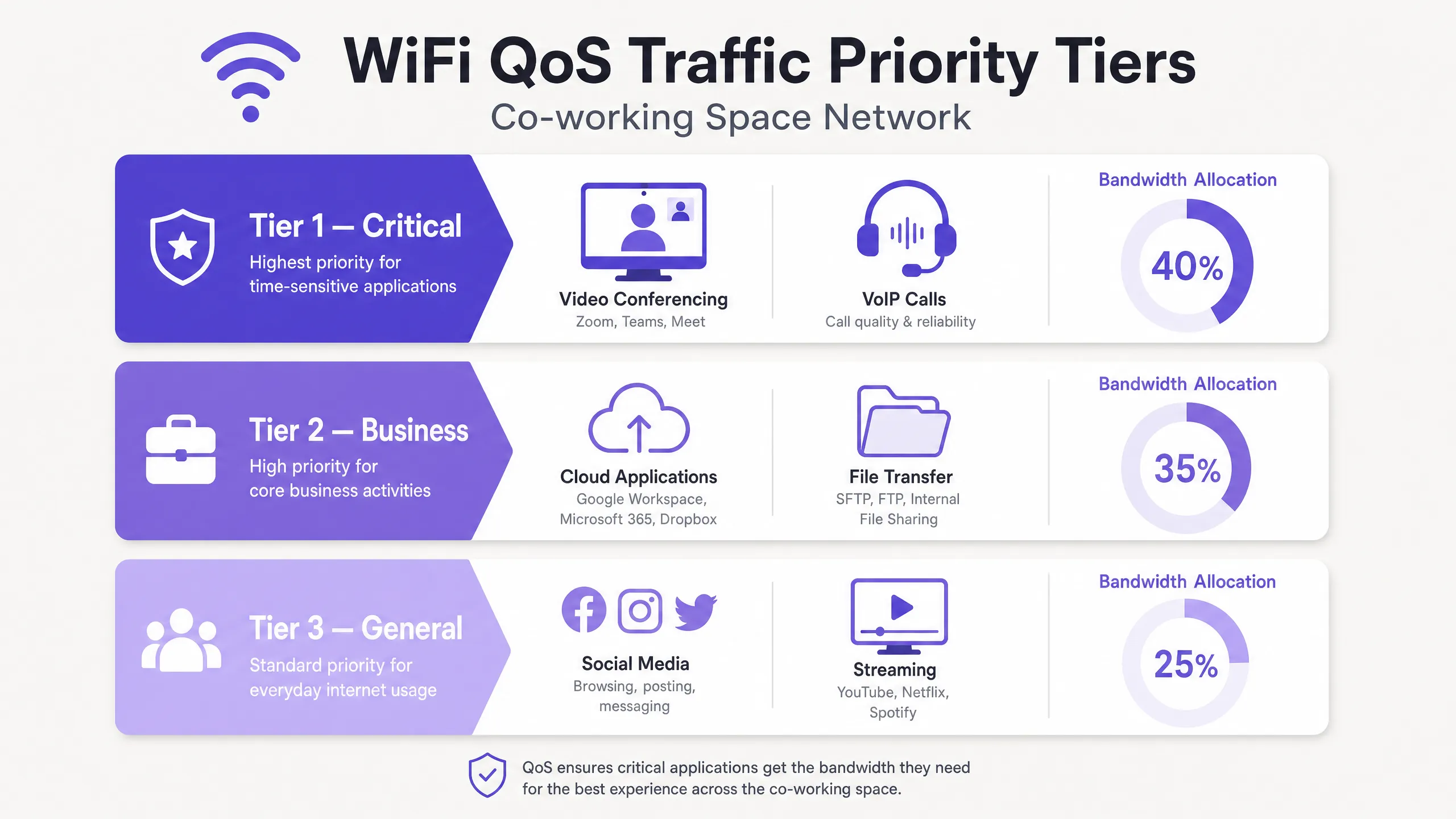
**Step 3: Configure per-user rate limiting (dynamic bandwidth allocation).** To prevent "bandwidth hogs" from degrading network quality, implement dynamic per-user rate limiting rather than static caps wherever possible. Dynamic limiting allows users to burst to higher speeds when the network is idle, but throttles them back to a guaranteed baseline during peak periods. For the hot-desk/flexible SSID, configure a dynamic limit of **50 Mbps download / 20 Mbps upload** per client, with a guaranteed minimum of **10 Mbps symmetrical** during peak usage. For the guest SSID, enforce a strict static cap of **10 Mbps download / 5 Mbps upload** per client.
**Step 4: Implement application-layer (Layer 7) filtering.** Modern firewalls and APs leverage Deep Packet Inspection (DPI) to identify applications regardless of the ports they use. Configure Layer 7 rules to restrict peer-to-peer (P2P) file sharing, BitTorrent downloads and personal cloud backups to a maximum of **2 Mbps** per user. Ensure known UCaaS domains (e.g. `*.zoom.us`, `*.microsoft.com`) are automatically tagged as DSCP EF or AF41.
---
## Best Practices
### Rigorous RF Planning and Channel Reuse
High-density co-working spaces suffer from Co-Channel Interference (CCI) when multiple access points operate on the same channel. In a modern workspace, migrate legacy devices to the 5 GHz and 6 GHz bands. If 2.4 GHz must remain enabled for IoT, restrict it to a small number of specific APs using non-overlapping channels (1, 6, 11) at minimum transmit power. Deploy Wi-Fi 6E or Wi-Fi 7 to take advantage of the newly opened 6 GHz spectrum, which offers up to 14 additional 80 MHz channels and can eliminate CCI entirely. Stick to a **40 MHz channel width** in the 5 GHz band to balance throughput against channel availability.
### Airtime Fairness
Enable **Airtime Fairness (ATF)** on all enterprise-grade APs. ATF allocates all clients equal channel access time rather than an equal number of packets. This prevents slow legacy clients (operating on 802.11n or older standards) from monopolising the wireless medium and dragging down the performance of modern high-speed Wi-Fi 6/7 clients.
### Continuous Analytics and Monitoring
Leverage enterprise-grade [WiFi Analytics](/guest-wifi-marketing-analytics-platform) for deep insight into tenant behaviour, device density and application usage. By analysing historical traffic trends, IT managers can proactively adjust bandwidth allocations before physical bottlenecks occur. The same applies to [Hospitality](/industries/hospitality) environments, [Retail](/industries/retail) deployments and [Transport](/industries/transport) hubs, where multi-tenant wireless density is a constant operational challenge.
---
## Troubleshooting and Risk Mitigation
Even with a robust QoS configuration, co-working networks will encounter performance anomalies. The table below provides a diagnostic matrix for the most common bandwidth-related failures.
| Symptom | Root Cause | Diagnostic Steps | Mitigation Action |
| :--- | :--- | :--- | :--- |
| **Choppy Zoom/Teams calls during peak hours** | Bufferbloat at the WAN gateway or DSCP mapping errors | Run a bufferbloat test from a client device; check switch port statistics for dropped egress packets | Enable LLQ for UCaaS traffic on the router; adjust the WAN overhead reservation from 10% to 15% |
| **High latency and packet loss on the 5 GHz band** | Co-Channel Interference (CCI) caused by excessive AP transmit power or overly wide channels | Conduct an RF site survey, or review the controller's channel map and interference metrics | Reduce channel width from 80 MHz to 40 MHz; enable Dynamic Channel Assignment (DCA) |
| **A specific tenant reports slow speeds inside a private office** | Physical obstruction or the client device sticking to a distant AP (sticky client) | Check the client's RSSI and connected band in the wireless controller dashboard | Enable 802.11k/r/v fast roaming; adjust the minimum basic rate to 12 Mbps or 24 Mbps |
| **Guest network usage spikes, crowding out corporate tenants** | Guest rate limits being bypassed, or Captive Portal session timeouts set too long | Verify aggregate bandwidth consumption of the guest VLAN in the firewall dashboard | Enforce strict per-user rate limits (10/5 Mbps) on the guest SSID; shorten session timeout to 4 hours |
---
## ROI and Business Impact
### Tenant Retention and Churn Reduction
The number one complaint in co-working spaces is poor network connectivity. In an industry with low switching costs and abundant flexible-space alternatives, just one week of unstable connectivity can prompt a high-value corporate tenant to terminate their lease. With a properly implemented QoS architecture, operators consistently report annual tenant churn falling from the industry average of **18-22%** to **below 8%**, representing significant retained rental revenue.
### New Revenue Through Premium Tiers
By leveraging a robust network core, co-working operators can transform their WiFi infrastructure from a cost centre into a high-margin revenue stream. Operators can upsell tenants from standard plans to premium network packages, offering dedicated VLANs, private SSIDs, guaranteed symmetrical bandwidth and static IP addresses for a monthly premium.
| Plan Tier | Features | Indicative Pricing |
| :--- | :--- | :--- |
| **Standard** | Shared hot-desk SSID, 50/20 Mbps, best-effort QoS, Captive Portal login | Included in base membership |
| **Premium** | Dedicated VLAN/SSID, 100/100 Mbps, Platinum QoS (VoIP priority), WPA3 | +£150 per month |
| **Enterprise** | Custom private SSID, symmetrical 200 Mbps, Cloud RADIUS integration, static IP | +£450 per month |
### Operational Efficiency
By automating bandwidth allocation and traffic shaping, the daily volume of "slow network" IT support tickets can be reduced by **up to 75%**. This allows on-site community managers to focus on hospitality and sales rather than troubleshooting the network. The same principles apply to [healthcare](/industries/healthcare) facilities and public-sector venues, where network reliability is operationally critical. For further reading on high-density wireless deployment strategies, see our guide: [WiFi in Schools: The 2026 Guide for Administrators and IT](/blog/wifi-in-schools).
---
## Listen: The Technical Briefing Podcast
---
## References
[1] Cisco Systems, "High Density WiFi Deployment Guide," 2025.
[2] Internet Engineering Task Force (IETF), "Controlled Delay Active Queue Management (CoDel)," RFC 8289, 2018.
[3] IEEE Standards Association, "IEEE 802.11e-2005 - Amendment 8: Medium Access Control (MAC) Quality of Service Enhancements," 2005.
[4] Aruba Networks, "Airtime Fairness Technology Whitepaper," 2024.
---
### VLAN Segmentation Best Practices for Multi-Tenant Environments
**Source:** https://www.purple.ai/en-gb/guides/vlan-segmentation-multi-tenant-wifi
**Summary:** This guide provides IT managers, network architects, CTOs, and venue operations directors with an authoritative, vendor-neutral blueprint for implementing VLAN segmentation in multi-tenant WiFi environments. It covers the IEEE 802.1Q standard, Dynamic VLAN Assignment via 802.1X and RADIUS, and step-by-step deployment guidance for hospitality, retail, stadium, and public-sector venues. Proper VLAN segmentation is the foundational control for PCI DSS and GDPR compliance, lateral movement prevention, and delivering high-performance wireless connectivity across shared physical infrastructure.
**Estimated read time:** 11 minutes
**Word count:** 2,510
## Executive Summary
For modern enterprise physical venues - ranging from multi-site [Retail](/industries/retail) portfolios and sprawling [Hospitality](/industries/hospitality) estates to high-density stadiums and [Healthcare](/industries/healthcare) facilities - network segmentation is no longer an optional best practice; it is a fundamental architectural requirement. Managing a multi-tenant environment on a single, flat physical network is a critical operational liability. It exposes sensitive corporate data to lateral security threats, degrades wireless performance due to broadcast congestion, and complicates regulatory compliance audits.
Virtual Local Area Networks (VLANs), defined under the IEEE 802.1Q standard, provide the logical partitioning required to isolate distinct user groups, tenant organisations, and device types over a shared physical infrastructure. By mapping specific wireless Service Set Identifiers (SSIDs) to dedicated VLANs, network architects can enforce granular security policies and traffic containment at the wired switch fabric. Furthermore, implementing advanced techniques like Dynamic VLAN Assignment via IEEE 802.1X and RADIUS allows venues to consolidate their radio frequency (RF) environment into a single secure SSID, eliminating the severe performance degradation caused by broadcasting multiple SSIDs.
This guide serves as an authoritative technical reference for IT managers, network architects, CTOs, and venue operations directors. It provides vendor-neutral, actionable blueprints for designing and implementing a secure, scalable VLAN segmentation architecture. By integrating these practices with Purple's enterprise [Guest WiFi](/guest-wifi) and [WiFi Analytics](/guest-wifi-marketing-analytics-platform) platforms, organisations can achieve robust Layer 2 isolation, streamline compliance with PCI DSS and GDPR, and deliver a high-performance, secure wireless experience that drives venue ROI.
---
## Technical Deep-Dive
Transitioning from a single-occupant network to a secure multi-tenant architecture requires a shift from a flat, implicit-trust model to a segmented, zero-trust framework. The goal is to ensure that multiple independent tenants, guest networks, and operational devices coexist on a shared physical infrastructure without compromising security, performance, or privacy.
### The 802.1Q VLAN Tagging Protocol
The foundation of logical network segmentation is the Virtual Local Area Network (VLAN), standardised under **IEEE 802.1Q**. In a standard Ethernet frame, an 802.1Q header inserts a 4-byte tag between the Source MAC Address and the EtherType fields. This tag contains a 12-bit **VLAN Identifier (VID)**, which supports up to 4,094 unique logical segments (VLAN IDs 1 and 4095 are reserved).
When a wireless client connects to an Access Point (AP), the AP associates that client's traffic with a specific SSID. The AP then encapsulates the client's wireless frames into Ethernet frames, tagging them with the mapped VLAN ID before forwarding them to the switch port. The physical switch ports connecting to APs must be configured as **802.1Q Trunk Ports** to carry traffic for multiple VLANs simultaneously, while ports connecting to single-tenant wired devices are configured as **Access Ports** assigned to a single VLAN.
### The Overhead and Performance Cost of Multiple SSIDs
A common but flawed approach to multi-tenant segmentation is broadcasting a unique SSID for every tenant (e.g., `TenantA_WiFi`, `TenantB_WiFi`, `TenantC_WiFi`). Every SSID broadcast by an AP must transmit beacon frames - typically every 102.4 milliseconds - at the lowest basic mandatory data rate (often 1 Mbps or 6 Mbps) to ensure legacy client compatibility.
As the number of SSIDs increases, the airtime consumed by management overhead grows substantially. Broadcasting 8 SSIDs on a single AP can consume up to 30% of available wireless airtime just for beacon overhead, leaving only 70% for actual user data. In high-density environments like shopping malls or conference centres, this leads to high latency, packet loss, and severe throughput degradation. Best practice dictates limiting the number of broadcasted SSIDs to a **maximum of 3 to 4 per radio band**.
### Dynamic VLAN Assignment via 802.1X and RADIUS
To bypass the limitations of multiple SSIDs while maintaining strict tenant isolation, network architects deploy **Dynamic VLAN Assignment (DVA)**. This architecture consolidates the wireless environment into a single secure SSID (e.g., `Enterprise_Secure`) using **IEEE 802.1X** authentication.
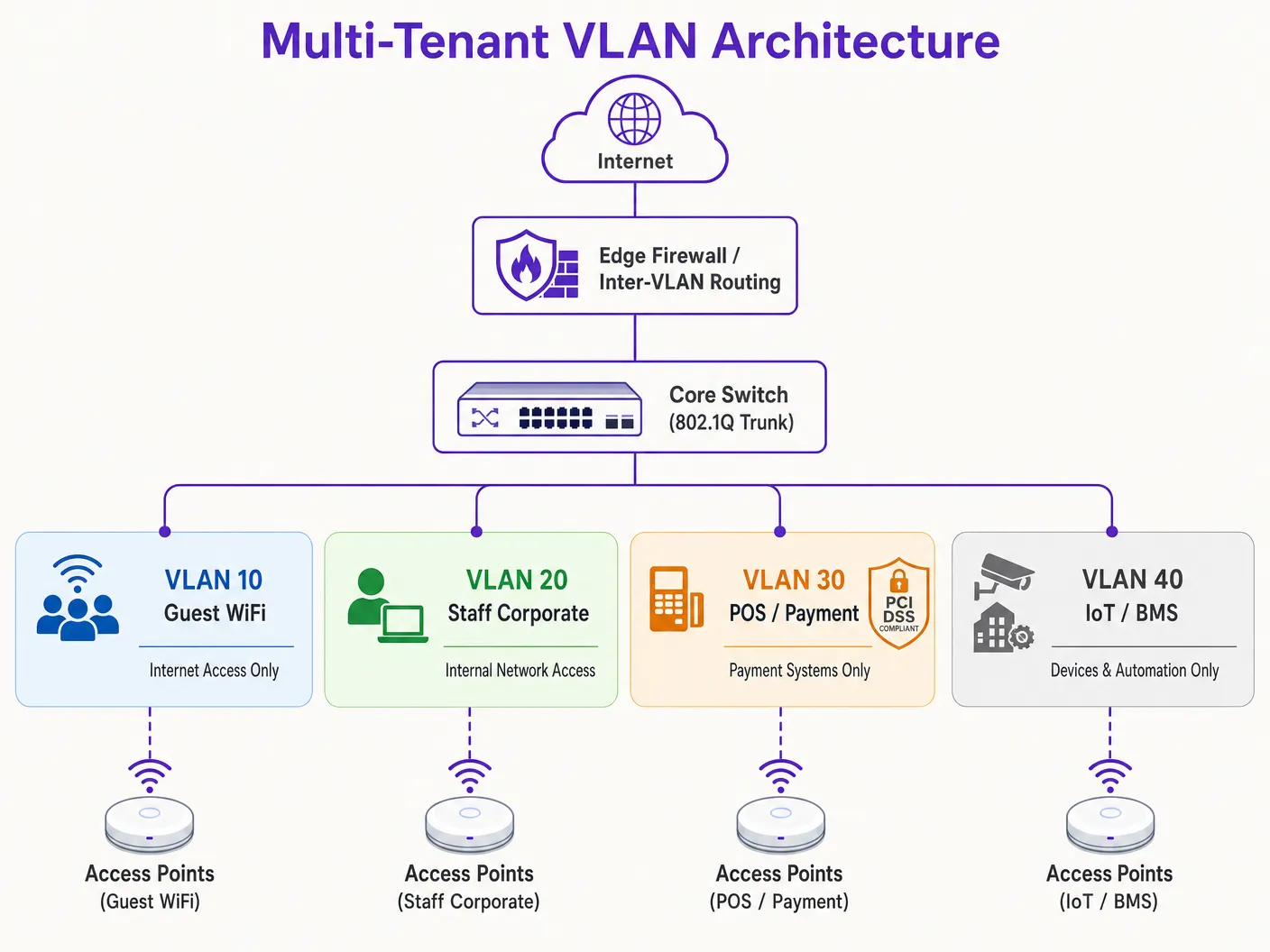
The 802.1X framework comprises three key components:
1. **Supplicant**: The client device running software that supports 802.1X (e.g., Windows, macOS, iOS, Android).
2. **Authenticator**: The wireless AP or wireless LAN controller (WLC) that blocks all non-authentication traffic from the client until authorised.
3. **Authentication Server**: A Remote Authentication Dial-In User Service (RADIUS) server integrated with an identity store (e.g., Active Directory, LDAP, or cloud identity providers).
During the authentication handshake, the client connects to the single secure SSID and provides credentials or a client certificate (via EAP-TLS or PEAP). The AP forwards this to the RADIUS server. Upon successful validation, the RADIUS server returns an `Access-Accept` message containing specific IETF standard attributes that instruct the AP to dynamically assign the client's session to their designated VLAN:
- **Tunnel-Type (64)**: Set to `VLAN` (Value 13)
- **Tunnel-Medium-Type (65)**: Set to `802` (Value 6)
- **Tunnel-Private-Group-ID (81)**: Set to the specific VLAN ID string (e.g., `"101"` for Tenant A, `"102"` for Tenant B)
The AP receives these attributes, unblocks the port, and maps all subsequent traffic from that client's MAC address to the specified VLAN. This allows hundreds of users from different organisations to connect to the exact same SSID on the same physical AP while remaining completely isolated from each other at Layer 2. For a detailed walkthrough of deploying this architecture, see the guide on [How to Implement 802.1X Authentication with Cloud RADIUS](/guides/implementing-8021x-with-cloud-radius).
### Broadcast Domain Containment and Layer 2 Security
By segmenting a physical network into smaller logical VLANs, broadcast domains are constrained. Standard network protocols such as ARP, DHCP, and mDNS rely on broadcast frames that are sent to every device in the broadcast domain. On a large, flat network with thousands of devices, this "chatter" consumes substantial wireless airtime and processing cycles on client devices. Confining broadcasts to individual VLAN subnets dramatically reduces overhead, prevents broadcast storms, and increases overall network throughput.
Furthermore, Layer 2 isolation is enhanced by enabling **Client Isolation** (also known as Peer-to-Peer Blocking) on guest SSIDs. This prevents wireless clients on the same VLAN from communicating directly with one another, mitigating the risk of lateral scanning, packet sniffing, and man-in-the-middle attacks.
---
## Implementation Guide
Deploying a secure multi-tenant VLAN architecture requires coordinated configuration across the wireless edge, wired switch fabric, and core firewall. The following step-by-step deployment blueprint is vendor-neutral and aligned with enterprise standards.
### Step 1: Logical Design and IP Subnet Allocation
Before configuring any hardware, establish a comprehensive logical network map. Assign distinct VLAN IDs, IP subnets, and security zones to each traffic class.
| Segment Name | VLAN ID | IP Subnet / CIDR | Security Zone | Primary Authentication |
| :--- | :--- | :--- | :--- | :--- |
| **Network Management** | VLAN 10 | 10.10.10.0/24 | Management | Static / Out-of-Band |
| **Guest WiFi (Purple)** | VLAN 20 | 172.16.0.0/20 | Guest (Internet Only) | Open + Captive Portal |
| **Corporate Staff** | VLAN 30 | 10.10.30.0/23 | Internal Corporate | WPA3-Enterprise (802.1X) |
| **POS / Payments** | VLAN 40 | 192.168.40.0/24 | PCI-CDE (Restricted) | WPA3-Enterprise / MAB |
| **IoT / Building Systems** | VLAN 50 | 10.10.50.0/24 | IoT (Restricted) | WPA3-SAE / Dynamic PSK |
> **Critical Rule**: Never use VLAN 1 for any active traffic or management. Disable VLAN 1 on all trunk ports and change the Native VLAN to an unused, non-routable VLAN ID (e.g., VLAN 999) to prevent VLAN hopping attacks.
### Step 2: Wired Switch Fabric Configuration
Configure the core, distribution, and access switches to support the logical VLAN structure. The switch ports connected directly to the APs must carry multiple VLANs and must be configured as 802.1Q trunk ports. Explicitly define which VLANs are allowed on each trunk to minimise the security exposure surface. Ports connecting to single wired devices (such as a static POS terminal or a receptionist's PC) must be set to access mode and assigned to a single VLAN.
### Step 3: Wireless LAN Controller and AP Configuration
Map the wireless SSIDs to their respective VLANs and configure edge security controls. For the Guest SSID, configure security to Open or WPA3-Enhanced Open (OWE) to provide opportunistic wireless encryption, enable Client Isolation, and redirect to Purple's cloud-managed captive portal for GDPR-compliant user onboarding and analytics. For the Corporate SSID, configure WPA3-Enterprise with 802.1X, define the primary and secondary RADIUS server addresses, and enable 802.11r Fast BSS Transition and Opportunistic Key Caching for seamless roaming. For IoT devices, deploy WPA3-SAE with a strong, rotated passphrase, or implement Multi-PSK (MPSK) to assign unique keys to individual devices and map them dynamically to sub-VLANs.
### Step 4: Core Firewall and Inter-VLAN Routing Policy
The security of a VLAN architecture is entirely dependent on the firewall rules governing inter-VLAN routing. A strict **Default-Deny** policy must be enforced at the firewall, with only explicitly permitted flows allowed.
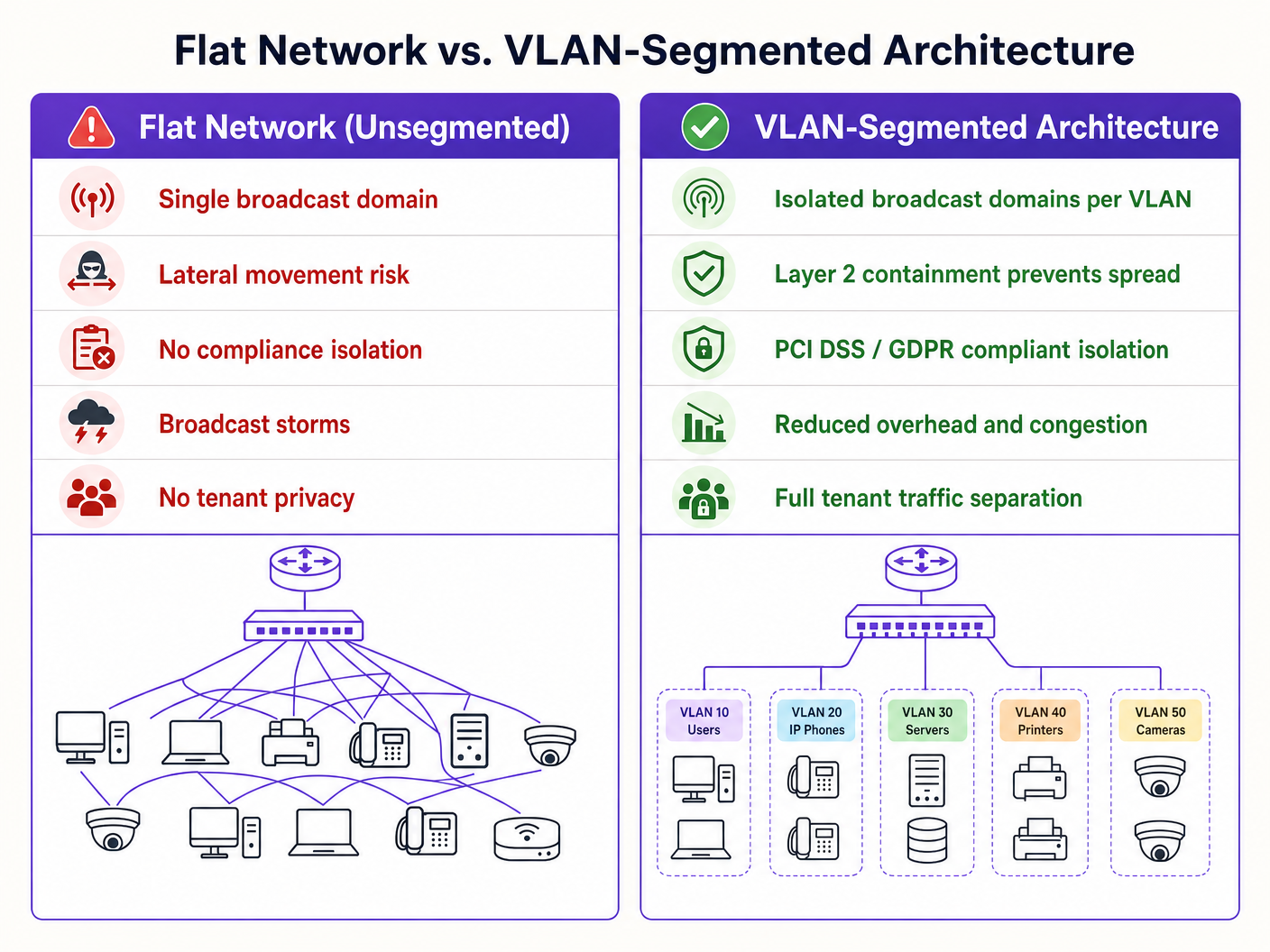
For the Guest Zone (VLAN 20), permit outbound traffic to the WAN on ports 80 and 443, and permit UDP traffic to DNS and DHCP services. Deny all traffic to internal subnets. For the POS Zone (VLAN 40), permit outbound TCP traffic only to designated payment gateway IP addresses on port 443, and deny all traffic to and from all other VLANs. For the IoT Zone (VLAN 50), permit outbound traffic only to specific manufacturer update servers and local management controllers, and deny all other internal and external traffic.
---
## Best Practices
To ensure long-term stability, high performance, and tight security, adhere to these industry-standard VLAN design principles.
**Management Plane Isolation** is non-negotiable. Never allow end-user traffic on the network management VLAN. APs, switches, routers, and WLCs should obtain their IP addresses on a dedicated, highly restricted Management VLAN. Access to this VLAN must be limited to authorised administrator devices, ideally via a secure VPN or a physical console port. If an attacker gains access to the management plane, they have effective control over the entire network infrastructure.
**Standardised VLAN Schema** is essential for multi-site operators. For organisations managing multi-site portfolios - such as a retail chain with 500 stores or a hotel brand with 50 properties - implement a templated VLAN schema applied consistently across every site. Using a consistent third octet in the IP address to match the VLAN ID simplifies remote troubleshooting, WLC template deployment, and firewall rule management across the entire estate. This approach also dramatically reduces the time required to onboard new sites.
**DHCP Lease Time Optimisation** prevents IP address exhaustion. In high-density environments, DHCP lease times must be carefully managed. For the Guest WiFi segment, where users frequently cycle in and out, set the DHCP Lease Time to 1 to 2 hours. For internal corporate networks, a standard lease time of 8 to 24 hours is appropriate. Ensure that local DNS servers are not exposed to guest networks; configure guest VLANs to use public, filtered DNS resolvers to reduce internal server load.
**Compliance Alignment** must be built into the architecture from day one. PCI DSS Requirement 1.2 mandates the installation of firewalls to restrict traffic between the Cardholder Data Environment (CDE) and other networks. By isolating POS terminals on a dedicated VLAN, the rest of the venue's network is excluded from the rigorous and costly PCI compliance assessment. GDPR's "Privacy by Design" principle is satisfied by isolating guest user traffic and managing consent via Purple's captive portal. WPA3 adoption should be accelerated across all SSIDs, as WPA3-Personal's Simultaneous Authentication of Equals (SAE) protocol eliminates the offline dictionary attack vulnerability present in WPA2-PSK. For further guidance on access control architecture, see the [10 Best Network Access Control (NAC) Solutions for 2026](/blog/best-network-access-control).
---
## Troubleshooting & Risk Mitigation
Even a meticulously designed VLAN architecture can encounter operational issues. The following are the most common failure modes and their technical mitigations.
**VLAN Leakage and Misconfigured Trunk Ports** is the most frequent root cause of post-deployment support tickets. The symptom is wireless clients authenticating successfully to a specific SSID but failing to receive an IP address. The root cause is that the switch port connected to the AP is misconfigured: either the target VLAN is not allowed on the 802.1Q trunk, or the VLAN has not been created in the switch's local database. Verify the switch trunk configuration and ensure that the allowed VLAN list on the switch port matches the SSIDs configured on the AP. Always audit switch configurations after any change and validate them during commissioning.
**DHCP Relay Failures** occur when a newly created VLAN does not have a corresponding IP Helper Address configured on the Layer 3 interface. Since DHCP requests are broadcast packets, they cannot cross VLAN boundaries without a relay agent. If the DHCP server resides on a different VLAN than the clients, the router or Layer 3 switch must be configured with an IP Helper Address pointing to the centralised DHCP server.
**RADIUS Certificate Expiration** is a silent risk that can cause an entire enterprise network to fail simultaneously. The symptom is that all 802.1X-authenticated clients suddenly fail to connect, with certificate warning errors on client devices. Deploy automated monitoring alerts that trigger 30 days prior to certificate expiration, and implement automated certificate renewal pipelines to prevent manual oversight.
**SSID Proliferation and RF Congestion** manifests as high latency and slow speeds despite excellent signal strength and high-speed backhaul. The root cause is excessive channel utilisation from management overhead and co-channel interference. Consolidate SSIDs, move to Dynamic VLAN Assignment, disable the 2.4 GHz radio on a subset of APs in high-density areas, and enforce band steering to push dual-band clients to the cleaner 5 GHz and 6 GHz bands.
---
## ROI & Business Impact
Implementing a robust VLAN segmentation strategy yields significant, measurable business value for venue operators and enterprise organisations.
**PCI Audit Scope Minimisation** delivers direct cost savings. For venues processing credit card payments, a flat network puts the entire infrastructure in scope for PCI DSS compliance. This means every switch, AP, server, and office PC must be audited, costing tens of thousands of pounds annually in compliance assessments, penetration testing, and administrative overhead. By segmenting the network and isolating the Cardholder Data Environment to a dedicated POS VLAN with strict firewall controls, the audit scope is restricted solely to that VLAN. This reduction in scope can decrease compliance costs by up to 70% and drastically reduce the risk of non-compliance penalties.
**Breach Cost Mitigation** is the highest-value security outcome. The primary driver of severe data breaches is lateral movement, where an attacker gains access to a low-security device and navigates across a flat network to compromise high-value databases or POS systems. VLAN segmentation, combined with strict inter-VLAN firewall rules, completely eliminates this vector. If an IoT device on VLAN 50 is compromised, the attacker is trapped within that logical segment. The blast radius of the breach is minimised, protecting sensitive corporate assets.
**Guest Analytics and Revenue Monetisation** transforms the network from a cost centre into a strategic asset. A properly segmented network allows venue operators to safely offer high-quality [Guest WiFi](/guest-wifi) without risking internal security. By routing guest traffic through a dedicated VLAN to Purple's platform, venues can capture valuable first-party customer data via a branded captive portal, integrated directly with CRM and marketing automation platforms. This enables targeted marketing campaigns, increases customer loyalty, and allows operators to monetise their wireless infrastructure through tiered bandwidth upgrades and advertising on the captive portal splash page. For deeper insight into how analytics drive business outcomes, see Purple's [WiFi Analytics](/guest-wifi-marketing-analytics-platform) platform documentation.
---
## References
1. [Cisco Wireless APs: 2026 Guide to Products & Deployment](/blog/cisco-wireless-ap)
2. [10 Best Network Access Control (NAC) Solutions for 2026](/blog/best-network-access-control)
3. [WiFi in Schools: The 2026 Administrator & IT Guide](/blog/wifi-in-schools)
4. [How to Implement 802.1X Authentication with Cloud RADIUS](/guides/implementing-8021x-with-cloud-radius)
5. [Purple Guest WiFi Platform](/guest-wifi)
6. [Purple WiFi Analytics Platform](/guest-wifi-marketing-analytics-platform)
7. [Hospitality WiFi Solutions](/industries/hospitality)
8. [Retail WiFi Solutions](/industries/retail)
9. [Transport WiFi Solutions](/industries/transport)
---
### Dynamic Pre-Shared Keys (DPSK) for Multi-Tenant Security
**Source:** https://www.purple.ai/en-gb/guides/dpsk-multi-tenant-security
**Summary:** This authoritative technical reference guide explores Dynamic Pre-Shared Keys (DPSK) as a high-security, low-friction alternative to 802.1X for multi-tenant WiFi environments. It details the underlying architecture, vendor implementations, dynamic VLAN steering, and API-driven lifecycle automation. IT managers and network architects will find actionable guidance on deploying DPSK to achieve robust tenant isolation, regulatory compliance, and seamless device onboarding.
**Estimated read time:** 3 minutes
**Word count:** 685
Managing wireless security across multi-tenant environments - such as build-to-rent developments, student accommodation, serviced offices, and boutique hotels - requires balancing rigorous cryptographic isolation with consumer-friendly onboarding.
Traditional WPA2/WPA3-Personal networks rely on a single shared passphrase for all users, exposing the network to credential leakage and packet sniffing. Conversely, enterprise 802.1X (WPA2/WPA3-Enterprise) requires 802.1X supplicants or digital certificates that many headless consumer Internet of Things (IoT) devices - like smart TVs, gaming consoles, smart plugs, and printers - cannot support.
Dynamic Pre-Shared Keys (DPSK), also known as Identity Pre-Shared Keys (iPSK), resolve this conflict by binding unique, per-user or per-device passphrases to a single broadcast SSID while dynamically mapping each device to its own isolated Virtual Local Area Network (VLAN).
## Why Shared WPA2-Personal Fails in Multi-Tenant Venues
On a standard residential WiFi network using a single pre-shared key (PSK):
1. **Zero Cryptographic Segregation:** Because all devices share the identical pairwise master key derivation, any user on the network can decrypt over-the-air unicast traffic from neighbouring devices using standard packet capture tools like Wireshark.
2. **Universal Compromise on Churn:** When a tenant vacates a unit or an employee departs, property management must either rotate the passphrase across every remaining tenant device or accept persistent unauthorized network access.
3. **No Granular Bandwidth Policy:** Network controllers cannot differentiate between a tenant high-priority work laptop and a high-bandwidth media server sharing the same pre-shared key.
## Technical Architecture of DPSK and iPSK
Dynamic PSK bridges consumer simplicity and enterprise security through controller-level authentication lookups during the 802.11 4-way handshake:
```
+------------------+ +--------------------+ +-------------------+
| Tenant Device | | Access Point (AP) | | Network Controller|
+------------------+ +--------------------+ +-------------------+
| | |
| 1. Probe & Auth Request | |
|---------------------------->| |
| | 2. RADIUS Access-Request |
| | (Client MAC + Entered PSK)|
| |----------------------------->|
| | |
| | 3. RADIUS Access-Accept |
| | (Tunnel-Private-Group-ID) |
| |<-----------------------------|
| 4. 802.11 4-Way Handshake | |
| (Unique PTK Derived) | |
|<===========================>| |
| | |
| 5. Traffic Isolated to Unit VLAN / Private Area Network (PAN)
```
### Core Operational Components
1. **Unique Pairwise Transient Keys (PTK):** Because each tenant enters a unique passphrase during authentication, the AP derives a distinct encryption key for that specific client session. Traffic transmitted over the air cannot be decrypted by any other tenant, even though both connect to the same SSID name.
2. **Dynamic VLAN Assignment:** During the RADIUS authentication exchange, the network controller returns standard RFC 2868 attributes (such as `Tunnel-Type = VLAN` and `Tunnel-Private-Group-ID = `). The access point automatically assigns the client device to that tenant dedicated private subnet.
3. **Personal Area Network (PAN) Isolation:** Enterprise access points enforce Layer 2 Isolation (client isolation) between different VLANs while allowing seamless mDNS and UPnP discovery within the tenant private VLAN. A resident can cast YouTube from their phone to their living room smart TV without their neighbours seeing the casting prompt.
## DPSK Implementation Best Practices for Multi-Family Housing
- **Automate Key Lifecycle via API:** Integrate key generation with your property management software. Keys should be generated upon lease execution and automatically revoked upon checkout.
- **Set Device Caps per Tenant:** Limit the number of concurrent active MAC addresses permitted per key (e.g. 10 to 15 devices per apartment) to prevent unauthorized passphrase sharing with non-residents.
- **Provide a Resident Device Management Portal:** Allow residents to log into a self-service portal to generate dedicated DPSK keys for headless devices or guest visitors without contacting building IT staff.
## Frequently Asked Questions
### What is the difference between DPSK and iPSK?
DPSK (Dynamic Pre-Shared Key) and iPSK (Identity Pre-Shared Key) refer to the same underlying architectural mechanism. DPSK is the terminology originated by Ruckus Wireless (CommScope), while iPSK is the terminology utilised by Cisco Systems. Both achieve per-device unique keys and dynamic VLAN steering.
### Does DPSK work with WPA3?
Yes. Modern enterprise controllers support DPSK with WPA3-Personal (SAE) through vendor-specific extensions, providing robust protection against offline dictionary attacks alongside per-device key segregation.
### Can IoT devices connect using DPSK?
Yes. Because DPSK relies on standard WPA2/WPA3 pre-shared key protocols from the client perspective, all IoT devices, printers, and legacy electronics connect without requiring special client certificates or software agents.
---
### Why your captive portal is not loading on iPhone: Fix Apple CNA errors
**Source:** https://www.purple.ai/en-gb/guides/why-captive-portal-isnt-loading-on-iphone
**Summary:** Troubleshoot and fix captive portal popup failures on iPhone and iOS. Learn how Apple CNA, iCloud Private Relay, and MAC randomisation break WiFi logins, and how to fix them.
**Estimated read time:** 10 minutes
**Word count:** 1,513
## Executive Summary
Captive portal login failure on iOS devices (iPhone and iPad) is one of the leading causes of guest WiFi connection complaints in hospitality, retail, healthcare, and enterprise environments. When an iOS device associates with an open or web-authenticated wireless network, Apple's **Captive Network Assistant (CNA)** daemon initiates a series of background HTTP probes. If these probes are blocked, misrouted, or improperly intercepted, the captive portal splash page fails to load, leaving the user with no internet access and no obvious way to log in.
This technical guide details the underlying mechanics of Apple CNA detection, analyzes key iOS privacy features - including **iCloud Private Relay**, **Private WiFi Addresses (MAC randomisation)**, and **Encrypted DNS** - and provides step-by-step mitigation strategies for network engineers and venue operators.
Struggling with Guest WiFi Drop-off on iOS?
Purple's cloud-managed Guest WiFi platform handles Apple CNA probes, iCloud Private Relay, and MAC randomisation automatically - delivering seamless captive portal onboarding across all iOS and Android devices.
---
## Technical Deep-Dive
### Apple's Detection Logic and Probing Mechanism
When an iPhone connects to a wireless access point, the iOS networking stack immediately dispatches a daemon called `captivenetworkd`. This daemon issues plain HTTP GET requests to predefined Apple verification URLs, including:
* `http://captive.apple.com/hotspot-detect.html`
* `http://www.apple.com/library/test/success.html`
* `http://gsp1.apple.com/pep/gcc`
```
+-------------------+ HTTP GET captive.apple.com +----------------------+
| iPhone (iOS) | -------------------------------------> | Network Controller |
+-------------------+ +----------------------+
| |
| <--- HTTP 302 Redirect (https://portal.purple.ai) ---------+
|
v
[ Launch CNA Websheet ] ---> [ Render Purple Captive Portal ]
```
The daemon evaluates the HTTP response status and body:
1. **Success Response (HTTP 200 with `SuccessSuccess`)**: The operating system concludes that the network provides unrestricted internet access. No splash page is displayed.
2. **Redirect Response (HTTP 302 / 307)**: The network gateway intercepts the Port 80 HTTP request and redirects the client to the captive portal URL. iOS recognizes the redirection and launches the **CNA Websheet** (a specialized modal browser window).
3. **Connection Timeout or Reset**: If the gateway drops Port 80 packets or fails to answer DNS queries, the probe times out. iOS displays a "No Internet Connection" warning under the SSID name in Settings, but fails to display the login page.
### Post-Authentication Probing (The "Done" Button Challenge)
After a user submits their credentials or accepts the terms of service on the splash page, the wireless LAN controller (WLC) updates the client ACL state to "authenticated". The CNA daemon immediately issues a follow-up HTTP probe to `captive.apple.com`.
If the second probe returns HTTP 200 "Success", the top-right button on the CNA Websheet changes from "Cancel" to "**Done**". If the network fails to allow out-of-band HTTP access immediately after authentication, the button remains stuck on "Cancel", and tapping it may disconnect the device from the WiFi network entirely.
---
## iOS-Specific Interference Factors
### 1. iCloud Private Relay
Introduced in iOS 15, **iCloud Private Relay** is an Apple service designed to protect web browsing privacy. When enabled, Safari and unencrypted HTTP traffic are encrypted and routed through two separate Internet relays:
```
[ iPhone ] === Encrypted QUIC/TLS ===> [ Apple Ingress Proxy ] ---> [ Egress Proxy ] ---> [ Web Target ]
```
* **The Problem**: Private Relay encrypts DNS requests via Oblivious DNS-over-HTTPS (ODoH) and tunnels HTTP traffic via QUIC (UDP Port 443). Because local gateway routers cannot inspect or intercept encrypted QUIC traffic, they cannot inject the standard HTTP 302 redirect.
* **Impact**: The initial HTTP probe to `captive.apple.com` is tunneled away from the local gateway, resulting in connection timeouts and missing splash pages.
### 2. Private MAC Addresses and Rotating Identifiers
Beginning with iOS 14 and expanded in iOS 18, Apple enables **Private WiFi Address** by default. Rather than using the device's permanent hardware MAC address, iOS generates a randomized MAC address for each SSID.
* **The Problem**: On networks using MAC-based session authorization (where authenticated users are allowed 24 hours of access based on MAC address), MAC rotation causes the network gateway to view returning devices as new, unauthenticated clients.
* **Impact**: Users are repeatedly presented with the captive portal splash page, leading to poor user experience and front-desk support tickets.
### 3. Encrypted DNS Profiles (DoH / DoT)
Users with custom iOS configuration profiles (such as NextDNS, Cloudflare 1.1.1.1, or corporate MDM DNS settings) transmit all DNS queries over encrypted HTTPS (DoH) or TLS (DoT) directly to external resolvers.
* **The Problem**: The local network DNS server cannot intercept or spoof DNS requests for `captive.apple.com` or non-existent domains.
* **Impact**: The initial DNS resolution bypasses the local controller entirely, preventing the portal redirect from triggering.
---
## Implementation and Mitigation Guide
### Walled Garden (Pre-Authentication ACL) Design
To ensure reliable captive portal rendering on iOS, network engineers must configure the pre-authentication Walled Garden Access Control List (ACL) with precision:
| Rule Type | Destination / Domain | Purpose |
| :--- | :--- | :--- |
| **Allow** | `*.purple.ai`, `*.purpleshield.com` | Allows unauthenticated clients to reach Purple portal infrastructure and assets. |
| **Intercept** | HTTP (TCP Port 80) to any destination | Intercepts plain HTTP web traffic to trigger the 302 redirect. |
| **Block / NXDOMAIN** | `mask.icloud.com`, `mask-h2.icloud.com` | Returns NXDOMAIN to signal that Private Relay is unavailable on local network. |
| **DO NOT Whitelist** | `captive.apple.com`, `www.apple.com` | Must **NOT** be whitelisted. Whitelisting causes probes to succeed without launching the portal. |
### Step-by-Step WLC Configuration (Cisco Catalyst / Meraki Example)
1. **Configure DNS Interception**: Set the DHCP server to assign the gateway IP address as the primary DNS server for unauthenticated clients.
2. **Configure Private Relay Signaling**: Add a DNS rewrite rule on local DNS servers:
```text
mask.icloud.com IN A 0.0.0.0 (or NXDOMAIN)
mask-h2.icloud.com IN A 0.0.0.0 (or NXDOMAIN)
```
When iOS receives NXDOMAIN for these hostnames, it presents the system prompt: *"This network blocks iCloud Private Relay. Do you want to use this network without Private Relay?"* Tapping **Use Without Private Relay** restores standard portal redirection.
3. **Configure Session Timeout**: Set gateway session timeout based on IP/MAC pairs or drop persistent authorization cookies.
---
## Best Practices and Industry Standards
Managing guest wireless onboarding at scale requires adherence to modern networking standards:
* **Transition to WPA3-Personal (OWE)**: Legacy guest portals run on open, unencrypted SSIDs. Enterprise venues should adopt **Opportunistic Wireless Encryption (OWE)** (IEEE 802.11aq) to deliver individualized encryption without passwords.
* **PCI DSS and GDPR Compliance**: Guest portals must isolate guest traffic from PCI DSS payment networks. When capturing contact details, portals must present explicit, unbundled GDPR consent checkboxes - managed easily via a [WiFi Analytics](/guest-WiFi-marketing-analytics-platform) platform.
* **Deploy Passpoint (Hotspot 2.0)**: To eliminate captive portal friction entirely, venues can deploy **Passpoint (Hotspot 2.0)**. Passpoint uses cellular-style authentication to connect iOS devices securely and automatically via a pre-installed profile, bypassing the CNA daemon entirely.
---
## Troubleshooting and Risk Mitigation
### End-User Self-Remediation Path
1. **Disable iCloud Private Relay for the Network**: Open `Settings > WiFi`, tap the `(i)` icon next to the network name, and toggle off **Limit IP Address Tracking**.
2. **Disable Private WiFi Address**: In the same network settings menu, toggle off **Private WiFi Address** if MAC-based access is required.
3. **Force Portal Redirection via Safari**: Open Safari and enter the plain HTTP address:
`http://neverssl.com`
Because `neverssl.com` does not use HTTPS, the local router will reliably intercept the request and load the portal.
### Network Engineer Diagnostic Path
```
[ iPhone connects to guest SSID ]
|
v
[ DHCP IP assigned? ]
/ \
(No) (Yes)
/ \
[ Check DHCP Pool ] [ Resolves captive.apple.com? ]
/ \
(No) (Yes)
/ \
[ Check DNS ACL ] [ Is Apple Whitelisted? ]
/ \
(Yes) (No)
/ \
[ REMOVE from Walled Garden ] [ Port 80 Redirects? ]
/ \
(No) (Yes)
/ \
[ Fix WLC Redirect ] [ CNA Websheet Loads ]
```
---
## ROI and Business Impact
Optimising the iOS guest WiFi onboarding experience has a direct, measurable impact on venue operations and business metrics.
### Hospitality Case Study: Five-Star Resort Group
* **Challenge**: A luxury hotel group with 12 properties suffered a guest WiFi connection failure rate of 35%, driving more than 450 front-desk complaints per week.
* **Implementation**: The IT team restructured its walled garden, disabled MAC-based session tracking, and deployed [Purple's Guest WiFi](/guest-WiFi) solution with optimised CNA handling.
* **Results**: Front-desk WiFi-related complaints fell by **92%** within 30 days. Customer satisfaction (CSAT) scores rose by **18 points**, and the venue captured 40,000 newly verified email addresses in the first quarter.
### Retail Case Study: National Shopping Centre Operator
* **Challenge**: A retail operator with 45 shopping centres struggled to drive visitor engagement because iCloud Private Relay prevented the captive portal from loading on 40% of iOS devices.
* **Implementation**: Implemented network-level Private Relay blocking (returning NXDOMAIN for Apple's relay domains to force local routing) and deployed [WiFi Analytics](/guest-WiFi-marketing-analytics-platform).
* **Results**: Portal completion rates jumped from **58% to 94%**. The marketing team monetised the recovered portal inventory with localised retail media campaigns, generating an additional **$120,000 in advertising revenue per quarter**.
---
## Related Resources
For networking teams deploying enterprise guest wireless, these resources provide deeper technical context:
* [How to Implement 802.1X Authentication with Cloud RADIUS](/guides/implementing-8021x-with-cloud-radius) - Technical guide for 802.1X enterprise authentication.
* [The 10 Best Network Access Control (NAC) Solutions in 2026](/blog/best-network-access-control) - Vendor comparison for access control enforcement.
* [Cisco Wireless APs: 2026 Product and Deployment Guide](/blog/cisco-wireless-ap) - Hardware selection guide for enterprise deployments.
* [WiFi in Schools: The 2026 Administrator and IT Guide](/blog/WiFi-in-schools) - Guidance for public-sector network deployments.
Purple's [Guest WiFi](/guest-WiFi) platform serves [hospitality](/industries/hospitality), [retail](/industries/retail), [healthcare](/industries/healthcare) and [transport](/industries/transport) venues worldwide, delivering CNA-optimised guest login experiences at scale.
---
### Custom Captive Portal: HTML and CSS Guide
**Source:** https://www.purple.ai/en-gb/guides/custom-captive-portal-html-css-guide
**Summary:** This authoritative technical reference guide outlines the development standards, CSS architecture, and network-level constraints required to design and code a custom captive portal landing page. It provides frontend developers and network architects with actionable strategies to navigate Apple CNA and Android webview environments, ensuring pixel-perfect, compliant, and highly performant guest WiFi experiences.
**Estimated read time:** 11 minutes
**Word count:** 3,203

## Executive Summary
For enterprise venues - ranging from luxury hotels [Hospitality](/industries/hospitality) and retail chains [Retail](/industries/retail) to transit hubs [Transport](/industries/transport) and modern medical campuses [Healthcare](/industries/healthcare) - the guest WiFi splash page is the digital front door. However, over 90% of guest WiFi logins occur on mobile devices, where rendering is governed not by standard browsers like Safari or Chrome, but by highly restricted Captive Network Assistant (CNA) webviews [1]. These "mini-browsers" enforce severe sandbox limitations: they block external CDNs, disable persistent cookies, ignore external web fonts, and severely restrict JavaScript execution to mitigate security risks and prevent session hijacking [2].
When a developer designs a splash page using traditional web standards, these constraints result in broken layouts, missing brand assets, and non-functional login buttons, directly impacting customer satisfaction and digital engagement. This guide provides solutions to these challenges, presenting defensive coding practices - such as inline CSS, Base64 asset encoding, system font stacks, and explicit navigation-driven authentication handshakes - to ensure seamless cross-platform rendering. Furthermore, we examine how utilising a managed solution like Purple's portal builder allows developers to maintain complete HTML/CSS creative control while offloading RADIUS authentication, database scaling, GDPR/PCI compliance, and multi-vendor AP integrations [3].
## Technical Deep-Dive
To build a resilient custom captive portal, developers must understand the network-level interception and browser virtualisation that occurs when a guest associates with an open Service Set Identifier (SSID).
### The Captive Portal Lifecycle
When a client device associates with a captive SSID, the following sequence is triggered:
1. **IP Association**: The device completes a 3-way handshake and requests an IP address via DHCP.
2. **Active Connectivity Probe**: The operating system's background network manager immediately sends an HTTP GET request to a dedicated vendor-neutral canary URL (e.g., Apple's `http://captive.apple.com/hotspot-detect.html` or Google's `http://connectivitycheck.gstatic.com/generate_204`) [1].
3. **DNS/HTTP Interception**: The local Wireless LAN Controller (WLC) or Access Point (AP) intercepts this port 80 HTTP request. Instead of returning the expected HTTP 200 or 204 status, the gateway redirects the client's traffic to the captive portal's landing page URL via an HTTP 302 redirect [2].
4. **Webview Spawning**: Detecting the redirect, the OS spawns its native Captive Network Assistant (CNA) mini-browser to display the redirected splash page, bypassing the need for the user to manually open a full browser.
5. **Authentication and State Transition**: The user completes the login form, submitting credentials back to the portal server, which instructs the gateway (often via a RADIUS Access-Accept or external API call) to authorise the MAC address.
6. **CNA Exit Handshake**: The CNA mini-browser performs another HTTP GET to its canary URL. If it receives the expected 200/204 response, it changes its top-right button from "Cancel" to "Done" and establishes the WiFi connection as the primary network interface.
### Platform-Specific Mini-Browser Constraints
Each operating system handles this lifecycle within different webview environments, resulting in highly fragmented behaviour. The table below details these critical constraints:
| Platform / Webview | Display Method | Persistent Cookies | External Web Fonts | JavaScript Execution | Window Dimensions | Exit Handshake Trigger |
| :--- | :--- | :--- | :--- | :--- | :--- | :--- |
| **Apple iOS CNA** (Websheet) | Mini-Browser Popup | **Blocked** (Destroyed on close) | **Blocked** (Offline) | **Limited** (No localStorage/sessionStorage) | Responsive (Device-width) | **Full-page HTTP Redirect Only** [1] |
| **Apple macOS CNA** (Captive Network Assistant) | Mini-Browser Popup | **Blocked** | **Blocked** | **Limited** (No alert/confirm dialogs) | **Fixed** (900px x 572px) | **Full-page HTTP Redirect Only** |
| **Android (Google)** (CaptivePortalLogin) | Push Notification -> Chrome Custom Tab | **Allowed** (Shared with Chrome) | **Allowed** (If whitelisted in walled garden) | **Full** | Responsive | Automatic (Captive Portal API / 204 Check) [2] |
| **Samsung Android** (Samsung Internet) | Push Notification -> Mini-Browser | **Allowed** | **Allowed** | **Full** | Responsive | Automatic |
| **Windows 10/11** (Default Browser) | Auto-Launch Default Browser | **Allowed** (Full browser context) | **Allowed** | **Full** | Responsive | Manual / Automatic |
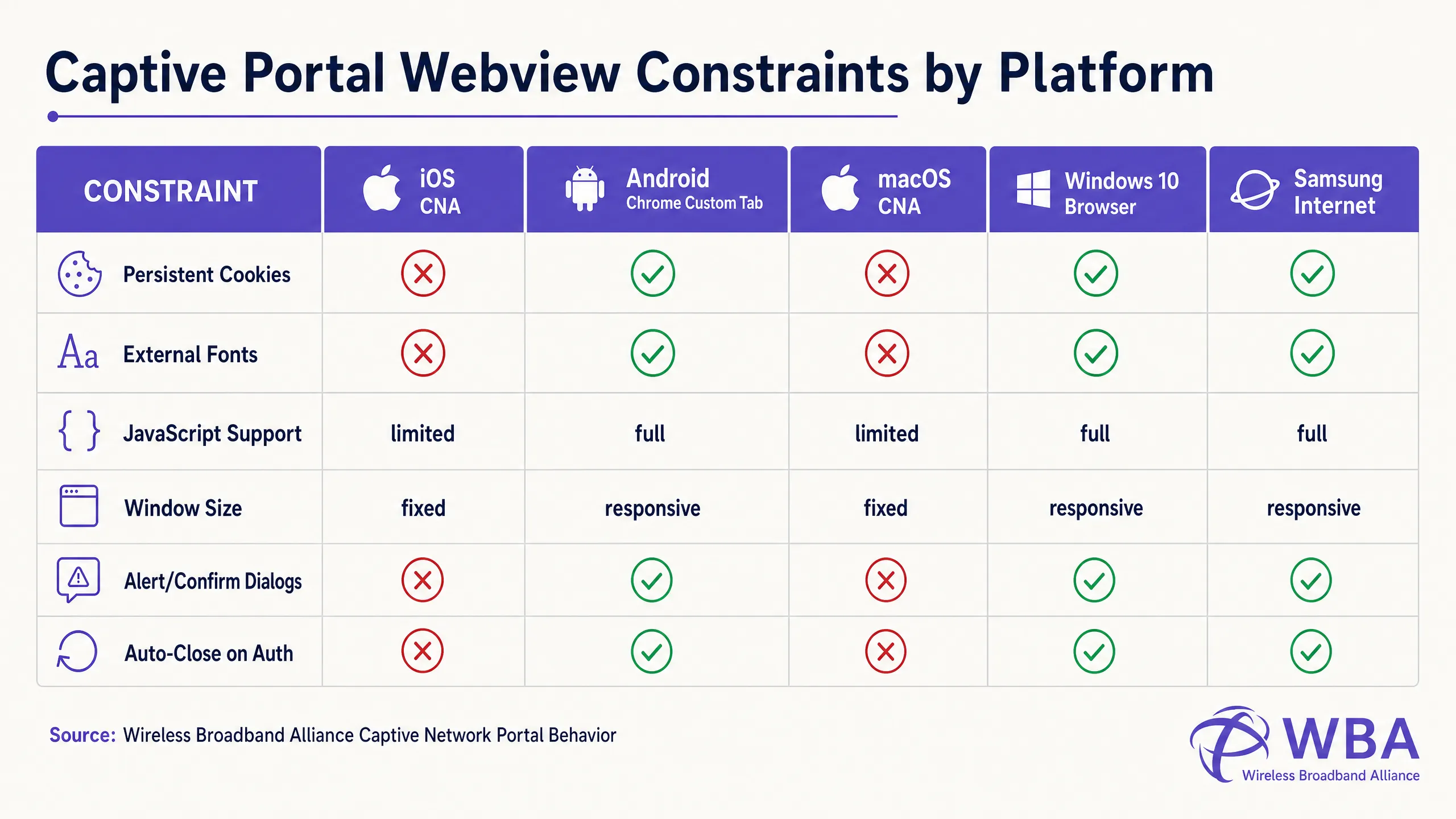
### Coding Around the Apple CNA "Done" Button Trap
One of the most frequent failure modes in custom portal development is the **"Done" Button Trap** on iOS devices. When a user authenticates, the iOS Websheet webview must detect that the network is no longer captive. It does this by monitoring the success of its background canary requests.
Crucially, **the iOS CNA will only trigger this check upon a full-page HTTP navigation (location redirect)**. If a developer builds a modern Single Page Application (SPA) that submits form data via an asynchronous AJAX call (e.g., `fetch()` or `Axios`) and updates the DOM dynamically without changing the URL, the CNA will *never* re-run its connectivity check. The user will be authenticated at the gateway level, but the CNA button in the top-right corner will remain as "Cancel". If the frustrated user clicks "Cancel", the iOS device will immediately disassociate from the SSID, terminating the WiFi session [1].
To prevent this, the authentication success handler *must* perform a full-page redirect to a physical landing page (e.g., `window.location.href = '/success'`) or submit the login form natively via a standard HTTP POST action.
## Implementation Guide
To ensure consistent rendering across all platforms, developers must transition from modern, asset-heavy web design to a highly self-contained, defensive coding style.
### The Golden Rule: Design for Zero Internet Connectivity
During the captive state, the client device has **no access to the wider internet**. It can only resolve and access IP addresses and domains explicitly whitelisted in the wireless controller's **Walled Garden** (such as the IP of the captive portal server itself). Therefore, any external asset referenced in your HTML will fail to load, resulting in a broken layout.
To design defensively, implement the following **Mobile-First Captive Portal Design Checklist**:
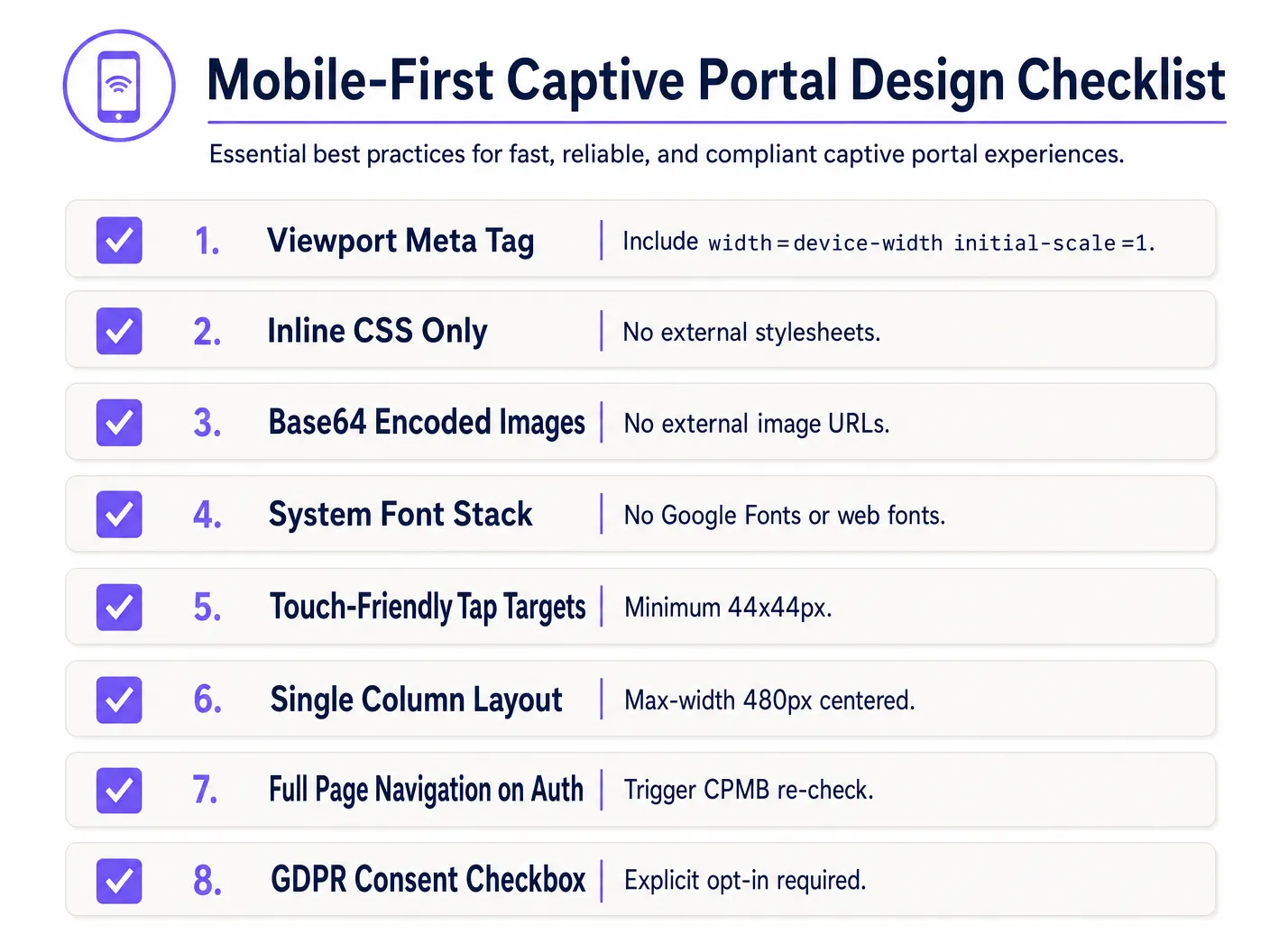
### 1. Viewport Configuration
To prevent mobile devices from scaling down the viewport to a desktop width (typically 980px), the HTML `` must include a responsive viewport meta tag. Without this, text and input fields will appear microscopic on mobile devices:
```html
```
### 2. Inlining CSS and Removing External Dependencies
Never link to external CSS files or CDNs (e.g., Bootstrap, Tailwind, or Google Fonts). All CSS must be embedded within a `
Welcome to Guest WiFi
Please enter your details below to gain secure, high-speed internet access.