
Device MAC vs randomised MAC inspector and network advisor
Inspect whether any MAC address is a hardware factory identifier or a private randomised address, and evaluate the optimal setting across network scenarios.
The second hexadecimal character 'A' has its U/L bit set to 1 (2, 6, A, or E). This marks a locally administered address, most likely a private (randomised) MAC generated by iOS, Android or Windows; virtual machines and some network equipment also use this range.
Which should I use? Network scenario recommendations
Select your current network environment to view recommended MAC privacy settings for both end users and network administrators:
Always keep "Private WiFi Address" turned ON. It prevents third-party eavesdroppers and passive sniffing sensors from tracking your physical movement across different venues.
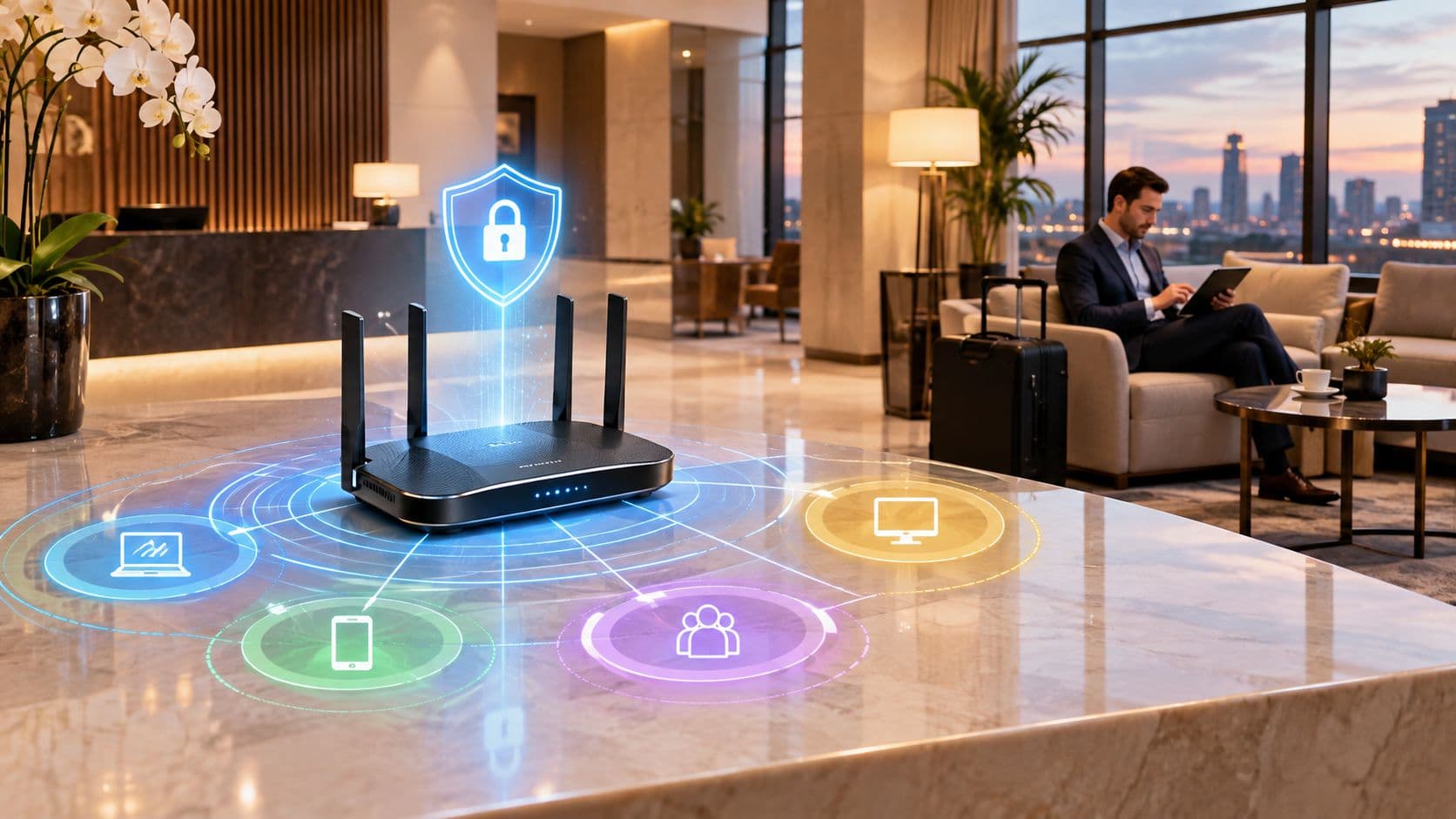
Expect most mobile guests (commonly 80% or more) to connect with randomised MACs. If you rely on MAC address caching to recognise repeat visitors, you will experience severe captive portal re-prompting and inflated unique device counts.
Enterprise MAC privacy and friction calculator
Model how private MAC address rotation affects captive portal churn and visitor analytics in your venues:
Executive summary
MAC address randomization alters the physical hardware identifier broadcast by smartphones, laptops, and tablets when scanning for or connecting to wireless networks. Introduced by Apple in iOS 14 and expanded in iOS 18 and Android 15, MAC randomization enhances end-user privacy by preventing unauthorized location tracking. However, it also disrupts legacy guest WiFi analytics, captive portal session persistence, and MAC-based access control lists (ACLs).
This technical guide explains how MAC address randomization operates across modern mobile operating systems, evaluates the core differences between a Device MAC and a Randomized MAC, and outlines actionable strategies for network engineers and venue operators to maintain reliable guest analytics and secure access control.
What is MAC address randomization?
A Media Access Control (MAC) address is a unique 48-bit hardware identifier assigned to a network interface controller (NIC) by the manufacturer. Historically, a device broadcast the same static MAC address across every WiFi network, allowing venue operators, network administrators, and third-party trackers to observe returning visitors and physical footfall traffic.
MAC address randomization replaces the static factory MAC address with a cryptographically generated pseudo-random MAC address. When a device scans for nearby access points or associates with a WiFi network, it presents the randomized address instead of its permanent hardware MAC address.
Device MAC vs randomized MAC: Key technical differences
Understanding the distinction between a device factory MAC address and a randomized MAC address is essential for troubleshooting guest network authentication and venue analytics.
| Feature / Attribute | Device MAC (Hardware MAC) | Randomized MAC (Private WiFi Address) |
|---|---|---|
| Source | Burned into physical network interface card (NIC) by manufacturer | Generated programmatically by OS software daemon |
| Locally Administered Bit | Bit 2 of first octet is set to 0 (Universally Administered) |
Bit 2 of first octet is set to 1 (Locally Administered) |
| Persistence | Permanent across all networks, reboots, and factory resets | Rotates per SSID, every 14 days (iOS 18), or on network forget |
| Network Analytics Impact | Enables long-term device identification and repeat visitor metrics | Causes single returning guests to appear as new unique visitors |
| Access Control Reliability | 100% reliable for static MAC whitelisting and RADIUS ACLs | Unreliable for MAC whitelisting; breaks static session rules |
Network administrators can identify a randomized MAC address by examining the second character of the first octet. If the character is 2, 6, A, or E (for example, x2:xx:xx:xx:xx:xx or xE:xx:xx:xx:xx:xx), the address is a locally administered private MAC address.
How often does a randomized MAC address change?
The frequency of MAC address rotation depends on the operating system and user actions:
- Apple iOS 18 & macOS 15: Rotates the private WiFi MAC address approximately every 14 days on open and weak-security networks. Manually selecting "Forget This Network" triggers an immediate MAC address rotation upon reconnecting.
- Android 10 to 15: Generates a unique randomized MAC address per SSID by default. The randomized address remains stable for that specific network unless the user resets network settings or forgets the network.
- Windows 10 & 11: Supports optional random MAC addresses for WiFi scanning and connection, rotating daily or per network connection based on enterprise policy settings.
Does MAC randomization improve WiFi security?
MAC address randomization improves end-user privacy, but it does not enhance network security. Privacy protects user identity and movement patterns from passive observation. Security protects data confidentiality, integrity, and network access control.
Because randomized MAC addresses can be generated by any client without cryptographic verification, MAC address filtering provides zero security against malicious actors who can easily spoof authorized MAC addresses. Enterprise networks must rely on 802.1X authentication, WPA3 encryption, and digital certificates rather than static MAC filtering.
Impact of MAC randomization on enterprise WiFi analytics and access control
The widespread adoption of private MAC addresses affects three core network operations:
- Distorted Footfall Analytics: Returning visitors who connect after a MAC rotation cycle are logged as new devices. This inflates unique visitor counts while artificially depressing customer retention and loyalty metrics.
- Captive Portal Session Disruption: Portals that track authenticated guest sessions solely by MAC address force returning guests to re-submit registration forms every time their device MAC rotates.
- Failed MAC Whitelisting: Legacy building automation, IoT hardware, and staff access control systems relying on MAC ACLs reject legitimate devices following an automated MAC rotation.
4 steps to eliminate MAC randomization issues on venue WiFi
Venue operators and enterprise IT teams can mitigate the impact of MAC randomization without degrading guest user experience or violating privacy standards:
1. Implement identity-based authentication instead of MAC tracking
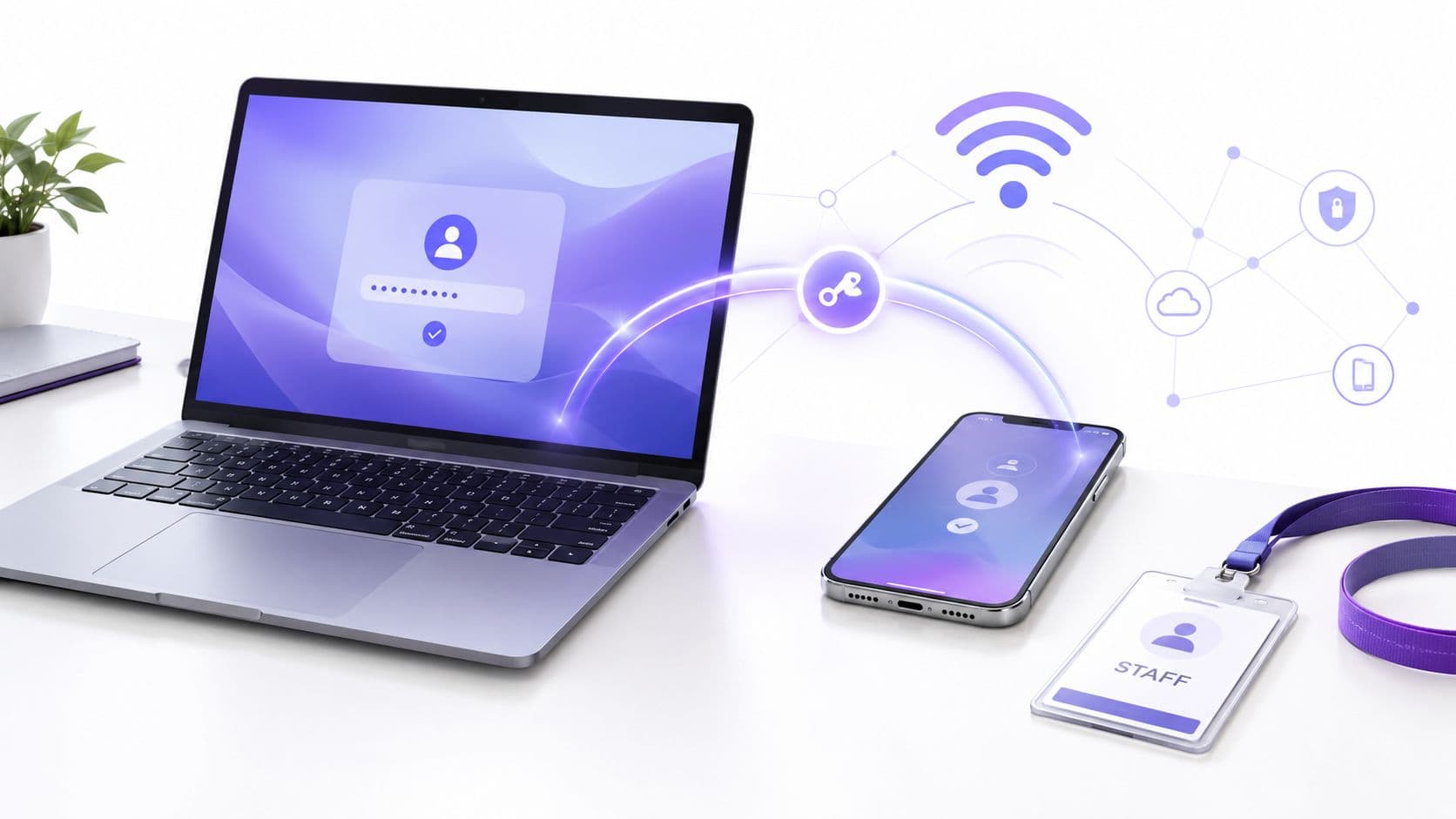
Replace MAC-based session tracking with identity-based authentication mechanisms such as OAuth social sign-in, SMS verification, or email registration. Modern guest WiFi platforms bind session tokens to encrypted user profile IDs rather than physical MAC addresses.
2. Deploy Passpoint (Hotspot 2.0) and OpenRoaming
Passpoint (Hotspot 2.0) enables seamless, automatic connection to venue WiFi using WPA2/WPA3-Enterprise security. Passpoint authenticates devices via cryptographic profiles or SIM credentials, bypassing MAC address dependence entirely while providing enterprise-grade encryption.
3. Use iPSK for segmented multi-tenant networks
In multi-tenant, student housing, and corporate environments, deploy Individual Pre-Shared Keys (iPSK). Each user or apartment receives a unique passphrase assigned to a private VLAN. Devices authenticate securely regardless of whether their MAC address is randomized or static.
4. Adopt cloud-managed guest WiFi and RADIUS services
Enterprise guest WiFi platforms like Purple integrate directly with access points from Cisco Meraki, HPE Aruba, Ruckus, and Ubiquiti UniFi. Purple automates guest identity resolution, RADIUS authentication, and GDPR/CCPA compliance across more than 80,000 live venues globally.
Next steps for enterprise network leaders
MAC address randomization is a permanent standard in mobile operating systems. Moving away from legacy MAC tracking toward certificate-based authentication and cloud guest management ensures reliable network access and accurate business intelligence.
To learn more about modern WiFi architecture, read our Guest WiFi Guide, explore Passpoint and Hotspot 2.0 Solutions, and view our Enterprise WiFi Security Guide. To see how Purple solves MAC randomization across enterprise networks, Speak to an Expert today.