WiFi Speed Requirement & Bandwidth Planner
Calculate exact upload, download, and access point requirements for your environment.
Recommended Network Infrastructure Requirements
Bandwidth Management & Optimization Notes:
- Rate Limiting Recommendation: Cap guest SSIDs at 10 Mbps down / 3 Mbps up to preserve bandwidth for corporate VLANs.
- Architecture Recommendation: Implement 802.1X enterprise authentication and dedicated bandwidth tiers per network segment.
Need Enterprise WiFi Bandwidth Control & Rate Limiting?
Purple provides enterprise cloud bandwidth management, tiered guest access, and WiFi analytics.
A good WiFi speed for individual users ranges between 25 Mbps and 100 Mbps download, providing smooth HD video streaming, clear video conferencing, and instant web page loads. However, for commercial venues, multi-tenant properties, and corporate offices hosting dozens or hundreds of concurrent devices, determining what is a good WiFi speed requires looking beyond basic internet service provider (ISP) connection rates to evaluate access point capacity, local radio frequency (RF) throughput, and dynamic bandwidth management.
Key takeaways: What is a good WiFi speed?
- Baseline speed requirements: A good WiFi speed for general browsing and cloud applications is 25-50 Mbps download per active user, while 4K video streaming requires at least 25 Mbps dedicated throughput.
- Venue AP capacity: Commercial venues need 100-300 Mbps WAN link speed per active Access Point (AP) to support 50-100 simultaneous connected devices without degradation.
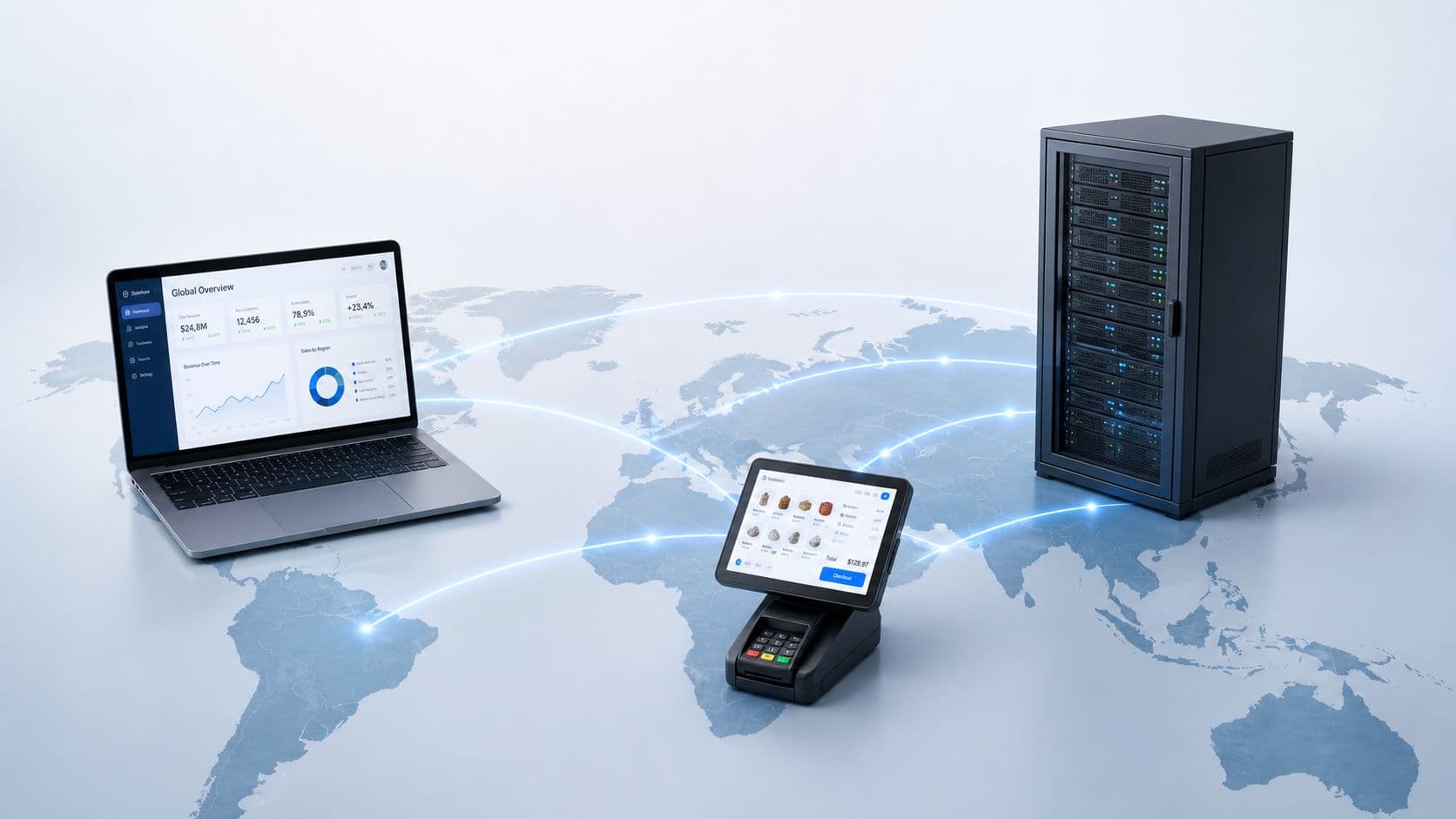
- WAN link vs local RF speed: Internet connection speed (WAN bandwidth) measures external data delivery, whereas local WiFi speed (PHY throughput on 5 GHz / 6 GHz) depends on radio signal strength (RSSI), signal-to-noise ratio (SNR), and channel width.
- Bandwidth rate-limiting: High-density venues (hotels, retail, transport hubs) use cloud captive portals to limit guest bandwidth (e.g., 5-10 Mbps per user) to prevent single devices from slowing down the network.
- Upload & latency priority: For video conferencing, VoIP, and interactive POS terminals, upload speeds of 5-10 Mbps and latency under 30 ms are as critical as raw download capacity.
What is a good WiFi speed for business and guest networks?
Determining what constitutes a good WiFi speed depends directly on user density, application requirements, and network architecture. While a single smartphone requires only 5 Mbps for basic web browsing, commercial networks must account for cumulative bandwidth demands across all connected endpoints.
The table below breaks down recommended internet bandwidth and per-device speed targets across key commercial venue environments:
| Venue / Environment | Recommended WAN Link | Per-Device Speed Limit | Min Upload Speed | Primary Bandwidth Requirements |
|---|---|---|---|---|
| Retail Stores & Cafes | 100 - 200 Mbps | 5 - 10 Mbps | 20 Mbps | POS payment reliability, basic guest browsing, mobile loyalty apps |
| Hotels & Hospitality | 500 Mbps - 1 Gbps | 15 - 25 Mbps | 50 Mbps | In-room 4K video streaming, PMS integration, tier-based paid upgrades |
| Multi-Tenant & BTR | 1 Gbps - 10 Gbps | 50 - 100 Mbps | Symmetrical (1:1) | Private resident isolation ( iPSK ), smart home IoT, remote work video calls |
| Stadiums & Transport Hubs | 2 Gbps - 10 Gbps | 3 - 5 Mbps | 100 Mbps+ | Massive concurrency (1,000s of users), ticket scanning, social uploads |
| Corporate Offices | 500 Mbps - 1 Gbps | 25 - 50 Mbps | Symmetrical (1:1) | 802.1X certificate security, cloud backups, HD video conferencing |
Download vs upload speed: why symmetry matters
Most internet service providers market connections by download speed, as consumer activities like video streaming rely heavily on receiving data. However, for commercial venues and modern enterprise operations, upload speed is equally vital.
- Download Speeds: Determine how quickly devices retrieve content from external servers. A minimum of 25 Mbps is required for HD and 4K video playback on platforms like Netflix or YouTube.
- Upload Speeds: Determine how quickly devices transmit data back to external networks. Video conferencing platforms (Zoom, Microsoft Teams) require at least 3-5 Mbps upload per stream. Security cameras, cloud POS synchronization, and live event streaming demand high, unthrottled upload capacity.
- Symmetrical Speeds: Fiber-optic broadband providing equal download and upload speeds (e.g., 500 Mbps / 500 Mbps) eliminates bottlenecks when hundreds of venue visitors upload photos or conduct video calls simultaneously.
Understanding ISP WAN speed vs local WiFi throughput
A common operational misstep is confusing total internet link speed (WAN bandwidth) with physical wireless throughput (RF PHY speed). You can pay for a 1 Gbps fiber line, but individual devices may still experience slow WiFi speeds due to wireless interference or radio channel limitations.
1. Received Signal Strength Indicator (RSSI)
Wireless signal strength degrades over distance and through physical obstacles. A signal level between -30 dBm and -65 dBm delivers maximum PHY data rates. When signal drops below -75 dBm, access points drop to lower Modulation and Coding Schemes (MCS), resulting in drastically reduced throughput regardless of ISP speed.
2. Frequency band and channel width
Modern WiFi networks operate across three primary frequency bands:
- 2.4 GHz Band: Offers longer range (up to 45 metres) but lower speed (up to 150-300 Mbps) and heavy channel congestion. Ideal for simple IoT devices.
- 5 GHz Band: Delivers high speeds (up to 1.3 - 4.8 Gbps on Wi-Fi 6) over shorter distances (up to 15-20 metres), utilizing 40 MHz or 80 MHz channel widths.
- 6 GHz Band (Wi-Fi 6E & Wi-Fi 7): Provides ultra-wide 160 MHz and 320 MHz channels with zero legacy interference, enabling gigabit-plus wireless throughput for high-density environments.
To evaluate channel allocations and RF health across your physical venue, use Purple's interactive WiFi Channel Planner tool.
How guest WiFi captive portals prevent bandwidth congestion
In public venues like hotels, shopping malls, and airports, unmanaged guest access leads to network degradation. A single user downloading large torrents or streaming uncompressed video can consume 100+ Mbps, leaving other guests with buffering video and slow web page loads.
Enterprise cloud management resolves this issue through dynamic bandwidth management:
- Per-User Rate-Limiting: Captive portal engines assign strict bandwidth caps per device (e.g., 10 Mbps download / 3 Mbps upload), ensuring fair airtime distribution across all connected visitors. Explore our comprehensive captive portal guide to learn more.
- Tiered Speed Monetization: Hotels and conference centers can offer free basic WiFi (5 Mbps) for general browsing, while monetizing premium high-speed access (50 Mbps) for power users via integrated payment gateways. Estimate your revenue potential with our Paid WiFi Calculator .
- Quality of Service (QoS) & WMM: Traffic-shaping policies prioritize operational infrastructure (POS terminals, VoIP lines, CCTV) over guest entertainment traffic.
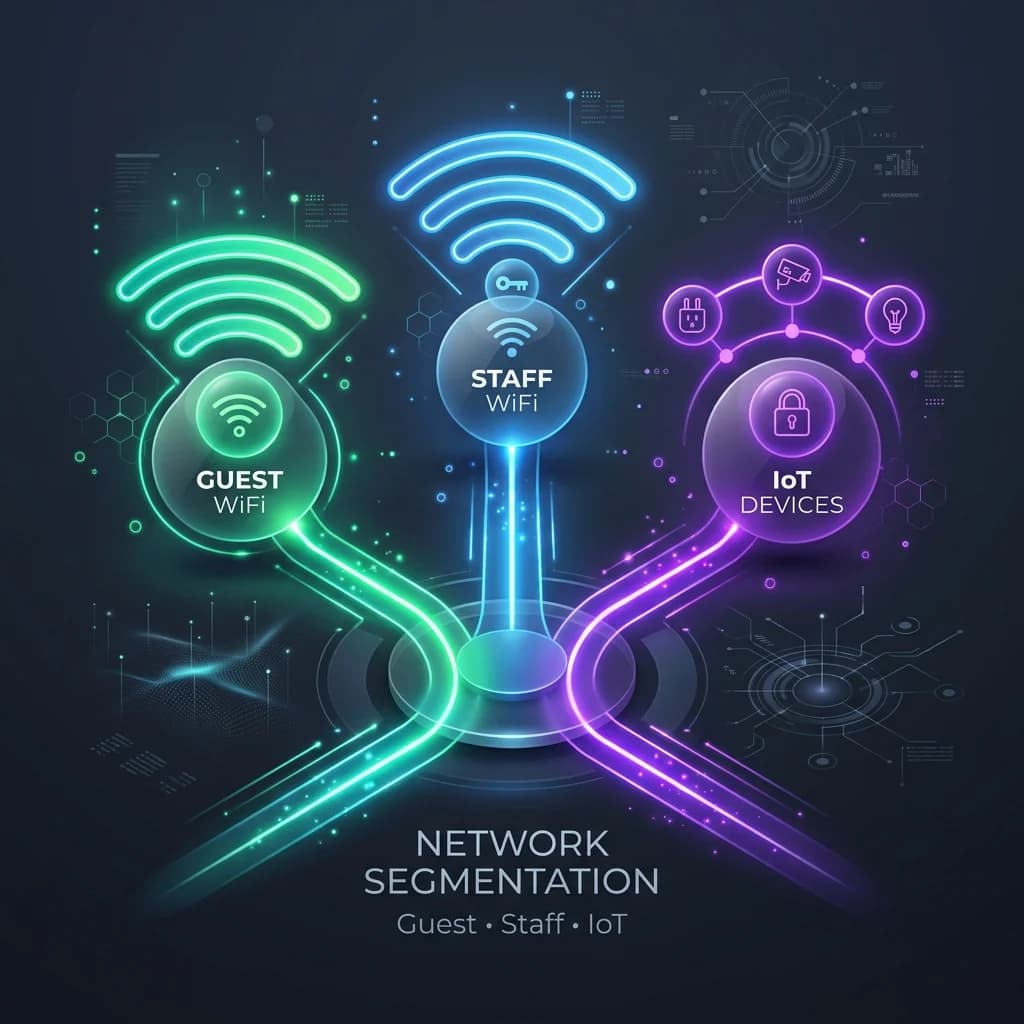
- VLAN Network Segmentation: Separating guest traffic onto an isolated Virtual LAN prevents visitors from accessing internal staff systems or corporate databases. Read our enterprise WiFi security guide for architectural blueprints.
How many Mbps do you need for specific online activities?
When auditing network performance or calculating bandwidth requirements for venue visitors, benchmark against these industry standards:
- Standard Web Browsing & Email: 1 - 3 Mbps per device.
- Social Media & Audio Streaming: 3 - 5 Mbps per device.
- HD Video Streaming (1080p): 5 - 10 Mbps per device.
- 4K UHD Video Streaming: 25 Mbps per device.
- HD Video Calls (Zoom / Teams): 3.8 Mbps download / 3.0 Mbps upload per stream.
- Interactive Cloud POS & Inventory Scanning: 2 - 5 Mbps dedicated per terminal with low latency (< 20 ms).
To measure the business impact and ROI of capturing first-party visitor data while managing bandwidth, access our Captive Portal ROI Calculator .
Frequently asked questions about WiFi speed
Is 100 Mbps fast enough for guest WiFi?
A 100 Mbps internet connection is sufficient for small venues (such as a cafe or boutique store) hosting 15 to 25 simultaneous users with a 5 Mbps per-device rate limit. Larger venues like hotels, gyms, or multi-story offices require 500 Mbps to 1 Gbps connections to maintain fast speeds during peak hours.
What is the difference between WiFi speed and internet speed?
Internet speed refers to the bandwidth delivered by your ISP to your router modem (WAN). WiFi speed refers to the wireless radio link rate between your device and the local Access Point (LAN/RF). If your WiFi connection is weak or congested, your effective speed will be slow even if your underlying internet plan is 1 Gbps.
How does bandwidth throttling improve venue WiFi quality?
Bandwidth throttling (rate-limiting) caps the maximum speed available to individual guest devices. By preventing single users from consuming all available WAN capacity, rate-limiting guarantees equal airtime allocation, lowers latency, and eliminates buffering for all venue visitors.
Why is my WiFi speed slower than my wired connection?
Wireless transmission introduces radio overhead, physical distance signal decay, channel interference from neighboring APs, and obstacle attenuation (walls, metal, glass). While wired Ethernet cables deliver near 100% of physical link capacity with zero interference, WiFi throughput typically achieves 50-70% of theoretical PHY rates.