What is iPSK? The Complete Guide to Identity-Based WiFi Security
.png)
Traditional WiFi security often forces a compromise: you either choose the simplicity of a home-style password (which is insecure) or the complexity of Enterprise-grade certificates (which often break smart devices).
Identity PSK (iPSK) is the "Goldilocks" solution. It provides the individual security and visibility of an Enterprise network with the "at-home" ease of a simple password. This guide answers the most common questions about how iPSK works and why it is becoming the standard for multi-tenant connectivity.
I. The Fundamentals: Understanding Identity PSK
What is iPSK (Identity Pre-Shared Key)?
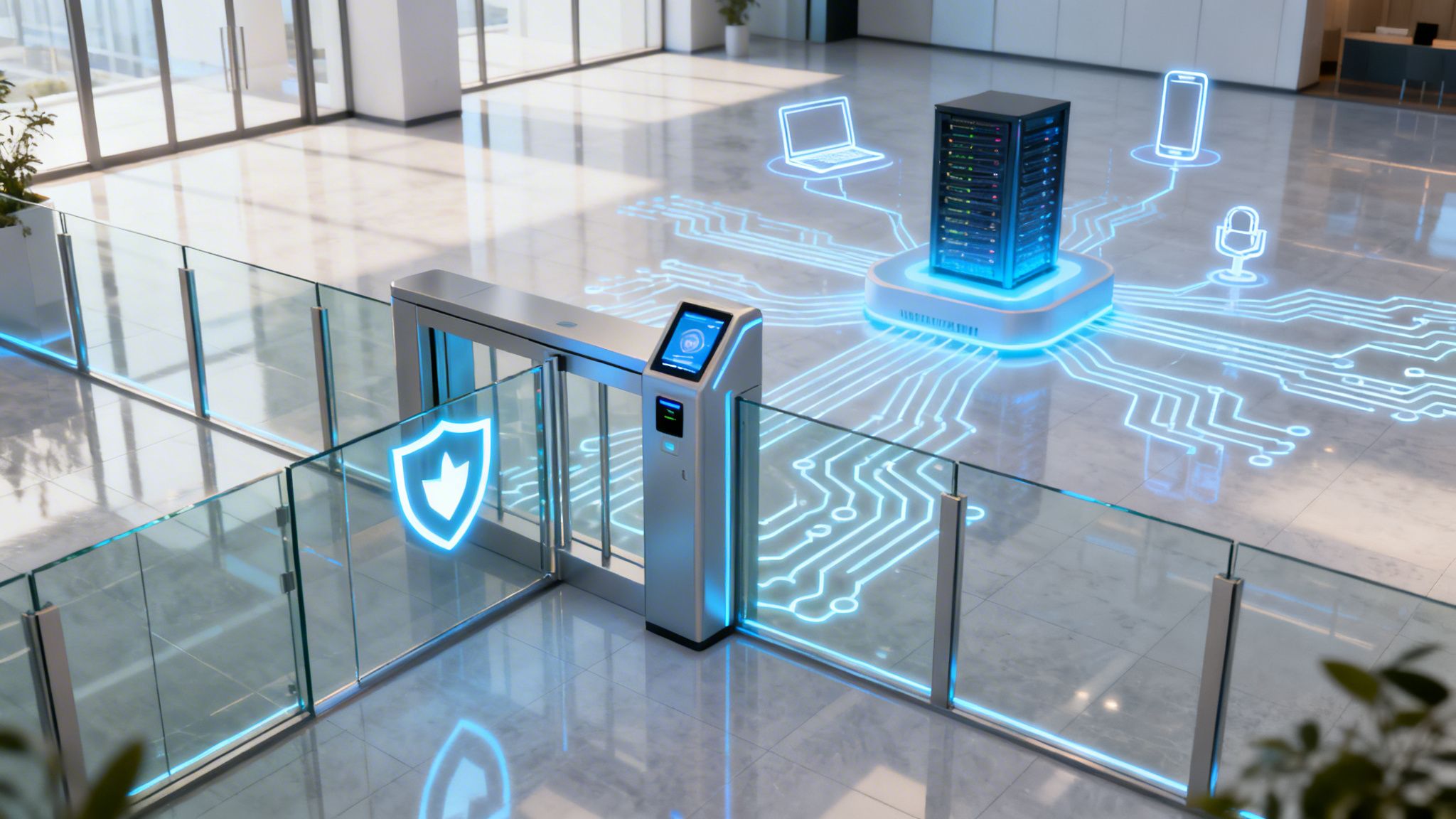
iPSK is a security evolution that assigns a unique WiFi password to every individual user or device on a single network name (SSID). While everyone connects to the same "Guest" or "Resident" WiFi, their unique key dictates their specific security permissions, bandwidth limits, and private access. It effectively bridges the gap between WPA2-Personal and WPA2-Enterprise.
iPSK vs. PSK vs. WPA3-Enterprise: Choosing the Right Standard
When deciding on a security standard, it is important to understand how they differ in terms of management and user experience.
- Standard PSK (WPA2-Personal): This is the method most people use at home. While it is incredibly simple—everyone uses the same password—it is a nightmare for businesses. There is no central control; if one person leaks the password, the entire network is at risk. To revoke access for one user, you have to change the password for everyone, which is impossible at scale.
- WPA2/3-Enterprise (802.1X): This is the high-security corporate standard. It requires users to log in with a unique username and password or a digital certificate. While it is very secure and allows IT to revoke individual access instantly, it is highly complex to manage. Furthermore, many devices simply cannot connect to it, making it a poor choice for residential or hospitality settings.
- Identity PSK (iPSK): iPSK offers a high level of security without the administrative headache. Users get the "at-home" experience of a simple, unique passcode, while IT teams get the Enterprise power to manage, monitor, and revoke individual connections. Because it doesn't require complex certificates, it supports 100% of devices, including gaming consoles and smart home tech.
Do Gaming Consoles, Chromecasts, and IoT Devices Work with iPSK?
Yes. This is a primary driver for organizations moving away from Legacy Network Access Control (NAC). "Headless" devices—like a PlayStation, an Amazon Alexa, or a smart thermostat—cannot navigate the complex login screens (Captive Portals) or 802.1X certificate requirements found in corporate networks. iPSK allows these devices to connect using a unique passcode, just like they would at home, without compromising the security of the broader network.
II. The "Private Area Network" (PAN) Advantage
What is a Private Area Network (PAN) in Multi-Tenant WiFi?
A Private Area Network is a virtual bubble created around a user's specific devices. Even though hundreds of residents may be sharing the same WiFi infrastructure, iPSK ensures Layer 2 Isolation. This means User A’s iPhone can see their own printer or Chromecast, but User B in the next apartment cannot see or interact with those devices.
How does iPSK solve device discovery issues?
In standard public WiFi, "device discovery" is usually disabled to prevent security risks. iPSK enables mDNS Reflection (and AirPlay/DLNA support), which allows devices to "talk" to each other securely within their own private segment. This creates a seamless "Home-like" experience where users can cast Netflix or print documents exactly as they would on a private home router.
III. Industry-Specific iPSK Solutions
iPSK for Build-to-Rent (BTR) & MDUs: The "Instant-On" Standard
For Build-to-Rent (BTR) operators, iPSK is a major differentiator for resident retention. Residents receive their unique key before they move in, providing an "Instant-On" experience. This removes the need for individual routers in every apartment, significantly reducing Radio Frequency (RF) interference and hardware maintenance costs.
iPSK for Student Accommodation: High Density & Gaming Performance
Students bring an average of 7+ devices to university. By using iPSK, student housing providers can move away from the frustrations of other systems for personal devices. iPSK provides the high-performance connection needed for gaming consoles and smart home tech while maintaining the User Isolation required for a secure campus environment.
iPSK for Care Homes: Securing Medical IoT and Resident Privacy
In Care Homes and Healthcare settings, privacy is paramount. iPSK allows sensitive medical IoT devices (like fall sensors or health monitors) to sit on a highly secure, isolated segment. Simultaneously, residents enjoy simple, private WiFi to stay connected with their families—all managed on the same physical infrastructure without complex setup.
iPSK for Social Housing: Closing the Digital Divide Securely
iPSK supports digital inclusion by providing a high-quality, managed network that is easy for residents to use. It protects vulnerable users by ensuring their traffic is encrypted and invisible to neighbors. It also reduces the support burden on housing providers by eliminating manual password resets and helpdesk calls.
iPSK for Hotels: Eliminating the Friction of Captive Portals
In Hospitality, iPSK eliminates the most common guest complaint: the recurring captive portal login. It allows guests to connect their own Chromecasts or tablets securely once, and keep them connected throughout their stay, providing a true "Home-Away-From-Home" experience.
iPSK for Caravan Parks & Holiday Resorts: Secure Outdoor Connectivity
Managing WiFi across large outdoor areas is a logistical challenge. iPSK automates the onboarding process for long-term residents and short-term visitors, ensuring they have secure, individual access without the park manager needing to intervene manually or hand out shared vouchers.
IV. Implementation & Automation
Cisco iPSK vs. Ruckus DPSK vs. Aruba MPSK: What’s the Difference?
Most major WiFi vendors have their own version of identity-based PSK. While the names differ, the core logic is identical:
- Cisco: iPSK (Identity PSK)
- Ruckus: DPSK (Dynamic PSK)
- Aruba: MPSK (Multi-PSK)
How to Automate iPSK Lifecycle Management with the Purple app
Manually managing thousands of unique keys is impossible for IT teams. The Purple app acts as the orchestration layer, automating the entire lifecycle. It integrates with your Identity Provider (IdP)—such as Microsoft Entra ID (Azure AD) or Okta—to automatically generate keys when a user is added to your system and revoke them the moment their lease or contract ends. This ensures a Zero Trust approach to network access without the administrative overhead.
V. Summary & Next Steps
iPSK is the bridge between the security IT leaders demand and the "at-home" simplicity users expect. By assigning identity to every connection, you harden your network against attacks while providing a frictionless experience for every user.
Ready to eliminate WiFi complaints and harden your network?
Schedule a demo and technical review to see how Purple simplifies identity-based networking.