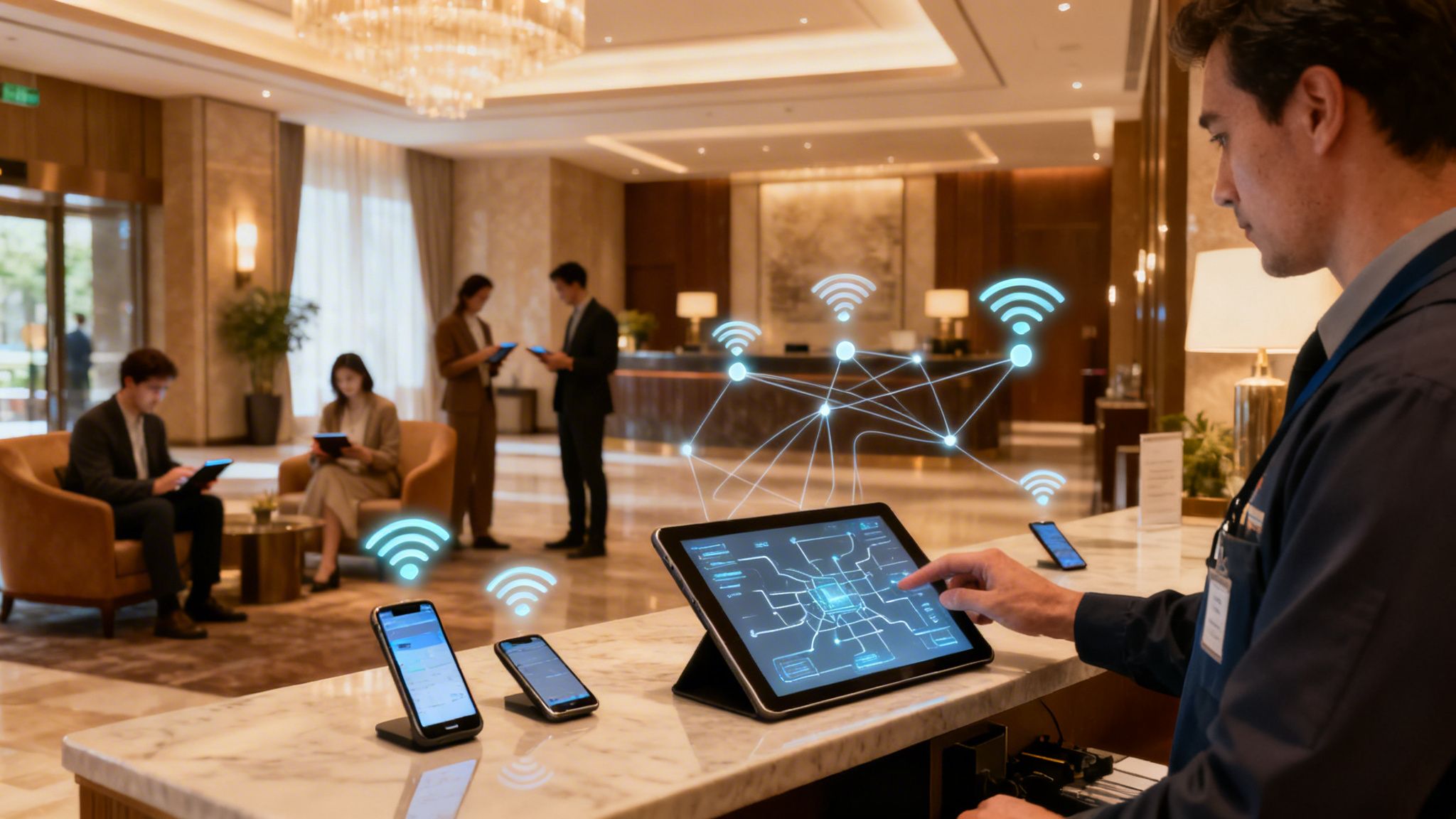

Ever wondered how large-scale networks manage who gets to connect to their Wi-Fi or VPN? Imagine your network is an exclusive club. A RADIUS server is the digital bouncer at the door, deciding who gets in, what they can access, and keeping a log of their visit.
RADIUS stands for Remote Authentication Dial-In User Service, a name that shows its age but not its modern-day importance. It provides a centralised framework for managing secure network access, and it’s a crucial piece of the puzzle for many businesses.
Understanding the Core of RADIUS
At its heart, a RADIUS server is designed to manage who connects to your network. Instead of painstakingly setting up passwords and access rules on every single Wi-Fi access point, VPN gateway, or network switch, you use one central authority to make all the security decisions.
Think about it this way: without RADIUS, every access point is its own bouncer with a completely separate guest list. This quickly becomes a management nightmare. With a RADIUS server, all the bouncers check in with a single head of security who holds the master list. This approach is built on a framework known as AAA.
The AAA Framework of RADIUS Explained
The real power of RADIUS comes from its three core functions, often called the AAA framework. This simple acronym breaks down exactly what the server does every time someone tries to connect.
The table below gives a quick summary of what each component does in the authentication process, using our digital bouncer analogy.
This AAA model is the foundation of modern, scalable network security. It ensures that access is not only granted securely but also managed and monitored effectively, giving you a complete picture of network activity from a single, central point of control.
Ultimately, understanding what a RADIUS server is means seeing its role as the central gatekeeper for your entire network. It enforces your security rules consistently for every user and every device, every single time.
How RADIUS Authentication Actually Works
To really get what a RADIUS server does, you need to look at the quick conversation that happens behind the scenes every time someone tries to connect. Think of it as a secret handshake between the user's device, the network hardware, and the RADIUS server.
This entire process, from a user typing their password to getting online, is over in seconds. It’s a fast, secure, and centralised way to manage all your network’s security decisions.
The Key Players in the Authentication Process
Before we get into the step-by-step, let’s meet the three main characters involved in every RADIUS authentication. Each has a very specific job to do.
- The Supplicant: This is simply the user's device trying to get on the network, like a laptop or a smartphone. It's the one supplicating, or asking for permission to join.
- The Network Access Server (NAS): This is the gatekeeper—the hardware your supplicant connects to first. It could be a Wi-Fi access point or a VPN concentrator. It doesn't make the access decision itself; instead, it acts as a bouncer, passing the request on to the RADIUS server.
- The RADIUS Server: This is the brains of the whole operation. It takes the request from the NAS, checks the user's details against its database, and gives the final verdict: let them in or keep them out.
The Step-by-Step Communication Flow
Now, let’s follow a single connection attempt from start to finish. Picture a user trying to connect to your company Wi-Fi.
- The Connection Request: The user finds the Wi-Fi network on their device and types in their login details (like a username and password). Their device (the supplicant) sends this information over to the nearest Wi-Fi access point (the NAS).
- The Access-Request Message: The NAS has no idea if these details are correct. So, it bundles the user's information into a special RADIUS message called an Access-Request and forwards it to the RADIUS server. Critically, the password is always encrypted so it can't be snooped on.
- Verification and Decision: The RADIUS server gets the Access-Request. First, it verifies a pre-shared secret key to make sure the message is actually from a trusted NAS and not an impostor. Then, it decrypts the password and checks the credentials against its user directory (which could be a simple list or a major identity provider like Entra ID).
- If the details are correct, it sends back an Access-Accept message to the NAS, which then grants the user access to the network.
- If the details are wrong, it sends an Access-Reject message, and the user is blocked from connecting.
Legacy Protocols (PAP/CHAP): Password Authentication Protocol (PAP) is the most basic of the bunch, sending passwords in plain text or with very weak protection. It's now seen as a major security hole and should be avoided at all costs. Challenge-Handshake Authentication Protocol (CHAP) is a small step up, but it's still no match for modern attack methods.
Modern Protocols (EAP): The Extensible Authentication Protocol (EAP) is the current industry standard for secure network access, especially over Wi-Fi. EAP isn’t just one protocol; it’s a flexible framework that supports several highly secure methods. EAP-TLS is widely considered the gold standard, using digital certificates on both the server and the client's device to forge a heavily encrypted, trusted connection. This is the technology that powers robust 802.1X authentication.
- Complex Configuration: Every new access point has to be manually configured with the RADIUS server's IP address and shared secret.
- Hardware Limitations: Your server might not have the capacity to handle the increased load, forcing you into expensive hardware upgrades.
- Slow User Management: Onboarding a new employee or, more critically, revoking access for someone who has left, can be a tedious manual job that creates security delays.
- Radically simplified management: No more hardware to maintain or manual configurations to push.
- Enhanced security posture: ZTNA and automatic directory syncs cut down your risk.
- Superior user experience: Effortless, passwordless access for everyone.
This straightforward and secure flow is the heart of the RADIUS protocol's AAA framework—Authentication, Authorization, and Accounting.
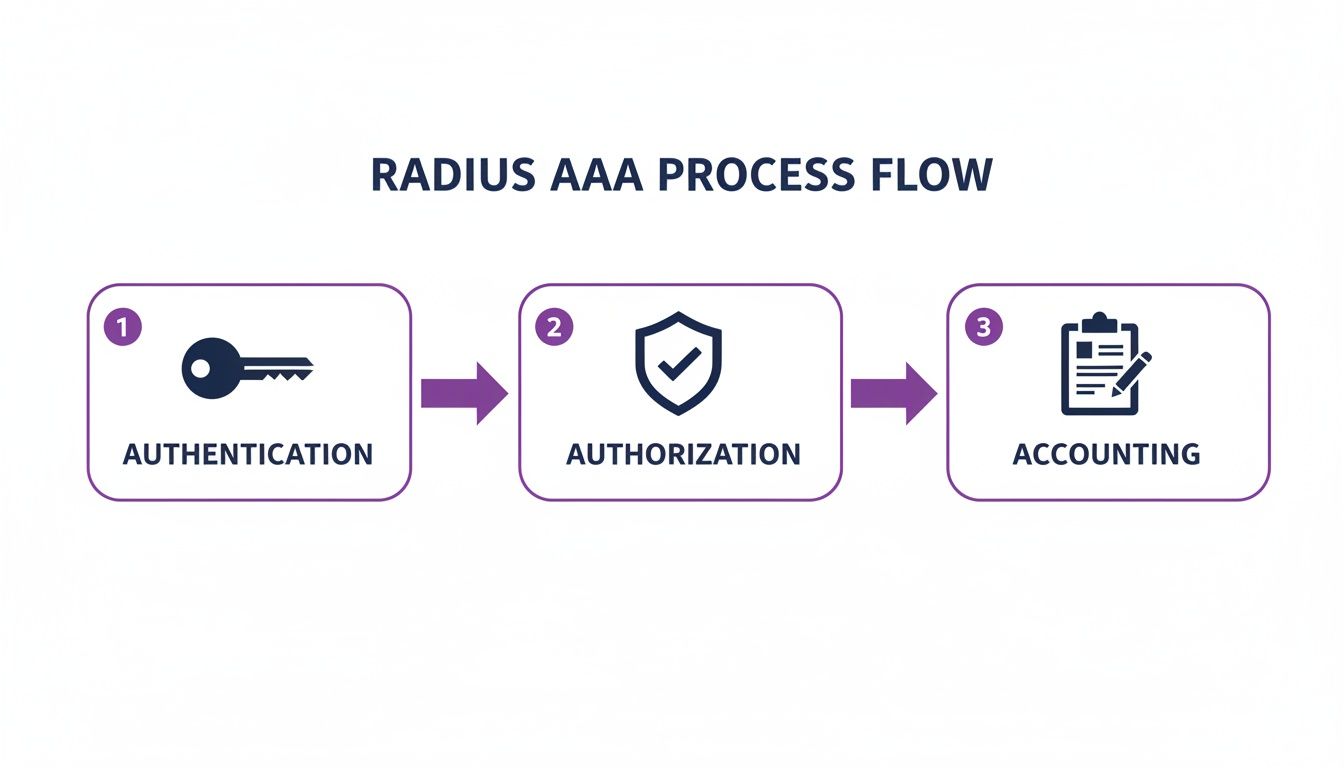
As the diagram shows, RADIUS handles Authentication (who are you?), Authorization (what are you allowed to do?), and Accounting (what did you do?). For many businesses, this process is kicked off through a branded login page; you can learn more about this in our guide on what is a captive portal . This entire sequence is what makes RADIUS such a reliable gatekeeper for modern networks.
Exploring Different RADIUS Setups and Protocols
Getting your head around what a RADIUS server does is the first step. The next, and arguably more critical, is figuring out how to set it up. Not all RADIUS deployments are the same, and your choices around protocols and where the server lives will have a massive effect on your network’s security and day-to-day management.
These decisions really boil down to how secure your authentication needs to be and how much time your IT team can realistically spend keeping it all running.
Think of the protocols a RADIUS server uses like different types of locks on a door. Some are old and easy to pick, while others are modern and almost impenetrable. Choosing the right one is essential.
Choosing the Right Authentication Protocol
The authentication protocol is simply the method used to check a user's identity. Over the years, these methods have evolved from being dangerously outdated to incredibly secure.
For any modern business, especially one handling sensitive data, using a strong EAP-based protocol is non-negotiable. It’s the difference between a flimsy padlock and a bank vault door for your network. You can explore the benefits in more detail by learning about 802.1X authentication benefits and how it secures corporate networks.
On-Premise vs Cloud Deployment Models
Beyond the protocols, your biggest decision is where your RADIUS server will actually live. You really have two main paths: a traditional on-premise server you manage yourself, or a modern cloud-native solution. RADIUS servers are fundamental for controlling network access in various environments, including specialised applications like managing secure Guest Wi-Fi Hotspot Services .
A traditional on-premise RADIUS server means you're responsible for everything. You have to set up and maintain physical or virtual server hardware in your own data centre. This comes with a big upfront investment, requires specialised IT staff for configuration and patching, and needs constant monitoring to keep it online and secure.
On the other hand, a cloud-native authentication platform like Purple completely removes the need for any hardware on your site. The entire AAA service is managed for you in the cloud, giving you far more flexibility, automatic scaling, and incredibly simple management.
Making the right choice between an on-premise RADIUS server and a cloud-native platform is a critical decision for any IT administrator or business owner. The table below breaks down the key differences to help you see which model aligns best with your resources and goals.
On-Premise RADIUS vs Cloud-Native Authentication
Ultimately, choosing between these models often comes down to what a business prioritises. While on-premise RADIUS gives you direct control, it comes with the heavy weight of cost and complexity. For most businesses today, cloud solutions offer a much more agile, secure, and cost-effective alternative, freeing up your IT team to focus on bigger things than just keeping the servers running.
The Hidden Pains of Traditional RADIUS Servers

While a RADIUS server is a big improvement on managing individual network passwords, the traditional on-premise model brings its own serious headaches. For many IT administrators, the term 'legacy RADIUS' conjures up images of late nights, frustrating support tickets, and a constant cycle of maintenance.
This is simply the reality of keeping an on-site authentication server running. These systems demand endless attention. They need regular software patching, operating system updates, and hardware monitoring just to keep them from failing. When something does go wrong—and it always does—troubleshooting can become a nightmare, demanding deep, specialised knowledge that’s getting harder to find.
The Real-World Impact of Legacy RADIUS
The problems with on-premise RADIUS aren't just technical annoyances; they have a direct impact on your business and your customers' experience. Imagine the chaos when the guest Wi-Fi goes down during a hotel's peak check-in time because the RADIUS server has crashed.
Guests are frustrated, front-desk staff are overwhelmed, and the IT team is left scrambling to fix a complex, single point of failure. This scenario is all too common.
A recent survey in the UK hospitality sector found that 67% of operators named RADIUS maintenance as a top IT headache. The downtime averaged four hours per month per site, which directly impacted 15% of peak check-ins and caused real reputational damage. You can read more about the challenges UK businesses face with network infrastructure on ispreview.co.uk .
The core issue is that a traditional RADIUS server acts as a bottleneck. It’s a single, complex system that everything depends on, making it both fragile and difficult to manage as your organisation grows.
Why Scaling Is So Difficult
The pain points of on-premise RADIUS only get worse as your business expands. Adding a new office location or even just more users to an existing site isn't a simple task. It often involves a slow, manual process that can include:
These operational burdens turn what should be a security asset into a constant source of friction. The high maintenance, lack of flexibility, and specialised expertise required are precisely why so many organisations are now looking for a smarter, more reliable alternative for network authentication.
The Future of Authentication Is in the Cloud
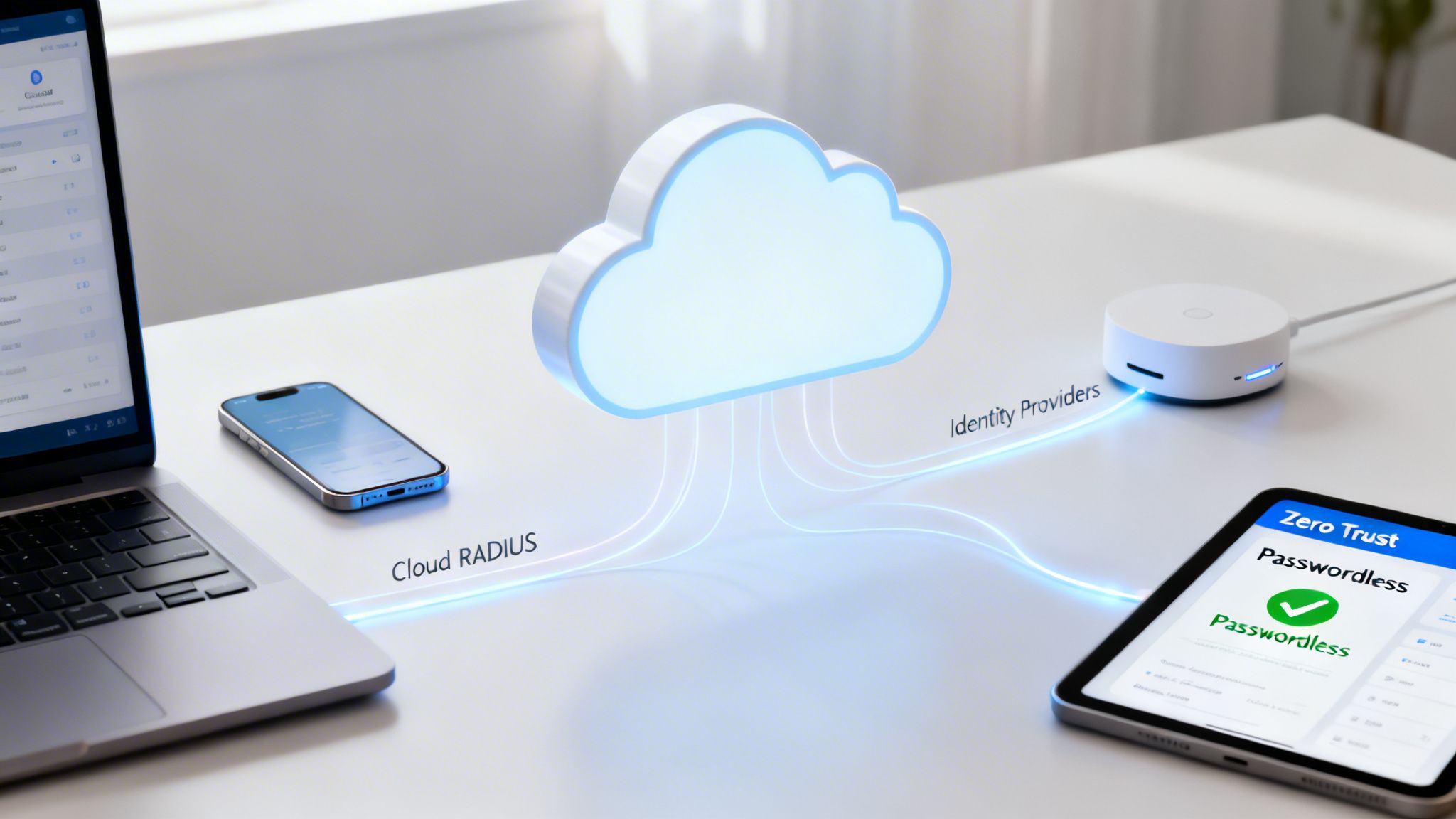
The ongoing headaches of managing a traditional on-premise RADIUS server have pushed many businesses to look for a better way. It’s clear the future of network authentication isn’t about stacking more hardware in a server room; it’s about moving to the cloud. Modern platforms like Purple show a clear path away from that clunky, high-maintenance setup.
These services remove the need for an on-site server entirely. Instead of your IT team spending their time on security updates, maintenance, and worrying about capacity, that whole responsibility moves to a dedicated provider. This frees up your skilled people to focus on projects that actually drive the business forward.
Simplified Management and Stronger Security
Cloud-native solutions bring a refreshing level of simplicity and security to the table. They’re built on powerful ideas like Zero Trust Network Access (ZTNA), which works on a simple but effective principle: "never trust, always verify." Every single connection attempt is treated as a potential threat until it’s proven safe.
This security posture is backed by direct integrations with the identity providers you already use, such as Microsoft Entra ID, Okta, and Google Workspace. When an employee’s status changes in your main company directory—say, they leave the company—their network access is revoked instantly and automatically. It’s a simple change that closes a huge security gap and gives you massive operational gains.
For instance, one cloud-native platform integrating with Google Workspace cut user provisioning time from days down to seconds across 300 UK sites, while boosting uptime to 99.99%. With UK councils estimated to have spent £450 million on RADIUS infrastructure in 2025, platforms like Purple are proven to slash these costs by up to 75% through cloud authentication. To get a better sense of connectivity trends in the UK, you can explore the full research on 5G and network infrastructure from juniperresearch.com .
Creating a Better User Experience
Security aside, cloud platforms deliver a far better experience for your users. Technologies like OpenRoaming make seamless and secure passwordless authentication a reality. After a one-time setup, users can connect automatically and securely across thousands of venues without ever seeing a login screen again.
This creates a frictionless journey for both guests and employees, replacing frustrating captive portals with effortless, encrypted connectivity. For any business ready to modernise its network, the cloud offers a compelling set of benefits:
This evolution is all part of a wider shift toward more flexible, service-based IT solutions. You can learn more about this by reading our guide on Networking as a Service .
Frequently Asked Questions About RADIUS
Let's tackle some of the most common questions we hear about RADIUS and how it fits into the modern IT landscape.
Is RADIUS Still Relevant Today?
The core principles that RADIUS established—Authentication, Authorisation, and Accounting (AAA)—are more vital to network security than ever. It set the standard for how we control network access.
However, the traditional, on-premise RADIUS server is a technology from a different era. It often struggles to keep up with today's security demands and simply lacks the agility that modern businesses need. Cloud-native platforms have taken the torch, evolving those original AAA principles to offer better security, reliability, and far simpler management, all without the cost and complexity of physical hardware.
What Is the Difference Between RADIUS and Active Directory?
It helps to think of them in terms of roles. Active Directory (or a modern equivalent like Entra ID) is the master directory—it’s the definitive list of who your users are and what they’re allowed to do.
A traditional RADIUS server acts as the gatekeeper. When someone tries to get on the Wi-Fi, the RADIUS server checks their credentials against that master list in Active Directory. Modern cloud platforms like Purple, however, integrate directly with your identity provider, effectively becoming the gatekeeper and the directory checker all in one. This removes the need for a separate, on-premise RADIUS server as a middleman.
Can I Replace My RADIUS Server Without Replacing My Network Hardware?
Yes, absolutely. This is one of the biggest advantages of moving to the cloud. Modern authentication platforms are designed to be hardware-agnostic.
They integrate smoothly with the Wi-Fi access points and switches you already own from leading vendors like Meraki , Aruba , and Ruckus . This means you can shed the cost and headaches of your on-premise RADIUS server without needing a disruptive and expensive network overhaul.
Ready to move beyond the limitations of legacy RADIUS? Discover how Purple delivers secure, passwordless authentication with zero hardware and seamless identity provider integration. Learn more at purple.ai .