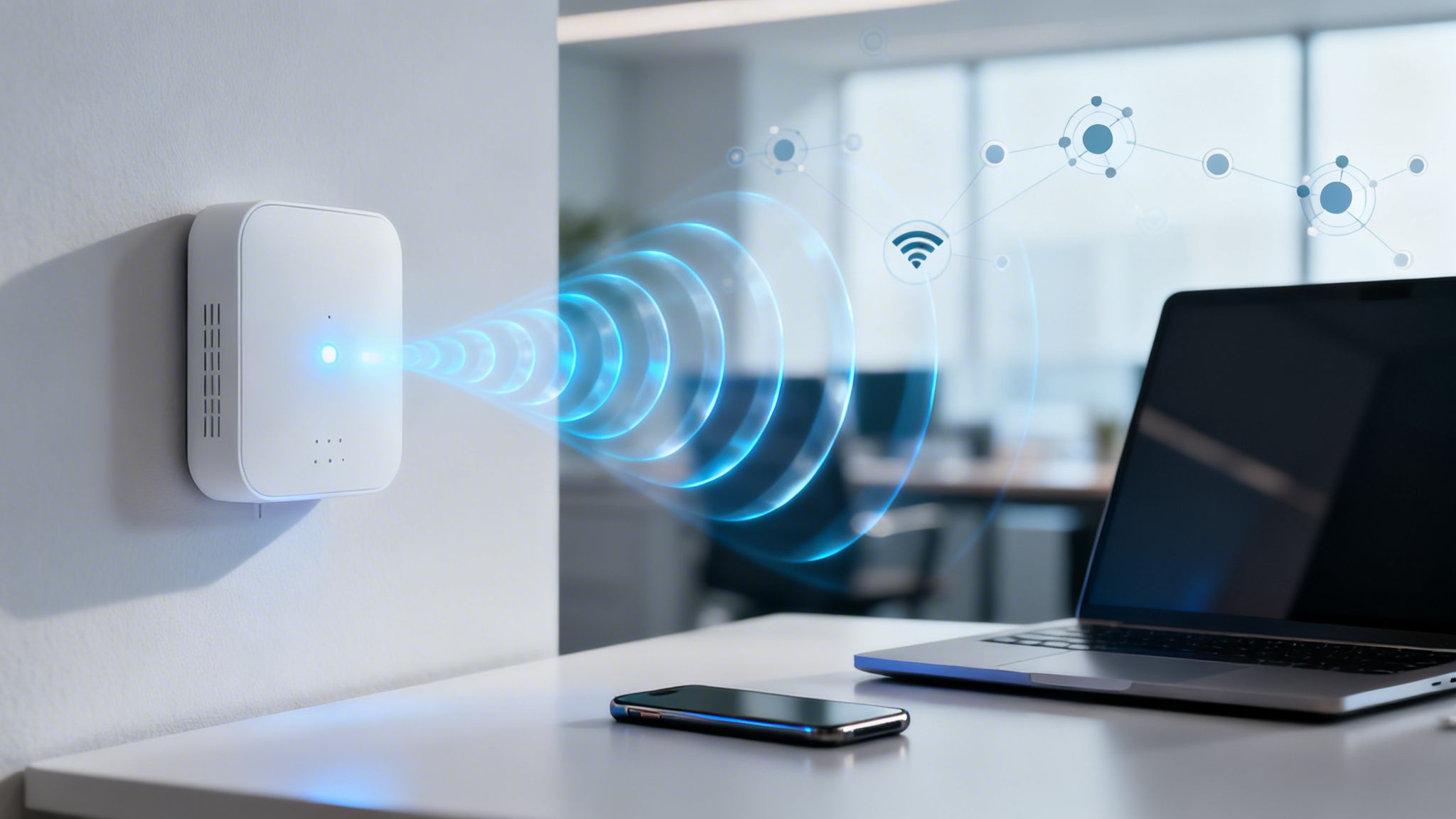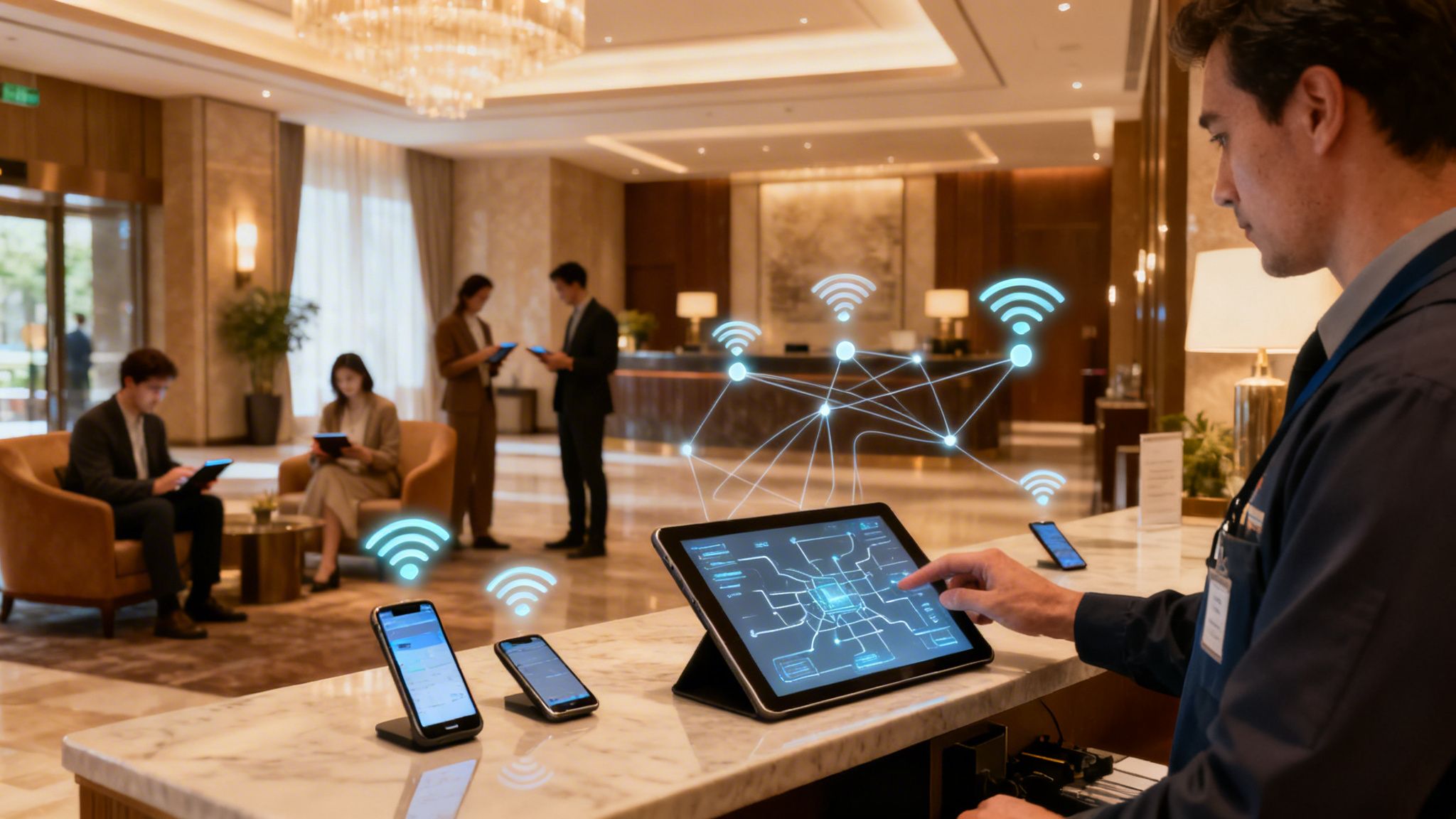
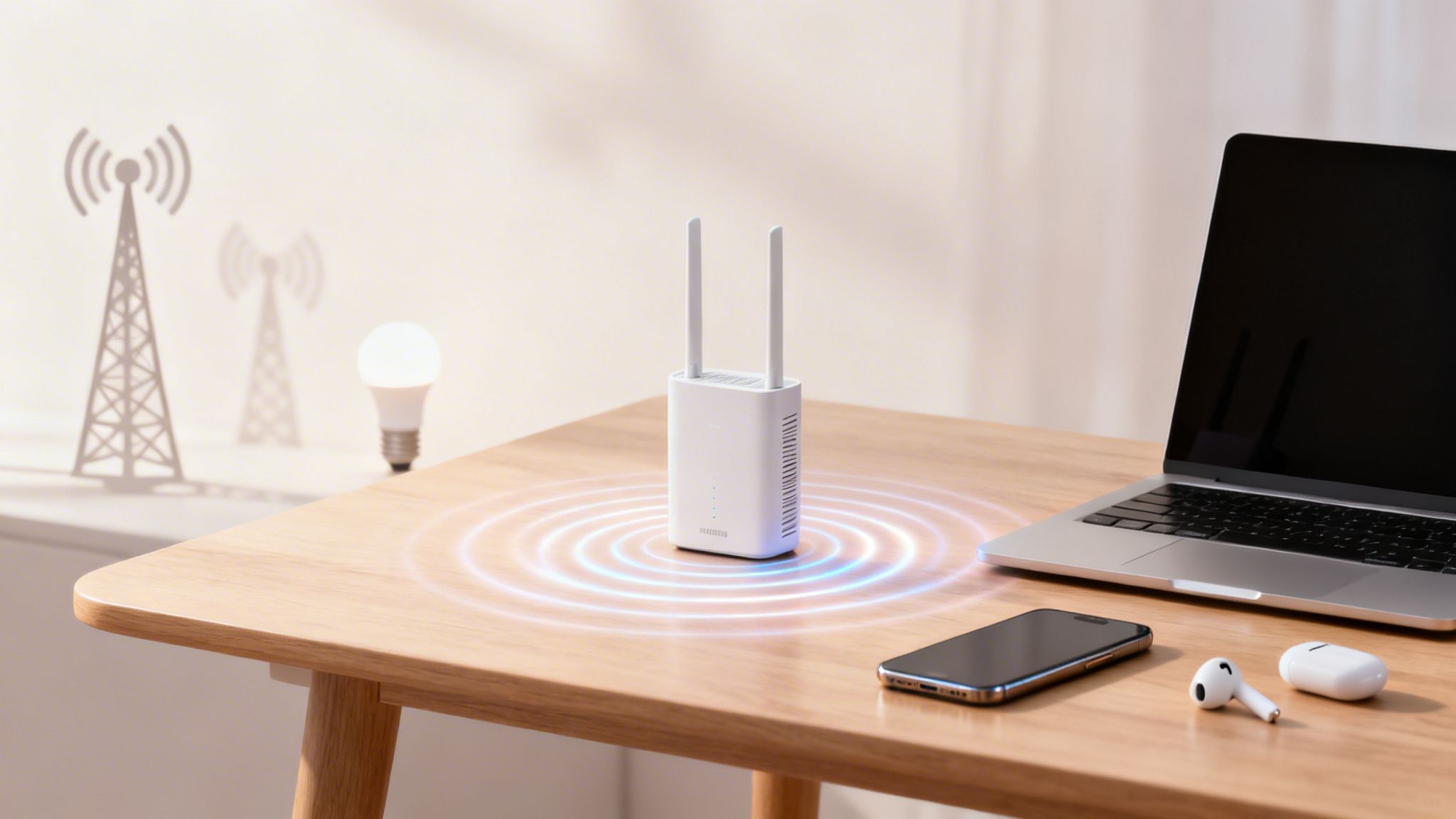
At its most basic, a wireless connection is simply the technology that allows our devices to talk to each other without physical cables. It uses invisible radio waves to send and receive data. Think of it as a delivery service for your digital information, replacing physical roads with radio frequencies.
Decoding Wireless Connections
At its heart, a wireless connection is an invisible link that turns the complex world of data into a simple, seamless experience. It's the silent force that allows your smartphone to stream videos, your laptop to join a meeting from a café, and your smart speaker to play your favourite playlist with a voice command.
But this technology isn't just one thing. It's a vast family of different communication methods, each built for a specific purpose.
Imagine this data delivery service has different types of vehicles. Some, like Wi-Fi, are the local delivery vans, perfect for carrying large packages of data within a defined area like your home or office. Others, like Bluetooth, are more like bicycle couriers, ideal for short, quick trips between nearby devices, such as connecting your headphones to your phone.
Then there are cellular networks (like 4G and 5G), which act as a national logistics network, ensuring your data "packages" can be sent and received from almost anywhere in the country. The demand for this constant, on-the-go connectivity is immense.
In the United Kingdom, for example, the number of mobile connections has soared to 143% of the total population. This just shows how deeply integrated wireless access has become in our daily lives. You can review the complete analysis of UK digital trends on datareportal.com .
Common Types of Wireless Connections
To really get to grips with this ecosystem, it helps to see how these different technologies stack up against each other. Each one has its own strengths when it comes to range and its main job.
The table below offers a quick overview of the most common wireless technologies to help you tell them apart.
At-a-Glance Guide to Common Wireless Technologies
| Technology | Typical Range | Primary Use Case |
|---|---|---|
| Wi-Fi (WLAN) | Up to 100 metres | High-speed internet access in homes, offices, and public venues. |
| Bluetooth (WPAN) | Up to 10 metres | Connecting peripherals like headphones, keyboards, and speakers. |
| Cellular (WWAN) | Many kilometres | Mobile phone connectivity and internet access on the go. |
| NFC | Less than 4 cm | Contactless payments and instant data exchange between devices. |
| Zigbee / Z-Wave | 10 to 100 metres | Low-power smart home devices like lights, sensors, and locks. |
Ultimately, understanding what is a wireless connection means recognising this diverse set of tools. From the high-speed demands of an enterprise network to the simple pairing of a fitness tracker, there’s a specific wireless technology purpose-built for the task.
As we explore further, you'll see exactly how these connections are established, secured, and managed to power our interconnected world.
How Wireless Communication Really Works
To get your head around how a wireless connection actually works, let's start with a familiar analogy: an old-school radio station. Think of your wireless router as a broadcast tower and your laptop or smartphone as the radio in your car.
Just as your car radio tunes into a specific station to pick up music, your device tunes into a specific wireless network to receive data. It’s the same basic principle, just a lot more advanced.
This entire exchange happens using radio waves, an invisible slice of the electromagnetic spectrum. Your router takes the digital information from your internet line—a webpage, a video, an email—and converts it into radio signals. It then broadcasts these signals out into the immediate area.
Your device has an internal wireless adapter that acts as a receiver, constantly scanning for these signals. When it finds the network you want to join, it "tunes in" and kicks off a two-way conversation, sending and receiving data packets on the same radio frequencies.
The Key Players in Your Wireless Network
This invisible conversation relies on a few key bits of hardware all working in concert. Each one has a distinct and vital role to play in making your connection happen.
- The Router: This is the central hub of your local network. It manages all the traffic, gives each device a unique local address, and acts as the gateway to the wider internet. In most homes and small offices, the router and the access point are conveniently packaged into a single device.
- The Access Point (AP): An AP’s one and only job is to broadcast the wireless signal. While a home router has a built-in AP, larger venues like hotels, hospitals, or corporate campuses use multiple APs connected to a central router. This ensures you get strong coverage right across the building.
- The Client Device: This is simply any device connecting to the network, like your phone, tablet, smart TV, or laptop. Each one contains a wireless network adapter that allows it to send and receive those crucial radio signals. You can learn more about how these parts come together to form a Wireless Local Area Network (WLAN) in our detailed guide.
Understanding the Language of Wireless
For this communication to be organised and secure, all devices need to follow a common set of rules. This is where network names and protocols come in, making sure data gets to the right place without descending into chaos.
Think of the name of a Wi-Fi network you see on your phone, like "Cafe-Guest-WiFi." This is technically known as the Service Set Identifier (SSID).
To go back to our radio station analogy, the SSID is simply the name of the radio station. It’s a human-readable label that allows you to tell one network from another, just as you'd differentiate between "Radio 1" and "Classic FM."
Once you select a network, your device and the router must speak the same language. This "language" is defined by wireless protocols, such as the 802.11 standards (e.g., Wi-Fi 6, Wi-Fi 7).
These protocols are the rules of engagement that govern everything, from how data is encoded and sent to how multiple devices can share the same frequency without tripping over one another. They ensure an orderly and efficient conversation, turning invisible radio waves into the seamless wireless connection we all rely on every day.
Exploring the Main Types of Wireless Technology
When we talk about a "wireless connection," it's easy for our minds to jump straight to Wi-Fi. But that's just one piece of a much larger puzzle. The world of wireless is incredibly diverse, full of different "flavours" of technology, each tailored for a specific job.
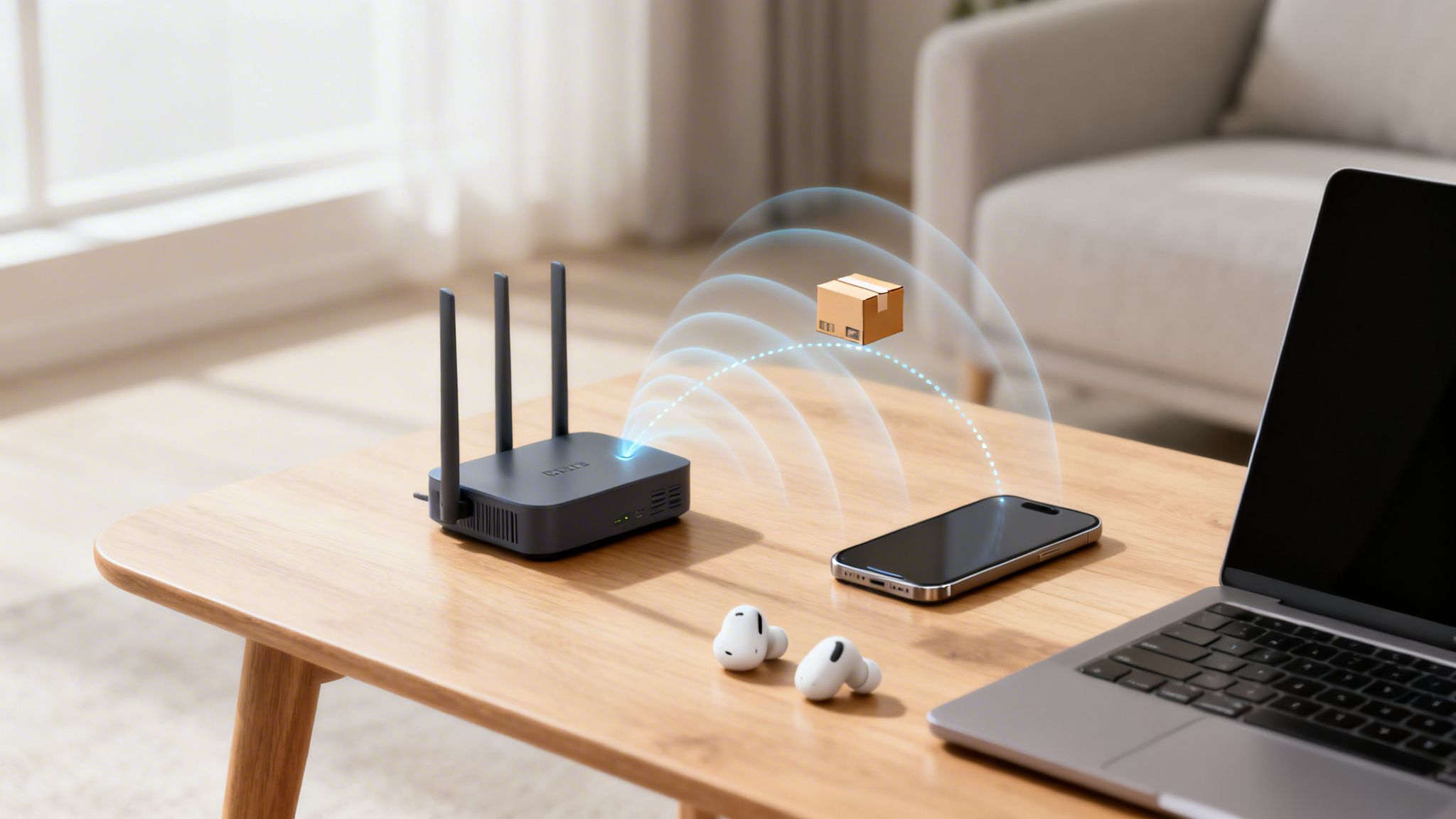
Getting a handle on these distinctions is the key to understanding how our digital lives are pieced together. At its core, the process is simple but powerful.
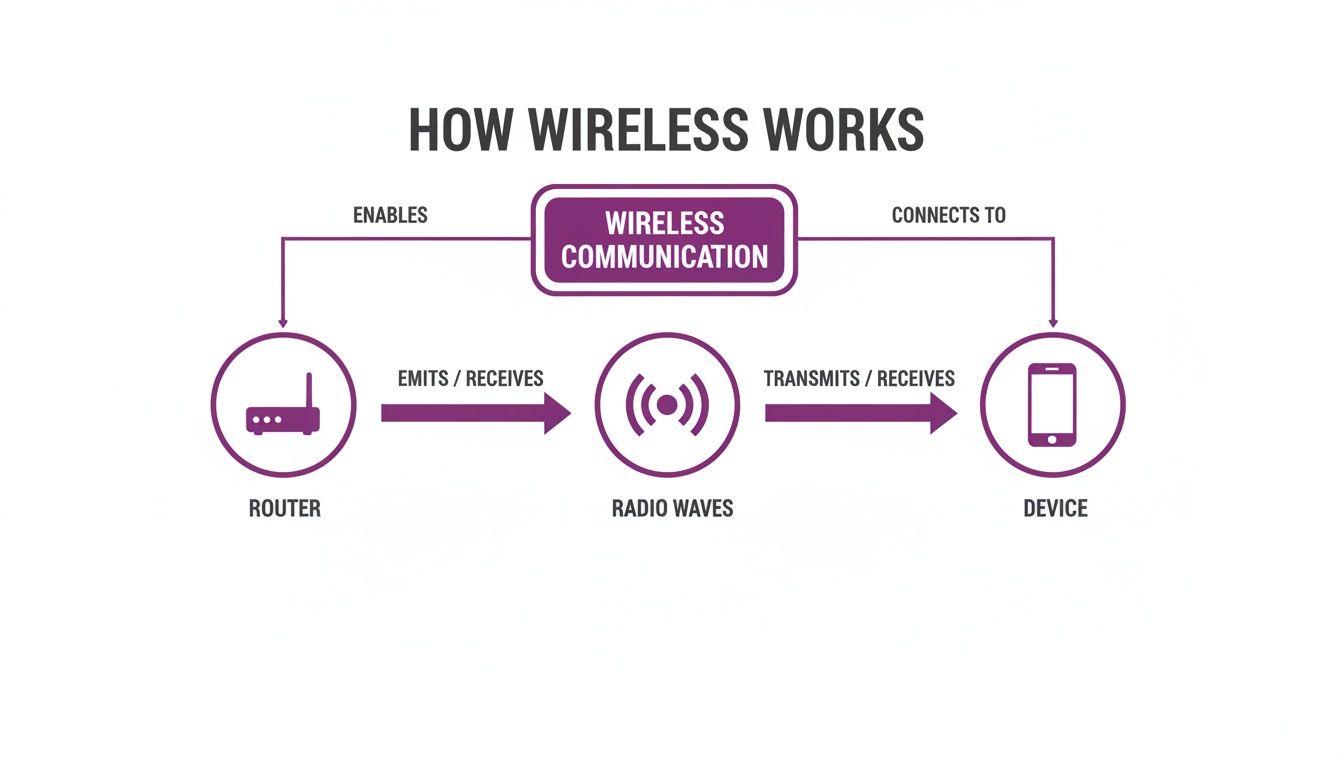
This visual breaks down the fundamental journey of data from a router, through the air as invisible radio waves, and finally to your device. This single concept is the foundation for all the technologies we're about to cover.
Wi-Fi for Local Area Networking
For most of us, Wi-Fi is the most familiar face of wireless. It’s a Wireless Local Area Network (WLAN), built to deliver high-speed internet access over a defined area—whether that’s your home, a local café, or a sprawling corporate campus. Its main purpose is to shift large amounts of data, making it the perfect choice for streaming video, online gaming, and everyday web browsing.
Wi-Fi operates on specific radio frequencies, all governed by a set of standards known as 802.11. These standards are always evolving to give us faster speeds and more reliable connections.
- Wi-Fi 5 (802.11ac): This is the trusty workhorse standard you’ll still find in countless homes and businesses, offering solid speed and reliability for daily tasks.
- Wi-Fi 6/6E (802.11ax): A major leap forward, Wi-Fi 6 was specifically engineered to perform better in crowded environments packed with devices. It brings higher speeds, lower latency, and much-improved battery life for your connected gadgets.
- Wi-Fi 7 (802.11be): The next generation on the horizon, promising another huge jump in speed and extremely low latency. Wi-Fi 7 is being built to handle the demands of augmented reality (AR), virtual reality (VR), and high-performance cloud gaming.
Bluetooth for Personal Area Networking
If Wi-Fi is the delivery van for your data, think of Bluetooth as the bicycle courier. It's a Wireless Personal Area Network (WPAN), specialising in short-range, low-power communication between your personal devices.
Consider connecting your wireless earbuds to your phone, your mouse to your laptop, or your smartwatch to your phone for notifications. These are all classic examples of Bluetooth doing what it does best.
The real strength of Bluetooth is its knack for creating simple, one-to-one connections without draining the battery. This makes it perfect for peripherals where power efficiency is just as critical as the connection itself. For instance, modern gaming controllers now use Bluetooth to pair with multiple devices, letting you switch from your console to your PC with a single button press.
Cellular for Wide Area Networking
The moment you step outside and leave your Wi-Fi behind, your phone seamlessly switches to a Wireless Wide Area Network (WWAN)—what we all know as a cellular network. Technologies like 4G (LTE) and the newer 5G provide mobile connectivity over vast geographical areas, keeping you online while you're on the move.
Unlike Wi-Fi, which is tied to a local router, cellular networks depend on a massive infrastructure of mobile phone towers. Each tower covers a geographical "cell," and as you travel, your device is smoothly handed off from one tower to the next without you ever noticing. It's this clever system that lets you make calls, send texts, and browse the web from almost anywhere.
Specialised Wireless Technologies
Beyond the big three, there’s a whole ecosystem of other wireless technologies designed for very specific tasks. They are often the unsung heroes of our connected world, working quietly in the background.
- NFC (Near Field Communication): This is an extremely short-range technology, typically working within a tiny radius of about 4 cm. You use it every day for contactless payments—that tap of your phone or credit card at the checkout is NFC in action.
- Zigbee / Z-Wave: These are low-power, low-data protocols created specifically for smart home automation. They build a "mesh network" where devices like smart bulbs, thermostats, and door locks can all talk to each other efficiently without needing frequent battery changes.
Securing Your Wireless Network in a Zero-Trust World
The convenience of a wireless connection is fantastic, but it comes with a built-in risk. Because your data is literally flying through the air, a poorly secured network is like sending a postcard instead of a sealed letter—anyone nearby with the right tools can potentially read it. This is a threat known as data eavesdropping, and it's one of the oldest challenges in wireless security.
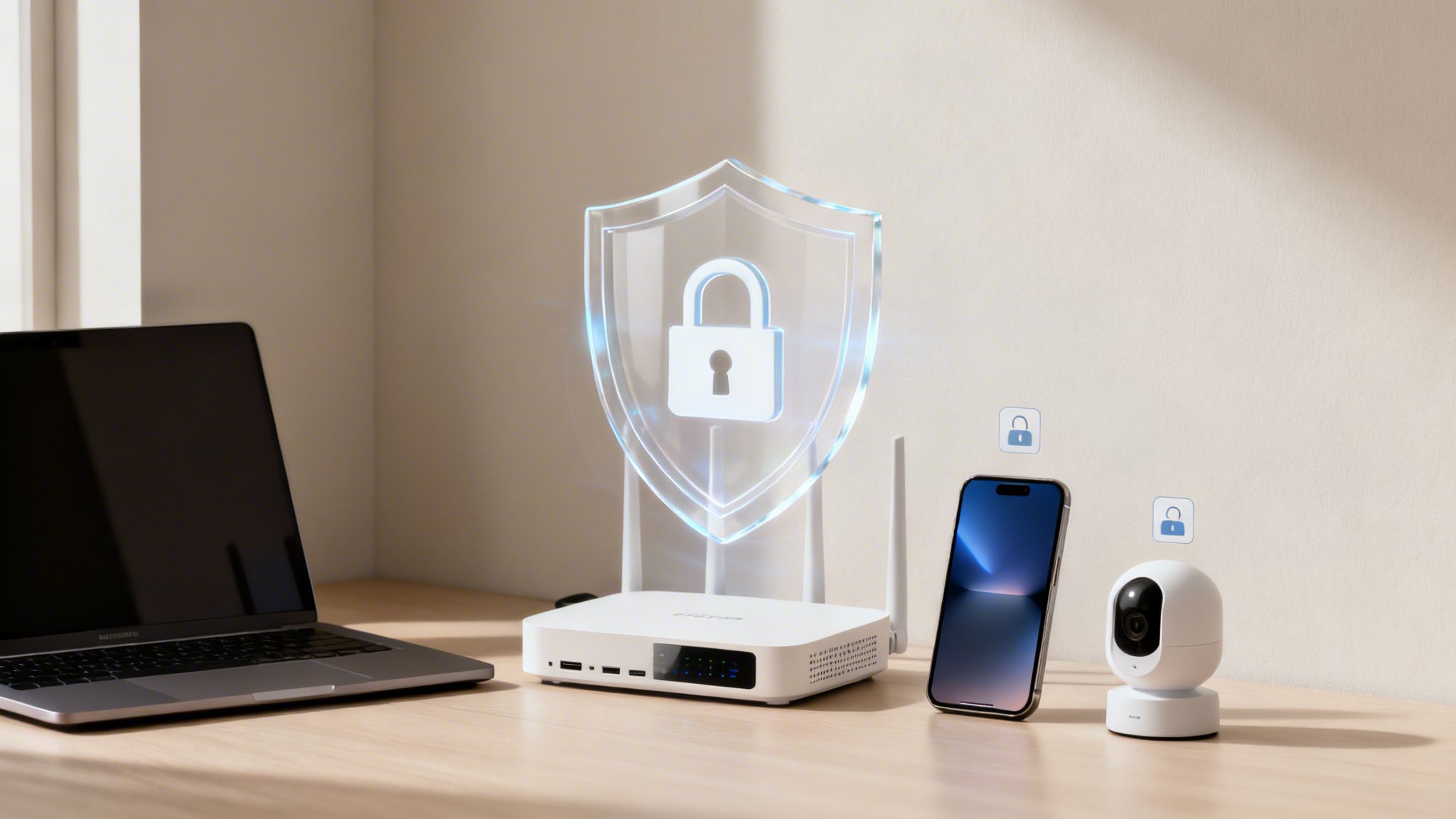
To fight these threats, security standards have thankfully gotten much better over the years. You've probably heard of Wi-Fi Protected Access (WPA) protocols, which exist to encrypt the data travelling across your network. The latest standard, WPA3, offers major security upgrades over its predecessors, making it much tougher for unauthorised people to crack passwords or snoop on your traffic.
But even with strong encryption, there's a fundamental weakness in how many businesses and public venues run their Wi-Fi. They often rely on a single, shared password for everyone, known as a Pre-Shared Key (PSK).
The Problem with One Password for Everyone
Using one password for all your guests, staff, or tenants creates a whole host of security and management nightmares. It's like giving every single person who walks into your building the same master key.
- No Accountability: When everyone shares a password, you have no real way of knowing who is on your network. If a security breach happens, tracing the source becomes nearly impossible.
- Difficult Revocation: What happens when an employee leaves or a guest misuses the connection? The only way to cut off their access is to change the password for everyone. That’s a massive operational headache, forcing you to update the credentials on every single device.
- Increased Risk: Shared passwords have a habit of getting passed around. The more people who know it, the higher the chance it falls into the wrong hands, putting your entire network at risk.
This old model of building a secure wall and then trusting everyone inside just doesn't cut it anymore. It’s time for a much smarter approach.
Adopting a Zero-Trust Security Model
A modern and far more secure strategy is the Zero Trust model. The idea behind it is simple but incredibly powerful: never trust, always verify. Instead of just assuming a device is safe because it's on the "inside," a Zero Trust network demands that every user and device proves who they are, every single time they connect.
This is a crucial shift in thinking. A Zero Trust network doesn't have a trusted "inside" and an untrusted "outside." It treats every connection request with the same healthy dose of scepticism, whether it's coming from a guest in your lobby or the CEO in their office.
This approach does away with the problems of shared passwords by moving towards identity-based authentication. Rather than asking "What's the password?", the network asks "Who are you and should you be allowed in?". This is done by verifying each user or device individually.
The Power of Identity-Based Authentication
Identity-based solutions are a huge step forward for securing any wireless connection. Instead of depending on a password that can be shared, stolen, or forgotten, these methods tie network access directly to a unique, provable identity.
There are two main ways this works in practice:
- Certificate-Based Authentication: Each corporate device is given a unique digital certificate that works like an unforgeable ID card. When the device tries to connect, the network checks this certificate to confirm its identity before granting access. It's a completely seamless and highly secure method.
- Passwordless Logins: For guests or temporary users, passwordless solutions let them sign in using their email address or a social login. The system verifies their identity behind the scenes and grants secure access, often remembering them on future visits for an effortless reconnection.
By verifying every single connection, businesses can build a wireless environment that is far more secure, manageable, and friendly for the end-user. This approach paves the way for advanced solutions that not only protect your network but also dramatically improve the entire user journey.
Deploying Modern Identity-Based WiFi Solutions
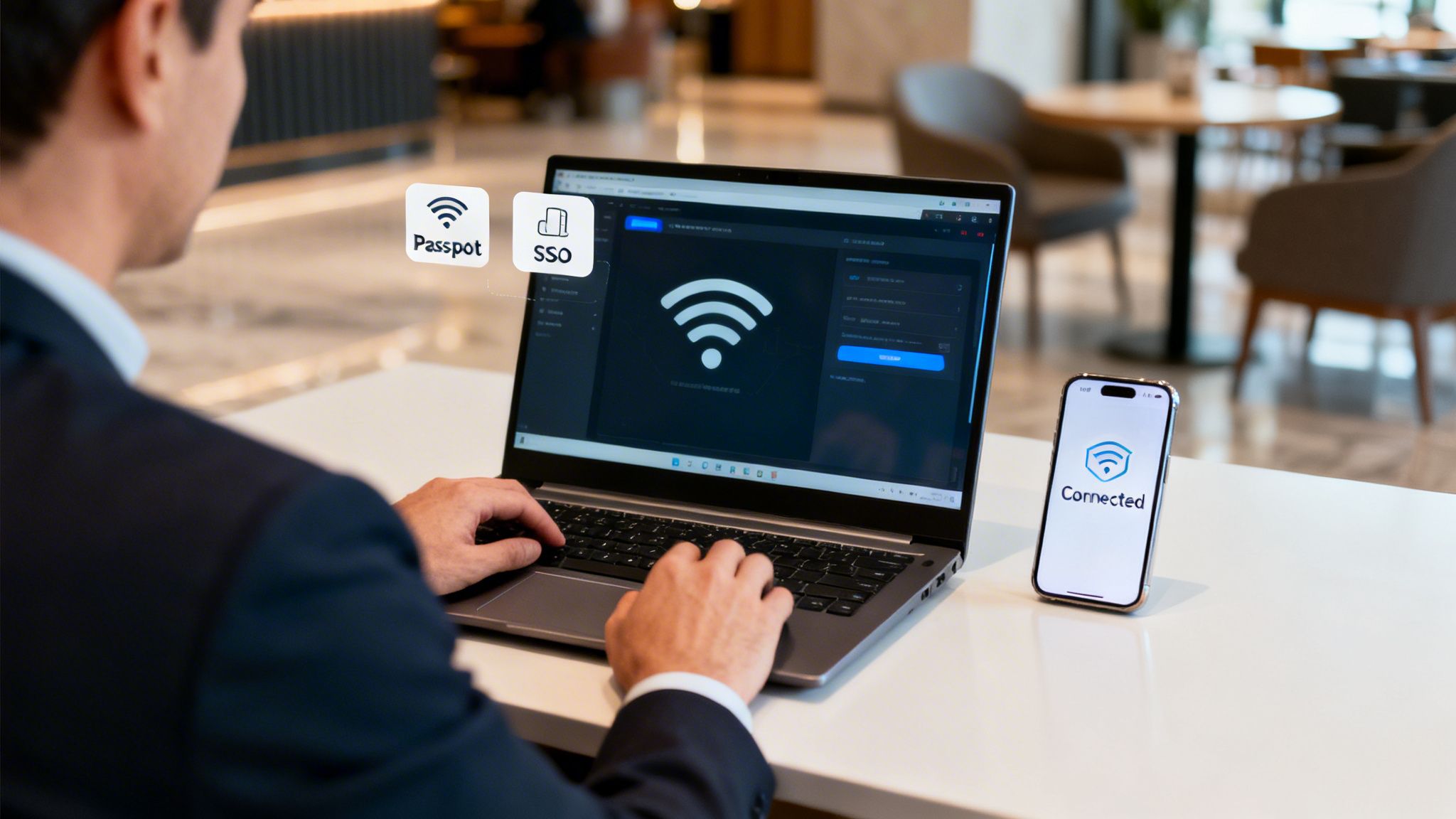
For anyone running a network, whether in a busy venue or a corporate office, the days of relying on insecure shared passwords and clunky captive portals are drawing to a close. Making the switch to a modern, identity-based wireless connection is more than just a security update. It’s a fundamental rethink of the user experience and a massive simplification of how you manage your network.
This approach flips the script. Instead of a single, easily compromised password, the focus is on verifying the identity of each person and device. When you do this, you gain incredibly detailed control, clear accountability, and the power to give everyone a truly seamless and secure journey every time they connect.
Embracing Passwordless Access
The first and most impactful step in modernising your wireless network is to move away from traditional passwords altogether. Passwordless access is a system that authenticates a user just once and then remembers them, creating a completely hands-off, hassle-free connection on all their future visits.
Think about it. Instead of hitting a frustrating login screen every single time, a guest might use their email or a social profile to sign in on their first visit. After that, their device is automatically recognised and securely connected. This isn't just a nice-to-have for users; it drastically cuts down the support burden on IT teams who no longer have to field endless forgotten password requests.
Unifying Connectivity with OpenRoaming and Passpoint
Imagine a world where your customers and staff can move between thousands of different locations—from airports to coffee shops to your own venue—and their devices connect automatically without them lifting a finger. This isn't a futuristic dream; it's the reality made possible by OpenRoaming and Passpoint technology.
These global standards work together to create a unified, secure Wi-Fi network that feels just like a mobile network. Once a user has been authenticated on any Passpoint-enabled network, their device can securely roam onto any other participating network around the globe.
By adopting OpenRoaming, you are essentially joining a global federation of secure Wi-Fi hotspots. This elevates the guest experience from a local convenience to a global benefit, making your venue part of a seamless, worldwide wireless connection.
For a venue operator, this means your guests get an immediate, encrypted connection from the very first packet of data, completely removing the security risks that come with open public Wi-Fi.
Simplifying Staff Access with SSO and iPSK
Modern identity solutions also completely change how employees connect. By integrating your wireless network with an identity provider like Entra ID (formerly Azure AD), Google Workspace, or Okta, you can enable Single Sign-On (SSO) for your Wi-Fi.
This lets staff get onto the network using the same credentials they use for all their other work applications. It makes their lives simpler and gives IT administrators incredibly powerful control.
- Automatic Provisioning: When a new employee joins the company, their network access is set up automatically based on their profile in the company directory.
- Instant Revocation: If an employee leaves, their access is cut off the moment their account is disabled in the central directory. This immediately closes a major security gap.
But what about devices that can’t handle advanced authentication, like printers, IoT sensors, or older bits of kit? For these, Identity Pre-Shared Keys (iPSK) offer a brilliant solution. Instead of one shared key for every device, you can generate a unique key for each one. Our comprehensive guide explains what is iPSK and how it boosts identity-based WiFi security in much greater detail. It’s the perfect way to maintain a zero-trust approach even for your legacy hardware.
By combining these methods, any organisation can build a wireless network that is not only highly secure but also remarkably simple to manage and a genuine pleasure for everyone to use.
Troubleshooting Common Wireless Connection Issues
Even the most dependable wireless connection can have its off days. When your Wi-Fi suddenly slows to a crawl or drops out entirely, it’s deeply frustrating, but the solution is often much simpler than you might imagine. Before you get lost in complex network settings, it always pays to start with the basics.
A surprising number of wireless problems can be sorted with a simple restart. Power cycling both your router and your device—turning them off for about 30 seconds and then switching them back on—can clear out temporary glitches and forge a fresh, stable connection. It's the first troubleshooting step for a reason: it works more often than not.
If that doesn’t do the trick, it’s time to look at your physical environment. Wi-Fi signals are just radio waves, and they can be easily blocked or disrupted by common items in any office or home.
- Physical Obstructions: Thick walls, metal filing cabinets, and even something as unexpected as a large fish tank can weaken or block your signal.
- Device Interference: Everyday appliances like microwave ovens and cordless phones, and even some Bluetooth devices, operate on similar frequencies and can cause interference.
Try moving your router to a more central, elevated location, away from dense materials and other electronics. This small adjustment can often make a massive difference to your signal strength and stability.
Diagnosing Persistent Connection Problems
When the simple fixes don't cut it, you'll need to dig a bit deeper into issues like stubbornly slow speeds or frequent disconnects. These symptoms often point towards either network congestion or a poor configuration. Taking a systematic approach is the quickest way to pinpoint the culprit.
If your connection feels sluggish, the problem might be channel interference. Think of it like this: your router broadcasts on a specific channel, and if too many nearby networks are using the same one, it's like everyone trying to talk at once in a crowded room. Using a tool to perform a basic scan can help you find a less congested channel to move to. You can discover more about this process and how it helps by learning how to conduct a simple Wi-Fi scan. Changing your router's channel in its settings can often bring your speeds right back up.
For those irritating, random signal drops, the problem could be an outdated driver on your device or old firmware on your router. Manufacturers regularly release updates to fix bugs and boost performance, so it's always worth checking.
Troubleshooting Checklist for Frequent Disconnects:
- Check for and install any available firmware updates for your router.
- Update the wireless network adapter drivers on your laptop or PC.
- Move your device closer to the router to see if the issue is simply range-related.
- Tell your device to "Forget" the network and then reconnect by entering the password again.
By working through these steps methodically, you can diagnose and sort out the vast majority of common wireless issues, making sure your connection stays fast and reliable.
Your Wireless Questions, Answered
As we've unpacked what a wireless connection is, a few common questions always seem to pop up. Let's tackle them head-on, giving you clear answers on the nuances of Wi-Fi, security, and the hardware that makes it all tick.
What Is the Difference Between Wi-Fi and the Internet?
This is easily the most common point of confusion. The best way to think about it is this: the internet is the massive, global network of motorways connecting cities and countries, while Wi-Fi is the private drive that connects your building to the nearest motorway.
Wi-Fi creates a wireless network within a limited area—your office, a café, or your home. But for that Wi-Fi to actually connect you to the web, you need an active internet service from a provider like BT, Virgin Media, or Sky.
In short, you can have a working Wi-Fi network without any internet connection at all. It will let local devices talk to each other, like streaming from a local server to a smart TV. But you absolutely cannot get online without the internet itself.
Is Public Wi-Fi Safe to Use?
That really depends on the network you’re joining. Many free public networks, particularly those without a password, can be risky. On an unsecured network, it's far easier for a malicious actor to snoop on the data your device is sending and receiving.
Luckily, technology has come a long way. Modern solutions that use OpenRoaming and Passpoint create a secure, encrypted connection the moment you join. This system authenticates your device automatically, so you never have to deal with a clunky login page or a shared password. The connection is as secure as your network back at the office.
If you’re on a public network and you're not sure about its security, using a Virtual Private Network (VPN) is always a smart move. But if you see a network advertising OpenRoaming or Passpoint certification, you can trust it’s secure by design.
How Can I Improve My Wireless Signal Strength?
A weak, unstable signal is a massive source of frustration, but there are several practical steps you can take to fix it.
- Optimise Router Placement: Your router's location is critical. Put it in a central, elevated spot in your home or office, and keep it clear of thick walls, metal objects, and large appliances.
- Minimise Interference: Everyday electronics like microwaves, cordless phones, and even some older Bluetooth gadgets can interfere with your Wi-Fi signal. Try to keep your router away from these.
- Keep Firmware Updated: Router manufacturers regularly release firmware updates to boost performance and patch security holes. Check your router's settings and install any updates you find.
- Extend Your Coverage: For larger spaces with signal "dead zones," a mesh network is the answer. These systems use multiple nodes to blanket the entire area with a strong, consistent signal.
For a commercial venue, nothing beats a professional wireless site survey. It's the only way to pinpoint the ideal number and placement of access points for flawless coverage.
What Is the Difference Between a Router and an Access Point?
While they both play a role in creating a wireless connection, a router and an access point (AP) have very different jobs.
A router is the brain of your network. It acts as a traffic controller, managing all the data flowing between your local devices and the wider internet. It also handles critical tasks like assigning IP addresses and acting as a firewall. Most routers made for home use have a wireless access point built right in.
An Access Point (AP), on the other hand, has one main job: to broadcast a Wi-Fi signal. In larger environments like hotels, hospitals, or corporate offices, you’ll find a single central router connected to many APs. These are placed strategically throughout the building to make sure everyone gets a strong and reliable connection, no matter where they are.
Ready to move beyond insecure shared passwords and deliver a seamless, identity-based wireless connection for your users? Discover how Purple can modernise your network with passwordless access, OpenRoaming, and SSO integration. Learn more at purple.ai .